Modal screen screen examples
Modal screen screen design examples from SaaS apps. Browse examples from Dock, Beside, Lovable.
Explore the examples
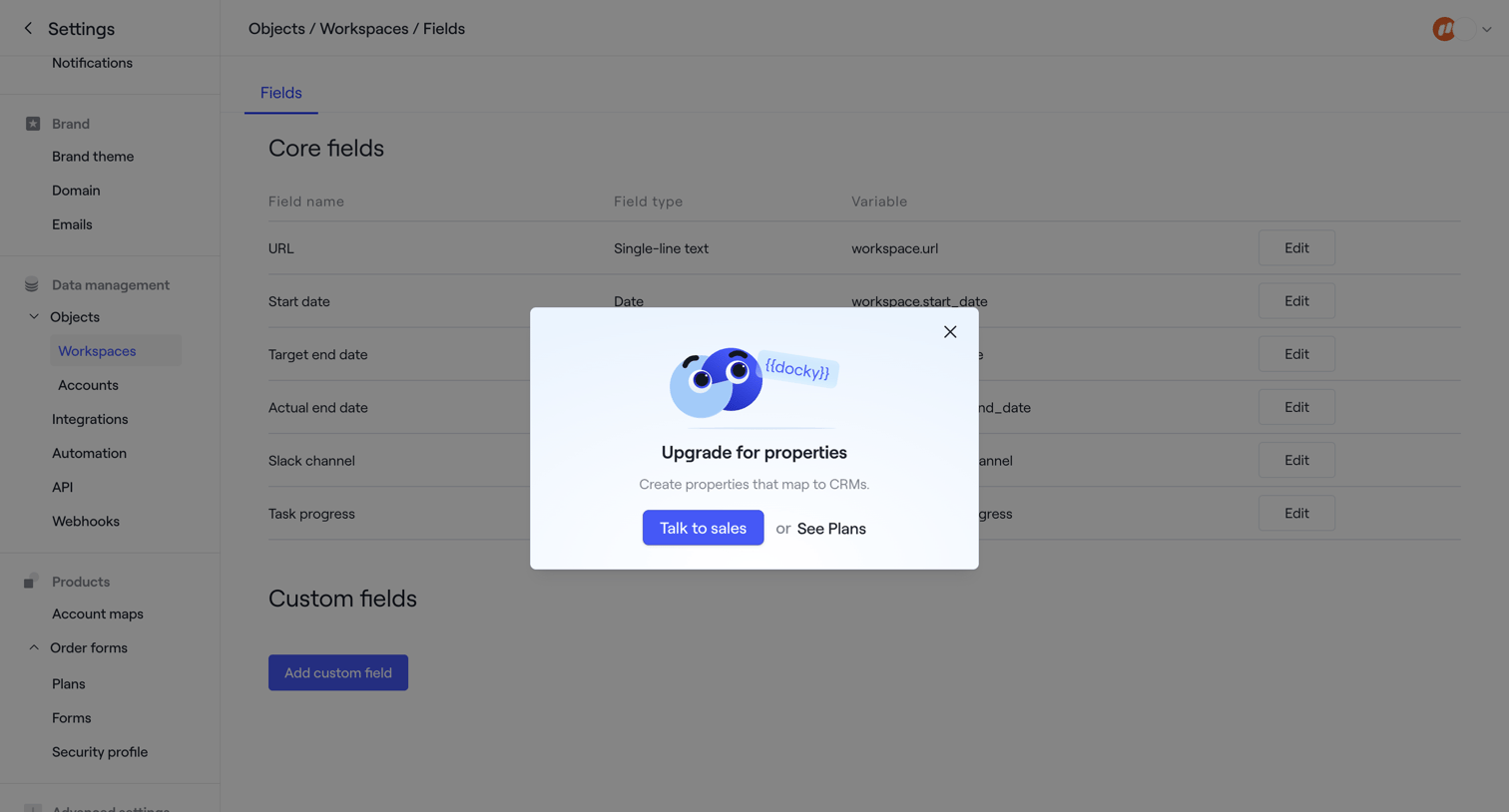

Settings page where the user configures core and custom fields for workspaces, currently showing a modal prompting them to upgrade to unlock CRM-mapped properties.
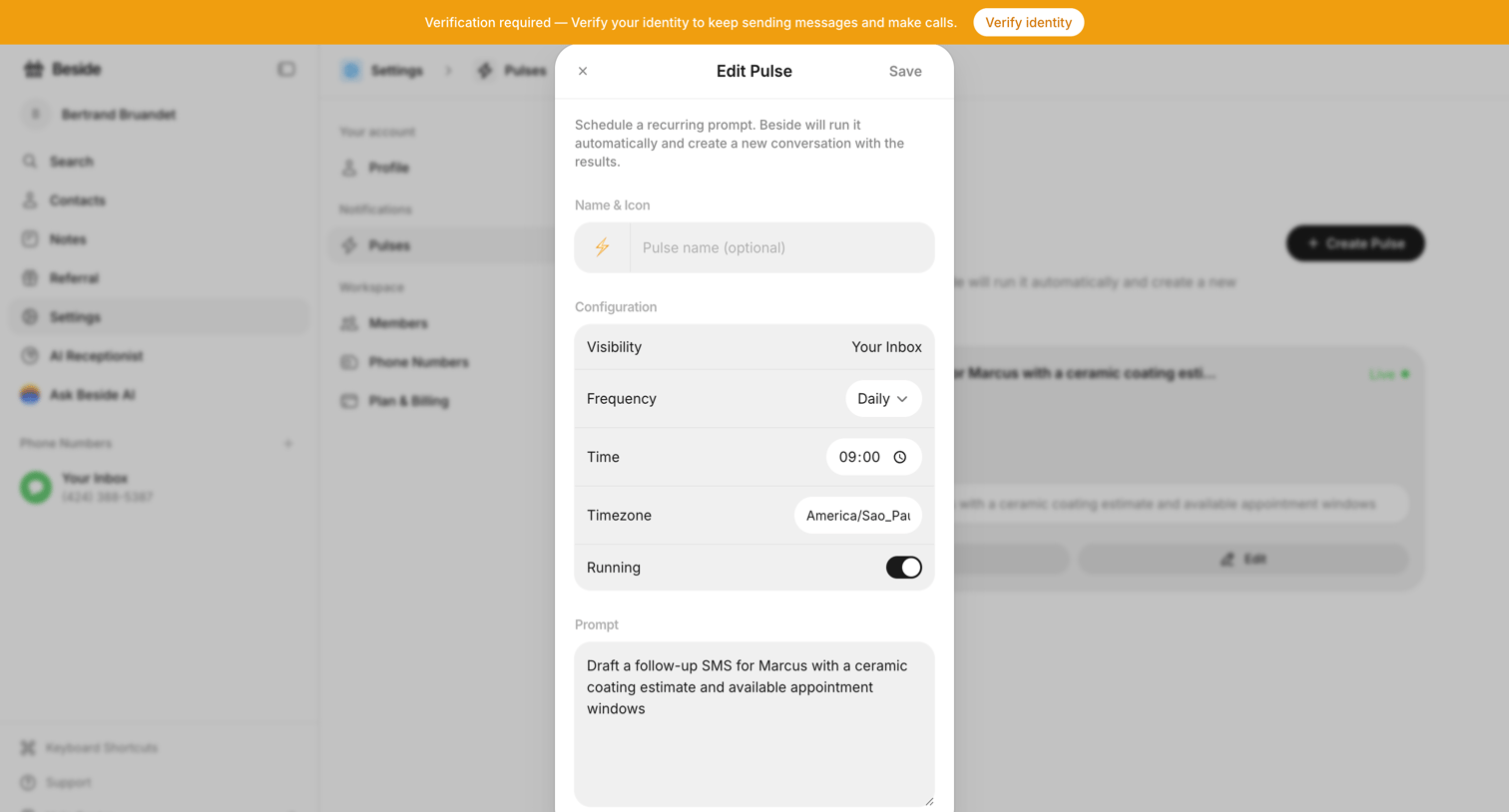

Settings modal where the user configures a recurring AI prompt, setting its visibility, frequency, time, timezone, and the prompt text.
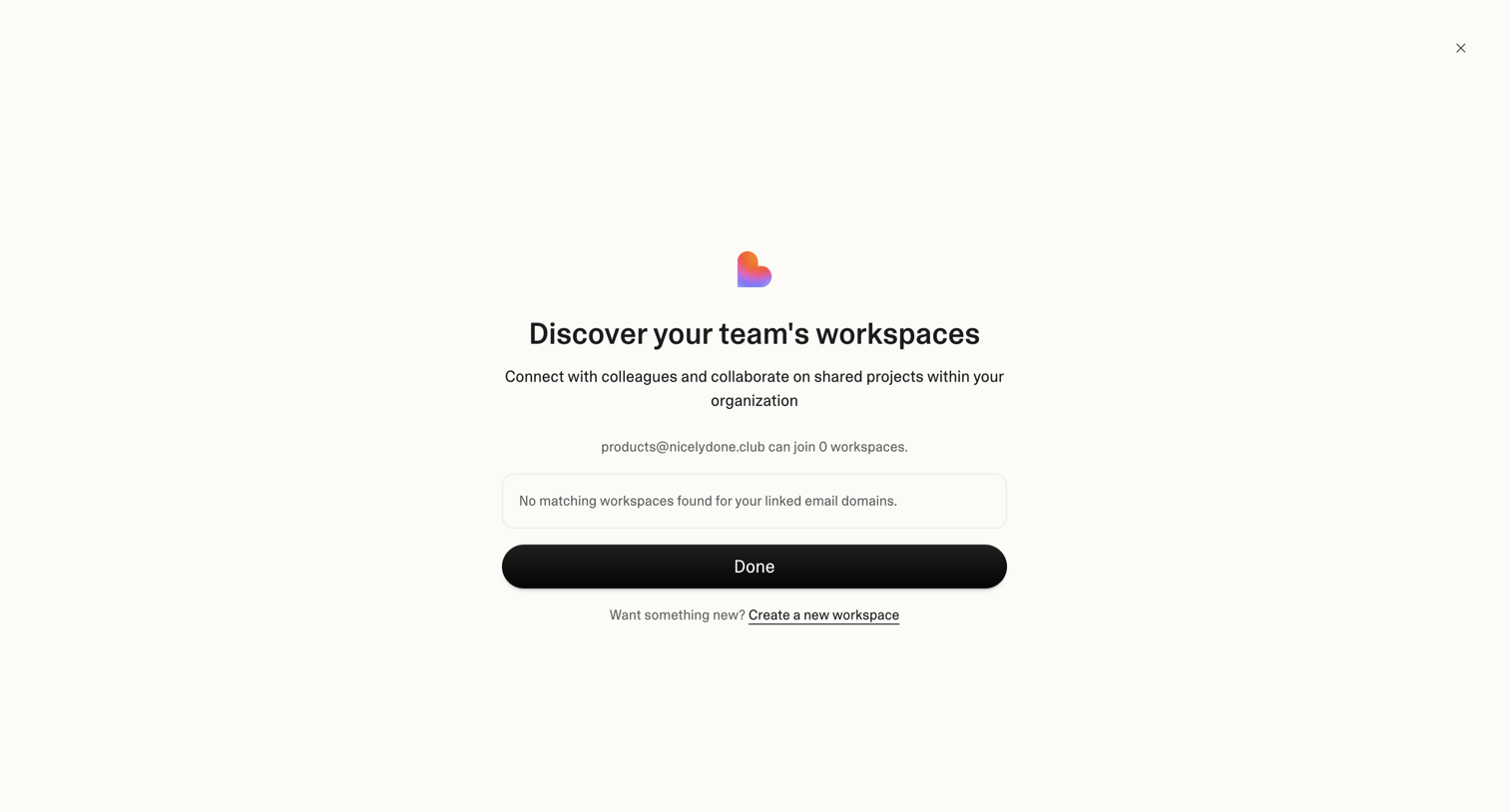

Onboarding screen where the user is informed that no existing workspaces match their email domain, with an option to create a new one.
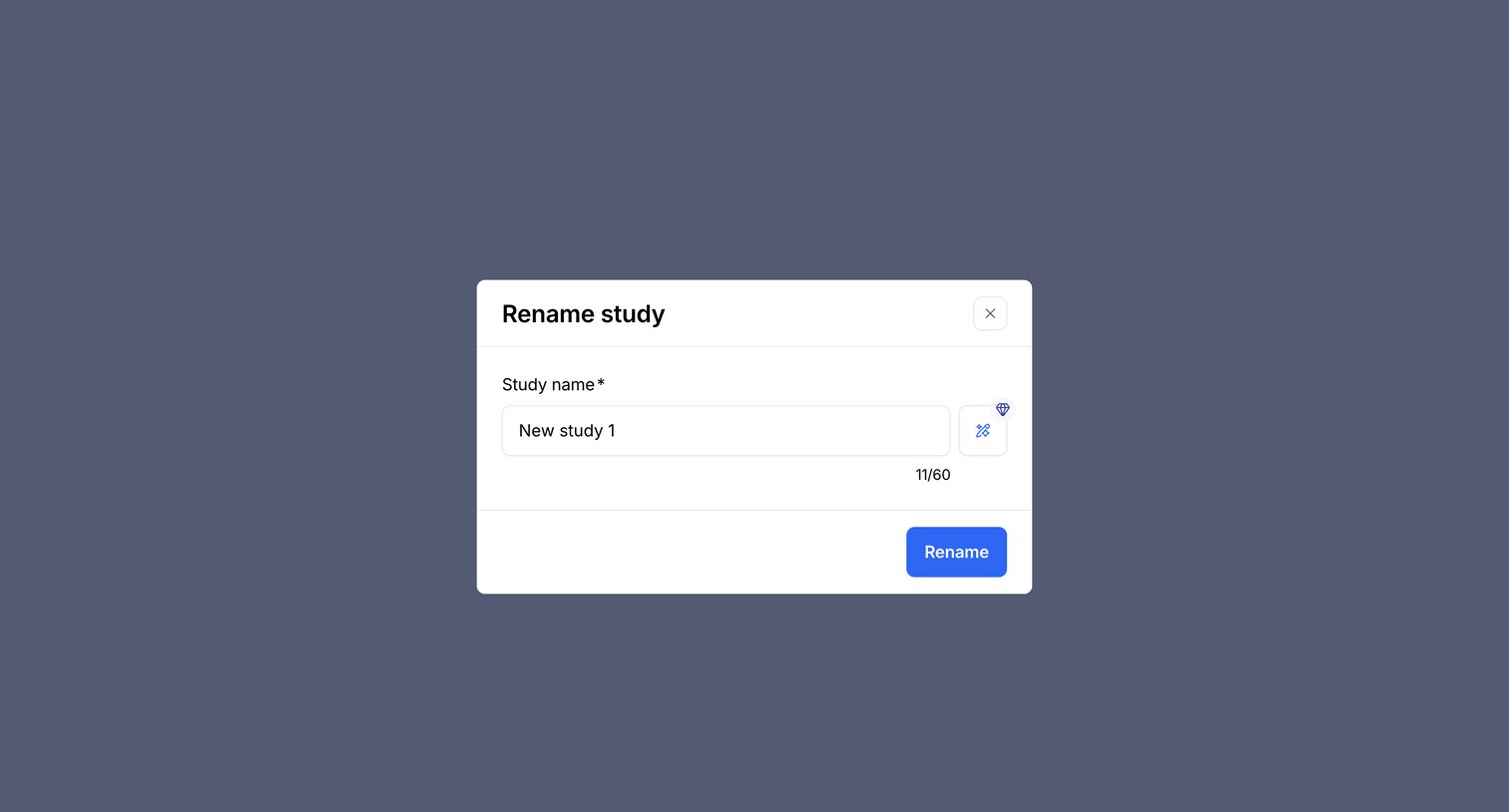

Modal where the user can rename an existing study, featuring a character counter and an AI inline action to assist with naming.
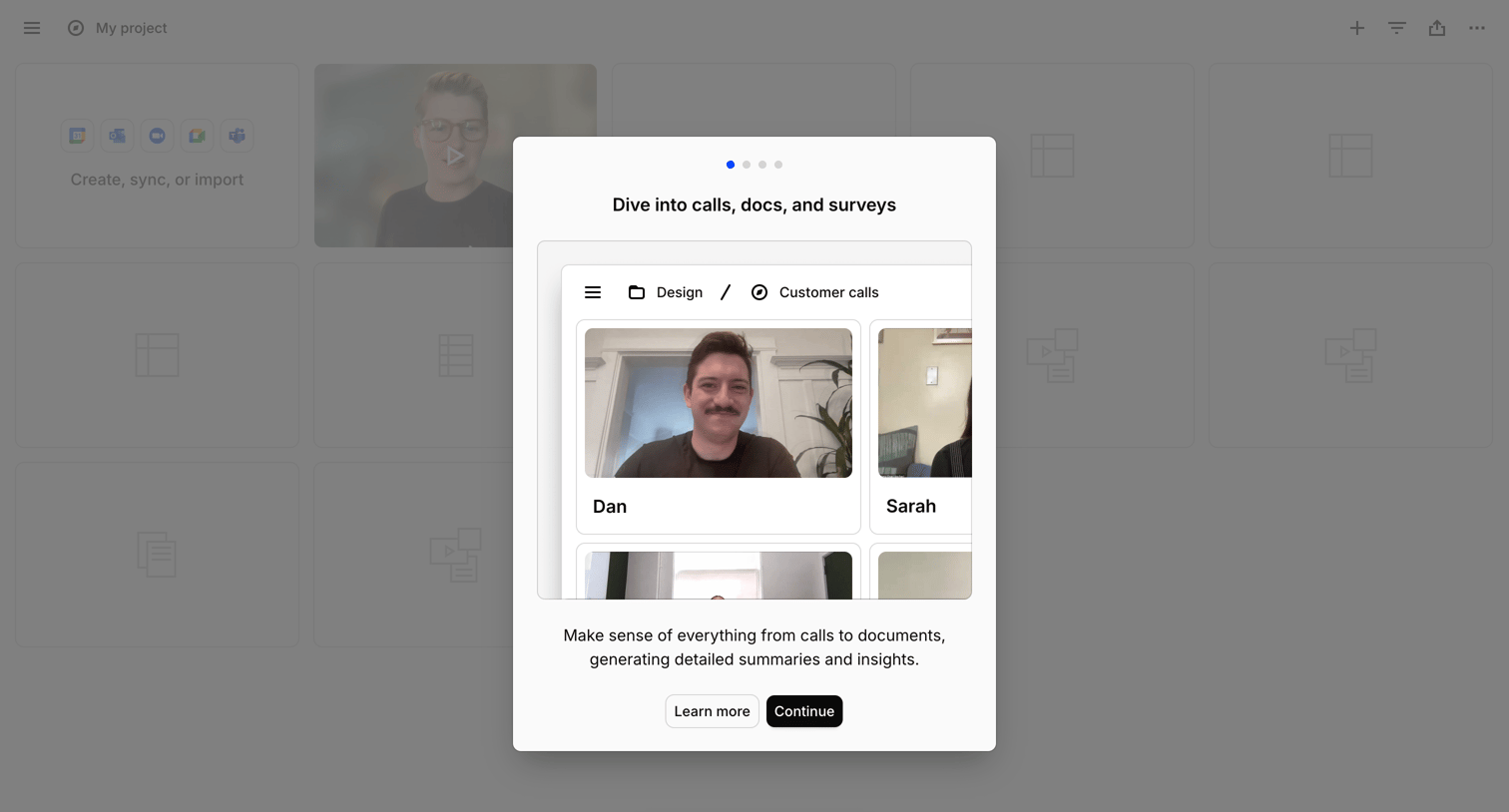

Onboarding modal introducing a feature to analyze calls and documents, overlaid on a project workspace with a floating AI chat entry point.
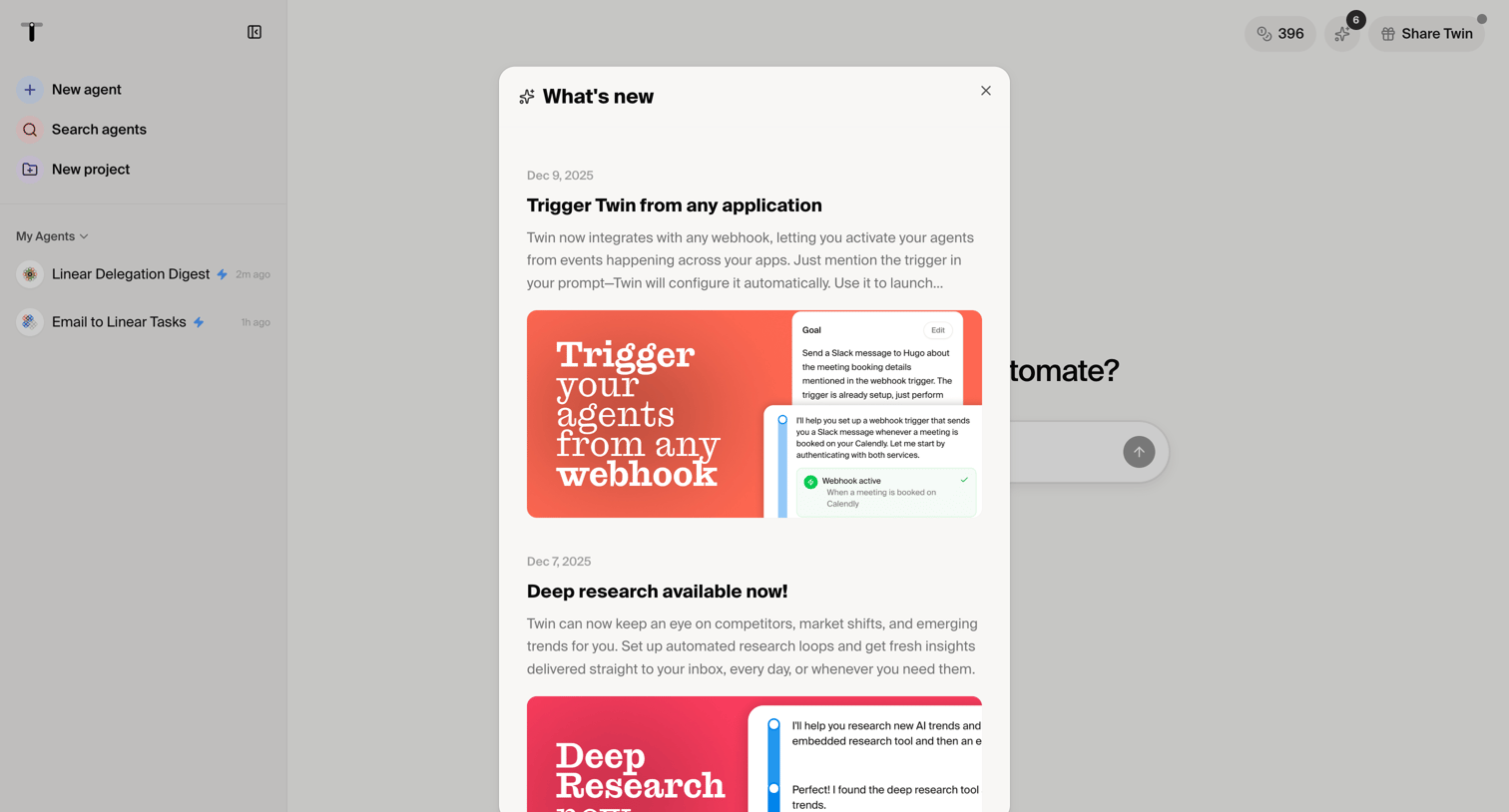

Dashboard start screen with a modal announcing new features like webhook triggers and deep research capabilities.
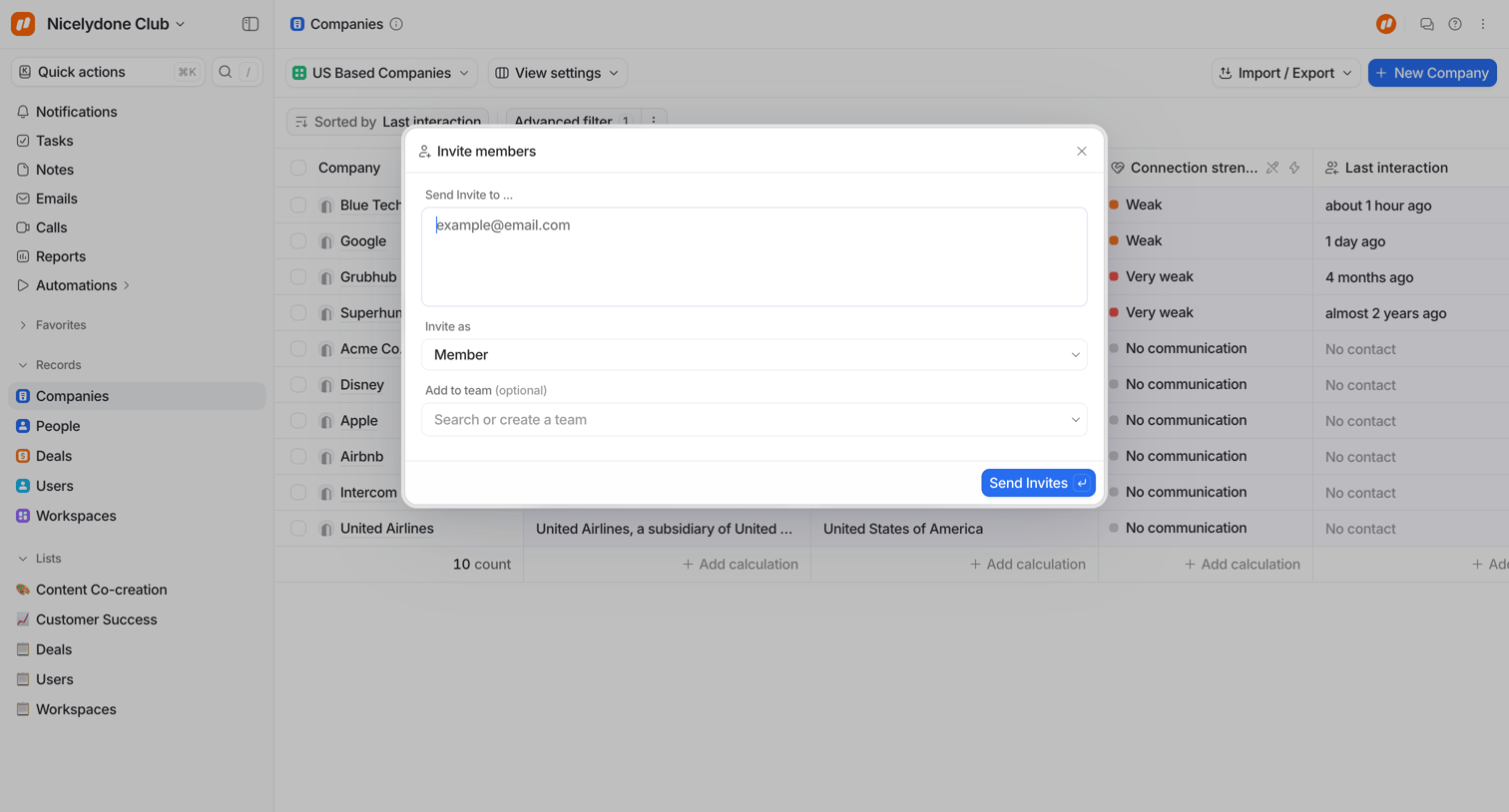

List view of companies with an overlay modal where the user can invite new members by email, assign them a role, and optionally add them to a team.
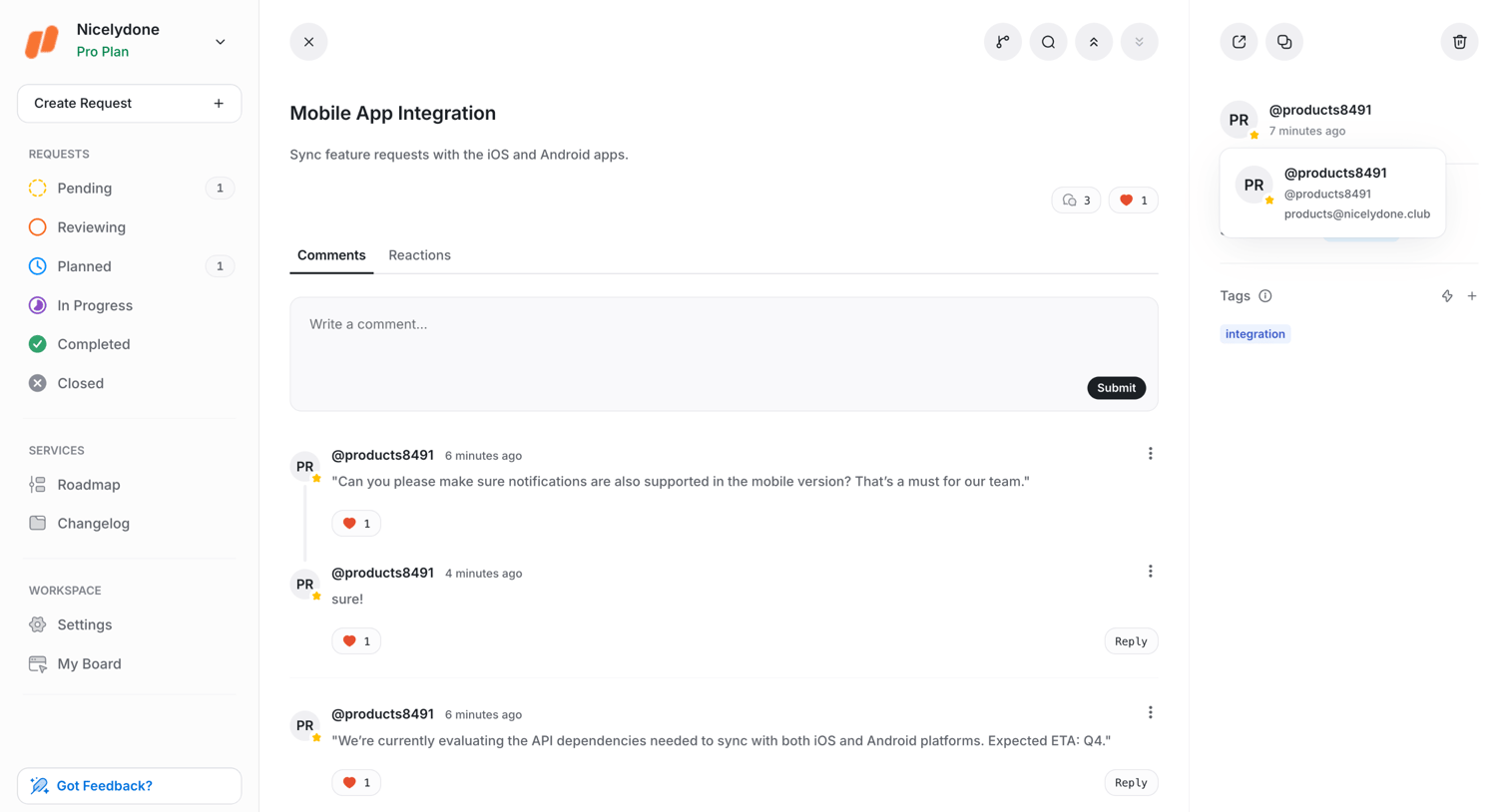

Detail page where the user views a feature request, reads the description, and participates in a comment thread.
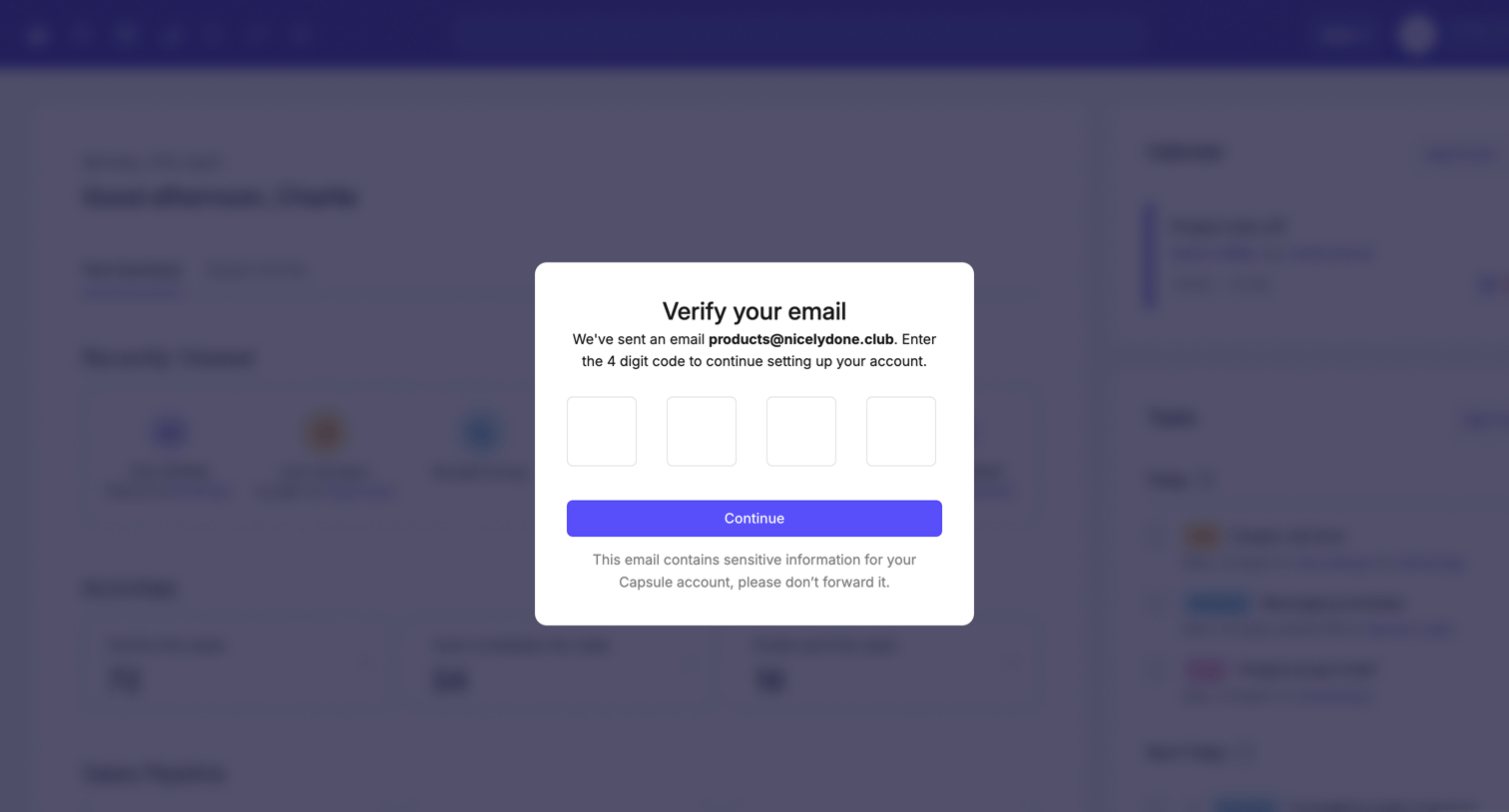

Verification screen where the user enters a 4-digit code sent to their email to continue setting up their account.

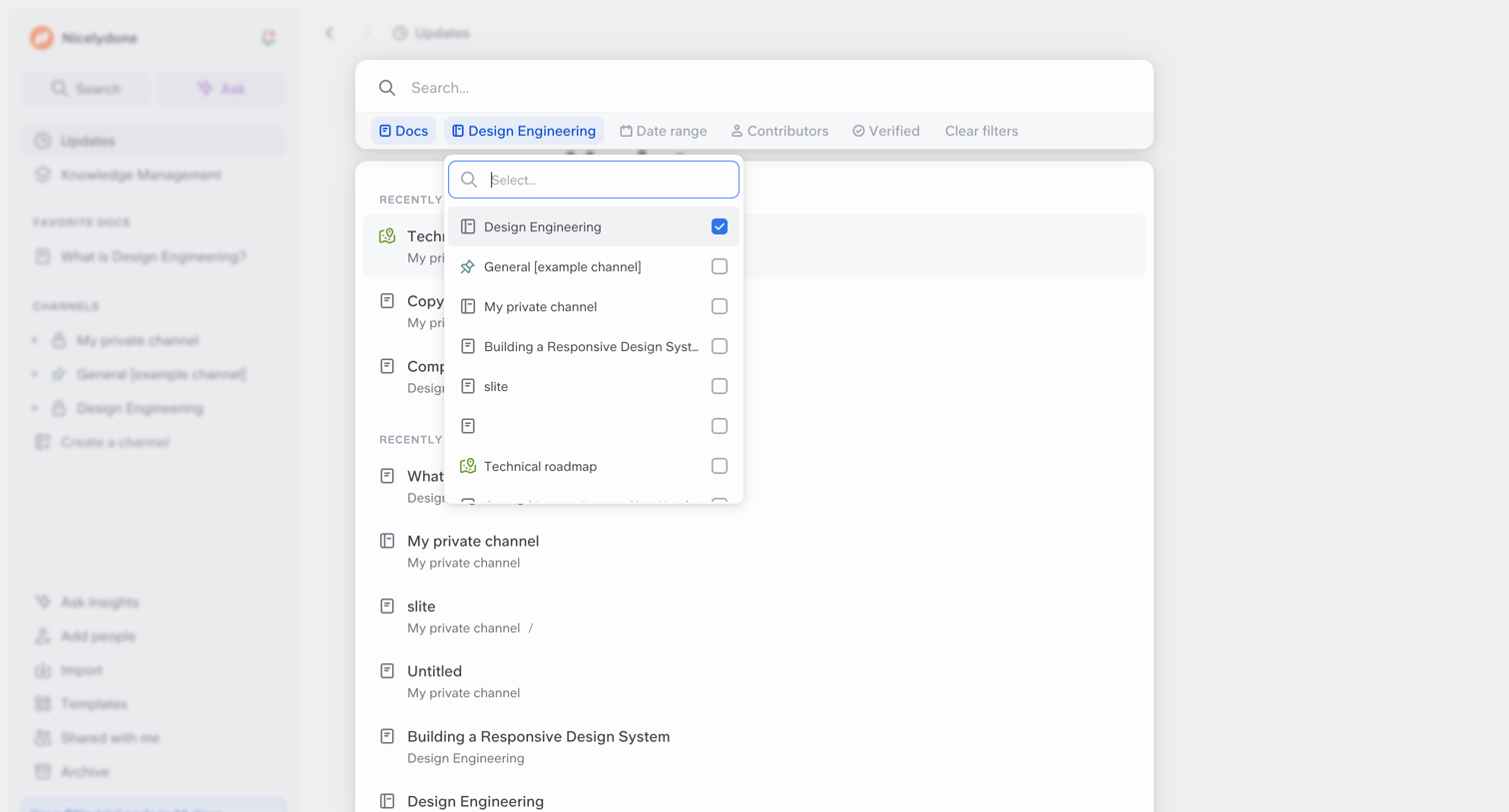

Search page where the user filters recent document updates by channel using a dropdown menu.

Explore the full SaaS screen library
Upgrade to unlock the full library.
Trusted by the best teams







