Merge screen examples
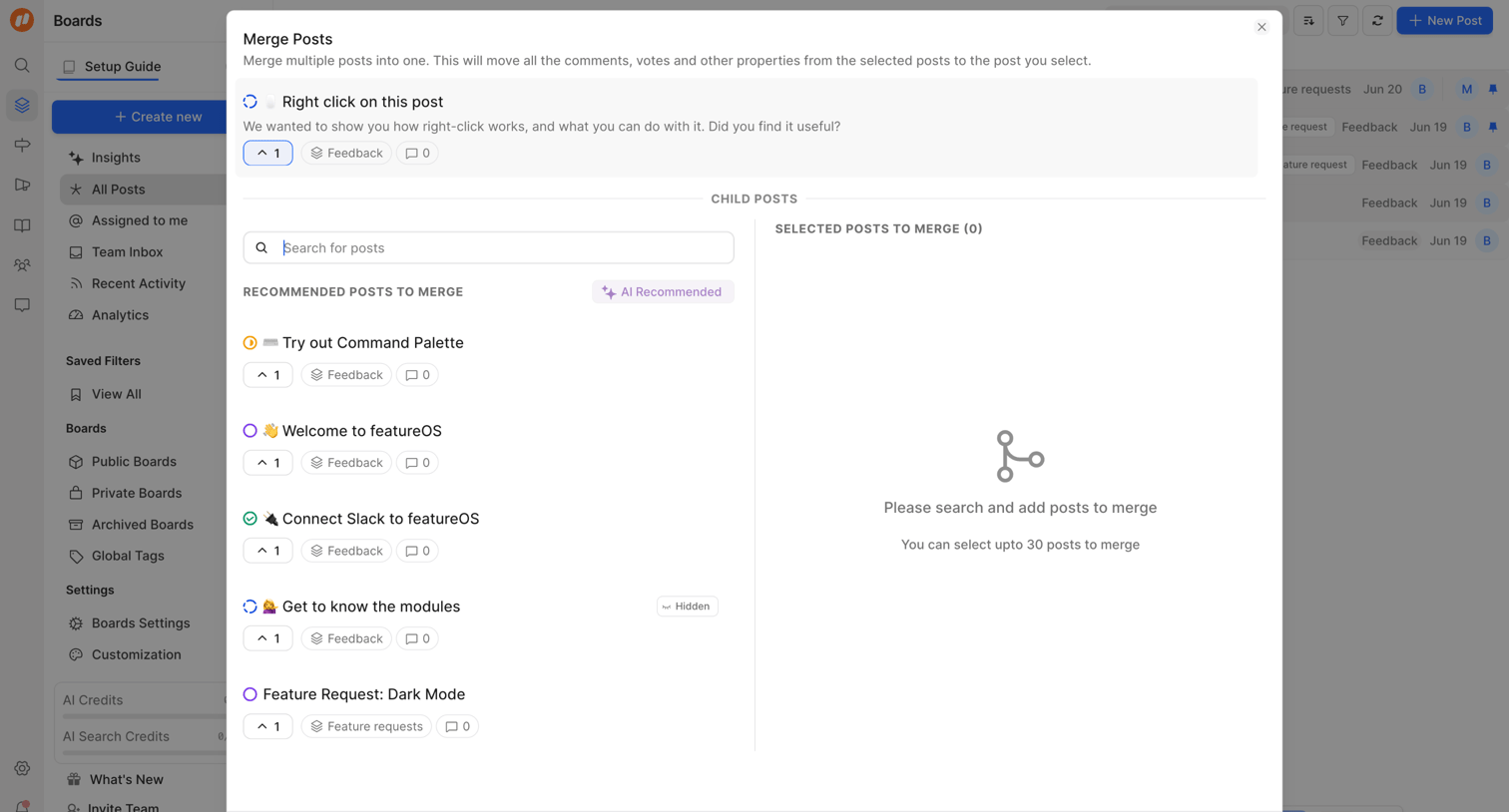
Merge screen design examples from SaaS apps. Browse examples from Outseta, FeatureOS, Huly.
Explore the examples
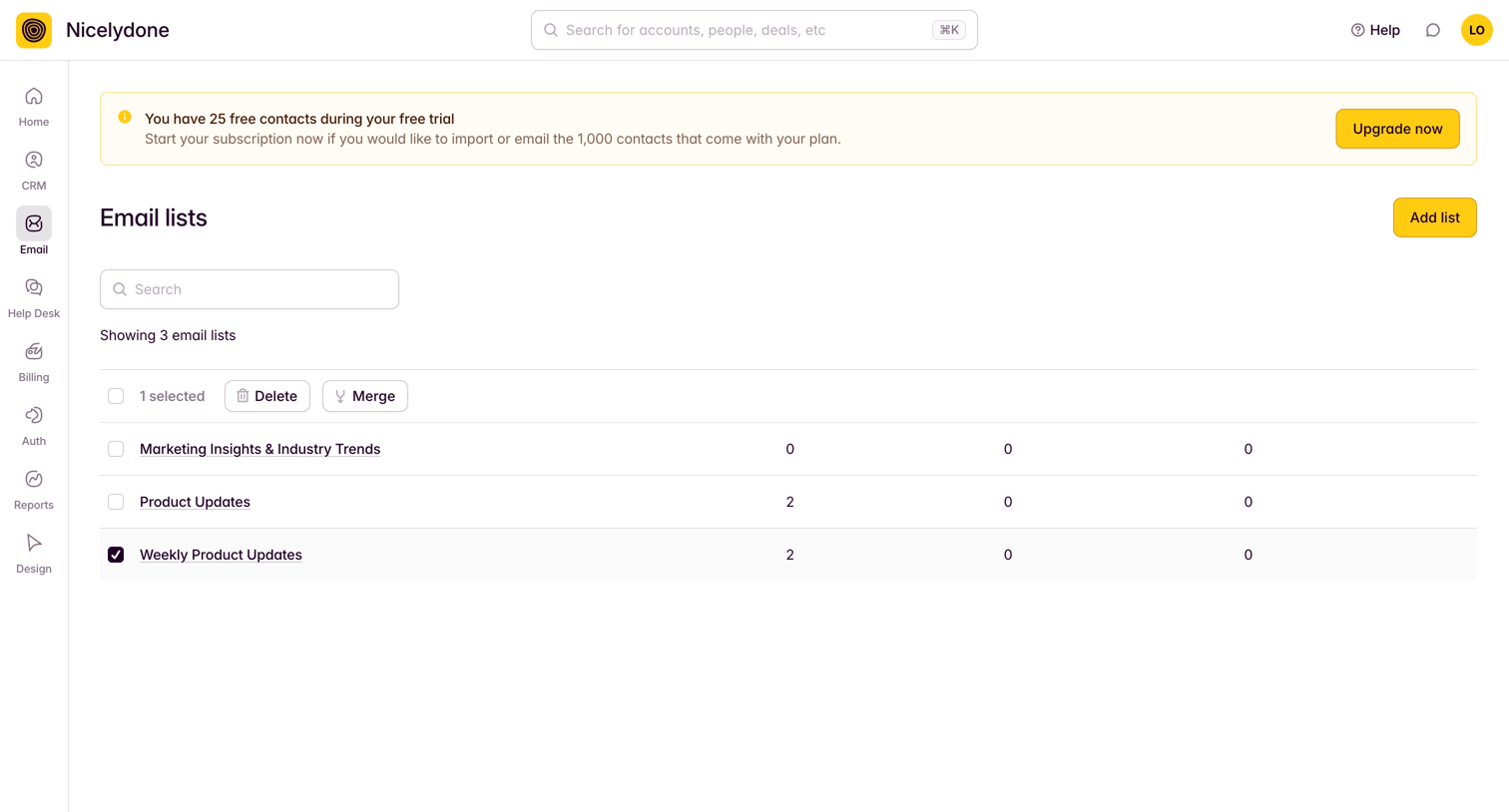

List view where the user manages email lists, showing a selected row with bulk actions for deleting or merging.

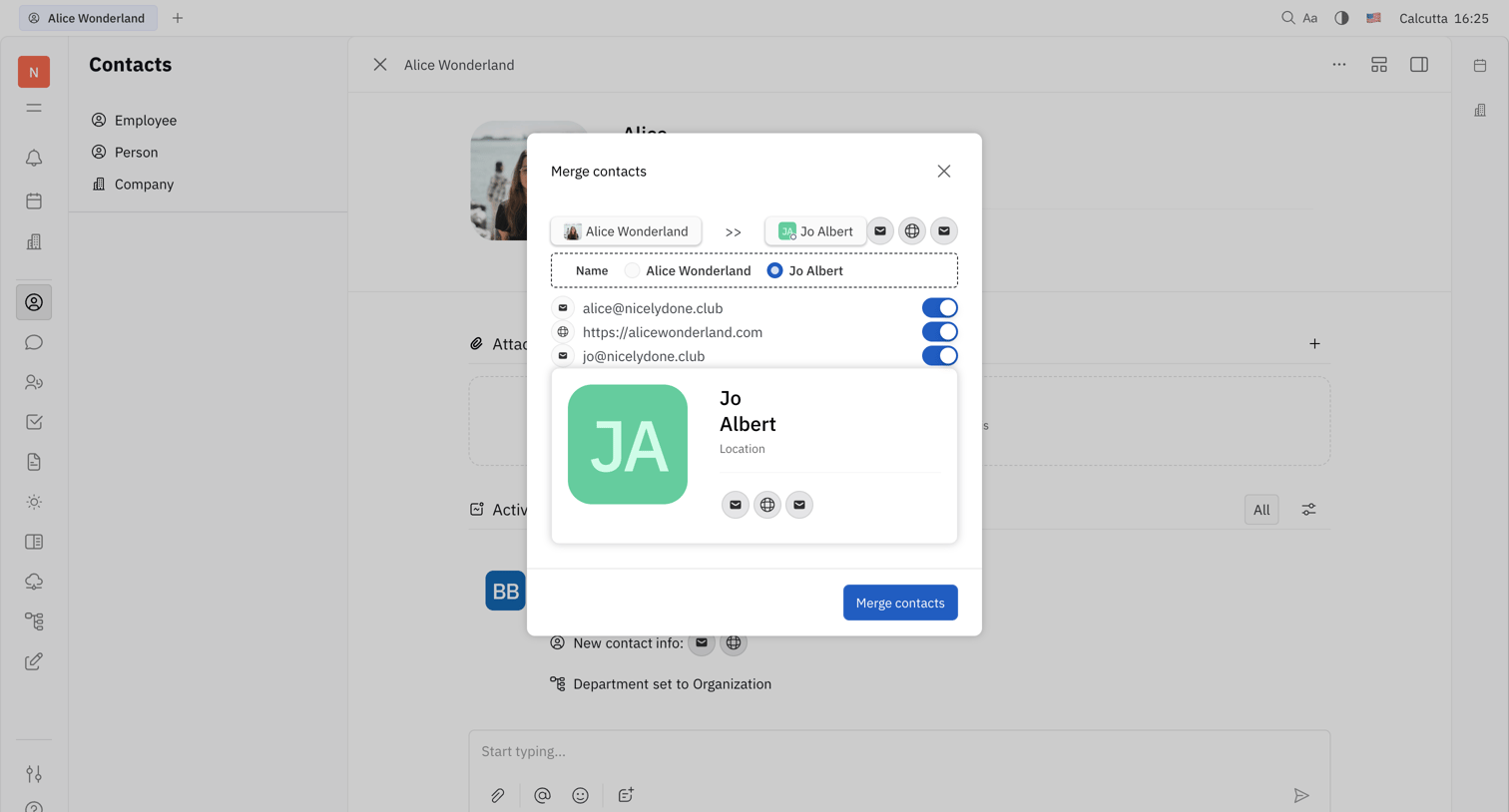

Detail page where the user resolves a duplicate contact by picking which email addresses and names to keep before merging.
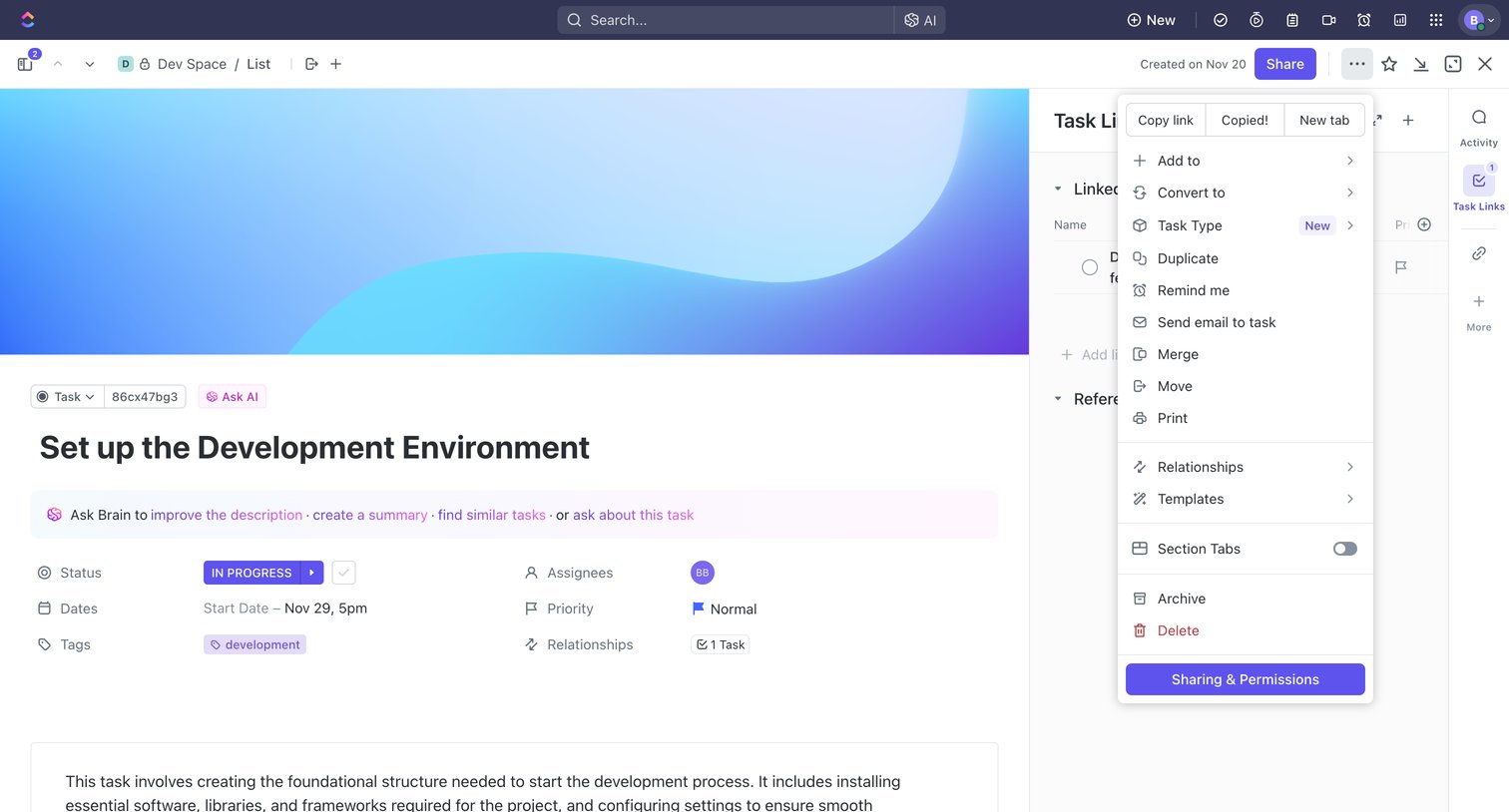

Task detail page where the user views the development environment setup task, including its status, assignees, and an open dropdown menu with actions like duplicate, move, or delete.
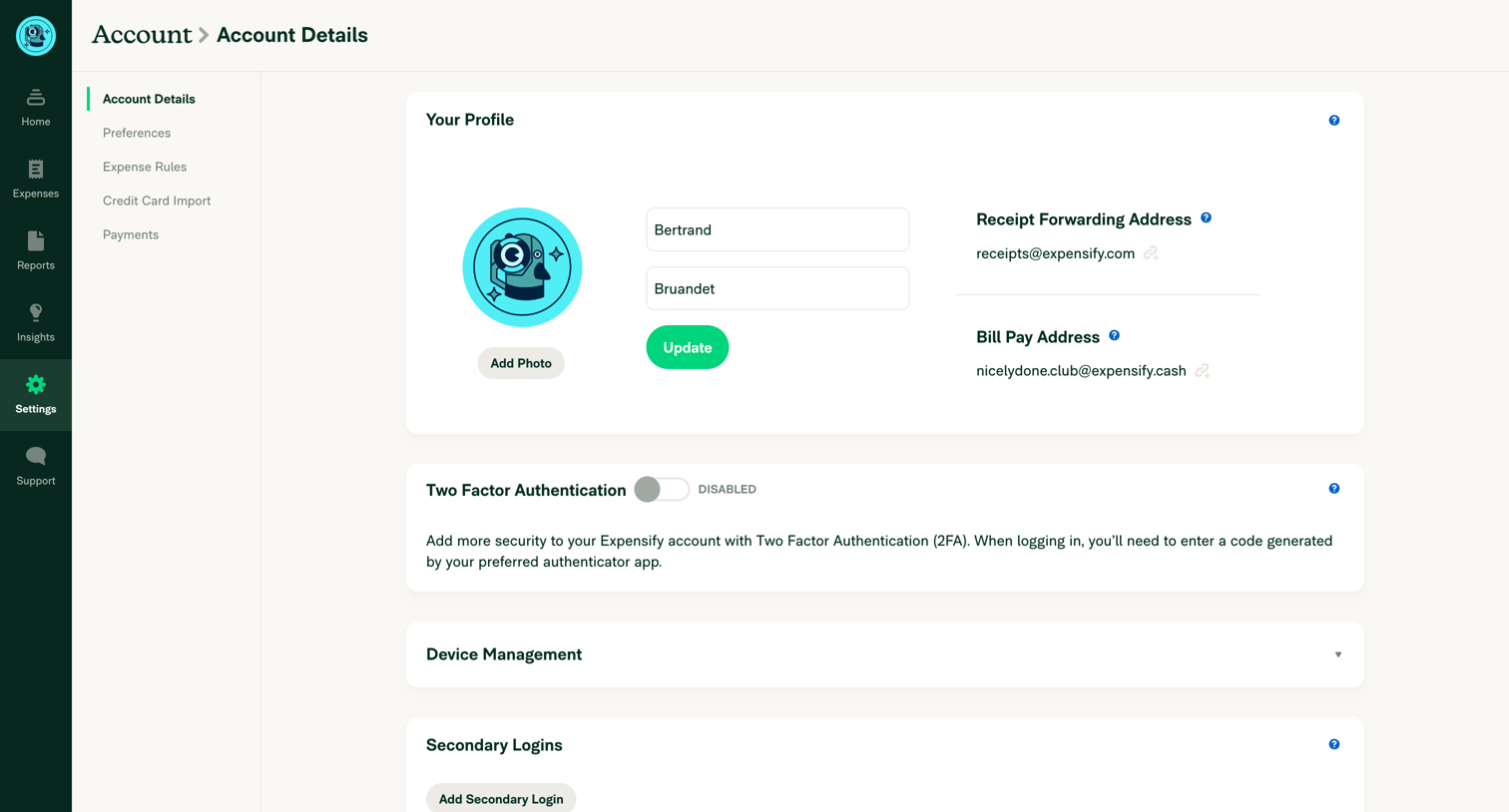

Settings page where the user configures their personal profile, two-factor authentication, secondary logins, and delegated access.
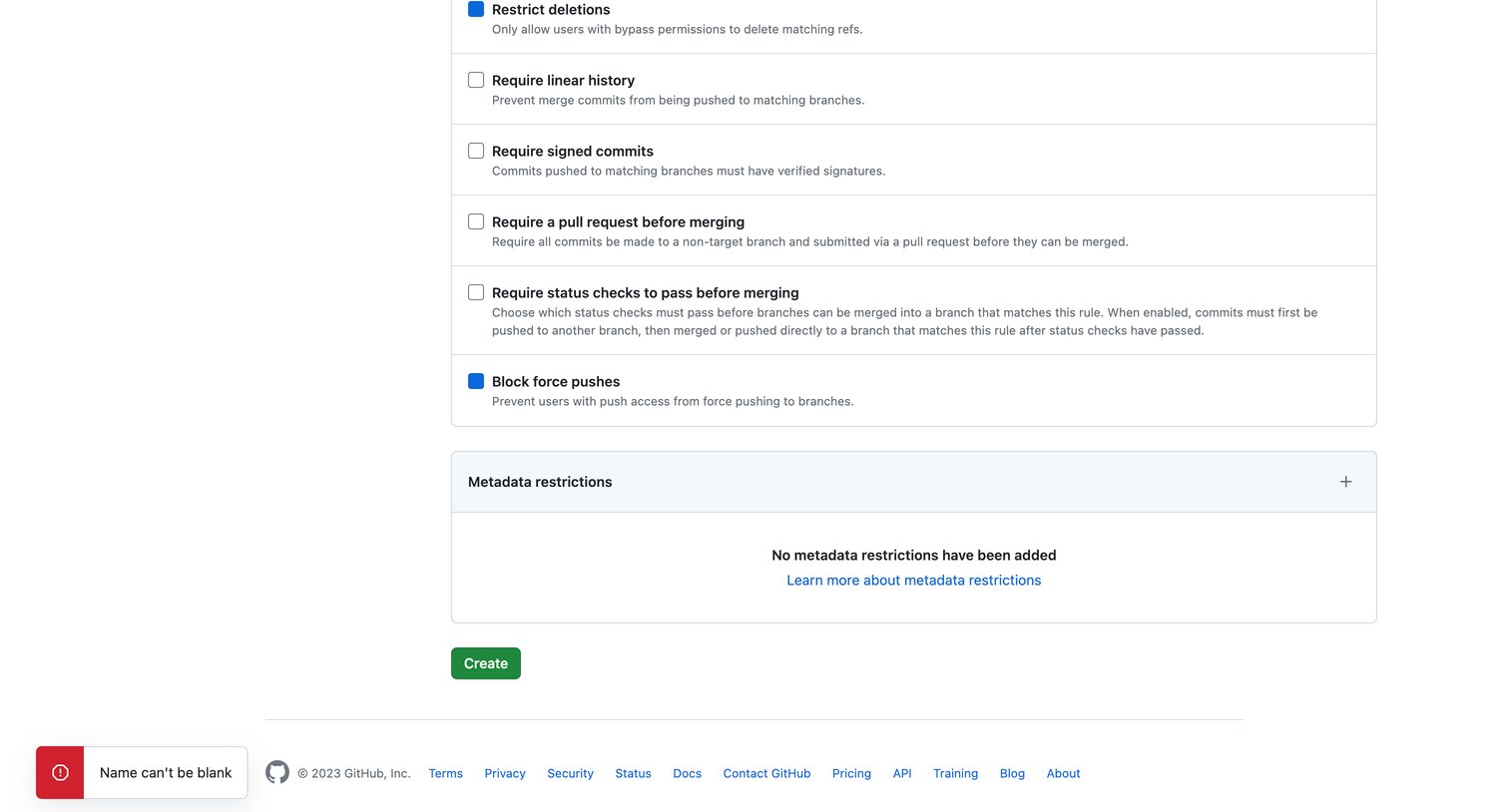

Settings page where the user configures a new branch protection rule, showing a validation error toast for a missing rule name.
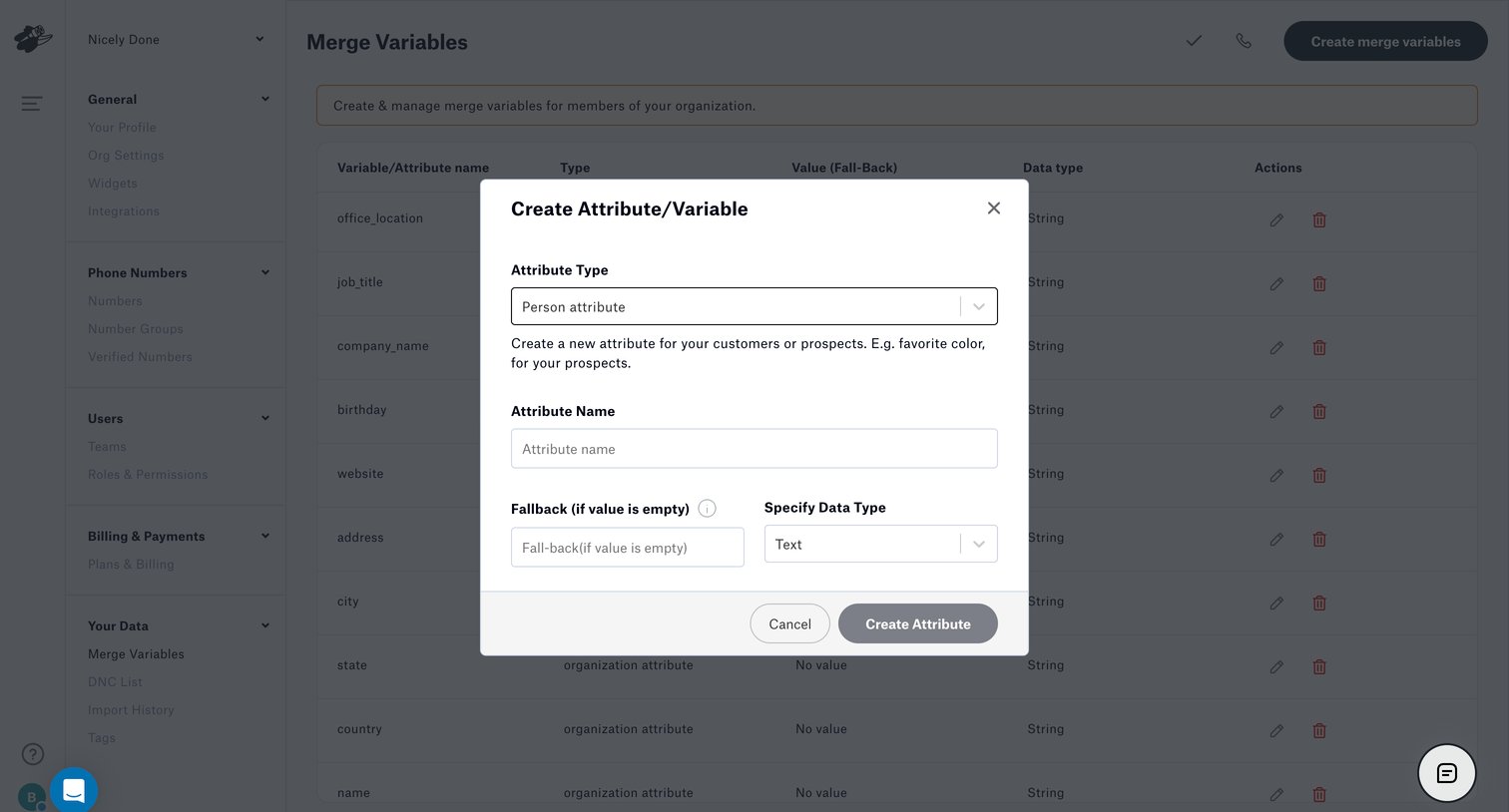

Settings page where the user creates a new merge variable by defining its type, name, fallback value, and data type via a modal.
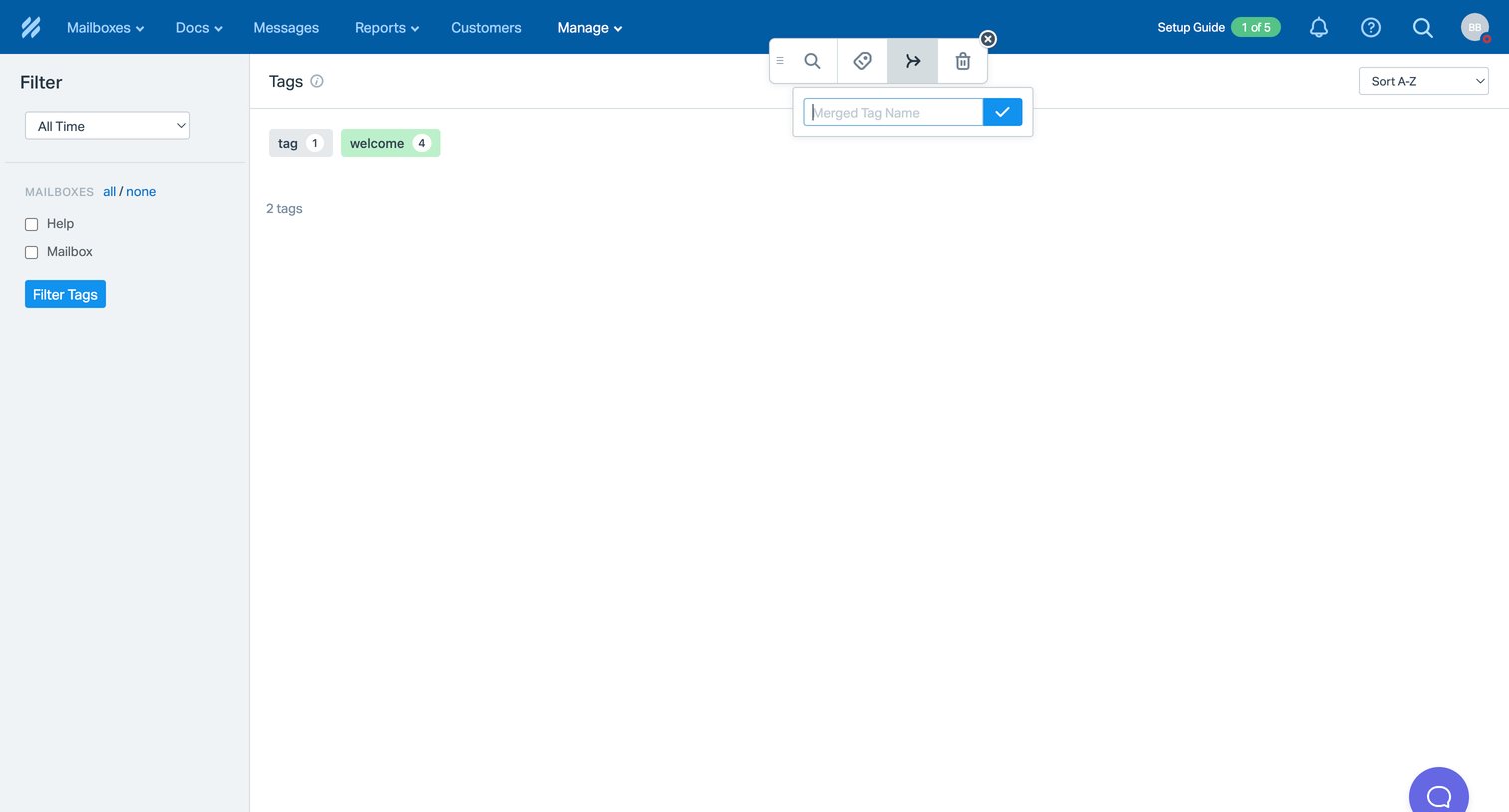

Settings list view where the user manages and filters tags, with an active popover for merging selected tags.
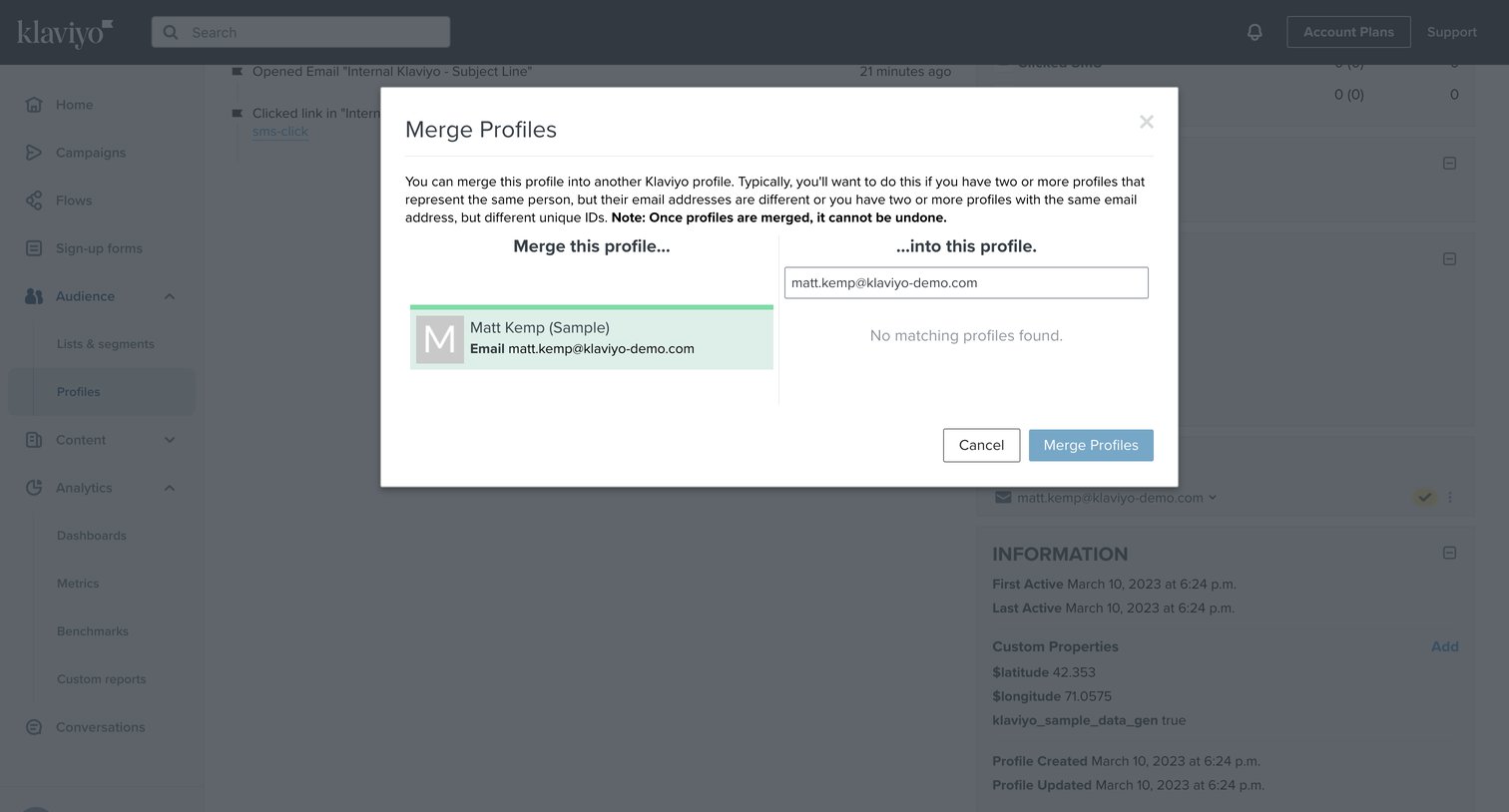

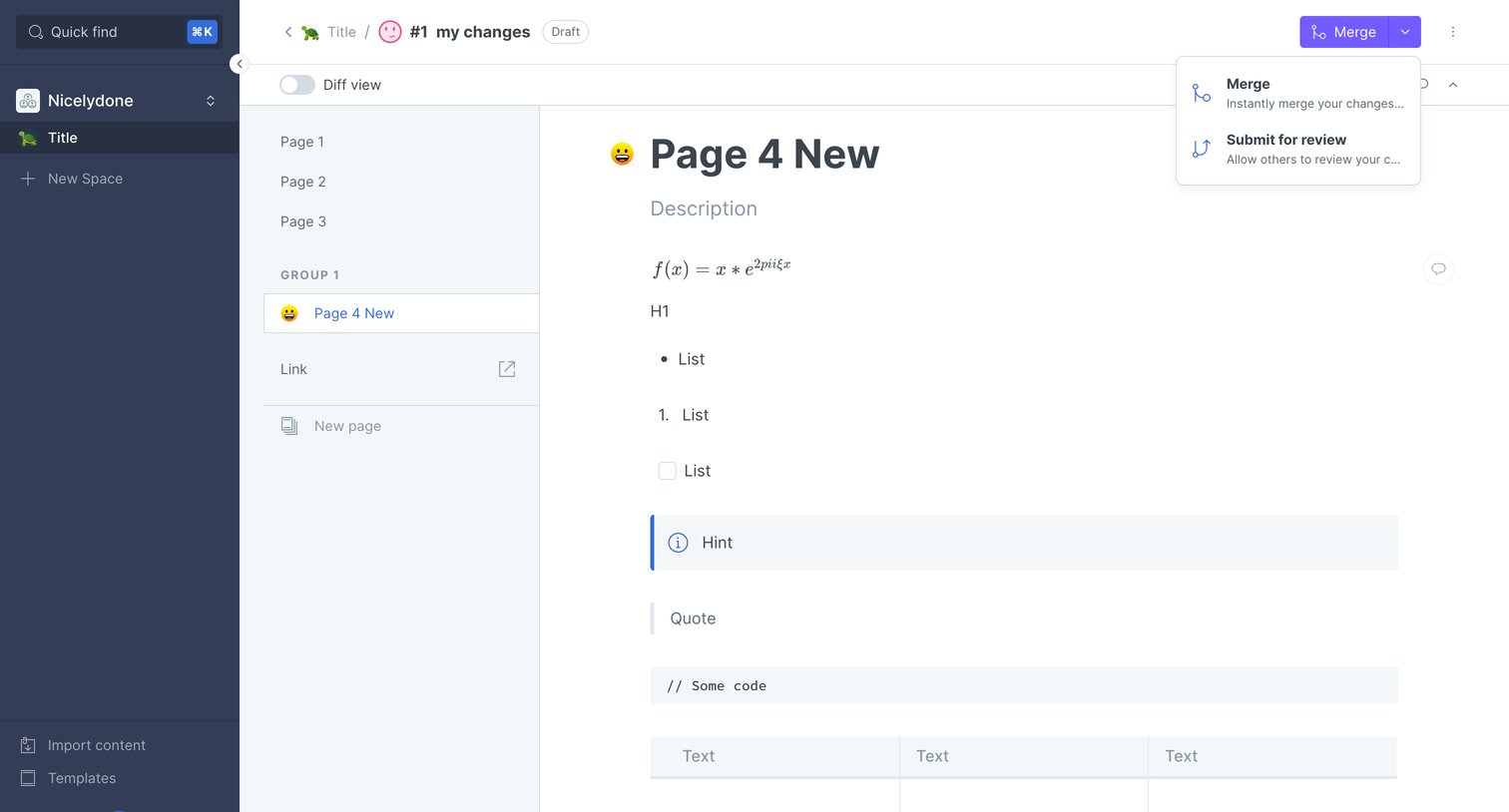

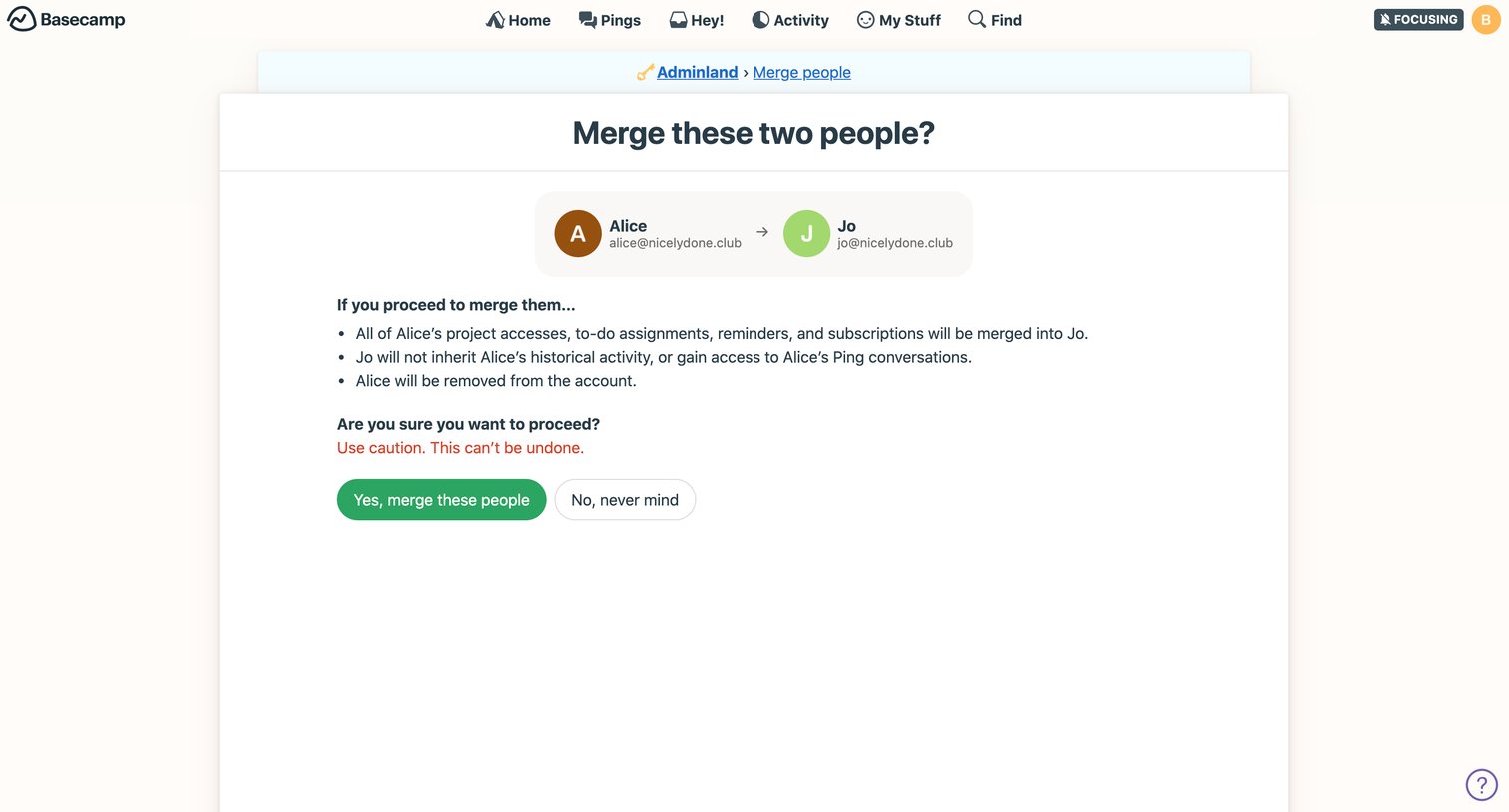

Settings page where the admin confirms merging two team members, reviewing a warning about data inheritance and account deletion.
Explore the full SaaS screen library
Upgrade to unlock the full library.
Trusted by the best teams







