Basecamp design examples
Explore Basecamp UI design examples. The all-in-one toolkit for working remotely.
Product screens
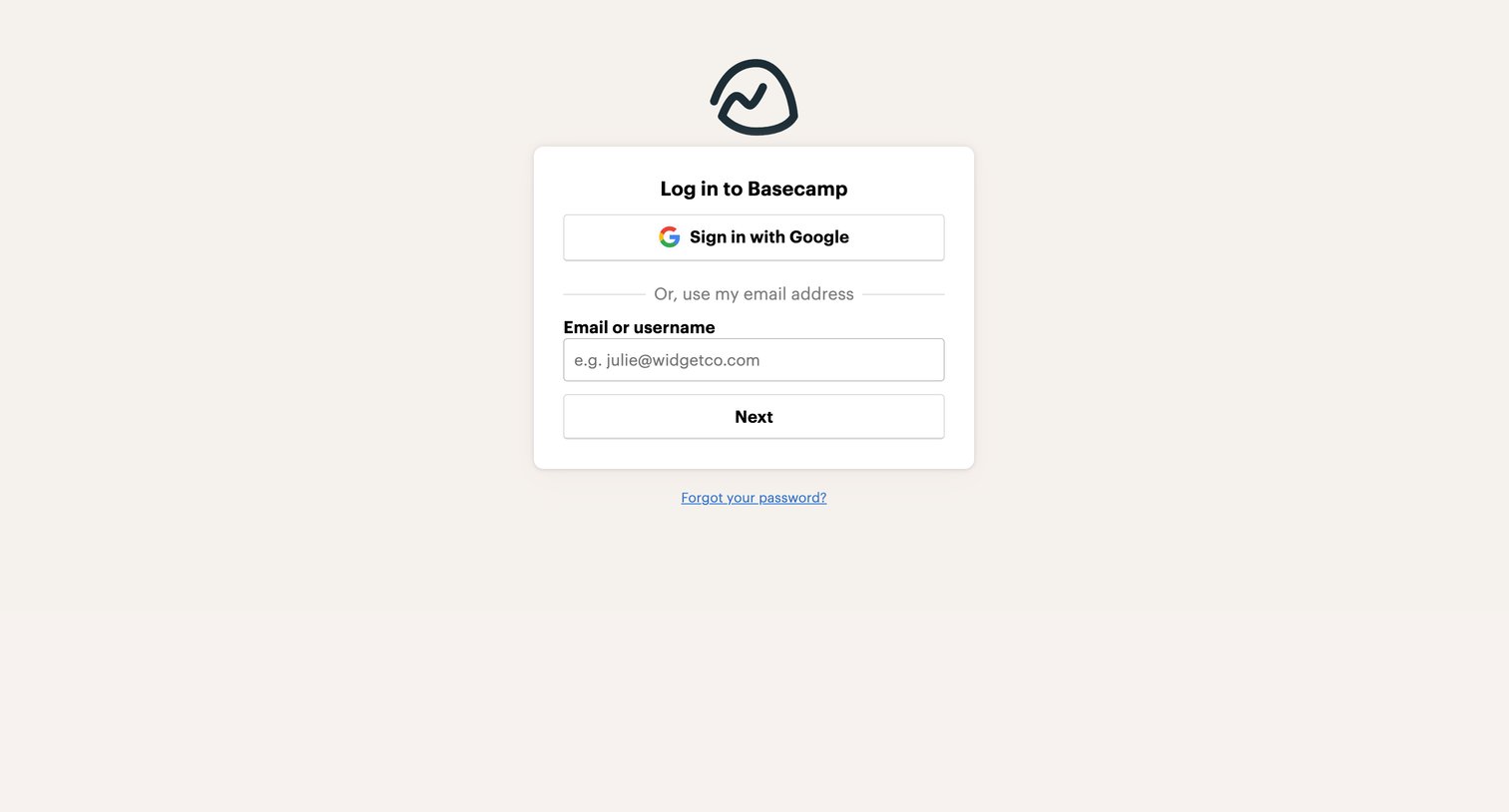

Sign-in screen where the user authenticates with Google or enters their email address to proceed.
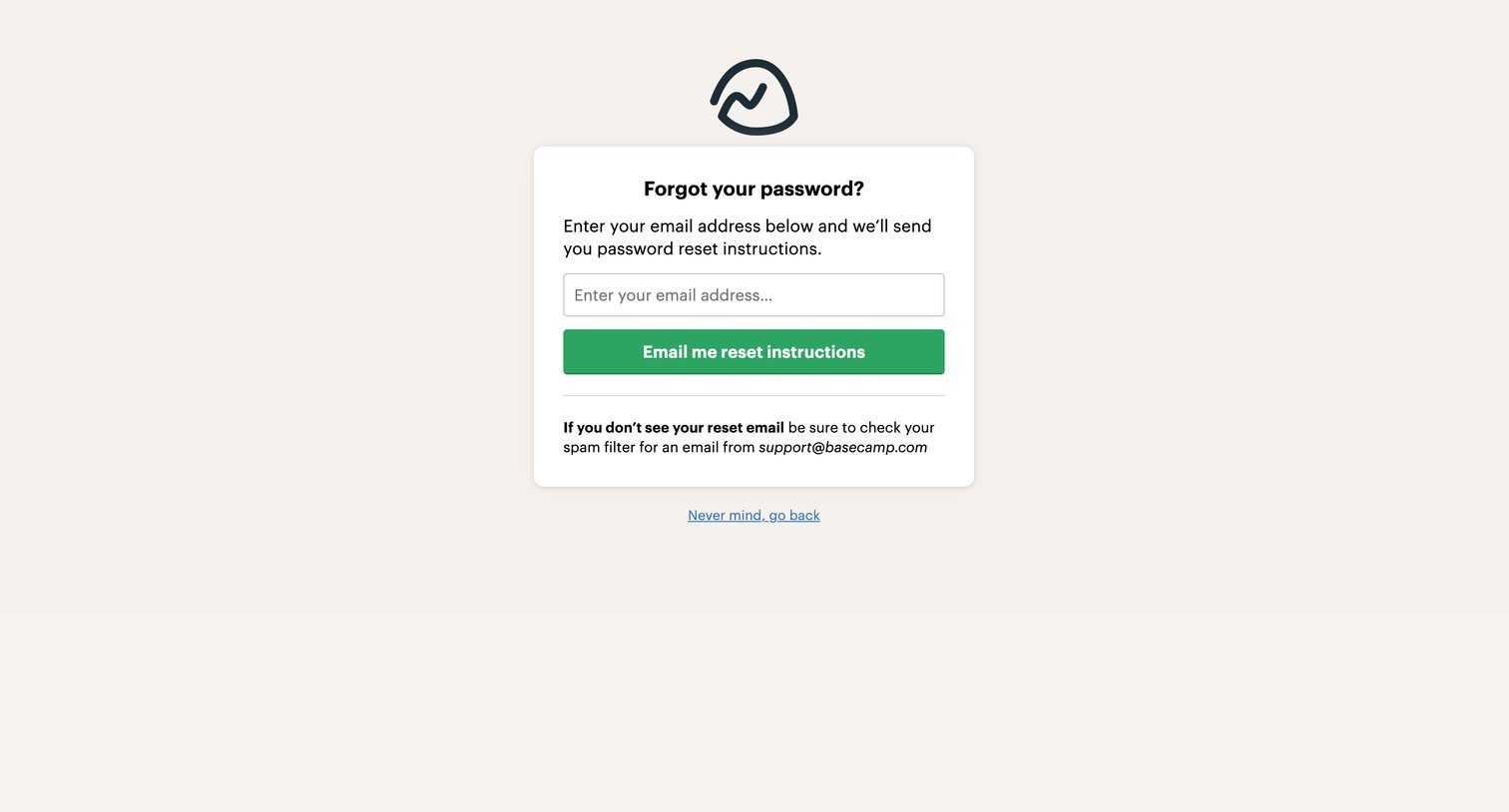
Password recovery screen where the user enters their email address to receive reset instructions for Basecamp.
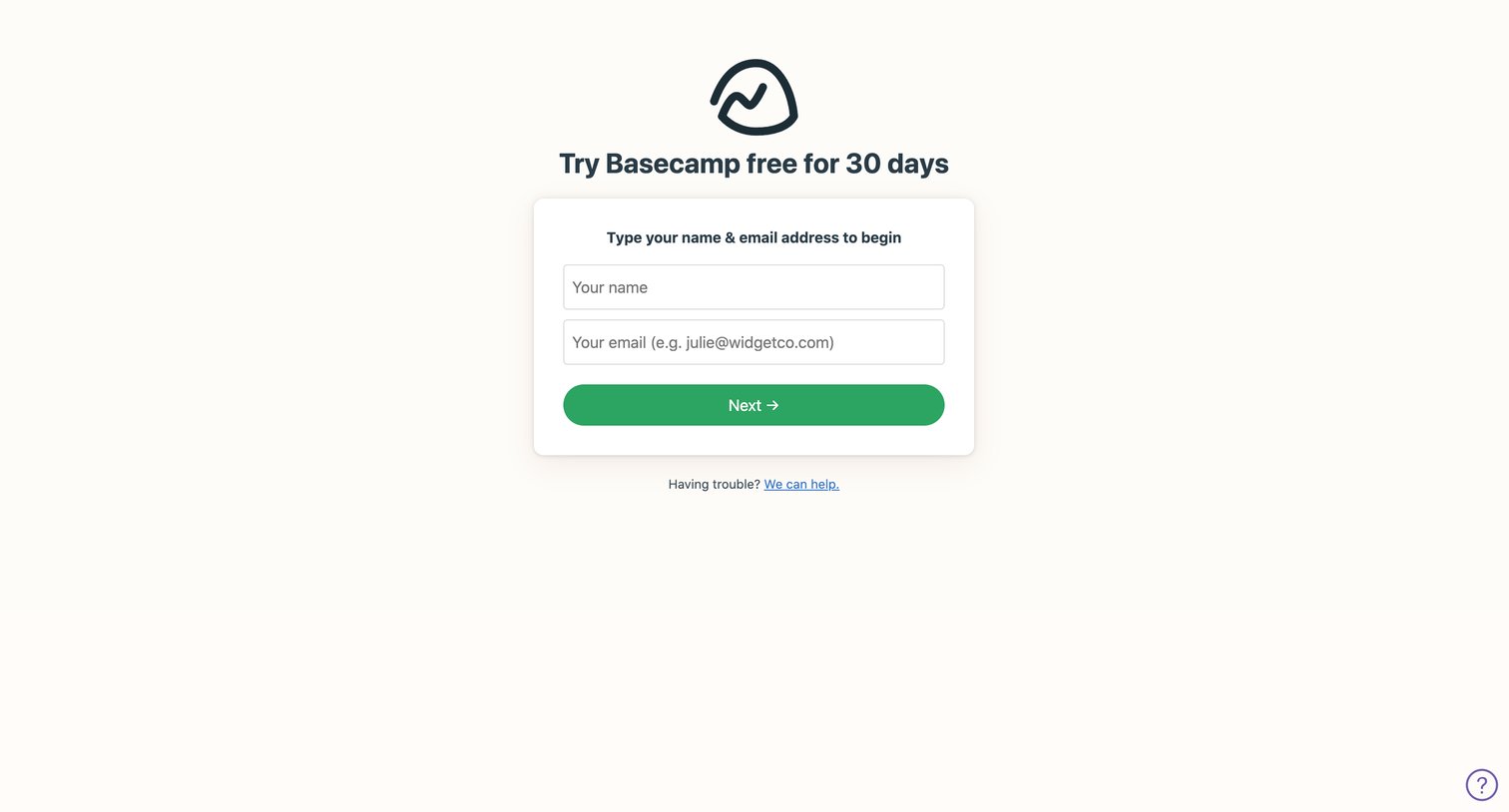
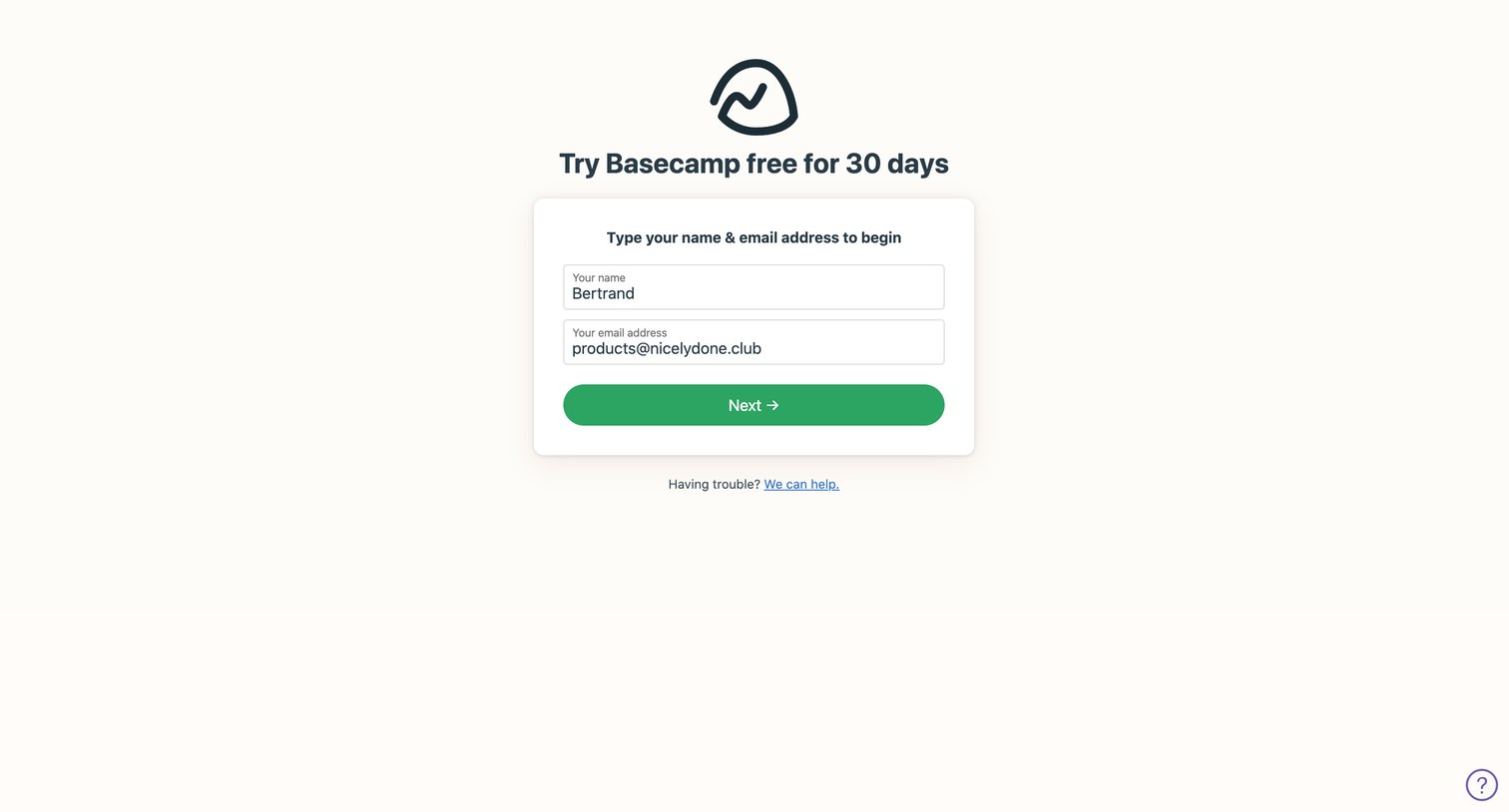
Signup screen where the user enters their name and email address to begin a 30-day free trial.
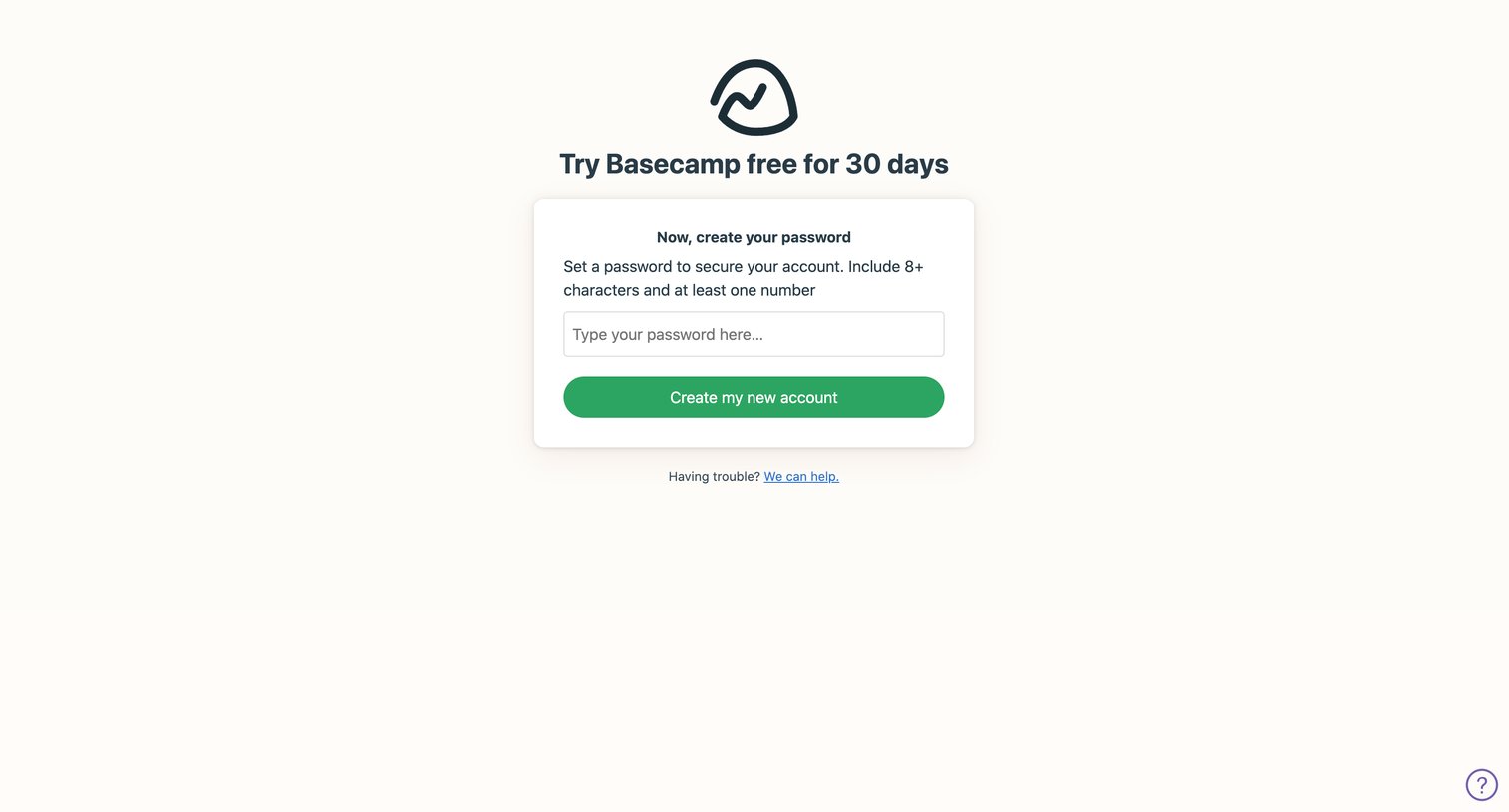
Signup step where the user sets a password to secure their new account after initiating a free trial.
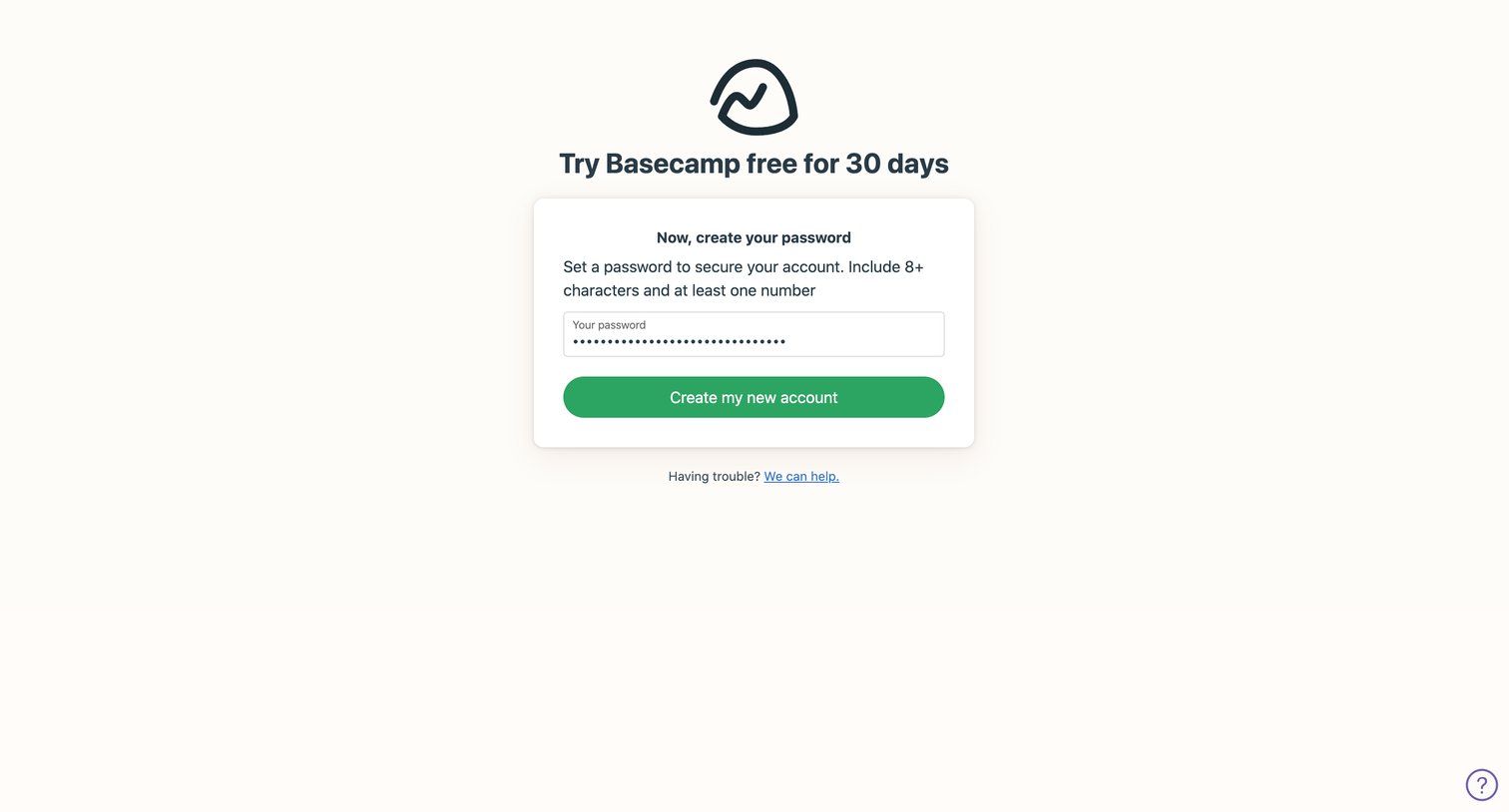
Signup screen where the user sets a password of at least 8 characters and one number to secure their new account.
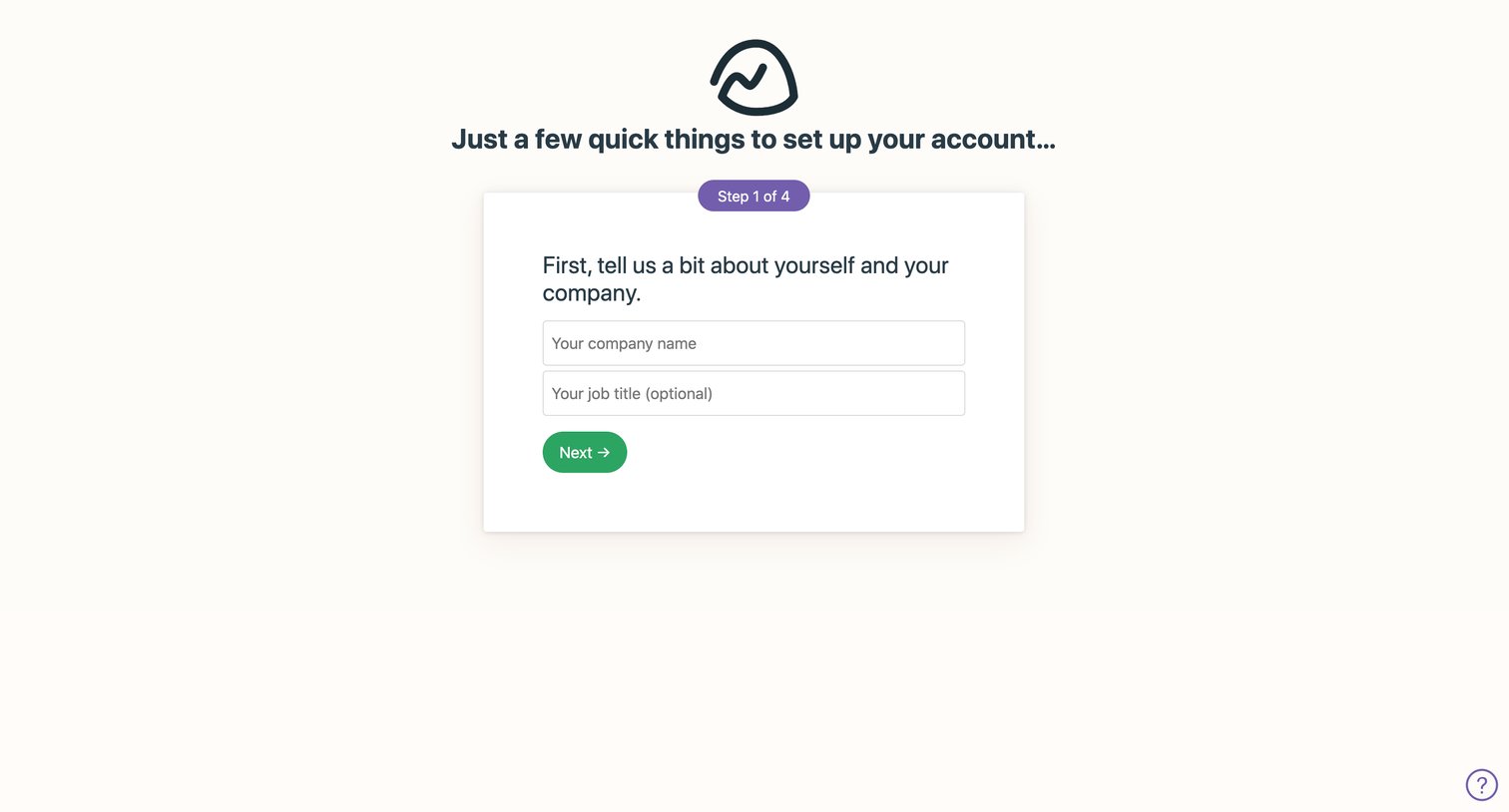
Onboarding step where the user enters their company name and optional job title to begin setting up their new account.
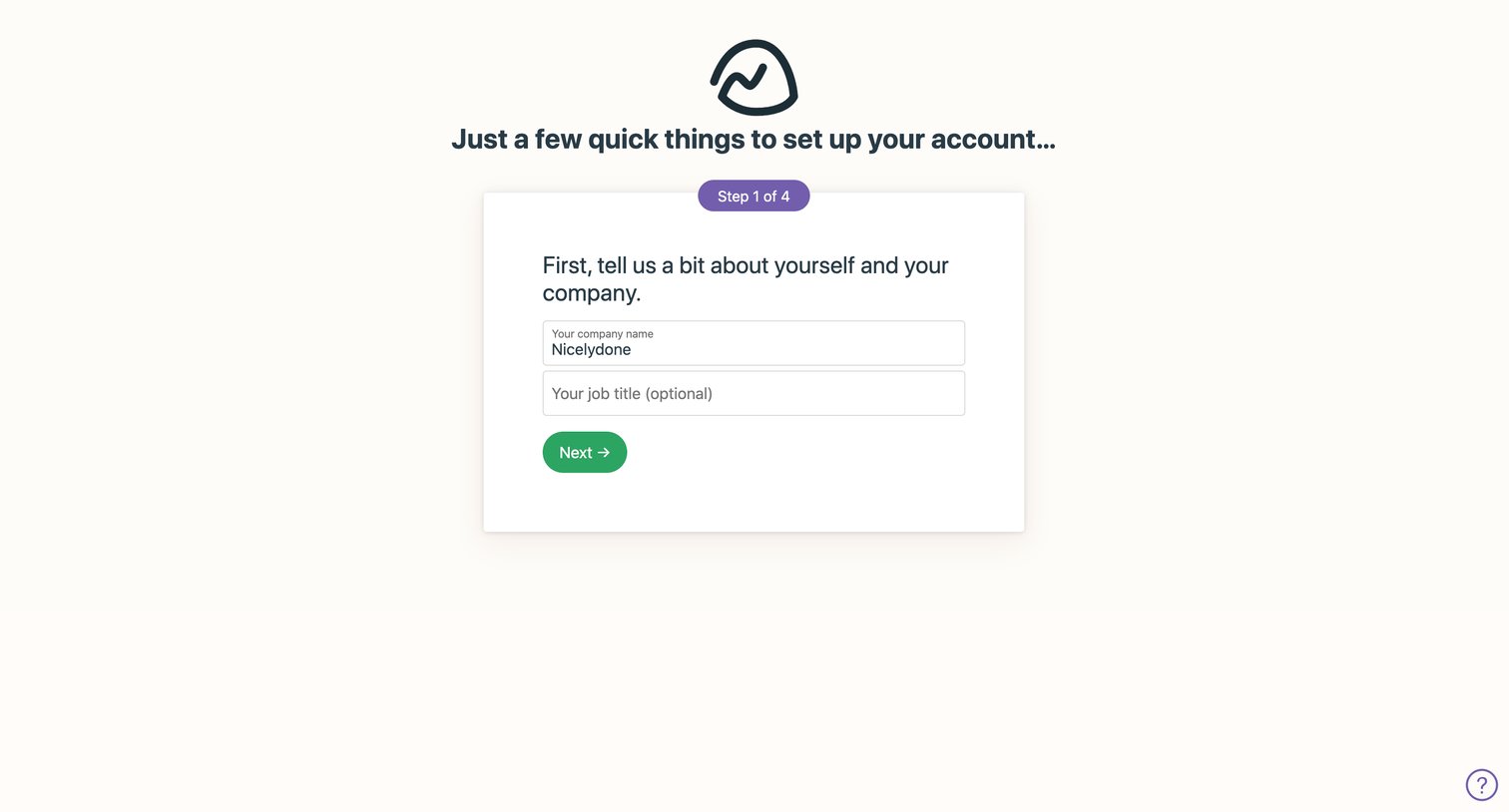
Onboarding step where the user provides their company name and an optional job title to set up their account.
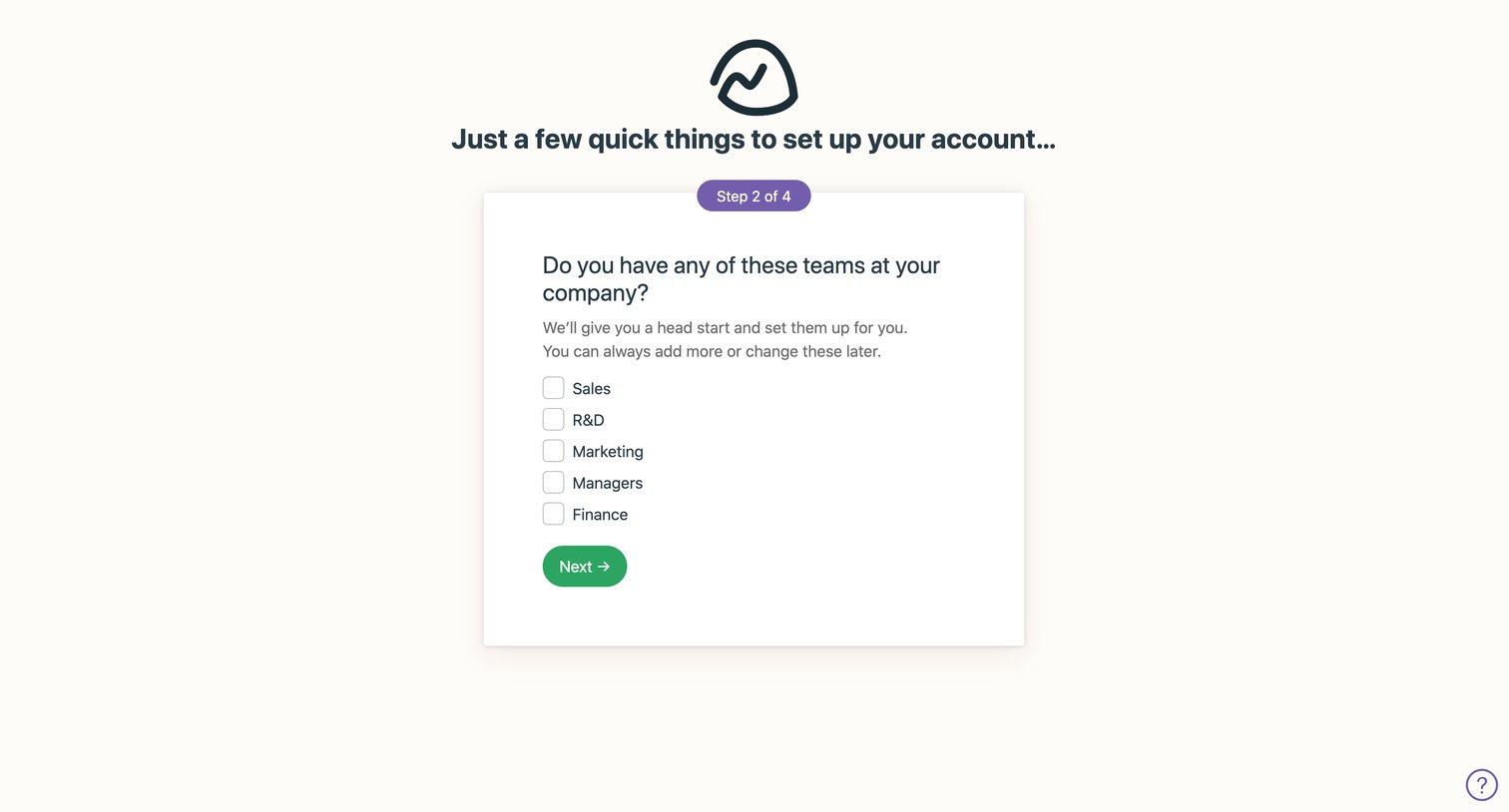
Onboarding step where the user selects which teams exist at their company to pre-populate their workspace.
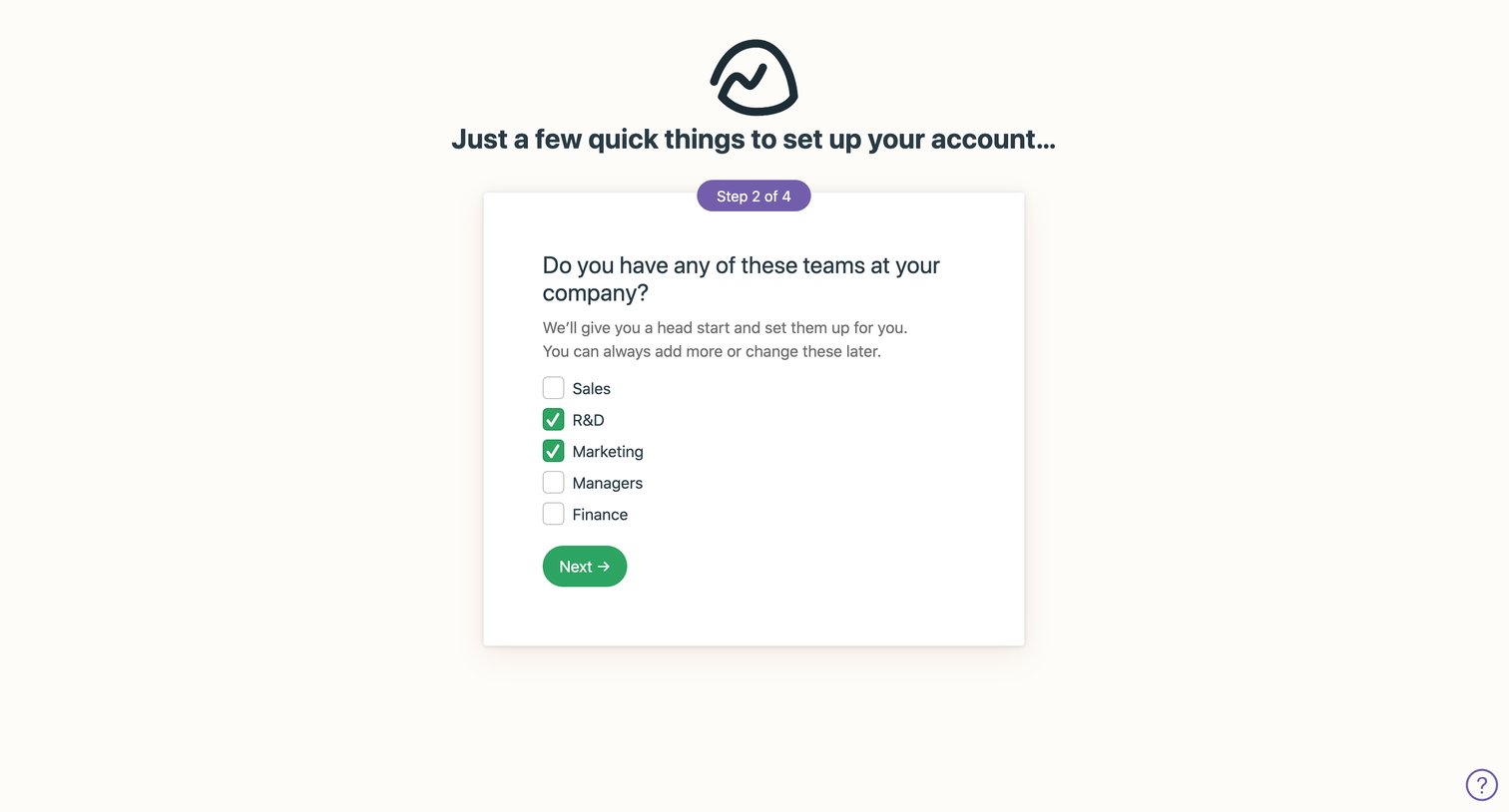
Onboarding step where the user selects which pre-defined teams to create for their new workspace.
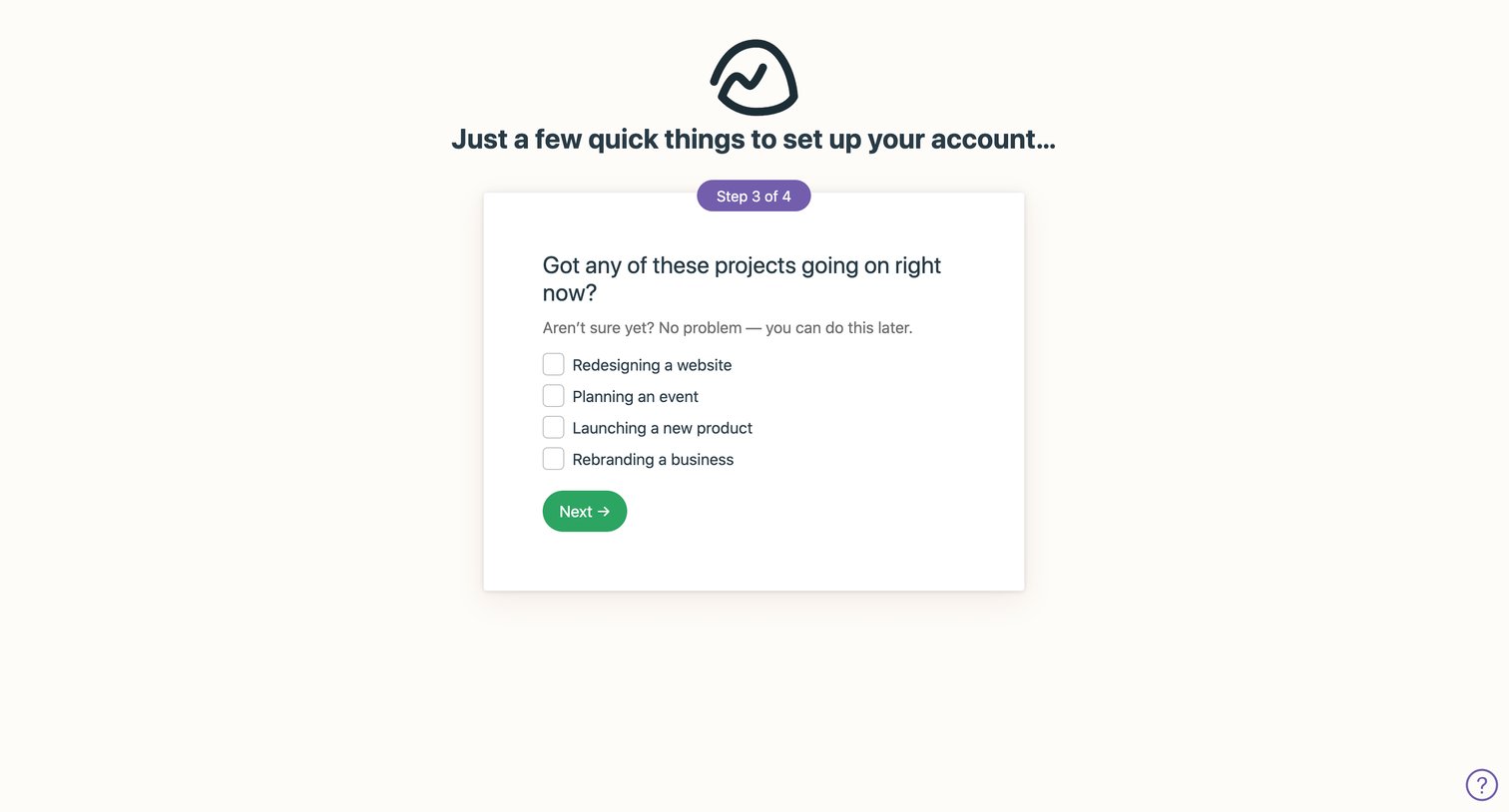
Onboarding step where the user selects ongoing projects like redesigning a website or planning an event to pre-populate their new account.
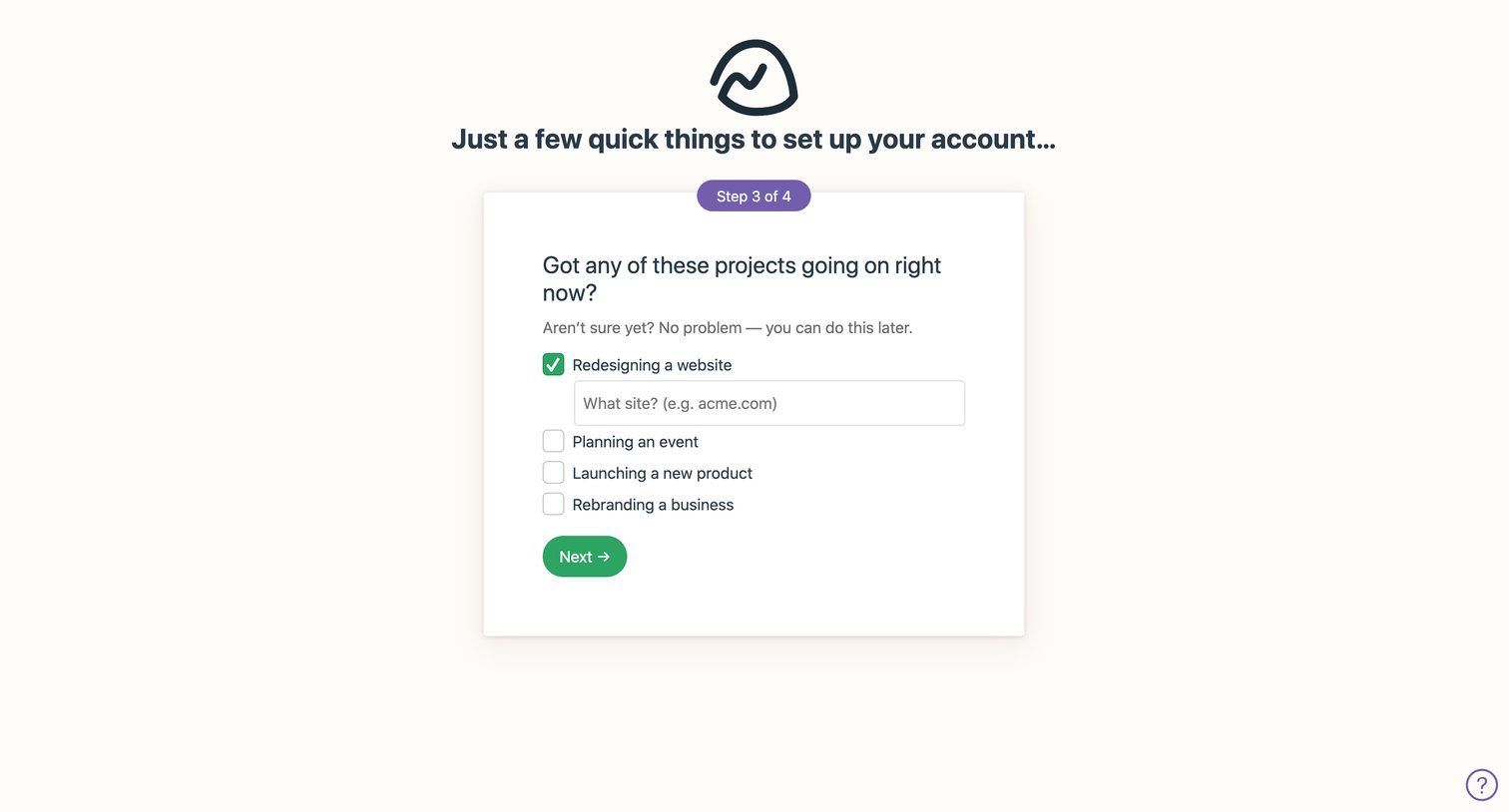
Onboarding step where the user selects current projects like redesigning a website or planning an event to populate their new workspace.
Browse the full SaaS app library
Explore real SaaS apps with their product screens, marketing screens, flows, and components.
Trusted by the best teams







