Distrobird design examples
Explore Distrobird UI design examples. Manage your entire sales process in one place
Product screens
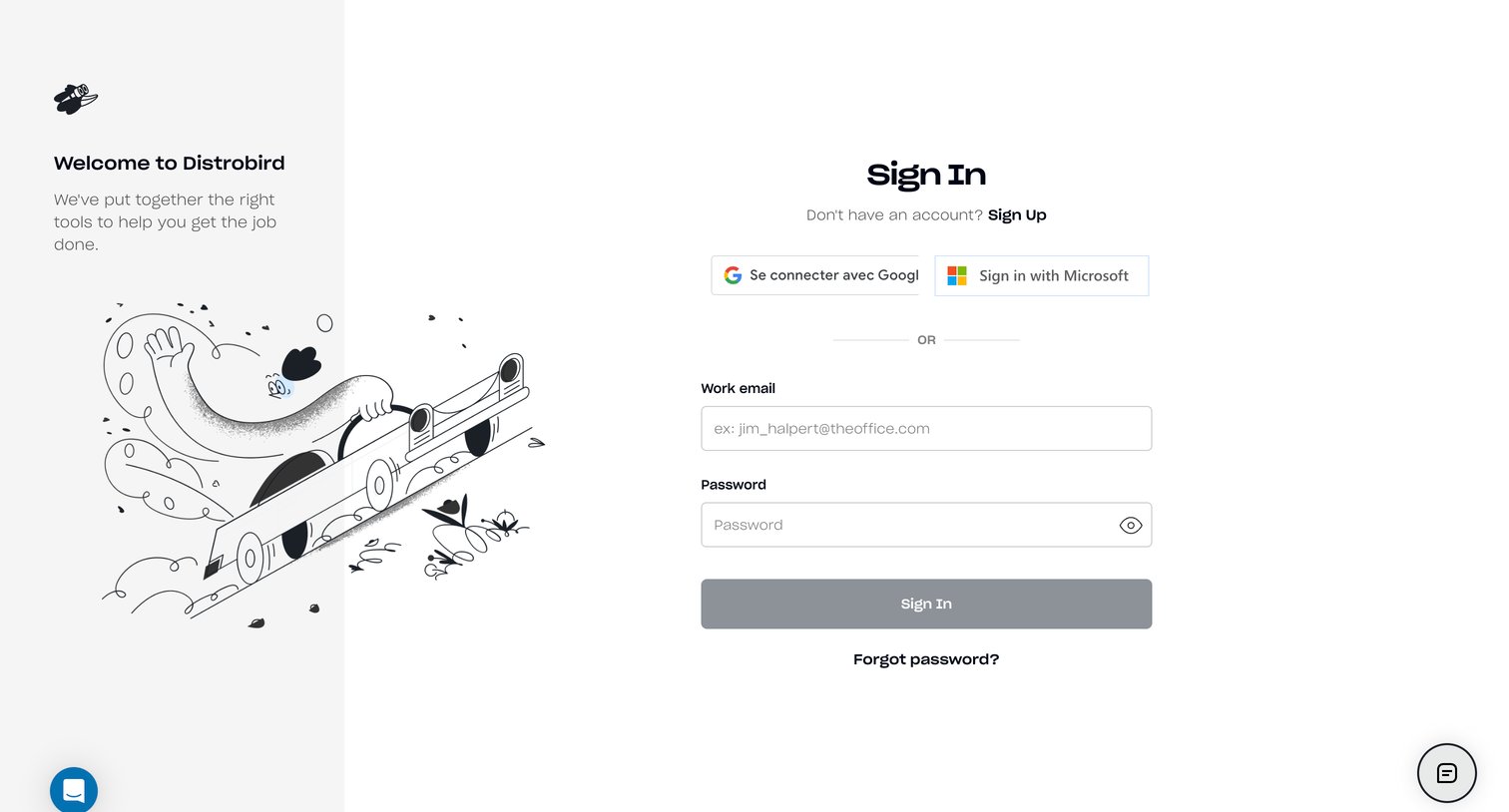

Sign-in screen where the user authenticates with Google, Microsoft, or their work email and password.
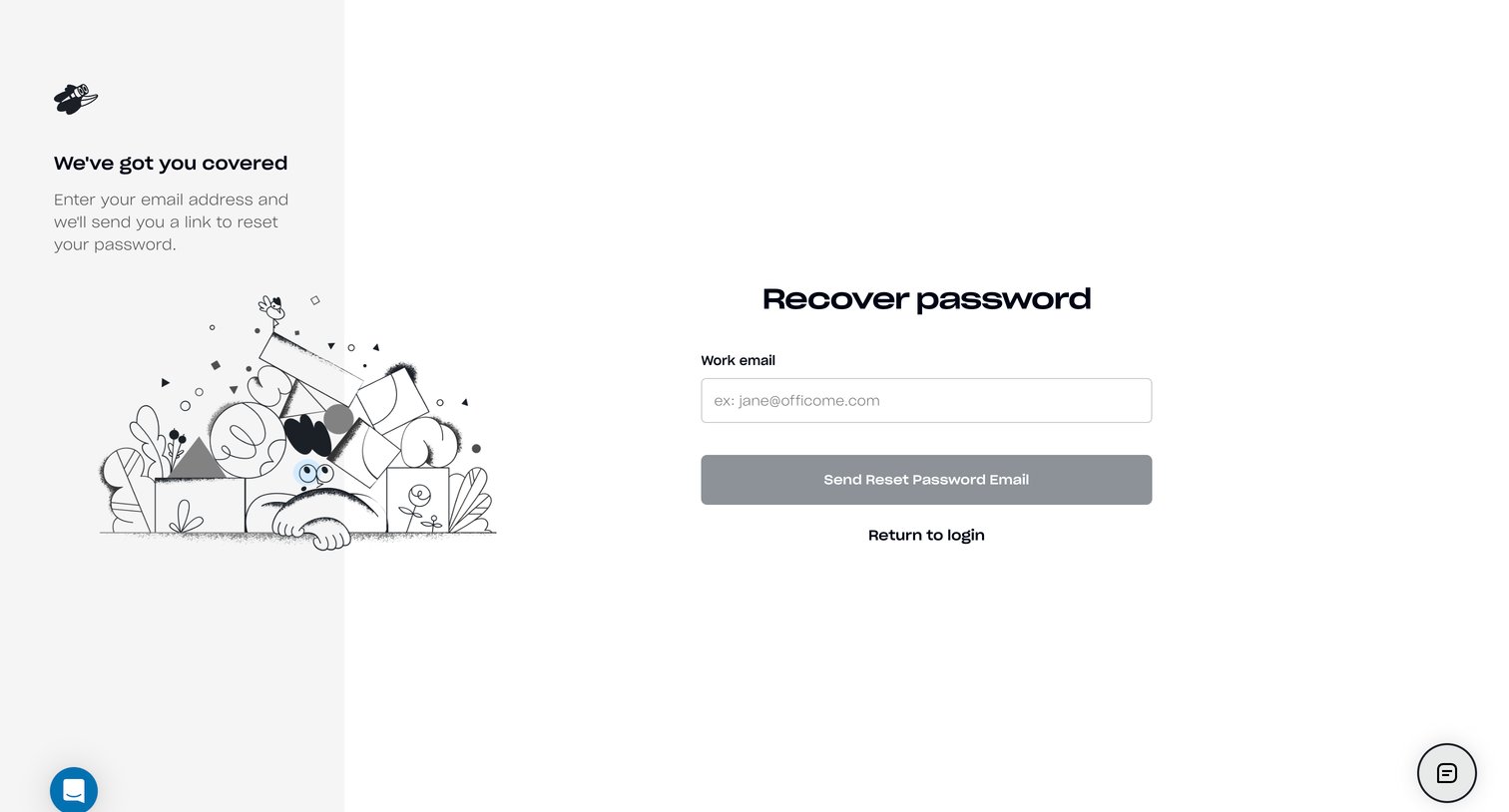
Password recovery screen where the user enters their work email to receive a reset link.
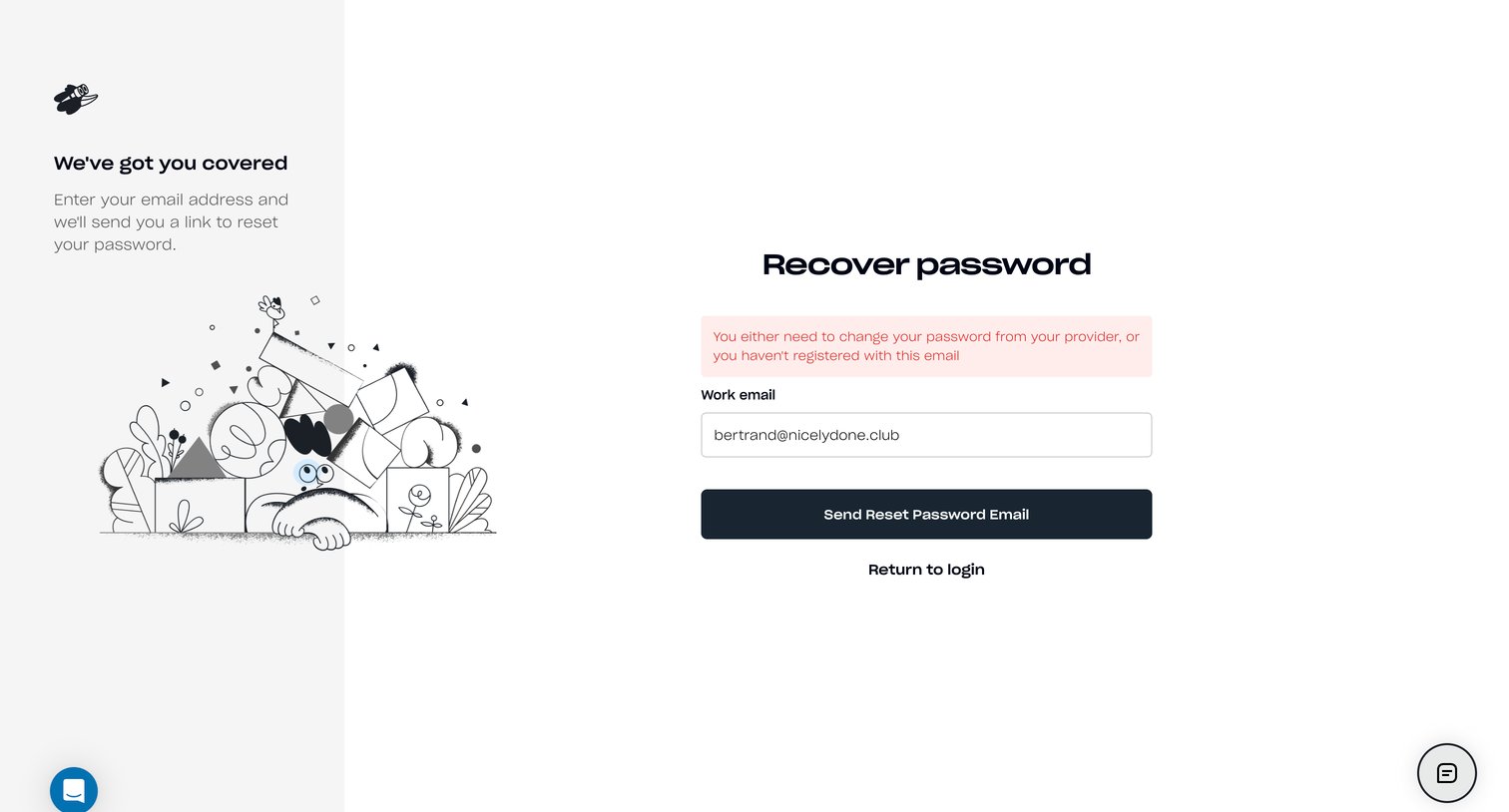
Password recovery screen showing an error banner indicating the entered email is either unregistered or requires a password change via their provider.
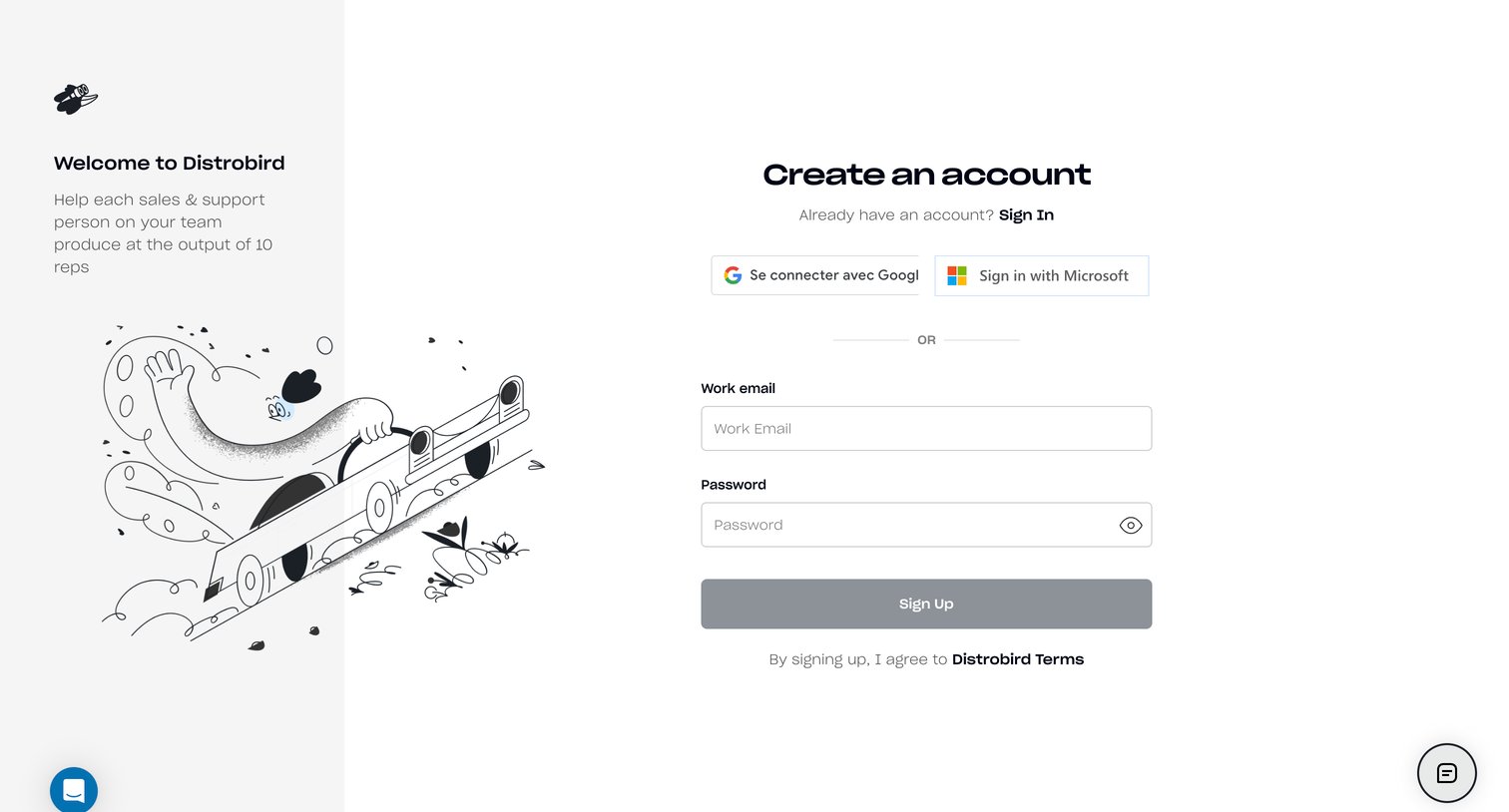
Sign-up screen where the user can create an account using their work email and password or authenticate via Google or Microsoft.
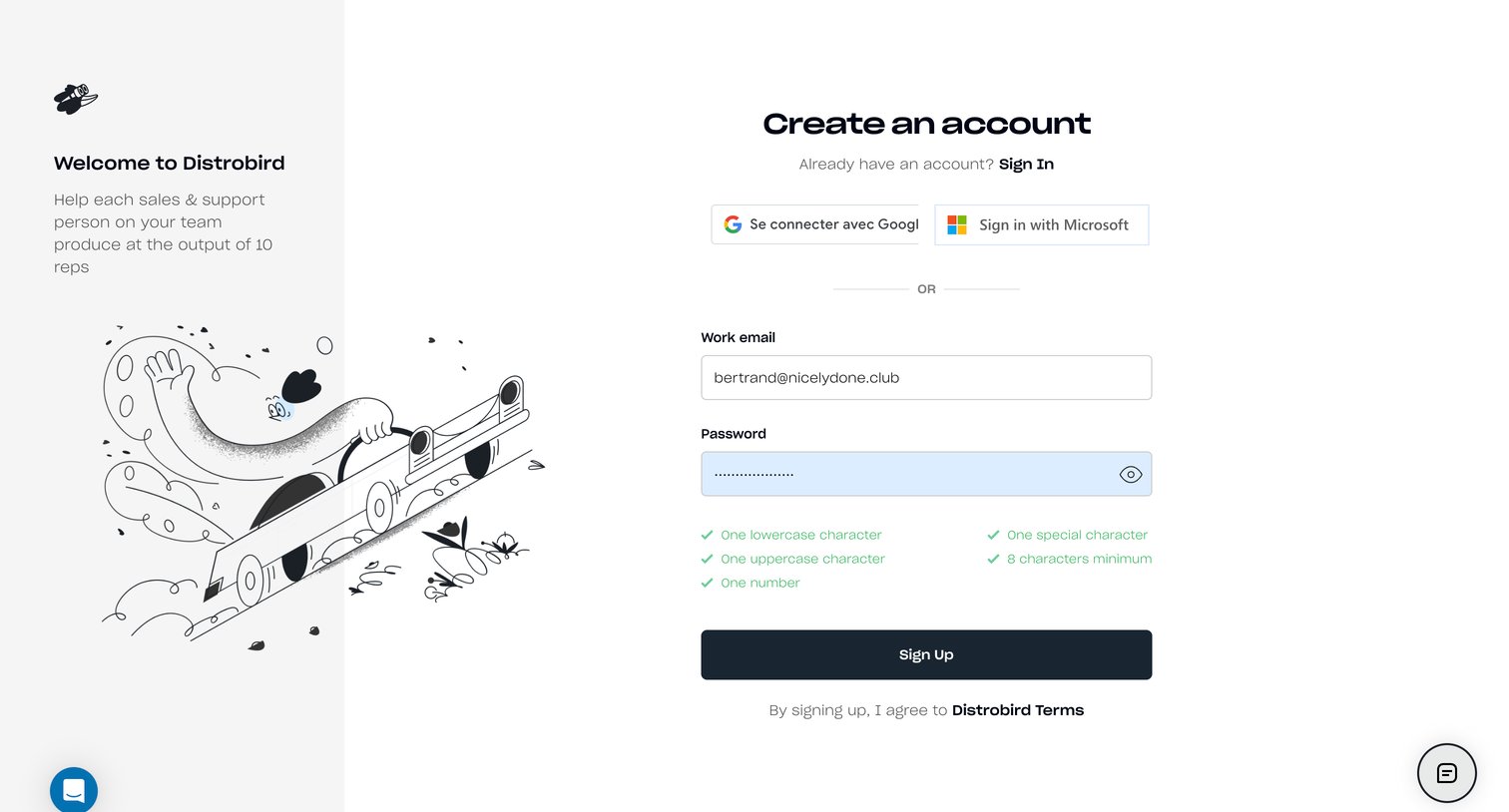
Signup page where the user creates an account using a work email and password, featuring a password requirement checklist and options for Google or Microsoft SSO.
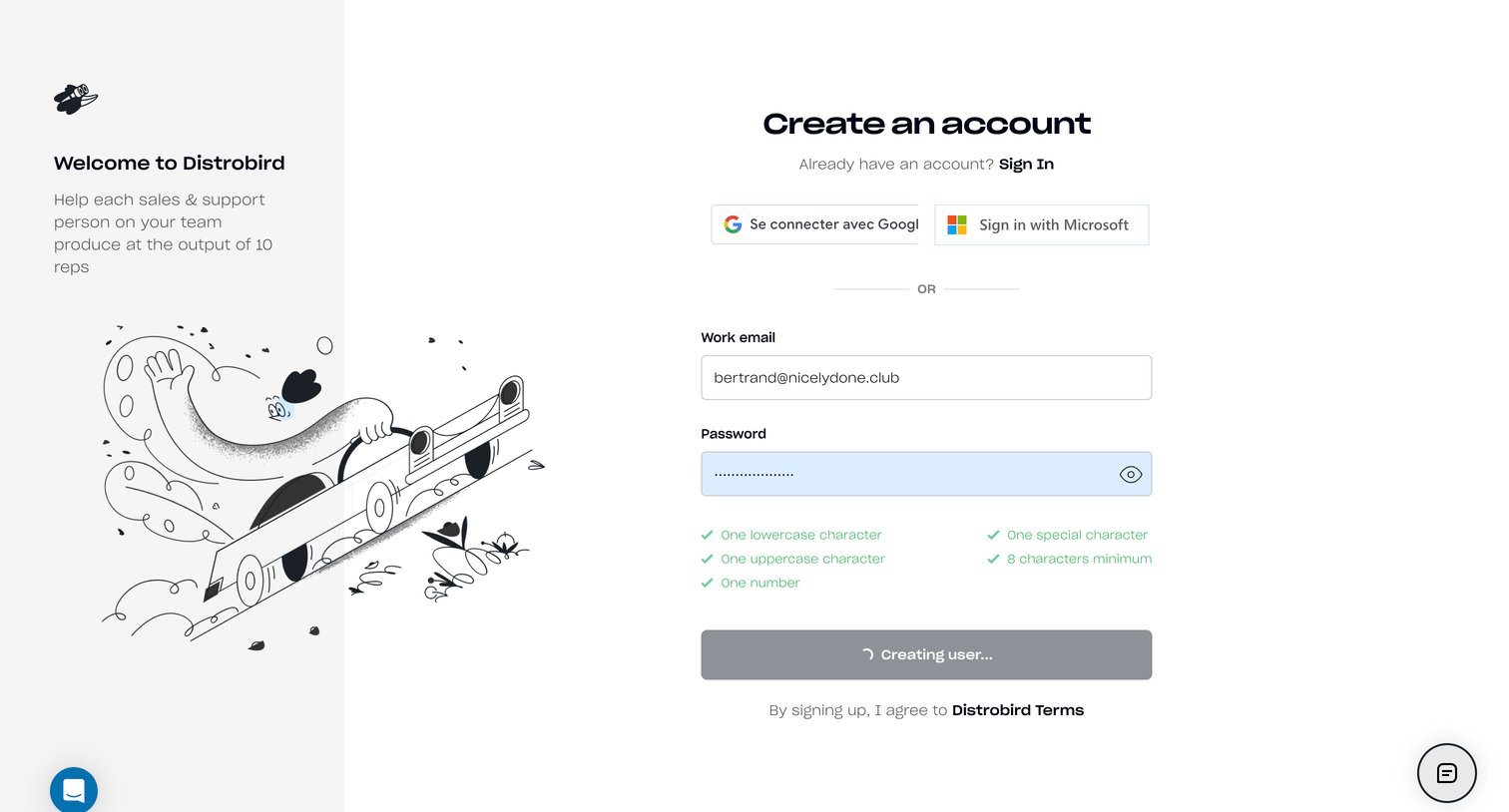
Signup page where the user creates an account using email and password, currently showing a loading state with a spinner as the form is submitted, alongside Google and Microsoft SSO options.
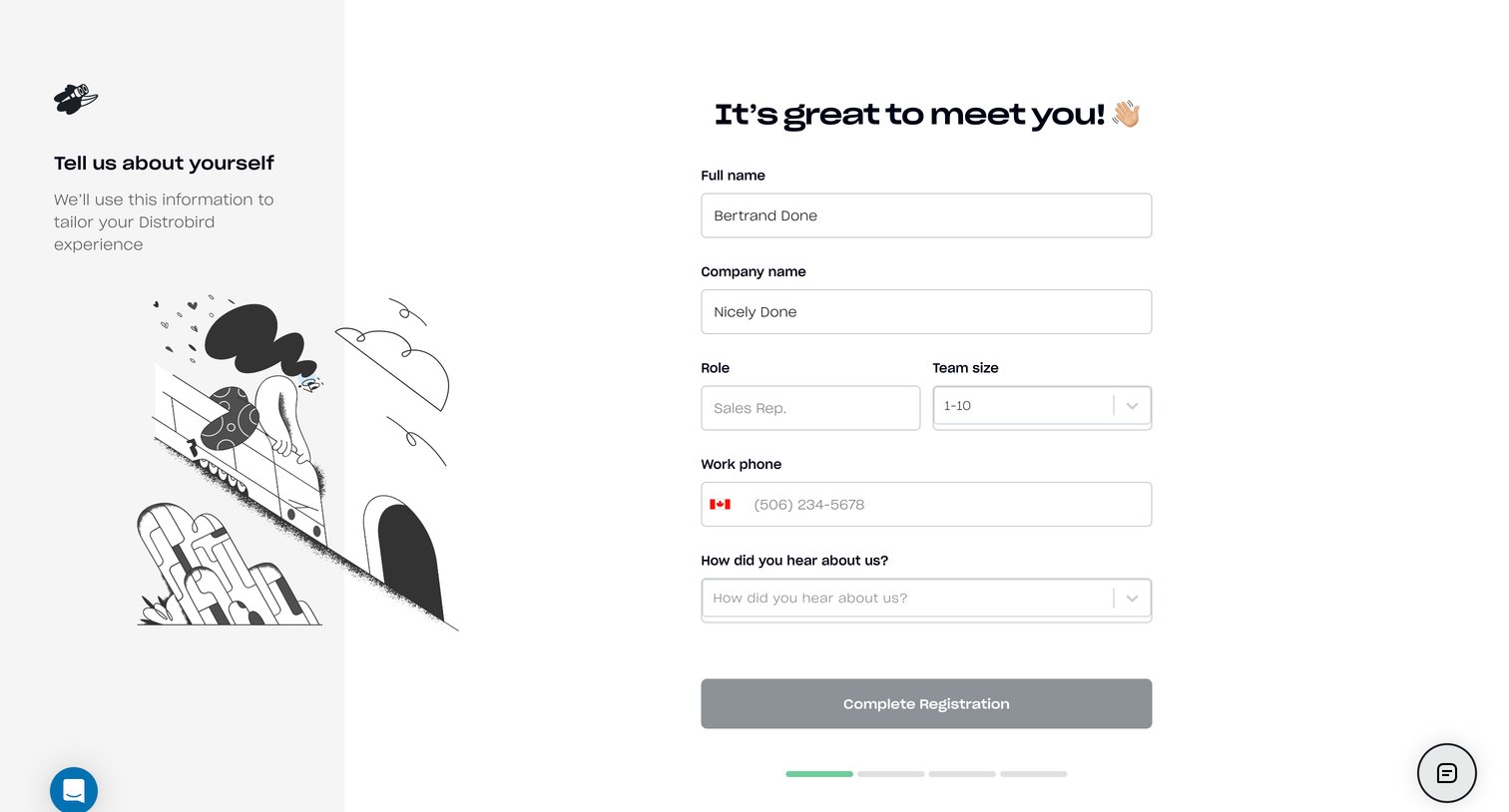
Onboarding step where the user provides their name, company details, role, and team size to tailor their new workspace.
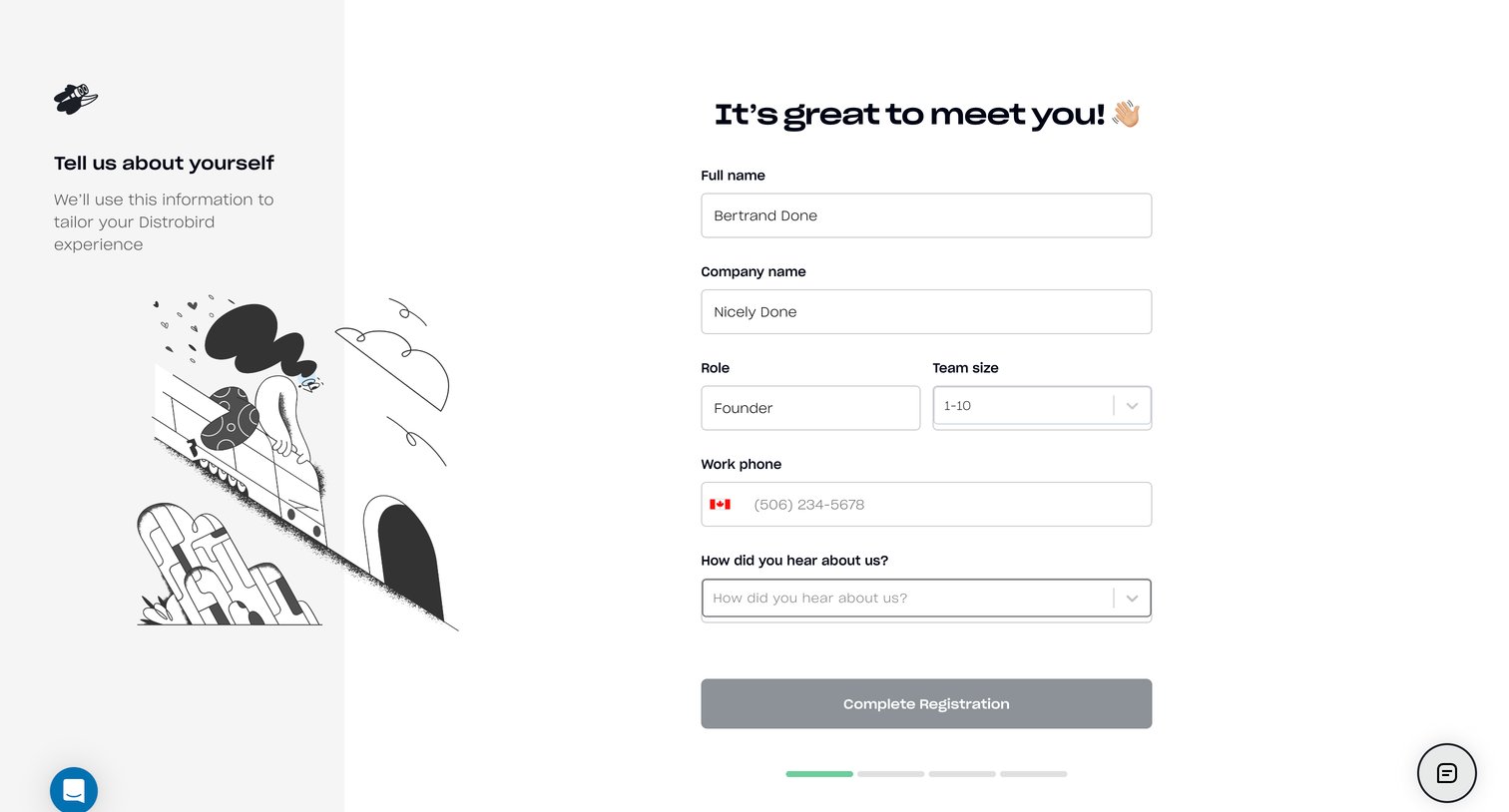
Onboarding step where the user provides their name, company, role, team size, and contact information to set up their new workspace.
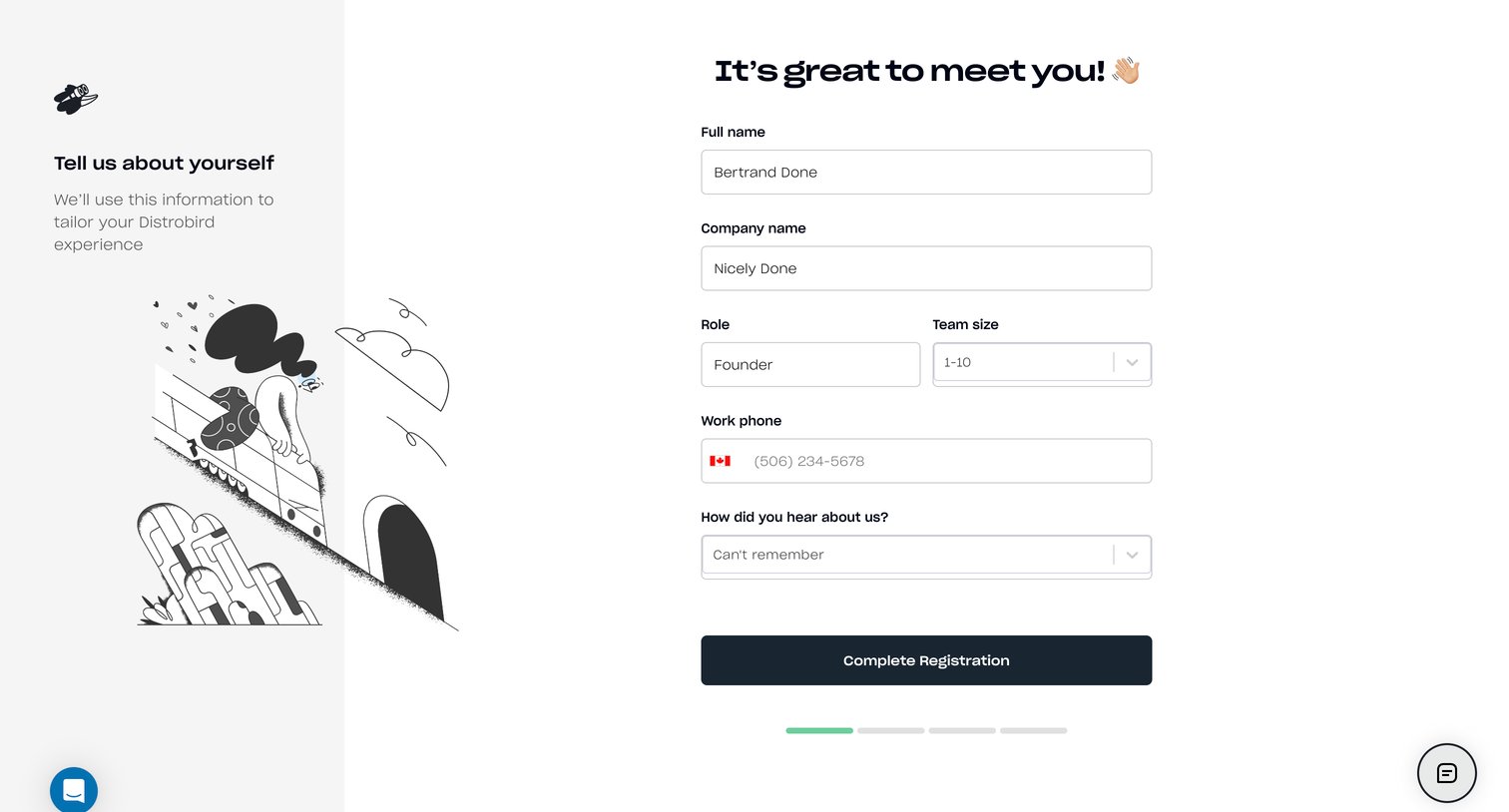
Onboarding step where the user provides their full name, company name, role, and team size to complete registration.
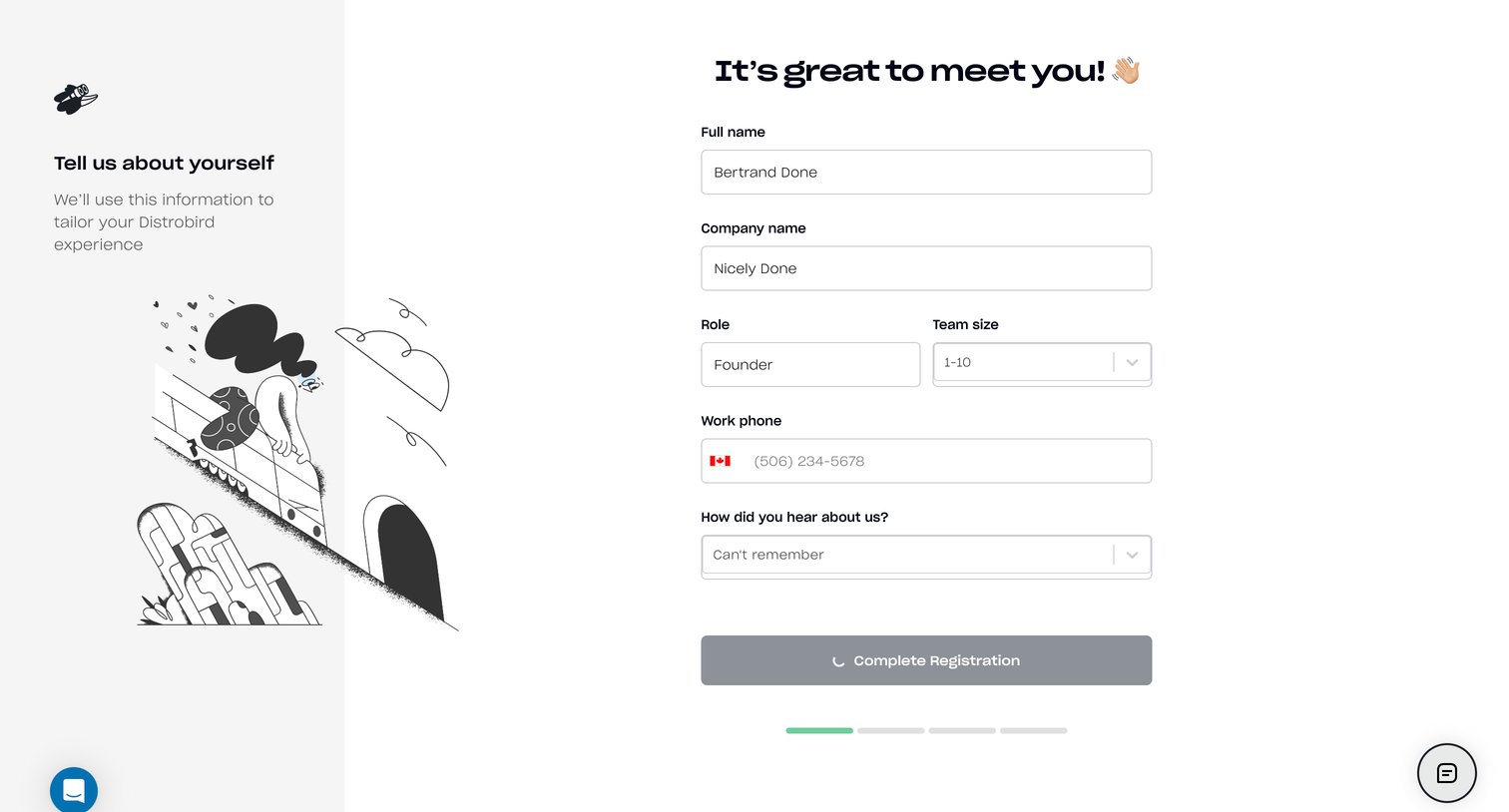
Onboarding step where the user provides their full name, company name, role, team size, and phone number to complete registration.
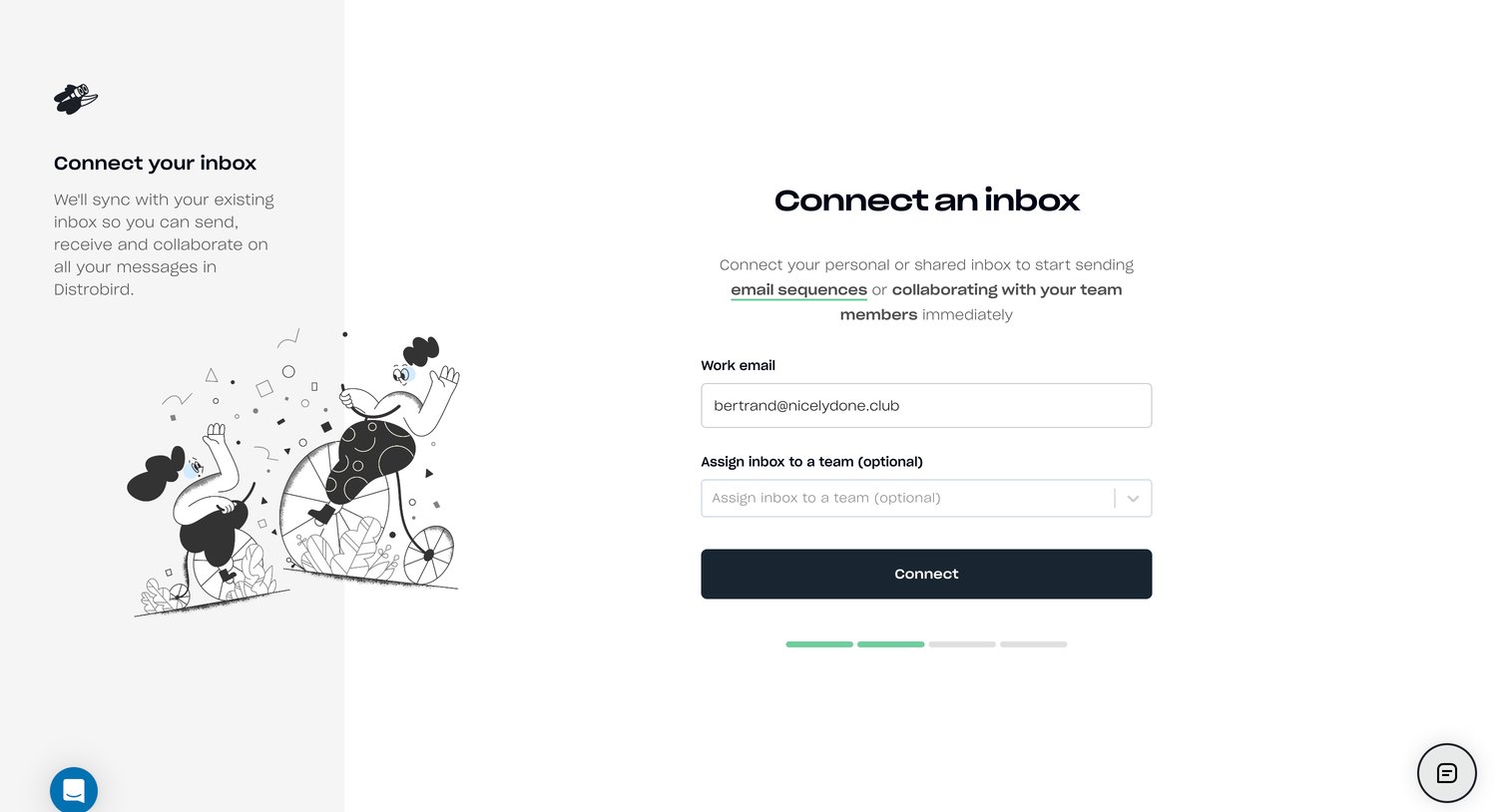
Onboarding step where the user connects their work email and optionally assigns it to a team, with a segmented progress indicator showing they are halfway through setup.
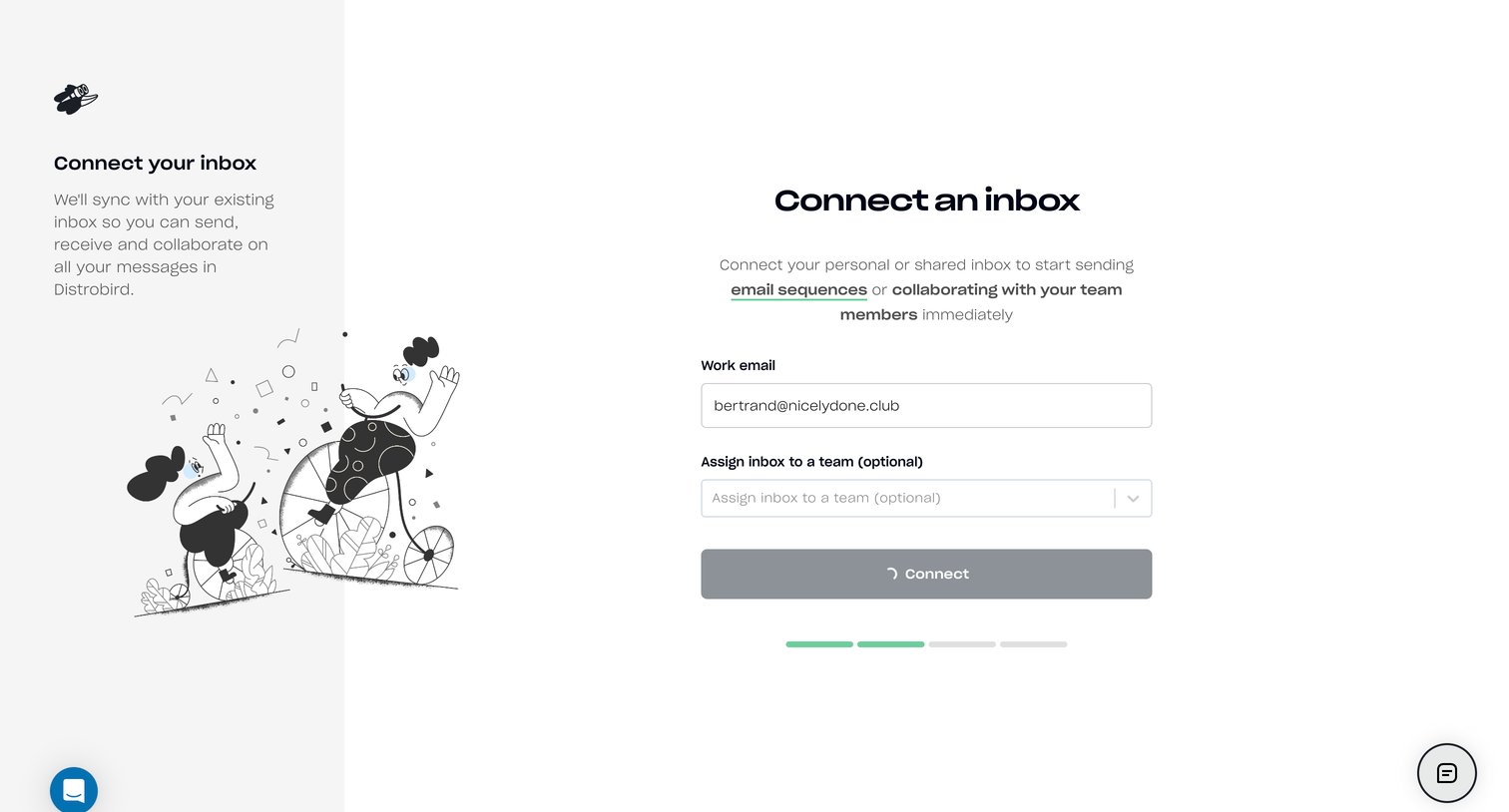
Onboarding step where the user connects their work email and optionally assigns the inbox to a team.
Browse the full SaaS app library
Explore real SaaS apps with their product screens, marketing screens, flows, and components.
Trusted by the best teams







