Distrobird user flows examples
Explore Distrobird user flow examples. Preview the opening screens and steps for each task. Manage your entire sales process in one place
Preview these flows


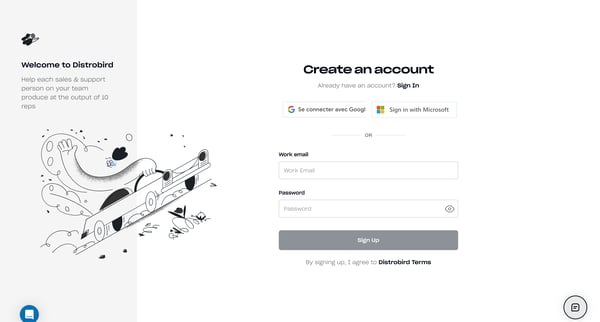
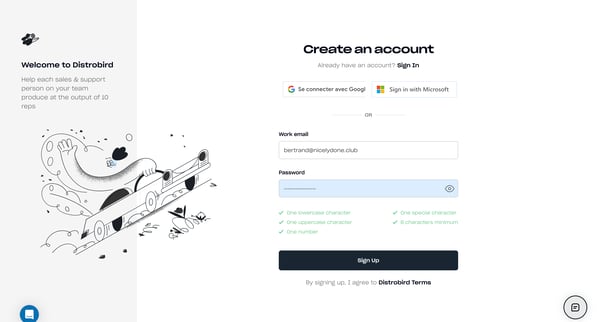
This user flow guides new users through the process of setting up their Distrobird account, from landing on the site, through sign-up and onboarding stages, including personalizing their acco
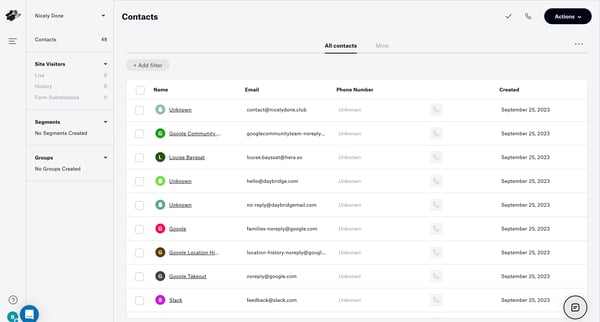
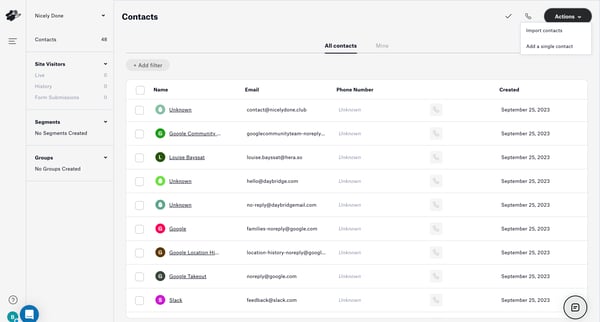
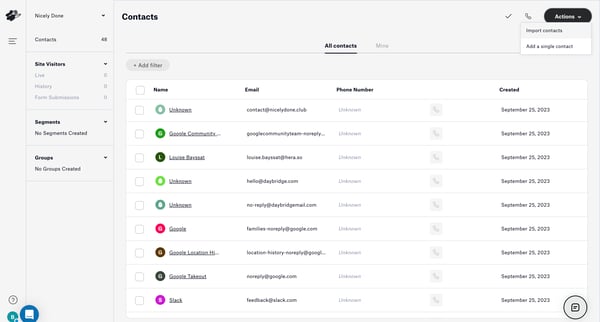
This user flow enables users to import contacts from a CSV file into Distrobird, including uploading and mapping data, enriching contact information, and assigning contacts to groups.
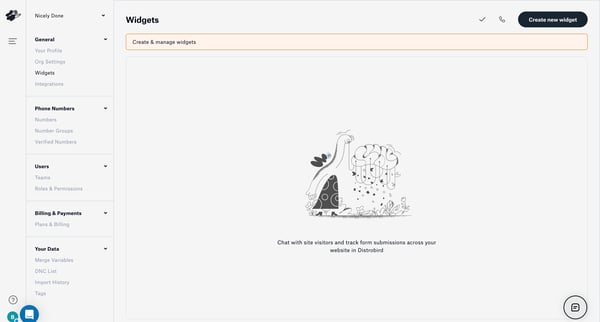
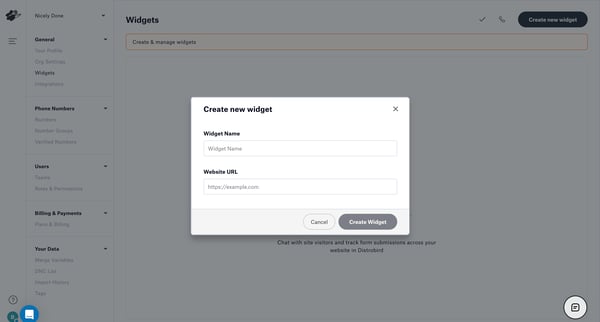
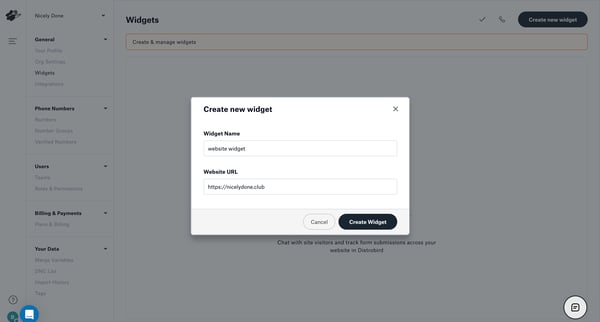
This flow guides a user through creating a new chat widget for their website in Distrobird, from initiating the creation to embedding the widget code.
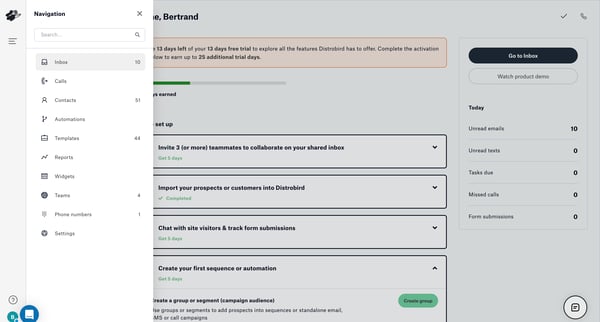
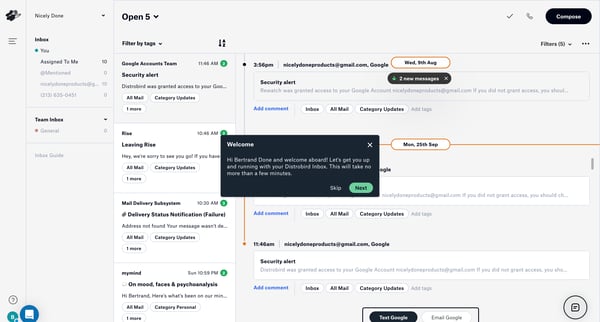
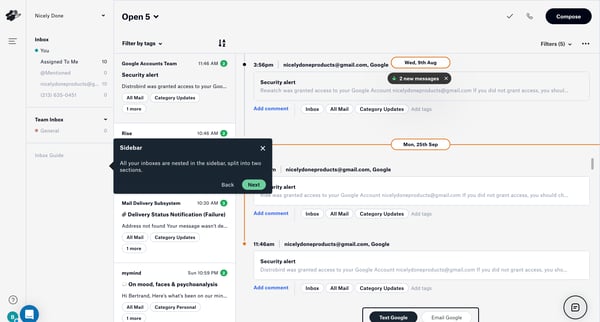
This flow introduces new users to Distrobird's interface and key features through a series of guided steps, encouraging user engagement and familiarization with the platform.
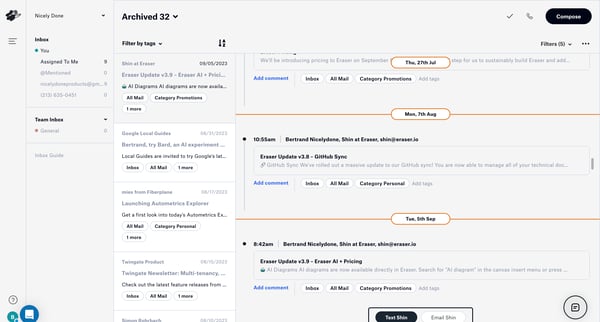
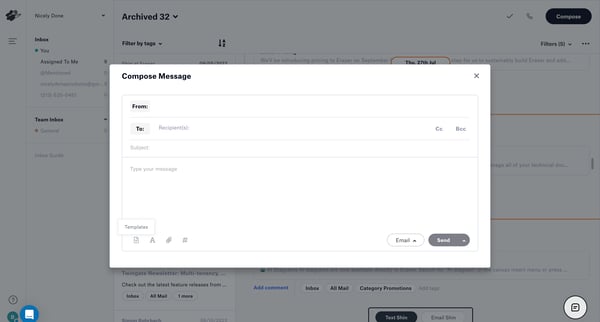
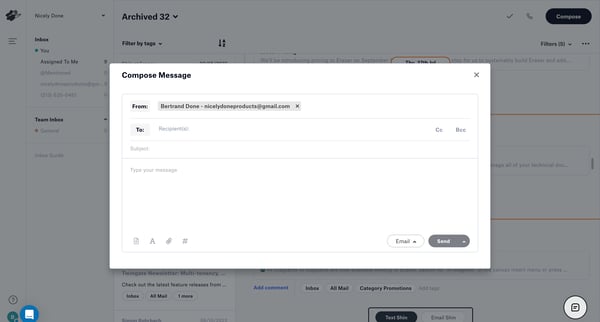
This user flow enables users to create and send a message via the Distrobird platform, concluding with a notification of the successful message delivery.
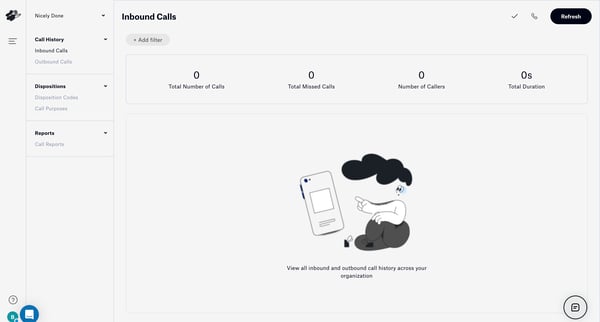
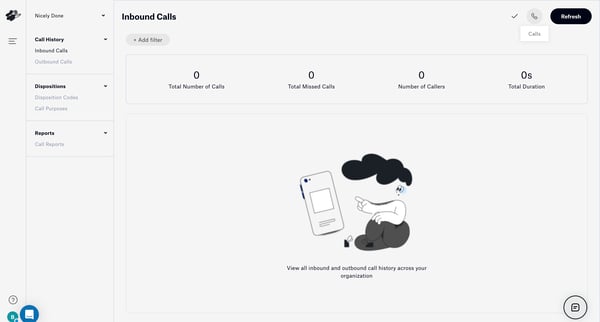
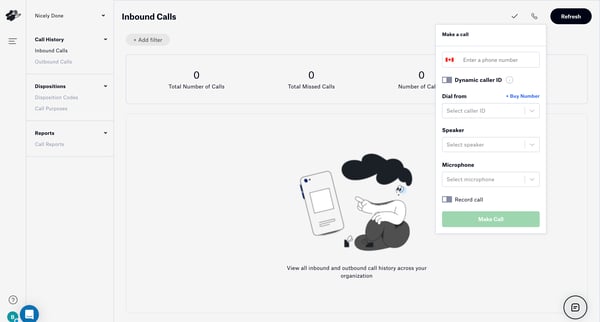
This user flow guides a user through the process of checking call statistics, setting up a call with specific configurations, and ultimately making a call within an organization's call manage
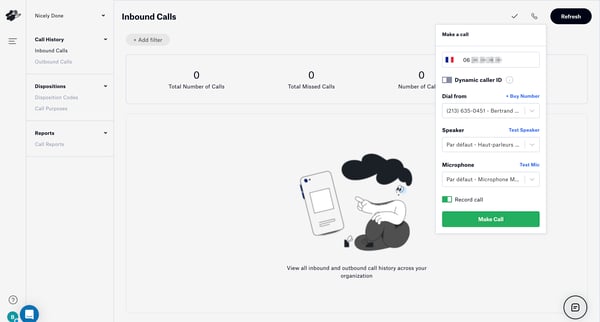
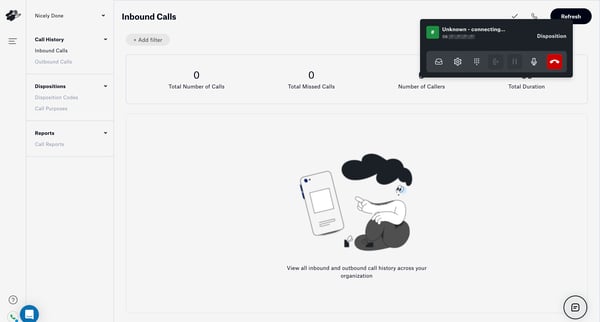
This user flow facilitates the process of managing call activities, including reviewing call histories, connecting to a call, and post-call documentation such as logging call outcomes and sch
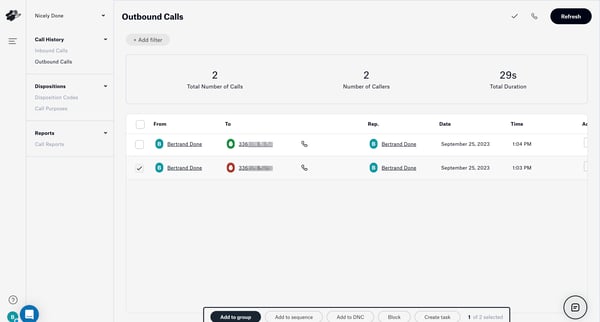
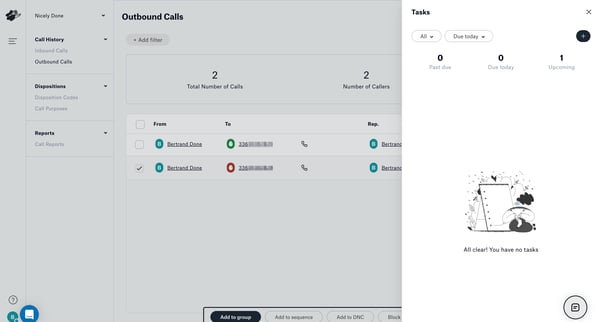
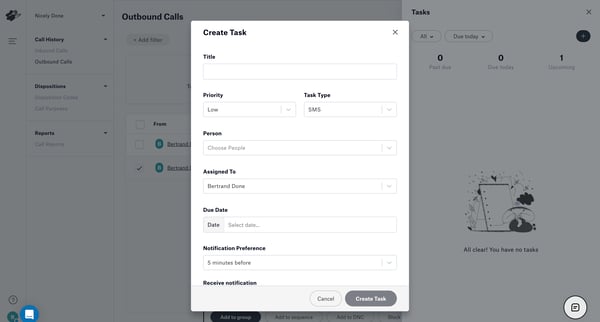
This flow guides a user through creating and scheduling a task, adjusting task details, and confirming the task creation.
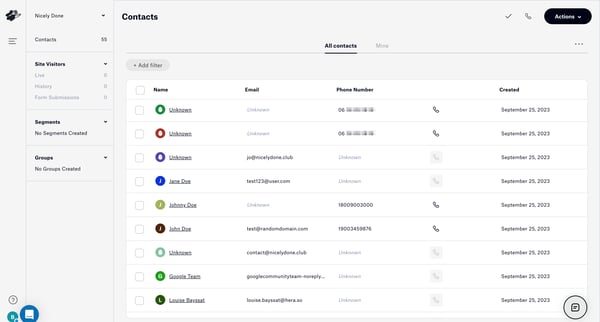
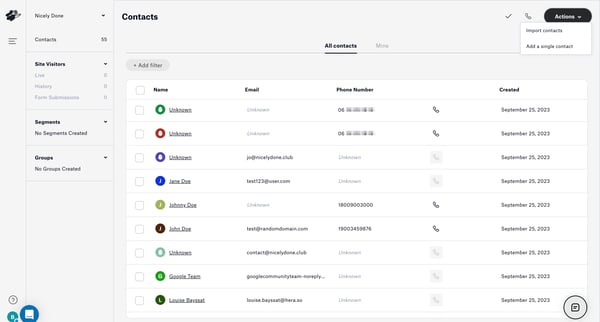
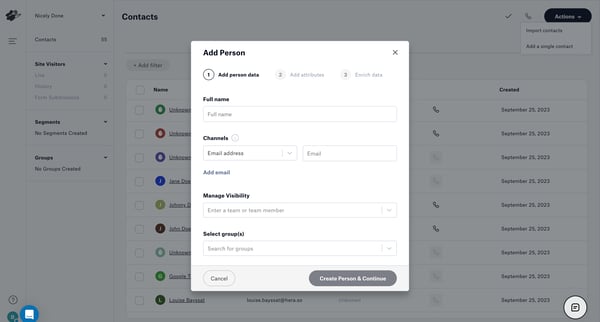
This user flow guides the user through the process of adding a new contact to their database, enriching the contact information, and confirming the addition successfully.
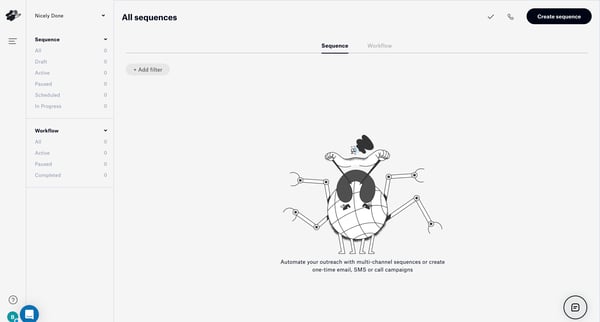
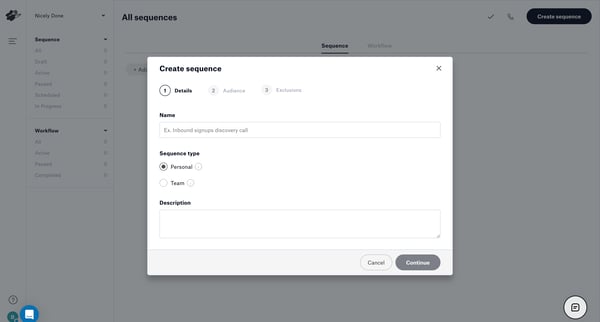
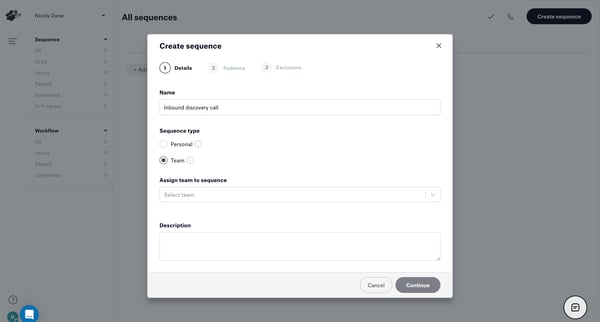
This flow outlines the process of creating, configuring, and launching an email sequence for outreach campaigns, including audience selection, step configuration, and reviewing statistics.
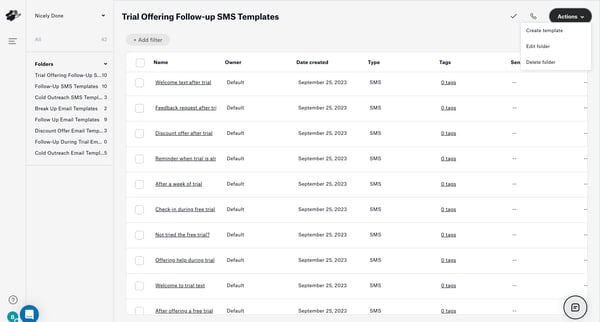
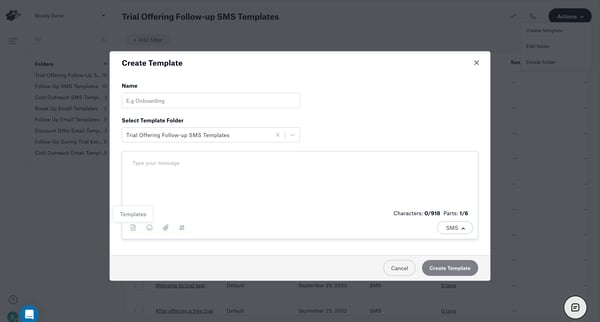
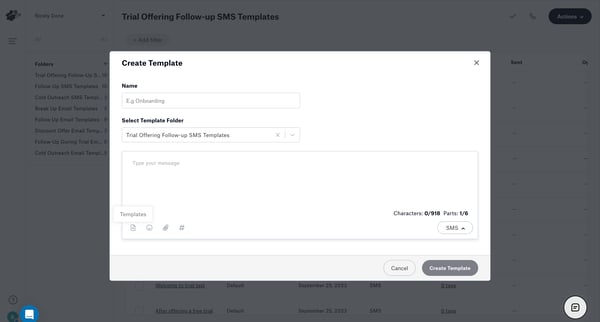
This user flow guides through creating a new SMS template, assigning it to a specific folder, typing a message, naming the template, and ultimately showing the successful creation of the temp
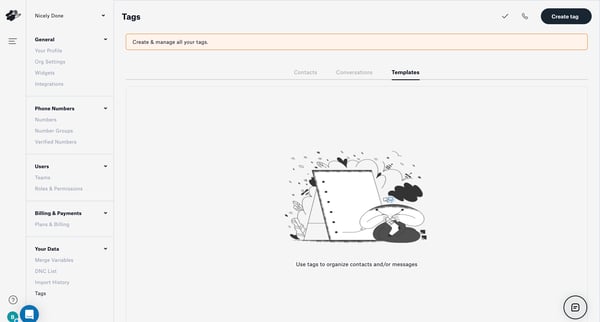
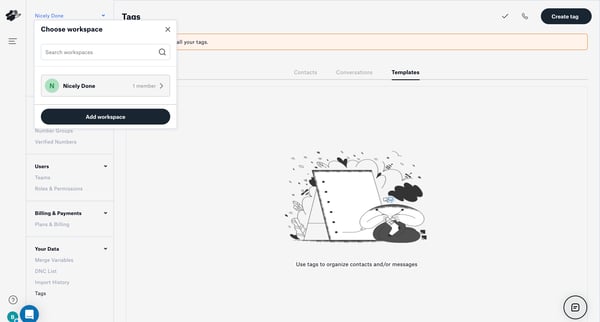
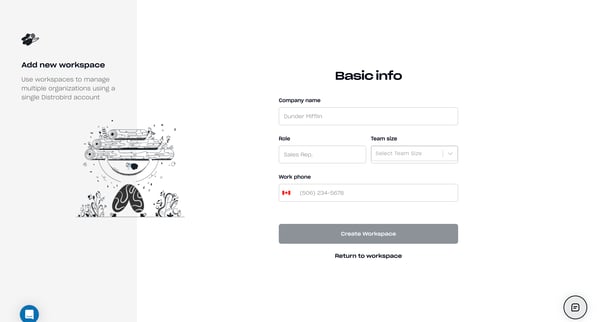
This flow guides a user through the process of creating a new workspace in Distrobird, starting from an empty state, through setting up workspace details, syncing an inbox, and concluding wit
Explore the full SaaS flow library
Browse the full SaaS flow library.
Trusted by the best teams







