Distrobird UI components examples
Browse Distrobird UI component design examples. Preview individual interface elements and explore related component categories. Manage your entire sales process in one place
Explore the examples
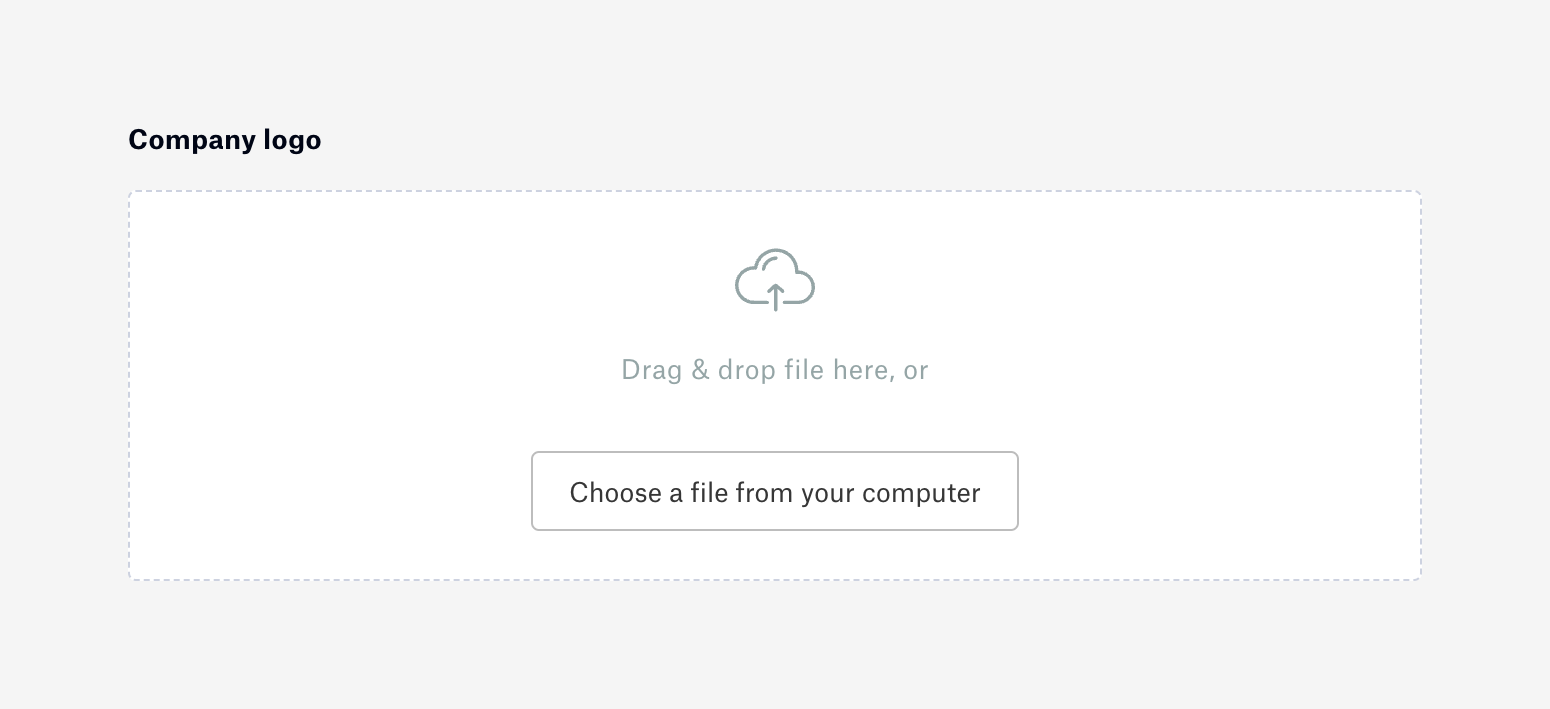

A drag-and-drop file upload area for a company logo, featuring a dashed border, an upload icon, instructional text, and a button to choose a file manually.
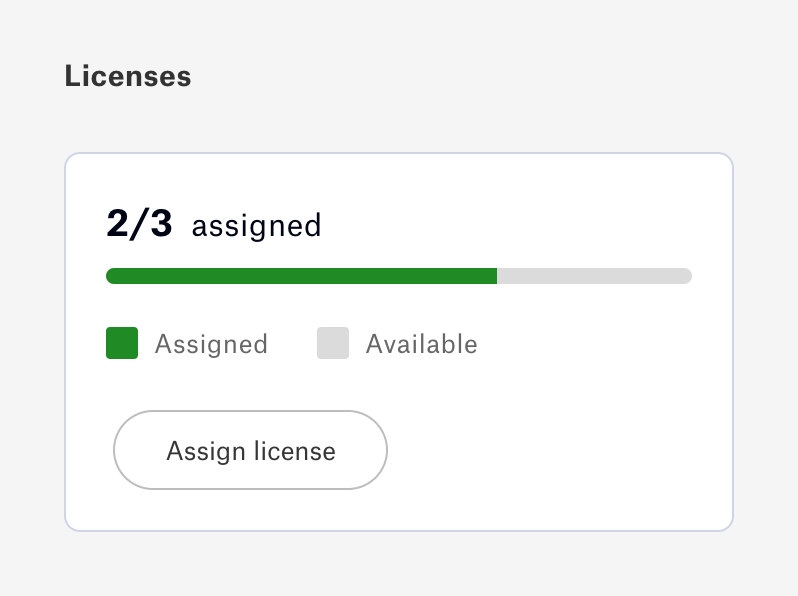
A card displaying license usage with a progress bar, a legend, and an action button to assign a new license.
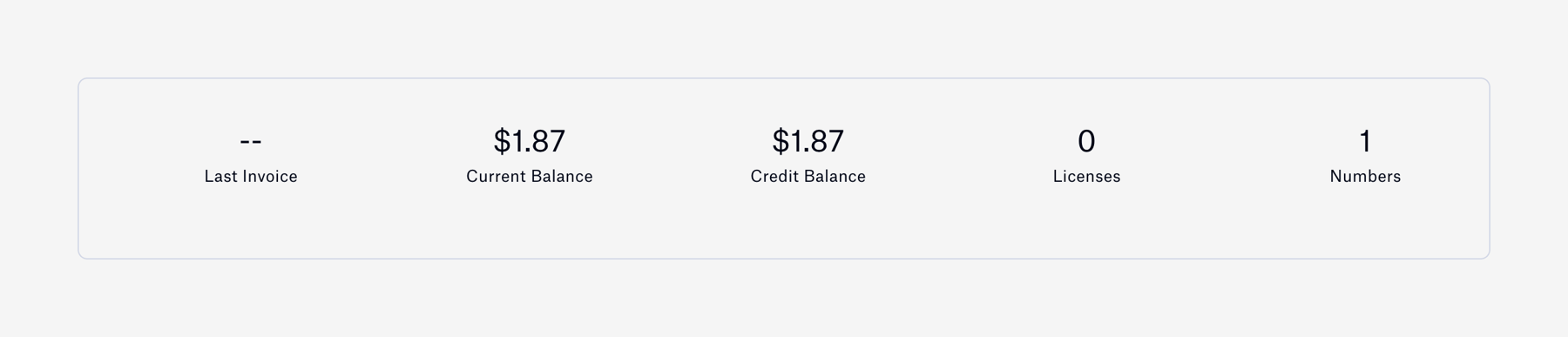
A horizontal row of key performance indicators displaying billing metrics such as last invoice, current balance, credit balance, licenses, and numbers.

A horizontal progress bar showing usage limits for a specific feature, accompanied by a text label and a numeric fraction.
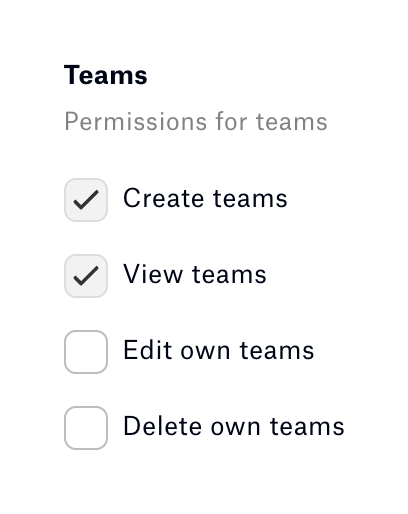
A vertical list of checkboxes for configuring team permissions, with a section title and description.

A row containing a title, a descriptive subtitle, and a toggle switch to enable or disable a setting.
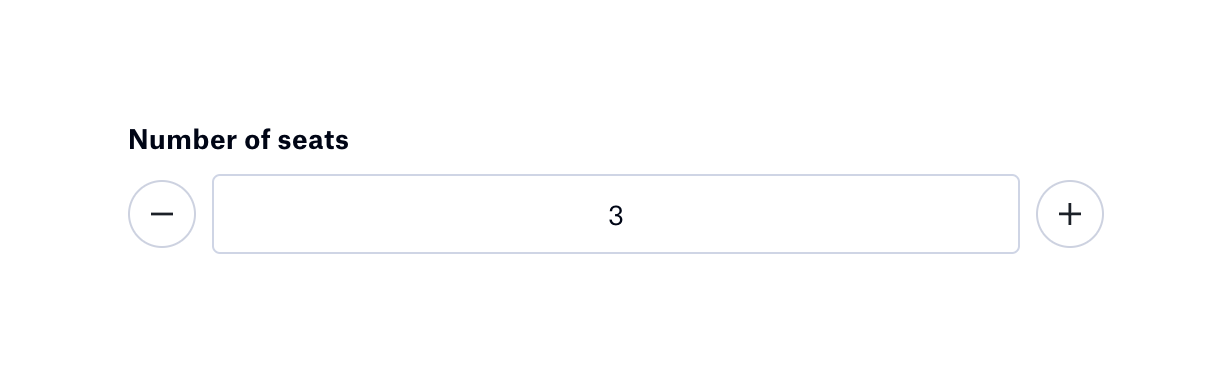
A numeric input field for selecting the number of seats, flanked by circular minus and plus buttons for incrementing or decrementing the value.
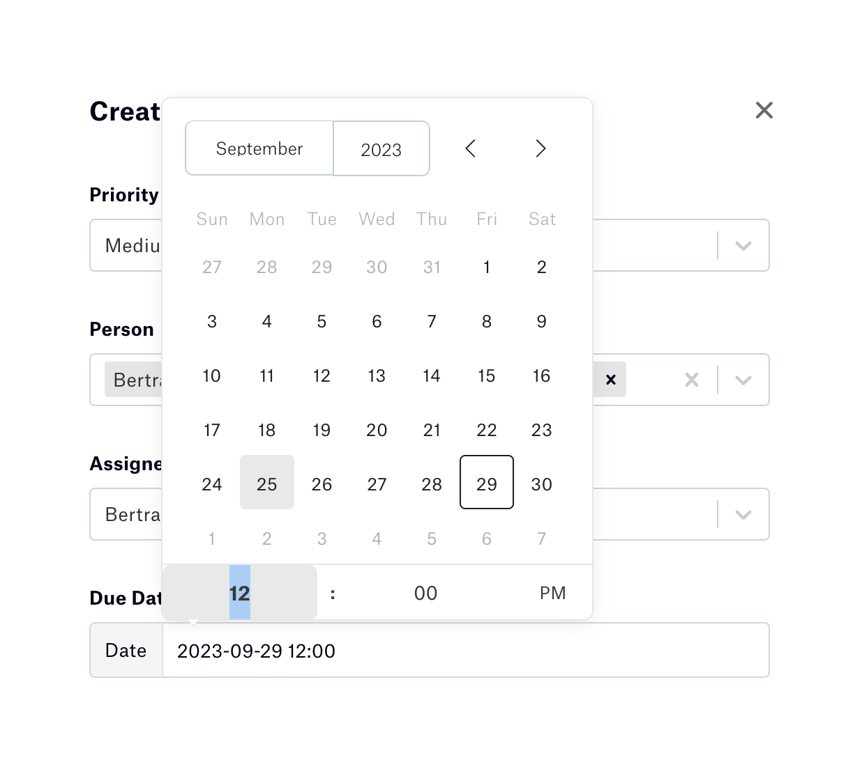
A popover calendar for selecting a date and time, featuring month and year dropdowns, a grid of days, and a time selection row at the bottom.
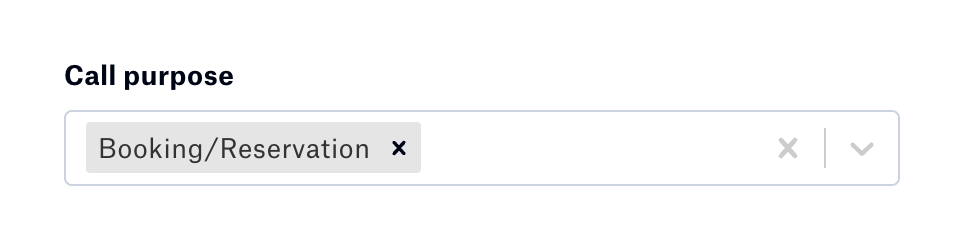
A form field for selecting the call purpose, currently showing one selected tag with options to clear the selection or open the dropdown.

A tabbed navigation component with two options: 'Recording & Transcript' and 'Call Disposition'. The first tab is active and includes a small yellow icon badge.
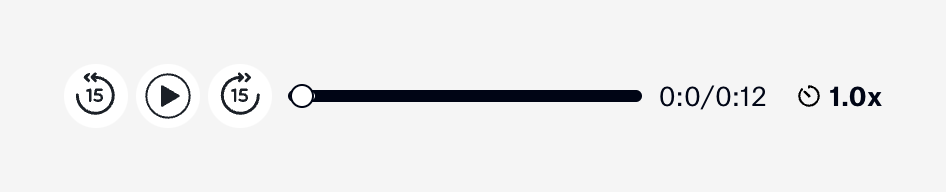
A horizontal audio player control bar featuring rewind, play, and fast-forward buttons, a progress slider, a timestamp, and a playback speed toggle.
Browse the full component library
Browse the full UI component library.
Trusted by the best teams







