Adding new contact
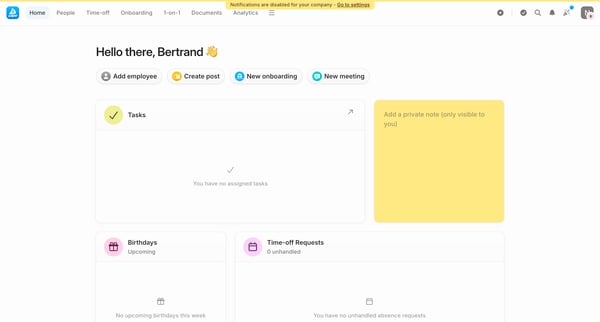
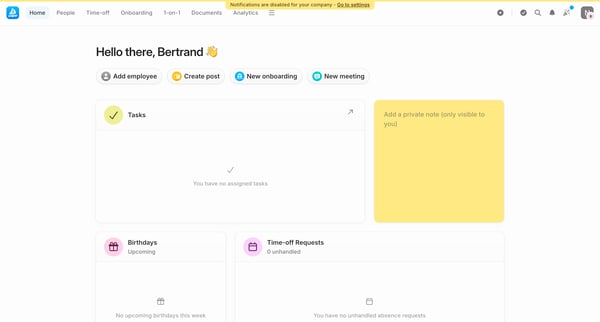
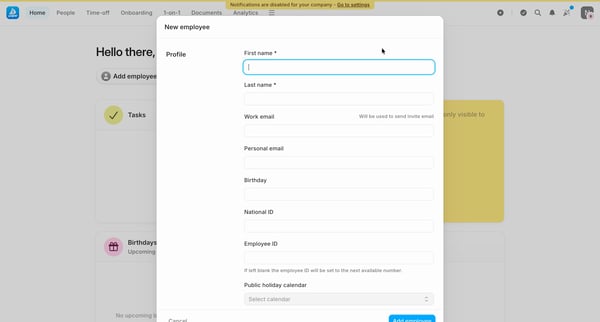
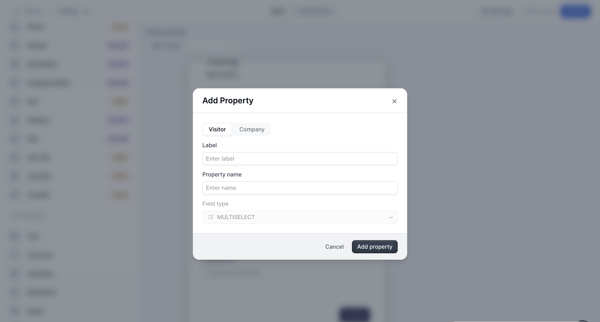
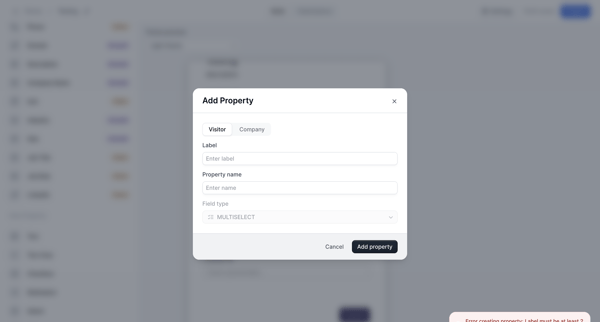
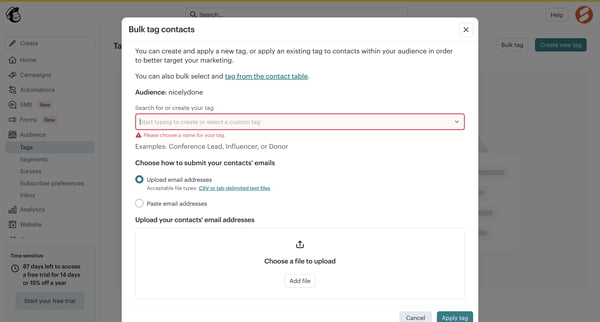
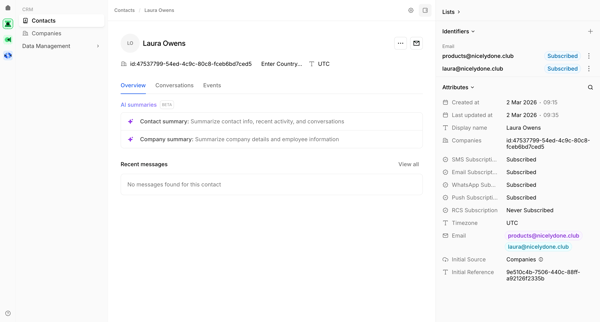
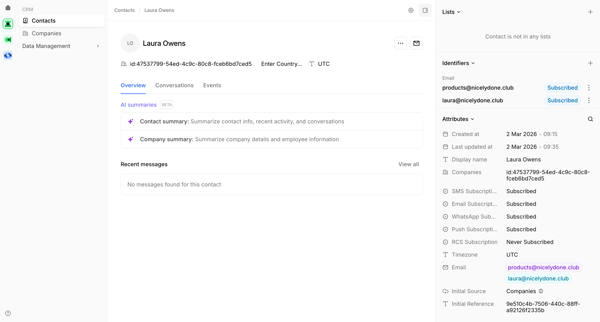
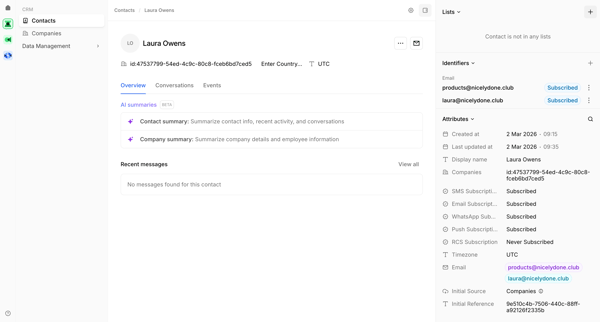
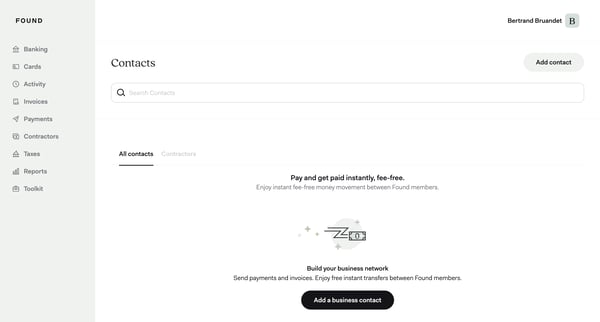
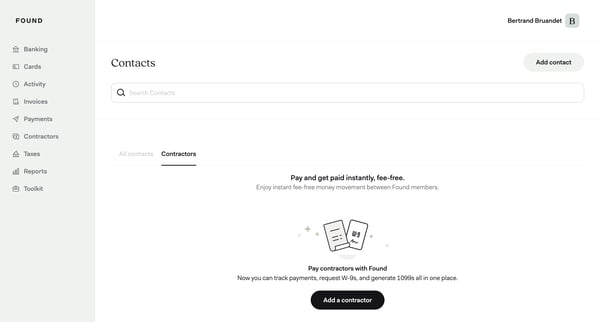
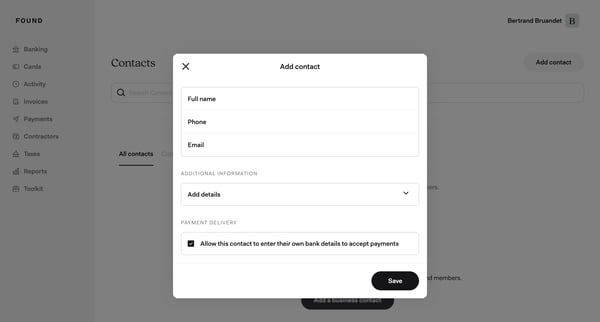
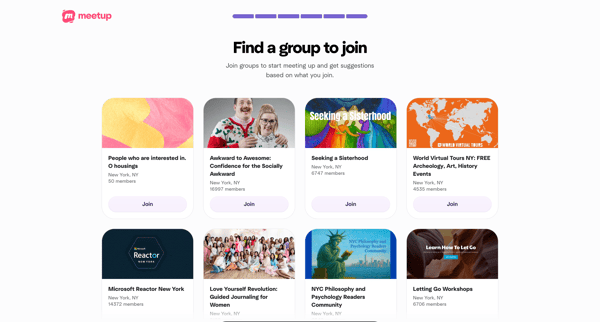
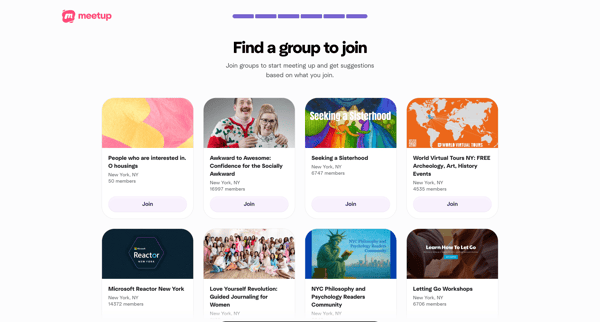
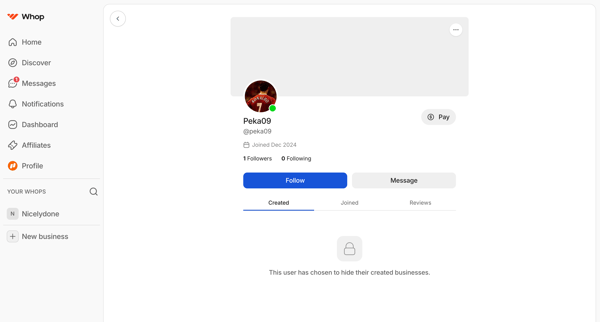
This user flow guides the user through the process of adding a new contact to their database, enriching the contact information, and confirming the addition successfully.
Preview these flows

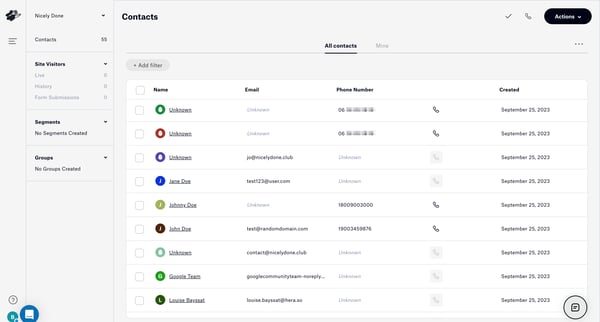
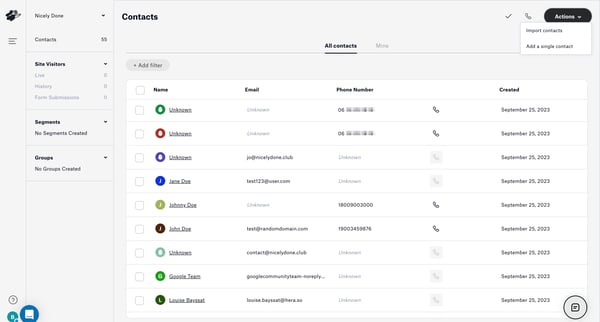
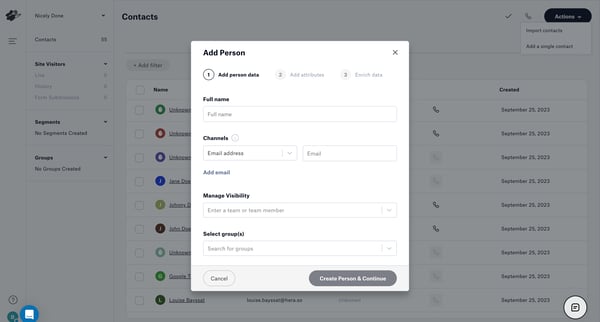
This user flow guides the user through the process of adding a new contact to their database, enriching the contact information, and confirming the addition successfully.
Related user flows

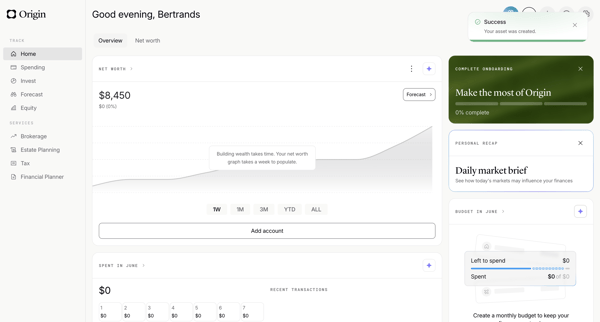
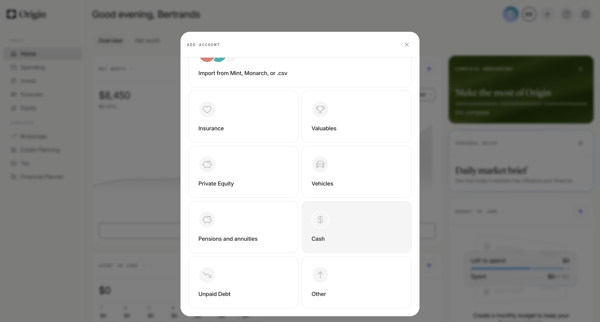
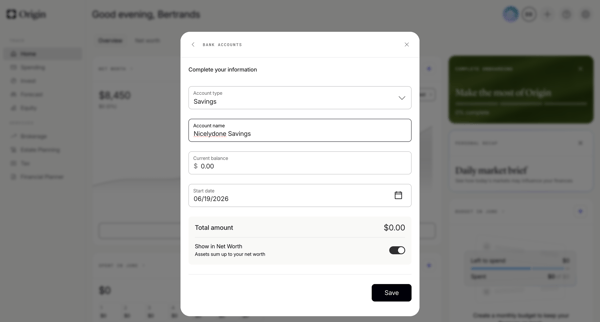
User adds a savings account manually from the personal finance dashboard by selecting asset type then completing multi-step form modals for account name, balance, type, and start date

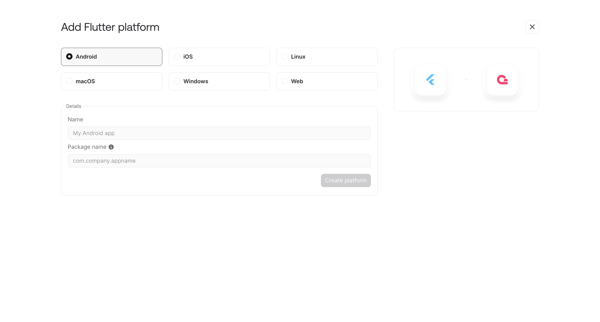
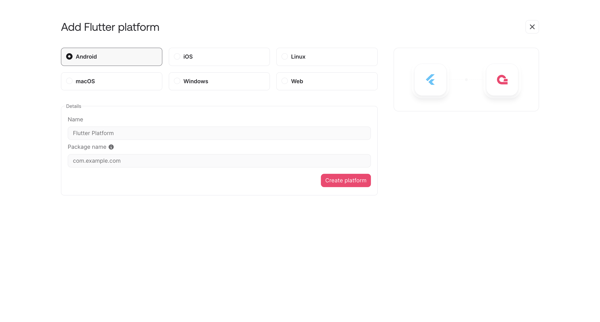
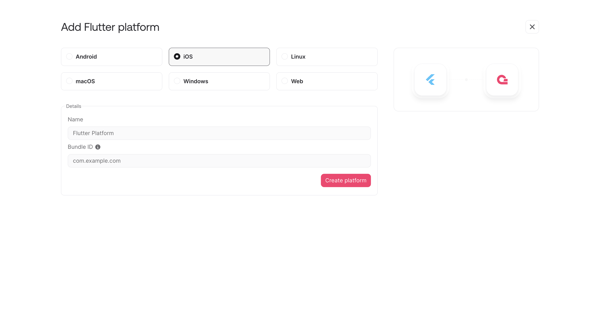
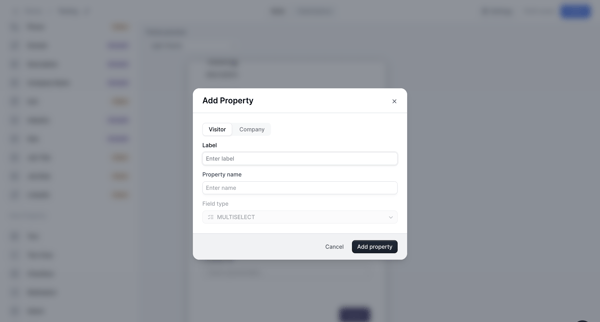
User opens add platform modal or onboarding step to register a new Flutter integration by selecting target OS and entering app details like name, package ID or bundle ID

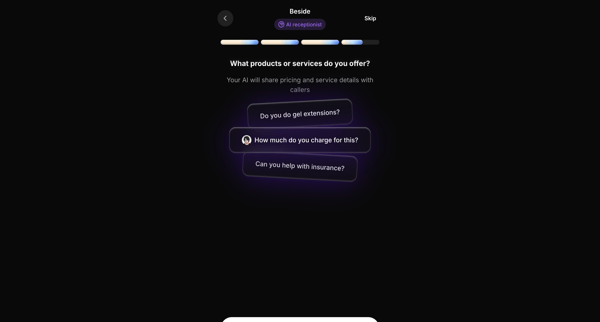
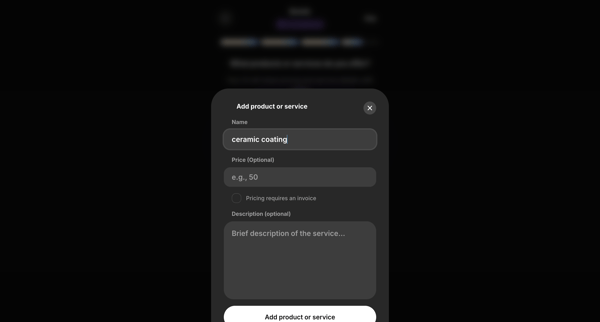
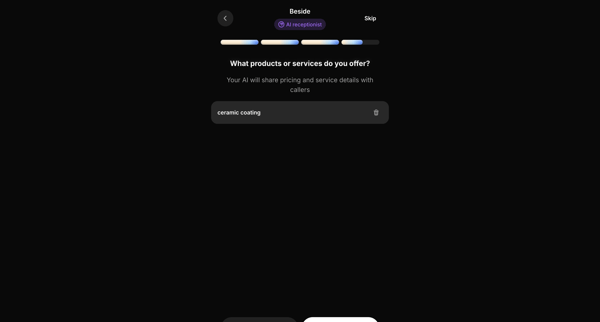
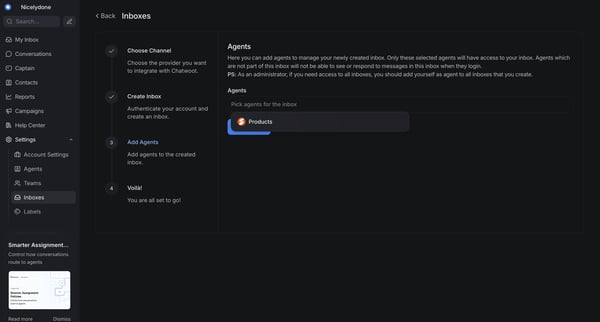
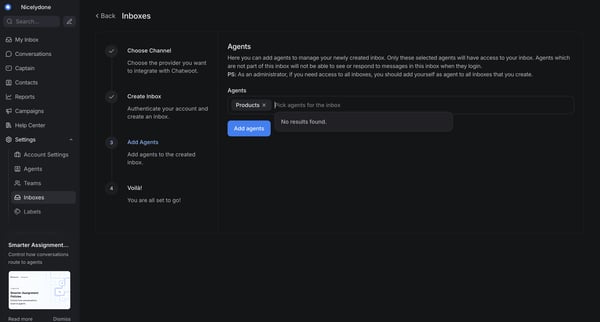
Onboarding flow to configure products and services for the AI receptionist to reference with callers











Explore the full SaaS flow library
Browse the full SaaS flow library.
Trusted by the best teams







