Klaviyo design examples
Explore Klaviyo UI design examples. Marketing Automation Platform for Email & SMS with CDP
Product screens

Sign-in screen where the user authenticates with email and password or via SSO, protected by a reCAPTCHA challenge.
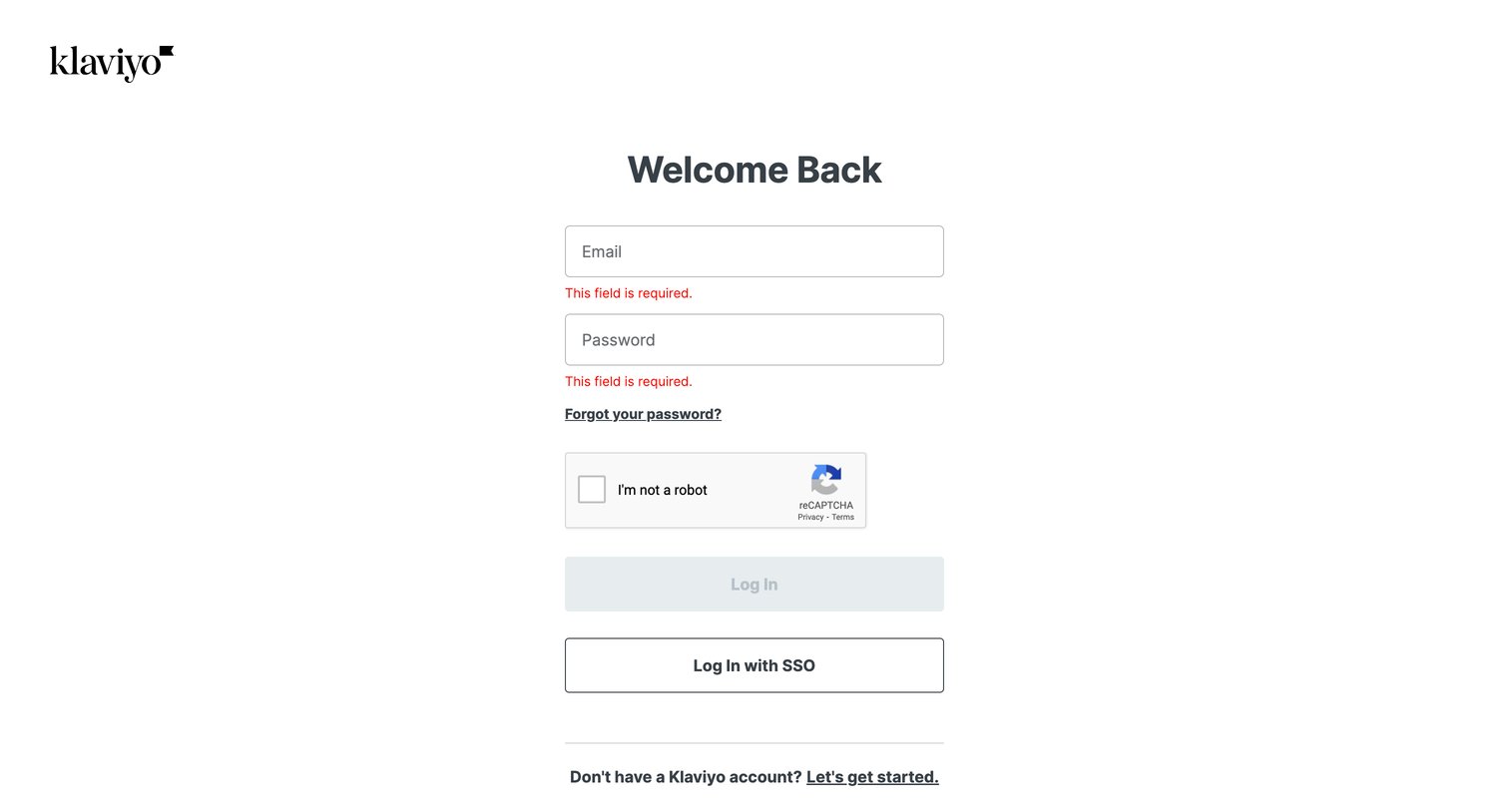
Sign-in screen where the user is prompted to enter their email and password, currently showing validation errors for missing required fields.
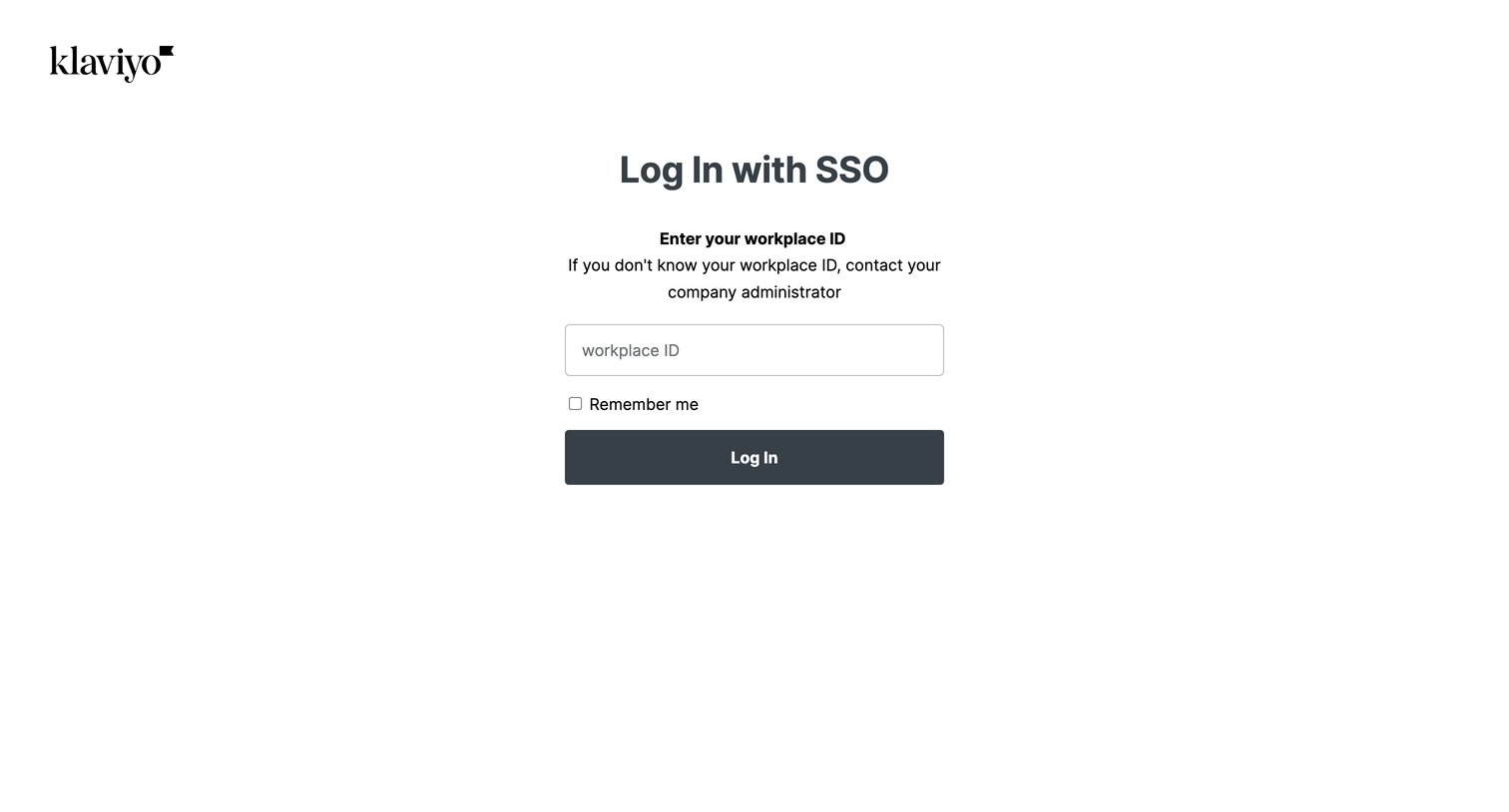
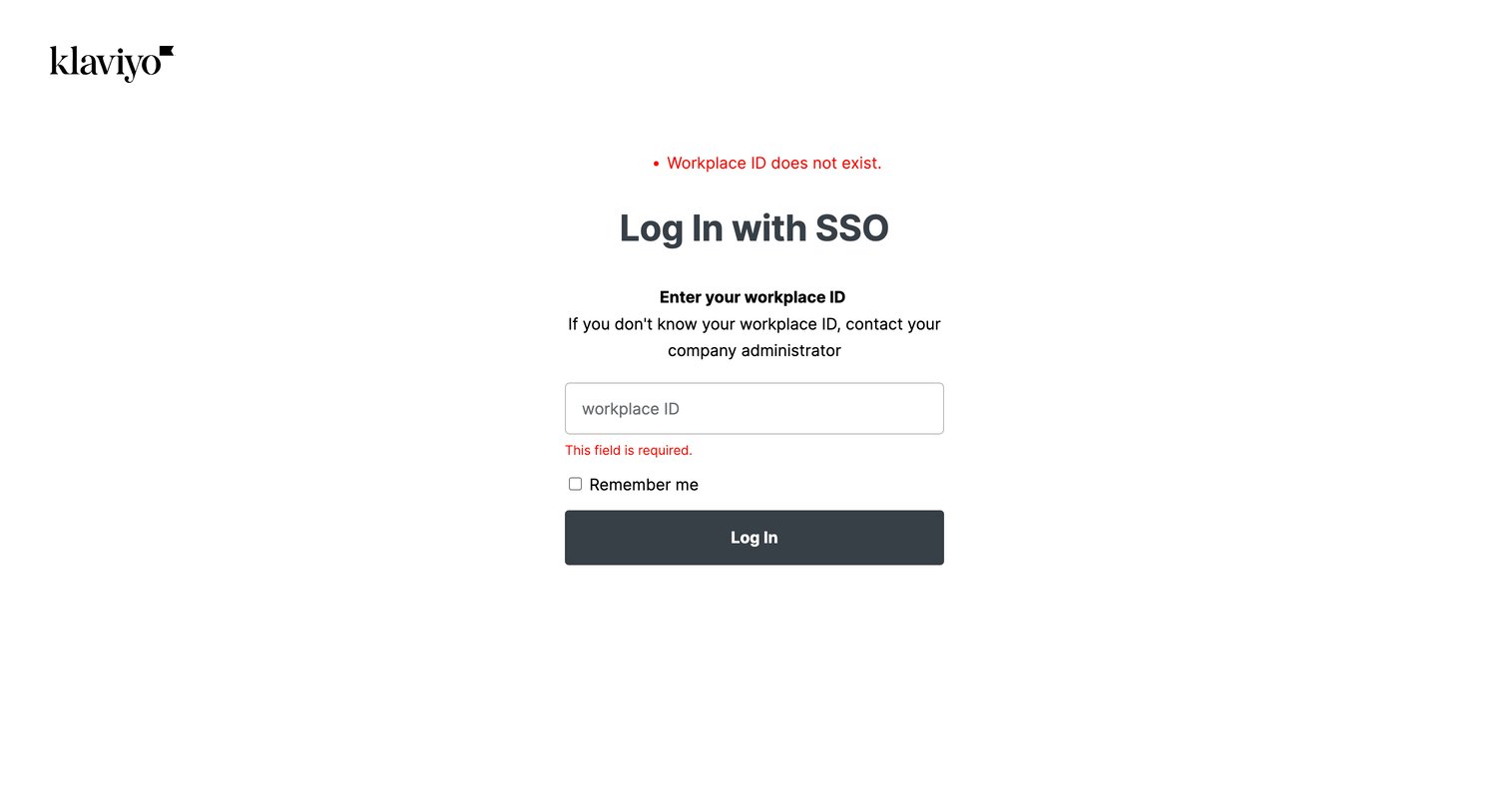
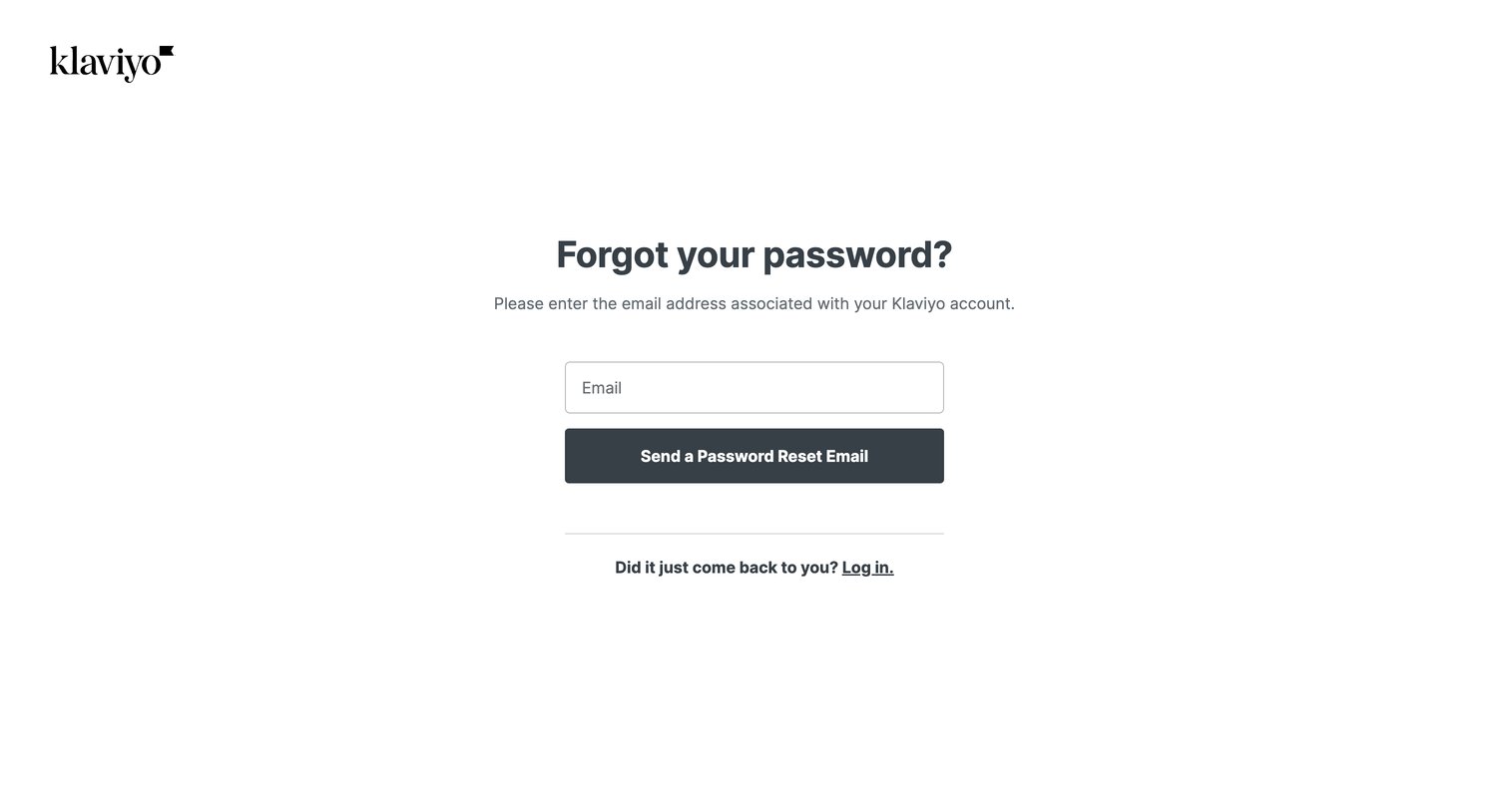
Password recovery screen where the user requests a reset link by entering their email address.
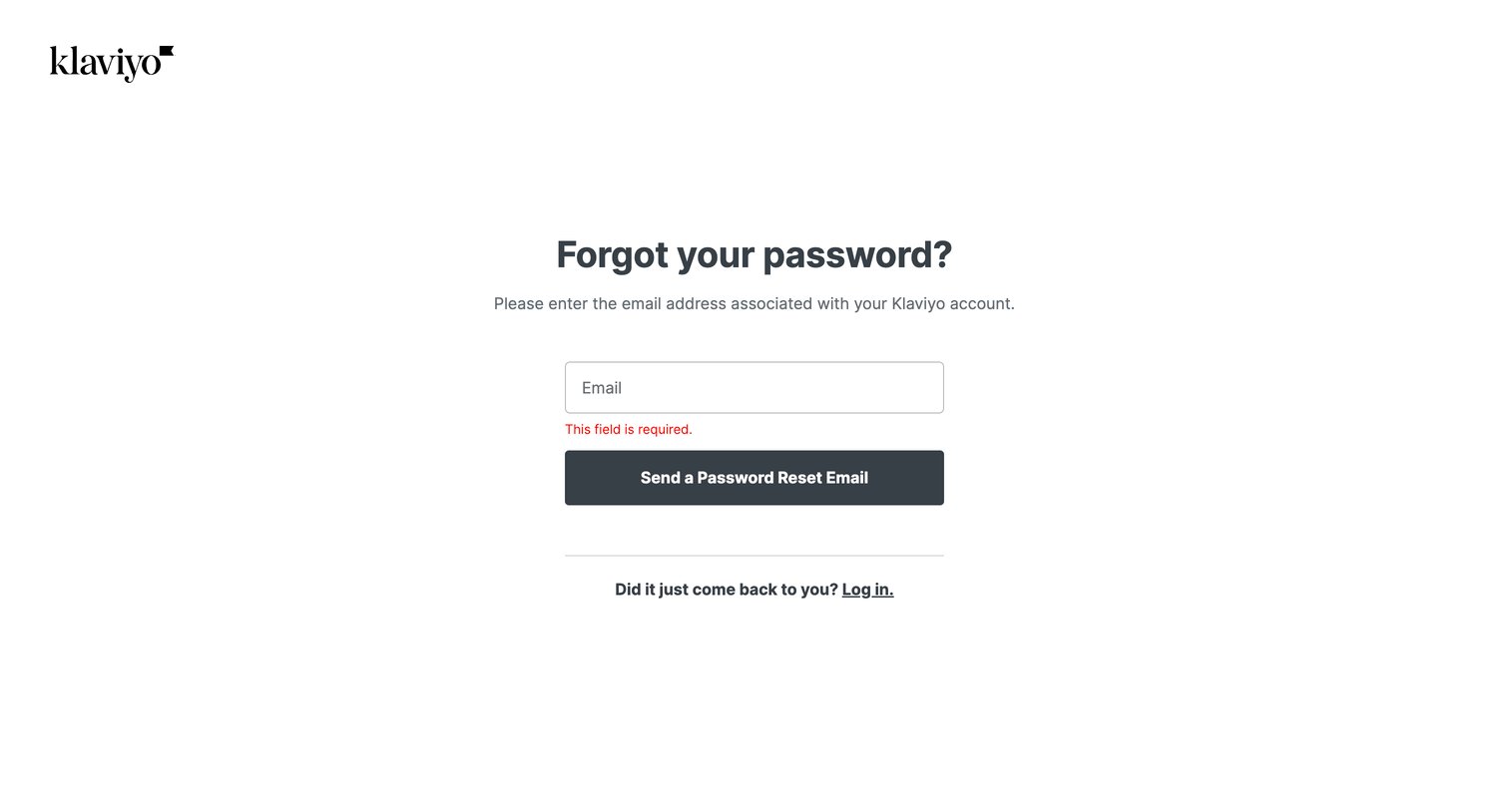
Password recovery screen where the user enters their email address to receive a reset link, currently showing a validation error for an empty field.
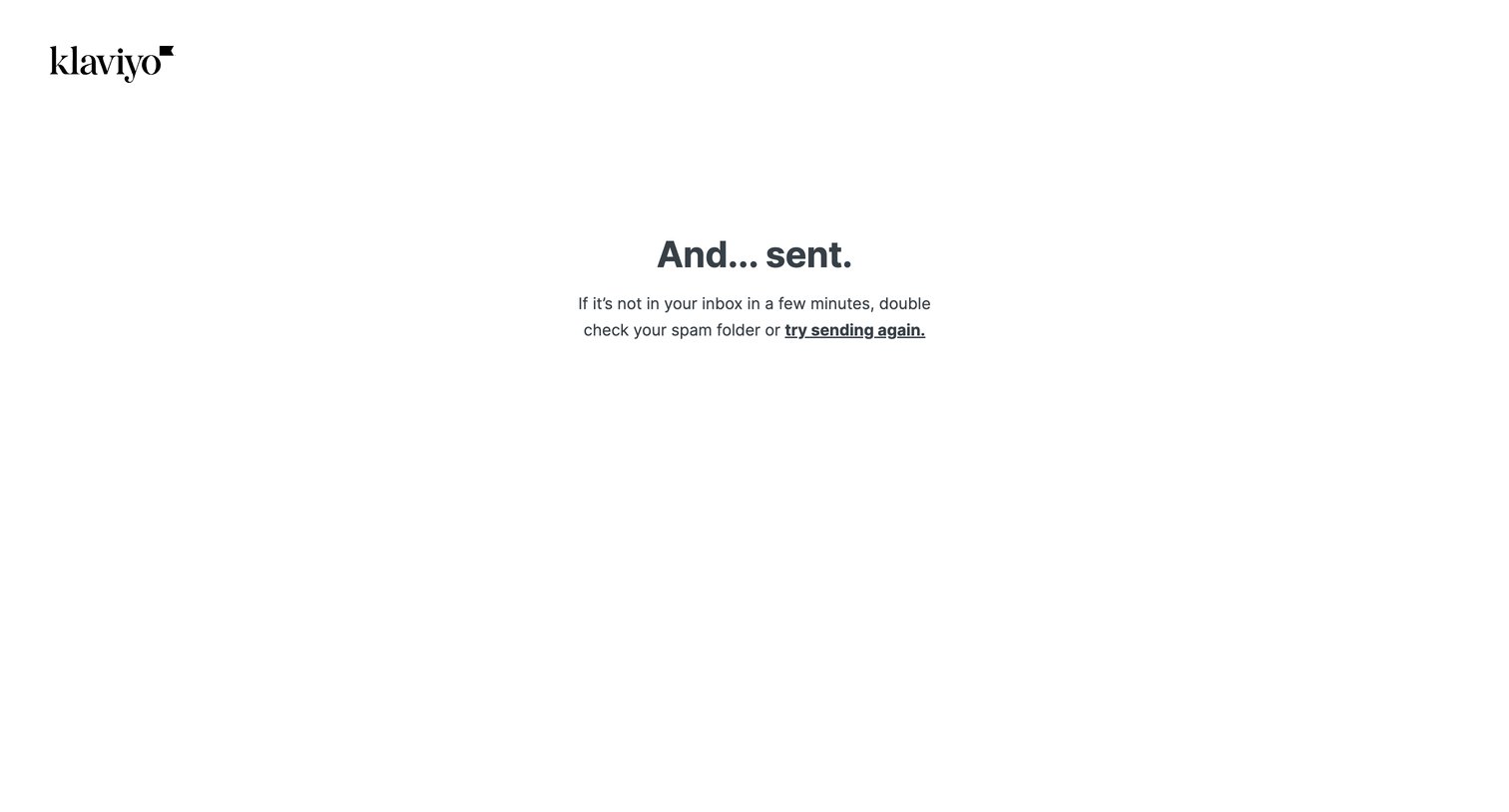
Password recovery confirmation screen informing the user that an email has been sent, with an inline link to try sending it again if not received.
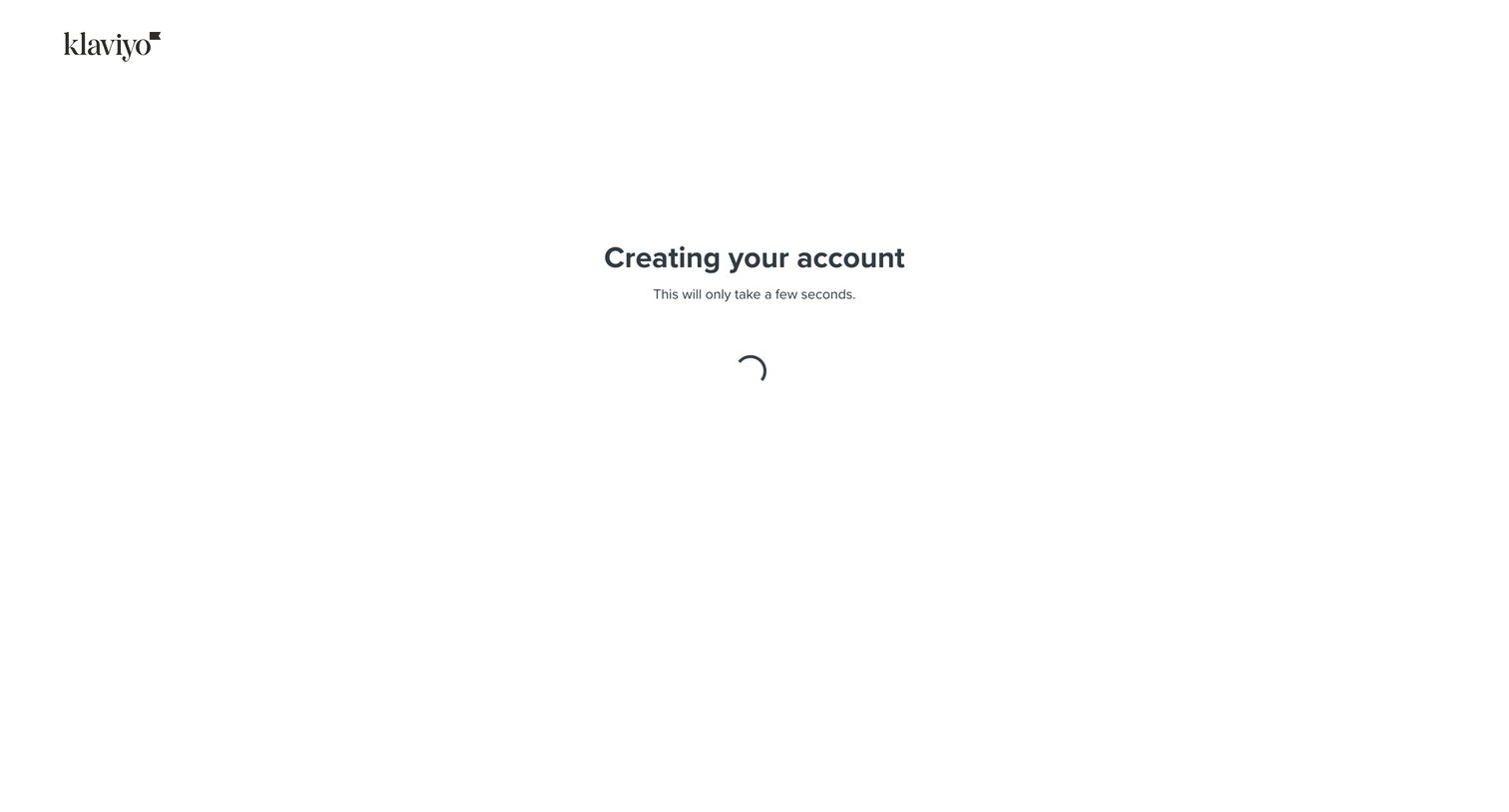
Loading screen where the system provisions the user's new account after signup submission.
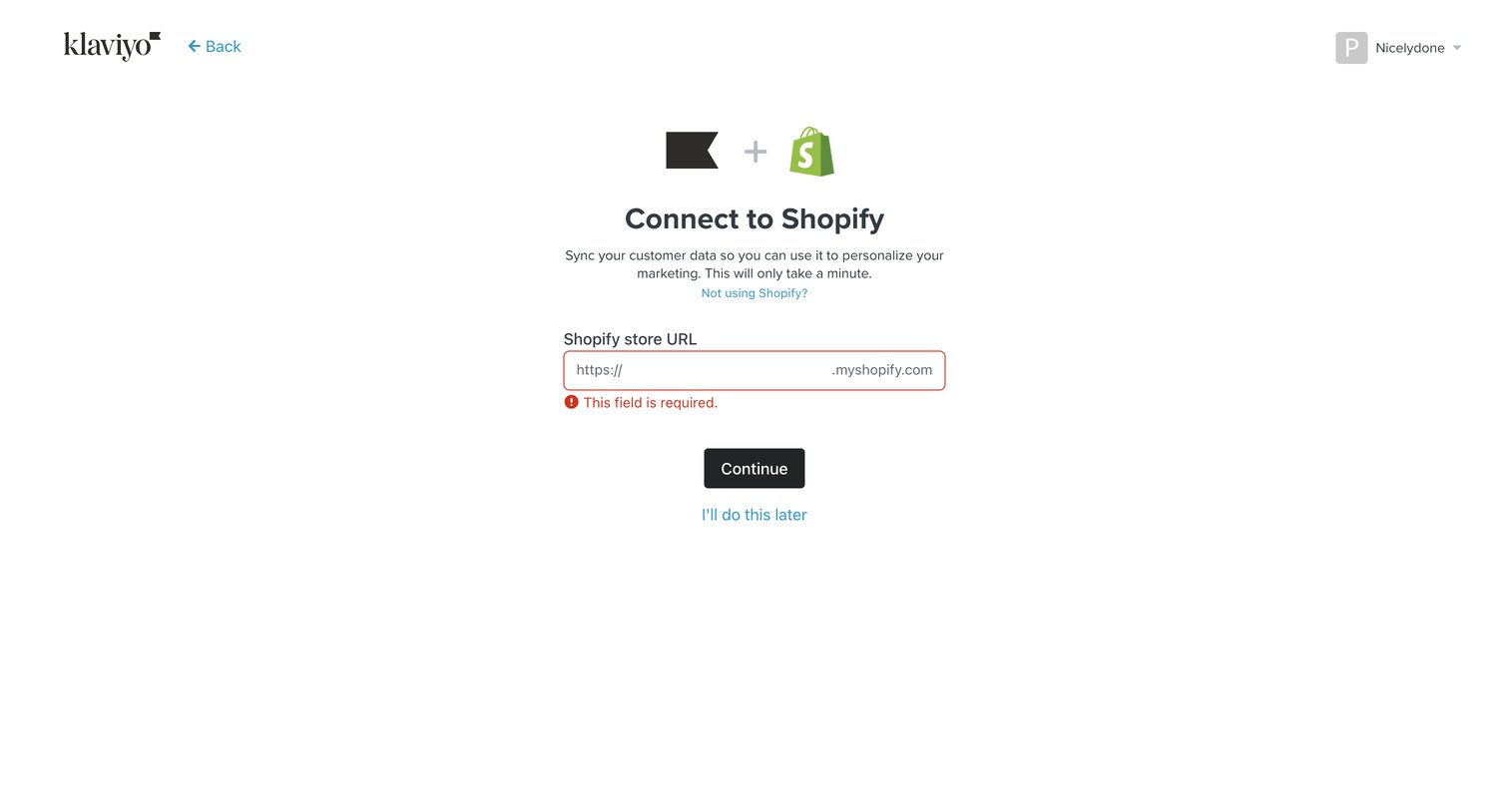
Onboarding step where the user connects their Shopify store by providing the store URL, currently displaying a required field validation error.
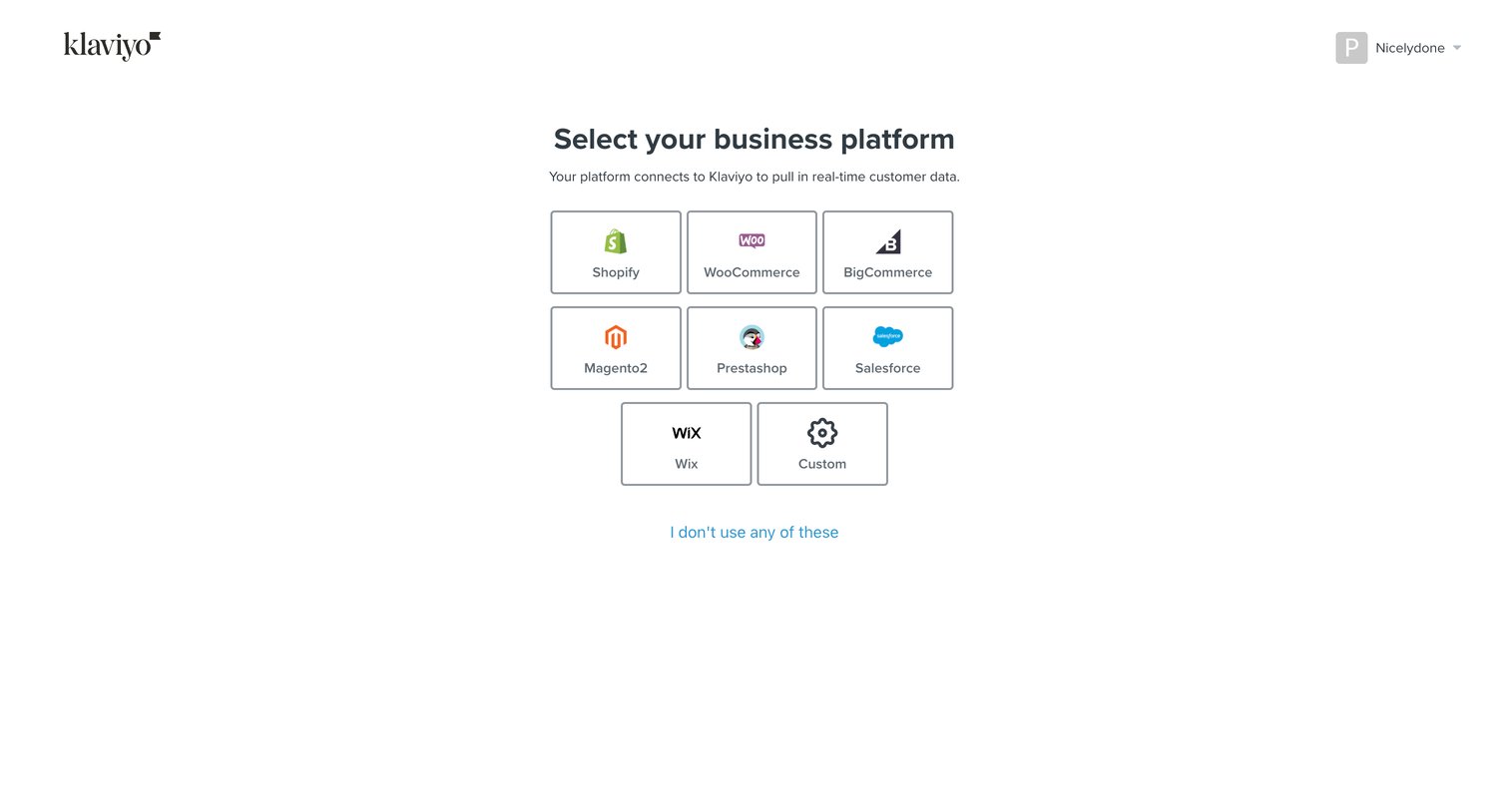
Onboarding step where the user selects their e-commerce platform from options like Shopify, WooCommerce, and Salesforce to connect their store.
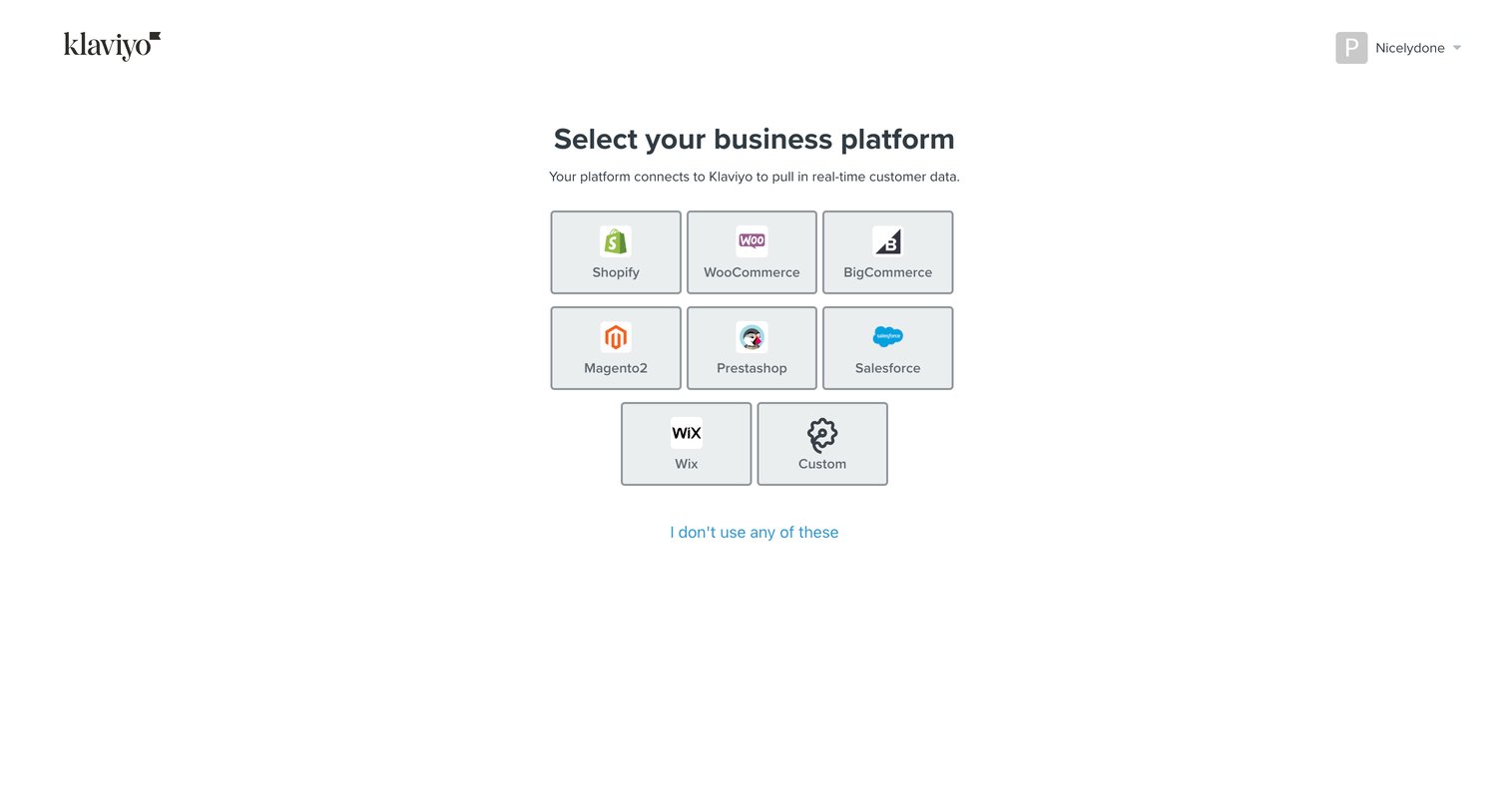
Onboarding step where the user selects their primary e-commerce platform from a grid of integration options to connect data.
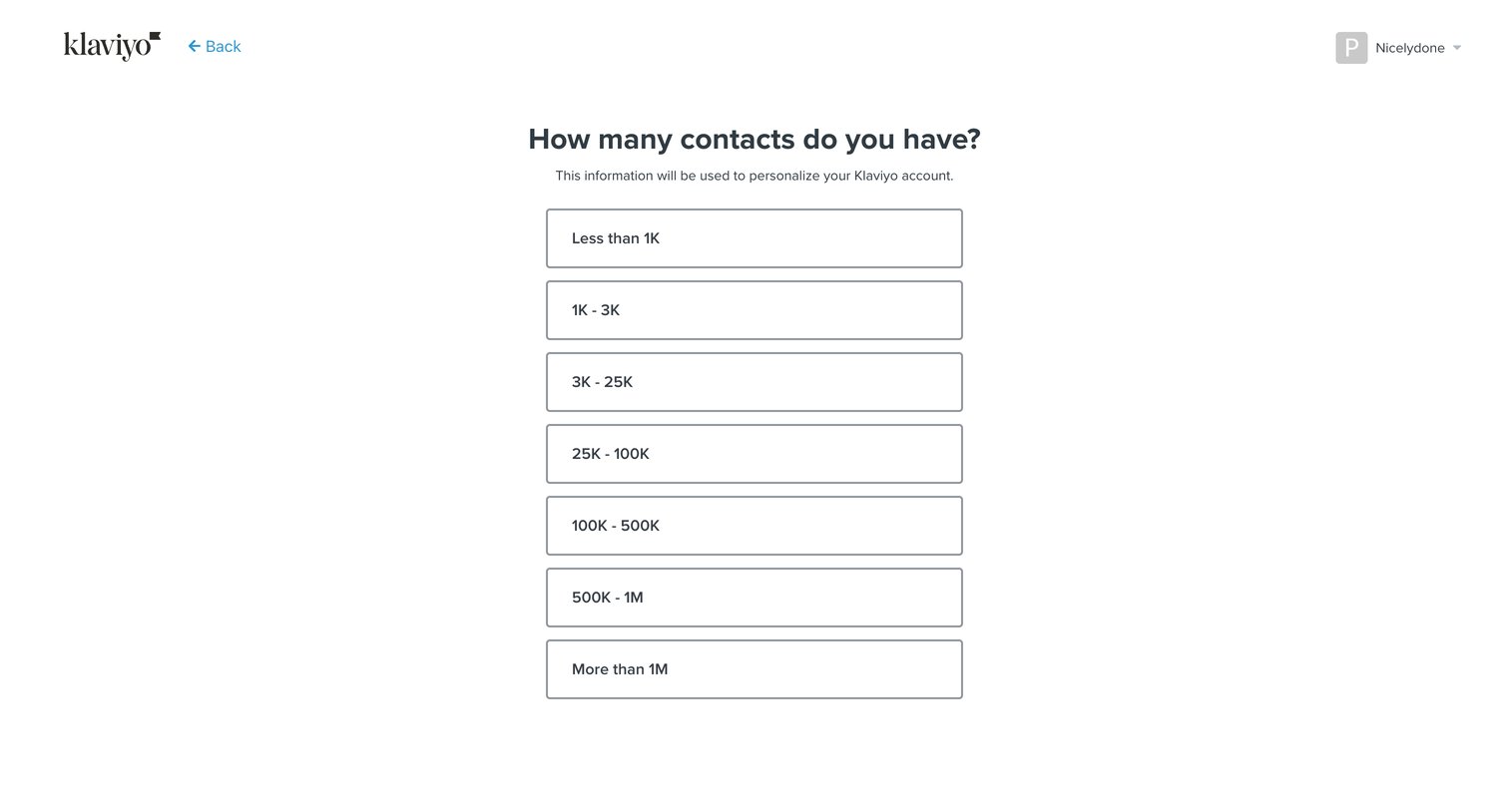
Onboarding step where the user selects their estimated contact list size to personalize their account.
Browse the full SaaS app library
Explore real SaaS apps with their product screens, marketing screens, flows, and components.
Trusted by the best teams







