Klaviyo UI components examples
Browse Klaviyo UI component design examples. Preview individual interface elements and explore related component categories. Marketing Automation Platform for Email & SMS with CDP
Explore the examples
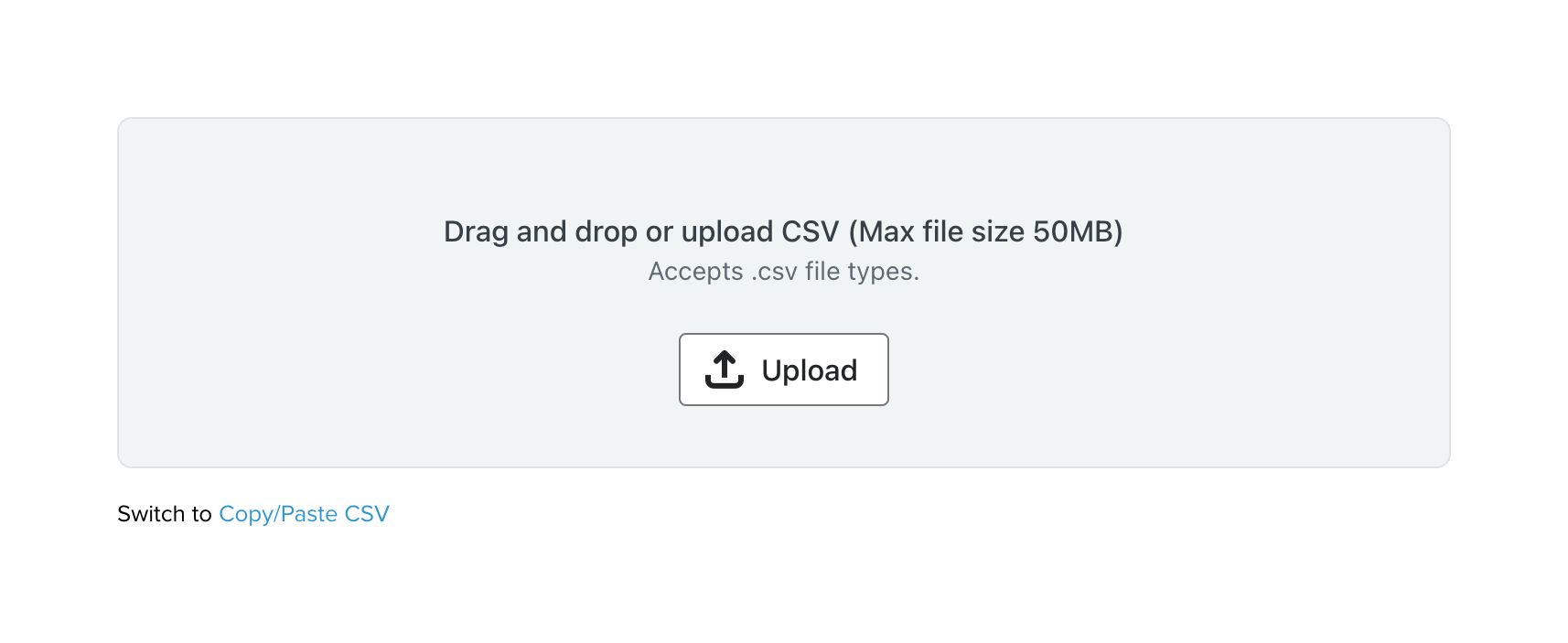
A drag-and-drop file upload area for CSV files, featuring a central upload button and helper text indicating file size and type limits. A link below allows switching to a copy/paste input method.

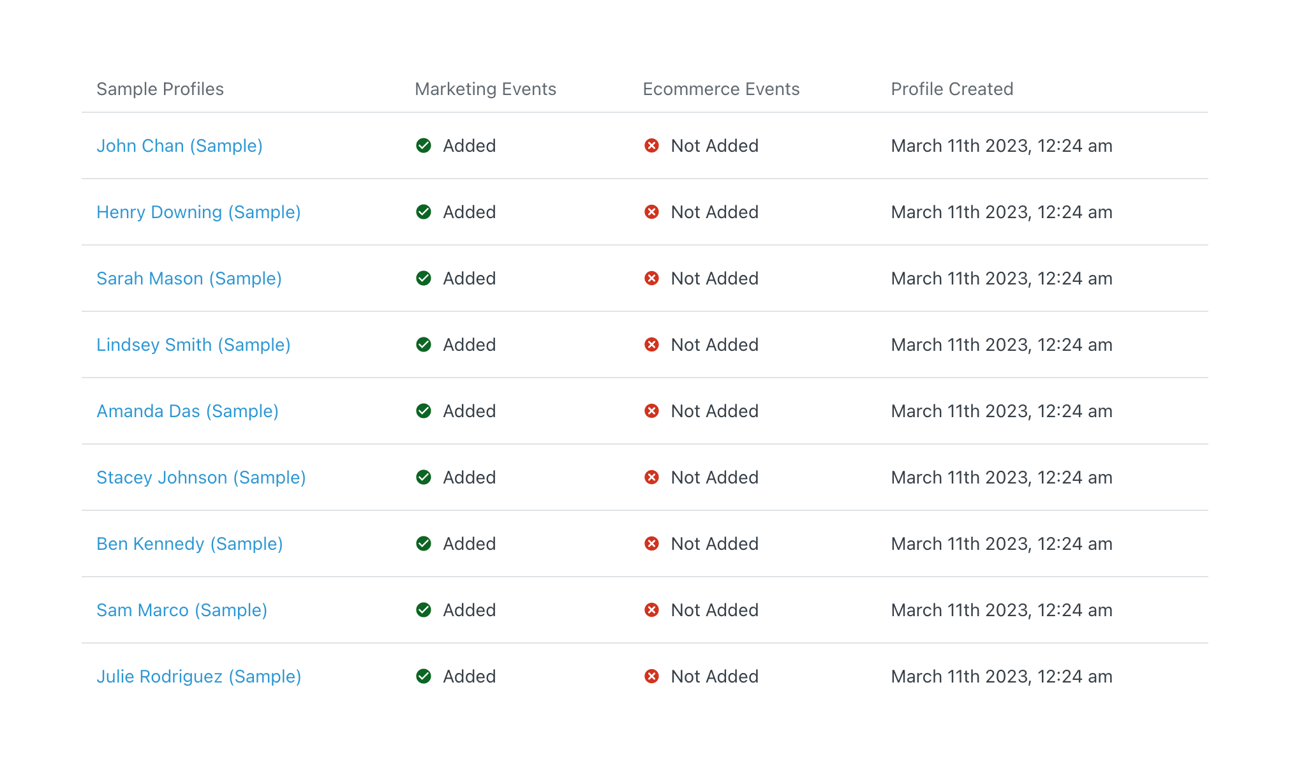

A dark-themed top navigation bar featuring a logo, a search input, and right-aligned utility links for notifications, account plans, and support.
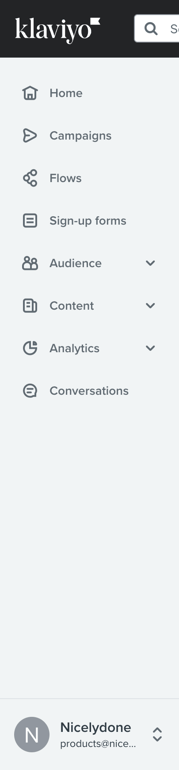
A vertical sidebar navigation menu with a logo, search bar, list of links with icons, and a user profile section at the bottom.
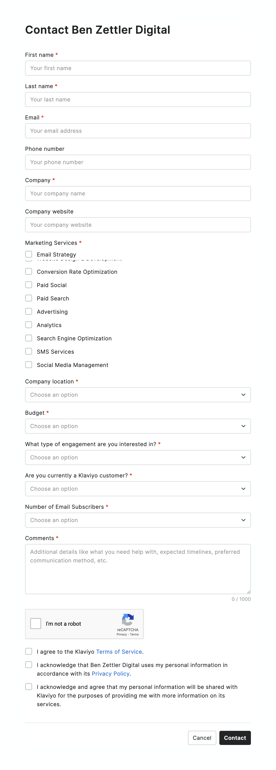
A comprehensive contact form for engaging with a service partner. It includes standard text inputs for personal and company details, a checkbox group for selecting marketing services, dropdown selects for budget and engagement type, a textarea for comments, a reCAPTCHA…
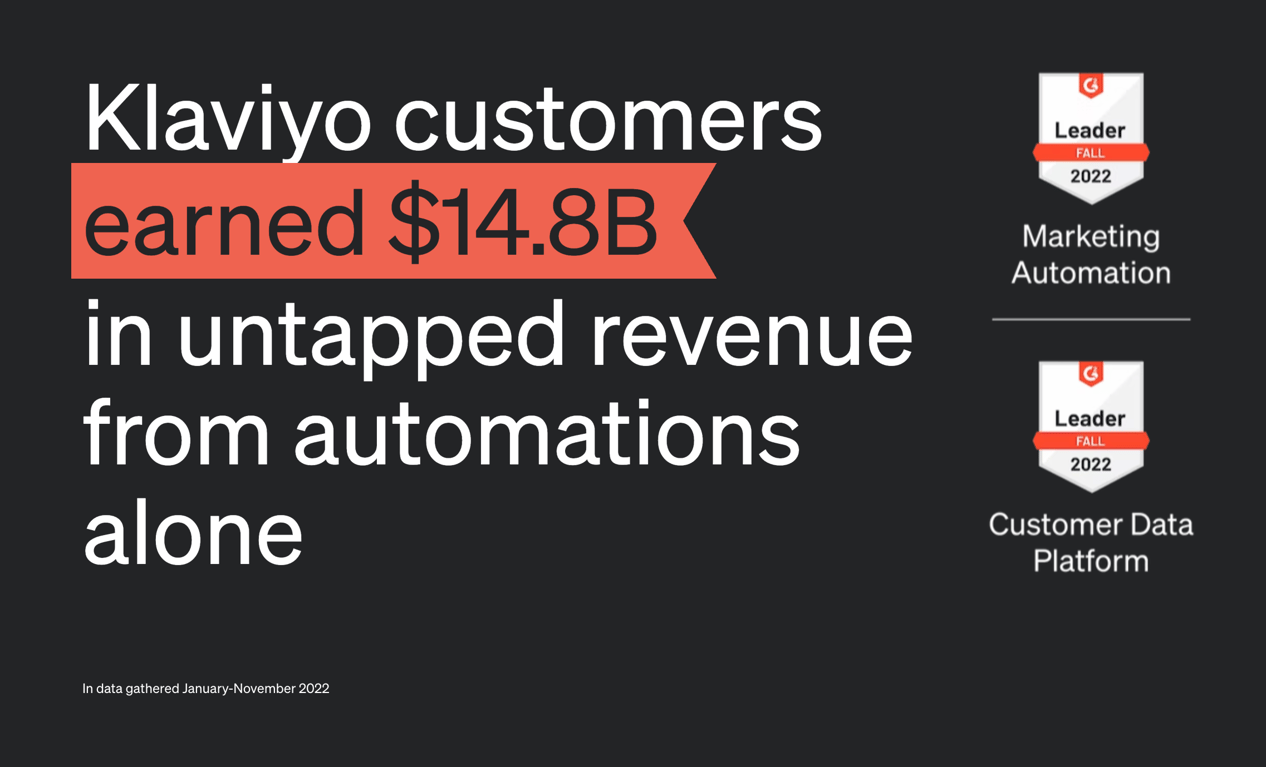
A dark-themed section highlighting a large revenue statistic alongside two G2 Leader badges for Marketing Automation and Customer Data Platform.
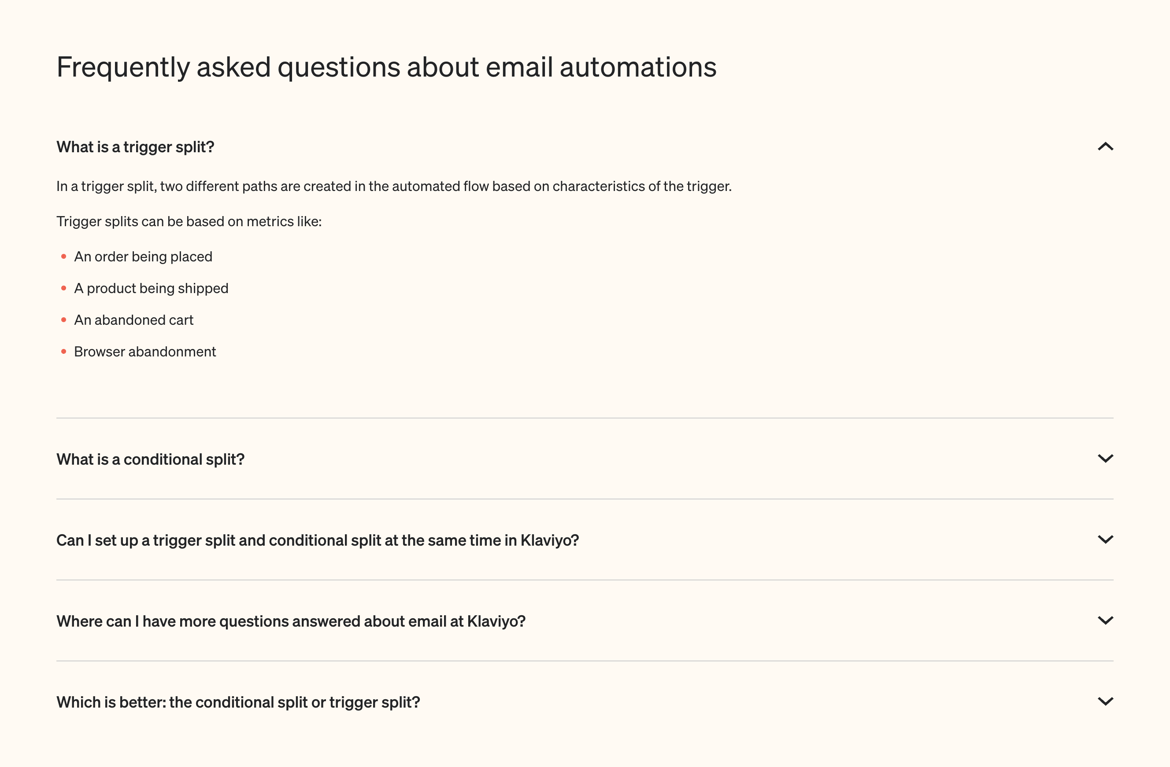

A section displaying a headline stating the number of brands using the platform, followed by a horizontal row of customer logos.
Browse the full component library
Browse the full UI component library.
Trusted by the best teams







