Mapping screen examples
Mapping screen design examples from SaaS apps. Browse examples from Firecrawl, Front, Height.
Explore the examples
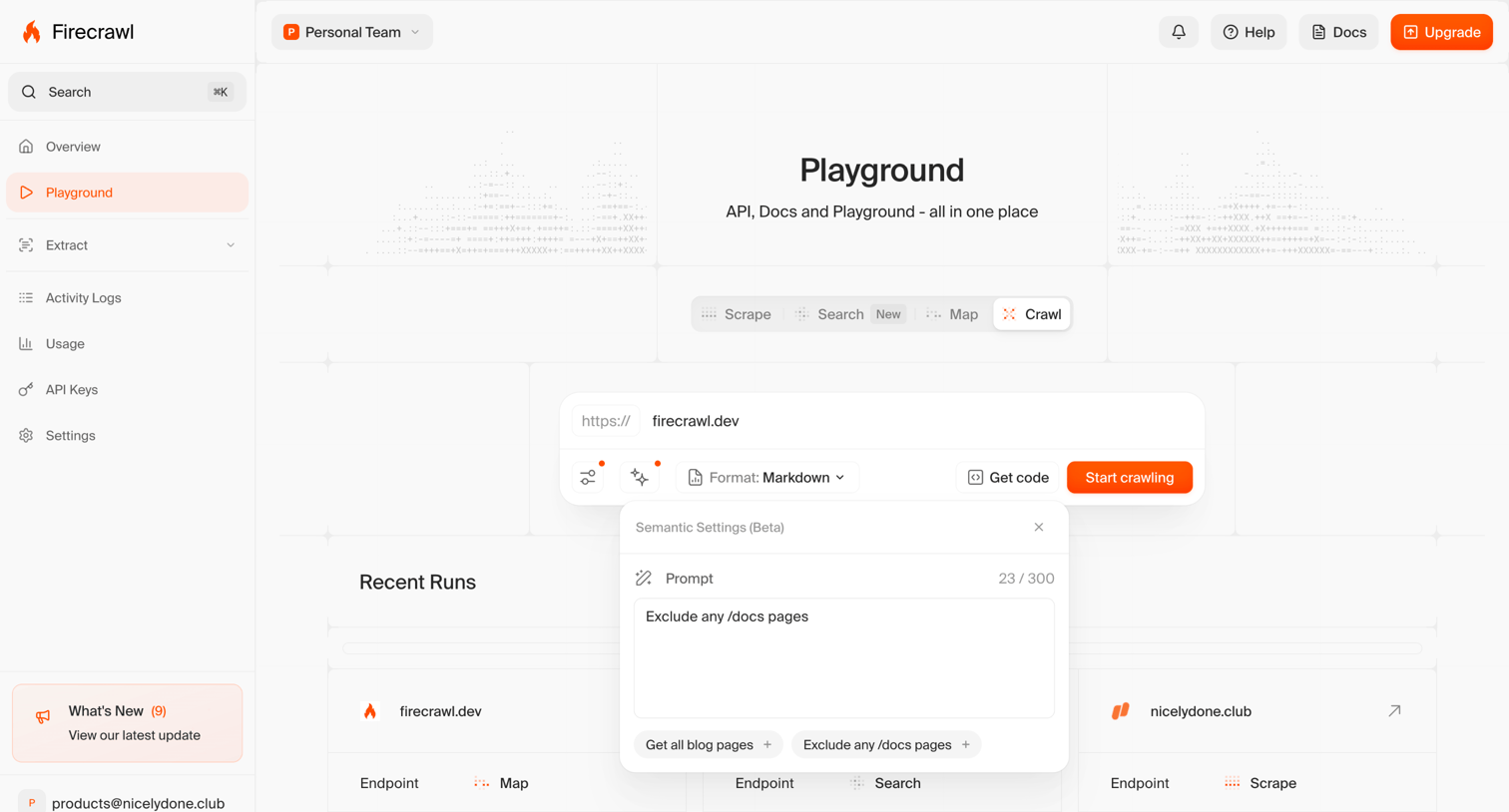

App playground where the user configures a web crawl job by entering a URL, setting semantic prompt instructions, and reviewing recent runs.
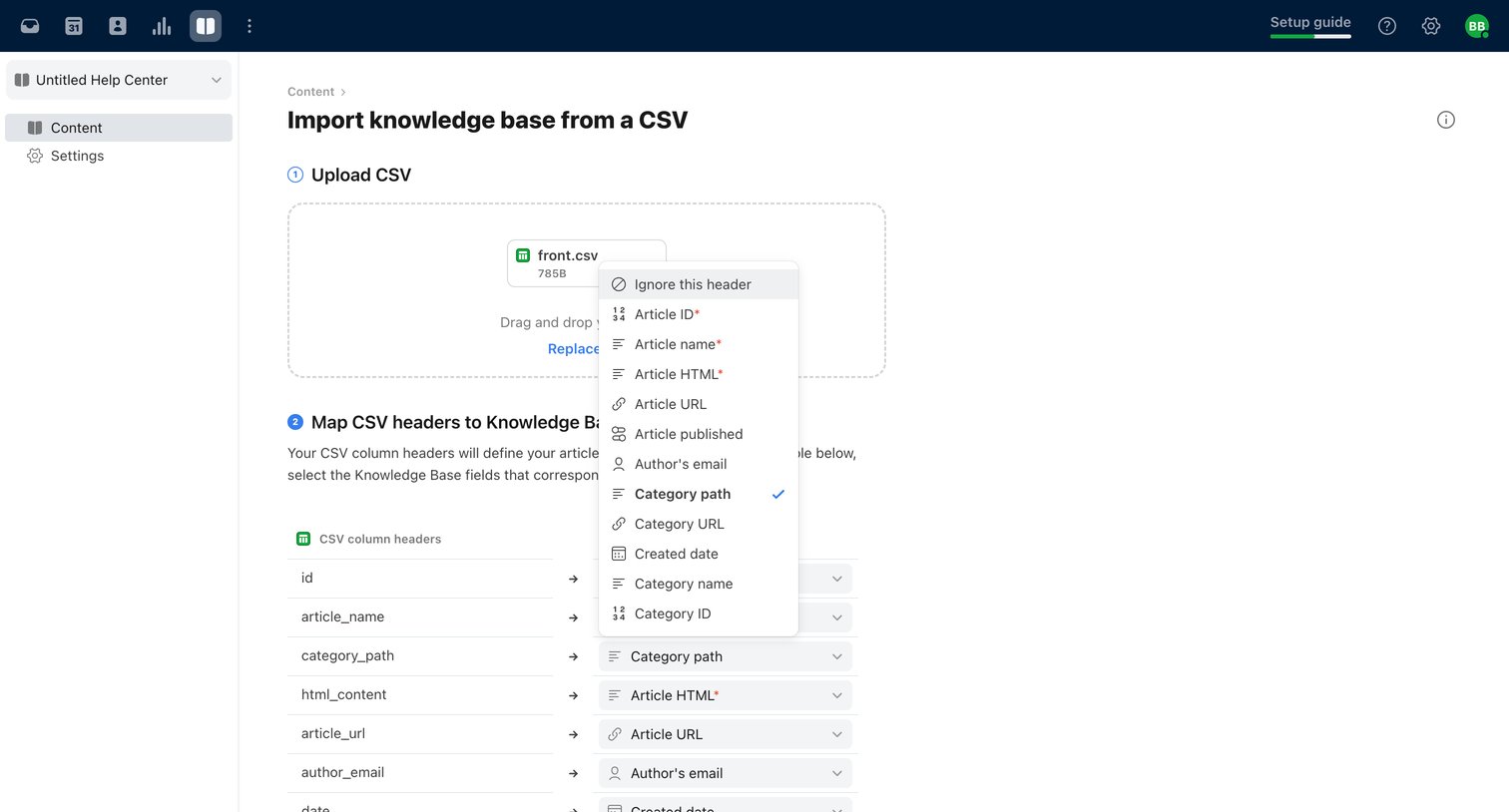

Import wizard where the user maps CSV column headers to knowledge base article fields.
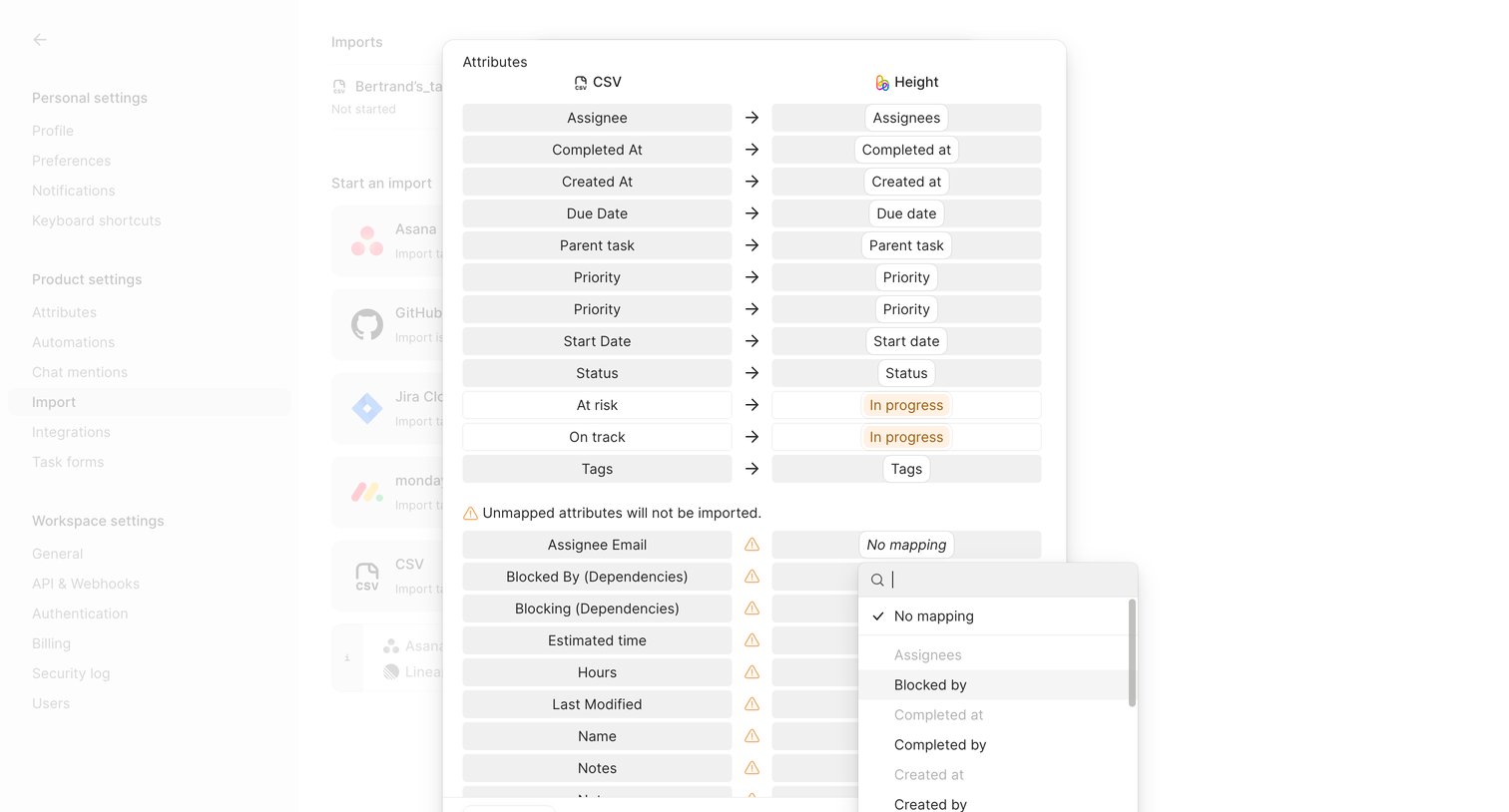

Settings overlay where the user maps imported CSV columns to corresponding task attributes in Height.

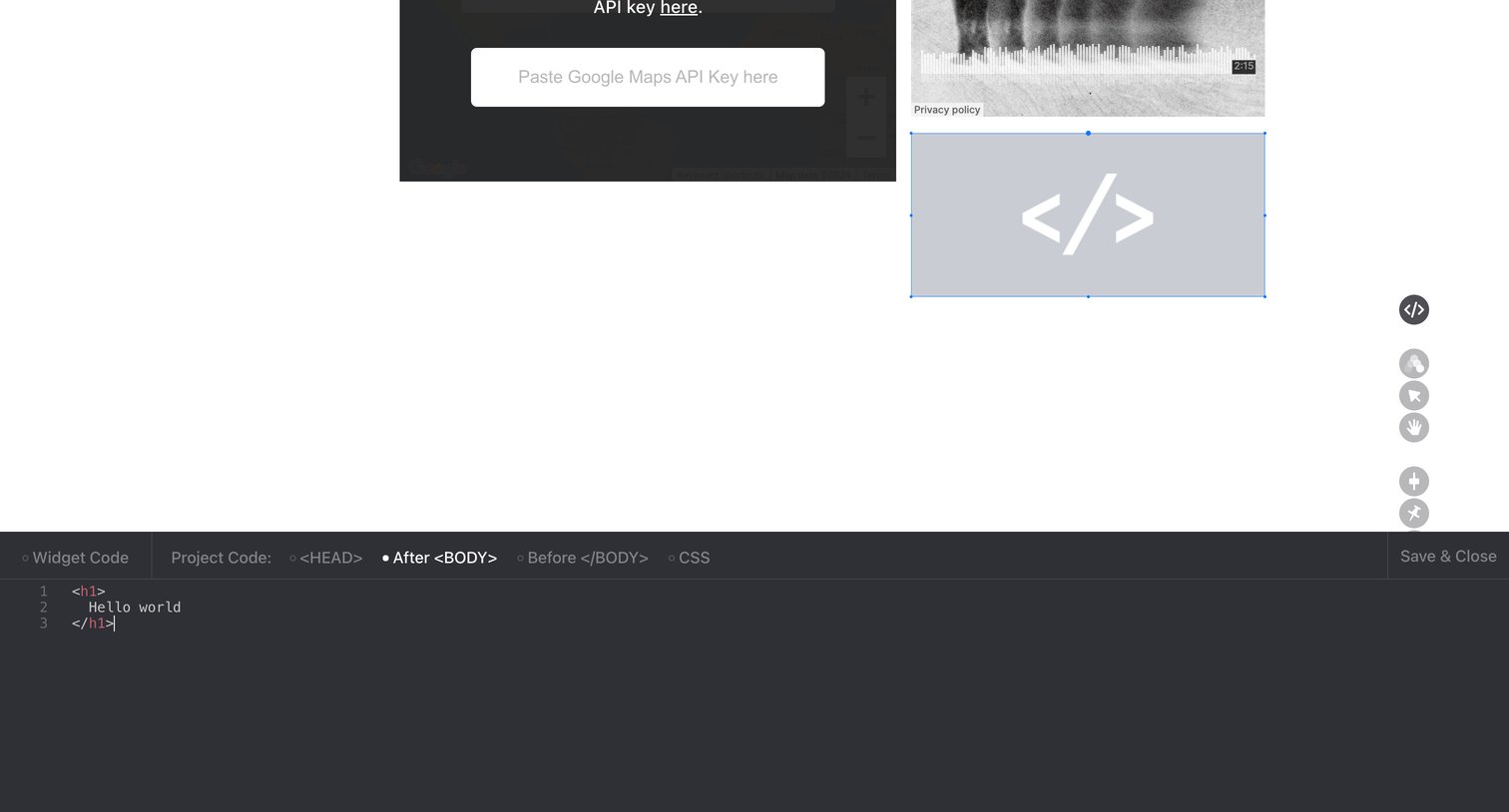

Design editor canvas with a bottom-anchored code panel for injecting custom HTML into the page body.
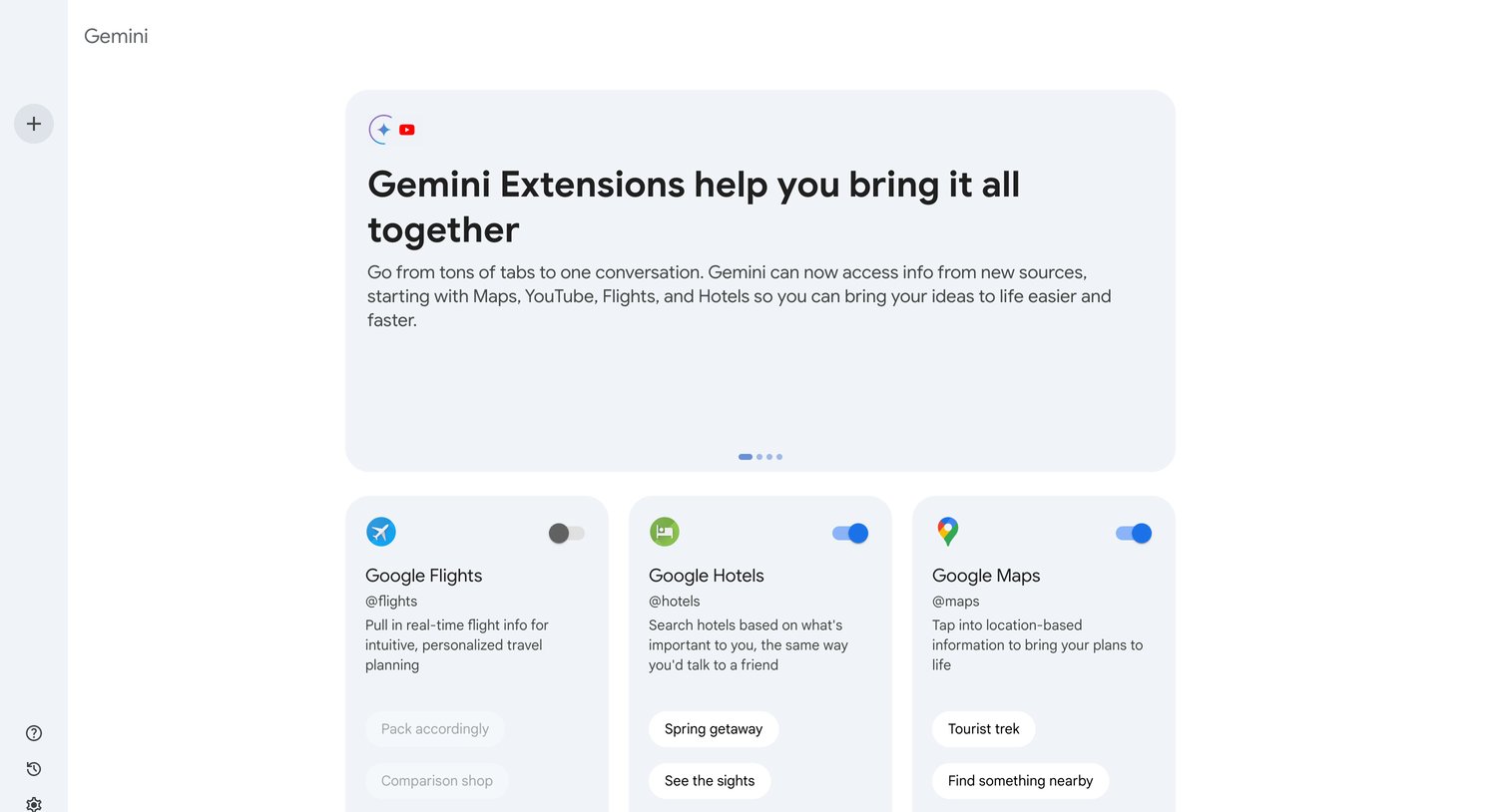

Settings page where the user manages and toggles enabled extensions like Google Flights, Hotels, Maps, Workspace, and YouTube for their AI assistant.
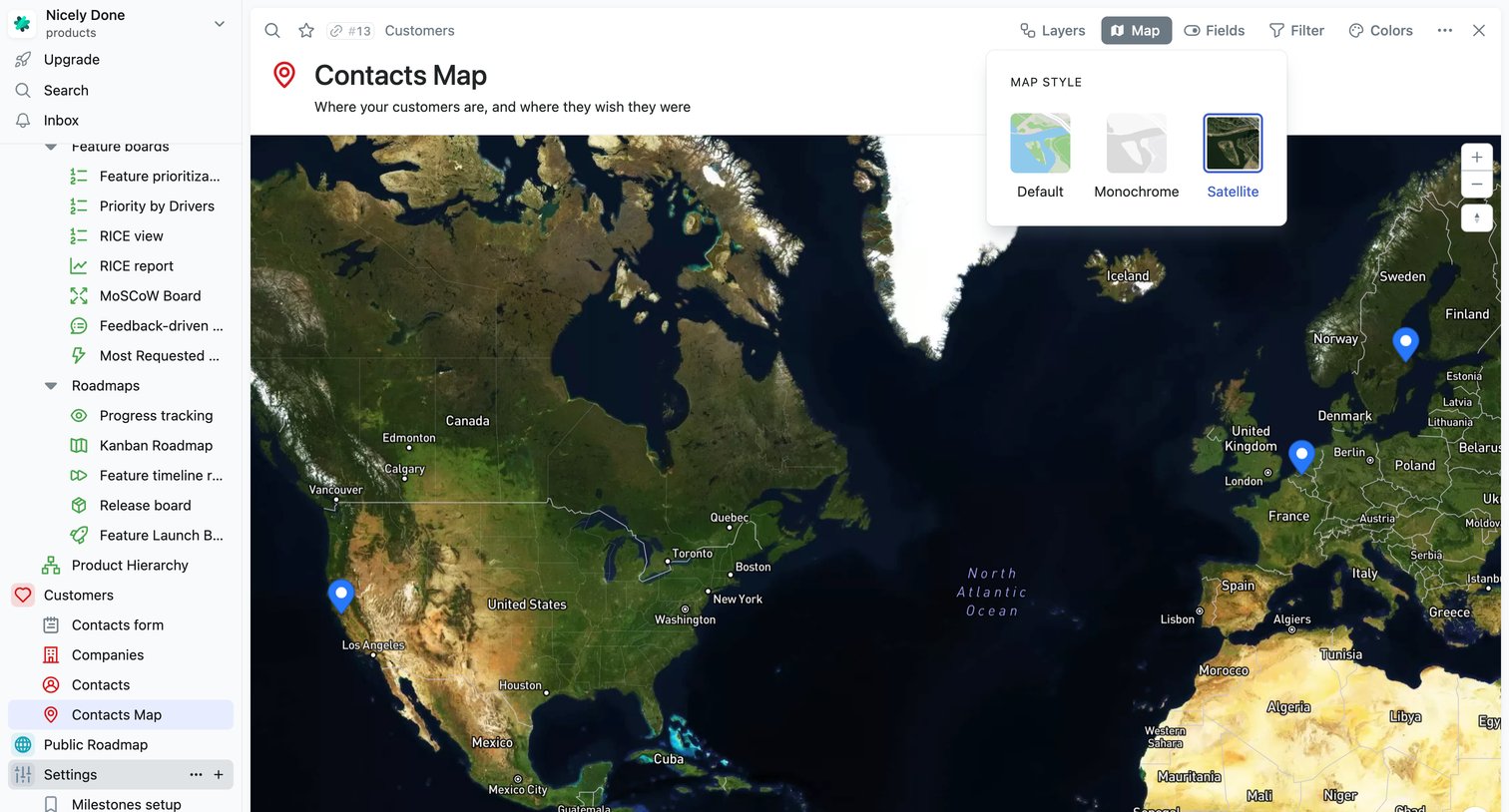

Map view displaying customer locations across the globe with an open popover to switch the map style to satellite.
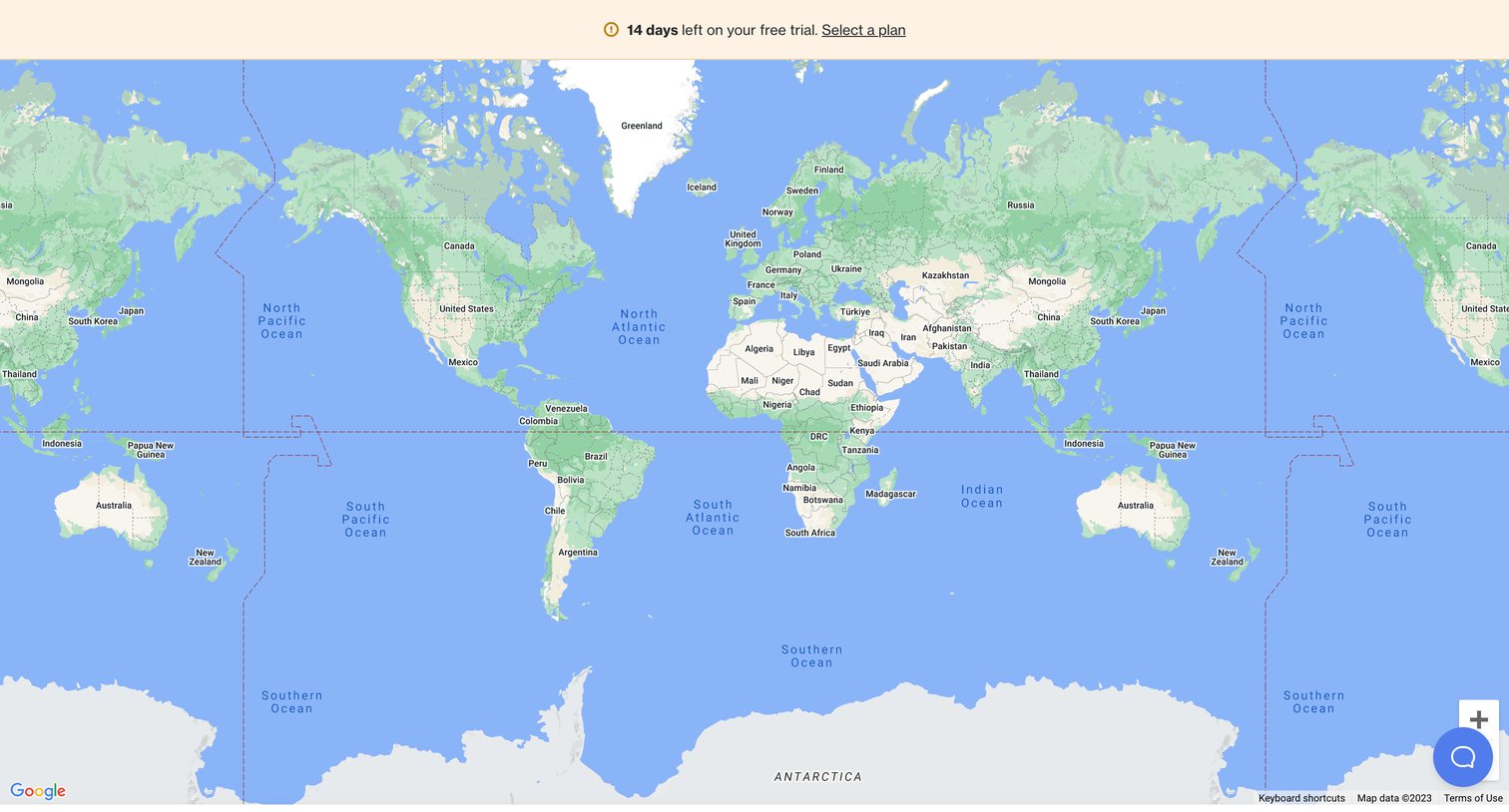

List view displaying a global map for real-time activities, currently showing zero activities alongside a trial countdown banner.
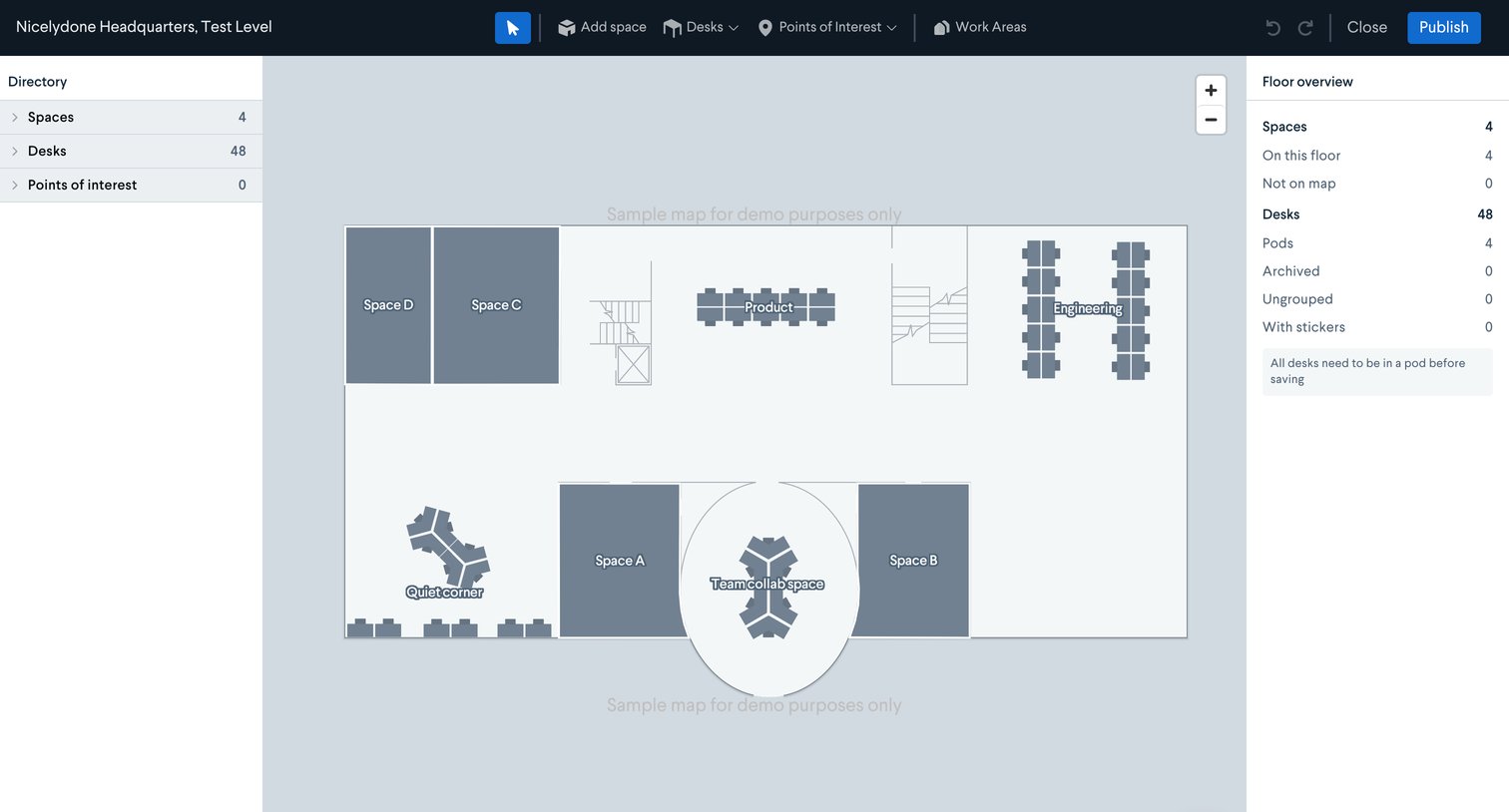

Floor plan editor where the user arranges spaces, desks, and points of interest on an office map.
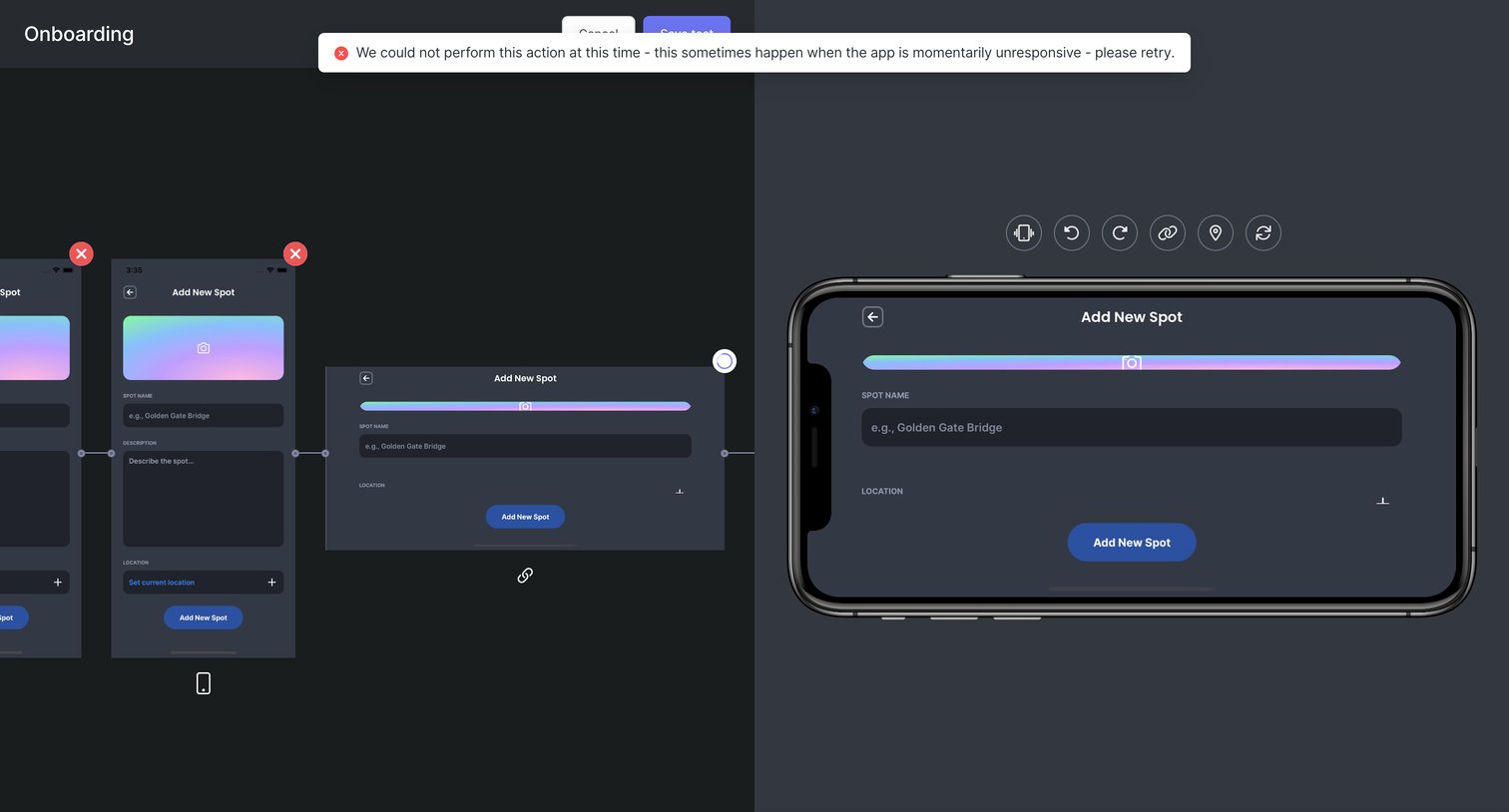

Workflow editor where the user is recording a mobile app test, showing a horizontal timeline of captured screens alongside an interactive device simulator, currently displaying an error toast.
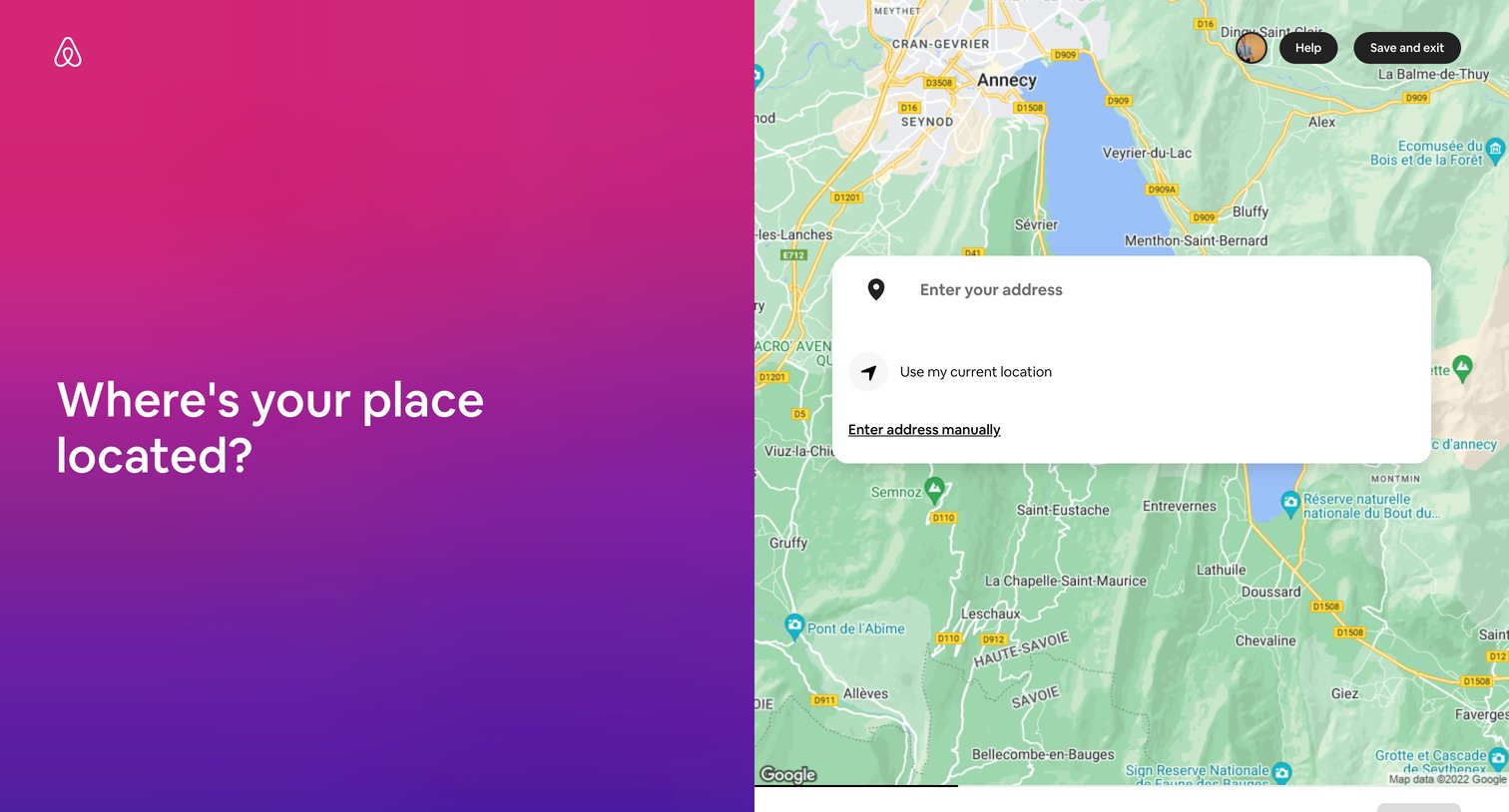

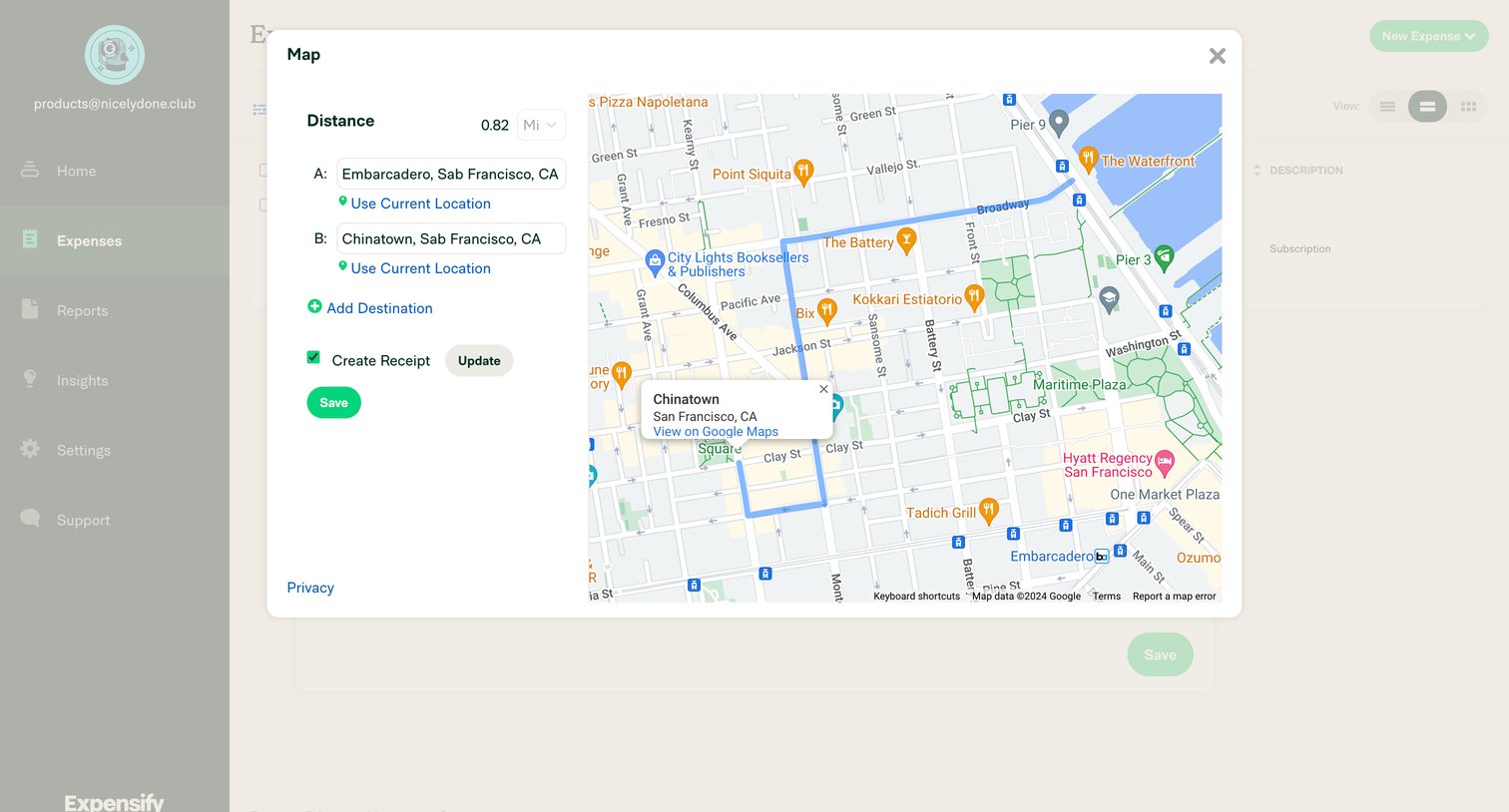
Onboarding step where the user searches for their address, uses their current location, or enters it manually over a map view.
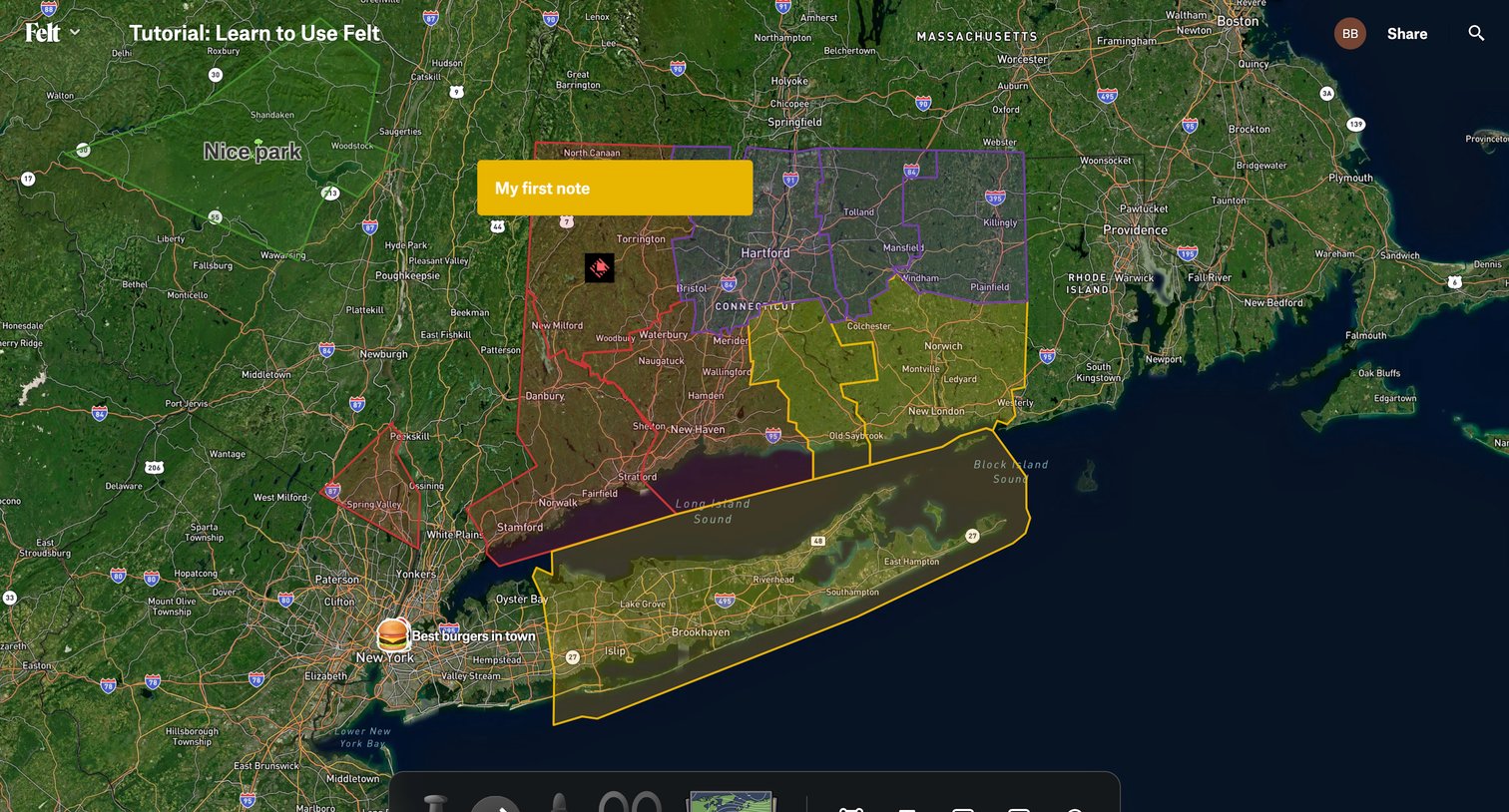

Design editor where the user annotates a satellite map with custom polygons, routes, text notes, and markers using a floating tool palette.
Explore the full SaaS screen library
Upgrade to unlock the full library.
Trusted by the best teams







