Ortto design examples
Explore Ortto UI design examples. Customer Data, Messaging & Analytics Working Together
Product screens
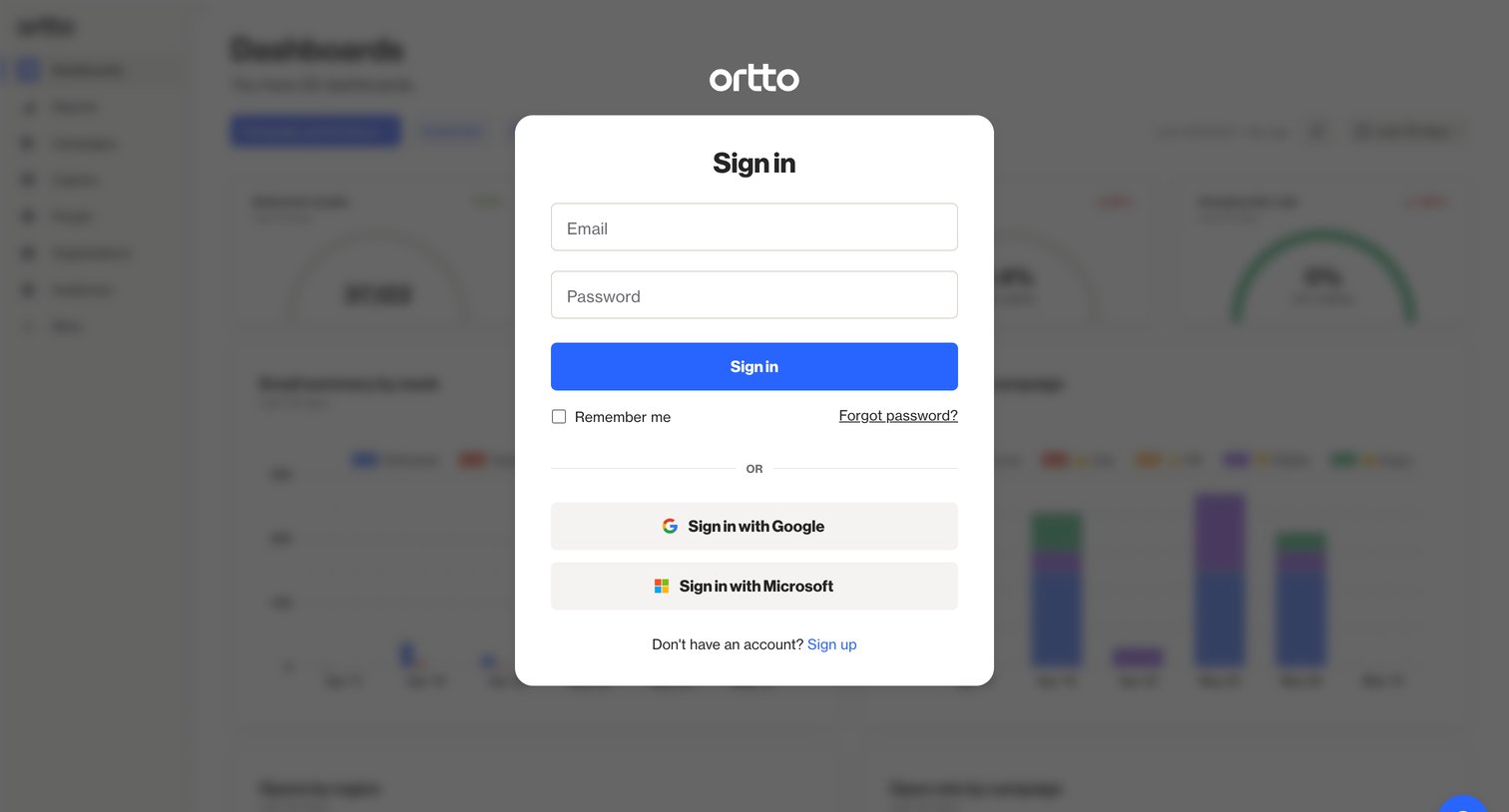
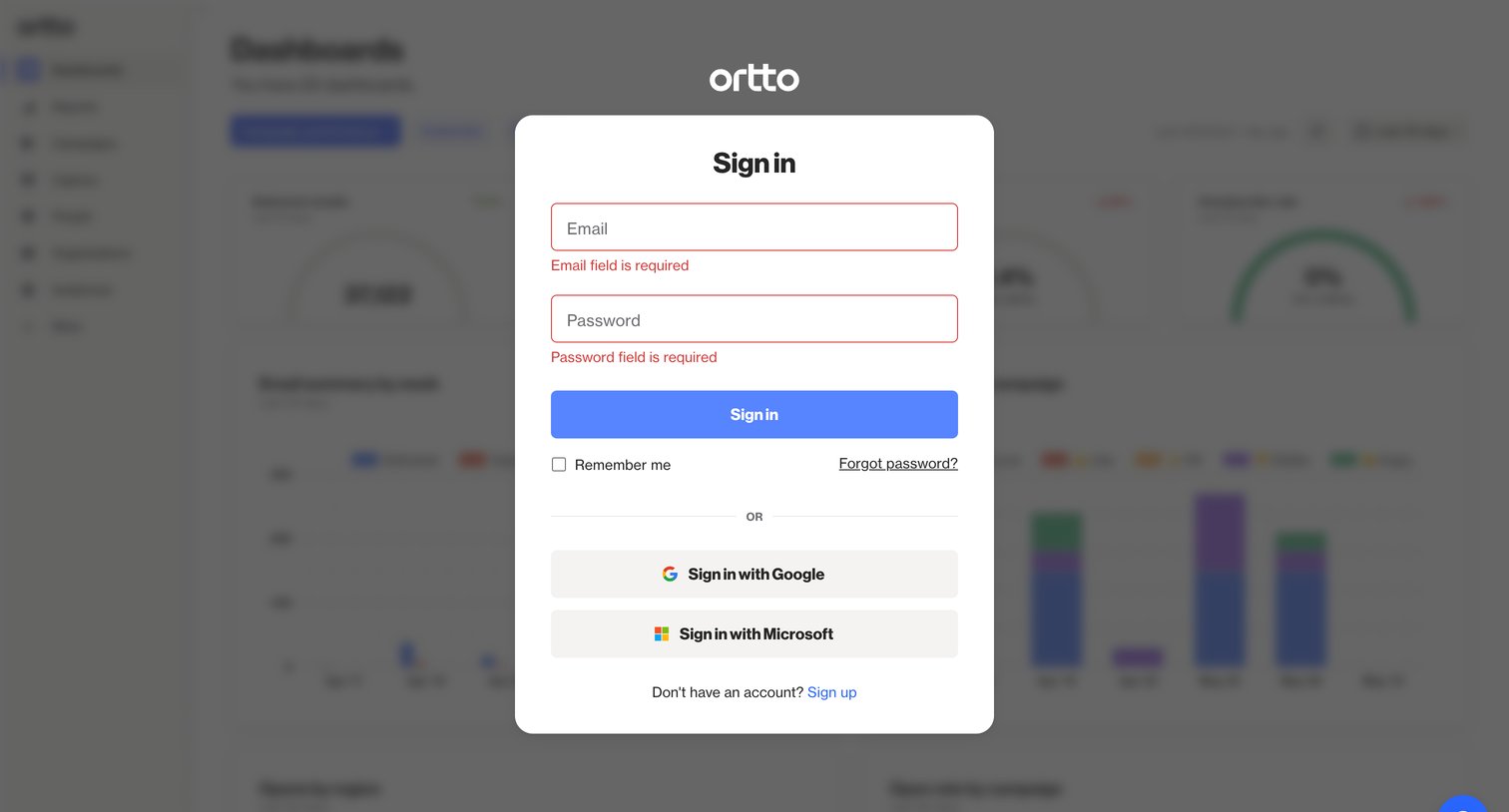

Sign-in screen where the user authenticates with email and password, or via Google and Microsoft SSO, currently showing validation errors for empty fields over a blurred dashboard background.
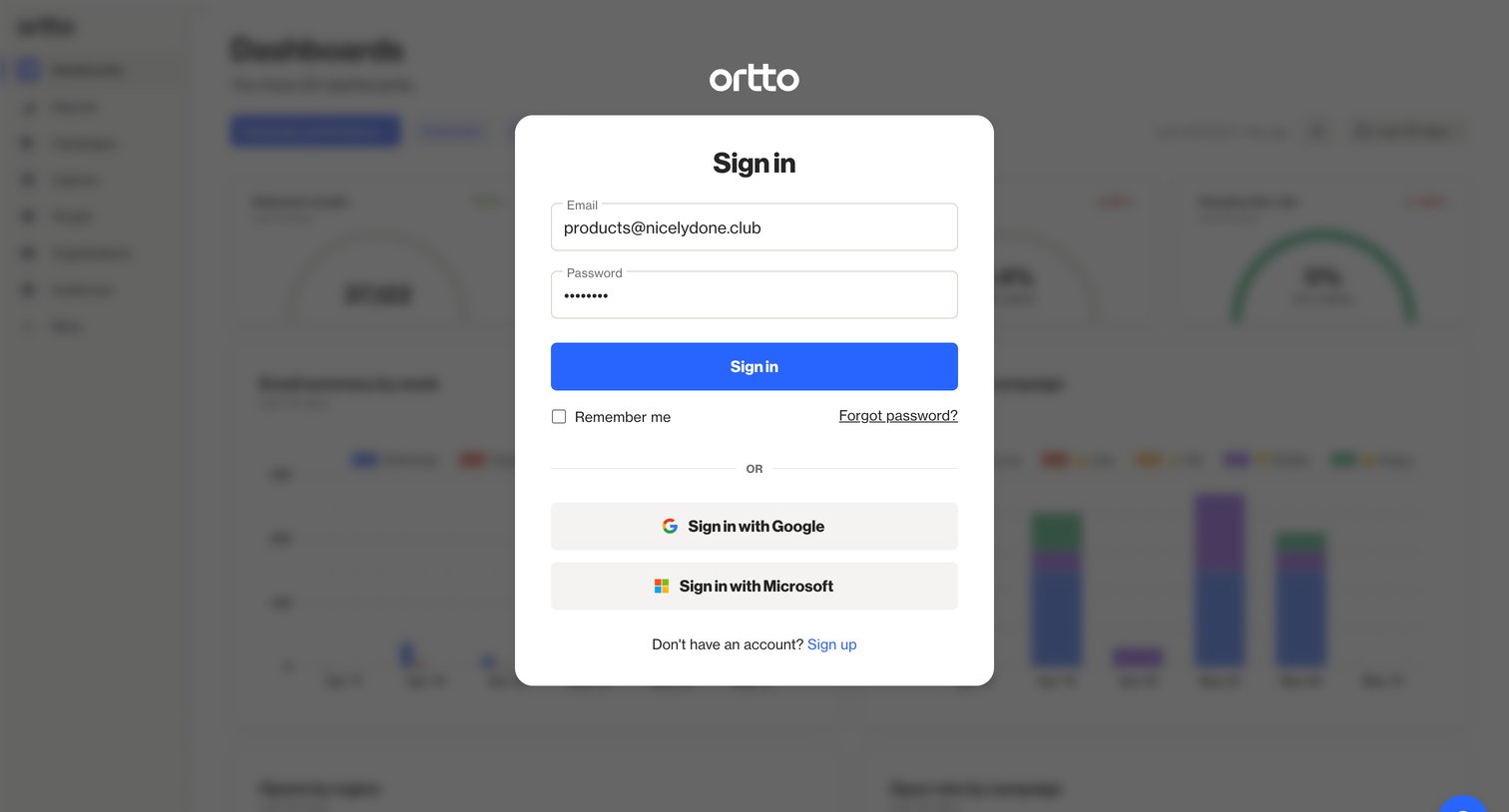
Sign-in screen where the user authenticates with email and password, Google, or Microsoft over a dimmed dashboard.
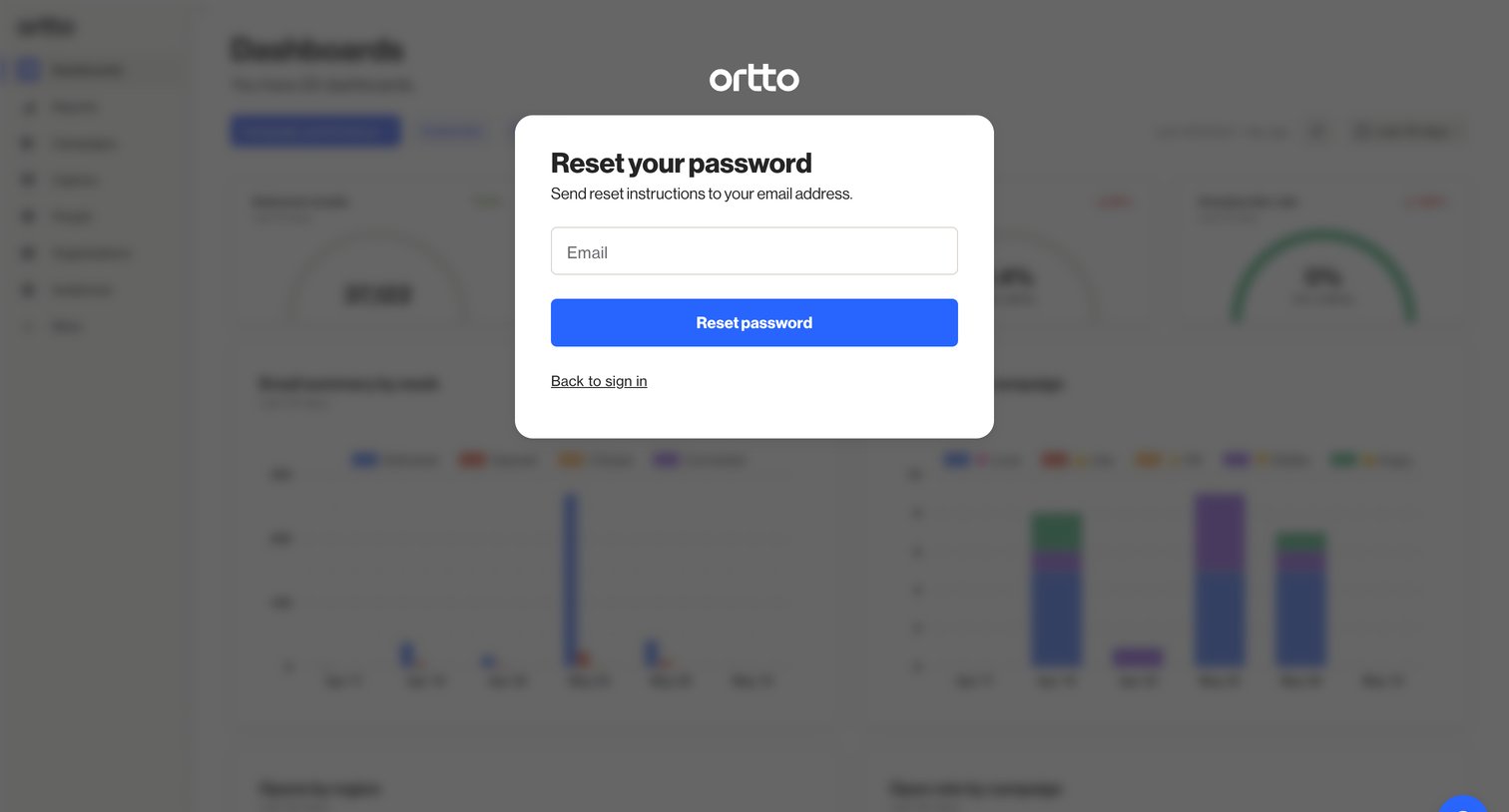
Auth screen where the user requests a password reset link by entering their email address in a modal over a dimmed dashboard.
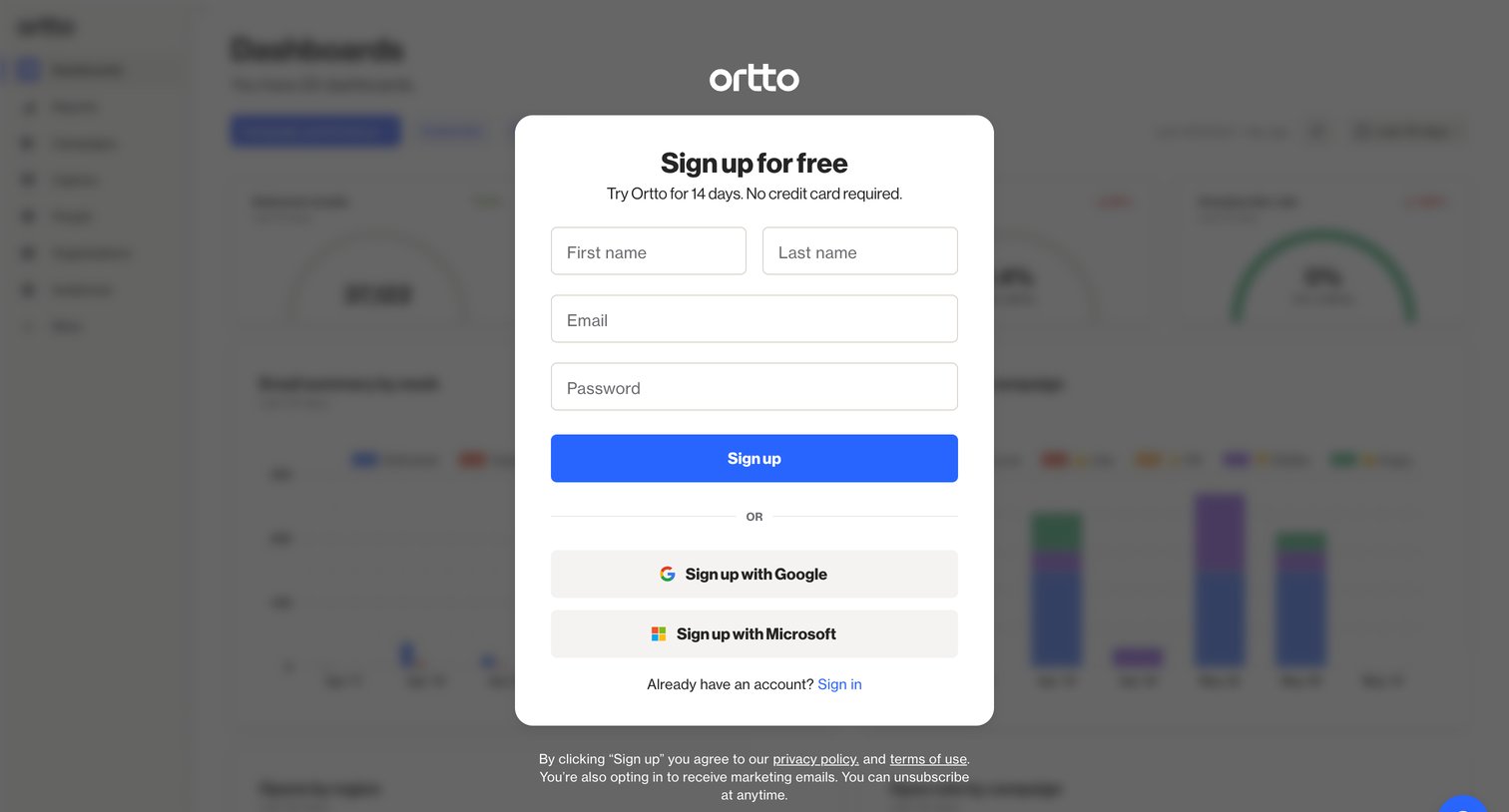
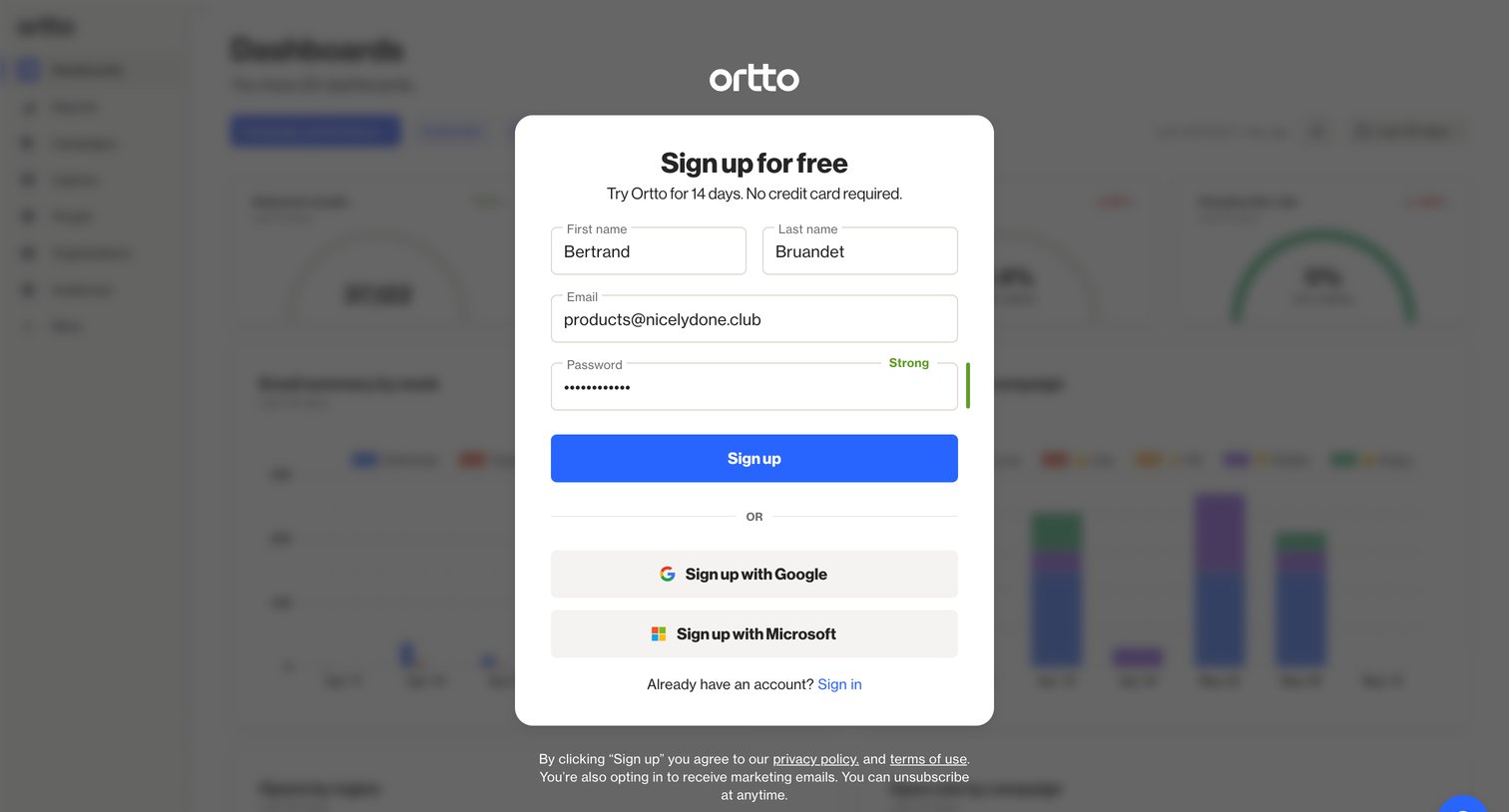
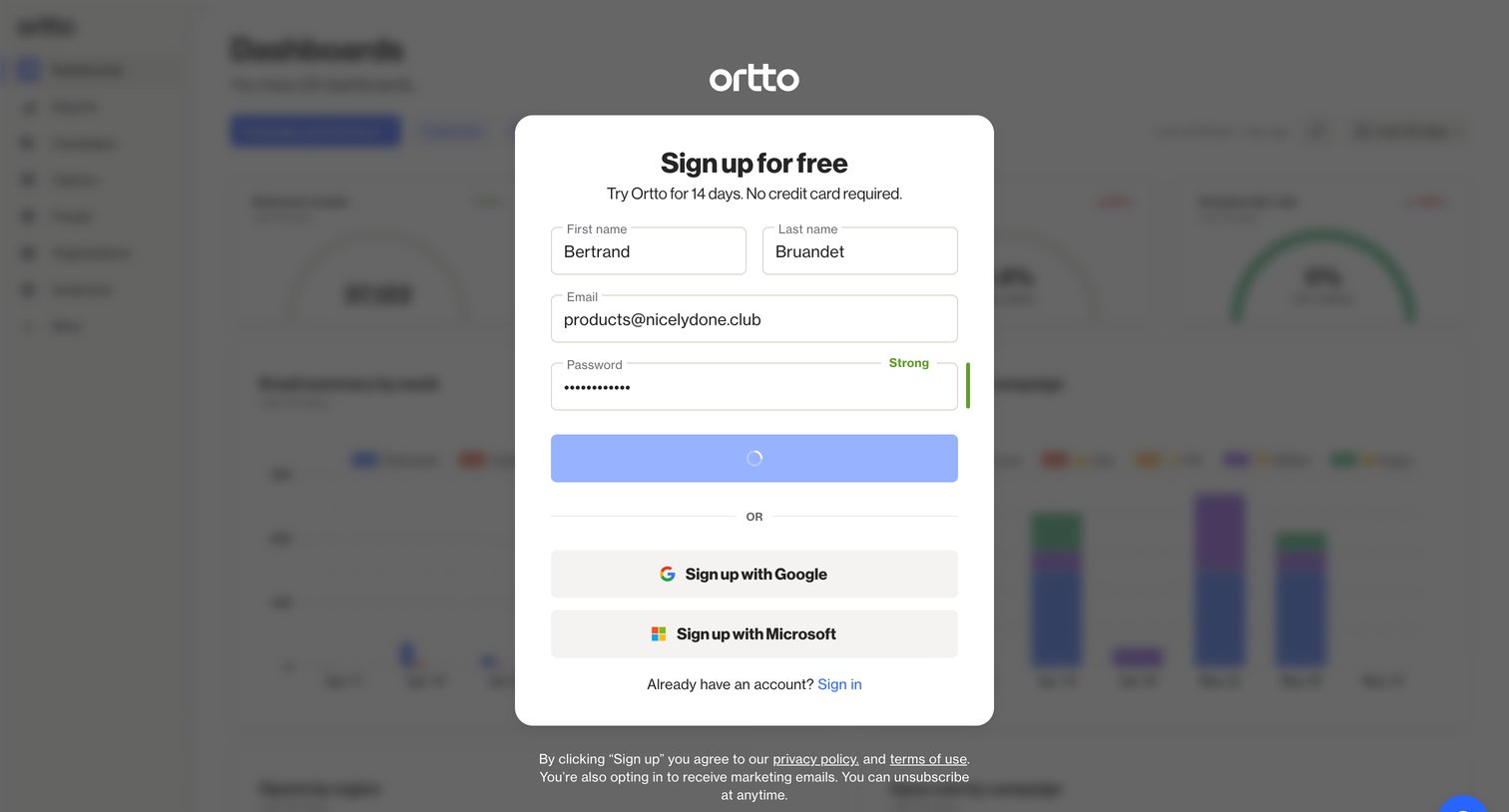
Signup screen where the user creates a new account via email or SSO providers, displayed as a modal over a blurred dashboard.
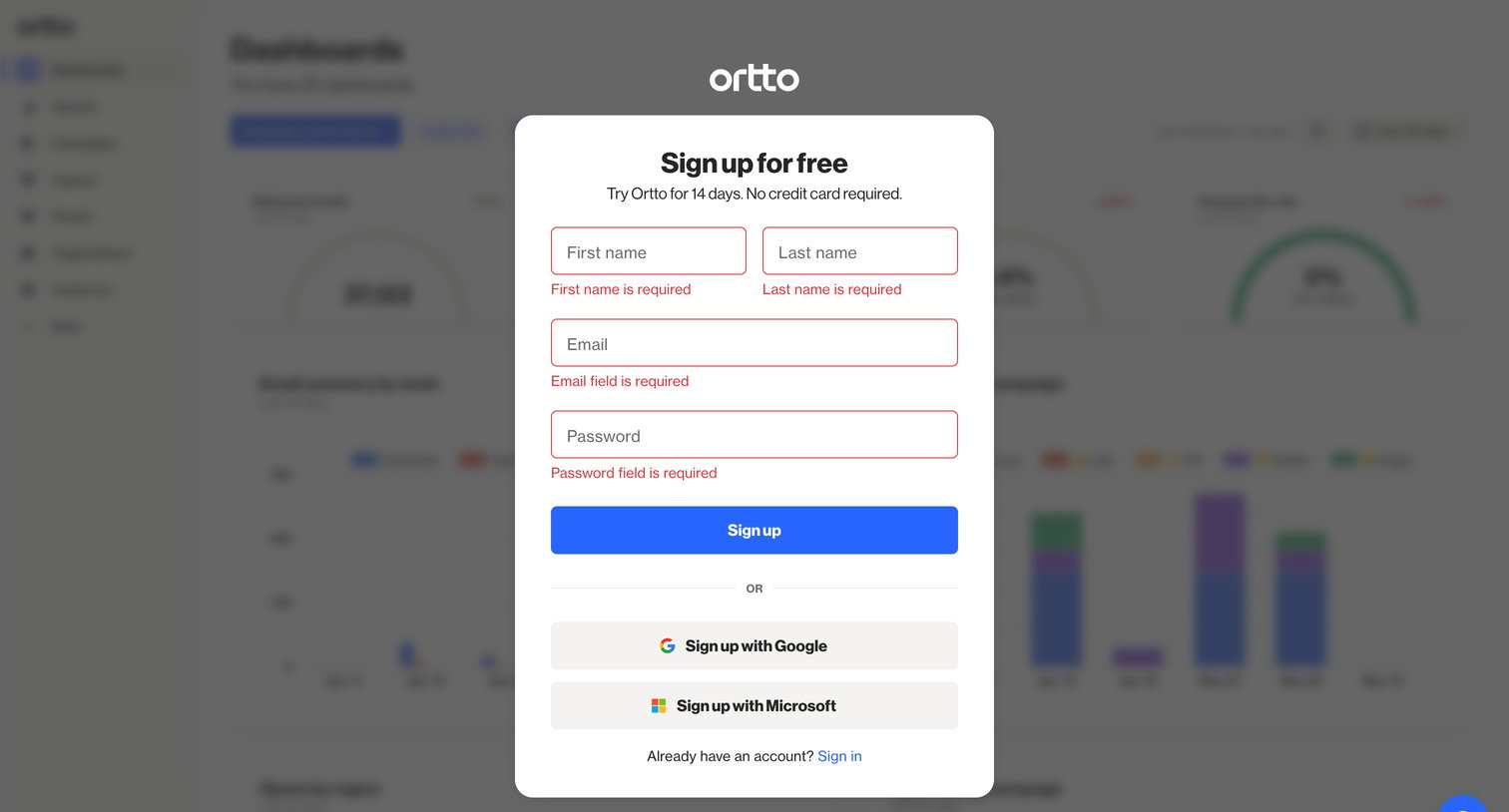
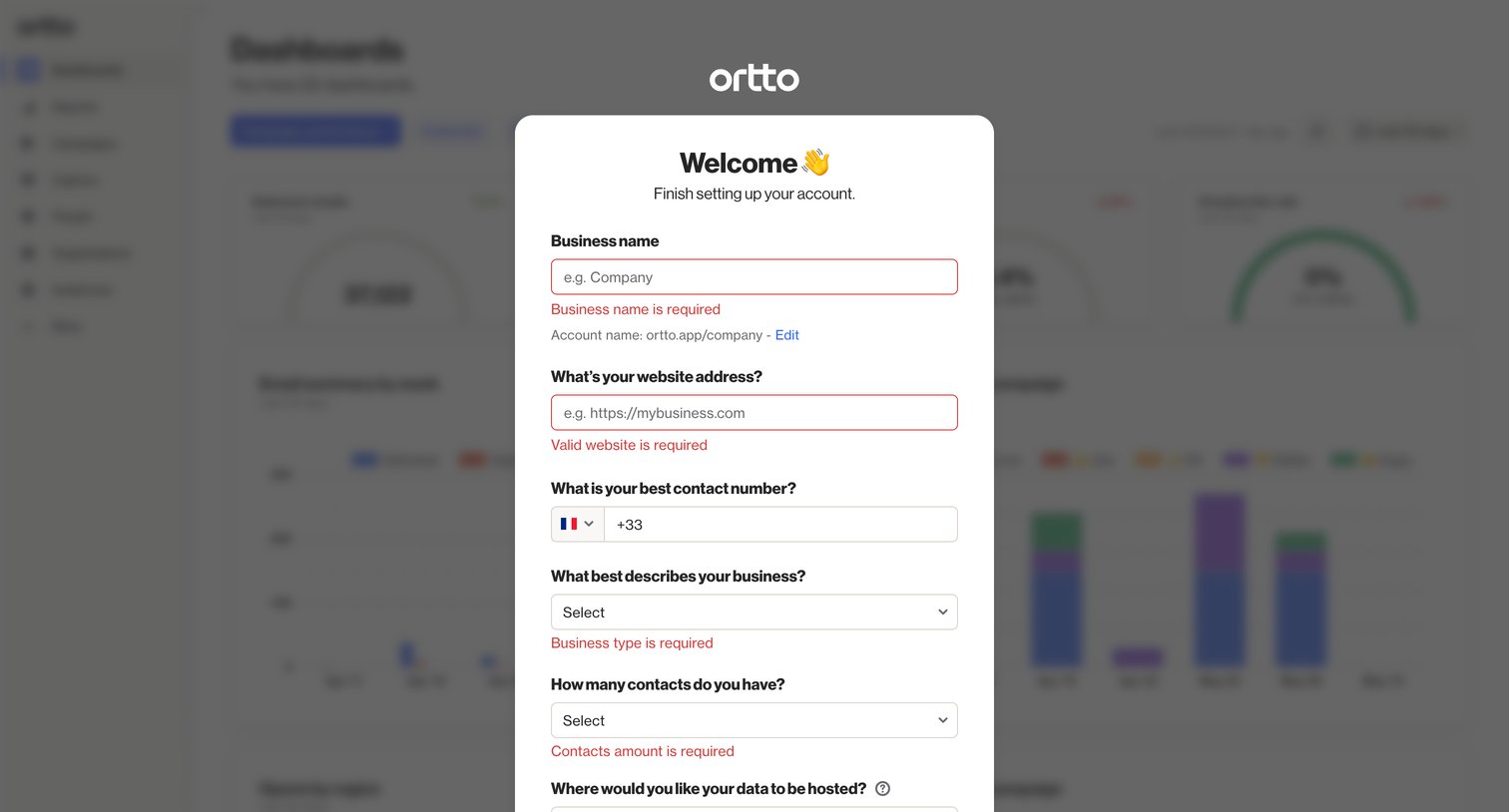
Onboarding modal where the user provides business details like name, website, contact number, and data hosting preference, currently displaying multiple form validation errors.
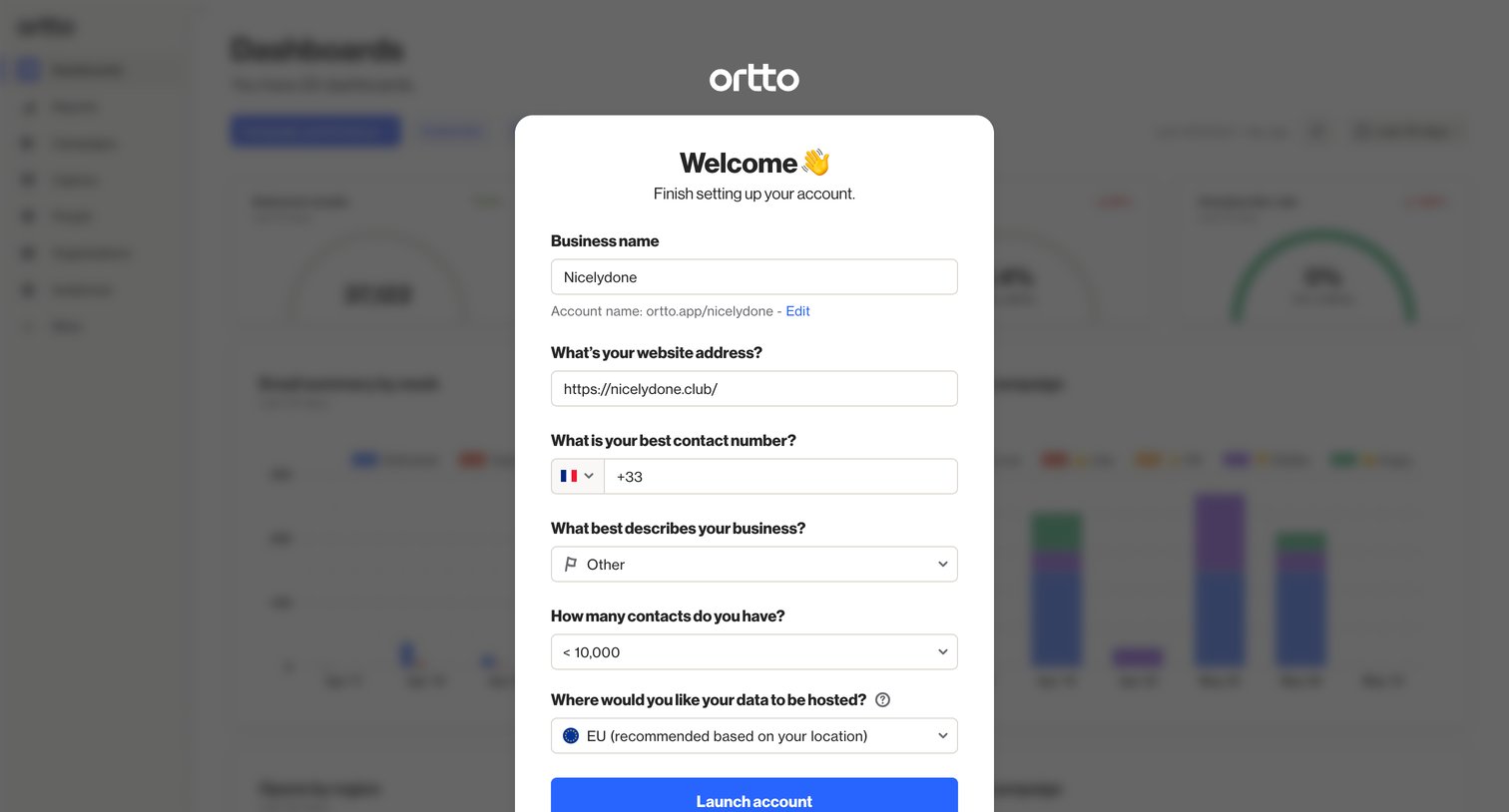
Onboarding step where the user finishes setting up their account by entering business details, contact information, and data hosting preferences over a blurred dashboard.
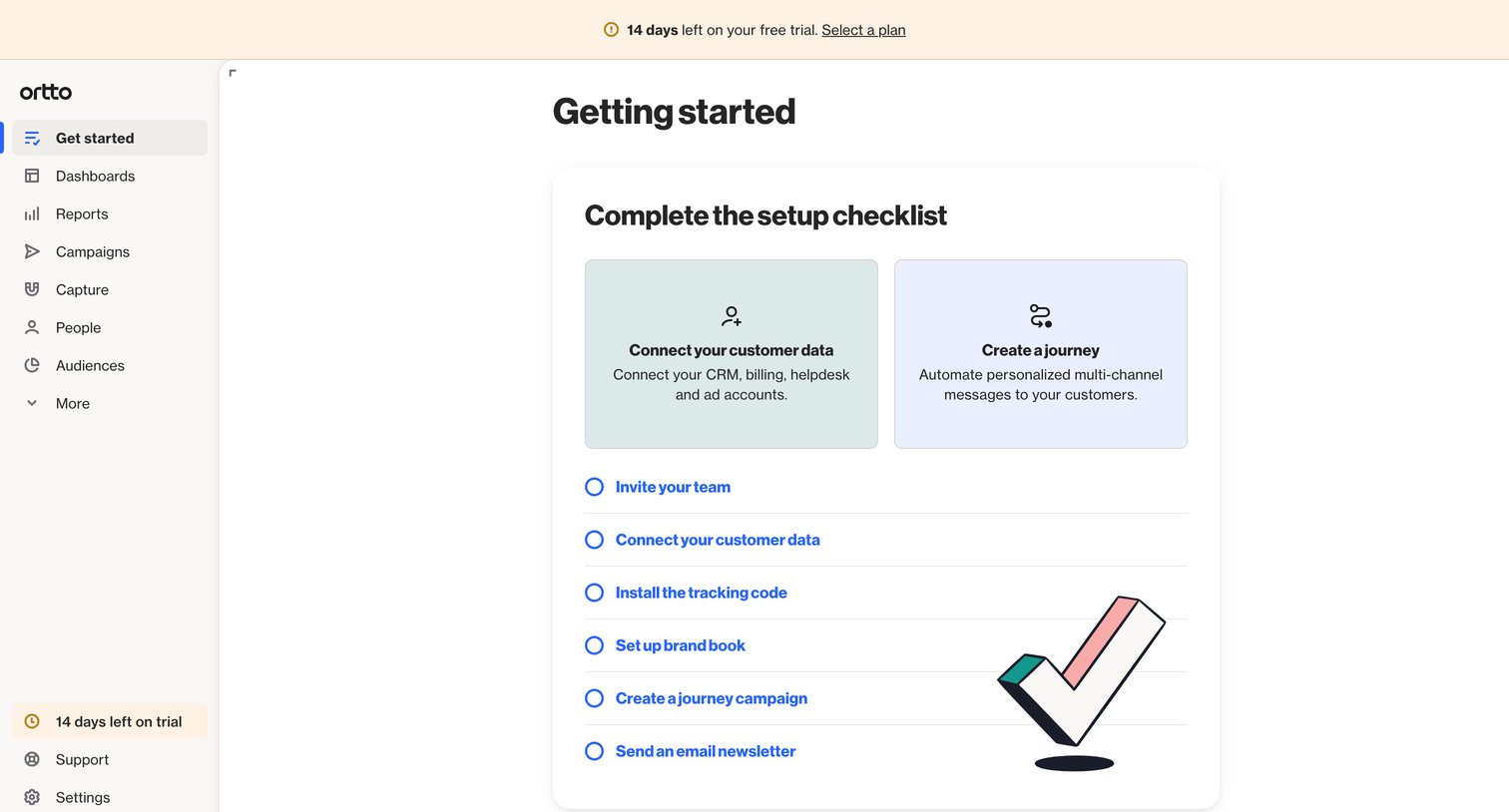
Onboarding dashboard where the user completes a setup checklist including connecting customer data, inviting their team, and creating a journey.
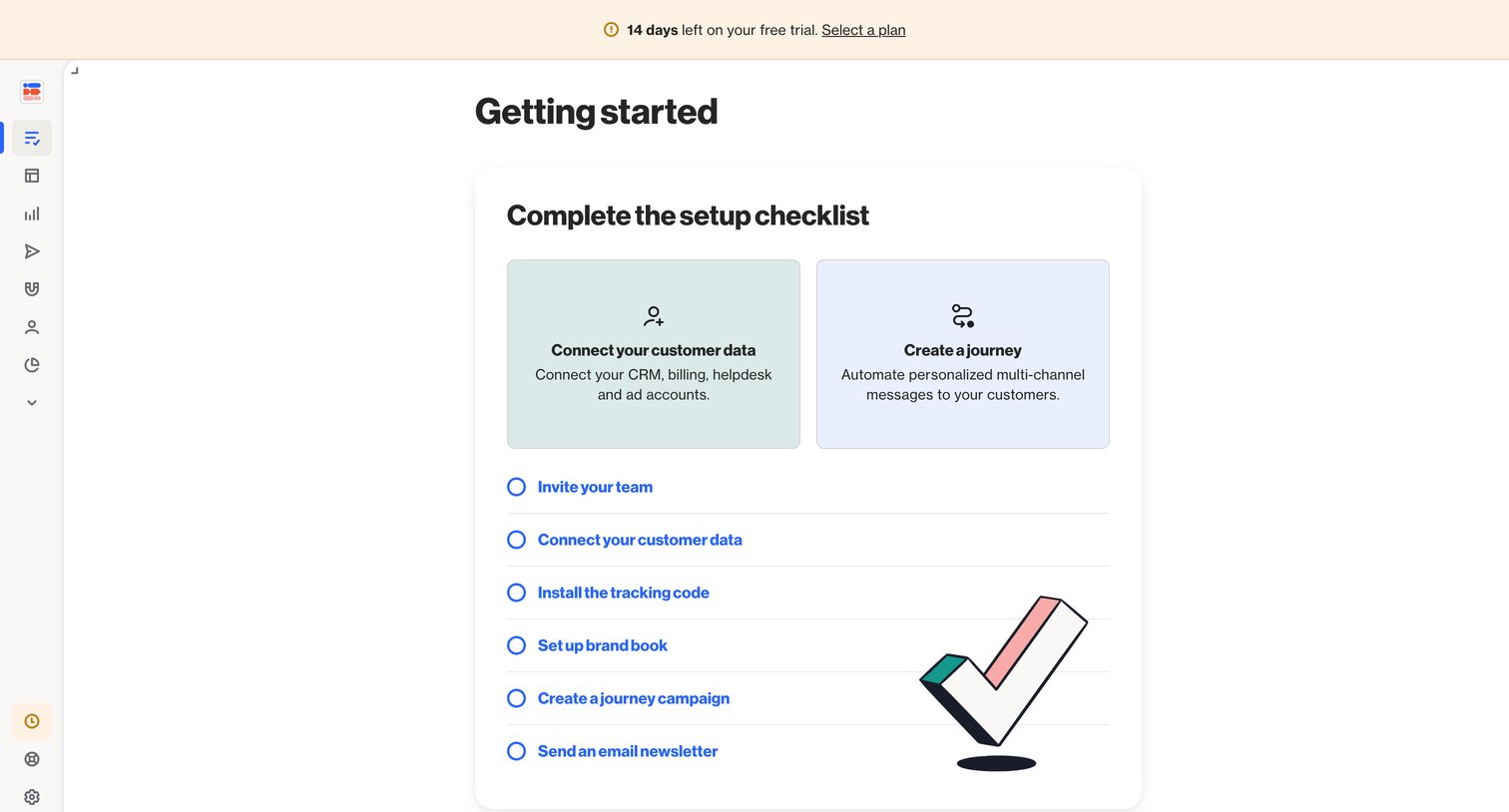
Onboarding screen where the user completes a setup checklist including connecting customer data, creating a journey, and inviting their team.
Browse the full SaaS app library
Explore real SaaS apps with their product screens, marketing screens, flows, and components.
Trusted by the best teams







