Ortto UI components examples
Browse Ortto UI component design examples. Preview individual interface elements and explore related component categories. Customer Data, Messaging & Analytics Working Together
Explore the examples
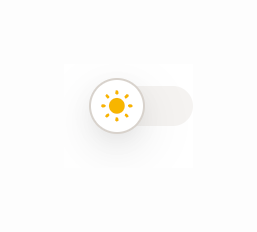

A toggle switch component used to change the application theme, currently showing a sun icon indicating light mode.
A stylized illustration of an hourglass with blue sand flowing from the top to the bottom bulb.

A hand-drawn style illustration of an open notebook with a pencil and a blue ribbon bookmark. It serves as a visual placeholder for an empty state.

A stylized illustration of a signpost with multiple arrows pointing in different directions, set on a patch of grass.
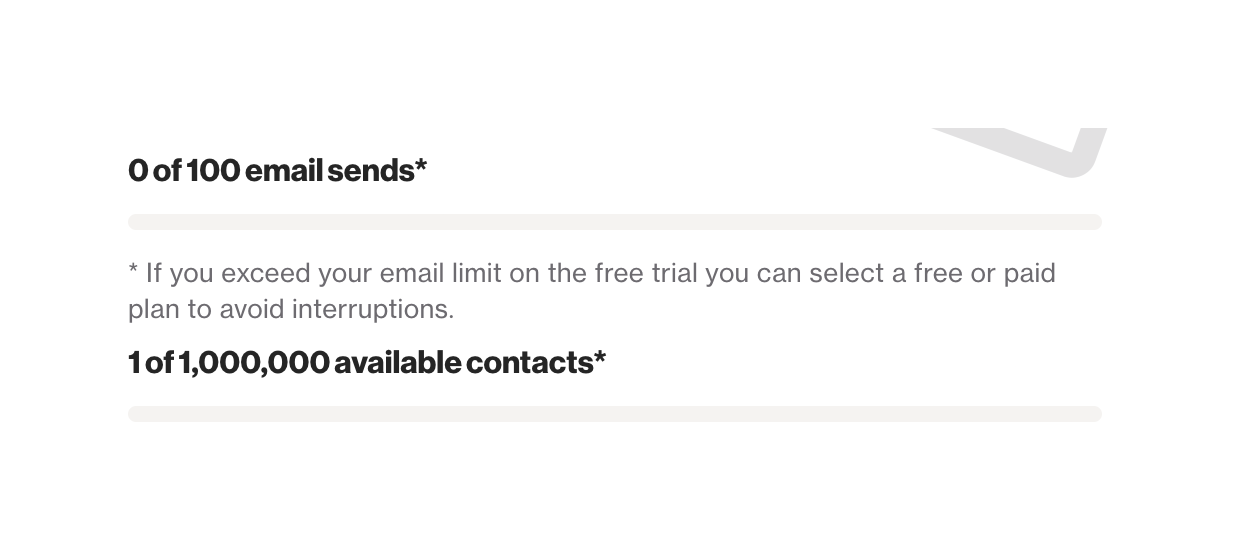
Two progress bars showing current usage against limits for email sends and available contacts, with an explanatory note about exceeding limits on a free trial.
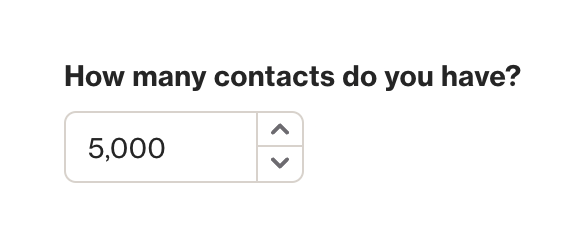
A number input field with a label asking 'How many contacts do you have?' and stepper controls to increment or decrement the value.
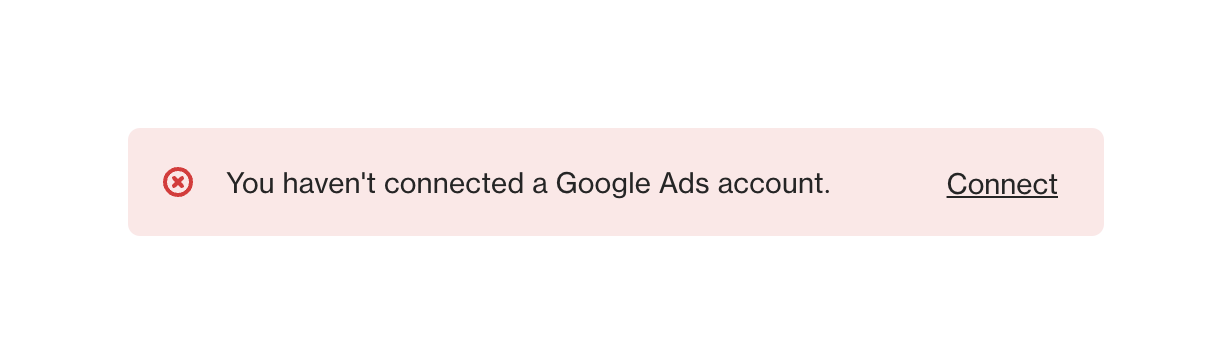
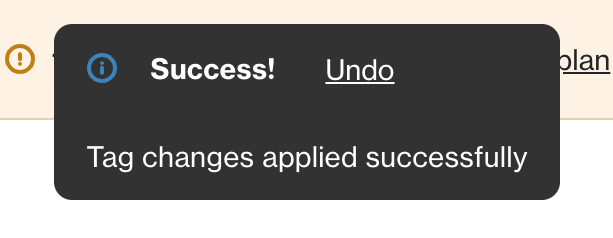
A dark-themed success toast notification confirming tag changes, featuring an info icon, a bold 'Success!' title, an 'Undo' action link, and a descriptive message.
Browse the full component library
Browse the full UI component library.
Trusted by the best teams







