Waldo design examples
Explore Waldo UI design examples. Automated mobile testing done right
Product screens
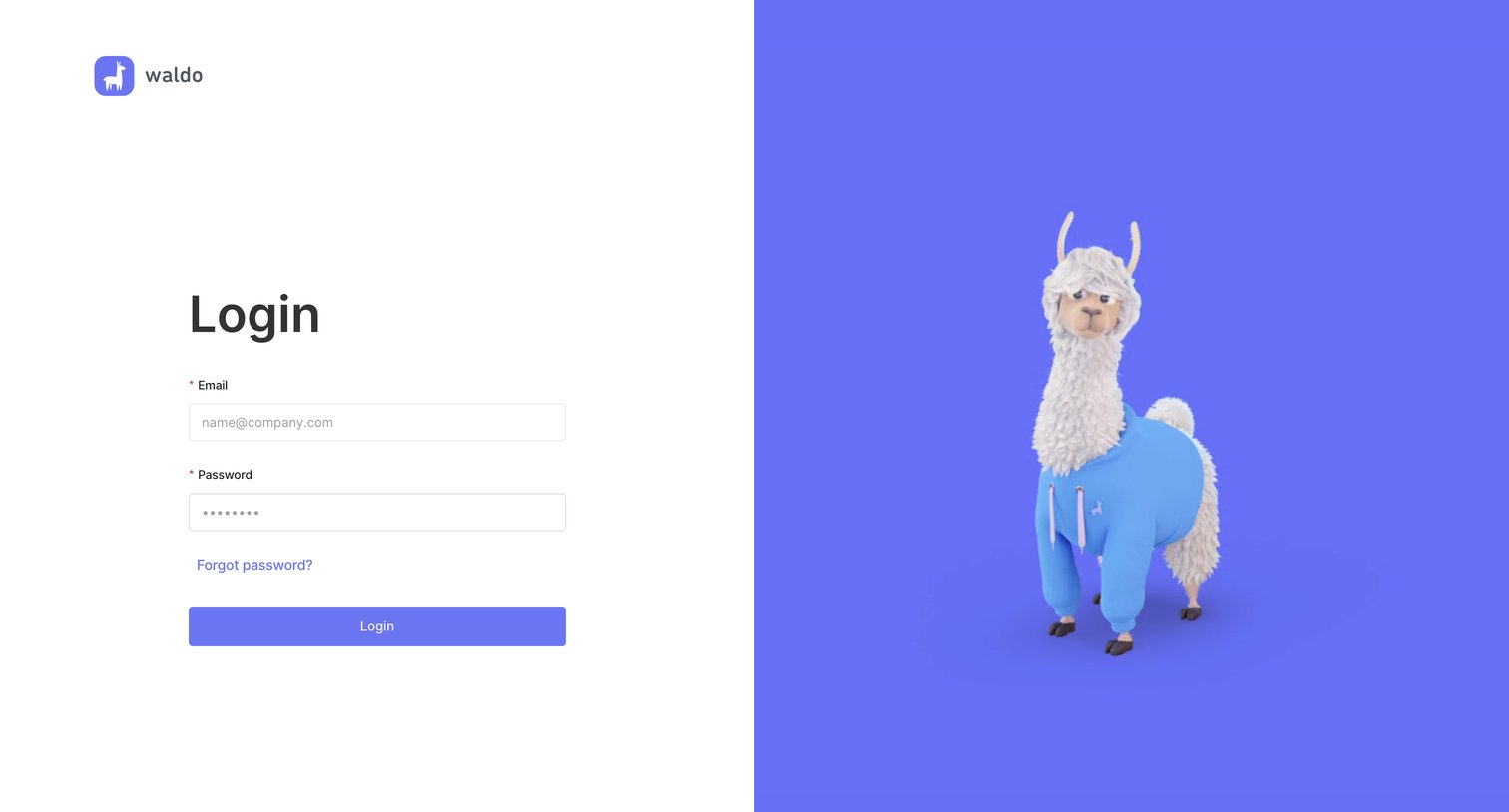
Signin screen where the user authenticates using their email and password, featuring a 3D llama mascot on a split-screen layout.
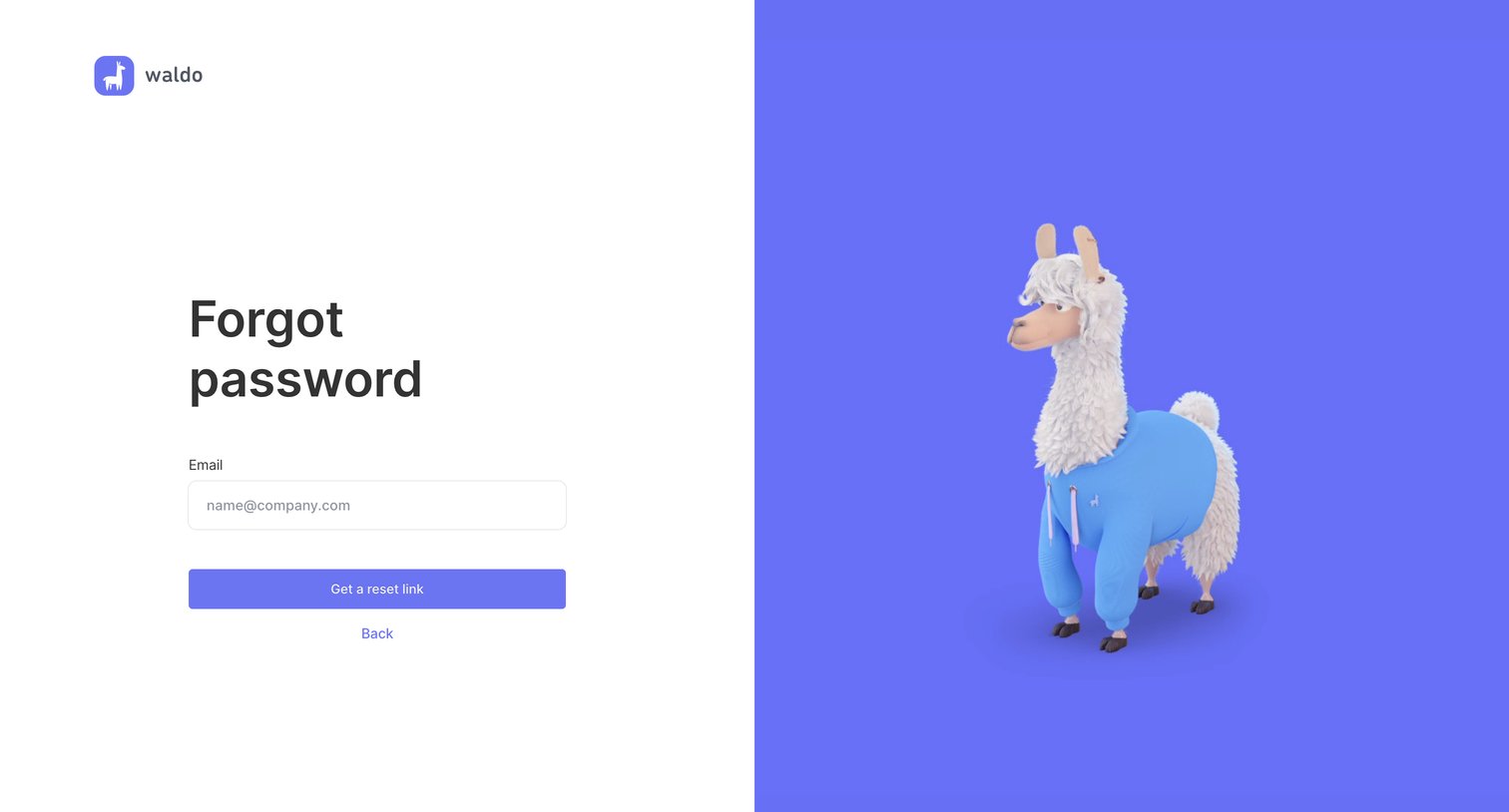
Password recovery screen where the user enters their email address to request a reset link, featuring a split layout with a 3D mascot.
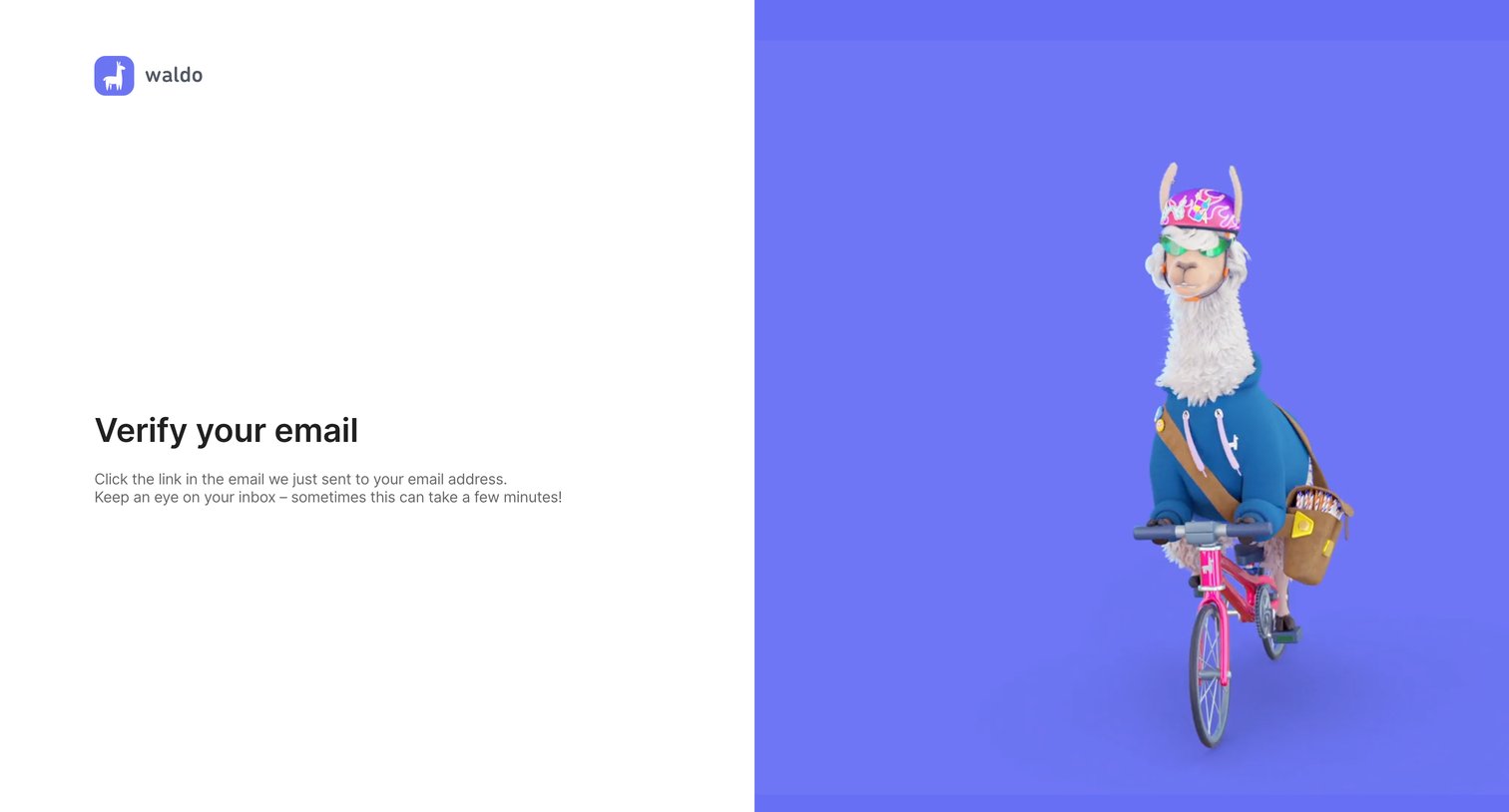
Verification screen instructing the user to check their inbox for an email link to verify their account.
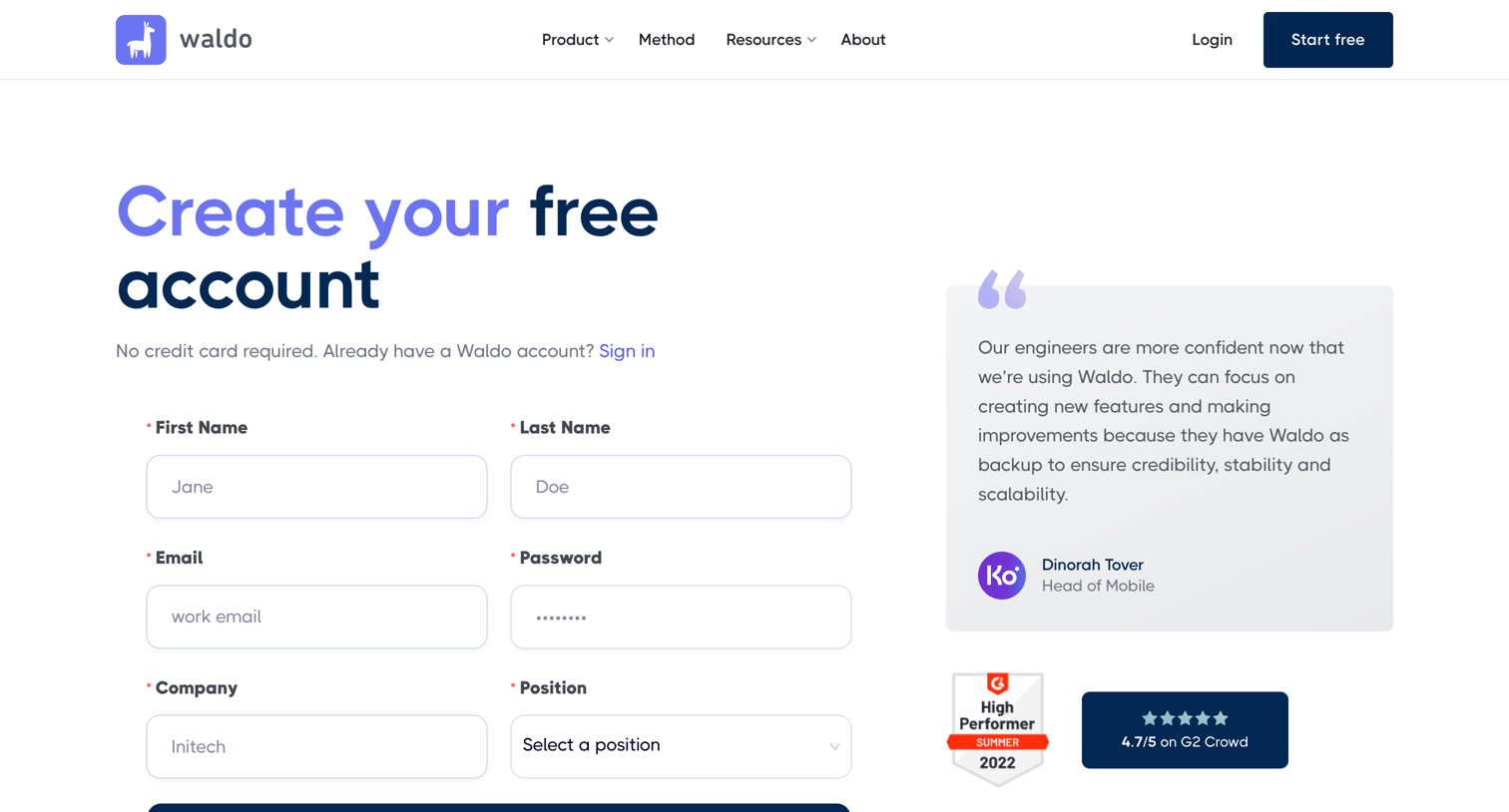
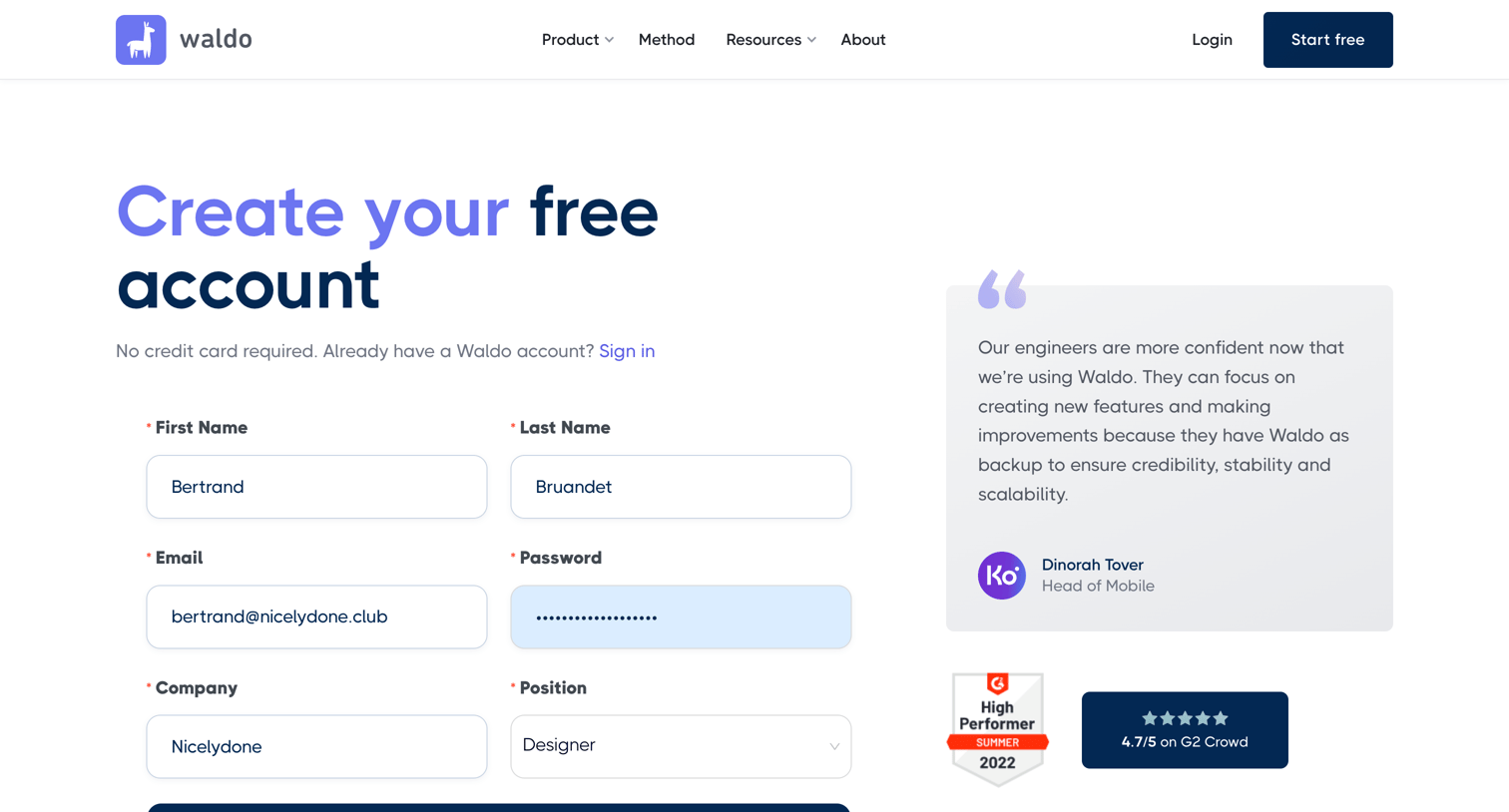
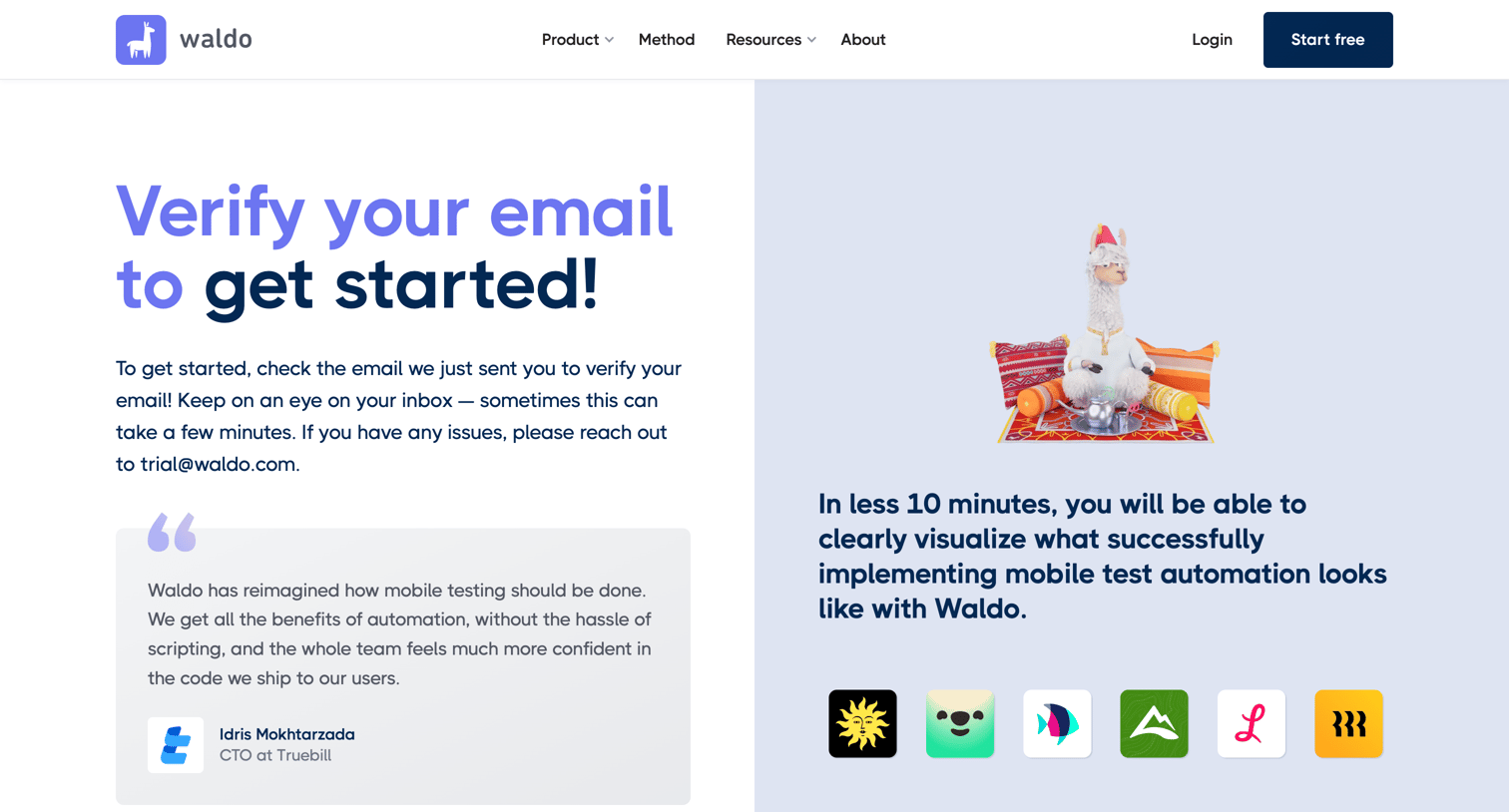
Verification screen where the user is instructed to check their inbox to confirm their email address, featuring a customer testimonial and logo wall.
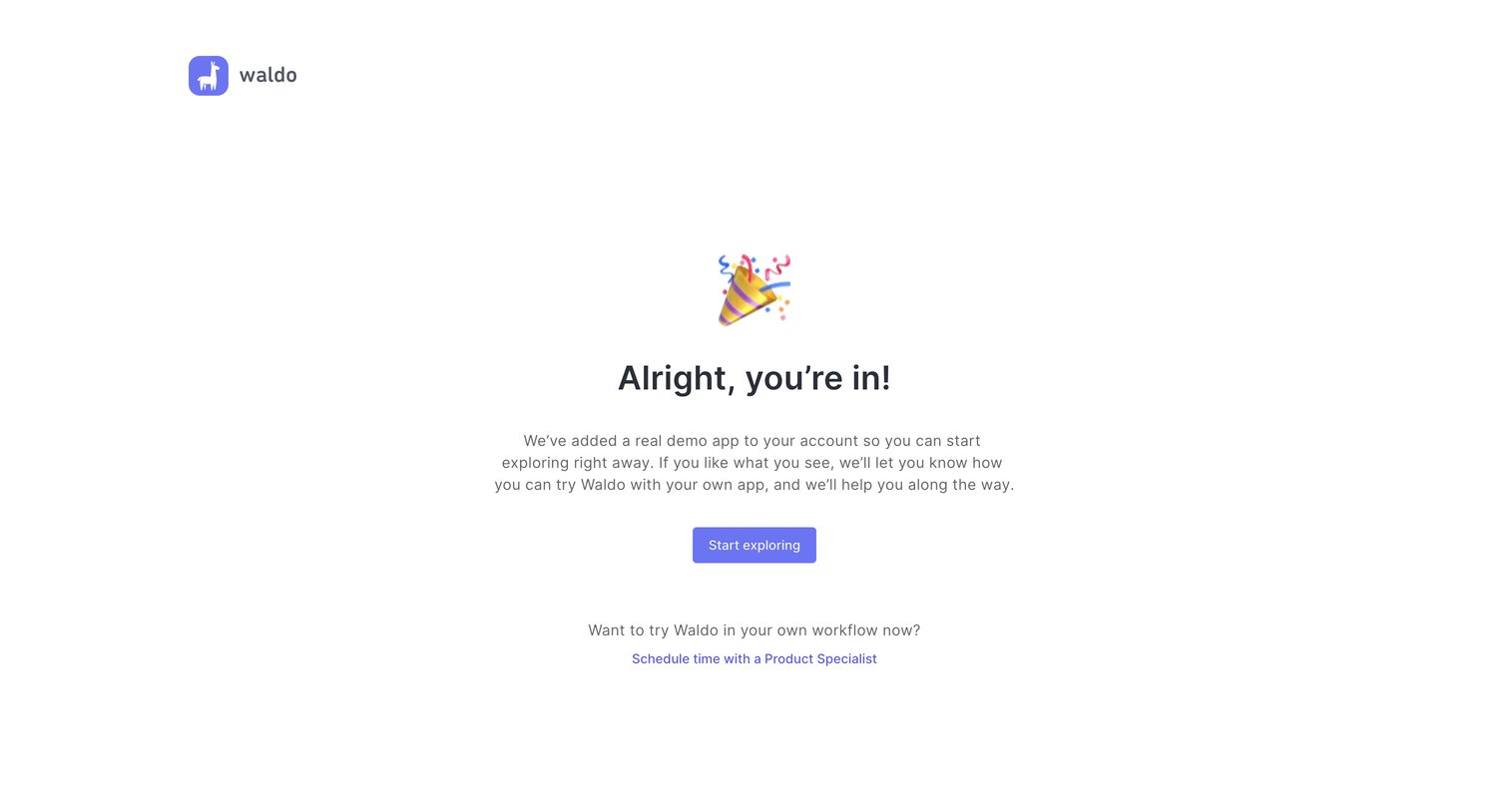
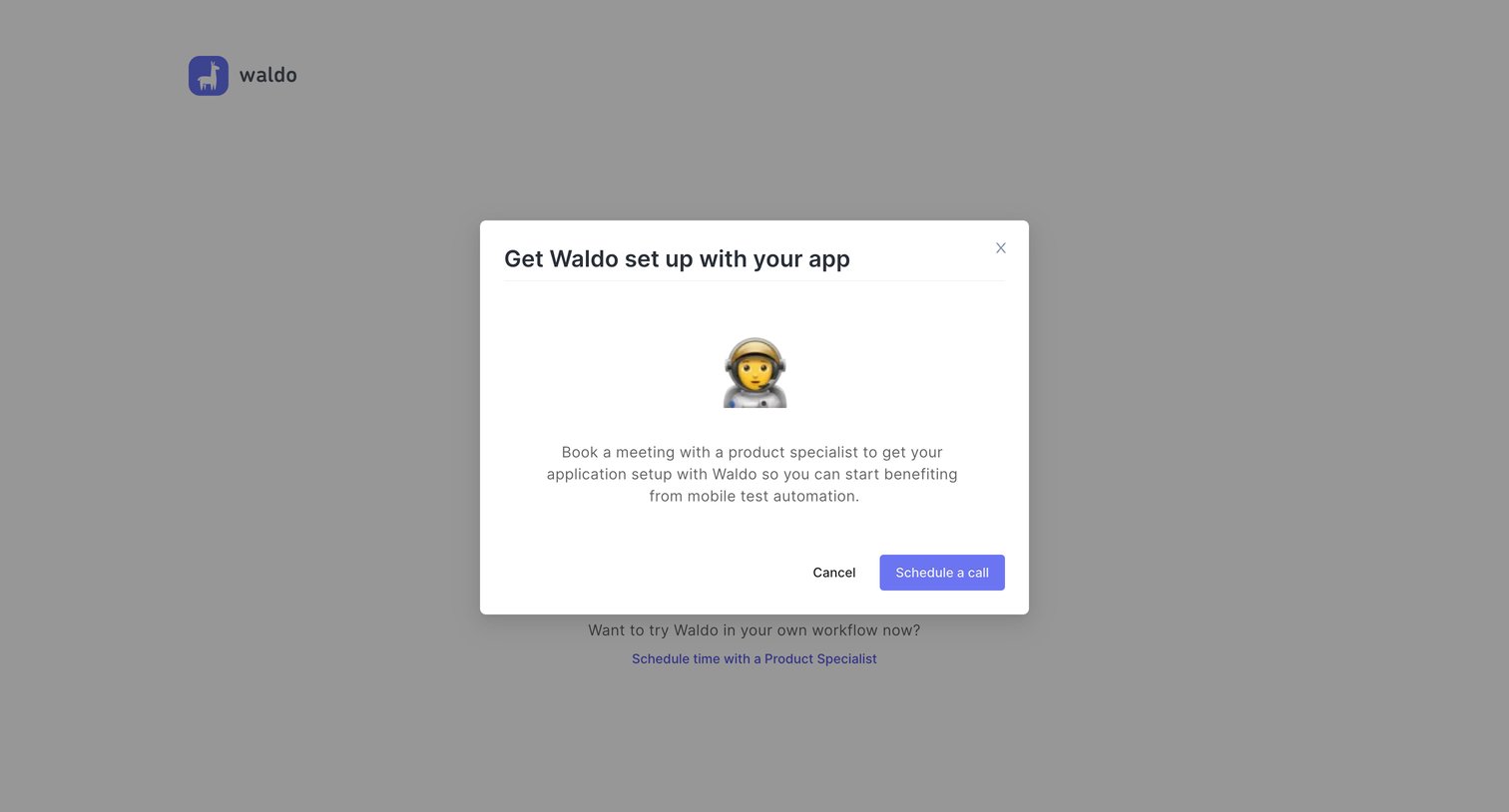
Onboarding step where a modal prompts the user to book a meeting with a product specialist to set up their application for mobile test automation.
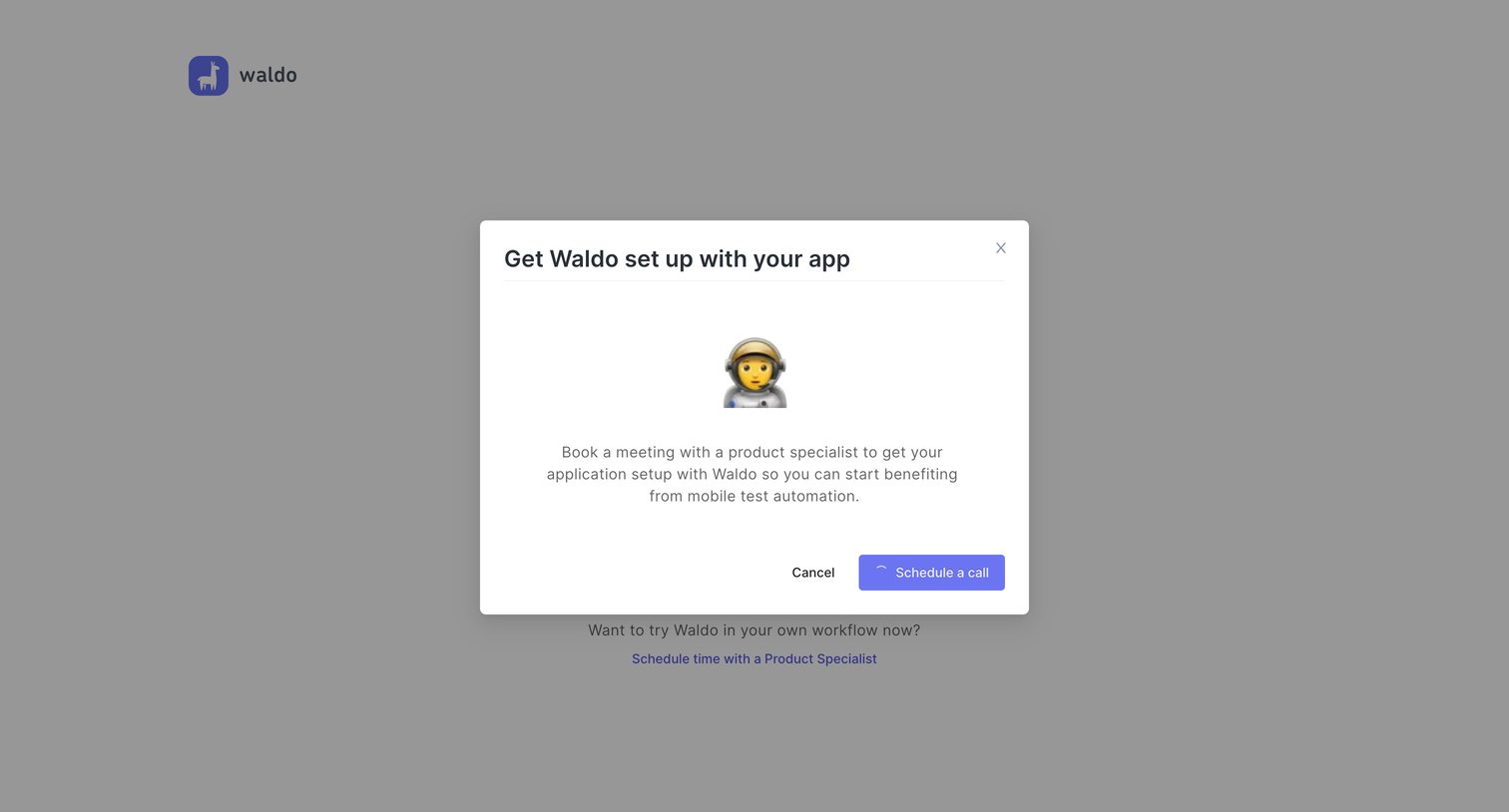
Onboarding screen where a modal prompts the user to book a setup meeting with a product specialist to configure their application.
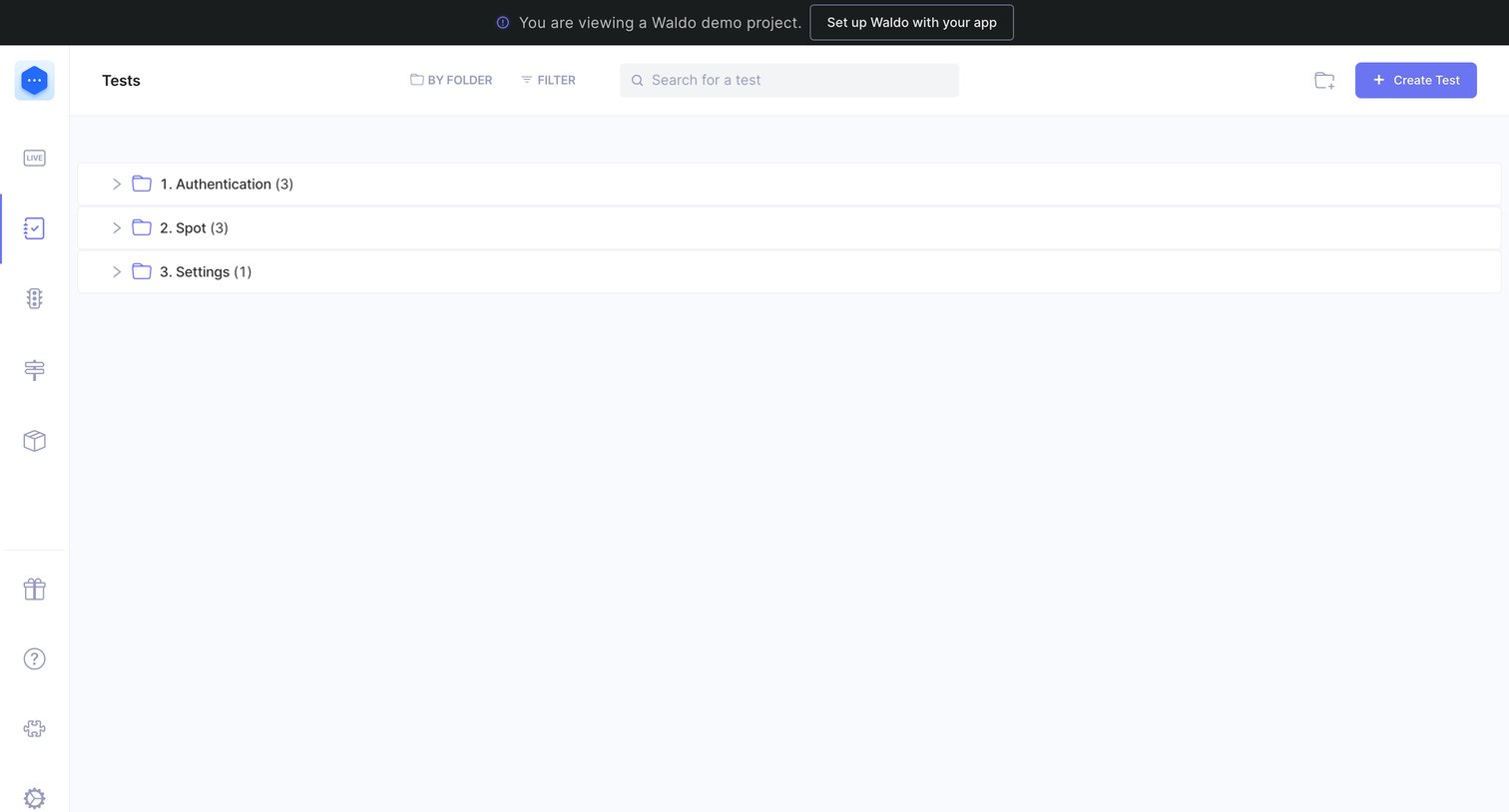
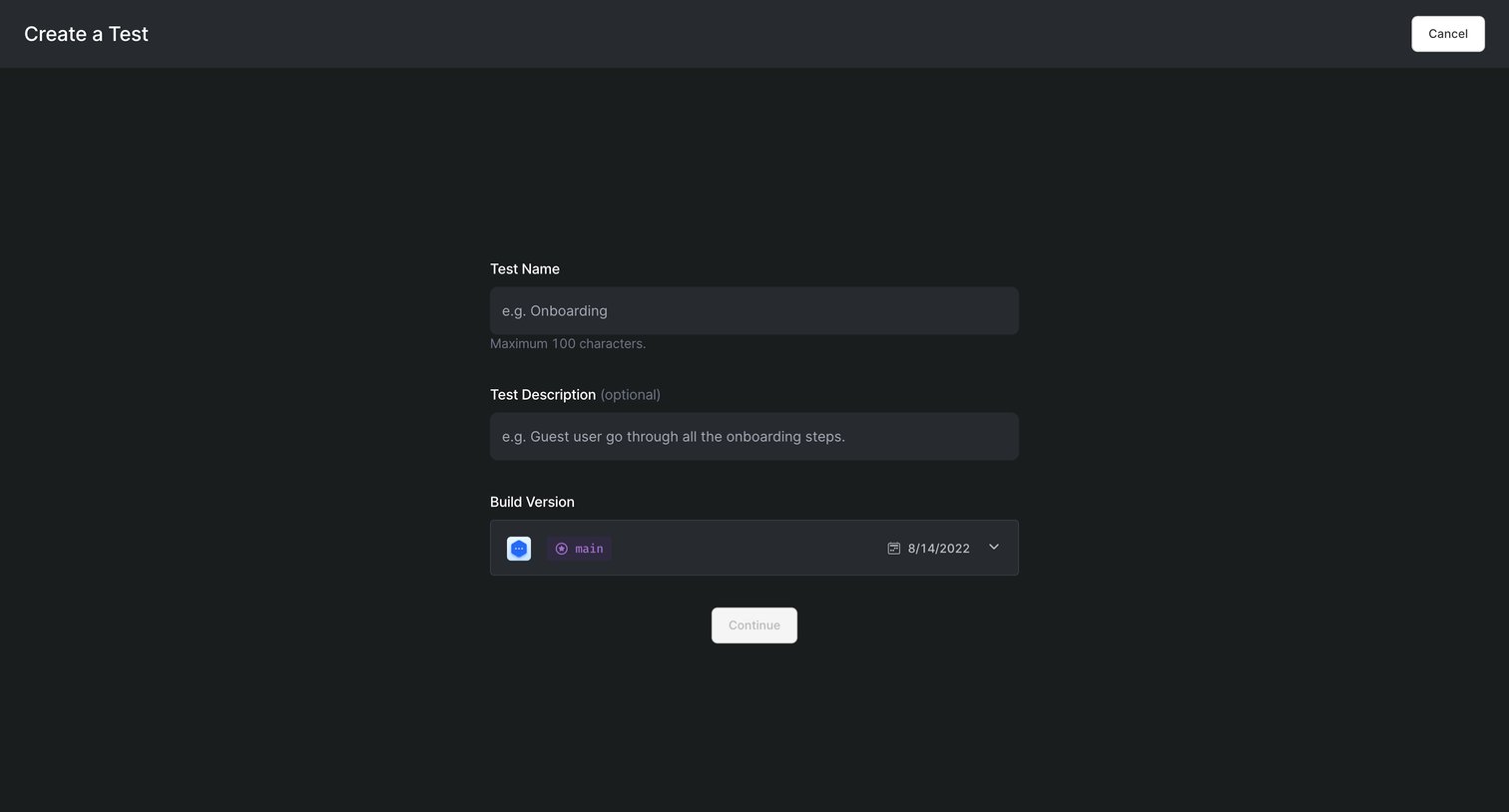
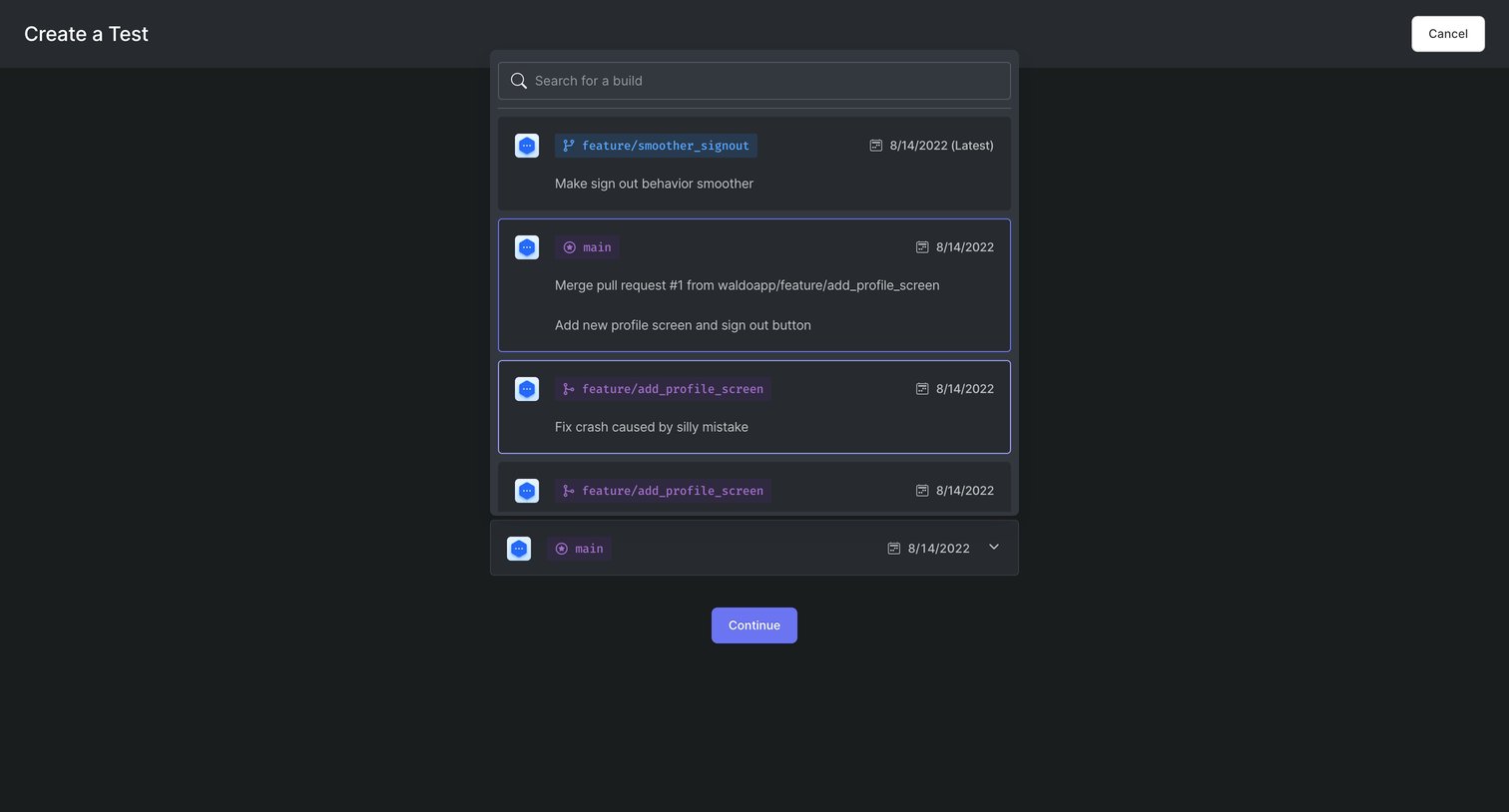
Creation screen where the user provides a test name, description, and selects a build version to initialize a new test recording.
Browse the full SaaS app library
Explore real SaaS apps with their product screens, marketing screens, flows, and components.
Trusted by the best teams







