Keyboard shortcuts screen examples
Keyboard shortcuts screen design examples from SaaS apps. Browse examples from Magnific, Bloom, Beside.
Explore the examples
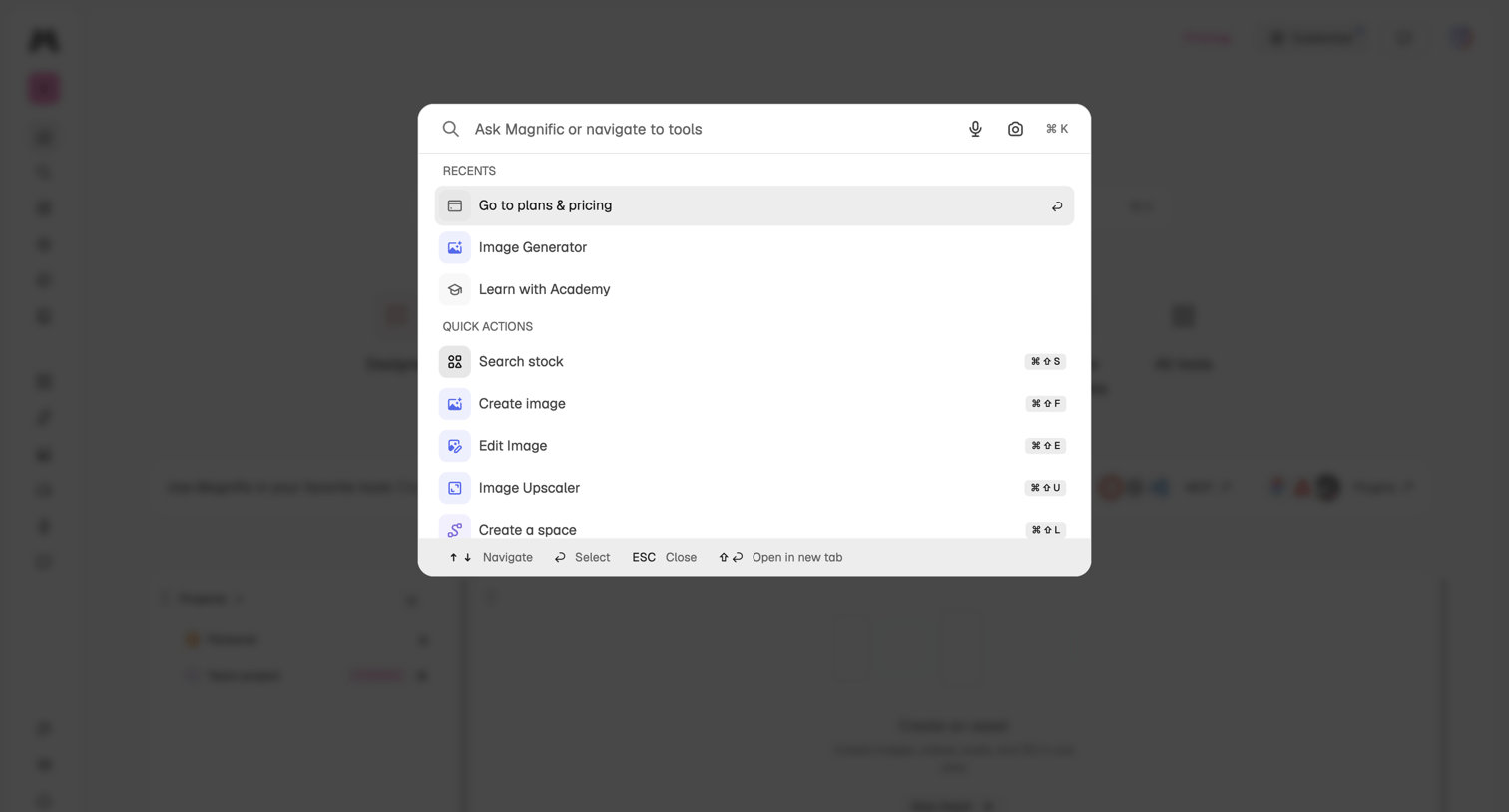

Global search overlay where the user can ask questions, navigate to recent tools like the image generator, or trigger quick actions via keyboard shortcuts.
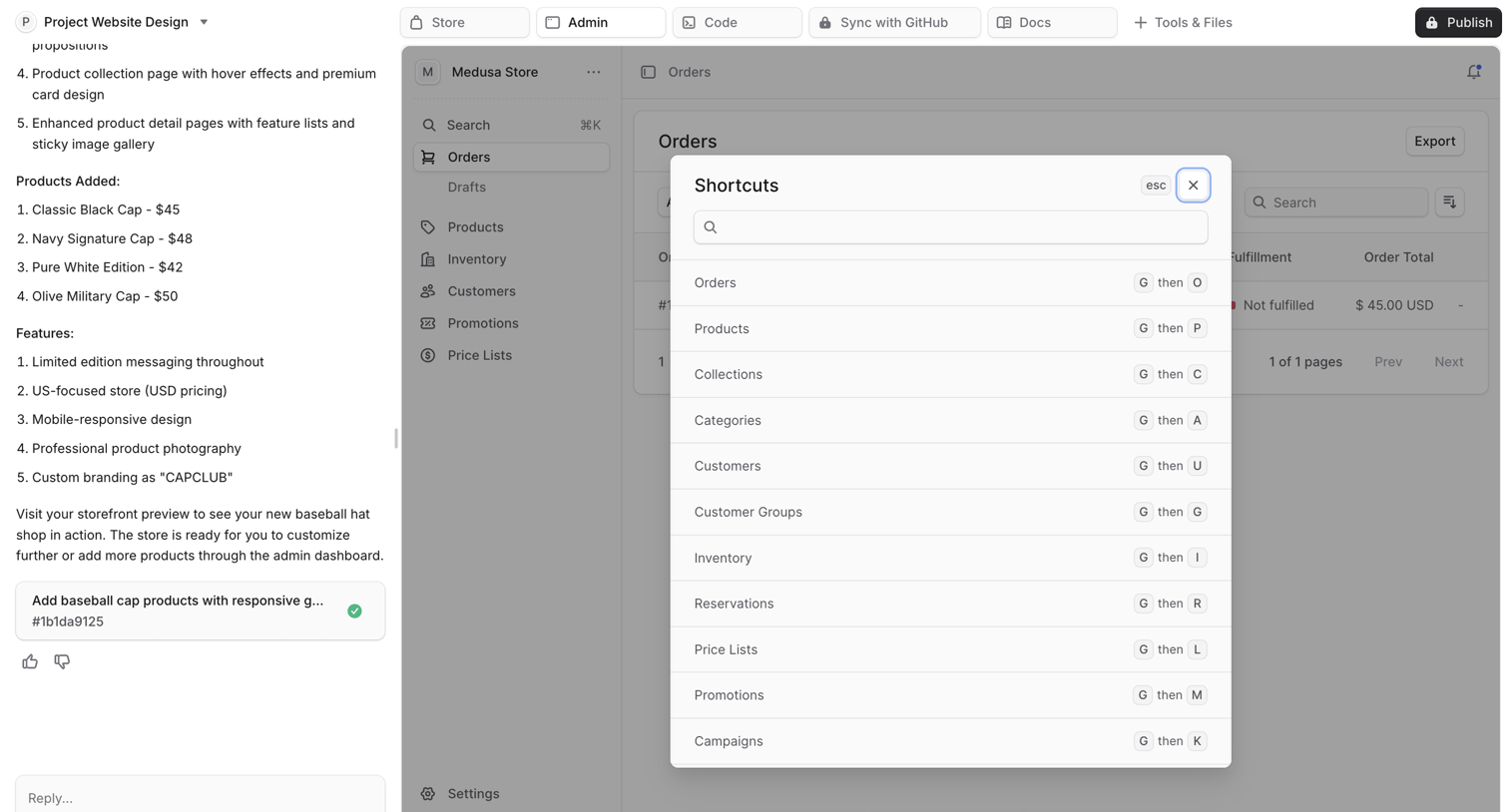

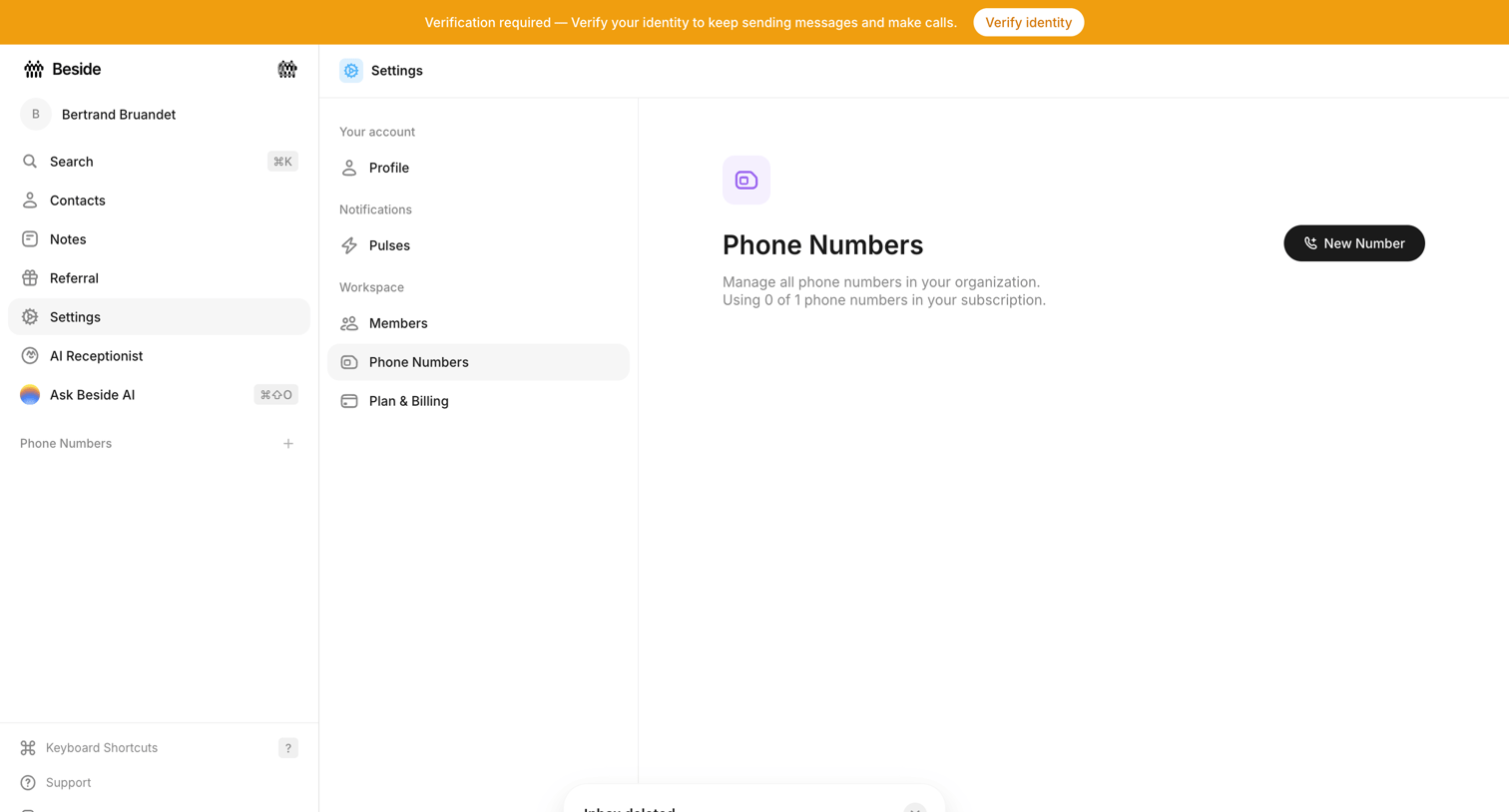

Settings page where the user manages workspace phone numbers, currently showing an empty state with a prompt to add a new number and a system banner requiring identity verification.
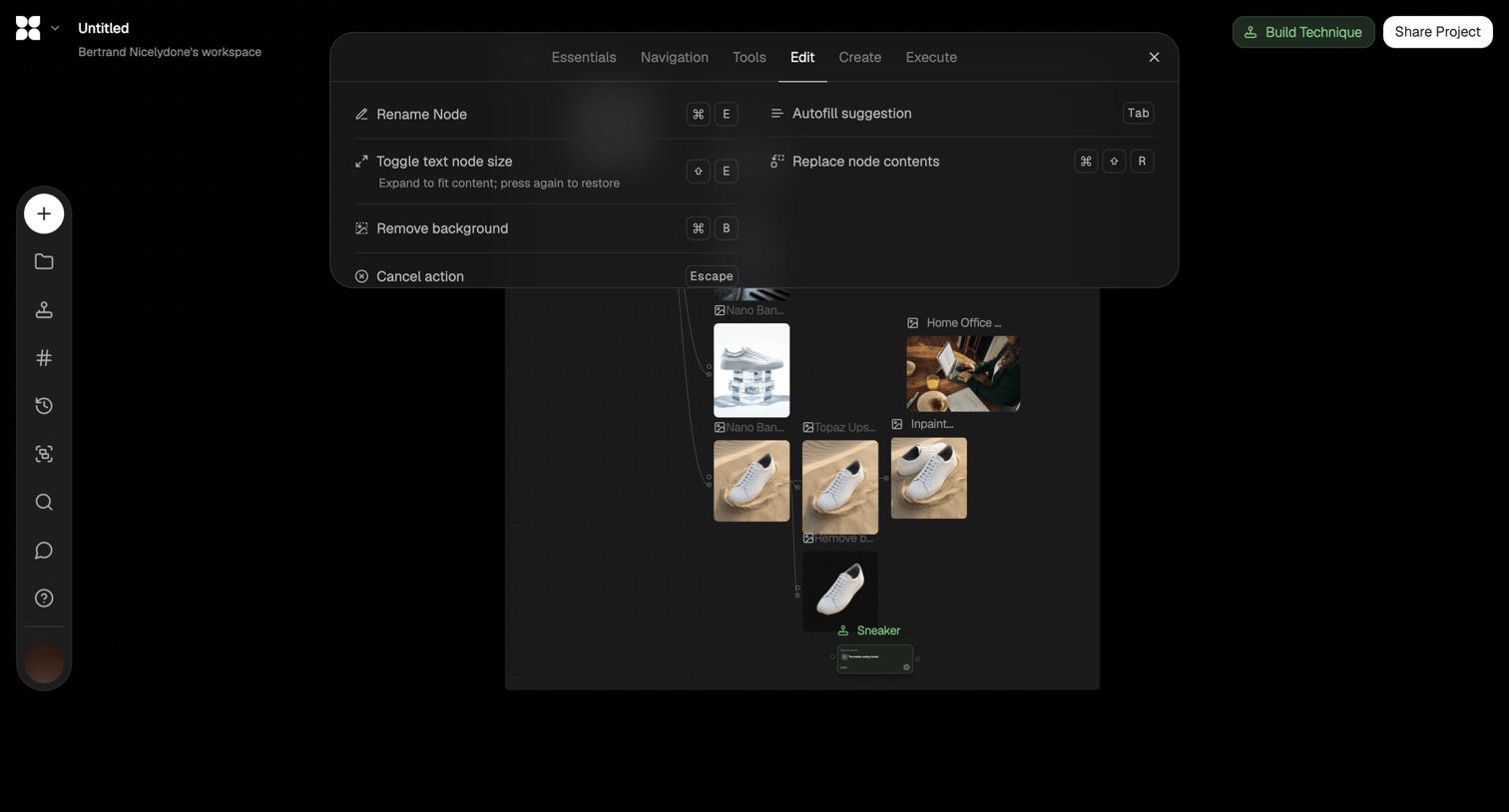

Design editor where the user builds an AI image generation workflow on a canvas and views a floating menu of keyboard shortcuts for editing nodes.
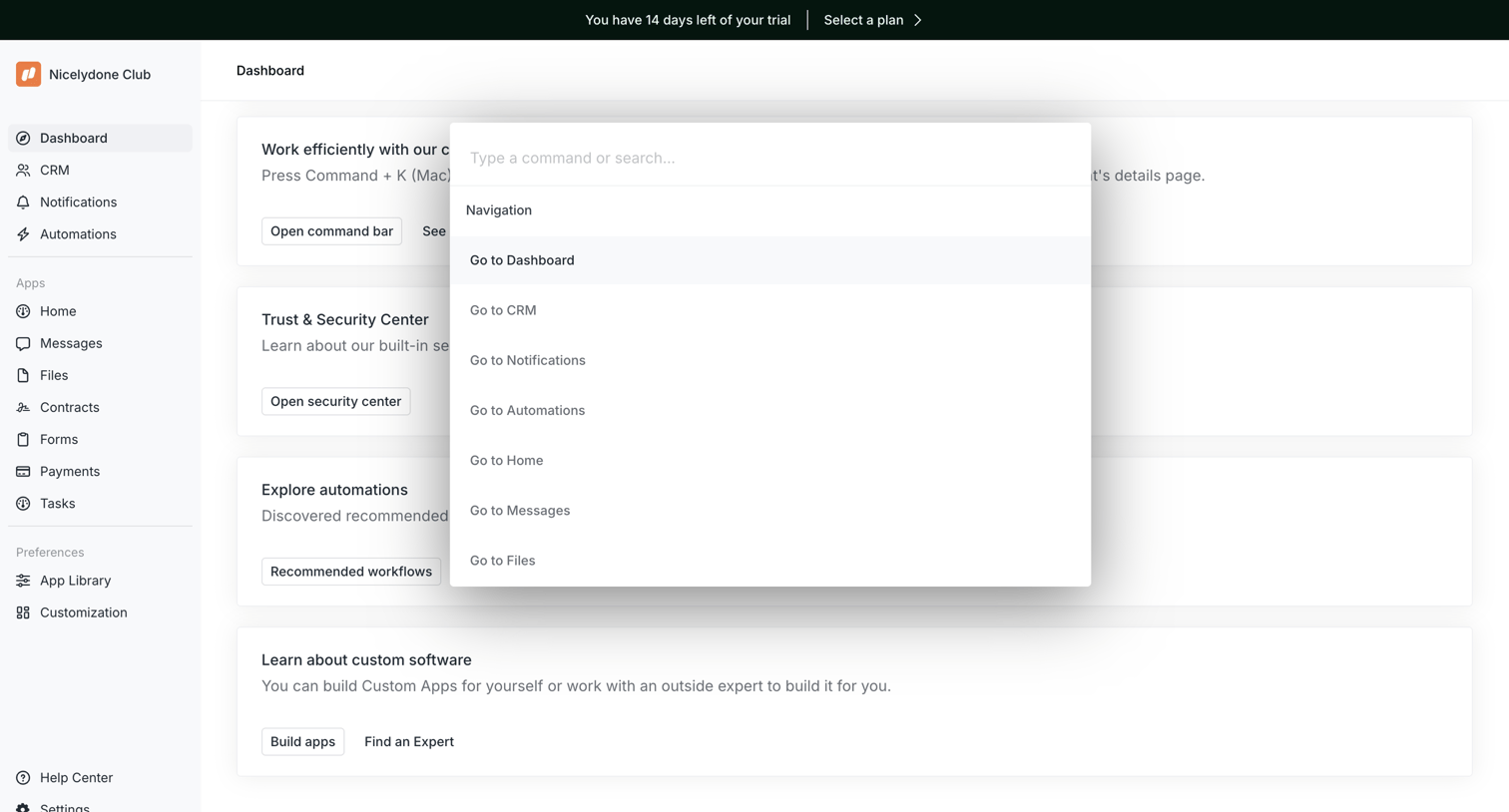

Dashboard featuring a getting-started checklist where the user has opened the command palette to search and navigate across the app.
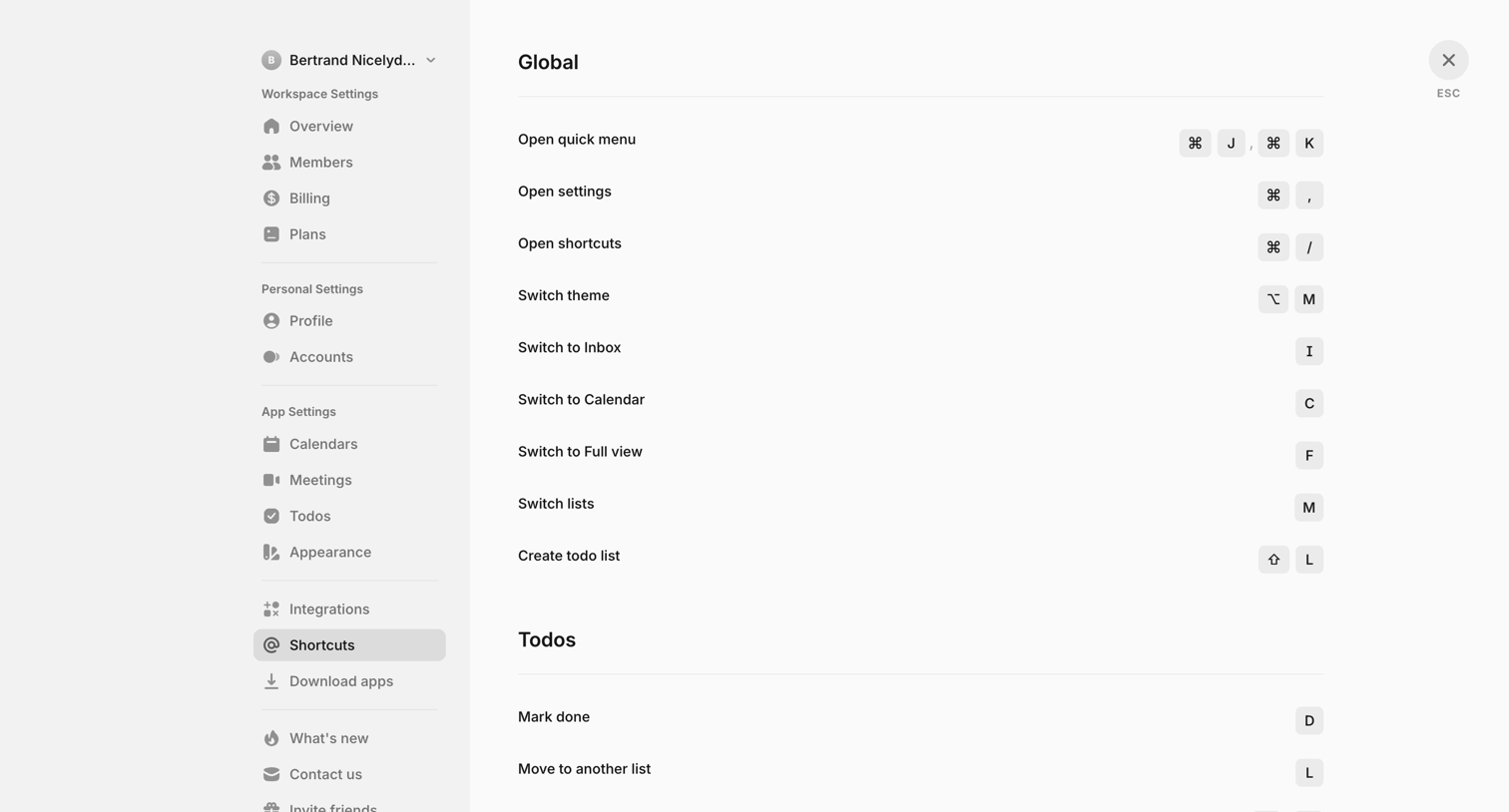

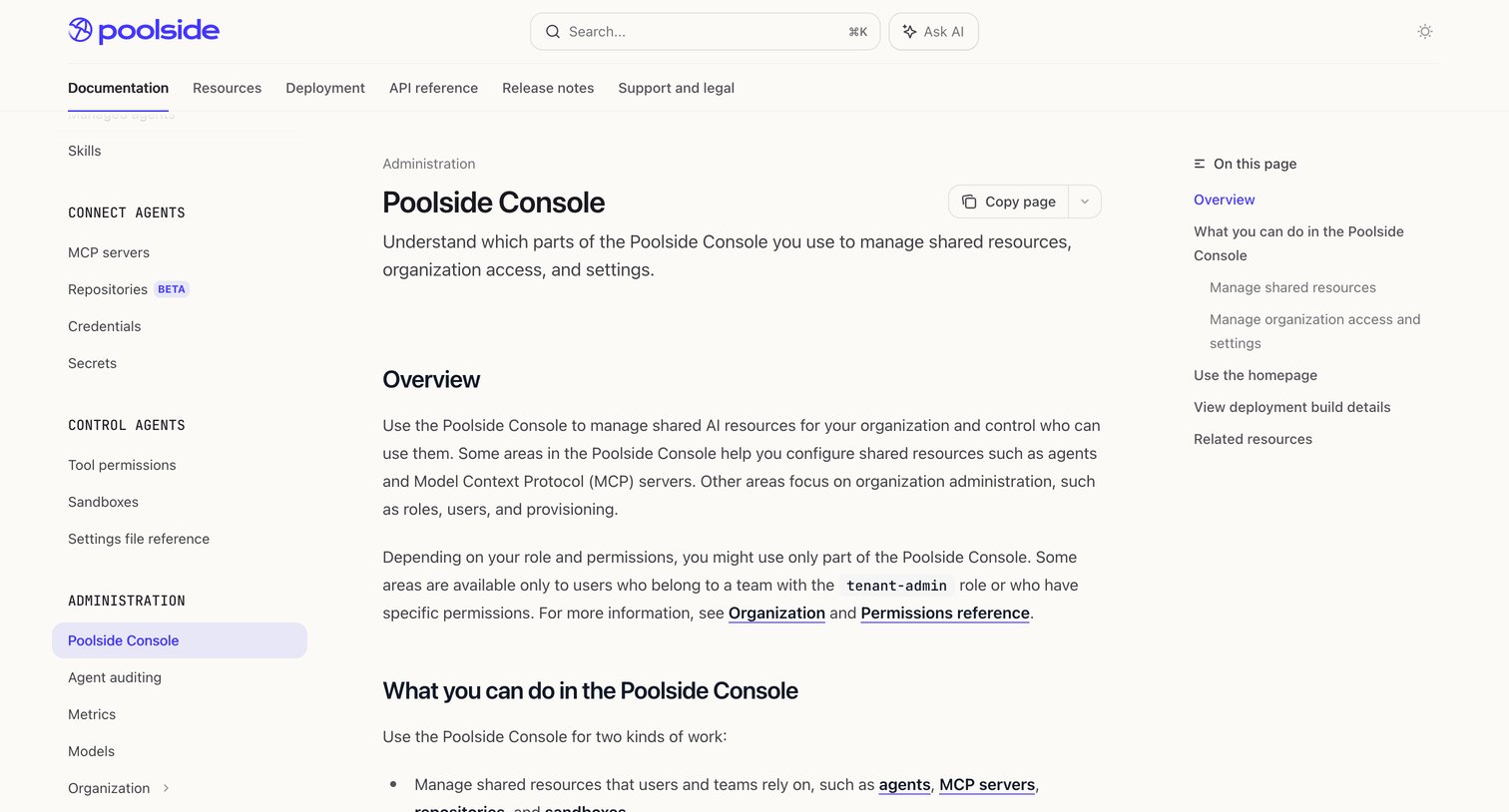

Help center article explaining the Poolside Console, featuring an inline AI question prompt, a left navigation sidebar, and a right table of contents.
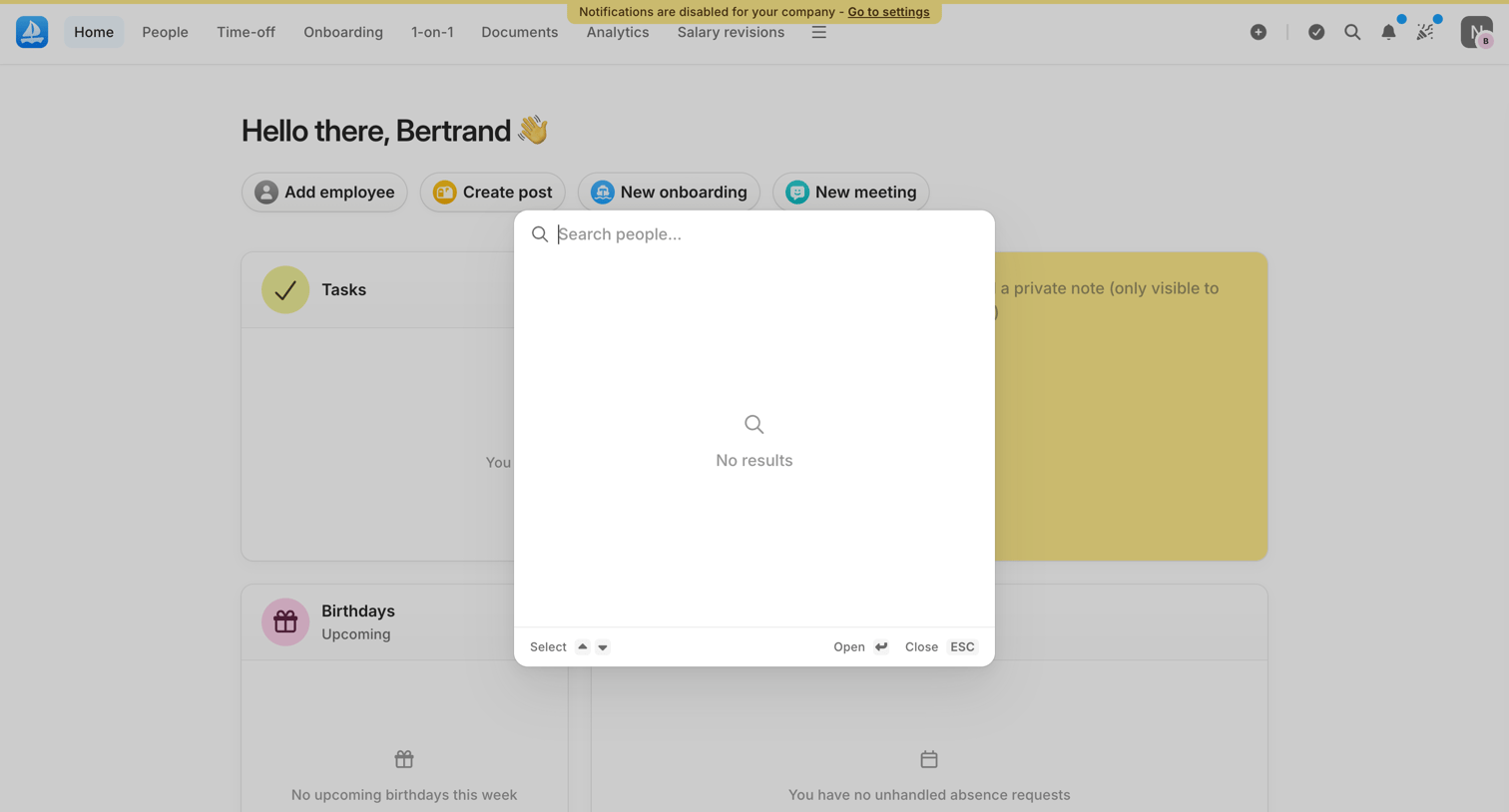

Search overlay where the user is looking for people but sees an empty state with no results over their HR dashboard.
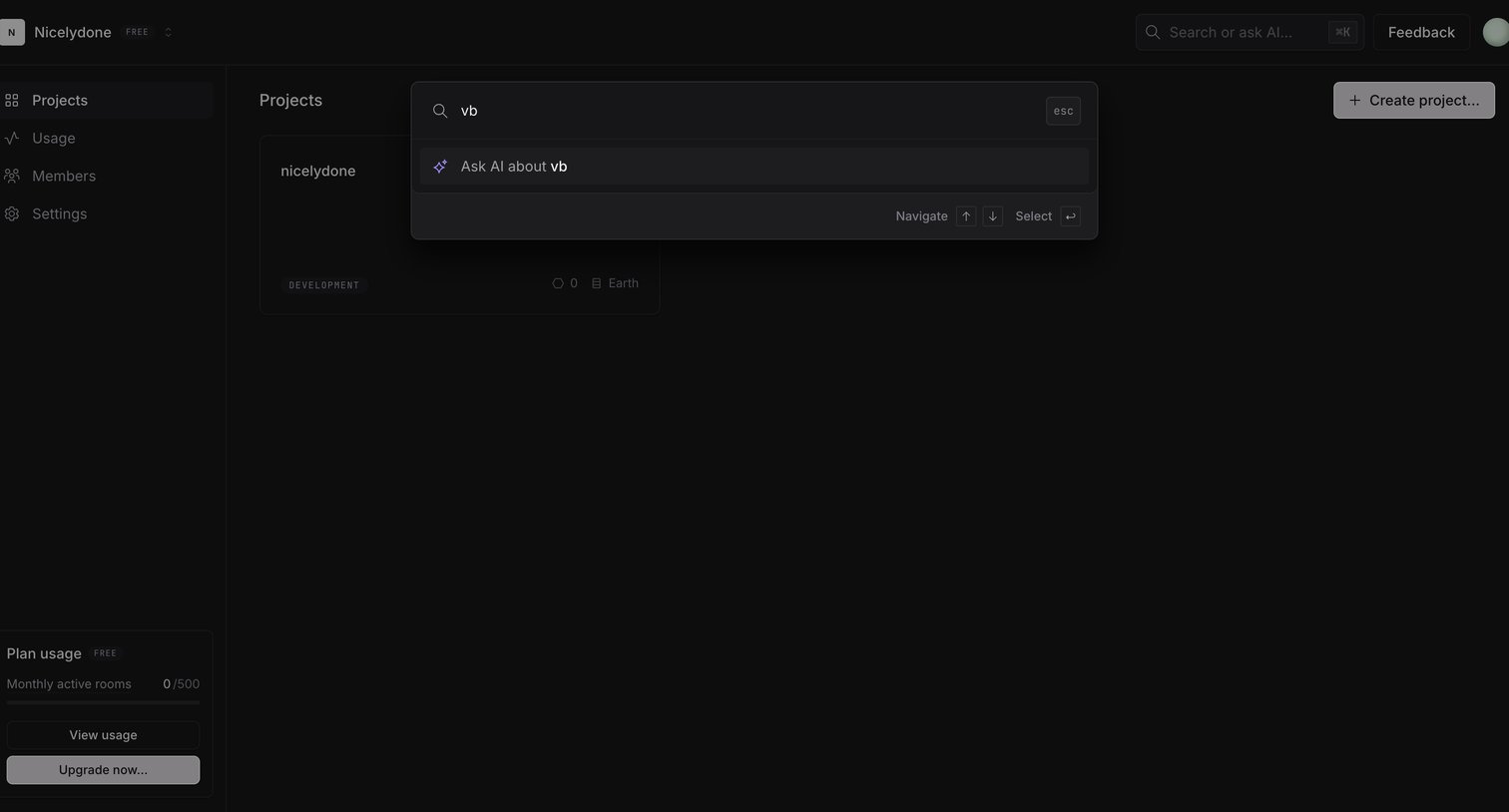

Search overlay where the user types a query to quickly find projects or ask the AI assistant.
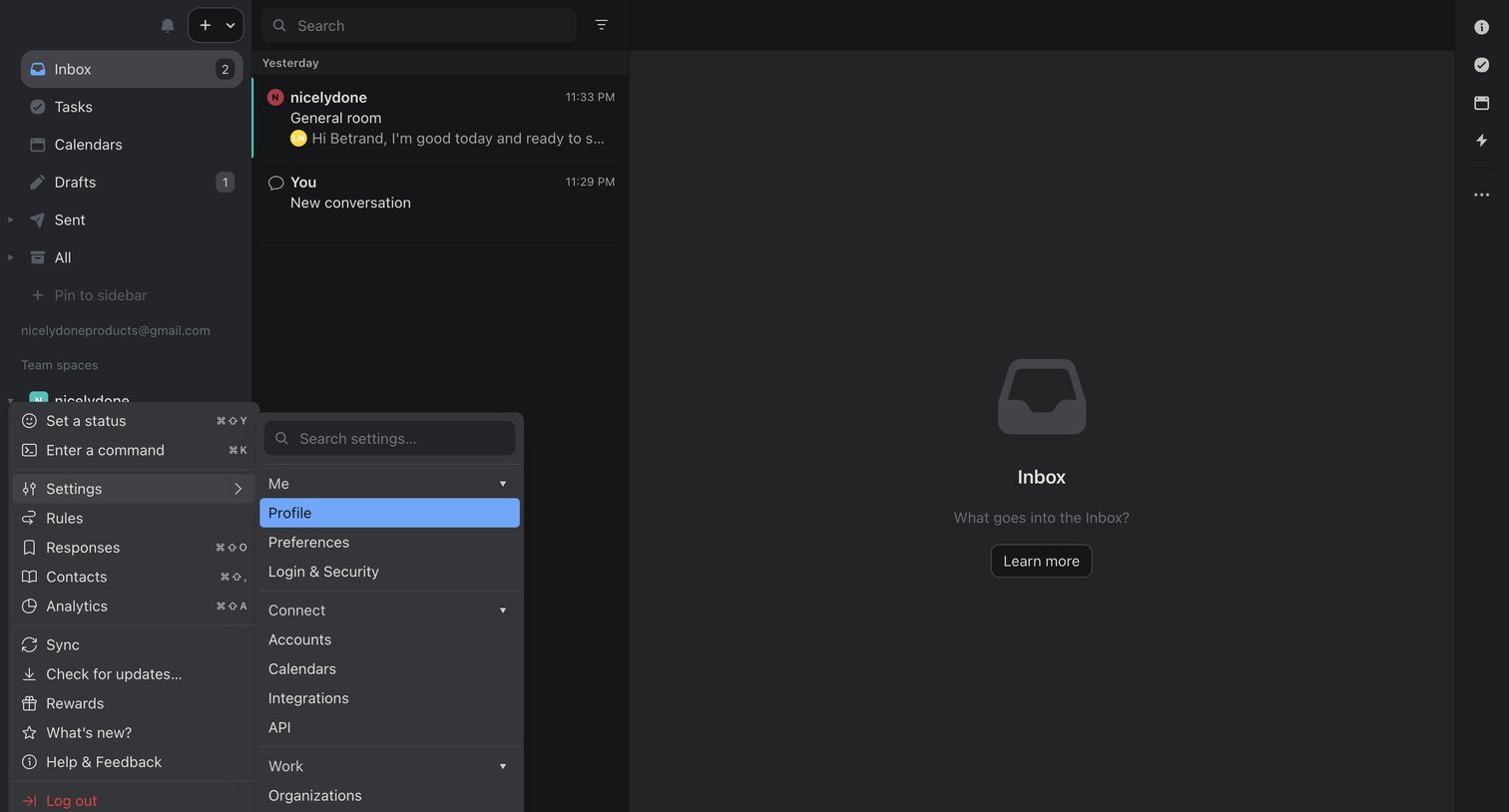

Inbox view where the main conversation pane is empty, showing a large multi-column profile and settings dropdown menu opened from the bottom left.
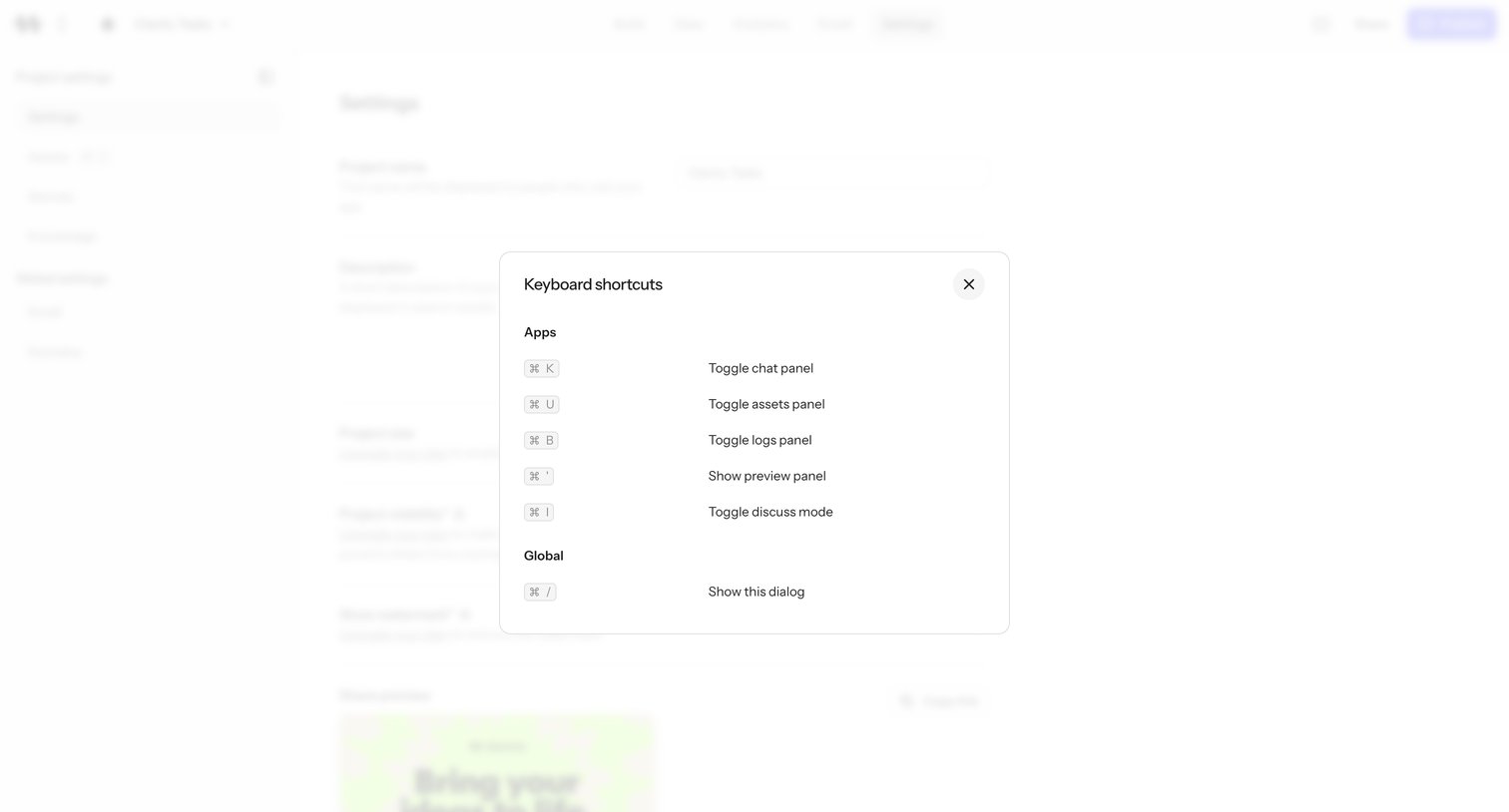

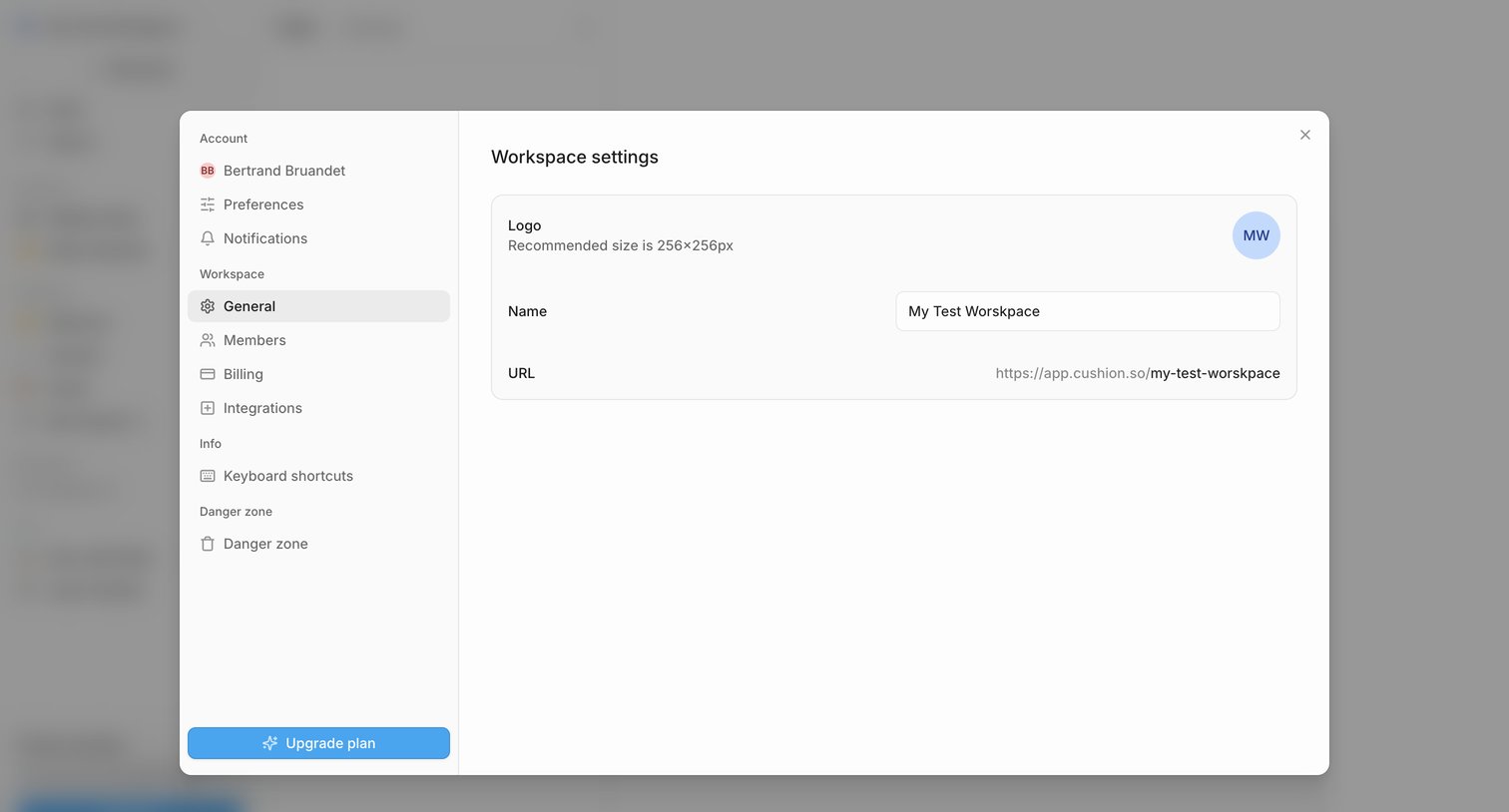

Settings modal where the user configures their workspace name, logo, and URL, with a sidebar for navigating other account and workspace preferences.
Explore the full SaaS screen library
Upgrade to unlock the full library.
Trusted by the best teams







