Item details screen examples
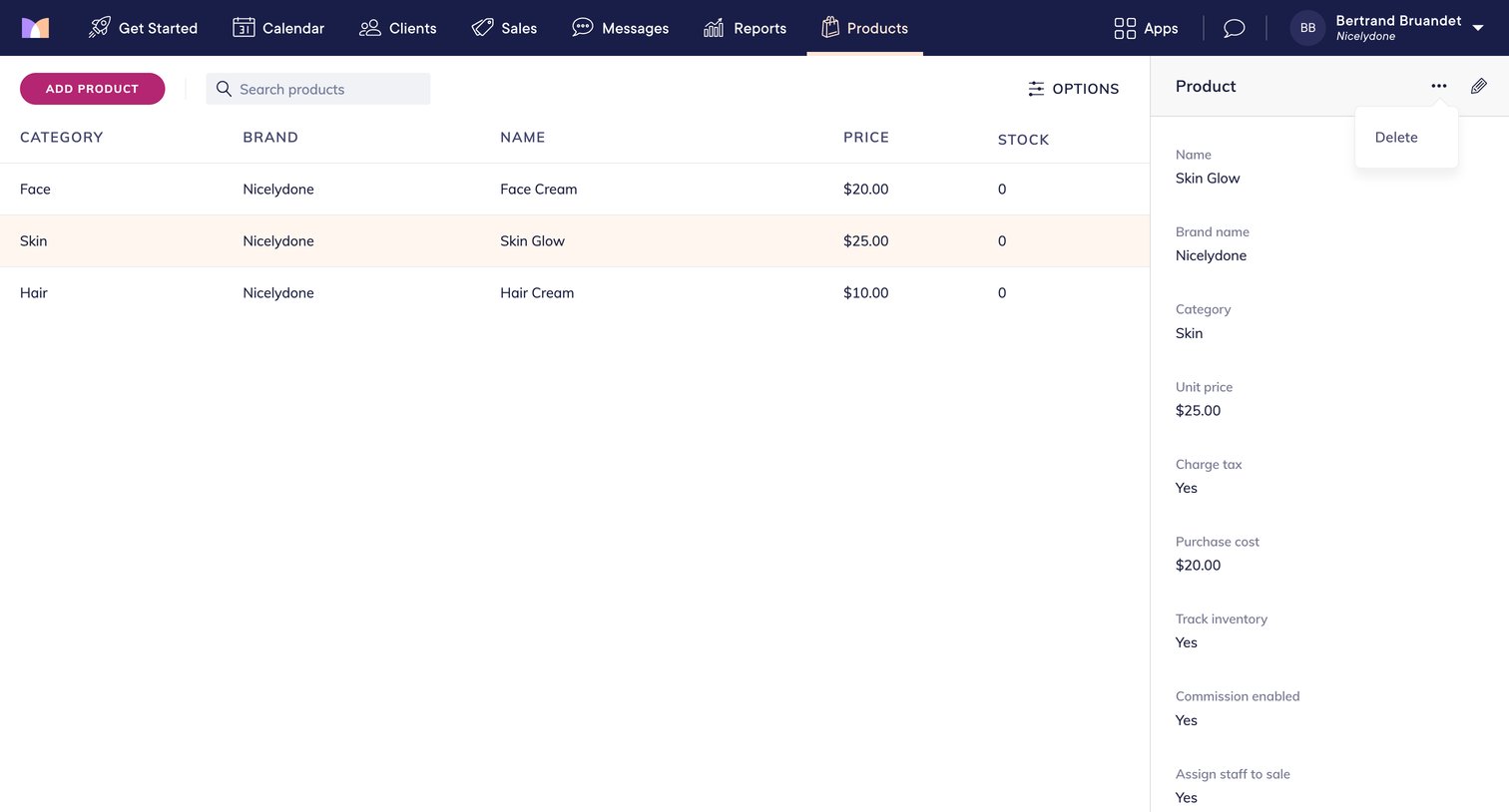
Item details screen design examples from SaaS apps. Browse examples from Fourthwall, Mangomint, Evervault.
Explore the examples
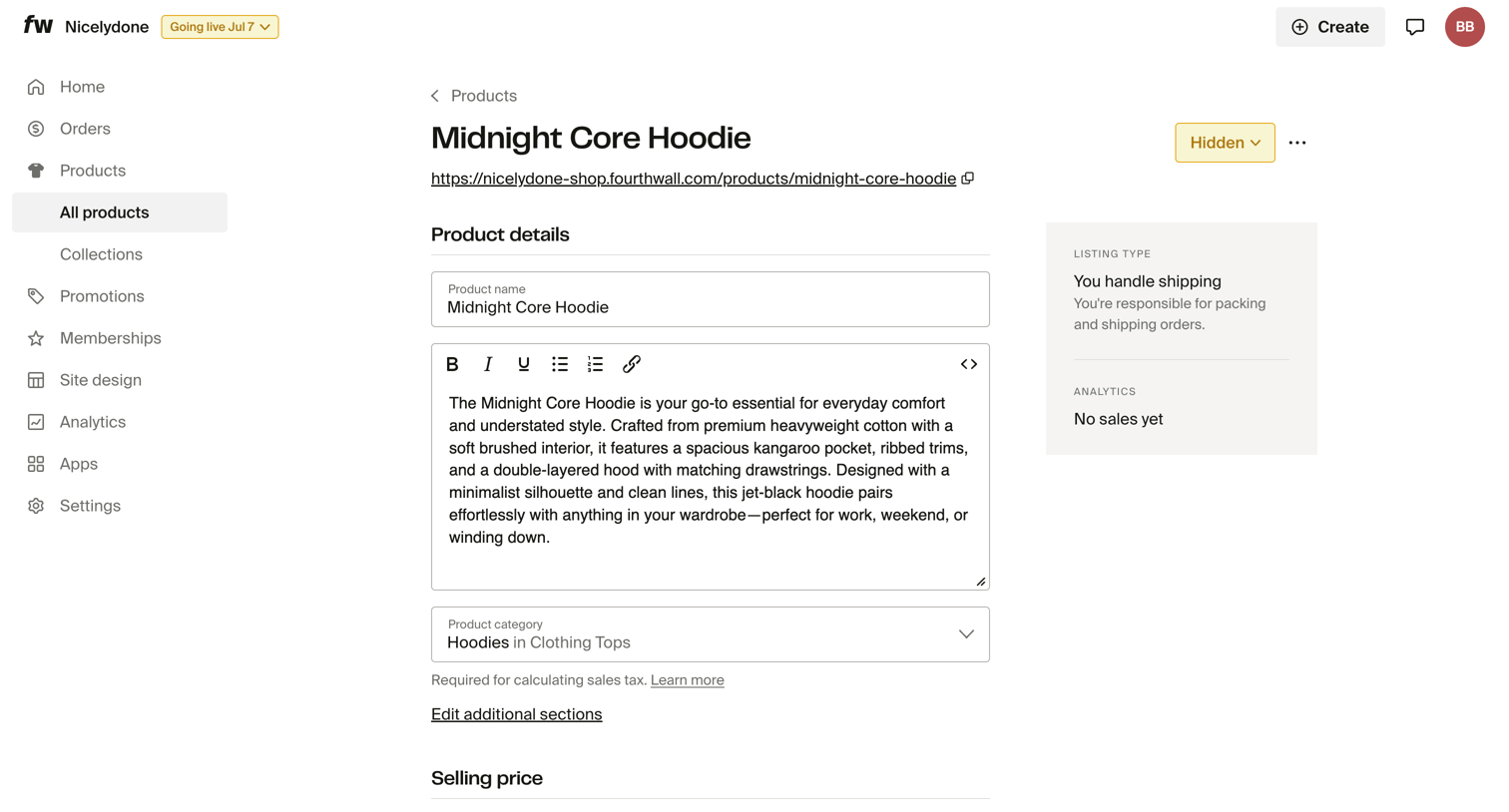

Detail page where the user edits a product's details, pricing, shipping, images, and inventory.

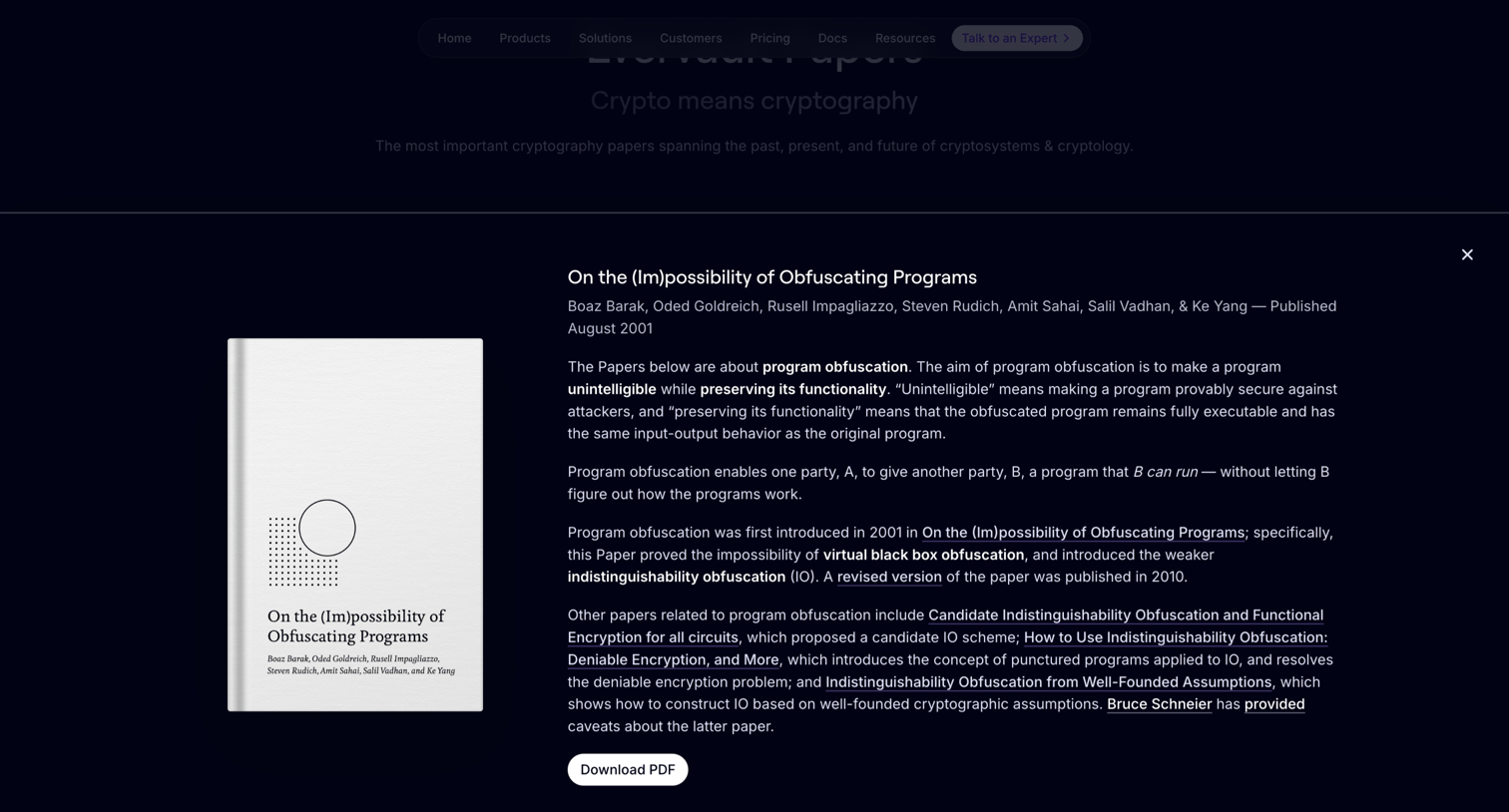

Resources page where the user reads the abstract for the 'On the (Im)possibility of Obfuscating Programs' paper and can download the PDF.
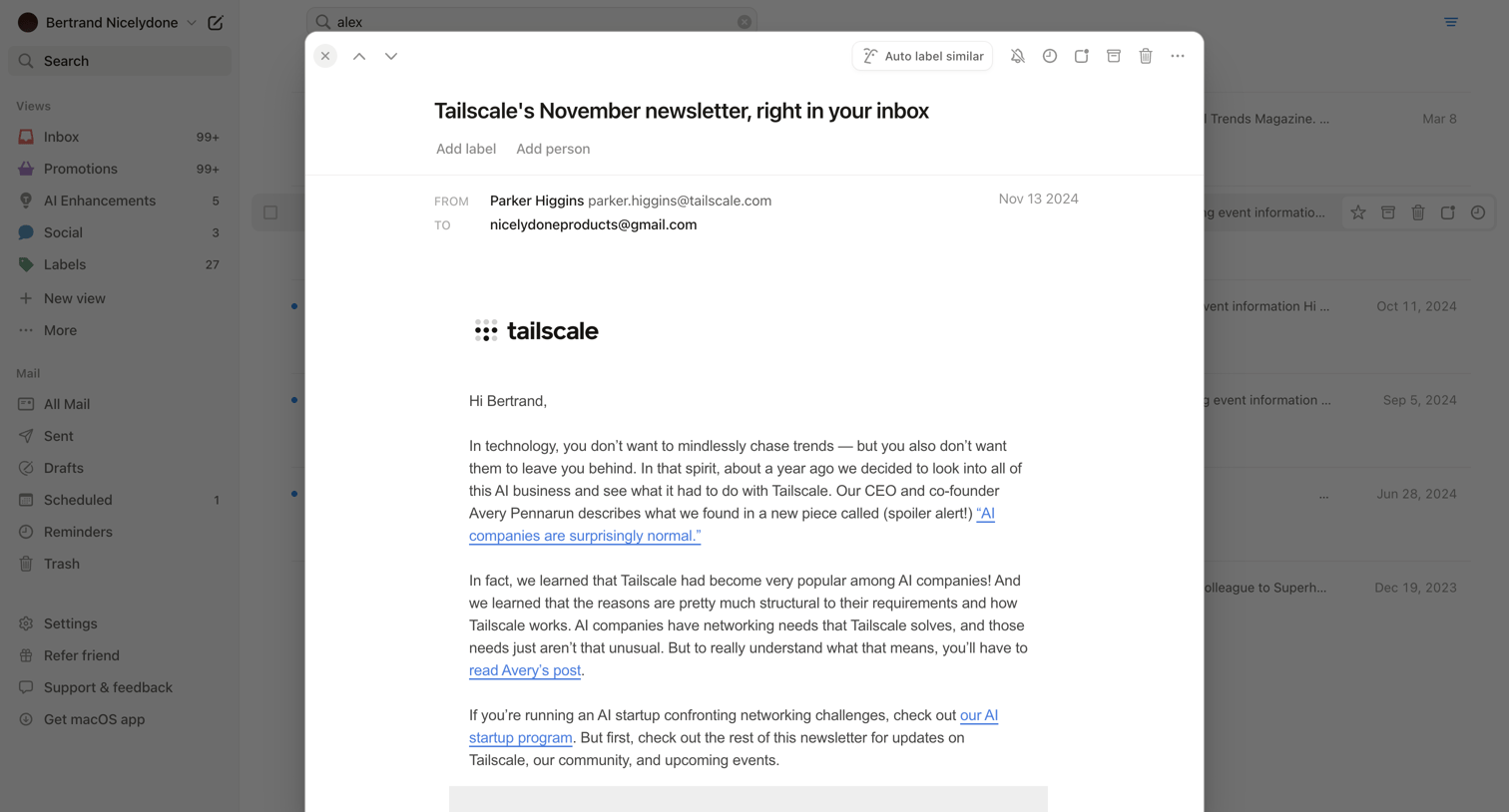

Search results page where the user views a specific email newsletter in a modal overlay with quick actions to archive, trash, or label.
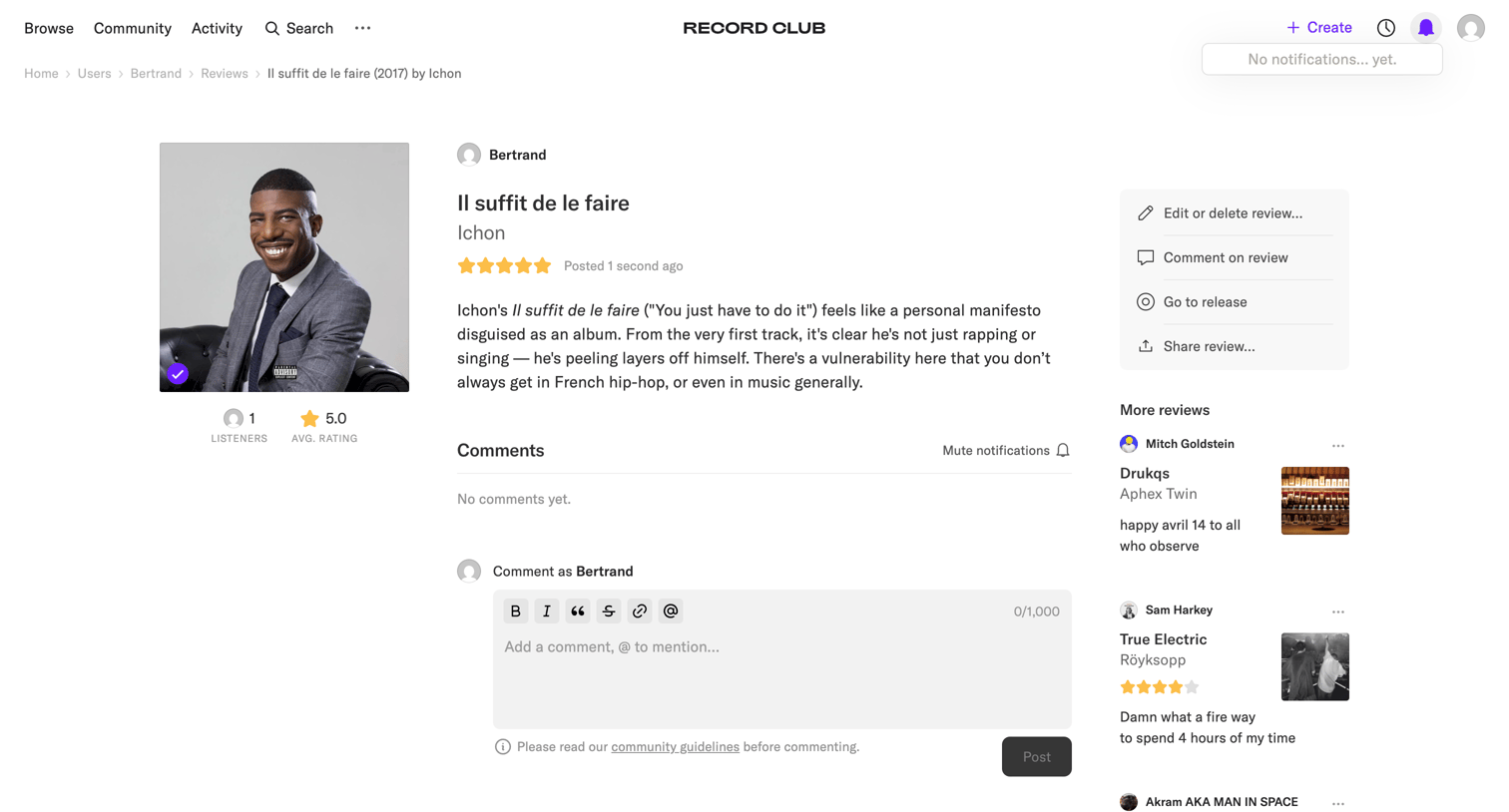

Detail page where a user reads a specific album review, views its rating, and can leave a comment.
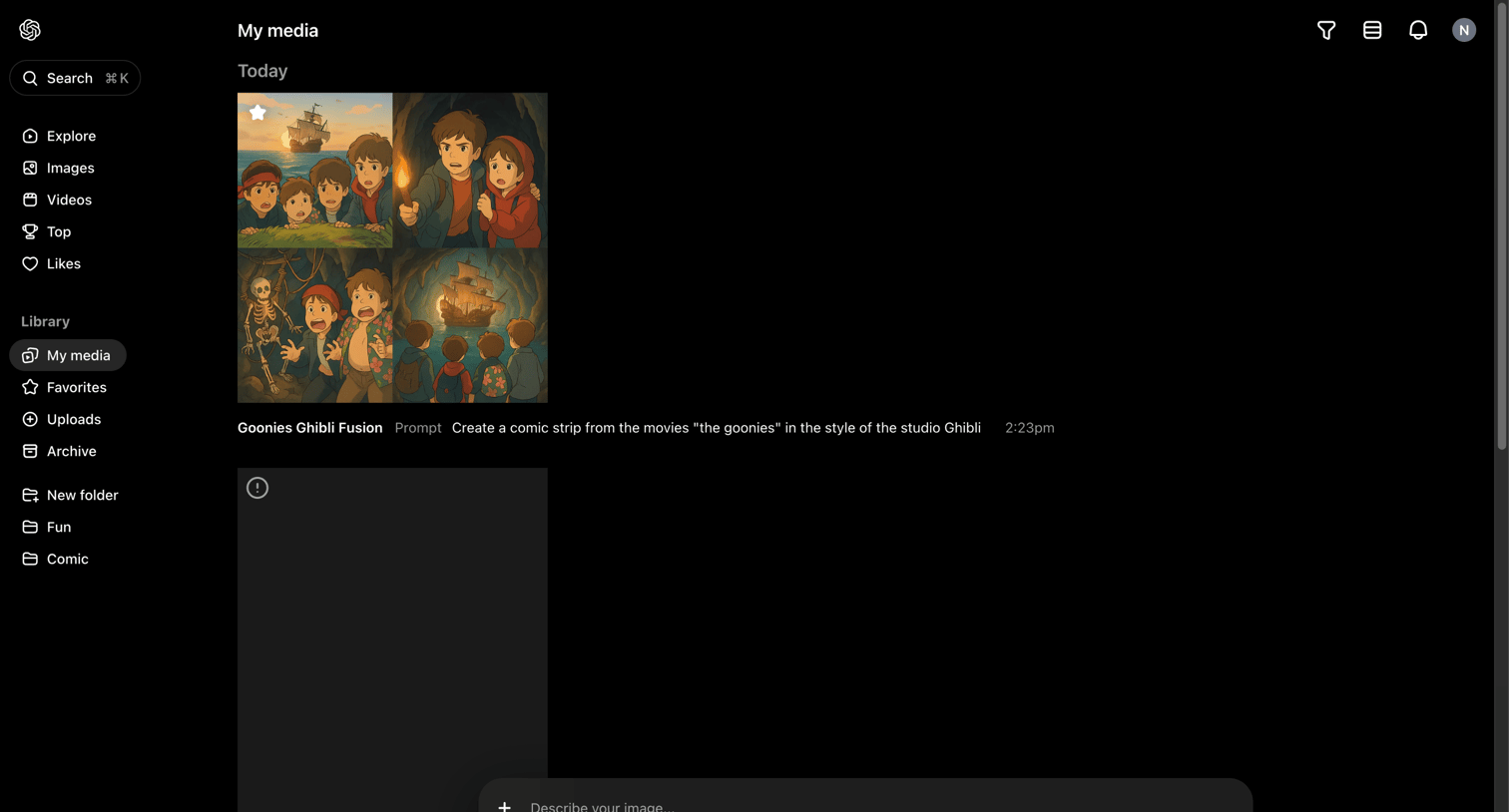

Media library where the user views past generations and can prompt new images or videos using a persistent bottom composer.


News article announcing the Grok 3 Beta release, featuring benchmark comparisons, reasoning capabilities, and a showcase of the DeepSearch agent.
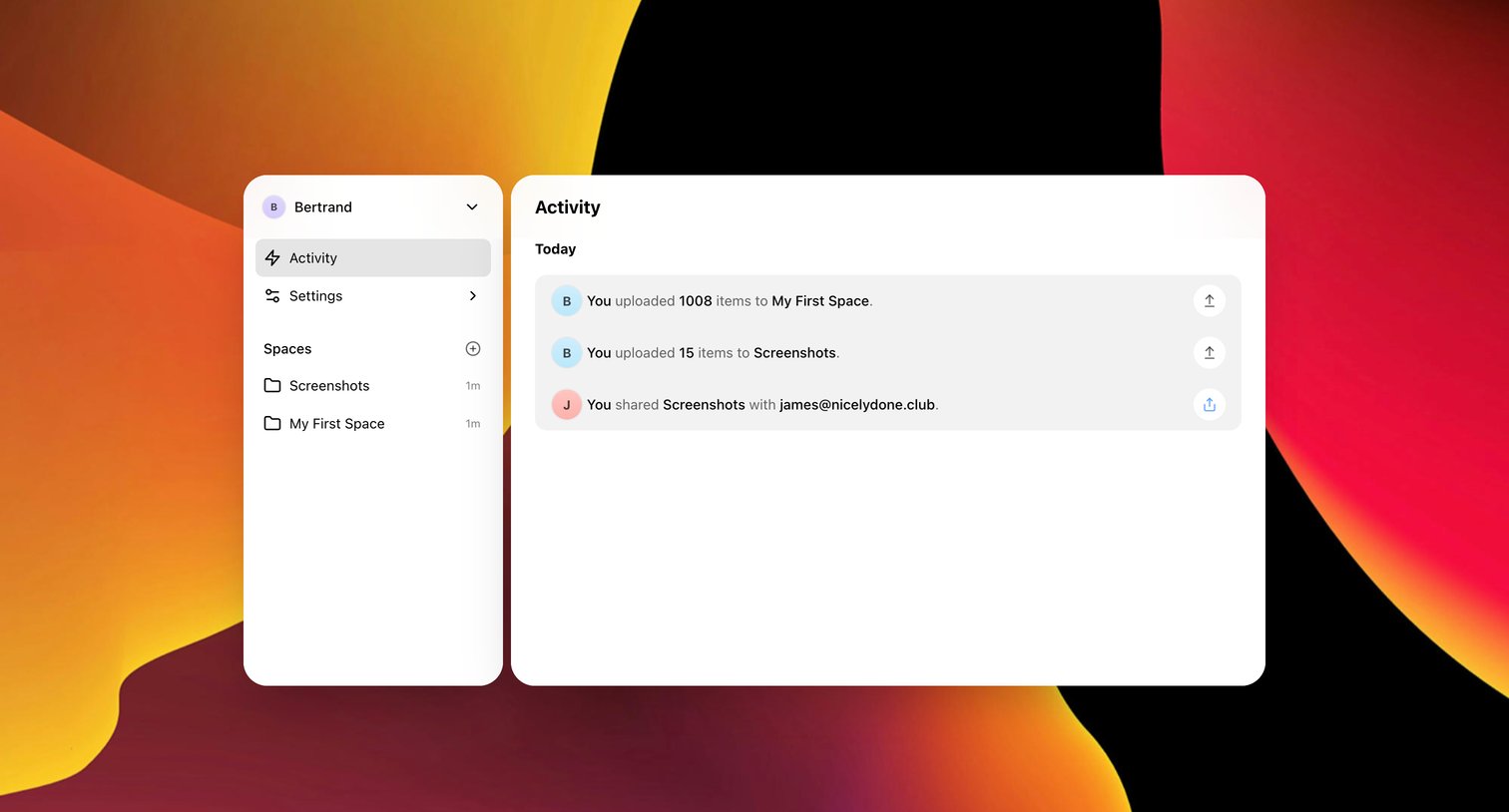

Activity feed where the user views recent file uploads and sharing events grouped by day.
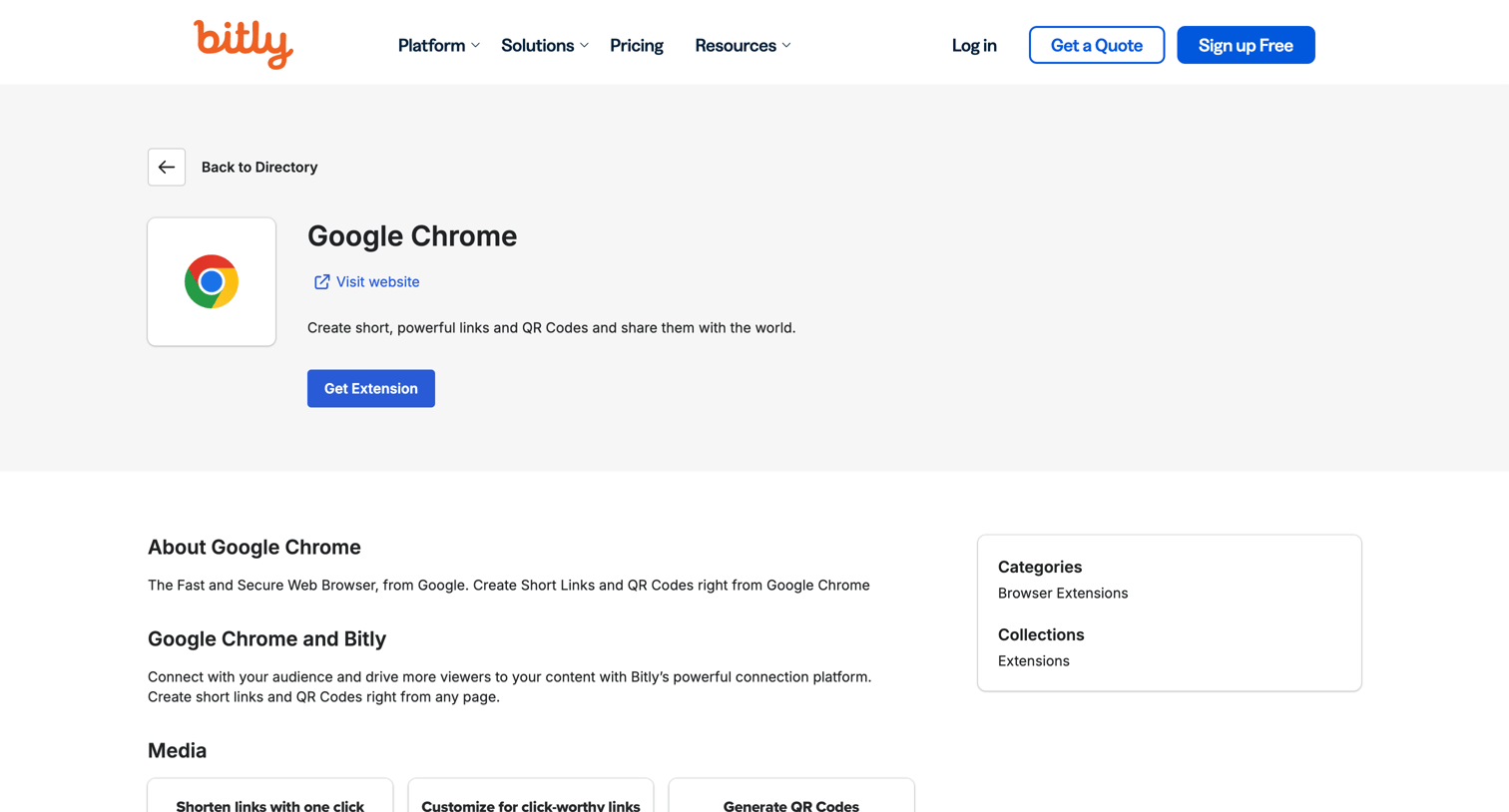

Application download page for the Bitly Google Chrome extension, featuring installation links, media previews, and category metadata.
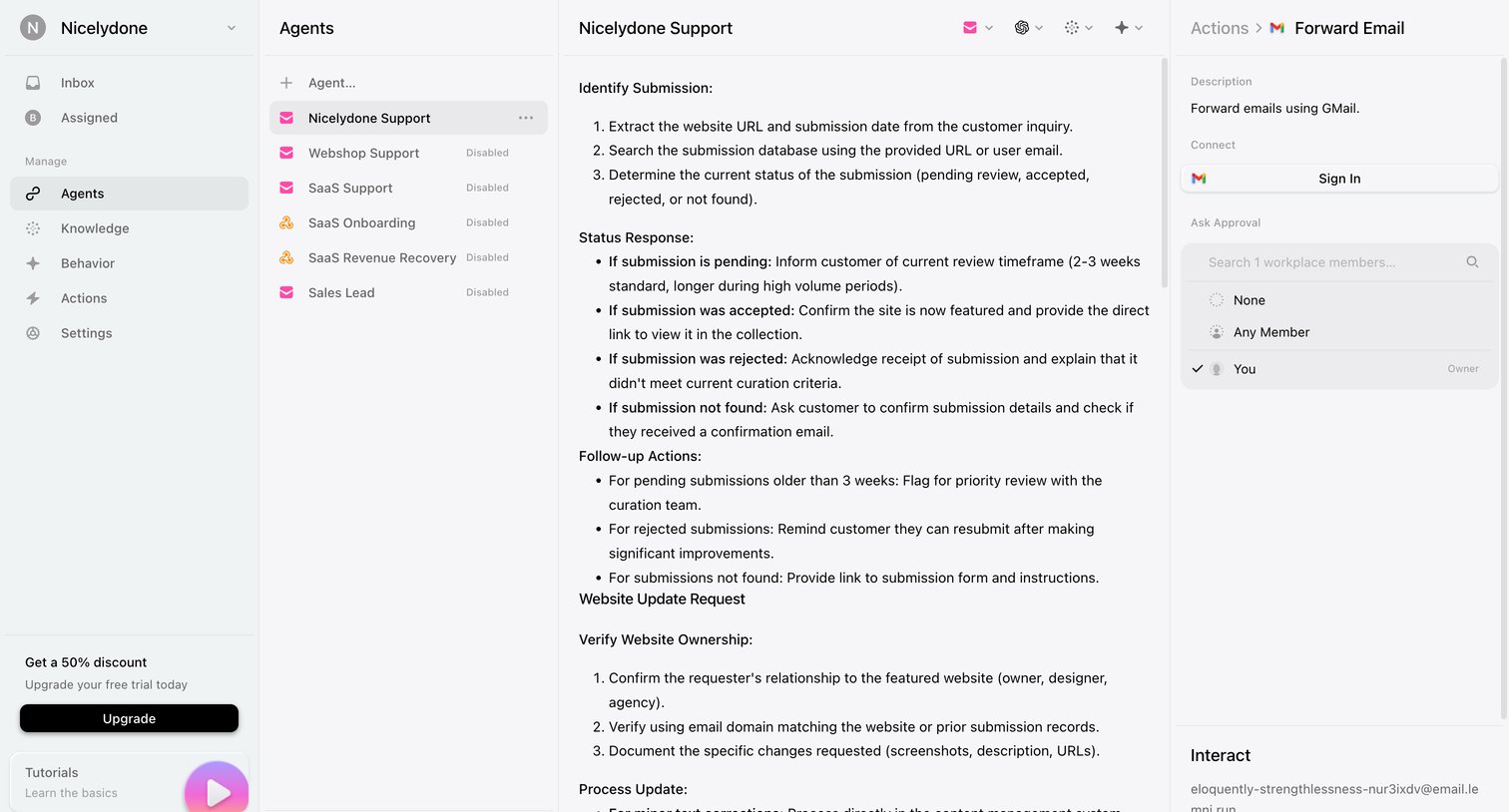

Detail page where the user configures instructions and approval settings for a specific AI support agent, including a Gmail integration connection.
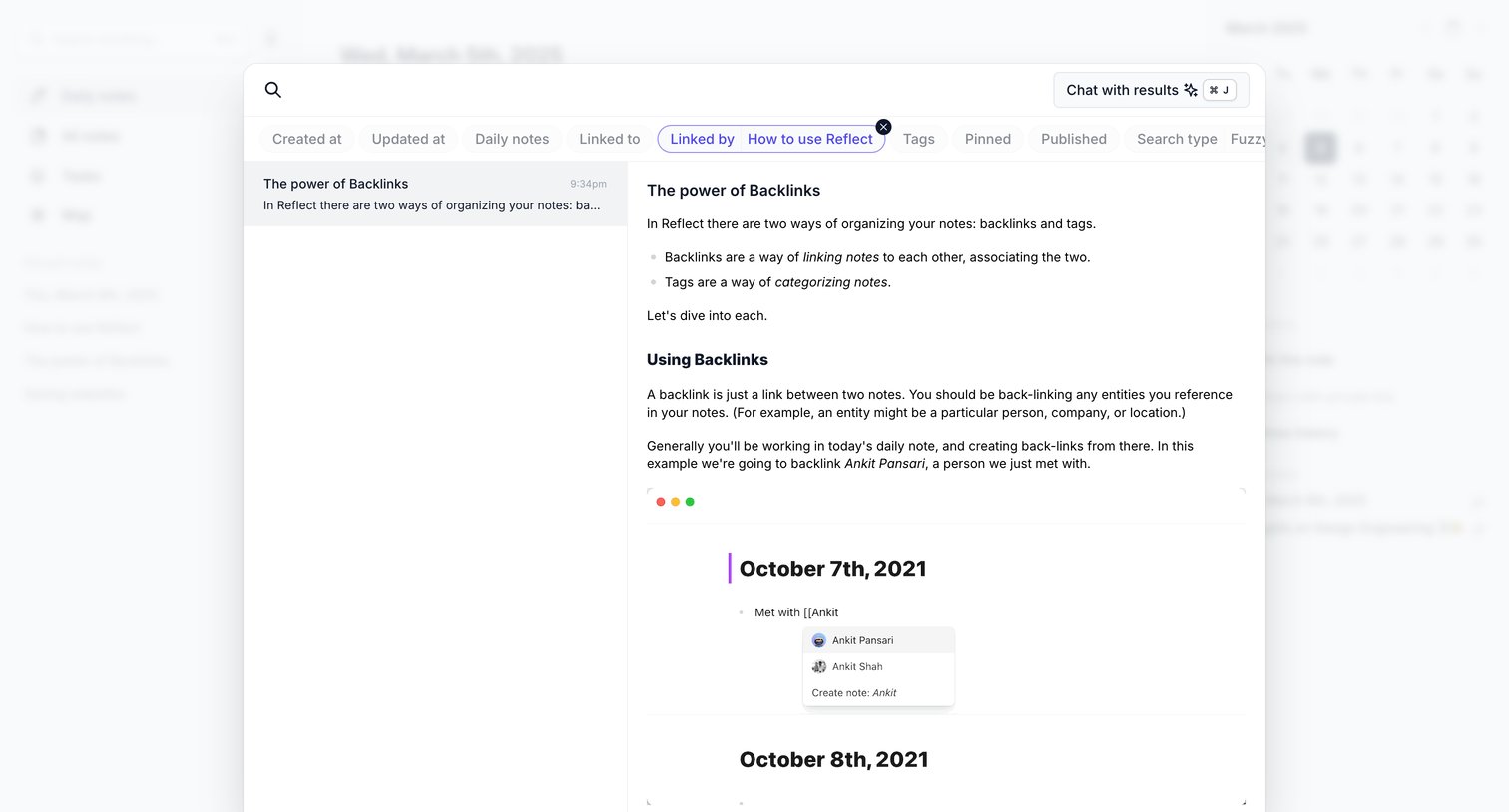

Search overlay where the user filters notes by links and previews a selected note about backlinks.
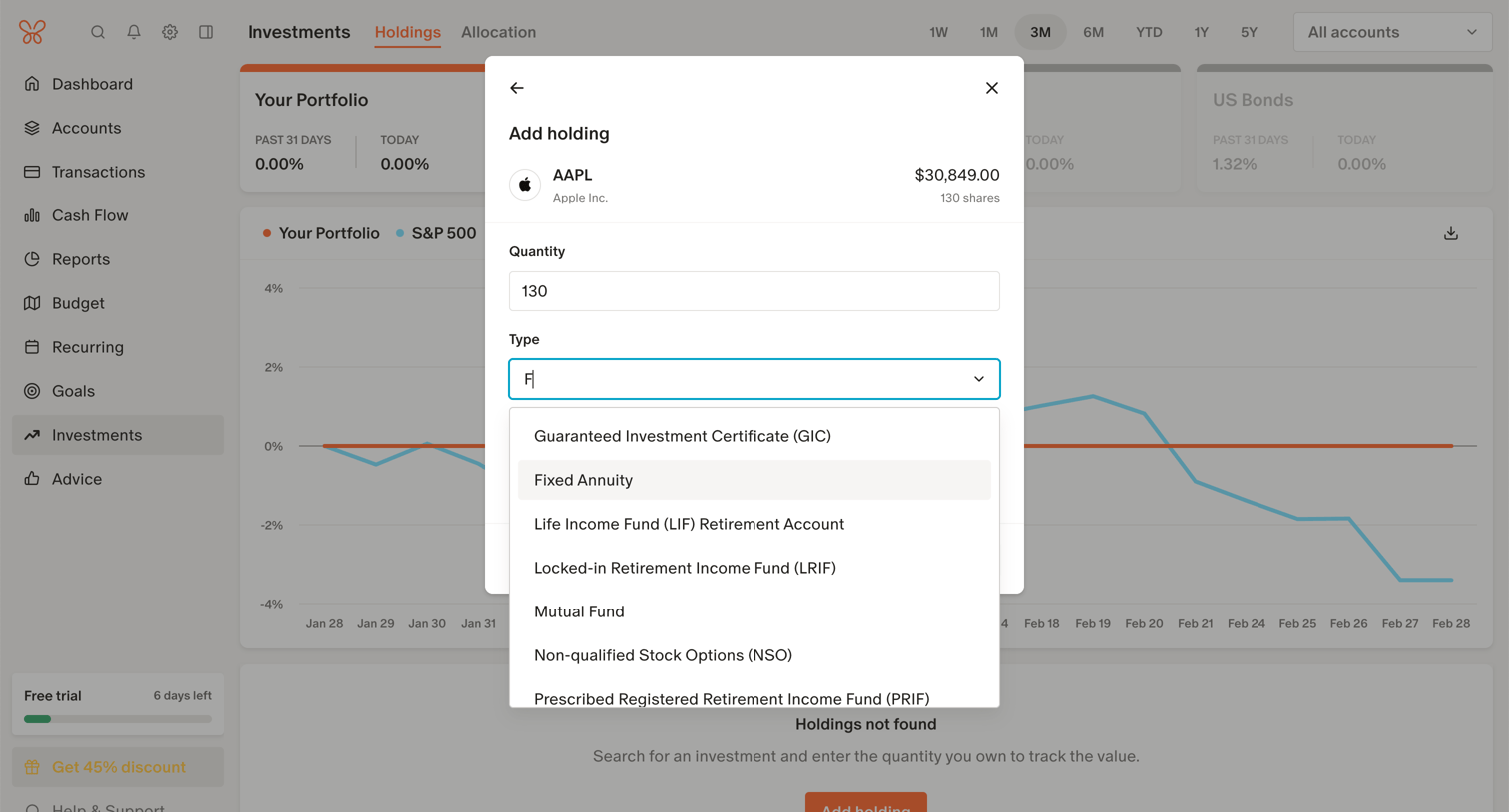

Dashboard overlay where the user specifies the quantity and asset type for an Apple stock holding to add to their portfolio.
Explore the full SaaS screen library
Upgrade to unlock the full library.
Trusted by the best teams







