Import tool screen examples
Import tool screen design examples from SaaS apps. Browse examples from Fabric, Evervault, Reflect.
Explore the examples
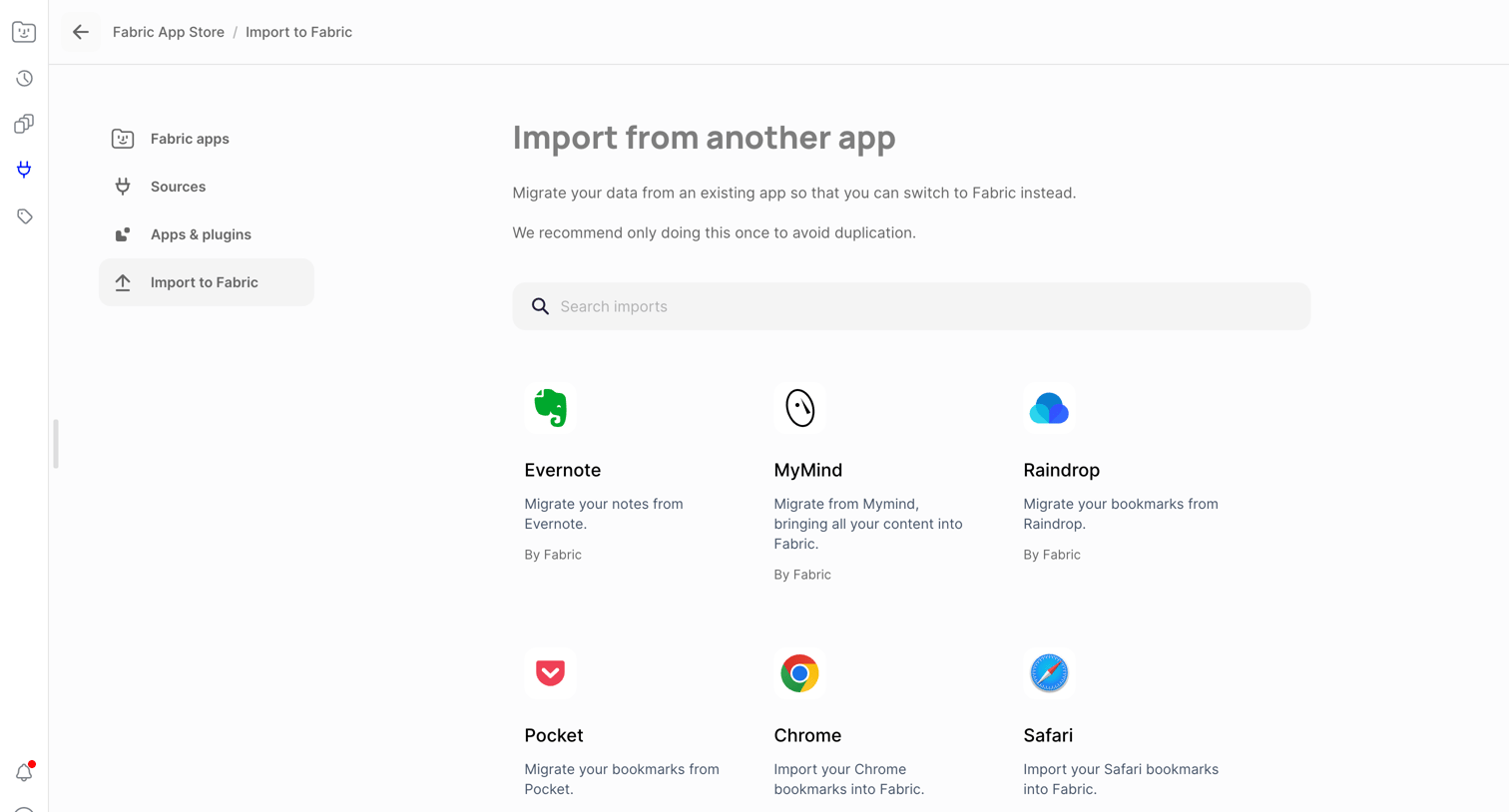

Settings page where the user can search and select third-party apps like Evernote, MyMind, and Chrome to import their existing data into Fabric.
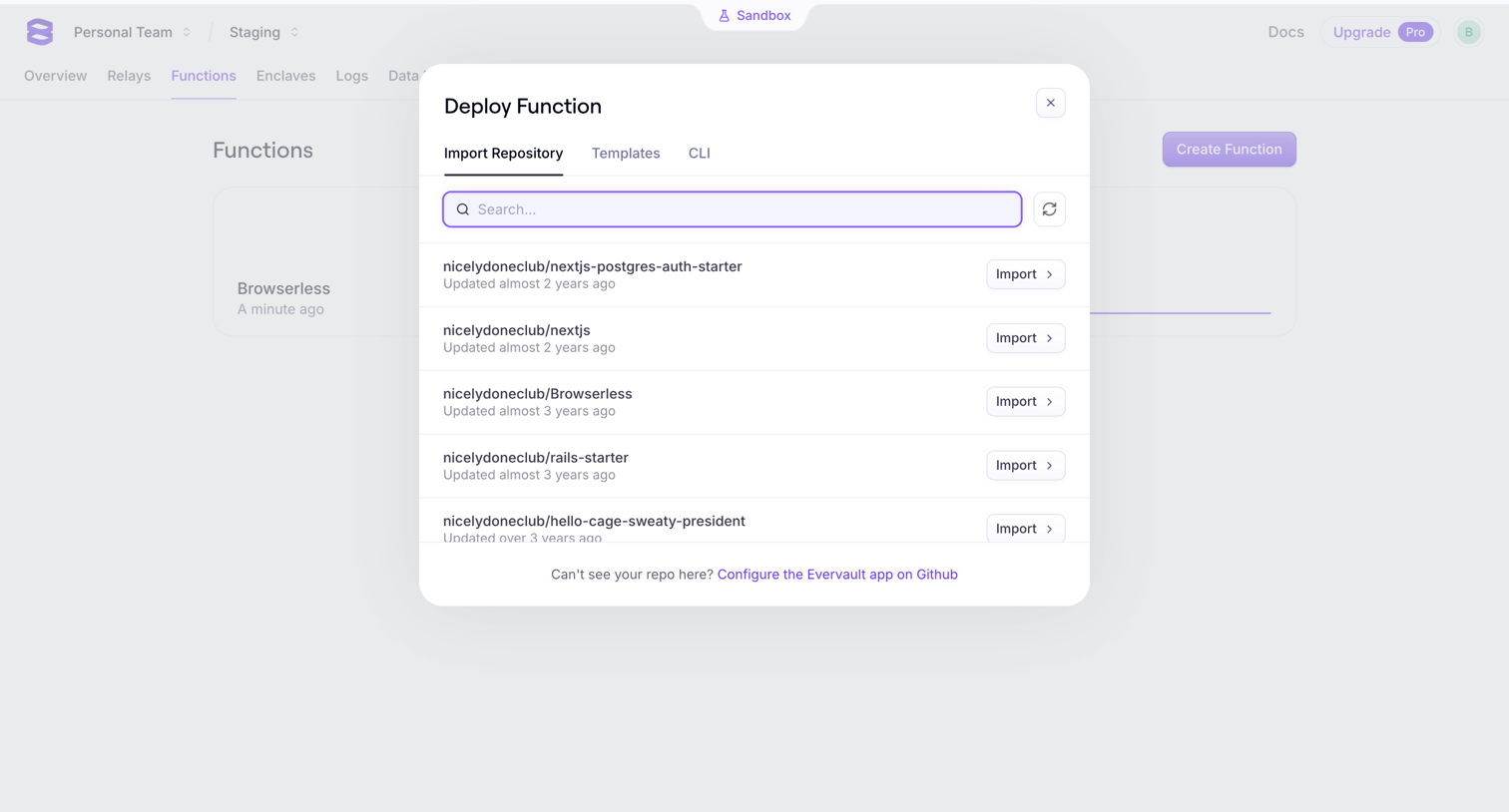

Creation overlay where the user searches and selects a GitHub repository to import and deploy as a new function.
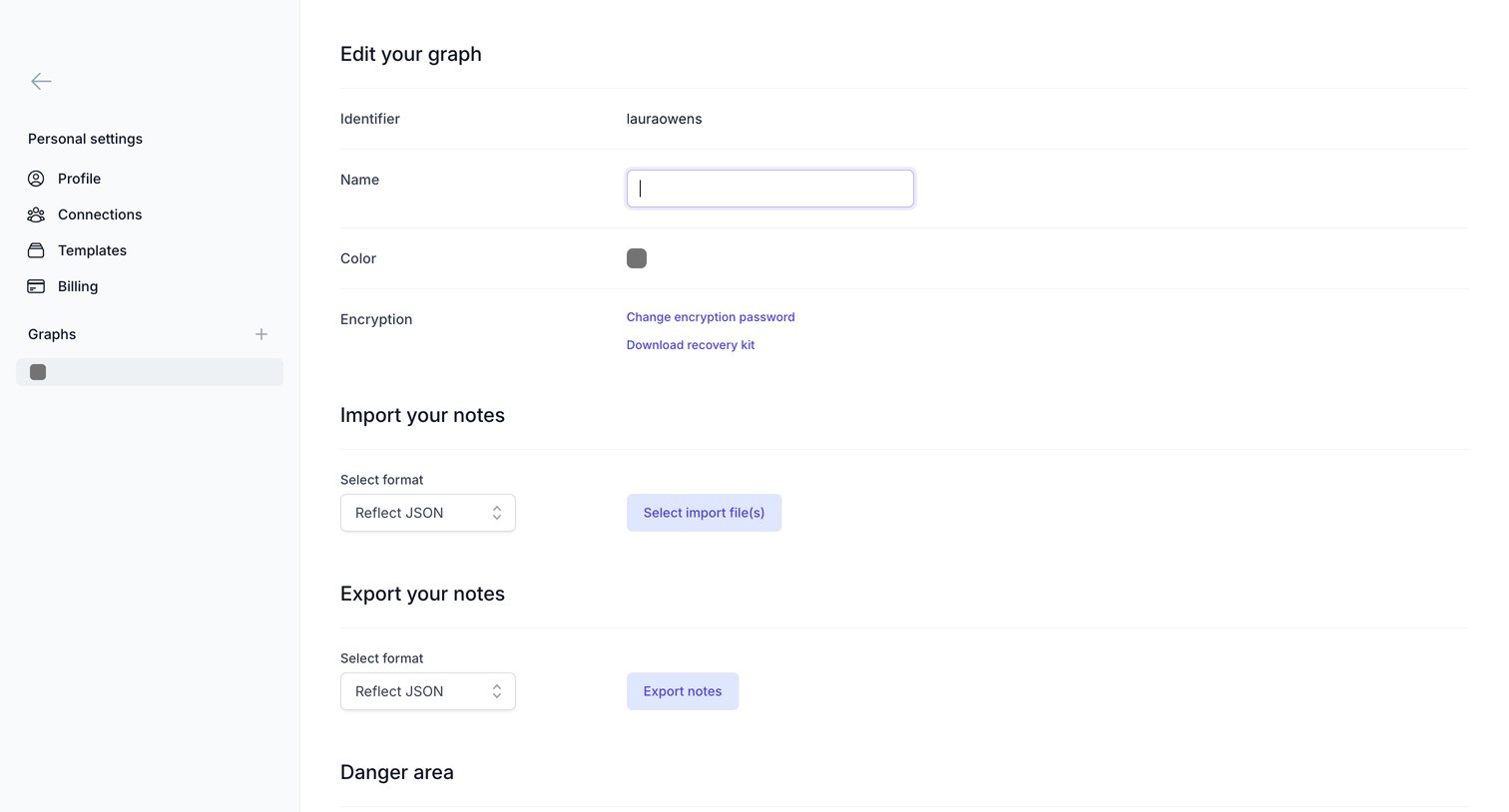

Settings page where the user configures their graph's name and color, manages encryption, and handles importing or exporting notes.
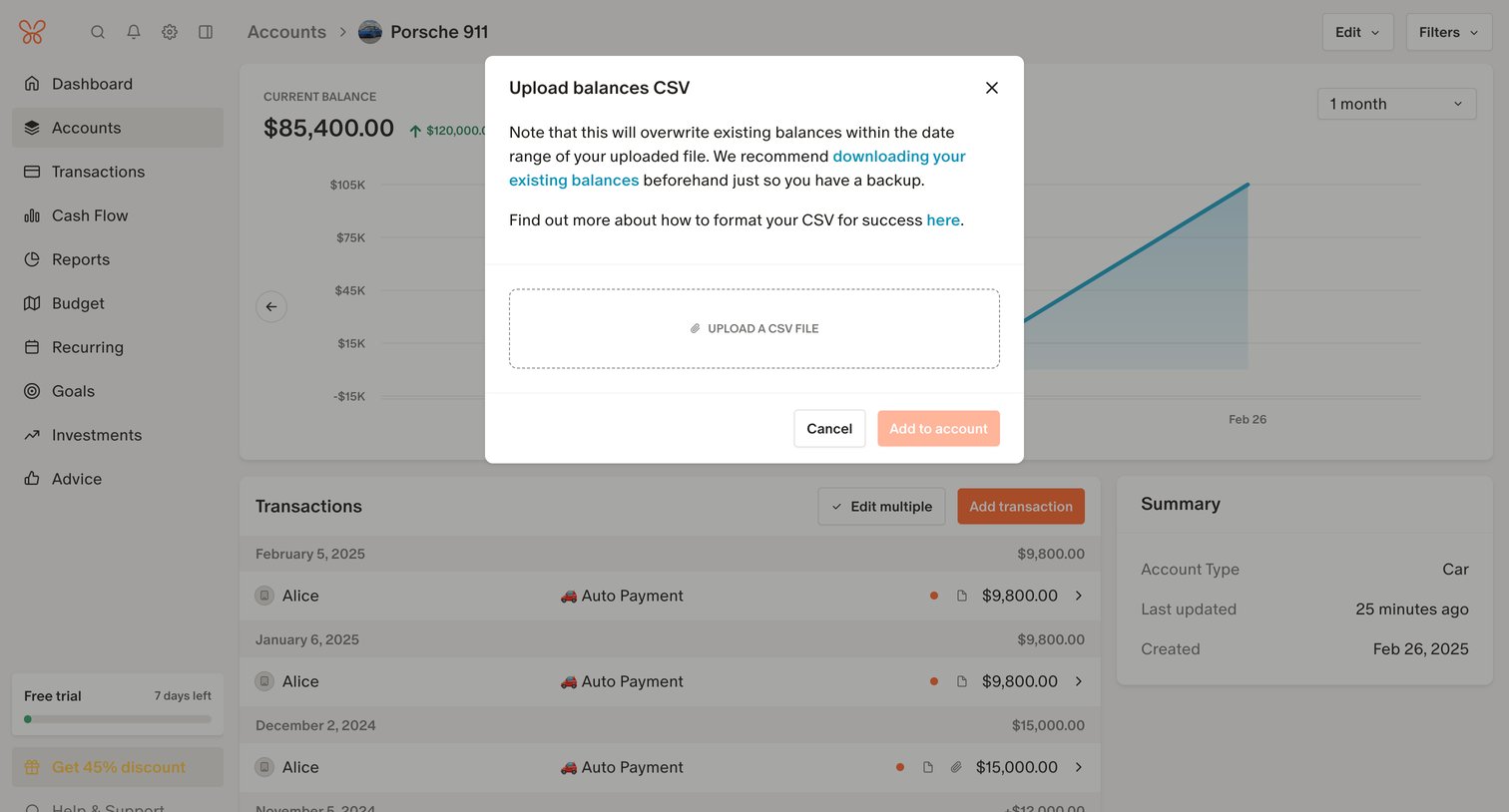

Detail page for a specific vehicle account where the user is prompted by a modal to upload a CSV file to overwrite existing balances.
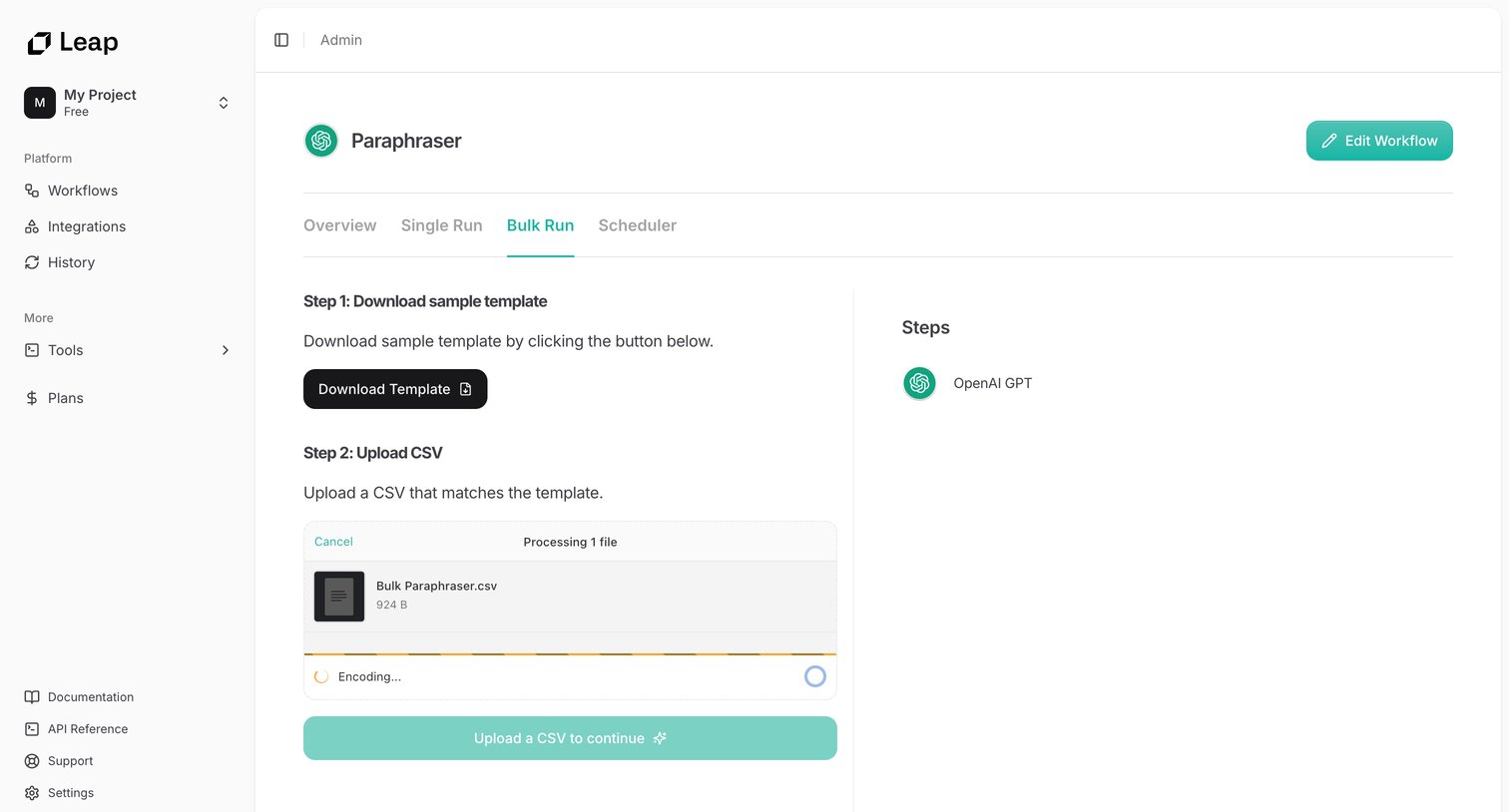

Detail page for an AI workflow where the user downloads a sample template and uploads a CSV file to execute a bulk run.
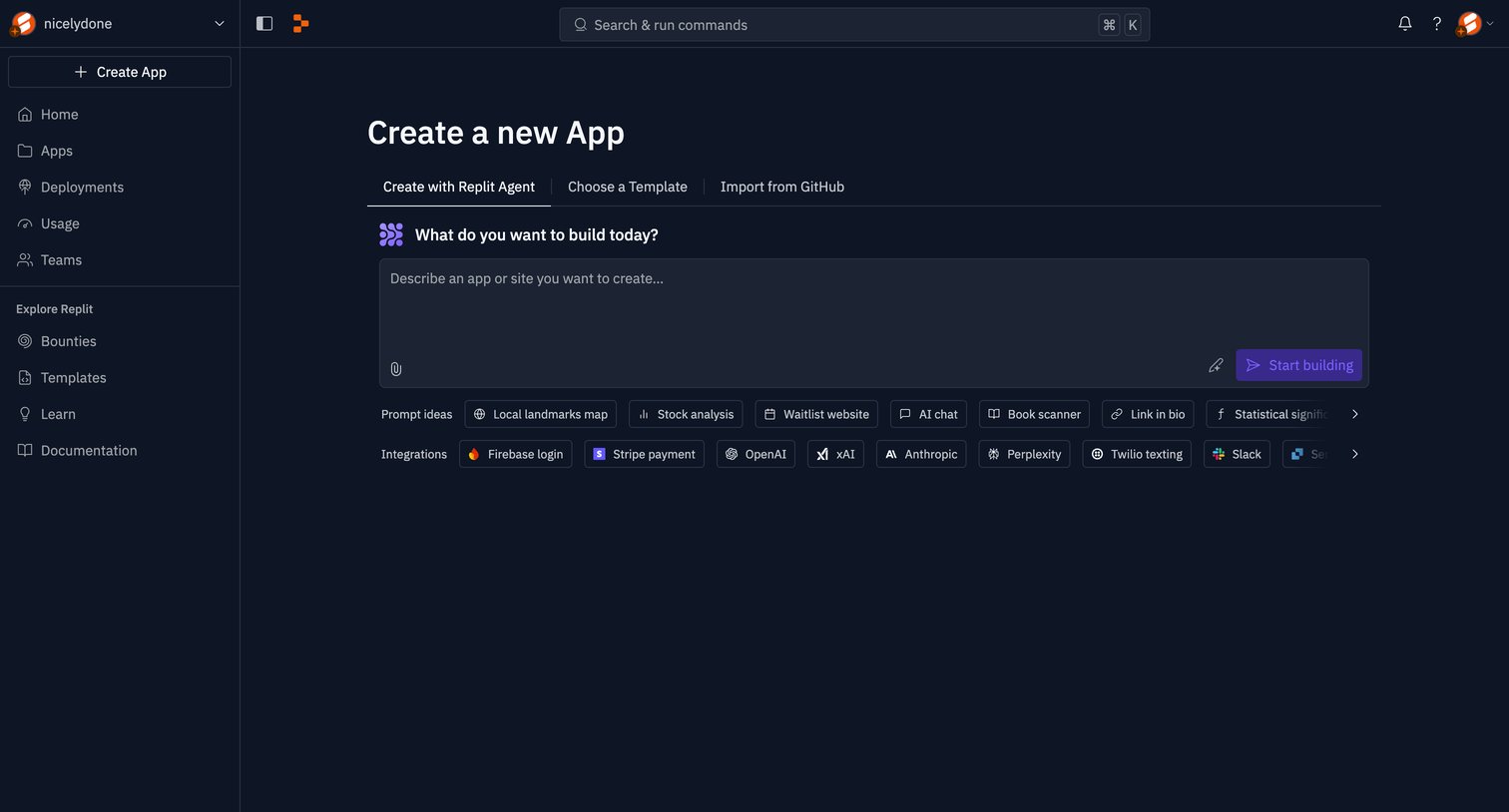

Creation page where the user prompts an AI agent to build a new app, with suggestions for prompt ideas and integrations.
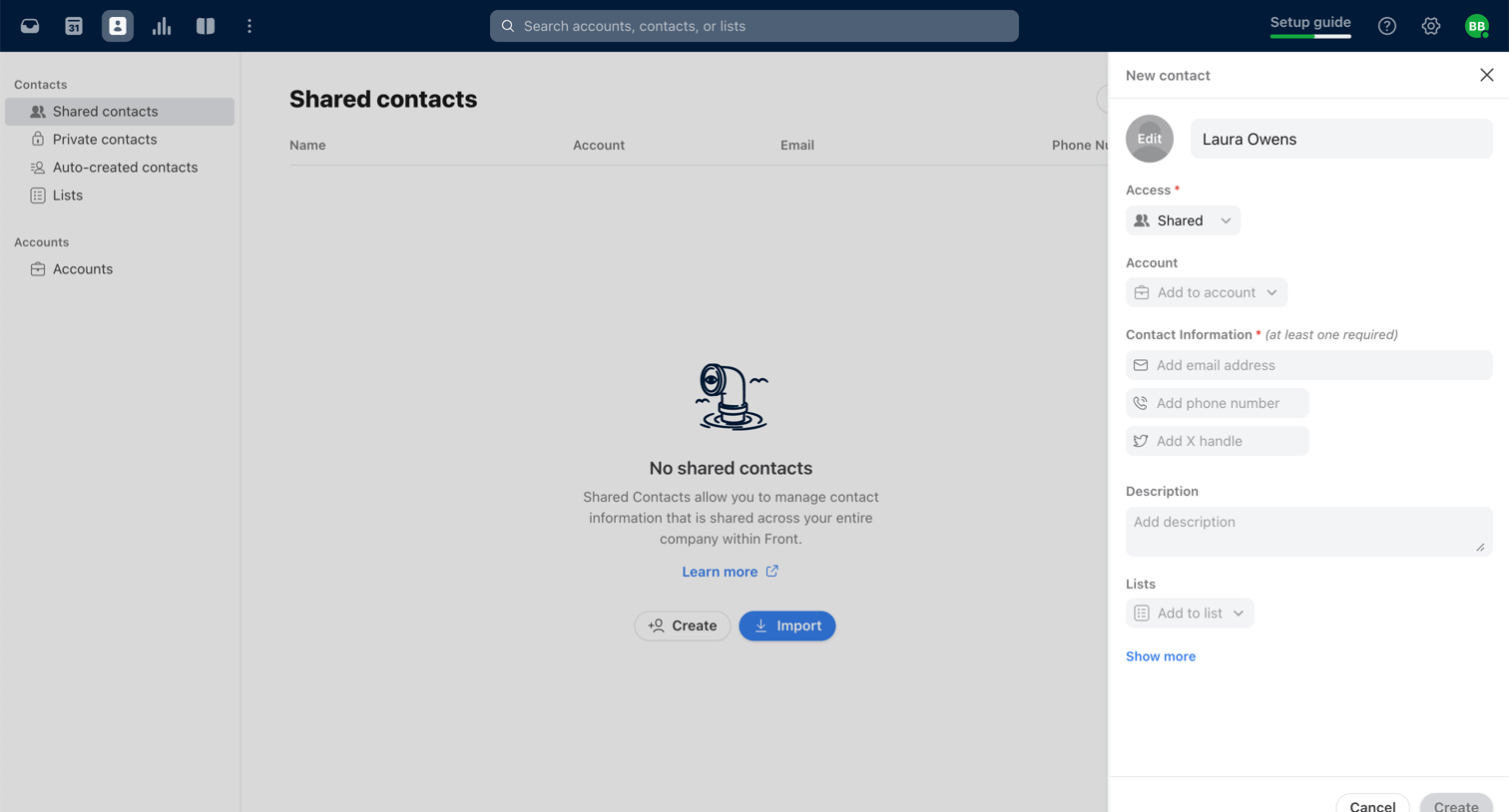

List view showing an empty state for shared contacts, with a side drawer open where the user is filling out a form to create a new contact named Laura Owens.
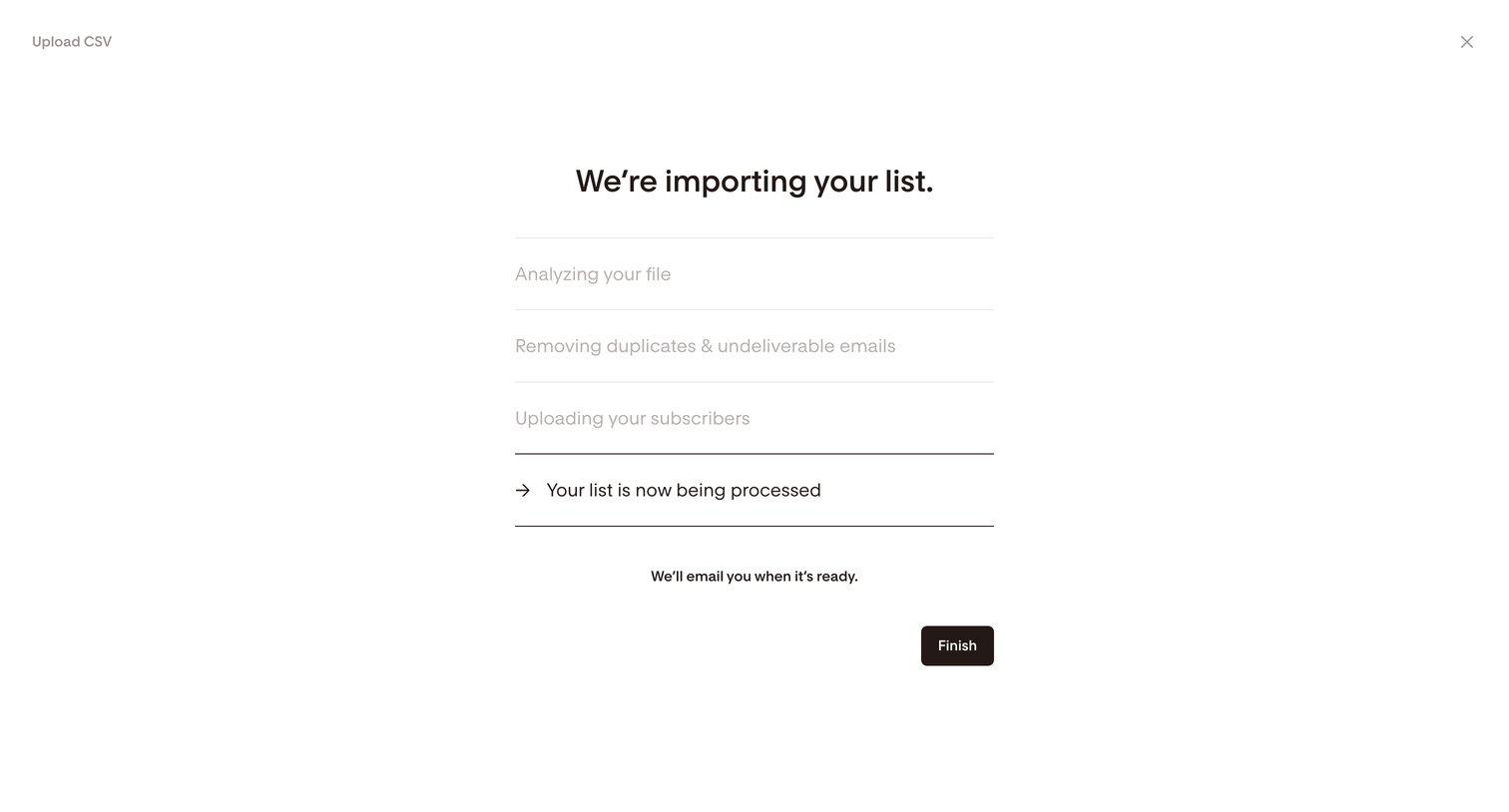

Full-screen overlay where the user views the progress of their CSV subscriber list import and can dismiss the view while background processing completes.
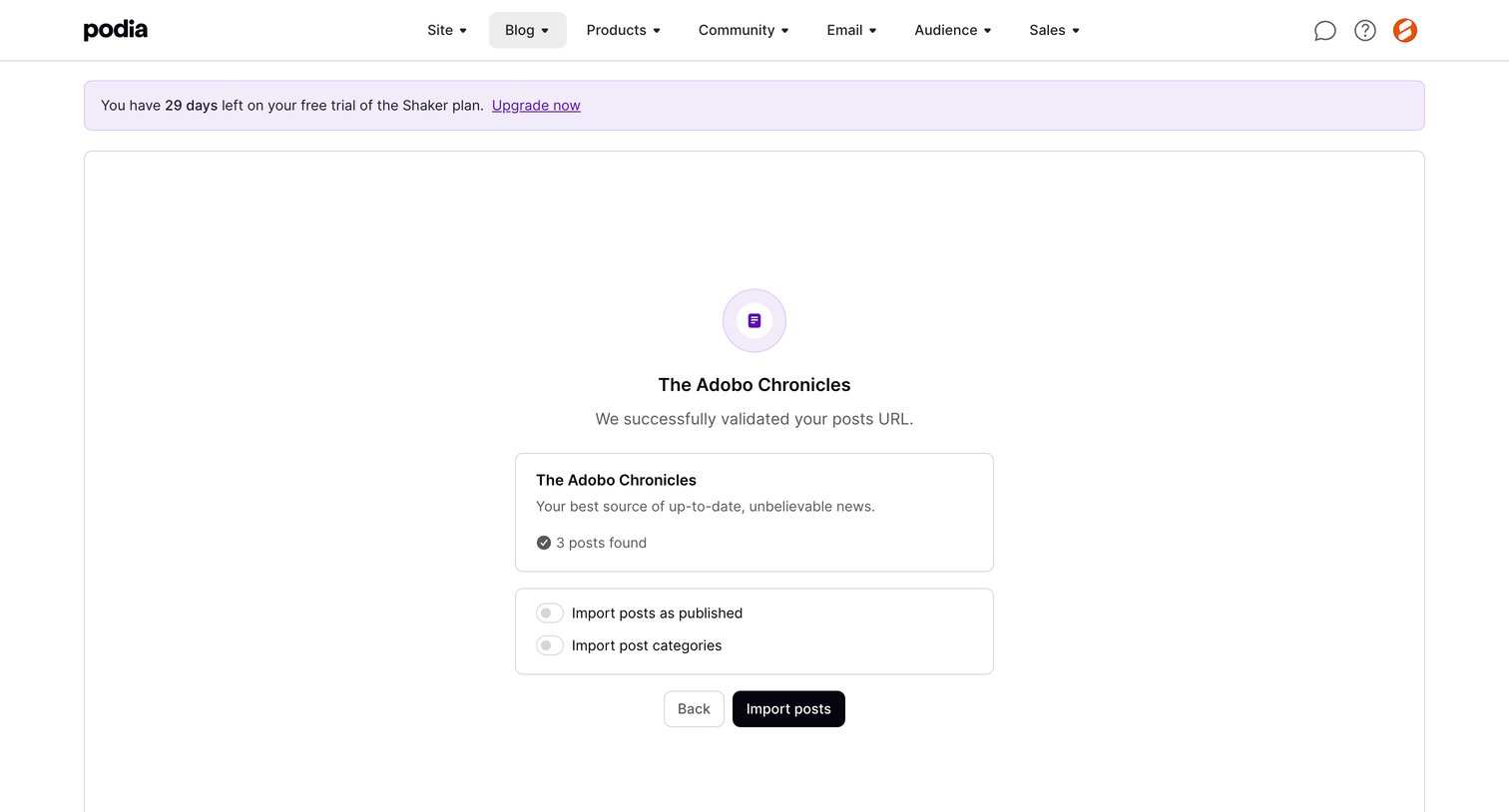

Create flow step where the user reviews successfully validated blog posts from a URL and configures import settings before finalizing.
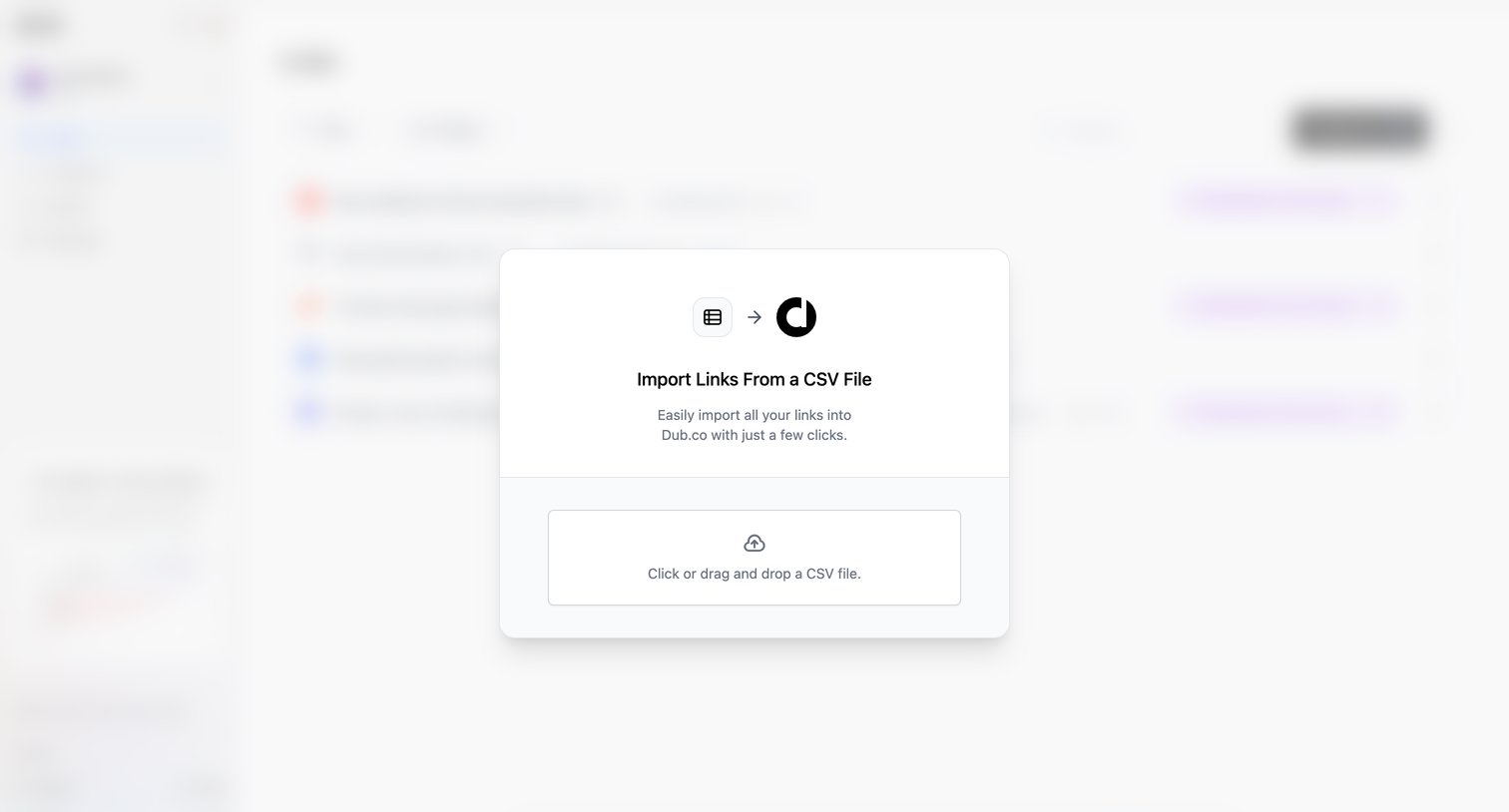

List view with an active modal prompting the user to import links by dragging and dropping a CSV file.
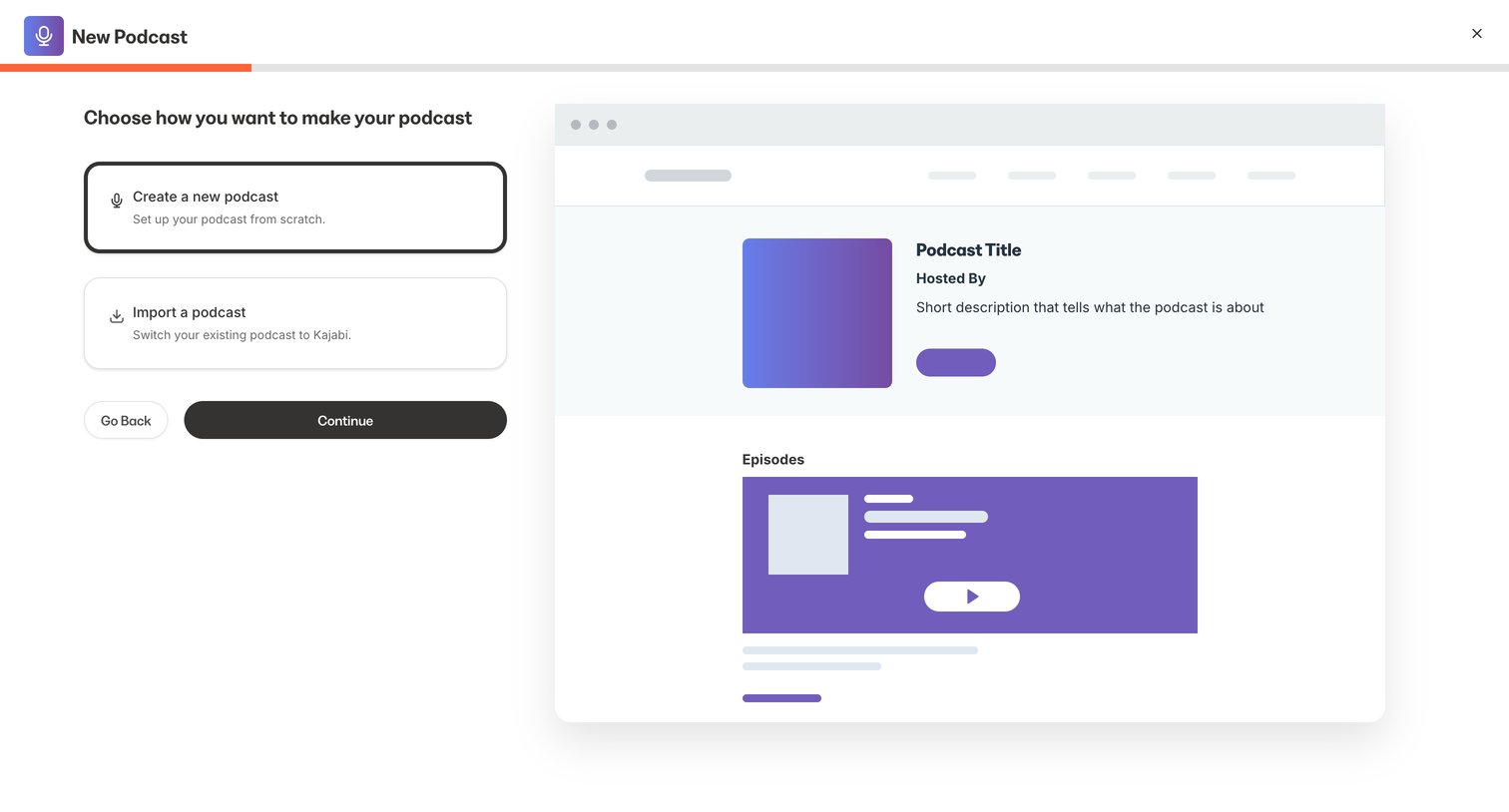

Onboarding step where the user chooses whether to create a new podcast from scratch or import an existing one.
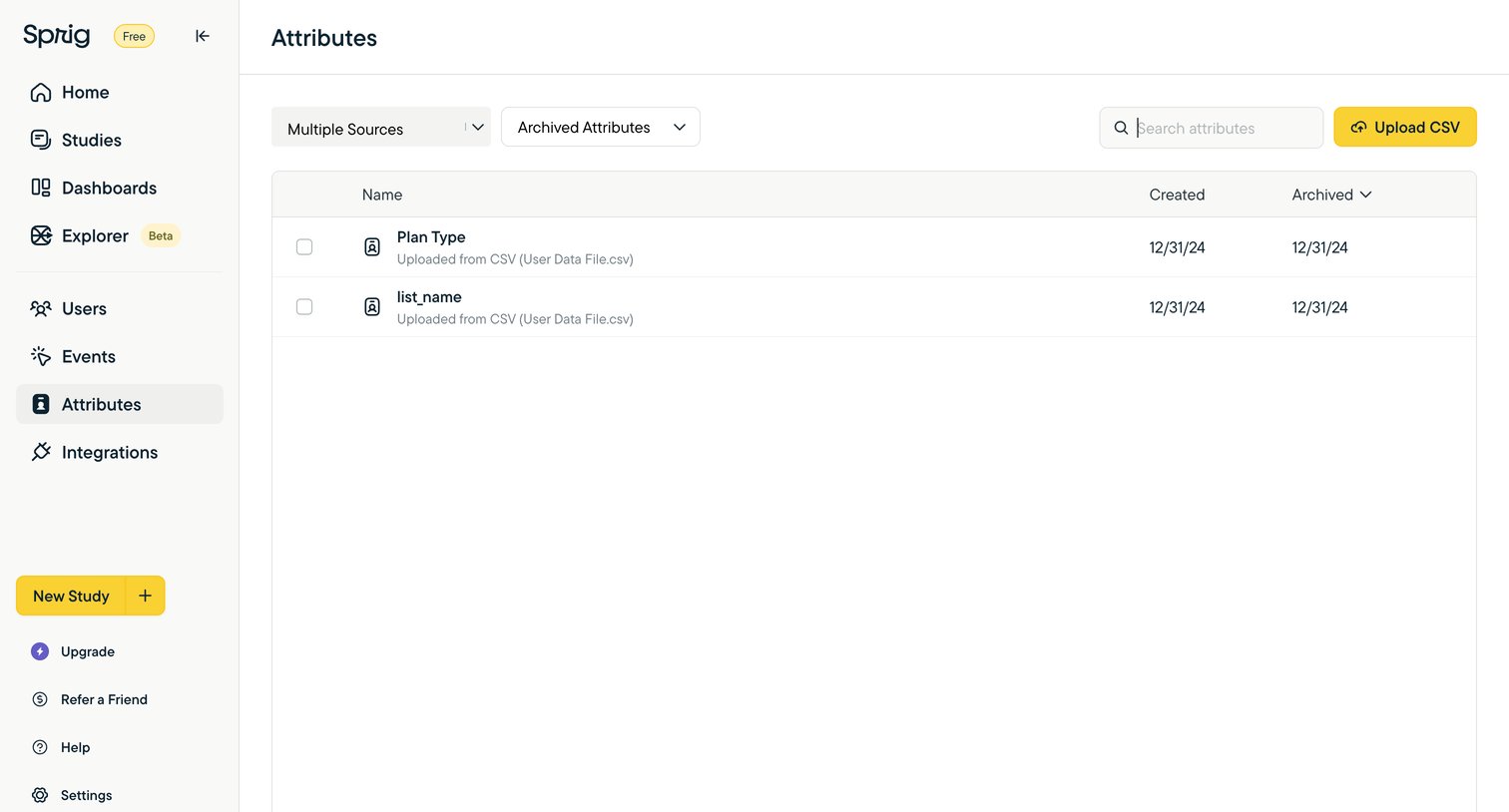

List view where the user manages archived attributes uploaded from CSV files, with options to search, filter by source, and upload new data.
Explore the full SaaS screen library
Upgrade to unlock the full library.
Trusted by the best teams







