Import file screen examples
Import file screen design examples from SaaS apps. Browse examples from Circleback, Slite, Glide.
Explore the examples
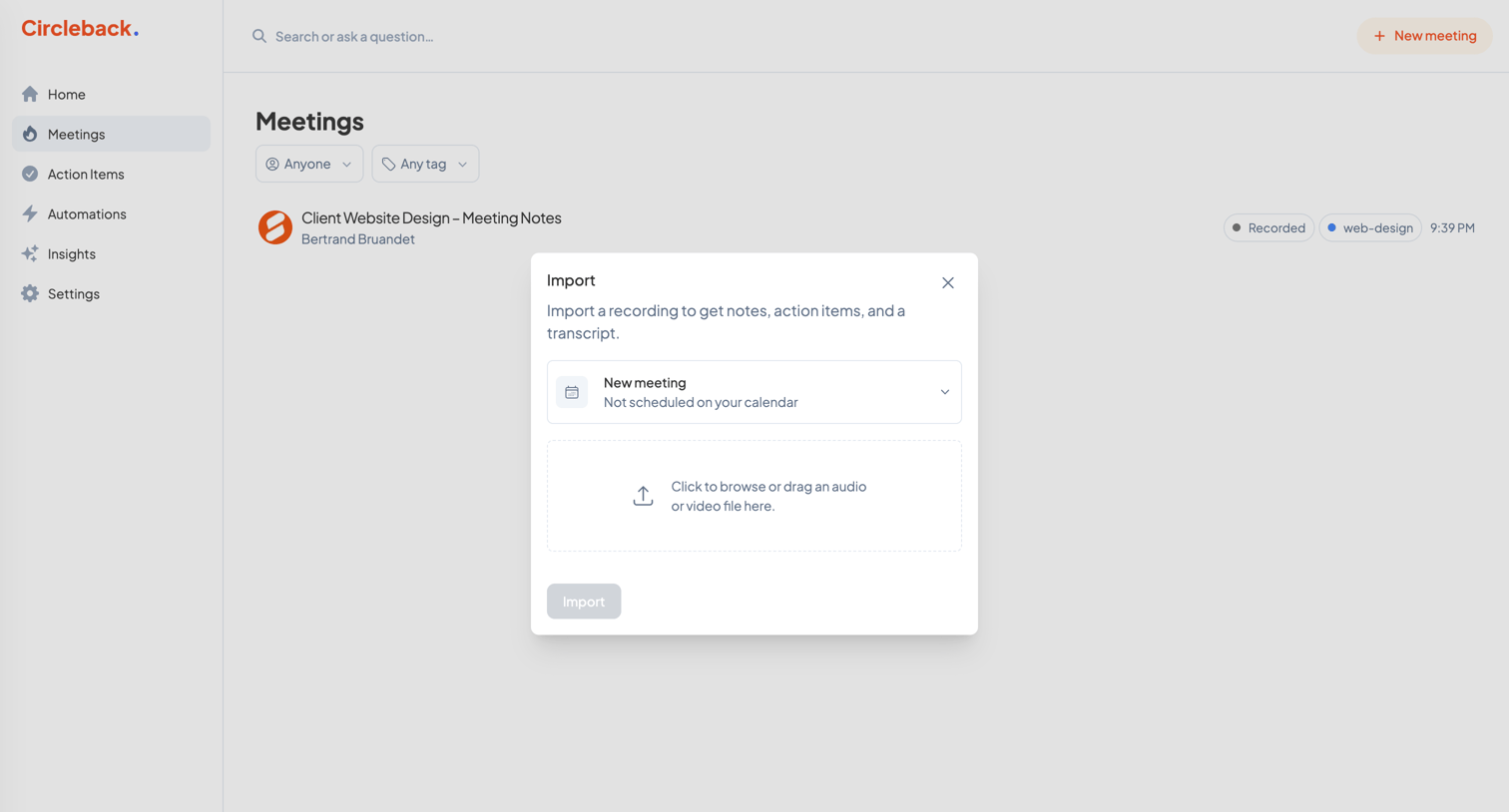

List view of meetings with an active modal for importing an audio or video recording to generate notes and transcripts.
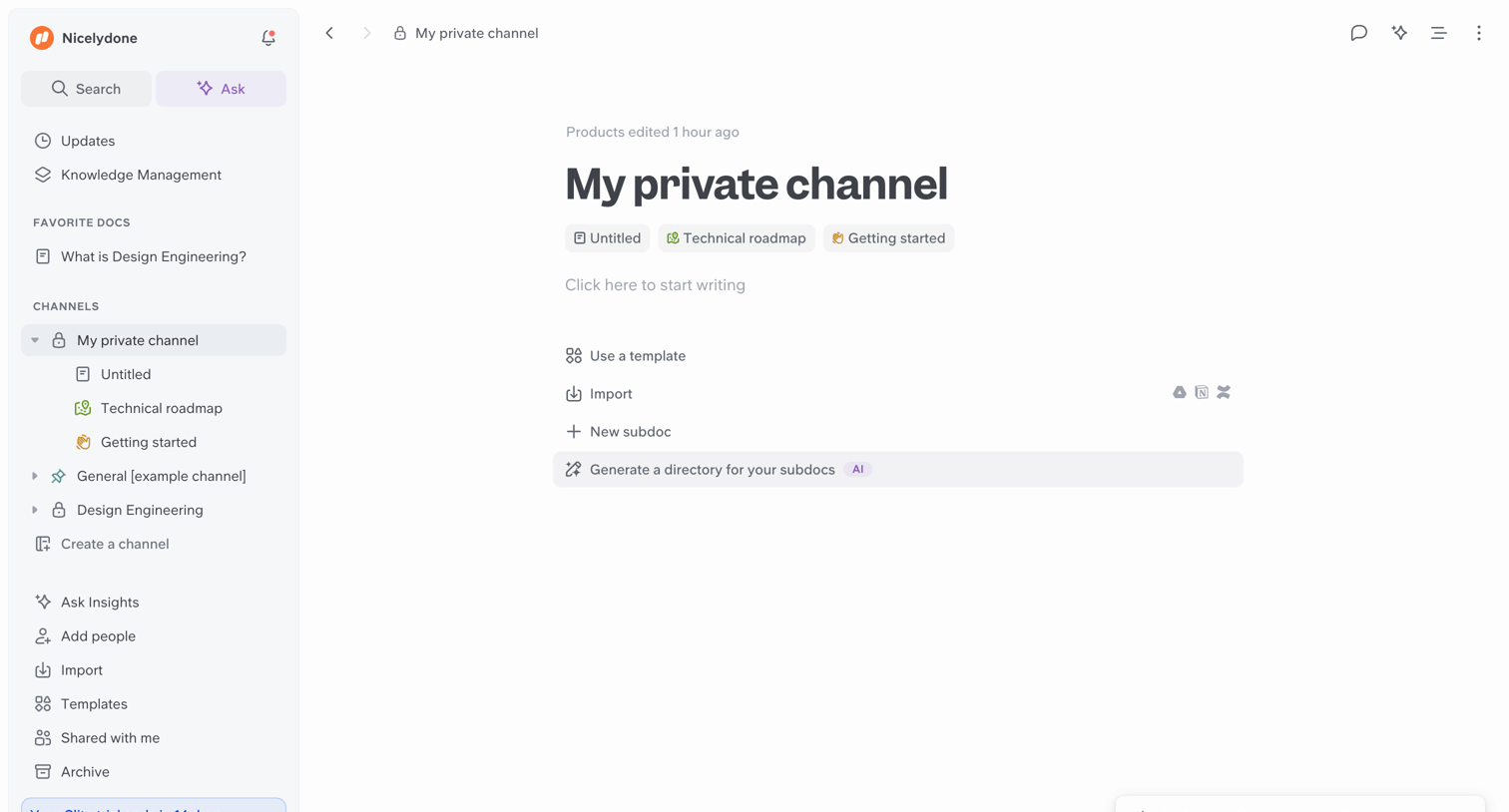

Content editor empty state where the user can start writing, use a template, or ask AI to generate a directory structure for their channel.
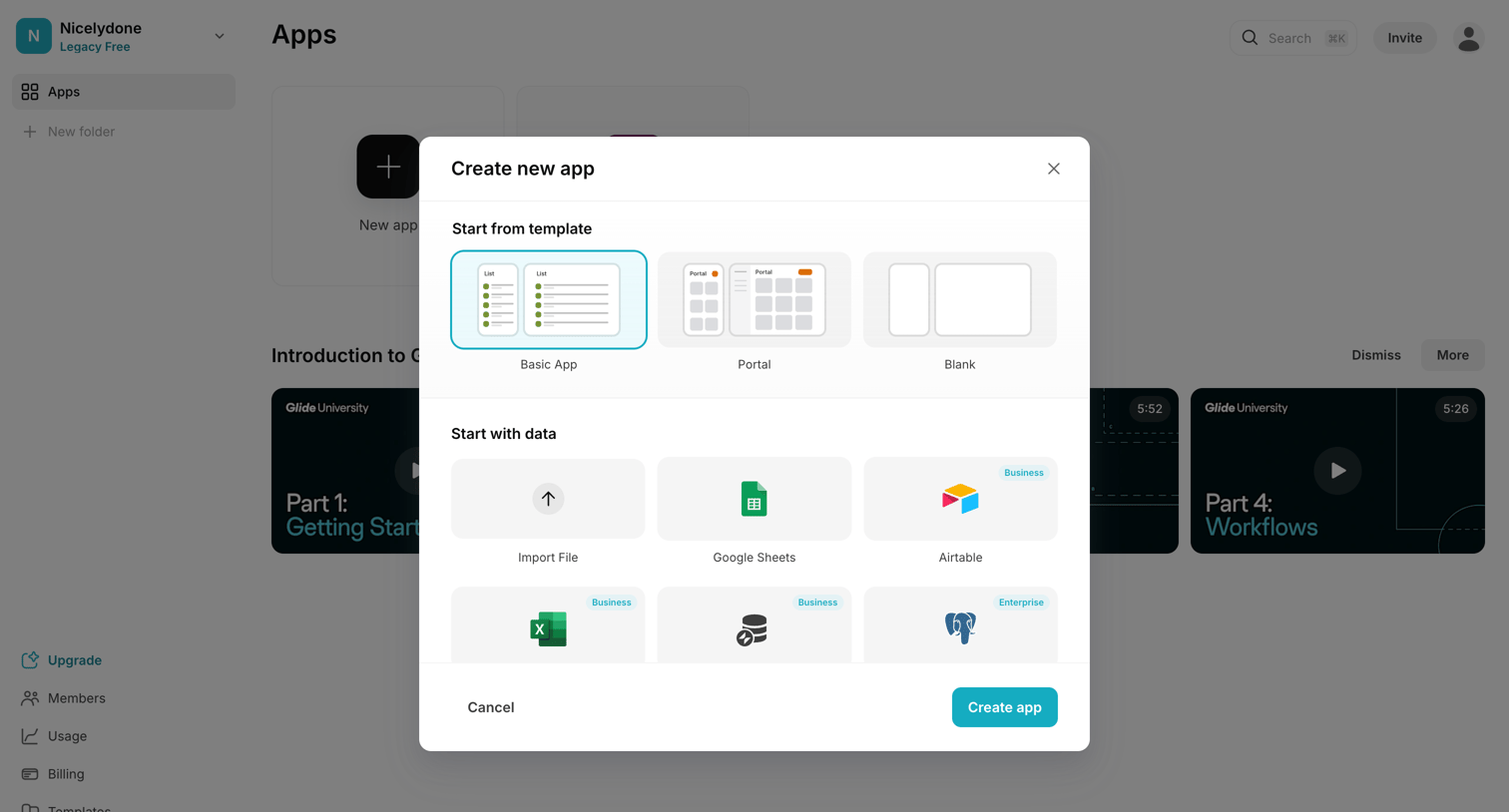

App creation modal where the user selects a starting template like Basic App or Portal, or connects a data source like Google Sheets or Airtable.
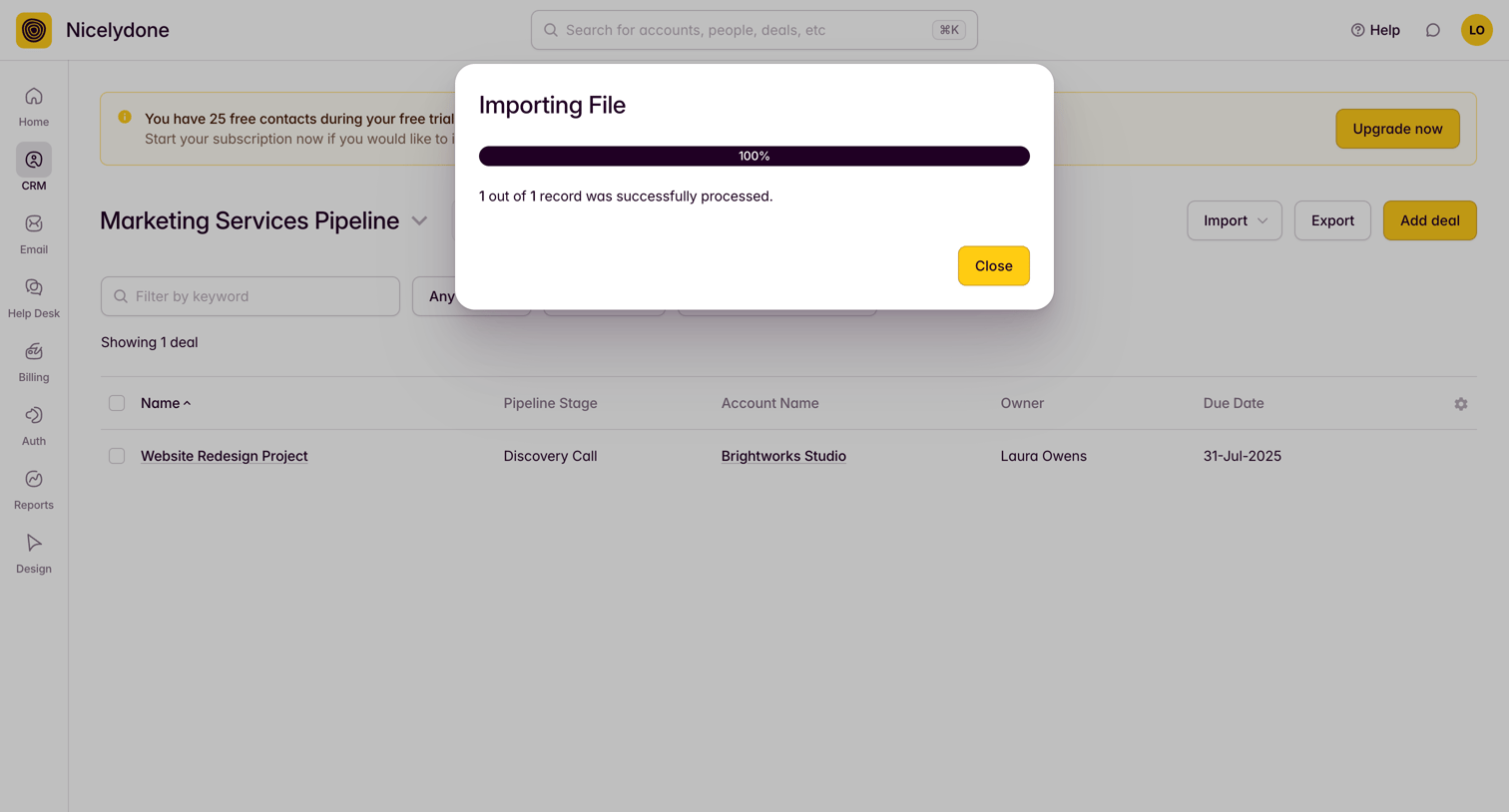

List view where a modal confirms a successful file import over a marketing services pipeline.
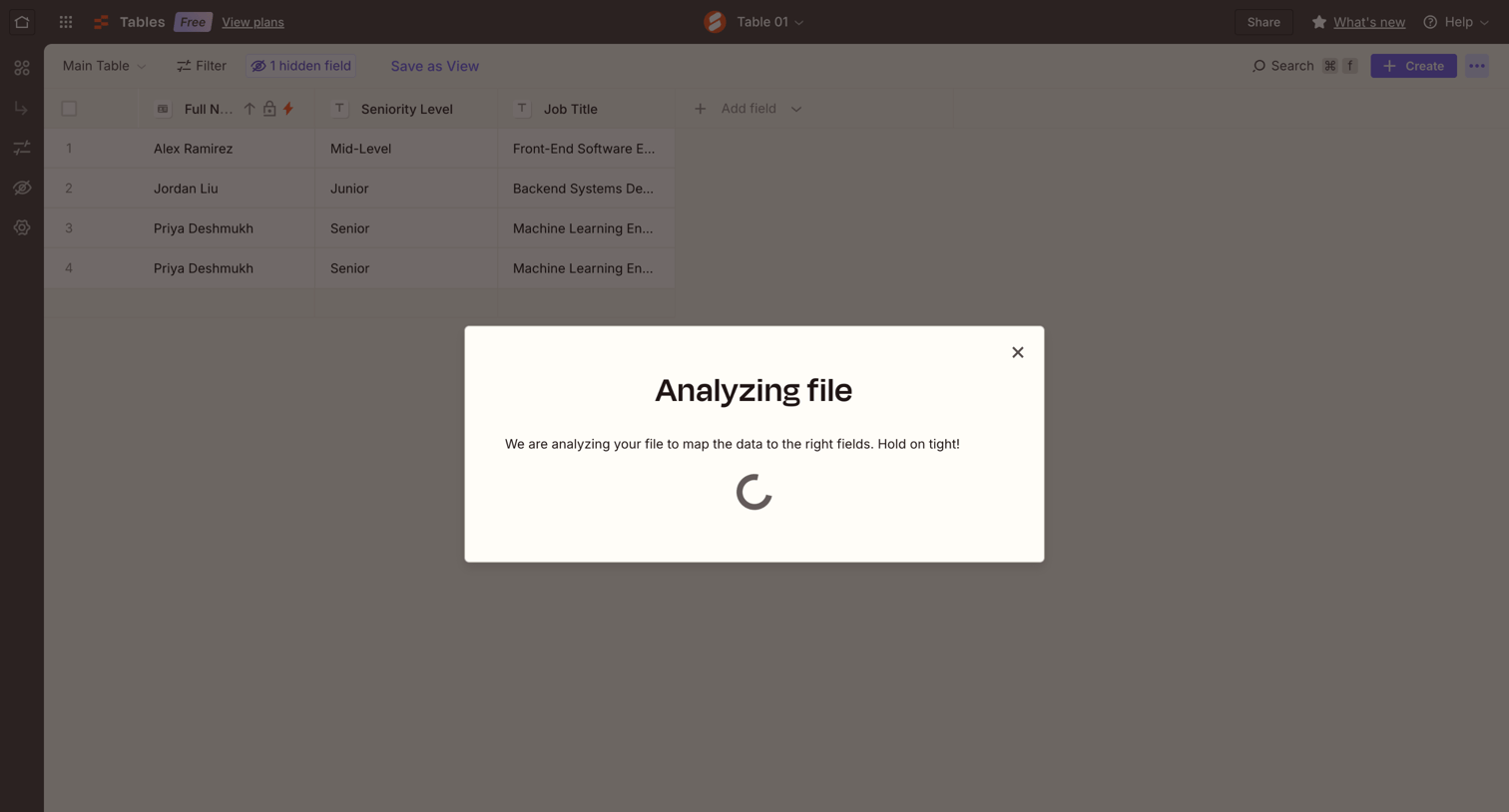

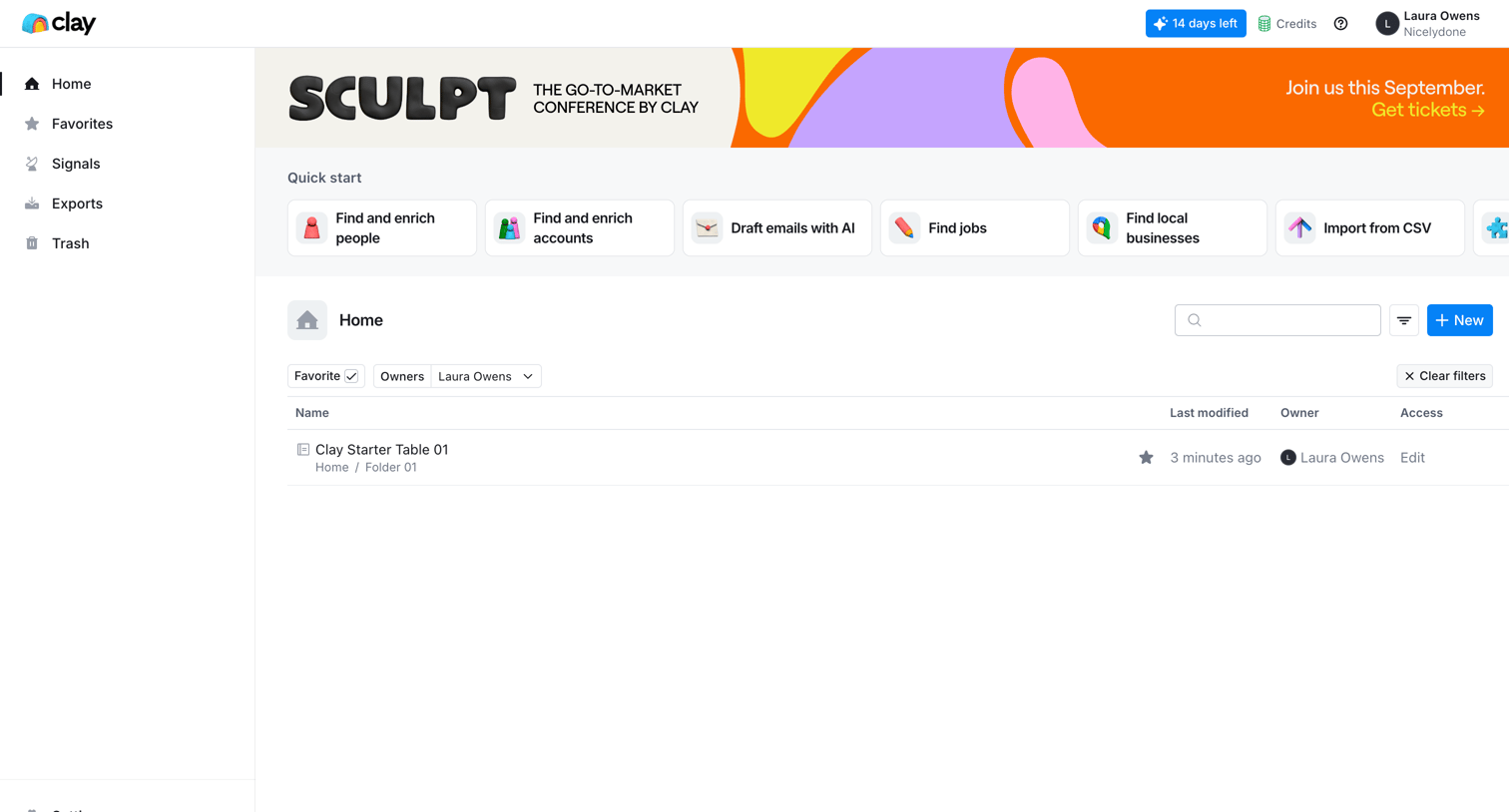

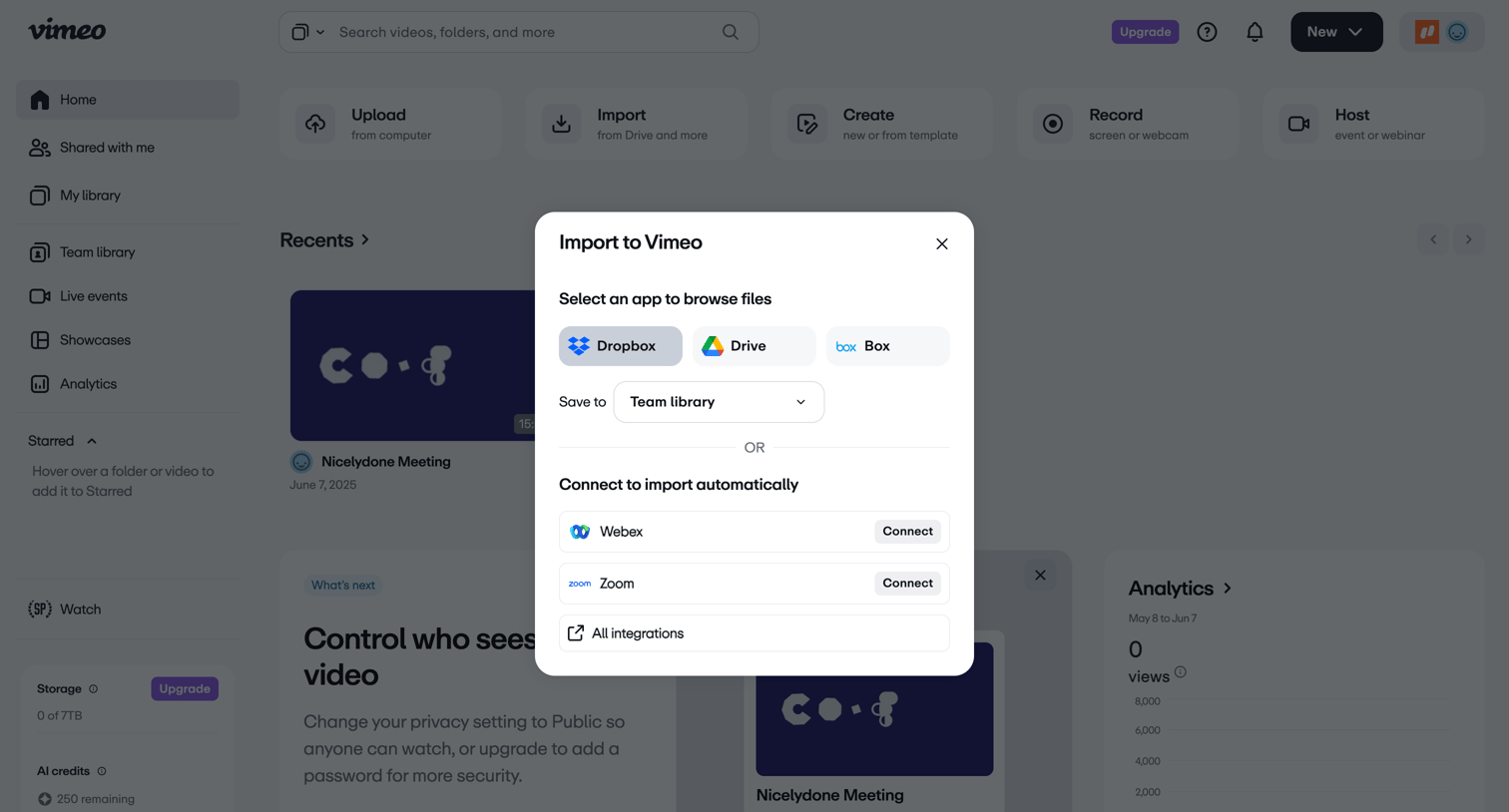

Home view with an active modal for importing video files from cloud storage providers like Dropbox and Google Drive or connecting meeting apps like Zoom.
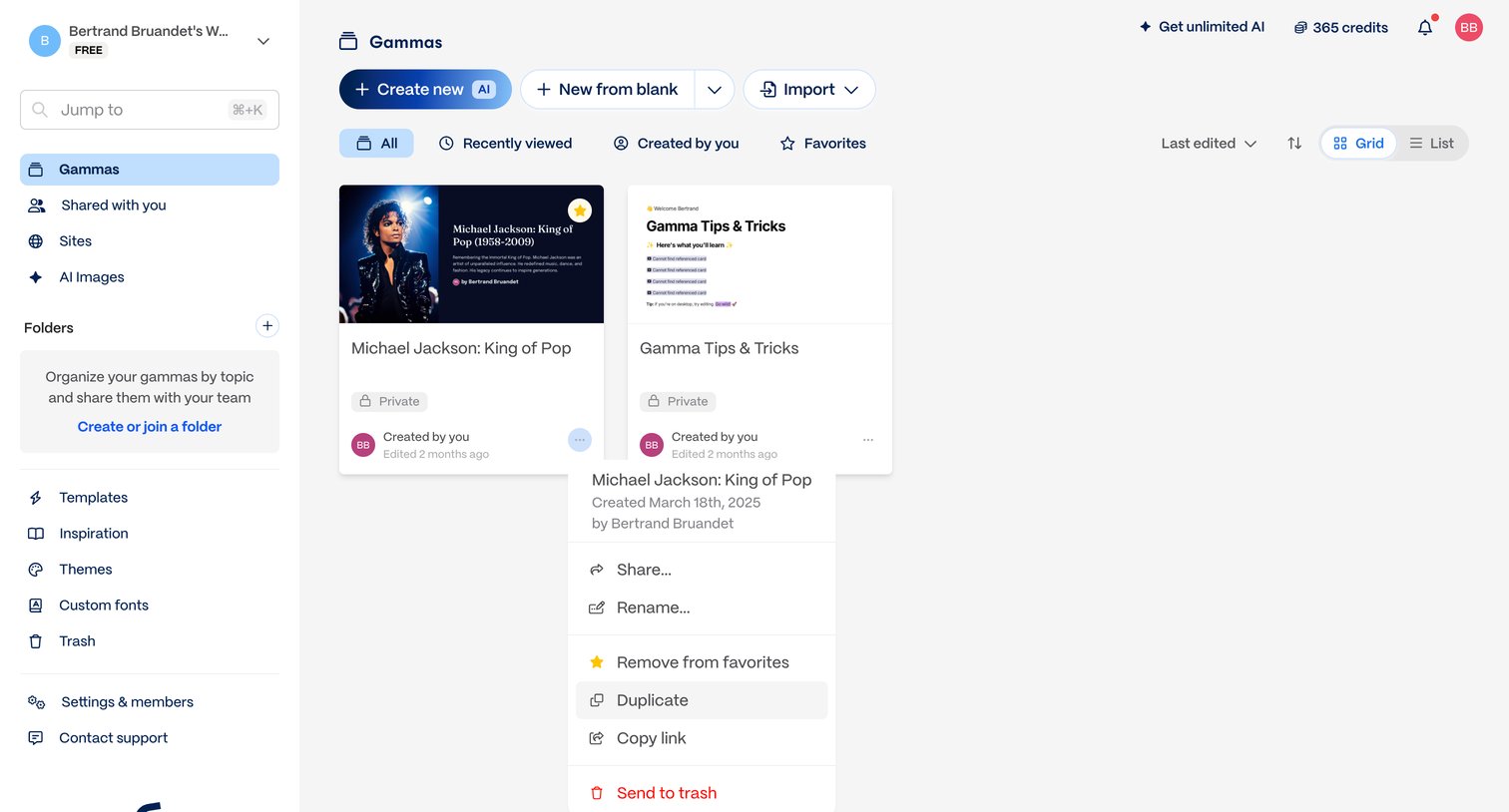

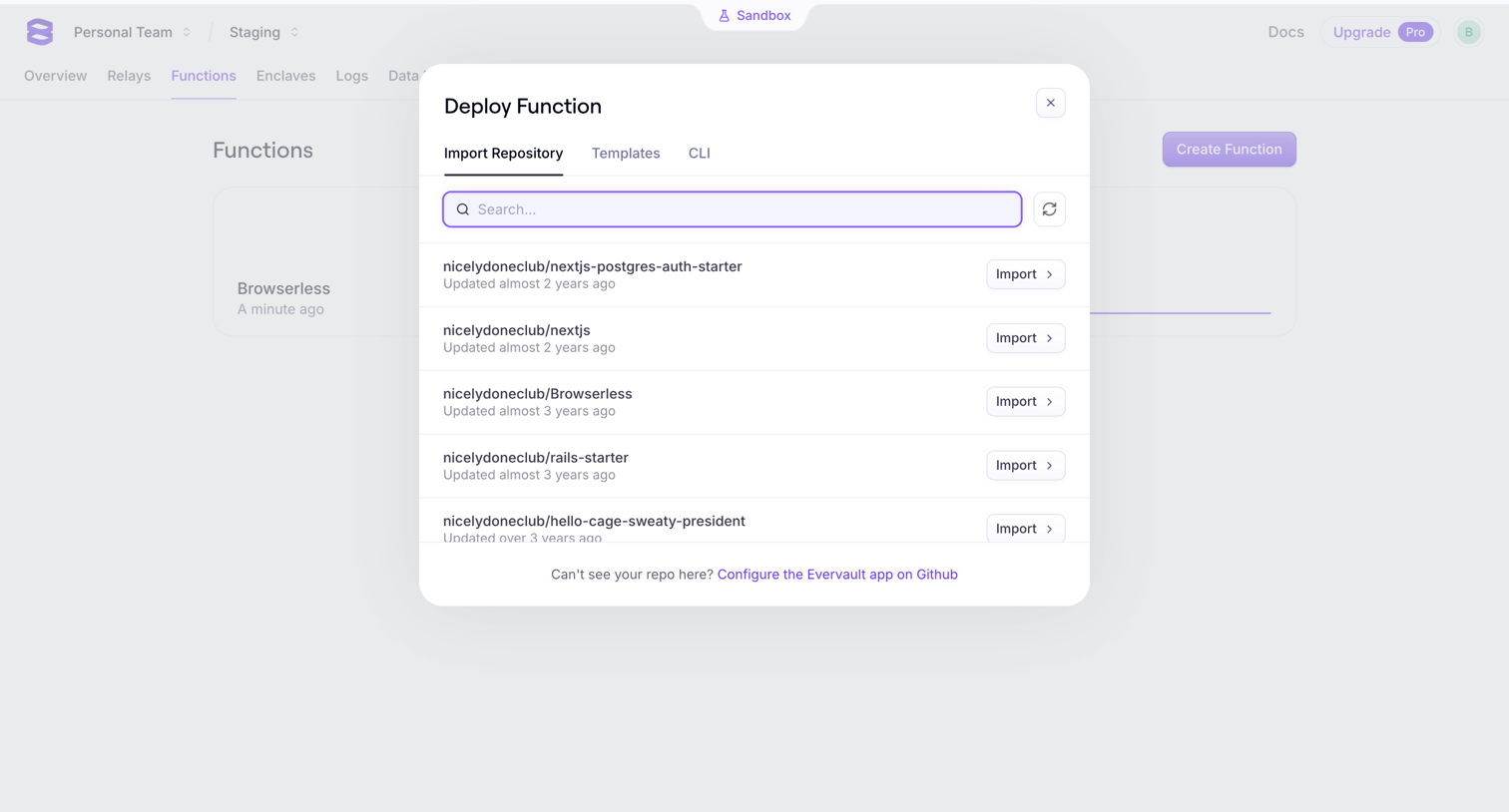

Creation overlay where the user searches and selects a GitHub repository to import and deploy as a new function.
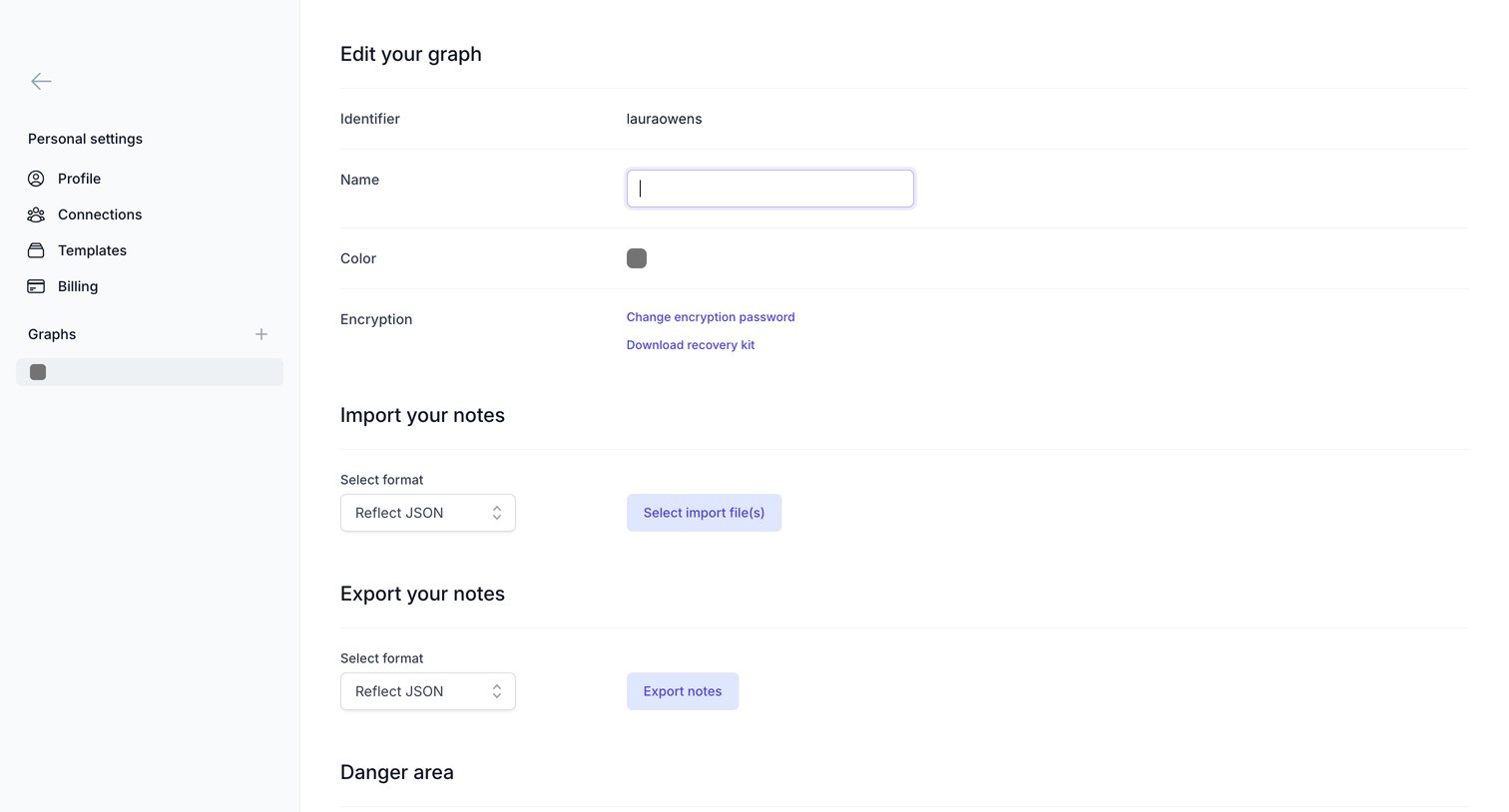

Settings page where the user configures their graph's name and color, manages encryption, and handles importing or exporting notes.
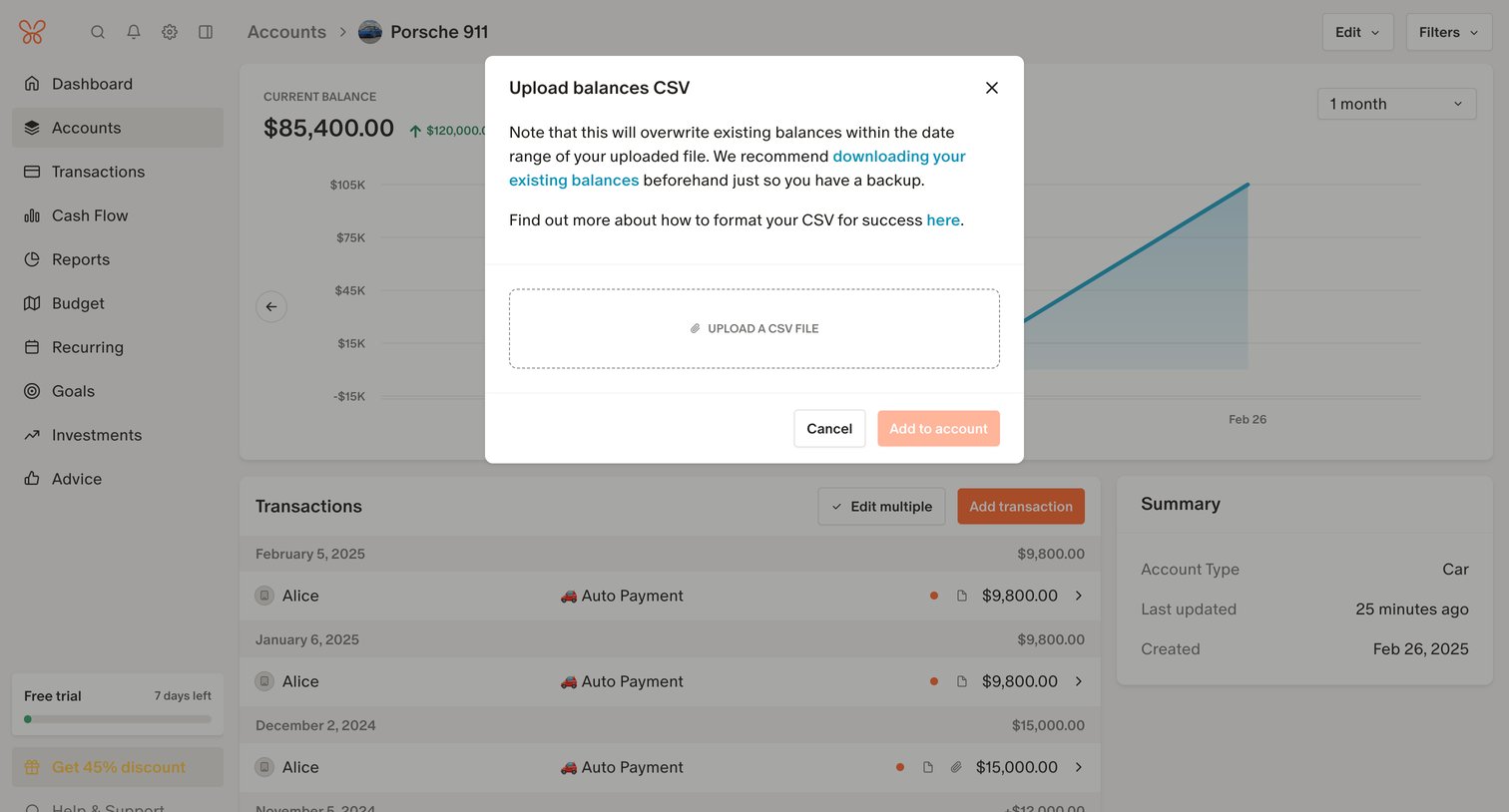

Detail page for a specific vehicle account where the user is prompted by a modal to upload a CSV file to overwrite existing balances.
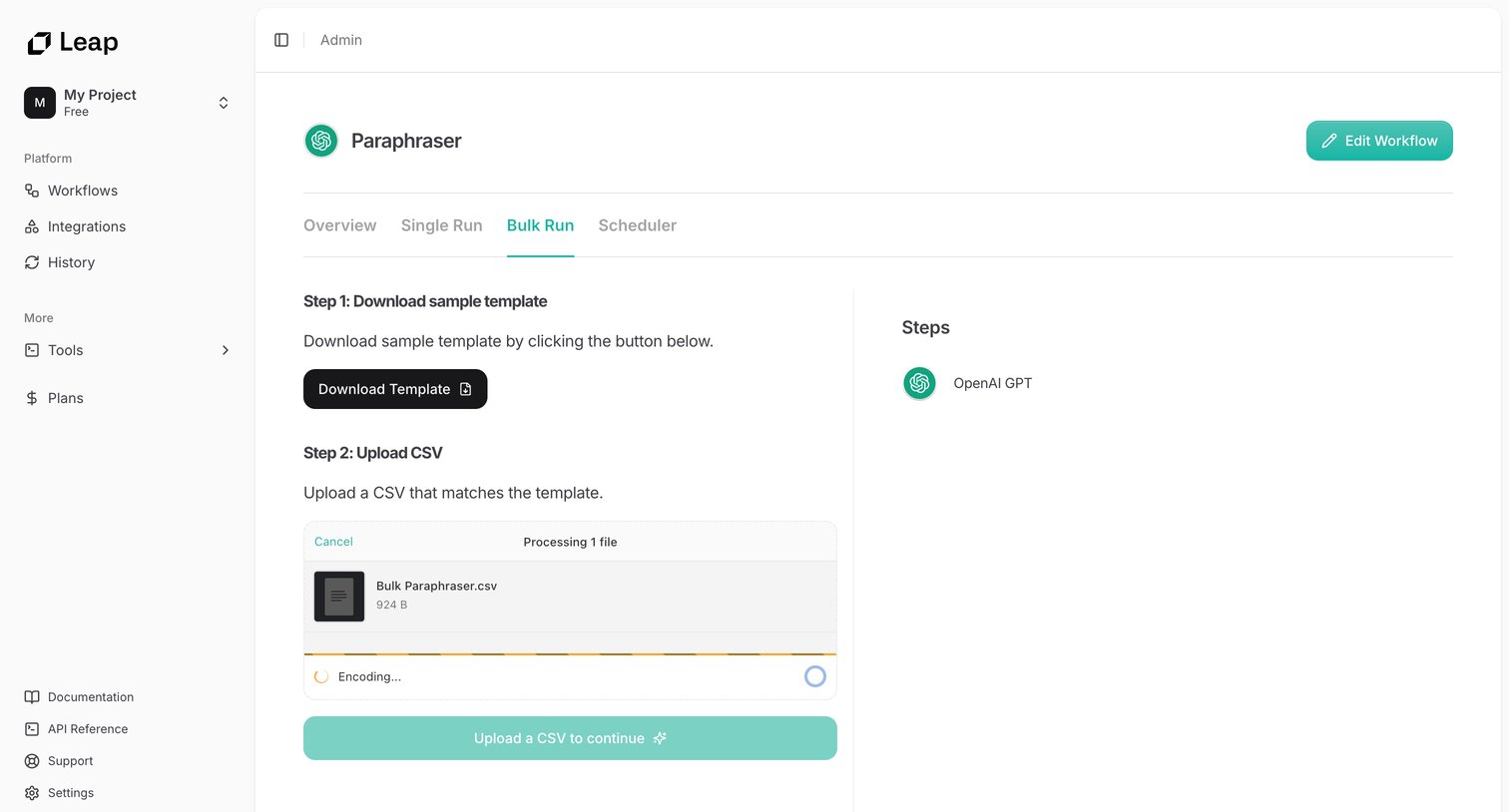

Detail page for an AI workflow where the user downloads a sample template and uploads a CSV file to execute a bulk run.
Explore the full SaaS screen library
Upgrade to unlock the full library.
Trusted by the best teams







