Grid screen examples
Grid screen design examples from SaaS apps. Browse examples from Beside, Flora, Elevenlabs.
Explore the examples
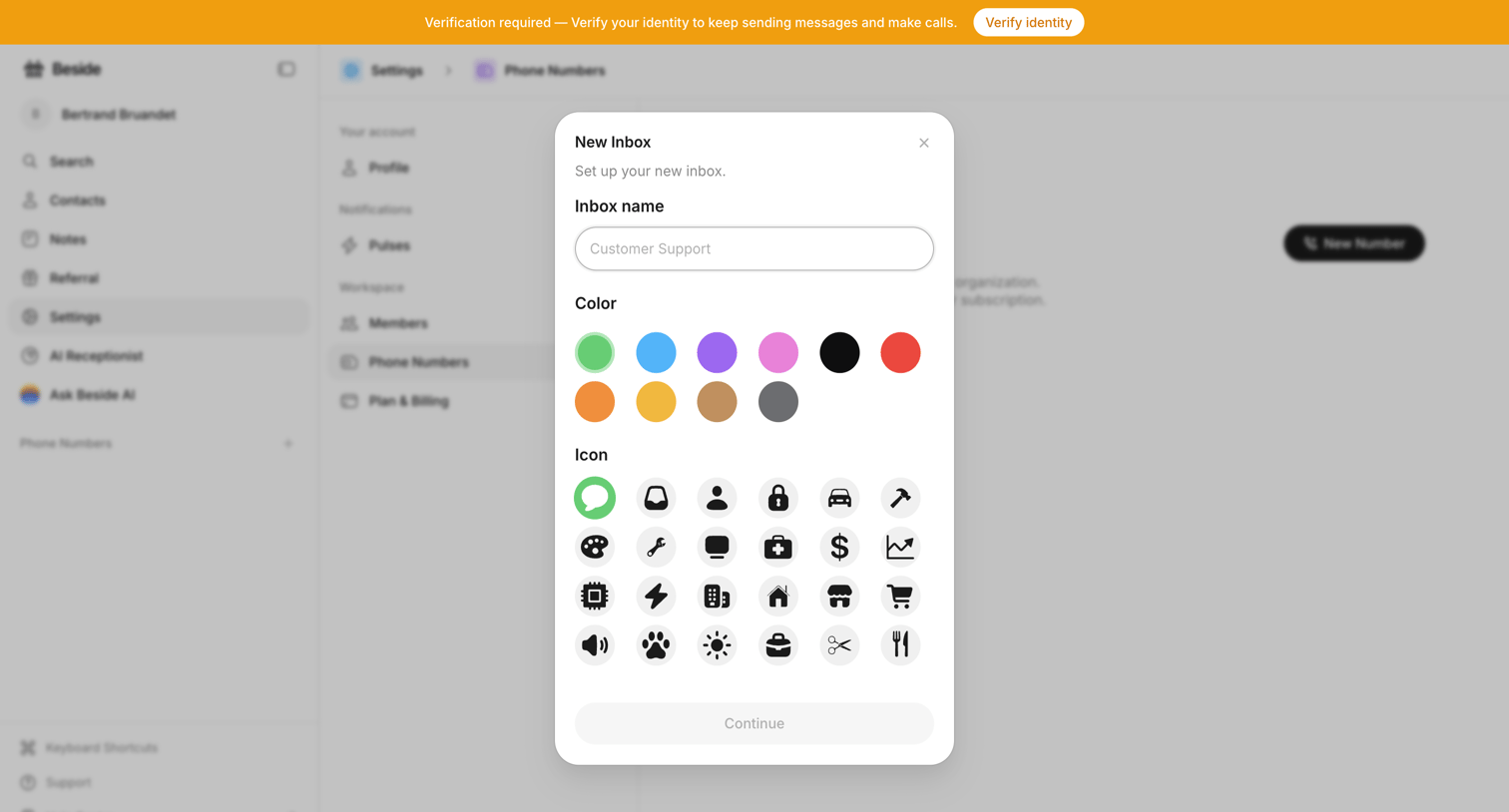

Settings page where the user creates a new inbox by entering a name, selecting a color, and choosing an icon from a grid.
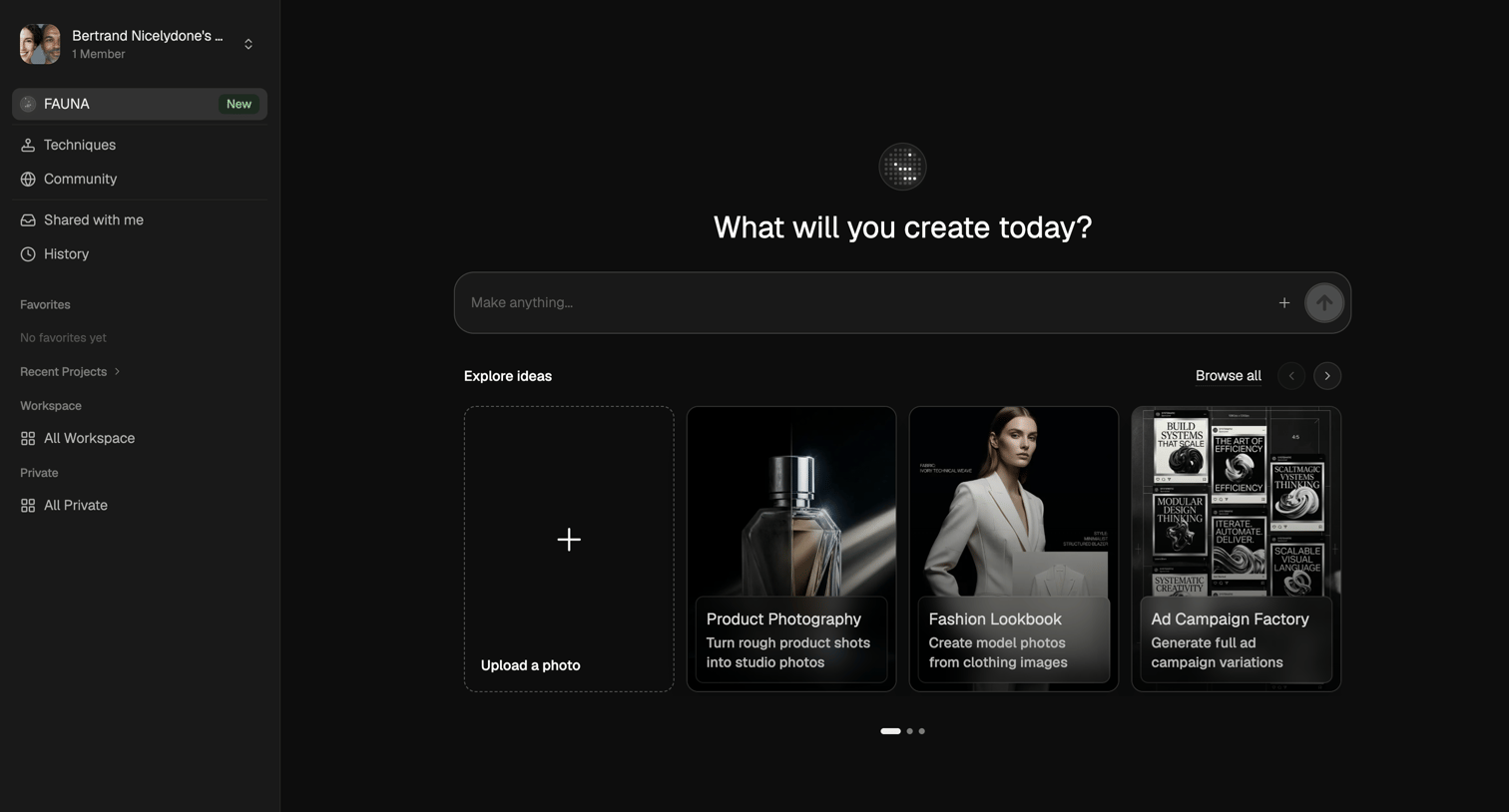

AI generation start screen where the user can enter a prompt to make anything or start from templates like product photography and fashion lookbooks.
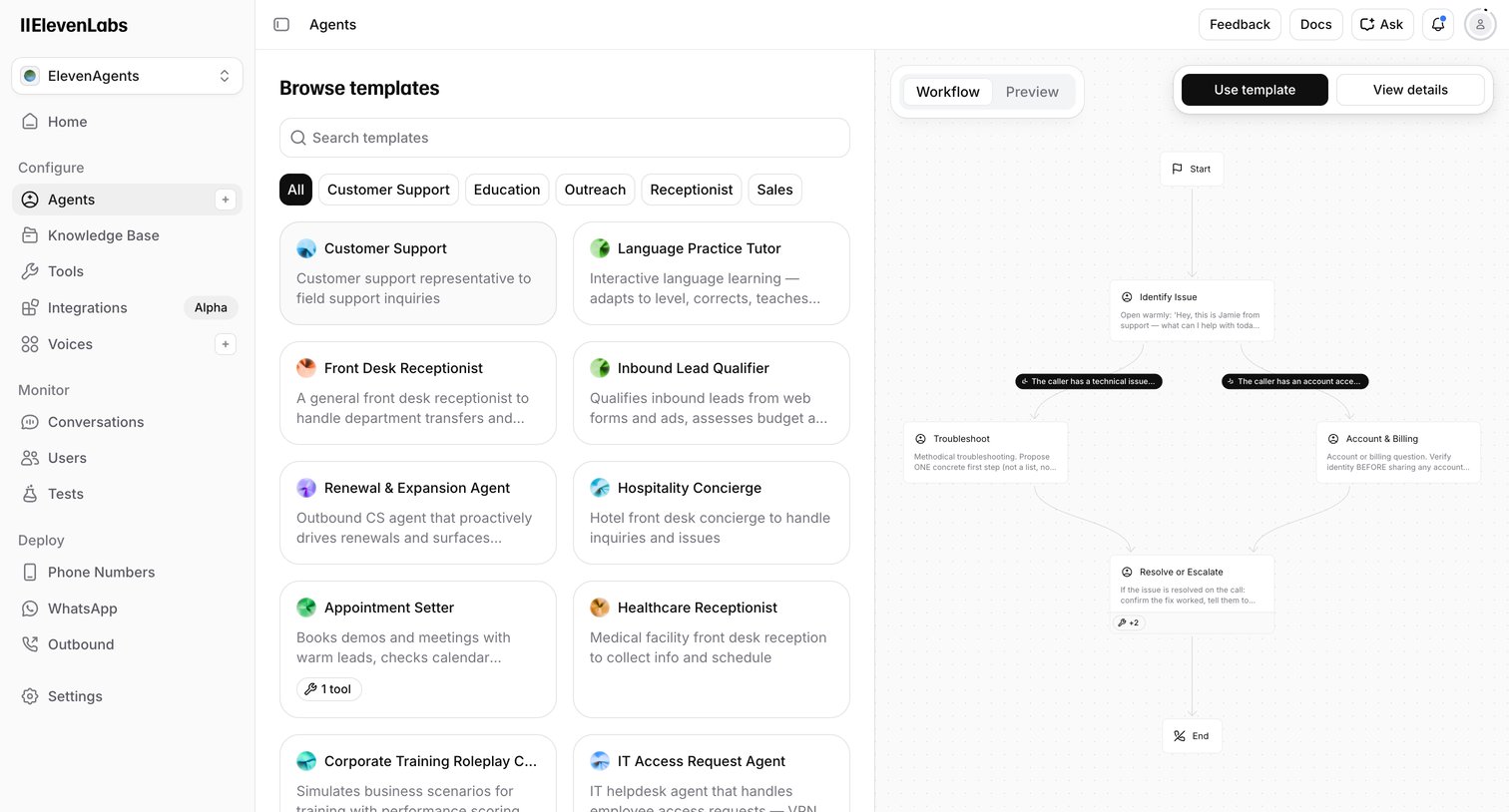

Create page where the user browses voice AI agent templates by category and previews their conversational workflow before starting.

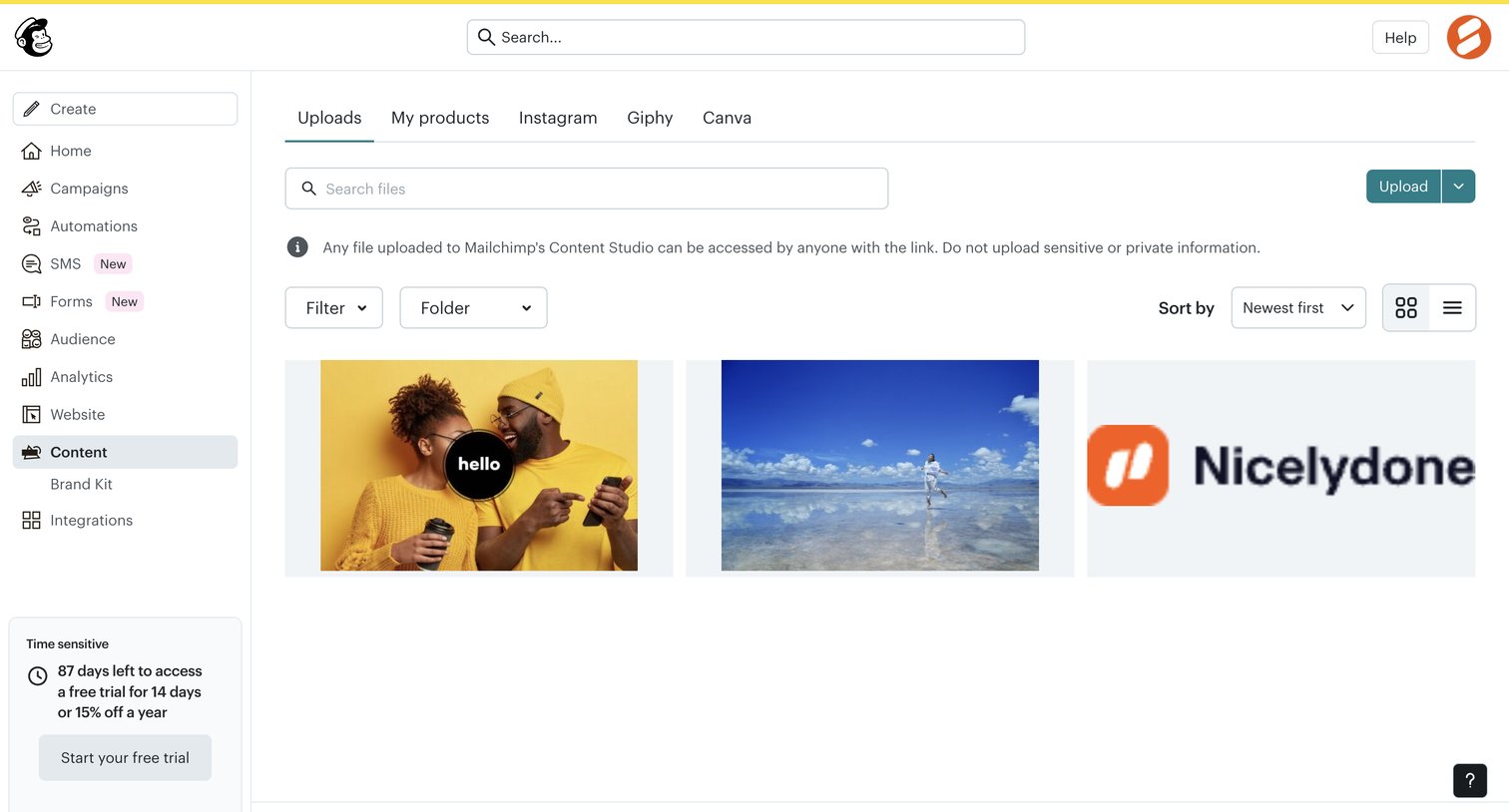

Content library where the user manages uploaded images and files, featuring a grid view with search, filtering, and upload capabilities.
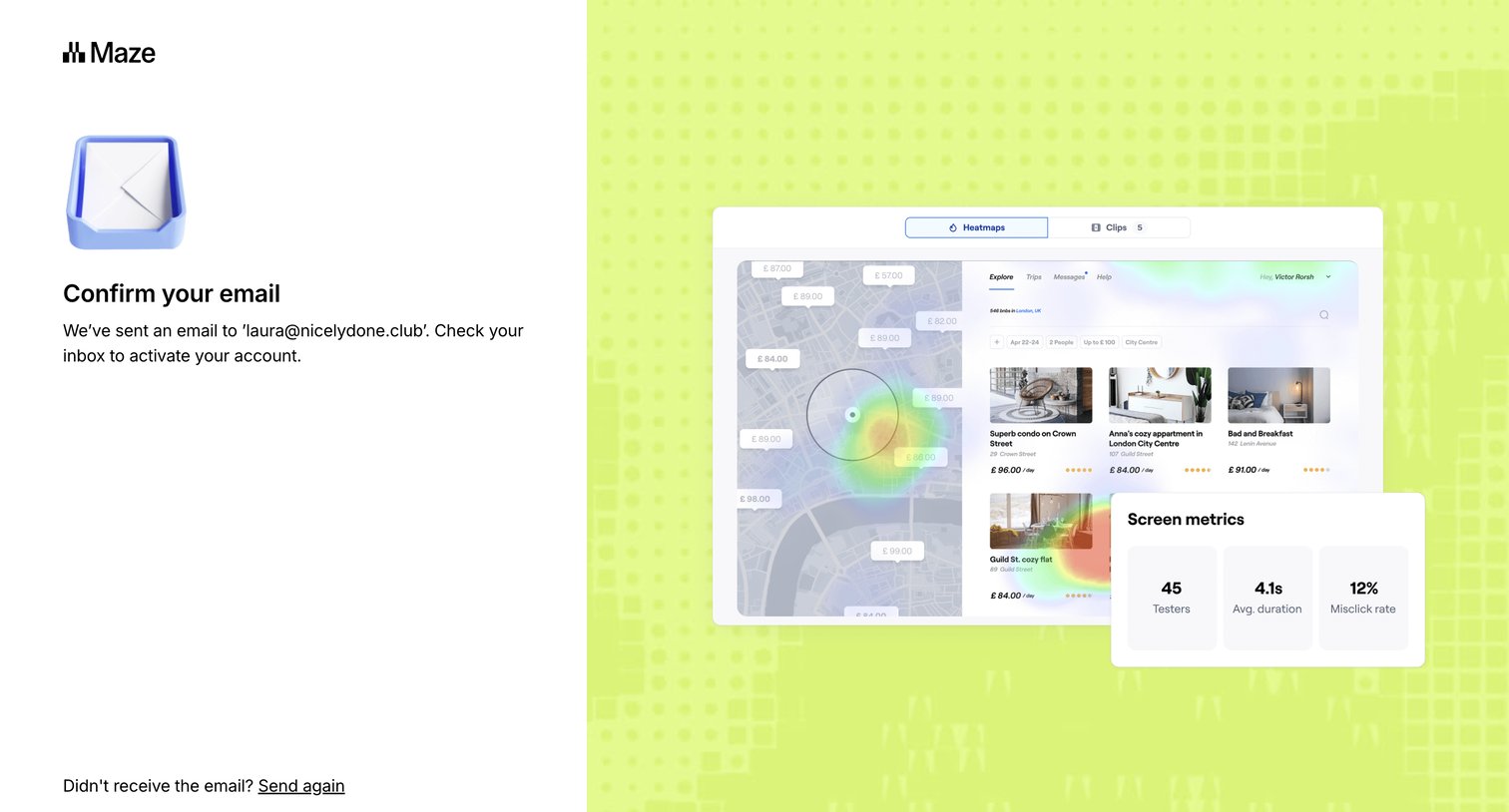

Verification screen where the user is instructed to check their email inbox to activate their account, with options to resend the email or return to signup.
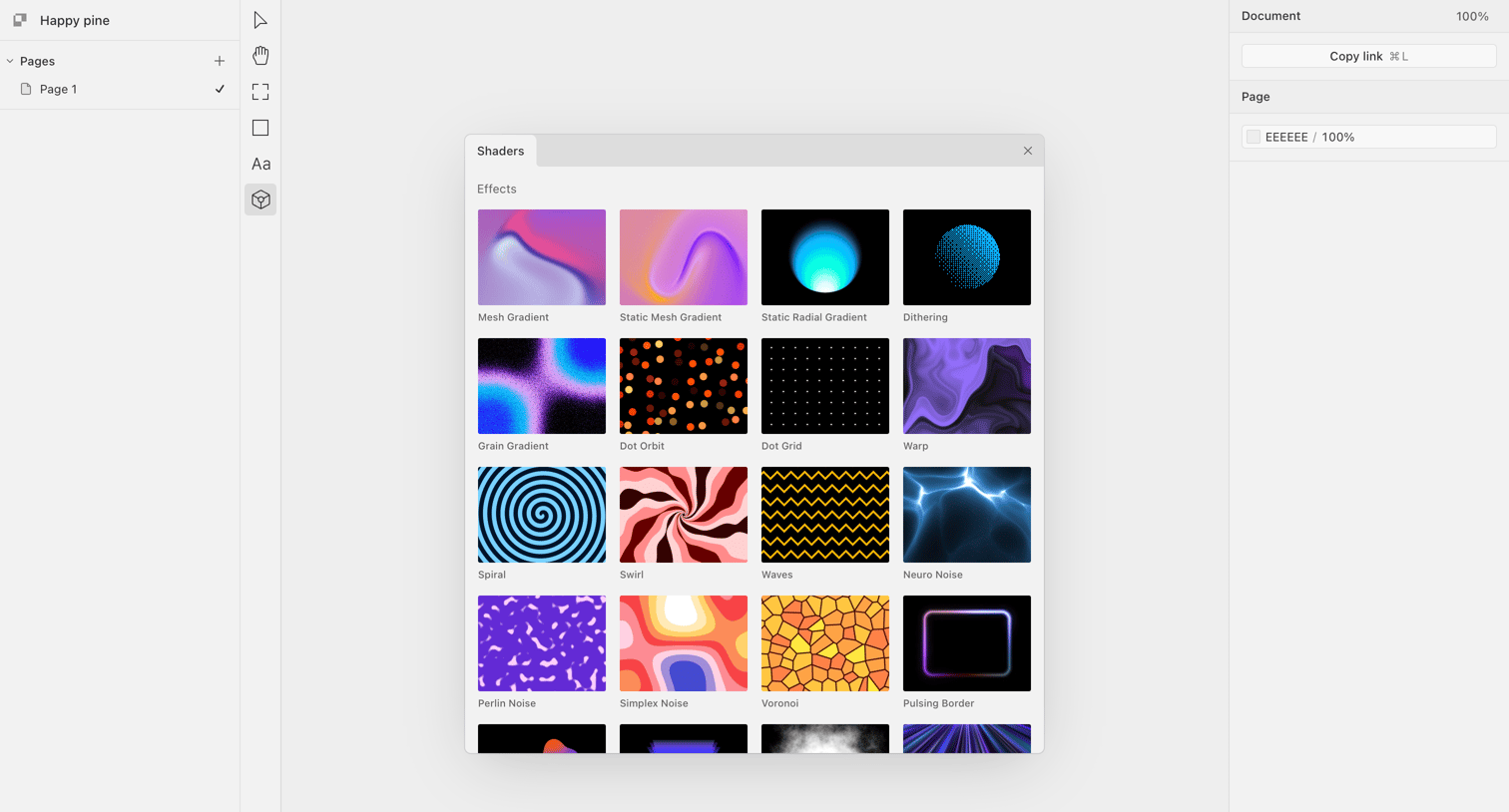

Design editor where the user selects a visual shader effect like Mesh Gradient or Perlin Noise from a modal grid to apply to their canvas.
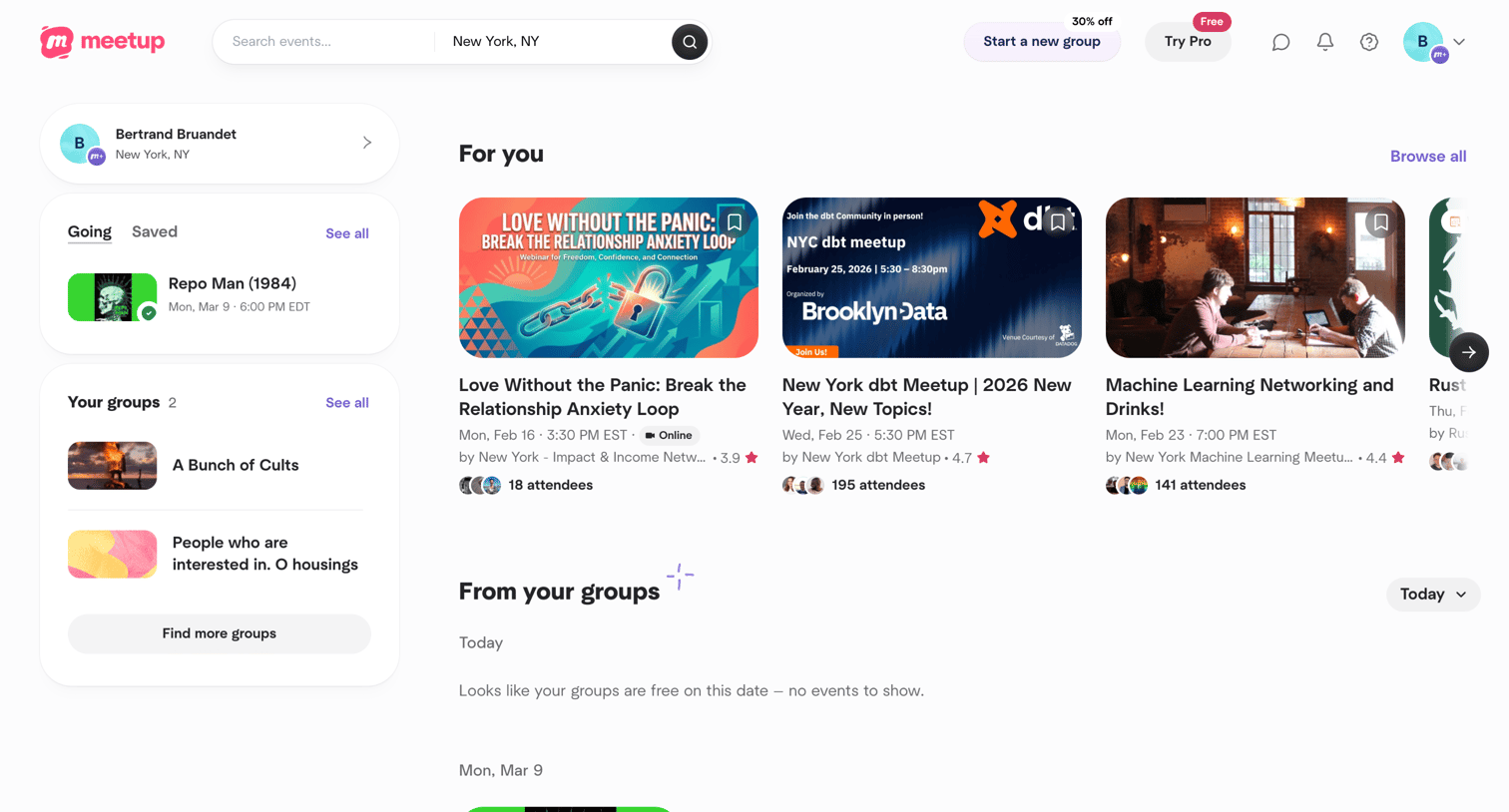

Home feed where the user browses recommended upcoming events, filters by date, and manages their saved activities and group memberships.
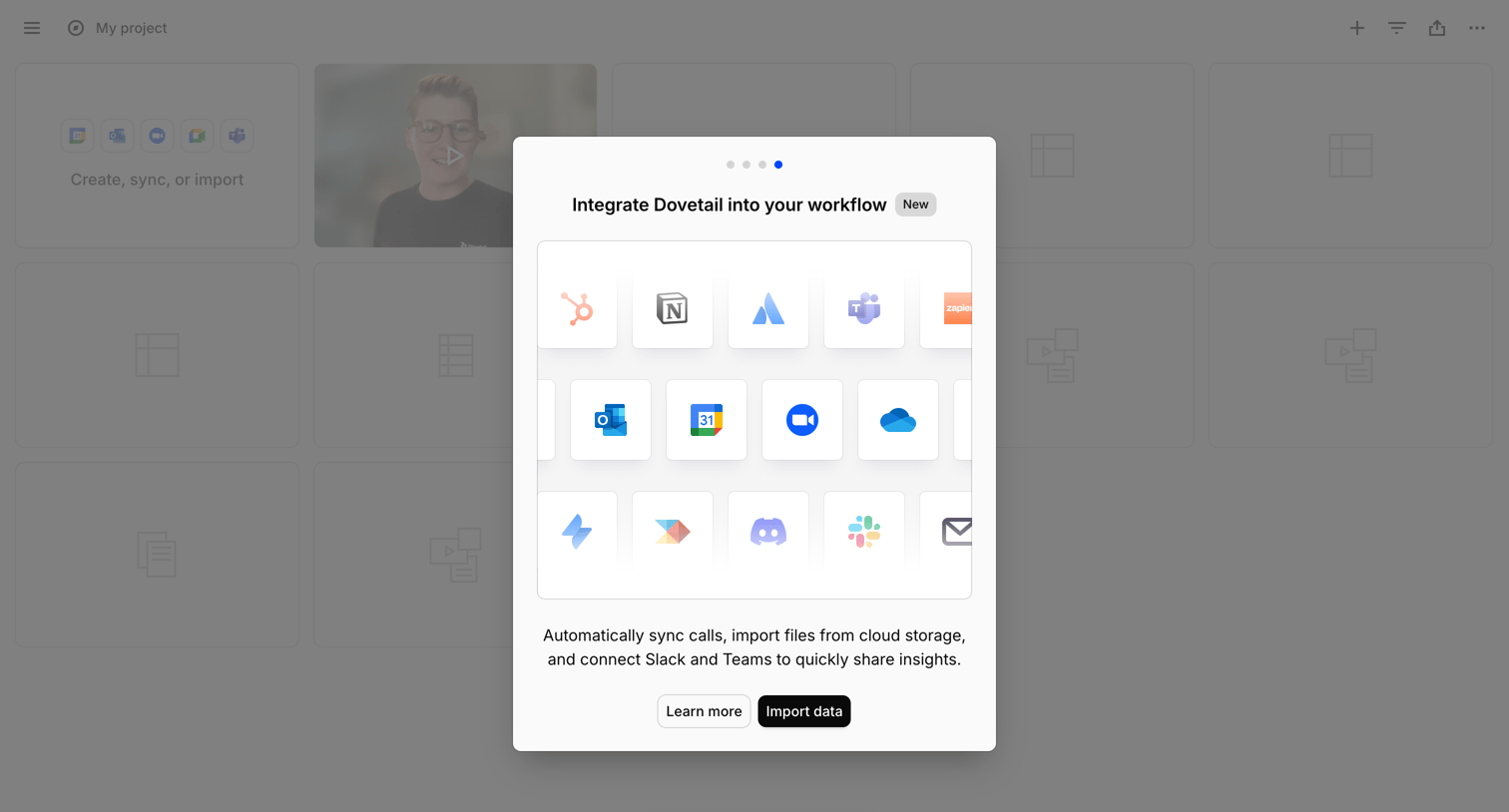

List view with a modal prompting the user to integrate their workflow by connecting apps like Slack, Teams, and Google Drive to import data.
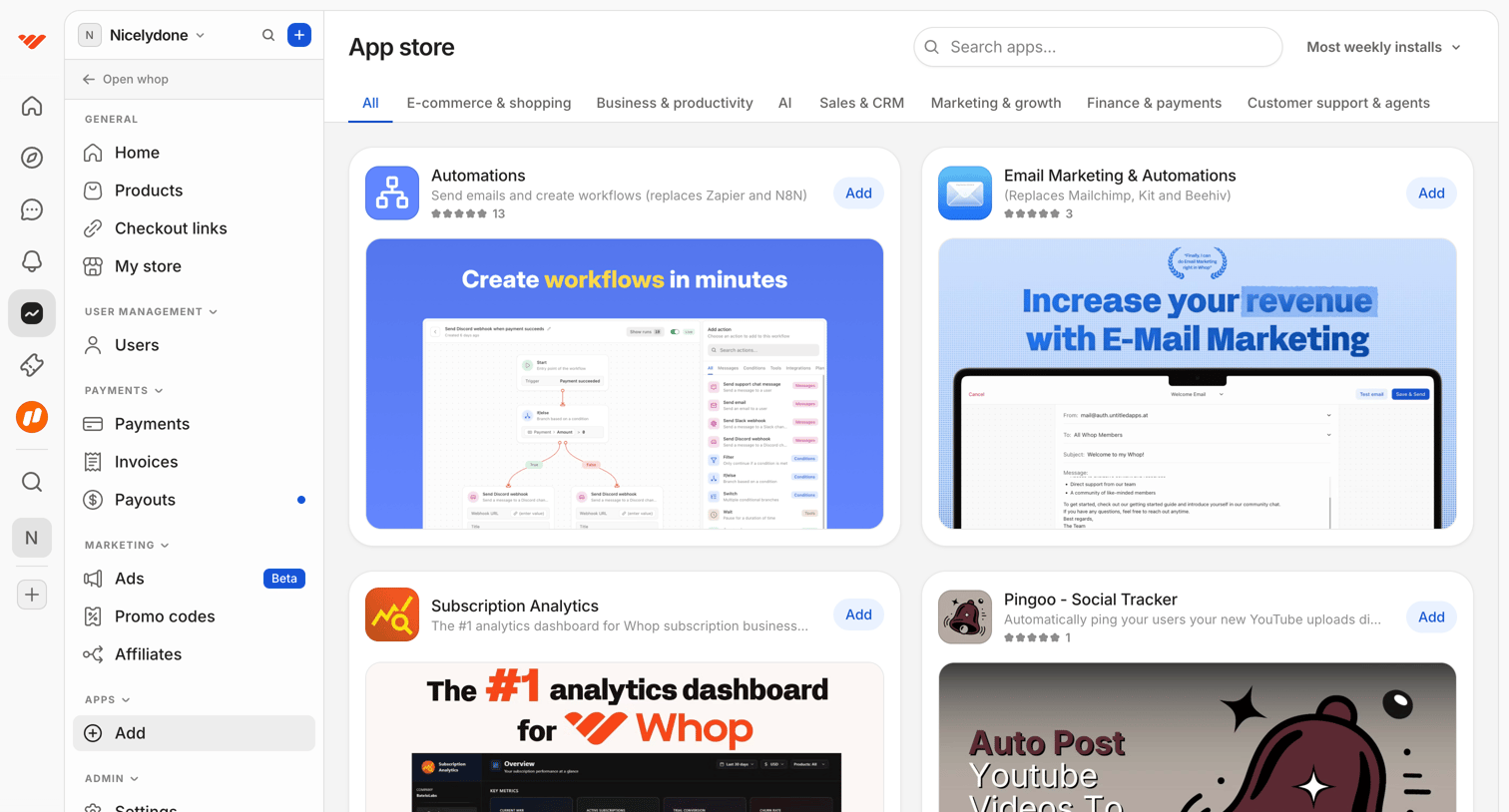

App store where the user browses and searches for integrations like Automations and Subscription Analytics to add to their workspace.
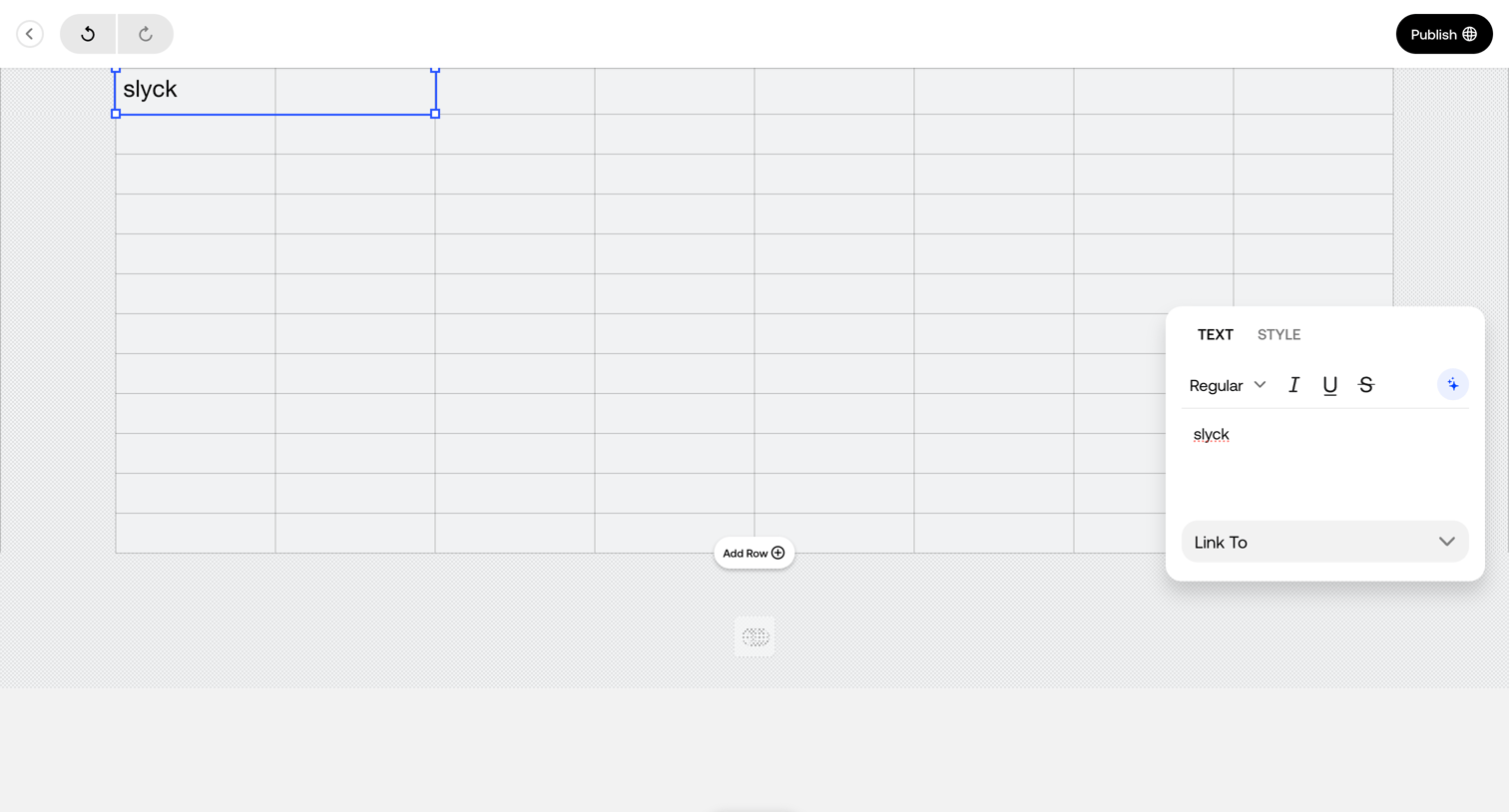

Design editor where the user edits text within a grid cell using a floating inspector panel for formatting and linking.
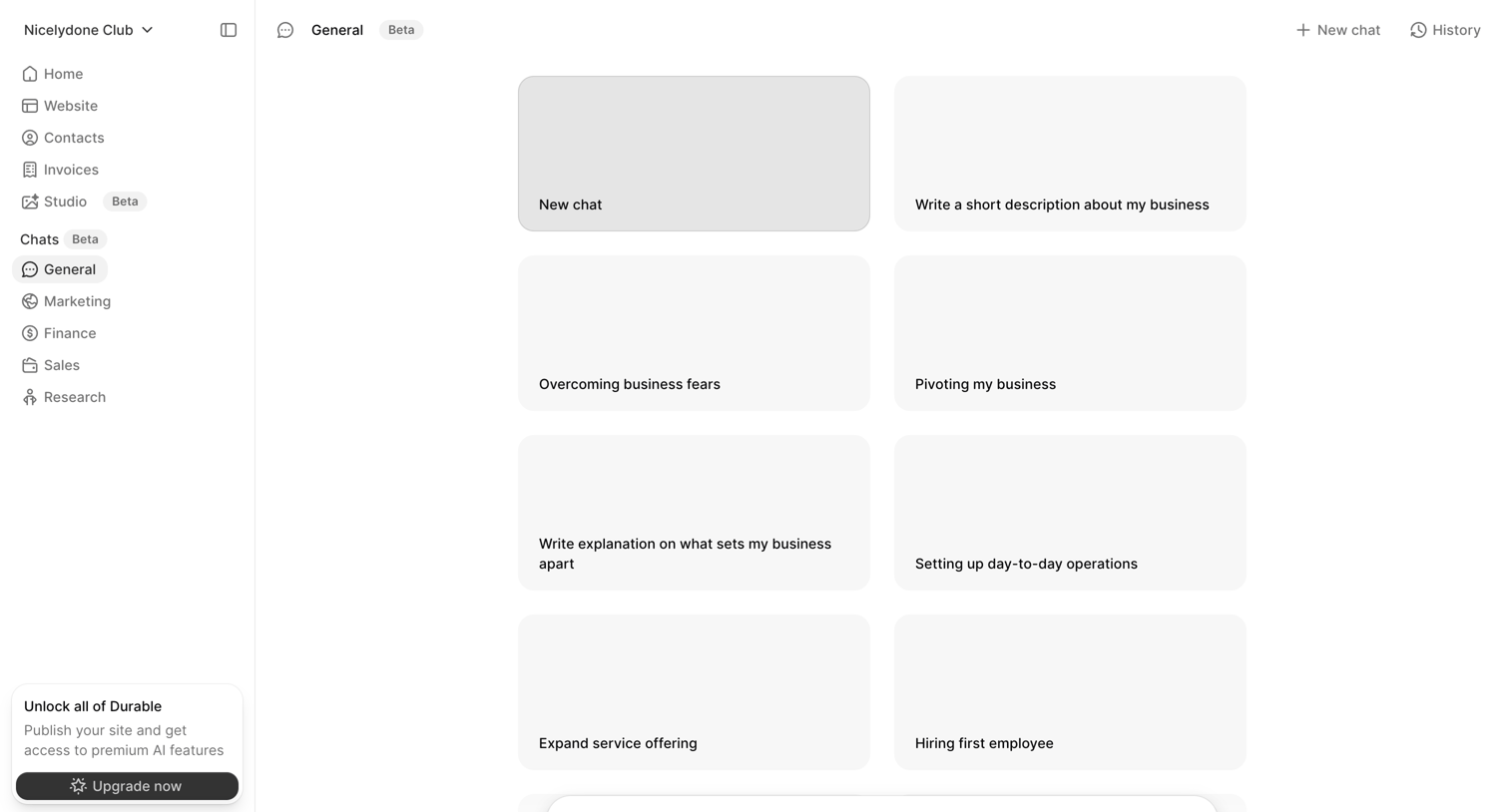

AI chat interface where the user can start a new conversation by selecting from business-focused prompt suggestions or typing a custom message.
Explore the full SaaS screen library
Upgrade to unlock the full library.
Trusted by the best teams







