Full-screen layout screen examples
Full-screen layout screen design examples from SaaS apps. Browse examples from Firecrawl, Circleback, UserJot.
Explore the examples
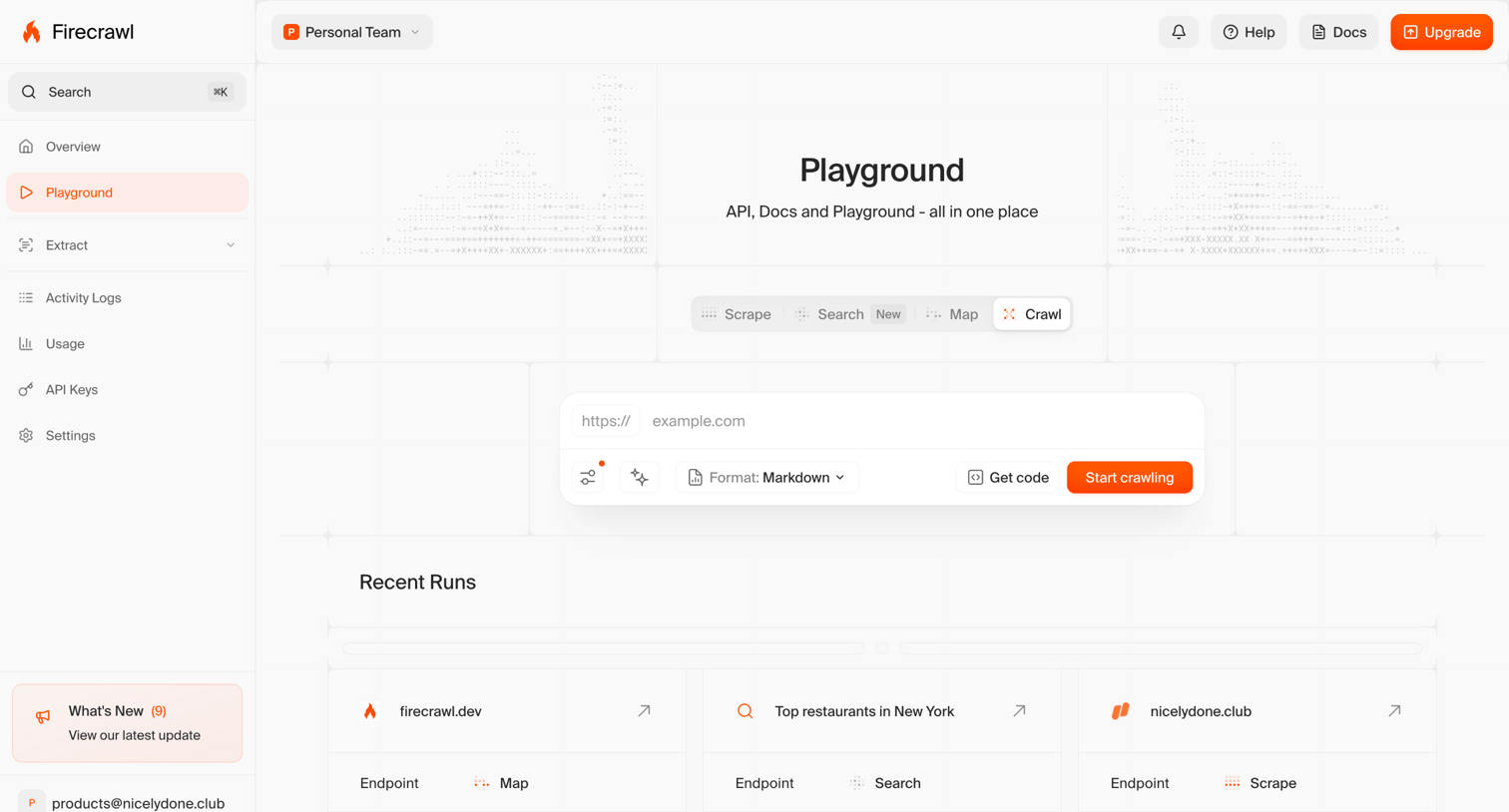

Playground view where the user can test the API by entering a URL to scrape, search, map, or crawl, and view recent run statuses.
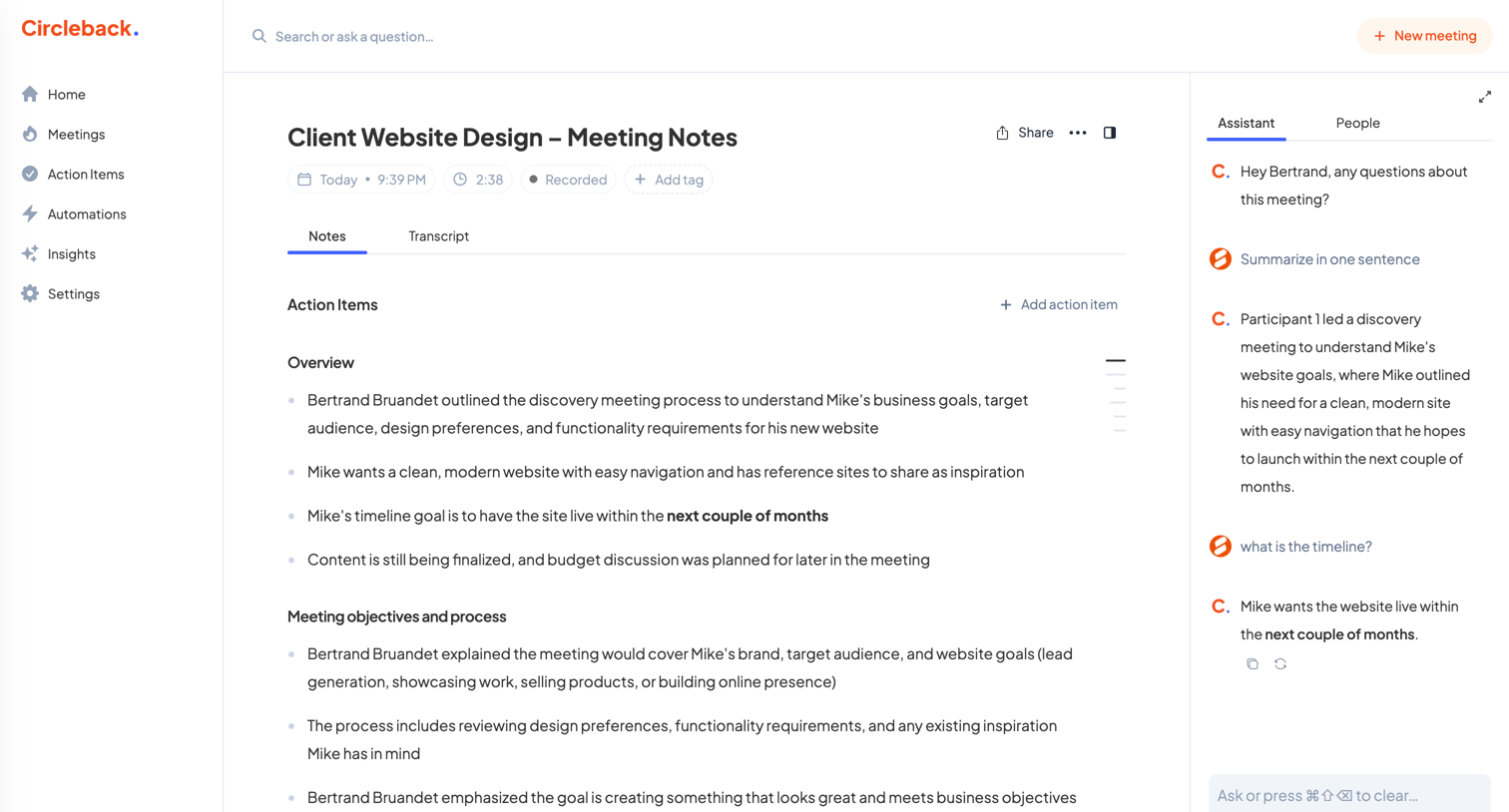

Detail page where the user reviews meeting notes, action items, and interacts with an AI assistant for a specific recorded meeting.
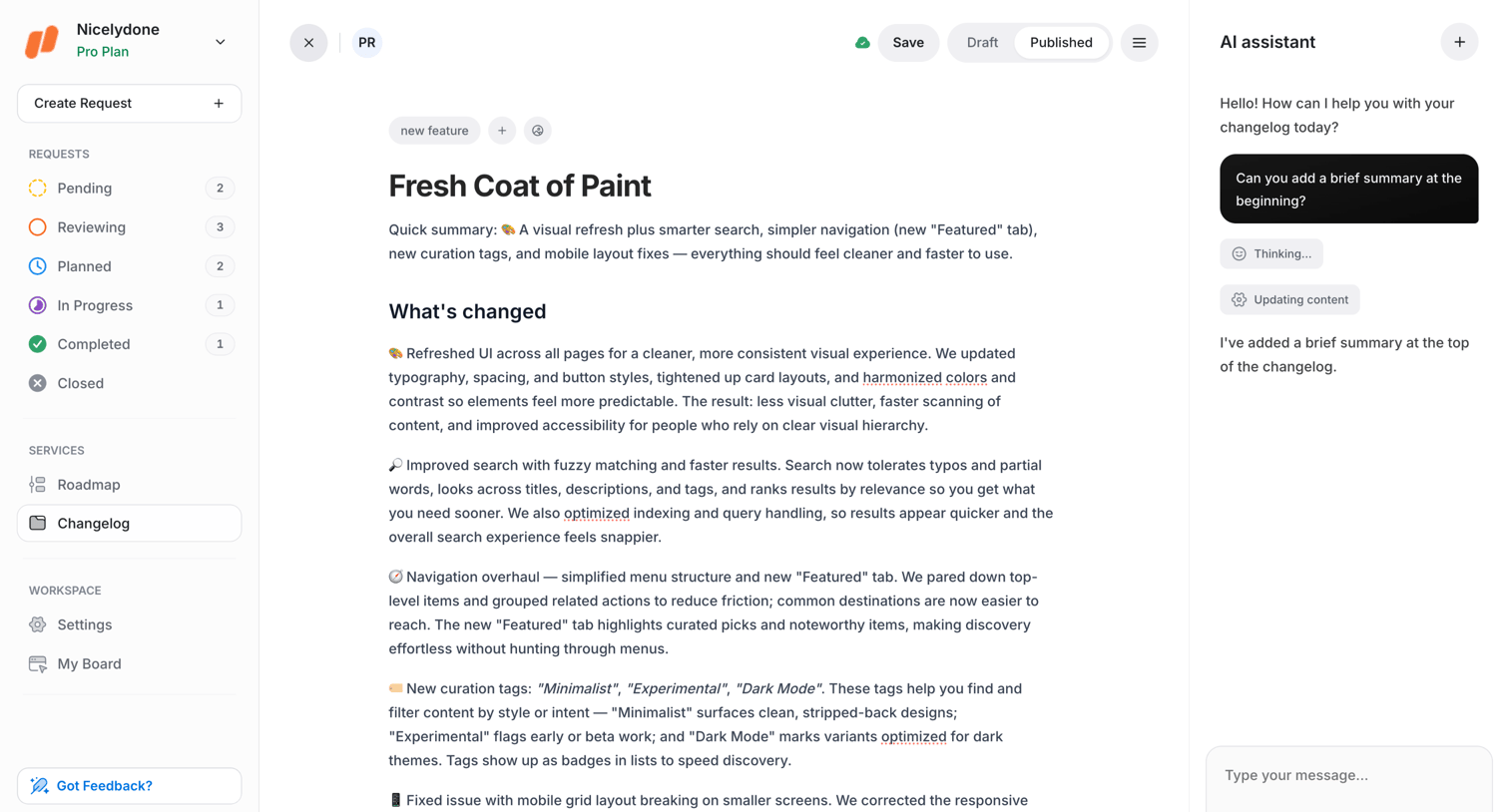

Content editor where the user drafts a changelog entry with an AI assistant panel open for inline editing help.
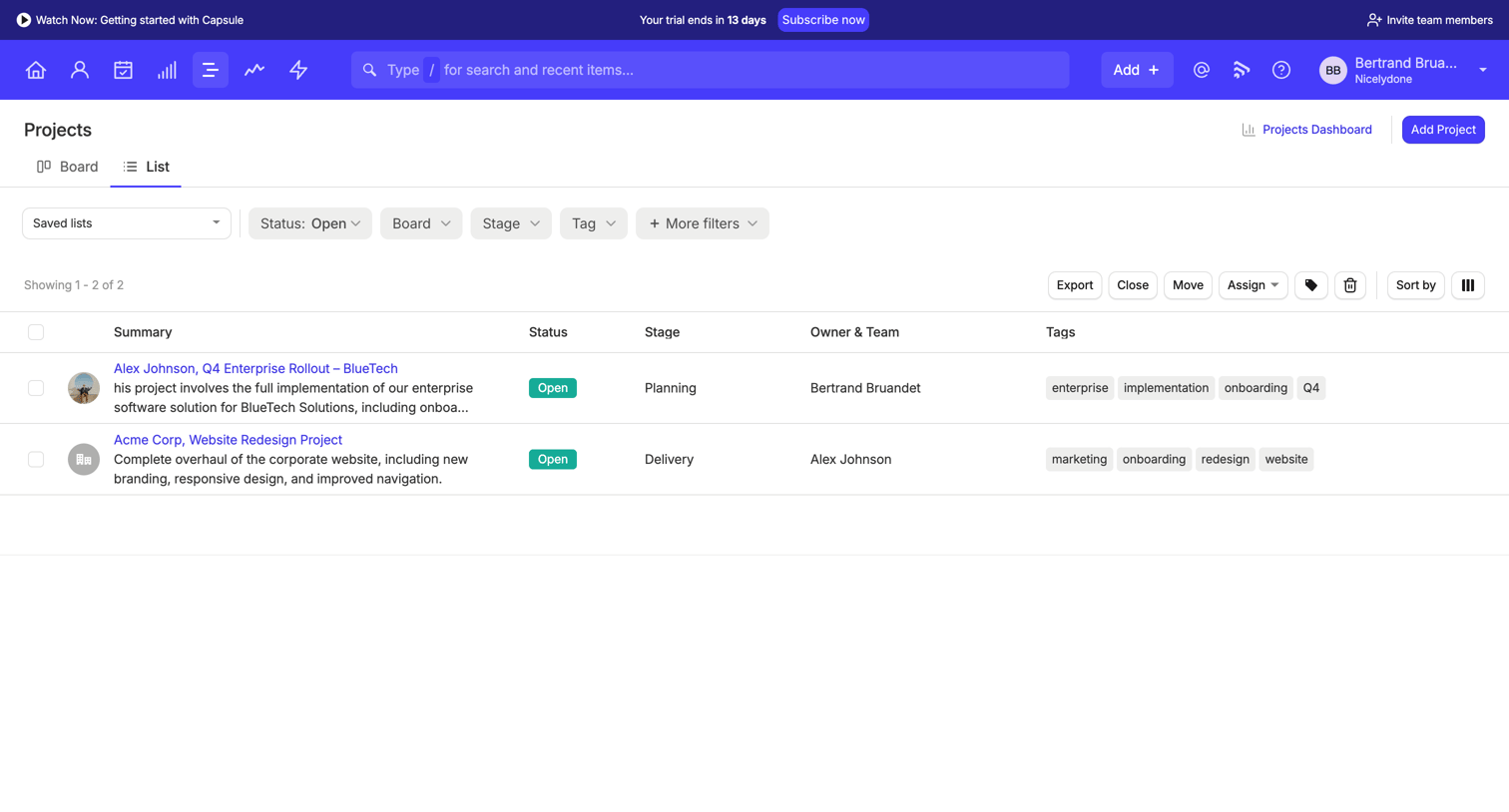

List view where the user manages active projects, filters by status, board, and stage, and can perform bulk actions like exporting or reassigning.
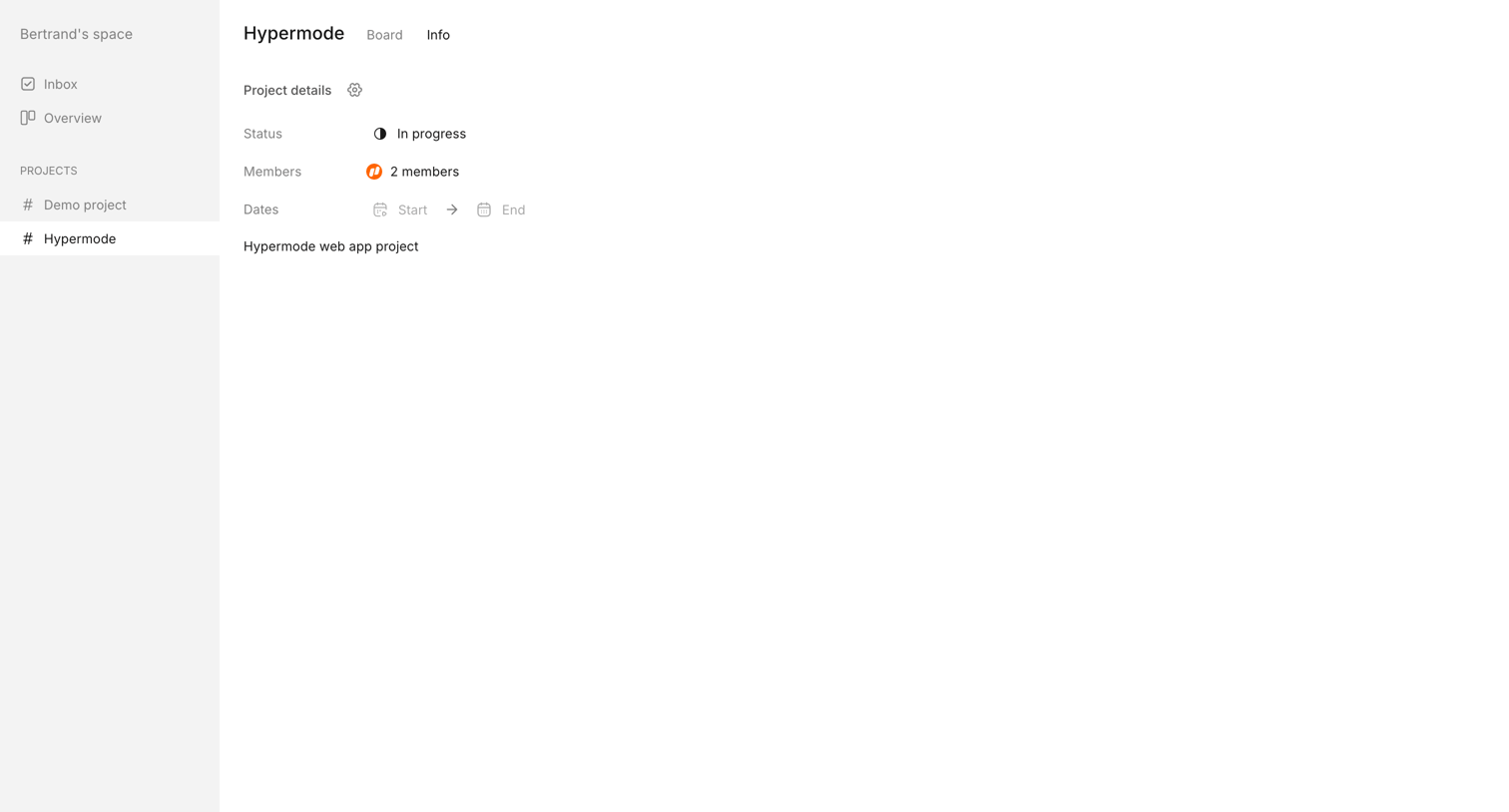

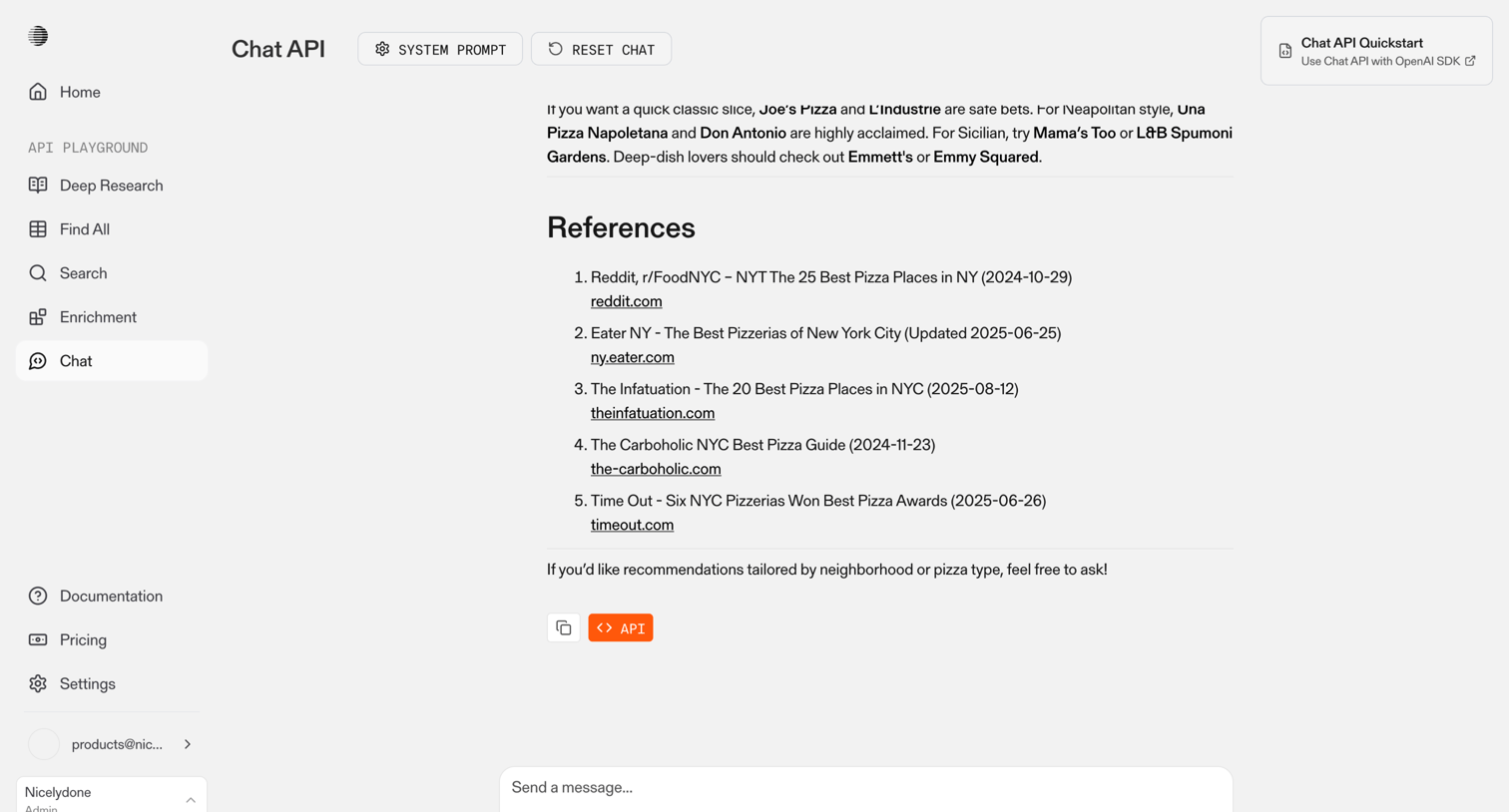

API playground chat interface where the user can test prompts, configure system instructions, and view AI responses with inline citations.
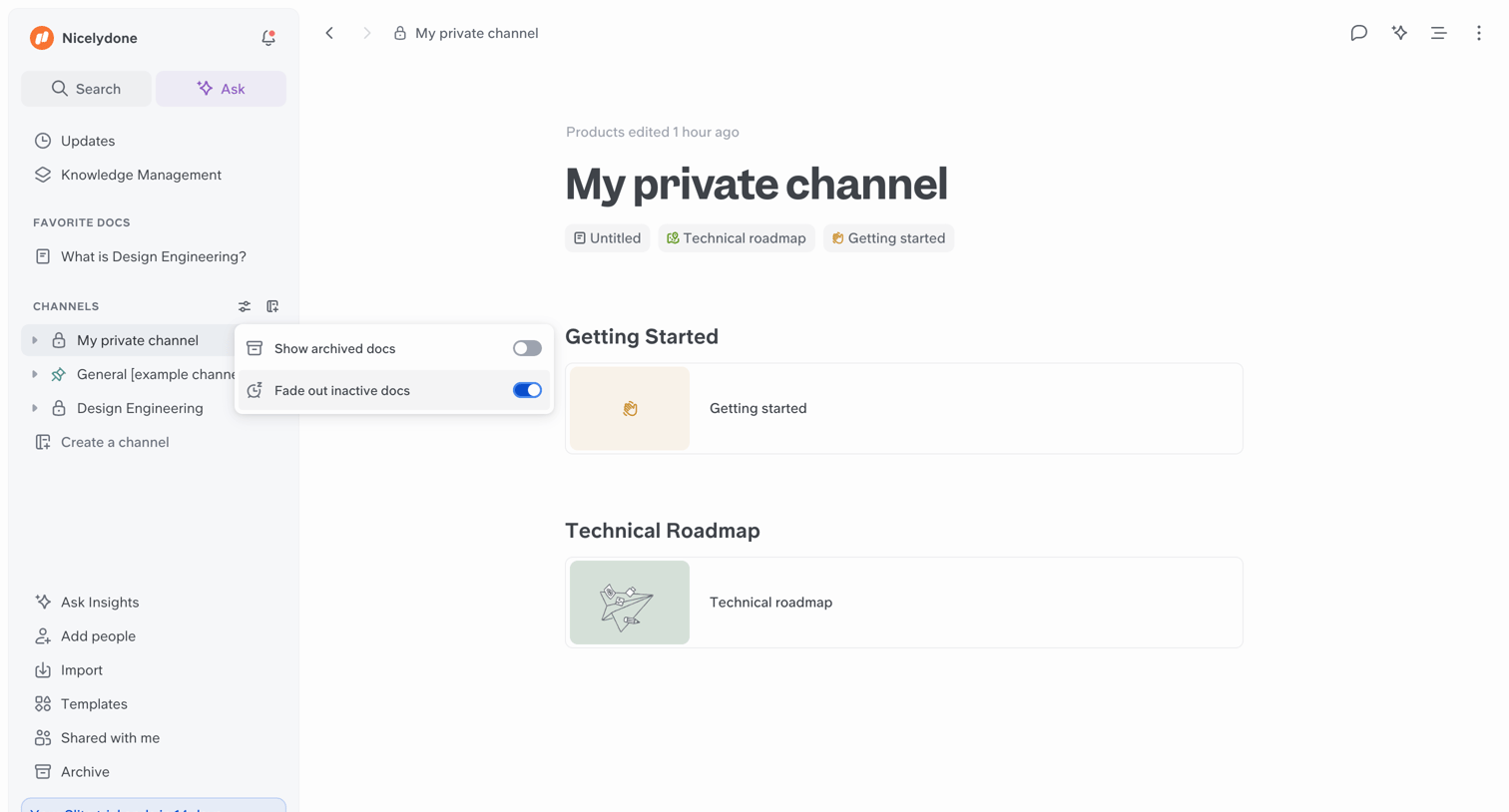

Detail page for a private channel displaying a list of document cards categorized by sections like Getting Started and Technical Roadmap, with a channel filter popover actively open.
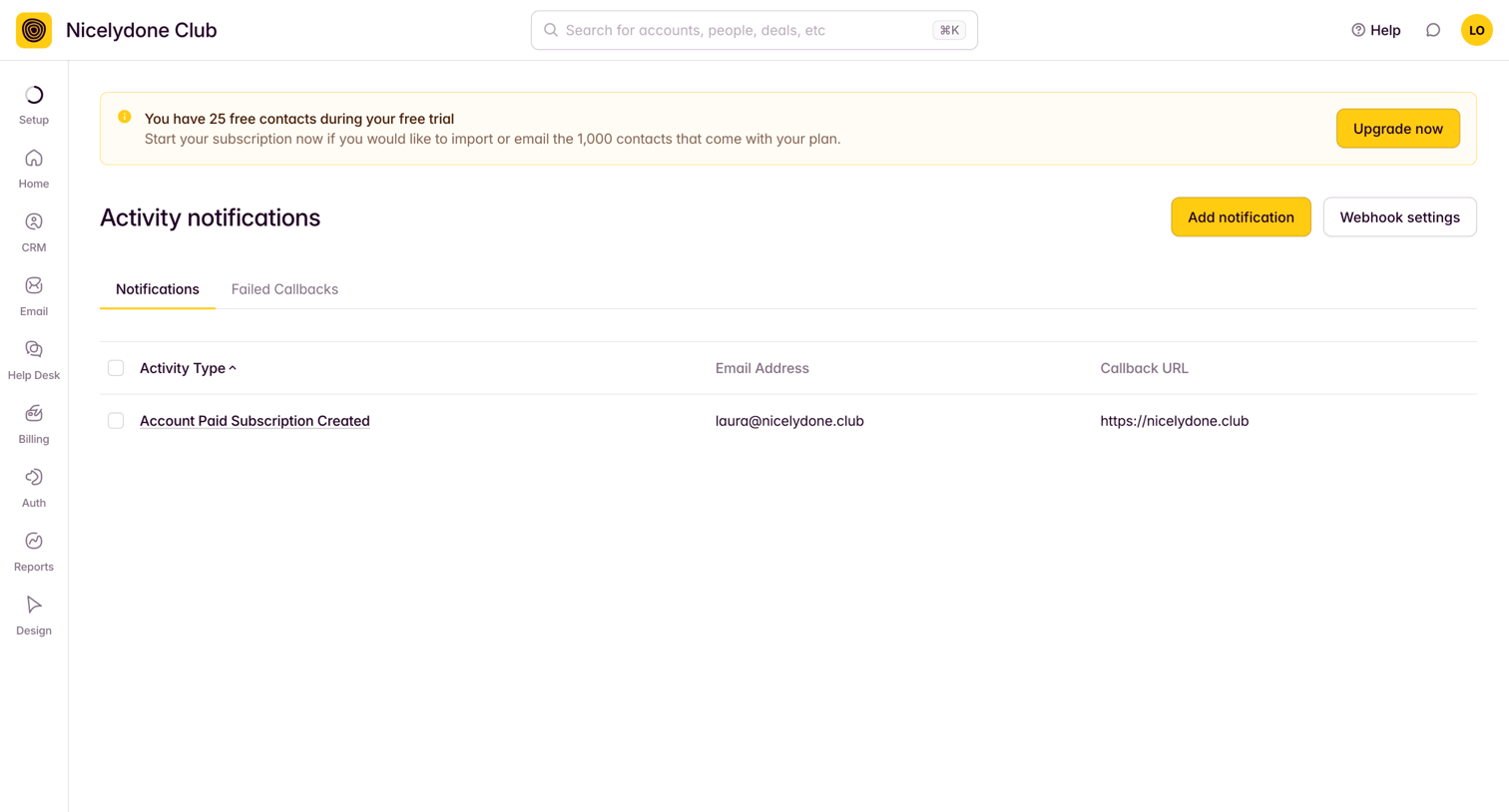

Settings page where the user manages activity notifications and webhook callbacks, featuring a prominent trial upgrade banner.
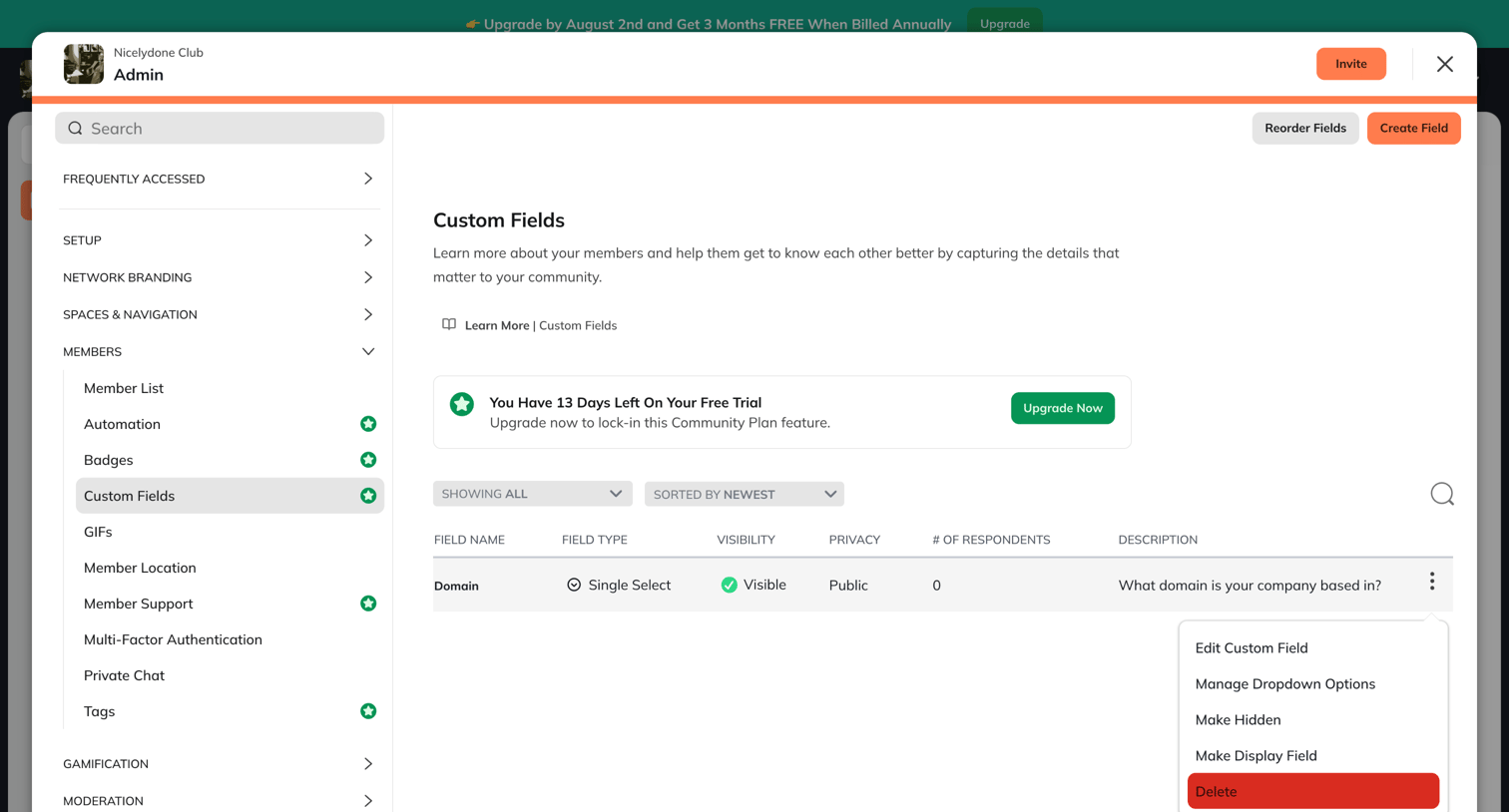

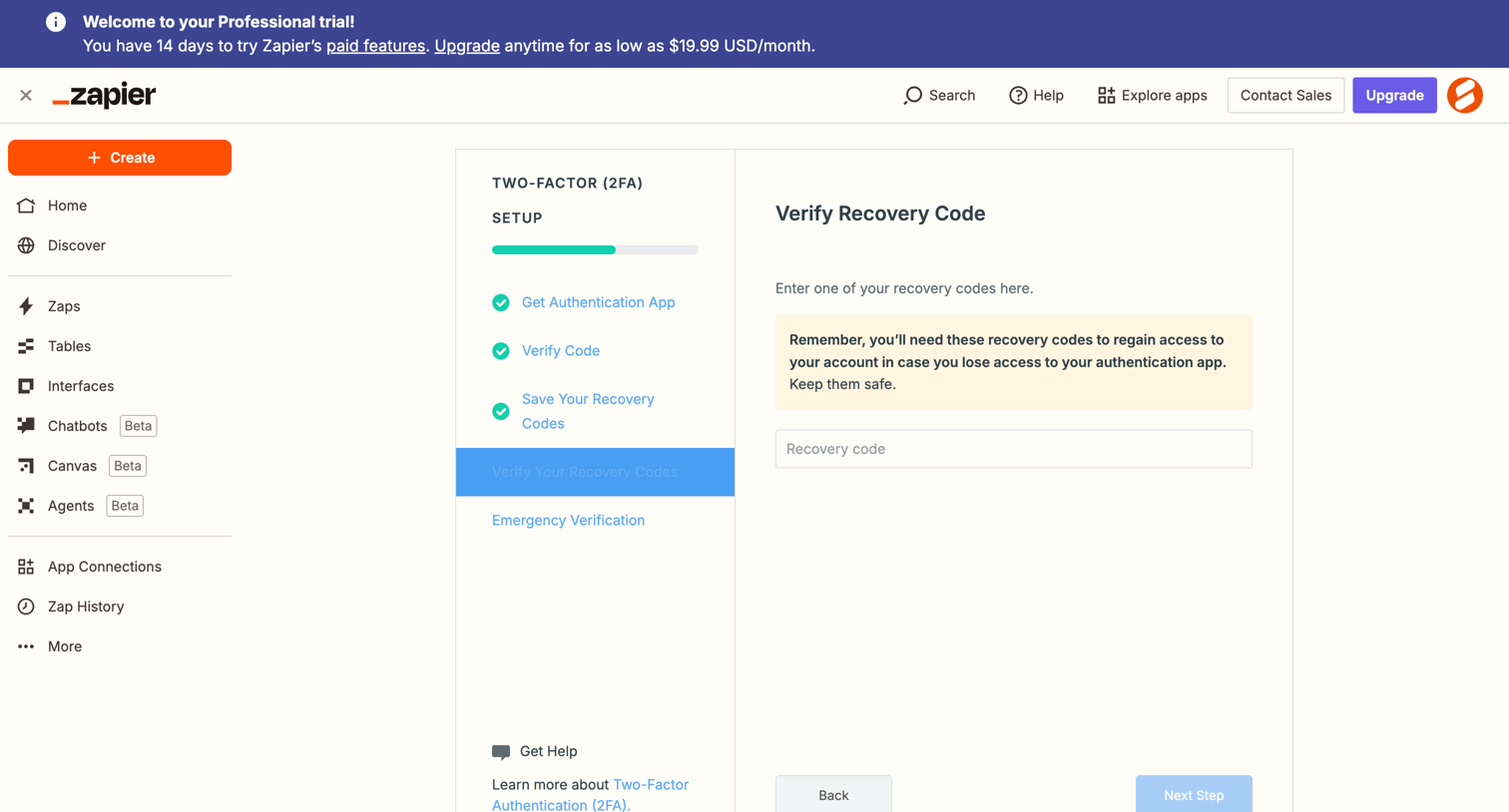

Settings flow where the user verifies their saved recovery codes during two-factor authentication setup.
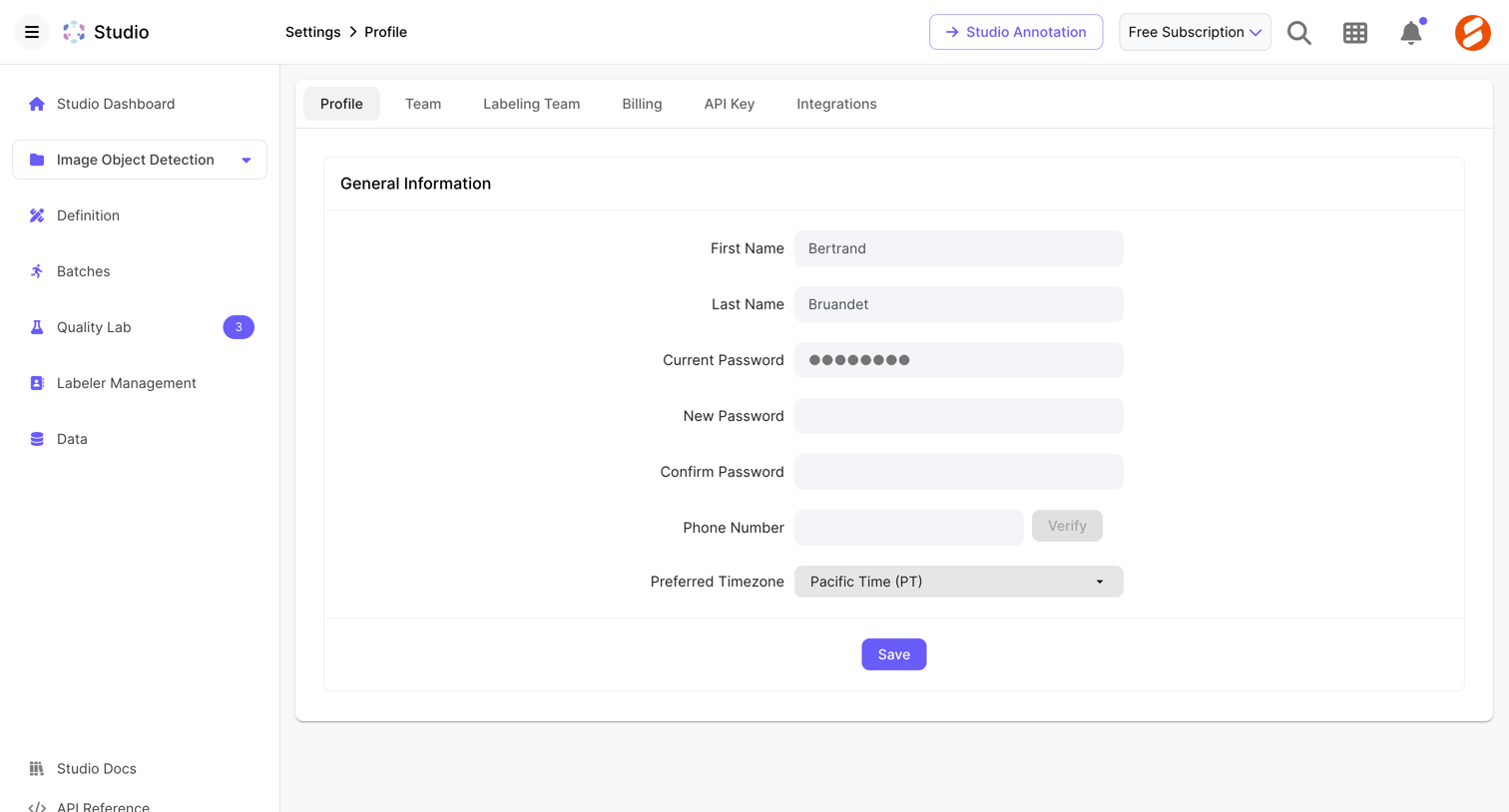

Settings page where the user updates their general profile information, including name, password, phone number, and timezone.
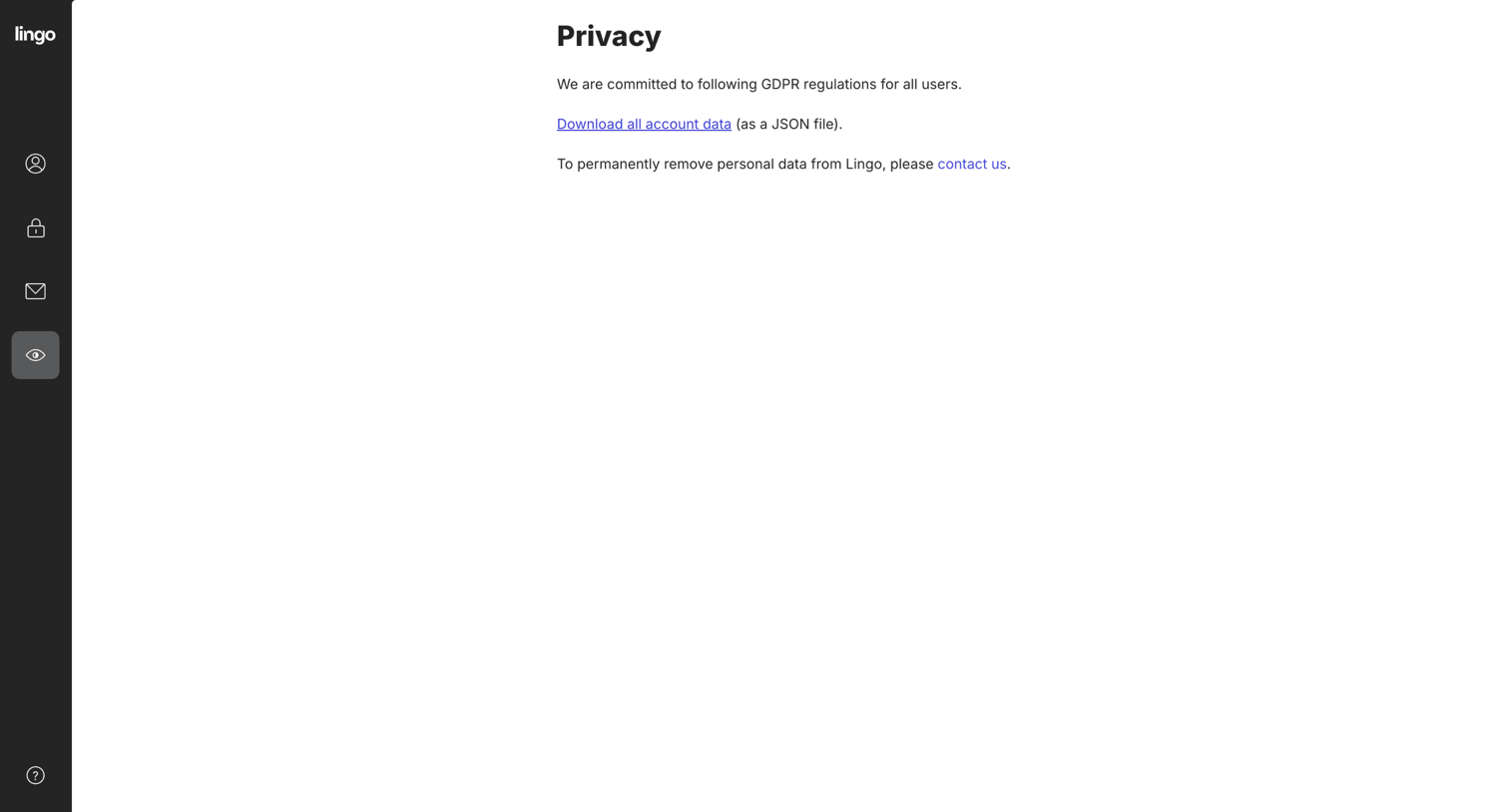

Settings page where the user can initiate a download of their account data as a JSON file or find instructions to permanently remove their personal data.
Explore the full SaaS screen library
Upgrade to unlock the full library.
Trusted by the best teams







