Event management screen examples
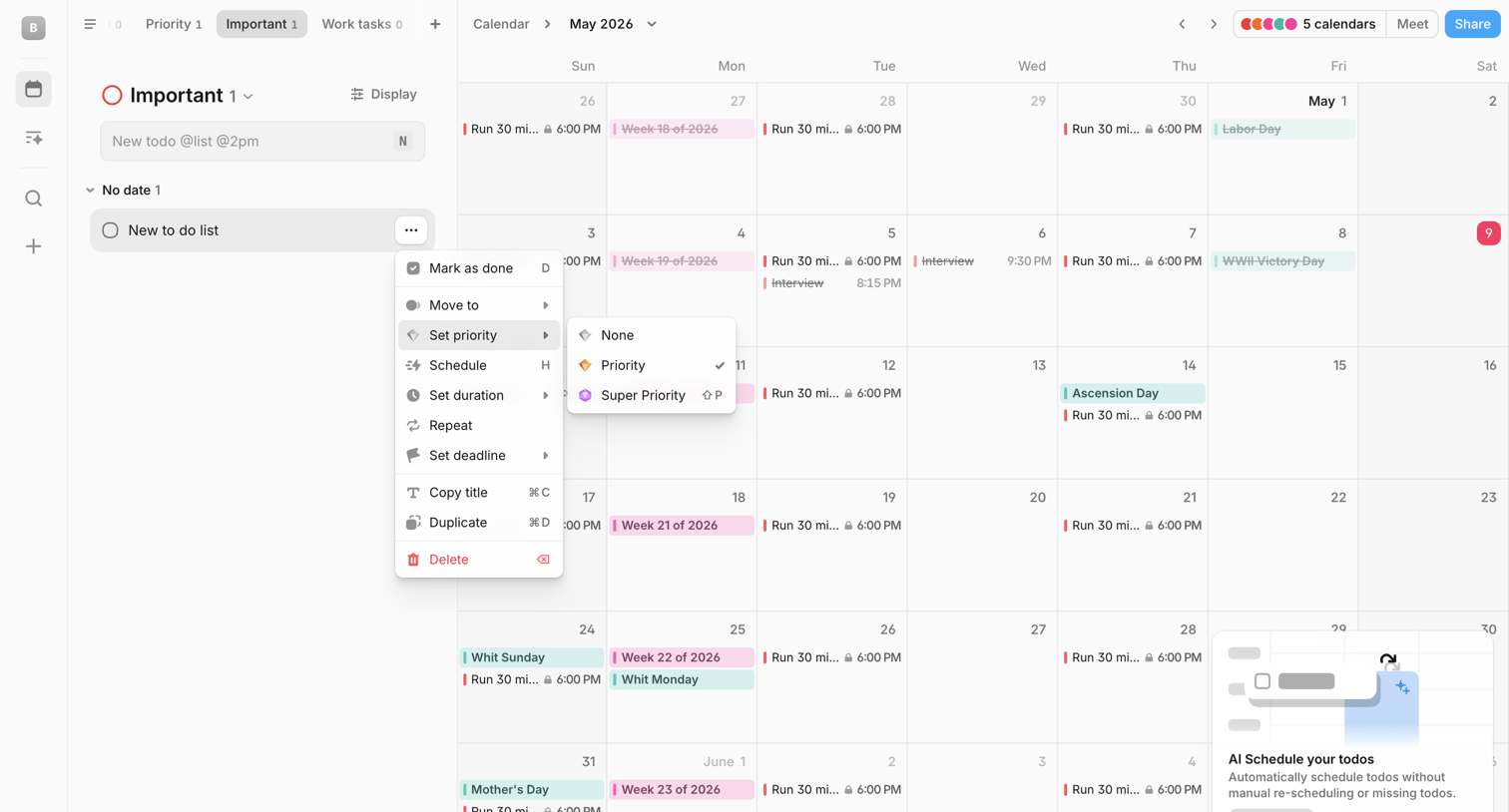
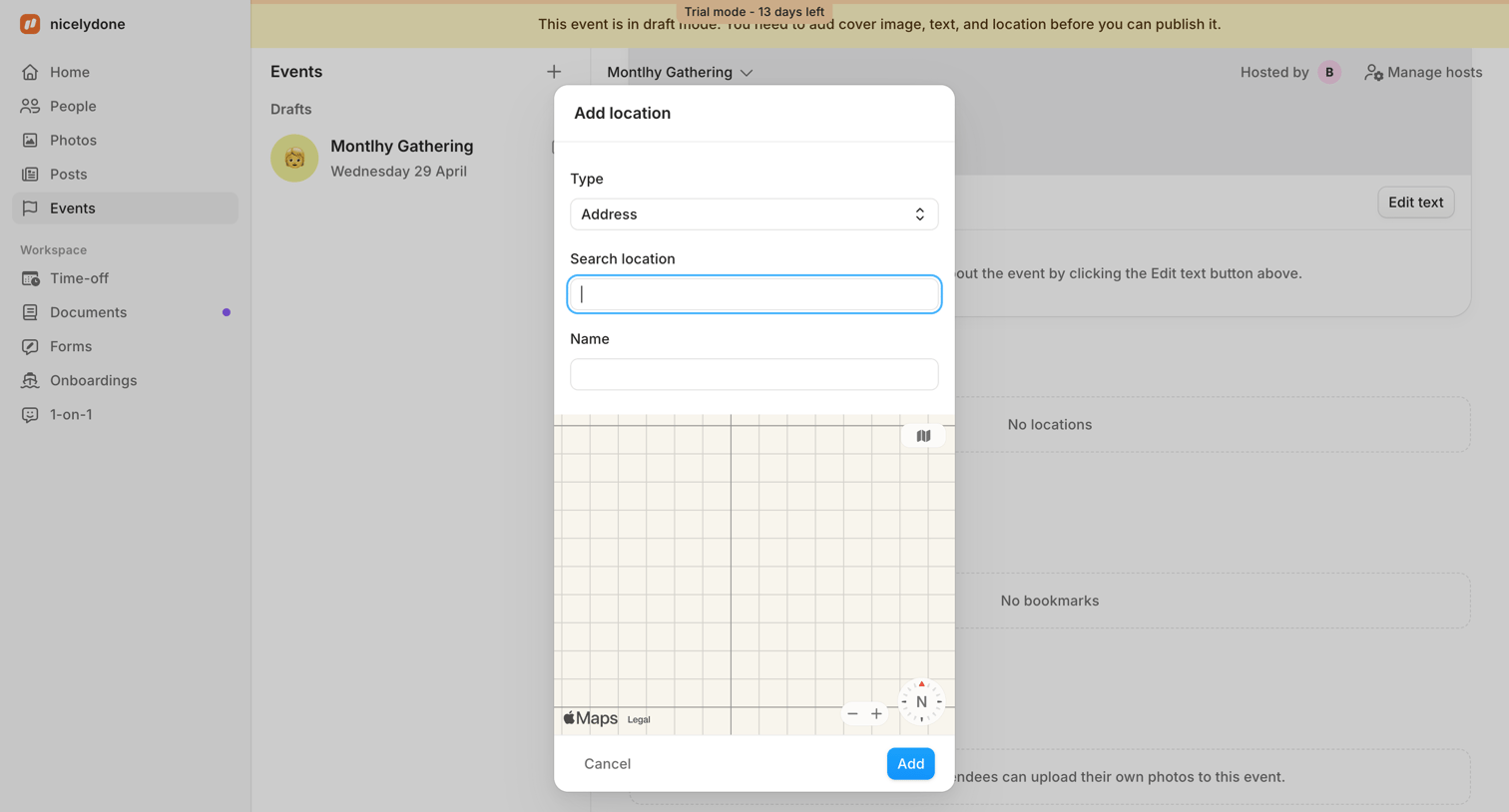
Event management screen design examples from SaaS apps. Browse examples from Amie, Elevenlabs, Aboard.
Explore the examples

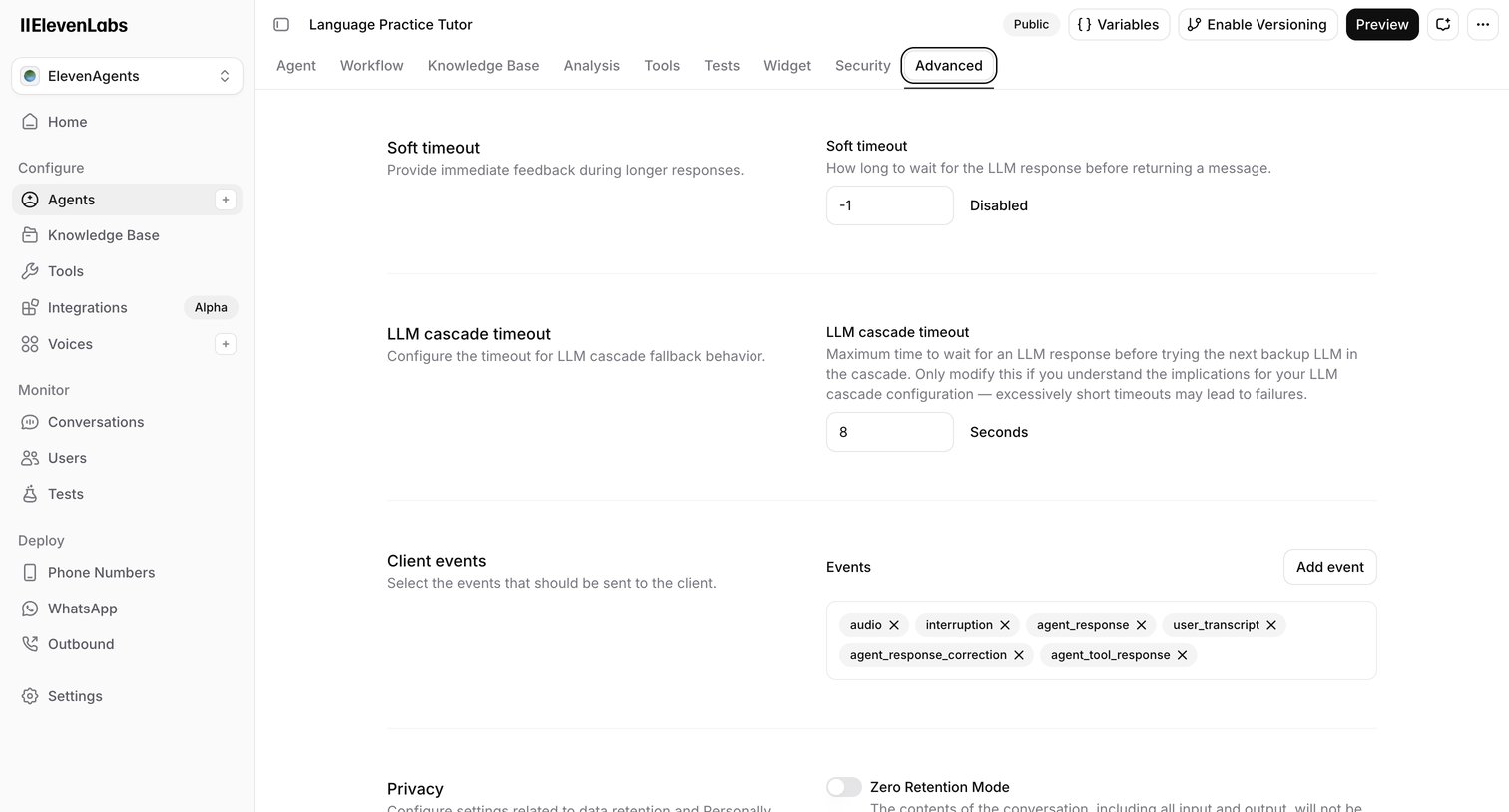

Settings page where the user configures advanced parameters for an AI agent, including timeouts, client events, and privacy retention modes.

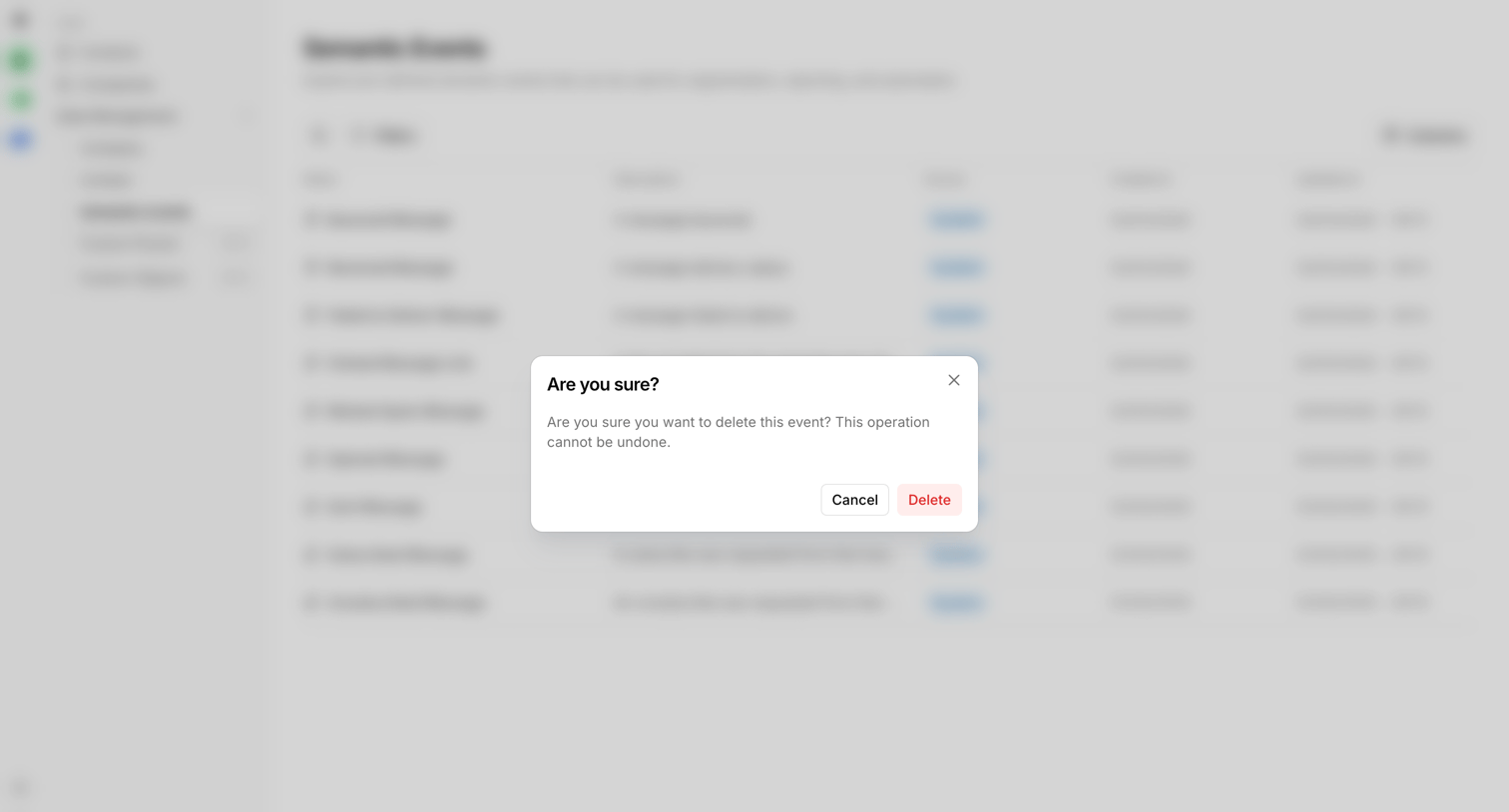

Settings page where the user is prompted to confirm the deletion of a semantic event before the action is finalized.
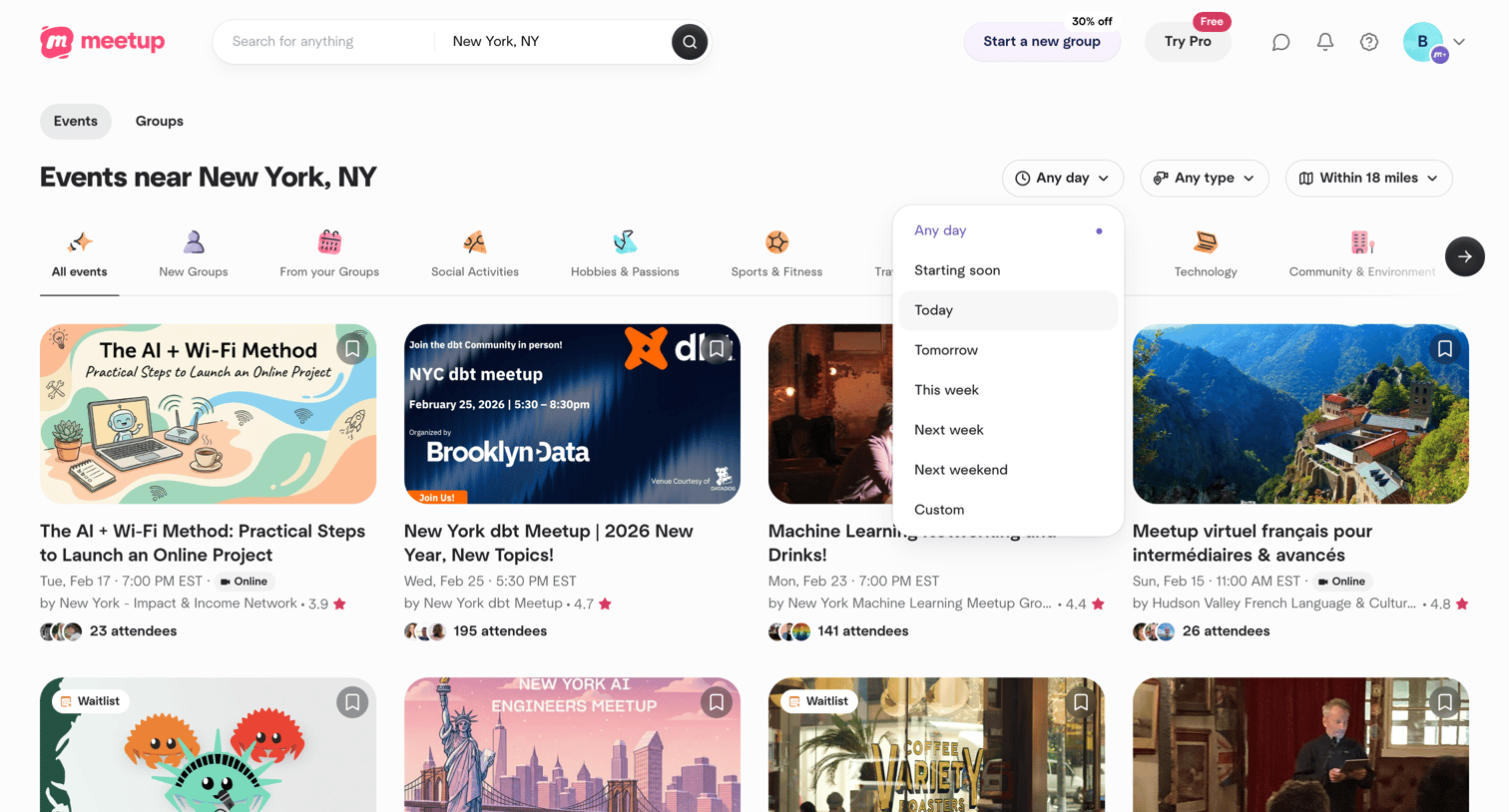

Search page where the user browses local events in New York, NY, with an open dropdown to filter by date.
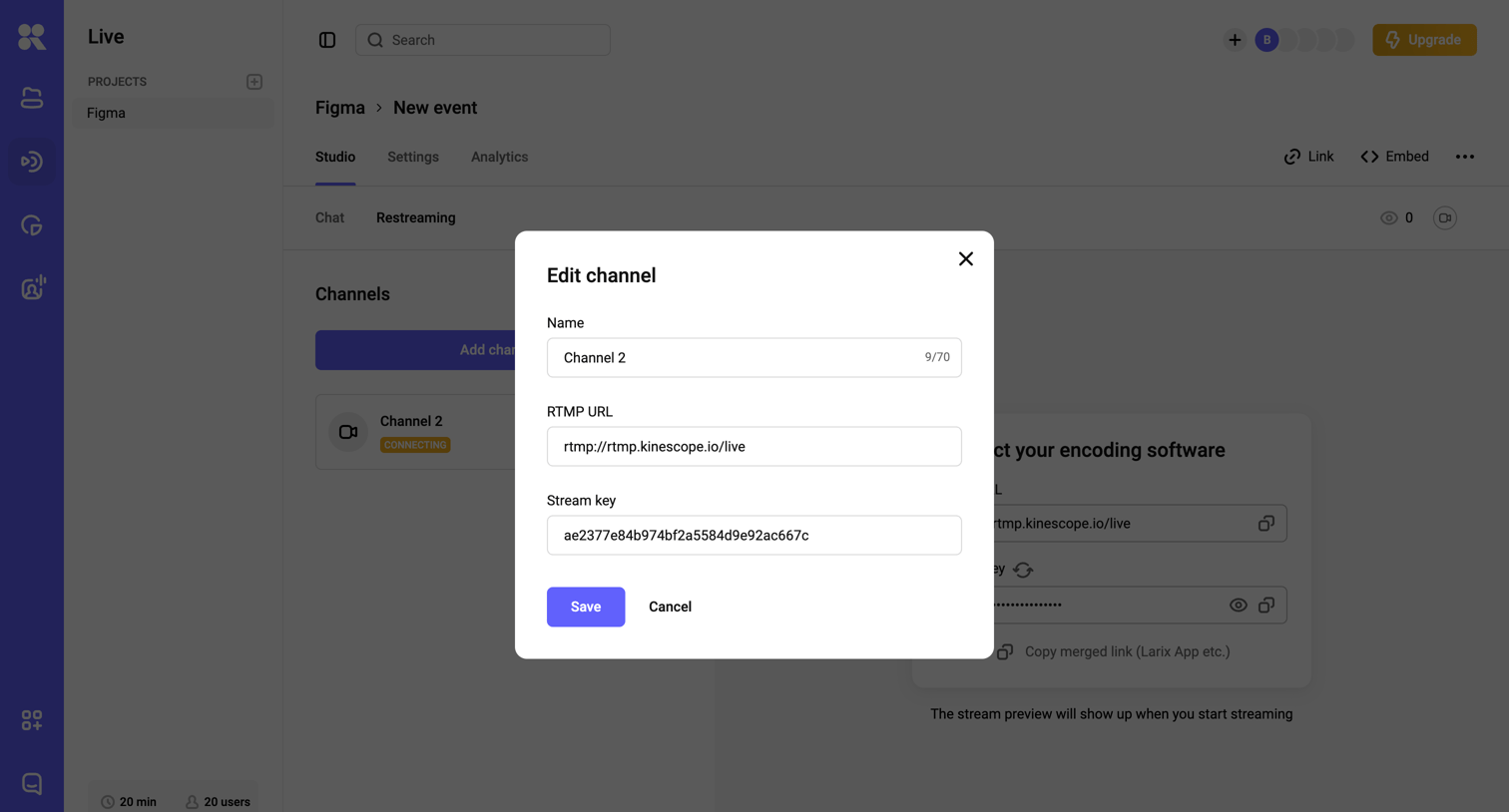

Detail page for a live streaming event where the user is editing the RTMP URL and stream key for a specific channel via a modal overlay.
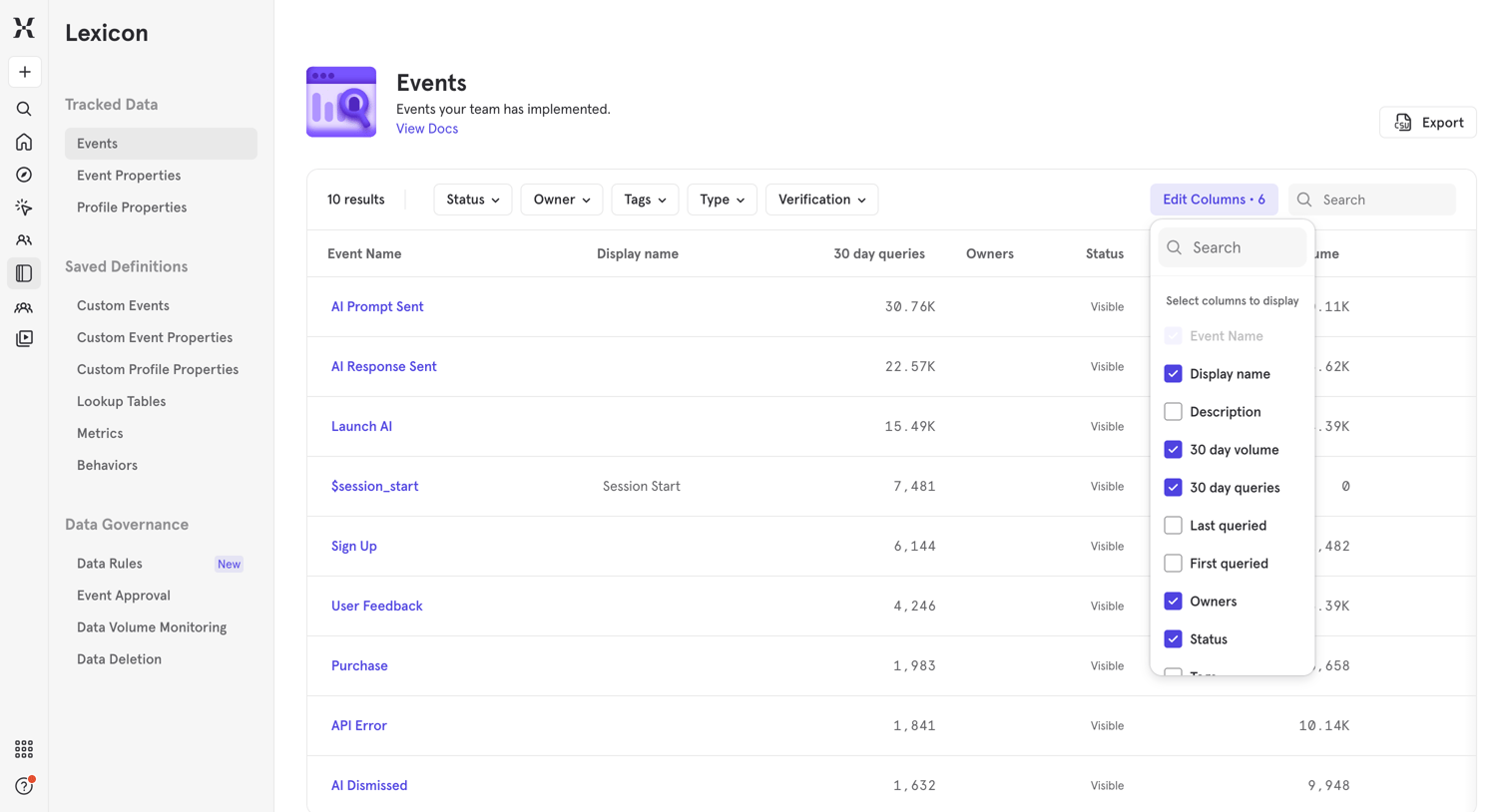

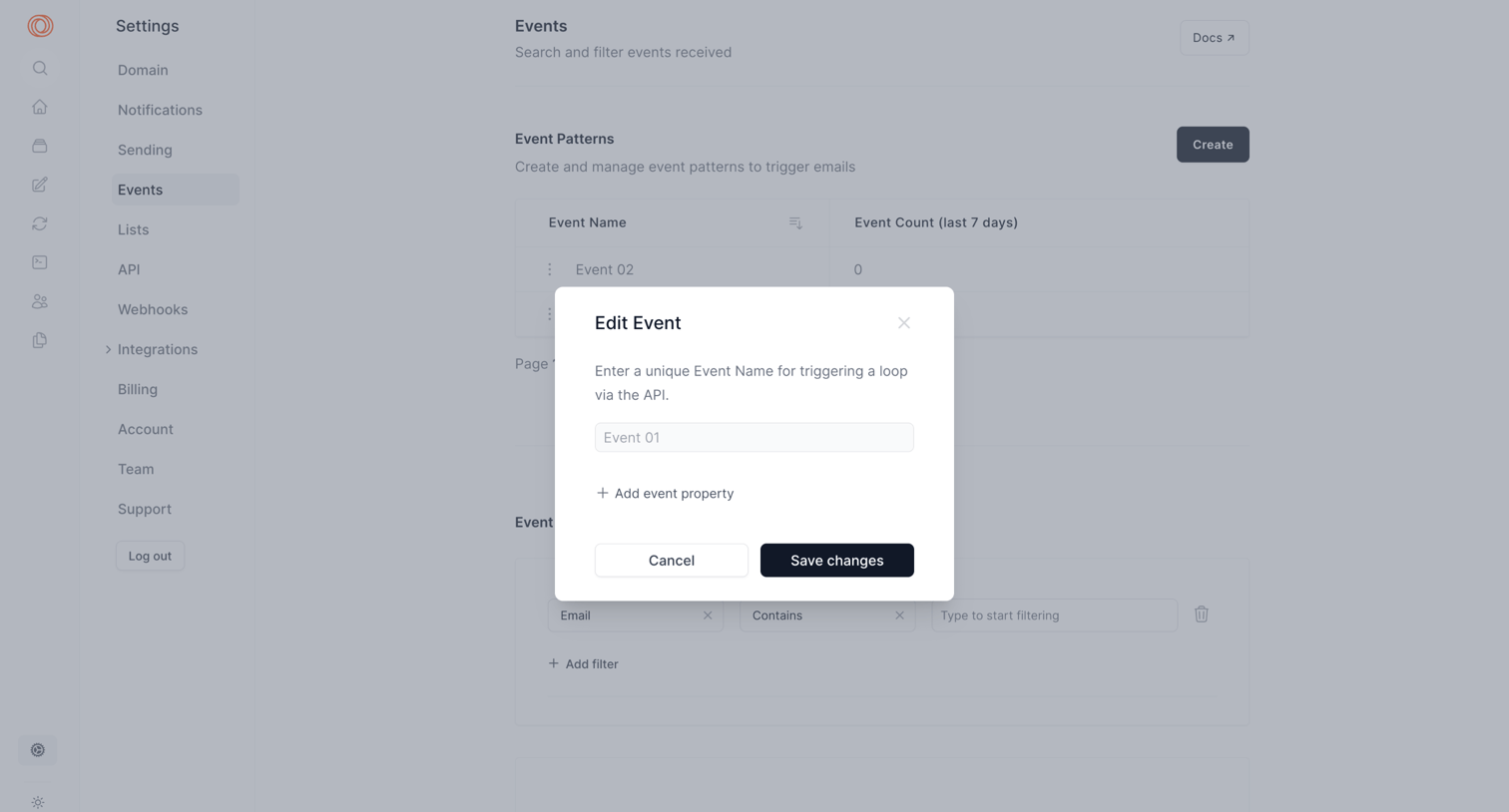
Data dictionary list view where the user manages and configures tracked events, with an open popover to edit visible columns.
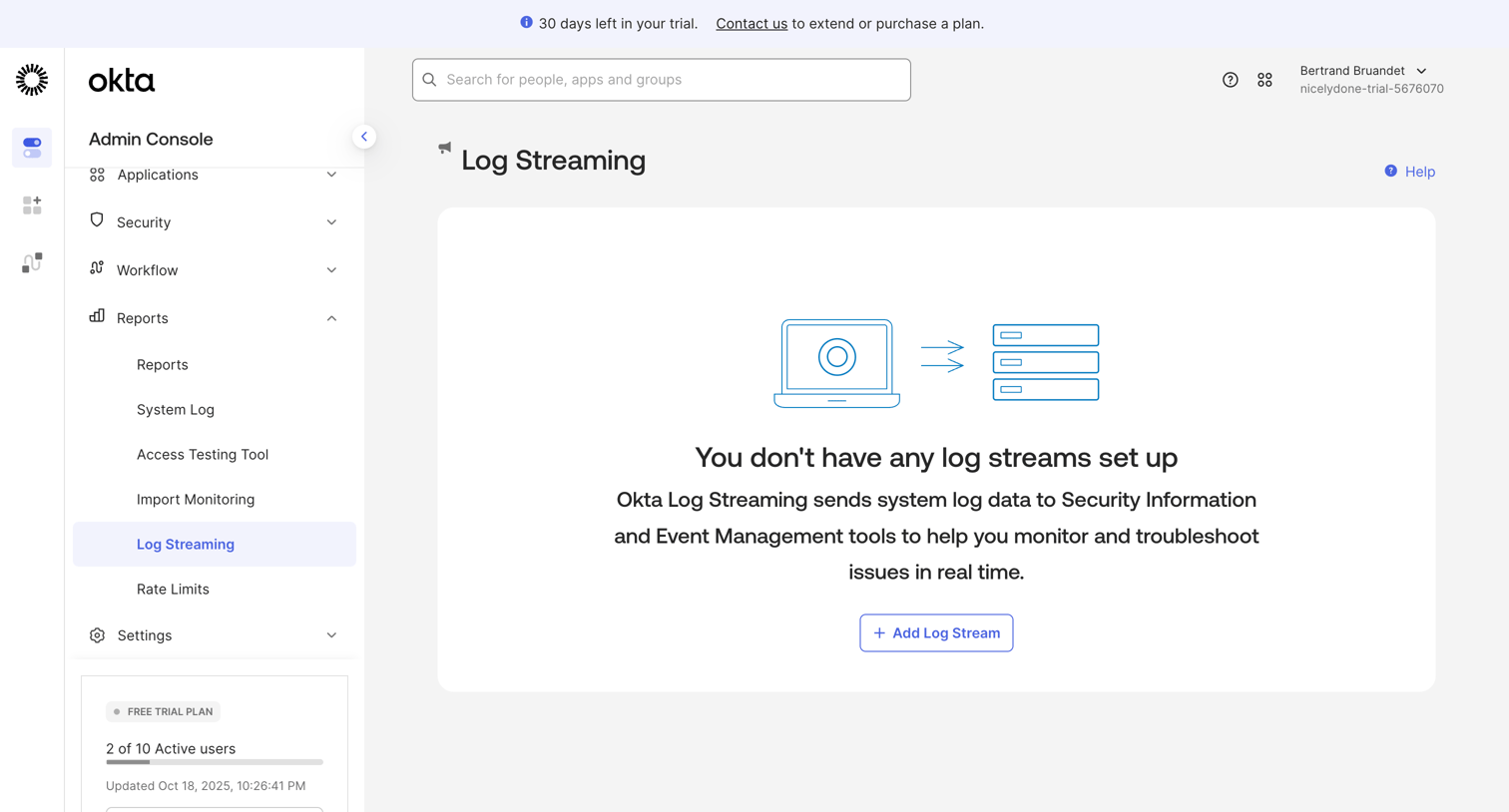

Admin console page under reports where the user can configure log streaming to SIEM tools, currently showing an empty state with a prompt to add a new stream.
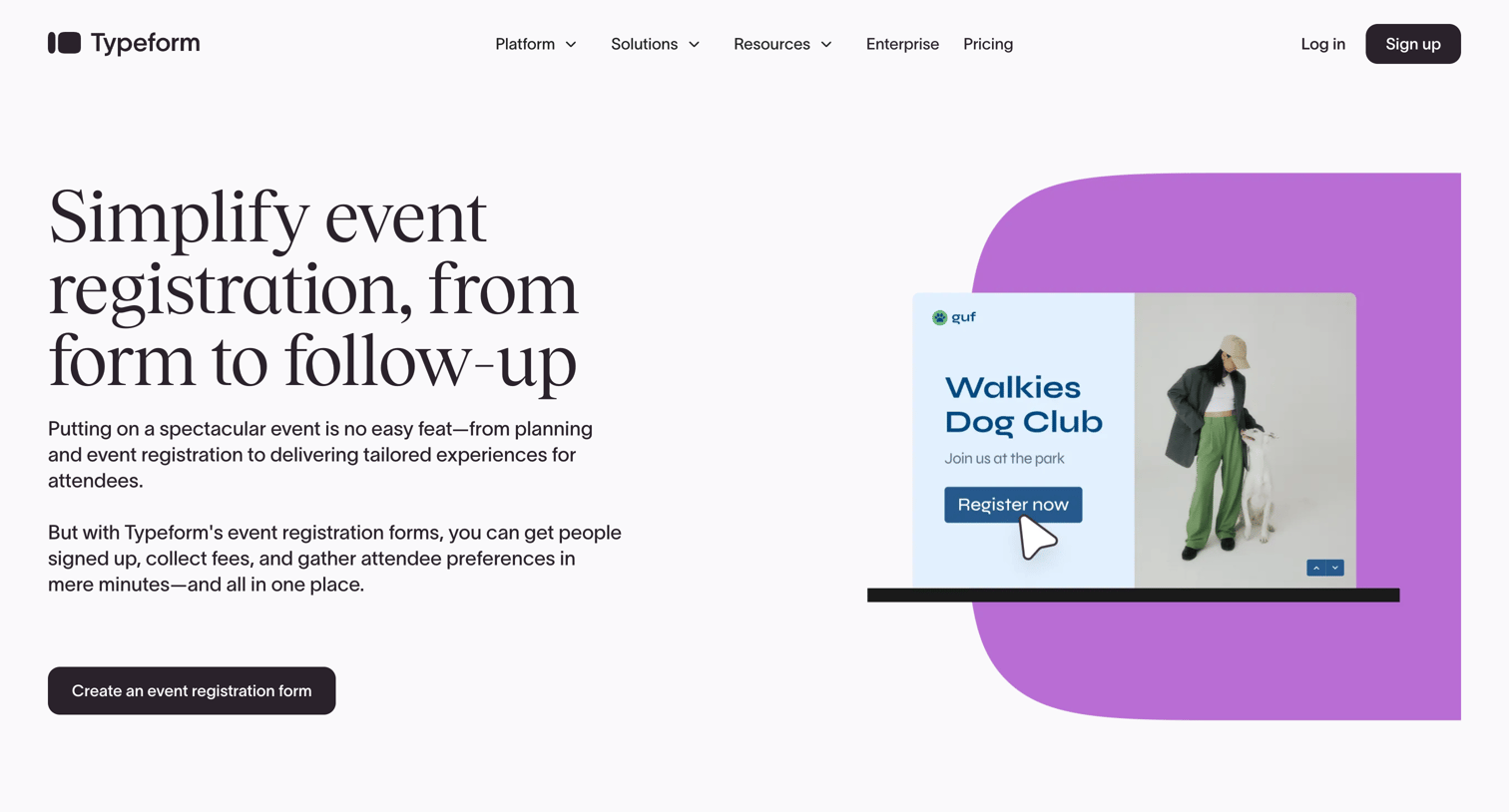

Marketing use case page highlighting how to build event registration forms, featuring relevant templates, key integrations, and core capabilities like logic and multi-language support.
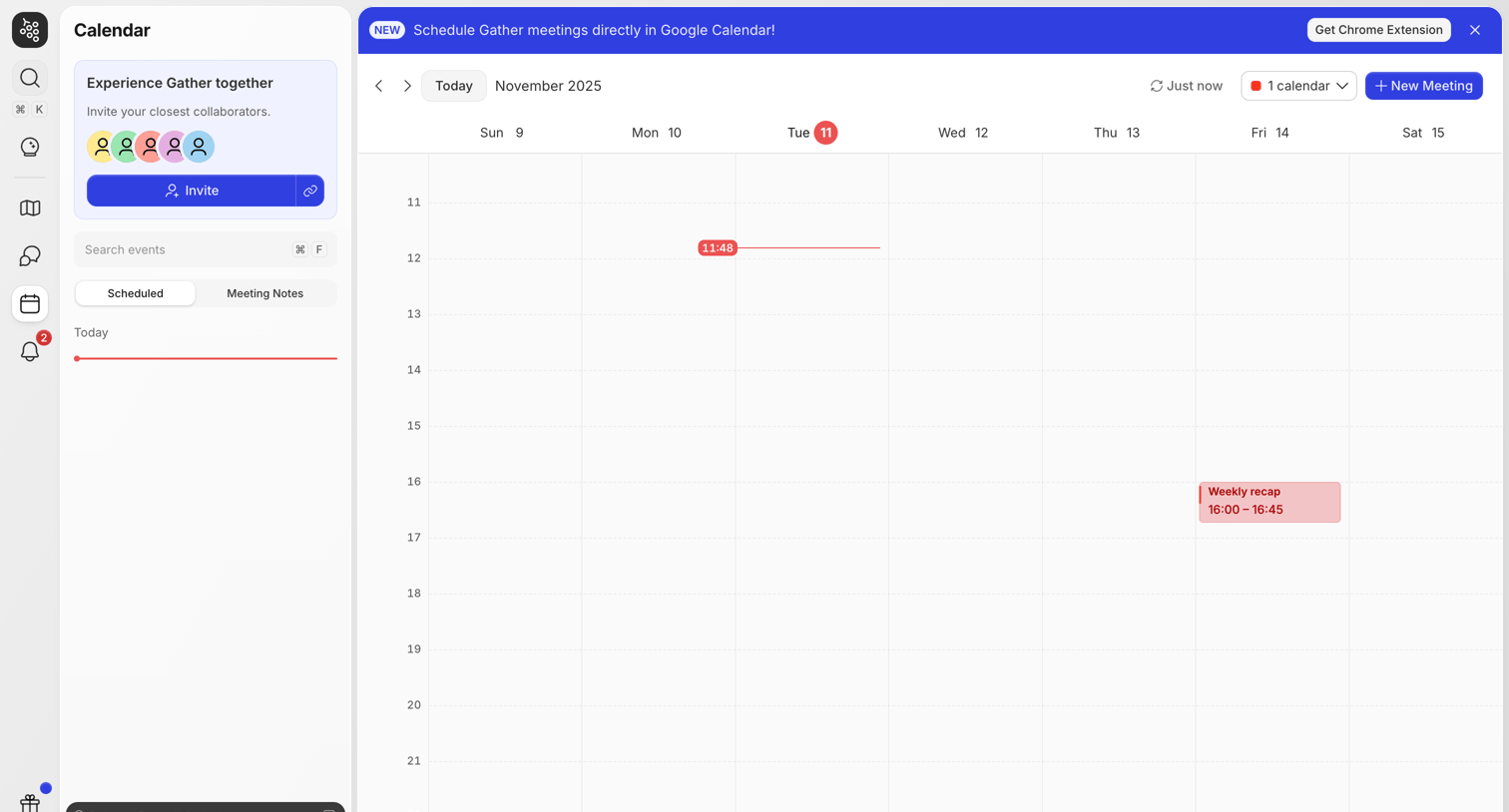

Calendar view where the user can schedule new meetings, view their weekly schedule, and invite collaborators.

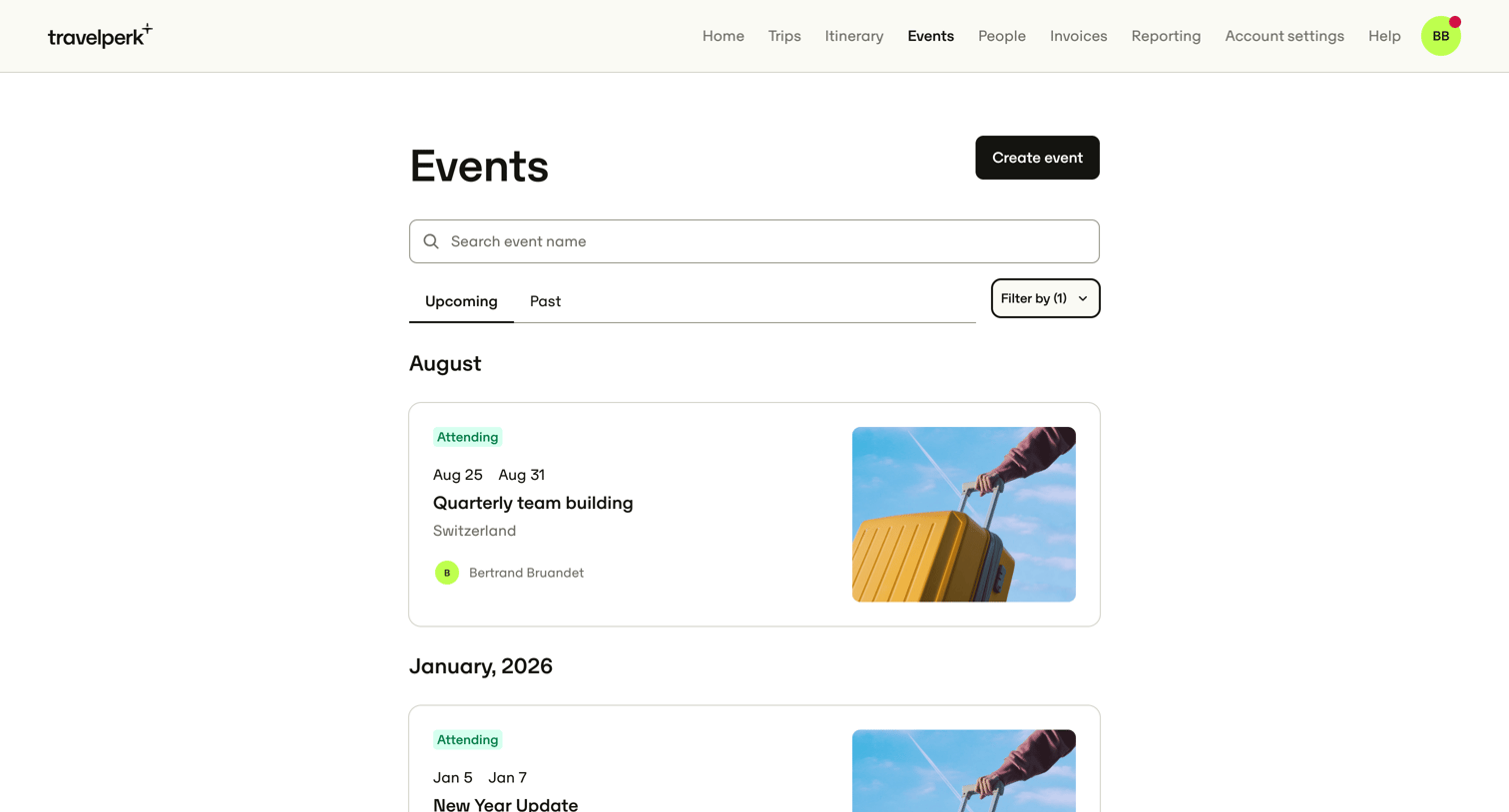

List view where the user browses upcoming and past company events, with options to search by name, apply filters, and create a new event.
Explore the full SaaS screen library
Upgrade to unlock the full library.
Trusted by the best teams







