Editor screen examples
Editor screen design examples from SaaS apps. Browse examples from Dock, Beside, Flora.
Explore the examples
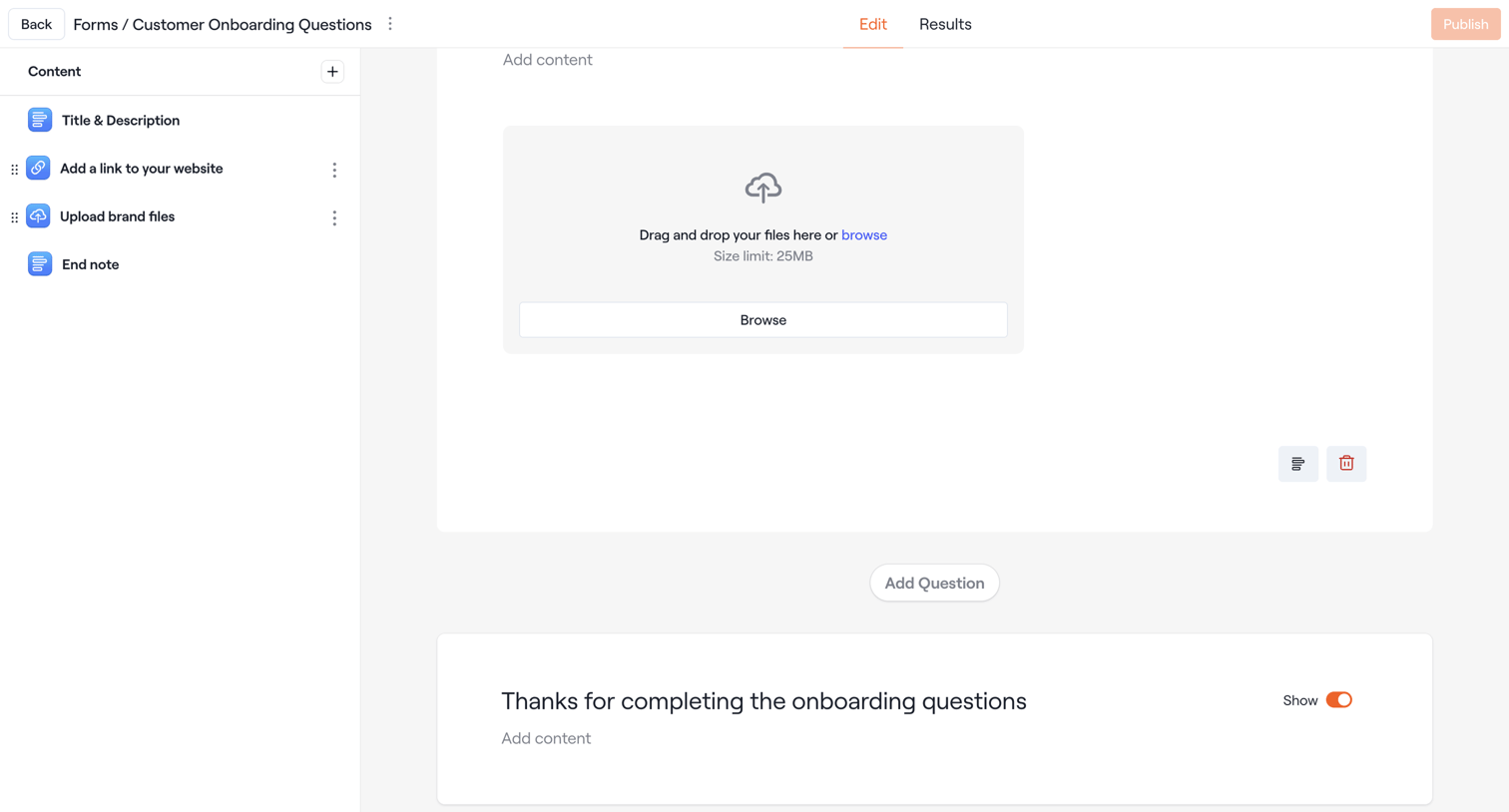

Design editor where the user configures a customer onboarding form by adding and arranging content blocks like file uploads and text.
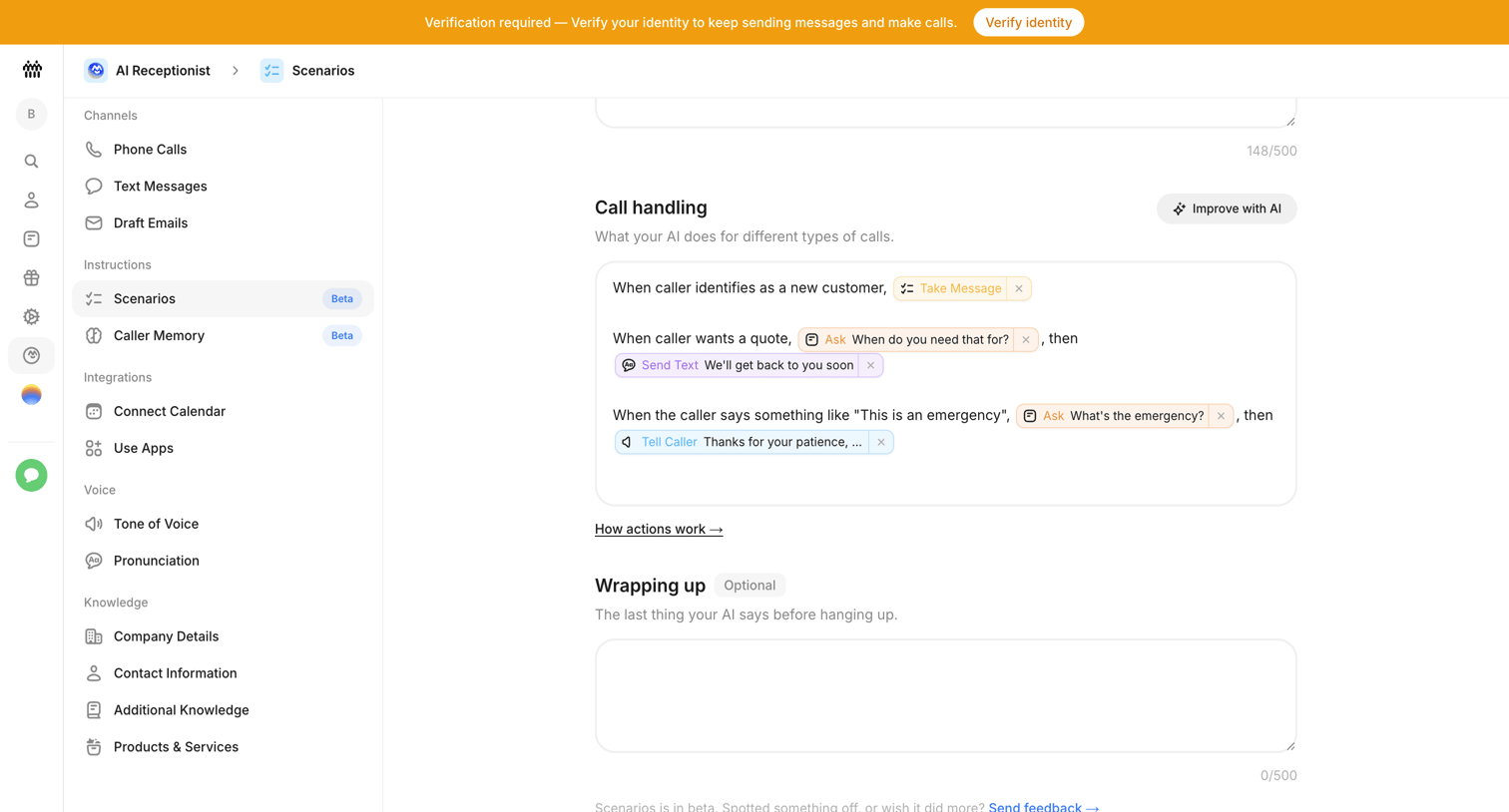

Settings page where the user configures natural language call-handling rules and wrap-up instructions for their AI receptionist.
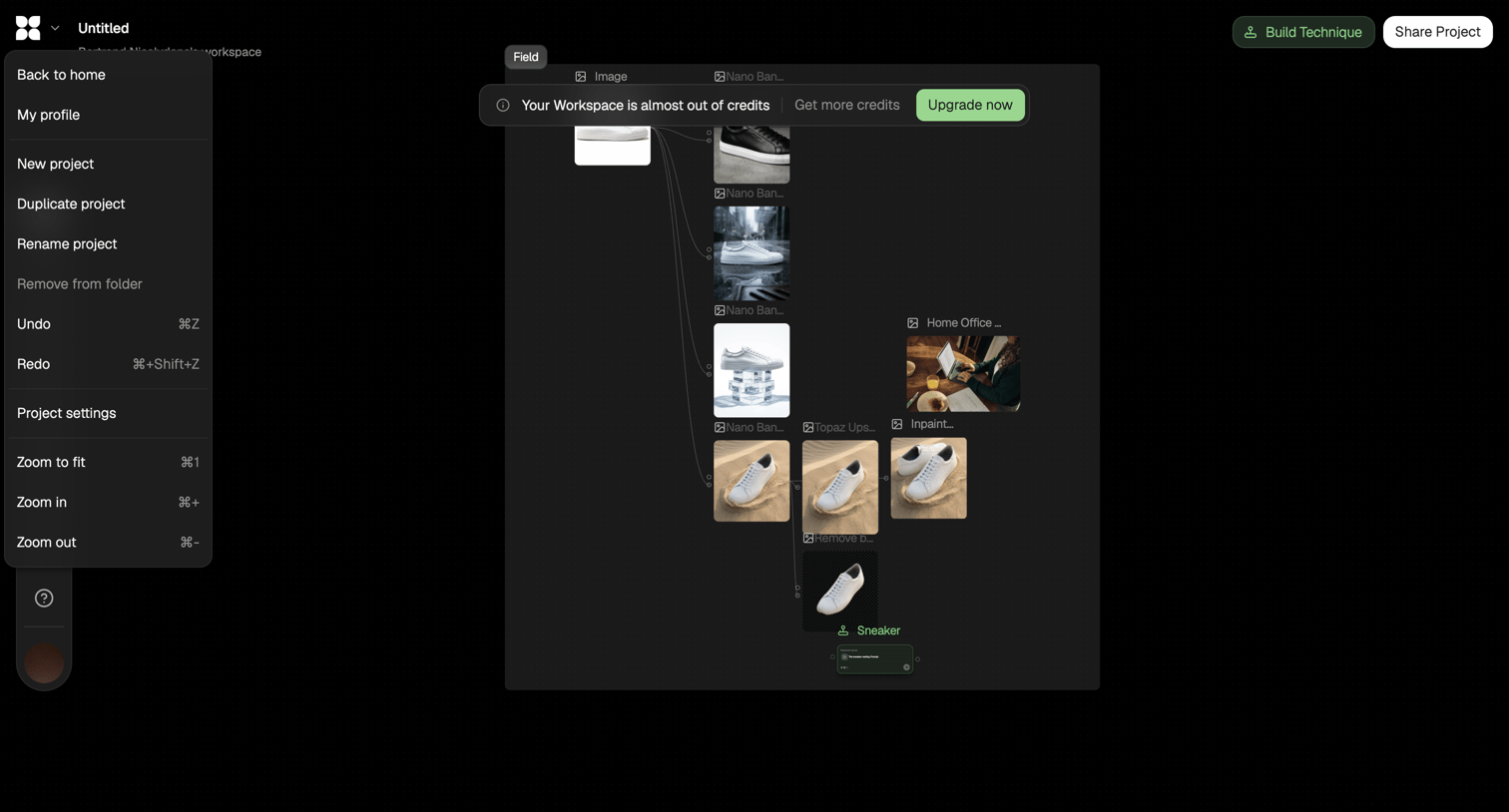

Workflow editor where the user connects image processing nodes to generate and modify sneaker images, showing an open project menu and a low-credits warning banner.
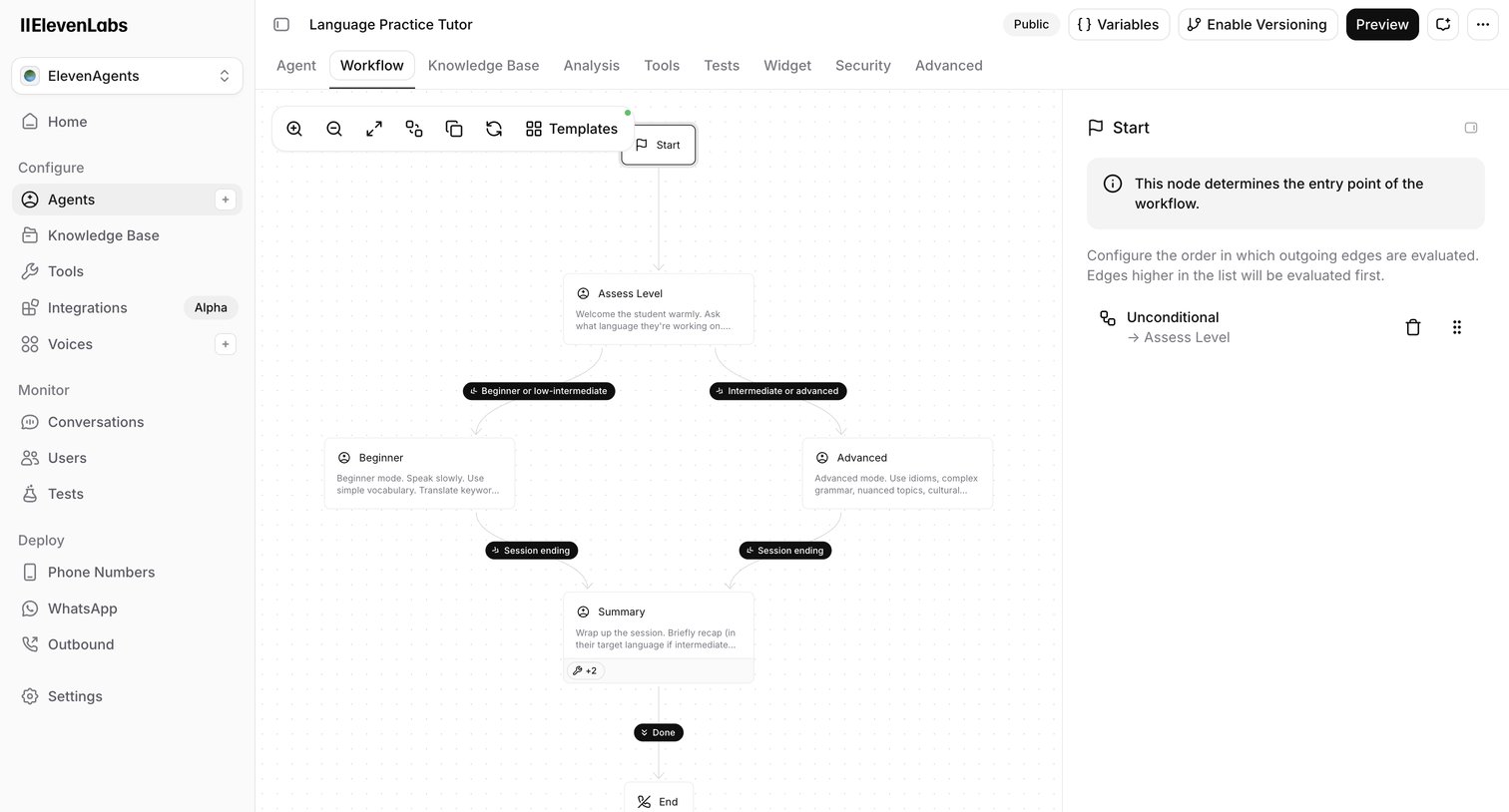

Design editor where the user configures the conversation flow of an AI language tutor agent using a node-based canvas and an inspector panel.
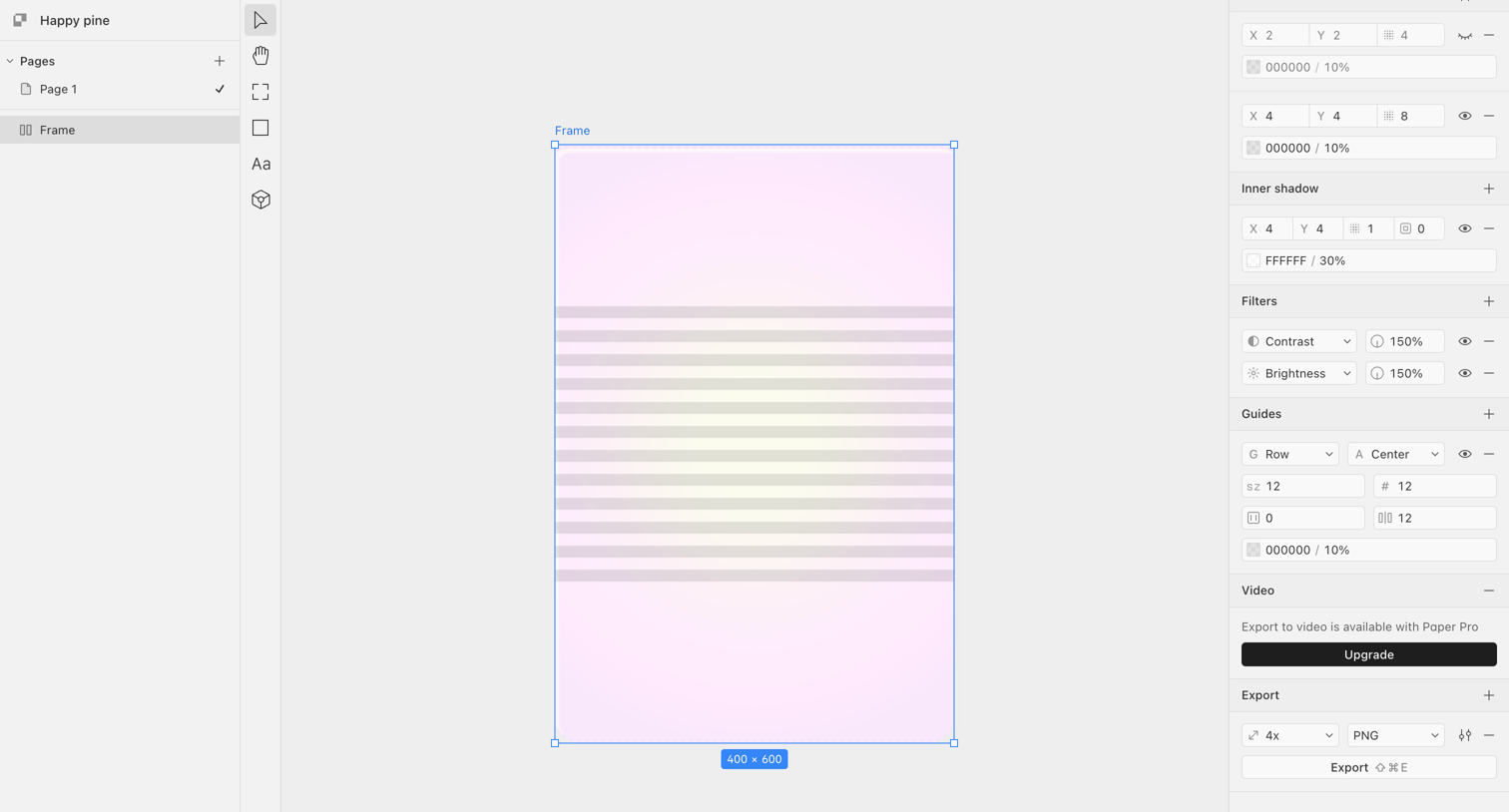

Design editor where the user configures layout guides, inner shadows, and export settings for a selected frame.
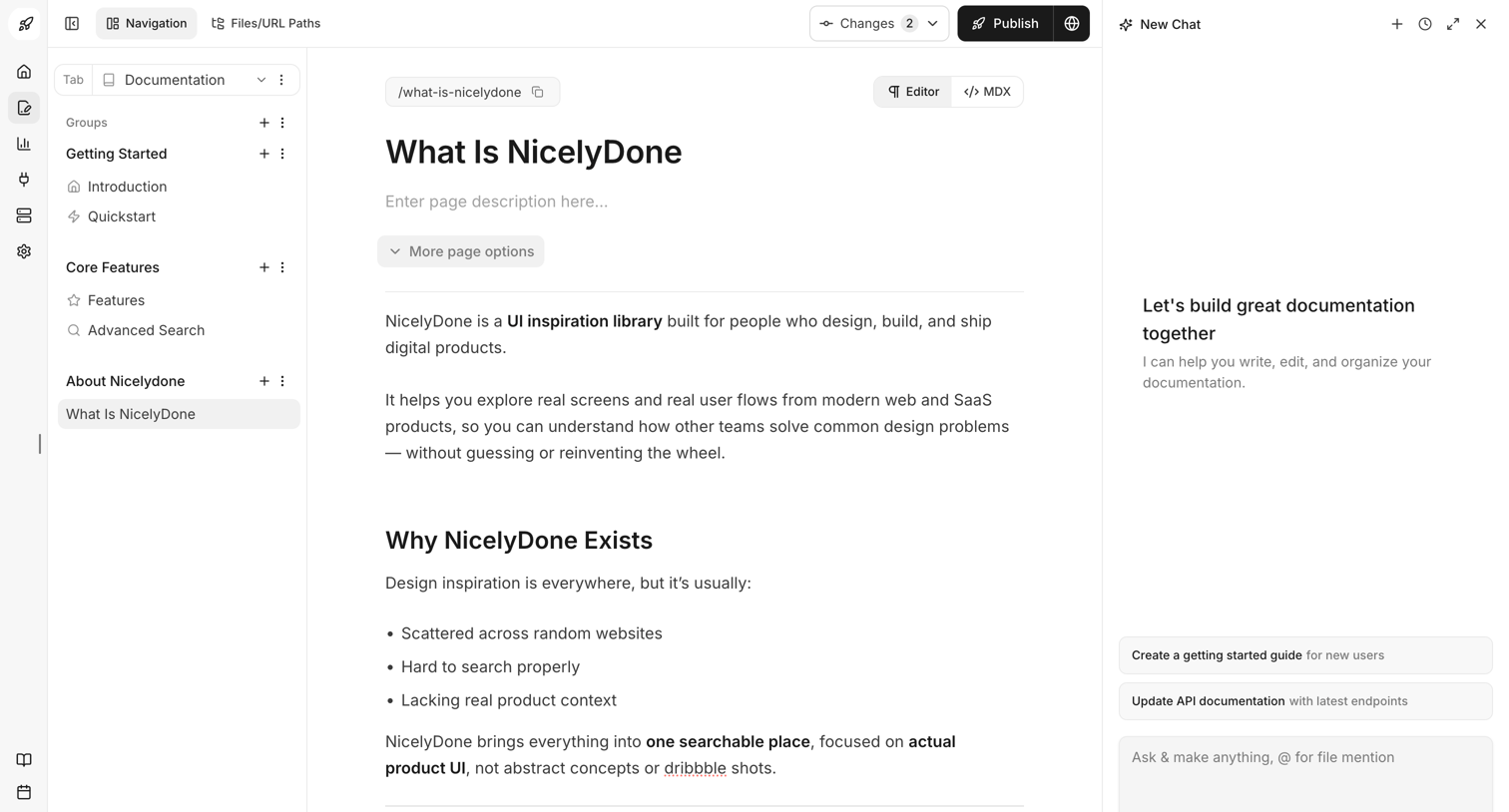

Content editor where the user writes and formats documentation pages alongside an AI chat assistant.
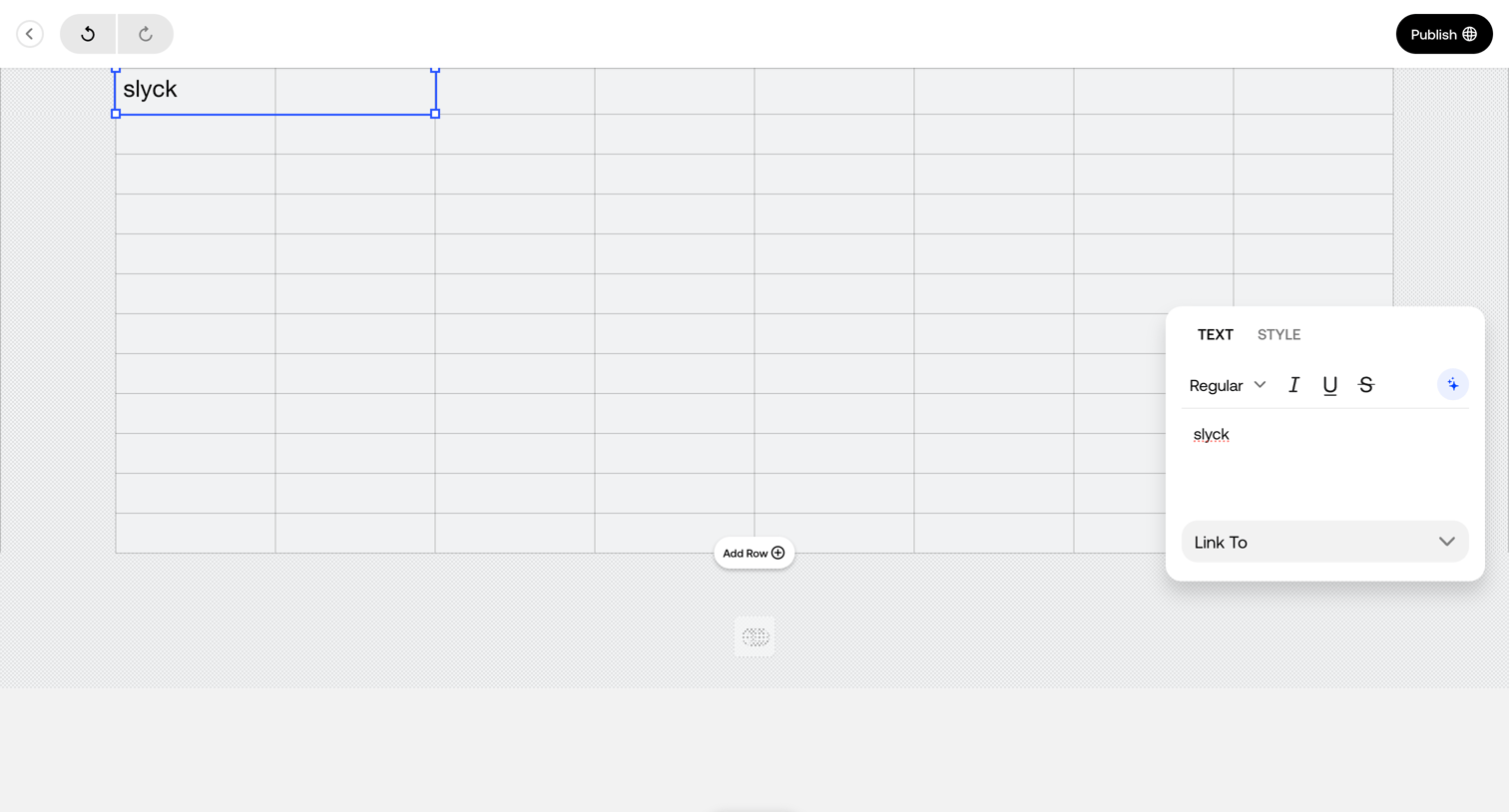

Design editor where the user edits text within a grid cell using a floating inspector panel for formatting and linking.
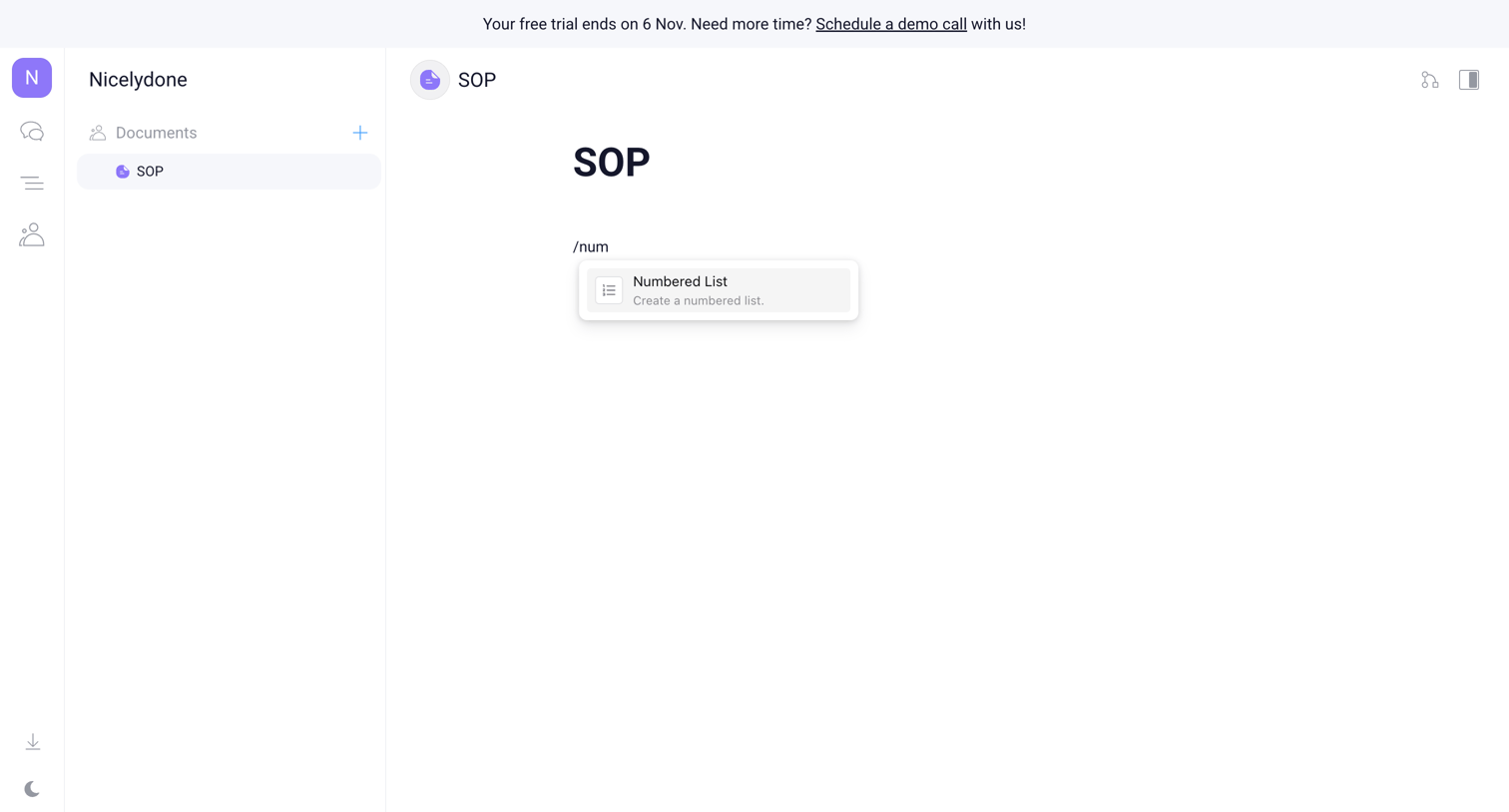

Document editor where the user is using a slash command to insert a numbered list into a new SOP document.
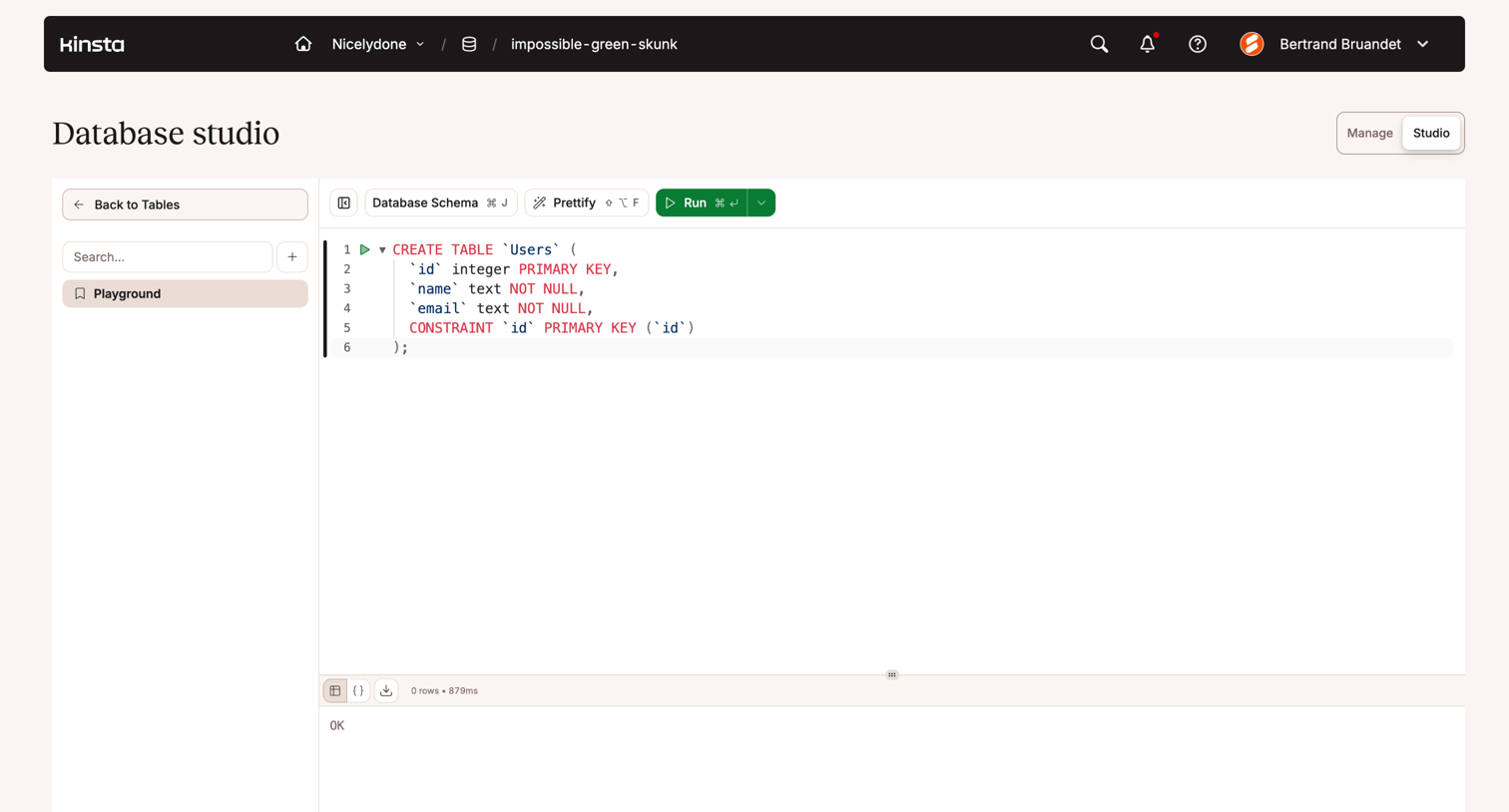

Database studio interface where the user writes and executes SQL queries with a resizable results pane.
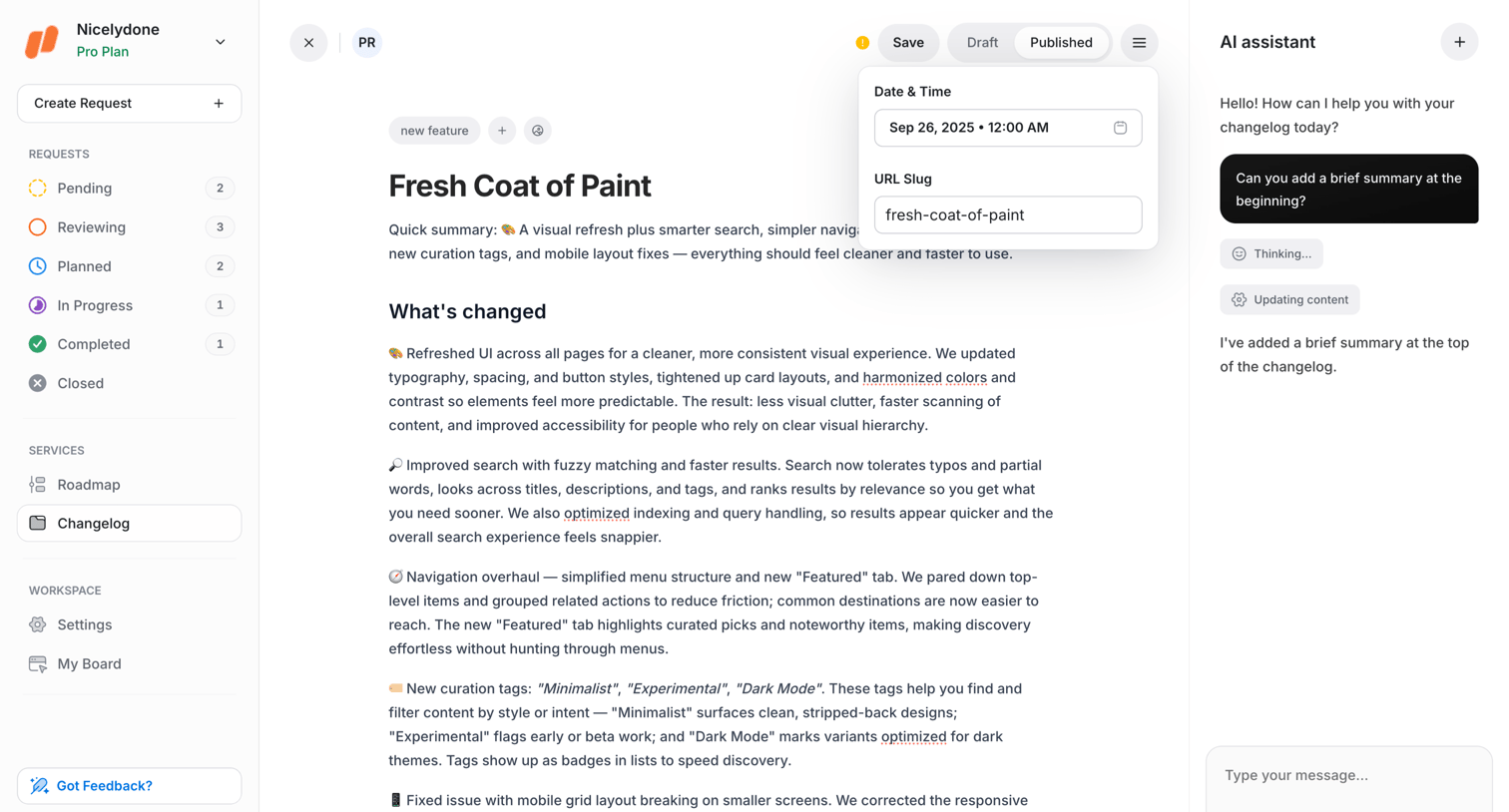

Content editor where the user drafts a changelog entry and uses a side-panel AI assistant to generate a summary.
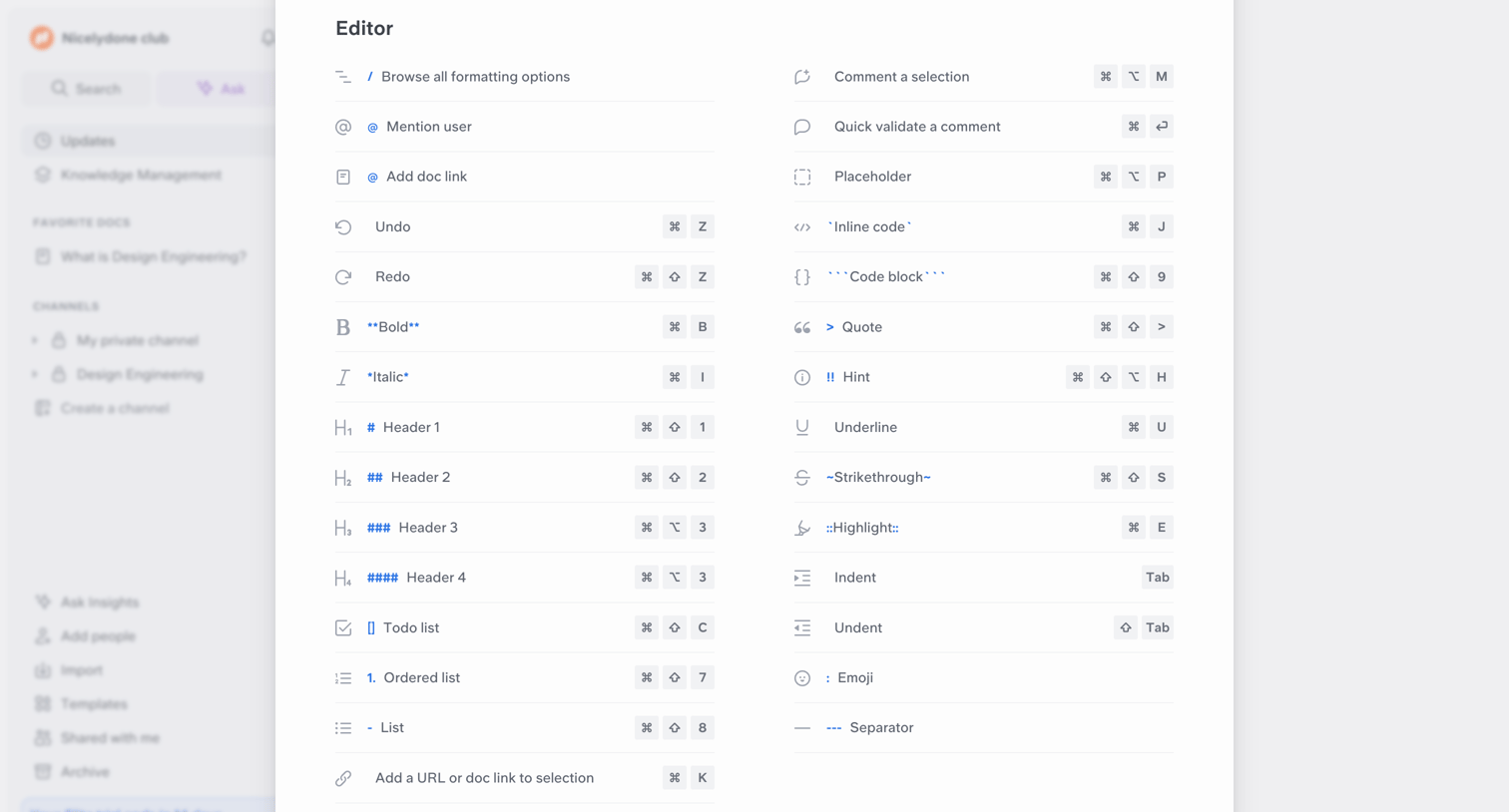

Content editor overlay showing a comprehensive list of markdown formatting options and keyboard shortcuts.
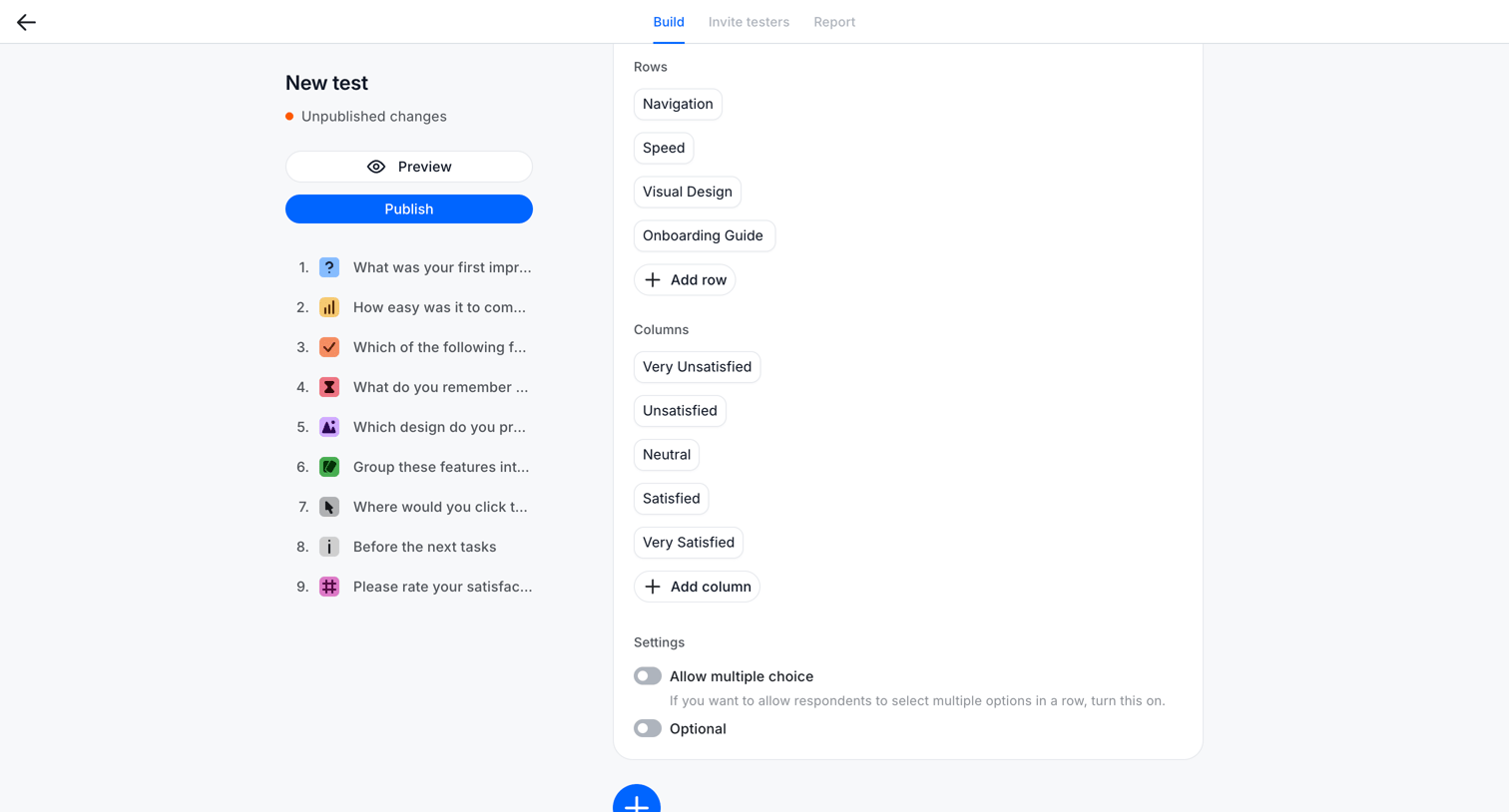

Explore the full SaaS screen library
Upgrade to unlock the full library.
Trusted by the best teams







