Date picker screen examples
Date picker screen design examples from SaaS apps. Browse examples from Polar, Airbnb, Dock.
Explore the examples
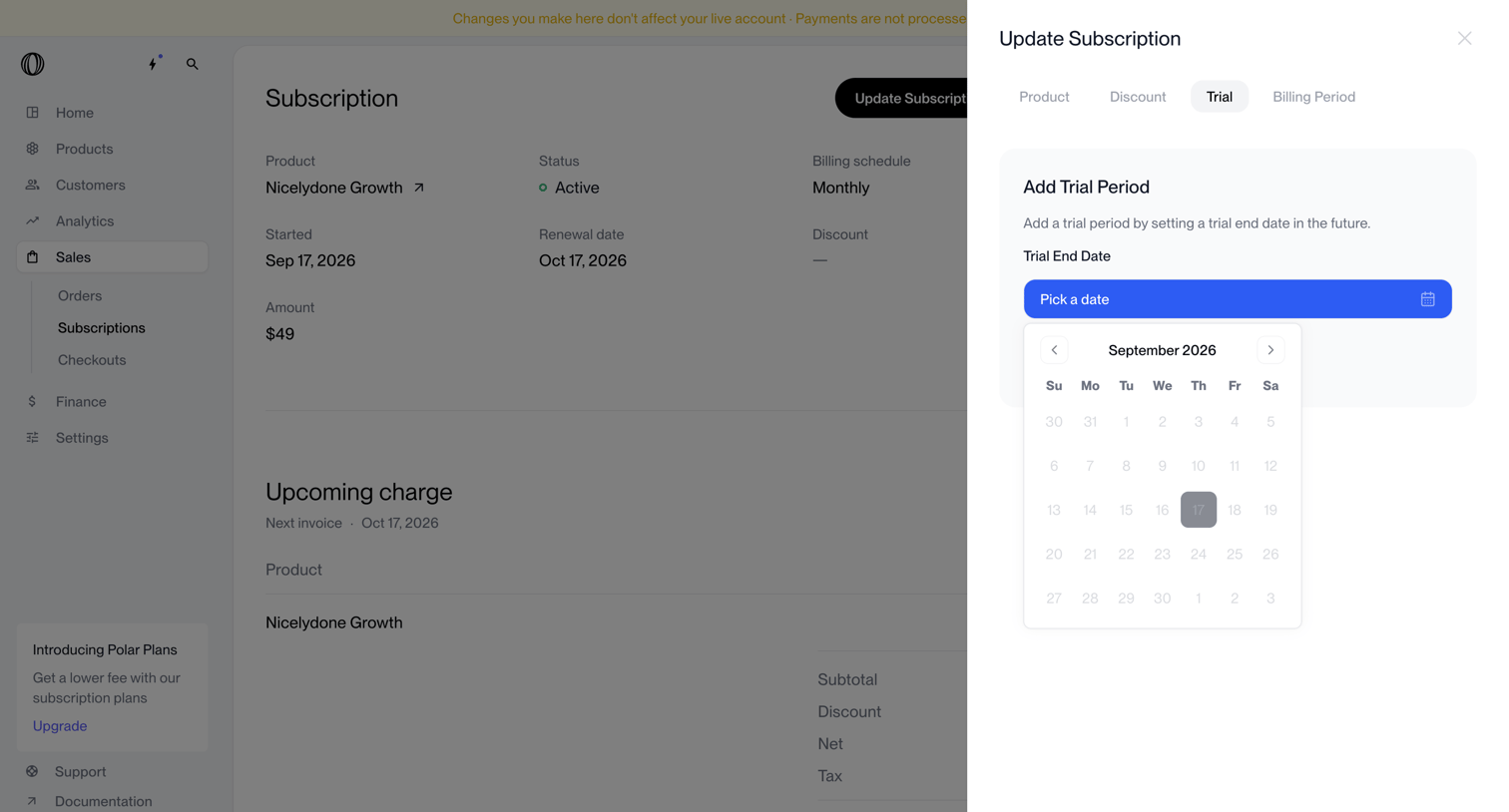

Detail page for a specific subscription where the user is adding a trial period via a date picker in a side drawer.
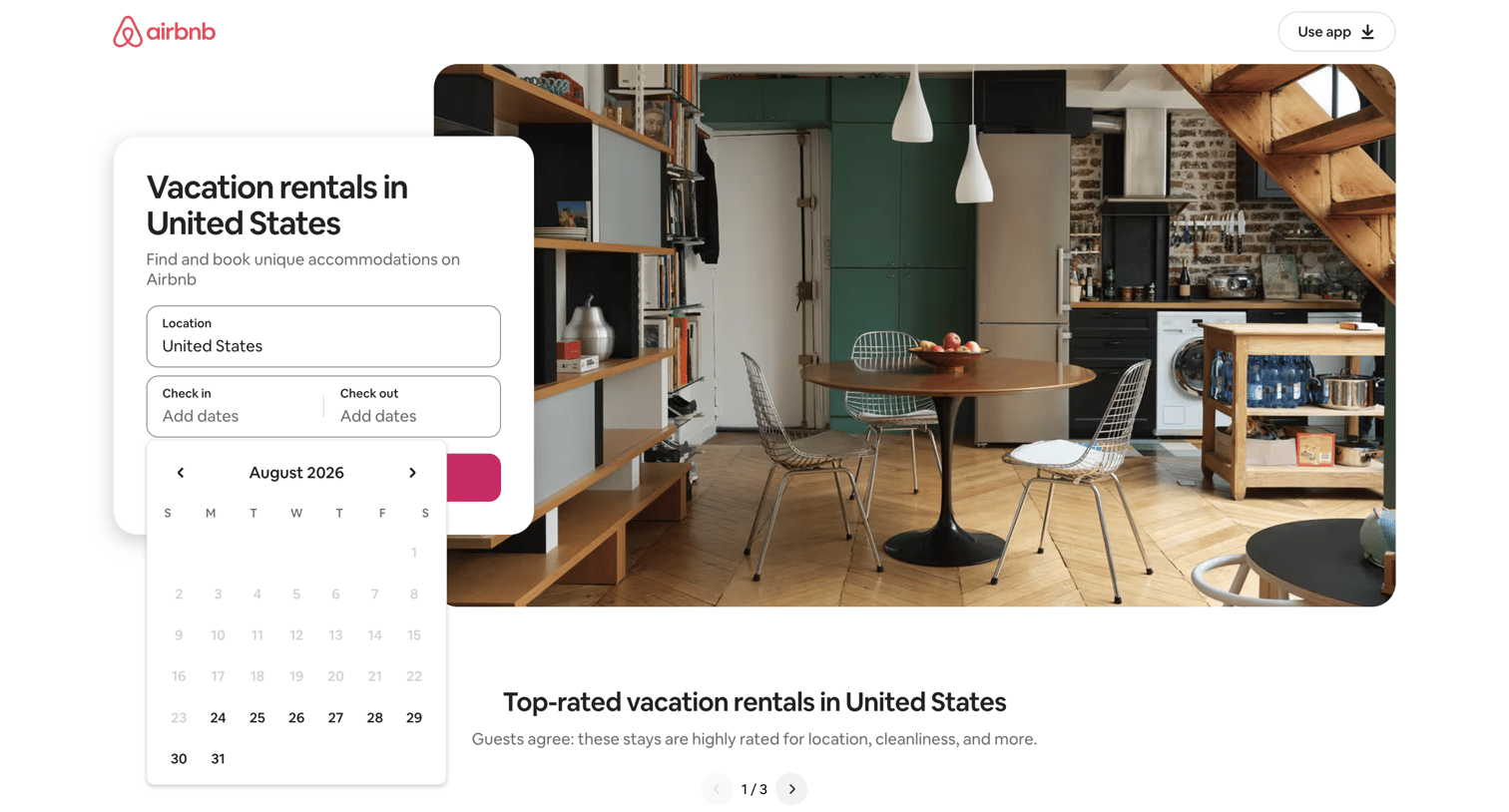

Landing page for United States vacation rentals where the user can search by location and dates, or browse top-rated stays, popular amenities, and specific categories like lake side or waterfront condos.
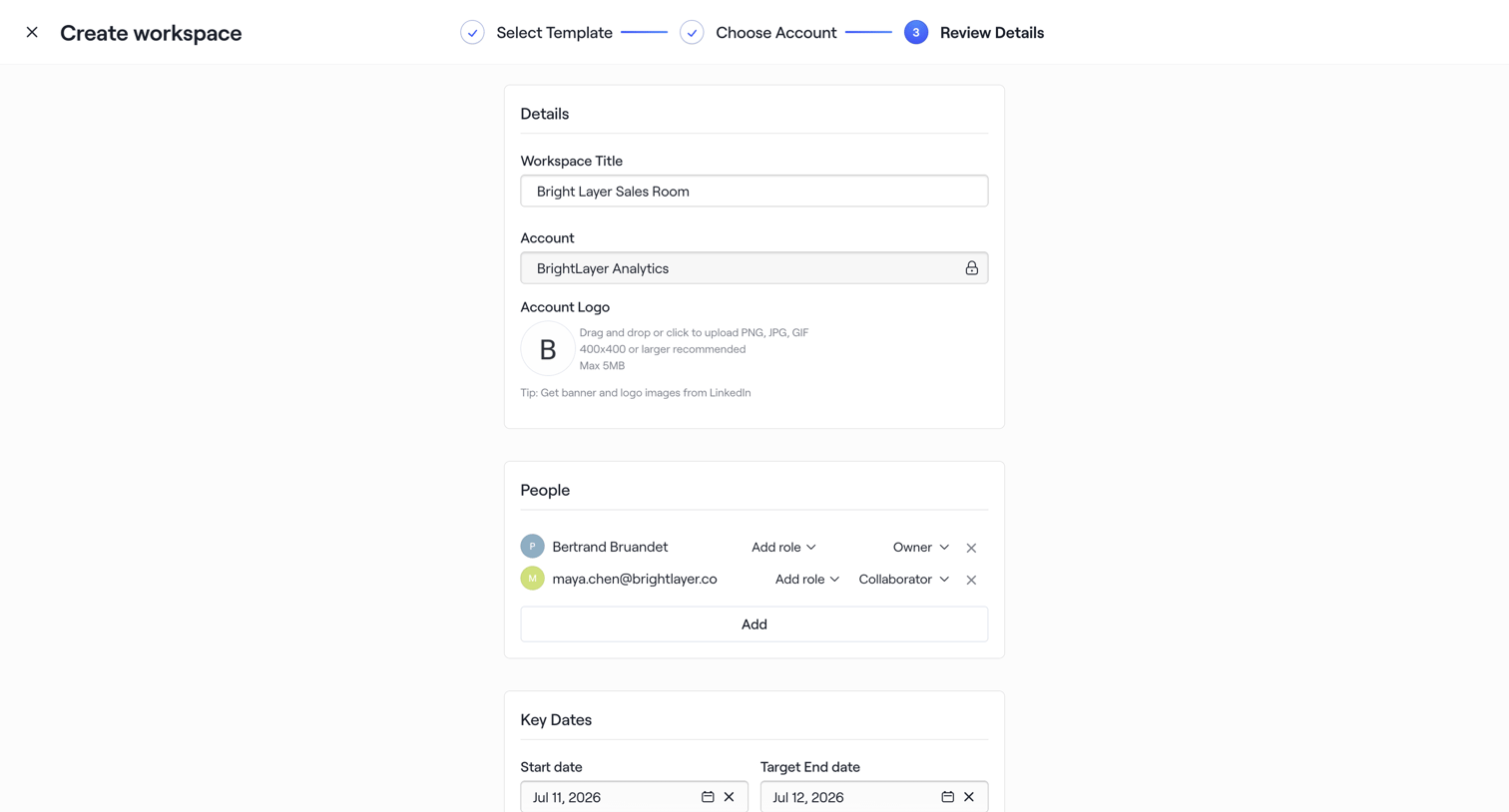

Creation wizard step where the user reviews details, assigns team members with specific roles, and sets key dates before finalizing the workspace.
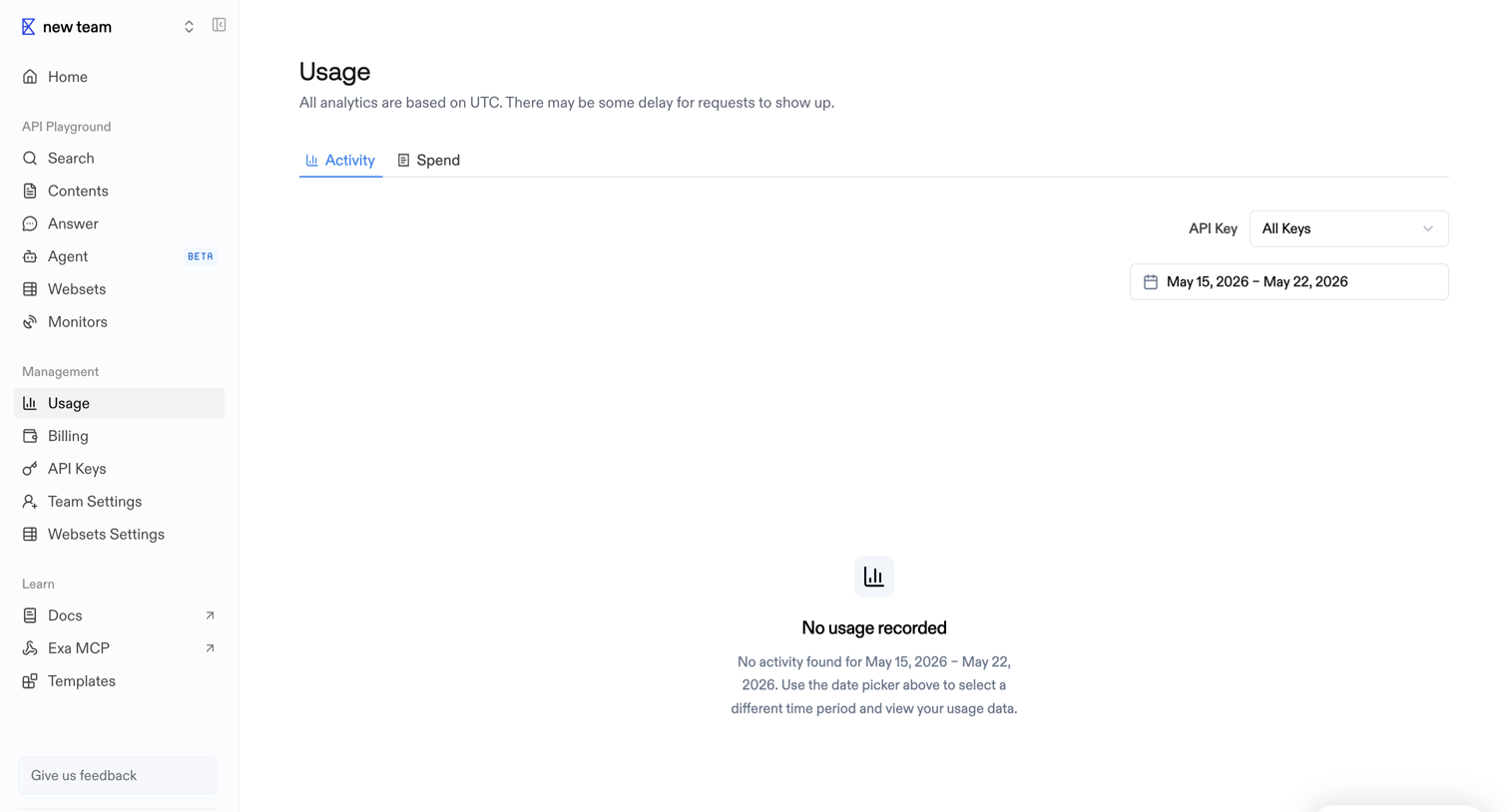

Settings page where the user views API activity and spend, currently showing an empty state because no requests were recorded for the selected date range.
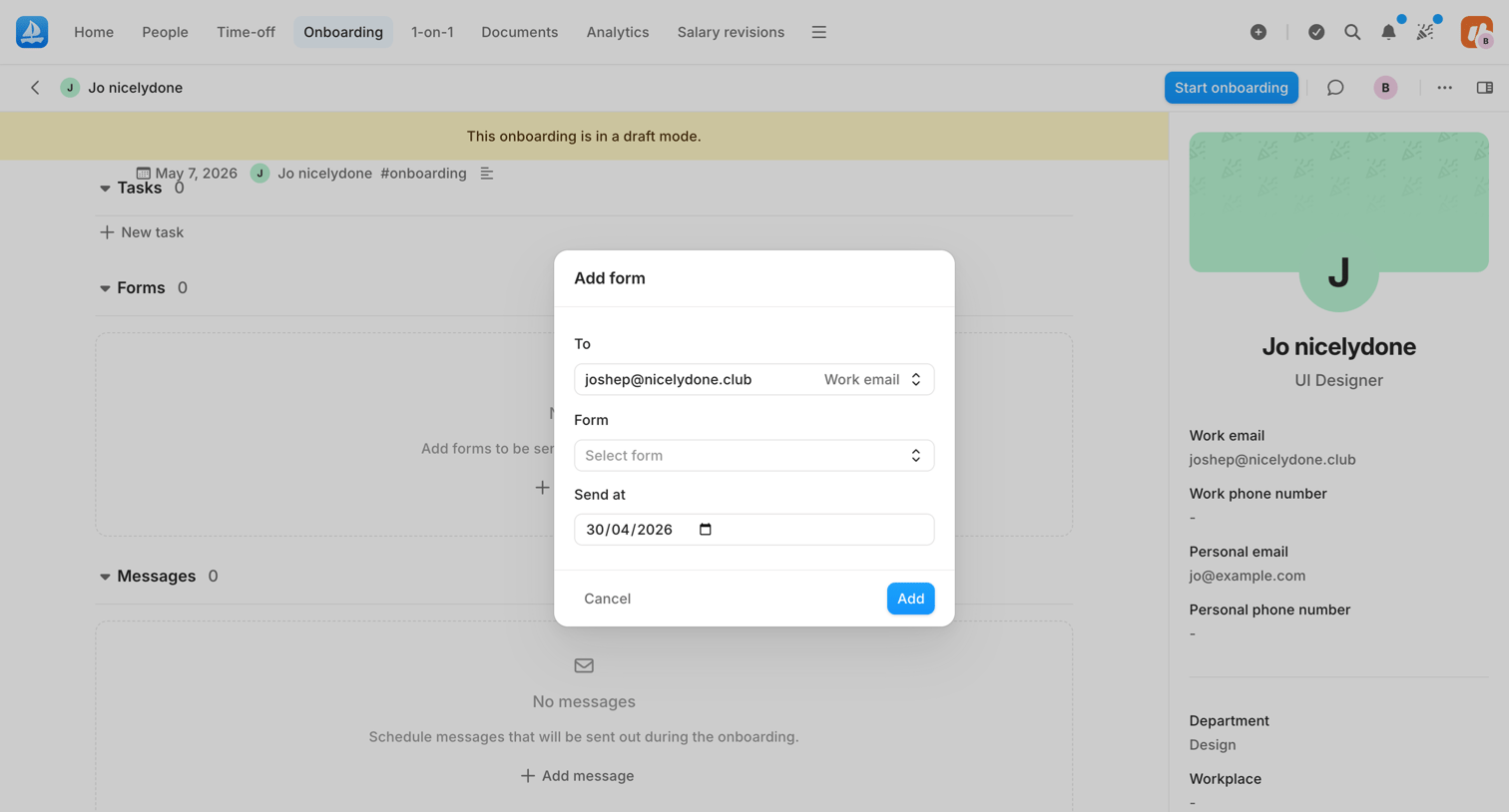

Detail page for an employee's onboarding profile where the HR admin is assigning a new form via a modal overlay.

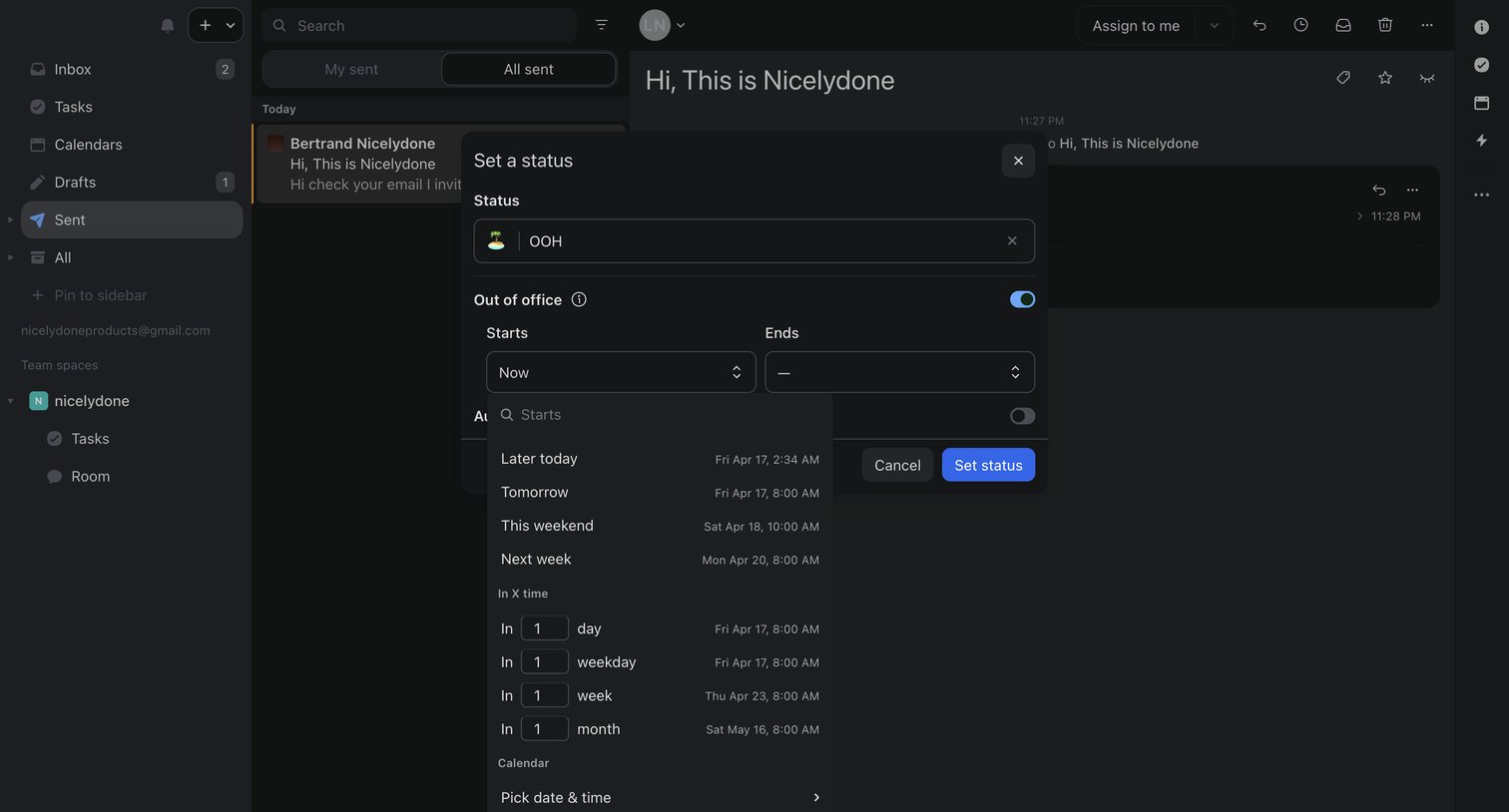

Inbox view where the user is setting an out-of-office status with a custom start and end time via a modal.

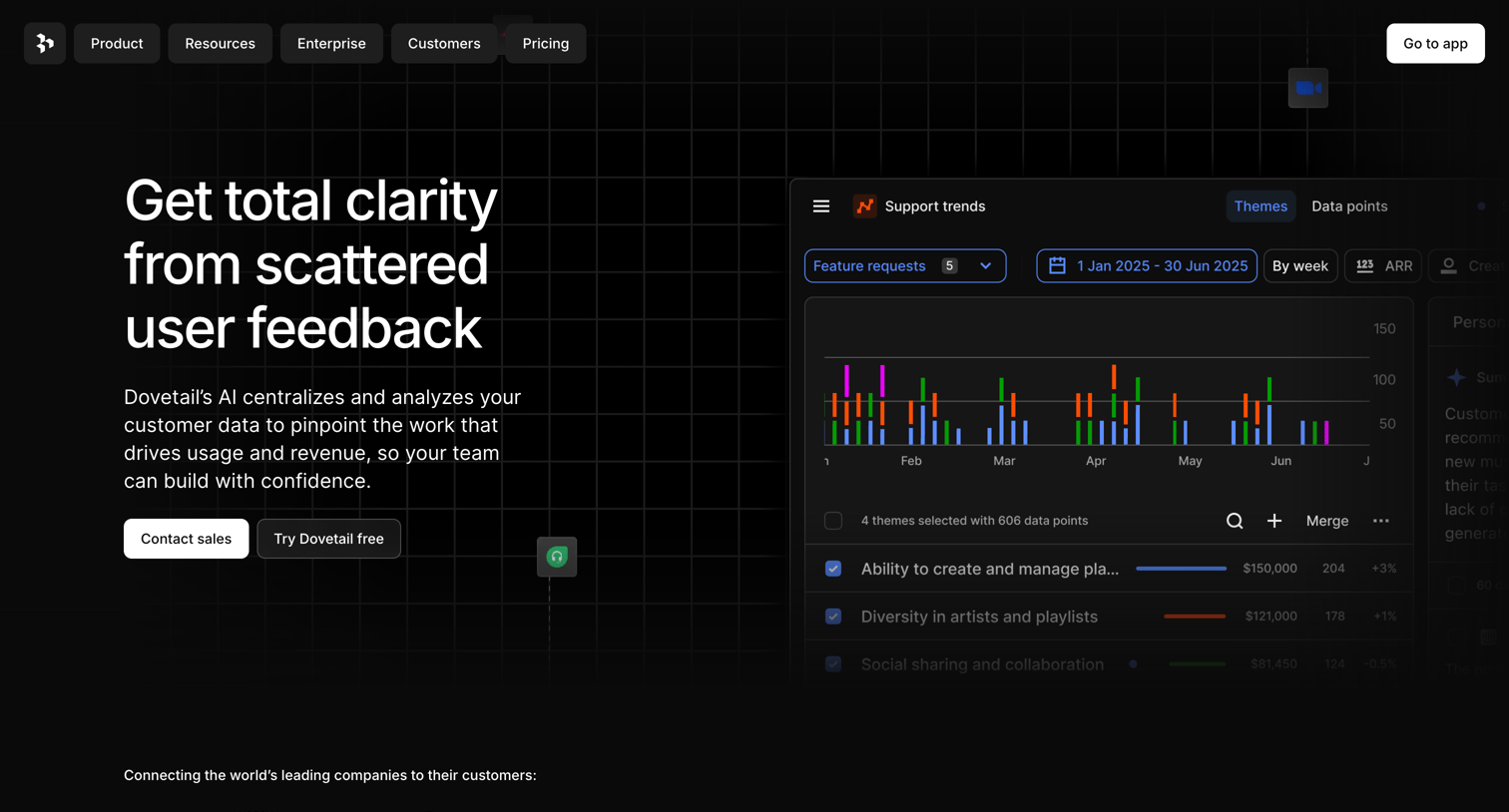

Landing page hero section pitching an AI-powered user feedback analysis tool, featuring a product UI mockup showing support trends and theme analysis.
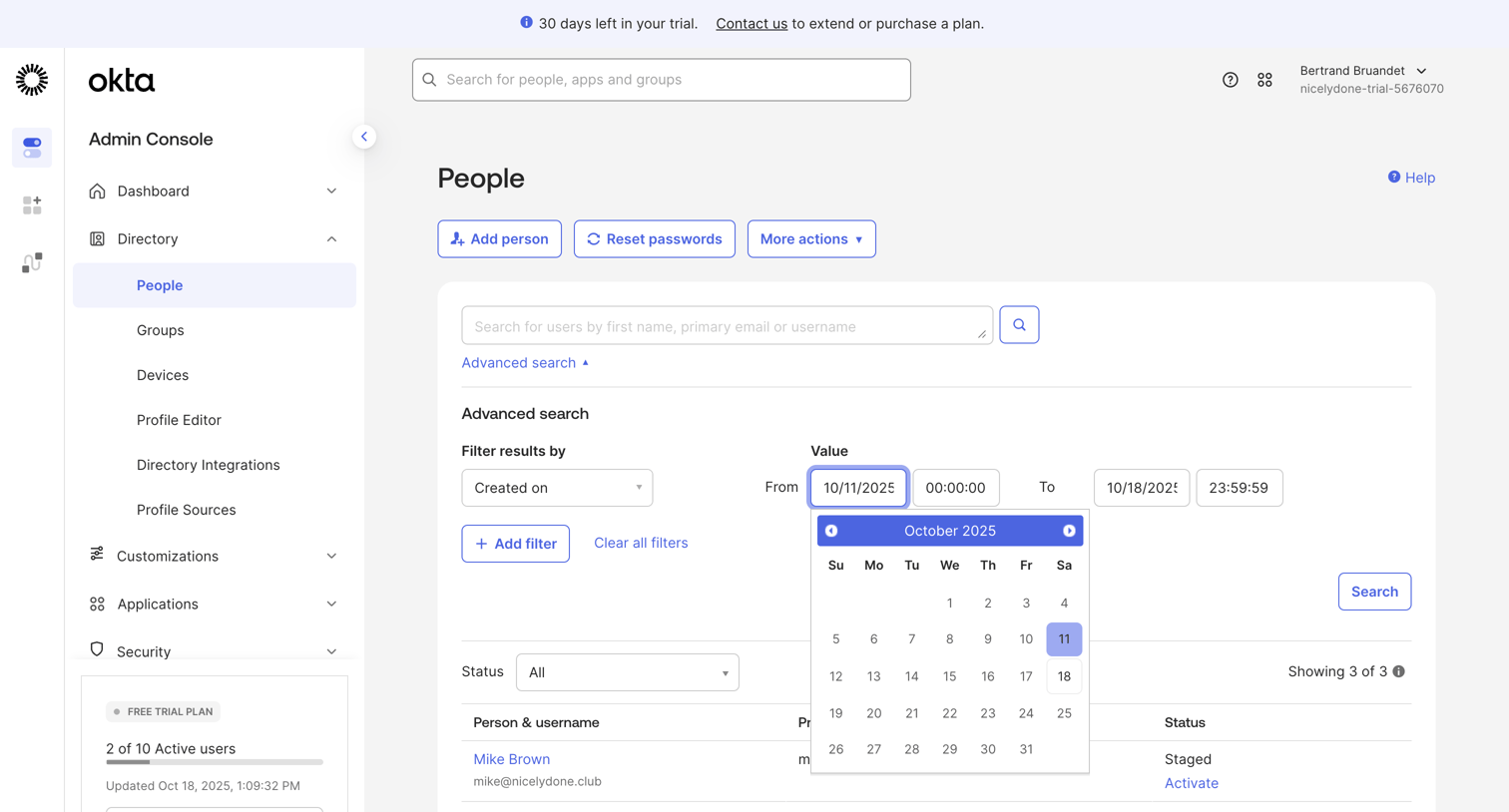

List view of the directory where an admin searches for users and applies advanced filters like creation date.
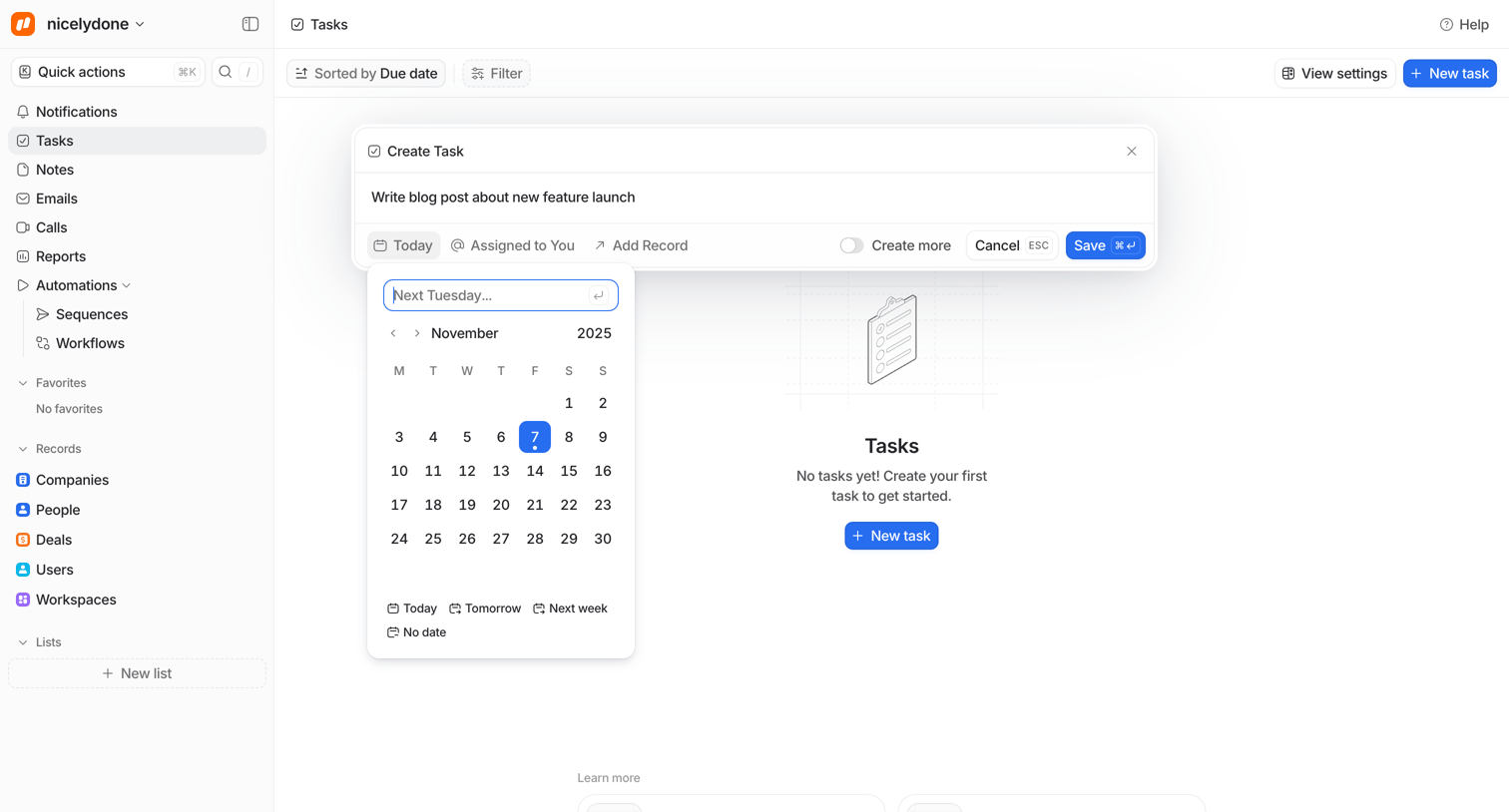

Task management page where the user is drafting a new task, with a date picker popover open to select a due date, over an empty workspace.
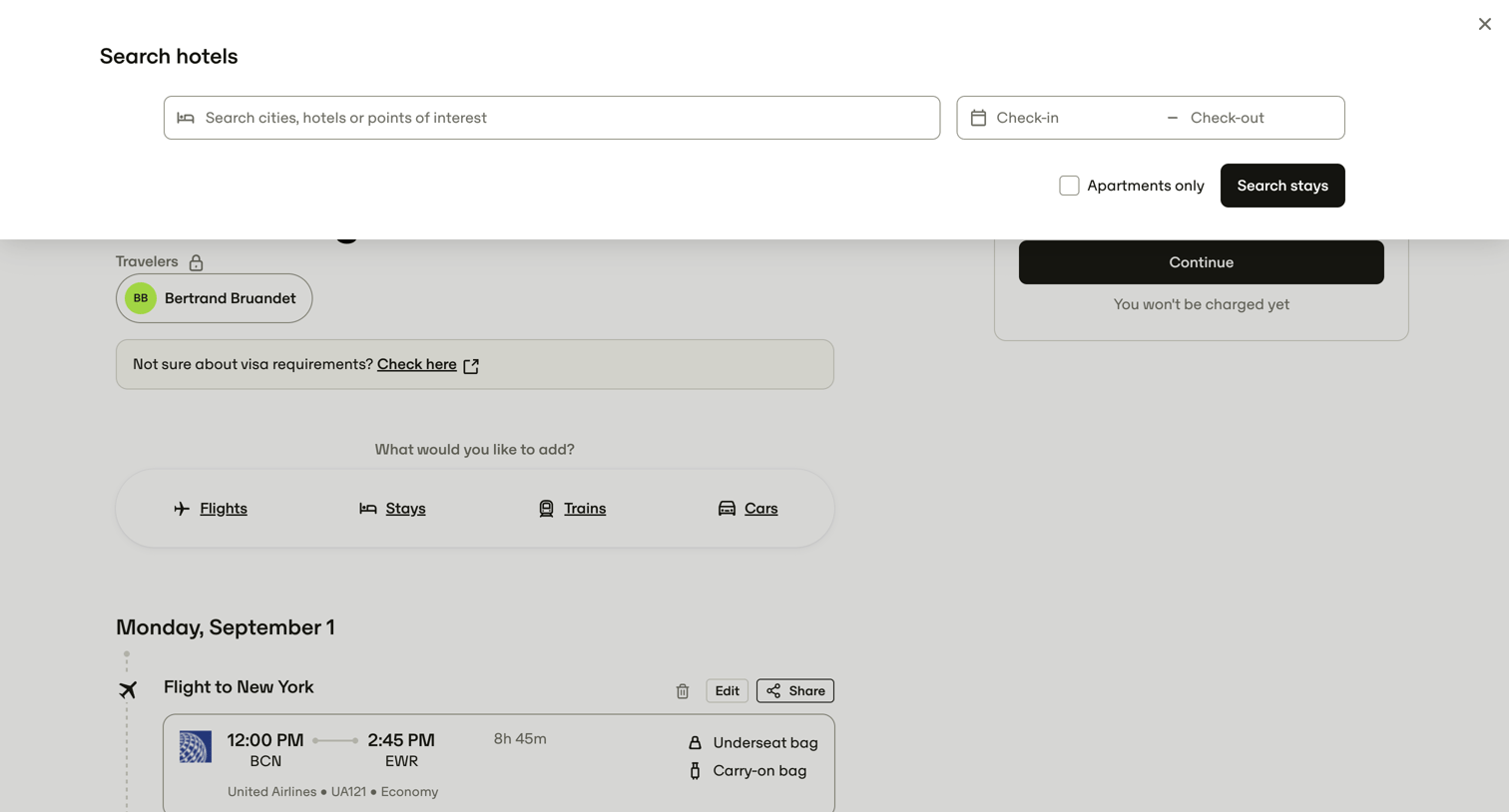

Search overlay where the user enters a destination and dates to find hotels or apartments to add to their existing New York trip itinerary.
Explore the full SaaS screen library
Upgrade to unlock the full library.
Trusted by the best teams







