Skip to content

Crm dashboard screen examples

Crm dashboard screen design examples from SaaS apps. Browse examples from Polar, Assembly AI App Builder, Chatwoot.

Explore the examples
Polar - Customers | Nicelydone | Polar screen
Polar logo
Polar

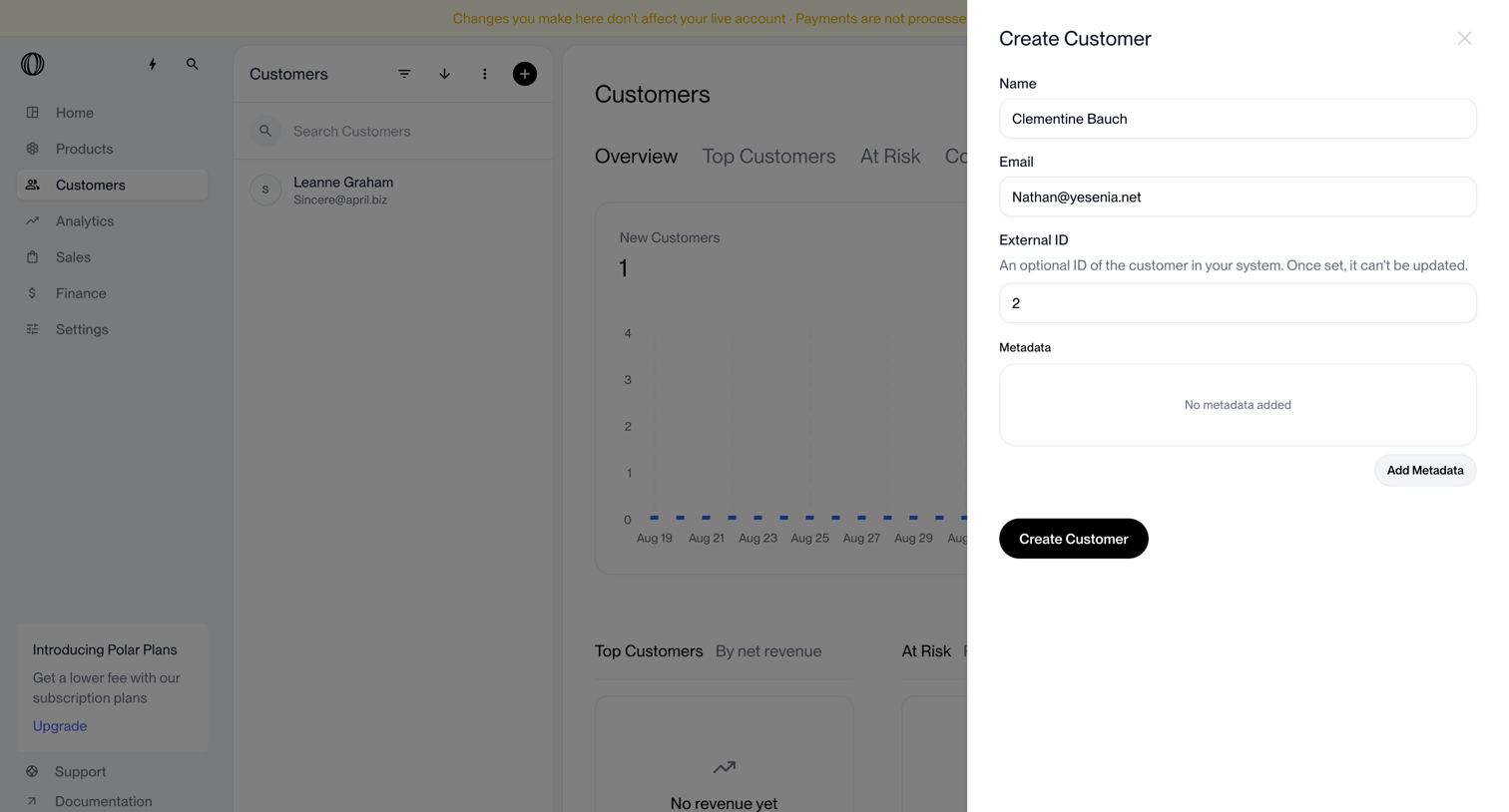
Dashboard where the user creates a new customer profile via a side drawer, filling in name, email, and external ID.

Assembly AI App Builder - Assembly Dashboard – Nicelydone Club screen
Assembly AI App Builder logo
Assembly AI App Builder

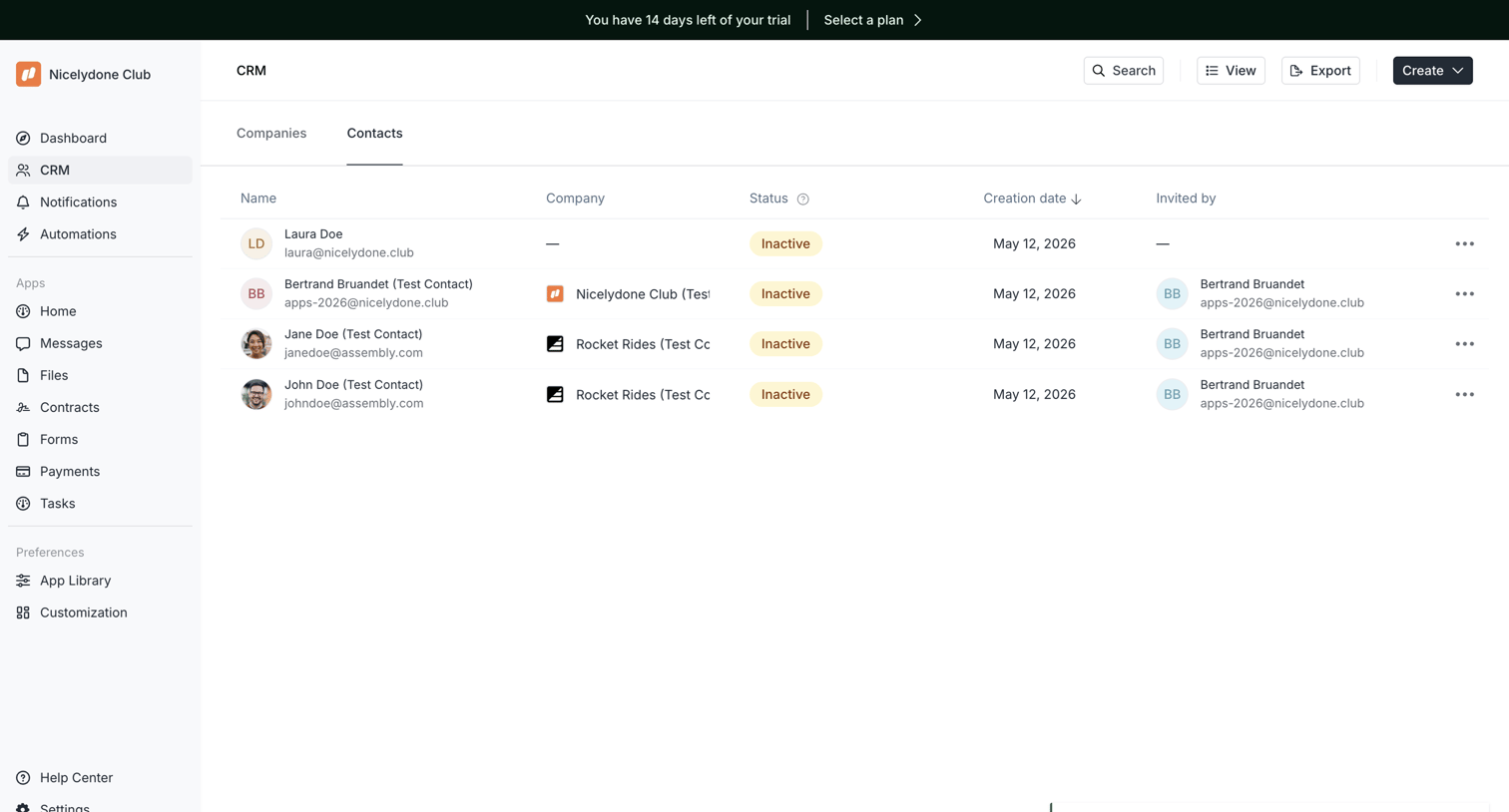
List view where the user manages their CRM contacts, showing their name, company, status, creation date, and who invited them.
Chatwoot screen
Chatwoot logo
Chatwoot

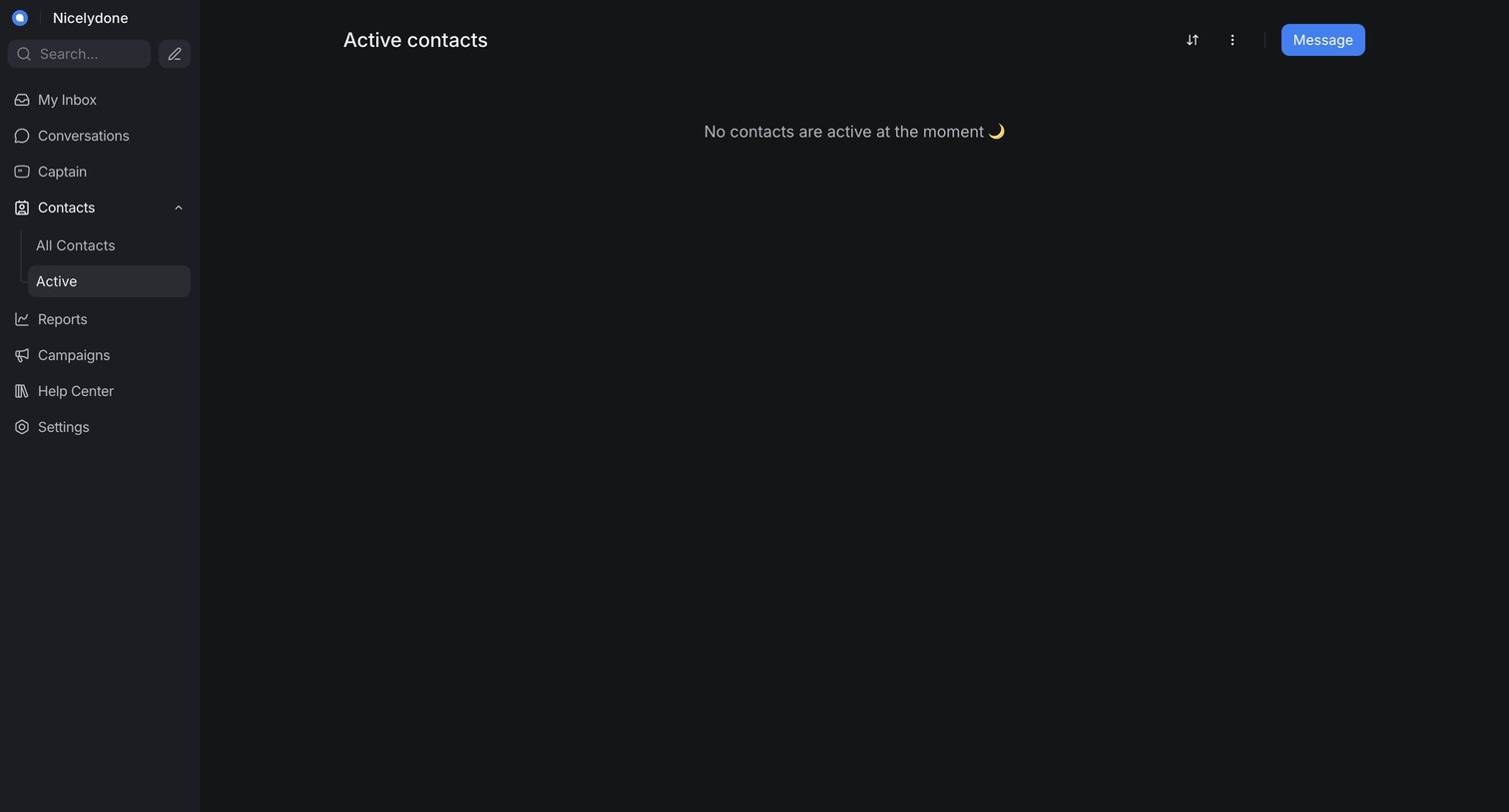
List view showing an empty state for active contacts, where the user can sort the list or initiate a new message.

Bird - Content Blocks | Bird screen
Bird logo
Bird

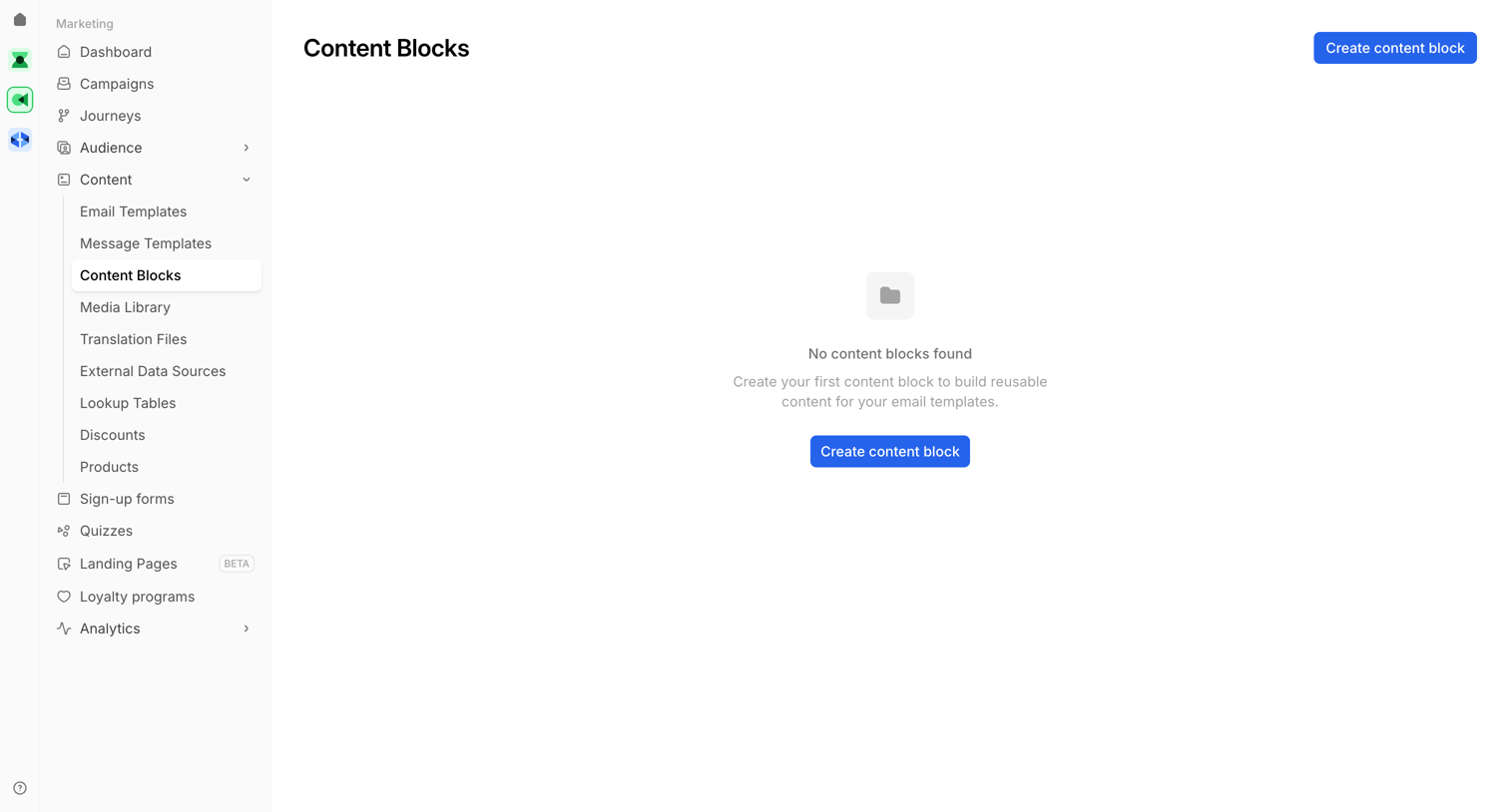
List view for managing reusable content blocks, currently empty and showing a success toast after a deletion.

Lightfield screen
Lightfield logo
Lightfield

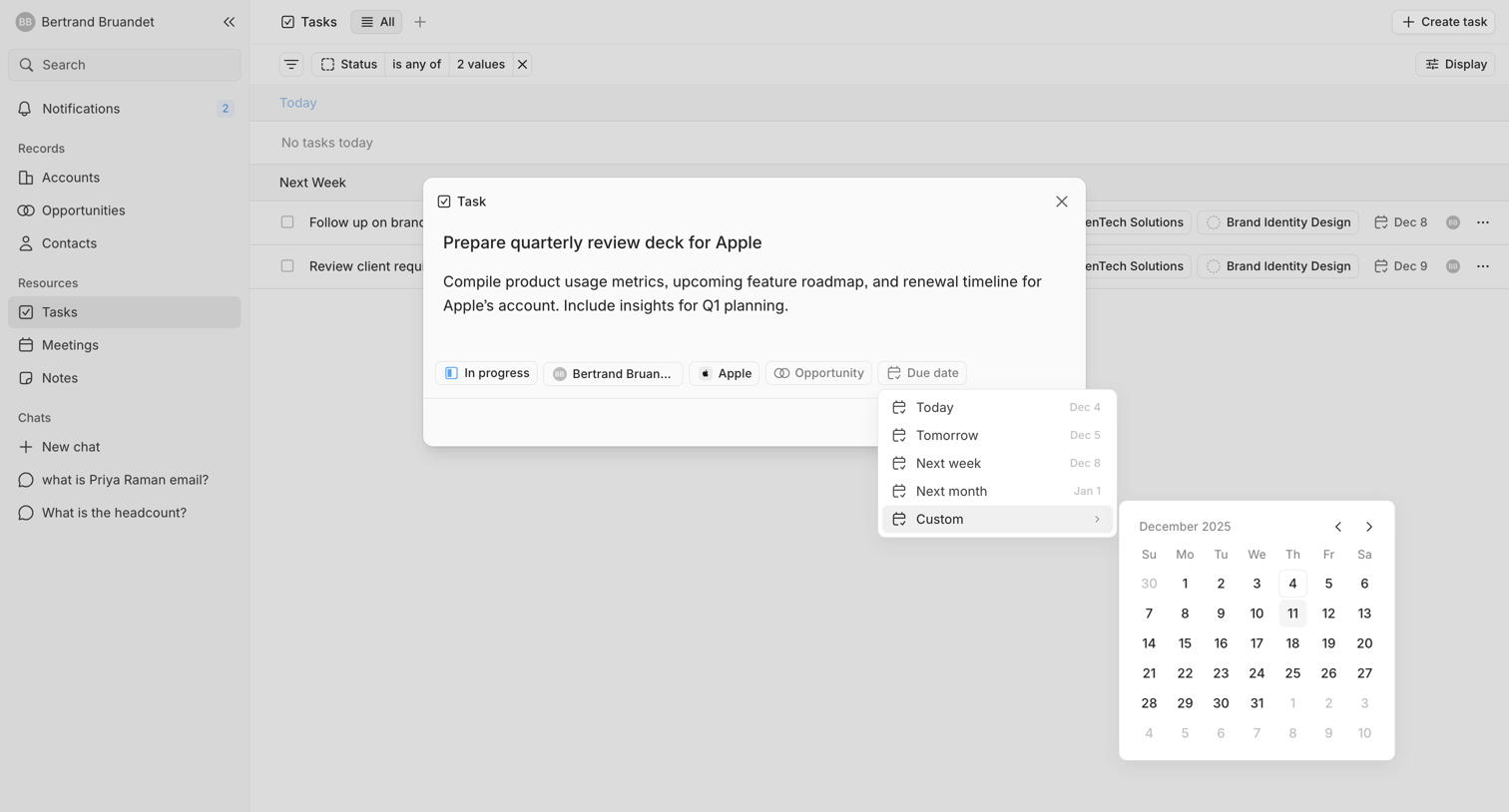
List view where the user views task details in a modal and selects a custom due date using a nested calendar picker.
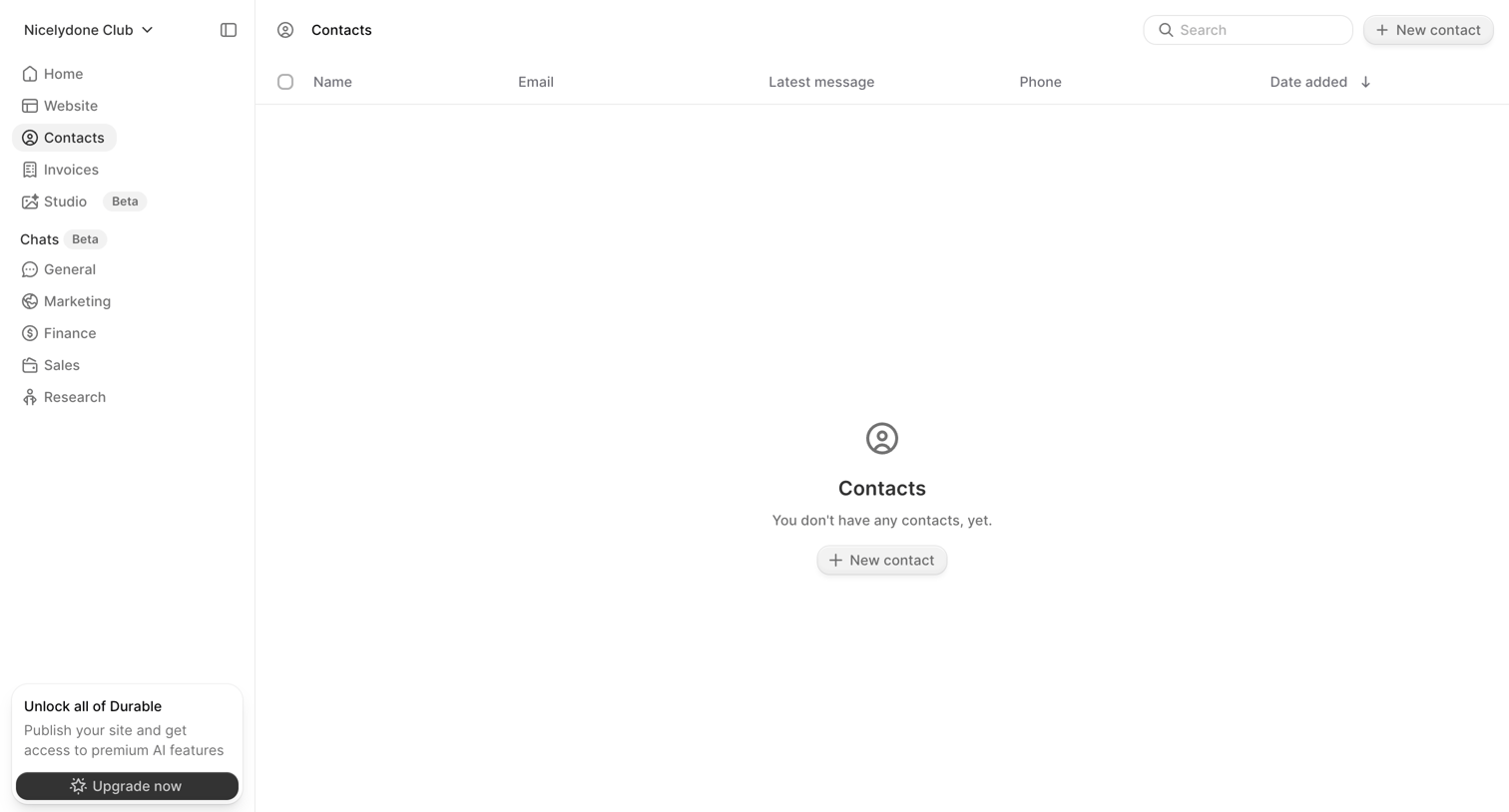

Durable screen
Durable logo
Durable

List view showing an empty state for the contacts directory with prompts to add a new contact and an upgrade call-to-action in the sidebar.
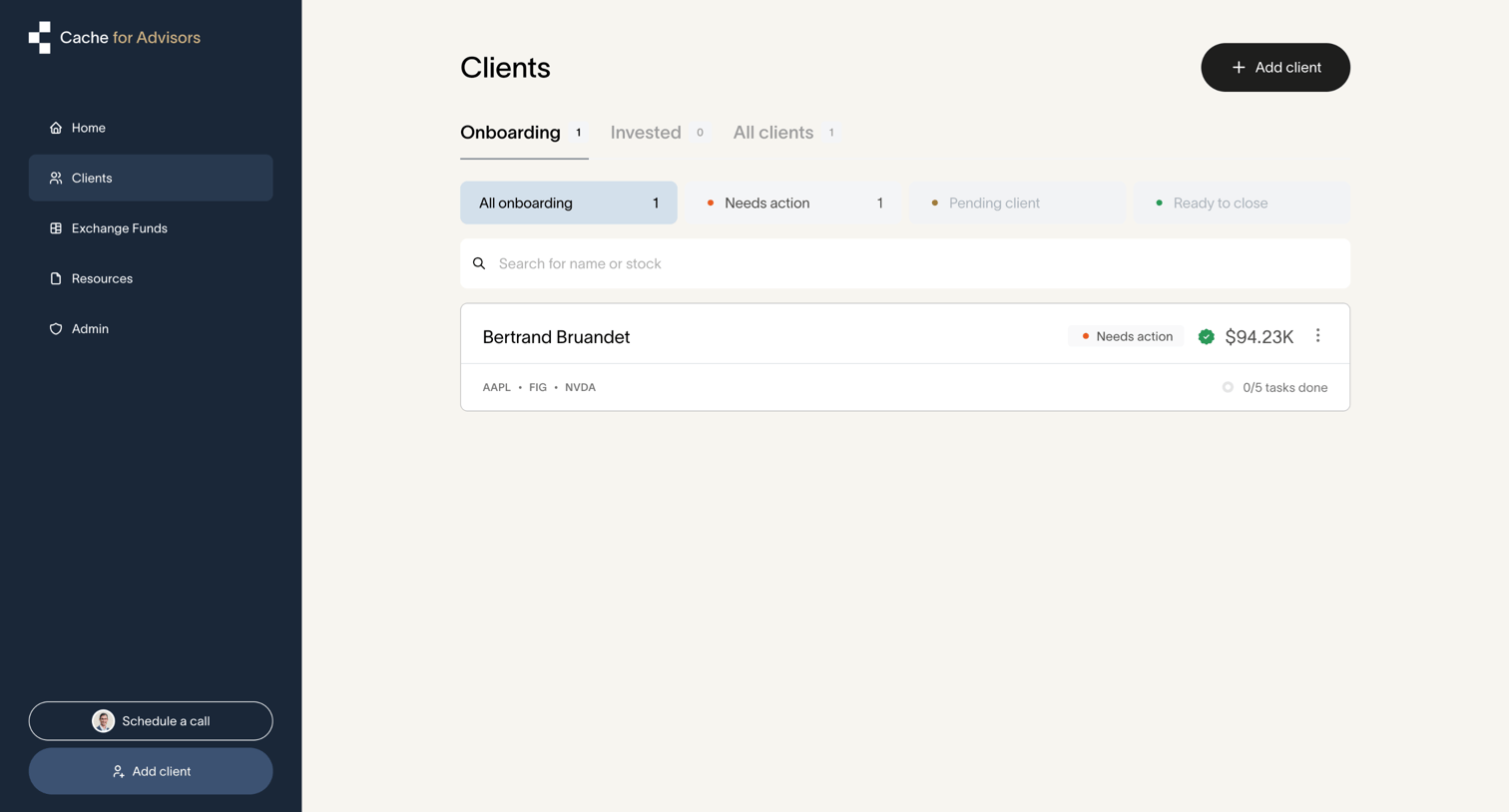

Cache - Cache – Client dashboard | Cache for Advisors screen
Cache logo
Cache

List view where a financial advisor tracks their clients, filtering by onboarding status and identifying accounts that need action.
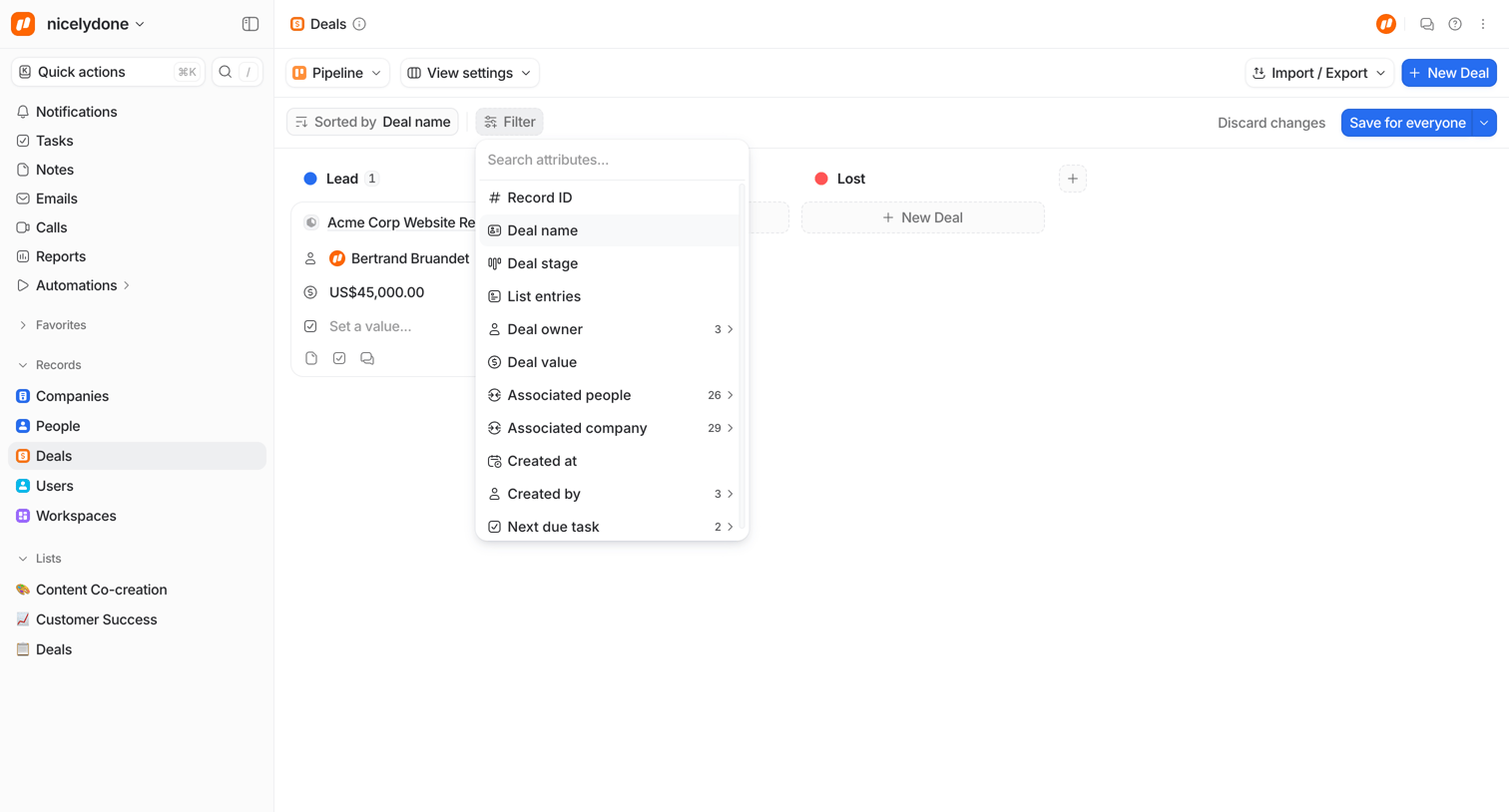

Attio - Deals | Pipeline - Attio screen
Attio logo
Attio

List view where the user manages sales deals in a pipeline board, currently configuring a filter by searching for deal attributes.
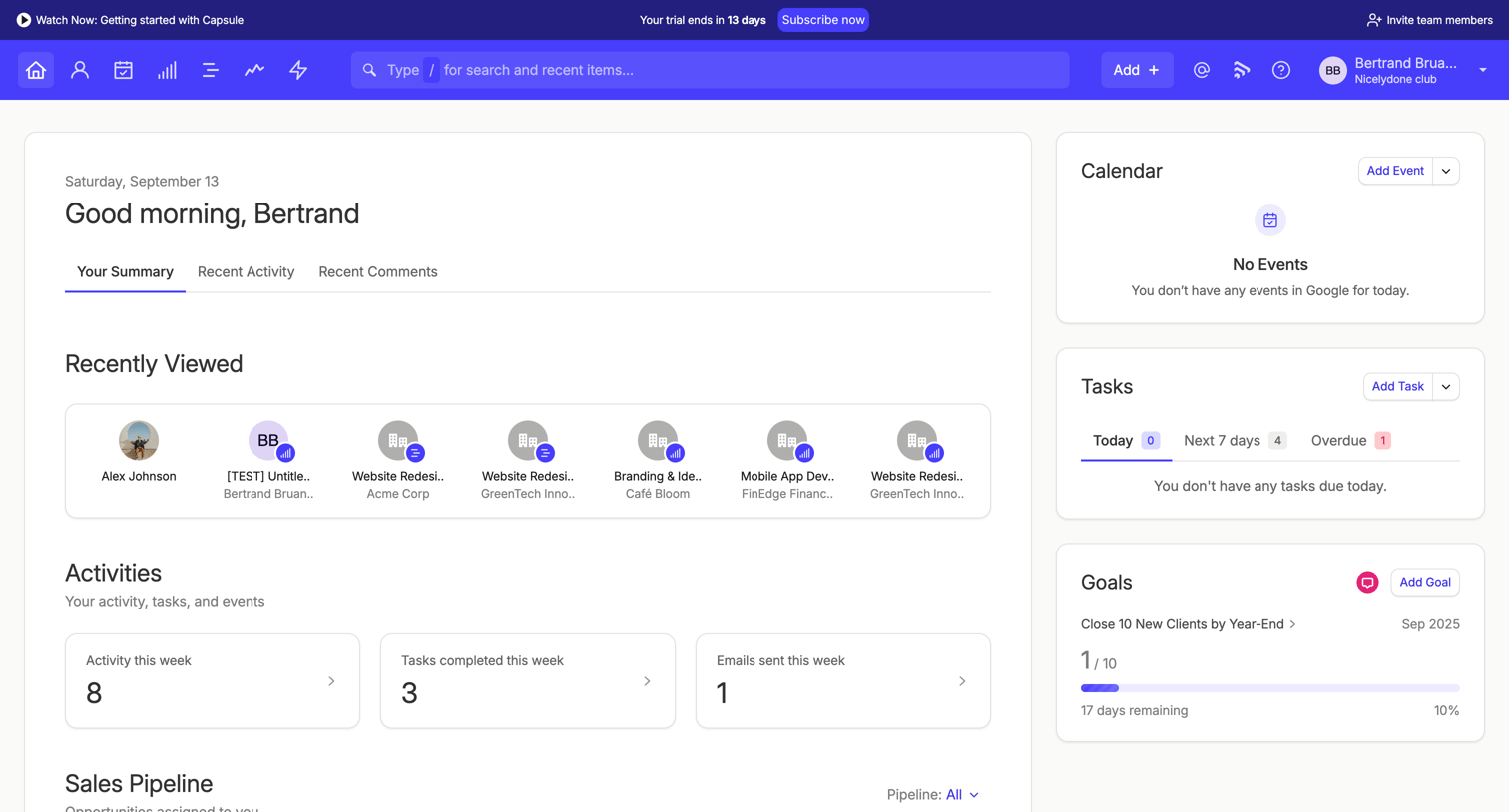

Capsule - Your Summary | Nicelydone club CRM screen
Capsule logo
Capsule

Dashboard where the user views their daily summary, recent activity, sales pipeline metrics, and upcoming tasks, with a prompt to subscribe before their trial ends.

Outseta - Dashboard screen
Outseta logo
Outseta

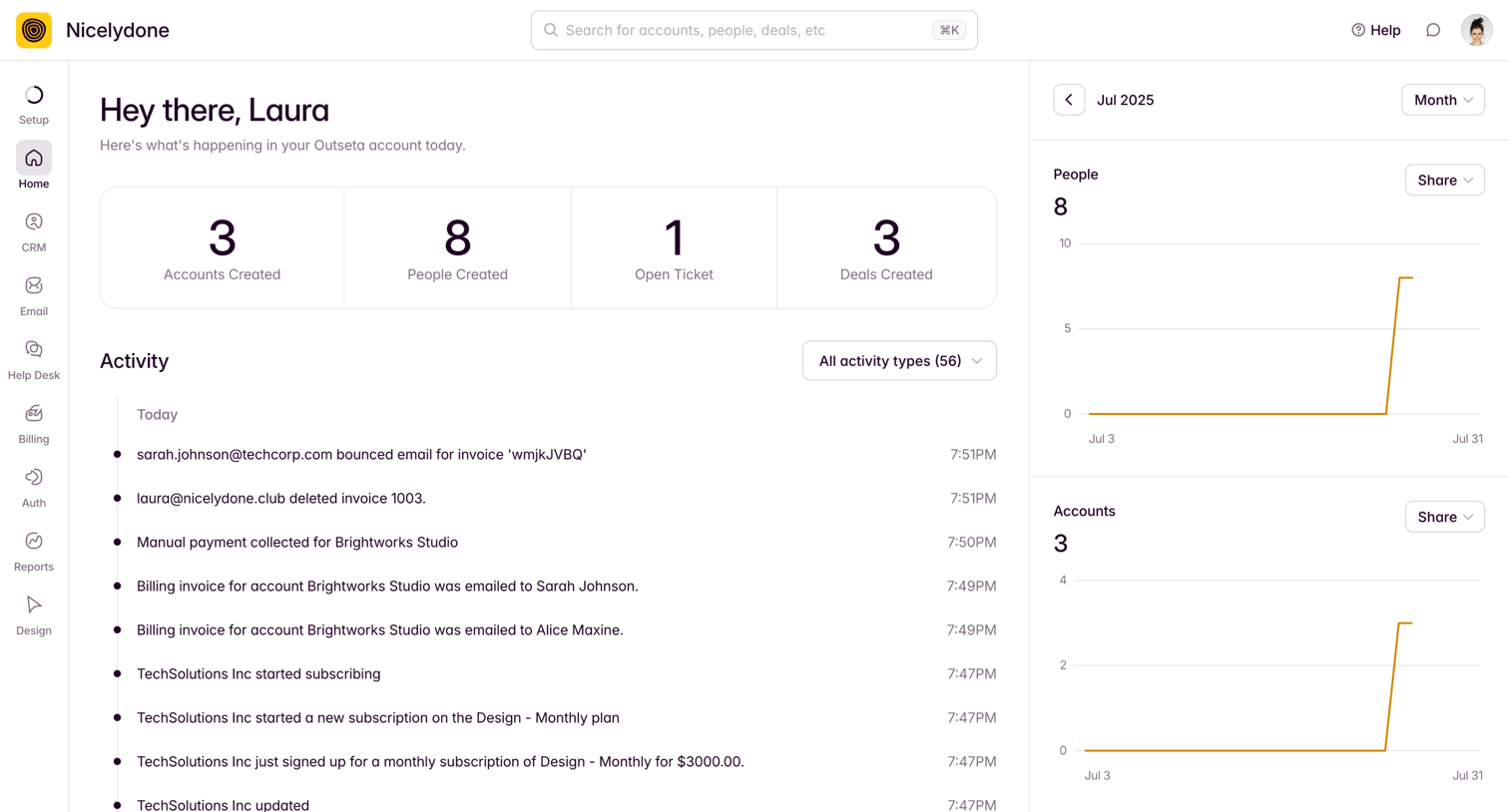
Dashboard showing daily KPI totals, a recent activity feed, and metric trend charts for people, accounts, emails, and tickets.

Twenty - All People - People screen
Twenty logo
Twenty

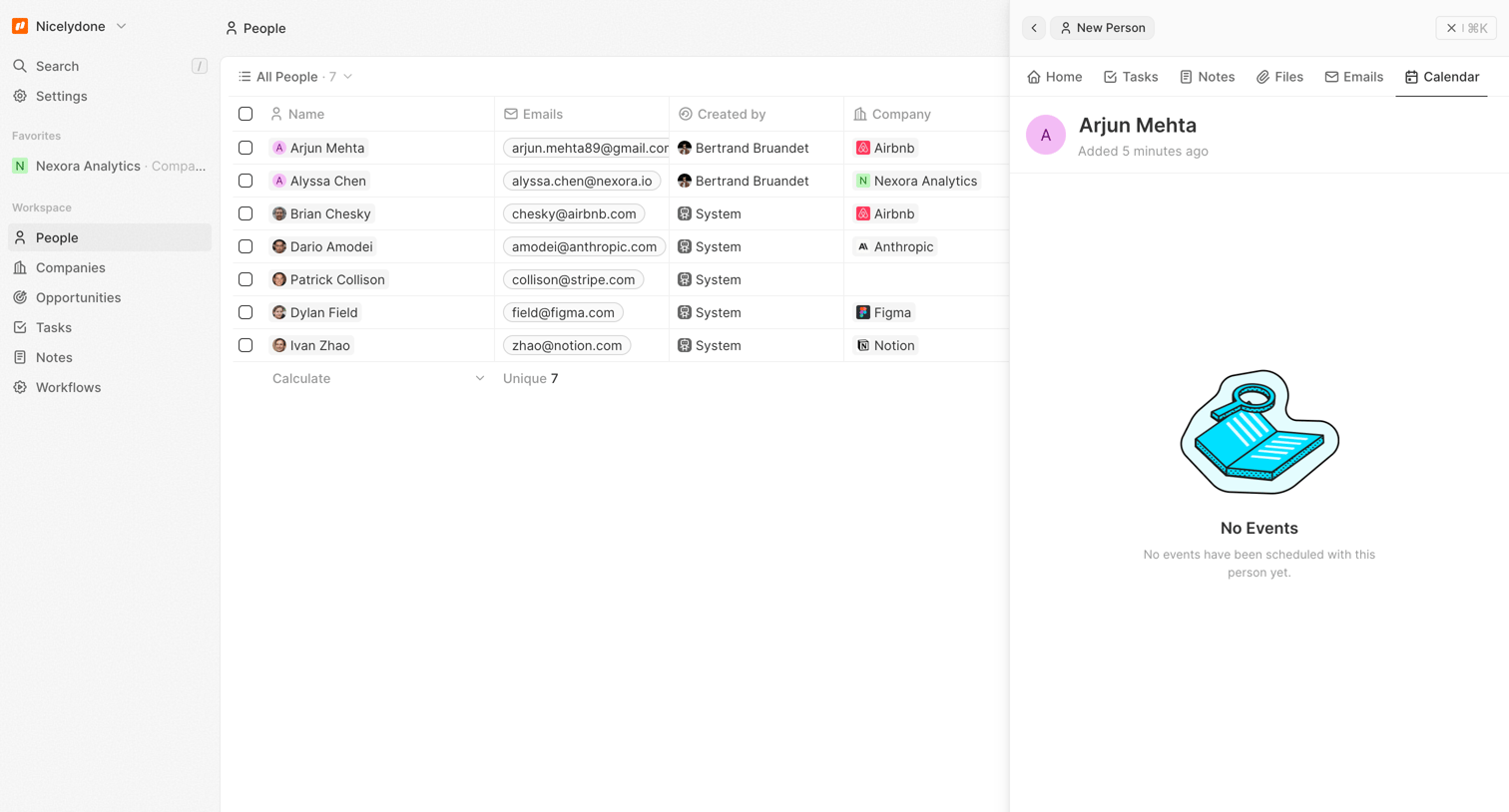
Detail page where the user views a specific person's record alongside the main directory, currently showing an empty calendar tab.

FeatureOS - Nicelydone screen
FeatureOS logo
FeatureOS

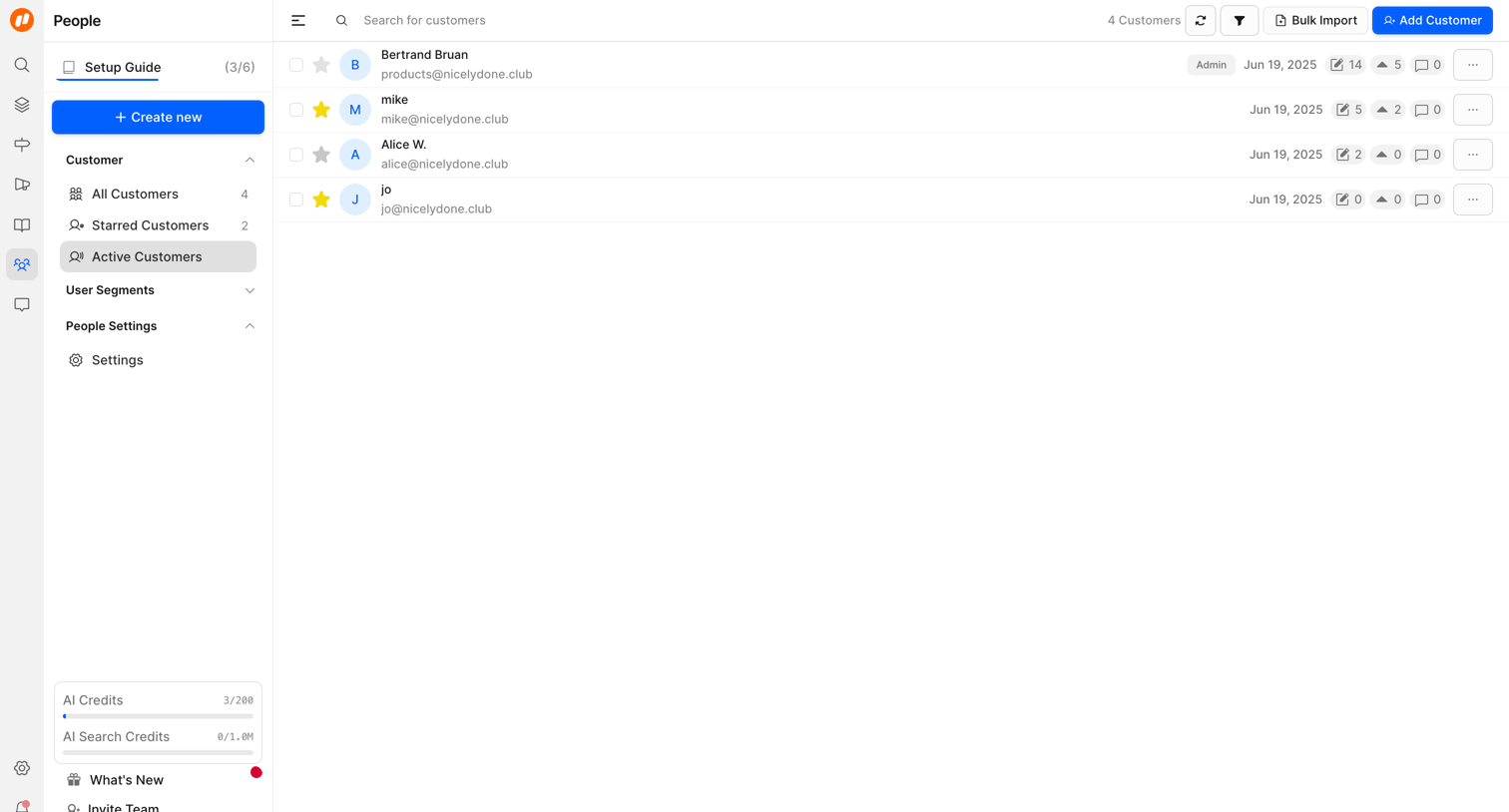
List view where the user manages active customers, showing details like email, role, and activity counts, with options to search, filter, and import.

Explore the full SaaS screen library

Upgrade to unlock the full library.

Trusted by the best teams