Skip to content

Calendar screen screen examples

Calendar screen screen design examples from SaaS apps. Browse examples from Capsule, Cobot, Mighty.

Explore the examples
Capsule - Calendar | Nicelydone CRM screen
Capsule logo
Capsule

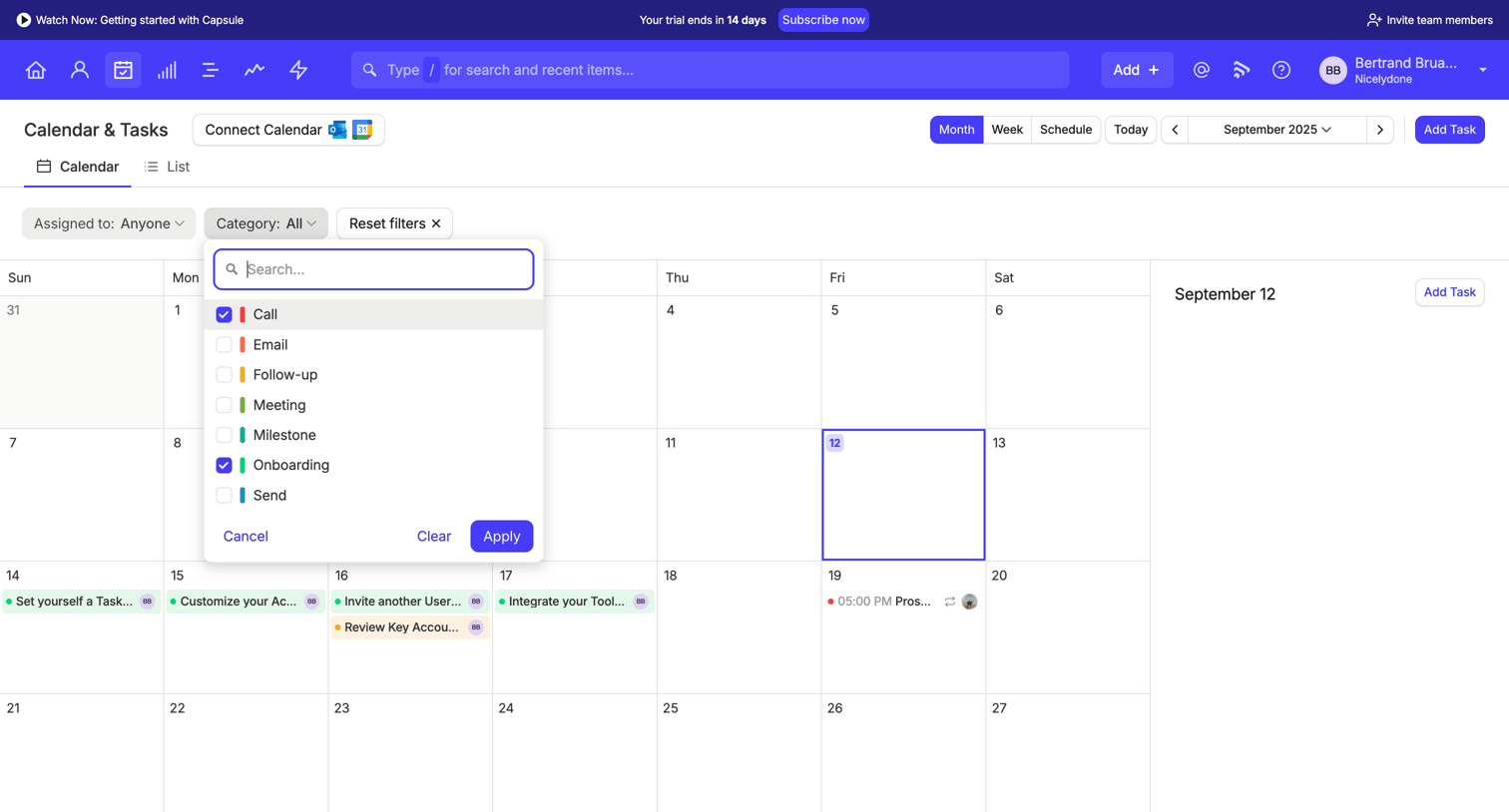
App view showing a monthly calendar with tasks, where the user is filtering the view by category using an open popover menu.

Cobot screen
Cobot logo
Cobot

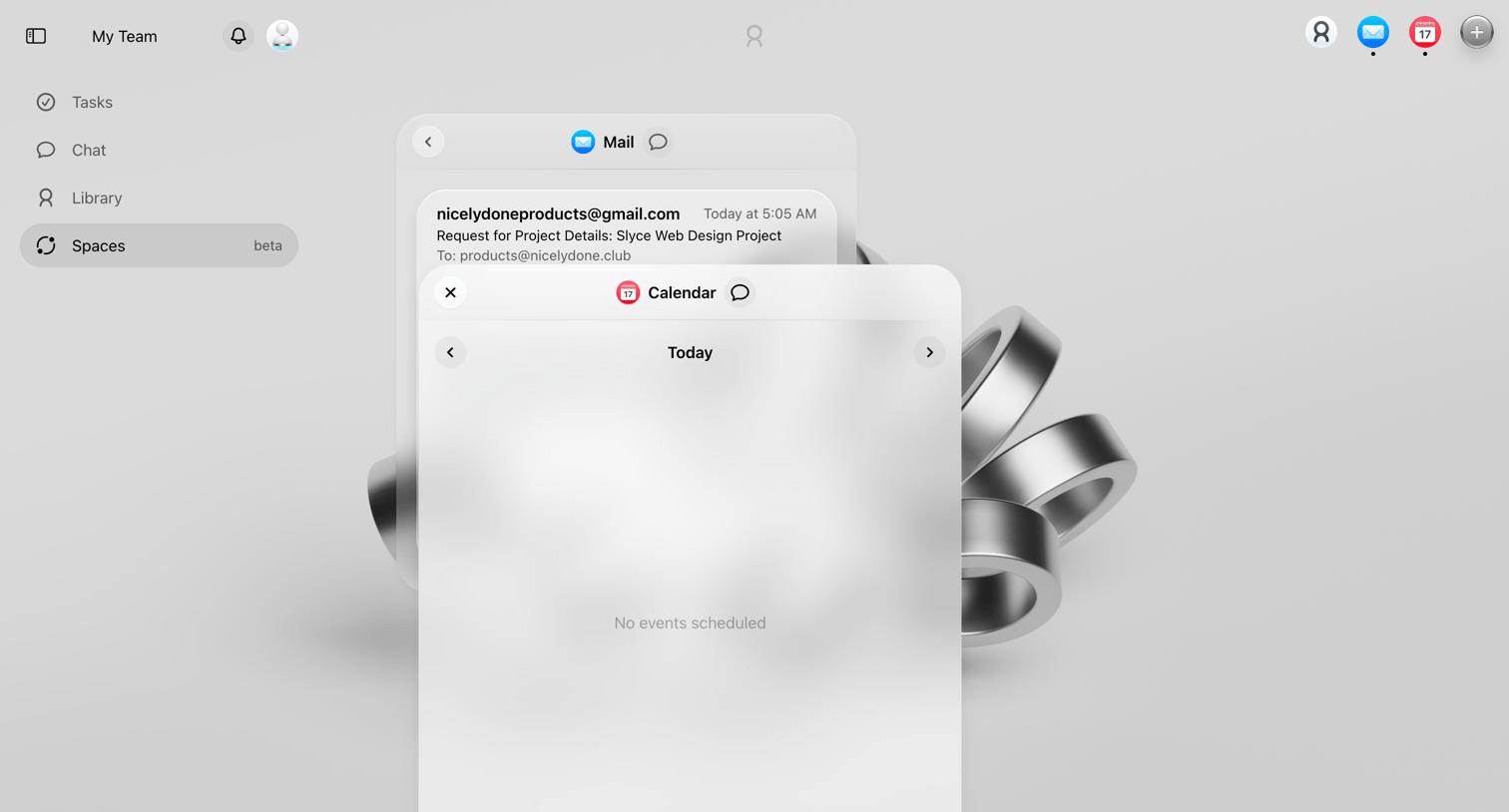
Home workspace view featuring floating, translucent widgets for Mail and Calendar over a 3D background.

Mighty - Nicelydone screen
Mighty logo
Mighty

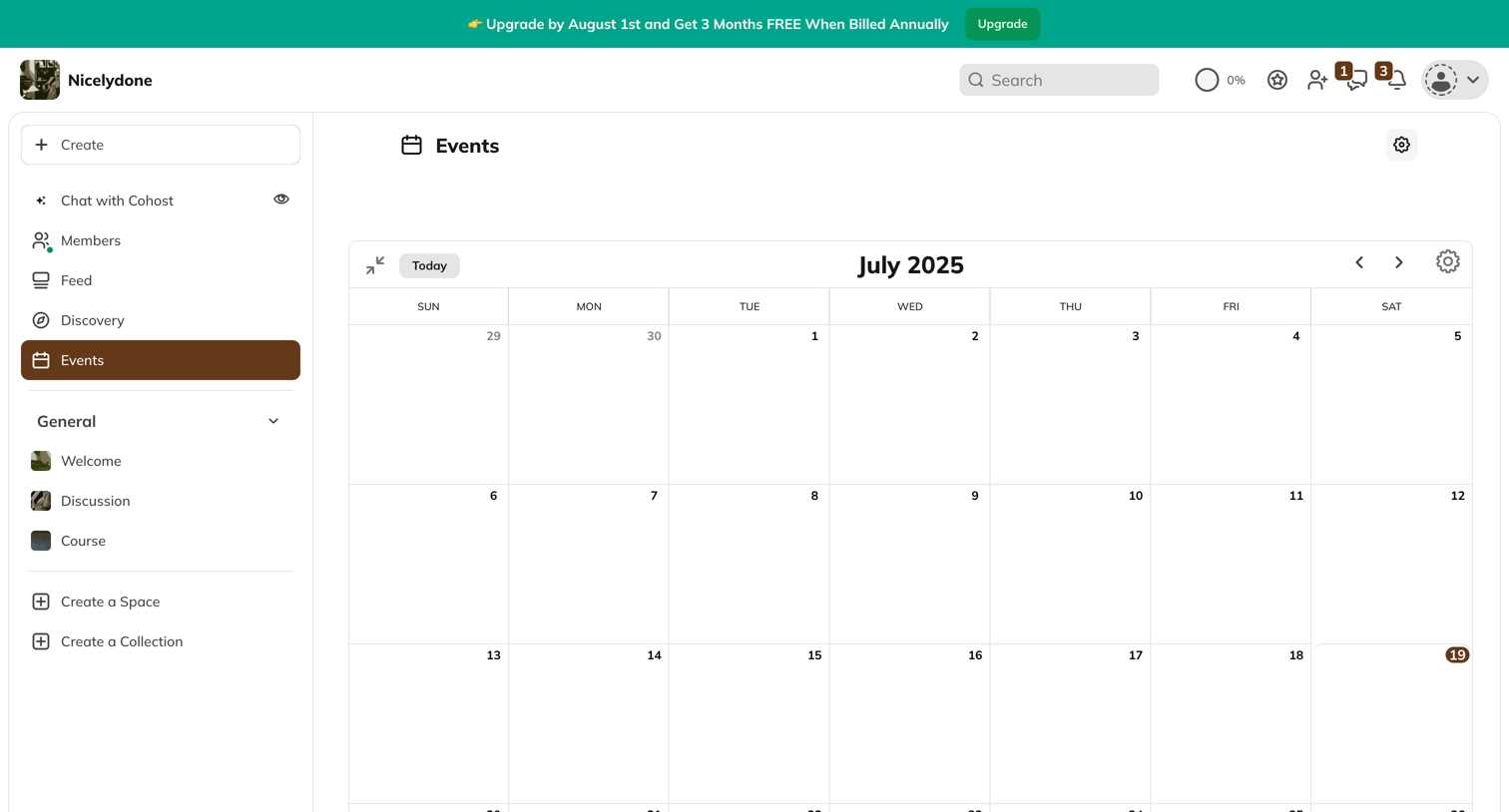
List view showing a monthly calendar of events for a community platform, with a sidebar for navigation and space creation.

Twenty - All People - People screen
Twenty logo
Twenty

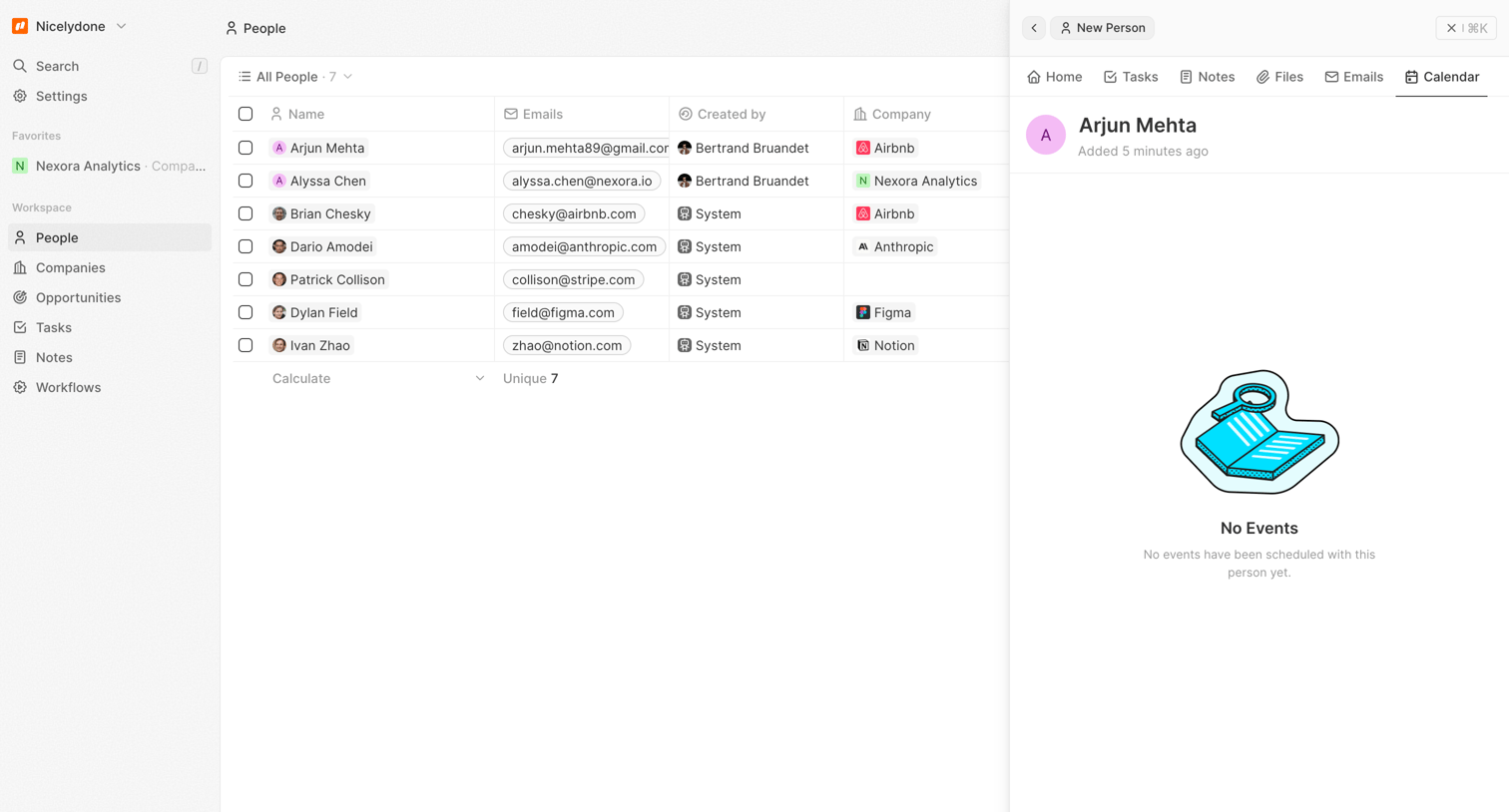
Detail page where the user views a person's profile and calendar alongside the main people directory, currently showing an empty state for events.

Huly - Nicelydone - Huly screen
Huly logo
Huly

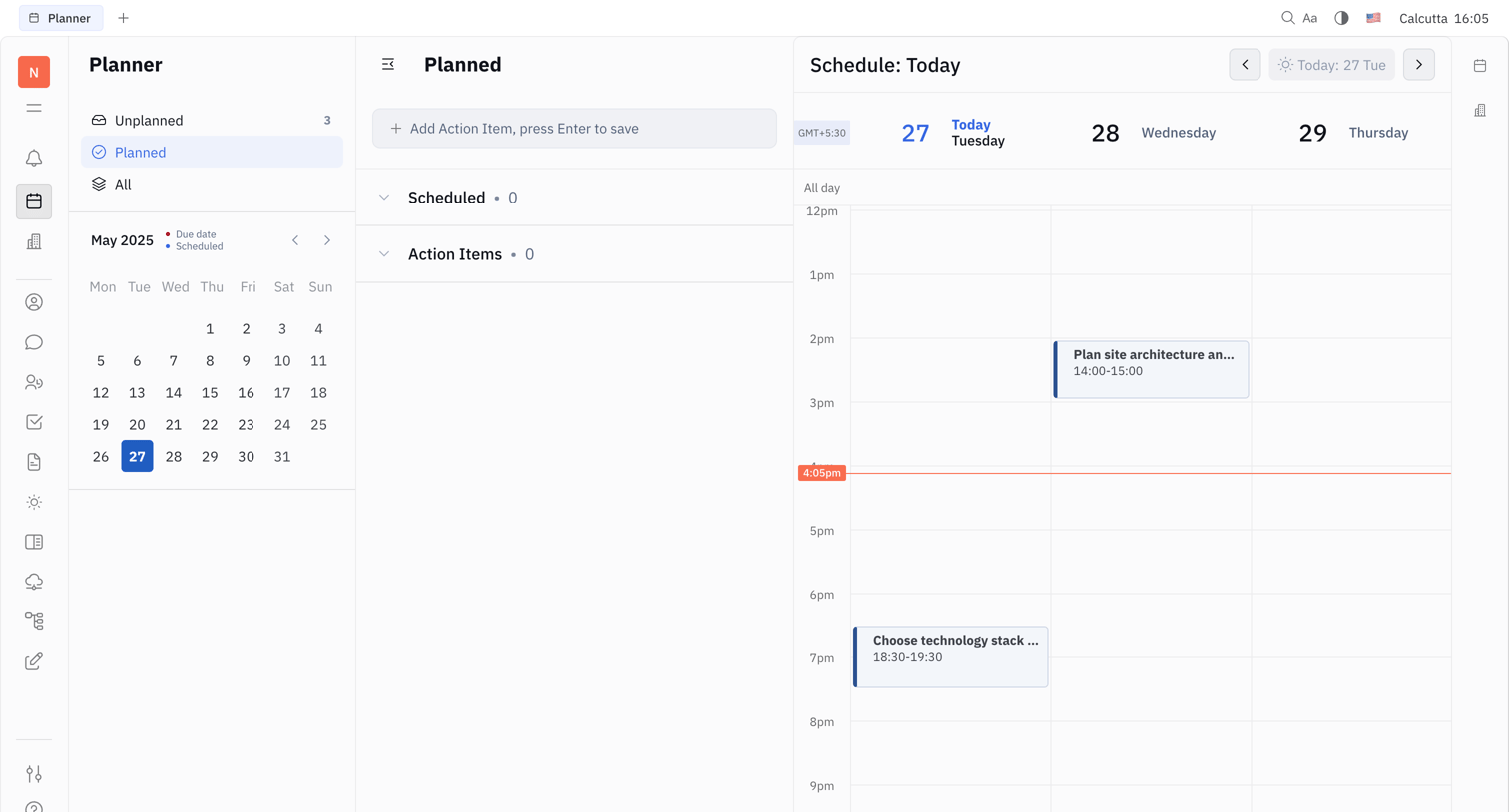
Planner view where the user schedules action items from a list onto a three-day calendar grid.

Mangomint - Mangomint App screen
Mangomint logo
Mangomint

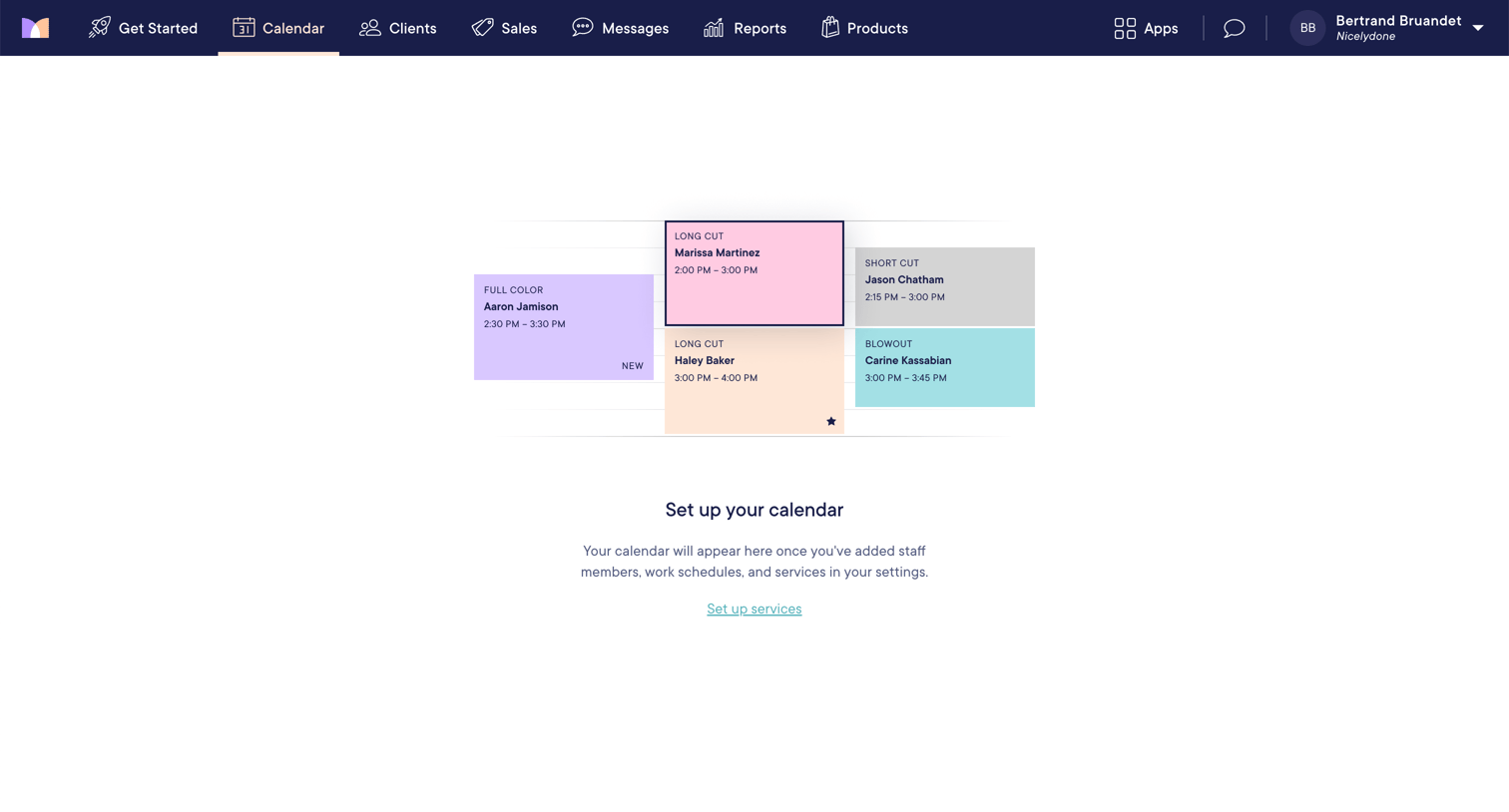
Calendar view showing an empty state with a prompt to add staff members, work schedules, and services to begin.
Midday - Tracker | Midday screen
Midday logo
Midday

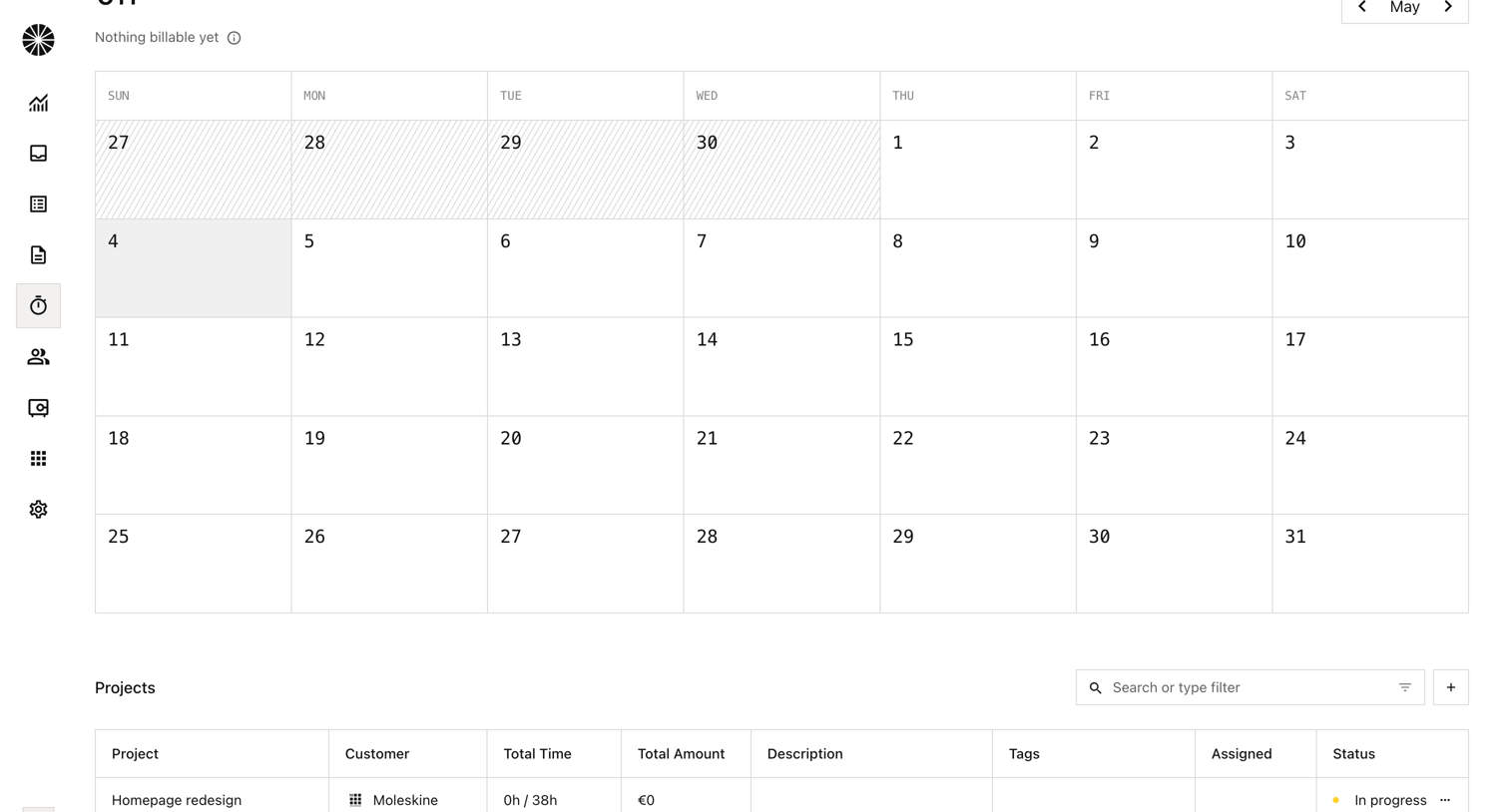
Time tracking dashboard where the user views a monthly calendar of logged hours and a list of active projects with their status.

Reflect screen
Reflect logo
Reflect

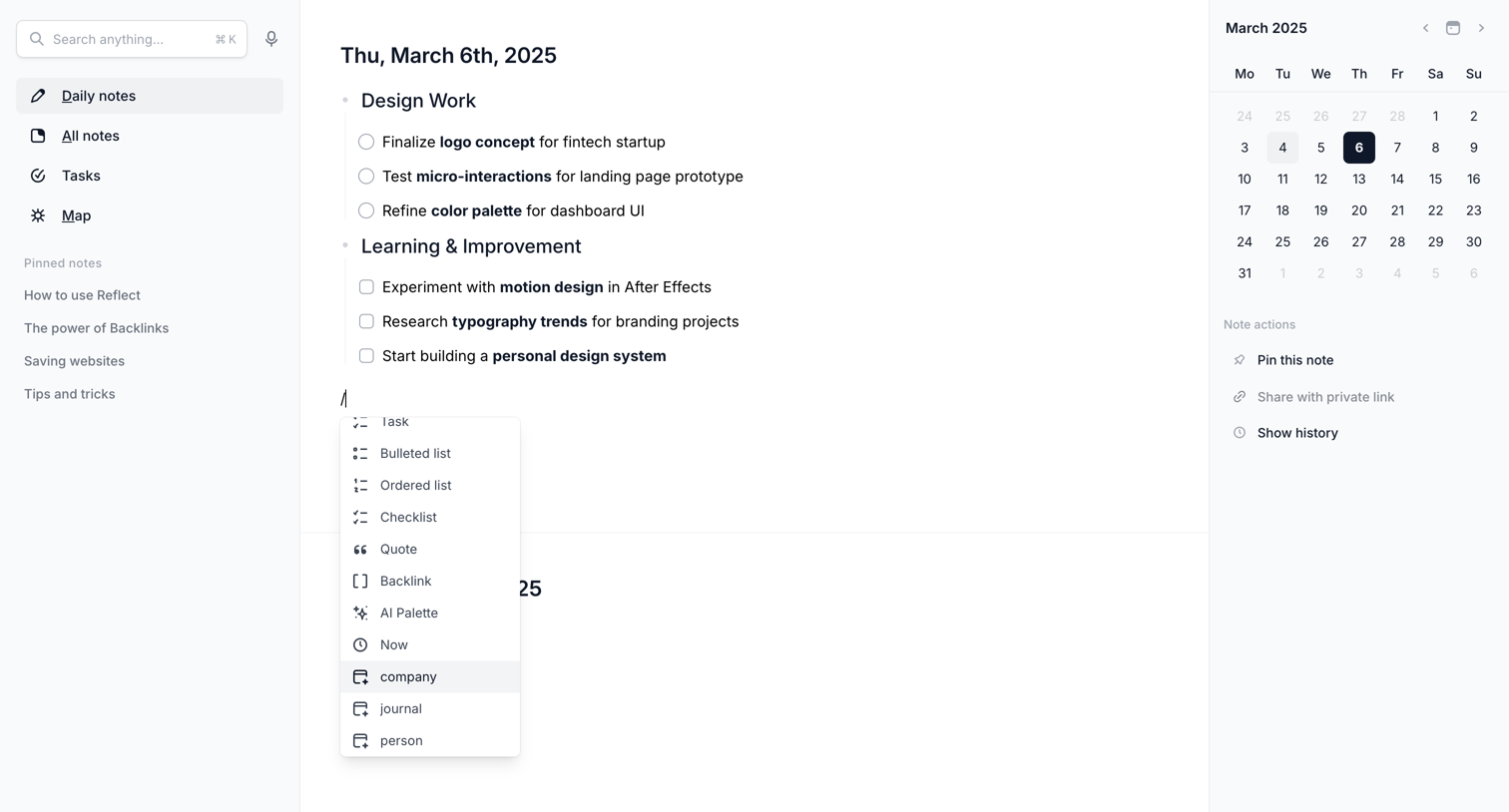
Content editor where the user writes a daily note for March 6th, 2025, using a slash command menu to insert blocks like tasks and lists.

Monarch - Monarch | Monthly screen
Monarch logo
Monarch

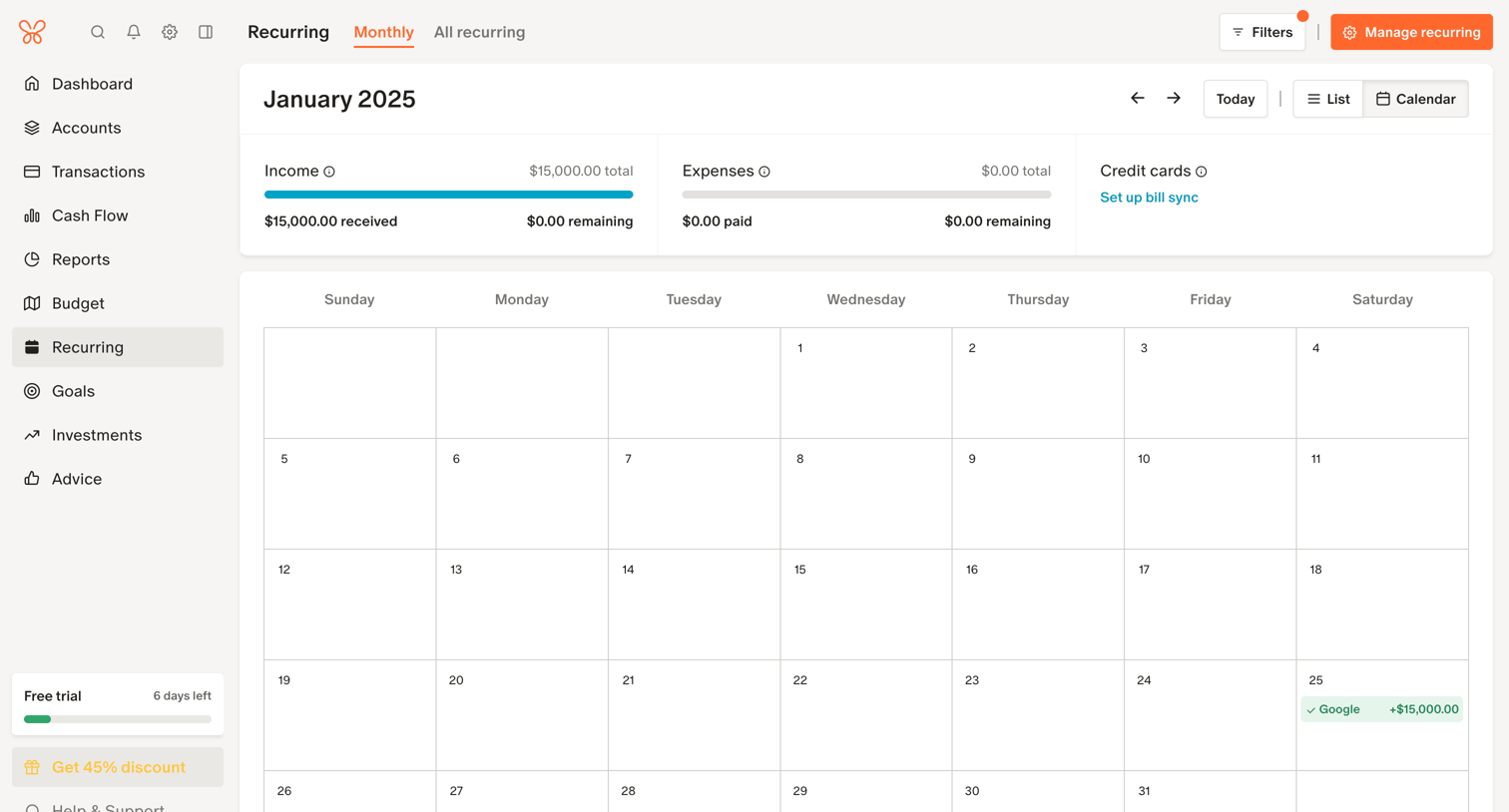
Calendar view where the user tracks upcoming recurring income and expenses for the month, accompanied by summary progress bars.

Assembly screen
Assembly logo
Assembly

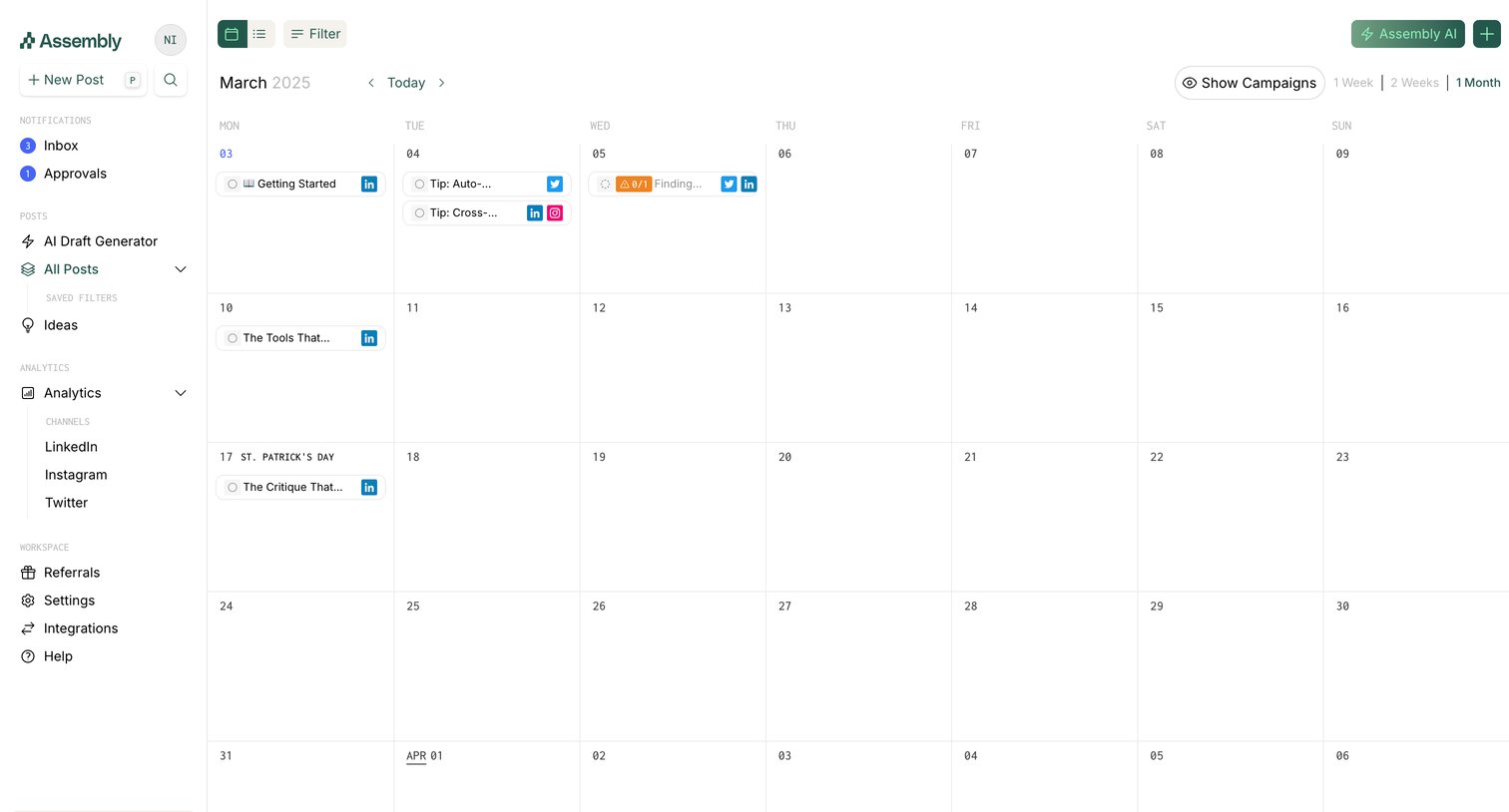
App calendar view where the user manages scheduled social media posts across different platforms.

Front - Front (2) screen
Front logo
Front

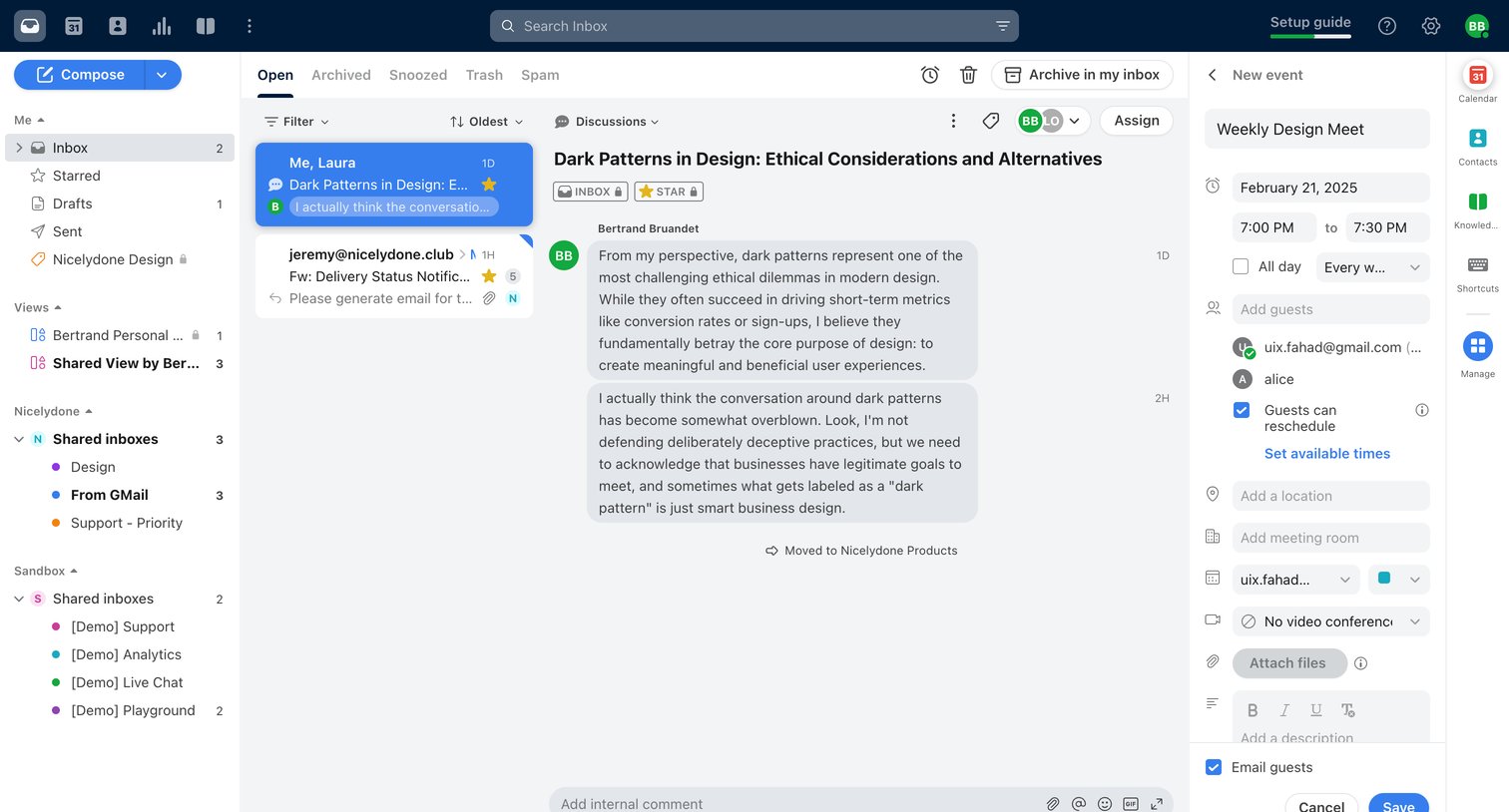
Combined inbox view where the user reads an email thread about design ethics while simultaneously drafting a related calendar event in the right sidebar.

WeTransfer - Feedback on Nicelydone new logo screen
WeTransfer logo
WeTransfer

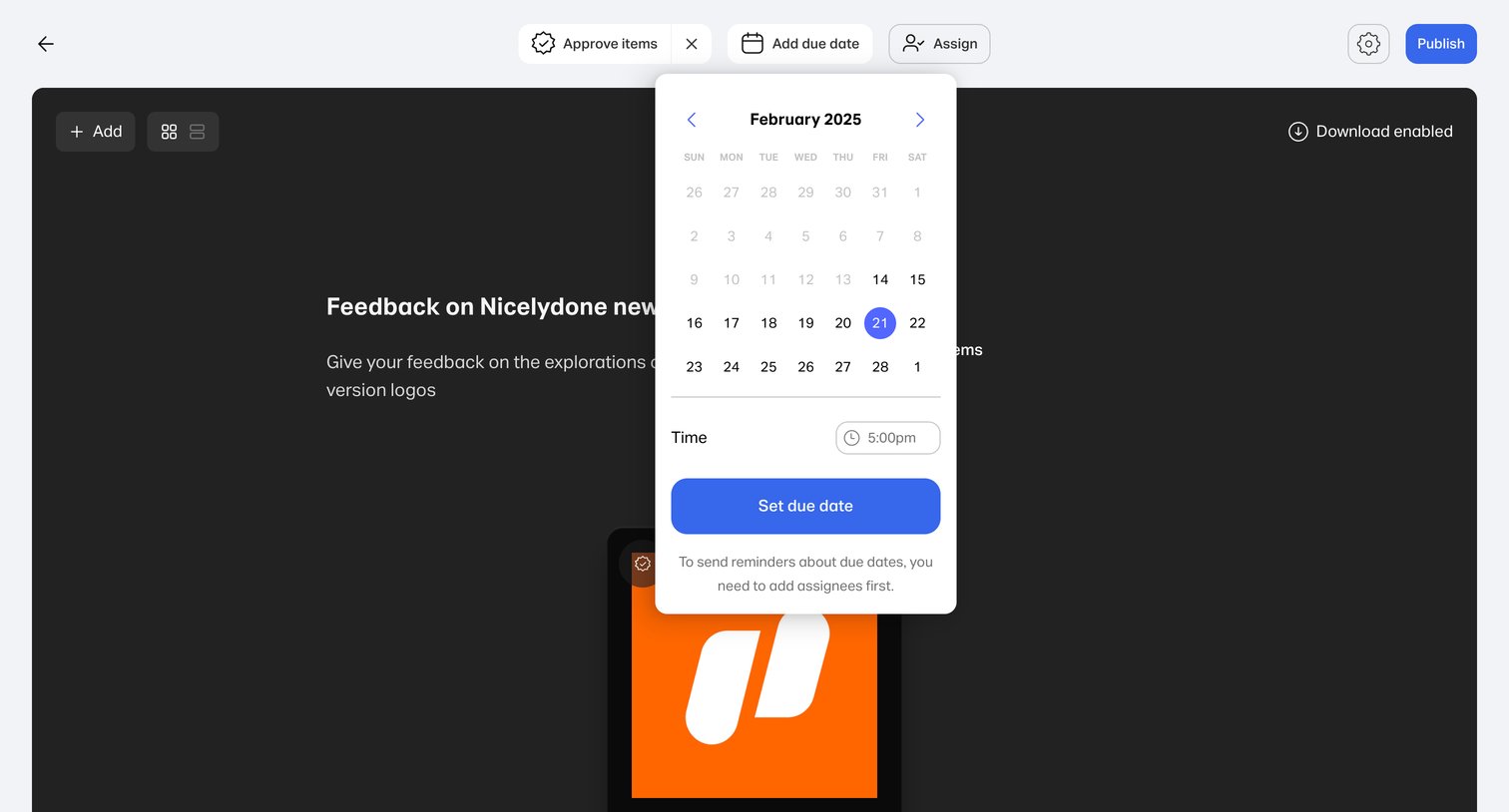
Content editor for a design review portal where the user is setting a due date for feedback on logo explorations via a calendar popover.

Explore the full SaaS screen library

Upgrade to unlock the full library.

Trusted by the best teams