Automation screen examples
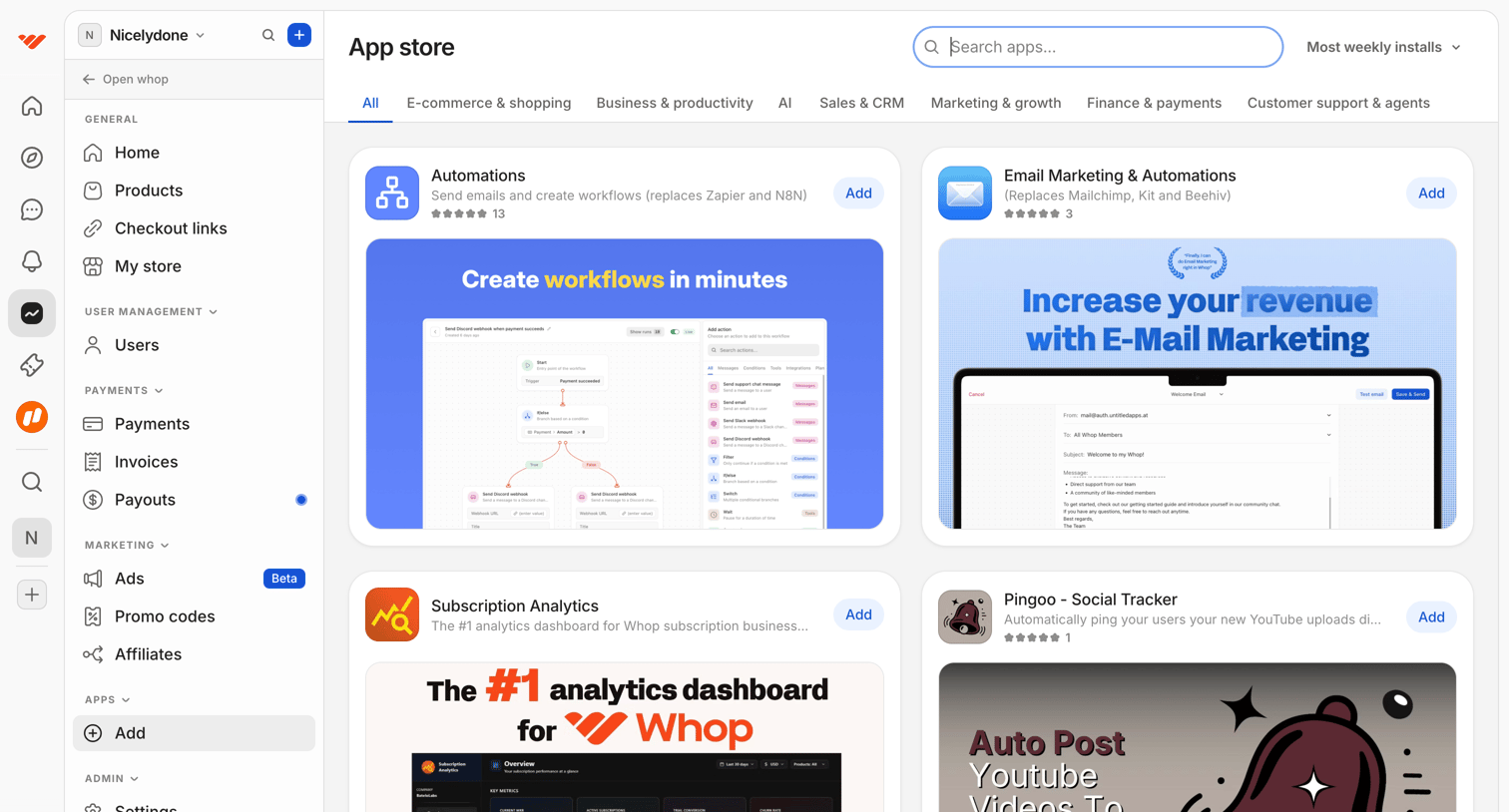
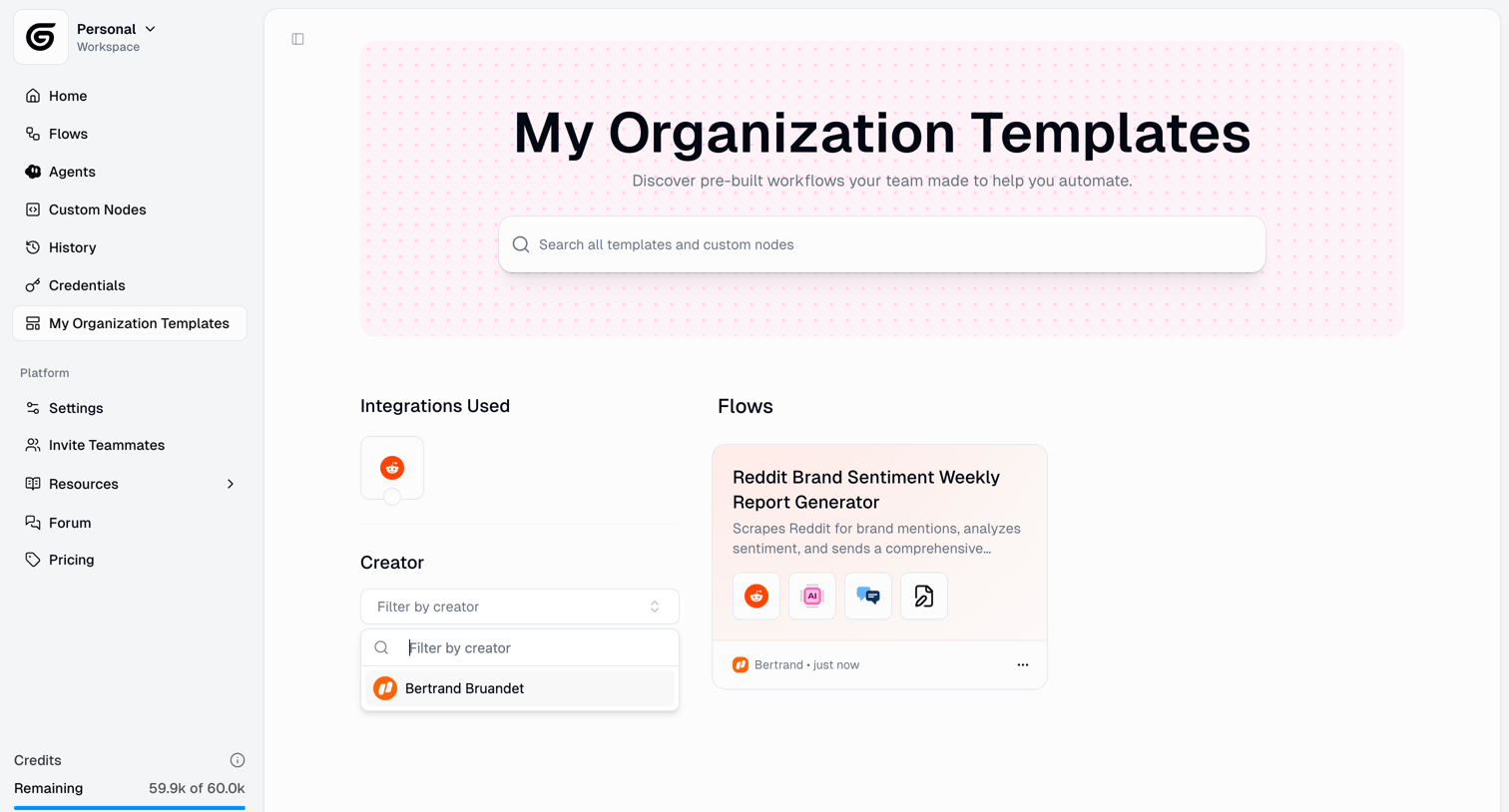
Automation screen design examples from SaaS apps. Browse examples from Dock, Beside, Exa.
Explore the examples
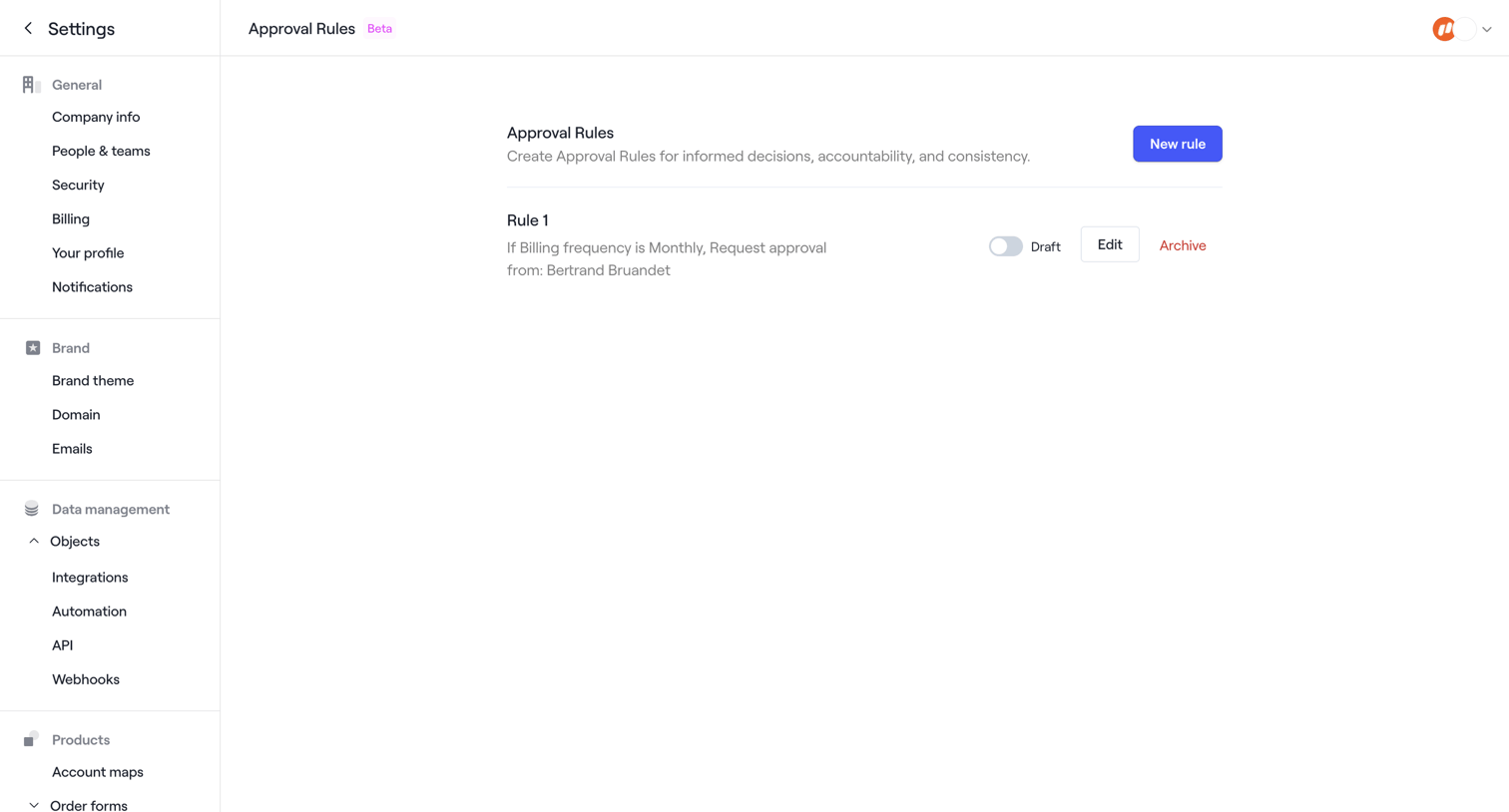

Settings page where the user manages approval rules for order forms, currently displaying one draft rule with options to edit or archive.
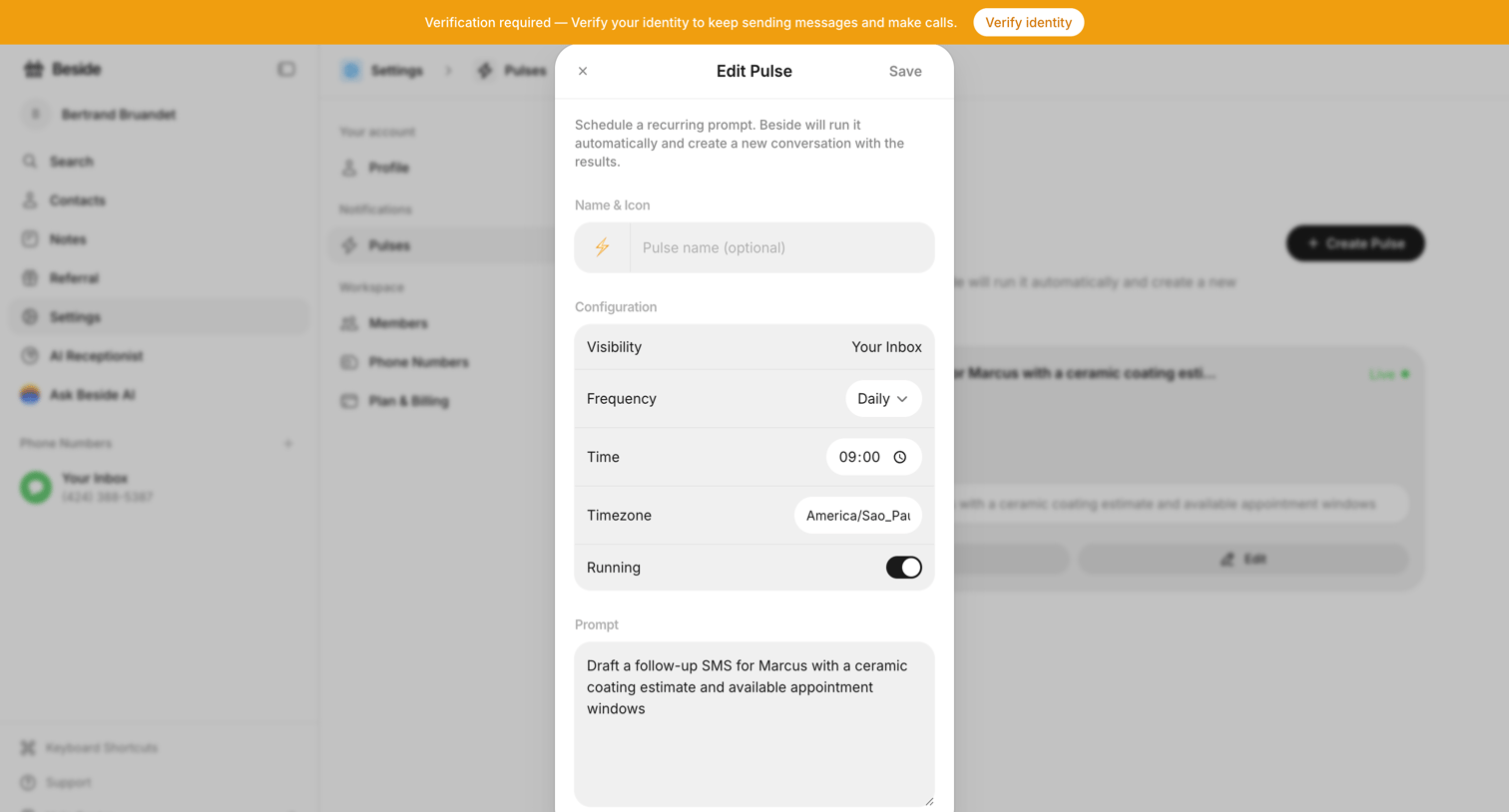

Settings modal where the user configures a recurring AI prompt, setting its visibility, frequency, time, timezone, and the prompt text.
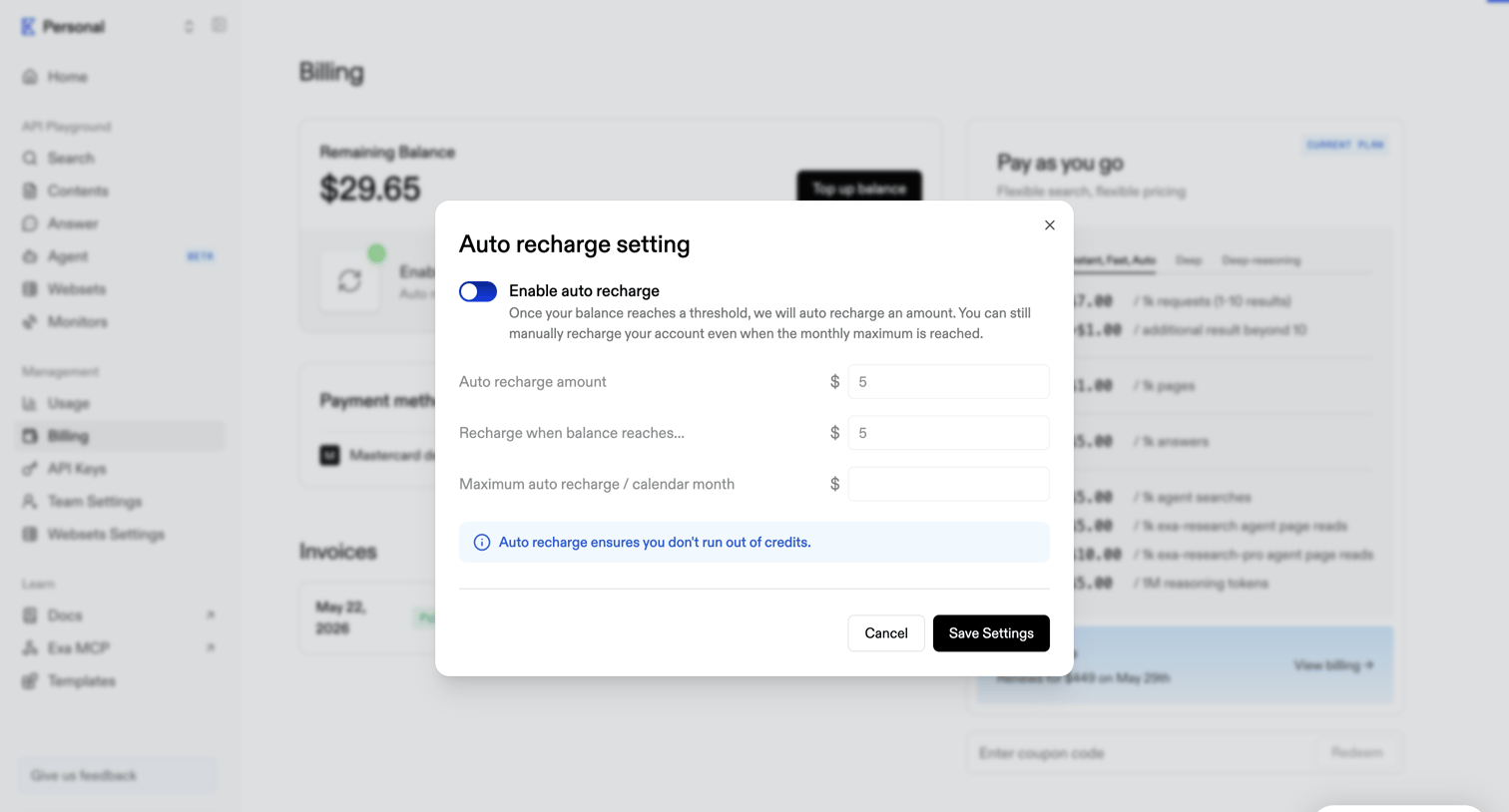

Billing settings modal where the user configures auto-recharge amounts and thresholds to prevent running out of API credits.
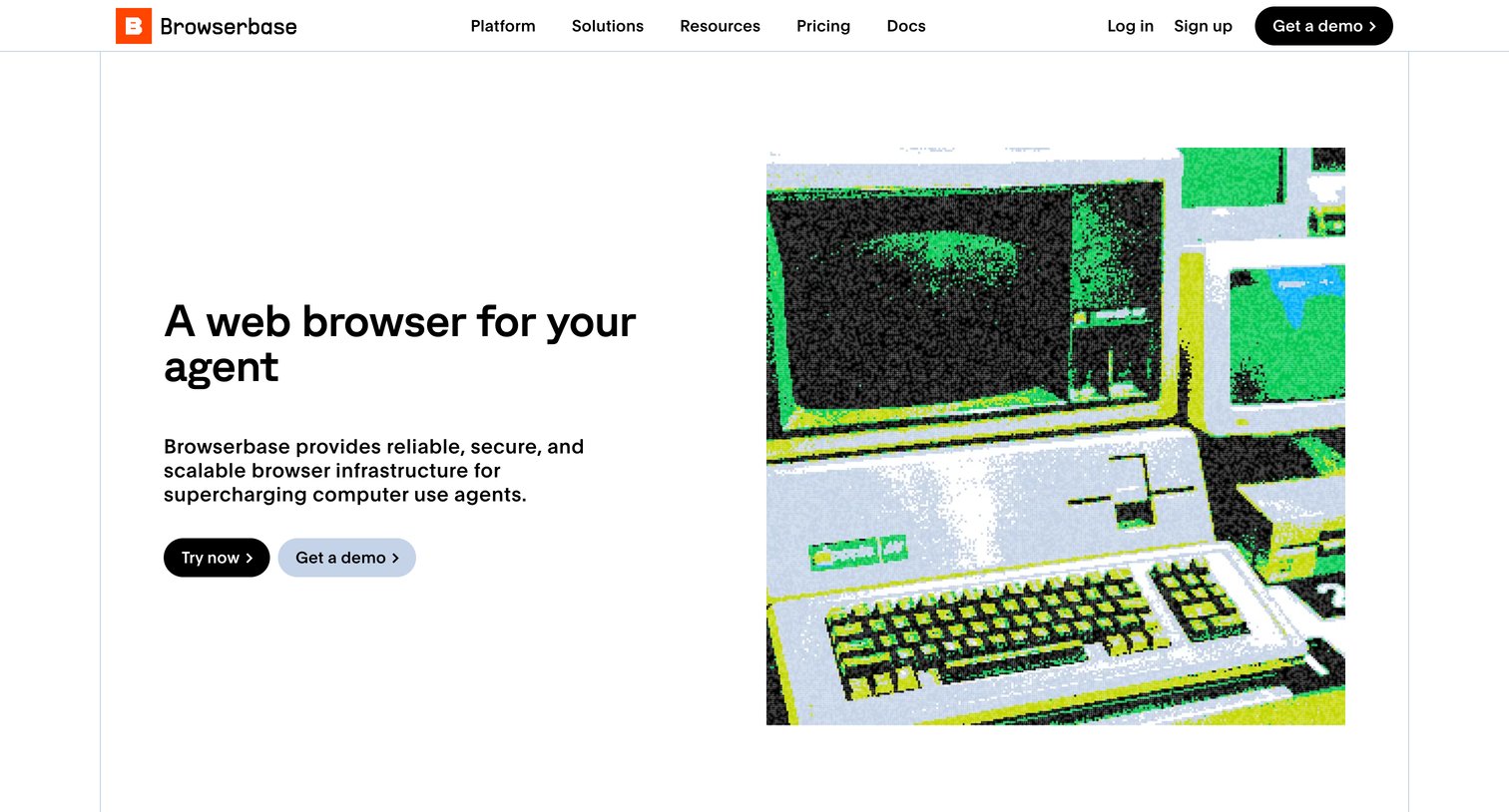

Marketing use case page explaining how Browserbase infrastructure supports computer-use AI agents with features like live view, SOC-2 compliance, and proxy management.
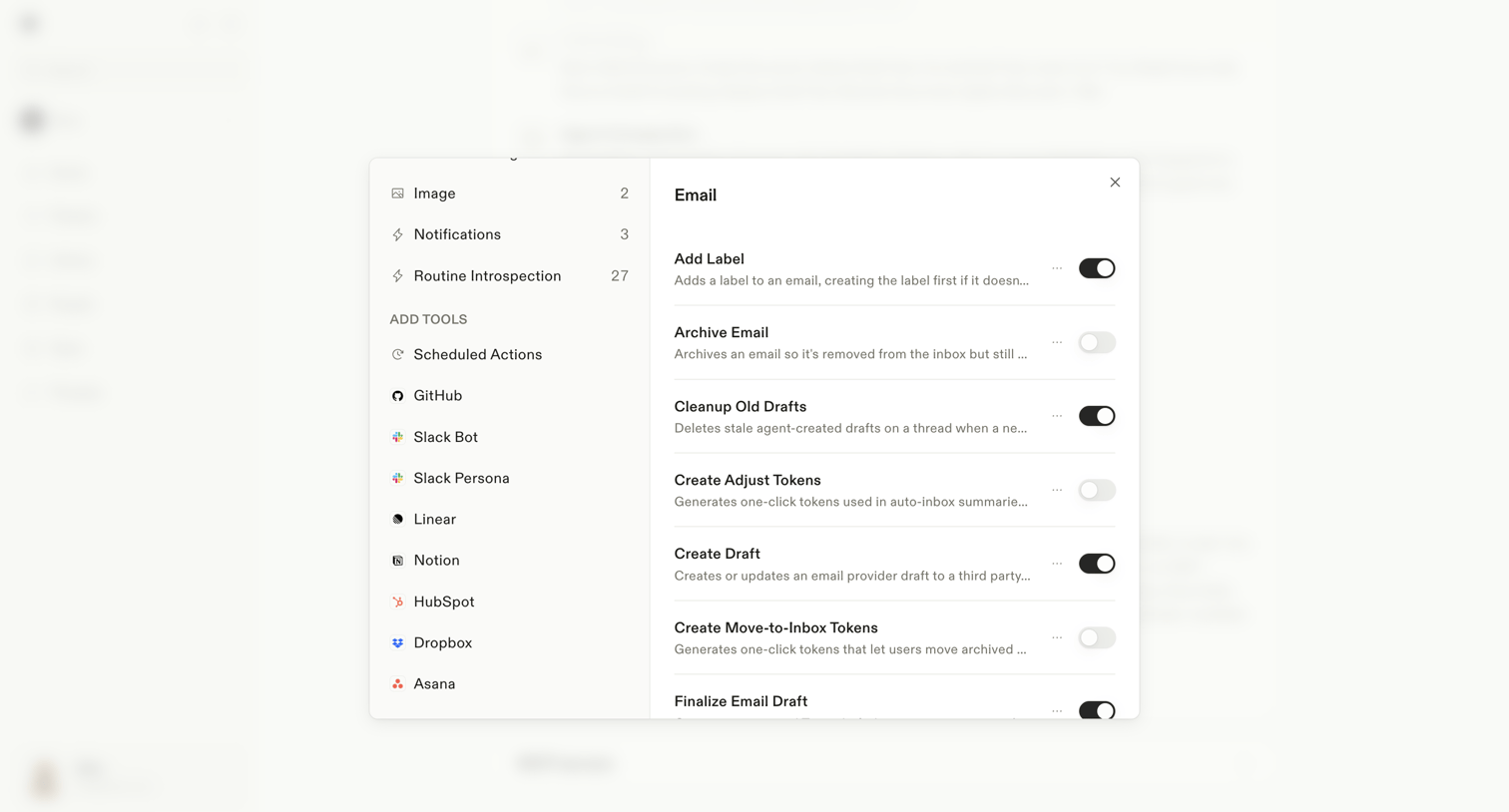

Settings modal where the user configures specific actions the AI assistant can perform for the Email integration, such as adding labels or creating drafts.
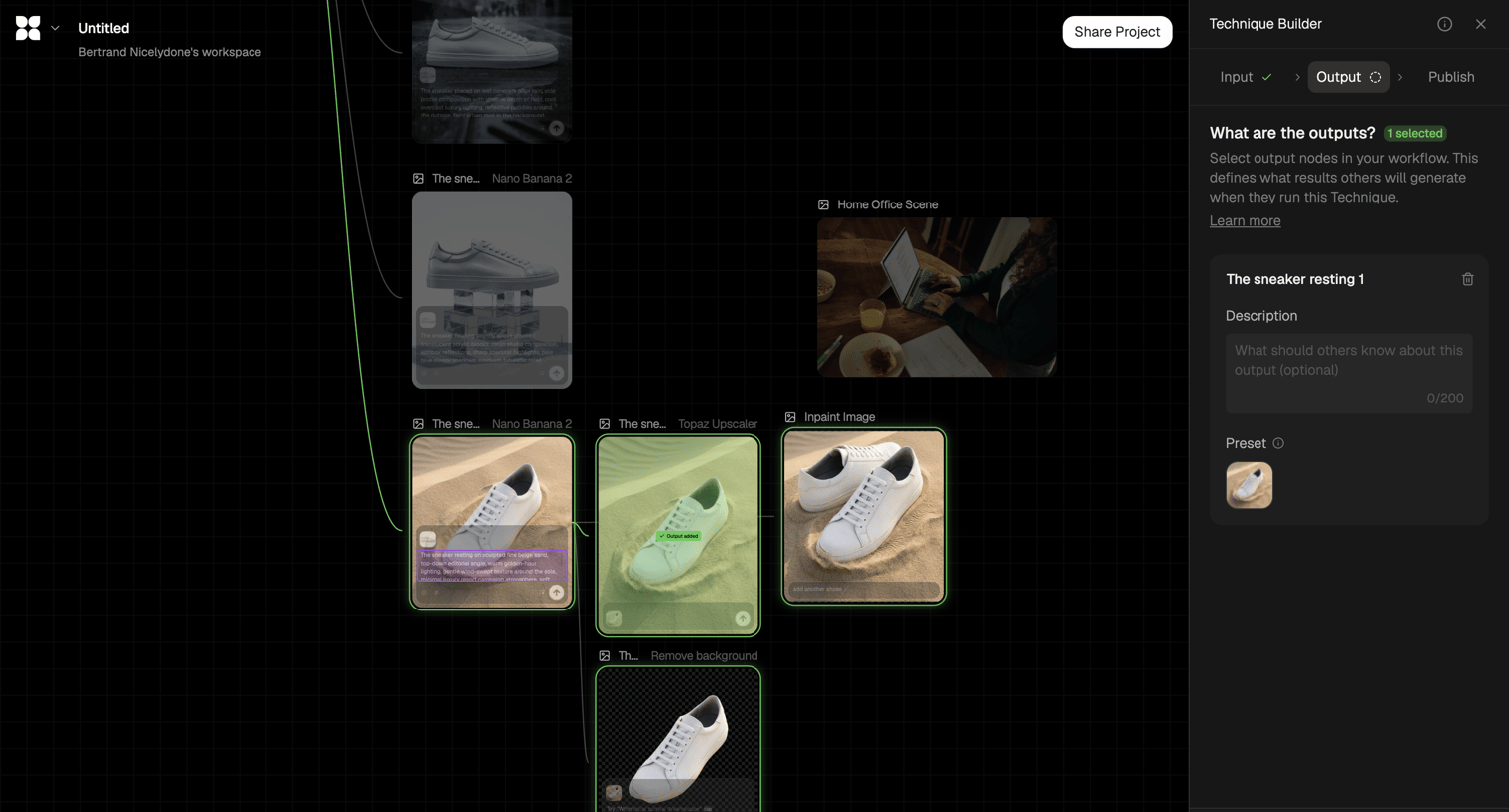

Workflow editor where the user configures an AI image generation pipeline, currently defining the output nodes in the technique builder sidebar.
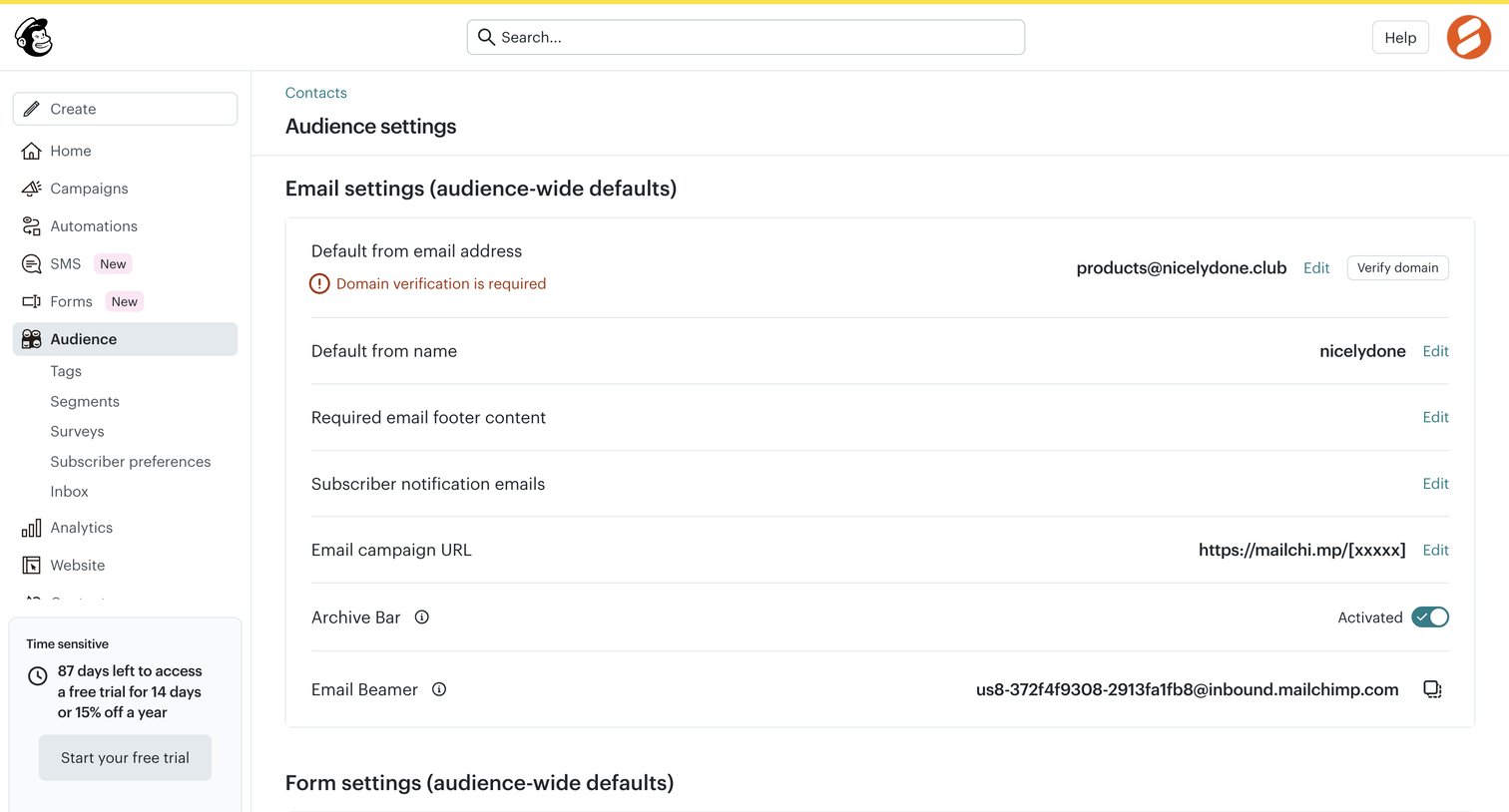

Settings page where the user configures audience-wide email defaults like the from address, required footer content, and opt-in settings.
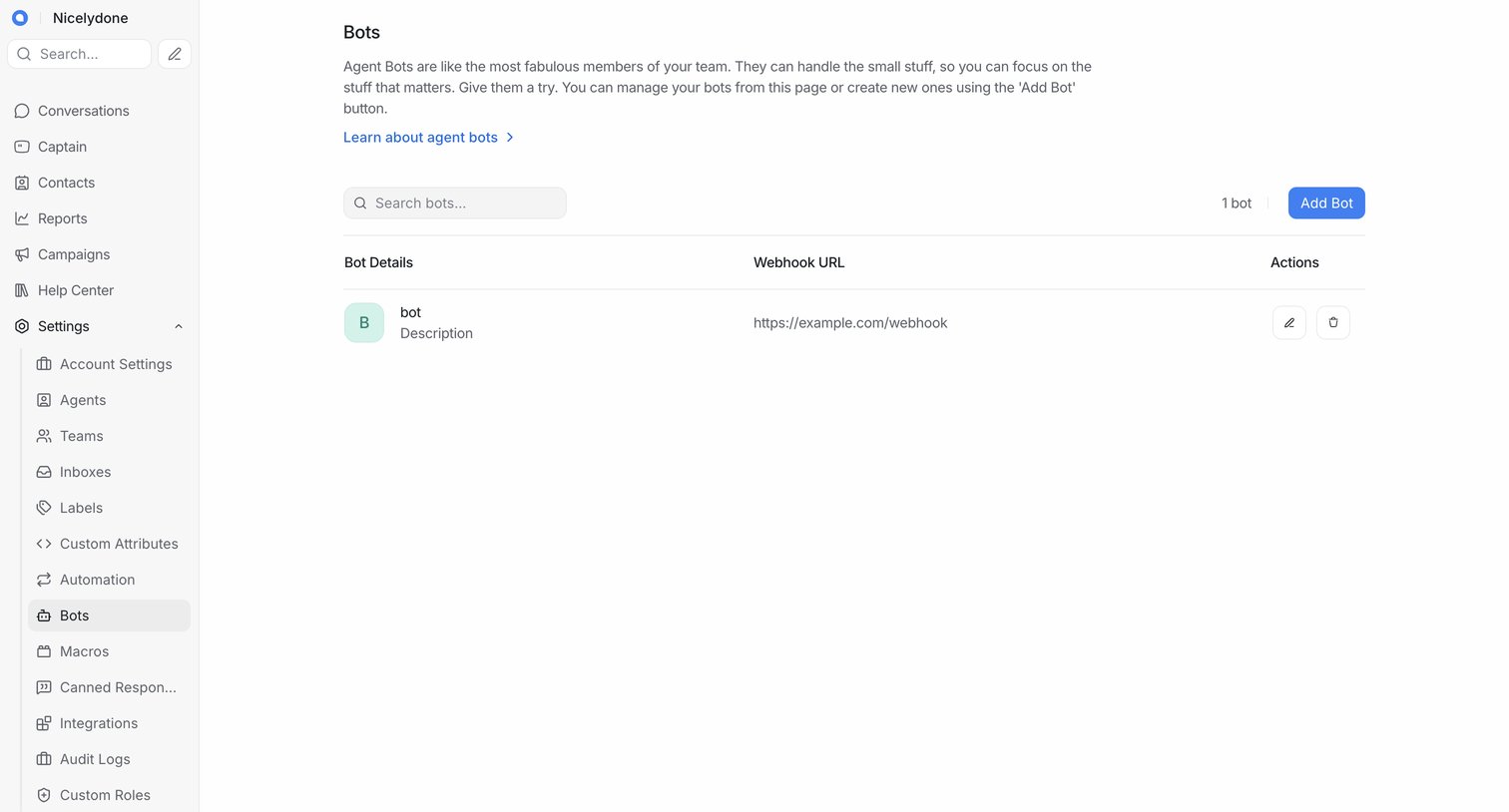


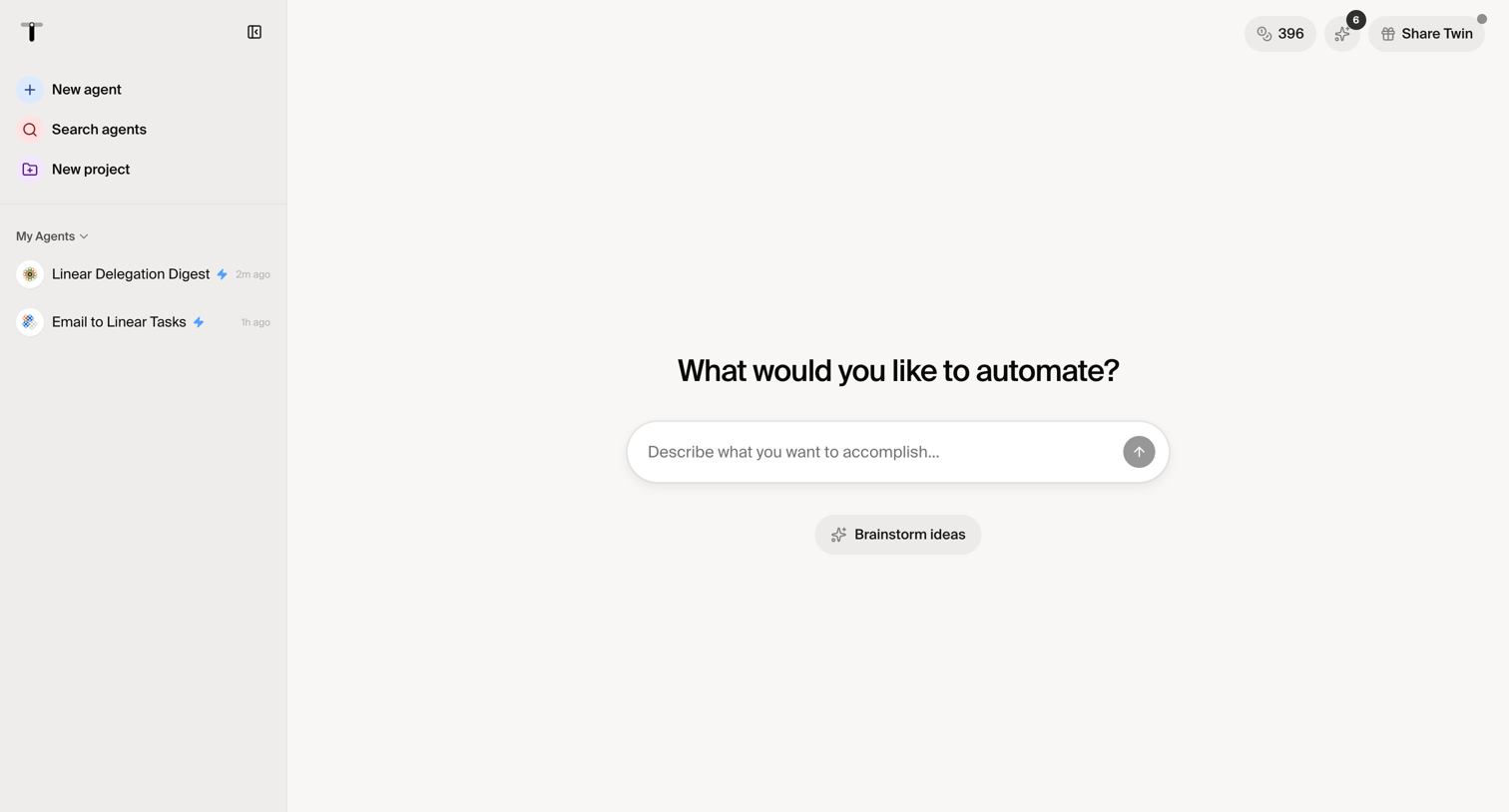

Creation screen where the user describes what they want to automate to generate a new AI agent, with options to brainstorm ideas or select existing agents from the sidebar.

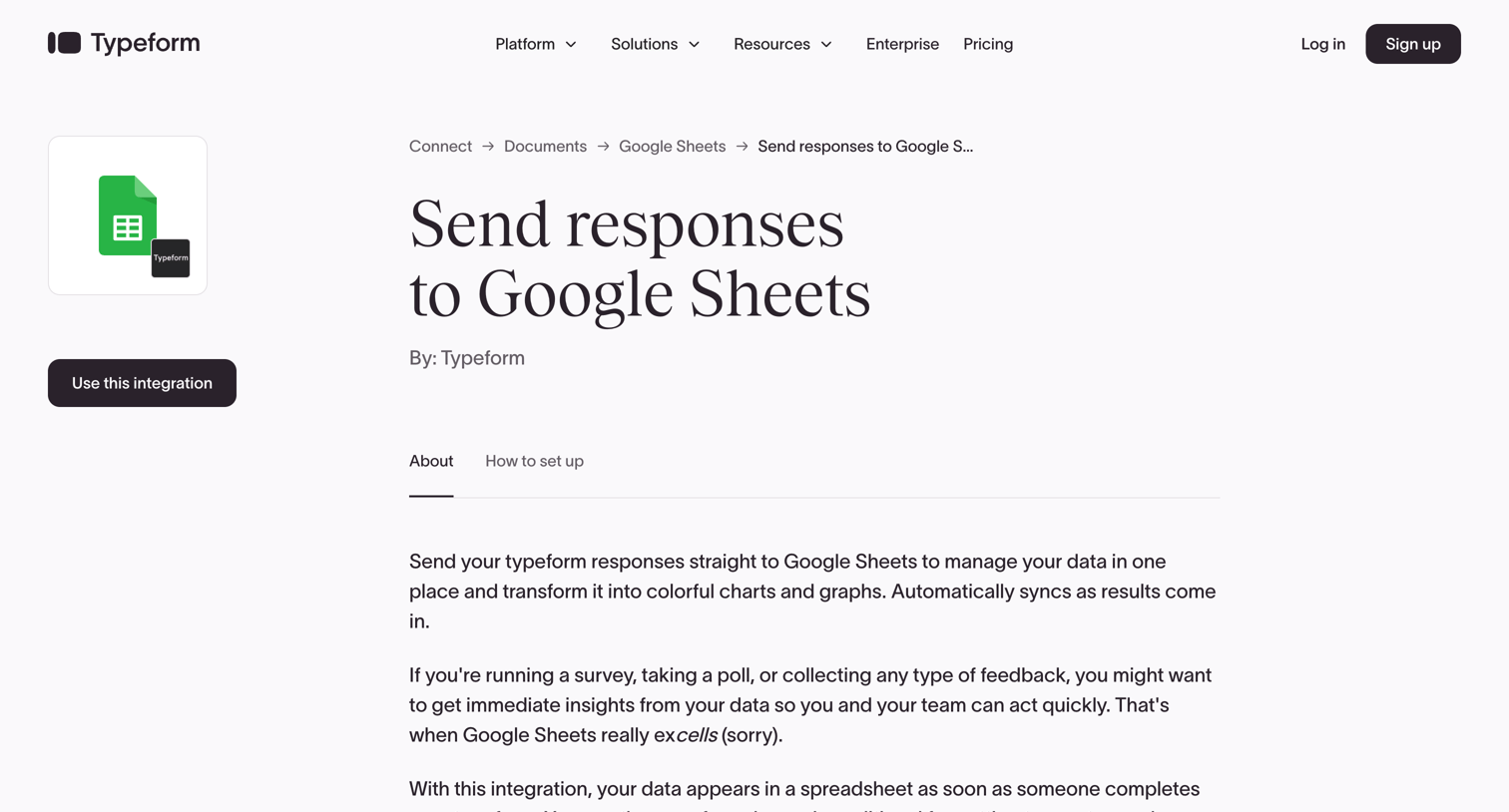

Integration detail page where the user learns how to send Typeform responses to Google Sheets, with tabs for about and setup instructions.
Explore the full SaaS screen library
Upgrade to unlock the full library.
Trusted by the best teams







