Application management screen examples
Application management screen design examples from SaaS apps. Browse examples from Zaro, Beside, Exa.
Explore the examples
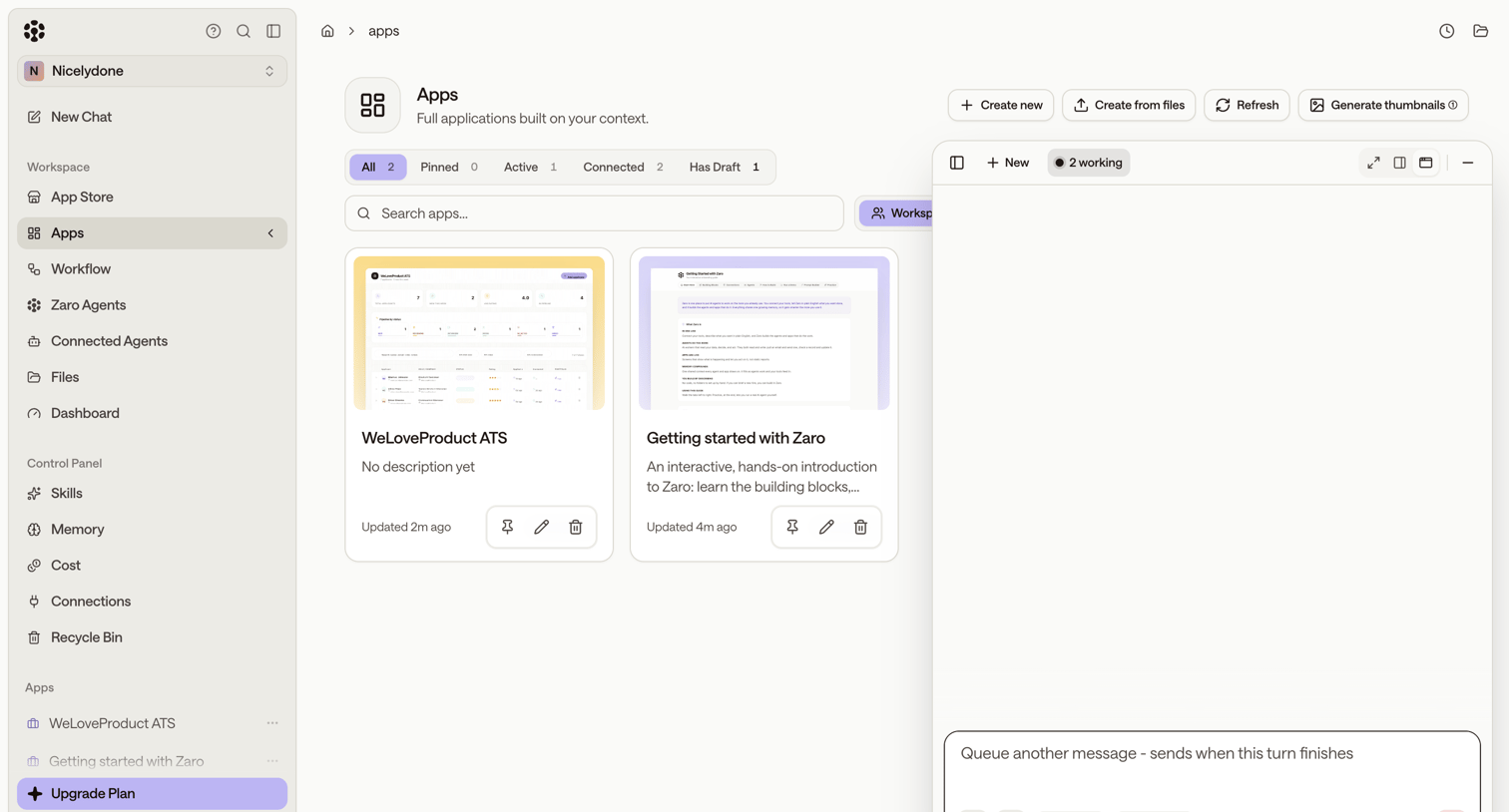

List view where the user manages their built applications, with options to create new apps, filter by status, and interact with an AI assistant in a dedicated side panel.
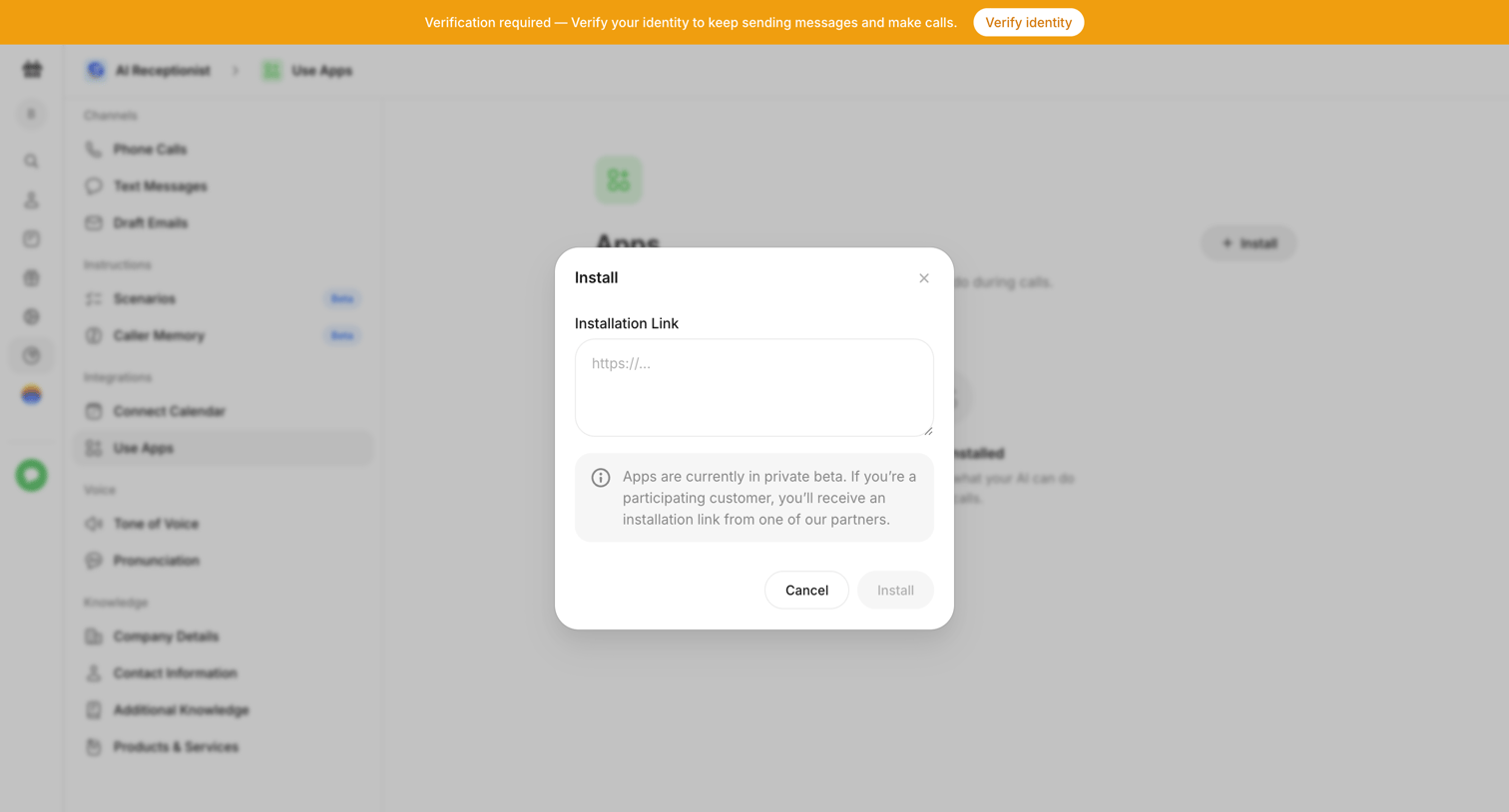

Settings page where the user is prompted to install an integration via a modal requiring an installation link, while a global banner requests identity verification.
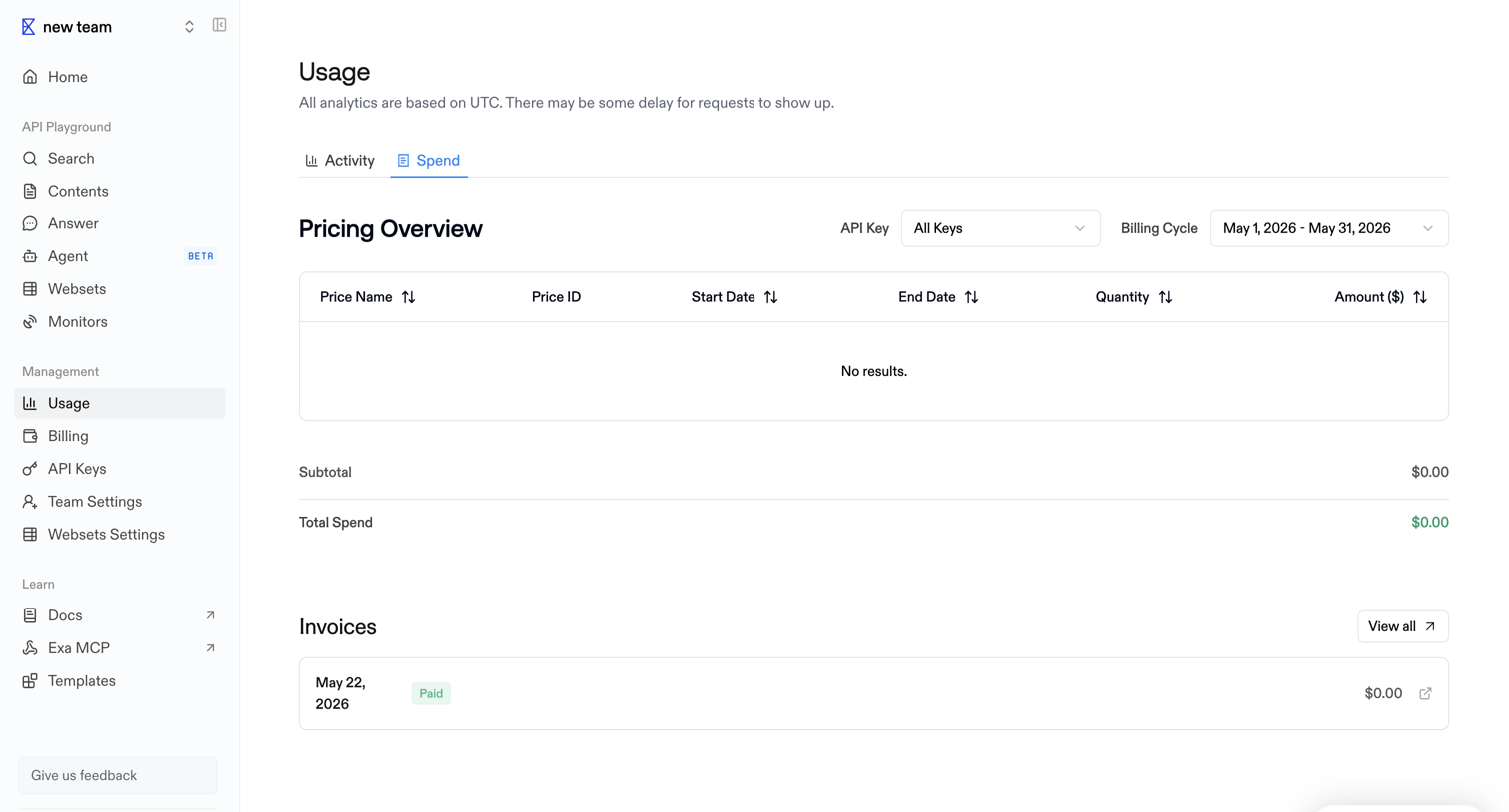

Usage settings page where the user views their pricing overview filtered by API key and billing cycle, along with a history of past invoices.
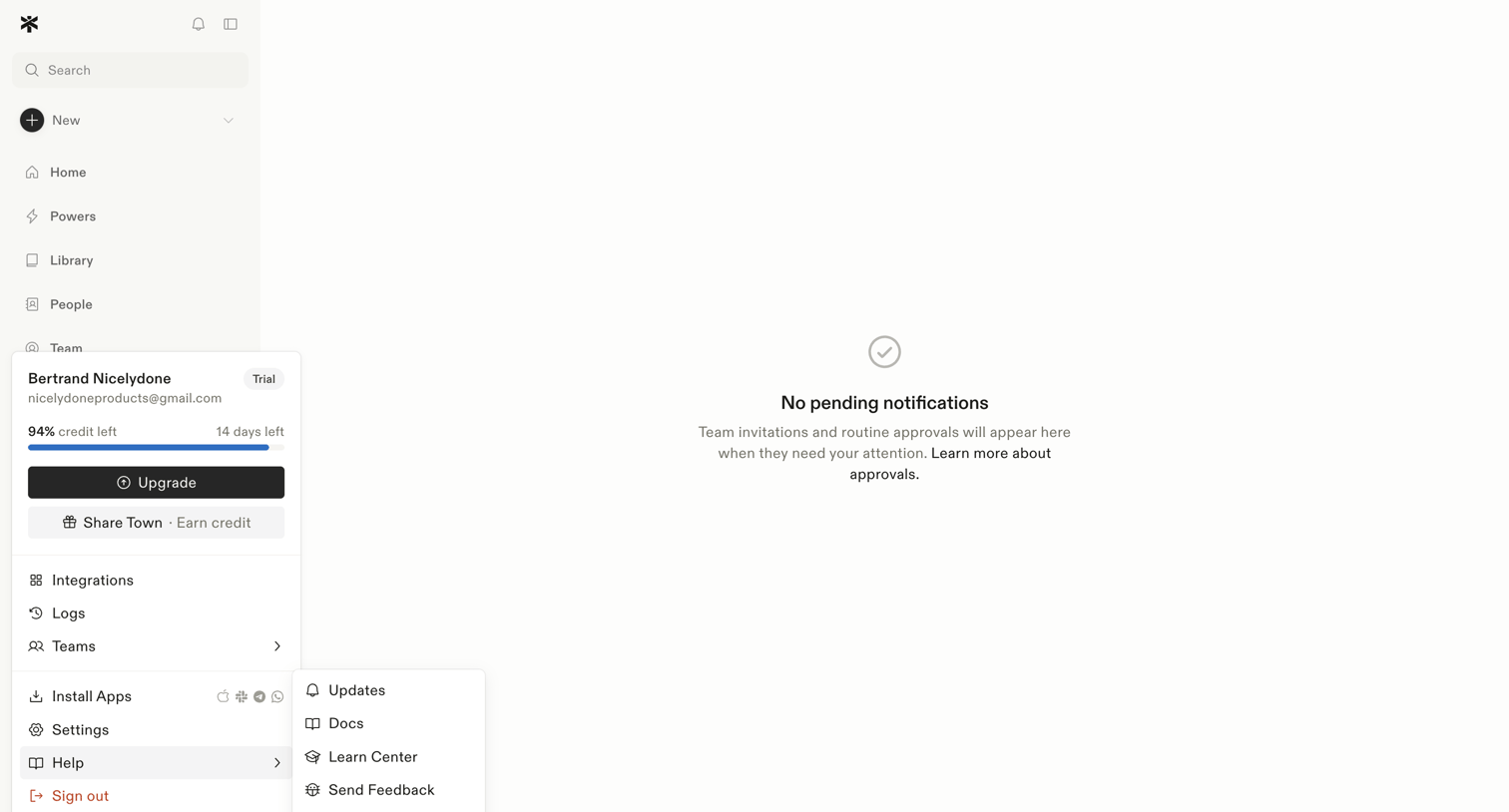

Inbox view where the user manages team invitations and routine approvals, currently showing a zero-state message with no pending items.
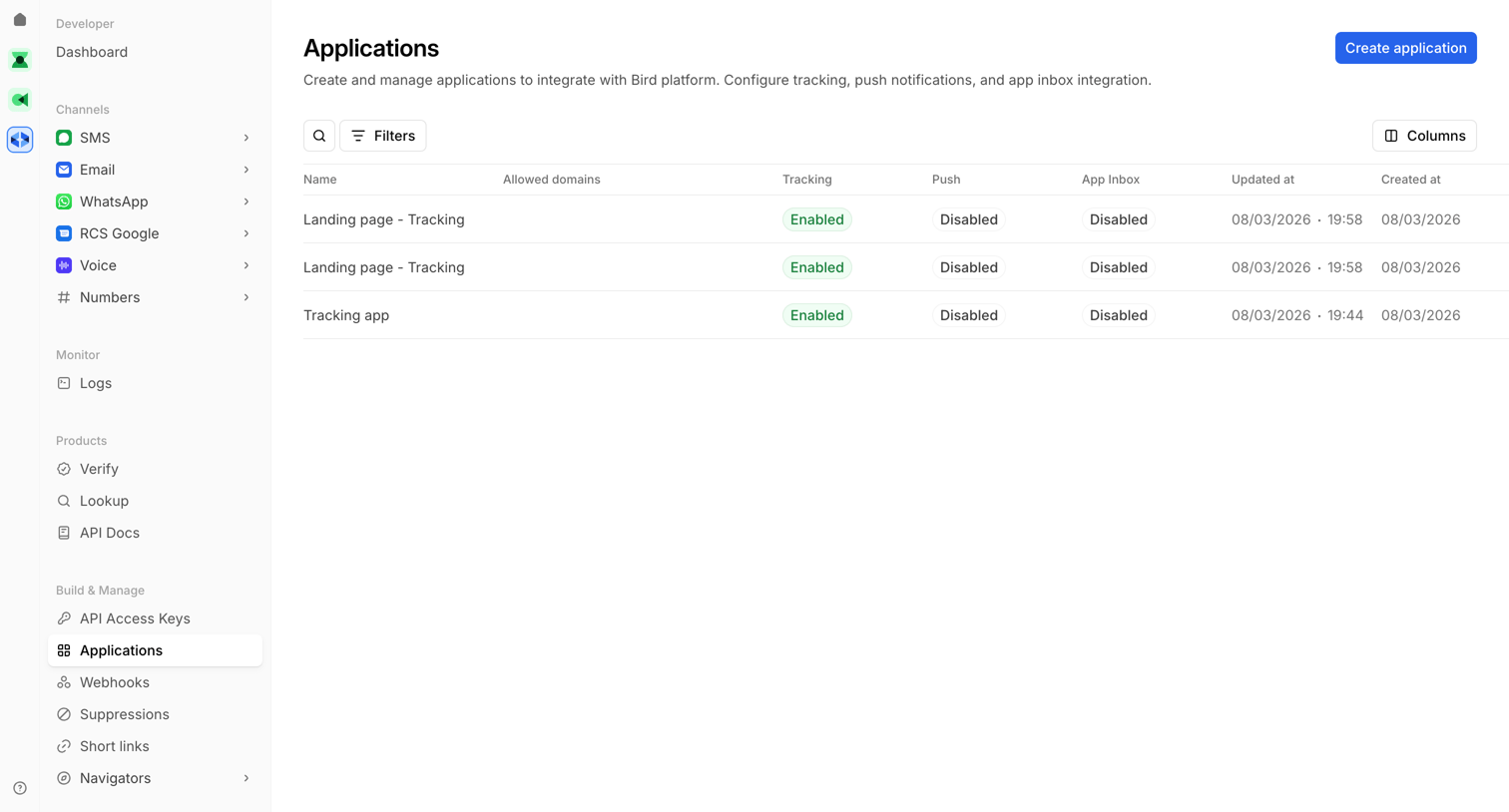

List view where the user manages applications integrated with the platform, viewing tracking and push notification statuses.
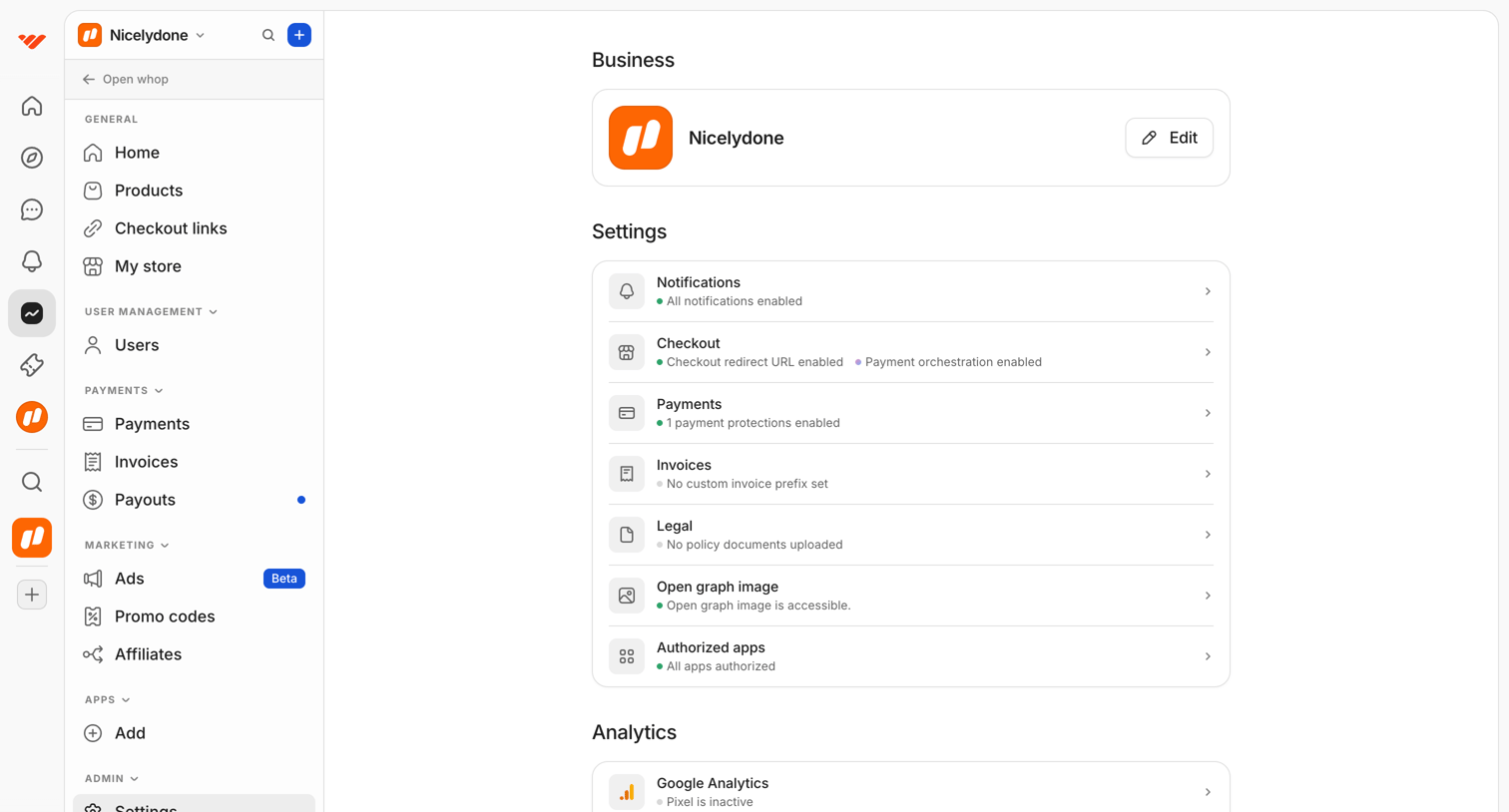

Settings overview page where the user can access business details, configuration categories like checkout and payments, and analytics integrations.
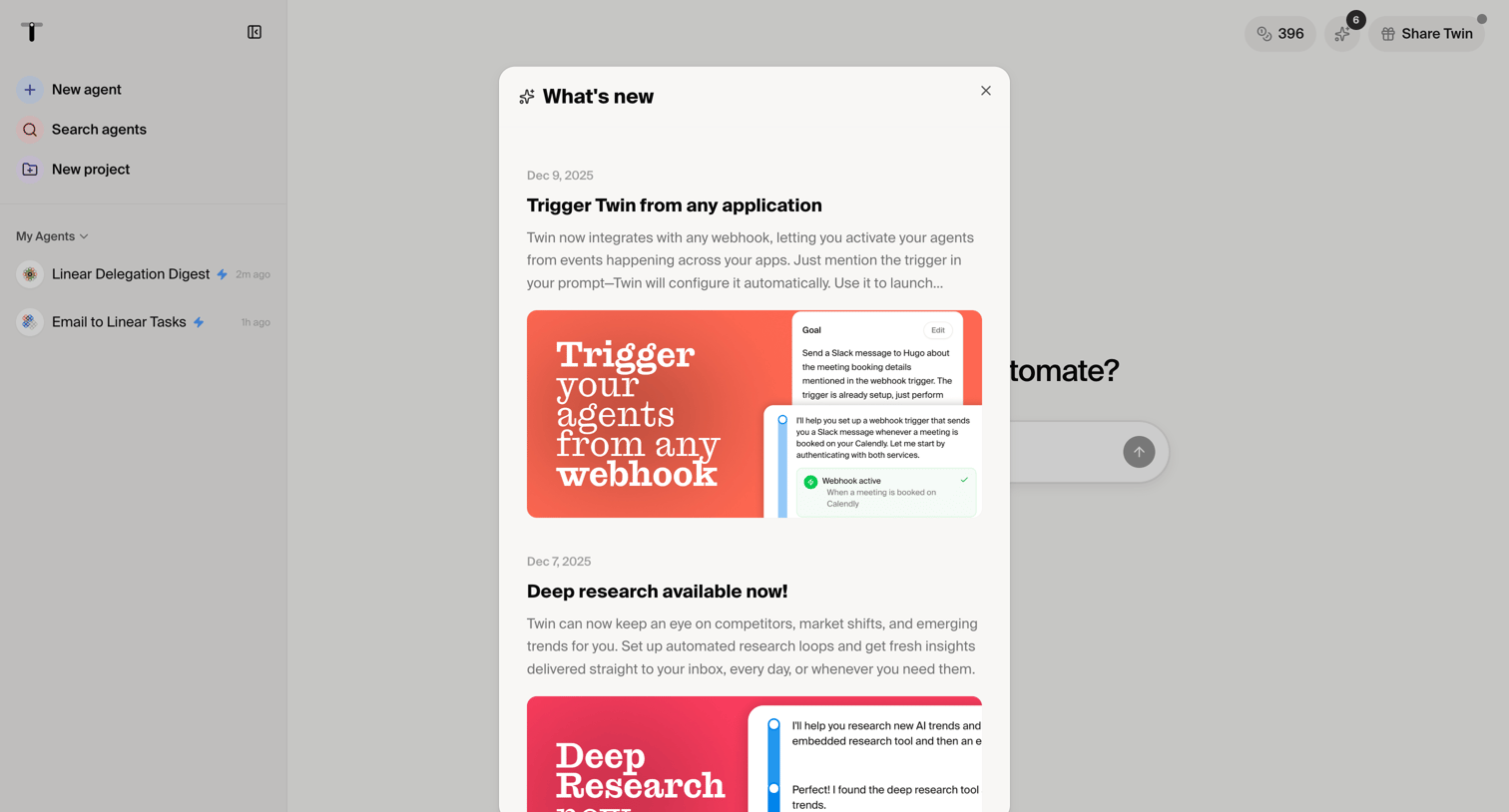

Dashboard start screen with a modal announcing new features like webhook triggers and deep research capabilities.
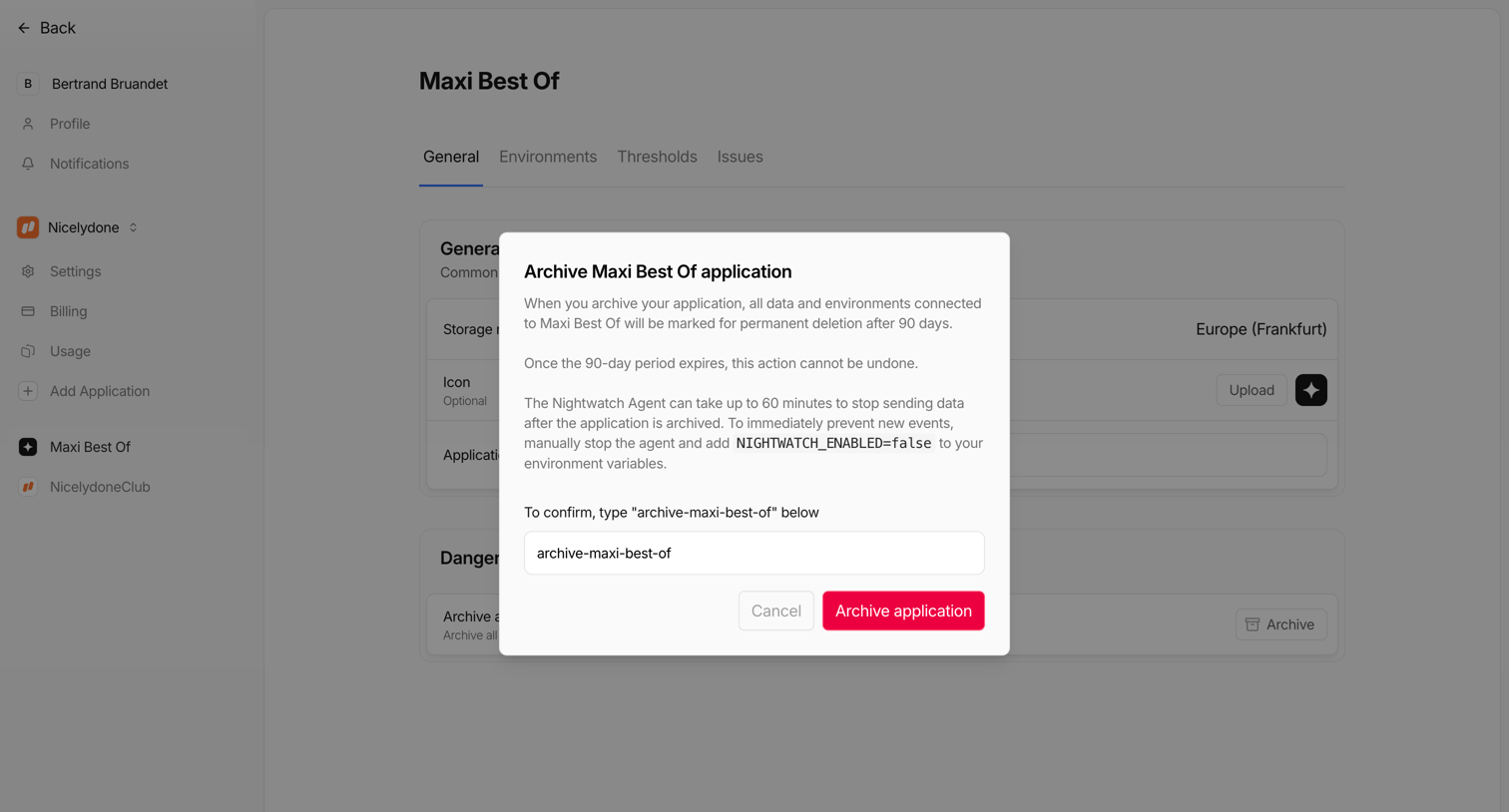

Settings page where the user must type the application name into a modal to confirm archiving it permanently.
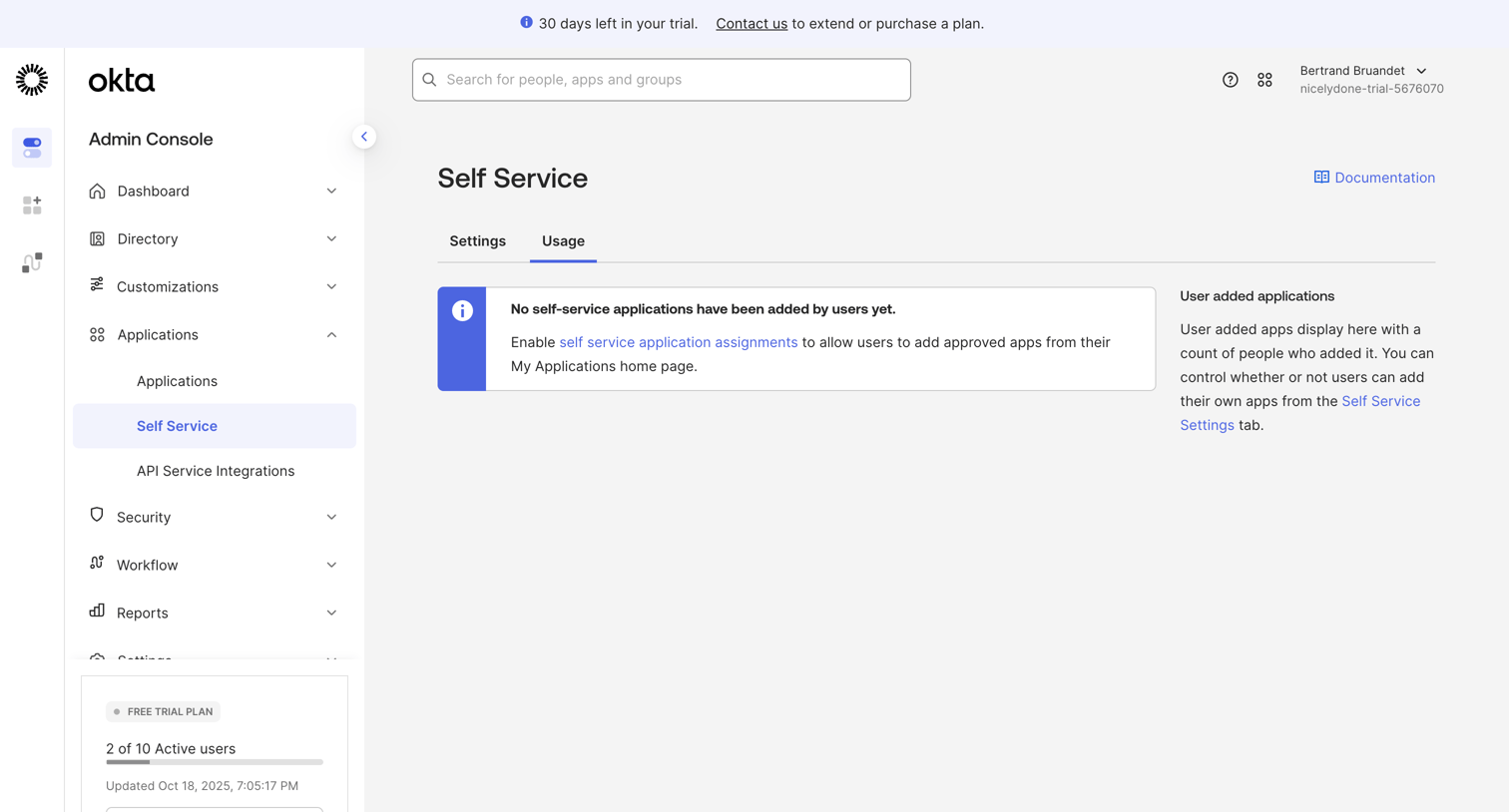

Settings page where the admin views the usage of self-service applications, currently showing an empty state because no apps have been added.
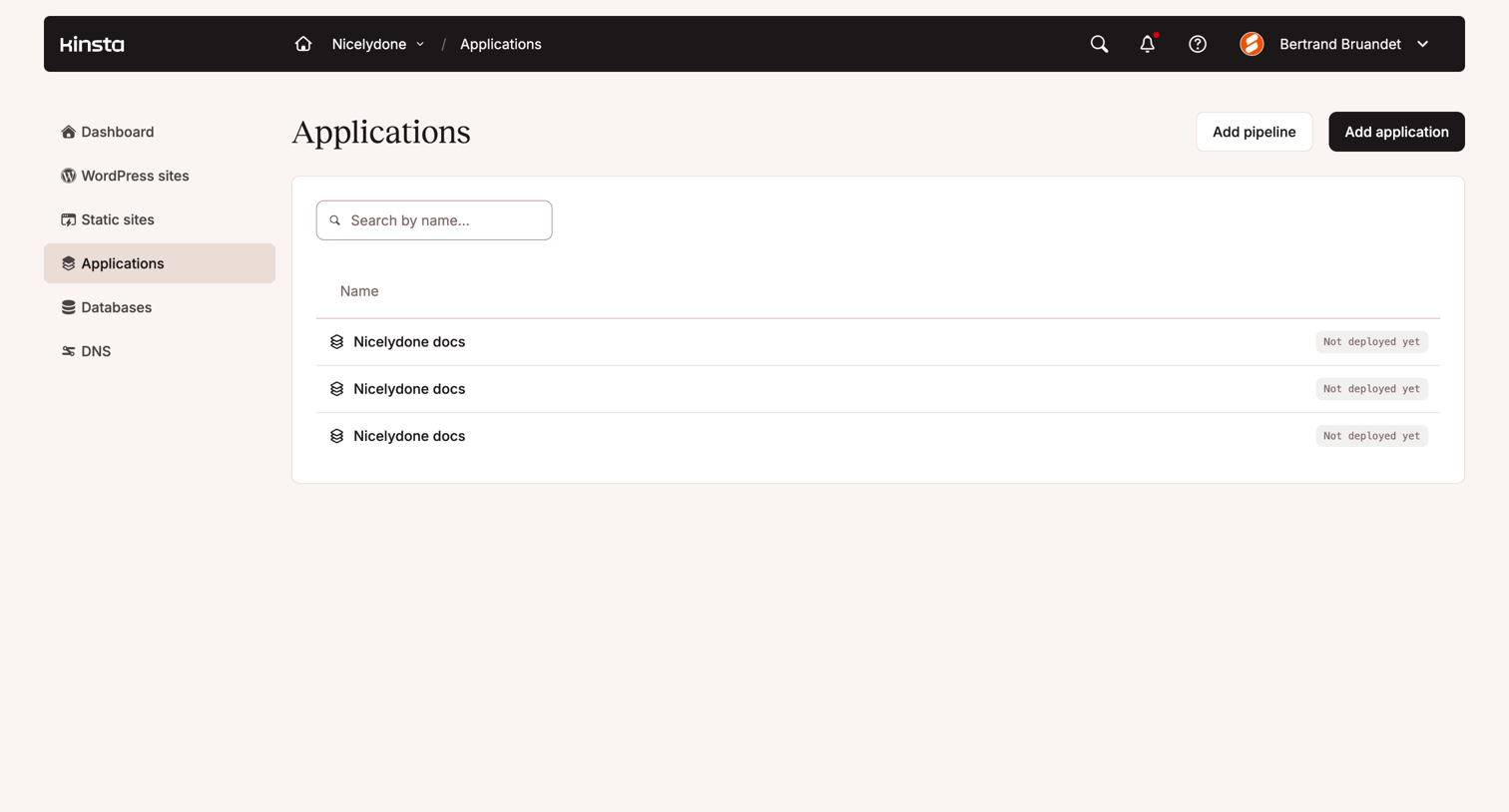

List view where the user manages their deployed applications and can add new ones or pipelines.
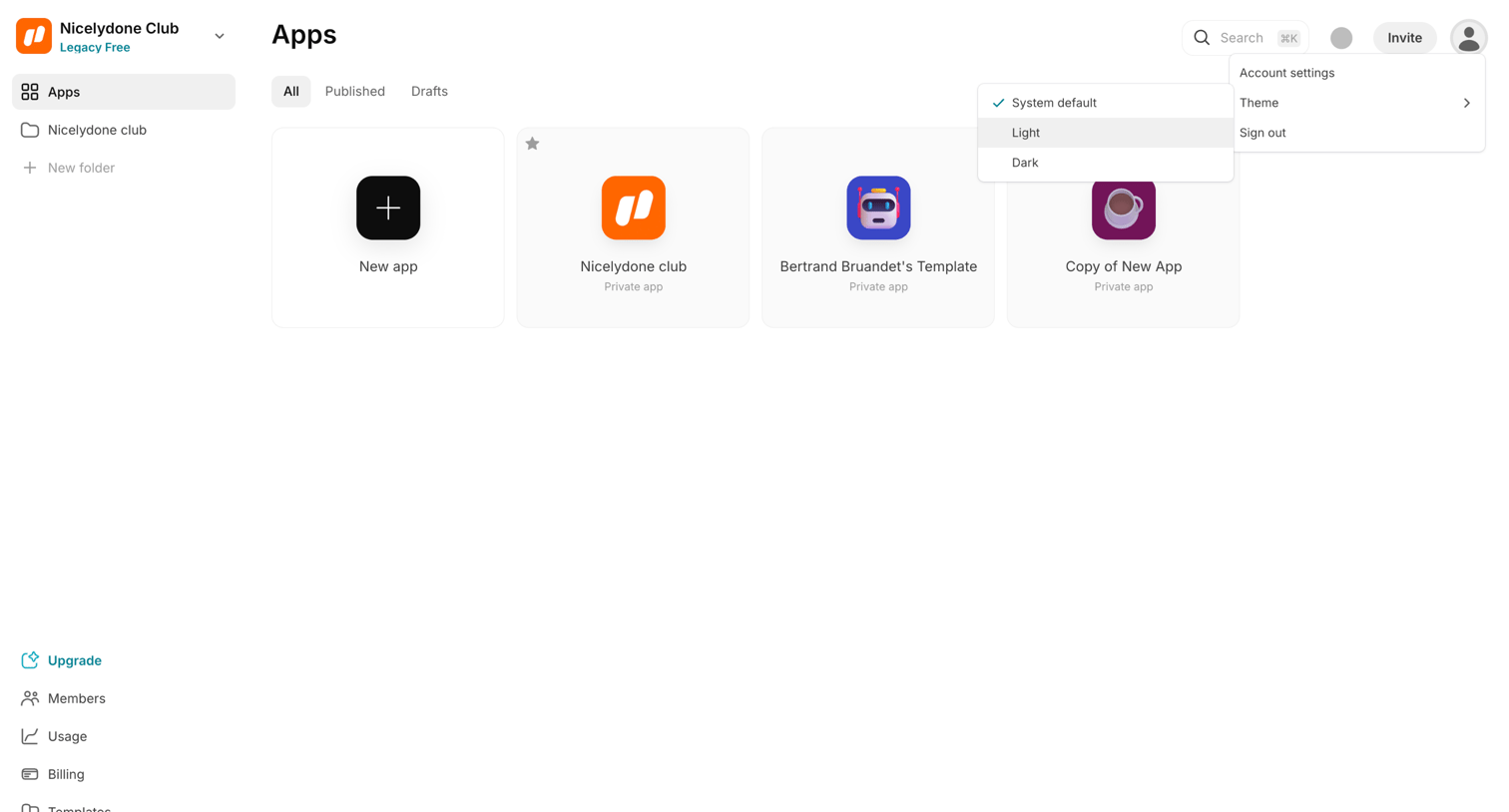

Workspace gallery where the user views and manages their apps, with a nested theme-selection menu currently open.
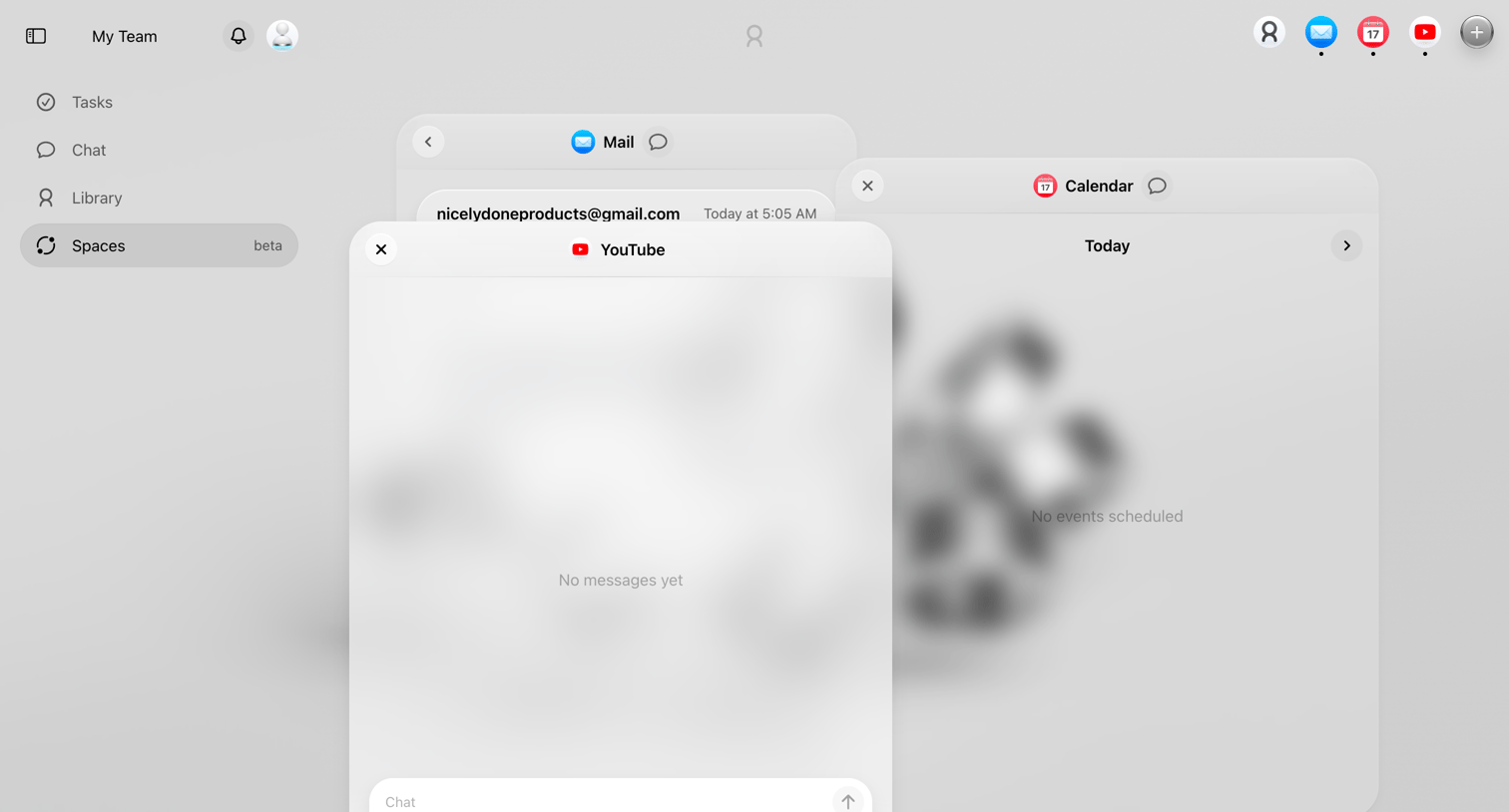

Workspace view where the user manages floating app integrations like Mail, Calendar, and YouTube, interacting with them via an AI chat composer.
Explore the full SaaS screen library
Upgrade to unlock the full library.
Trusted by the best teams







