Nightwatch design examples
Explore Nightwatch UI design examples. Monitor your Laravel applications with precision
Product screens


Sign-in screen where the user authenticates with an email and password to access Nightwatch.
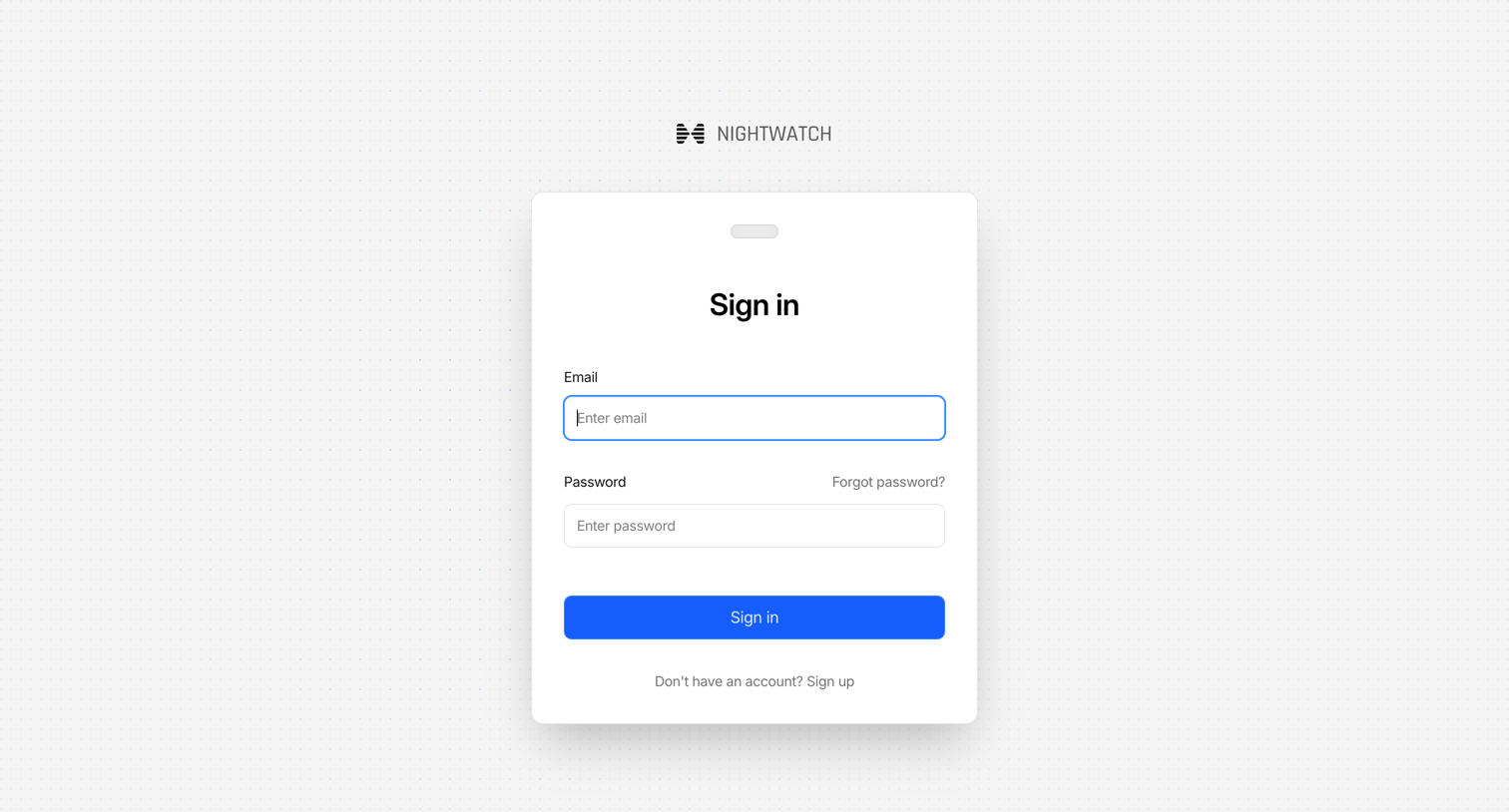
Sign-in screen where the user authenticates with their email and password to access Nightwatch.
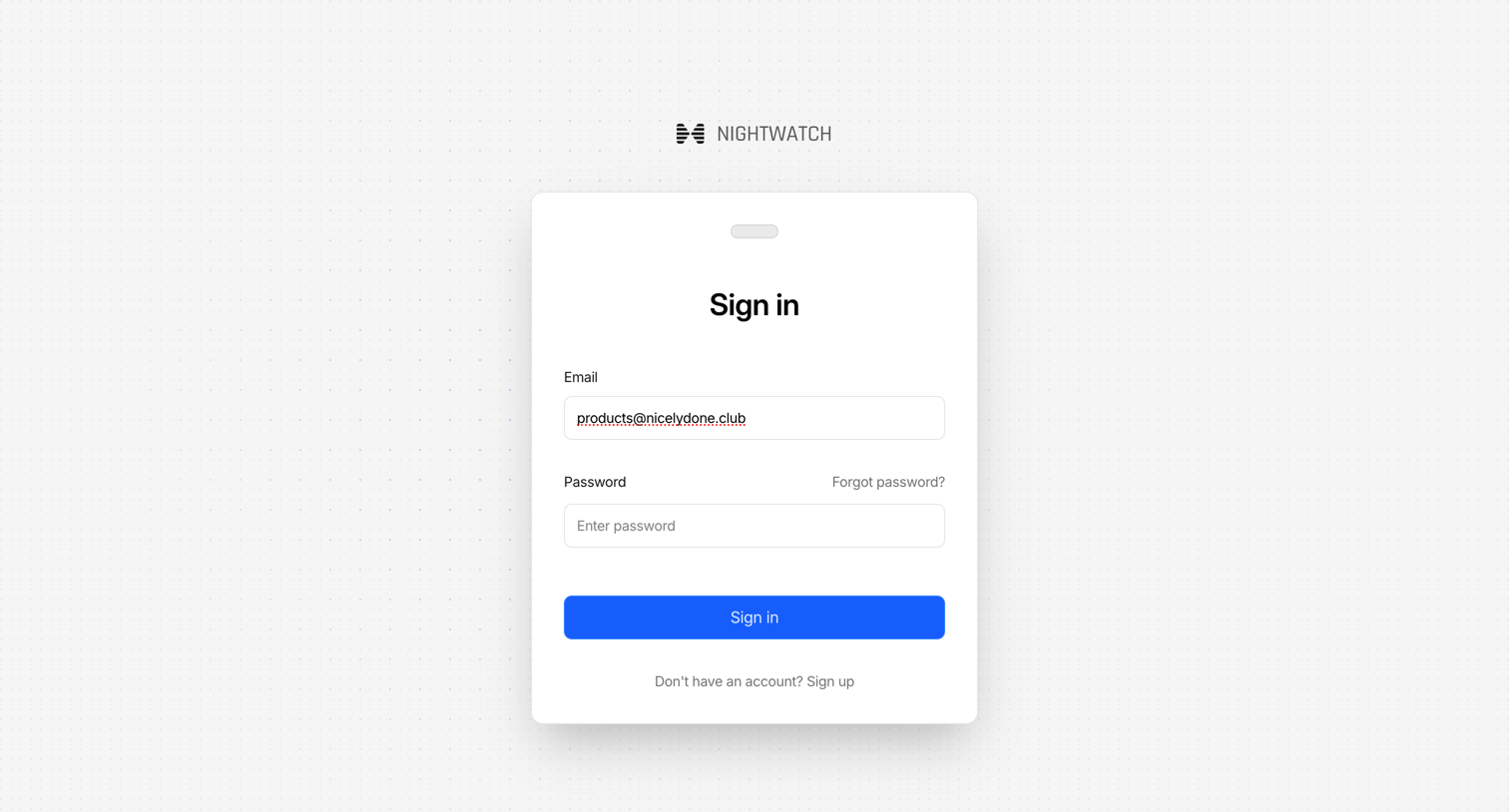
Sign-in screen where the user authenticates with their email and password to access Nightwatch.
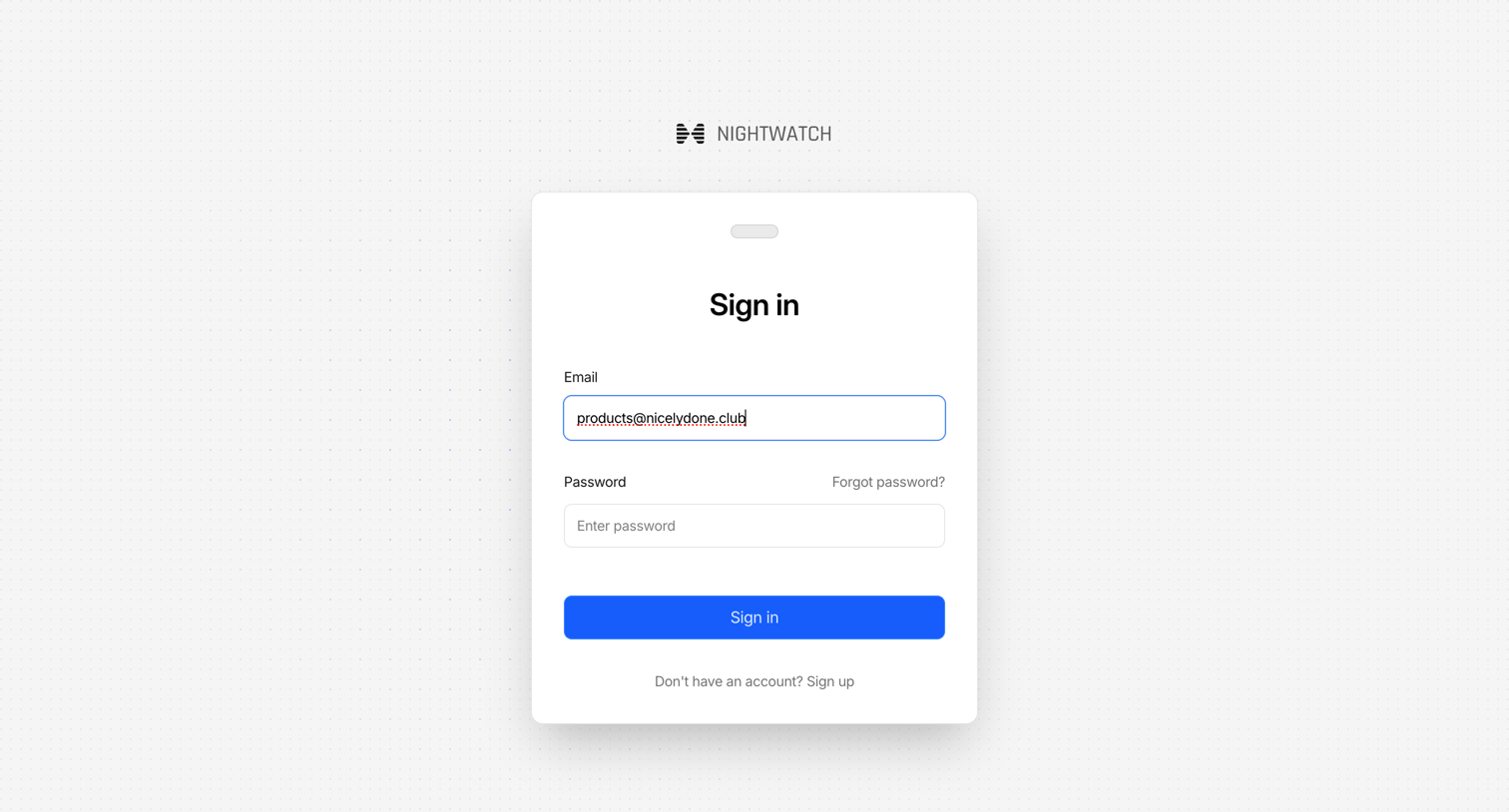
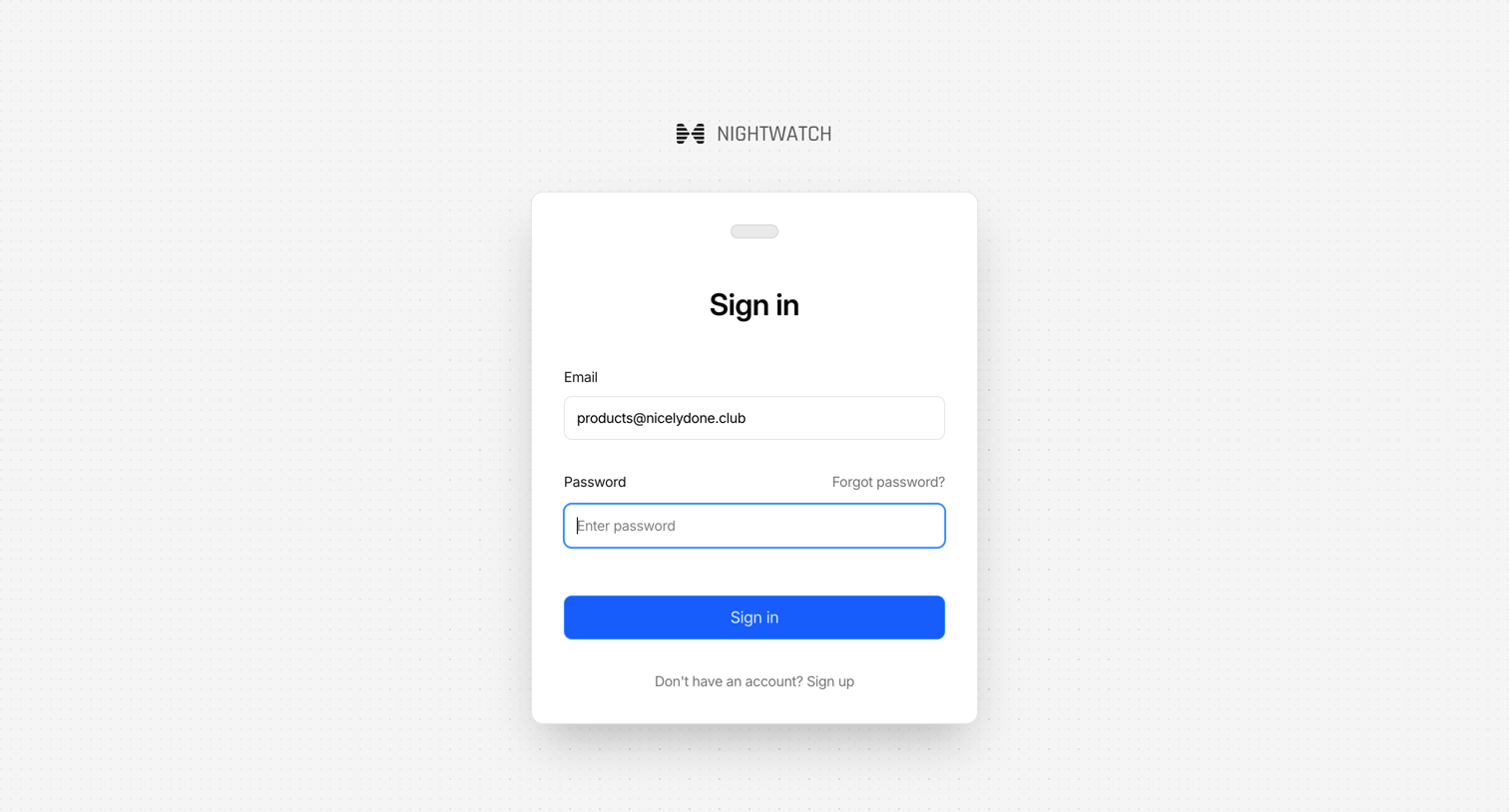
Sign-in screen where the user authenticates with their email and password to access Nightwatch.
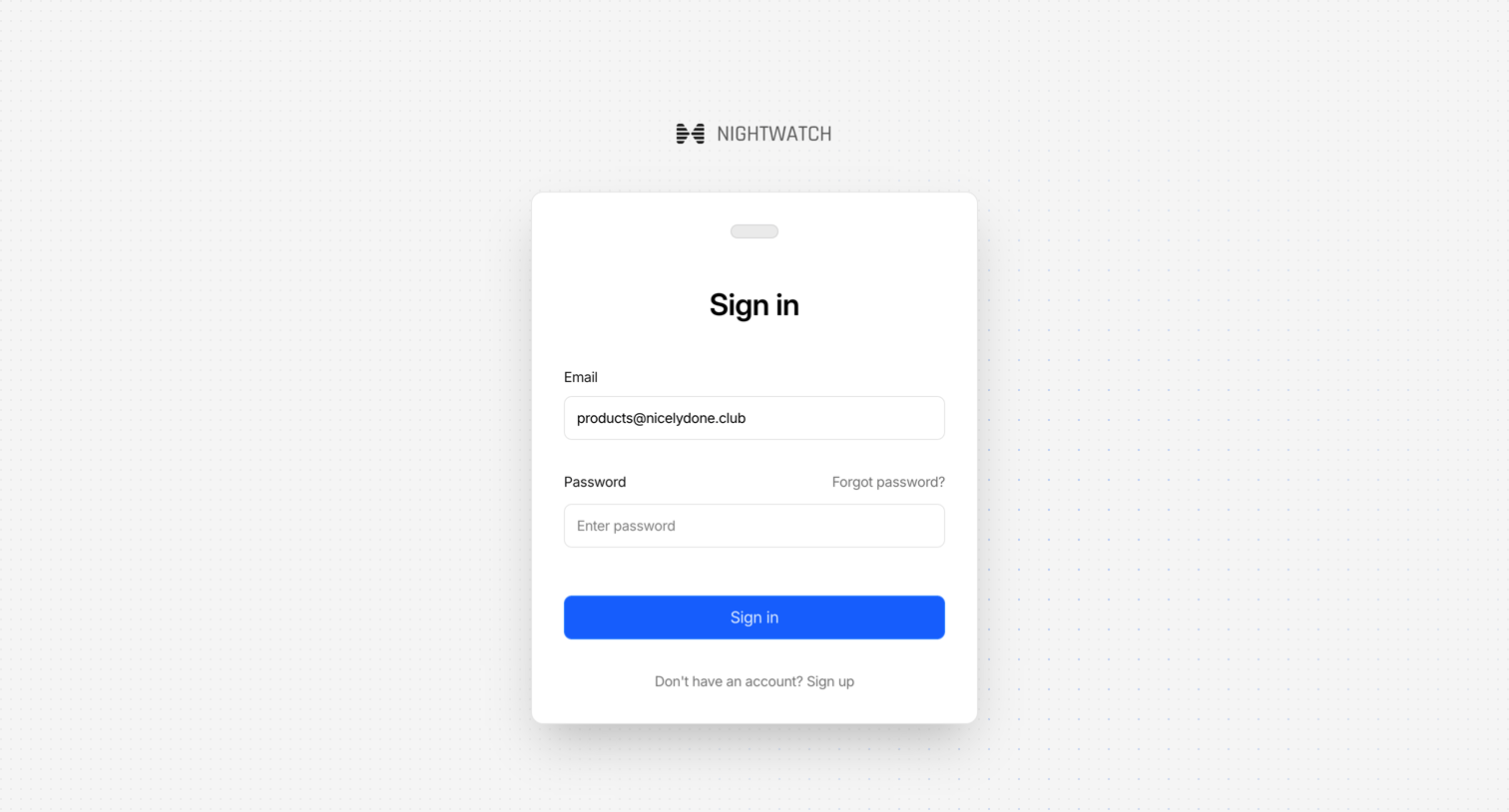
Sign-in screen where the user authenticates with their email and password to access the application.
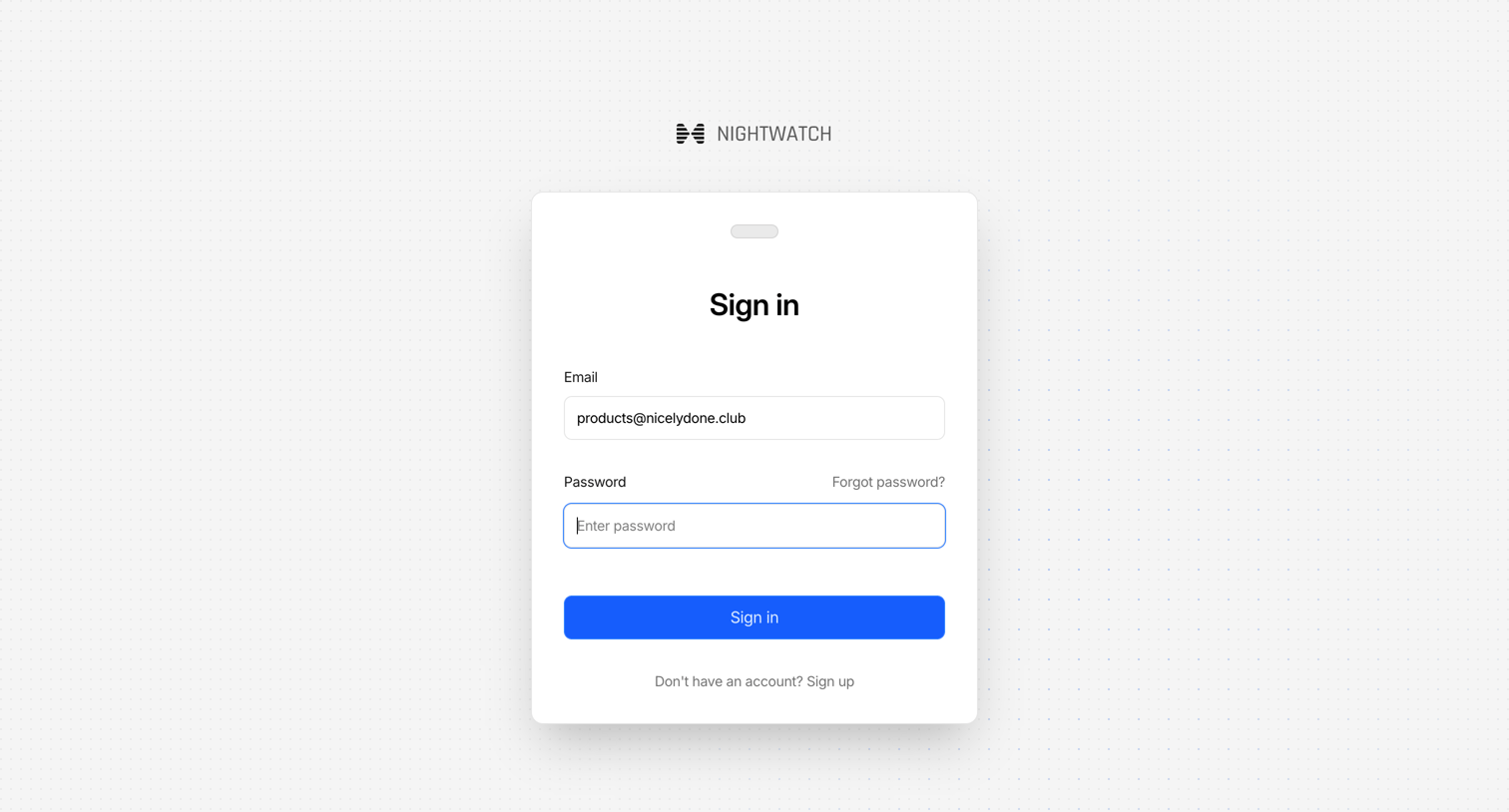
Sign-in screen where the user authenticates to Nightwatch using their email and password.
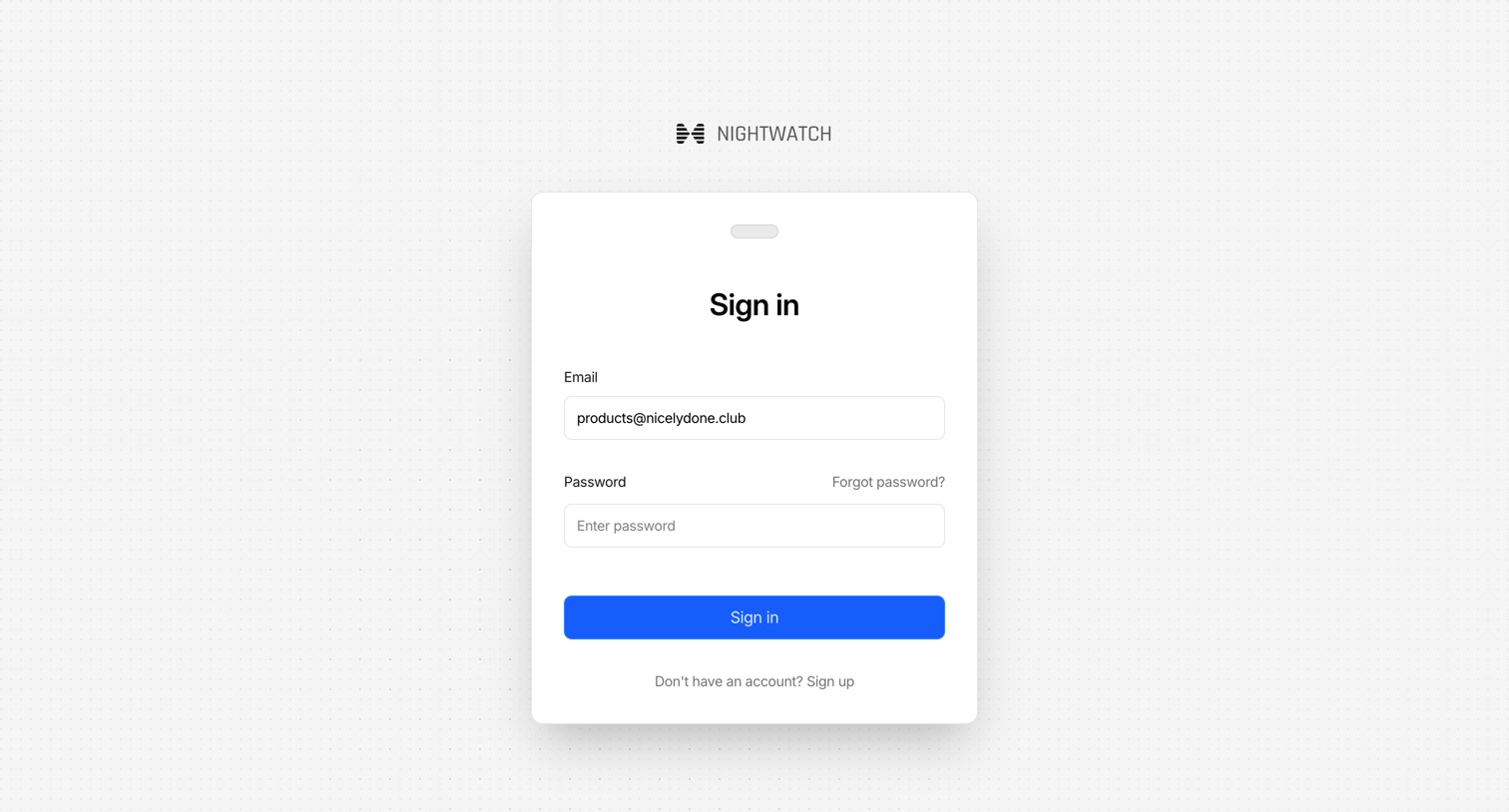
Sign-in screen where the user authenticates with their email and password to access Nightwatch.
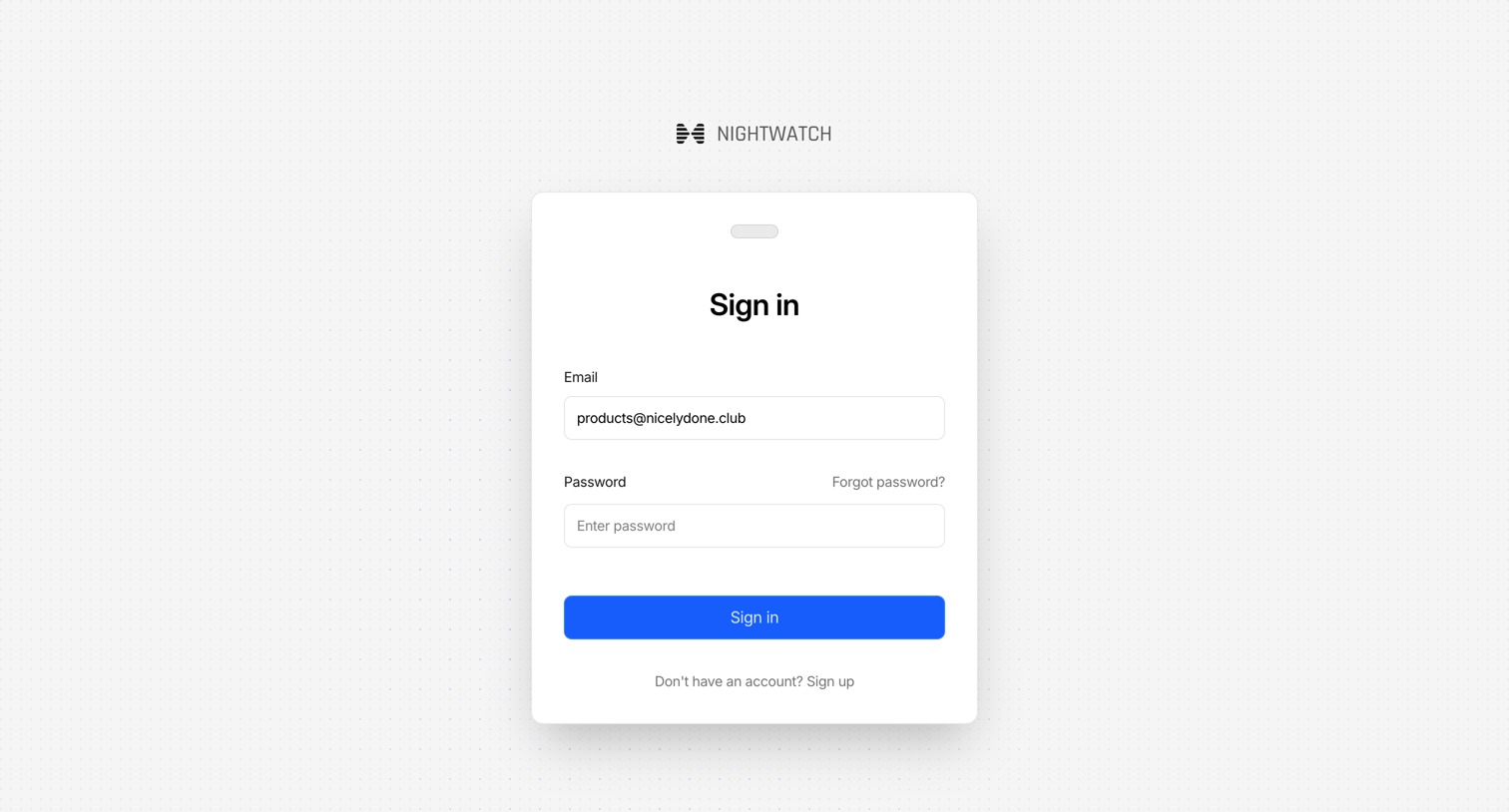
Sign-in screen where the user authenticates with an email and password, featuring links to recover a forgotten password or create a new account.
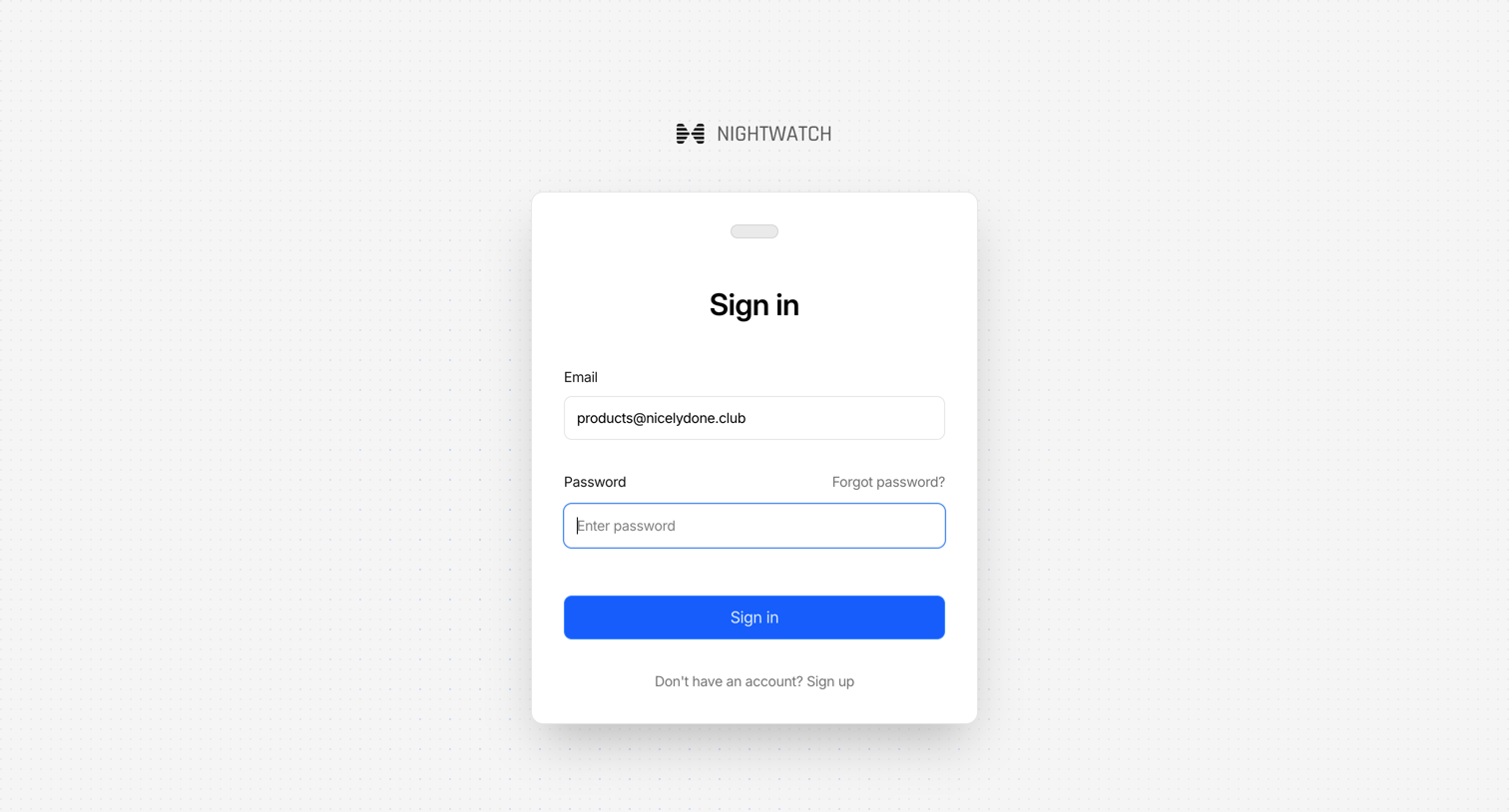
Sign-in screen where the user authenticates with their email and password to access the platform.
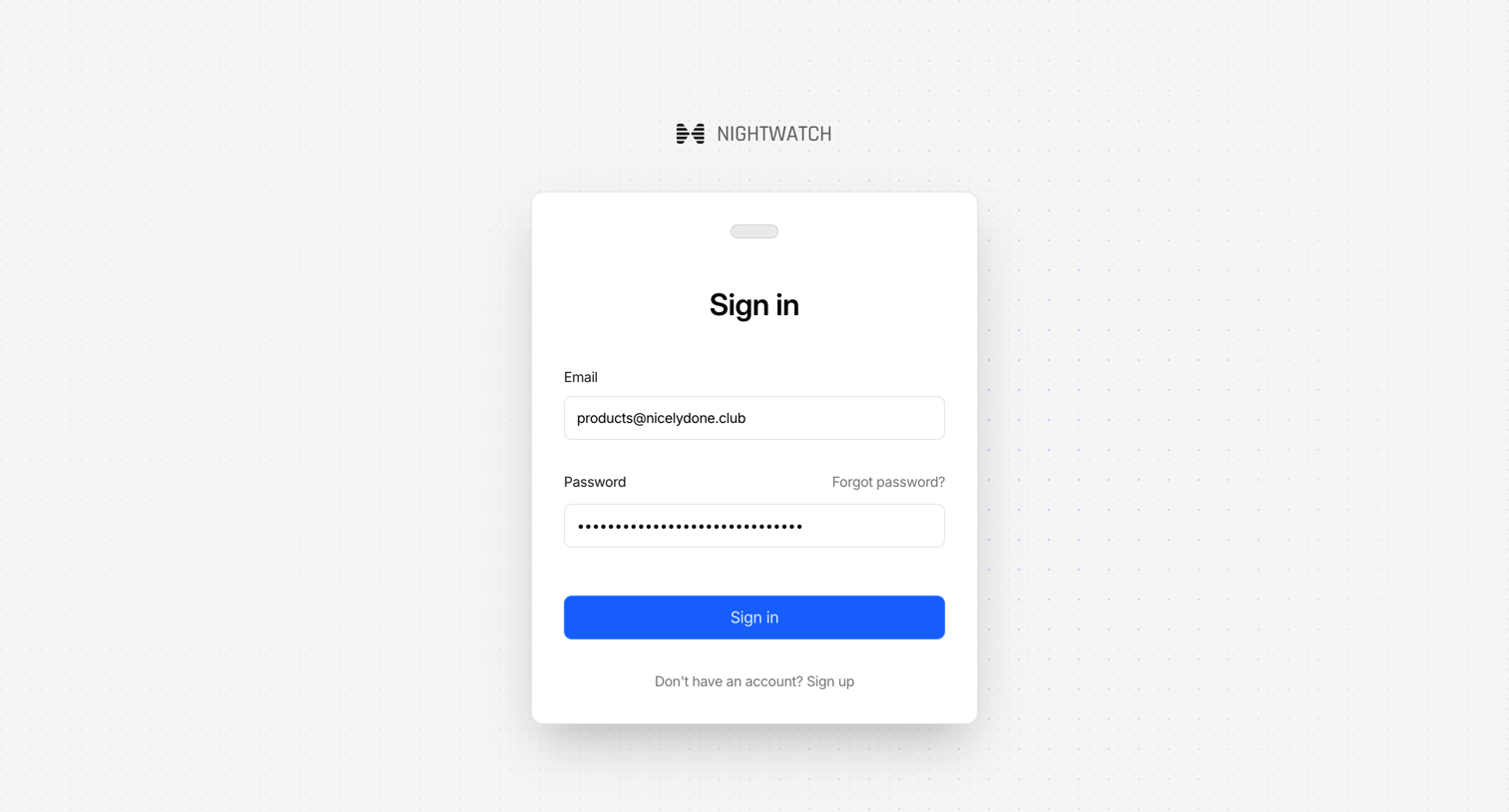
Sign-in screen where the user authenticates with their email and password to access Nightwatch.
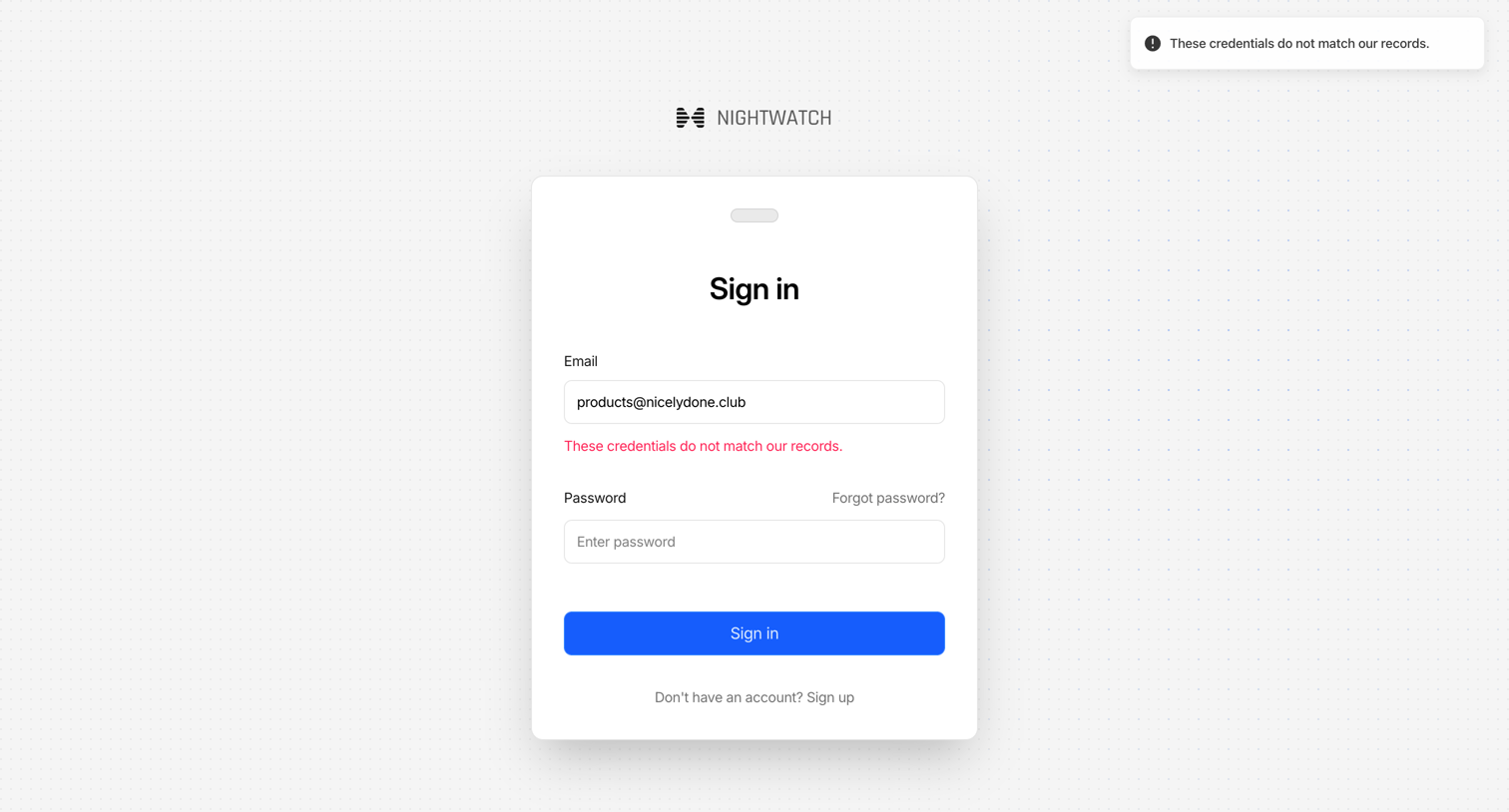
Sign-in screen where the user attempts to authenticate with email and password but encounters a credentials mismatch error.
Browse the full SaaS app library
Explore real SaaS apps with their product screens, marketing screens, flows, and components.
Trusted by the best teams







