Comments screen examples
Comments screen design examples from SaaS apps. See how apps place discussions beside the work they concern. Explore how comment threads, replies, and author details fit around a document, item, or shared…
Explore the examples
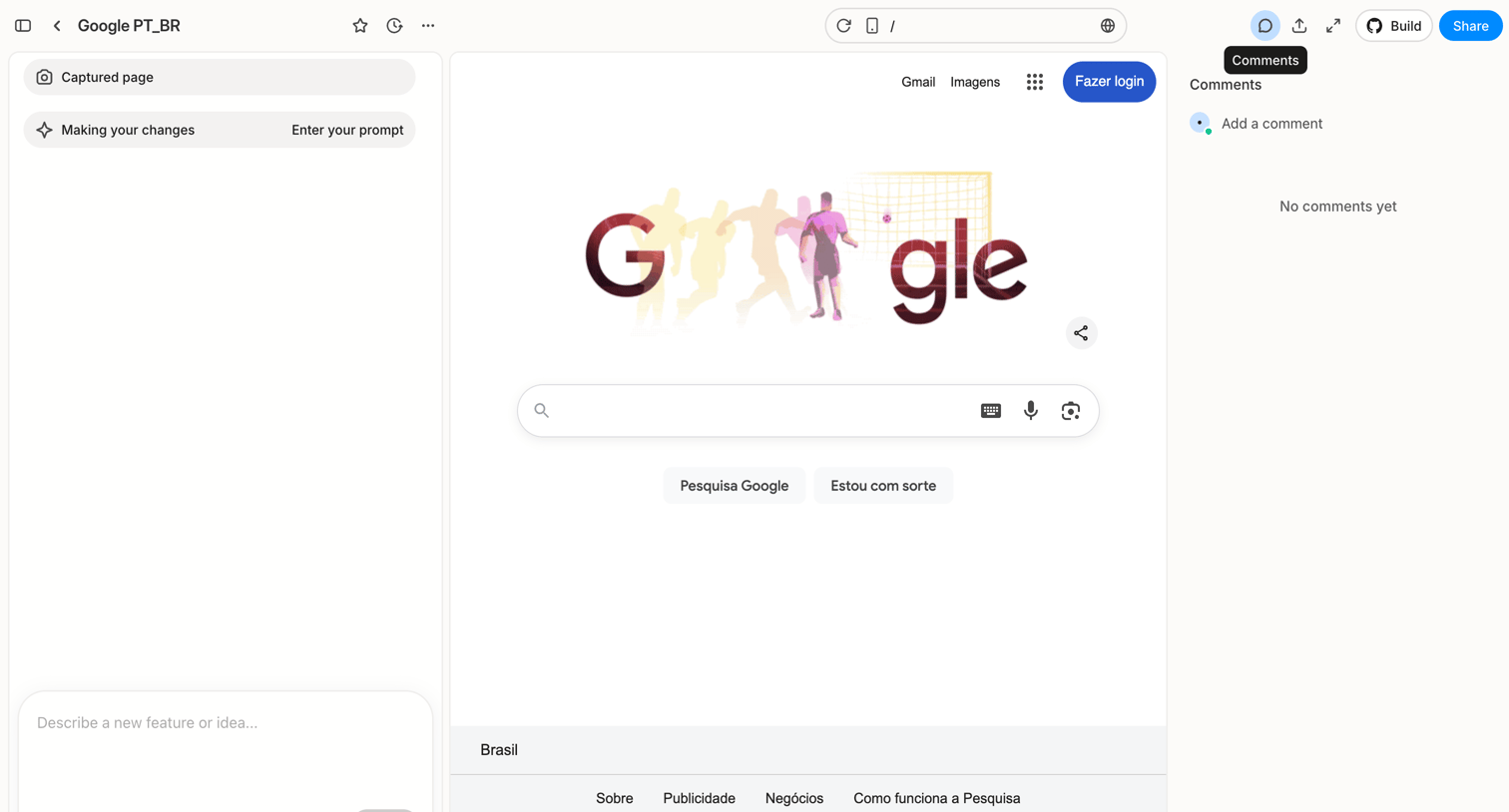

Design editor workspace where the user previews a web page, interacts with an AI assistant via a prompt composer to make changes, and views a collaborative comment sidebar.
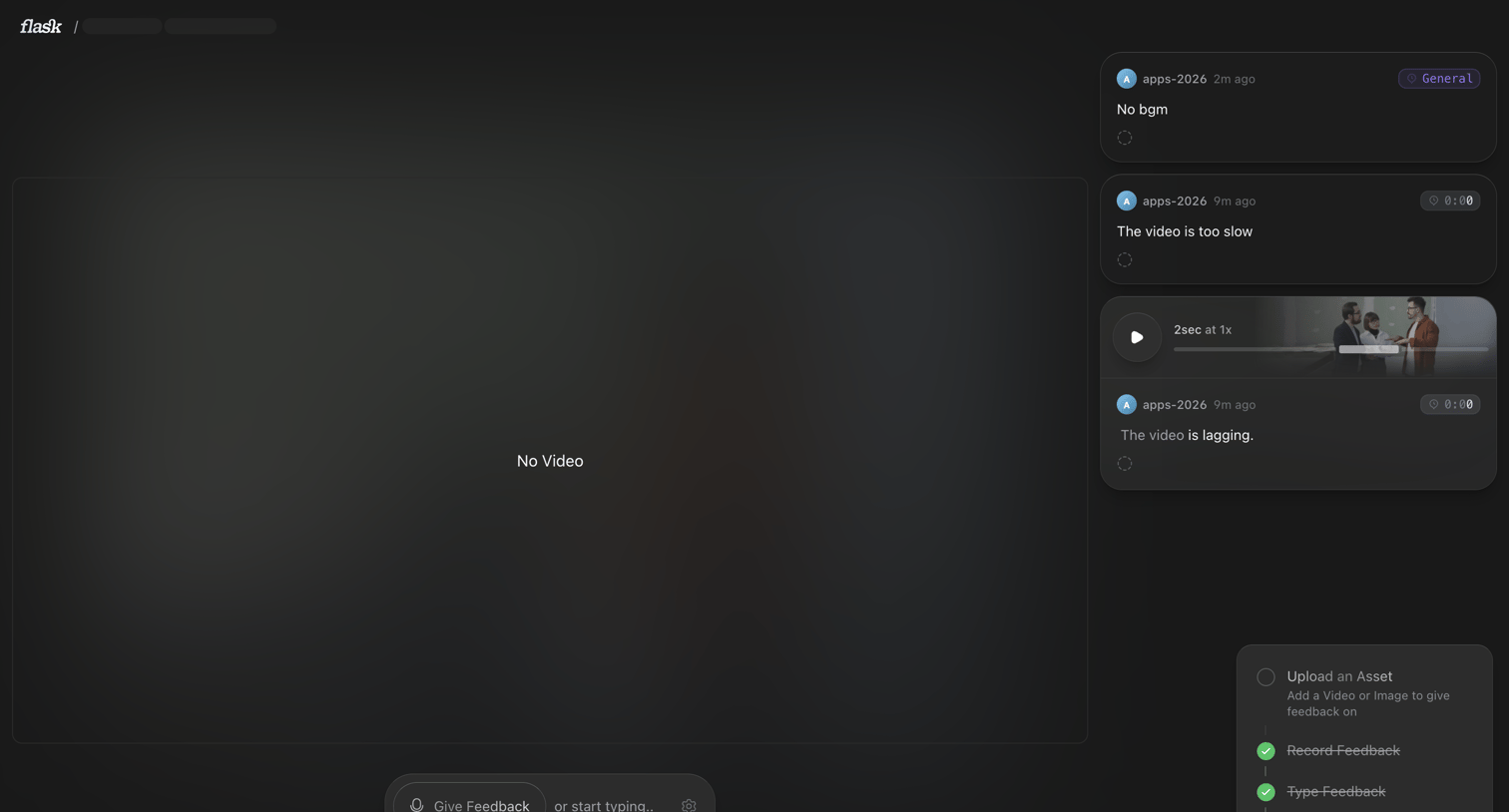

Detail page where the user reviews a video asset and leaves time-stamped text or voice feedback, with a progress checklist indicating setup steps.
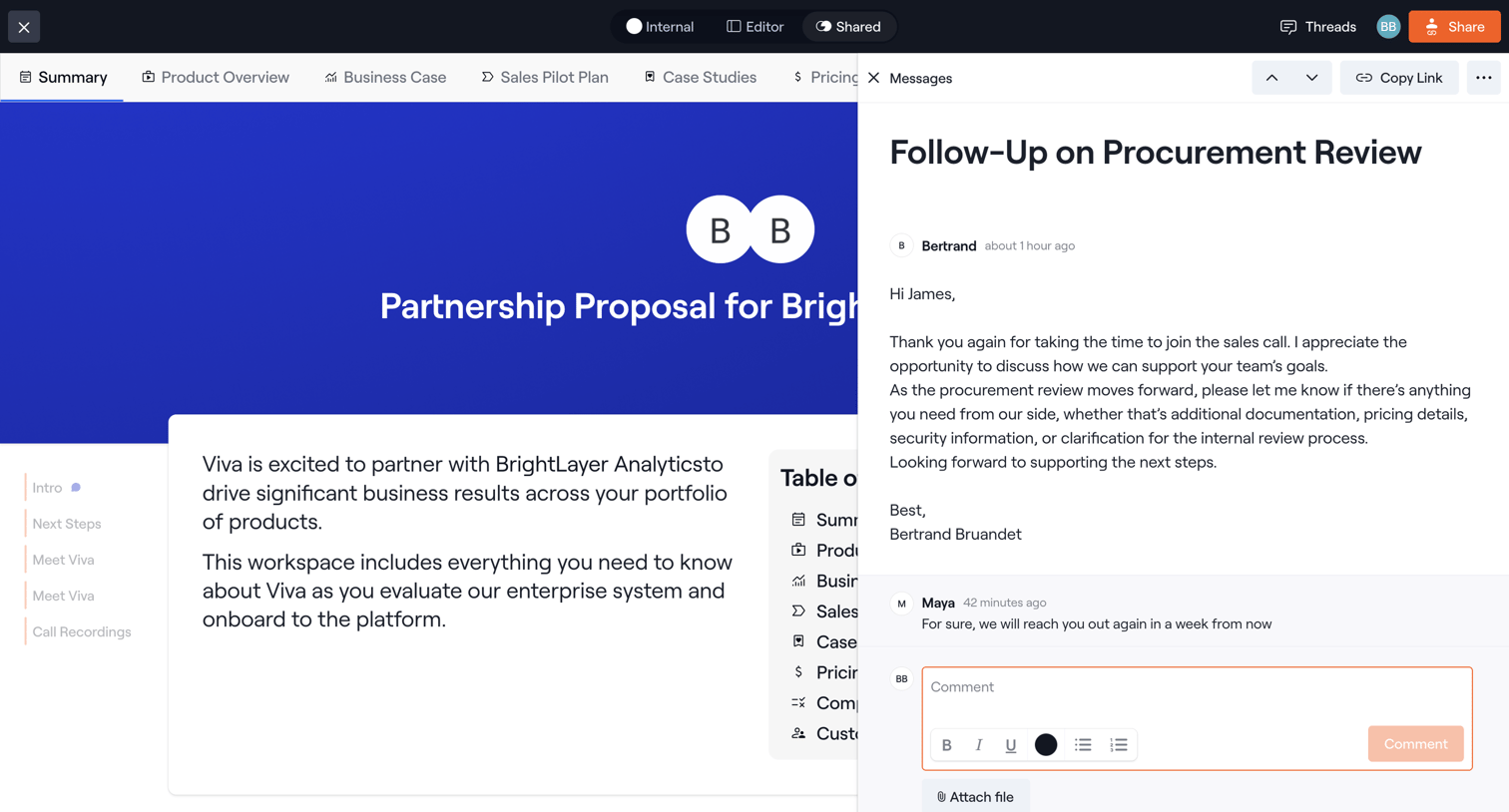

Detail page where a user views a partnership proposal document while reading and replying to a related message thread in a side drawer.
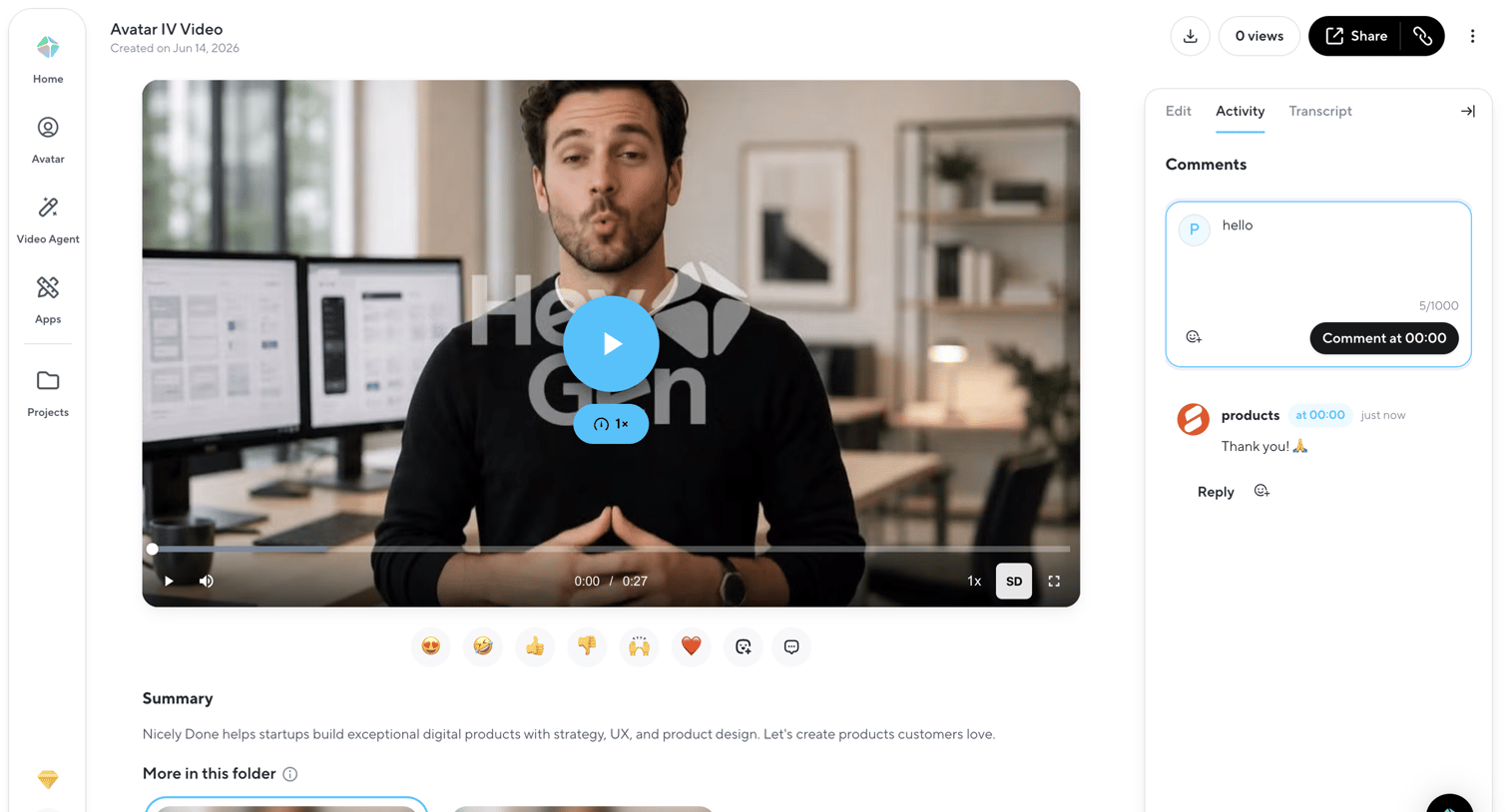

Detail page for a generated video where the user can watch the content, leave timestamped comments, and share the asset.
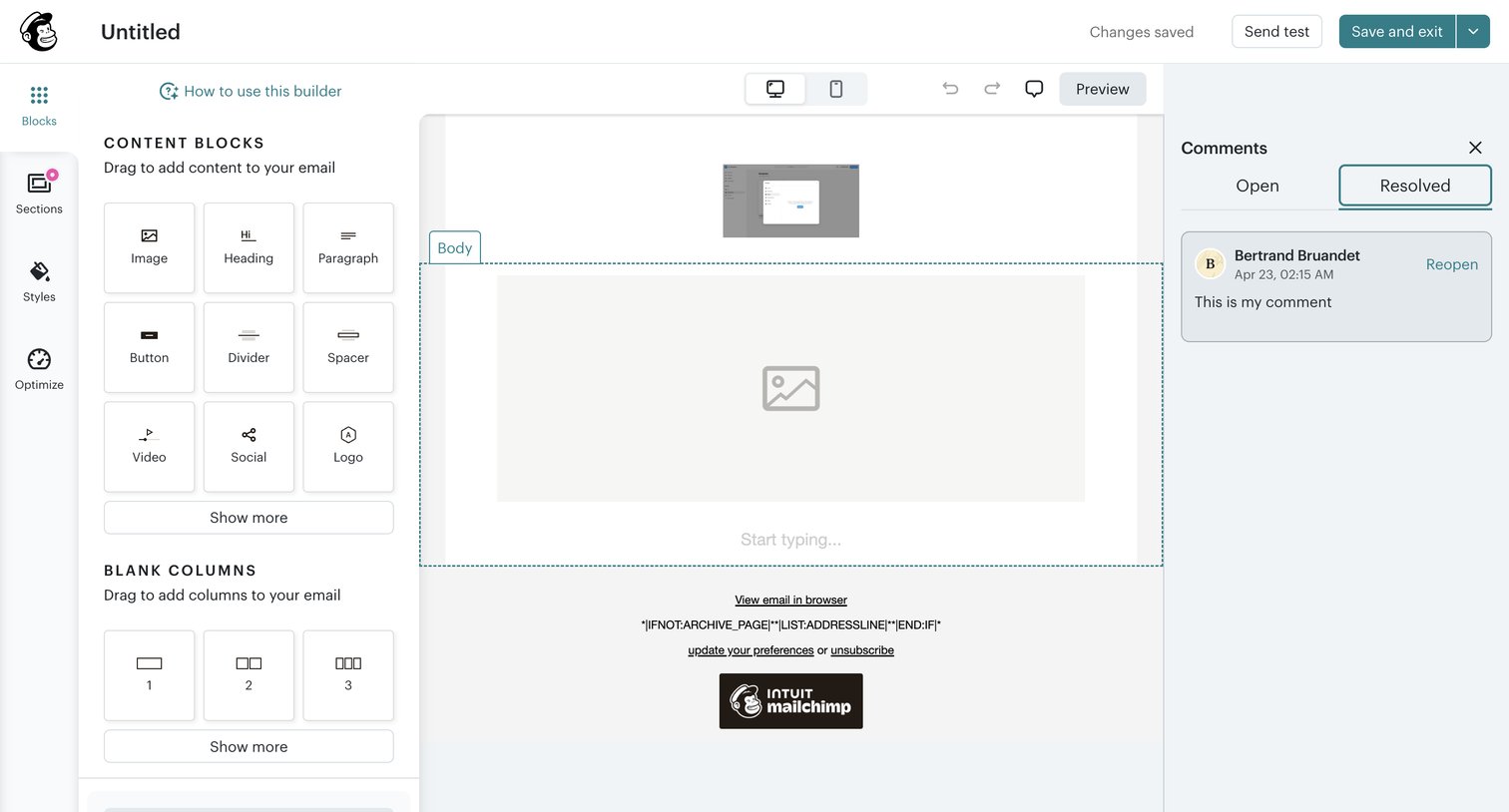

Design editor where the user builds an email campaign by dragging content blocks onto a central canvas and reviewing resolved comments in a side panel.
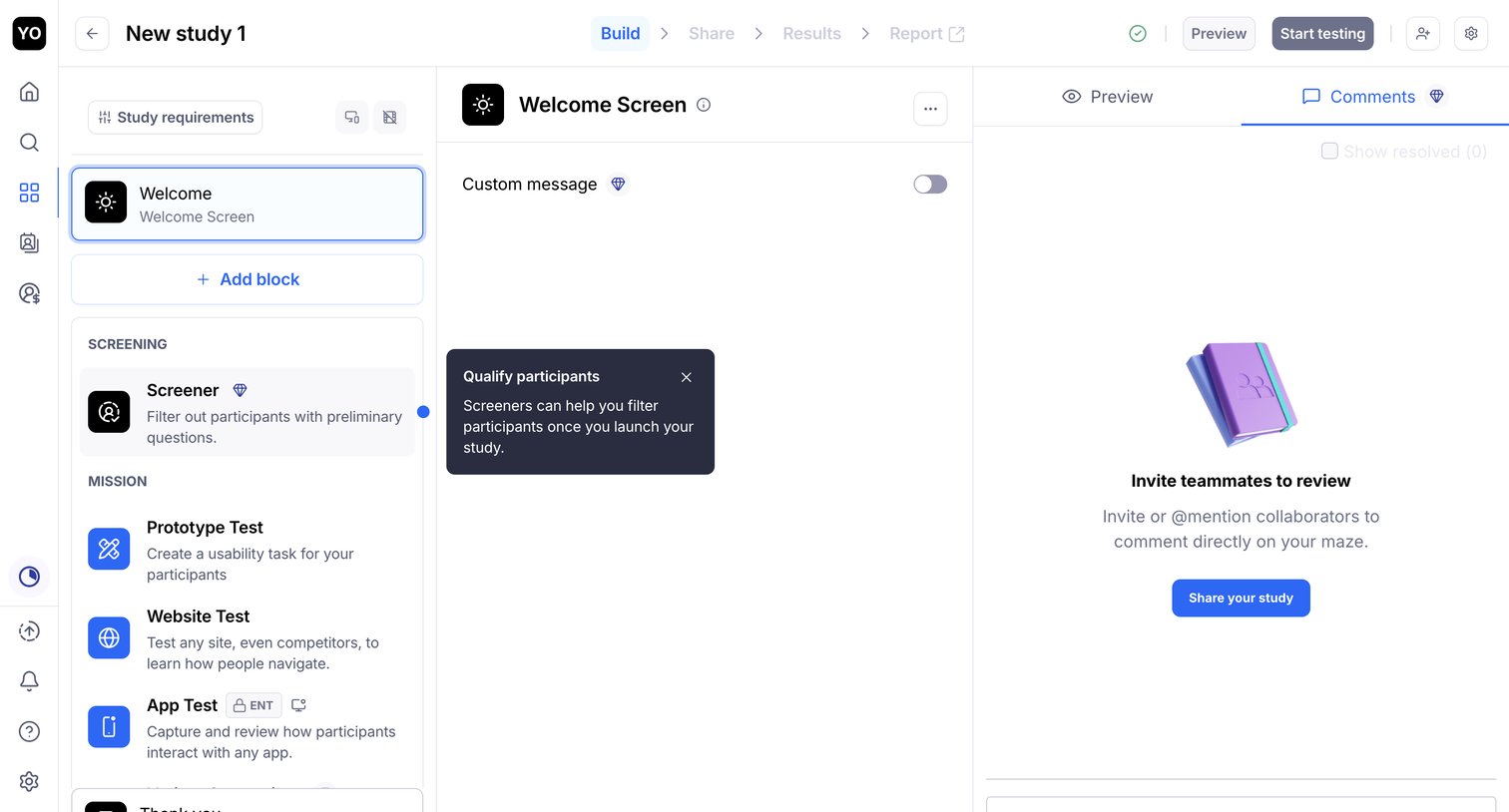

Design editor where the user configures a usability study by adding blocks like screeners and prototype tests, with a side panel for team comments.
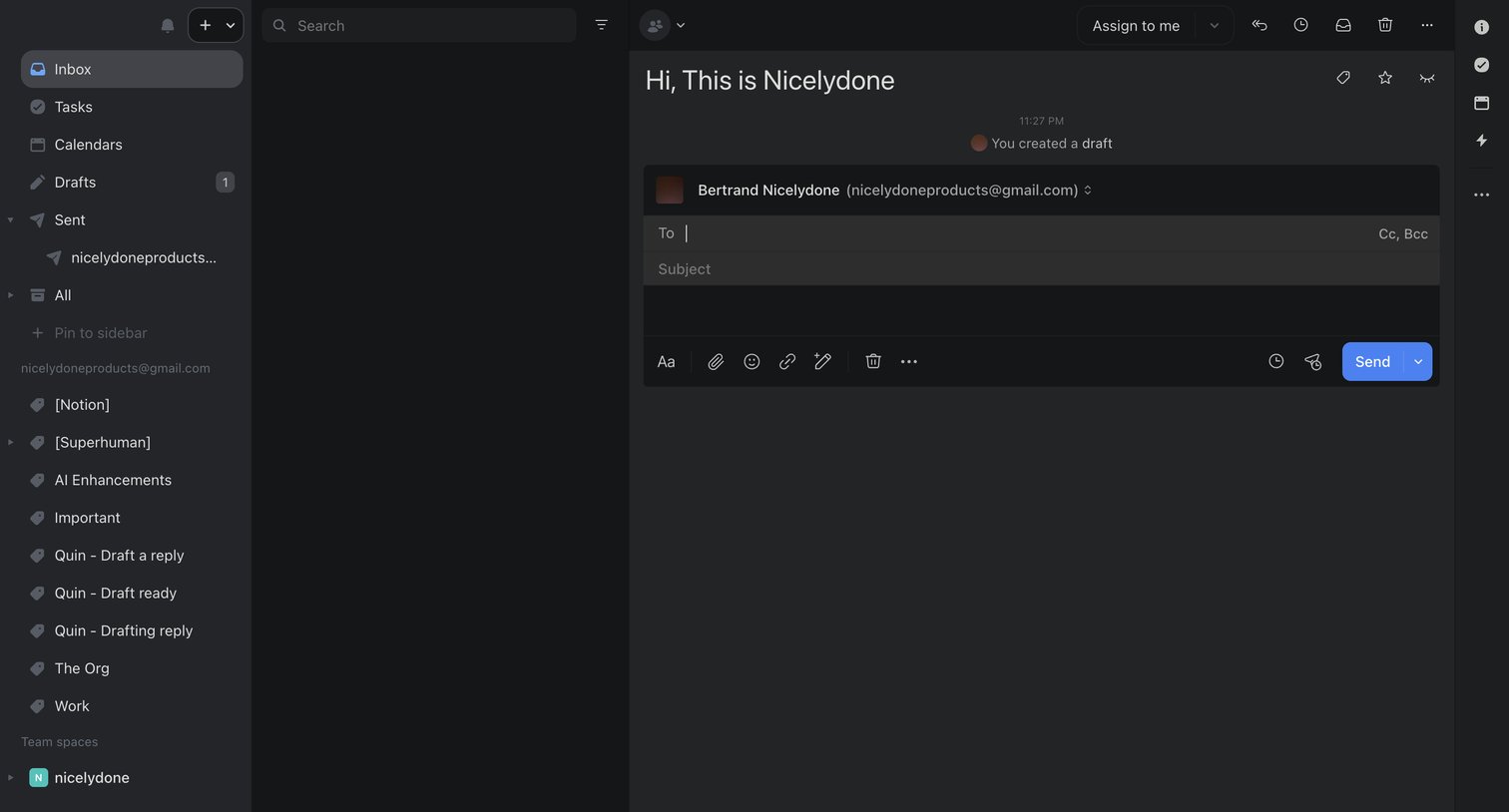

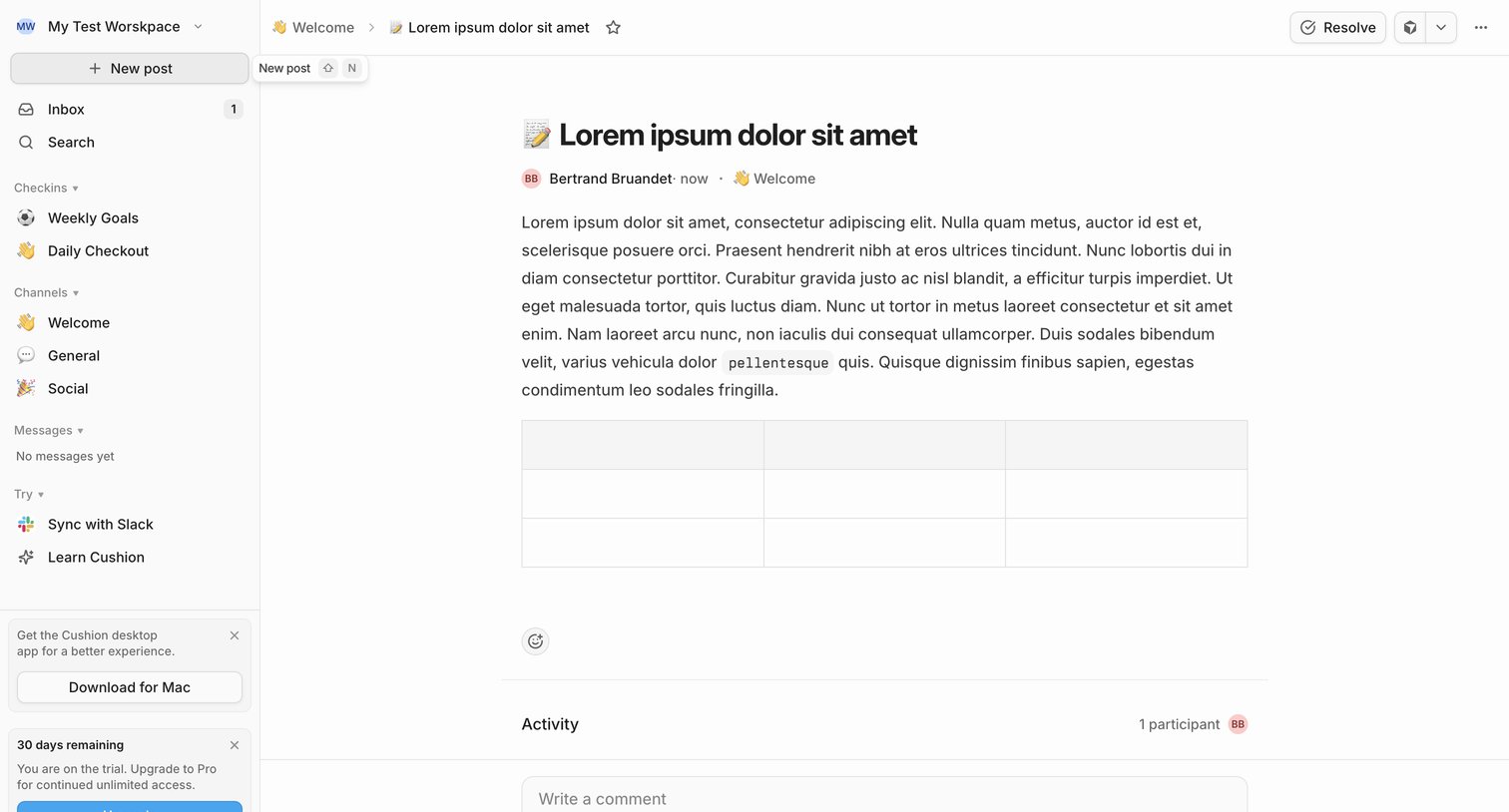

Detail page where a user reads a team update in the Welcome channel, views activity participants, and can write a comment or resolve the post.
![NIC-277 [BE] Save user preferences from Linear](https://assets.nicelydone.club/cdn-cgi/image/g=top,w=1512,h=814,f=webp,fit=cover/https://assets.nicelydone.club/f/842f688b-ab1c-4f5e-898f-555d7ae5a9a3.png)

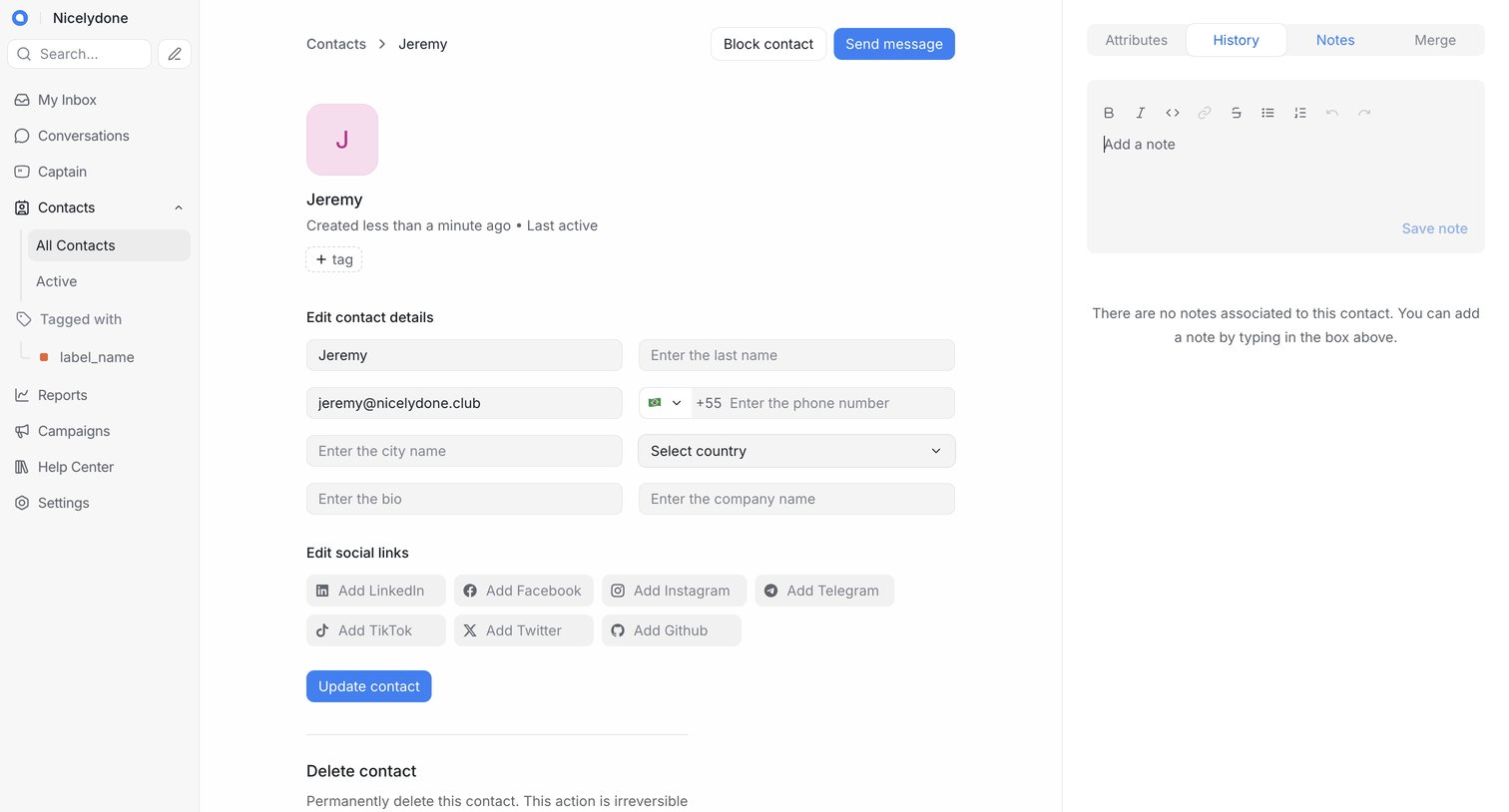

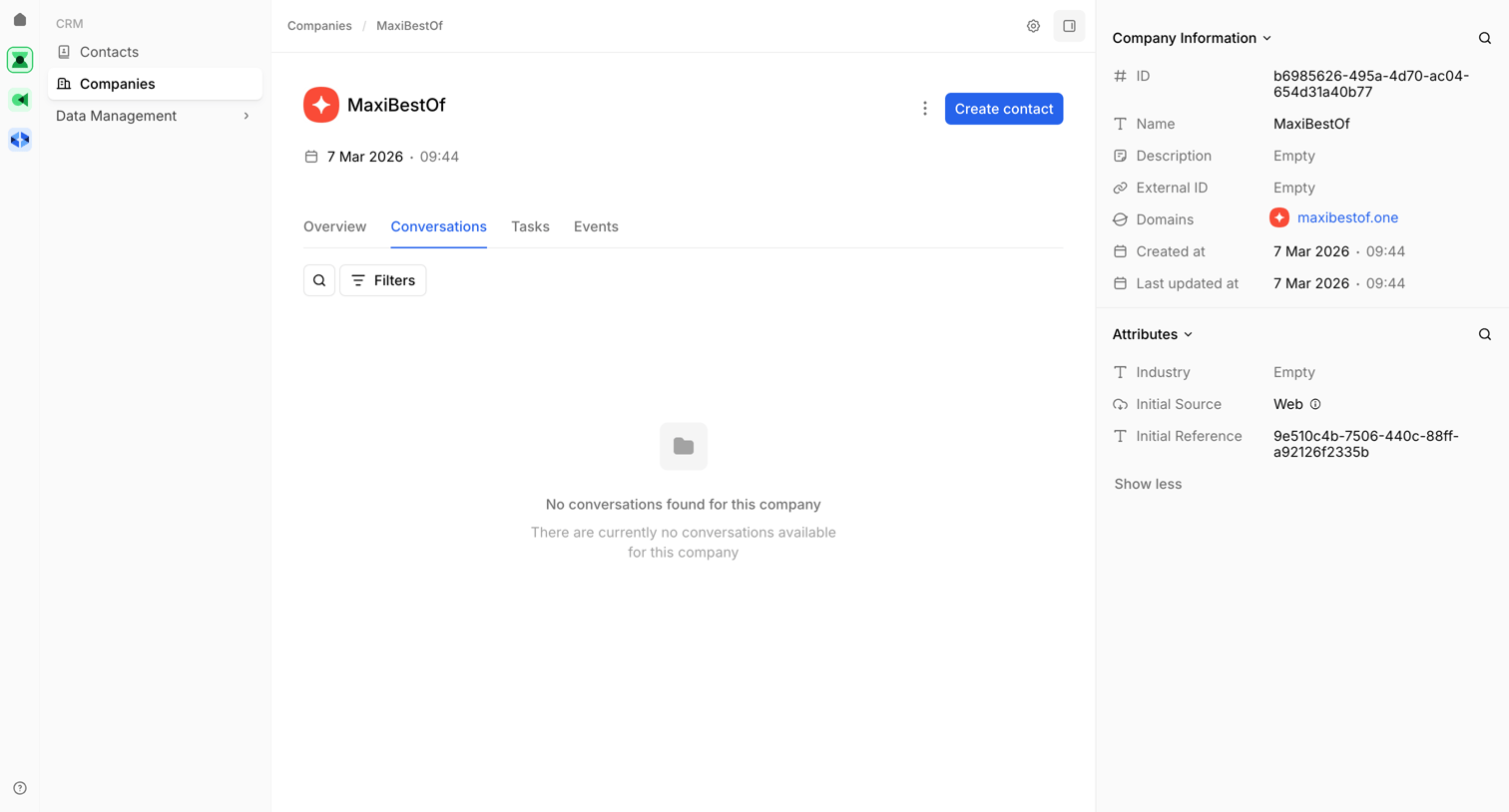

Detail page for a company record where the user is viewing the empty conversations tab.
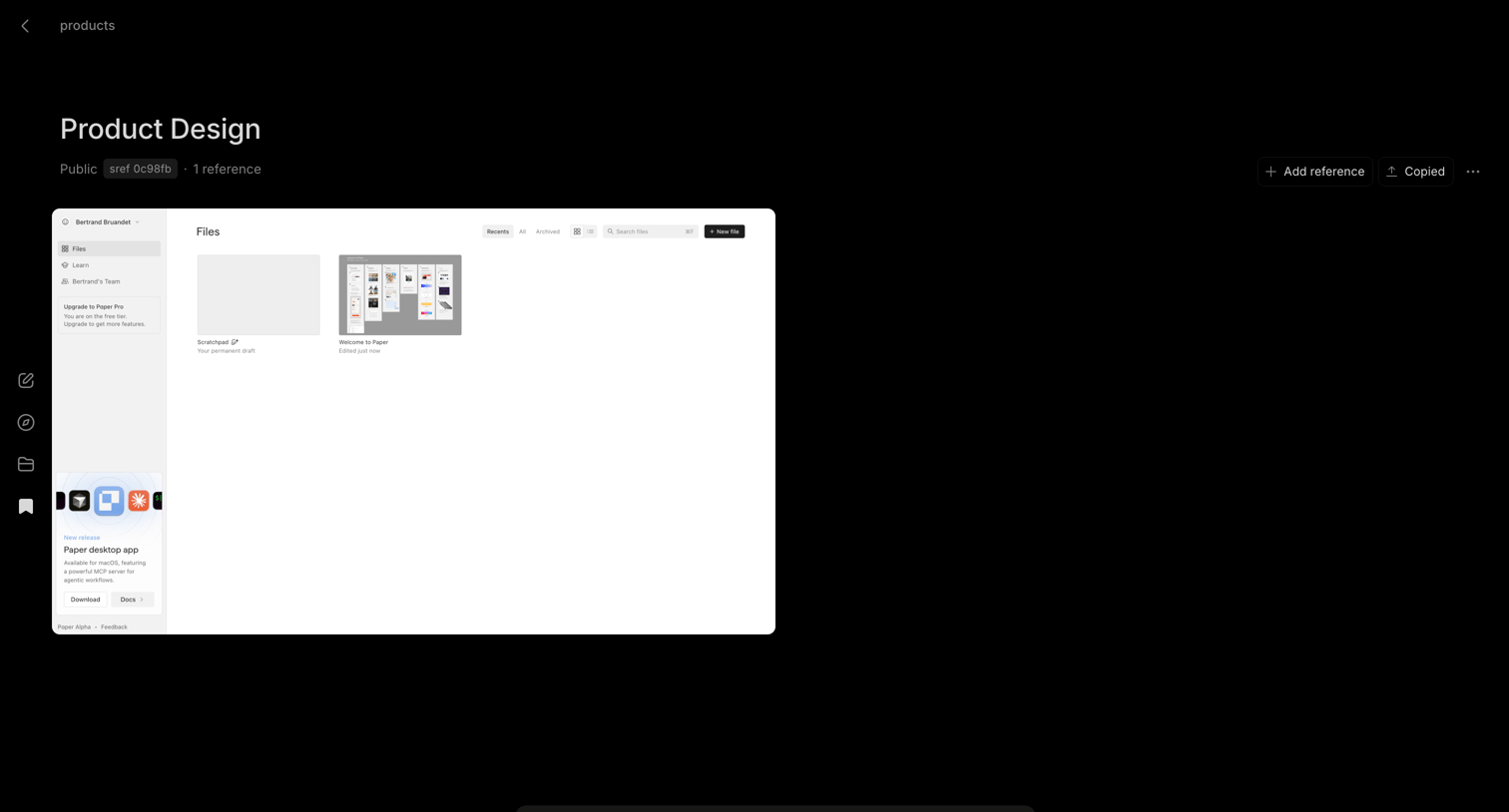

Detail page for a saved product design reference, featuring a screenshot preview, metadata badges, and a floating bottom composer for adding notes or commands.
Explore the full SaaS screen library
Upgrade to unlock the full library.
Trusted by the best teams








About Comments
See how apps place discussions beside the work they concern. Explore how comment threads, replies, and author details fit around a document, item, or shared workspace.