Workflow screen screen examples
Workflow screen screen design examples from SaaS apps. Browse examples from Dock, Dovetail, Glide.
Explore the examples
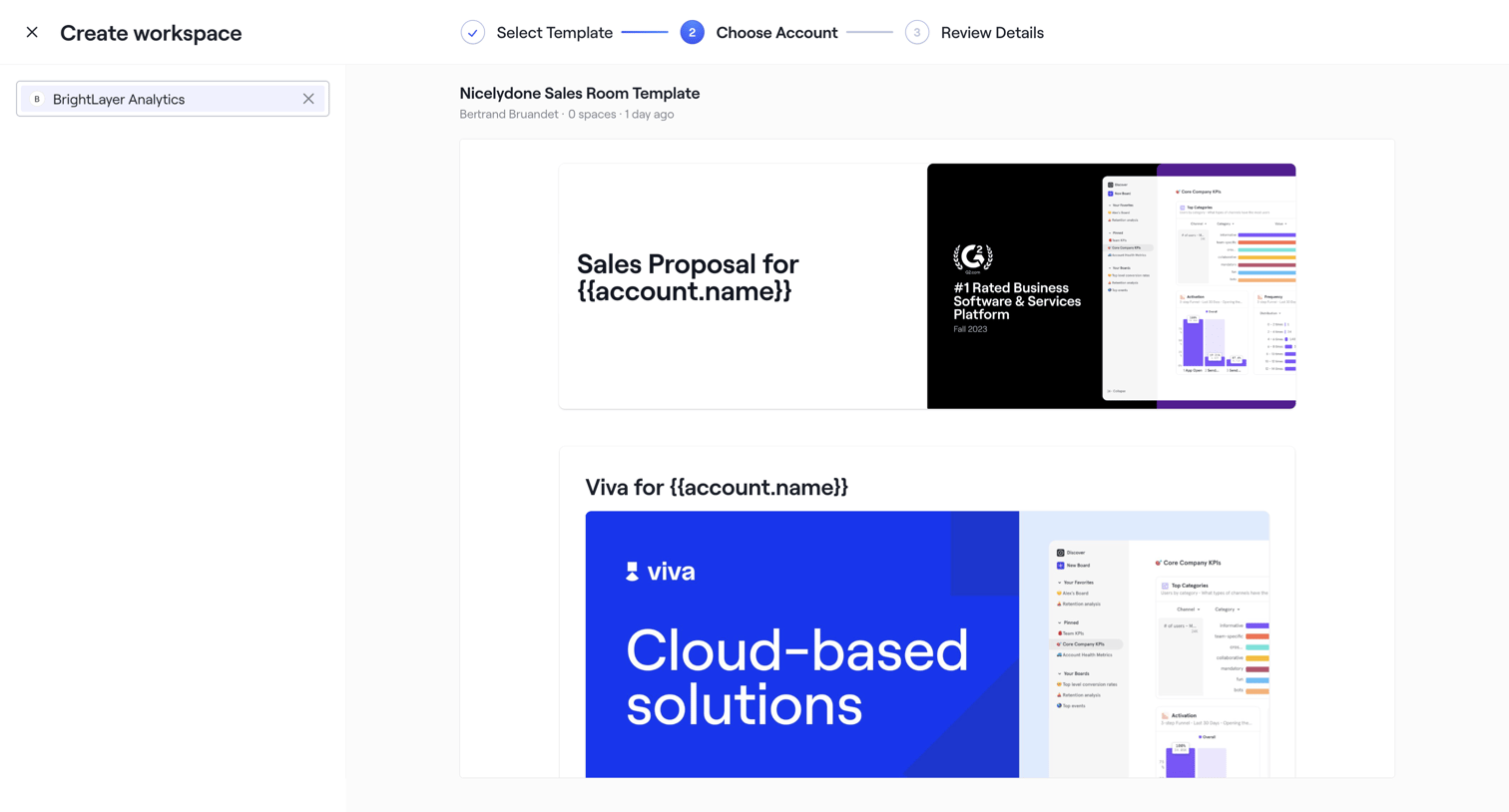

Creation wizard where the user selects an account to preview and generate personalized workspace templates.
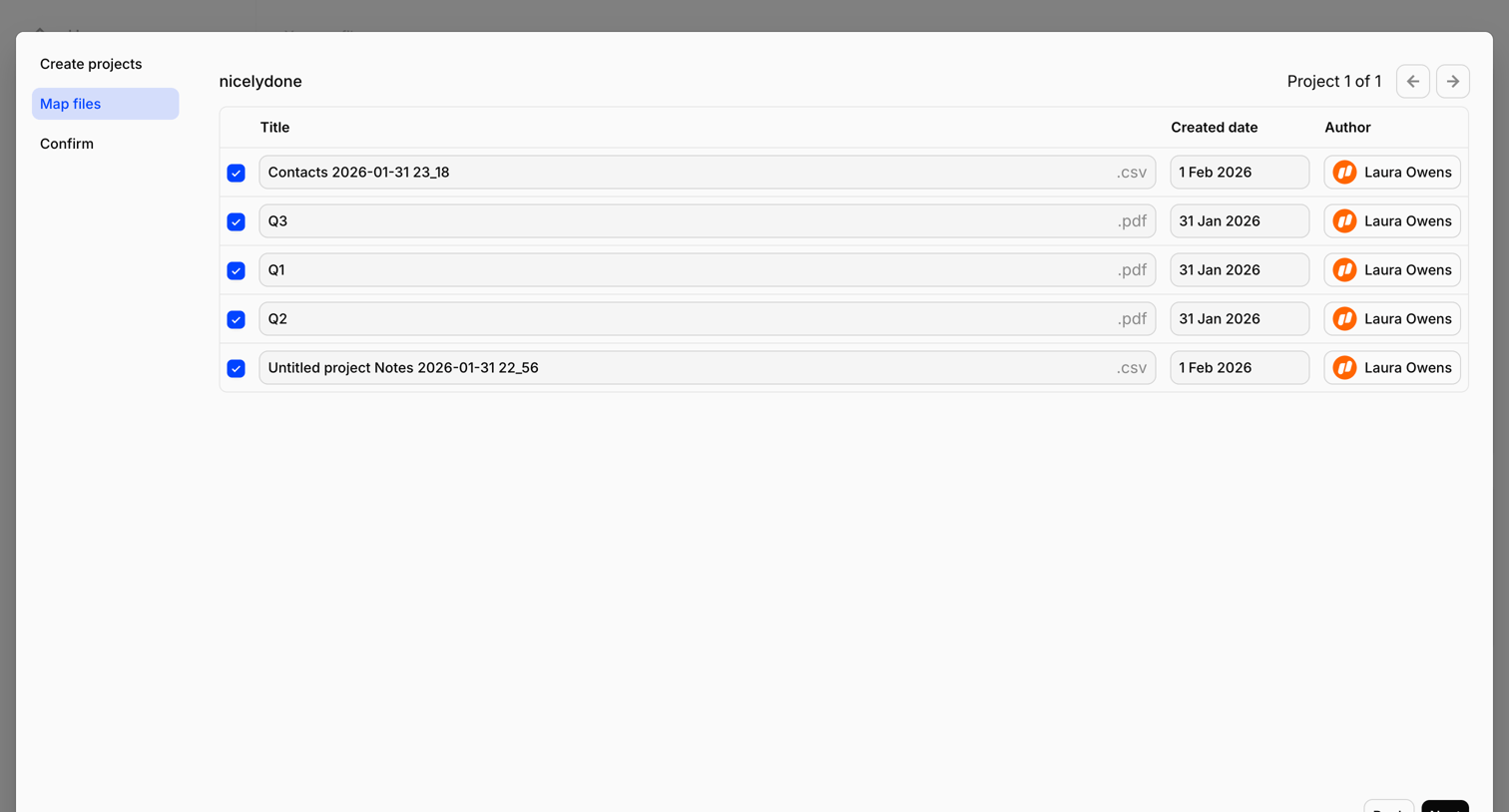

Wizard step where the user reviews and edits titles, creation dates, and authors for a batch of CSV and PDF files before finalizing the import.
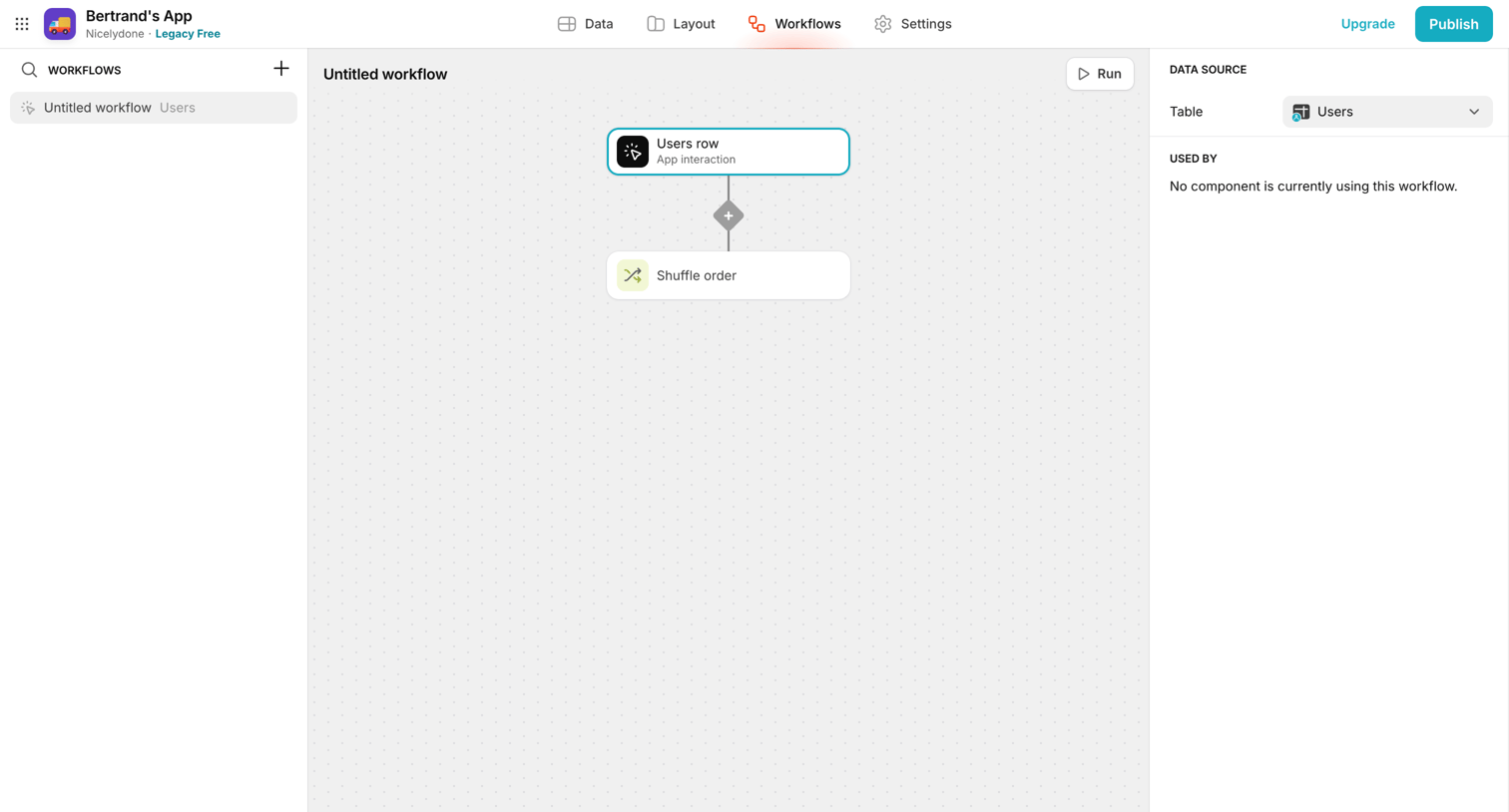

Design editor where the user builds a workflow by connecting trigger and action nodes like 'Users row' and 'Shuffle order'.
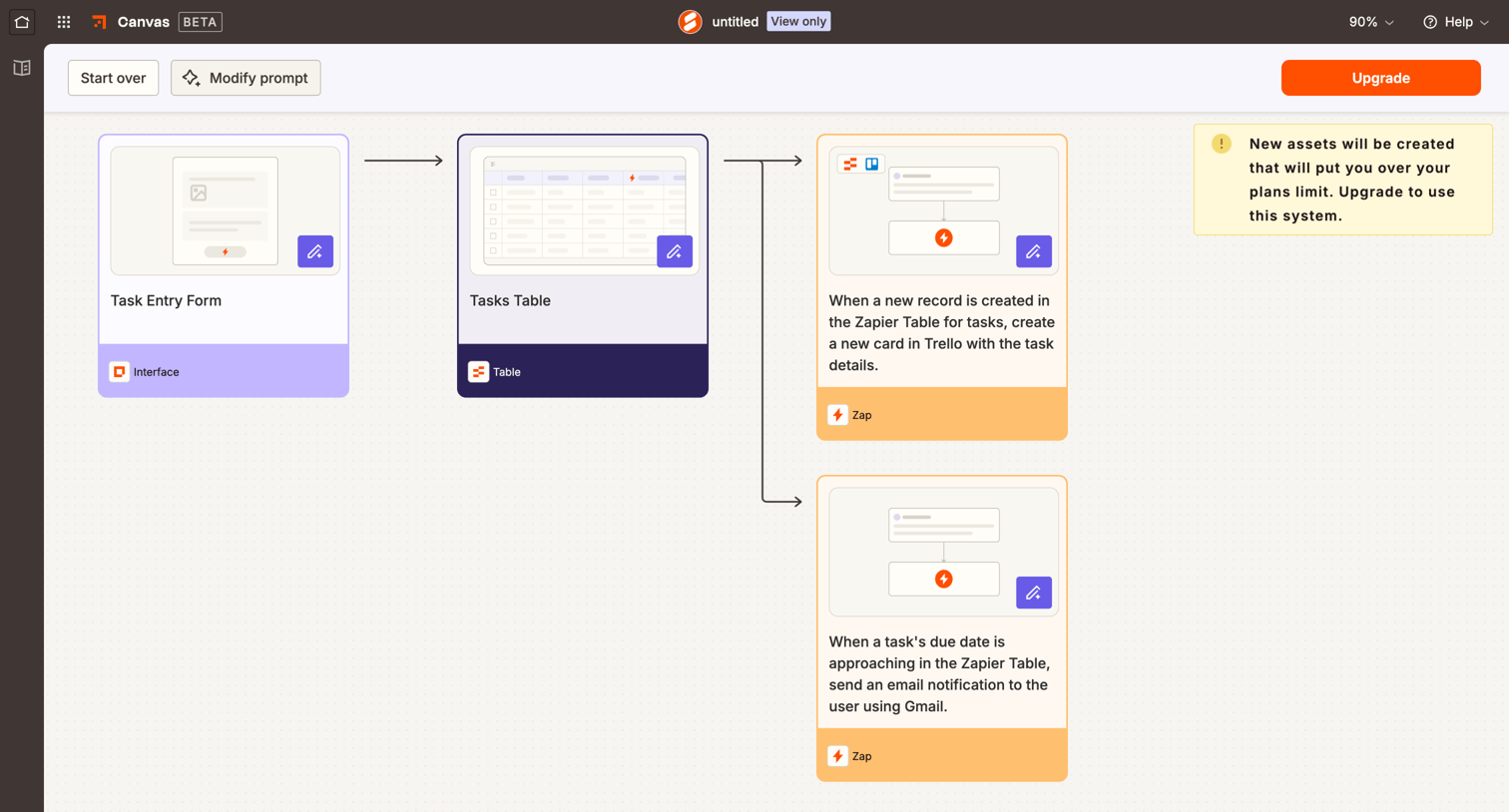

Workflow editor canvas where the user is previewing an AI-generated automation draft consisting of forms, tables, and zaps, with a warning to upgrade their plan to create the assets.
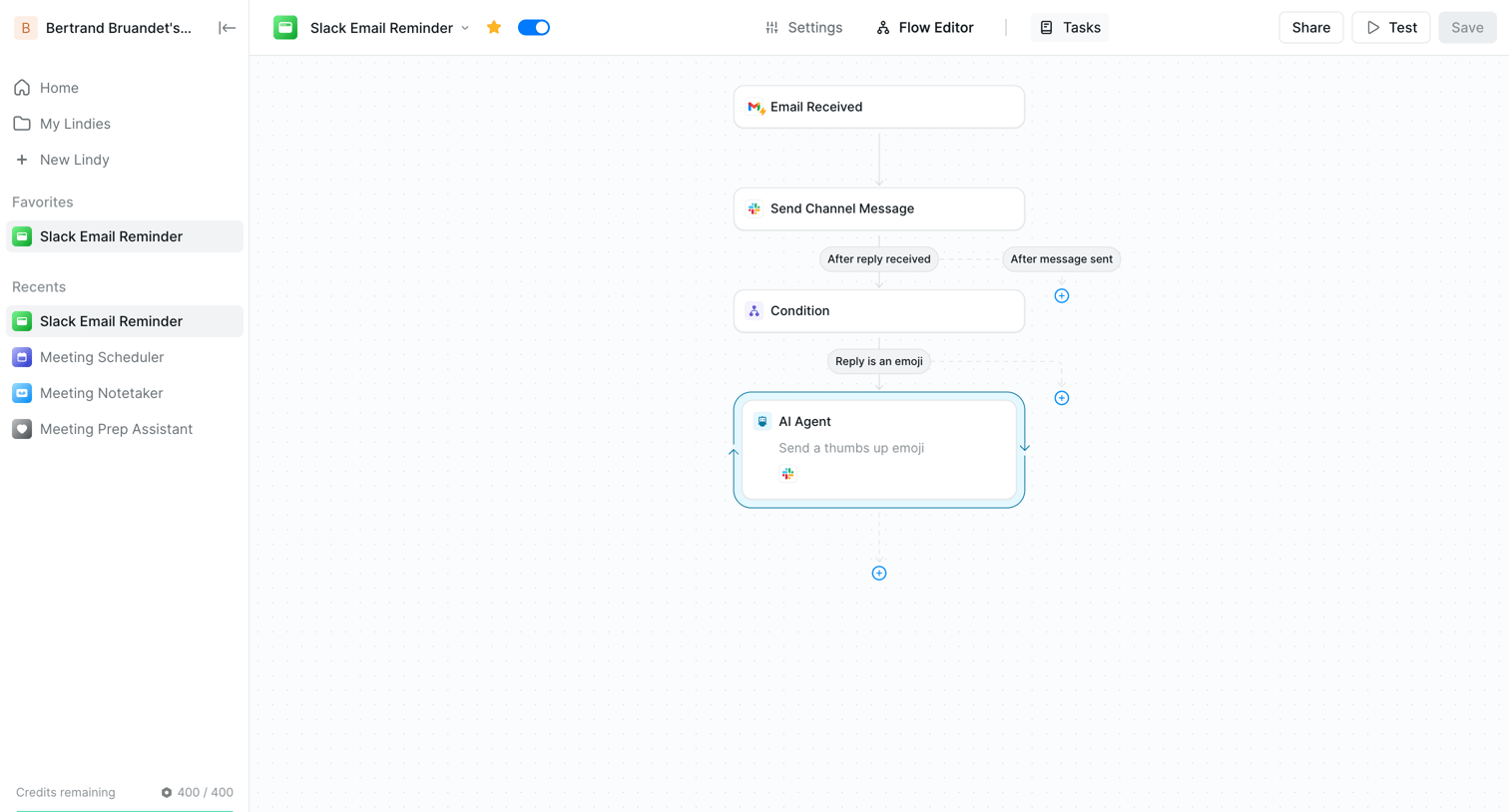

Workflow editor where the user builds an automation flow triggered by an email to send a Slack message and use an AI agent.
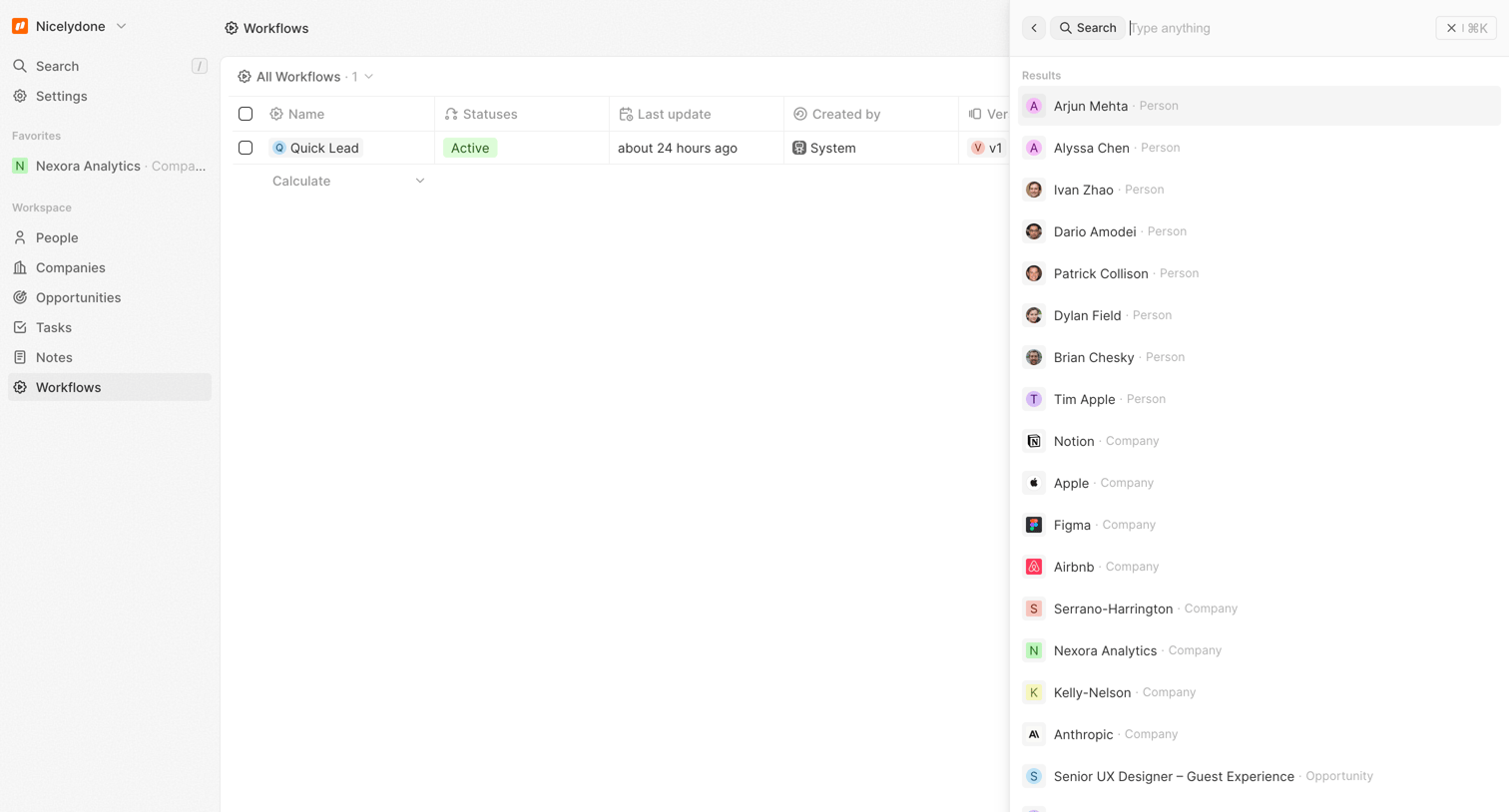

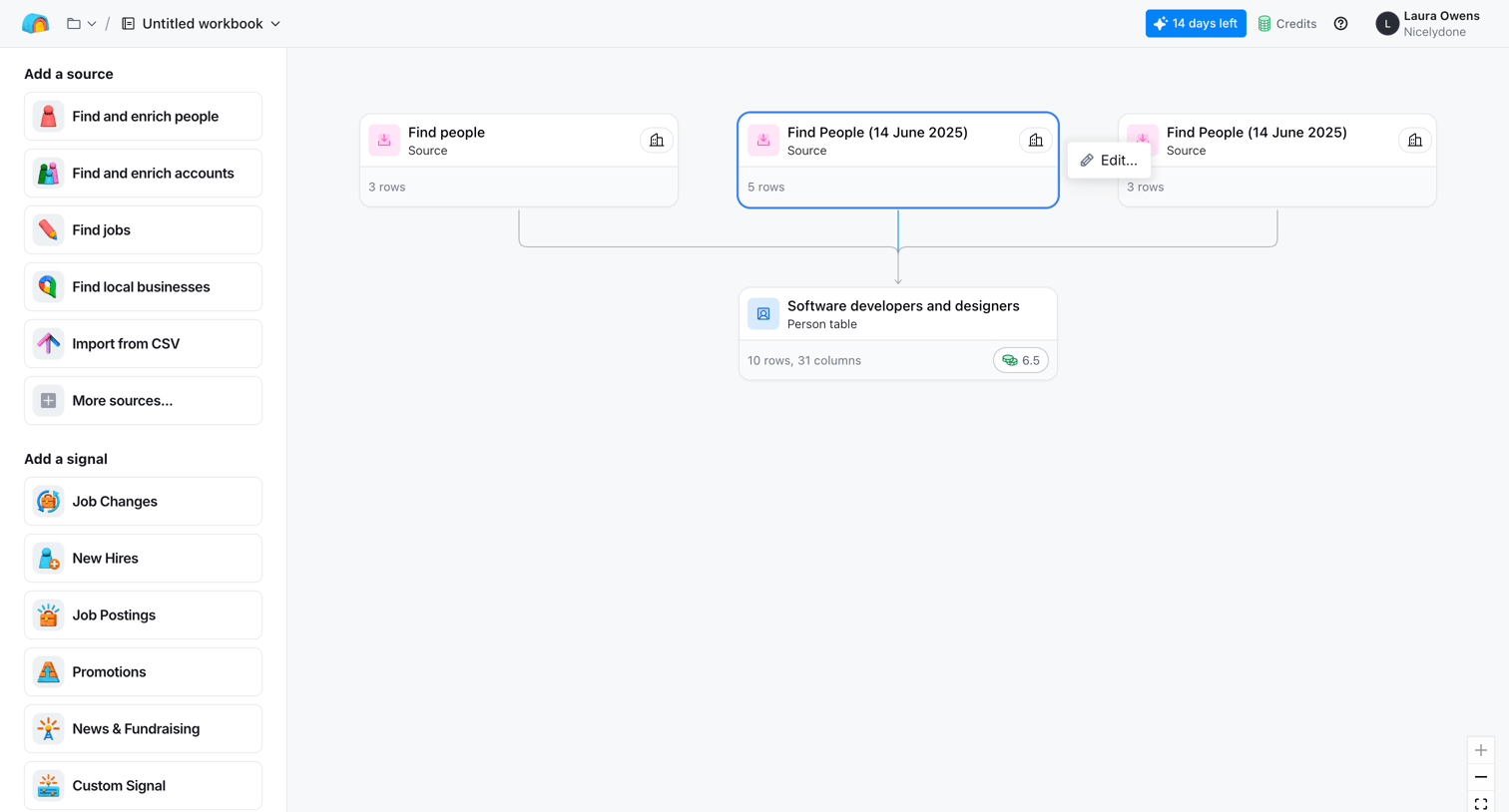

Workflow editor canvas where the user builds data enrichment pipelines by connecting source nodes to table nodes.
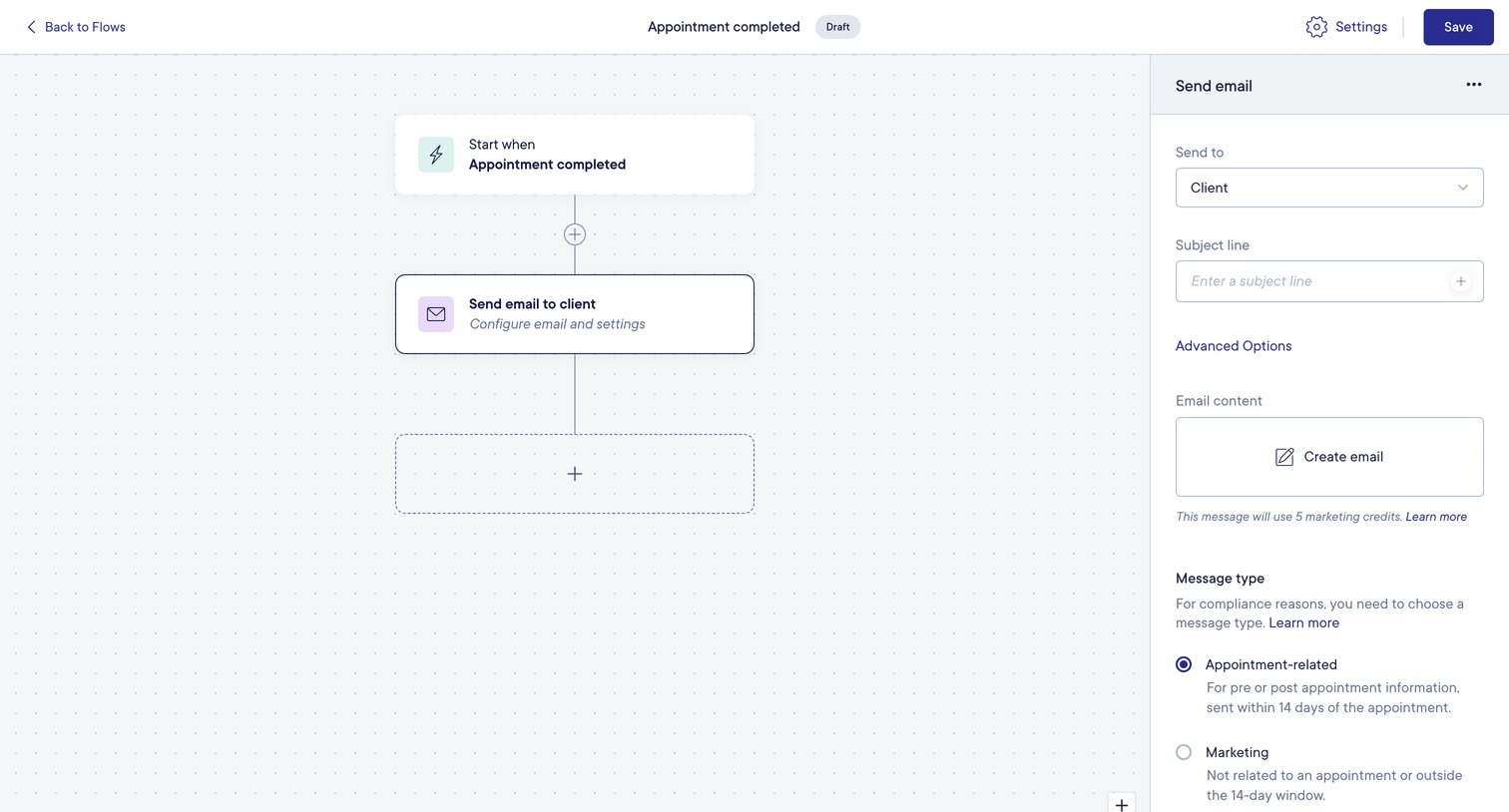

Workflow editor where the user configures an automated email sequence triggered when an appointment is completed.
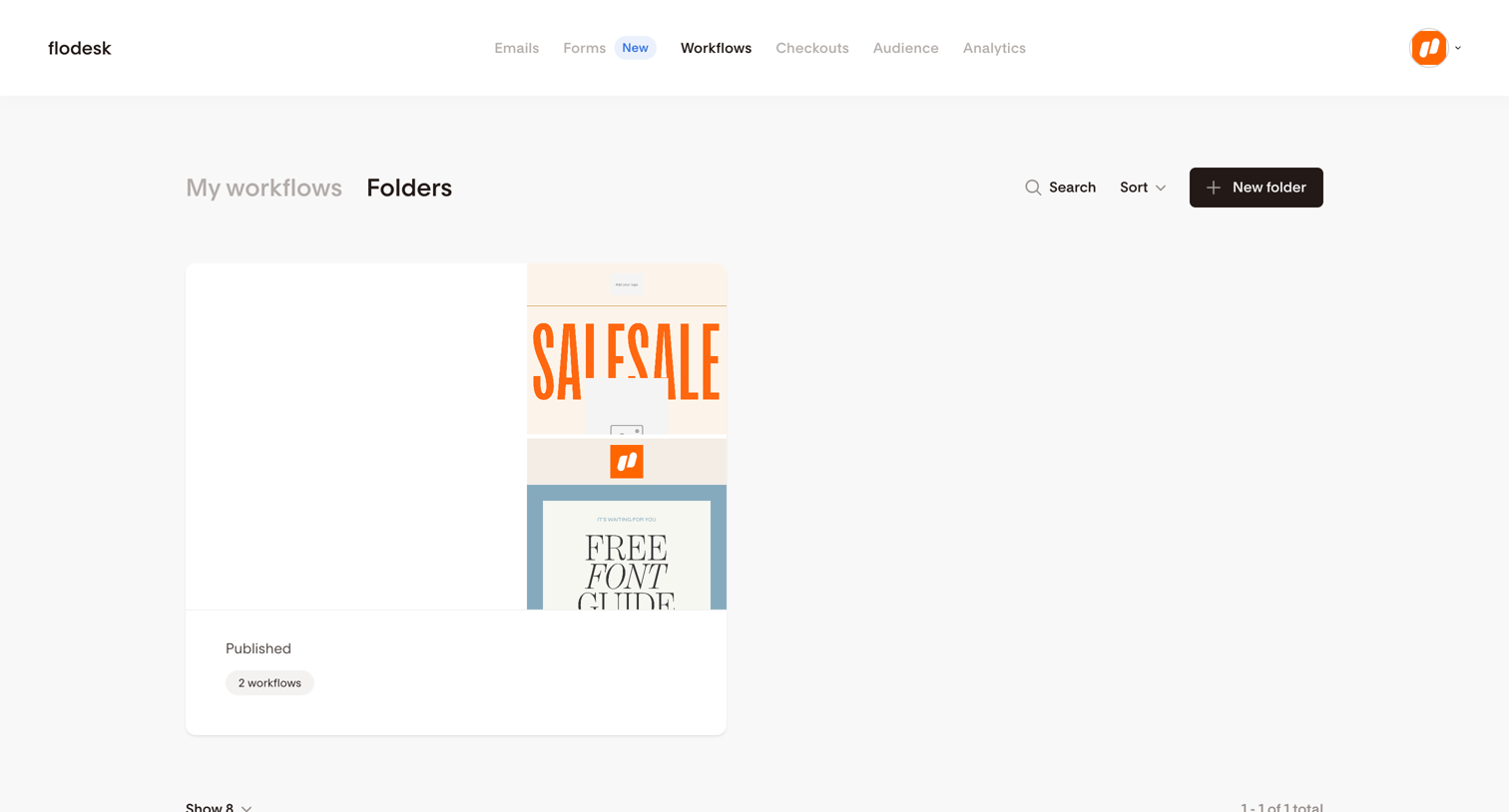

List view where the user manages their published workflow folders with options to search, sort, and create new ones.
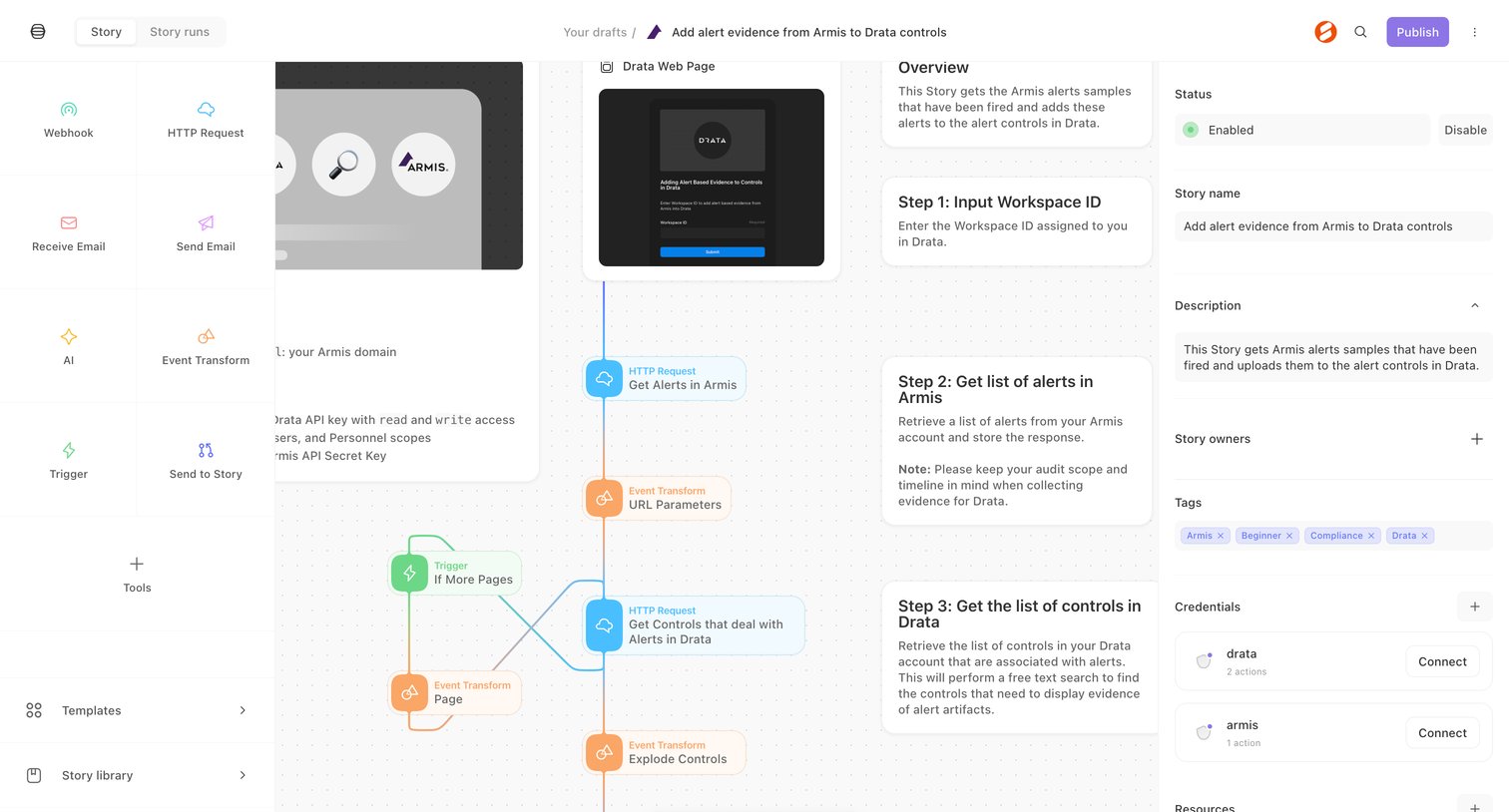

Workflow editor where the user configures an automation story to add alert evidence from Armis to Drata controls via a visual node-based canvas.
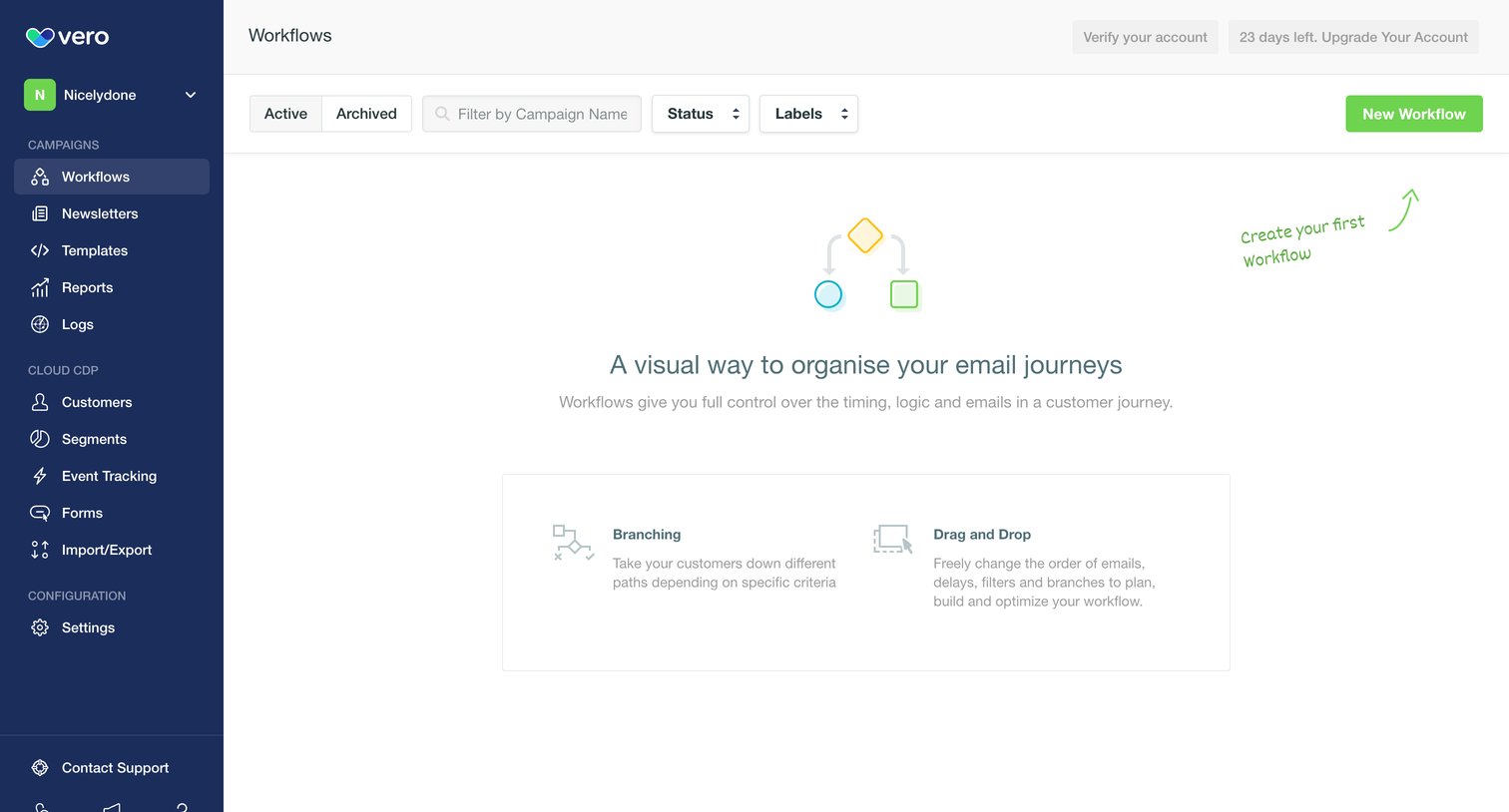

Empty list view for workflows featuring an illustration and feature highlights to encourage the user to create their first email journey, alongside trial and verification prompts in the header.
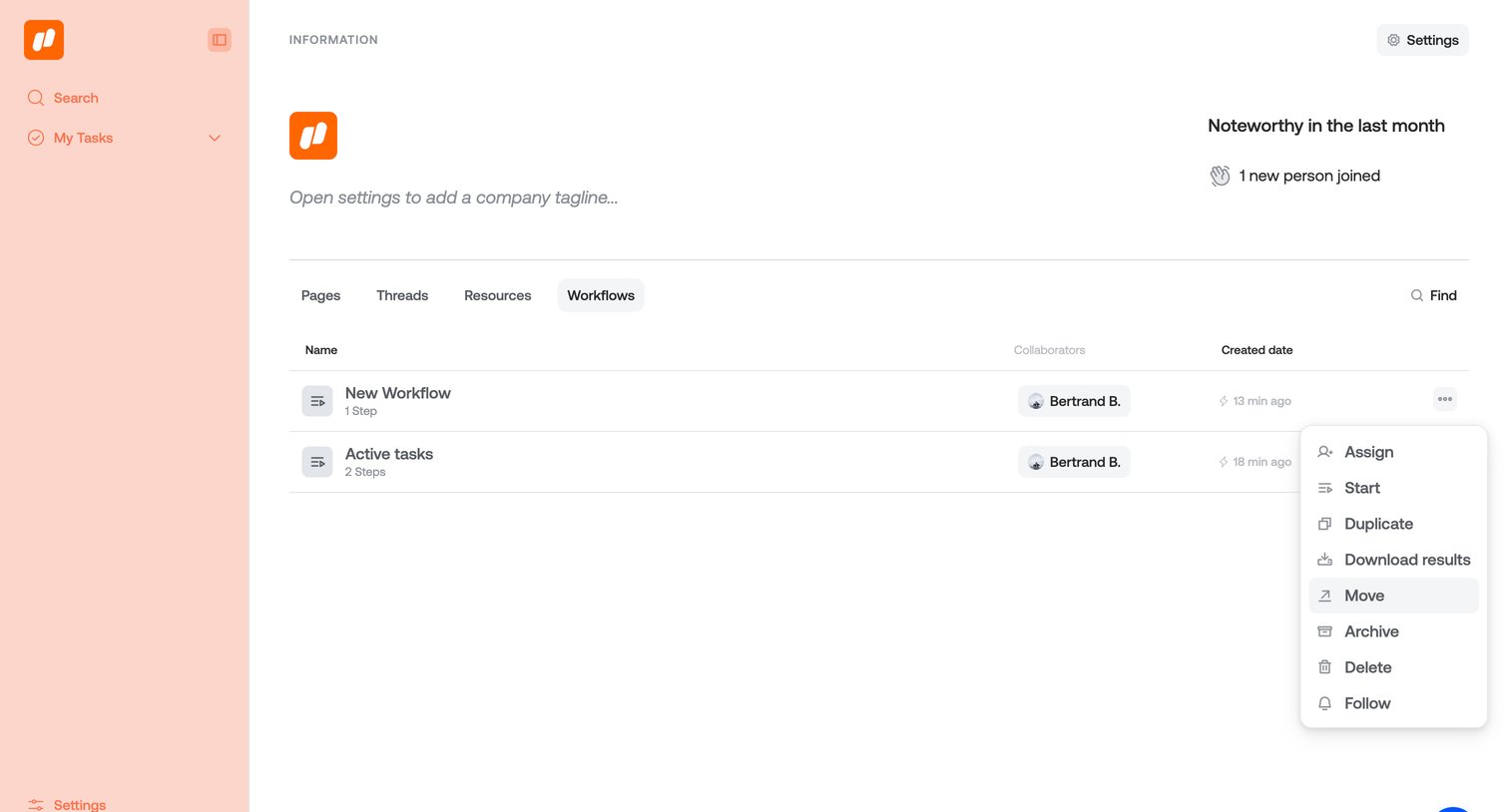

List view where the user manages workflows, with a context menu open showing options to move, duplicate, or delete a specific item.
Explore the full SaaS screen library
Upgrade to unlock the full library.
Trusted by the best teams







