Webhook integration screen examples
Webhook integration screen design examples from SaaS apps. Browse examples from Exa, Mailchimp, Liveblocks.
Explore the examples
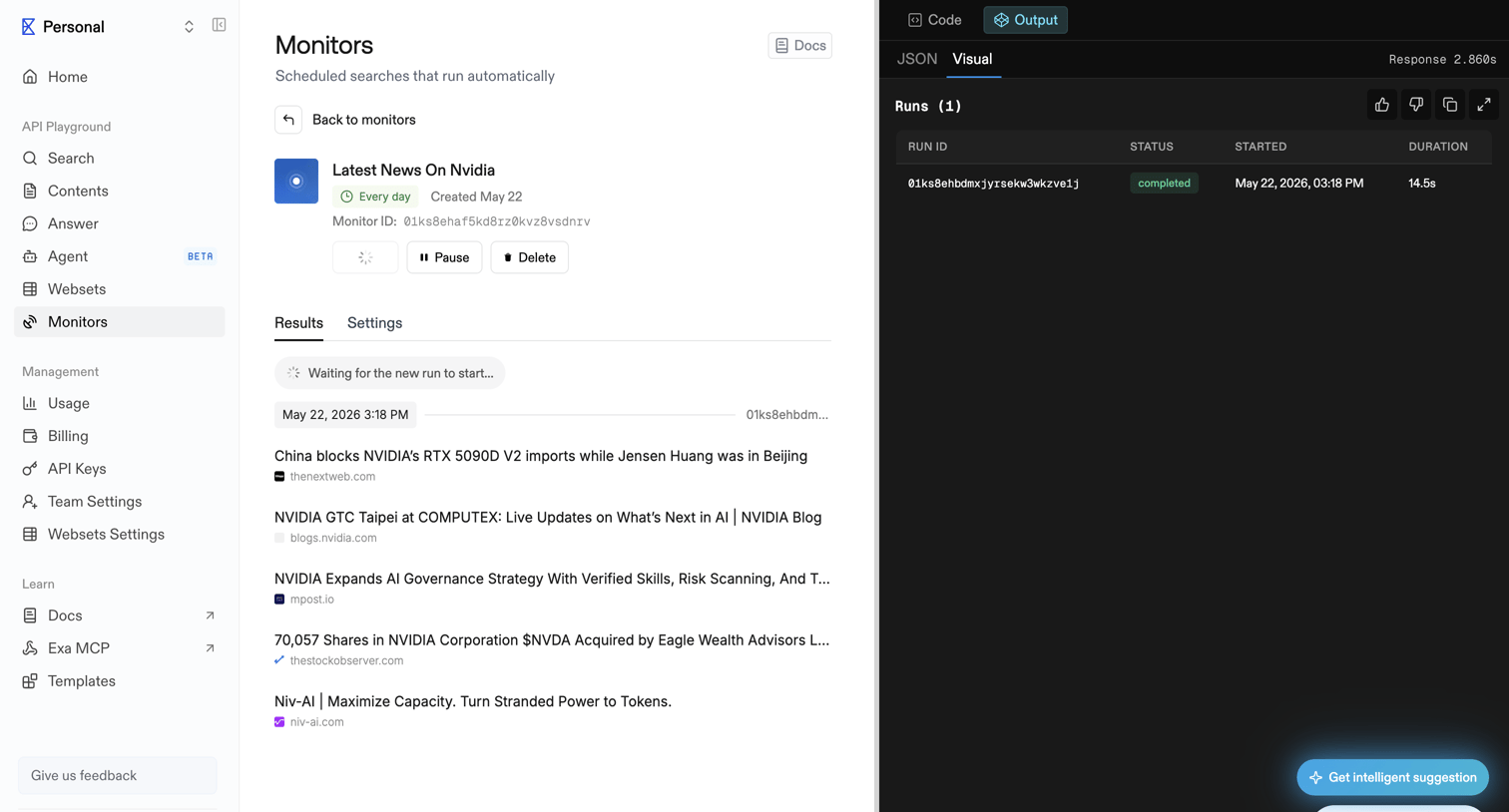

Detail page for a scheduled search monitor showing its configuration, recent search results, and run execution history.
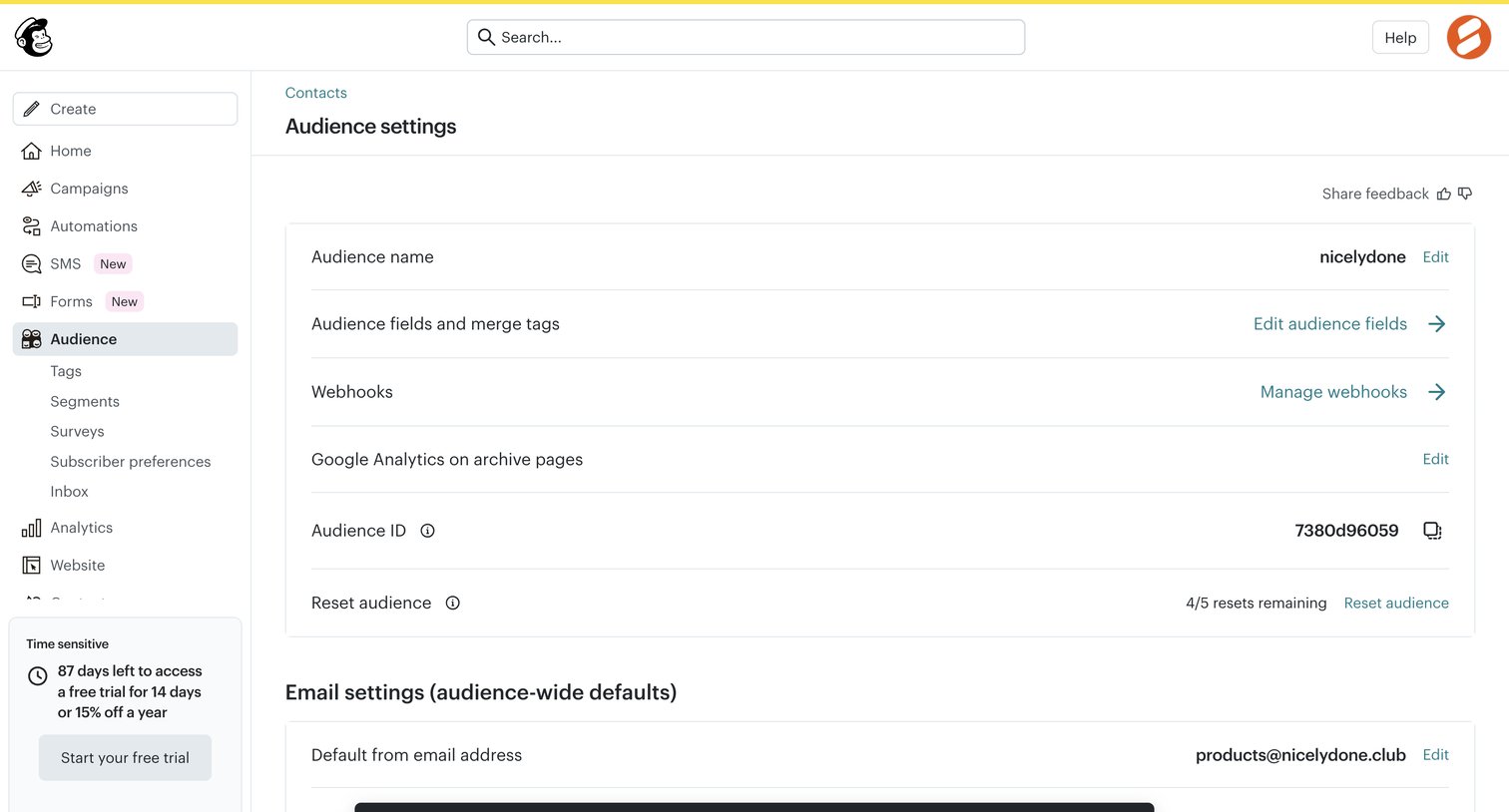

Settings page where the user configures audience-wide defaults like name, webhooks, and default email address, showing a success toast after a reset action.
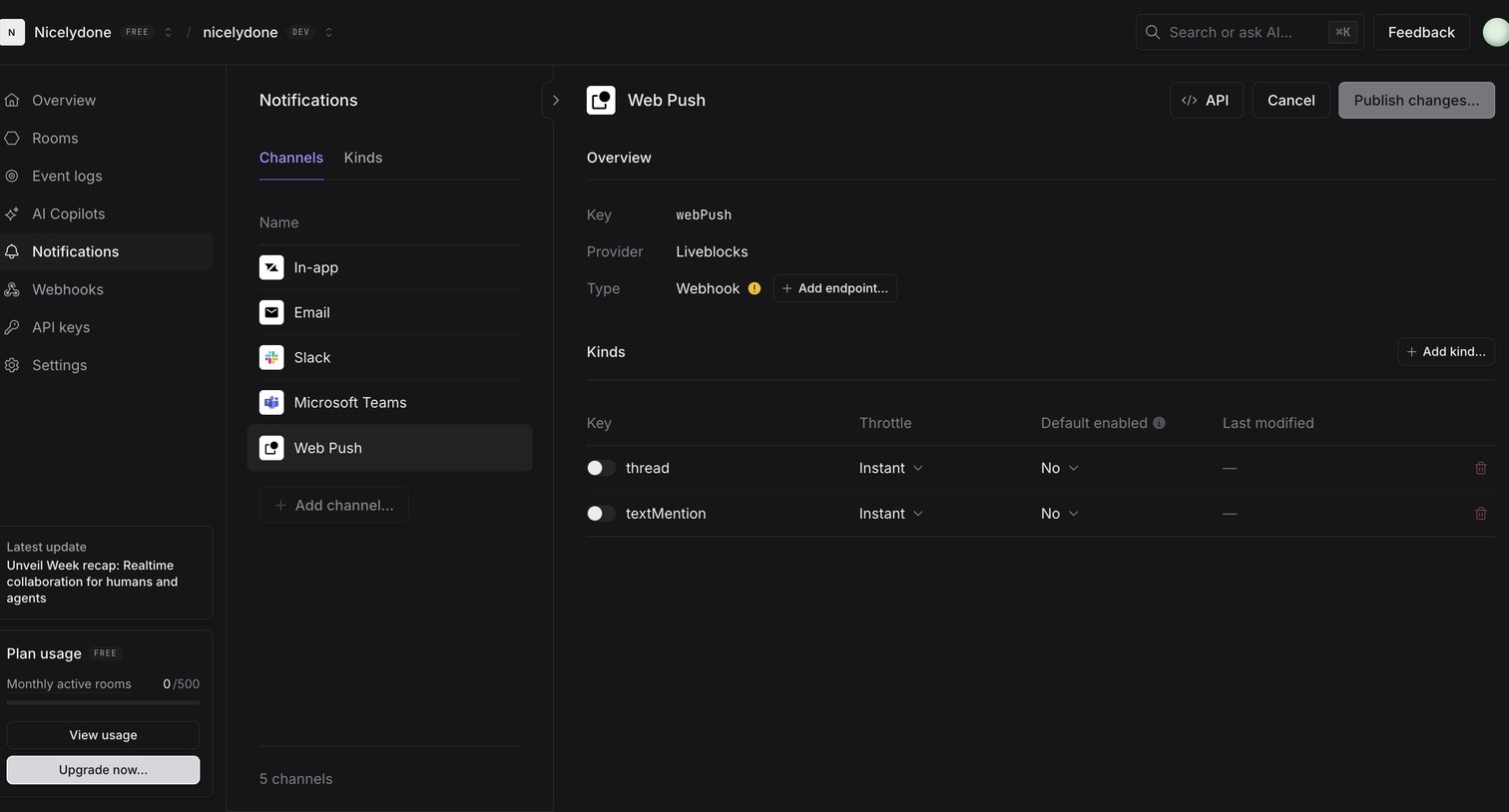

Settings page where the user configures the Web Push notification channel, including its endpoint and message kinds.
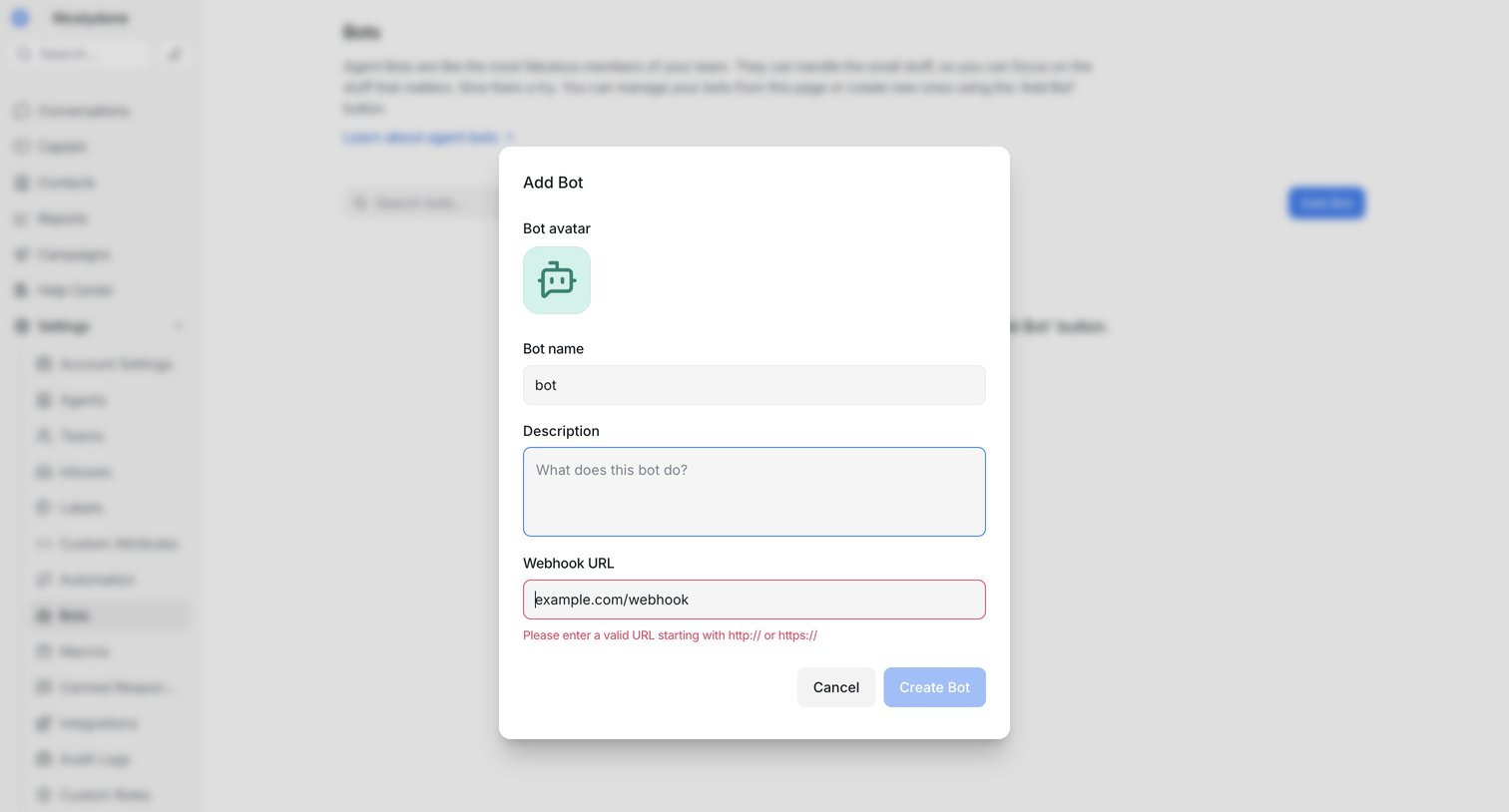

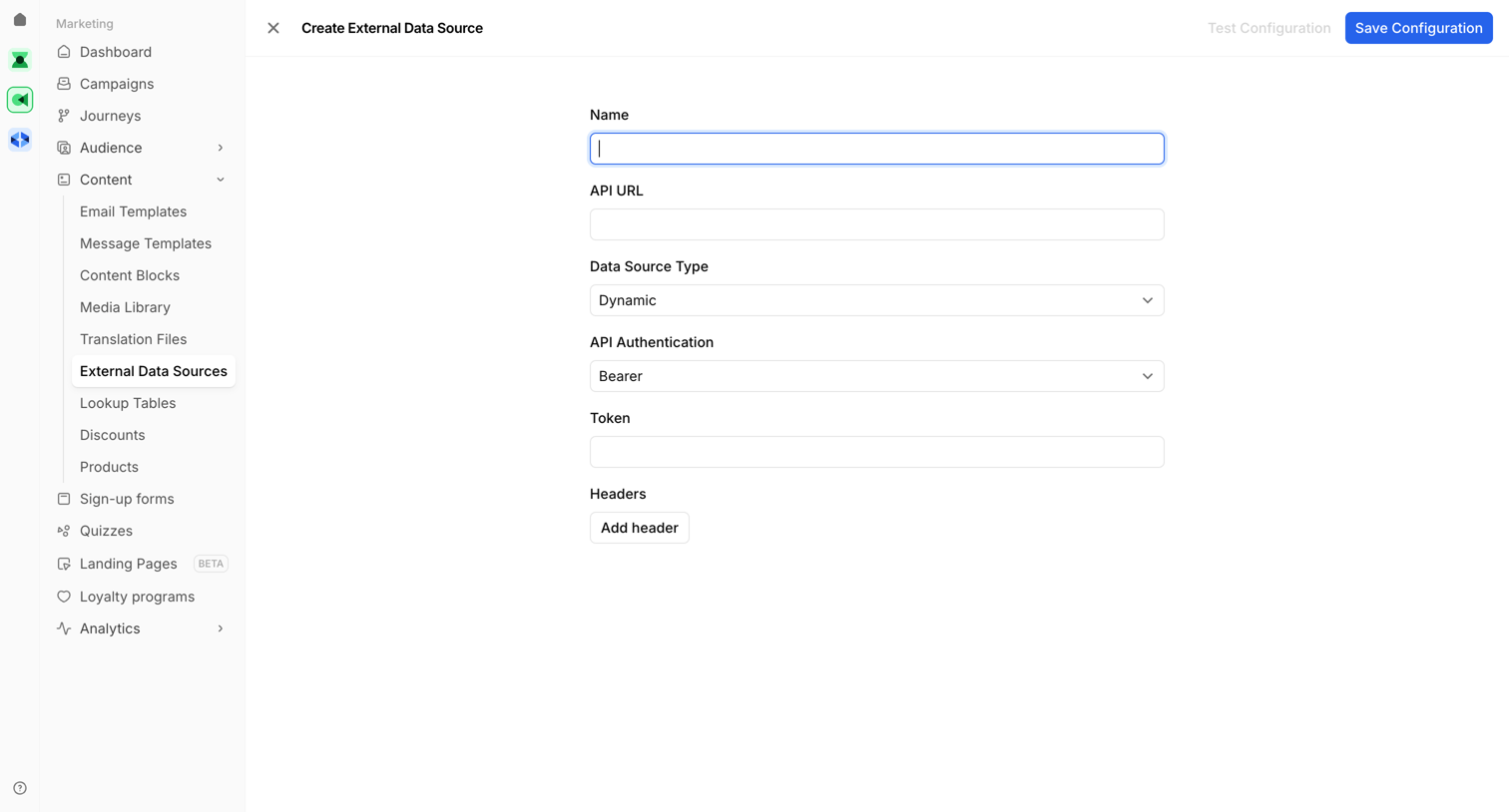

Creation page where the user configures a new external data source by providing an API URL, authentication type, and headers.
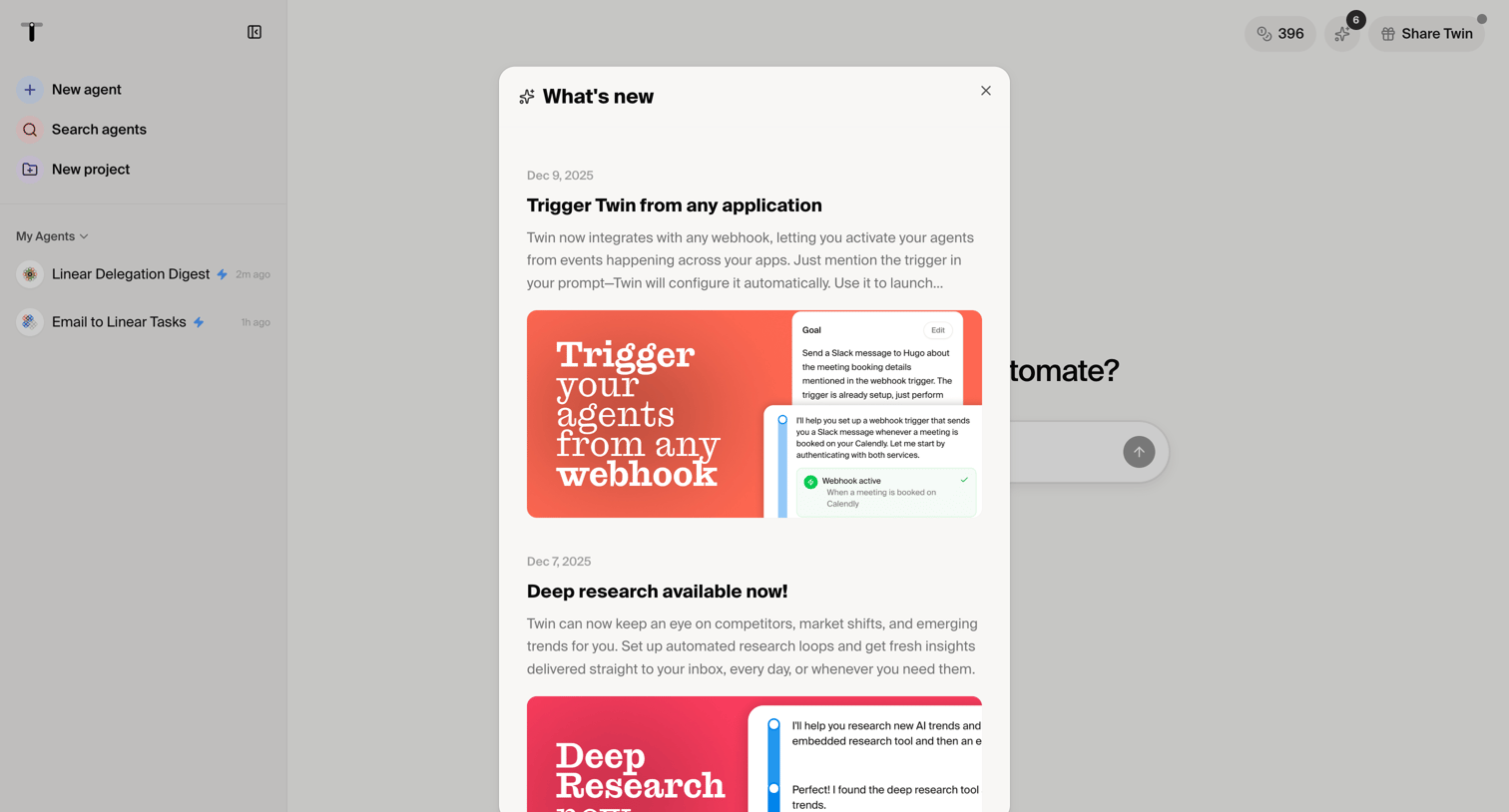

Dashboard start screen with a modal announcing new features like webhook triggers and deep research capabilities.
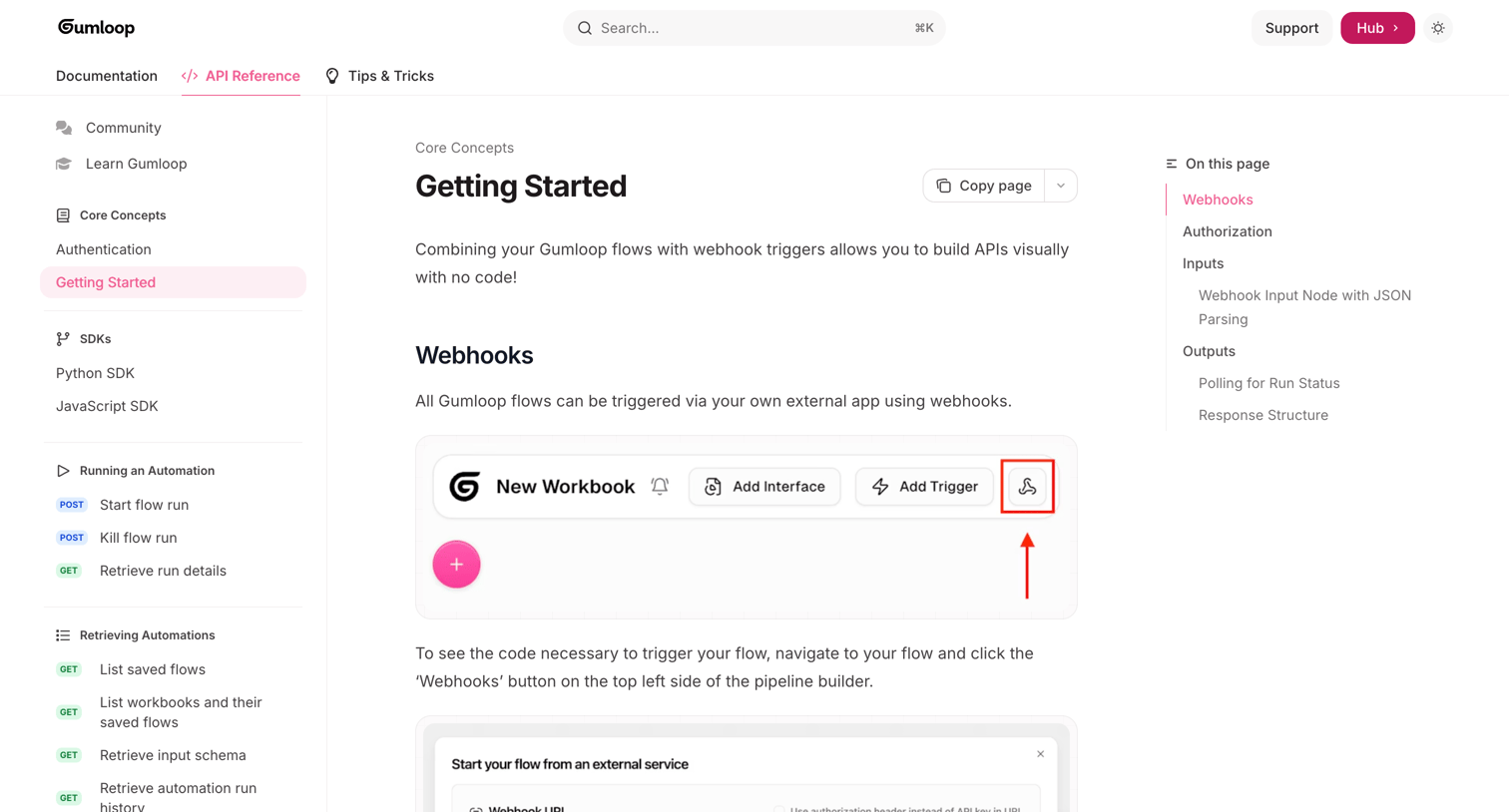

Documentation page explaining how to trigger Gumloop flows using webhooks, including authorization methods, input parsing, and response structures.
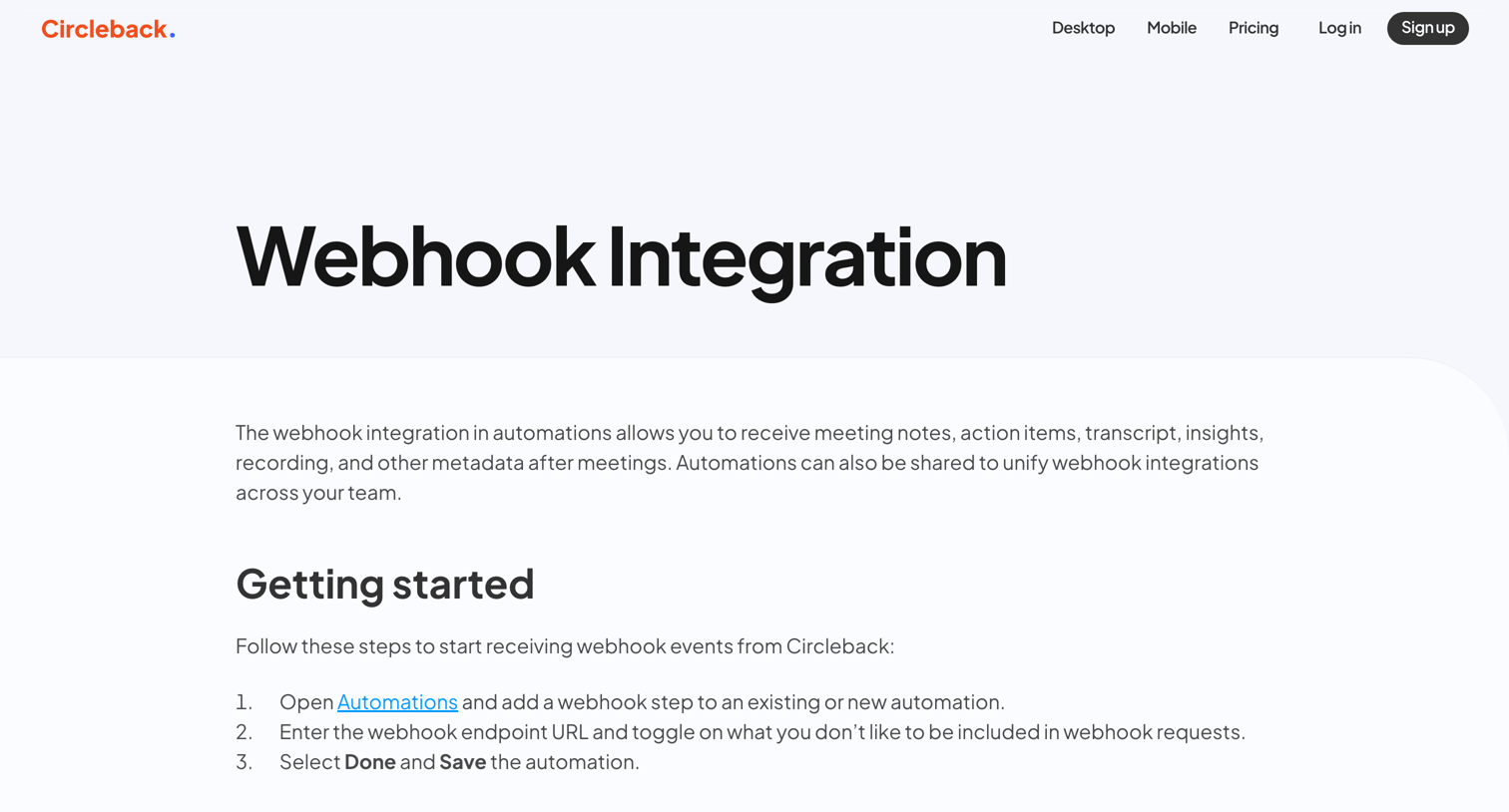

Developer documentation page explaining how to configure and verify webhook integrations, including JSON payload examples and TypeScript verification code.
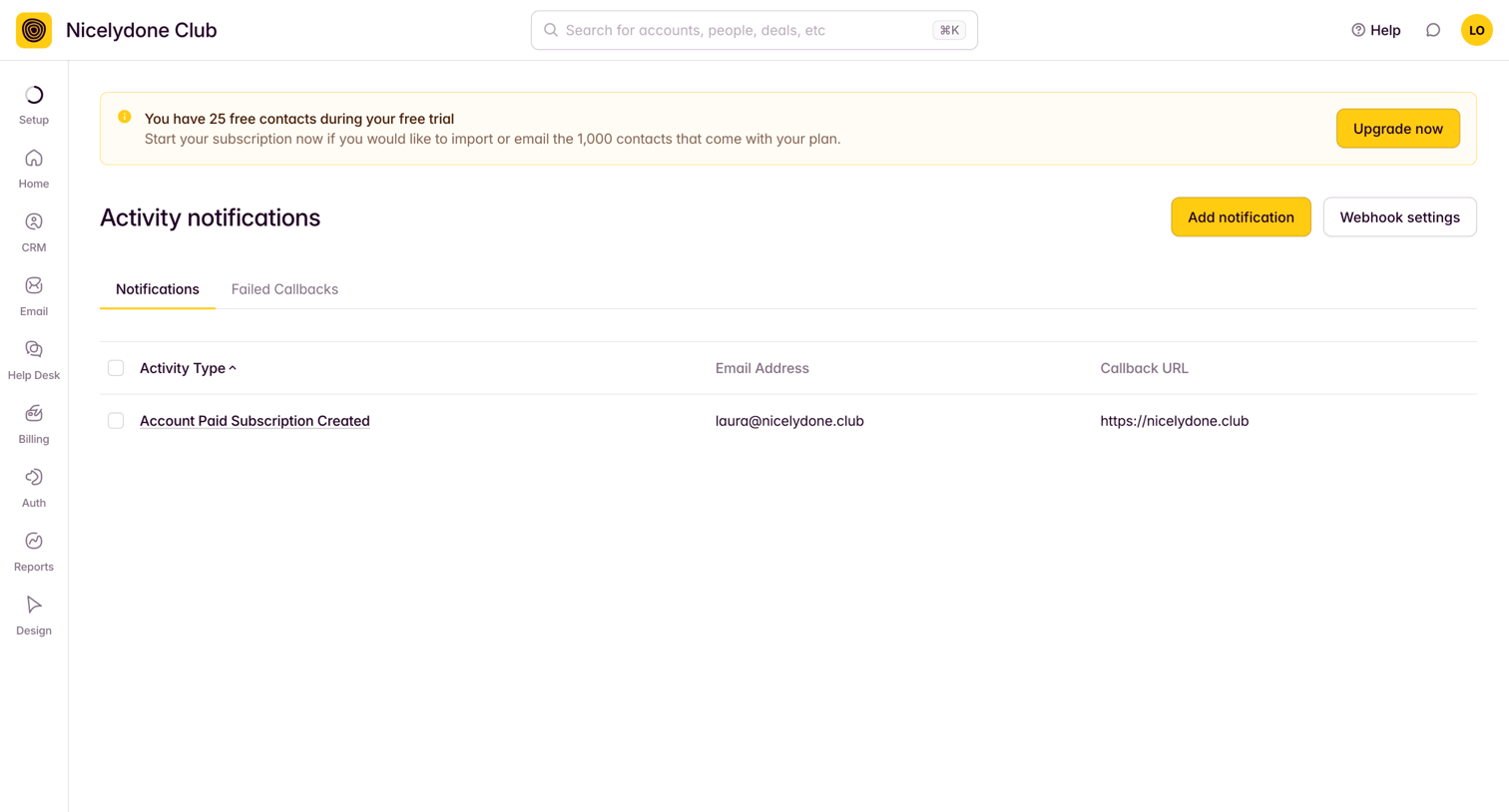

Settings page where the user manages activity notifications and webhook callbacks, featuring a prominent trial upgrade banner.
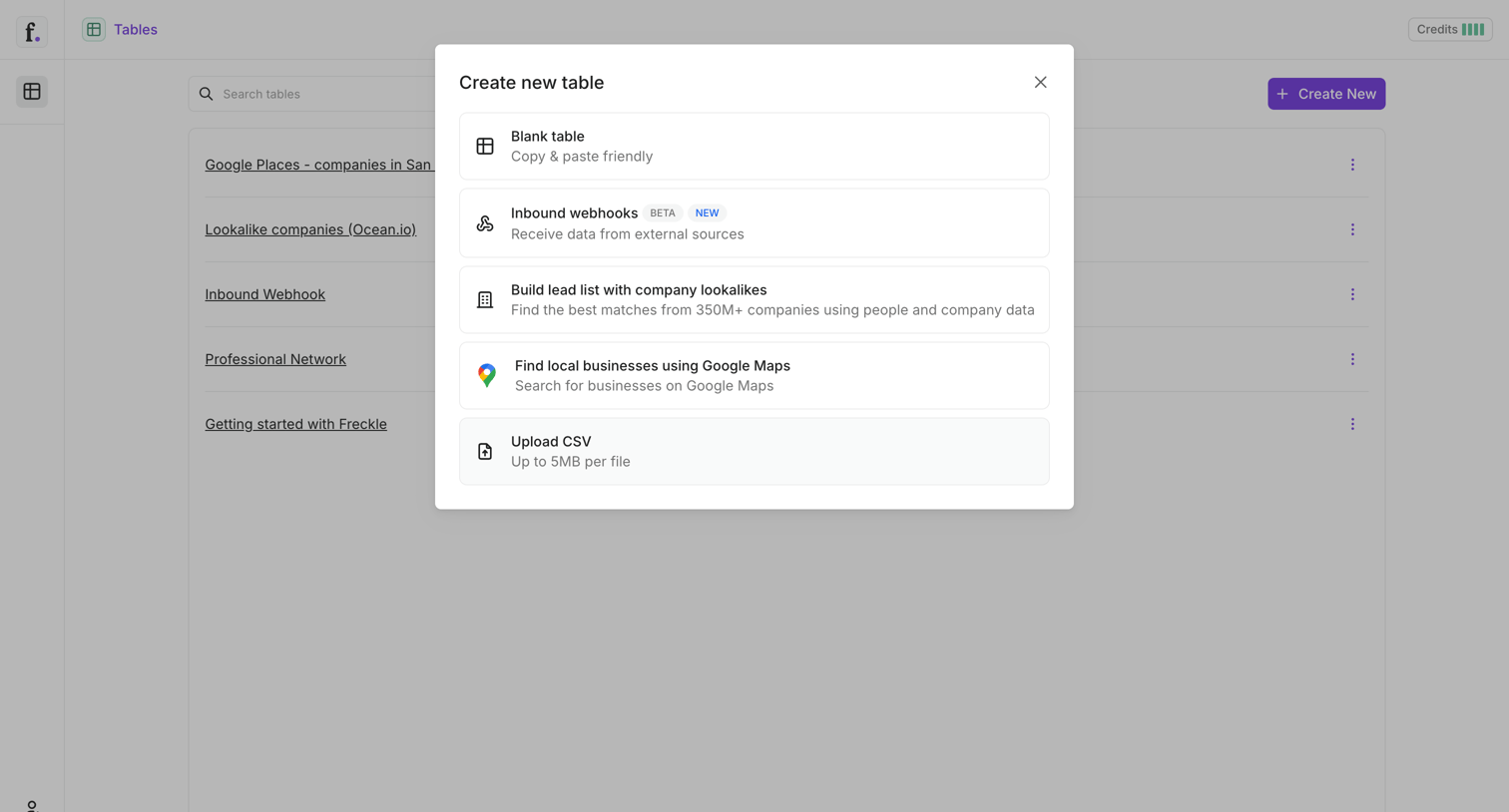

Modal overlay where the user chooses a starting point to create a new table, with options including a blank table, inbound webhooks, Google Maps search, and CSV upload.
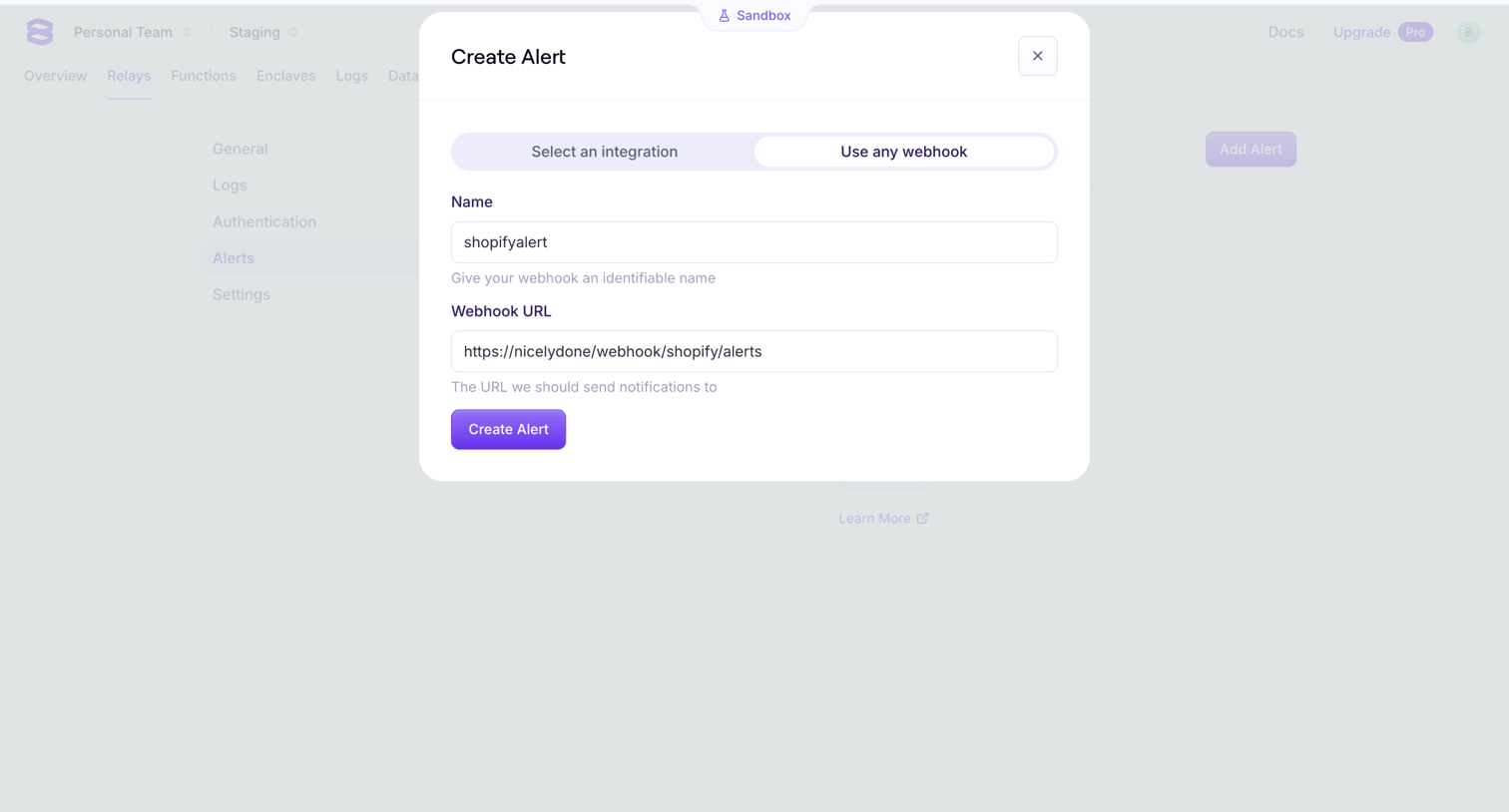

Settings page where the user configures a new webhook alert by providing a name and destination URL in a modal.
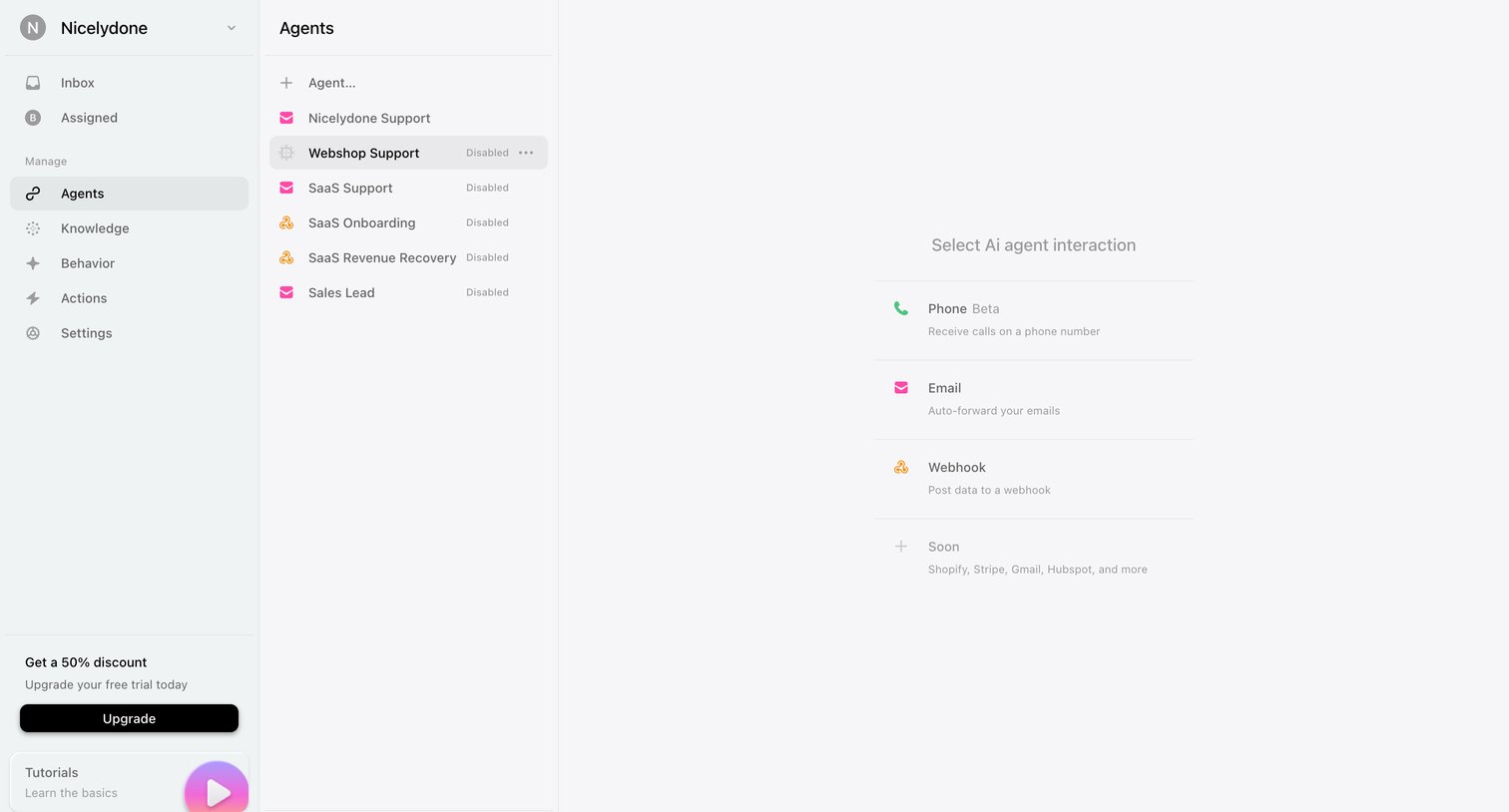

Settings page where the user selects the interaction channel for a specific AI agent, choosing between phone, email, or webhook.
Explore the full SaaS screen library
Upgrade to unlock the full library.
Trusted by the best teams







