User feedback screen examples
User feedback screen design examples from SaaS apps. Browse examples from Airbnb, Dock, Town.
Explore the examples
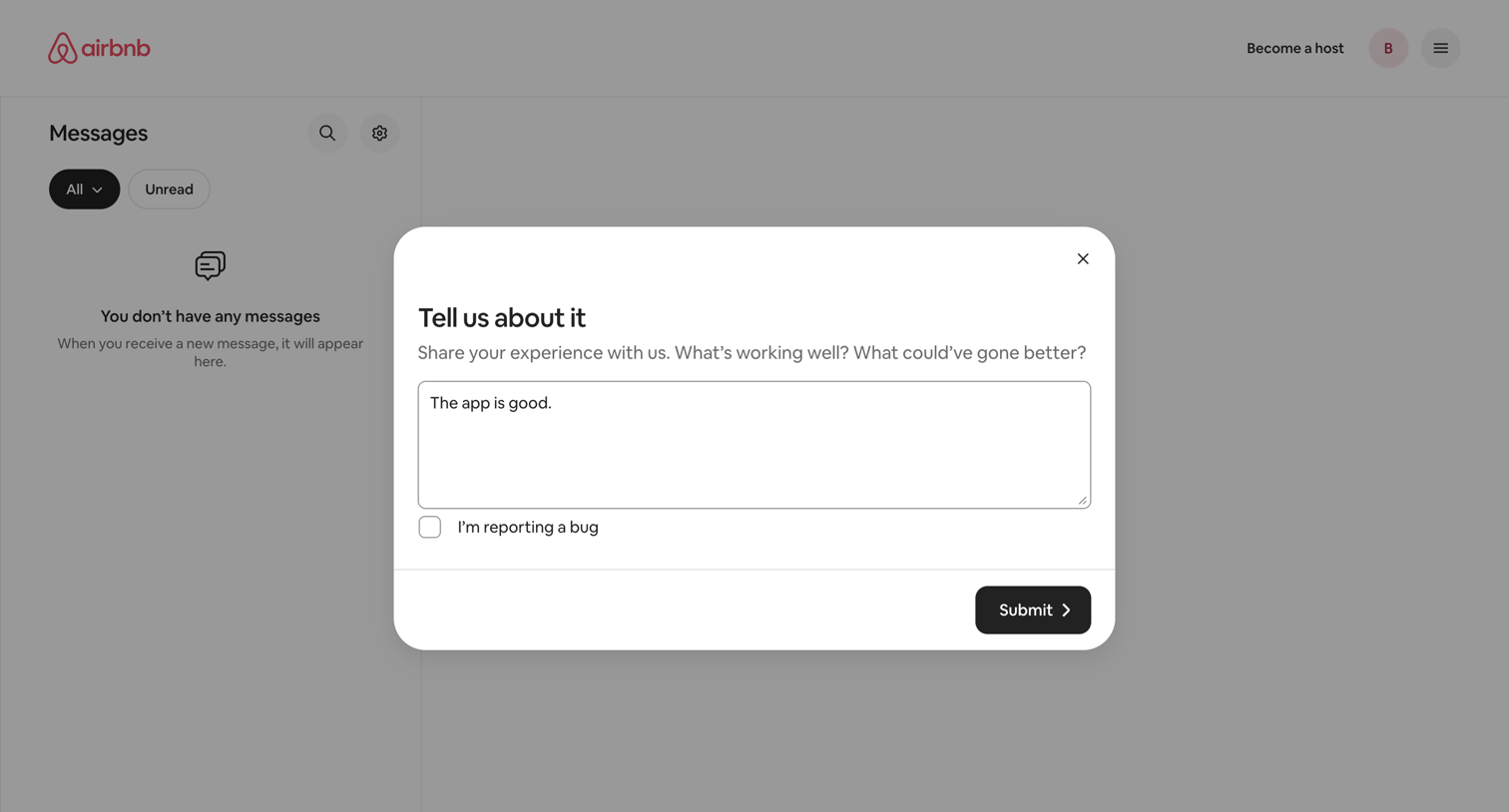

Inbox page where the user is prompted to share their experience or report a bug via a feedback modal overlay.
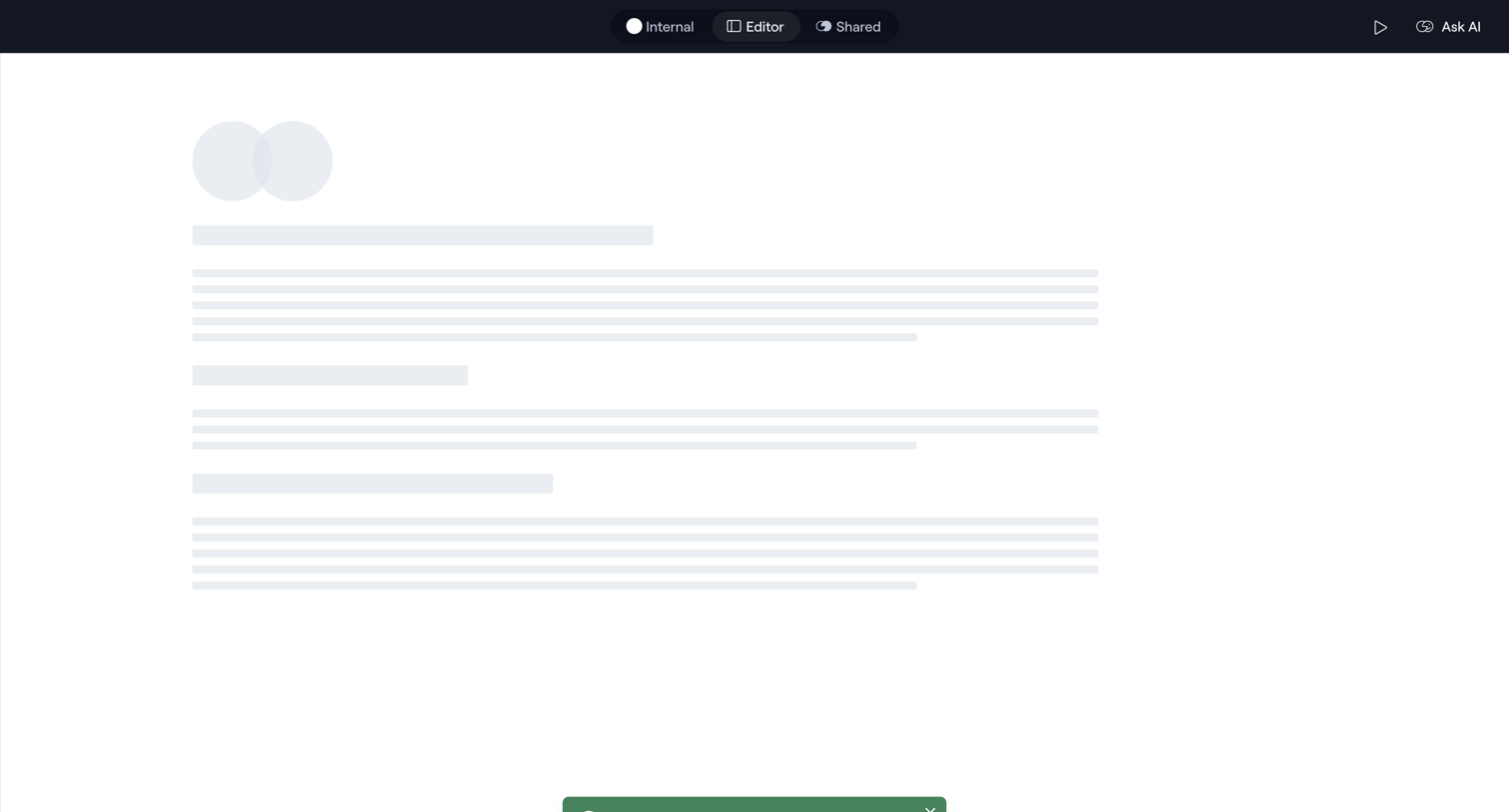

Content editor displaying a skeleton loading state while a success toast confirms the creation of a new space.
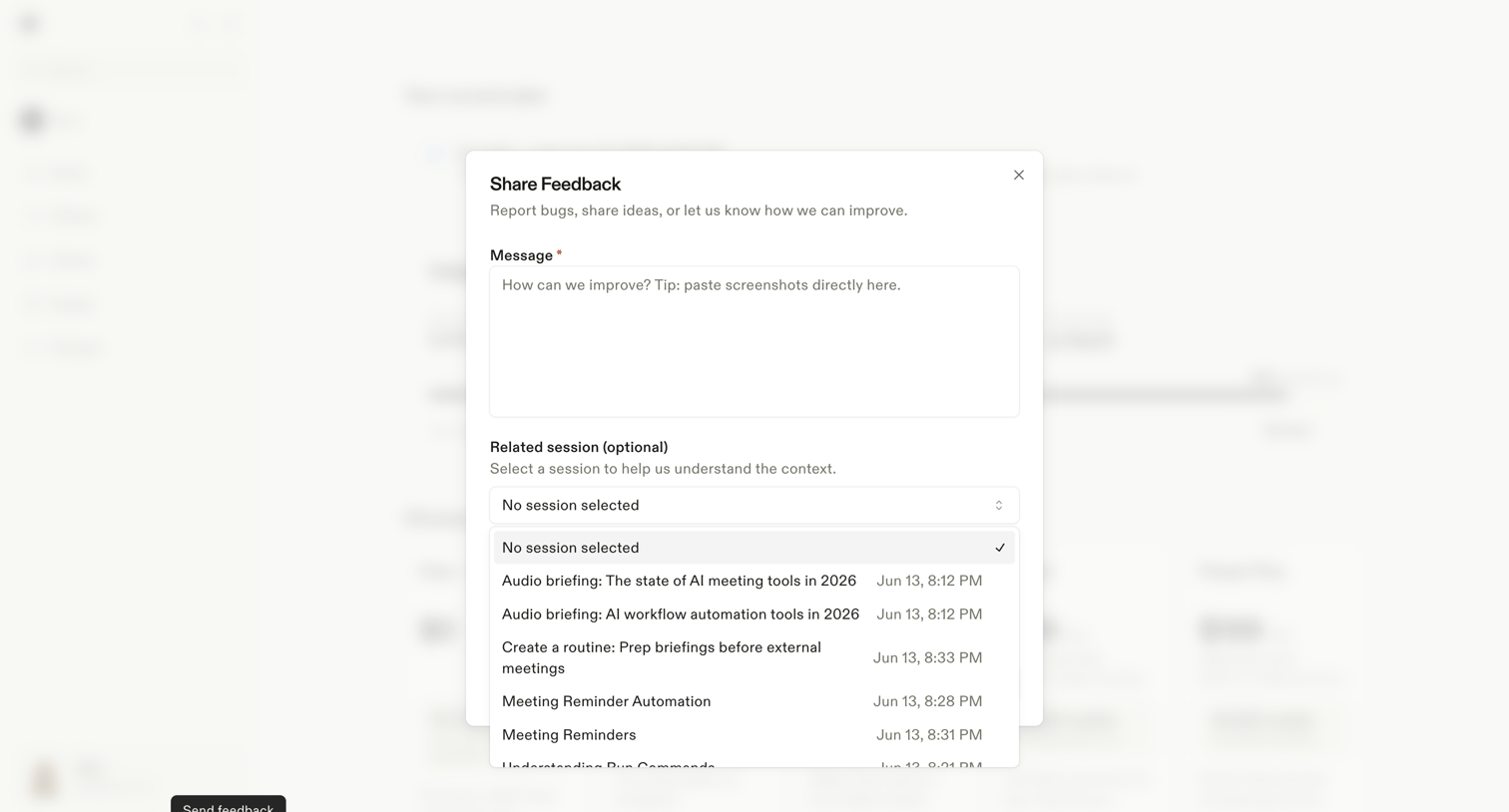

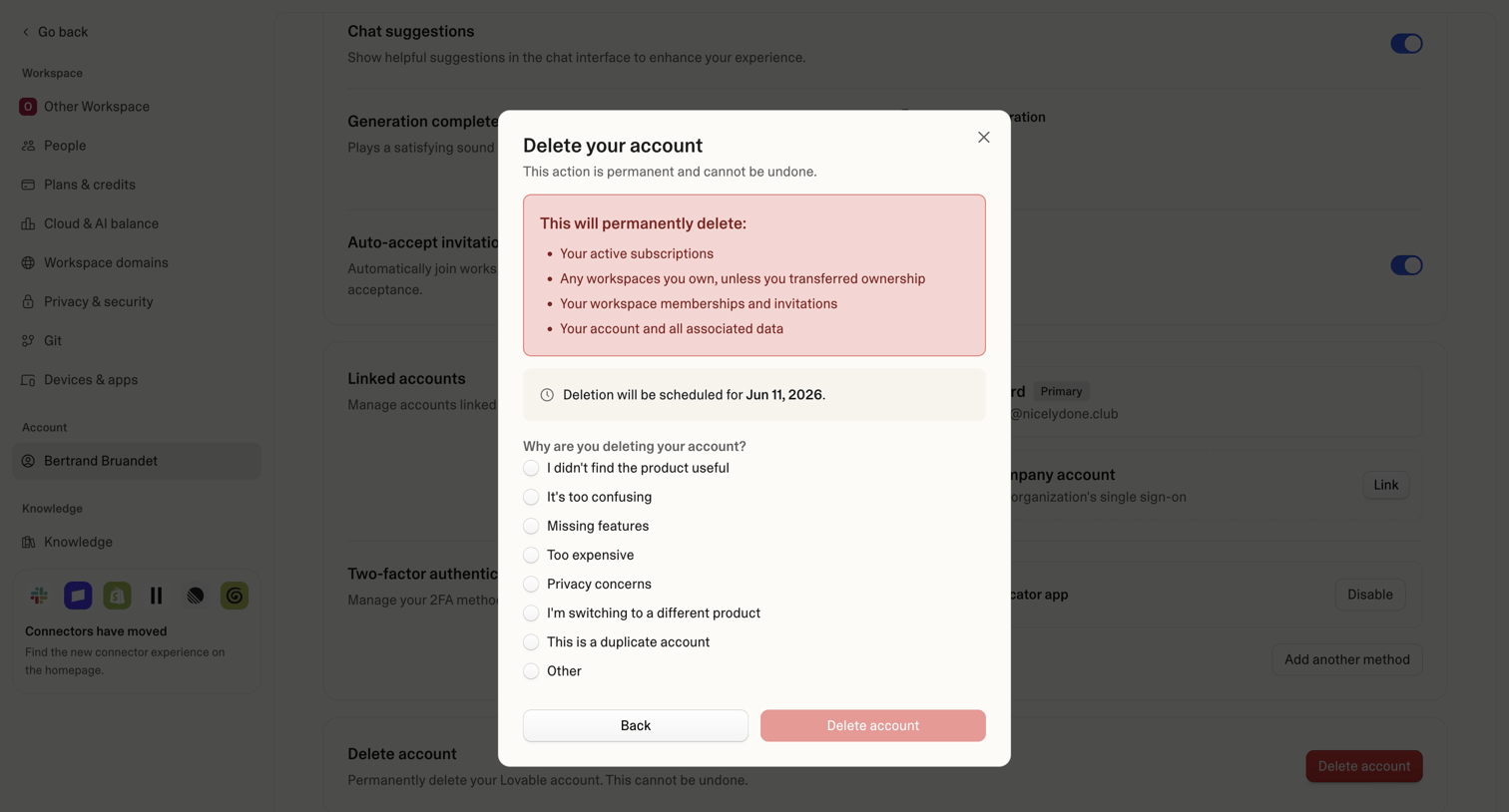

Settings page where the user is prompted to confirm permanent account deletion and provide a reason via an exit survey.
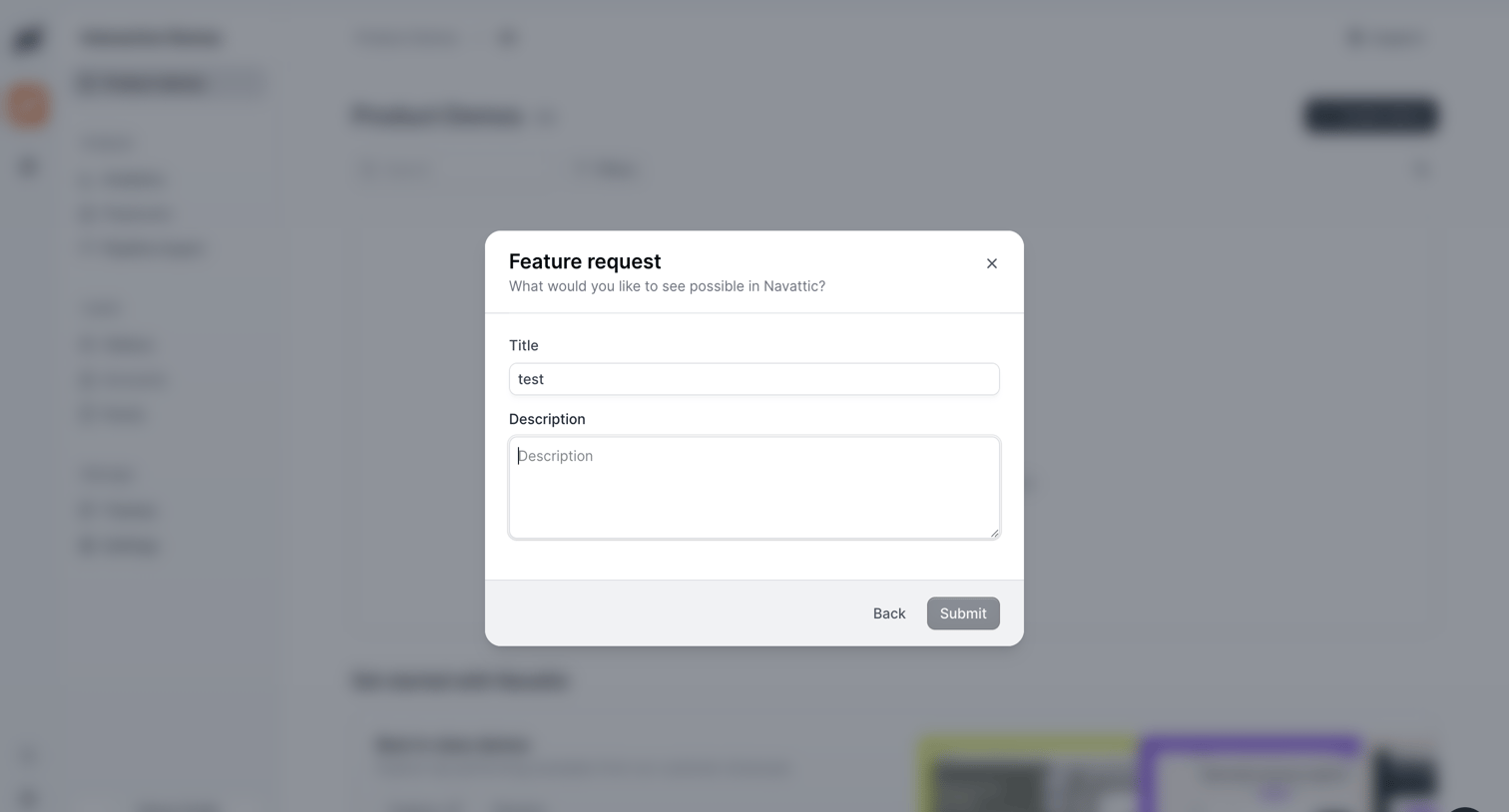

List view with a modal where the user submits a feature request by providing a title and description.
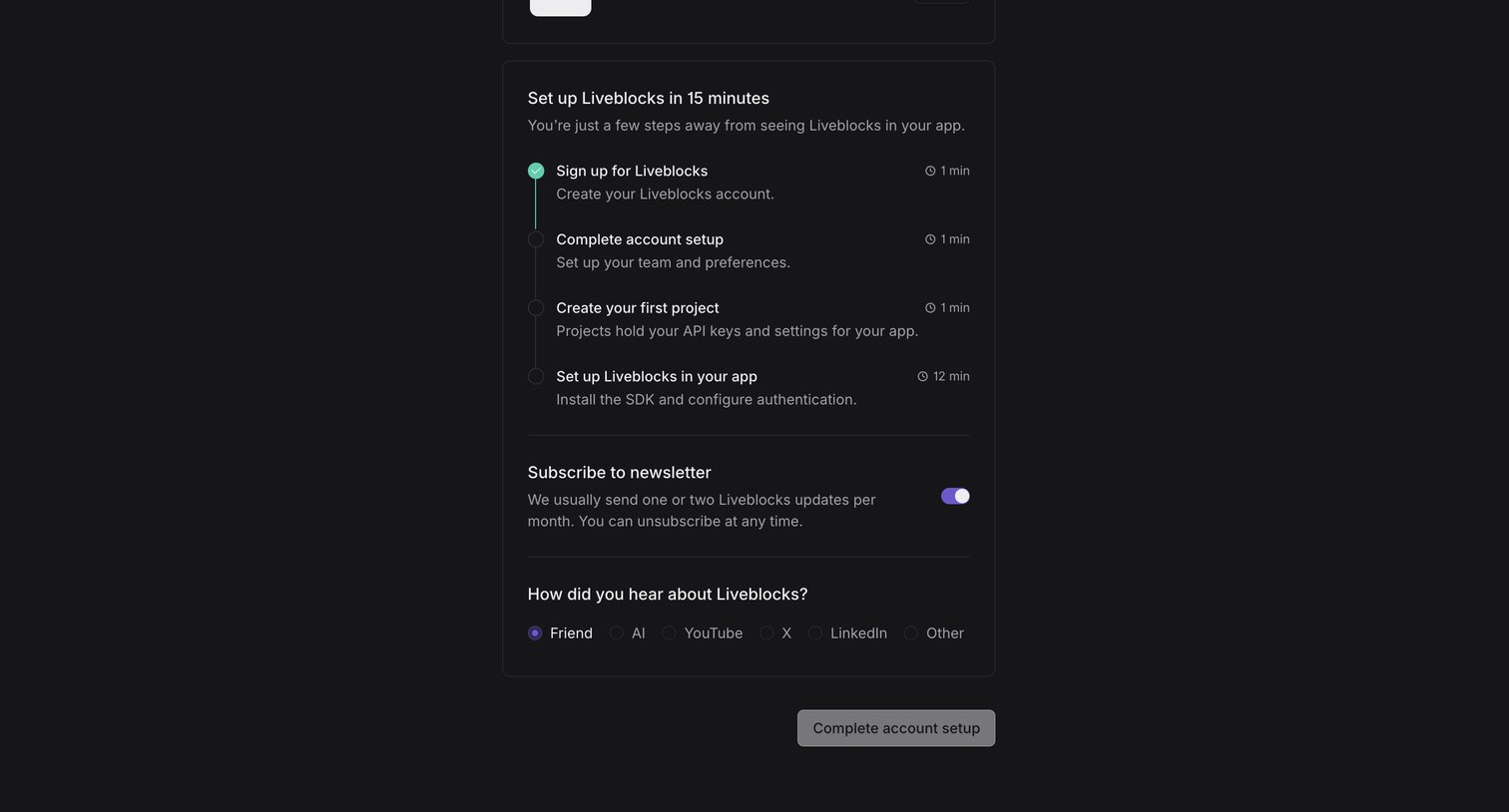

Onboarding step where the user views a setup checklist, toggles a newsletter subscription, and answers an attribution question before completing account setup.
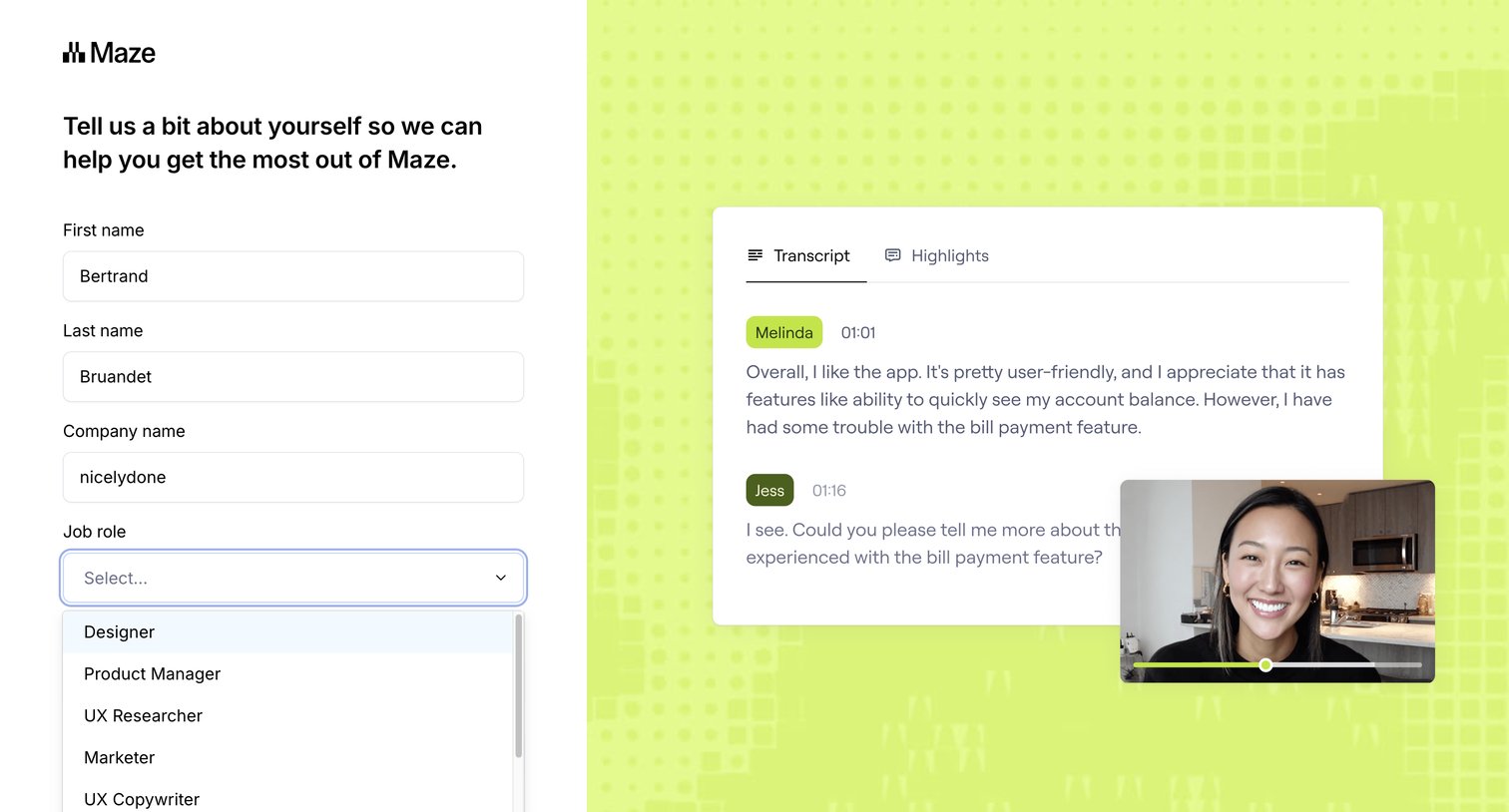

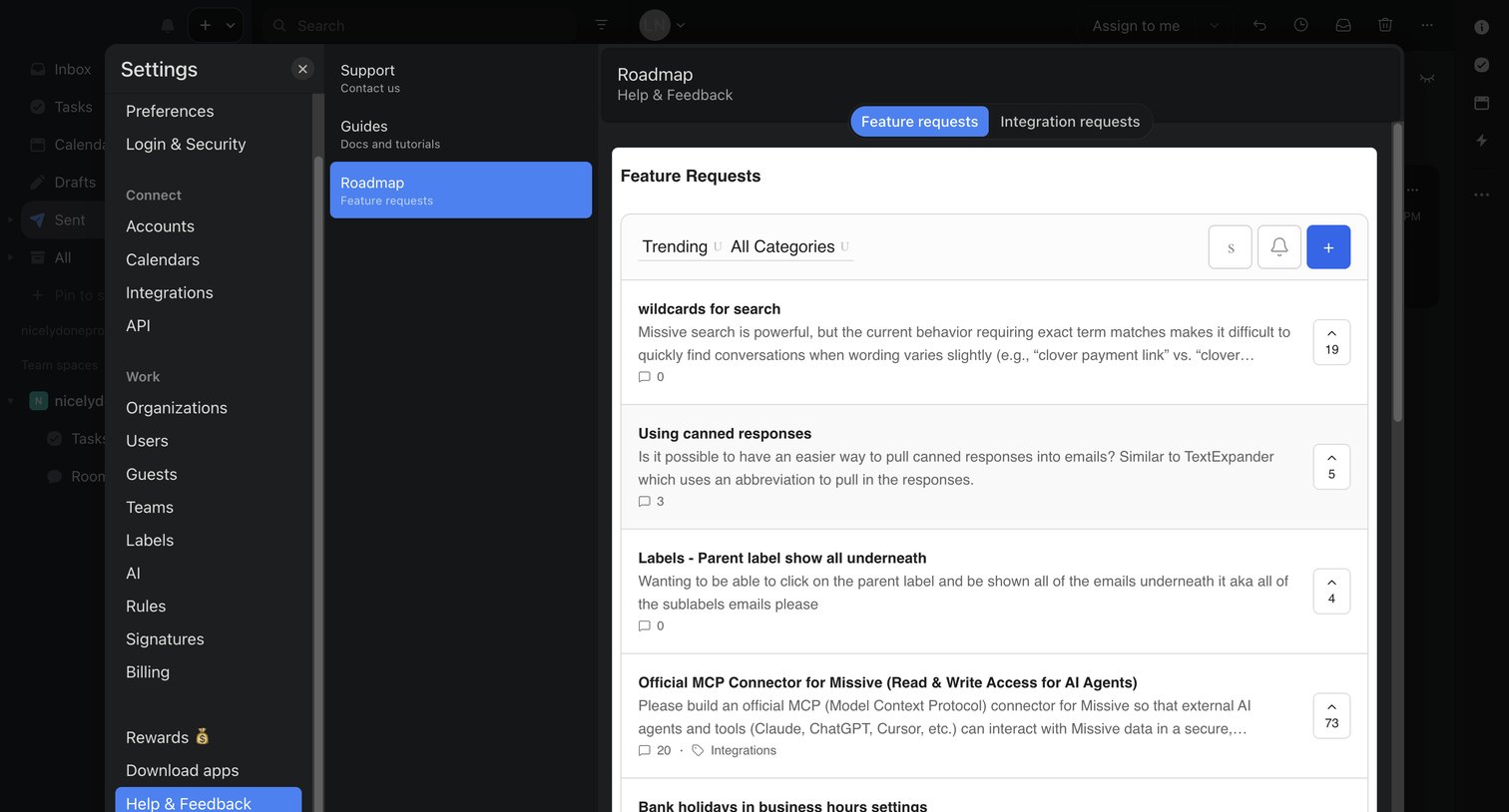

Settings modal where the user browses, filters, and upvotes feature requests on the product roadmap.
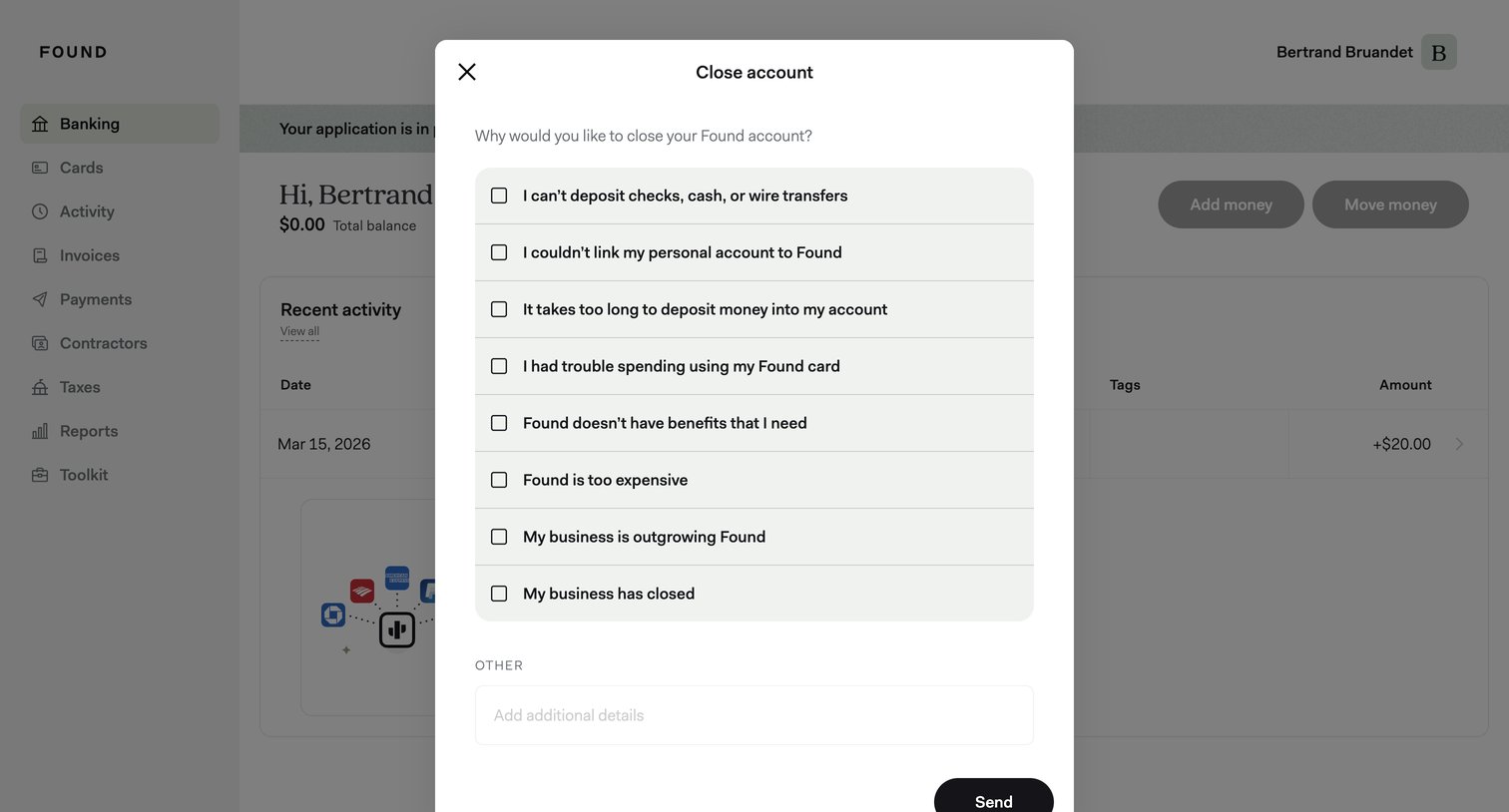

Dashboard with a modal where the user selects reasons for closing their account from a list of checkboxes and can add additional details.
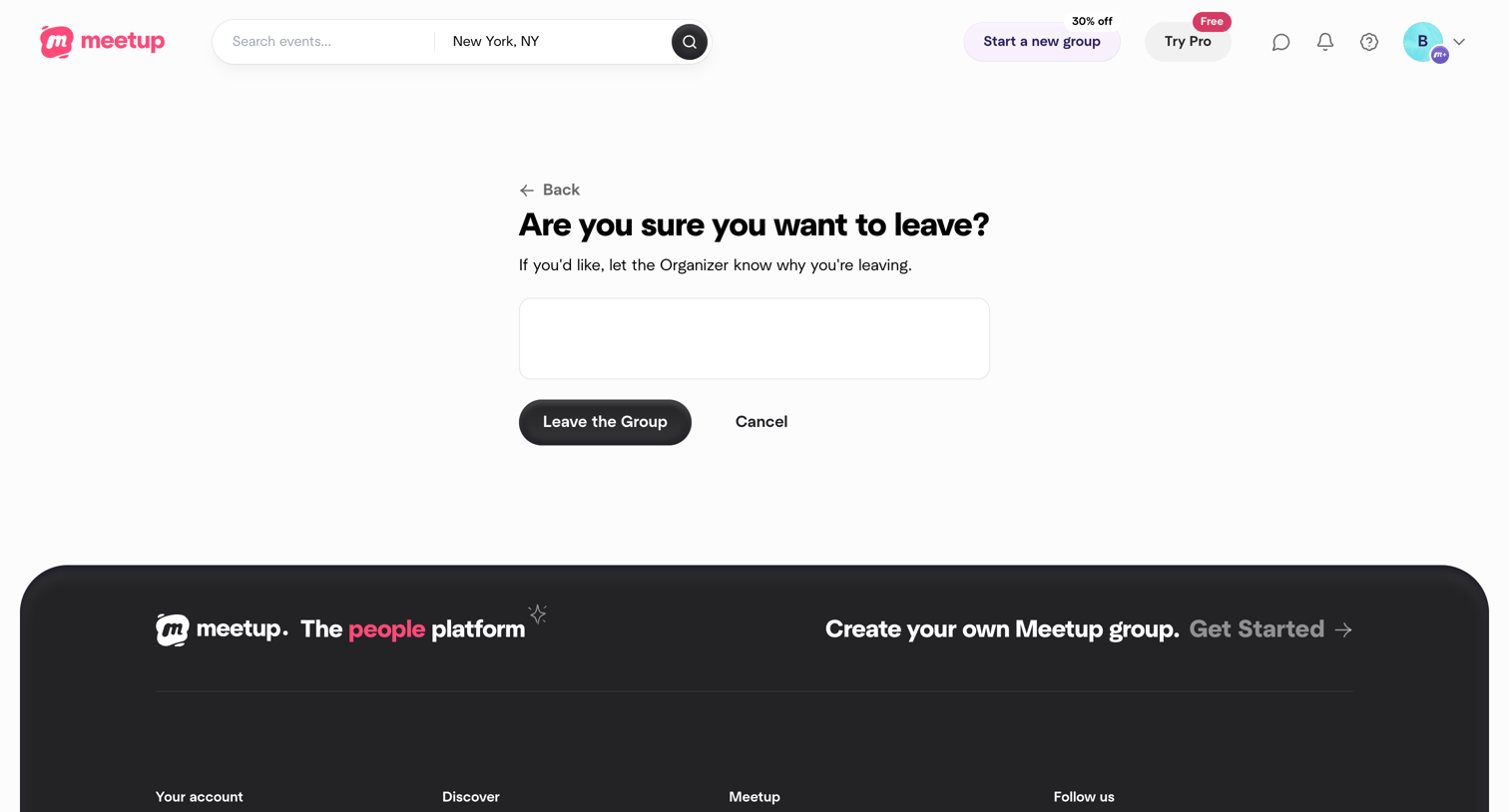

Settings confirmation screen where the user is asked to confirm leaving a group and can optionally provide a reason to the organizer.
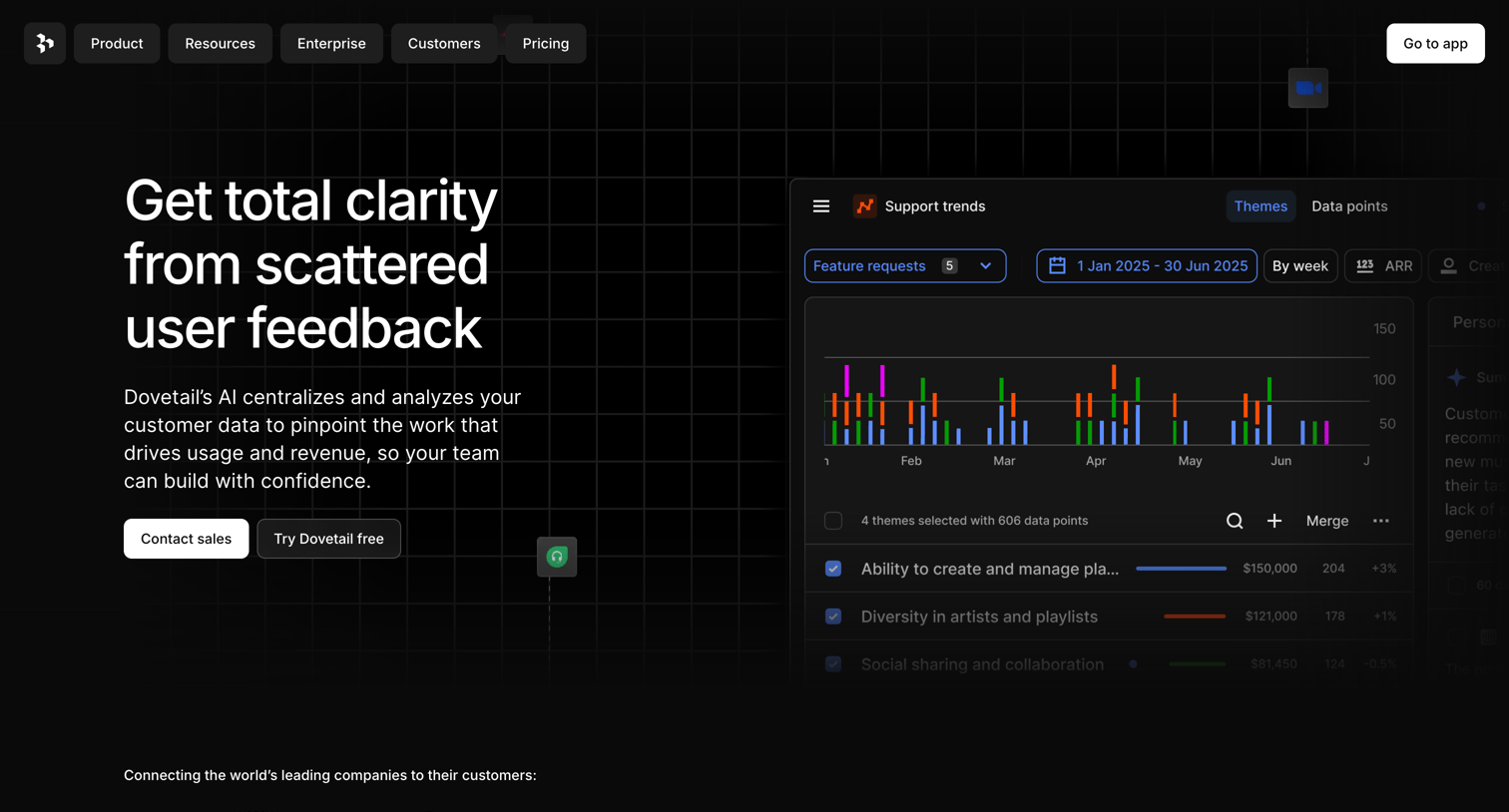

Landing page hero section pitching an AI-powered user feedback analysis tool, featuring a product UI mockup showing support trends and theme analysis.
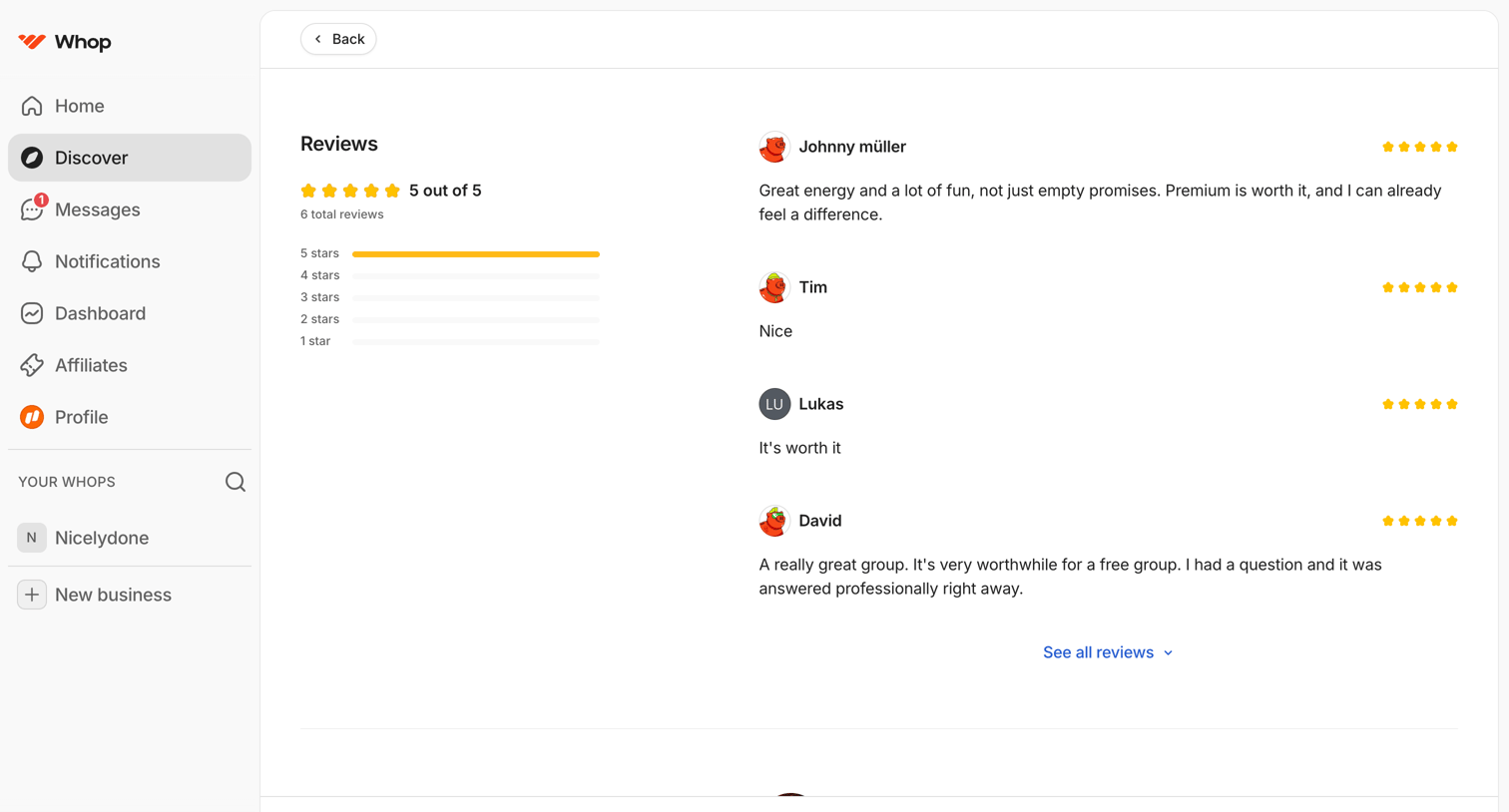

Explore the full SaaS screen library
Upgrade to unlock the full library.
Trusted by the best teams







