Update screen examples
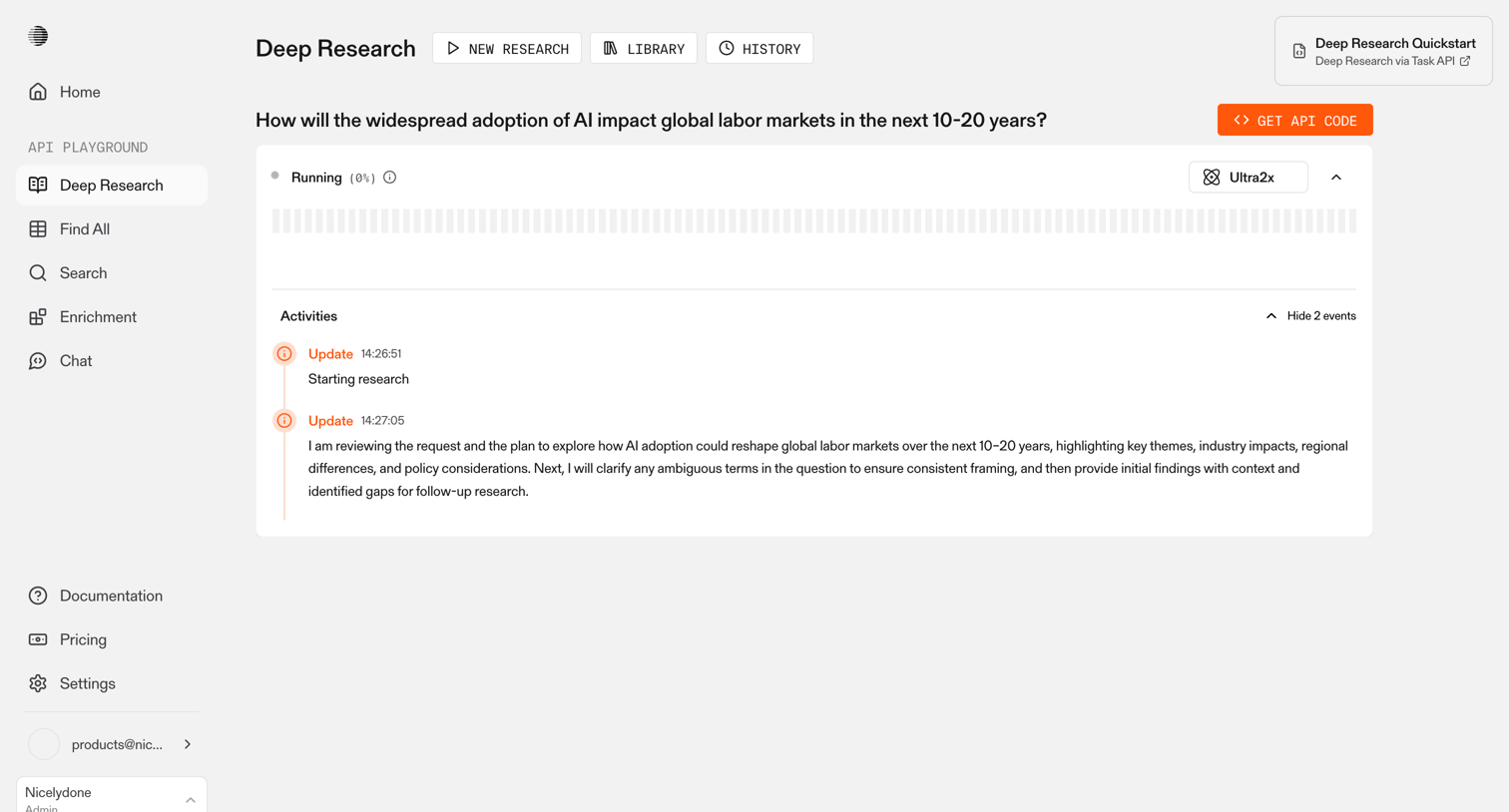
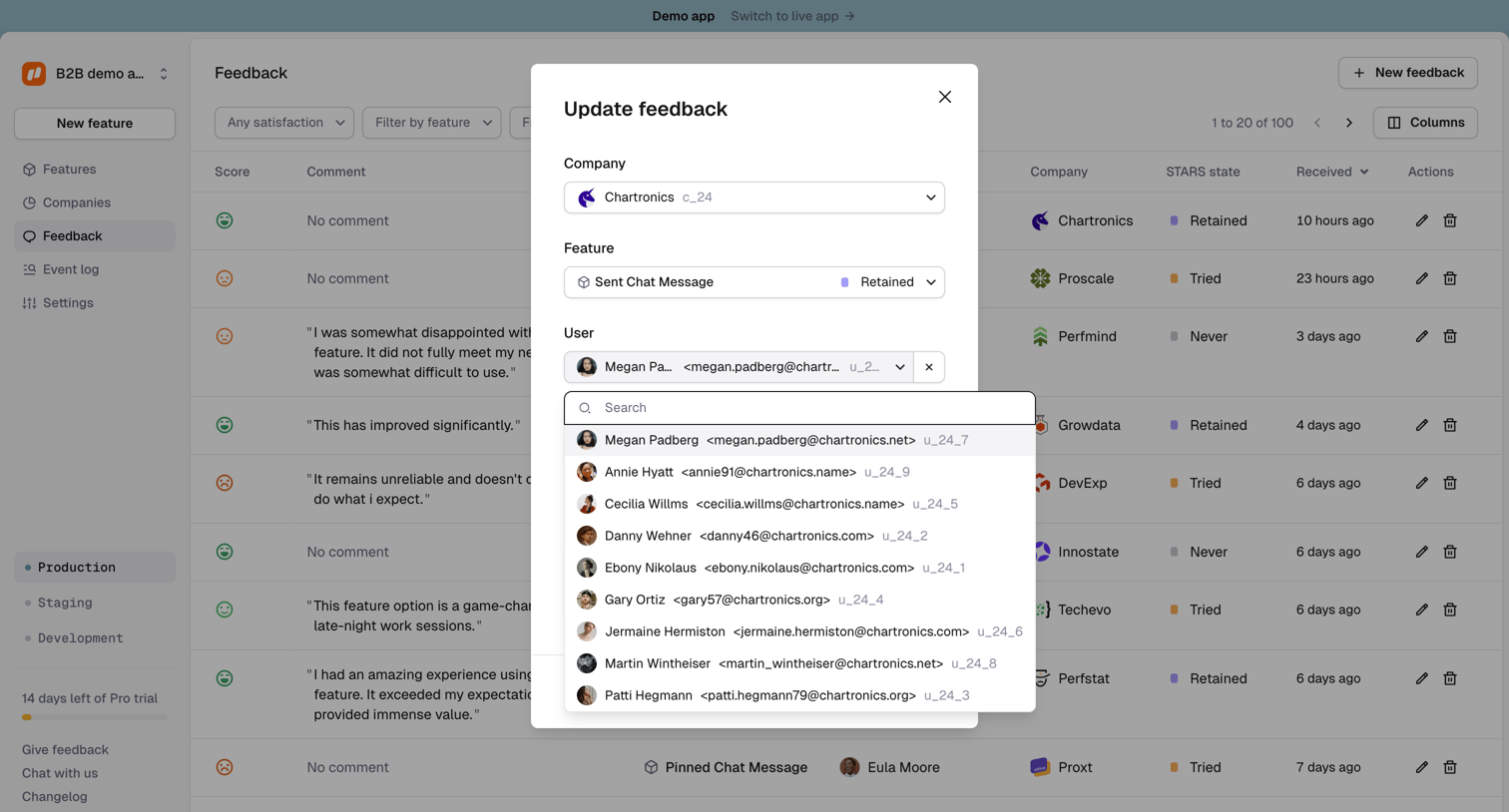
Update screen design examples from SaaS apps. Browse examples from Mailchimp, Dovetail, Documentation.AI.
Explore the examples
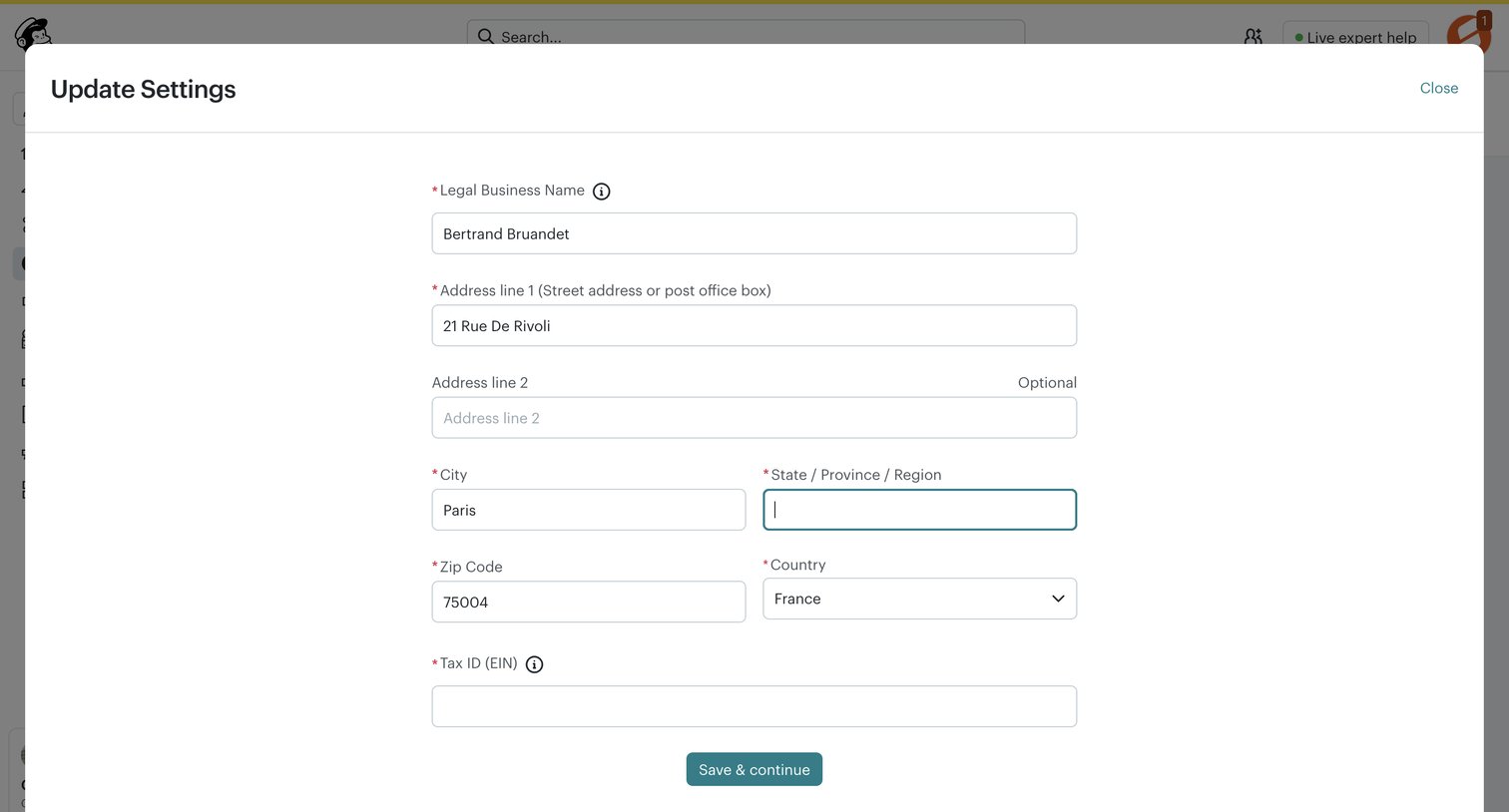

Settings modal where the user updates their legal business name, address, and tax ID.
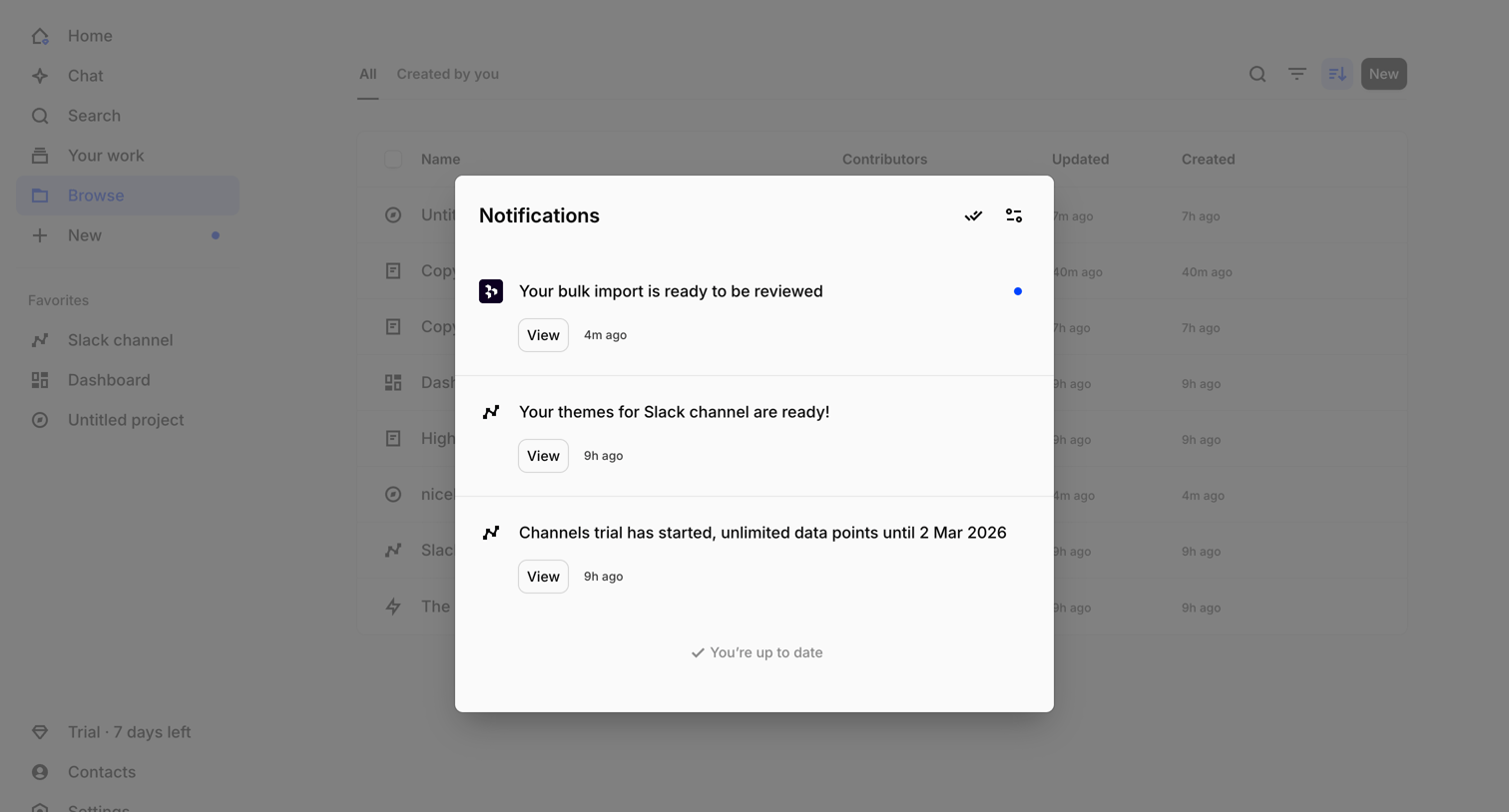

List view where the user reviews their recent system and activity notifications in a centered modal overlay.
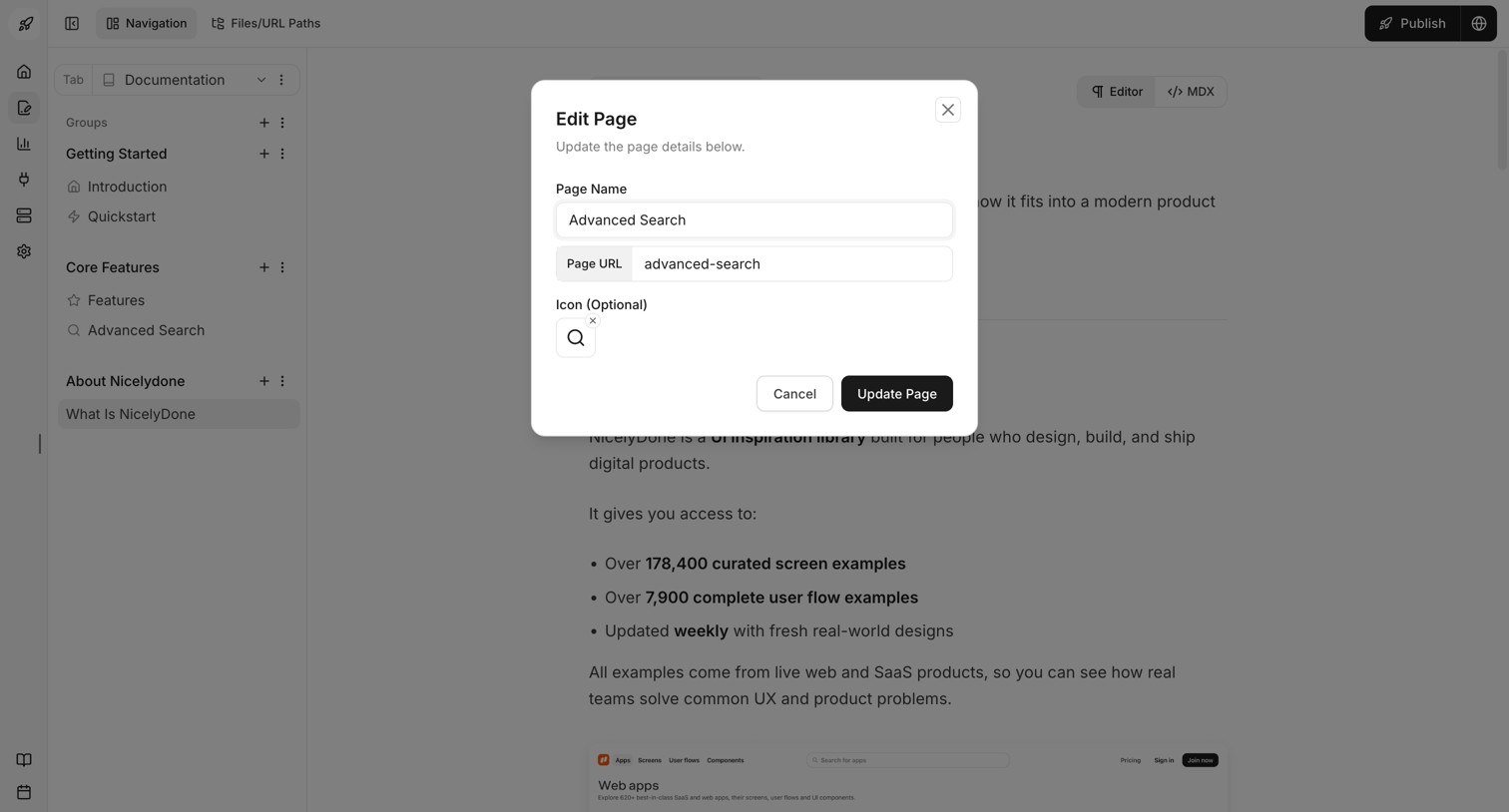

Content editor where the user updates page details like name, URL, and icon via a modal overlay.

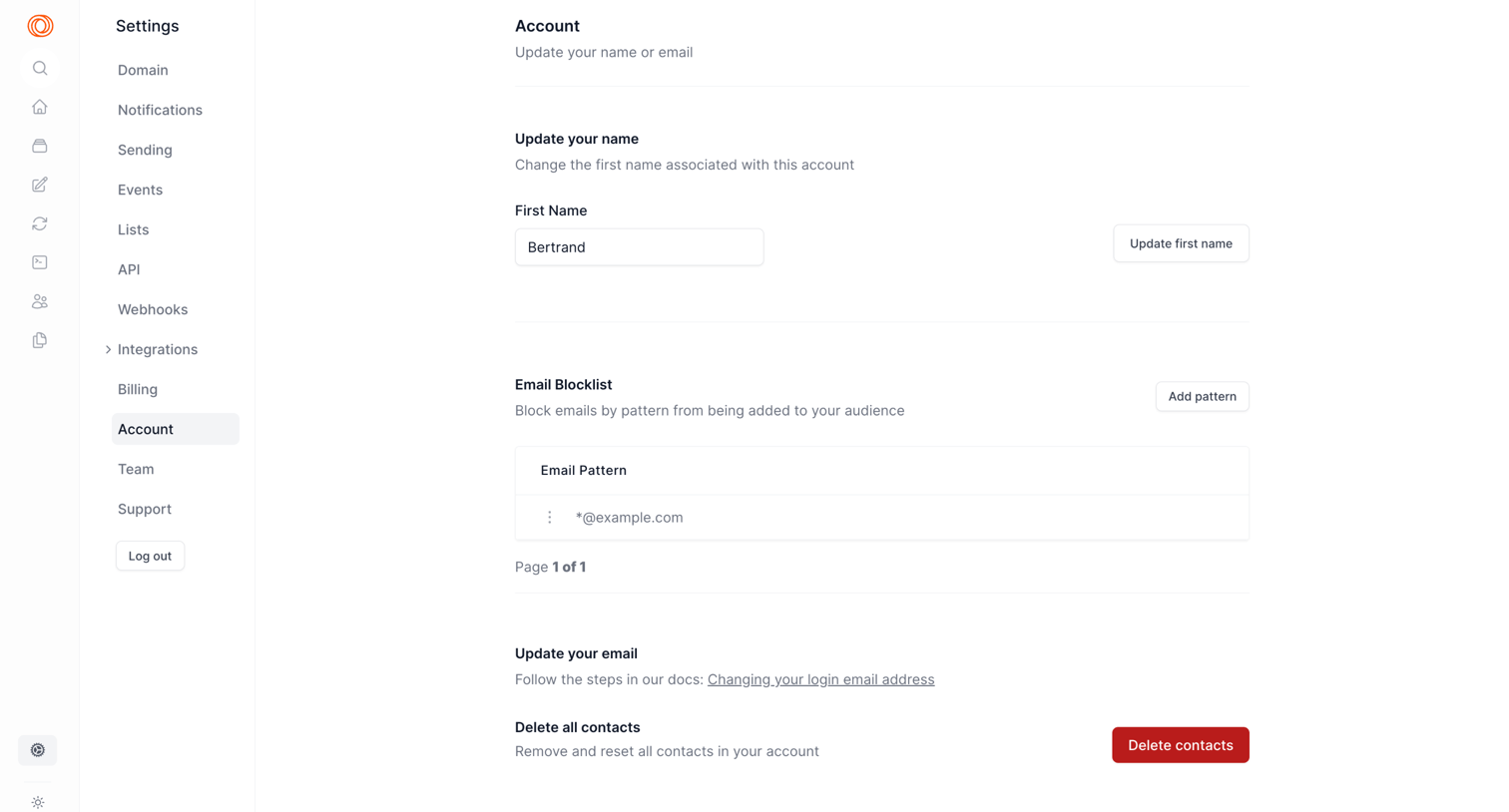

Settings page where the user can update their first name, manage an email blocklist, find instructions to change their email, and delete all contacts.
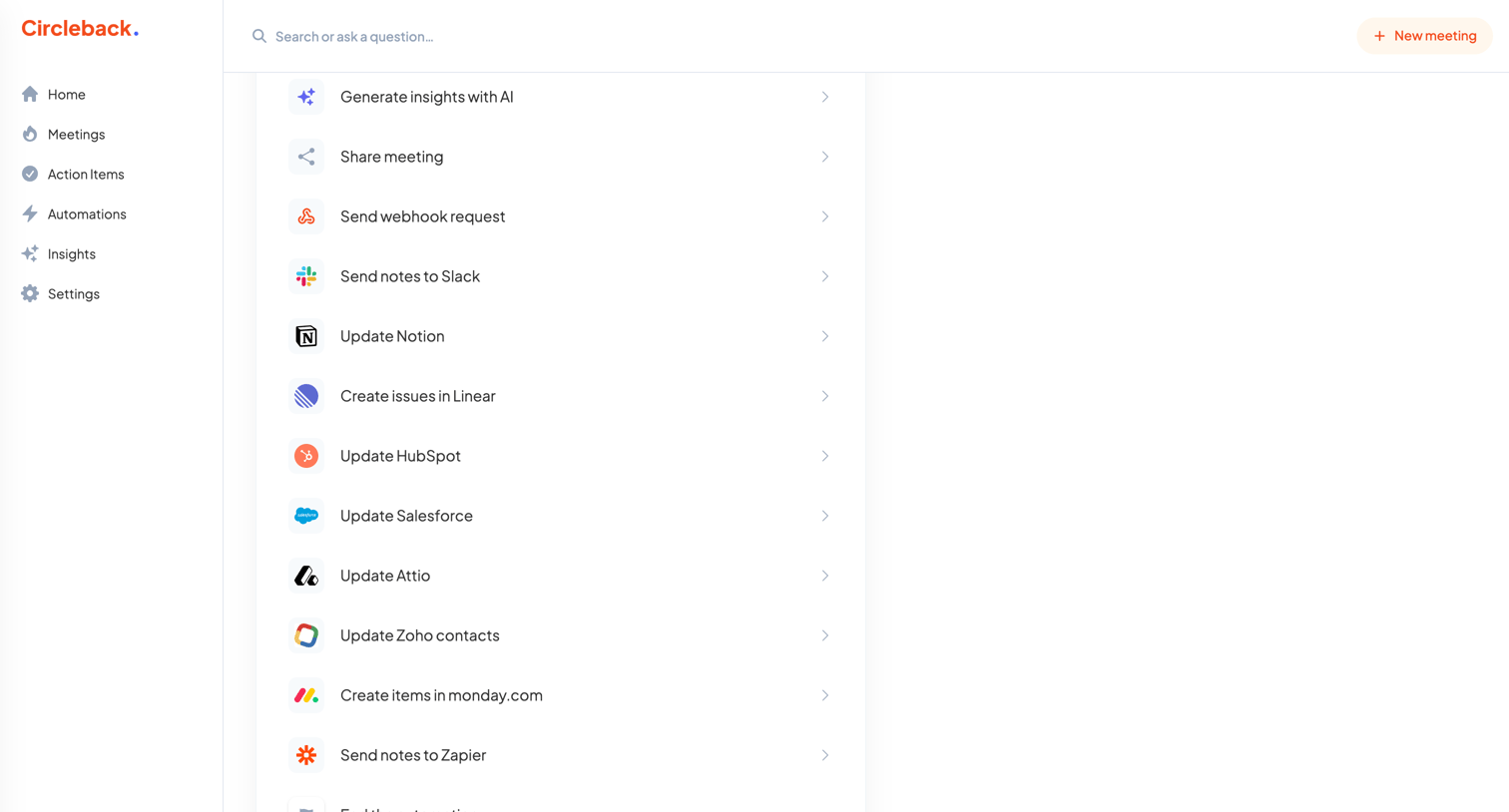

Create screen where the user selects an action from a list of integrations like Slack, Notion, Linear, and HubSpot to build a new automation.
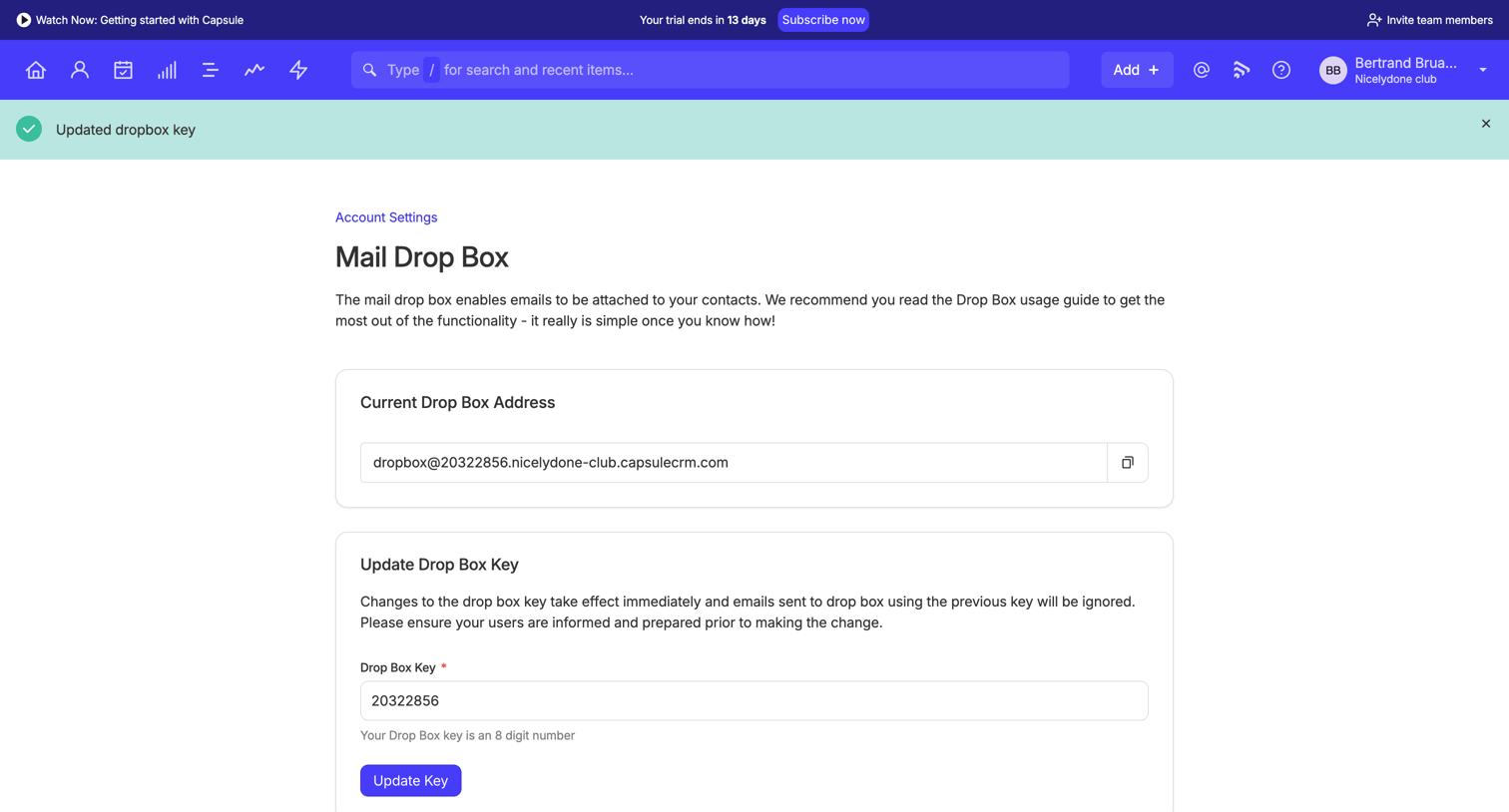

Settings page where the user views their current drop box address, updates their drop box key, and reads a guide on how to use the feature.
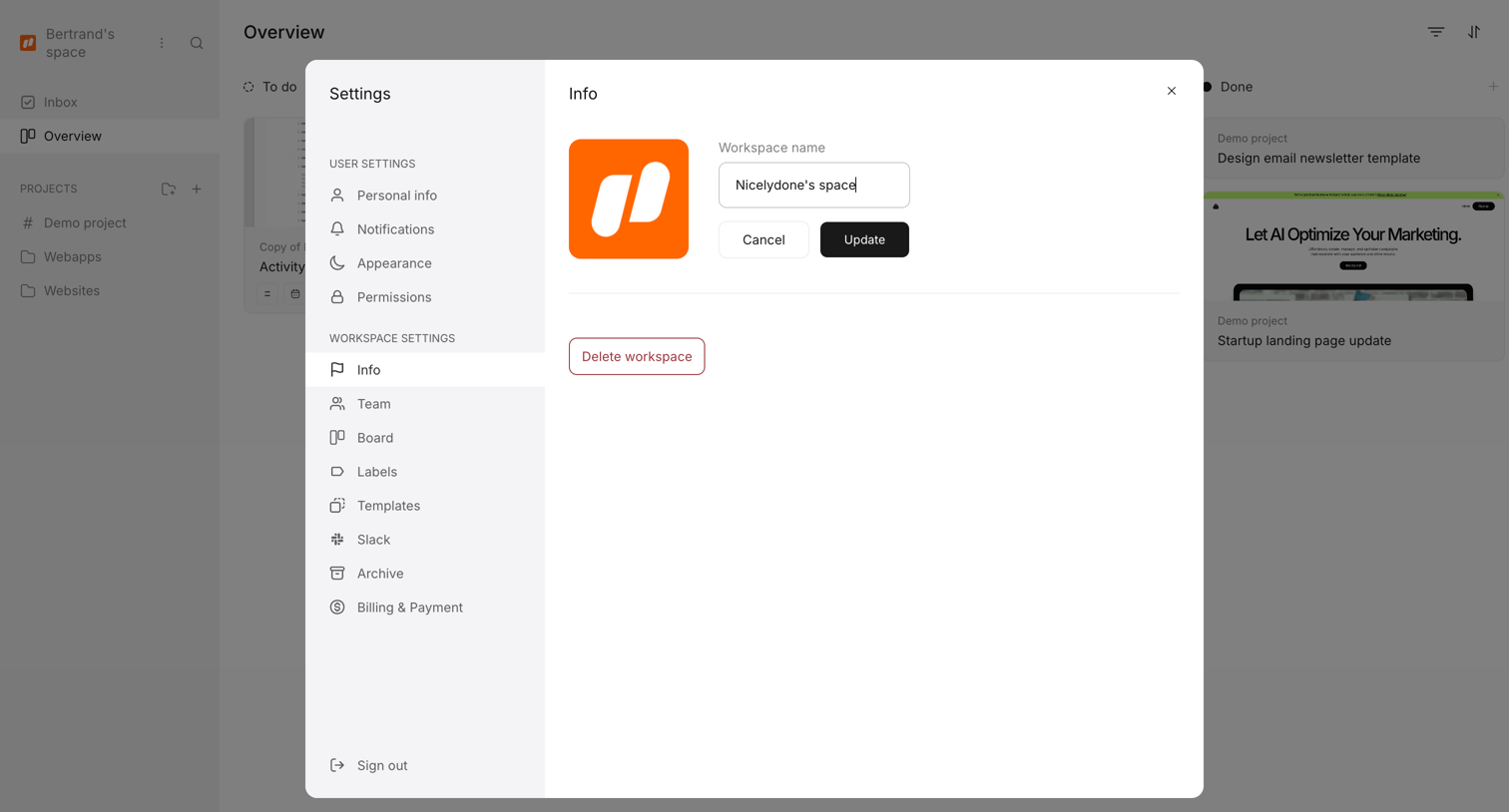


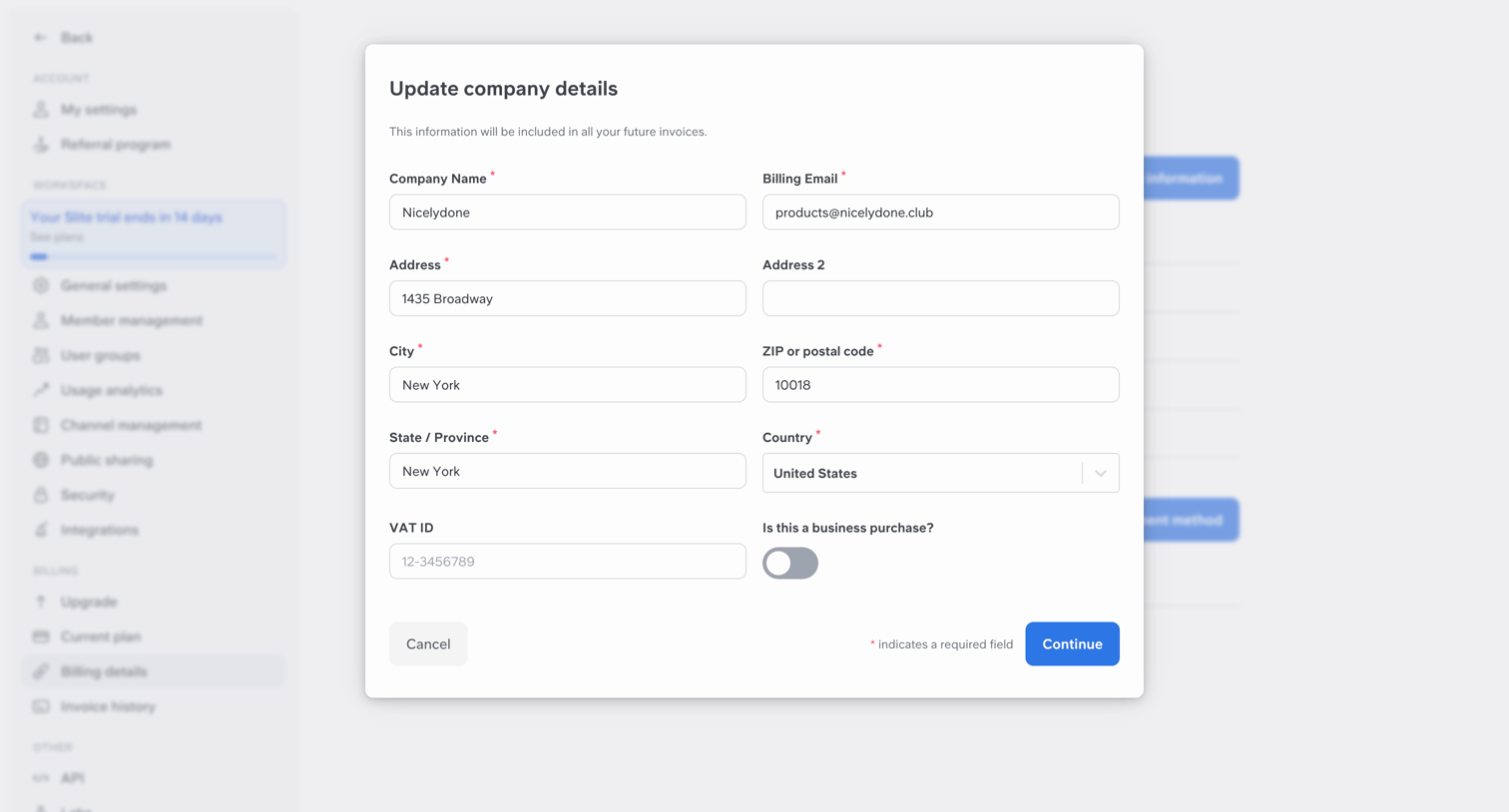

Settings page where the user updates their company billing details, including address and VAT ID, inside a modal.

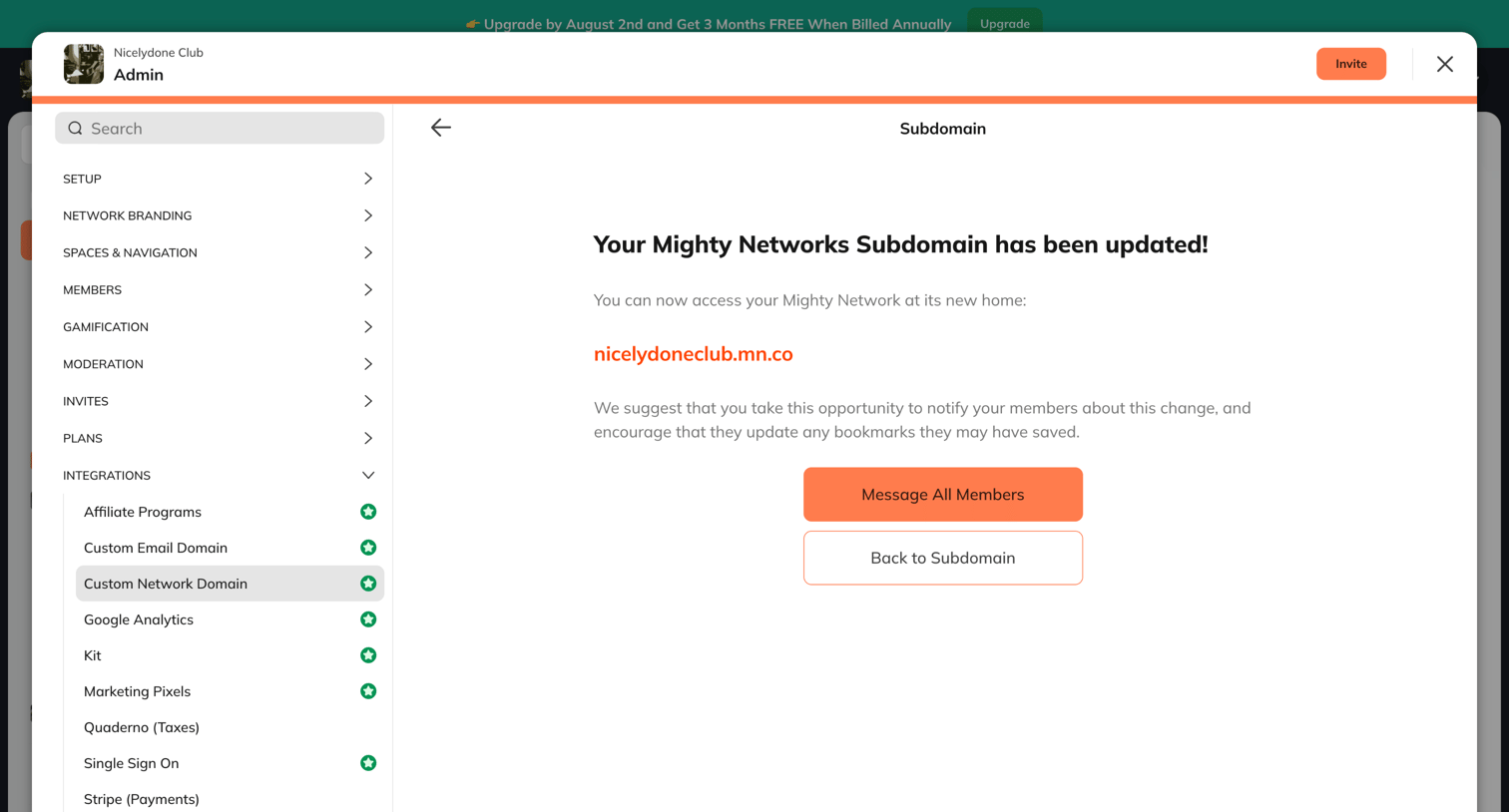

Settings modal displaying a success confirmation after the user updates their network subdomain, prompting them to notify their members.
Explore the full SaaS screen library
Upgrade to unlock the full library.
Trusted by the best teams







