Skip to content

Ticketing system screen examples

Ticketing system screen design examples from SaaS apps. Browse examples from Chatwoot, Bird, Outseta.

Explore the examples
Chatwoot screen
Chatwoot logo
Chatwoot

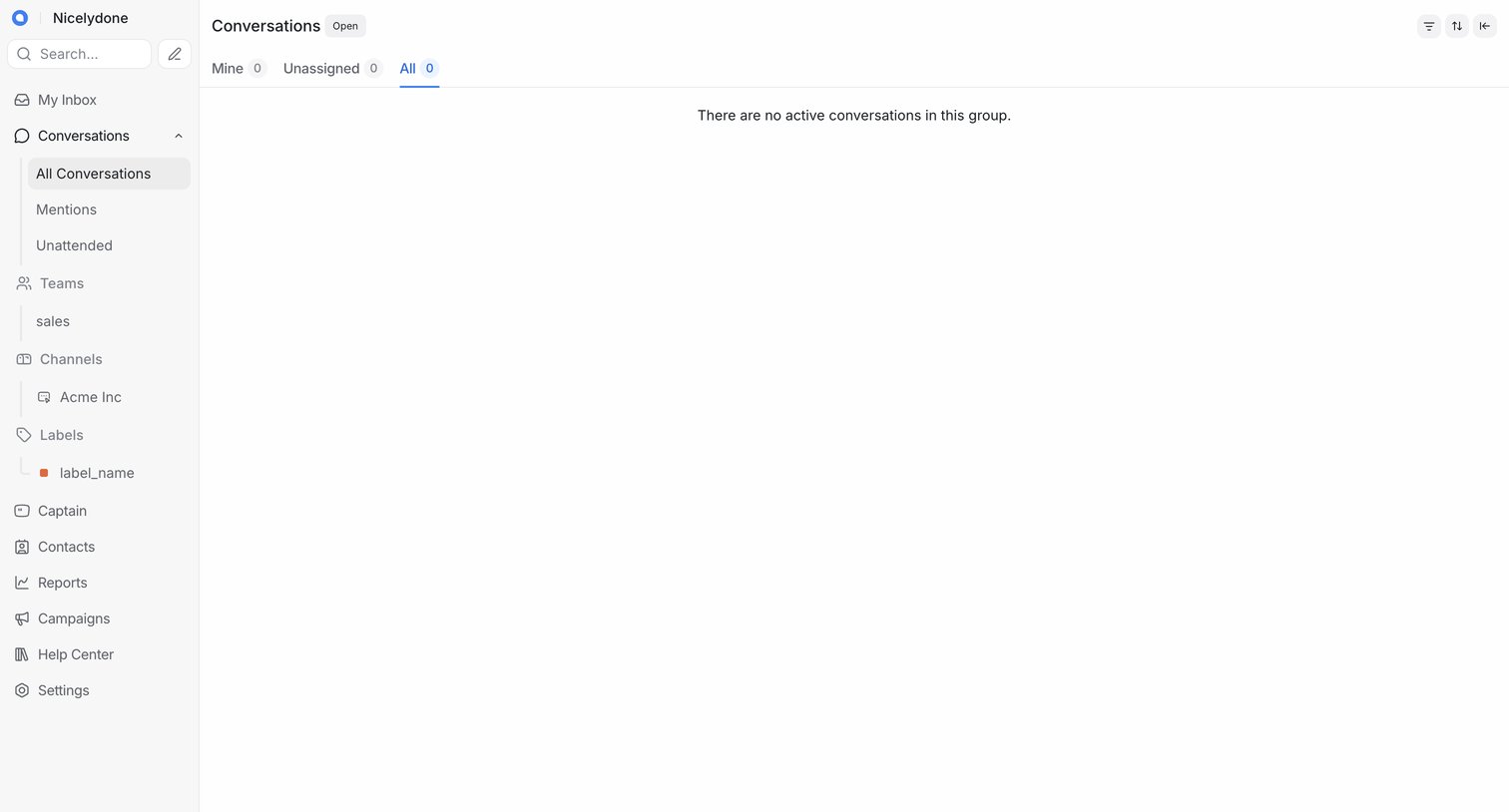
Inbox view showing all active conversations, currently in an empty state with no messages.
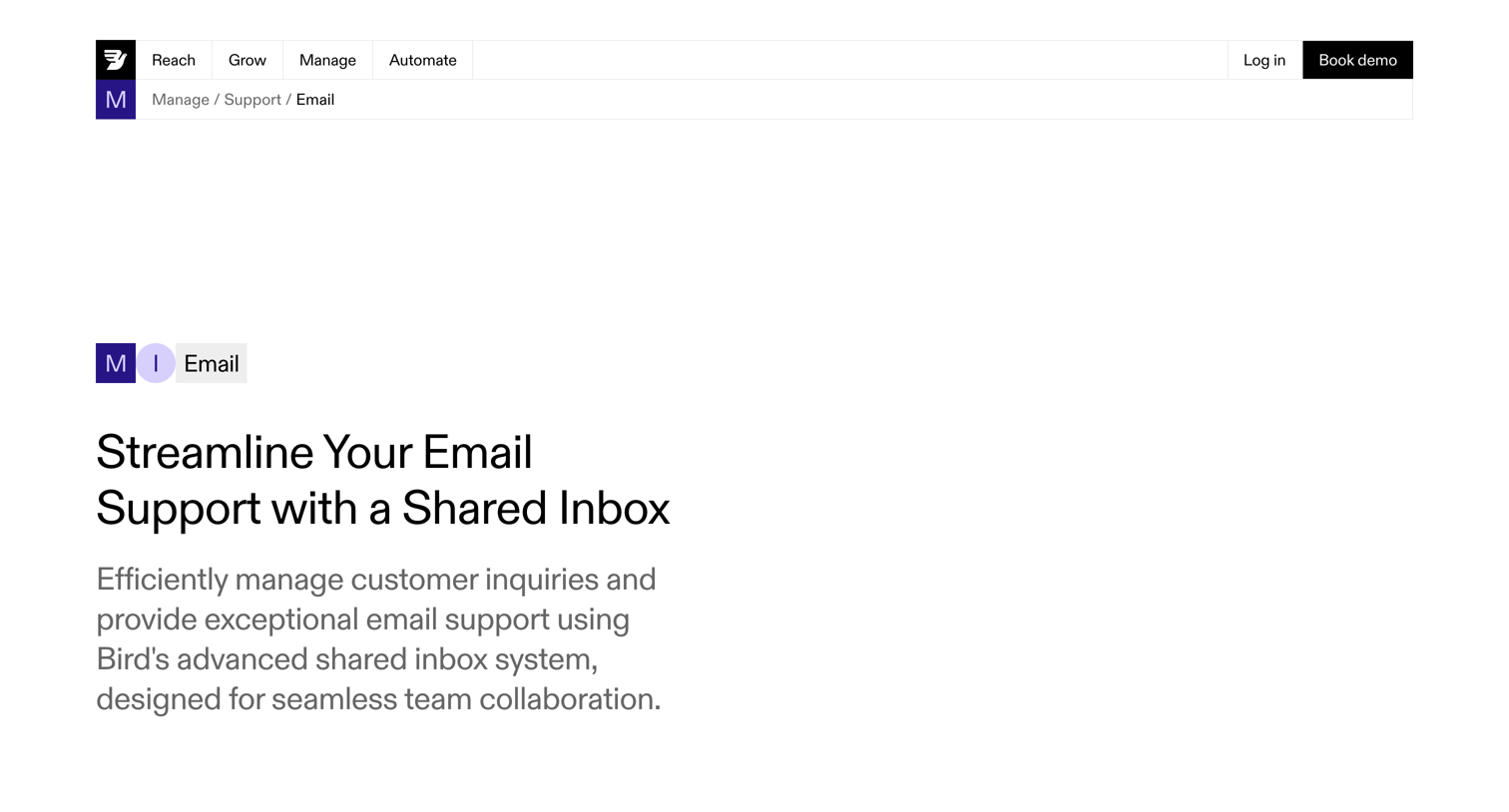
Bird - Shared Inbox for Customer Support Teams  Powered By AI  Bird screen
Bird logo
Bird

Feature page detailing a shared inbox tool for email support, highlighting capabilities like unified inbox, templates, and analytics, with a demo booking CTA.
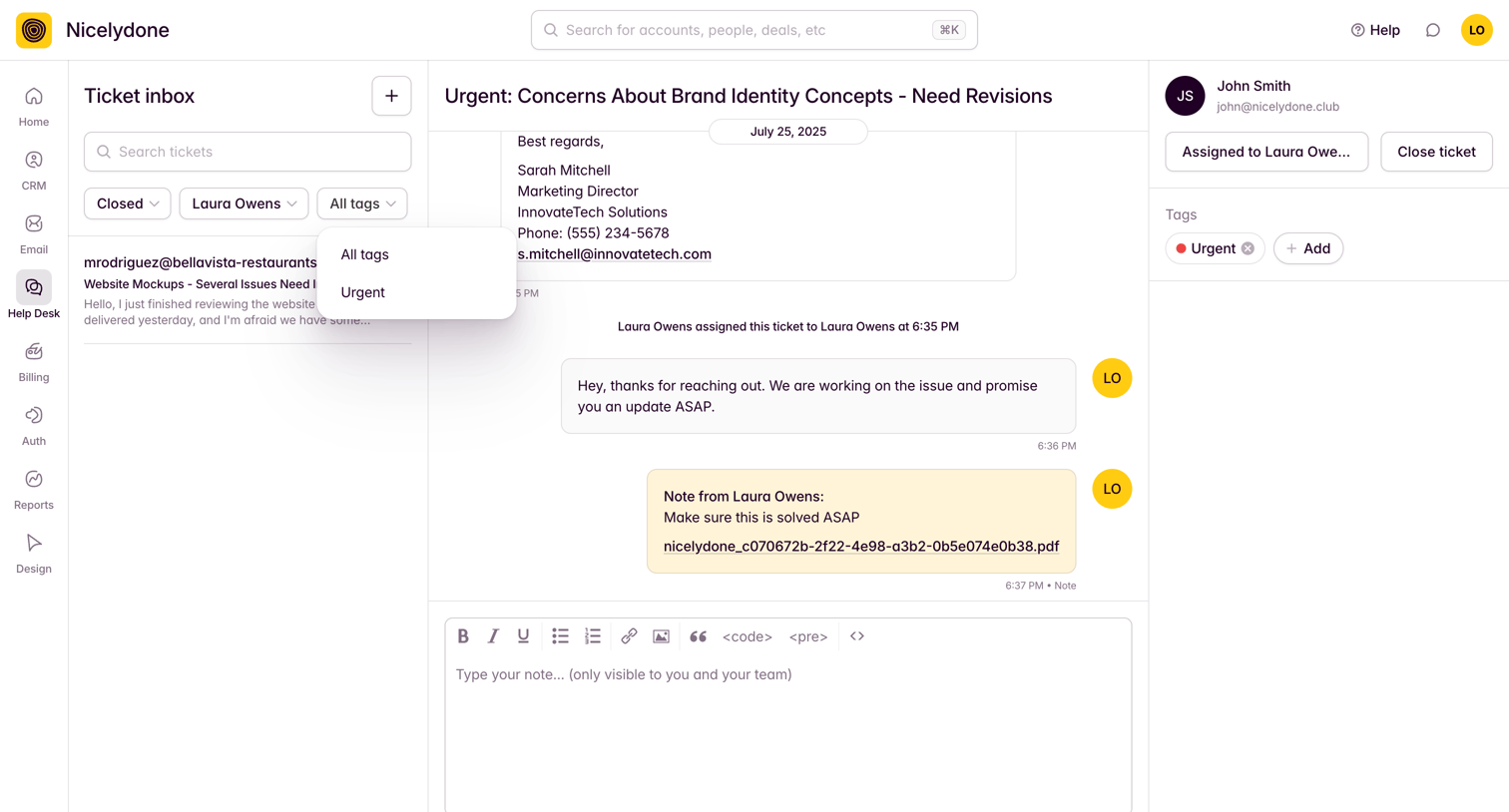

Outseta - View Tickets screen
Outseta logo
Outseta

Support desk inbox where an agent reviews a customer ticket about brand identity and drafts an internal note.

Huly - Alice Wonderland - Nicelydone screen
Huly logo
Huly

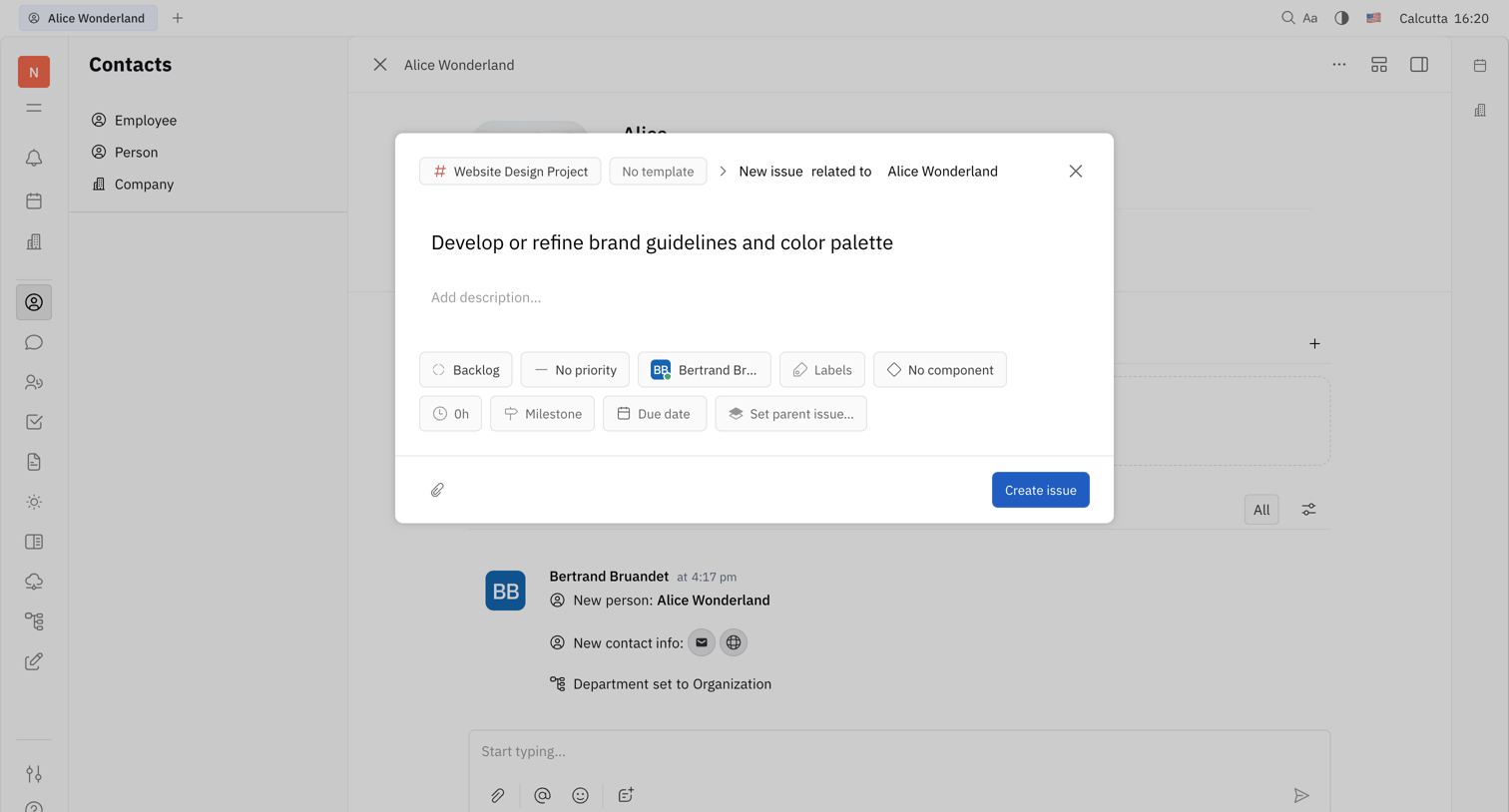
Detail page for a contact where the user is creating a new issue related to that contact, specifying details like project, priority, and assignee in a modal overlay.

Midday - Support | Midday screen
Midday logo
Midday

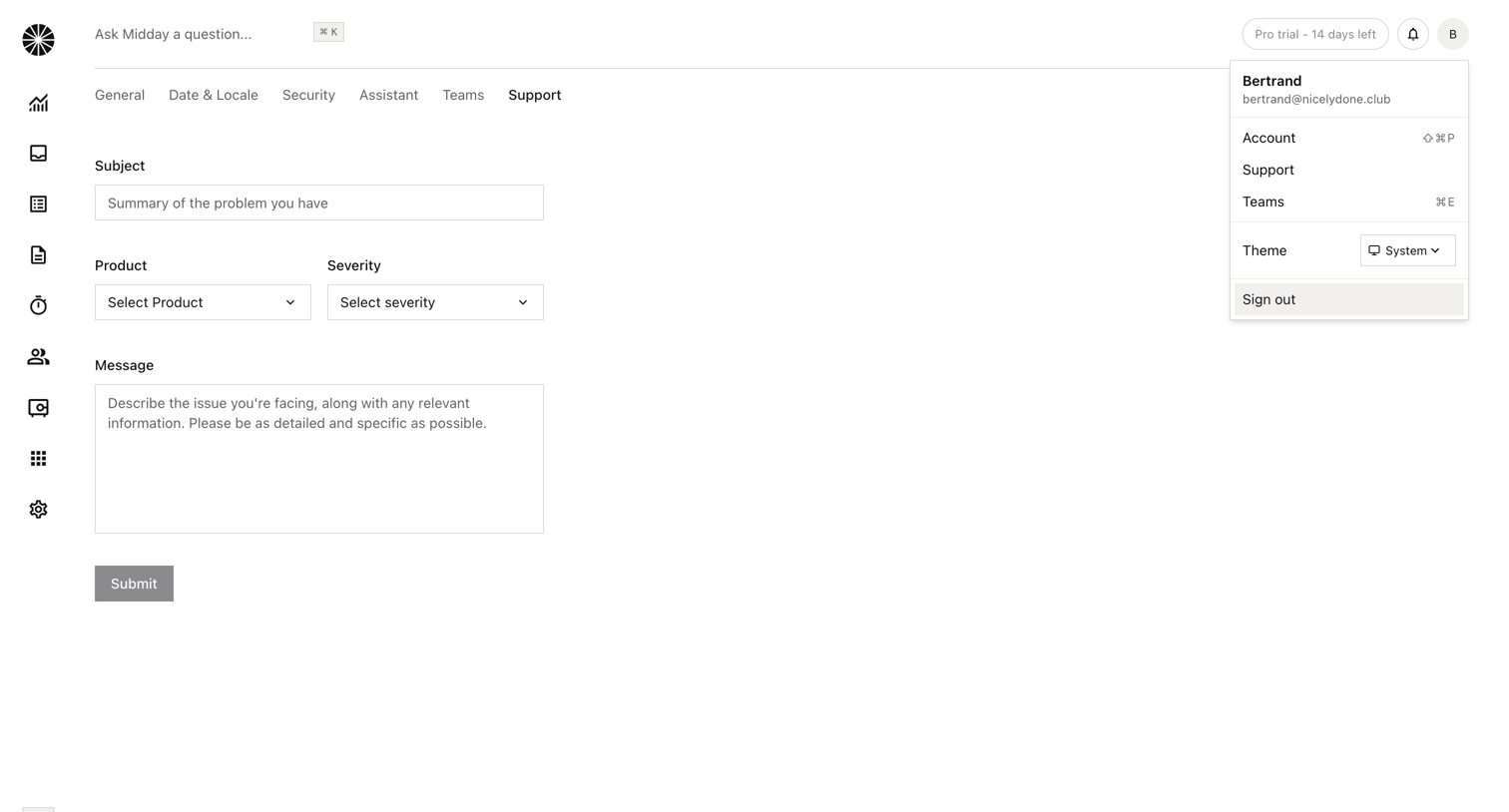
Settings page where the user can submit a support request by filling out a form with a subject, product, severity, and message.

Lemni - Inbox › Jeremy screen
Lemni logo
Lemni

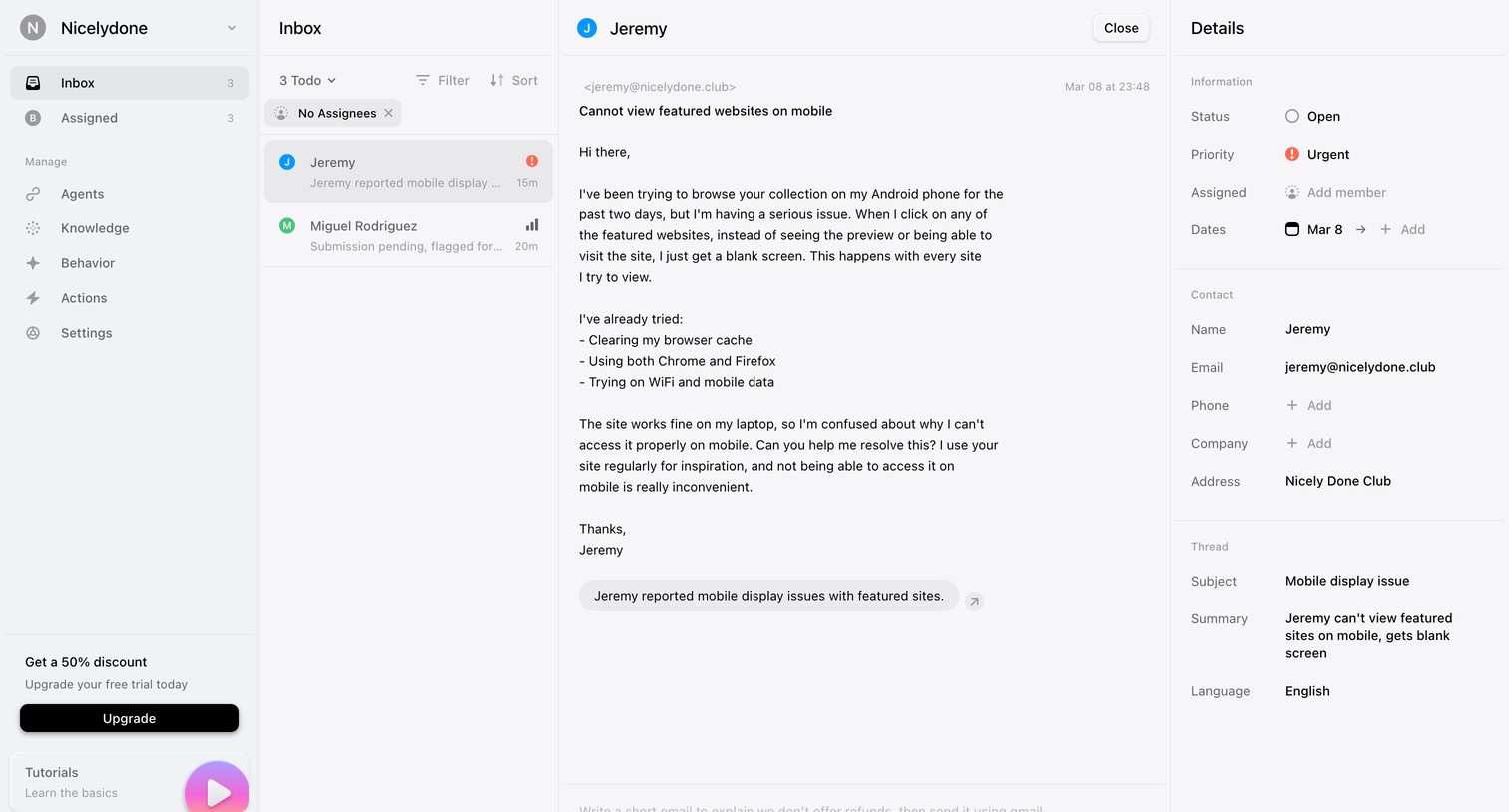
Inbox where the user reads a support ticket from a customer about mobile display issues and can view associated contact details and thread metadata in a side panel.

Front - Front (2) screen
Front logo
Front

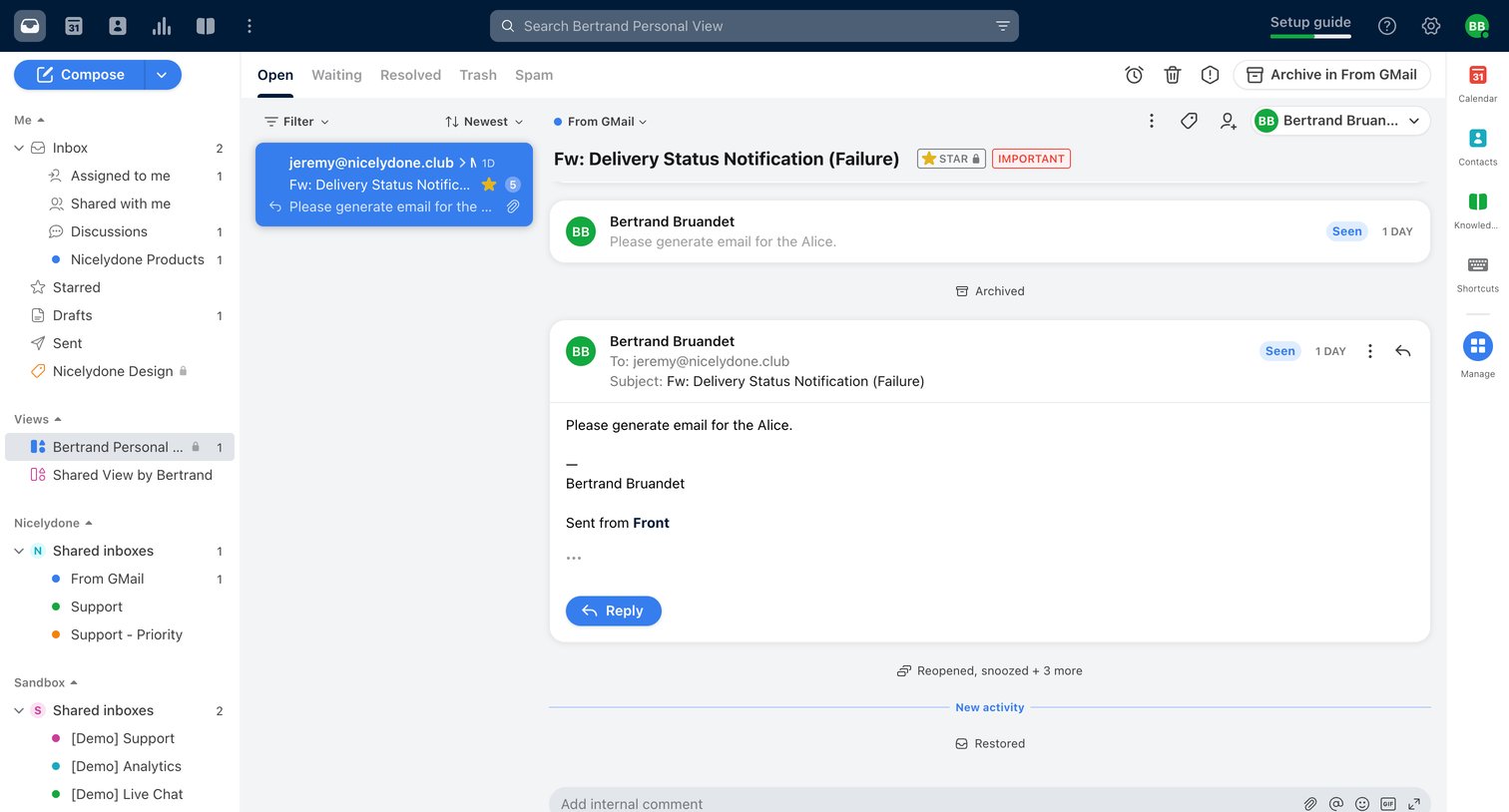
Inbox view where the user reads an email thread from a shared GMail inbox, with options to reply to the sender or add internal comments for teammates.

Intercom - Edit ticket type | Nicelydone  Intercom screen
Intercom logo
Intercom

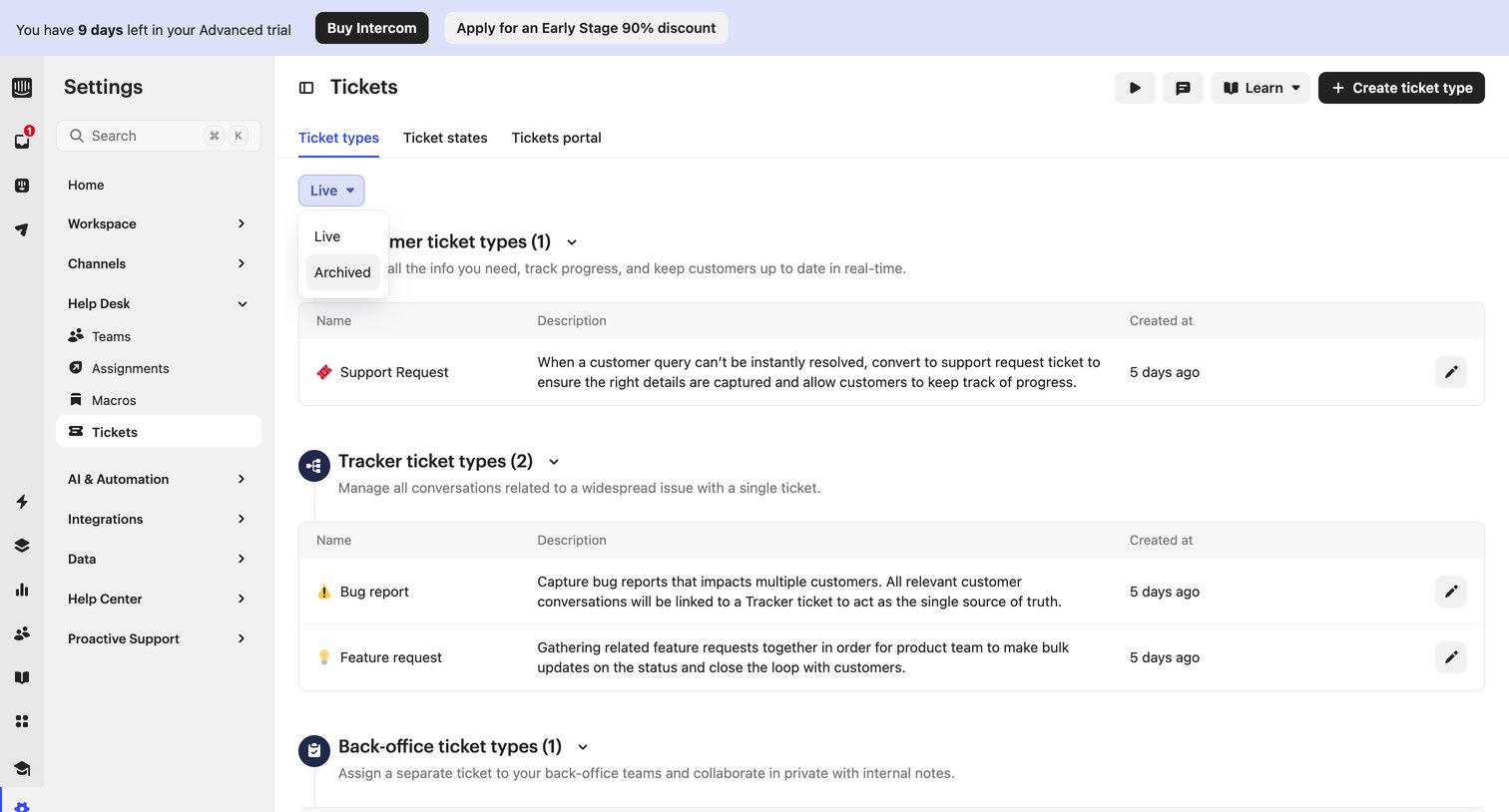
Settings page where the user manages and configures different ticket types, such as customer, tracker, and back-office tickets.

Luma - Product Inspiration Meetup · Luma screen
Luma logo
Luma

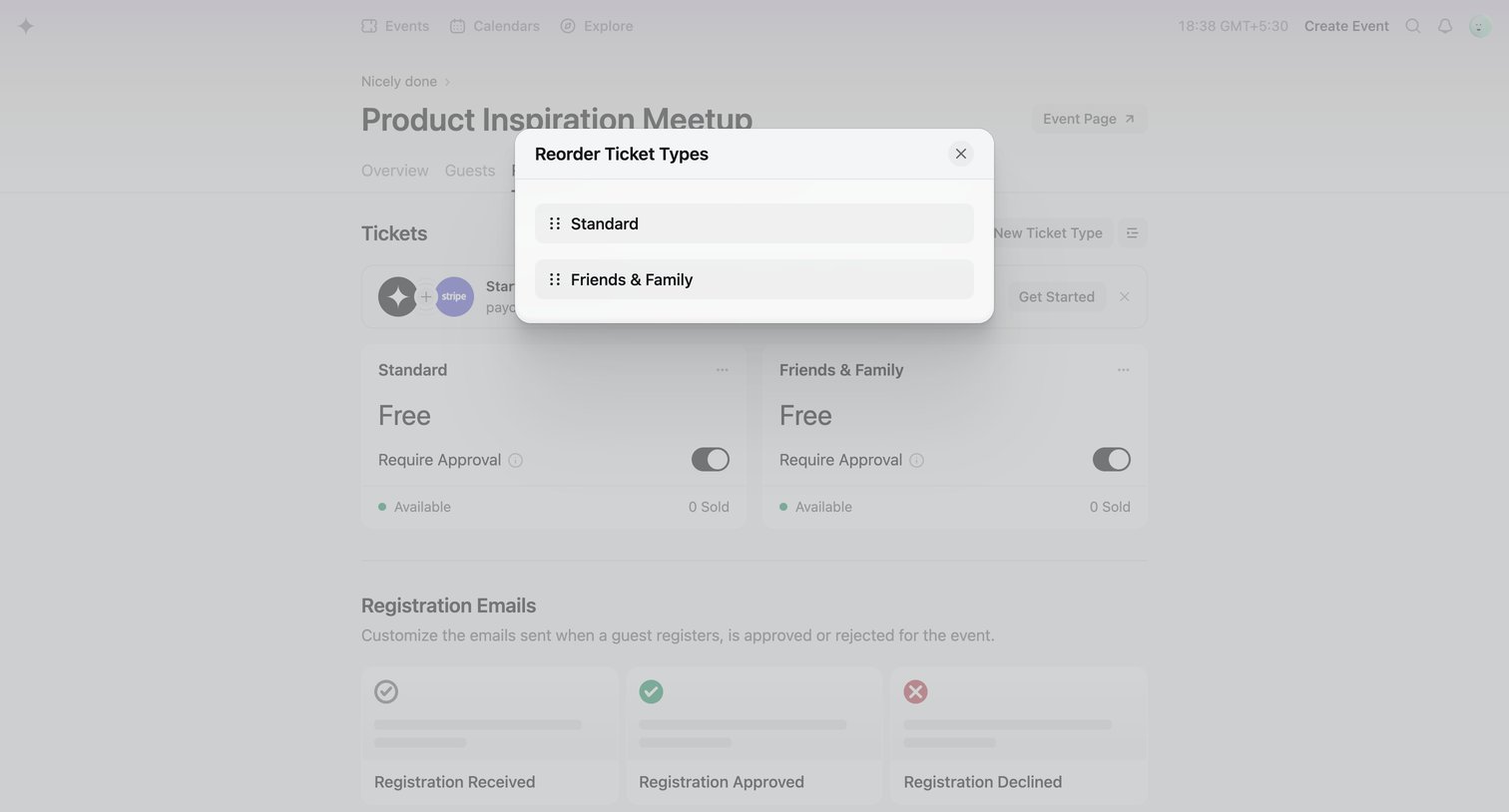
Settings page where the user drags to reorder standard and friends & family ticket types for an event.

DevRev screen
DevRev logo
DevRev

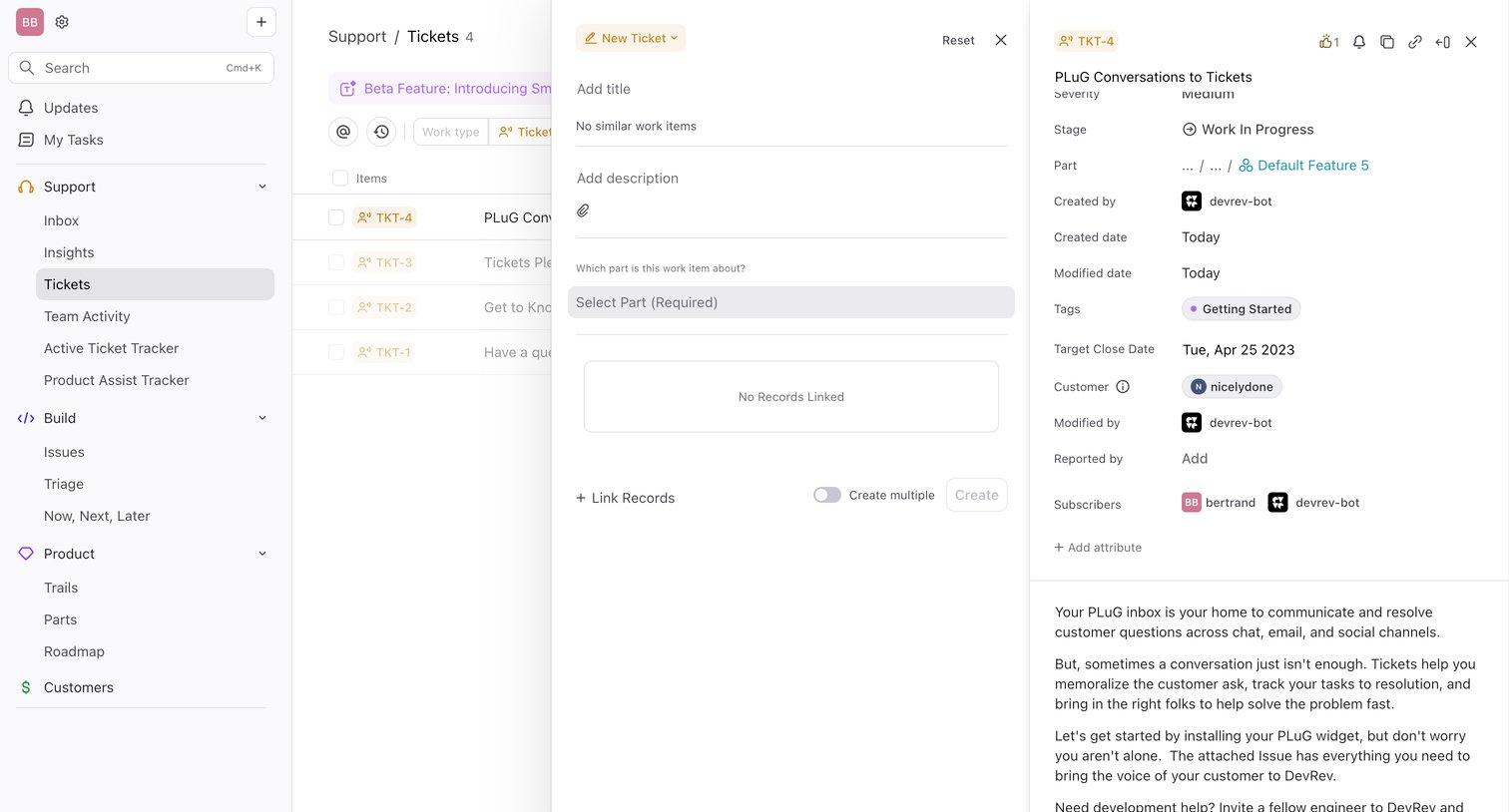
List view where the user is drafting a new support ticket while simultaneously viewing an existing ticket's details in side-by-side panels.
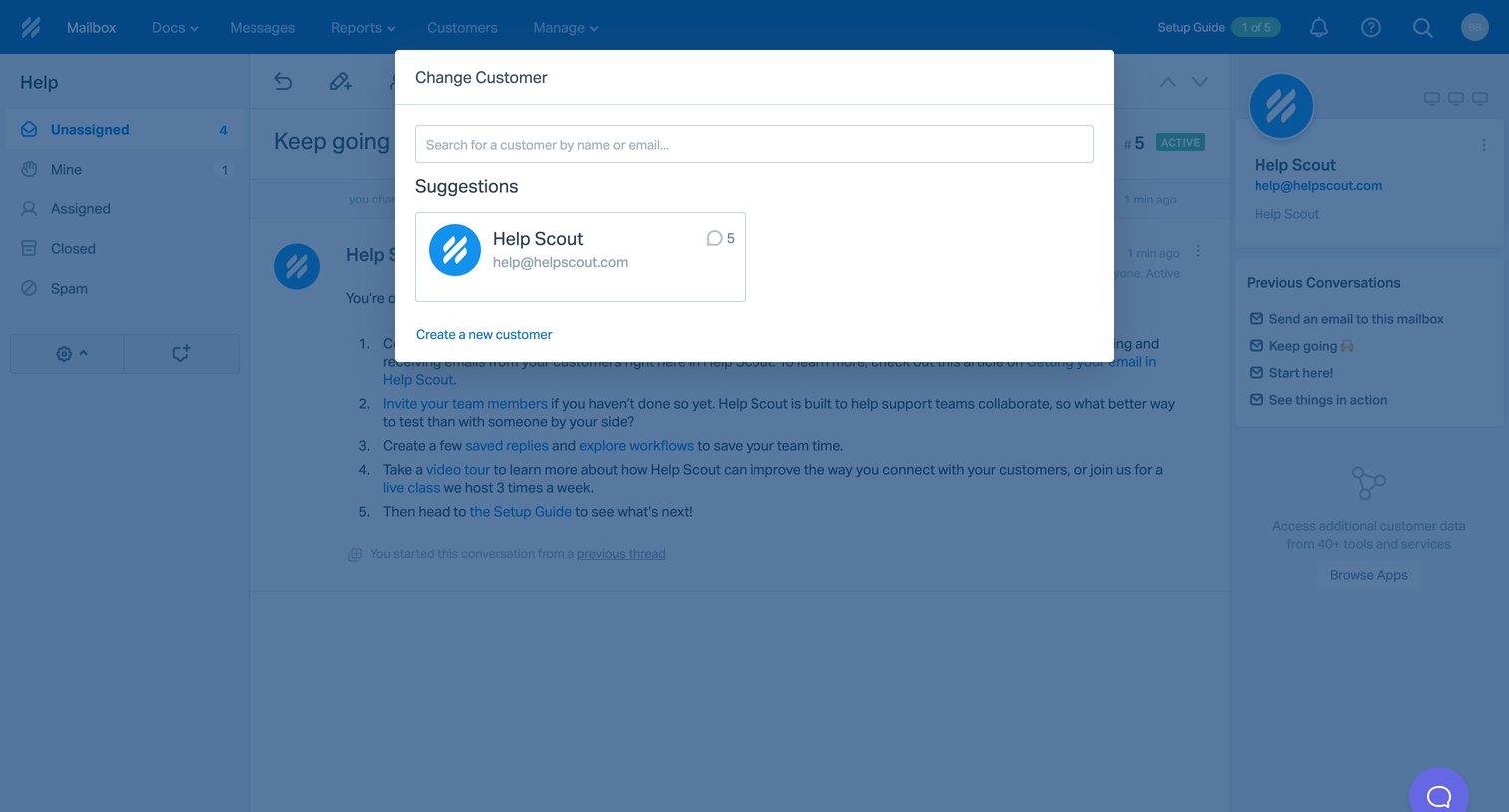

Help Scout - 5 Keep going | - Help Scout screen
Help Scout logo
Help Scout

Inbox detail view with a modal open to search and reassign the current conversation to a different customer profile.
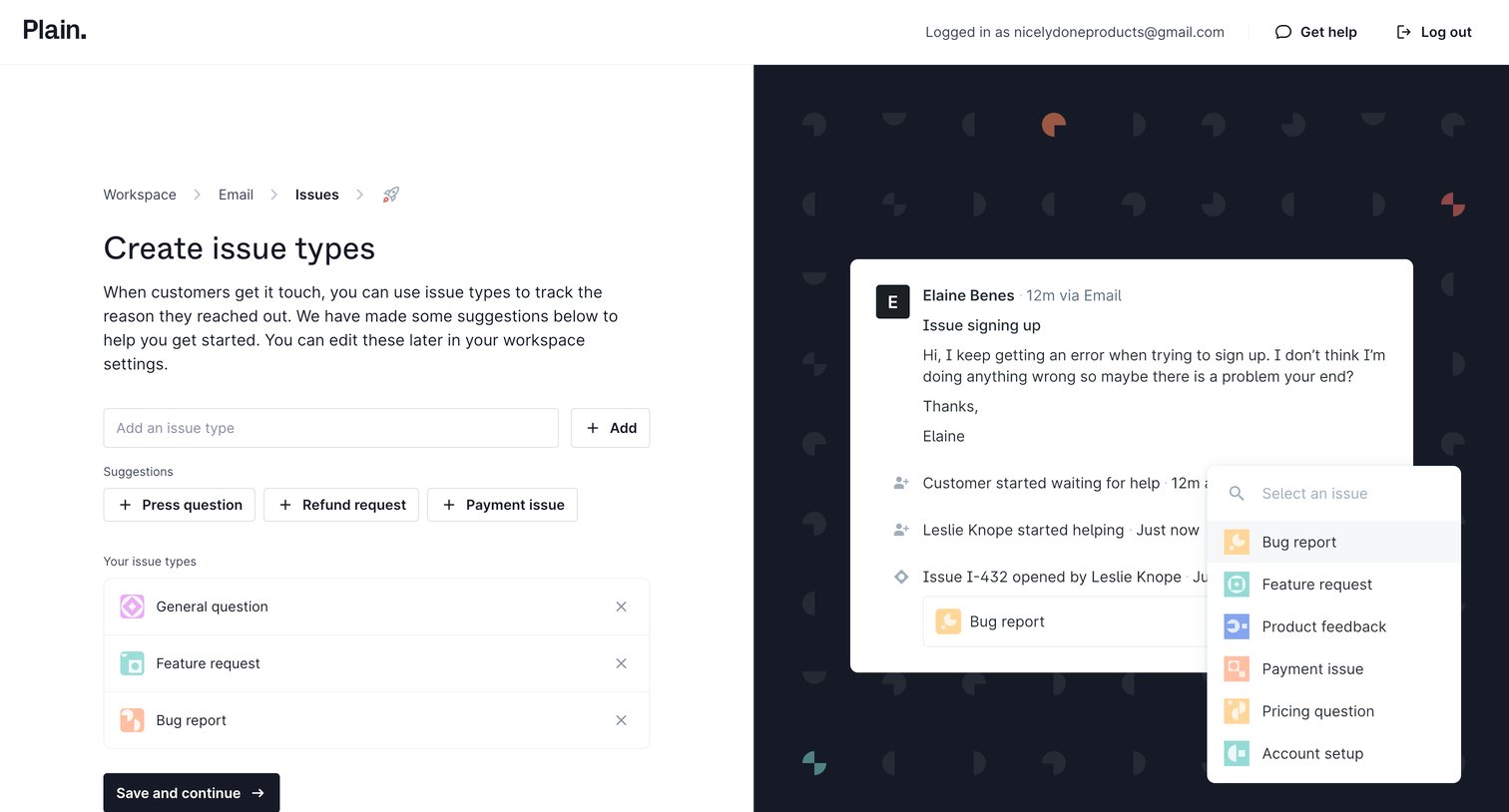

Plain - Setup Issue Types - Plain screen
Plain logo
Plain

Onboarding step where the user configures custom issue types like 'Bug report' or 'Feature request' for their workspace, with a live preview of how they appear in the app.

Explore the full SaaS screen library

Upgrade to unlock the full library.

Trusted by the best teams