Plain design examples
Explore Plain UI design examples. Customer support for modern tools
Product screens
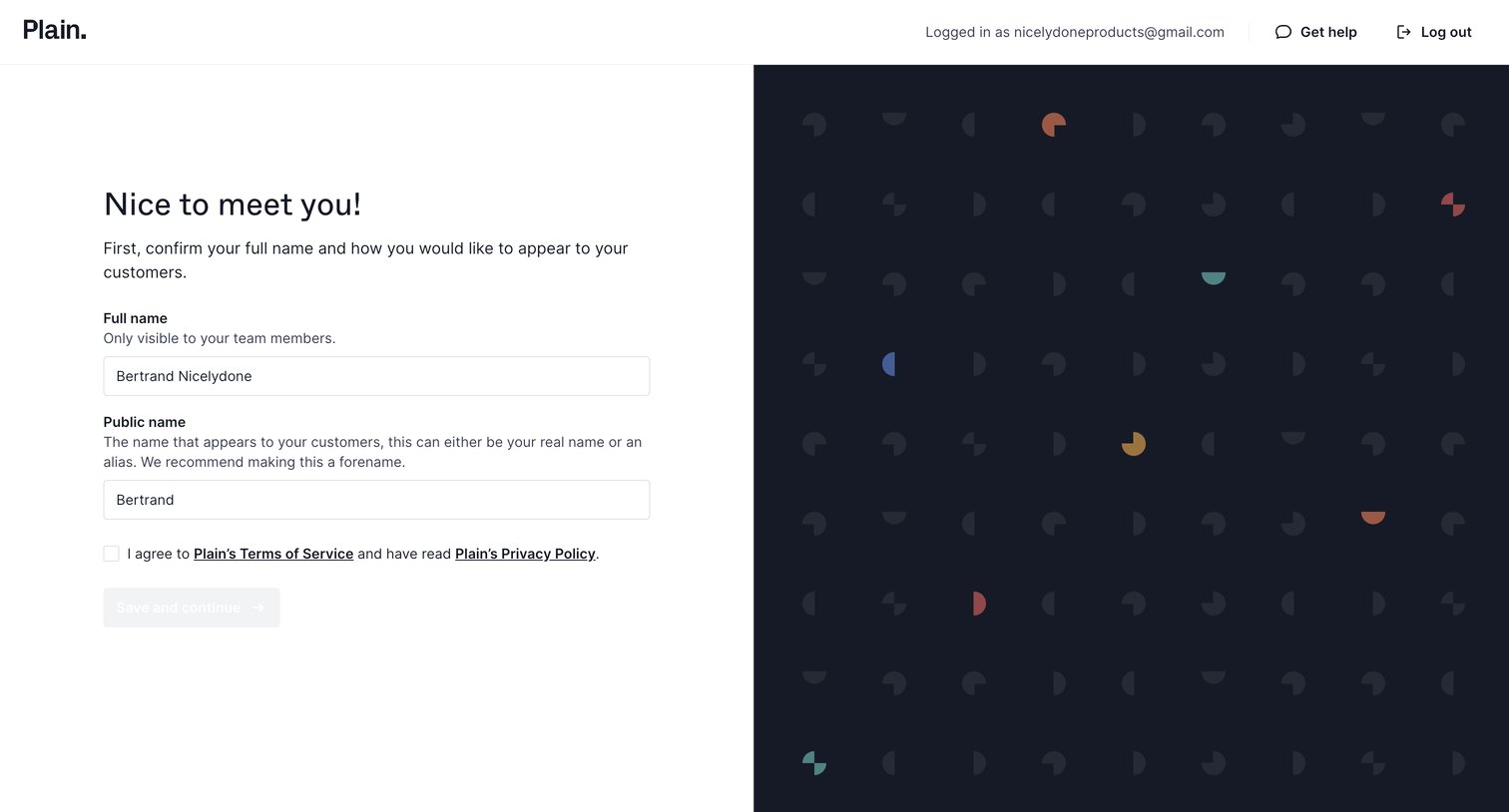

Onboarding step where the user confirms their full name and public alias after authenticating.
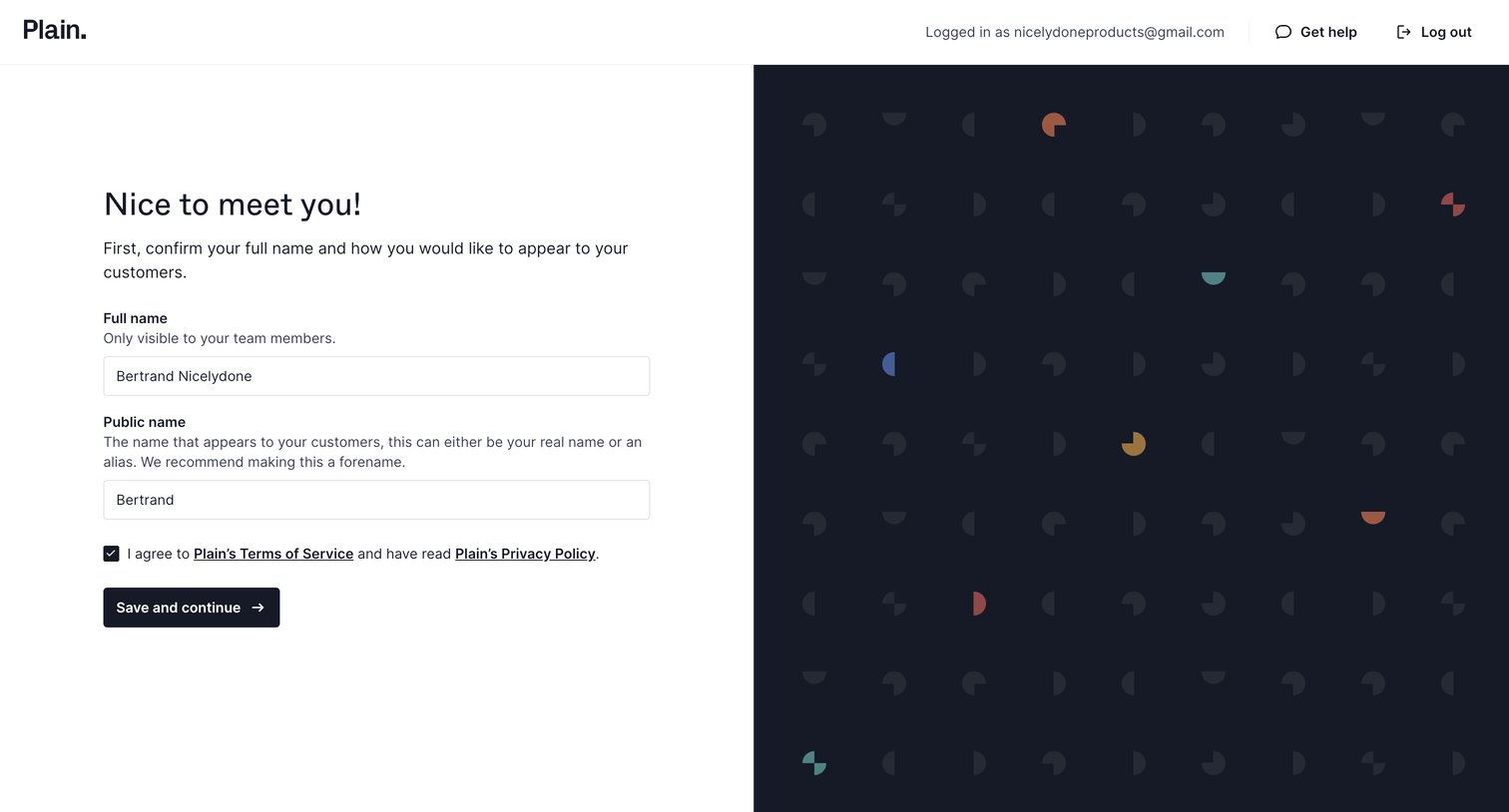
Onboarding step where the user confirms their full name and public alias, and agrees to the terms of service.
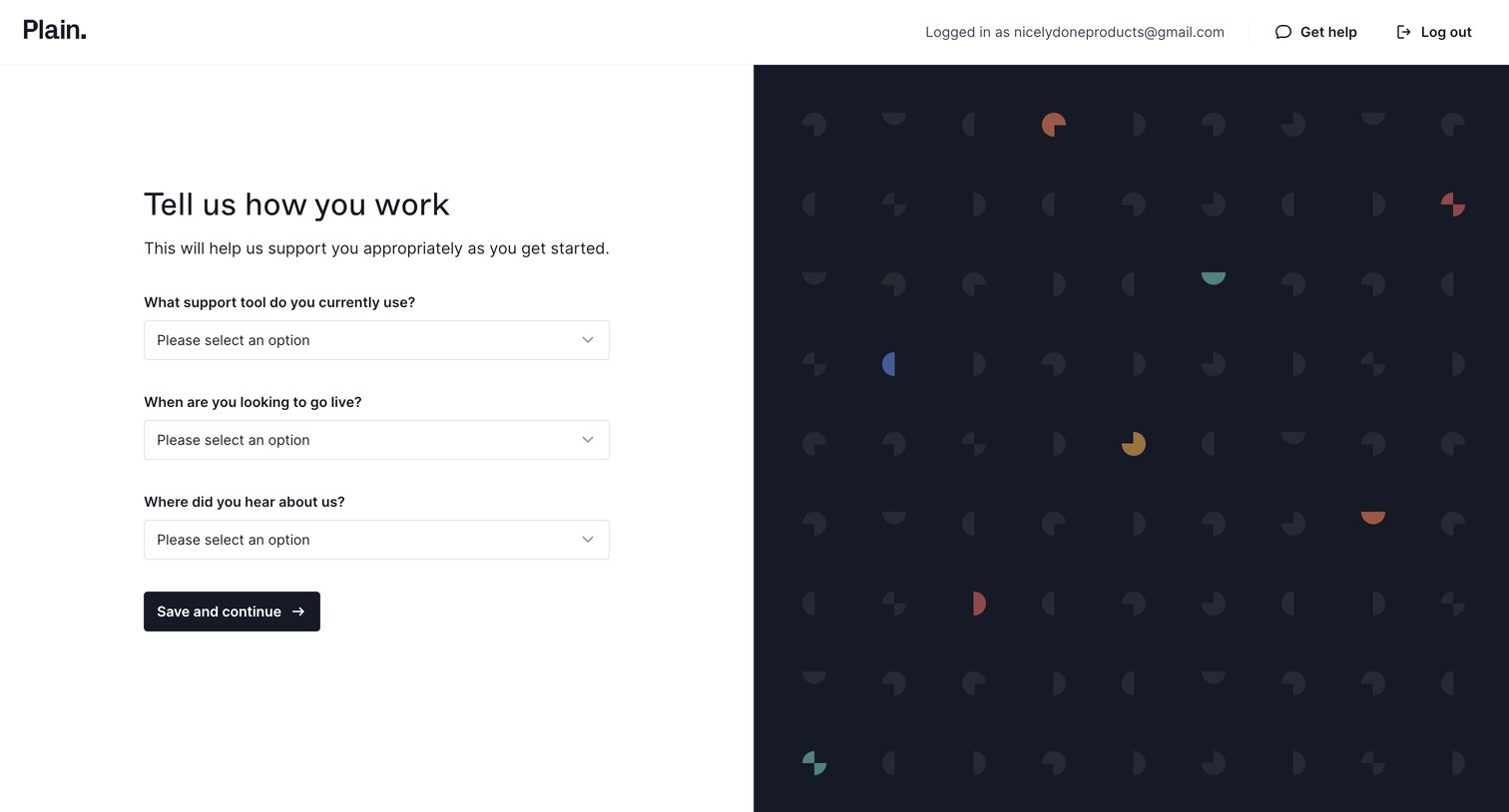
Onboarding step where the user provides context about their current support tools, timeline, and discovery source via a form.
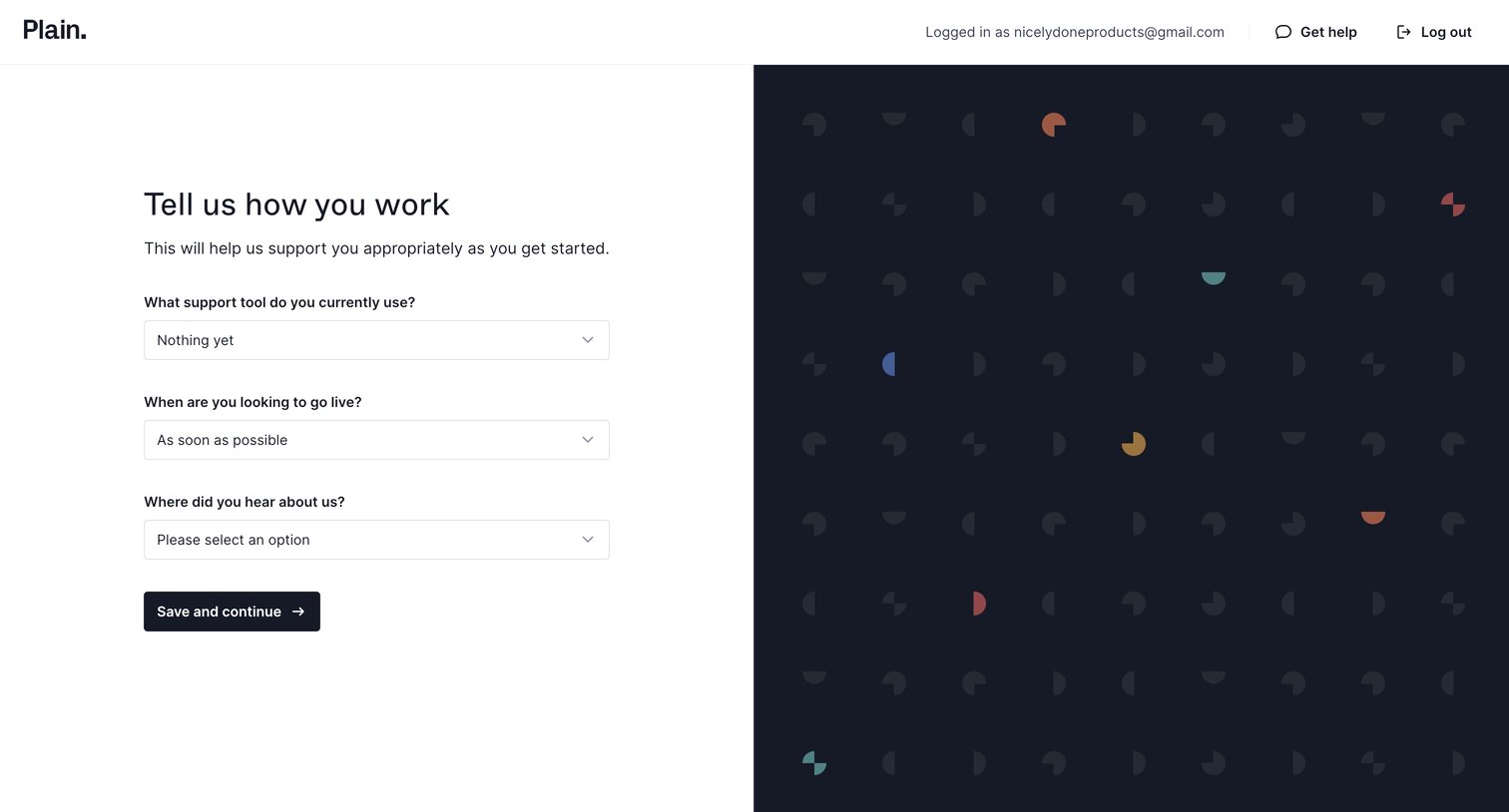
Onboarding step where the user provides context about their current support tools, timeline, and attribution via a short form.
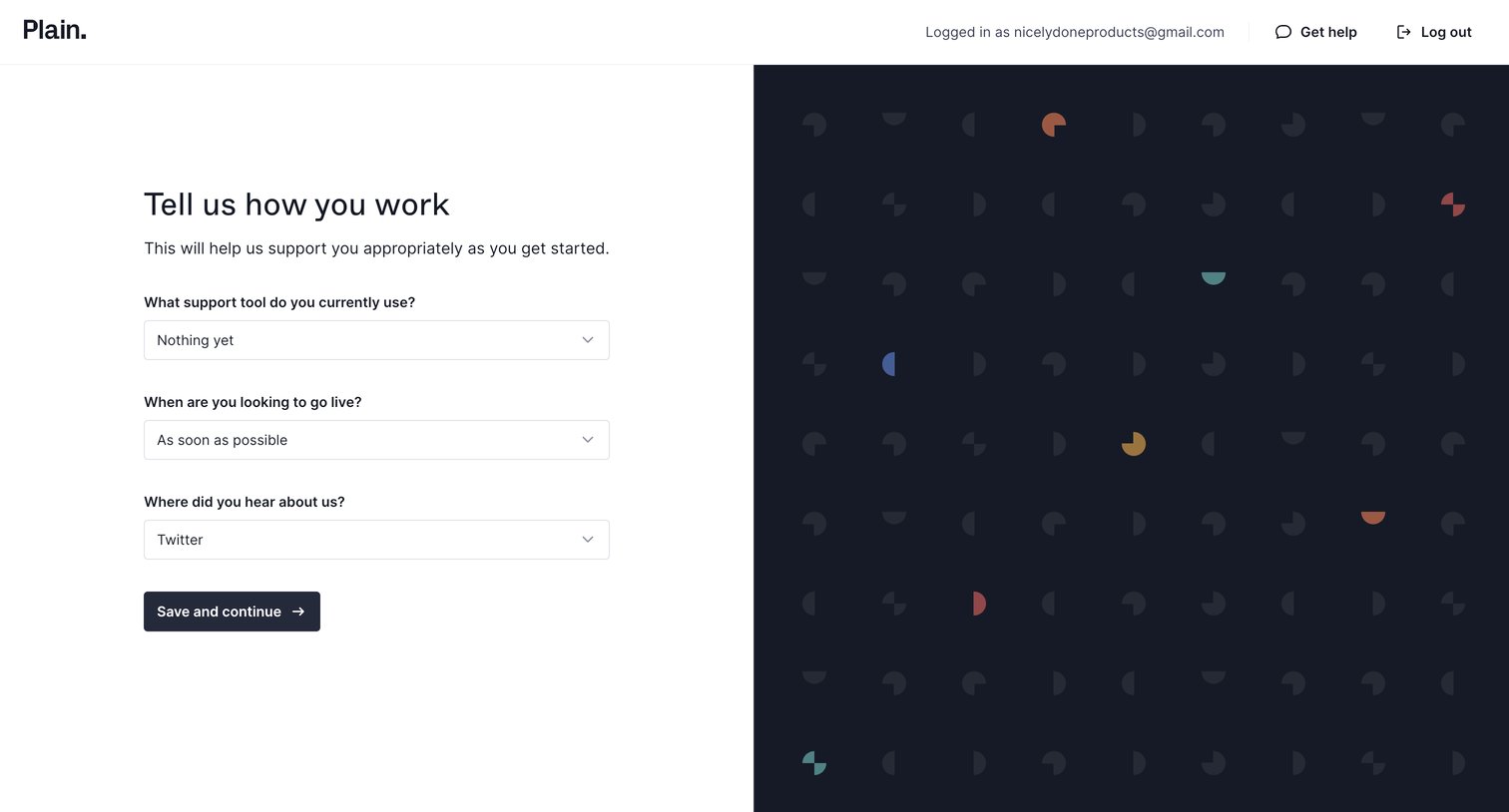
Onboarding step where the user answers questions about their current support tools, timeline, and referral source to tailor their experience.
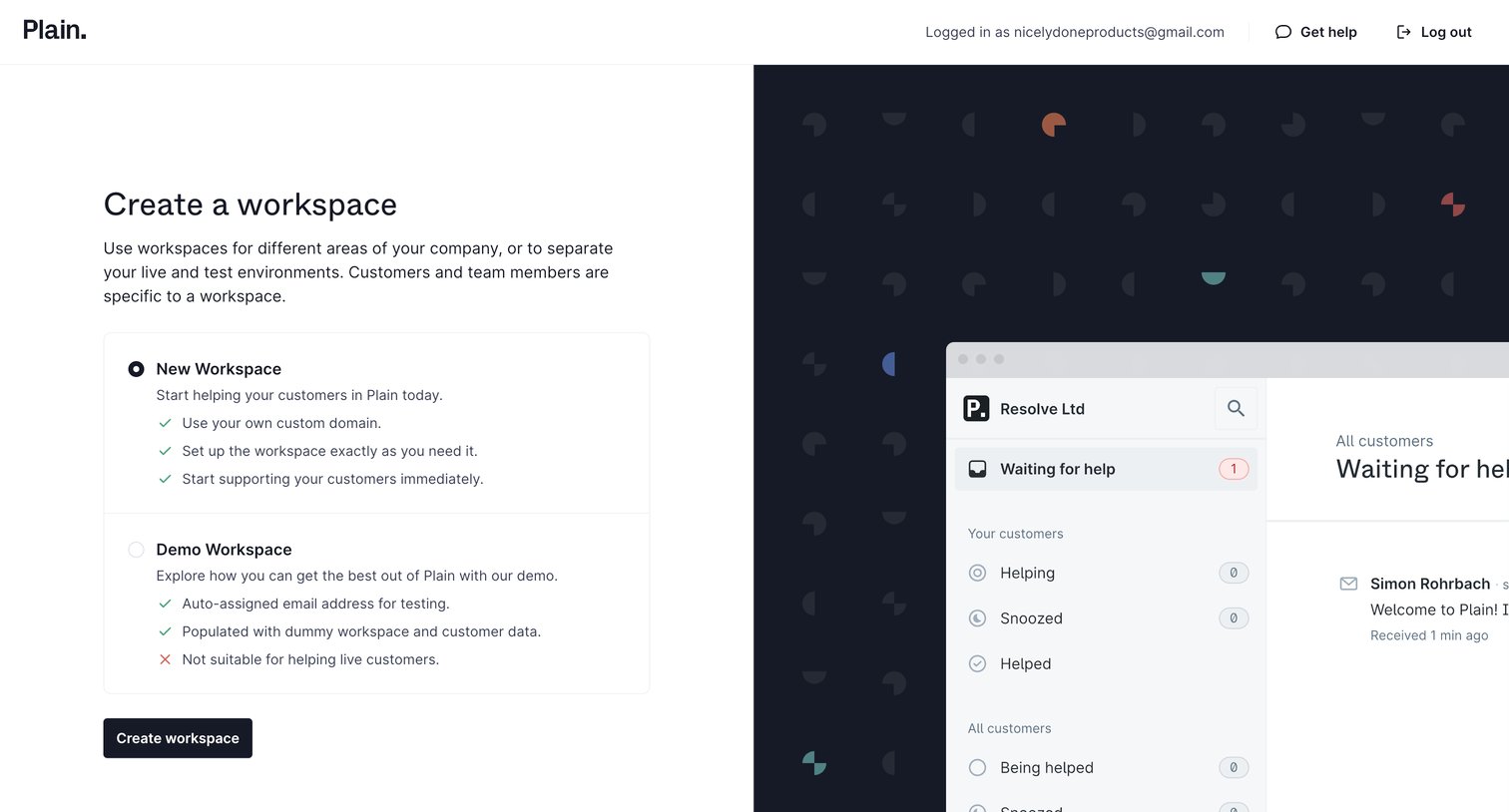
Onboarding step where the user chooses between creating a new custom workspace or a dummy-data demo workspace.
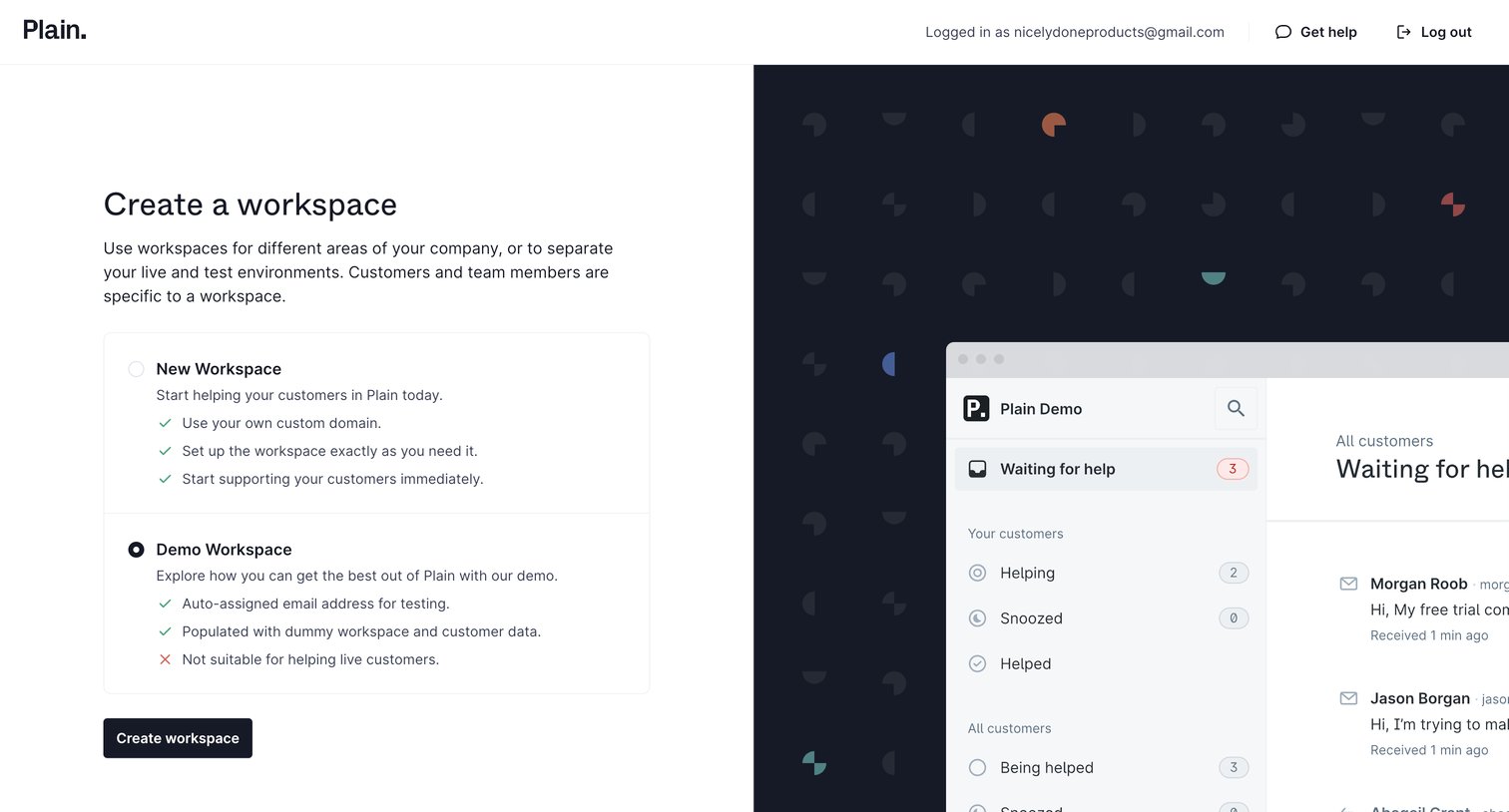
Creation screen where the user chooses between starting a blank new workspace or exploring a pre-populated demo workspace.
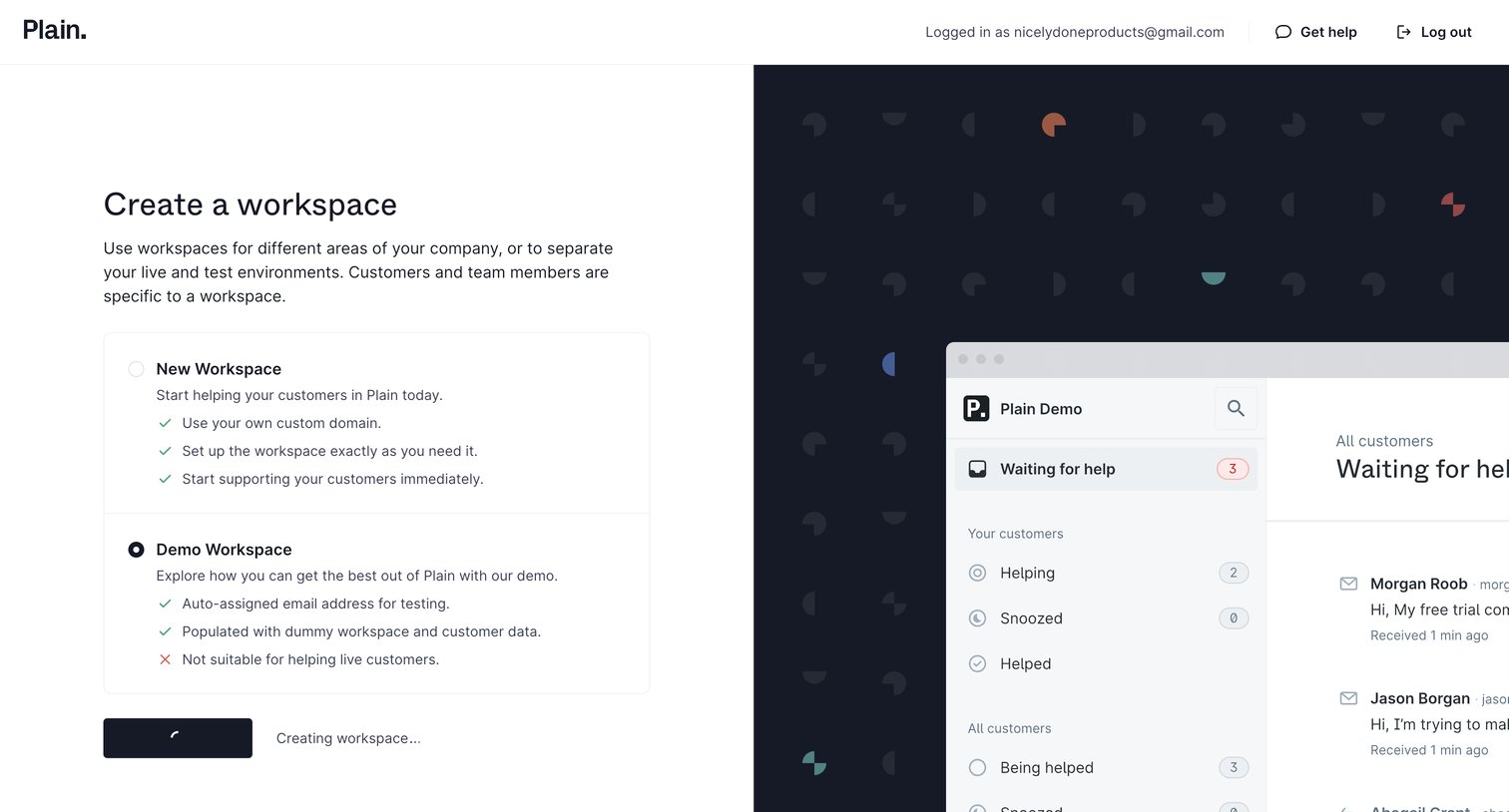
Create page where the user selects between starting a blank workspace or generating a demo workspace populated with dummy data, currently in a loading state.
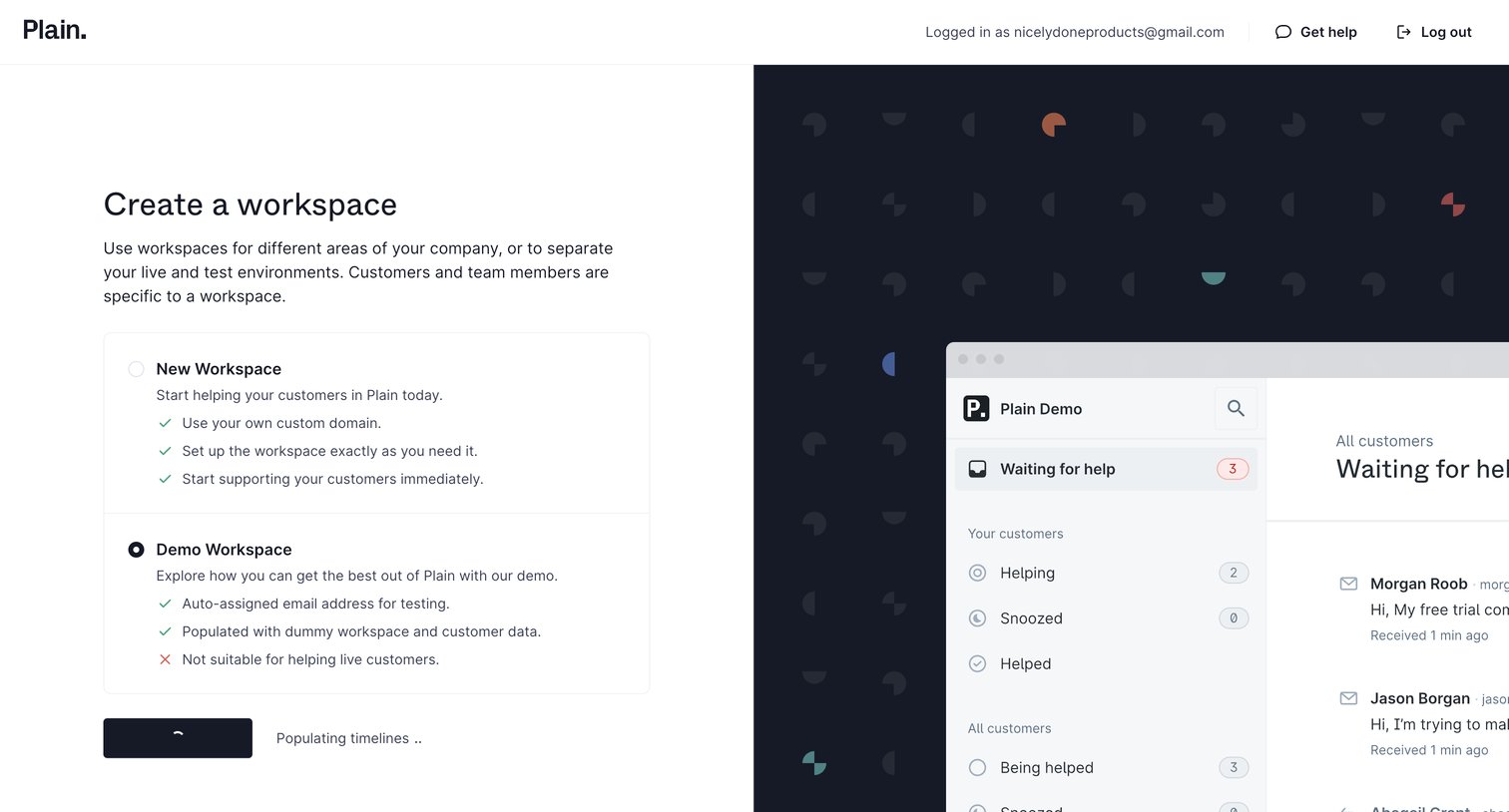
Workspace creation screen where the user chooses between starting a fresh workspace or exploring a pre-populated demo environment.
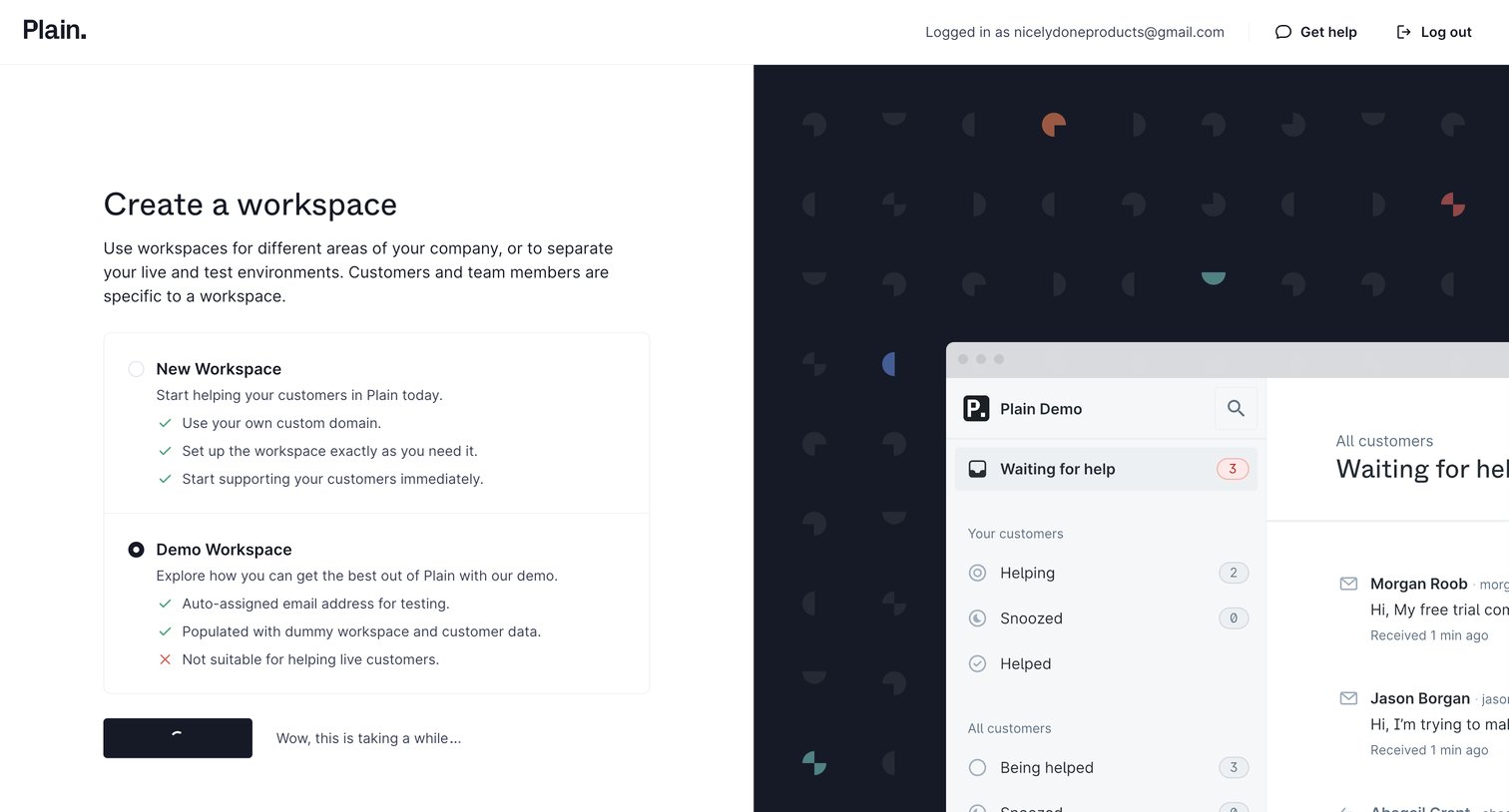
Onboarding step where the user chooses to create a blank workspace or a demo workspace populated with dummy data, currently showing a delayed loading state.
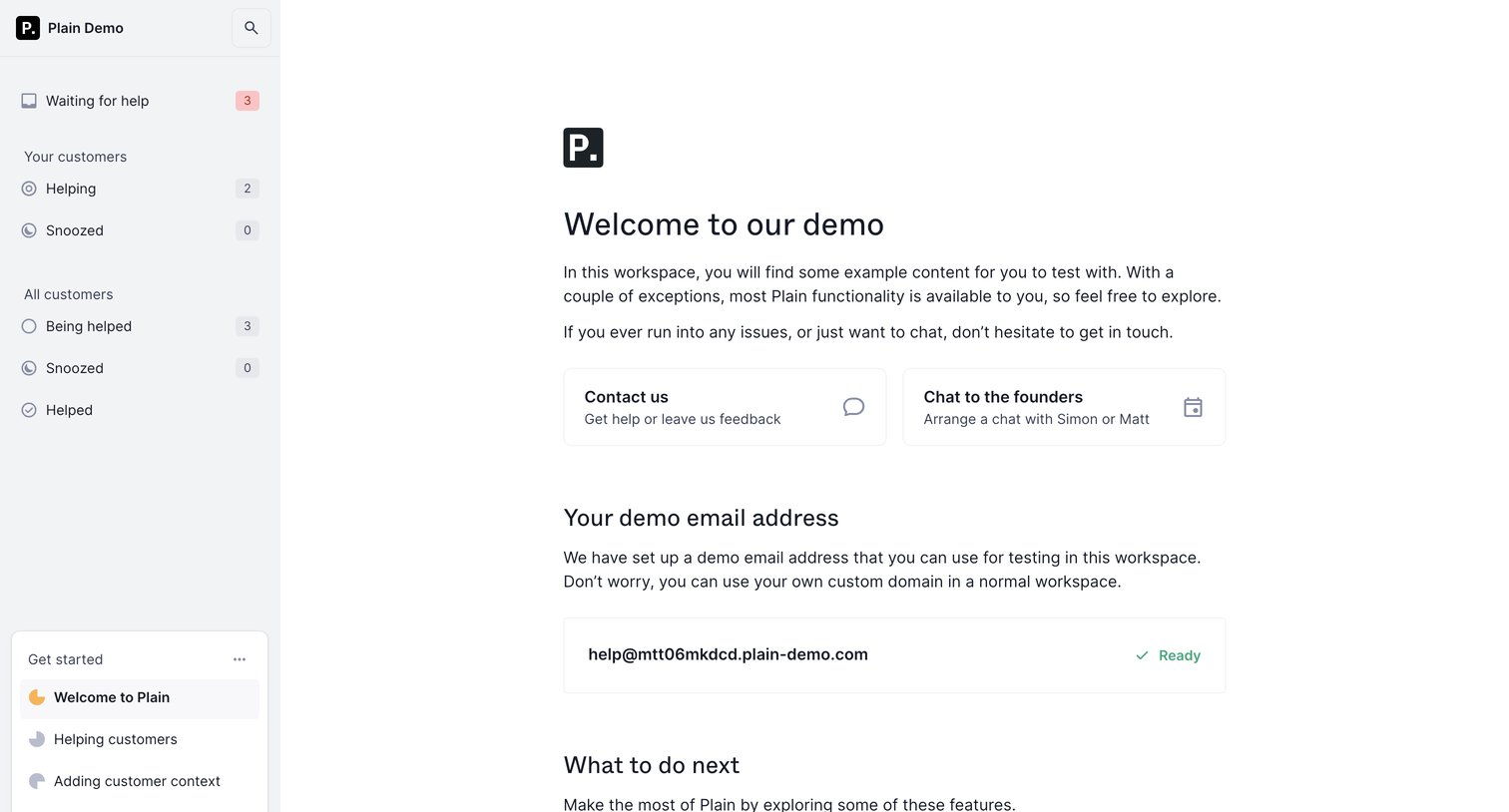
Onboarding welcome screen for a demo workspace, providing contact options, a generated demo email address, and next steps for team and workspace setup.
Browse the full SaaS app library
Explore real SaaS apps with their product screens, marketing screens, flows, and components.
Trusted by the best teams







