Task management screen examples
Task management screen design examples from SaaS apps. See how task tools organize work and responsibility. Explore how lists, project views, and item details connect status, ownership, and the next action.
Explore the examples
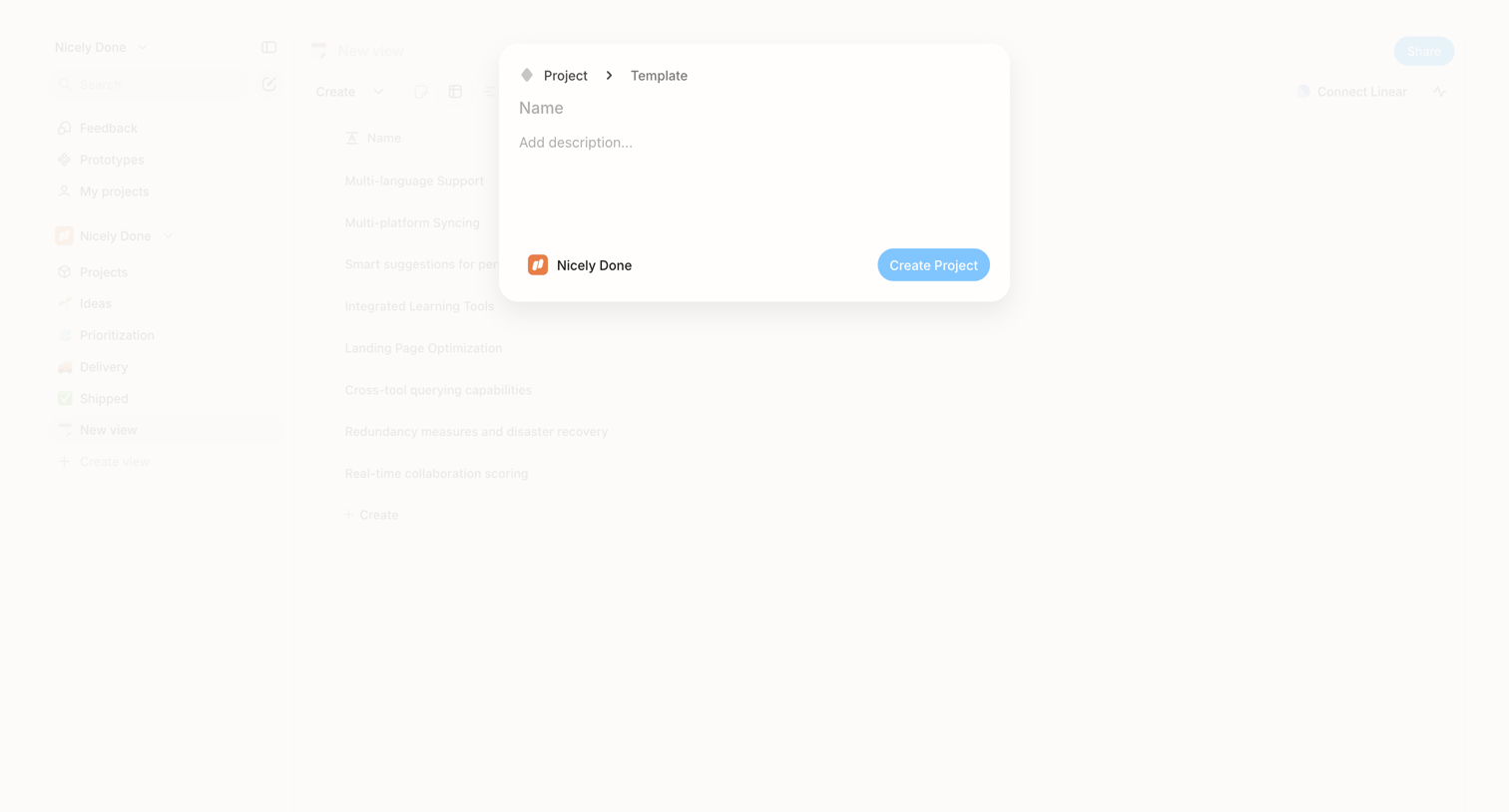

Create modal where the user names a new project, adds a description, and confirms the destination workspace.
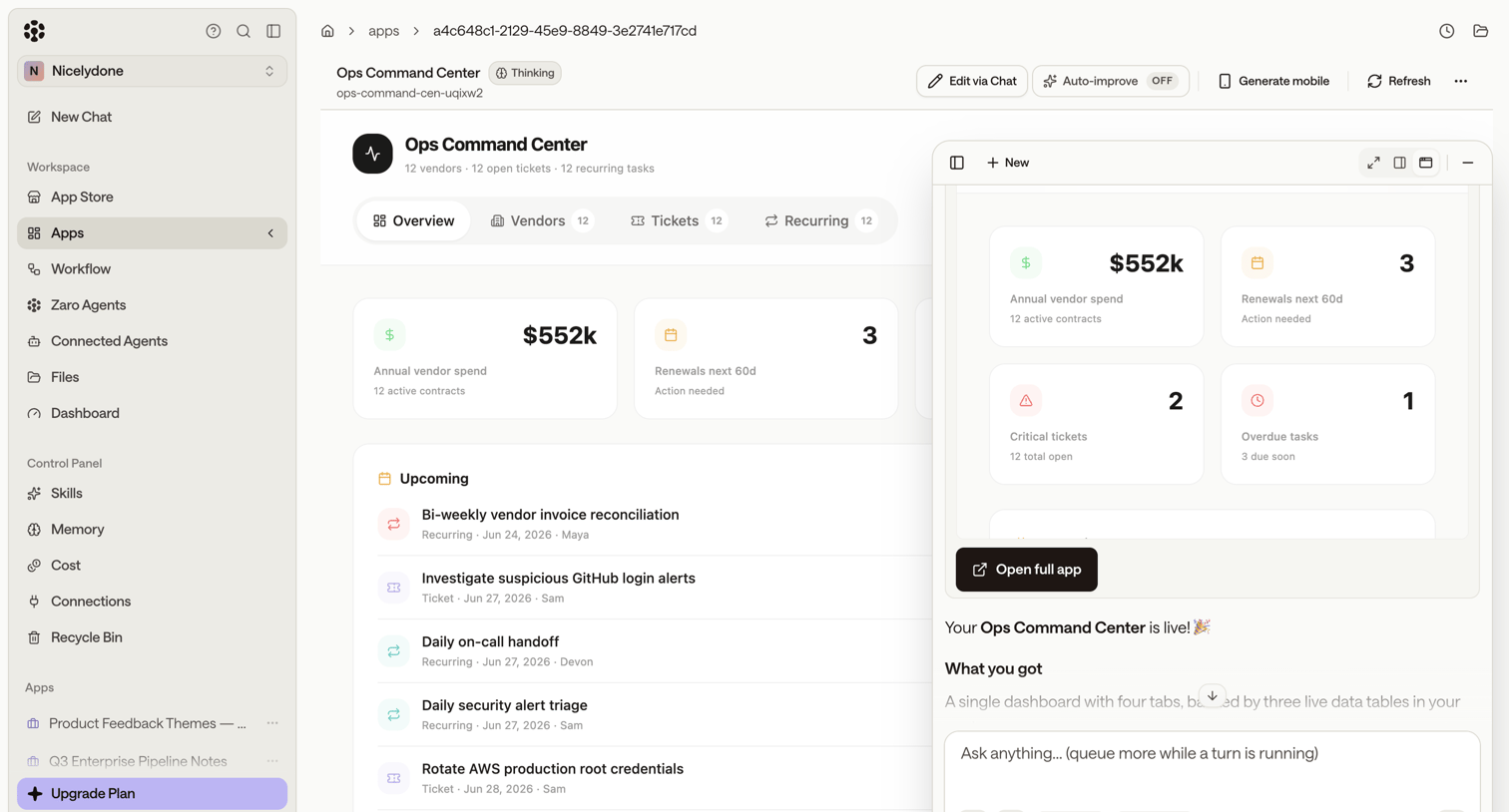

Dashboard view of an AI-generated Ops Command Center displaying KPIs and upcoming tasks, featuring a floating AI artifact panel for iterative editing via chat.
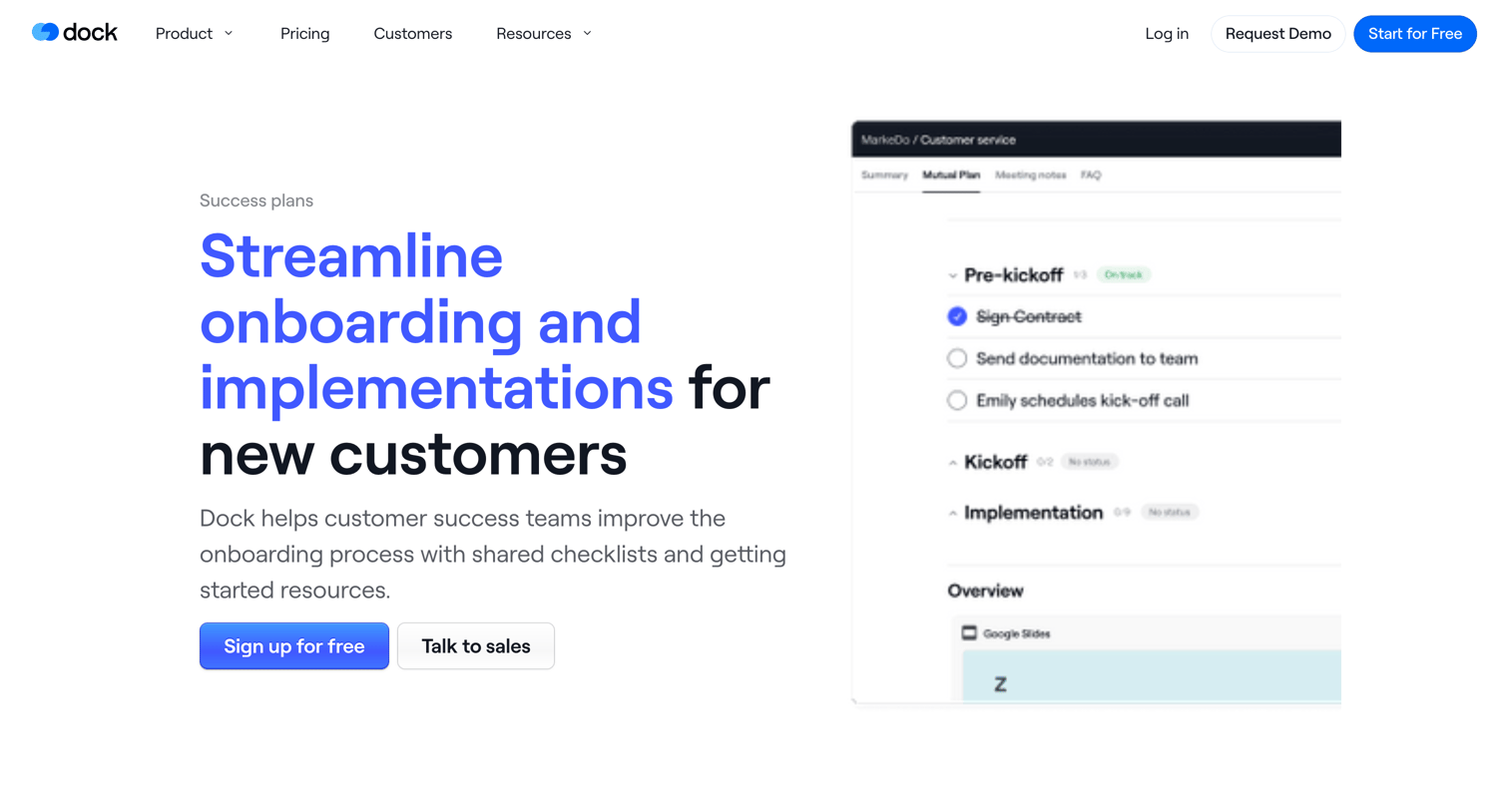

Feature page highlighting tools for customer success teams to manage onboarding plans, share resources, and collaborate on tasks with clients.
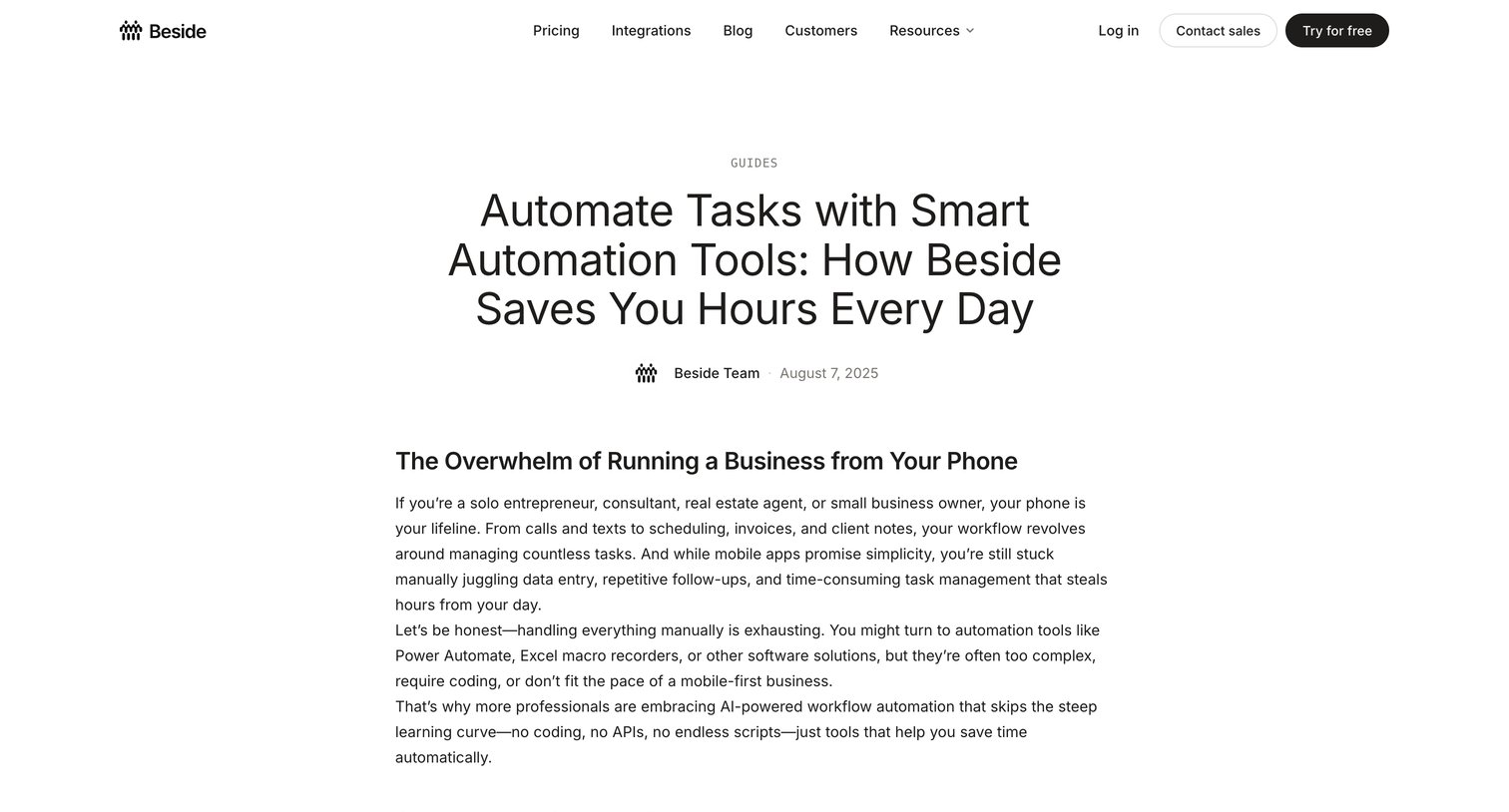

Long-form article explaining how the Beside mobile app automates repetitive tasks for professionals, concluding with a frequently asked questions section.
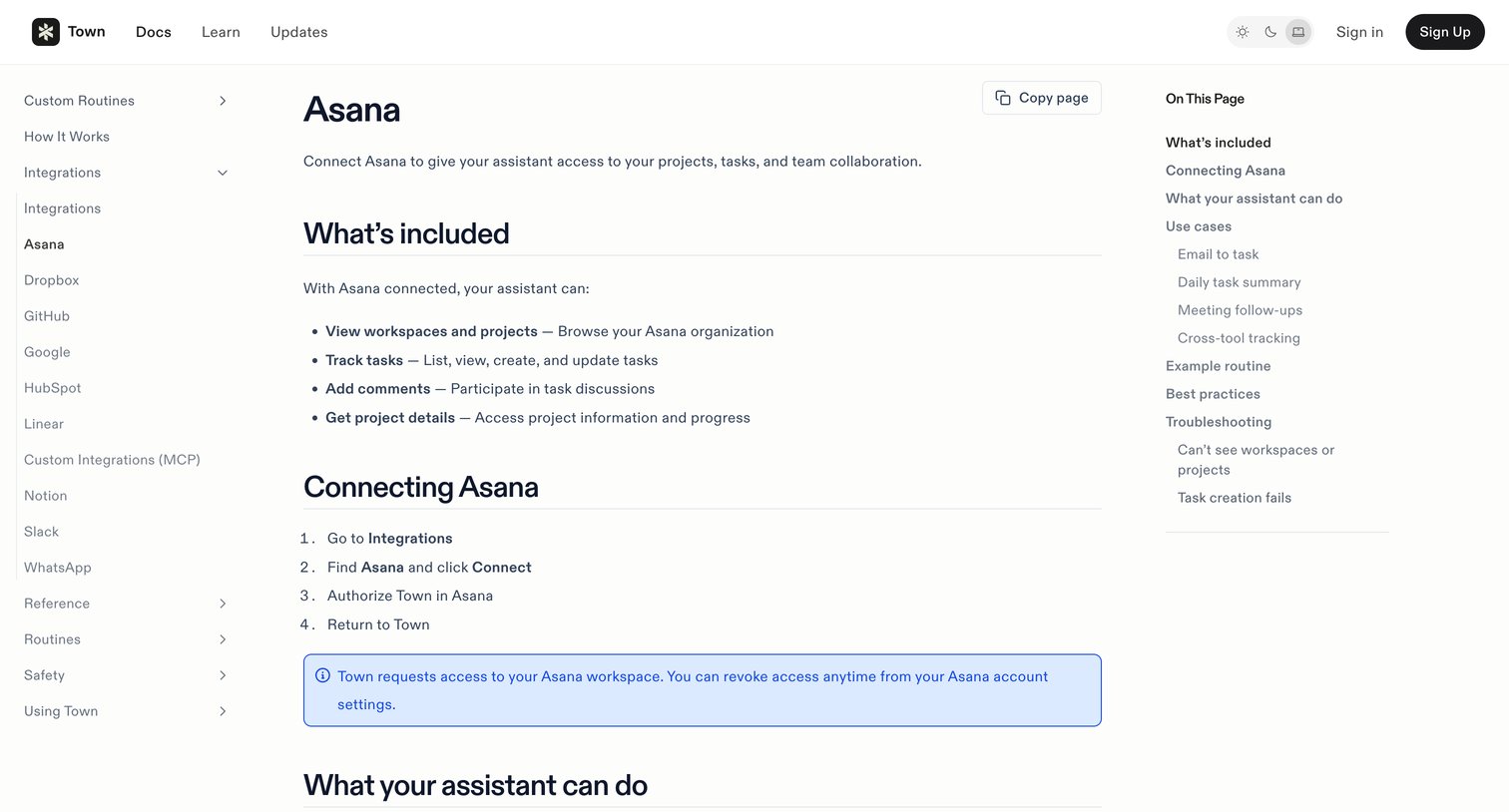

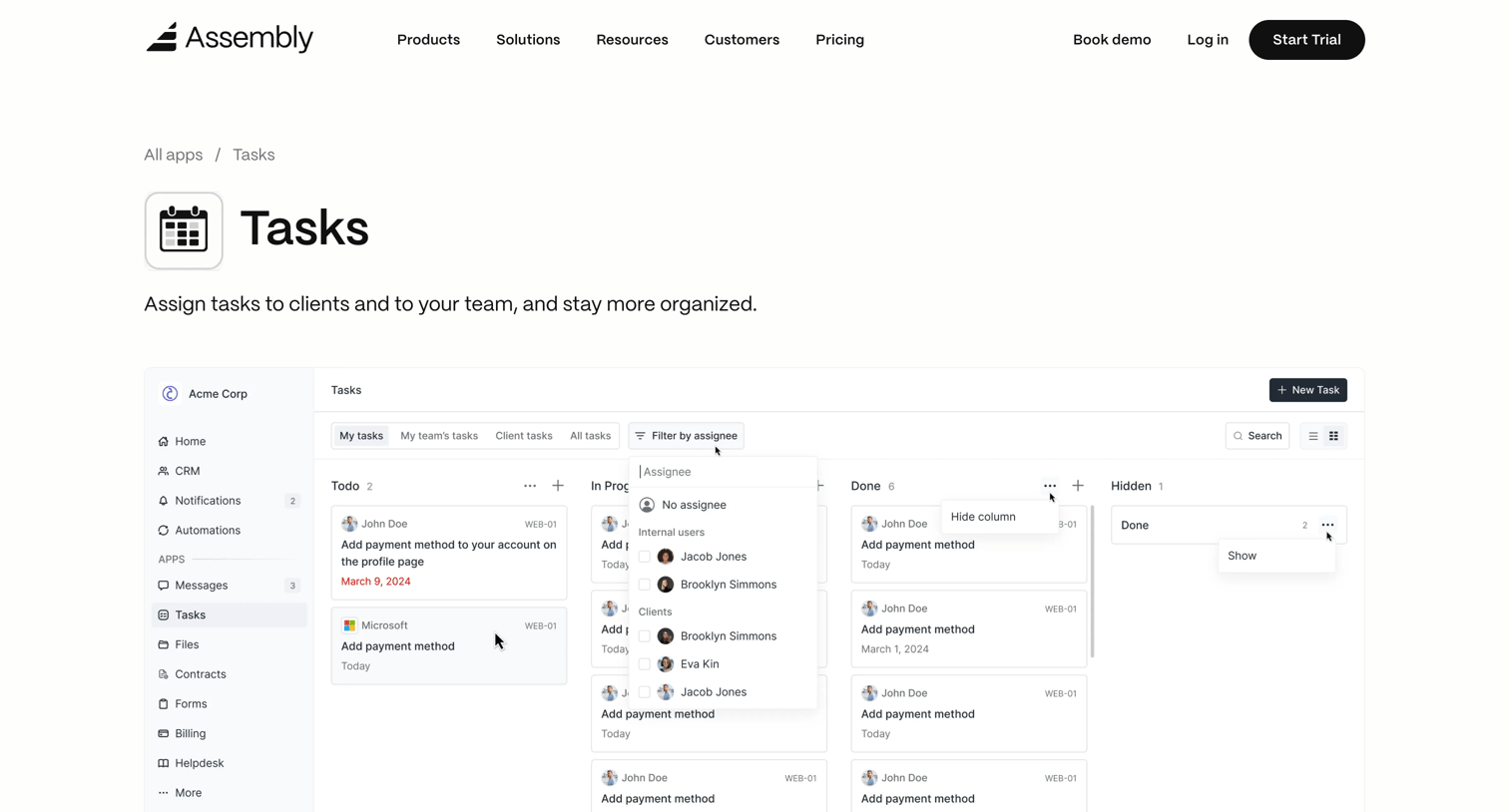

Feature page detailing the Tasks app capabilities, including a kanban board preview, metadata sidebar, and extensive text documentation on installation and user experience.
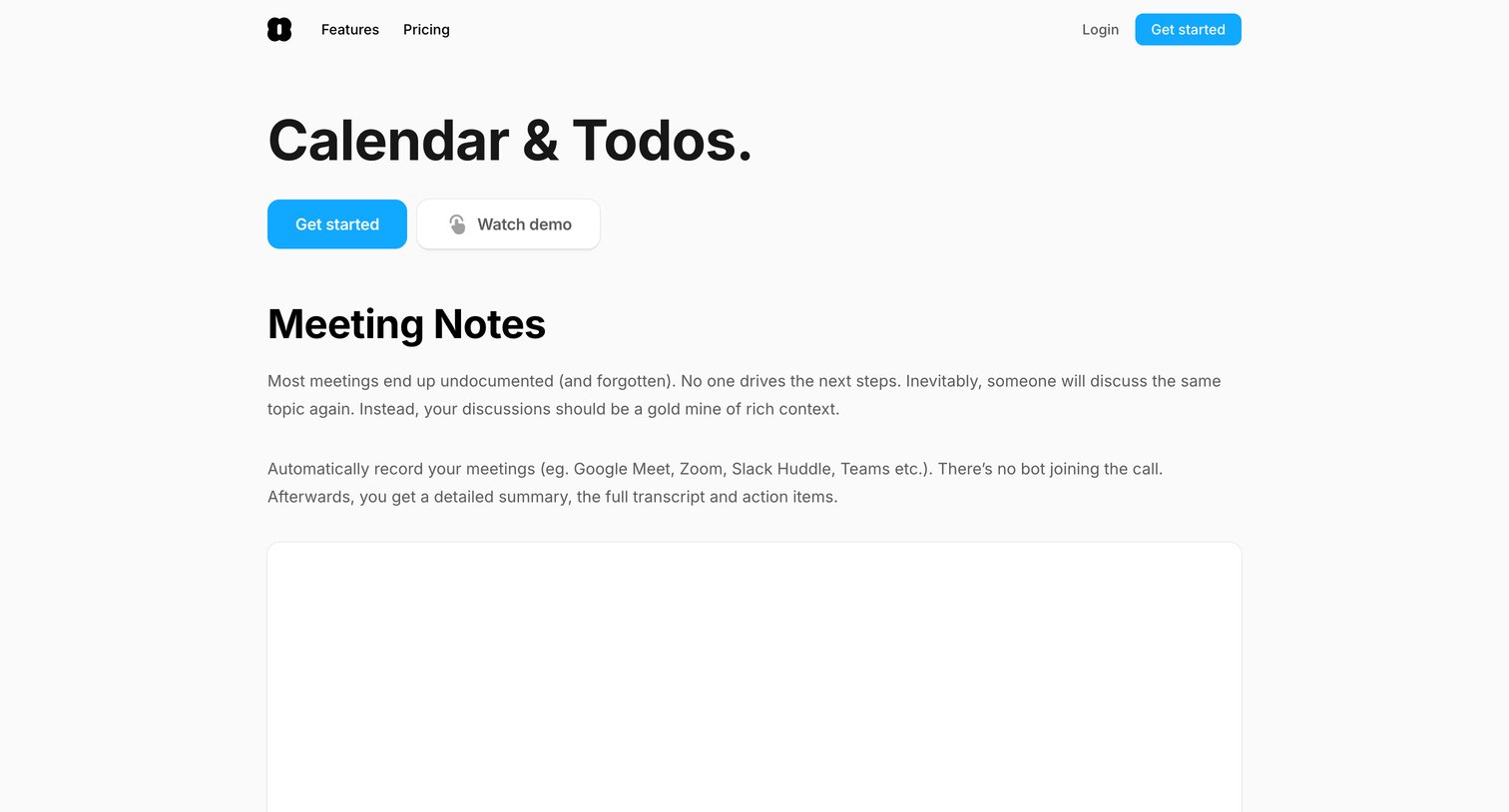

Feature page detailing meeting notes capabilities, showcasing integrations with tools like Hubspot and Notion, and listing additional features in a comprehensive grid.
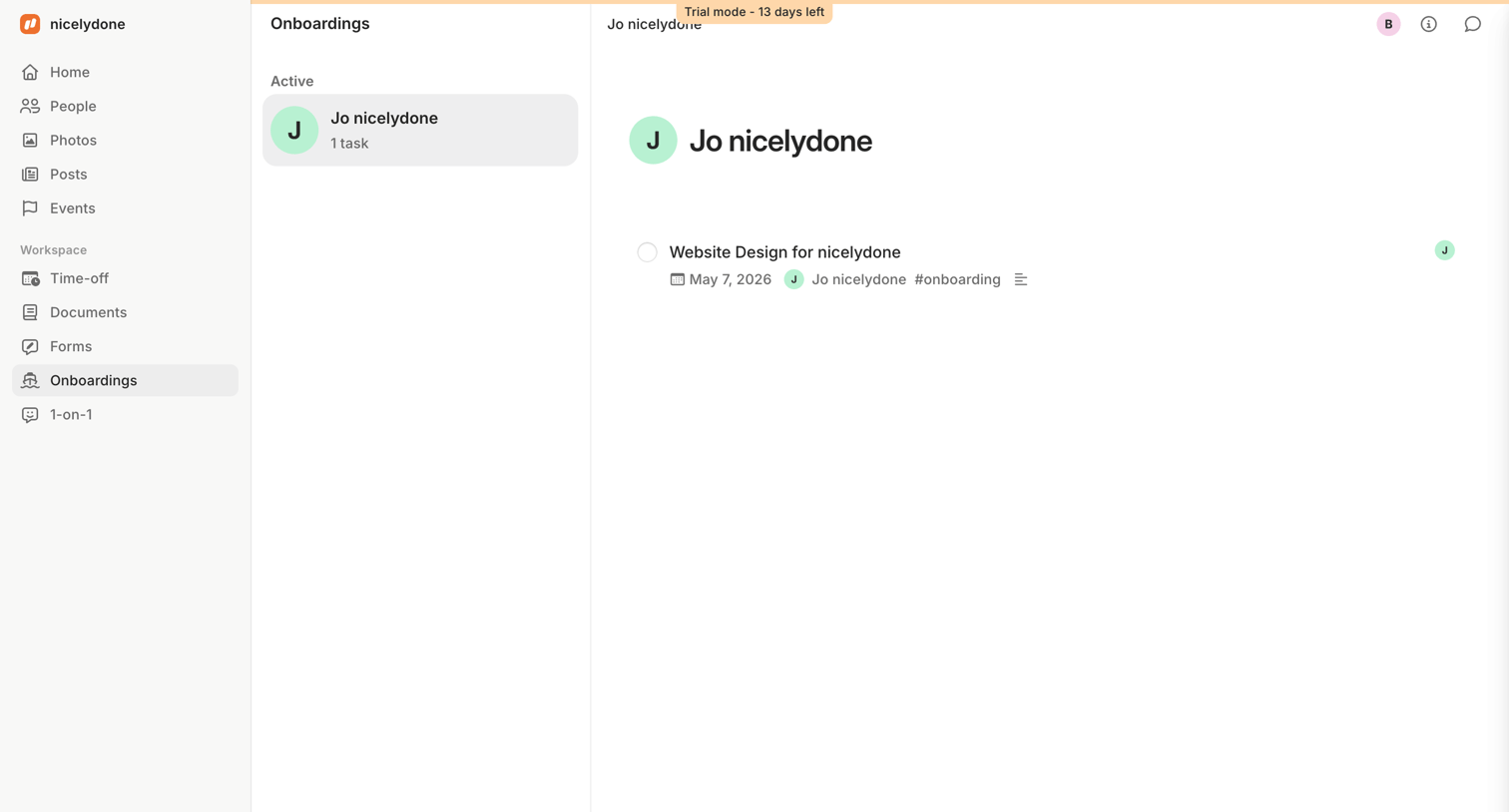

Detail page where the user views the active onboarding tasks for a specific employee, featuring a trial countdown banner at the top.
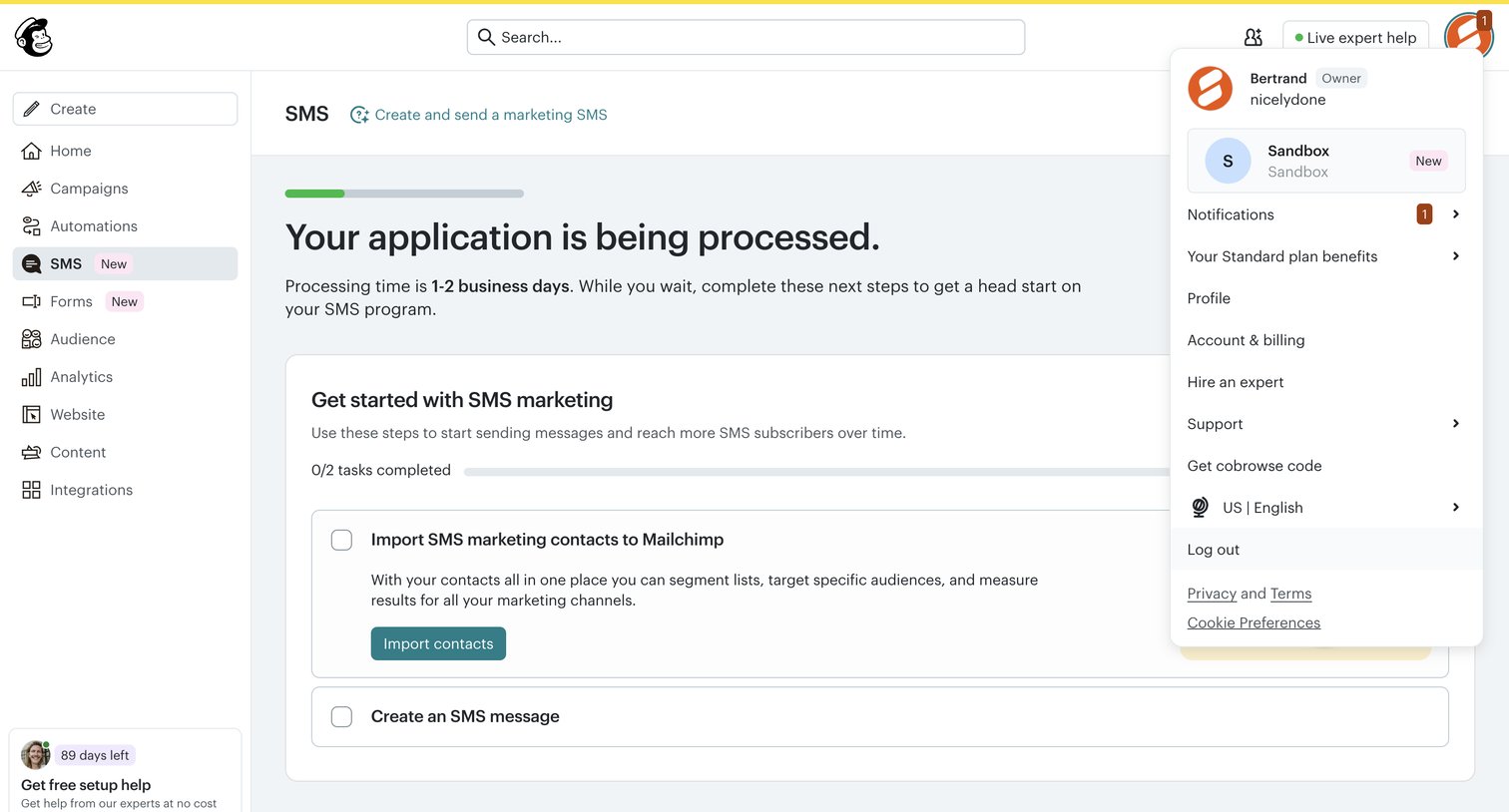

Onboarding screen where the user waits for their SMS application to process and completes a setup checklist to import contacts.
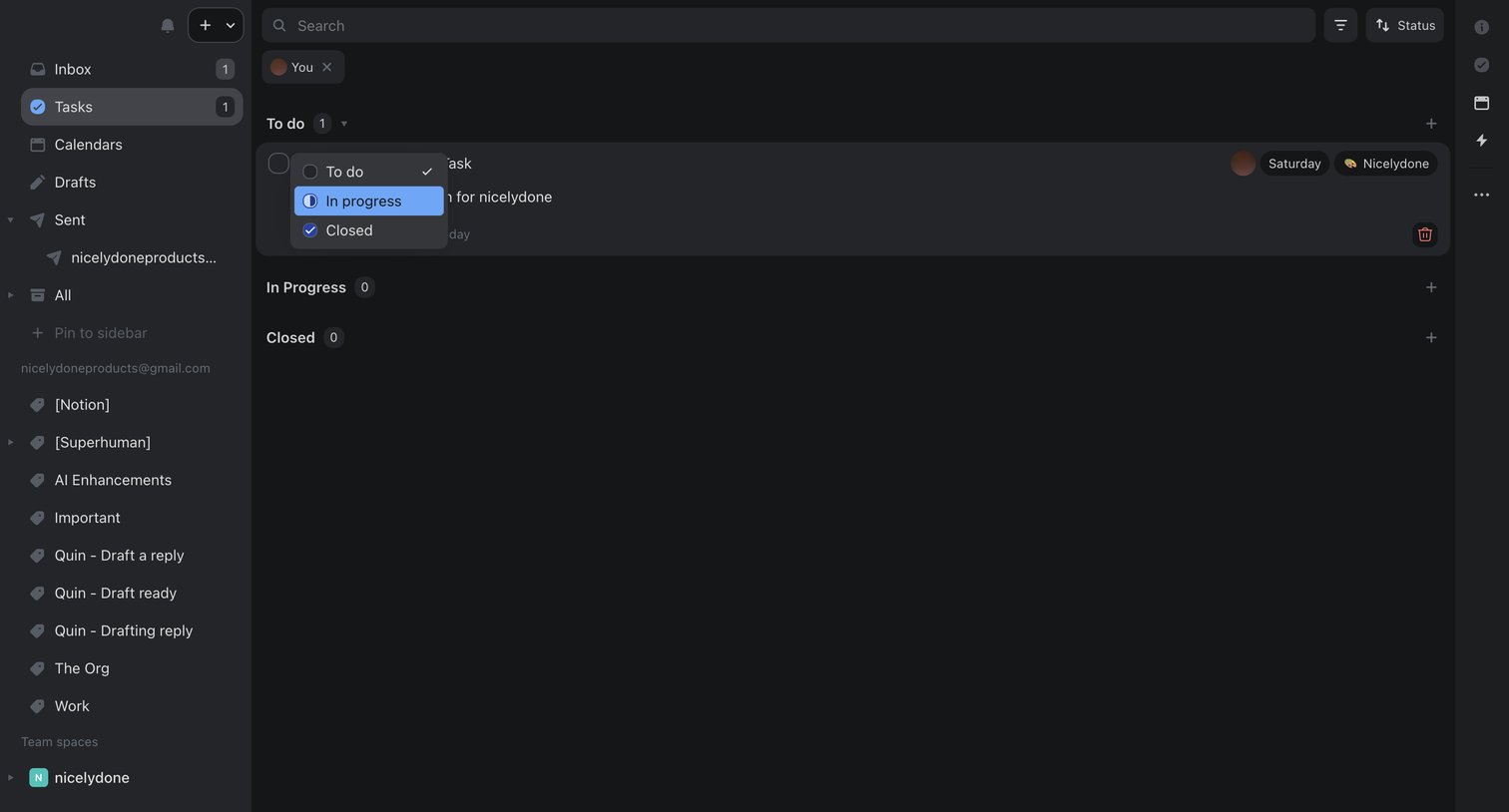

Task management view where the user filters tasks assigned to them and updates a task's status from to-do to in-progress via an inline dropdown.
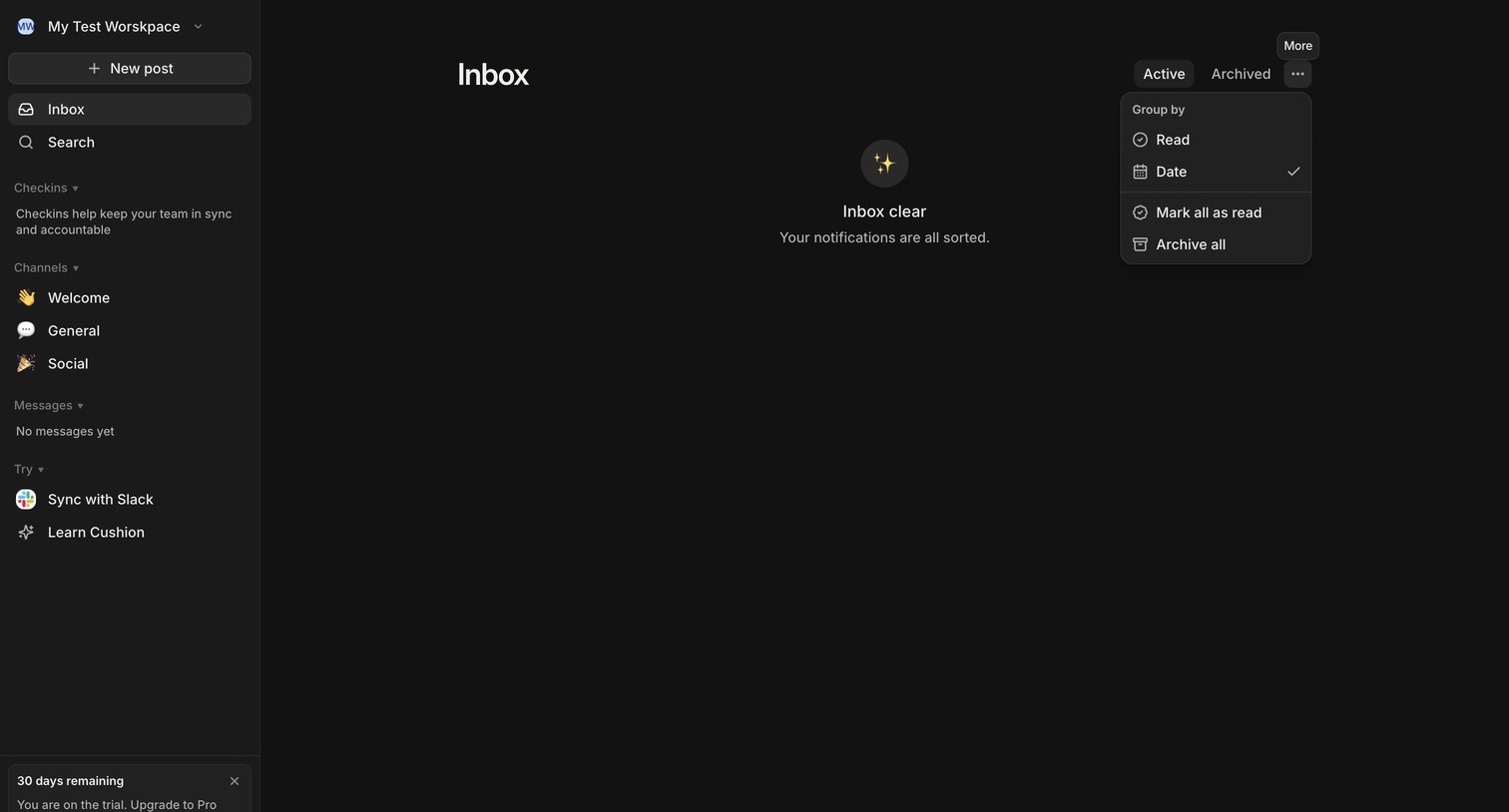

Inbox page where the user sees an empty state indicating all notifications are sorted, with a sidebar for navigation and an open dropdown menu for grouping and bulk actions.
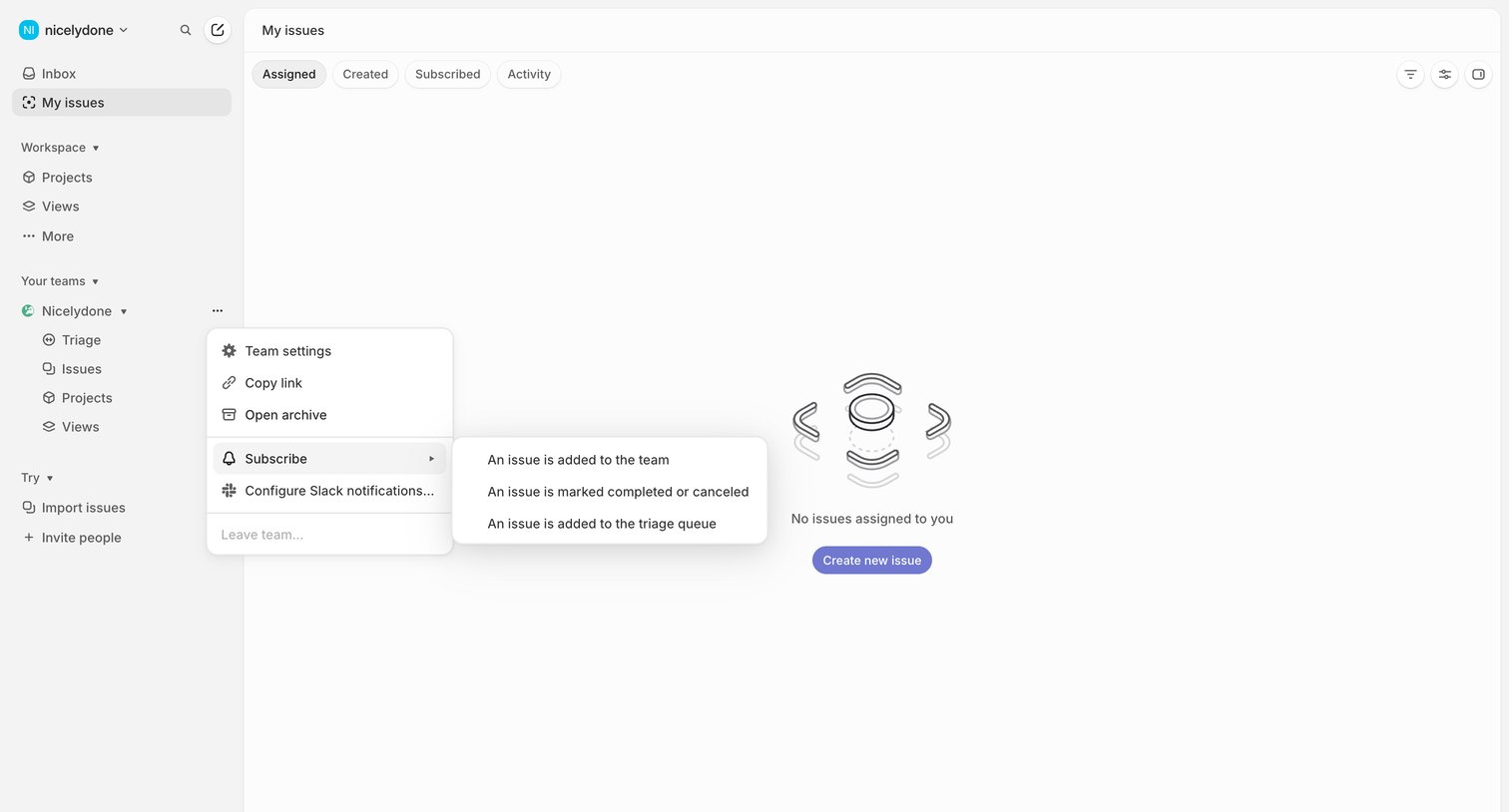

List view where the user sees their assigned issues, currently showing an empty state with an open nested context menu for team settings.
Explore the full SaaS screen library
Upgrade to unlock the full library.
Trusted by the best teams








About Task management
See how task tools organize work and responsibility. Explore how lists, project views, and item details connect status, ownership, and the next action.