Table screen examples
Table screen design examples from SaaS apps. Browse examples from Dock, Beside, Exa.
Explore the examples
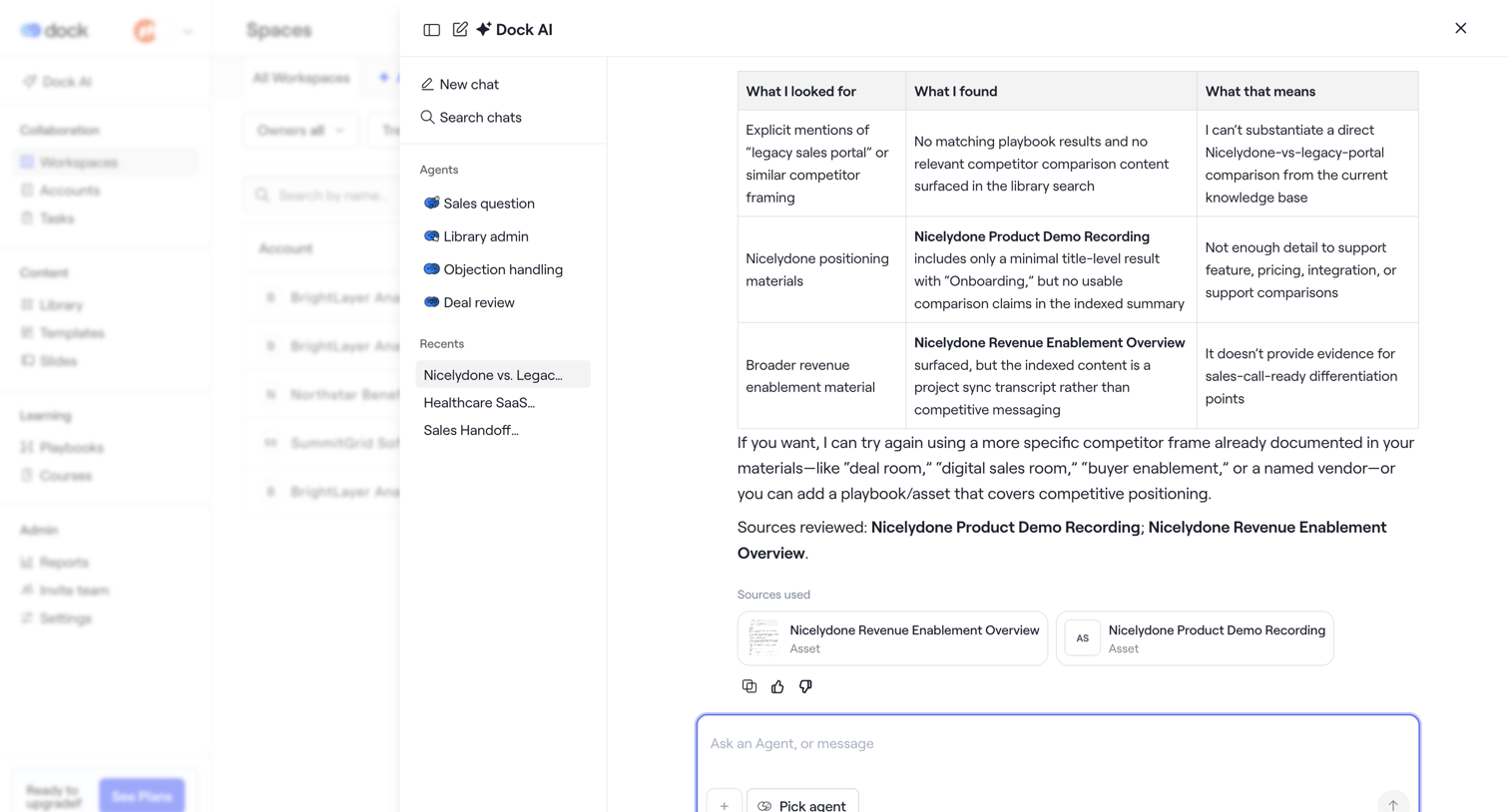

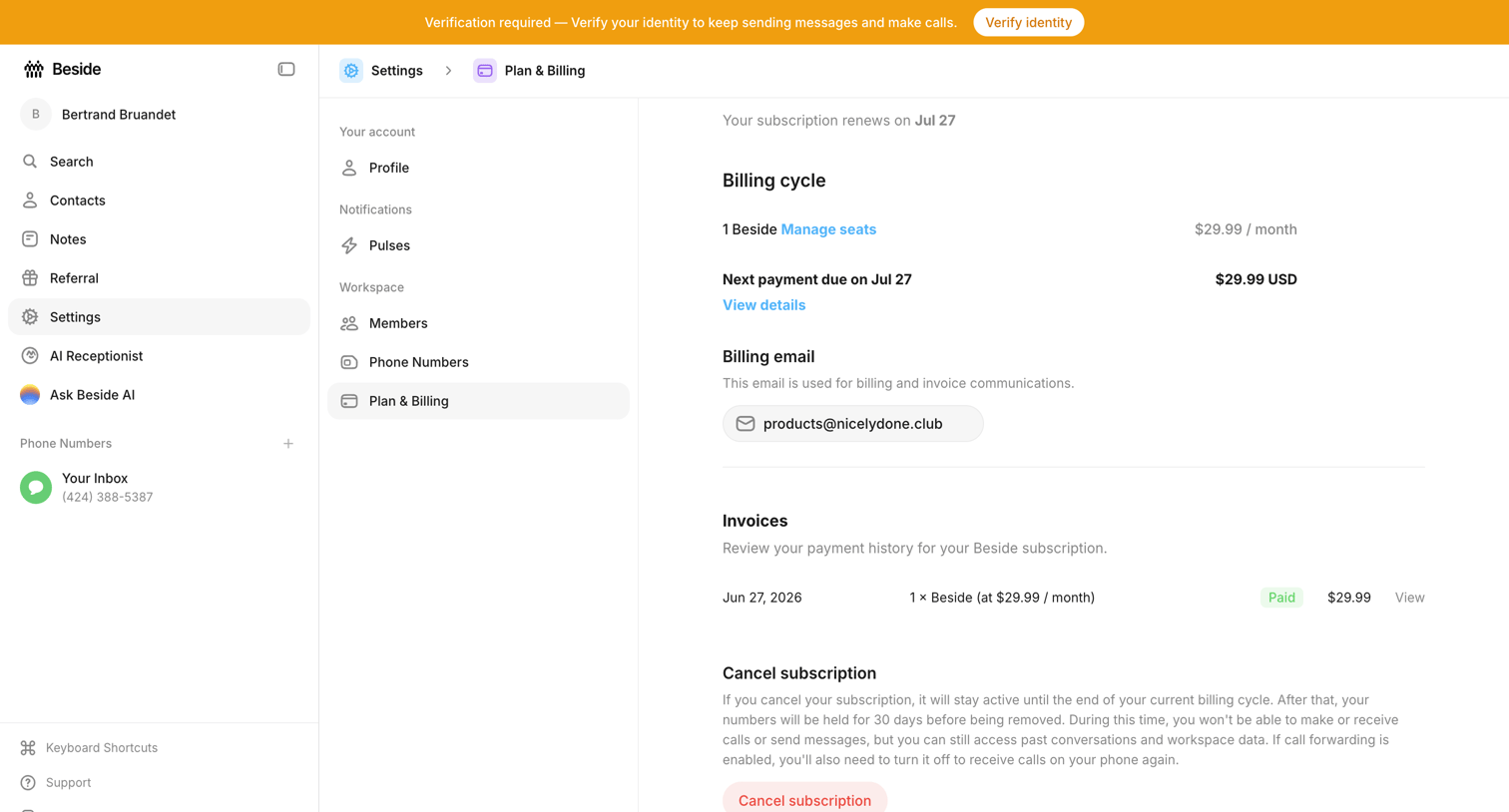

Settings page where the user views their billing cycle, manages their billing email, reviews past invoices, and can cancel their subscription.
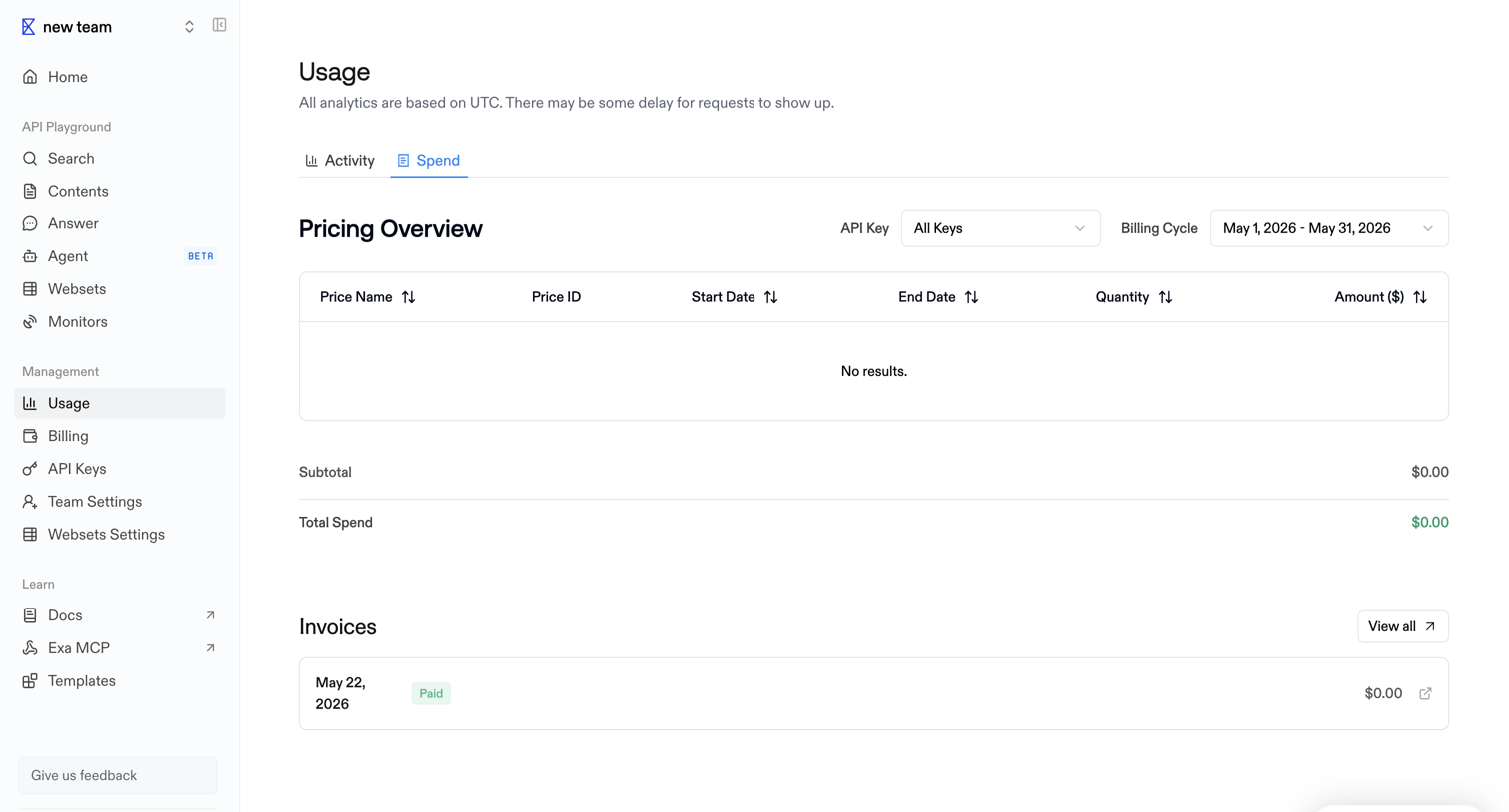

Usage settings page where the user views their pricing overview filtered by API key and billing cycle, along with a history of past invoices.
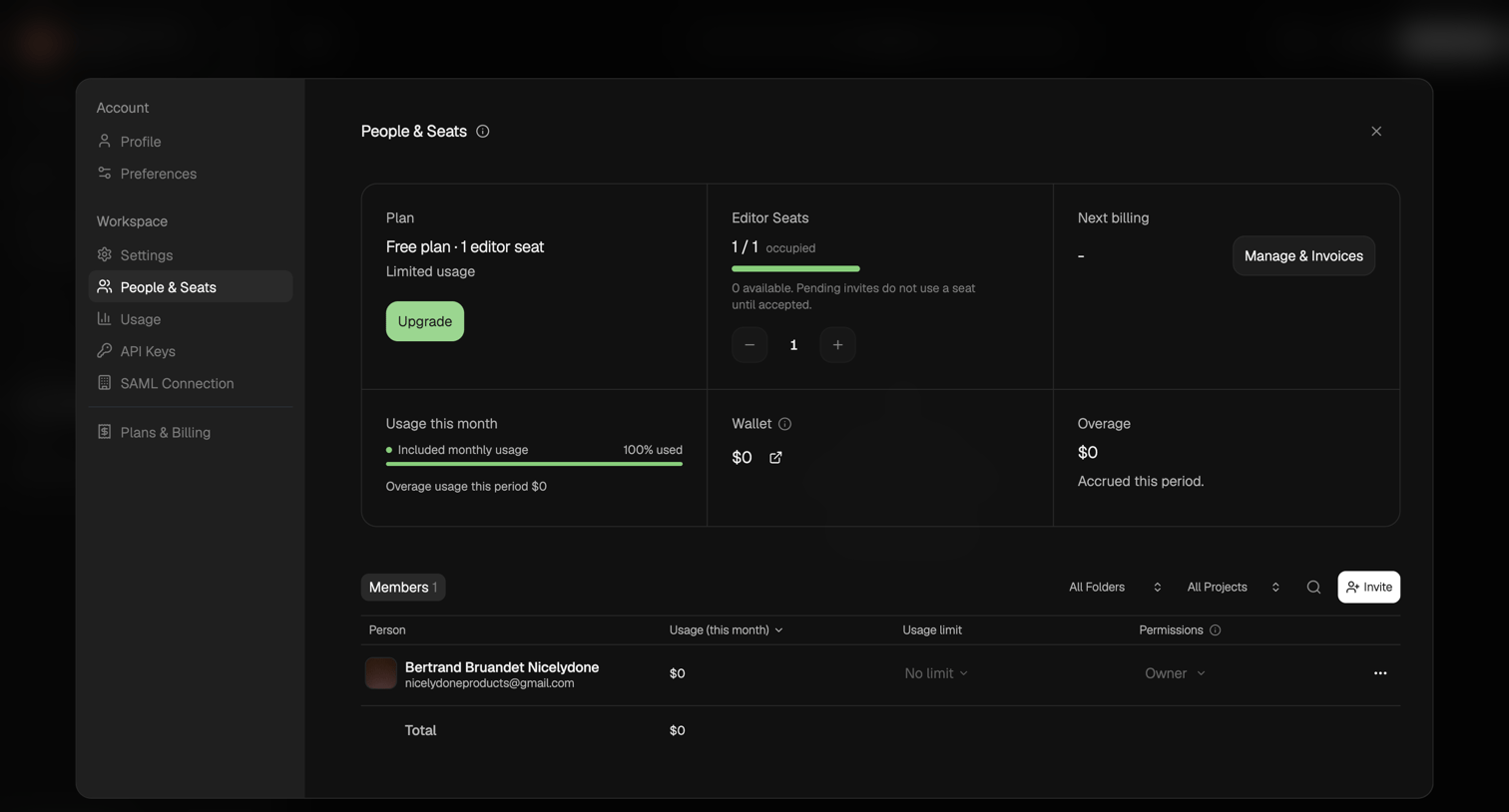

Settings modal where the user manages their workspace plan, editor seats, usage limits, and invites new members.
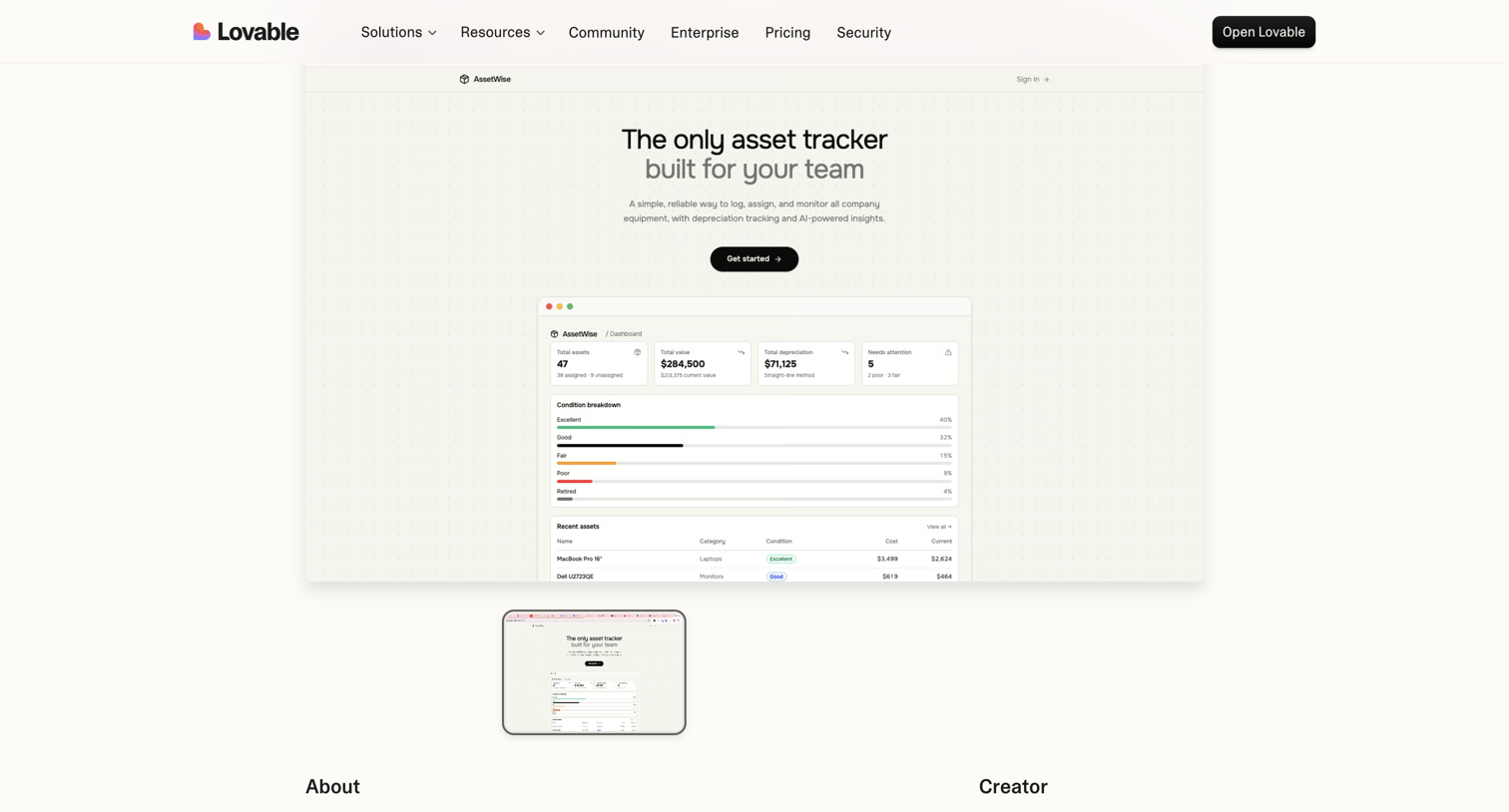

Product page showcasing AssetWise, an asset tracking application built by a creator, featuring a live preview window and creator details.
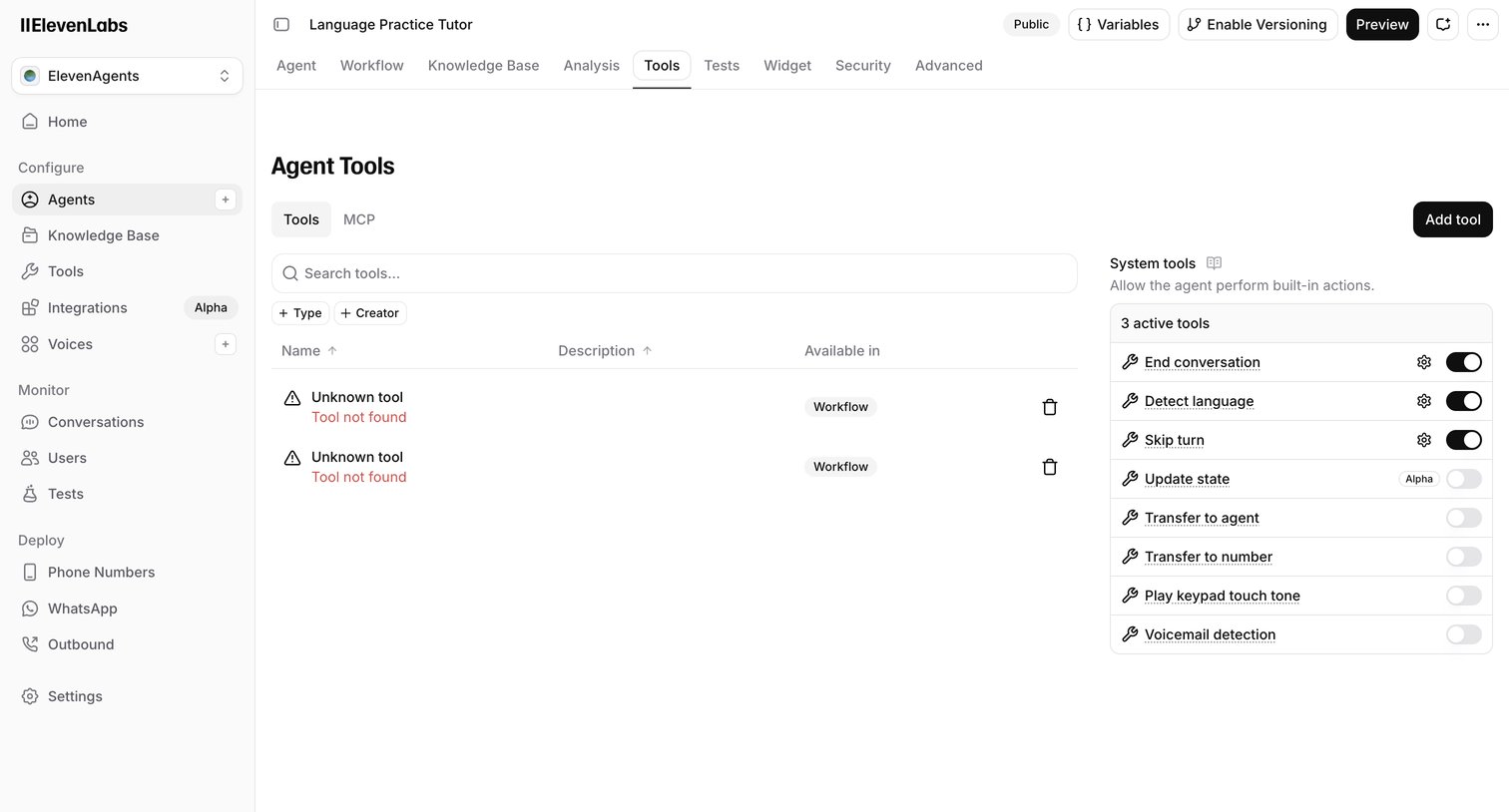

Settings page where the user configures custom and system tools for an AI agent, including enabling built-in actions like ending conversations or detecting language.
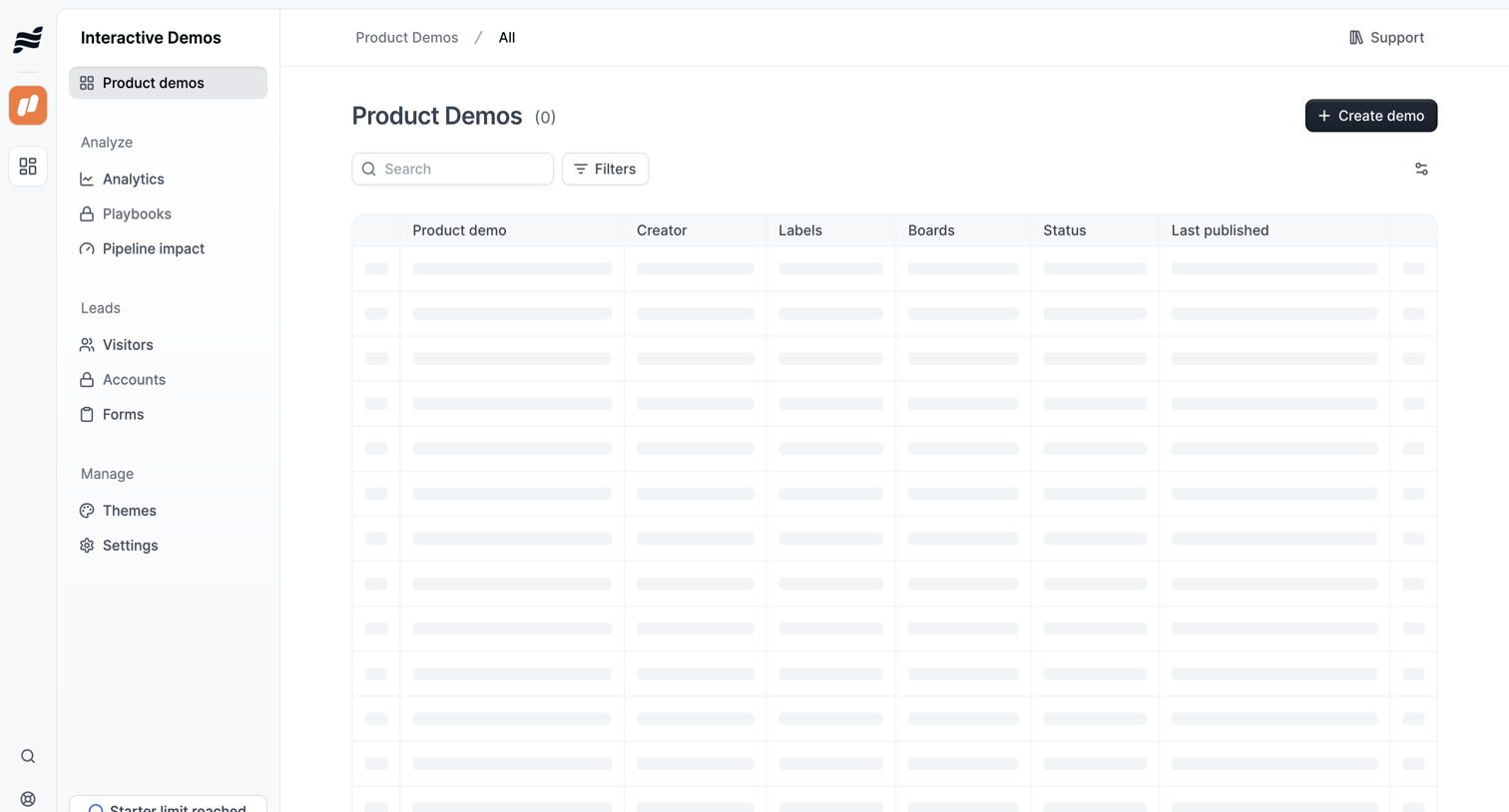

List view where the user manages product demos, currently showing a skeleton loading state for the data table alongside search and filter controls.
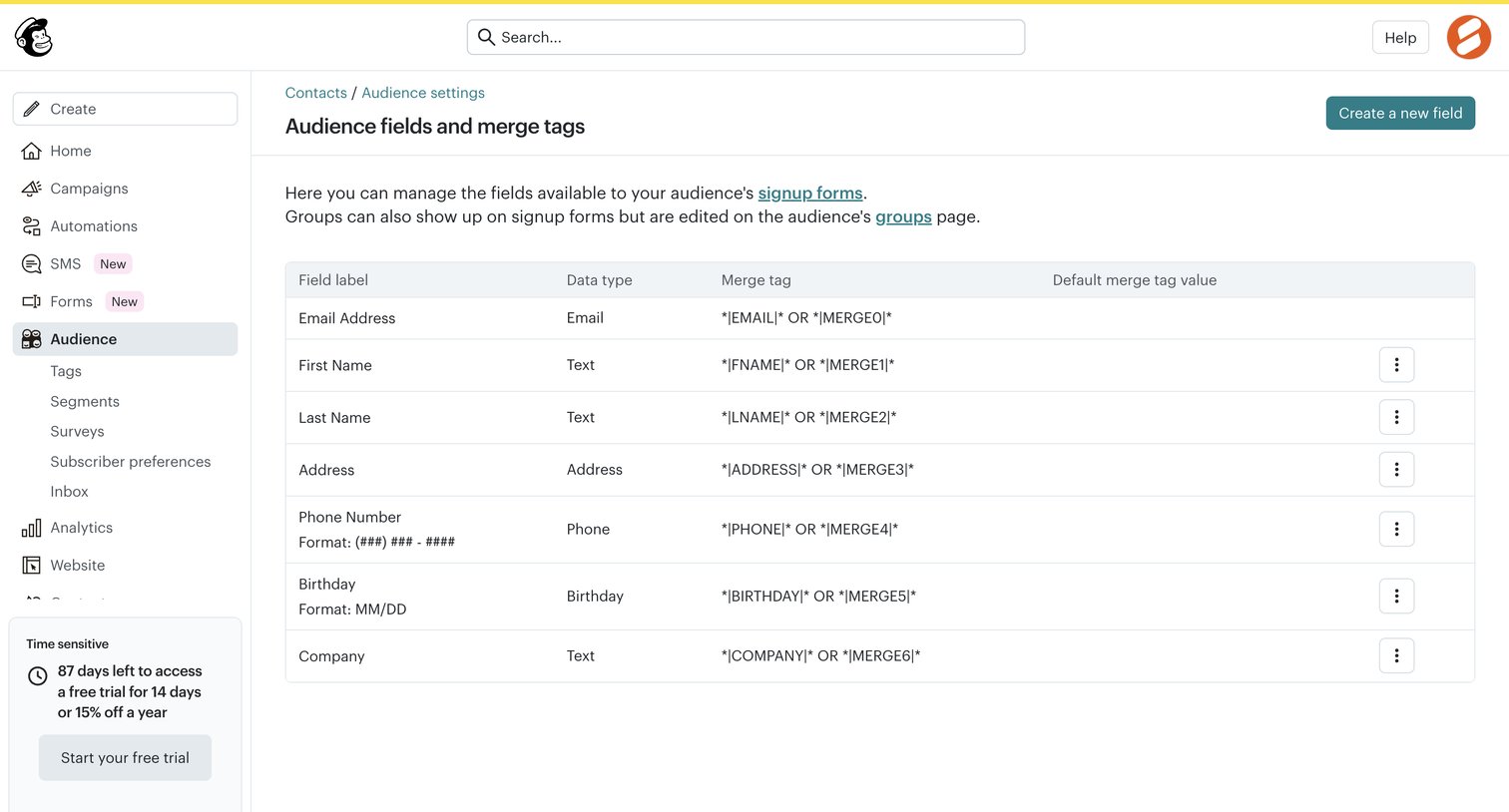

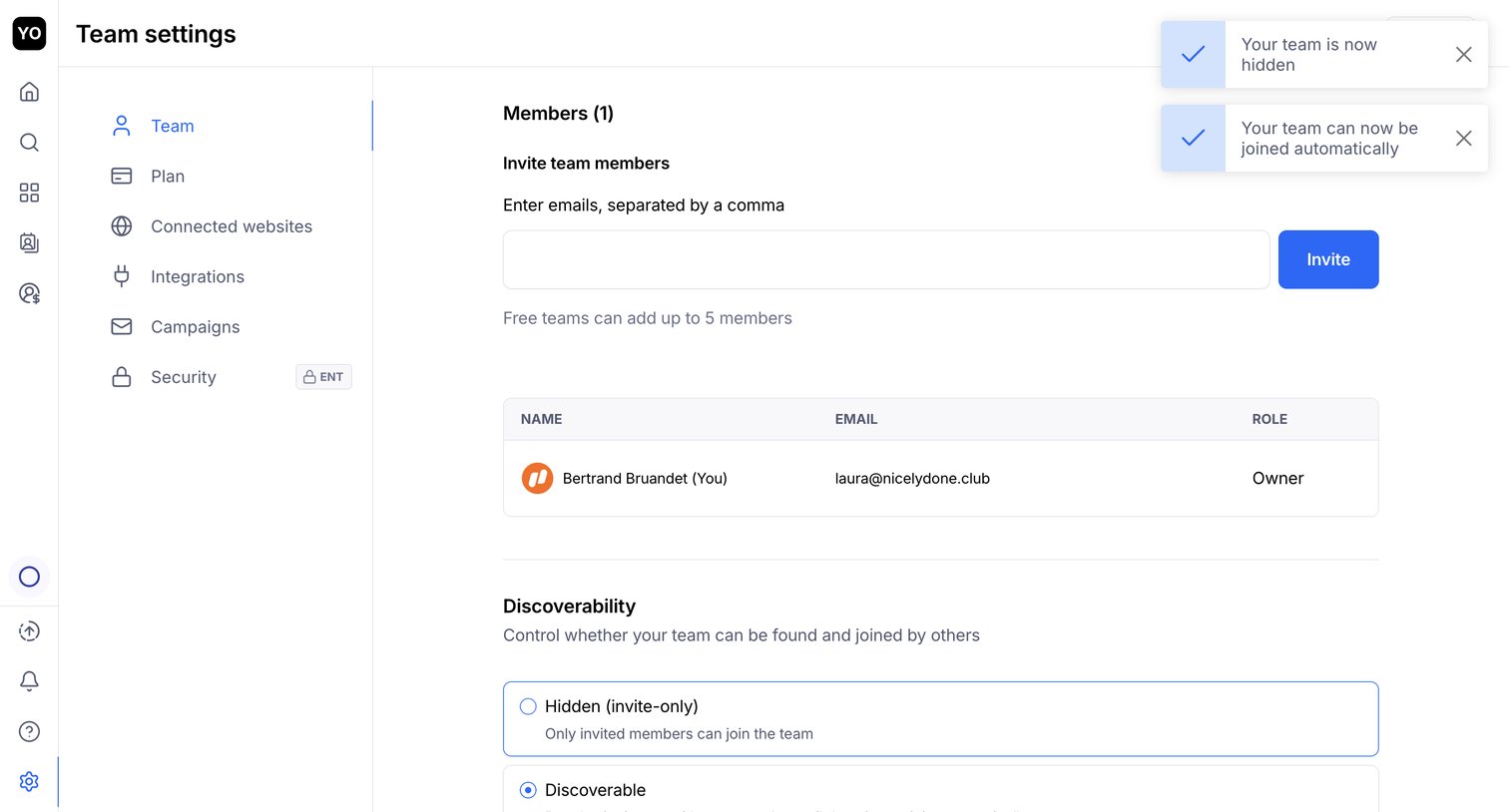

Settings page where the user invites new team members by email, views the current member list, and configures team discoverability.
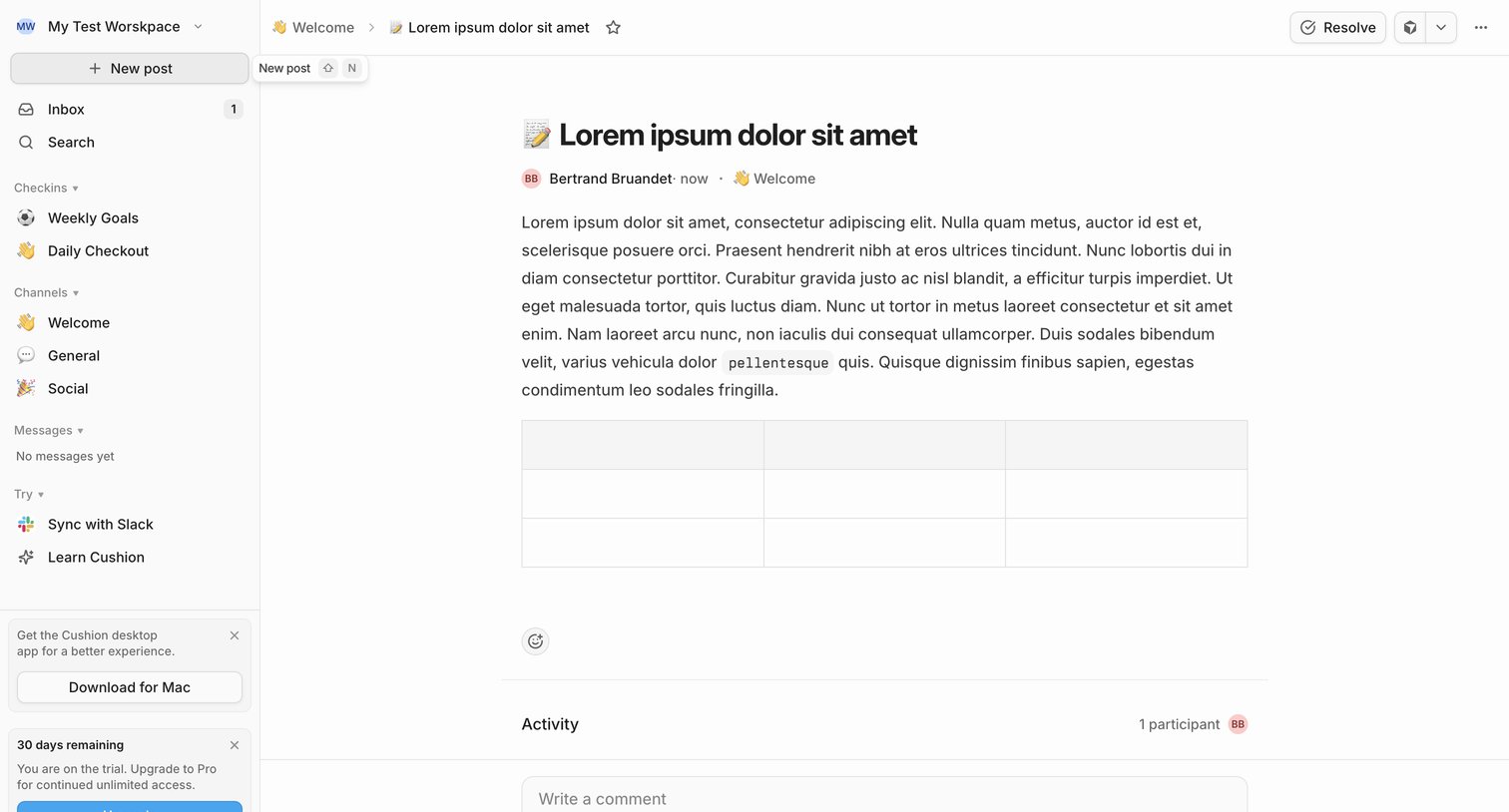

Detail page where a user reads a team update in the Welcome channel, views activity participants, and can write a comment or resolve the post.
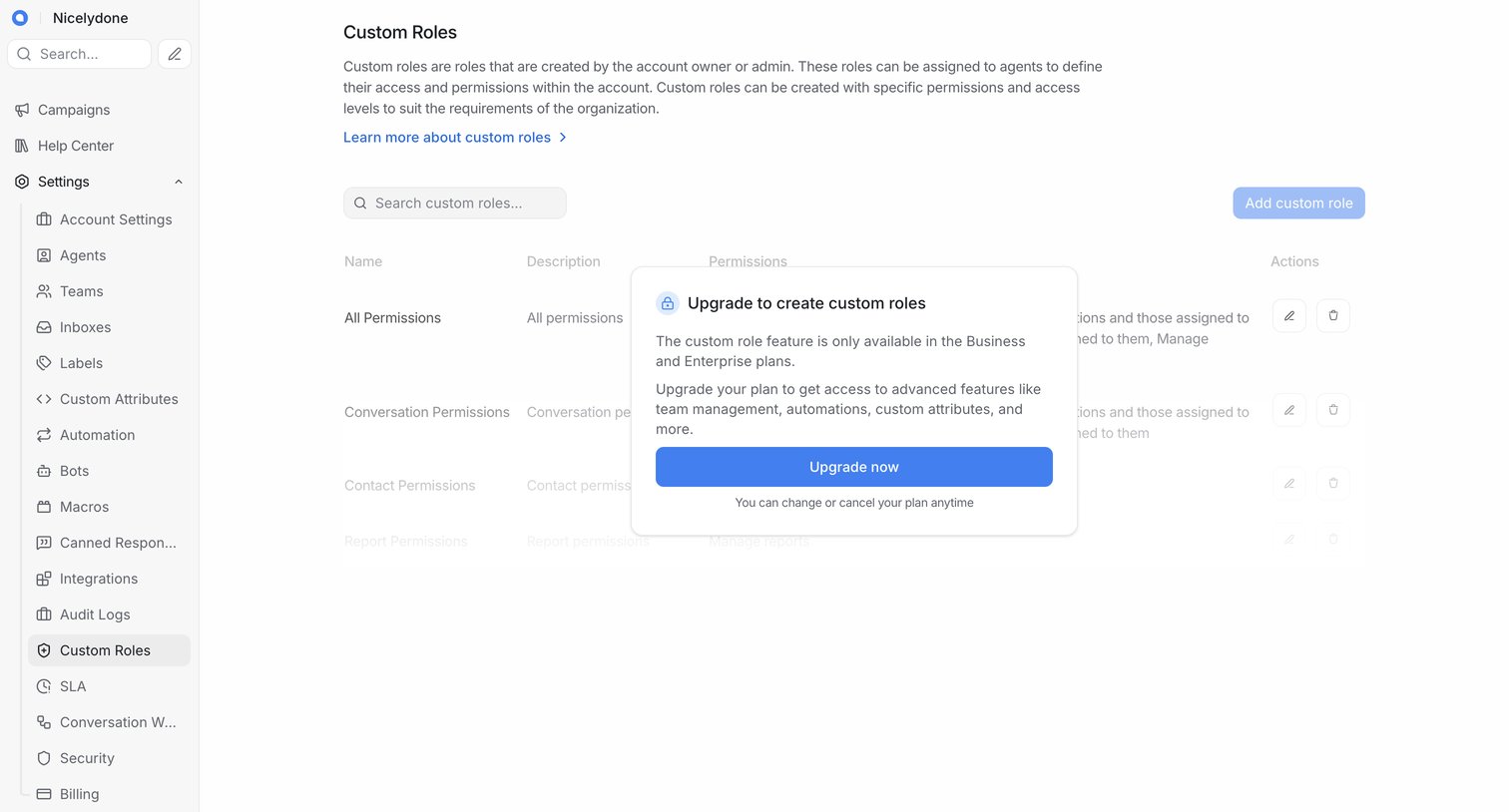

Settings page where the user is blocked from creating custom roles by an upgrade modal prompting them to switch to a Business or Enterprise plan.
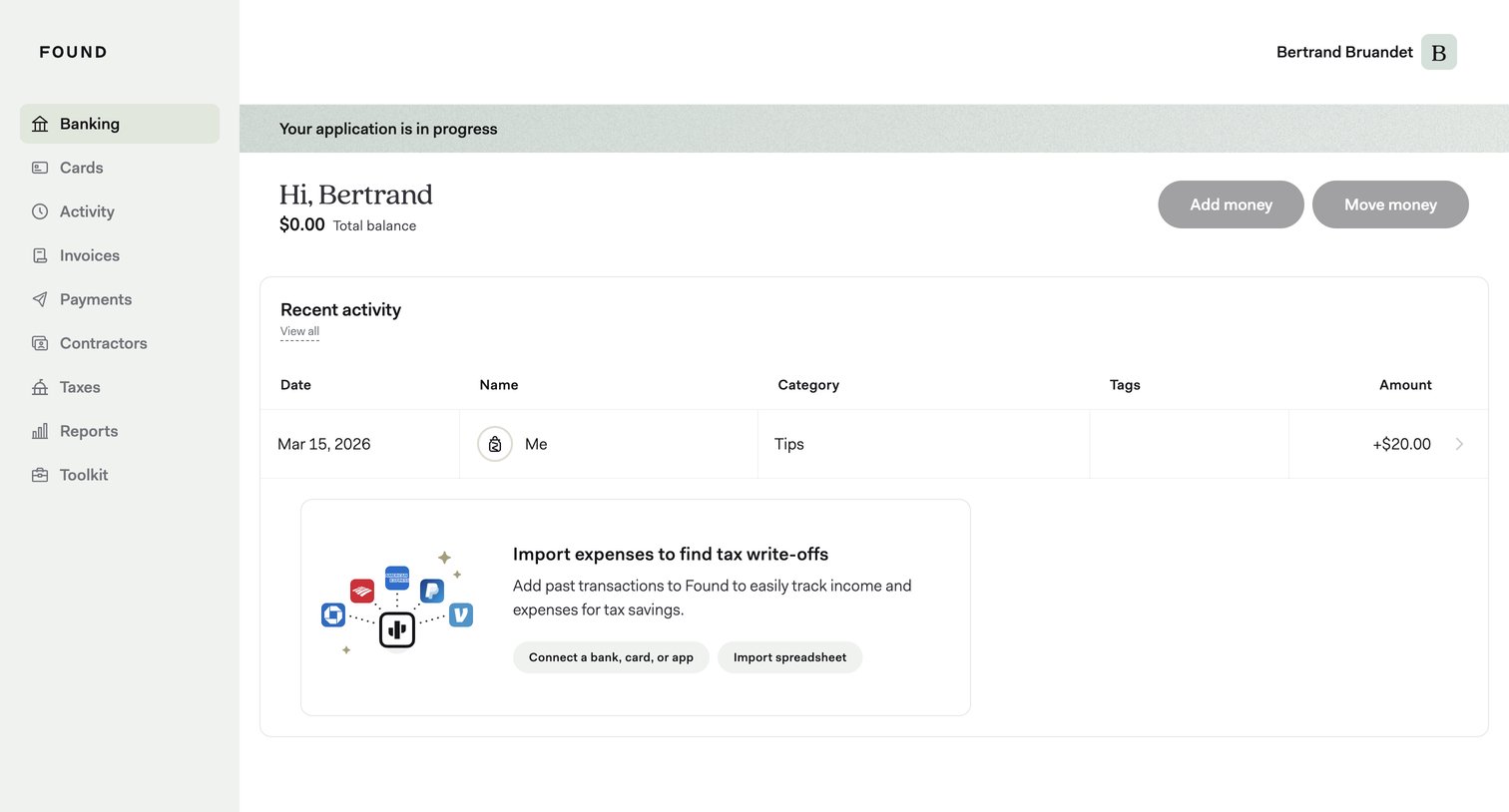

Dashboard showing the user's total balance, recent transaction activity, and prompts to import expenses or connect accounts.
Explore the full SaaS screen library
Upgrade to unlock the full library.
Trusted by the best teams







