Skip to content

System notification screen examples

System notification screen design examples from SaaS apps. Browse examples from Whop, Gather, Kinsta.

Explore the examples
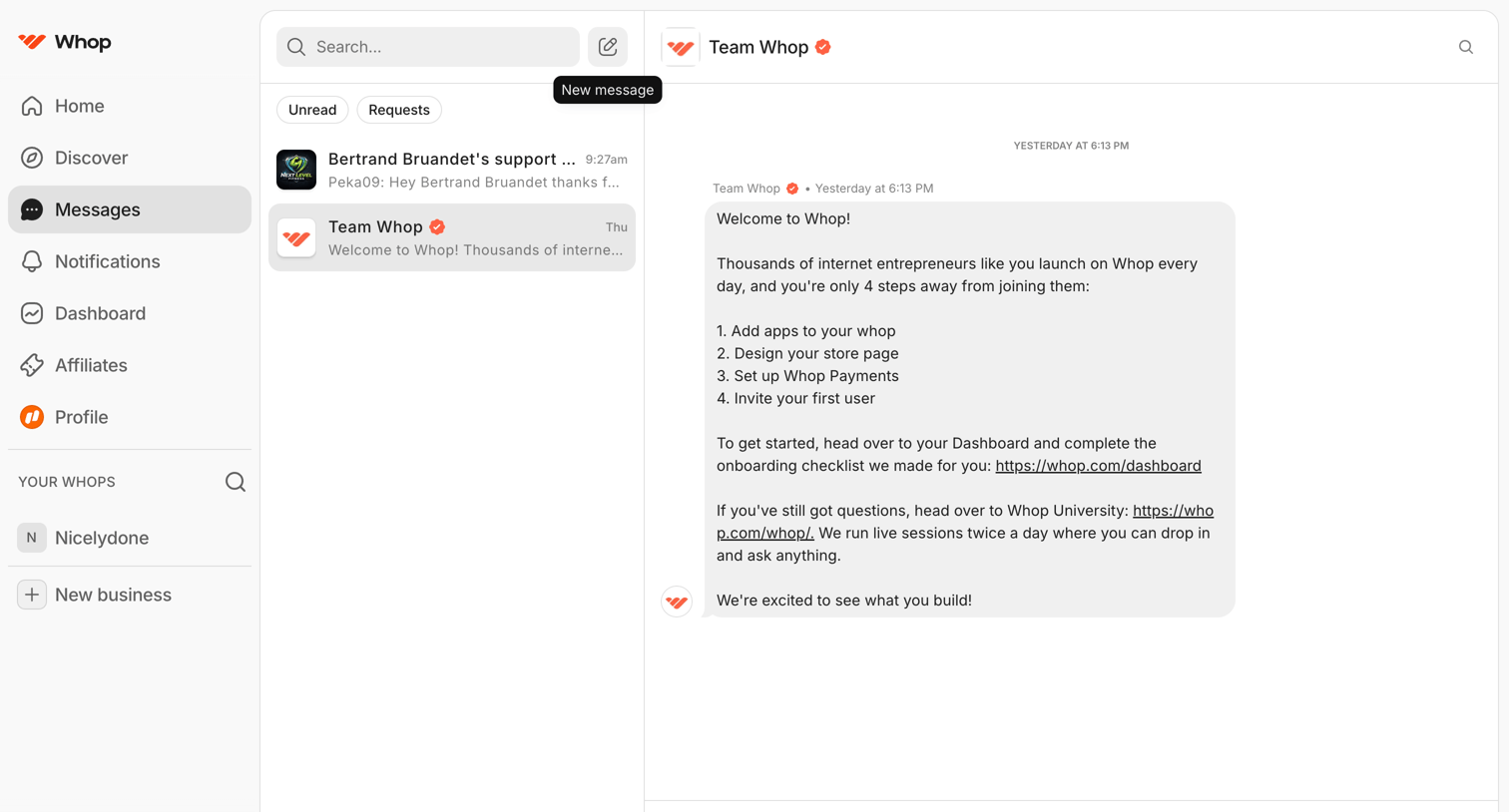
Whop - Team Whop | Messages | Whop screen
Whop logo
Whop

Messages inbox where the user views conversations, filters by unread or requests, and reads an official welcome message from Team Whop.

Gather - Nicelydone | Gather screen
Gather logo
Gather

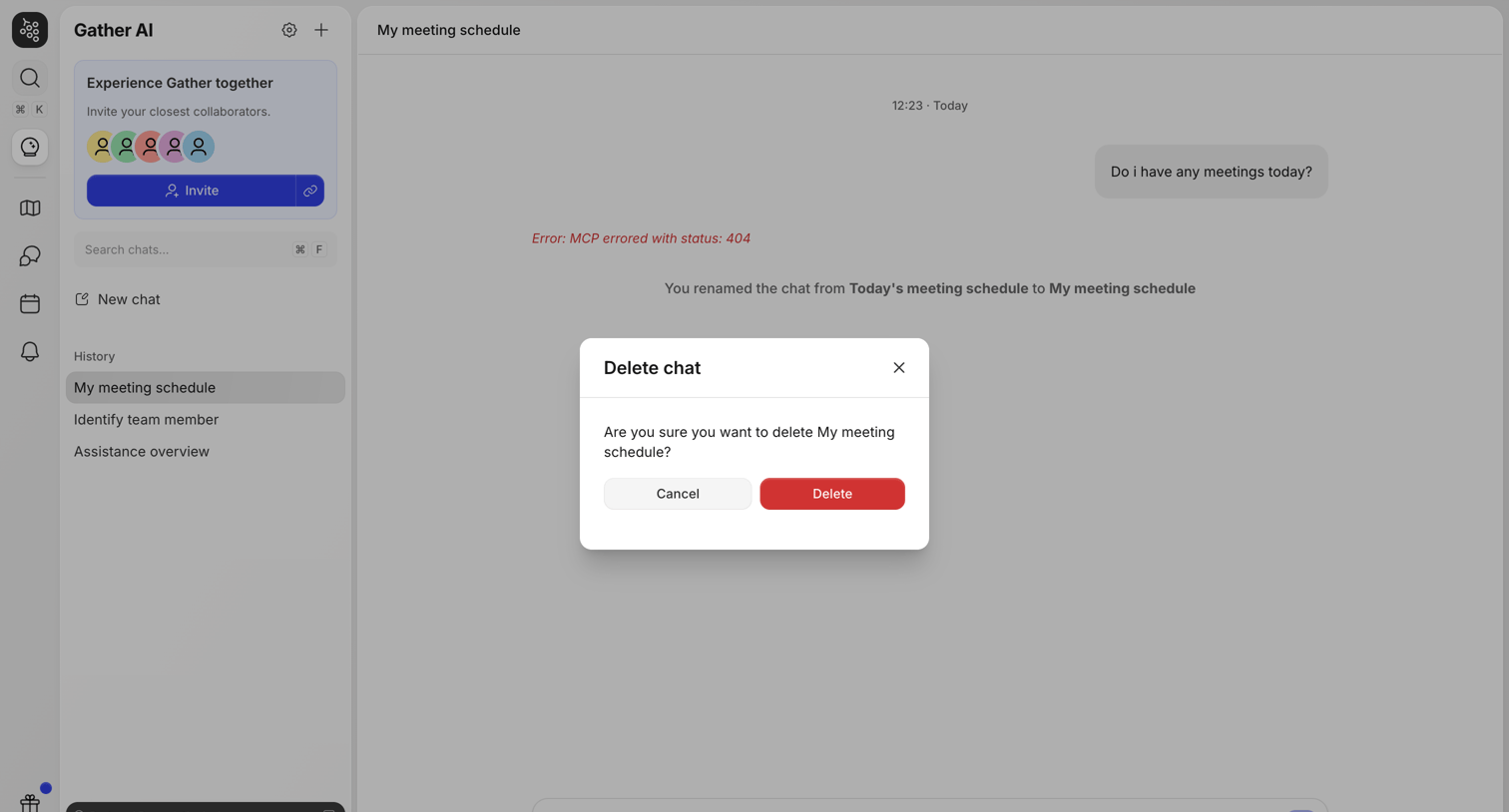
AI chat interface where the user is prompted to confirm the deletion of a specific conversation titled 'My meeting schedule'.
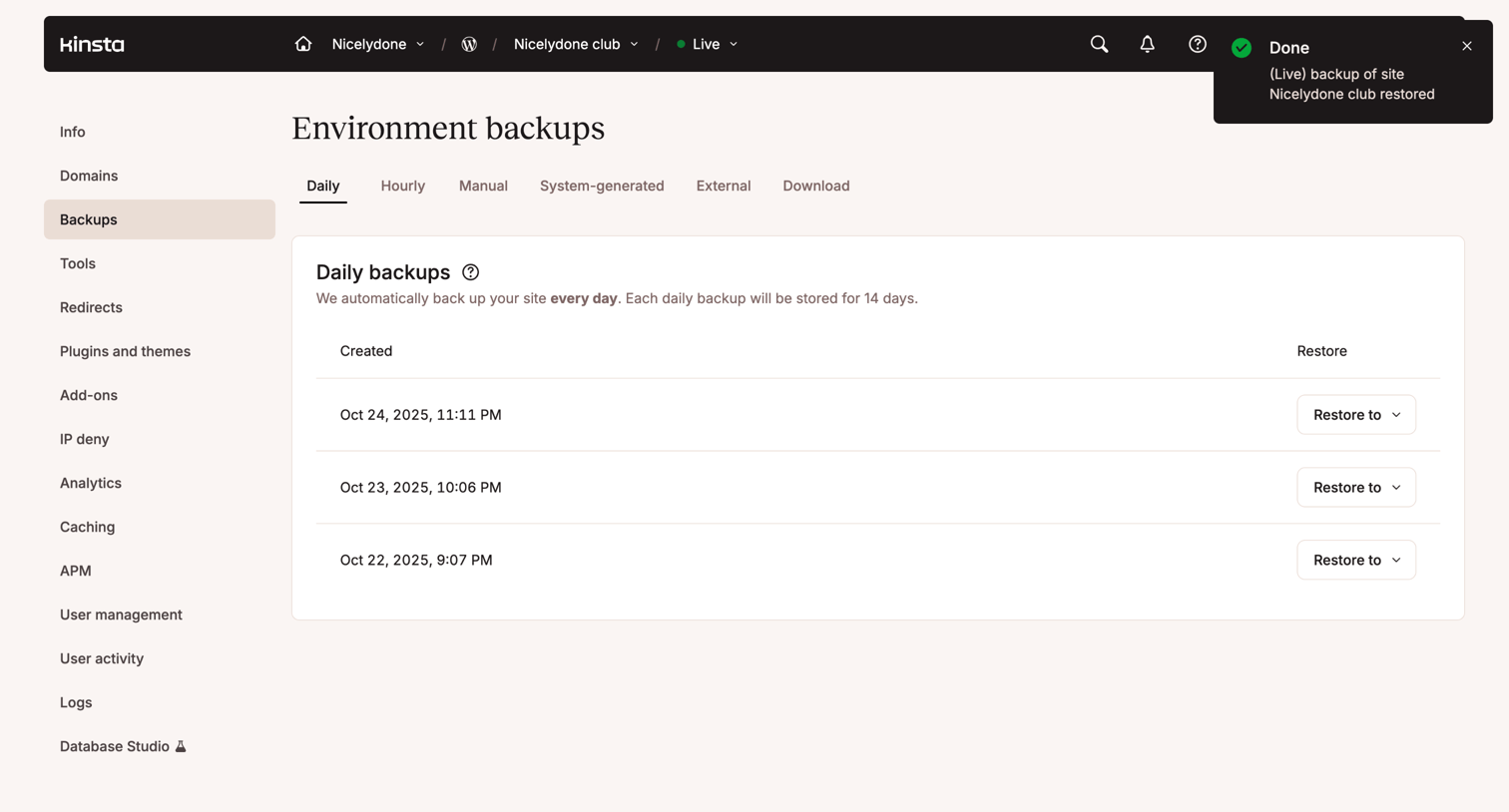

Kinsta - Nicelydone club - MyKinsta screen
Kinsta logo
Kinsta

List view where the user manages daily environment backups and can restore them to specific environments.

Capsule - Trash | Nicelydone club CRM screen
Capsule logo
Capsule

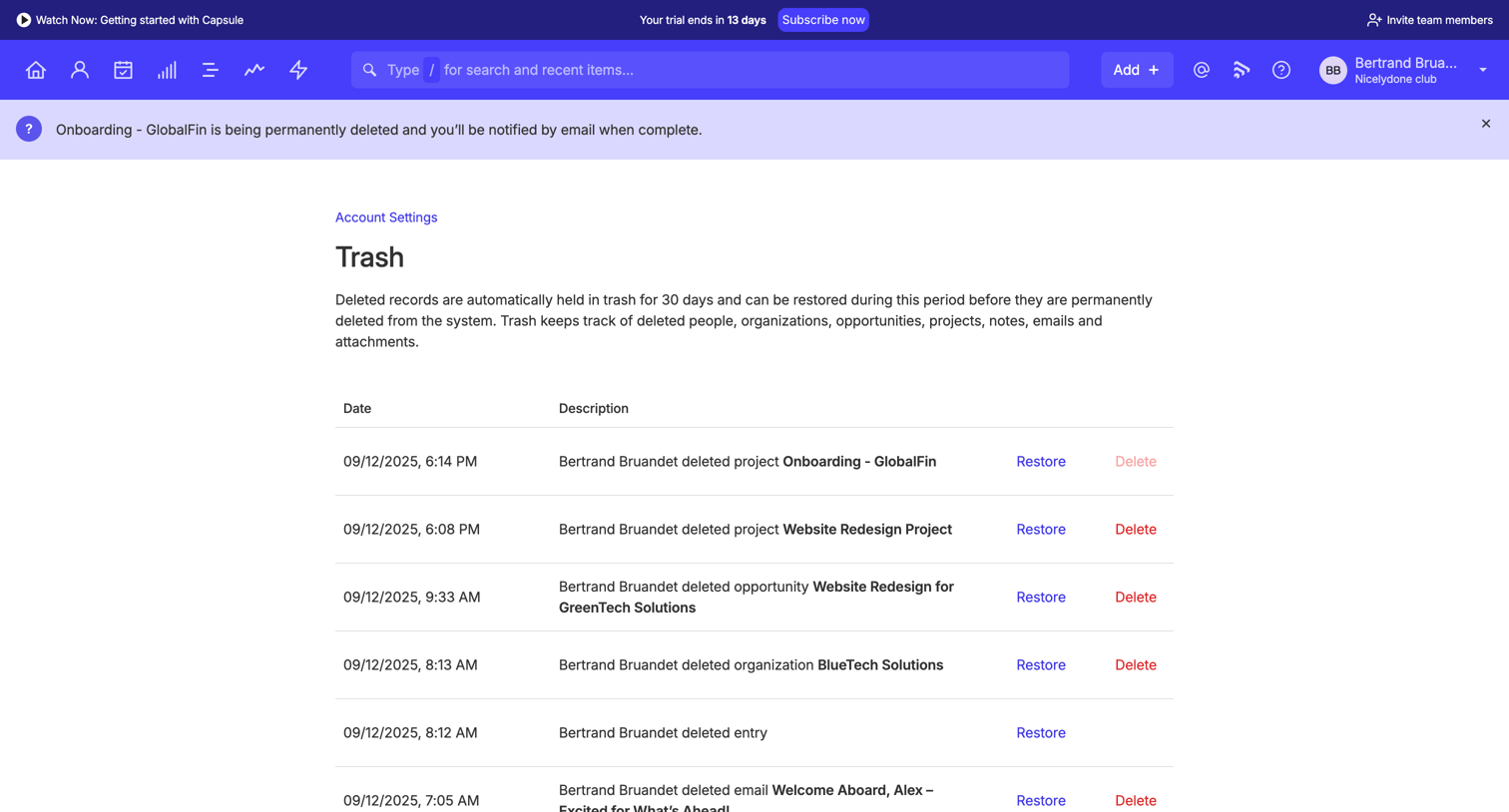
Settings page where the user can view, restore, or permanently delete records held in the trash.
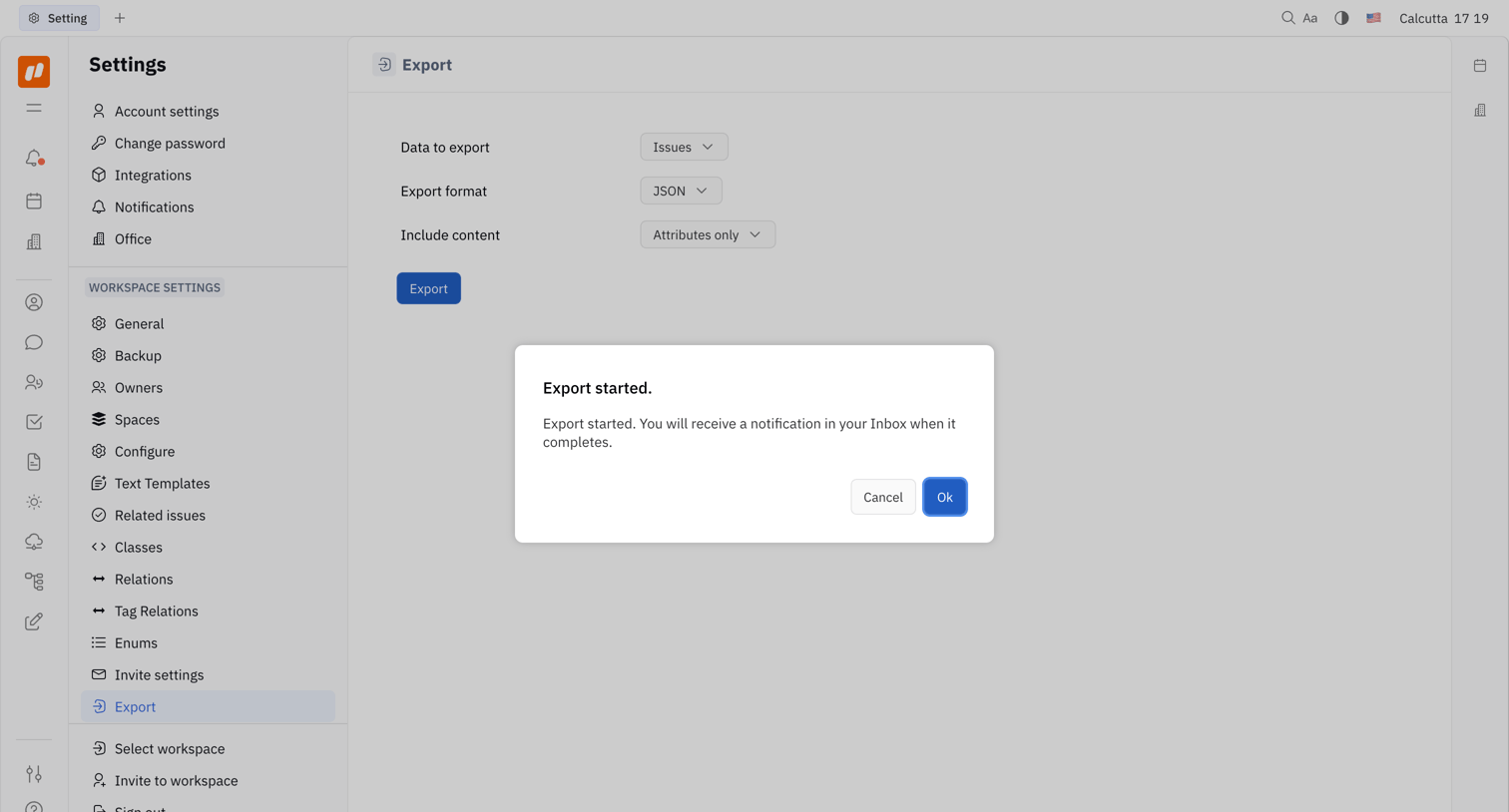
Huly - Nicelydone - Huly screen
Huly logo
Huly

Settings page where the user configures data export options and views a confirmation modal after initiating the export.

Evervault screen
Evervault logo
Evervault

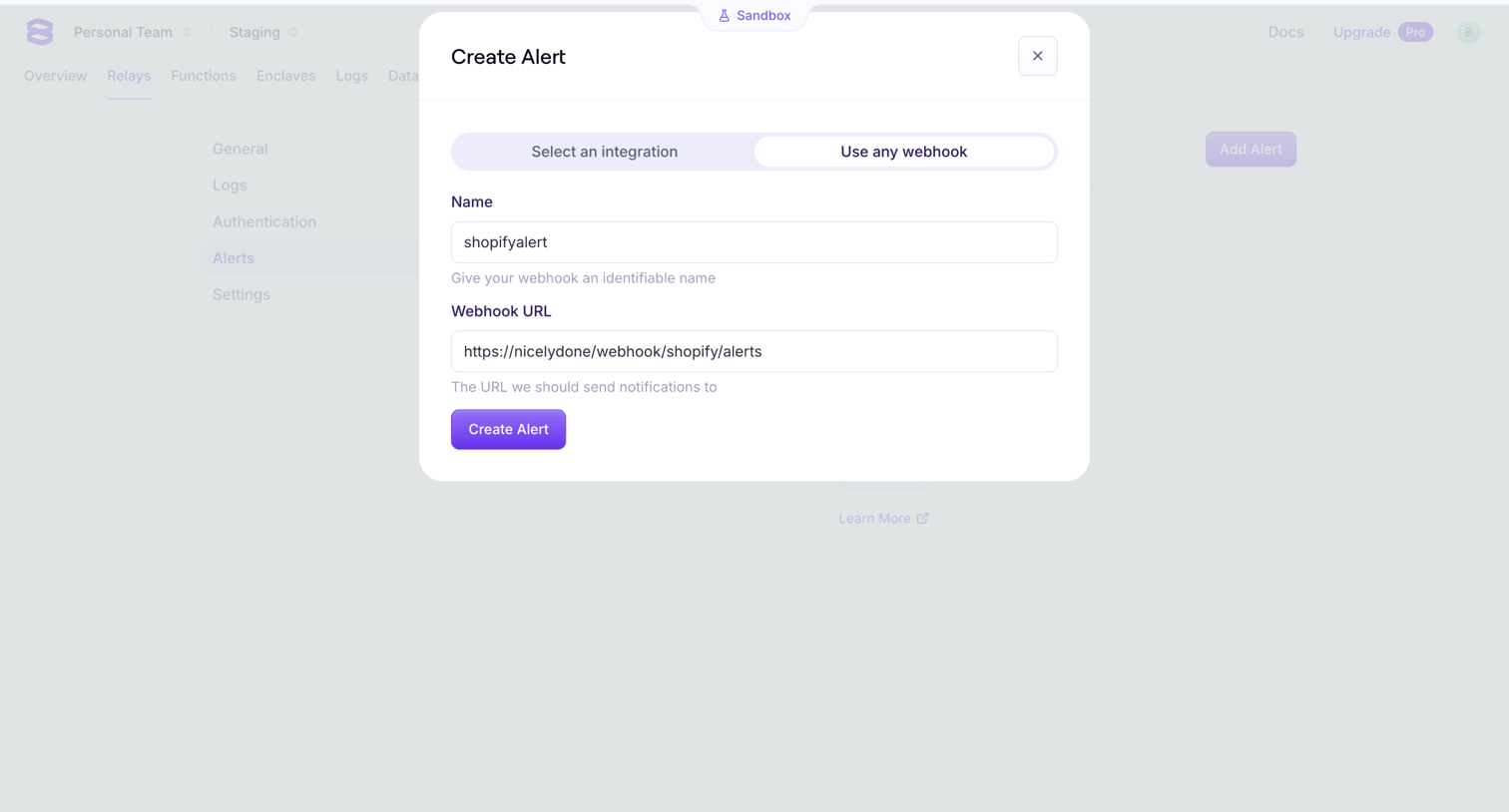
Settings page where the user configures a new webhook alert by providing a name and destination URL in a modal.
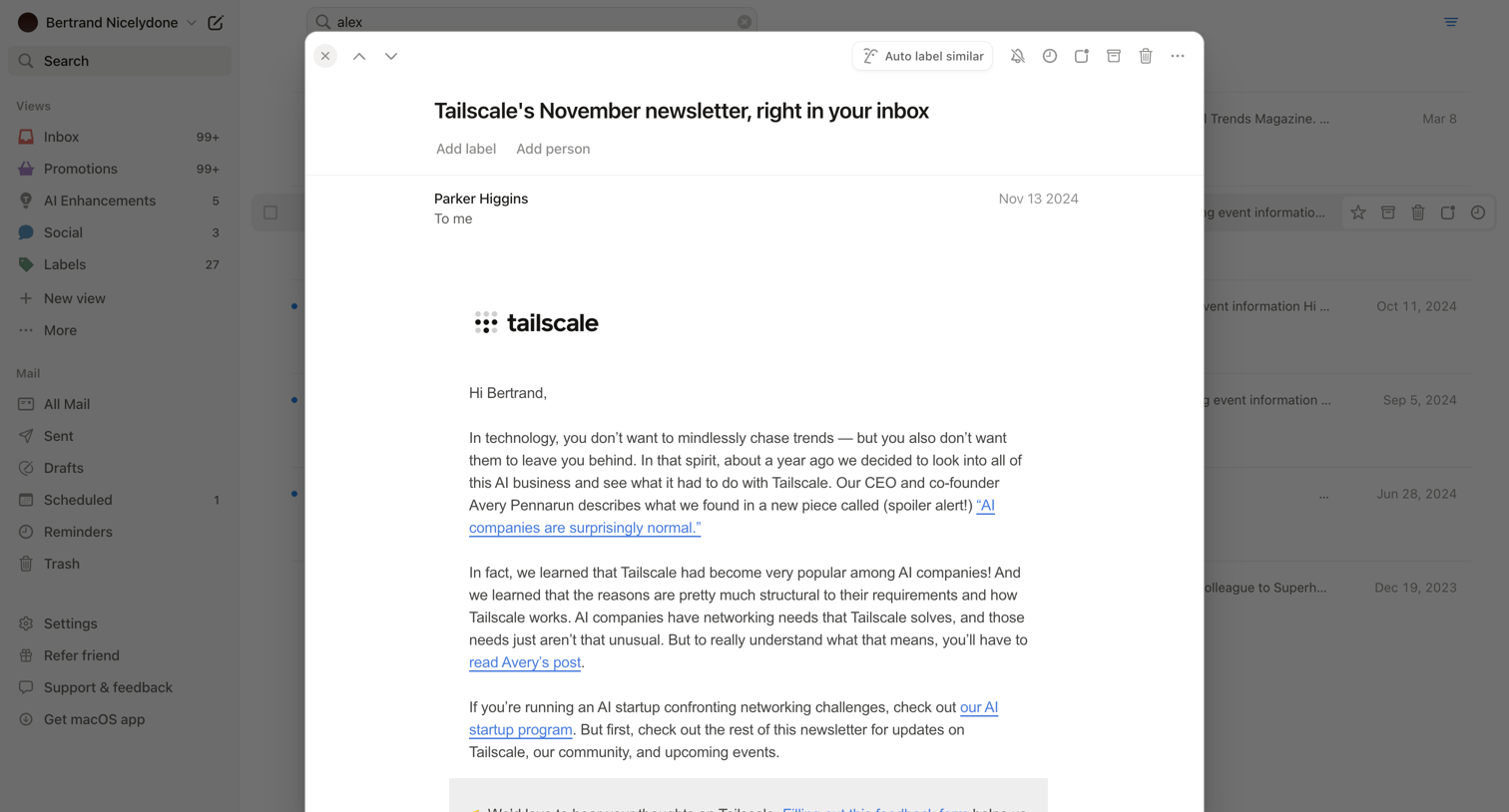

Notion Mail - Search • nicelydoneproducts@gmail.com • Notion Mail screen
Notion Mail logo
Notion Mail

Detail page where the user reads a specific newsletter email in a modal overlay, featuring a top toolbar with actions to auto-label, archive, or delete the message.
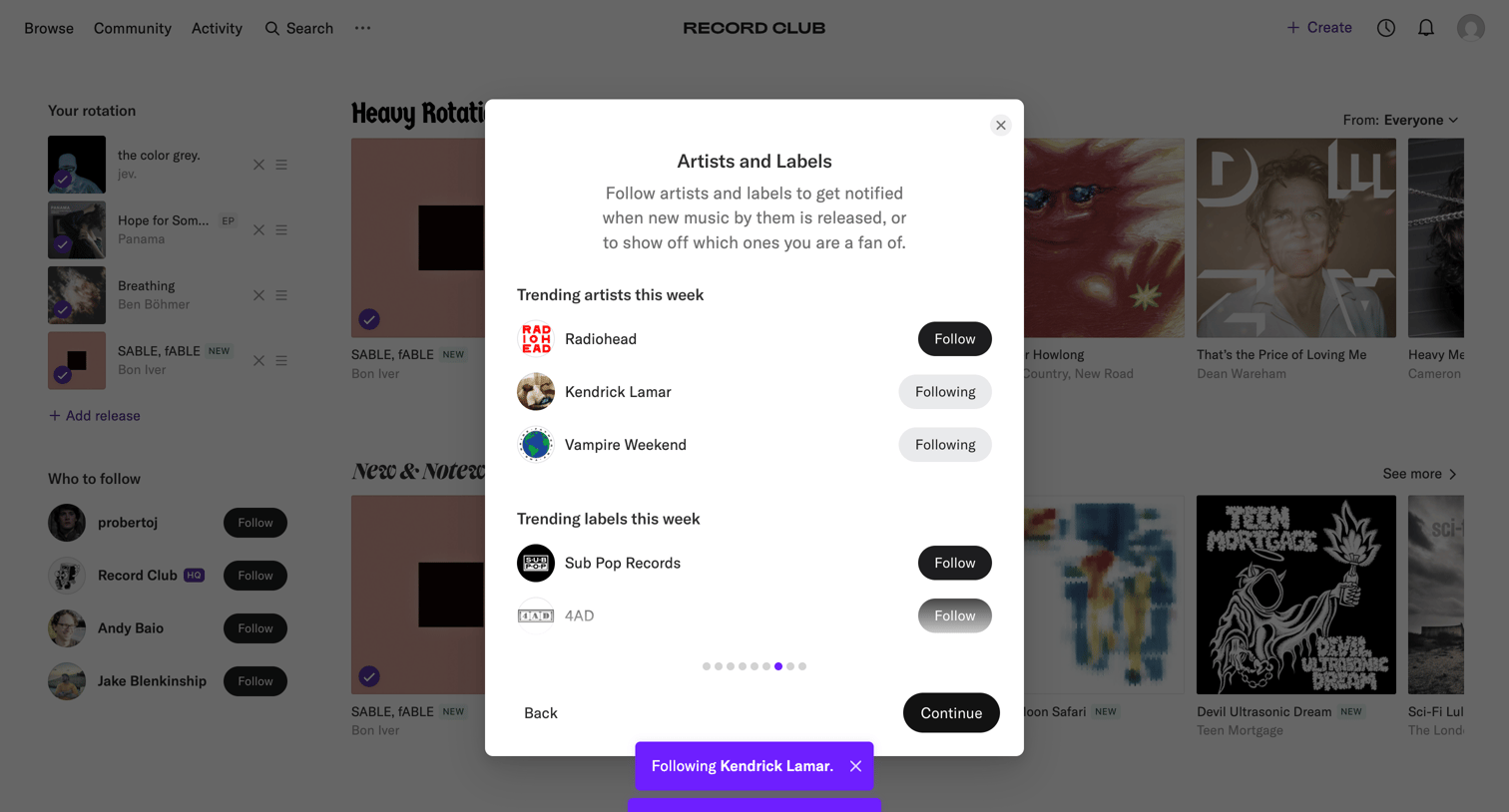
Record club - Record Club screen
Record club logo
Record club

Onboarding step where the user follows trending artists and labels like Radiohead and Sub Pop Records to personalize their music feed.
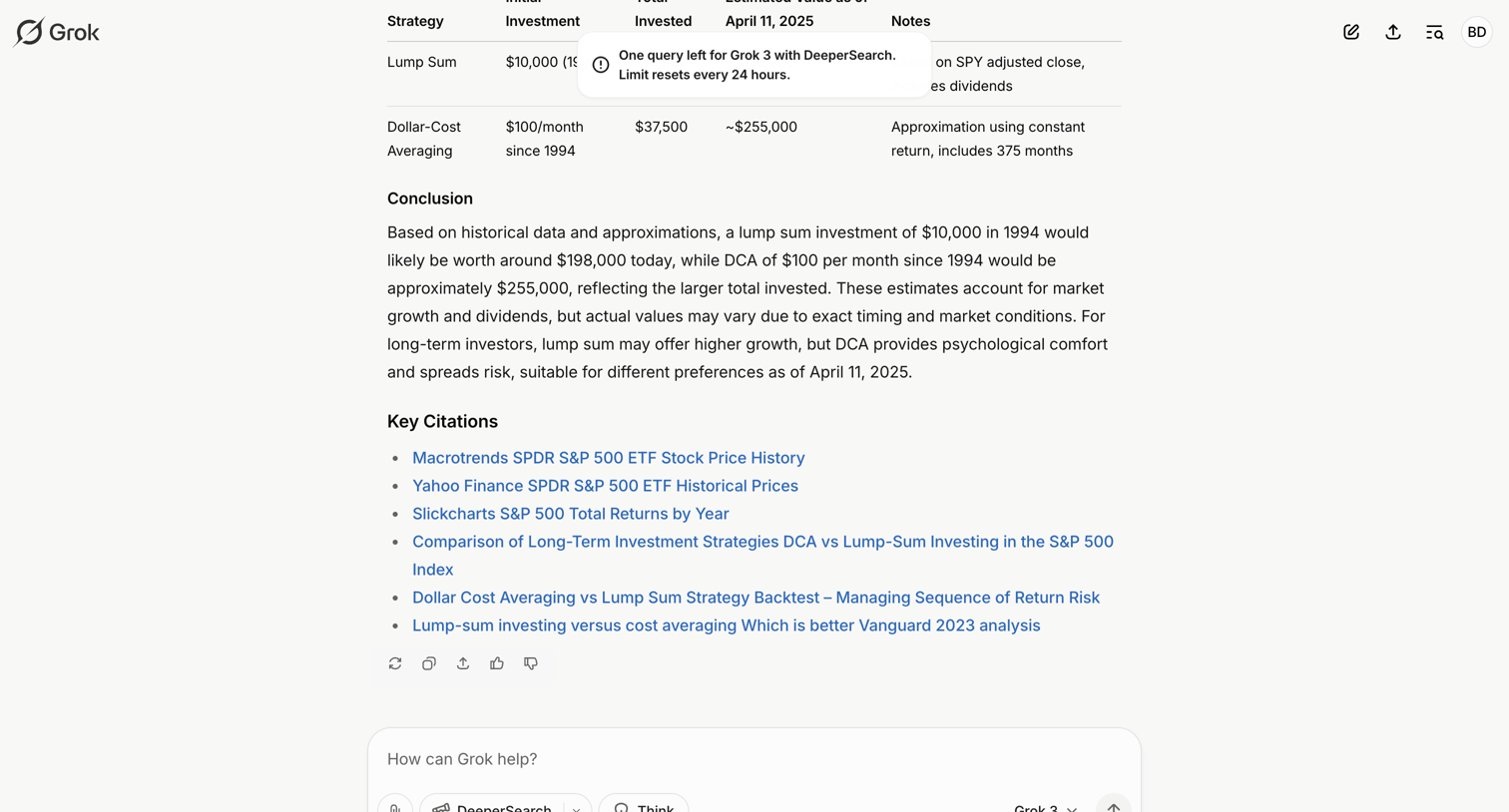

Grok - S&P 500 Investment Strategies: DCA vs. Lump Sum - Grok screen
Grok logo
Grok

AI chat interface where the user views a detailed financial comparison response featuring a data table and citations, while a toast warns of a query limit.

Shuttle - My First Space screen
Shuttle logo
Shuttle

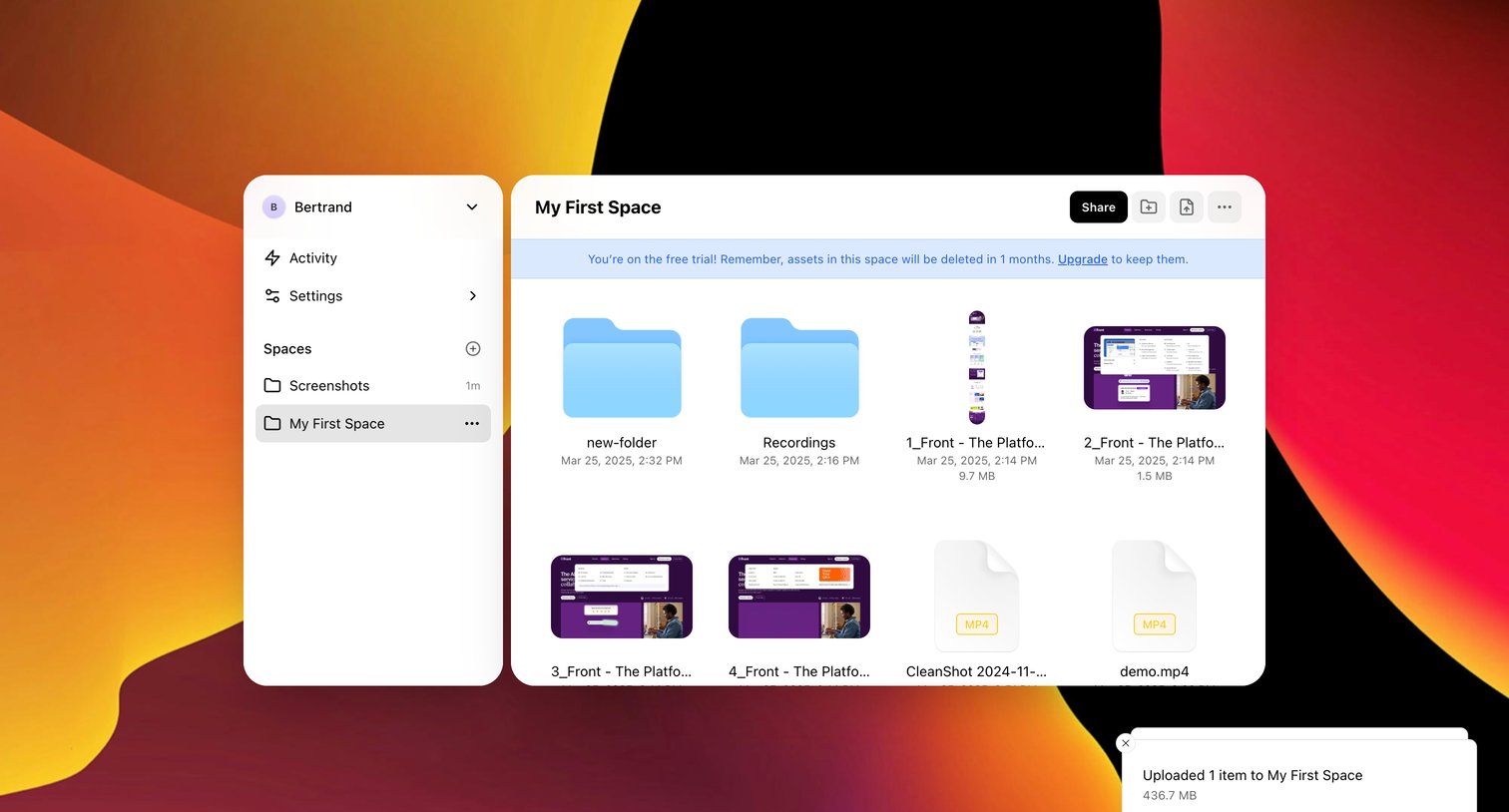
File management view where the user browses folders, images, and videos in their space with a trial warning banner.

Lemni - Inbox › Laura Rees screen
Lemni logo
Lemni

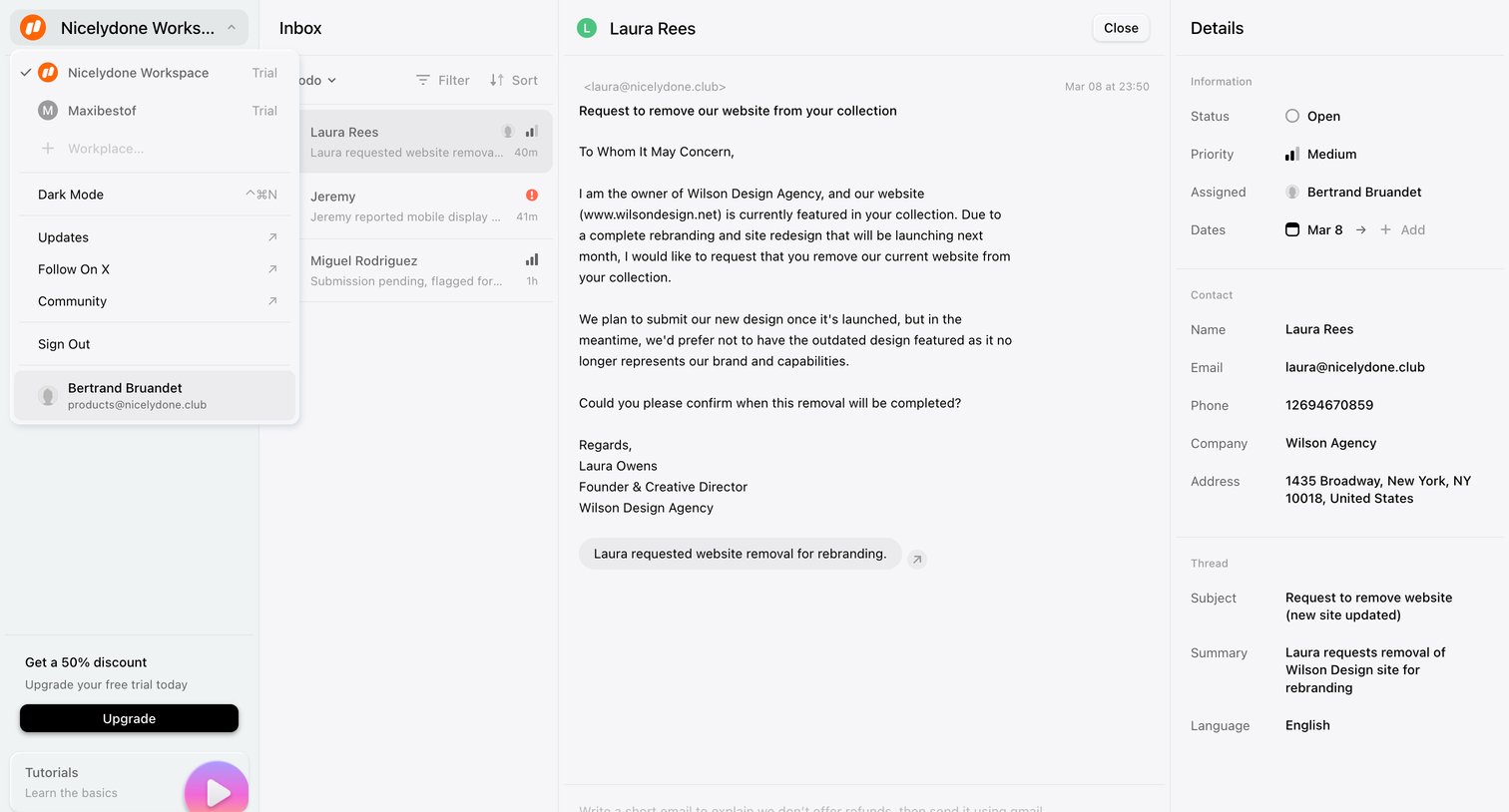
Inbox view where the user reads a website removal request from a customer, with side panels for workspace navigation and ticket details.
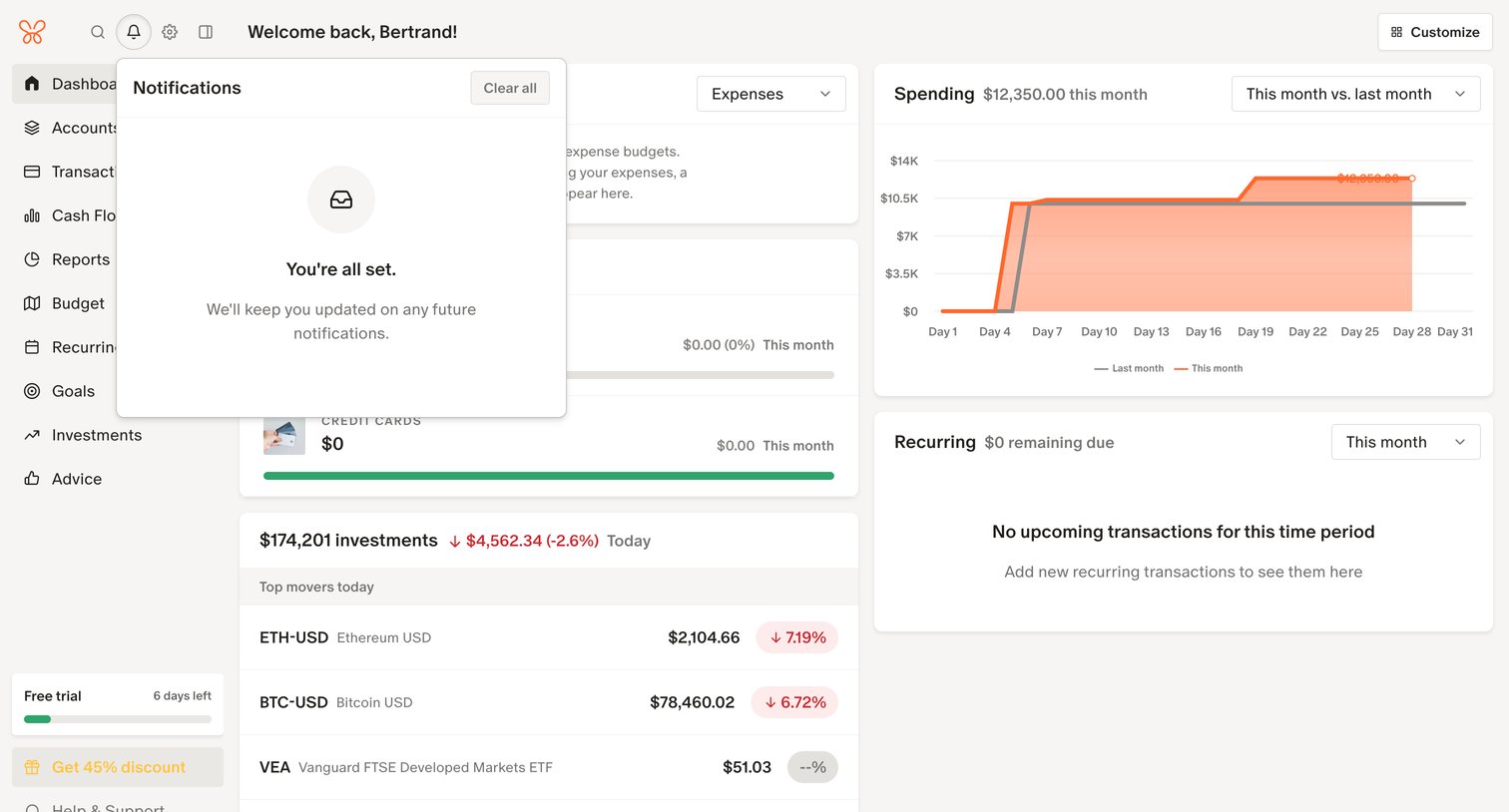
Monarch - Monarch | Dashboard screen
Monarch logo
Monarch

Dashboard showing a financial overview with spending charts, investment top movers, and an open notifications popover indicating no new alerts.

Explore the full SaaS screen library

Upgrade to unlock the full library.

Trusted by the best teams