Suggestion screen examples
Suggestion screen design examples from SaaS apps. Browse examples from Dock, Flora, Documentation.AI.
Explore the examples
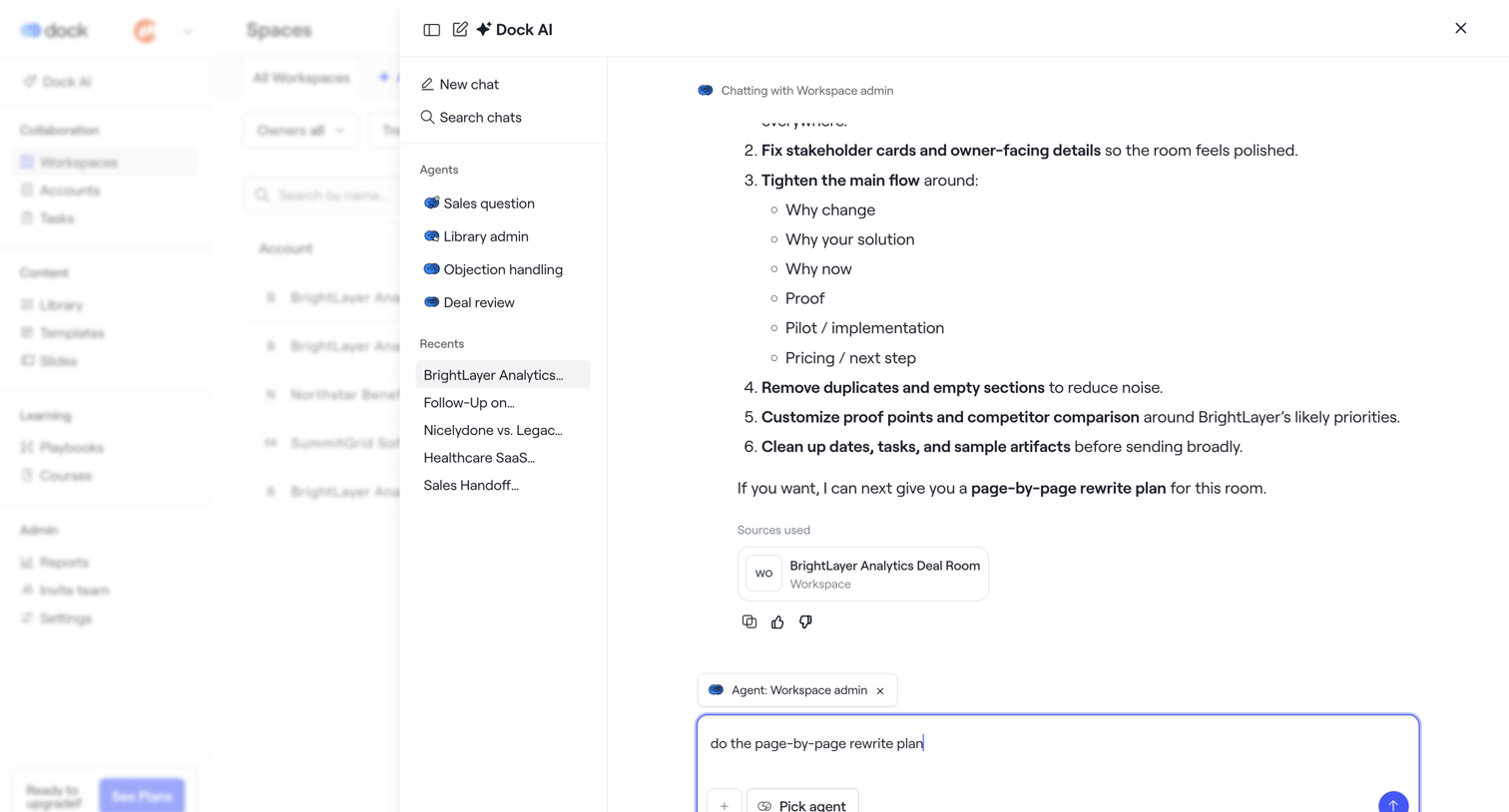

AI chat drawer where the user interacts with a Workspace admin agent to review a rewrite plan for a deal room, with options to select different agents or view recent chats.
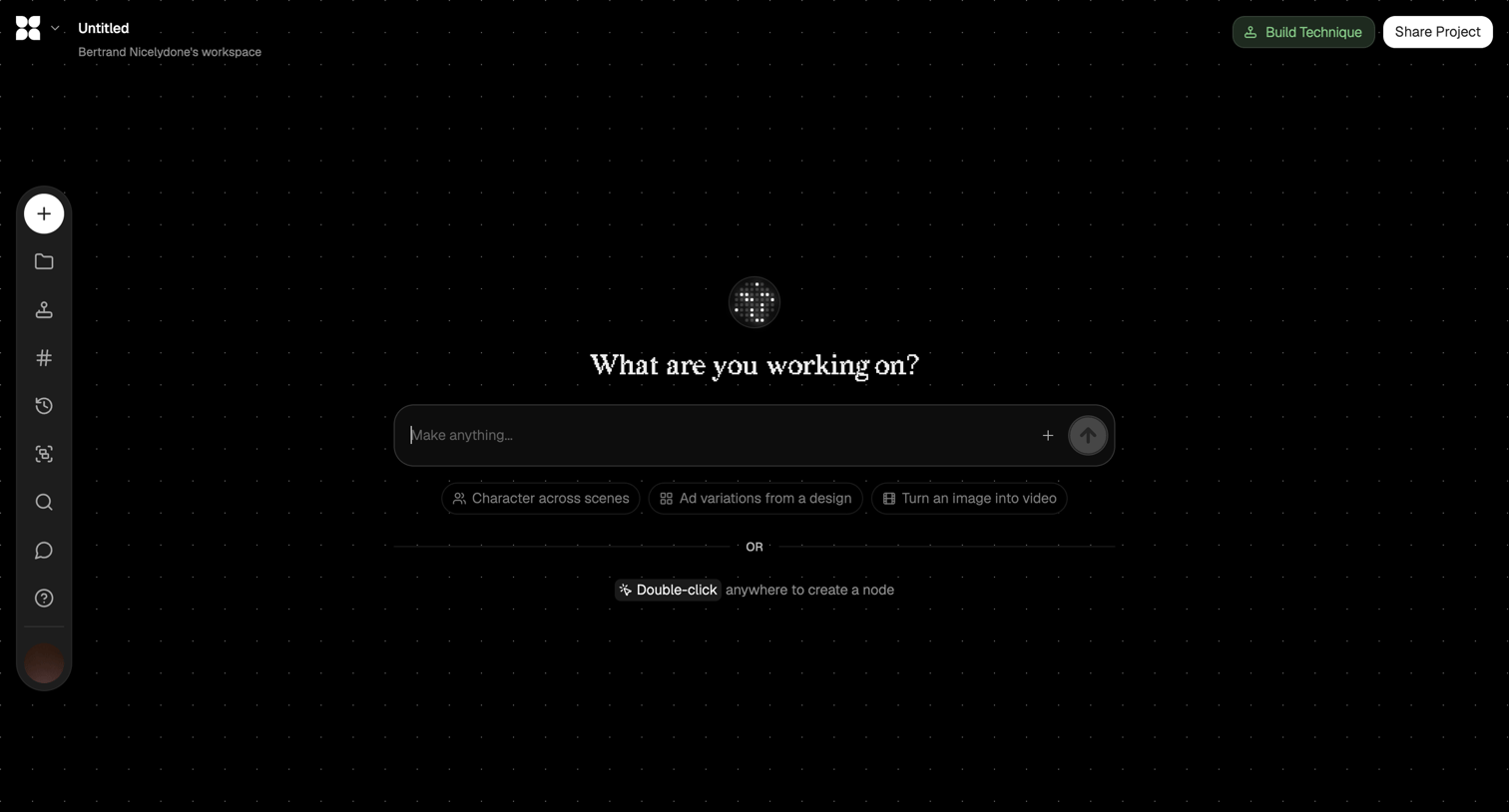

Design editor canvas where the user can start generating content via an AI prompt or by double-clicking to create nodes.
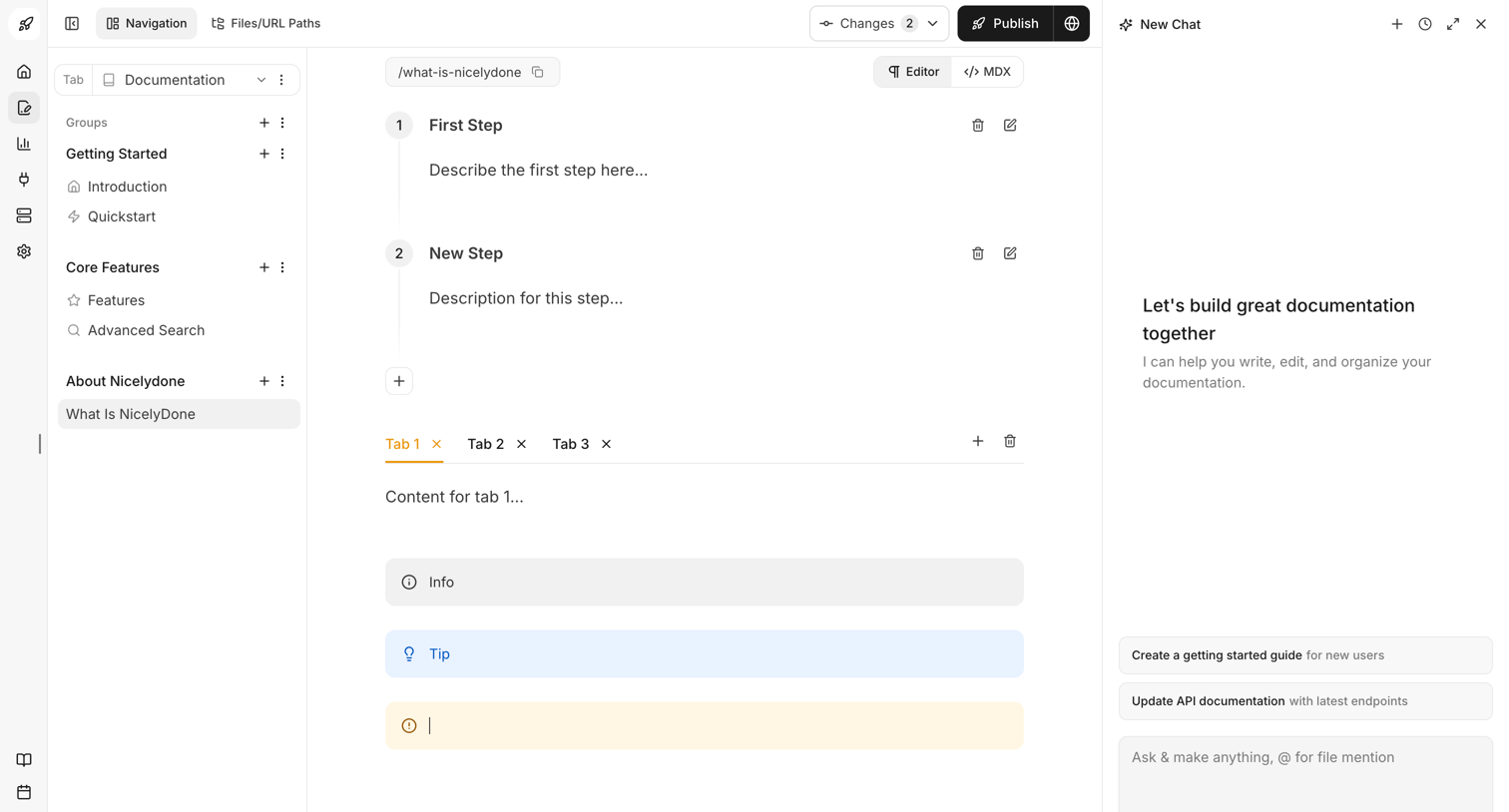

Content editor where the user writes and organizes documentation using blocks like steps, tabs, and callouts, assisted by an AI chat panel.
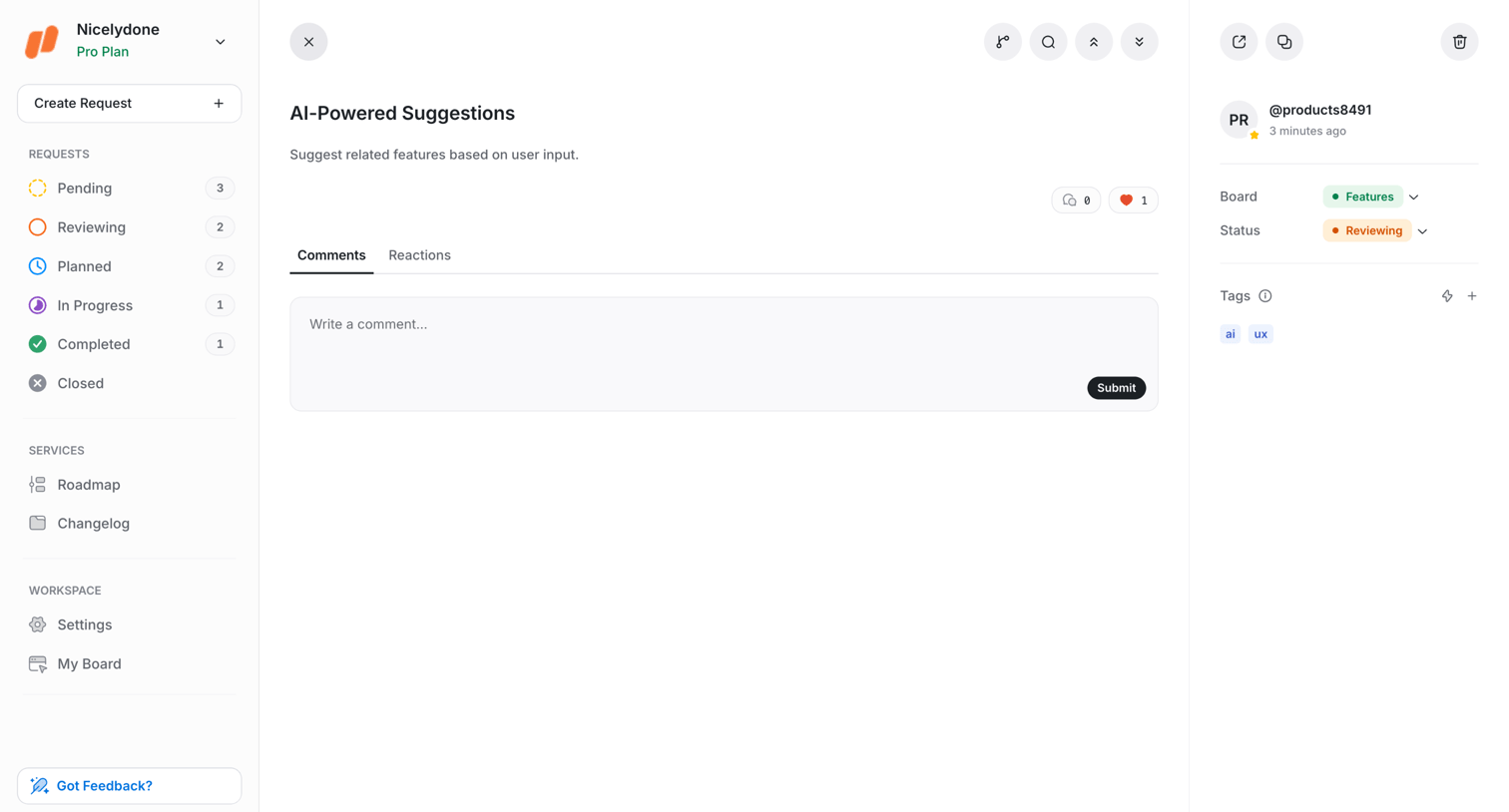

Detail page where the user views a feature request for AI-powered suggestions, with a comment composer and a right sidebar for managing board, status, and tags.
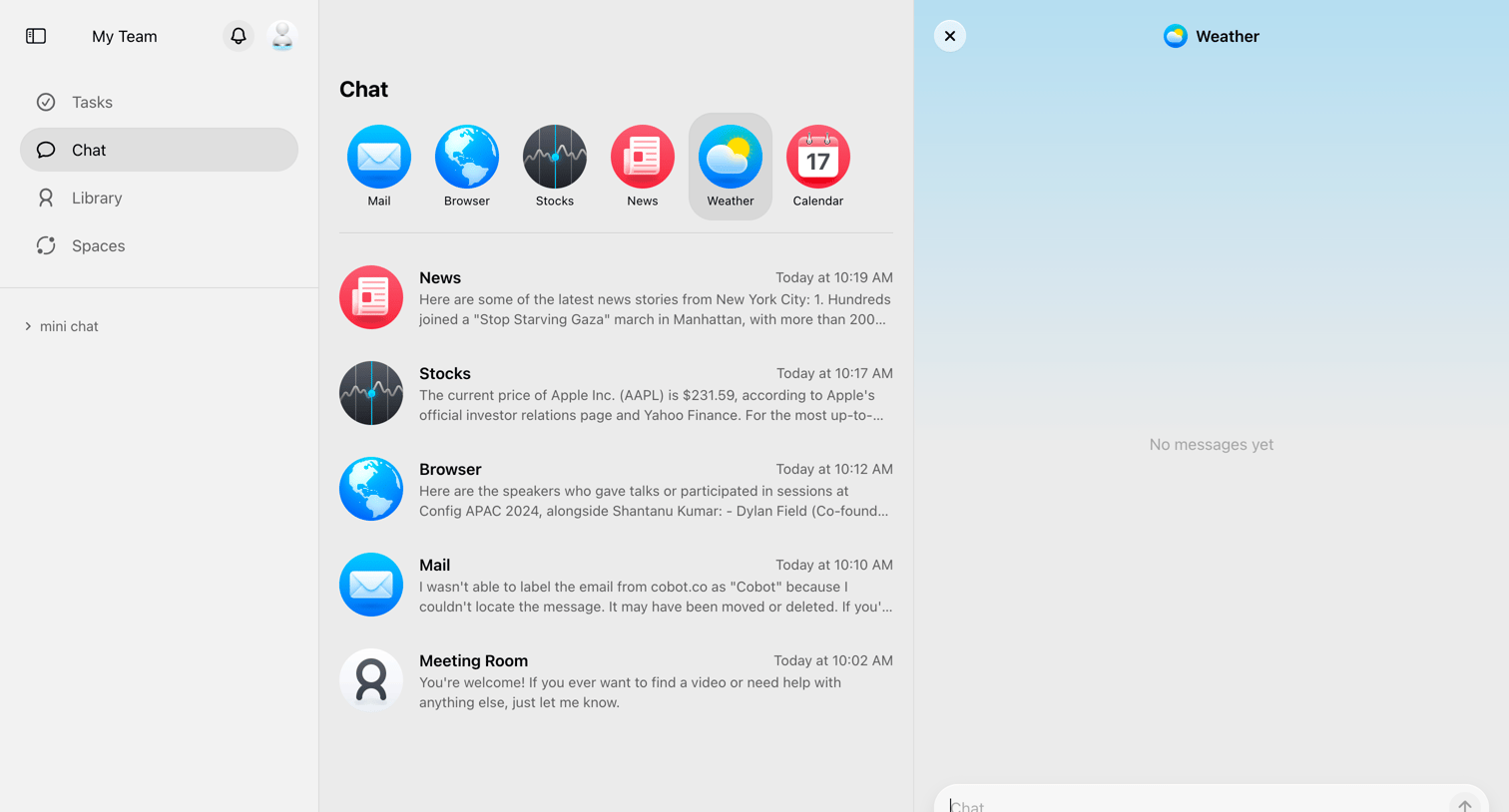

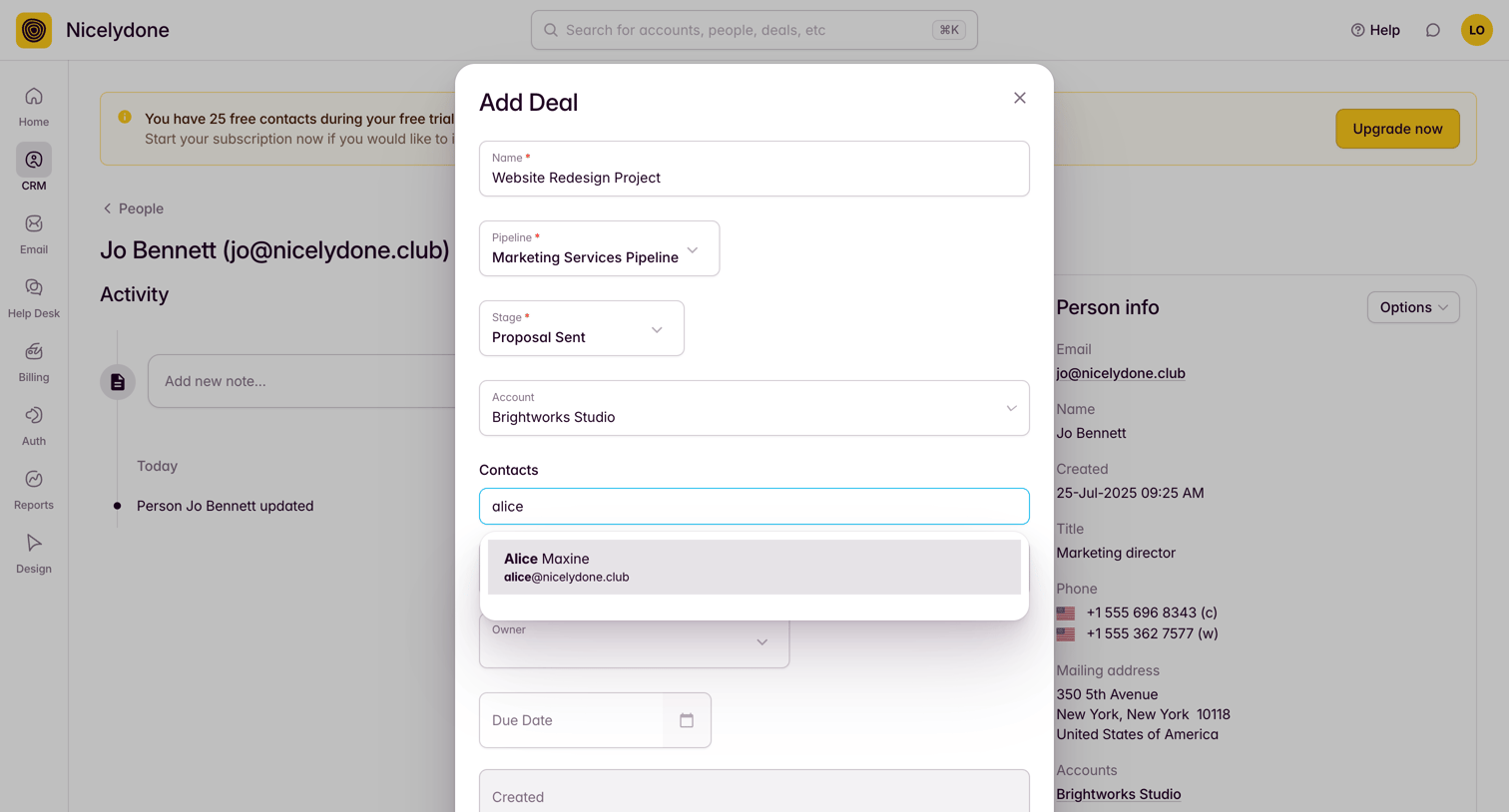

Detail page for a CRM contact where the user is creating a new deal via a modal, currently searching for a contact to associate with it.
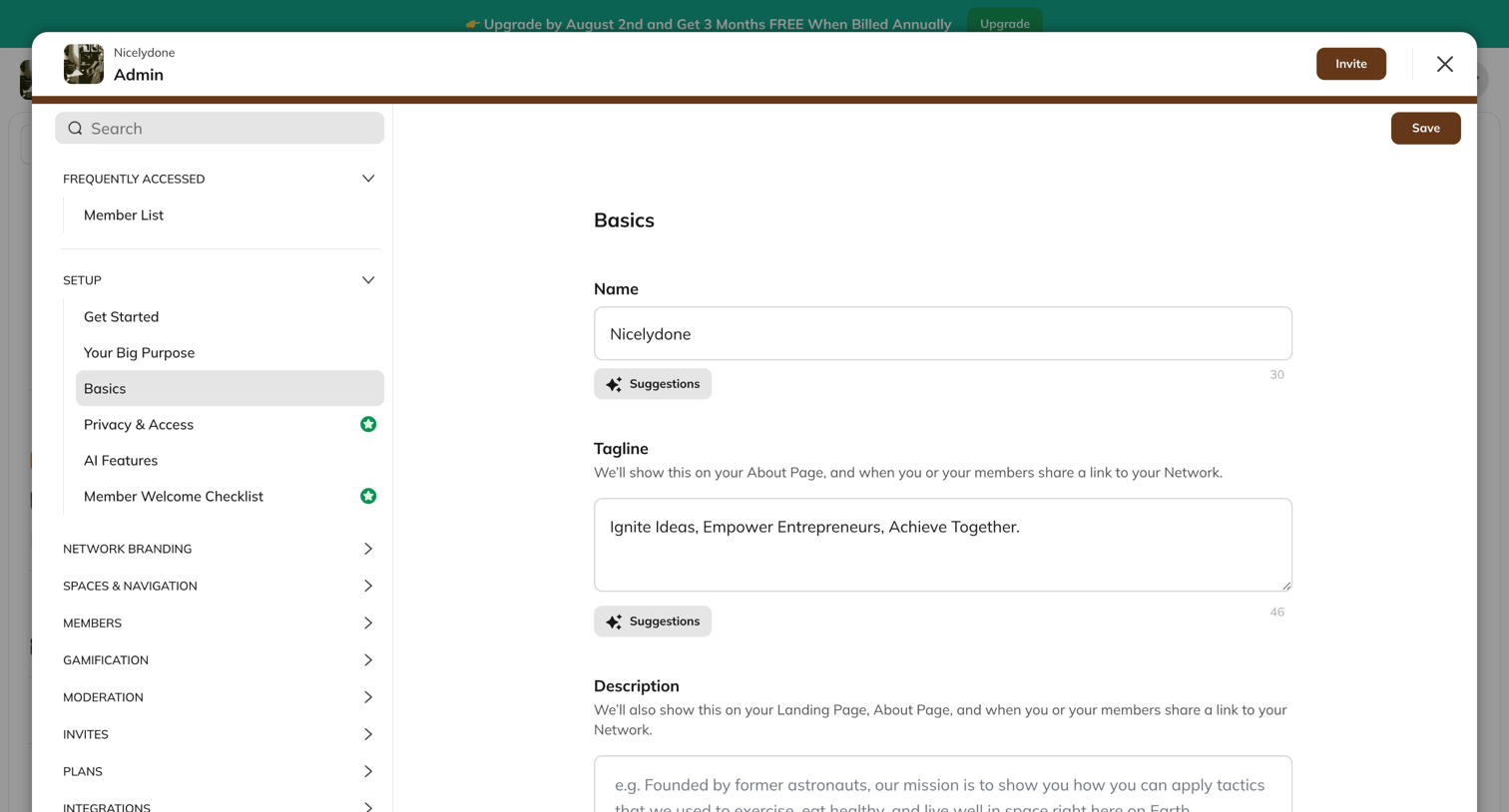

Settings modal where the admin configures the network's basic information, including name, tagline, and description, with AI suggestion tools available.
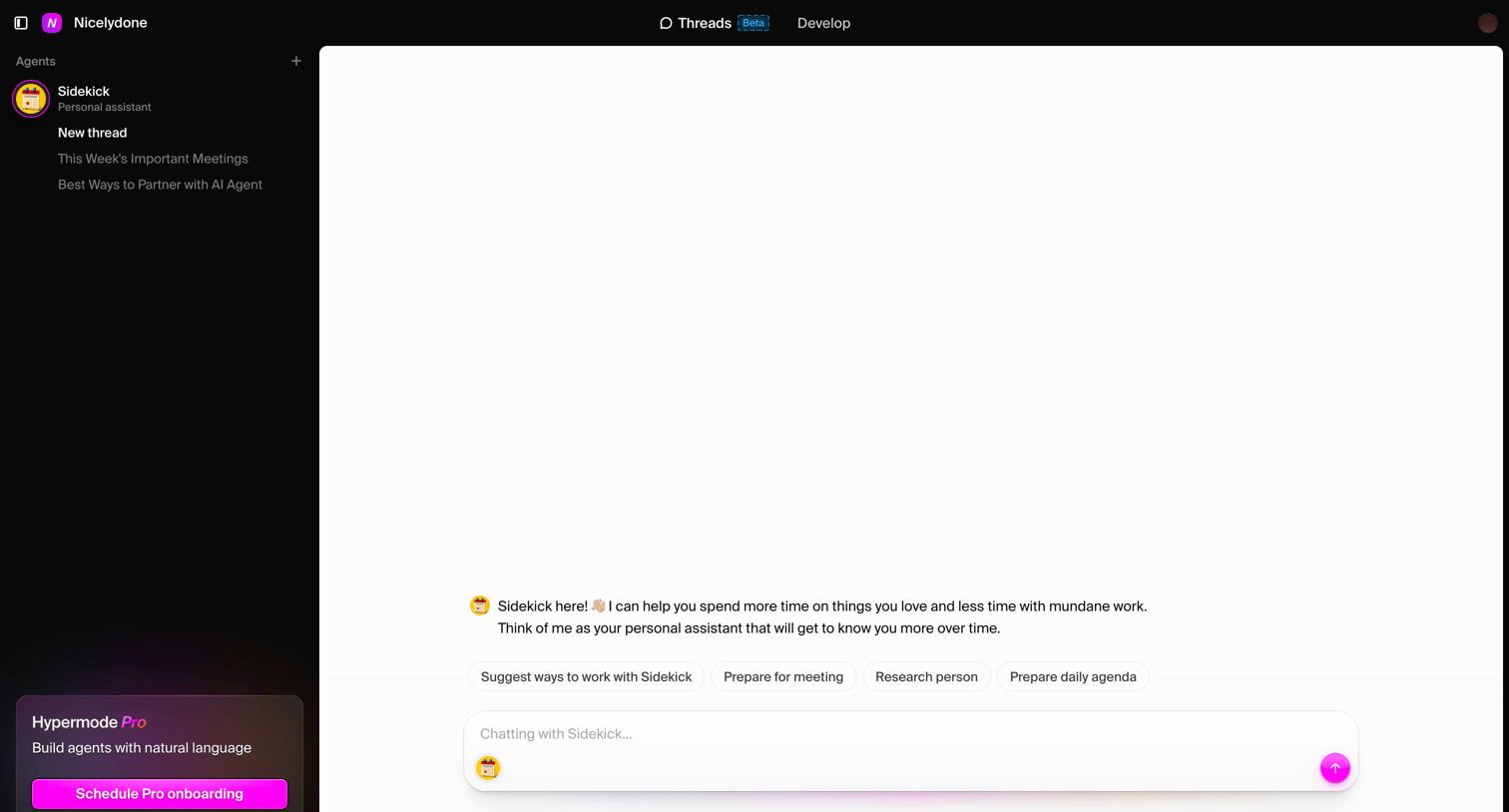

AI chat interface where the user starts a new conversation with a personal assistant agent using suggested prompts.
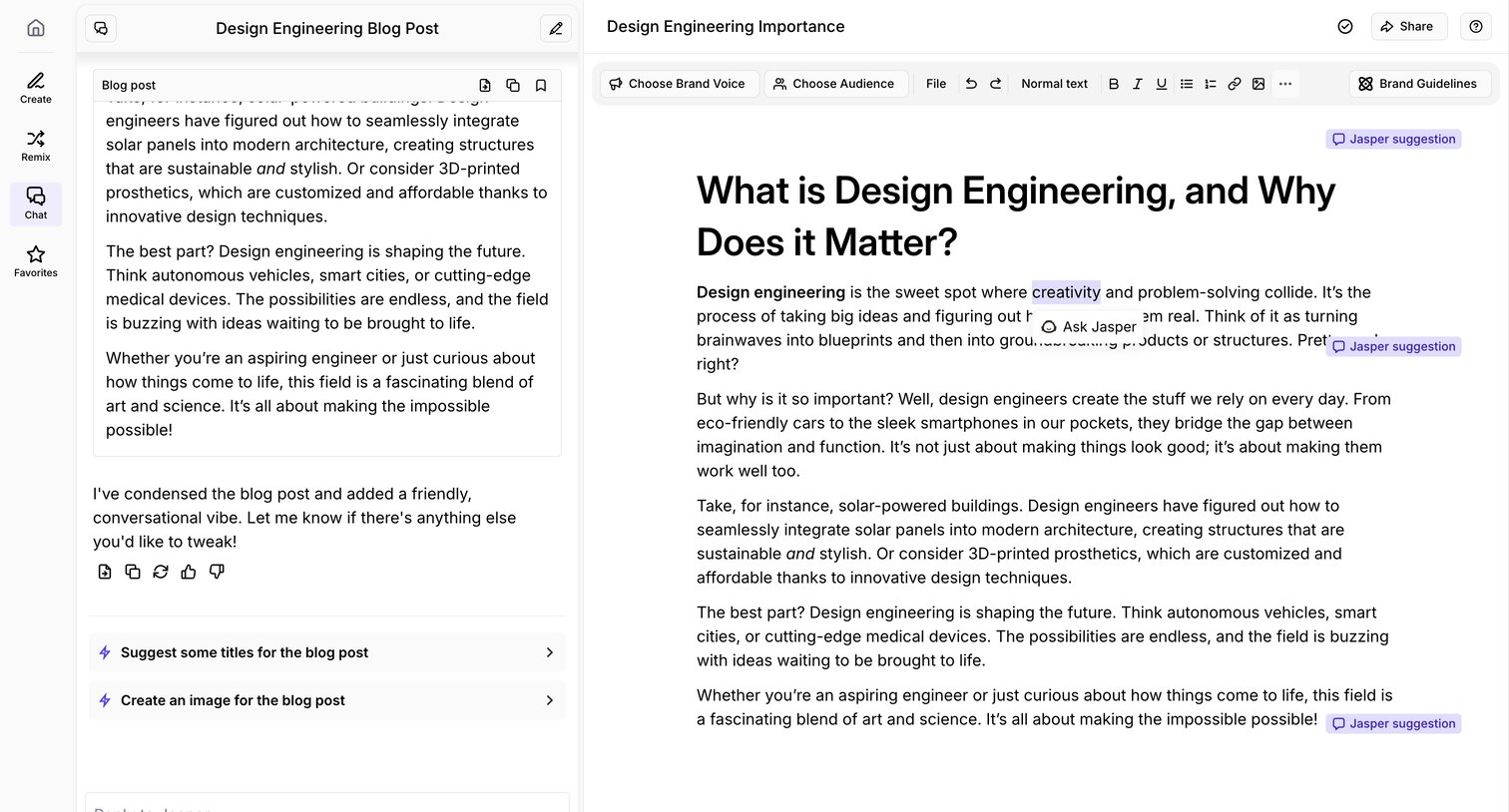

Content editor where the user drafts a blog post about design engineering alongside an AI chat assistant offering suggestions and revisions.
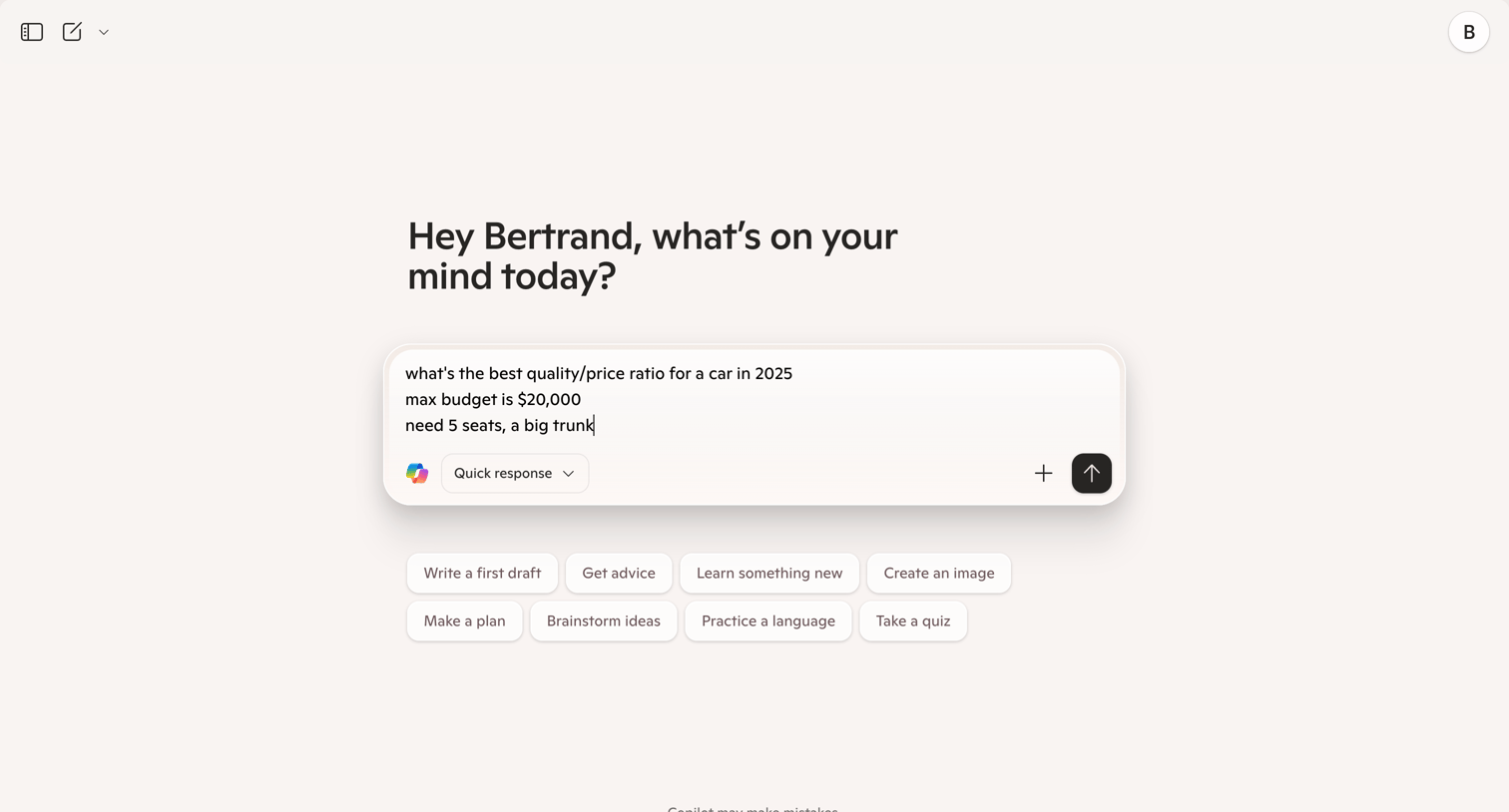

AI chat interface where the user has drafted a prompt asking for car recommendations based on budget and specific needs.
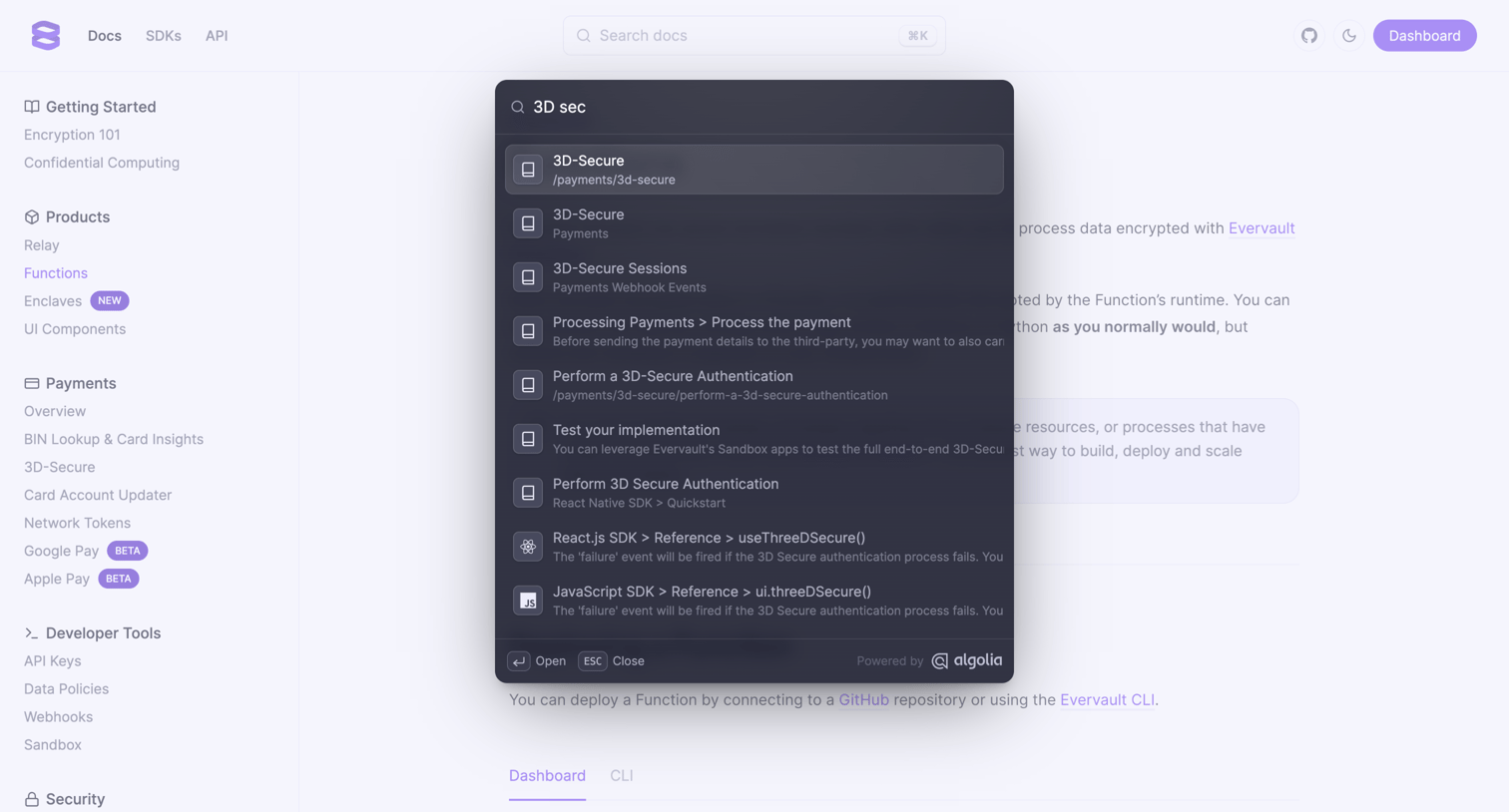

Search overlay where the user looks up documentation for 3D Secure related topics using an Algolia-powered command palette.
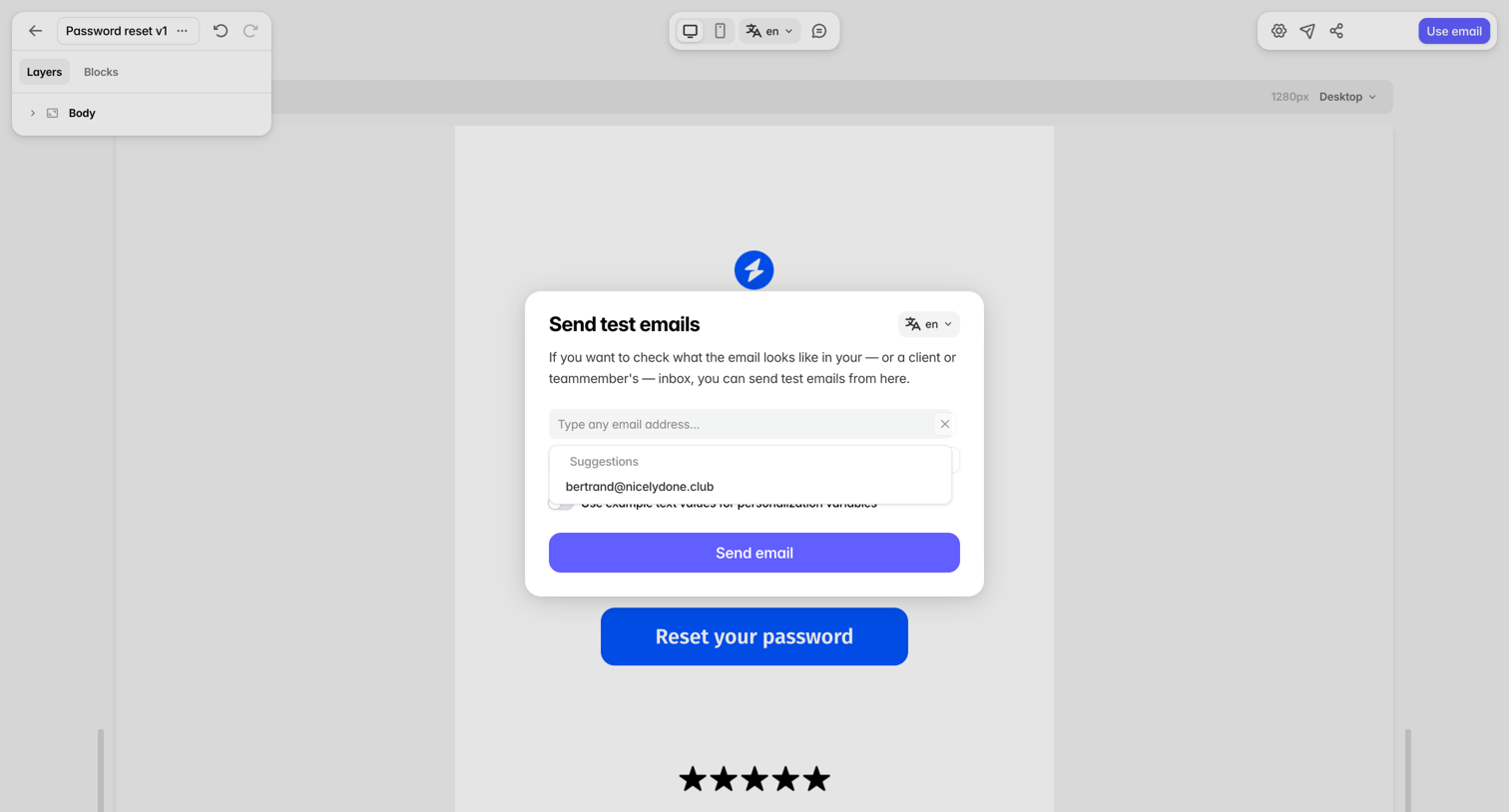

Design editor where the user is sending a test email to a specific address via a modal overlay.
Explore the full SaaS screen library
Upgrade to unlock the full library.
Trusted by the best teams







