Retry screen examples
Retry screen design examples from SaaS apps. Browse examples from Chronicle, ClickUp, Slack.
Explore the examples
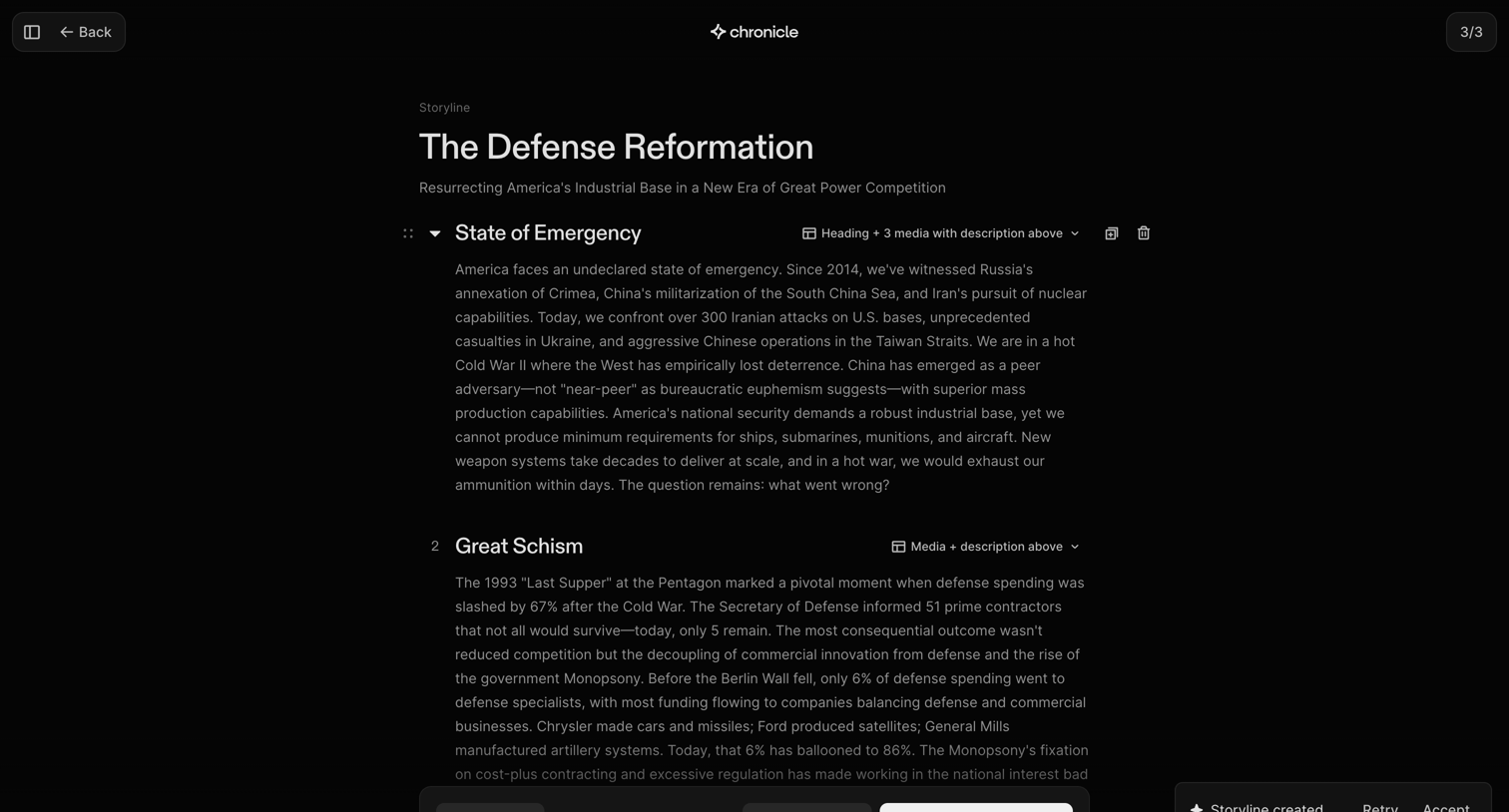

Content editor where the user reviews, reorders, and adjusts layouts for an AI-generated presentation storyline before generating the final slides.
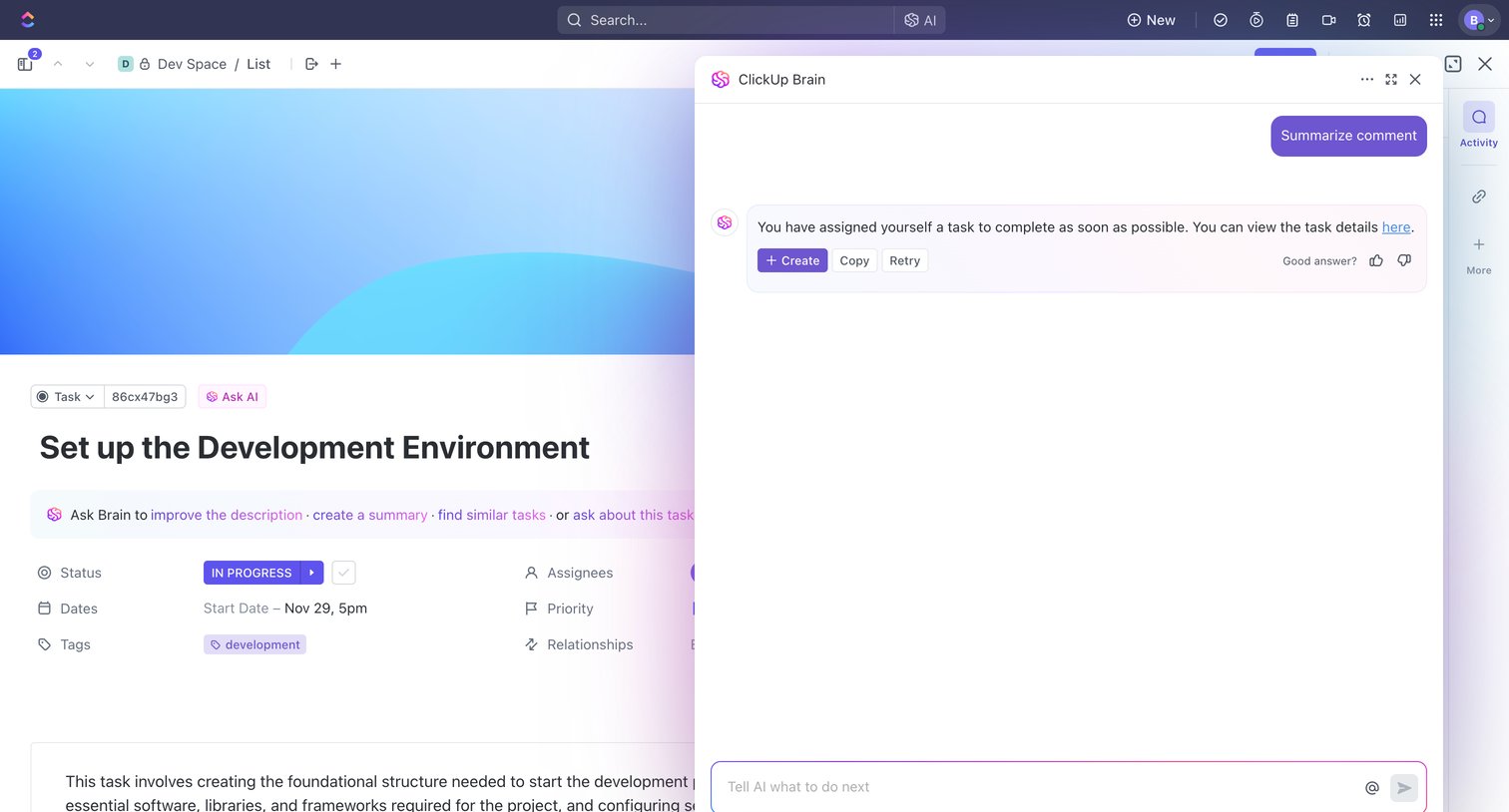

Detail page for a development task where the user is interacting with a floating AI assistant to summarize a comment.
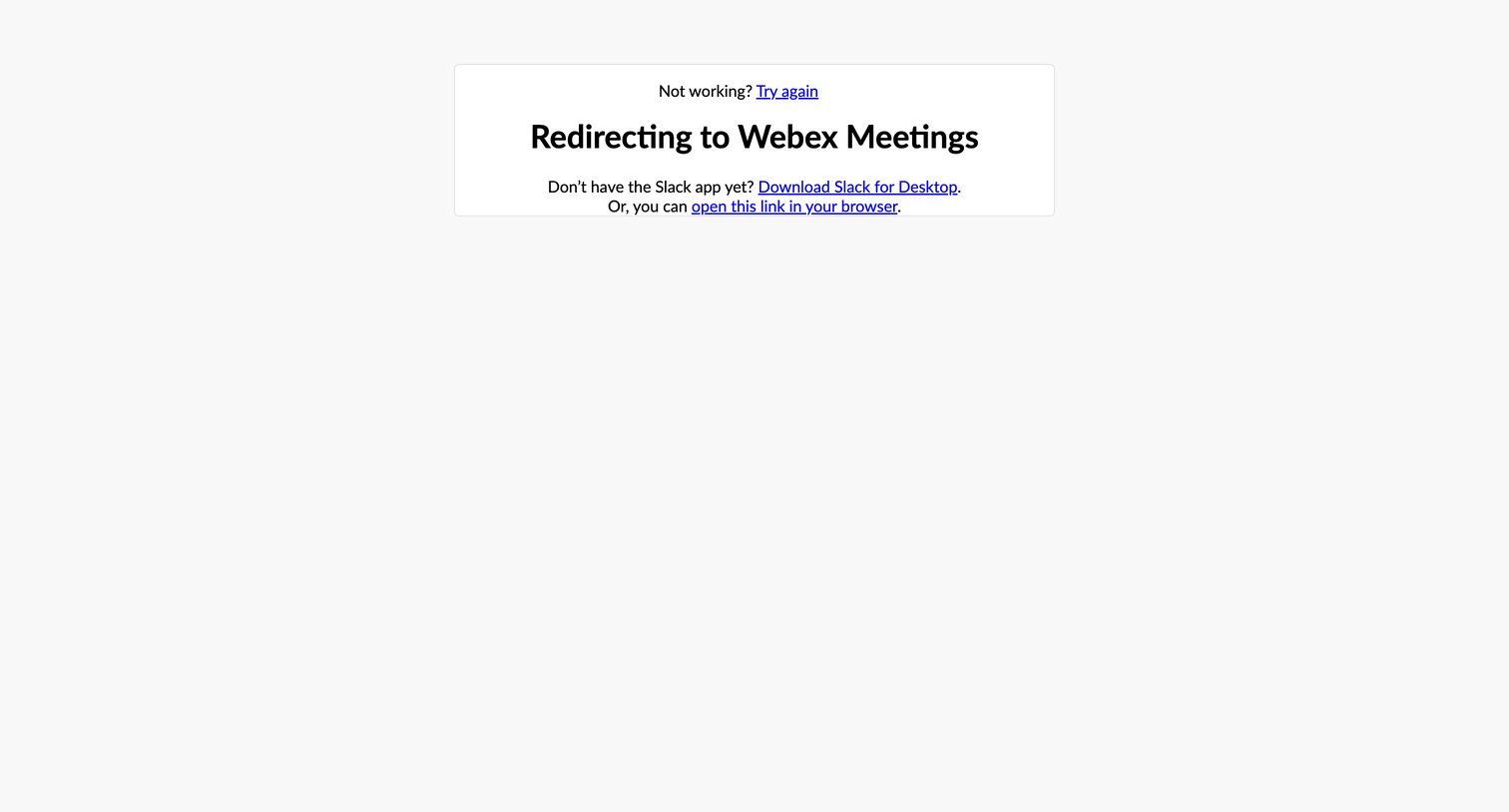

System interstitial page where the user is automatically redirected to Webex Meetings, providing fallback links to retry, download the desktop app, or open the link in a browser.
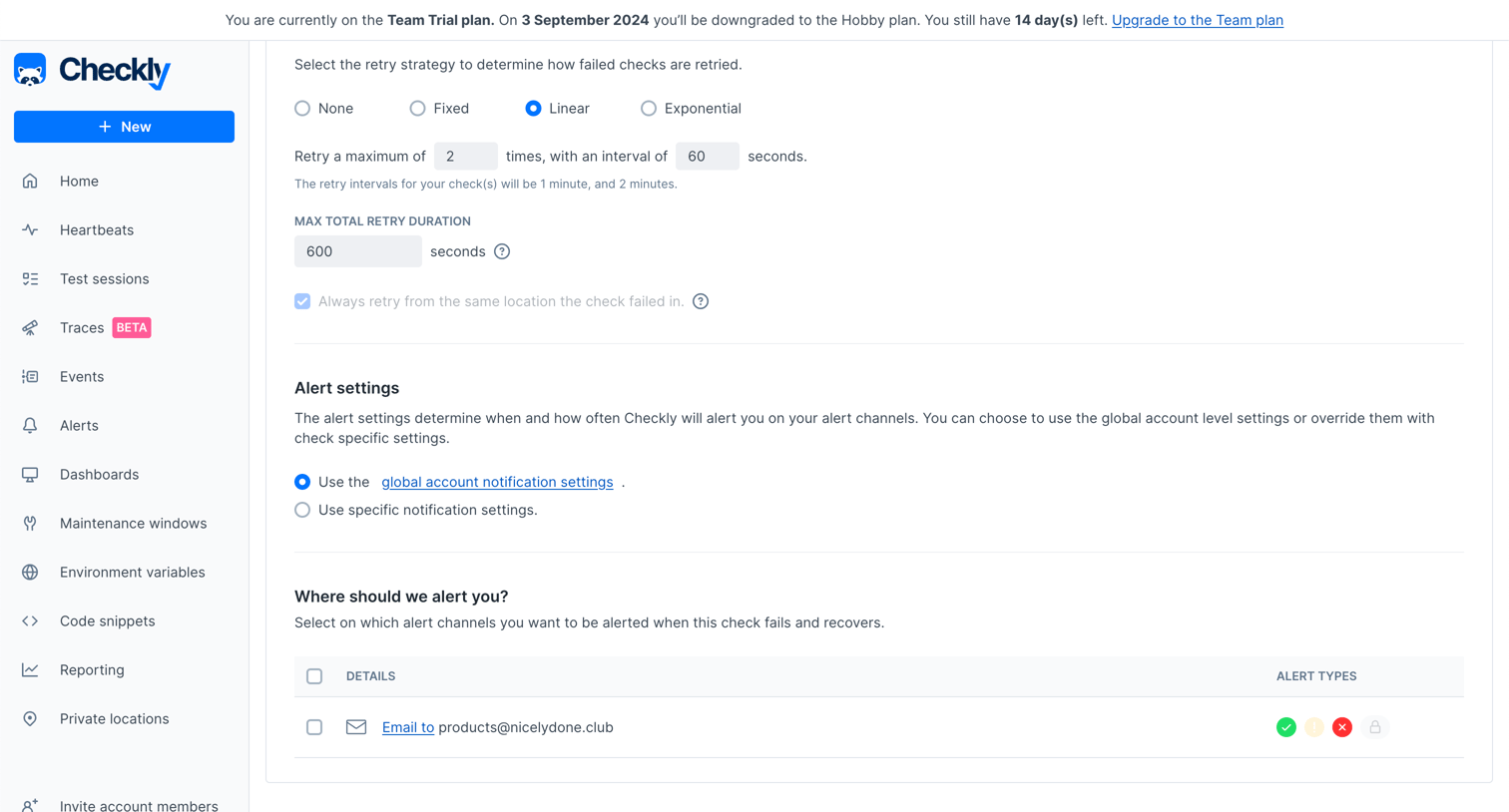

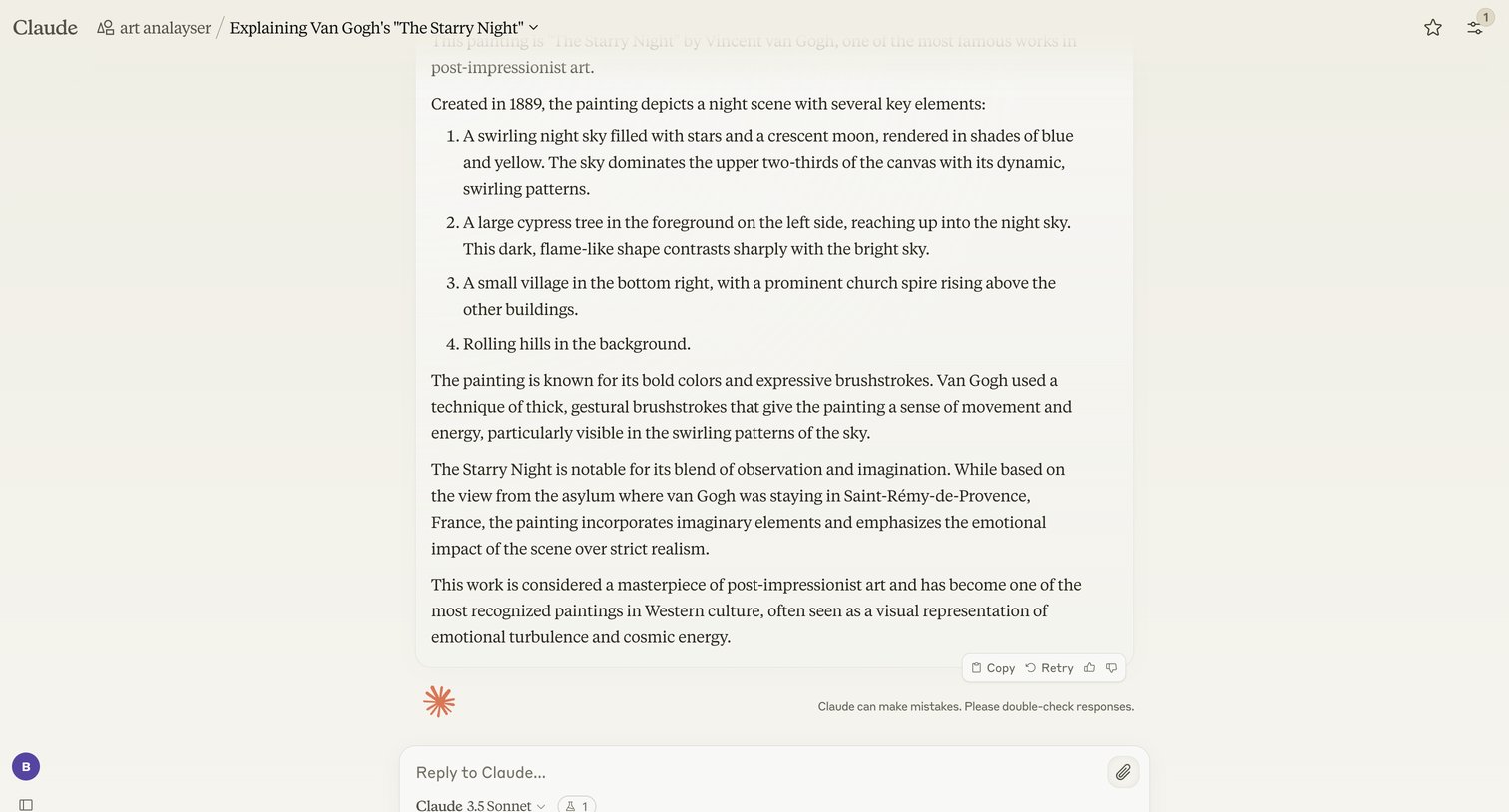

![Stripe - Revenue recovery – nicelydone.club – Stripe [Test] screen](https://assets.nicelydone.club/cdn-cgi/image/g=top,w=1512,h=814,f=webp,fit=cover/https://assets.nicelydone.club/f/c9298c35-bd26-4537-a390-22ee2b75238e.png)

Workflow editor drawer where the user configures a step-by-step automation for failed payments, including retry policies and delays before canceling a subscription.
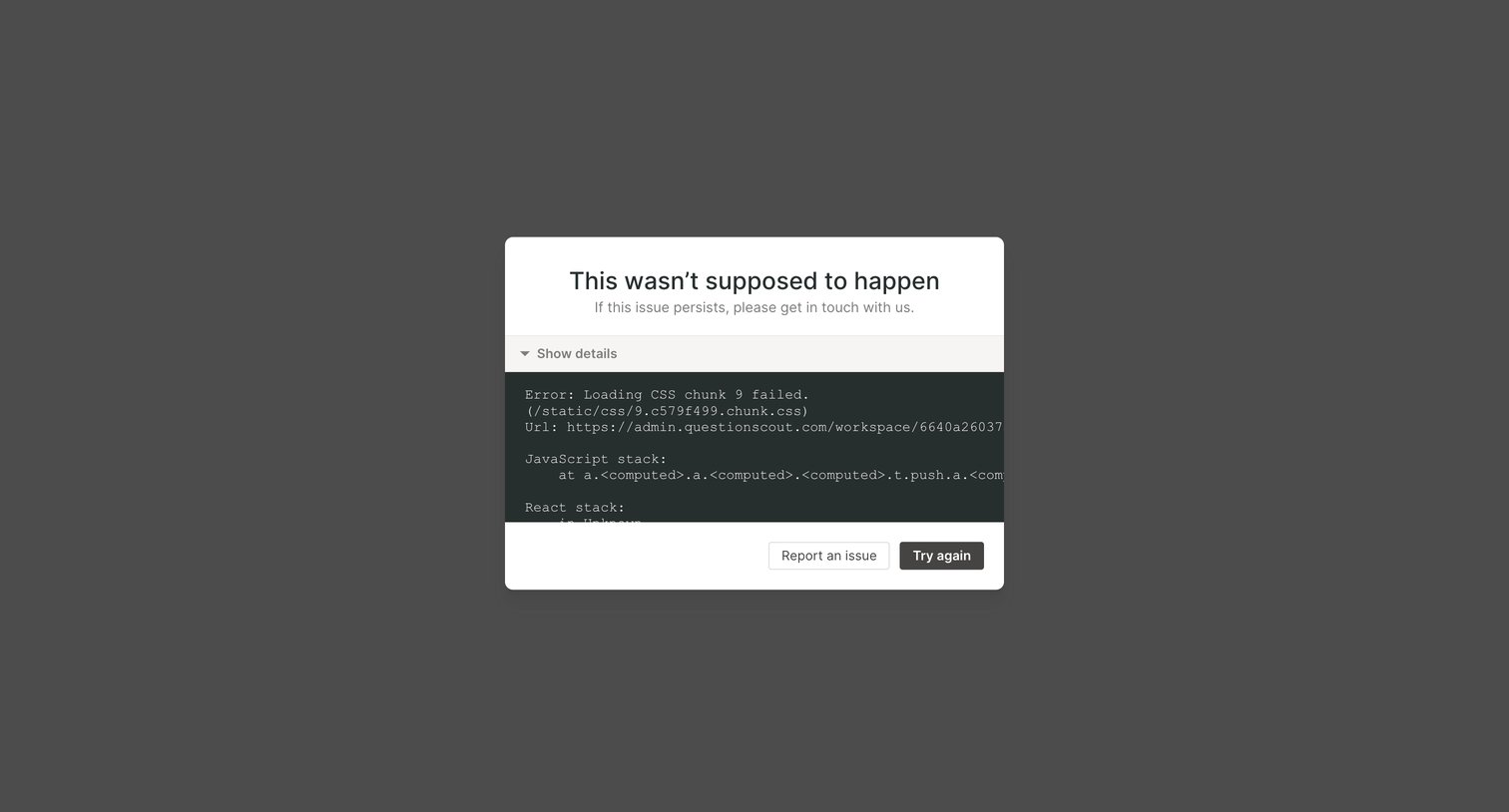

Error page where an application crash is caught, displaying a stack trace and offering options to report the issue or try again.
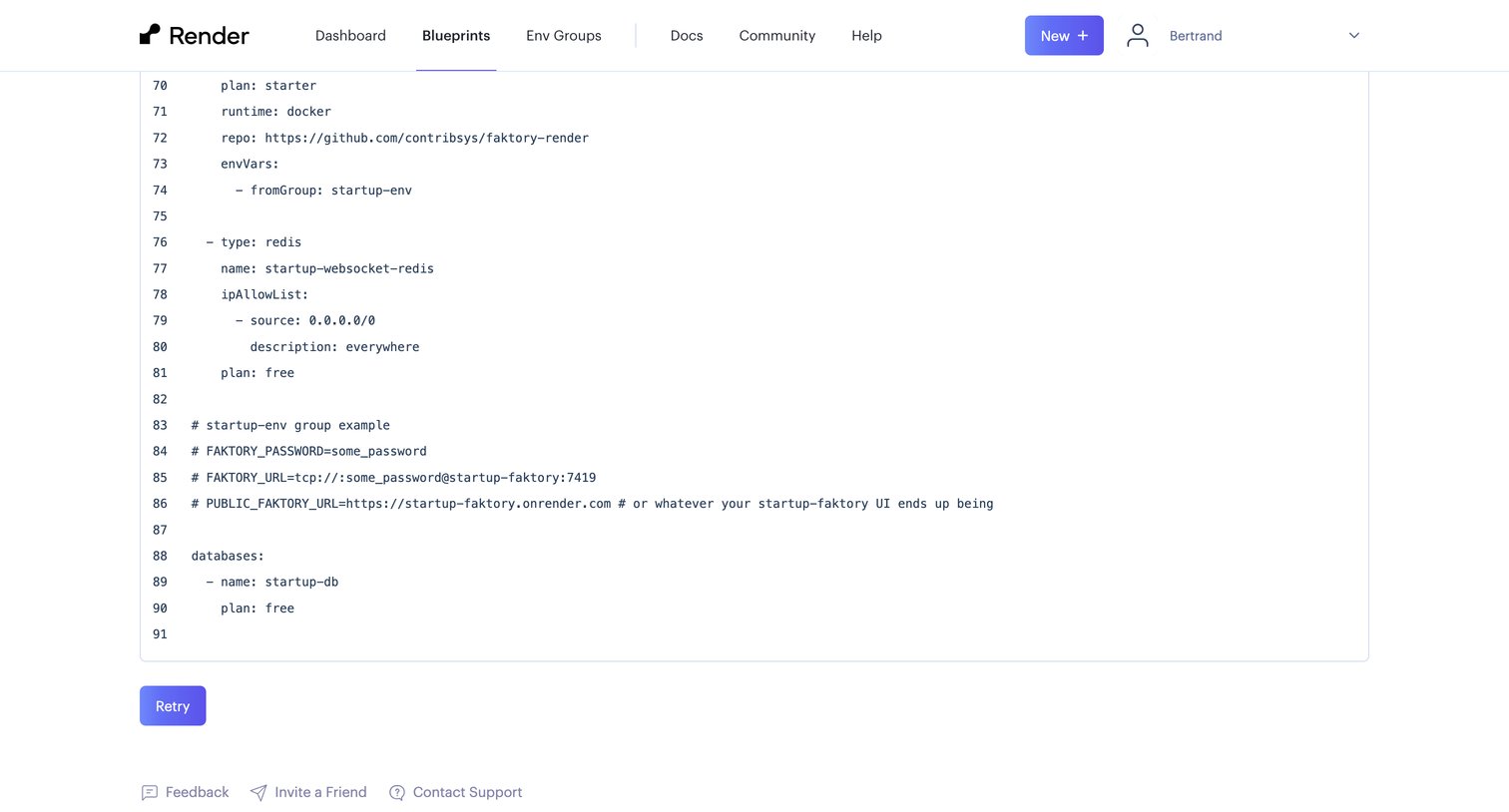

Code editor where the user configures a new infrastructure blueprint using YAML.
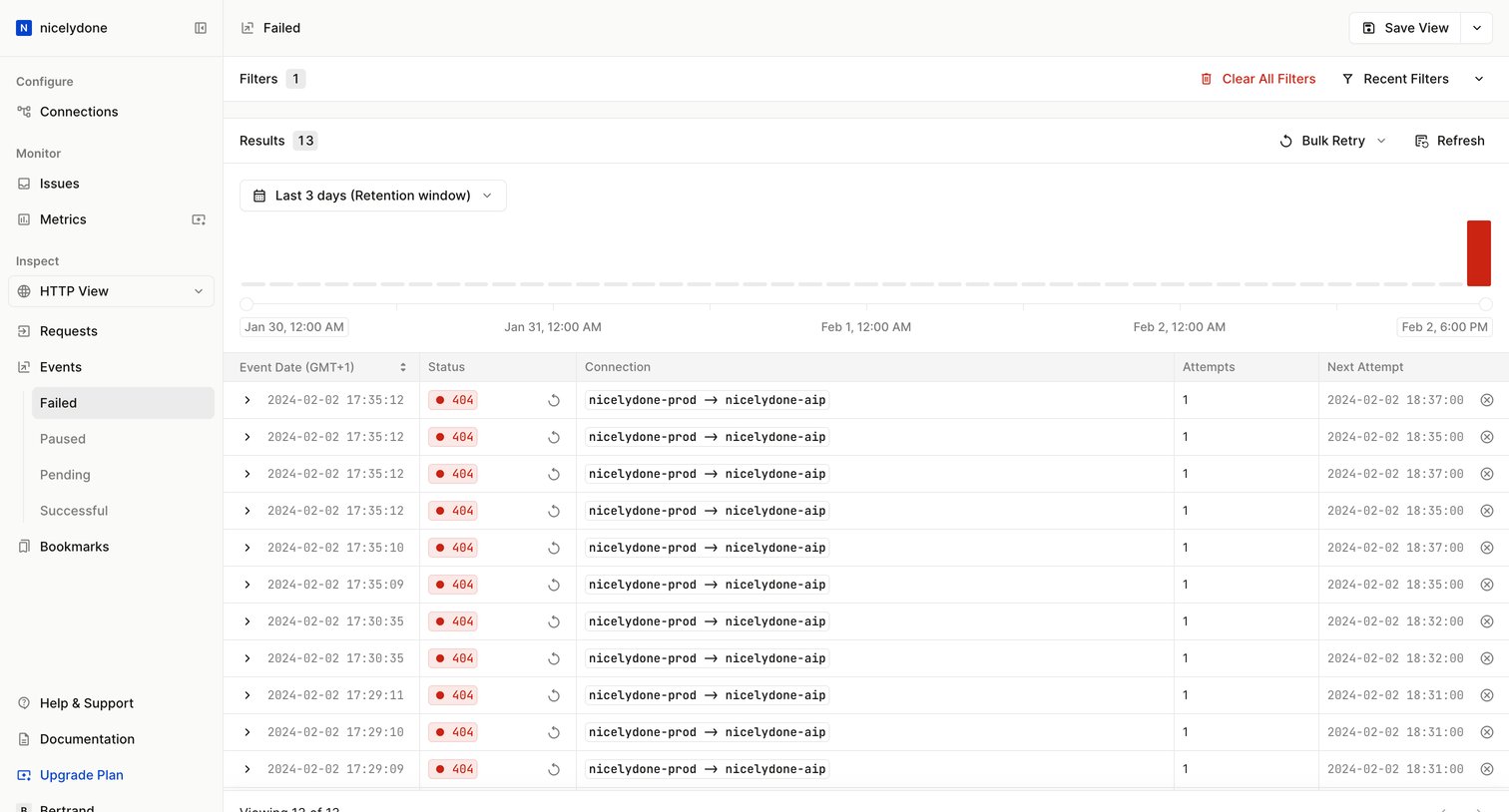

List view displaying failed webhook events with a timeline volume chart, status badges, and bulk retry capabilities.
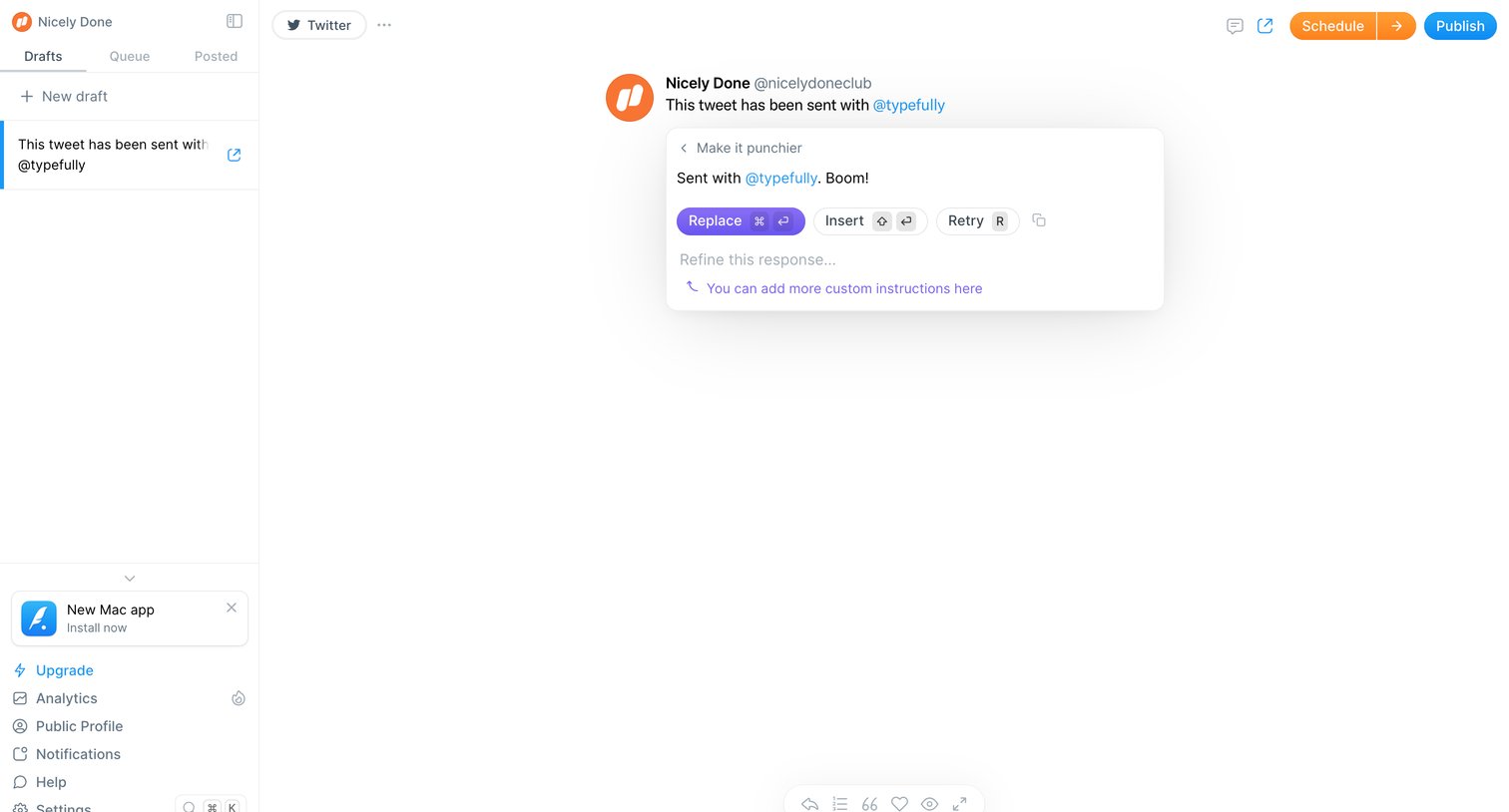

Content editor where the user is drafting a tweet and using an inline AI tool to review a punchier rewrite before replacing the original text.

Explore the full SaaS screen library
Upgrade to unlock the full library.
Trusted by the best teams







