Render design examples
Explore Render UI design examples. Cloud application hosting for developers
Product screens
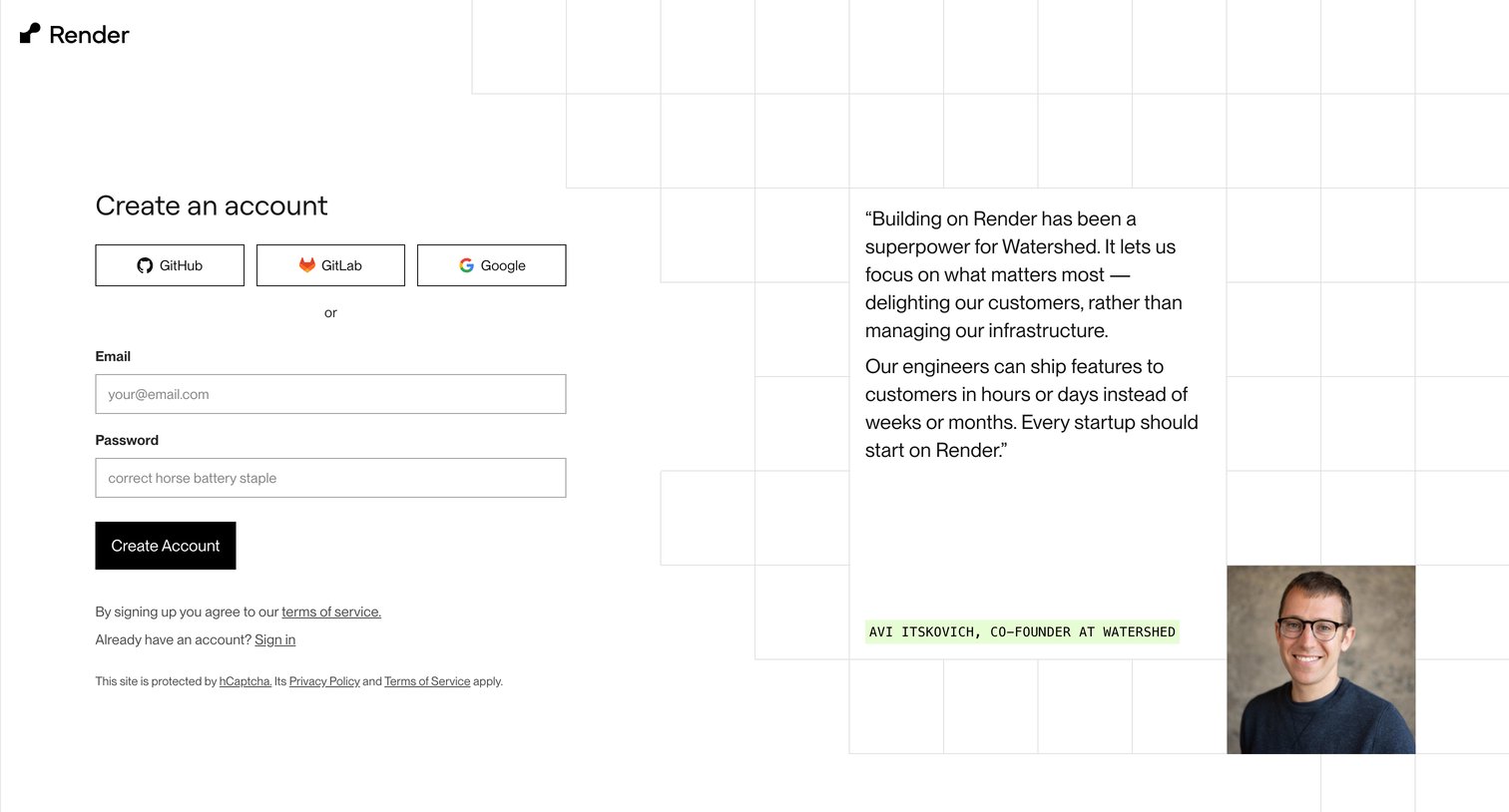

Signup screen where the user creates an account using GitHub, GitLab, Google, or an email and password, accompanied by a prominent customer testimonial.
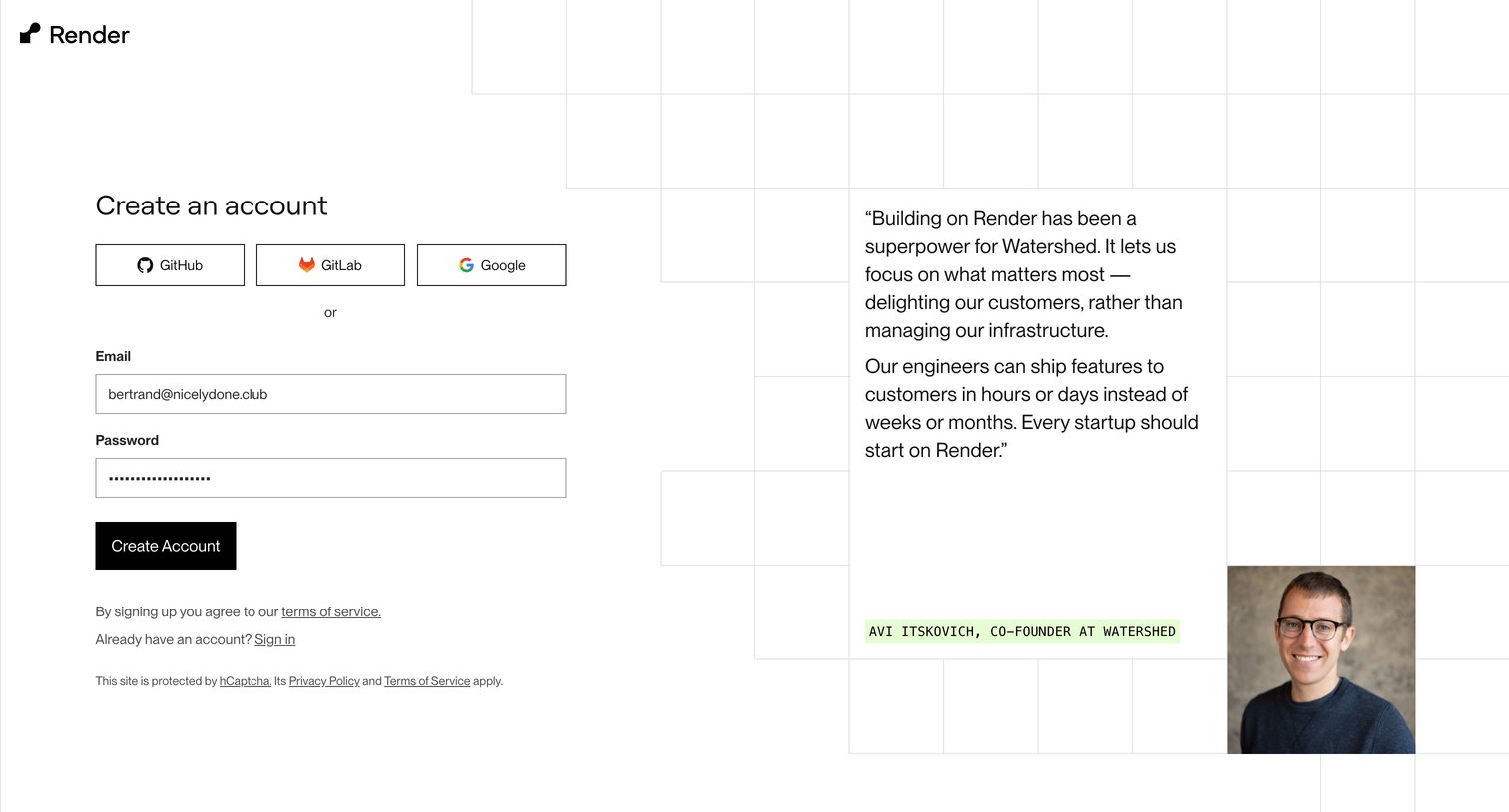
Signup page where the user can create an account using GitHub, GitLab, Google, or email and password, featuring a prominent customer testimonial.
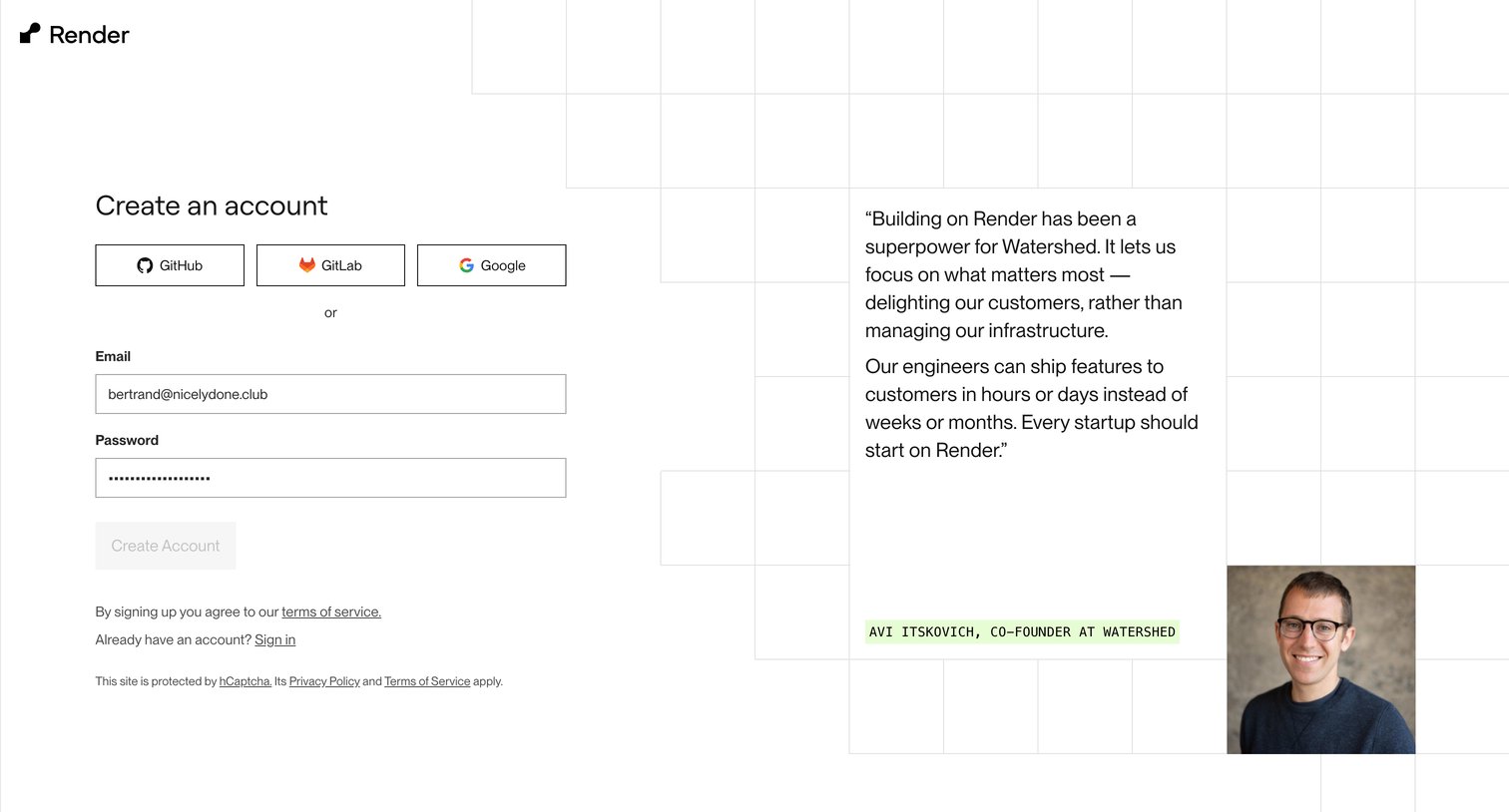
Signup screen where the user can create an account via GitHub, GitLab, Google, or email, featuring a customer testimonial on the right.
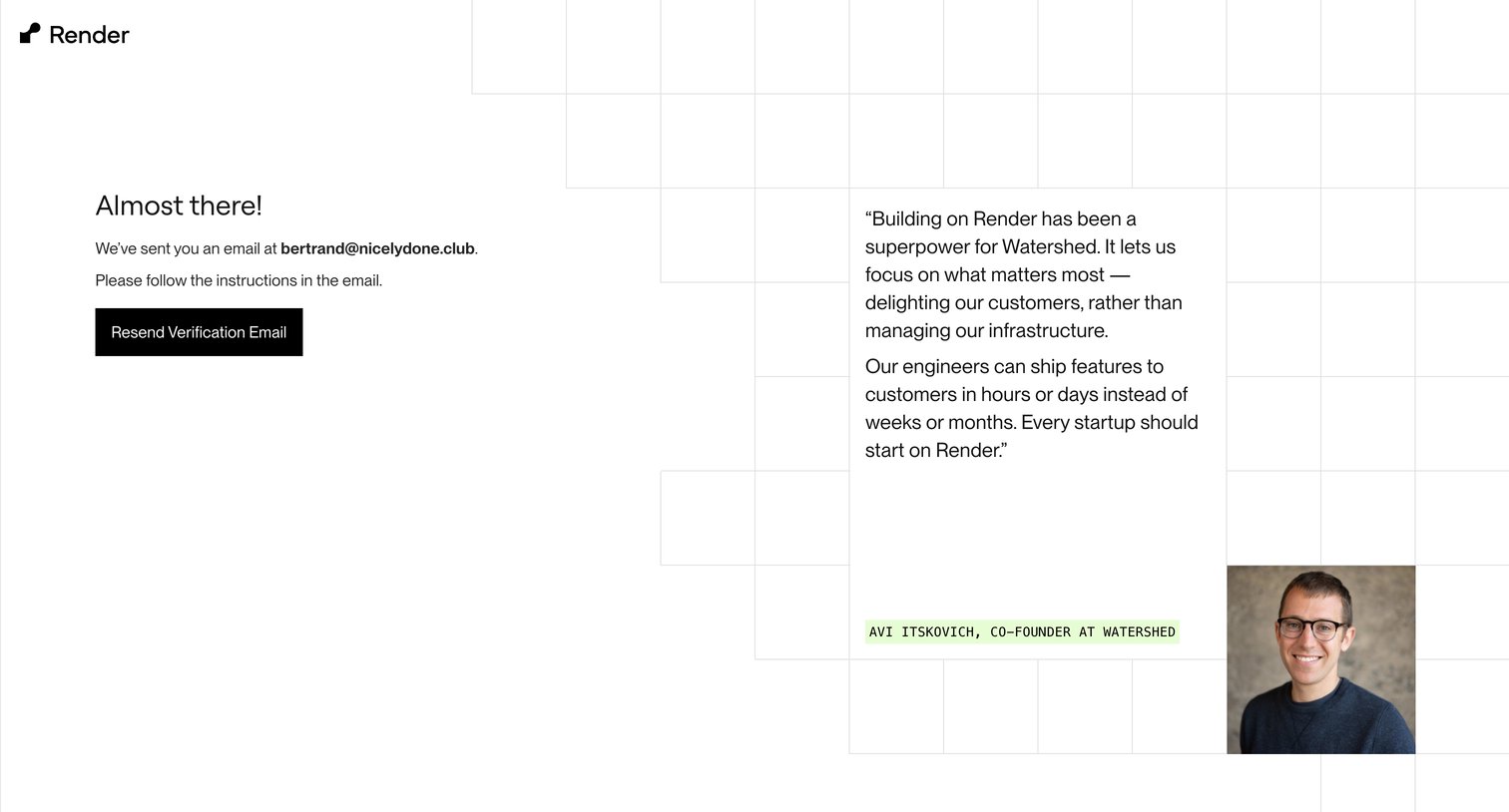
Verification screen where the user is instructed to check their email for a link and can request a resend, accompanied by a customer testimonial.
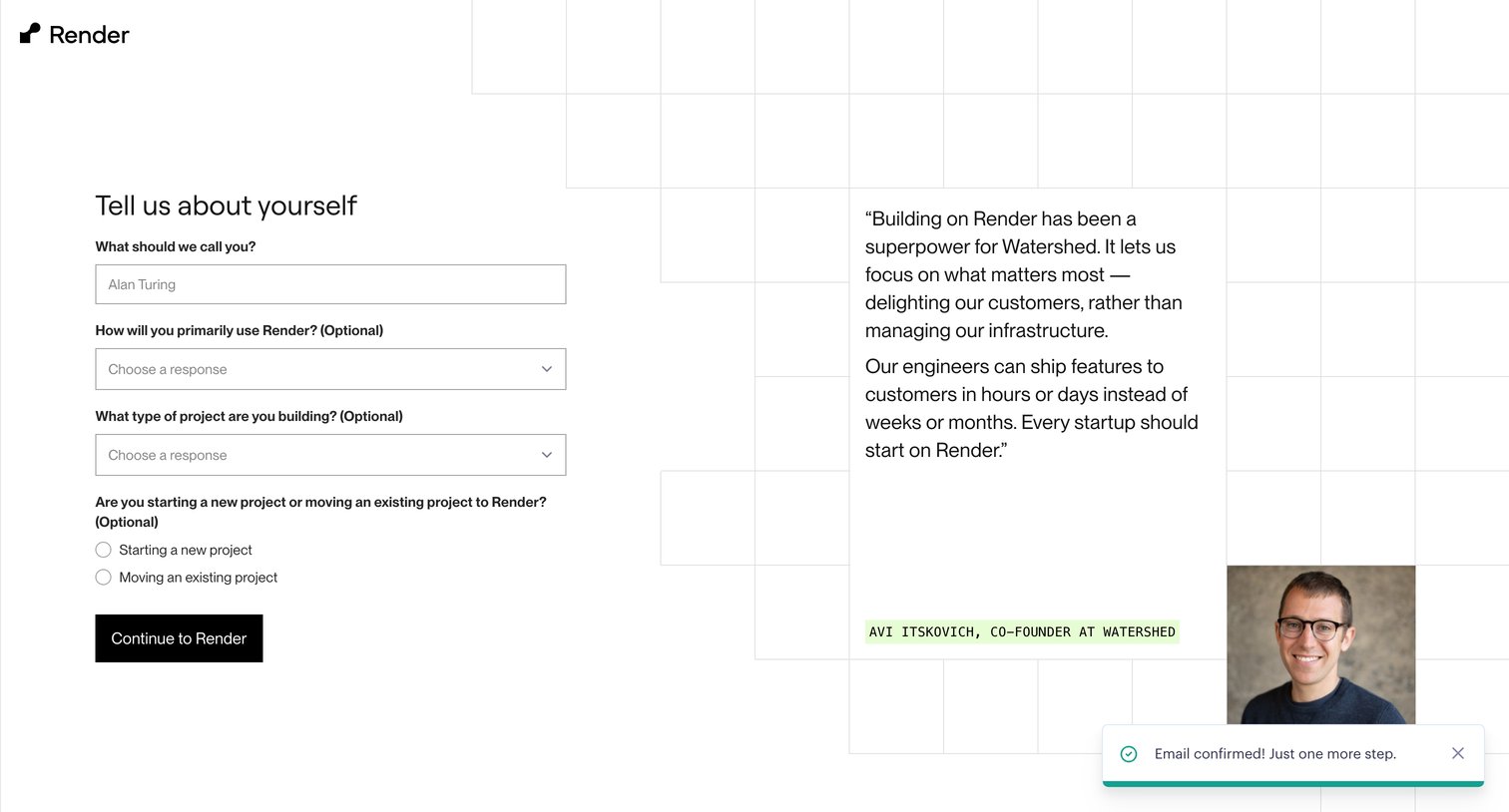
Onboarding step where the user provides their name, primary use case, and project type before continuing to the product.
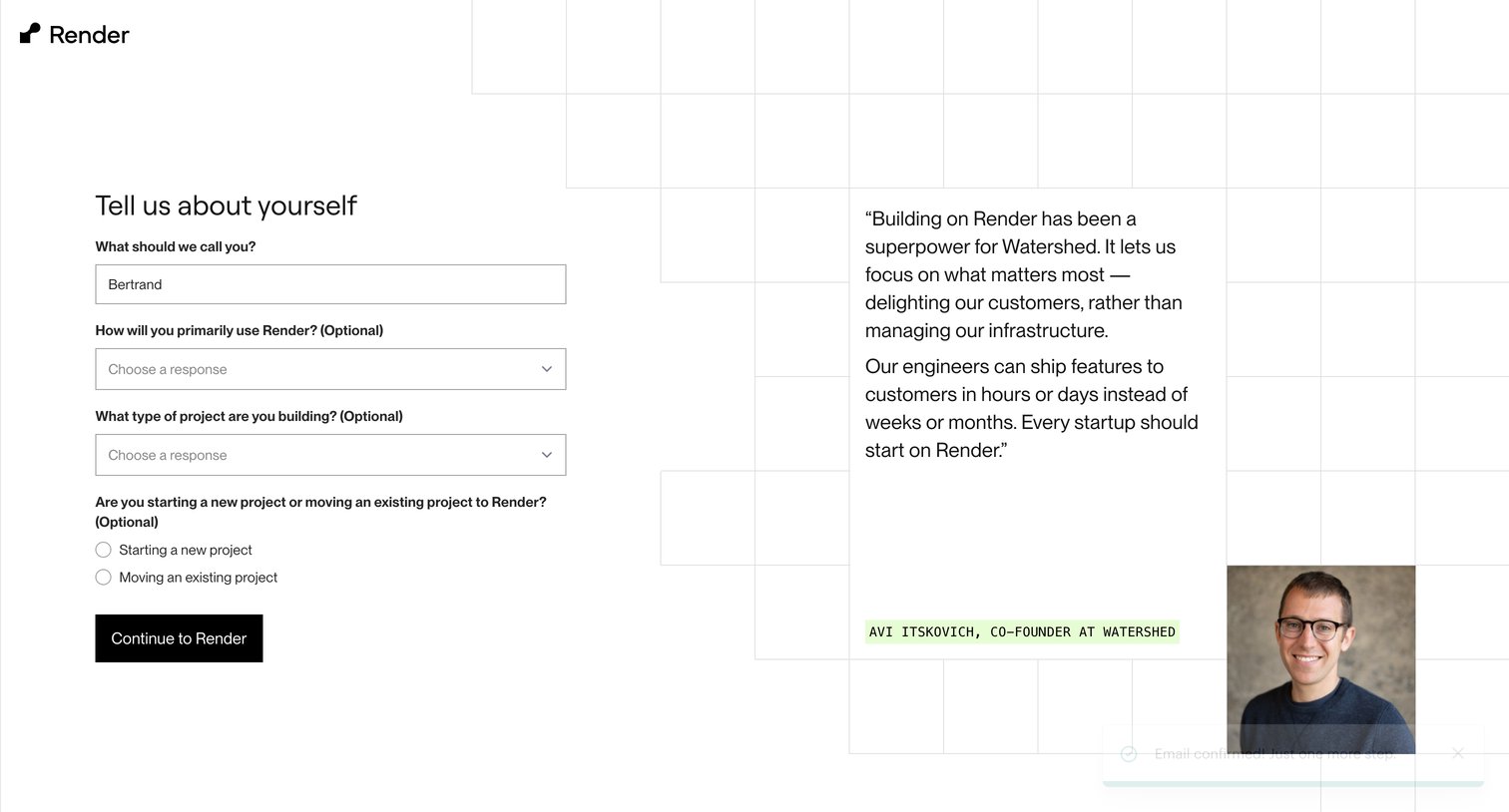
Onboarding step where the user answers a short survey about their use case and project type, alongside a prominent customer testimonial.
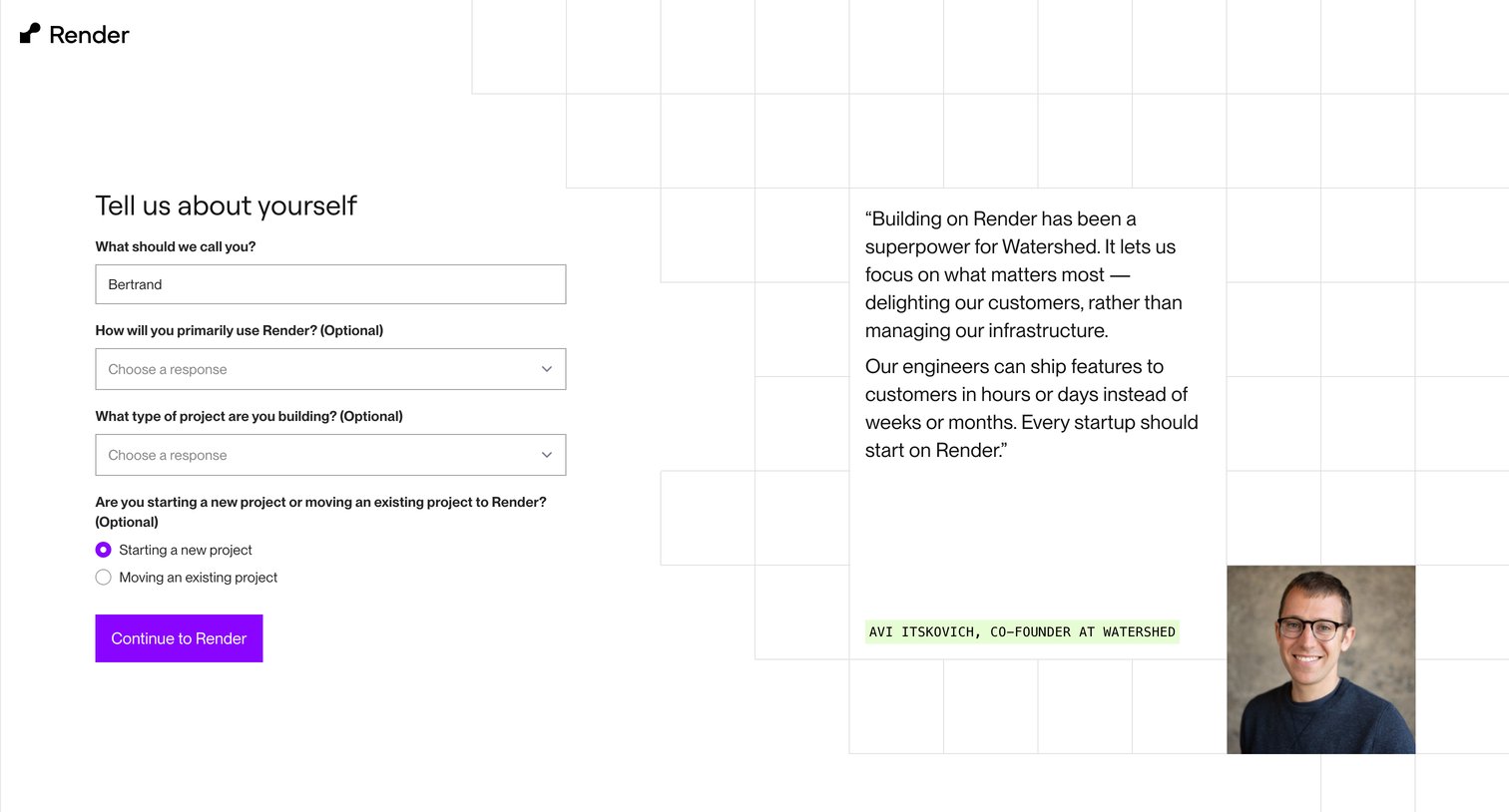
Onboarding step where the user provides their name, intended use case, and project status alongside a customer testimonial.
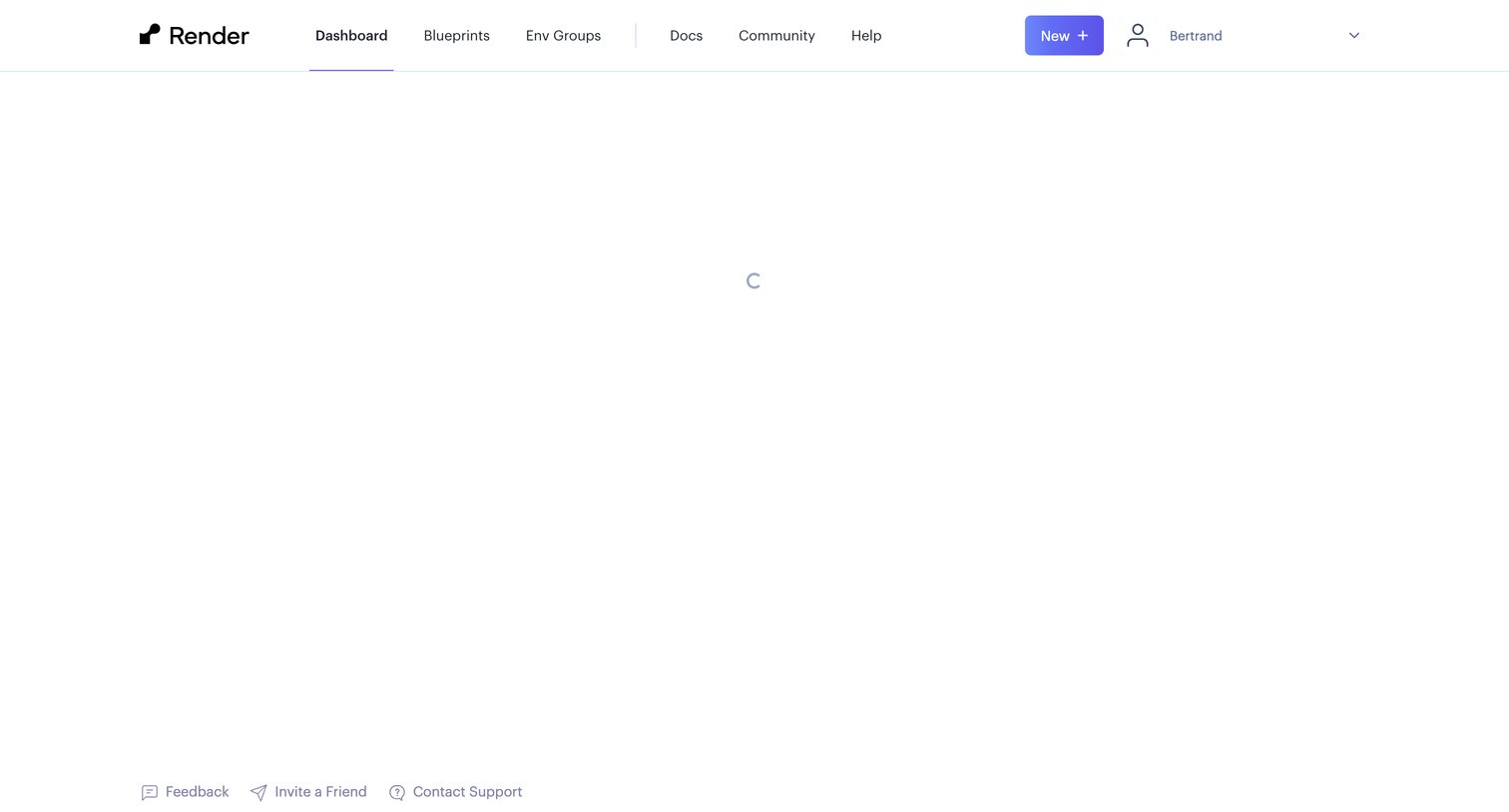
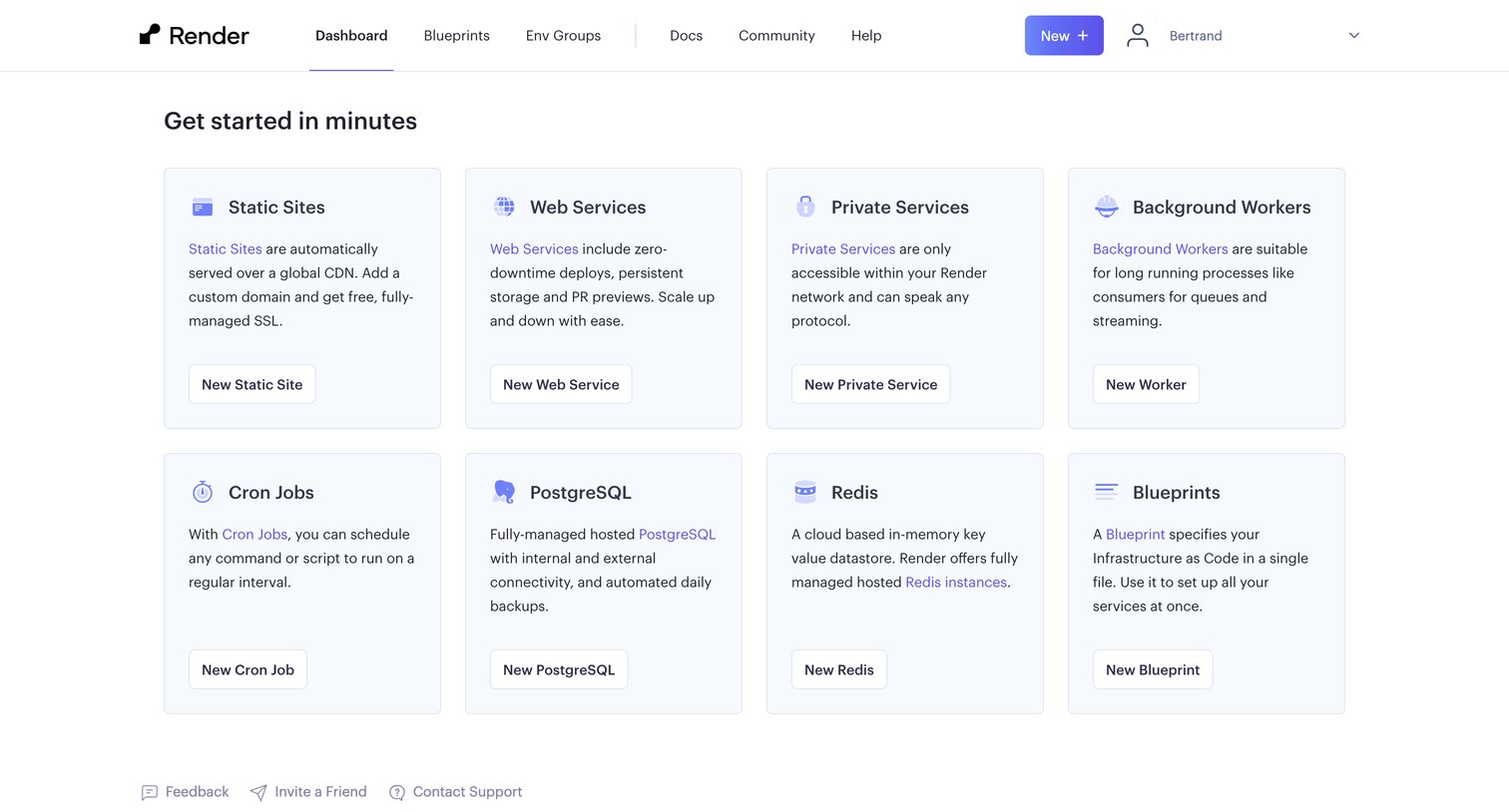
Dashboard empty state where the user is prompted to get started by creating their first static site, web service, database, or background worker.
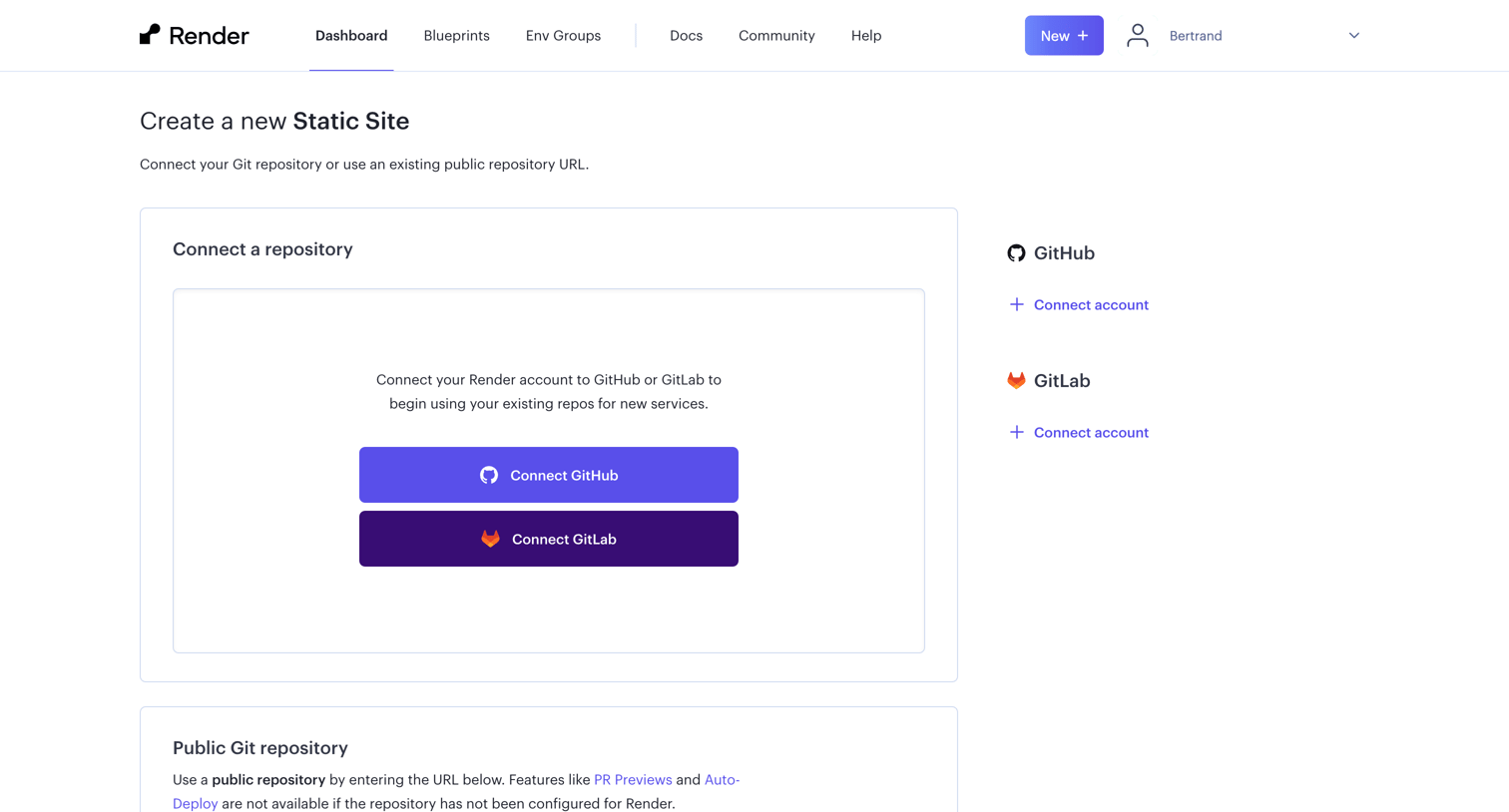
Create screen where the user connects their GitHub or GitLab account or enters a public repository URL to deploy a new static site.
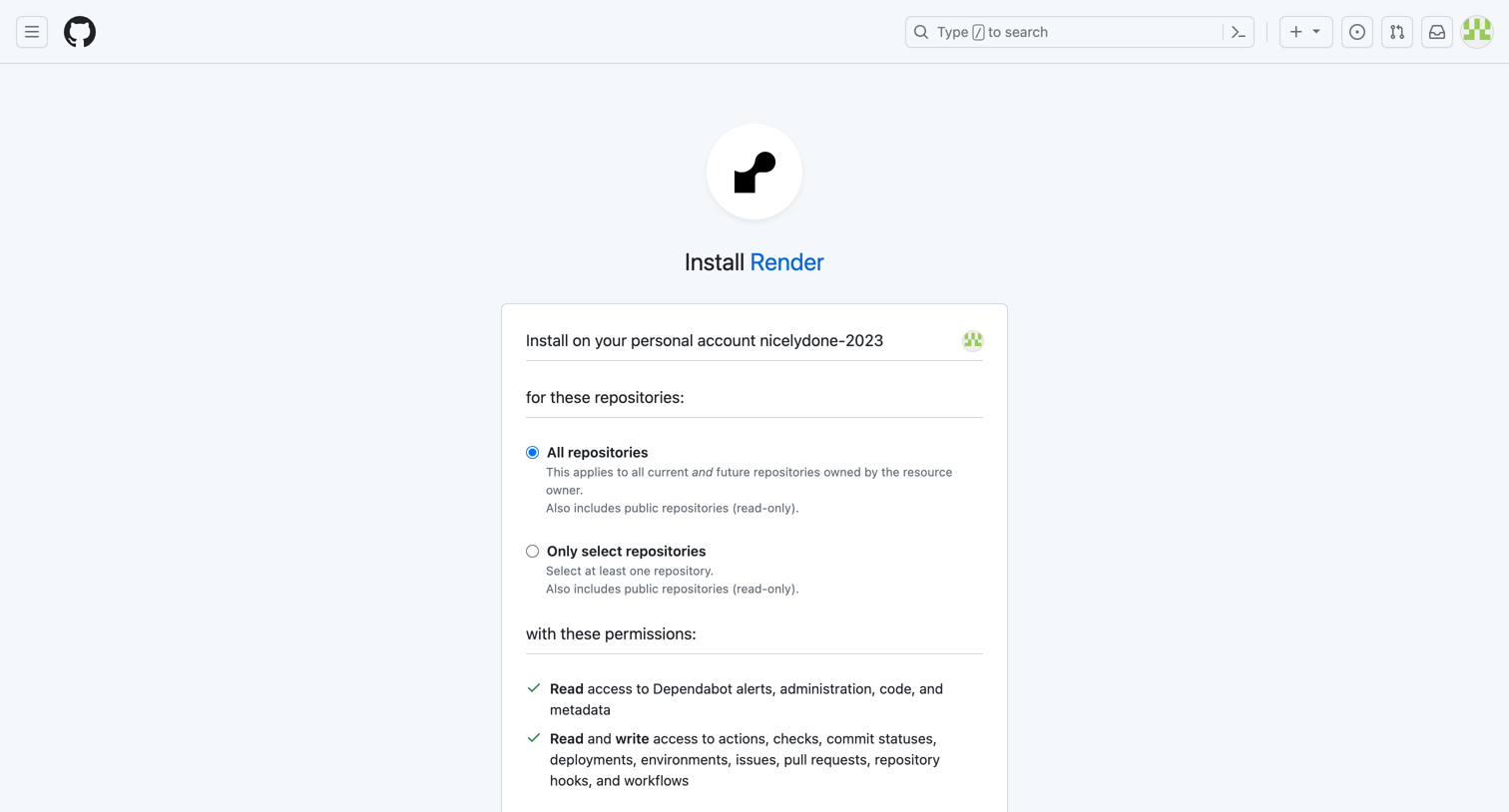
App installation screen where the user grants Render access to all or select repositories and reviews the requested permissions.
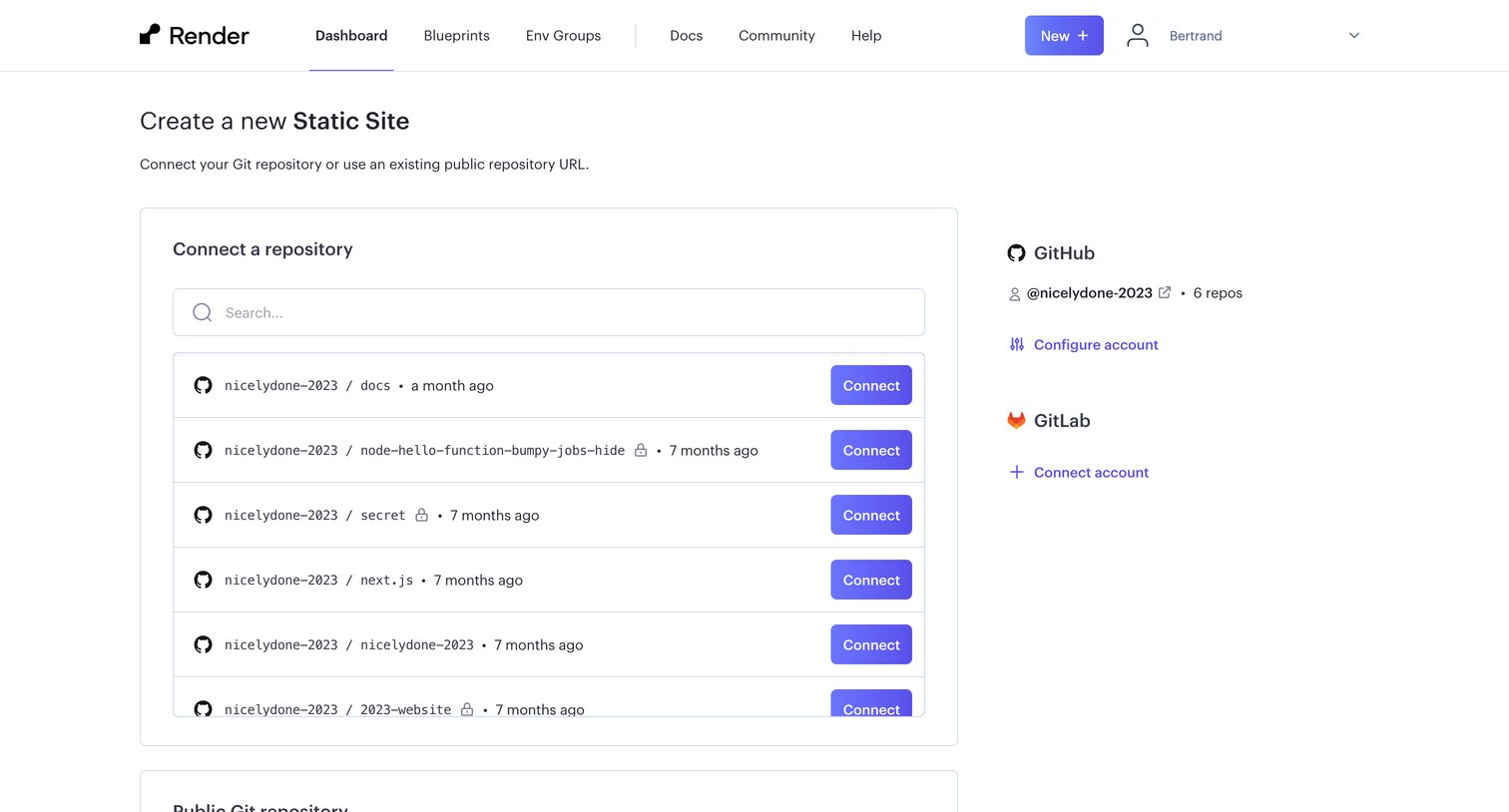
Creation step where the user searches for and connects a GitHub or GitLab repository to deploy a new static site.
Browse the full SaaS app library
Explore real SaaS apps with their product screens, marketing screens, flows, and components.
Trusted by the best teams







