Render user flows examples
Explore Render user flow examples. Preview the opening screens and steps for each task. Cloud application hosting for developers
Preview these flows

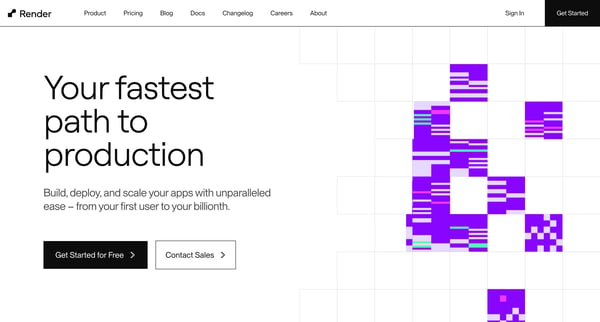
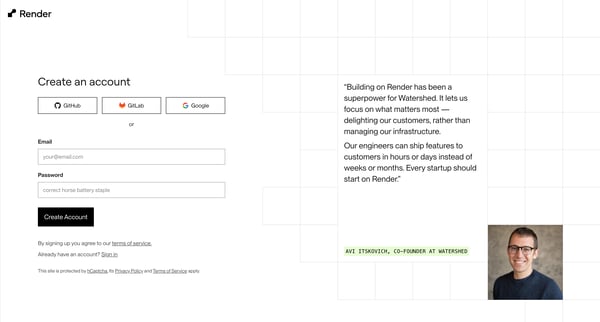
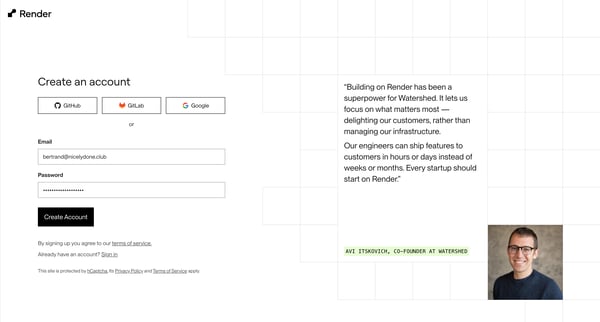
This flow guides a new user from learning about the product to creating an account, verifying their email, and providing personal project preferences, culminating in their introduction to the
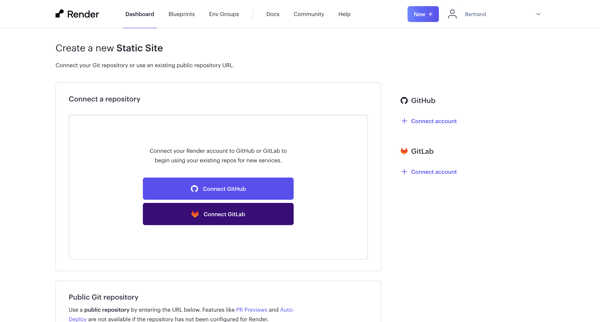
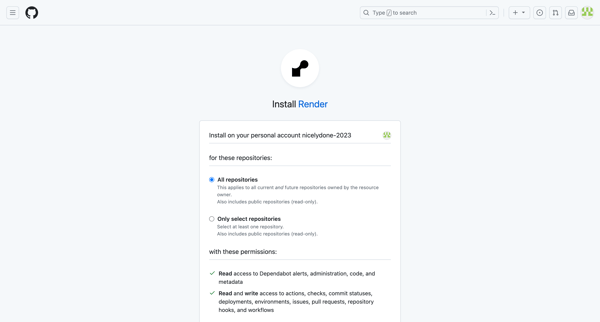
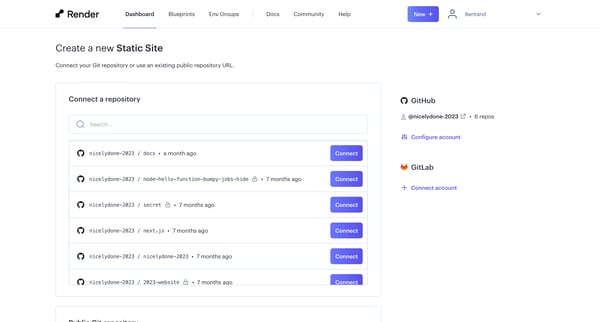
This flow facilitates the process of creating and deploying a new static site by connecting a Git repository, setting up integration, configuring deployment settings, and initiating the site
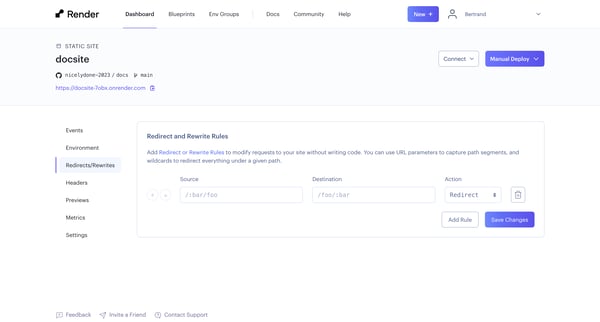
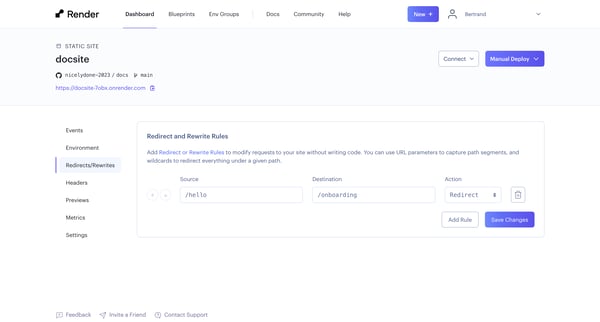
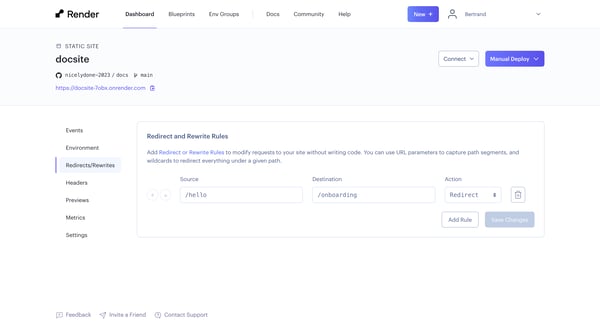
This flow guides users through the process of adding, modifying, and managing redirect or rewrite rules to customize site requests without requiring code, enhancing the site's navigation and
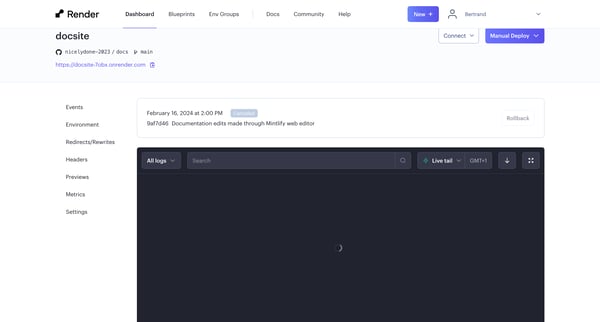
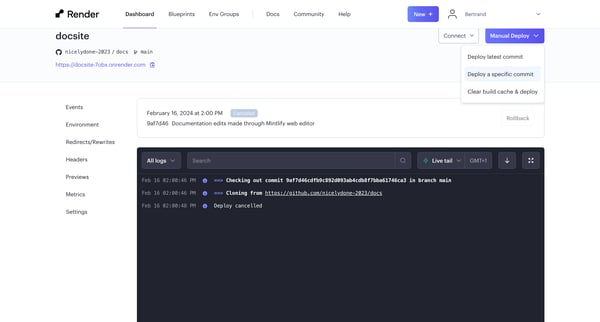
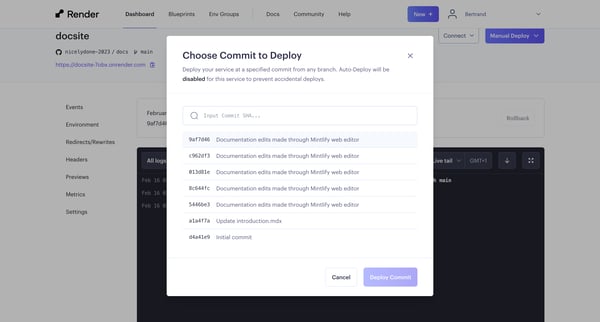
This flow tracks the process of selecting, customizing, and deploying a specific commit to a documentation site, beginning from an overview and ending with the deployment's activity logs.
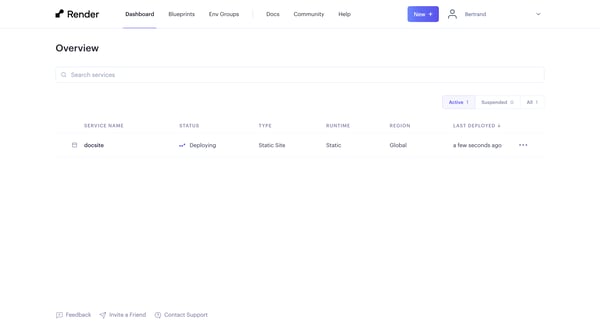
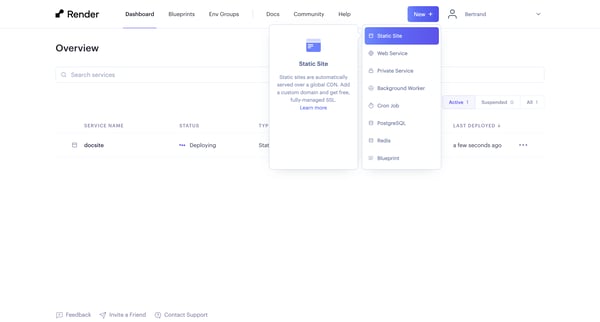
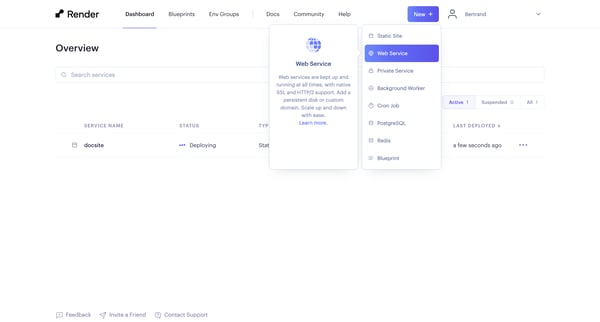
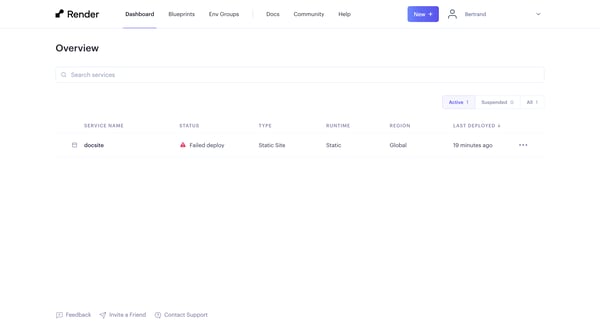
This flow guides a user through the process of deploying a new web service on a cloud platform, from selecting the deployment method to handling deployment errors.
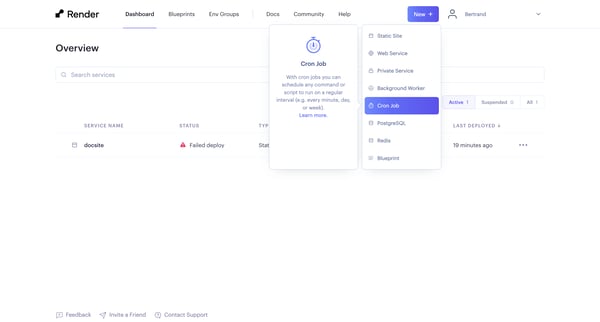
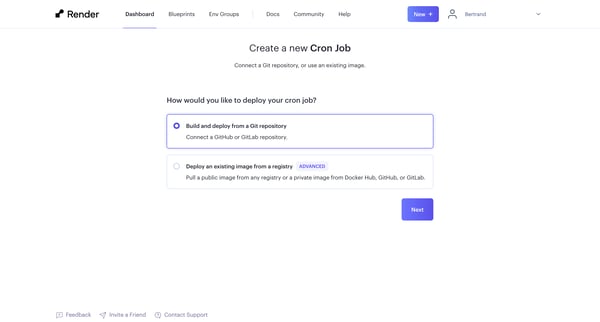
This flow guides a user through the process of creating and configuring a new cron job in a cloud service, from selecting a service type, linking a repository, configuring job parameters, to
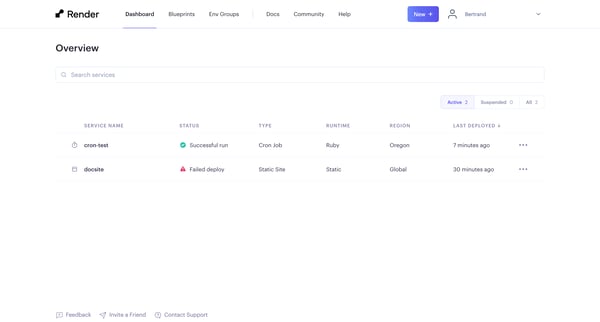
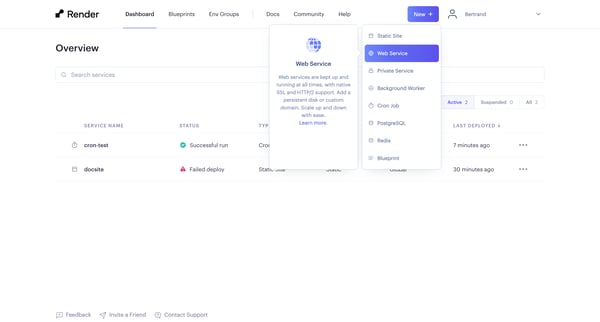
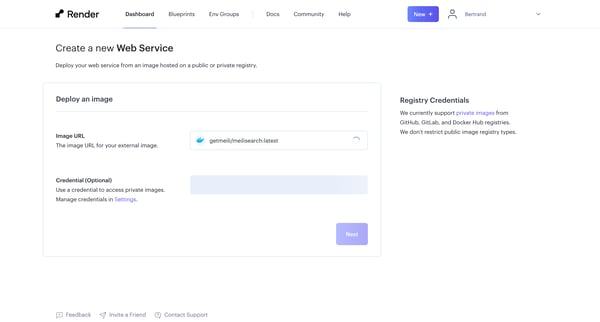
This project user flow guides the user through creating a new web service using an external image, selecting various service options, and monitoring the deployment process.
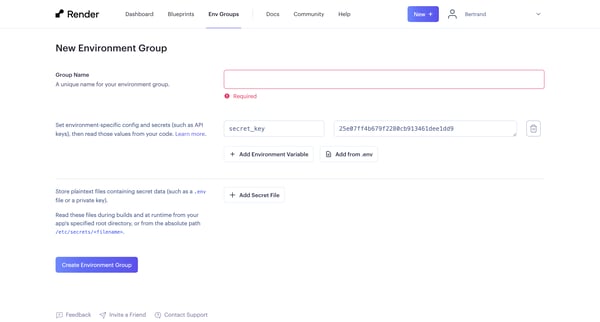
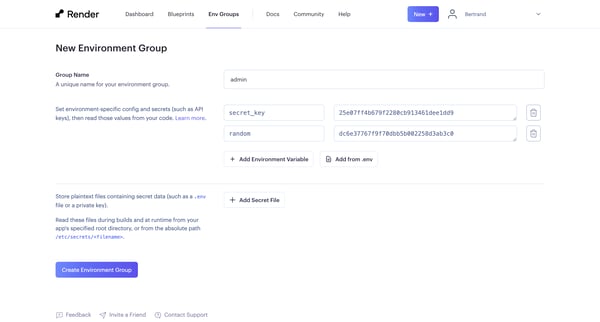
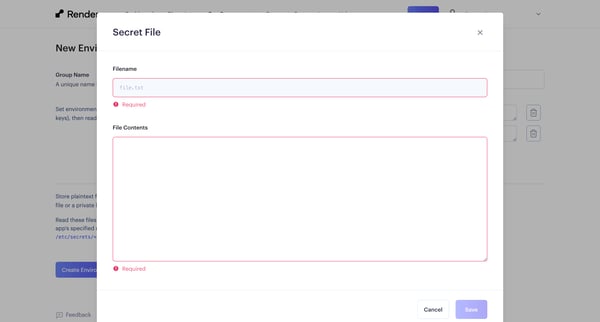
This flow outlines the process of creating a new environment group, adding secret files and environment variables, including the import of variables from a .env file, culminating in a review
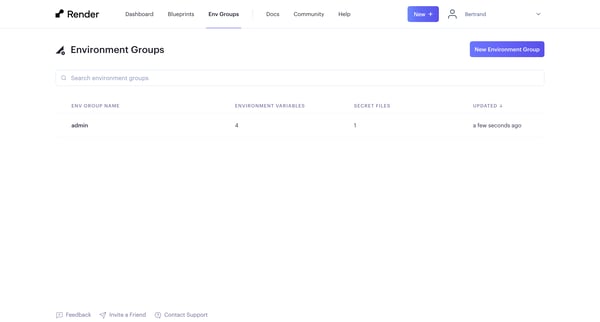
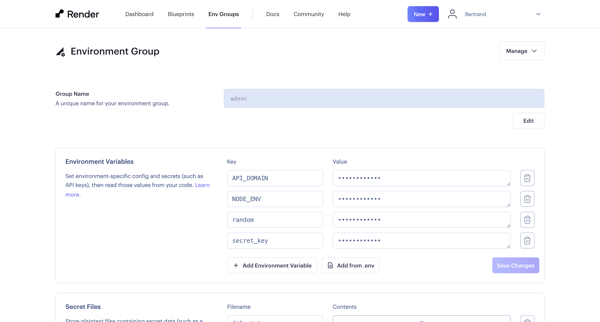
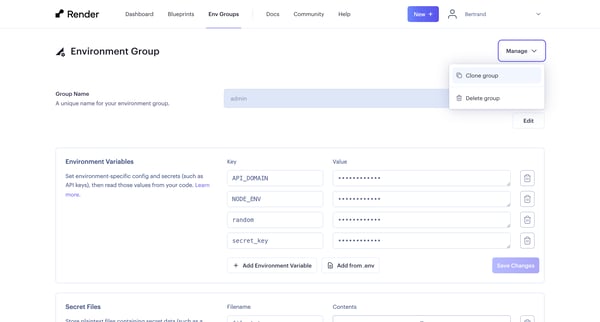
This user flow outlines the process of creating, configuring, and duplicating an environment group, including adding environment variables and secret files.
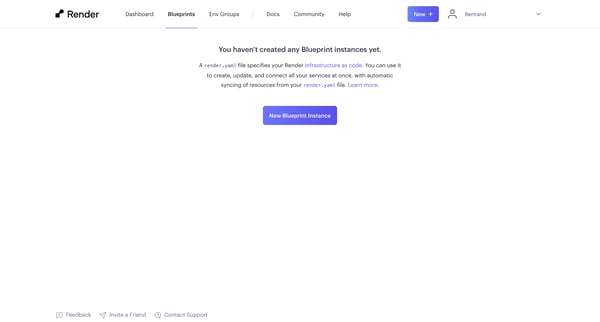
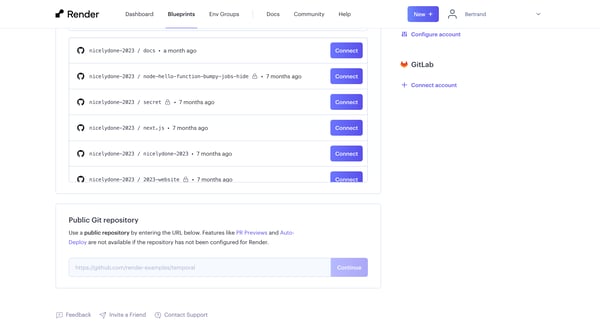
This flow outlines the process of setting up a new blueprint instance on Render, including selecting a repository, encountering errors, and attempting fixes.
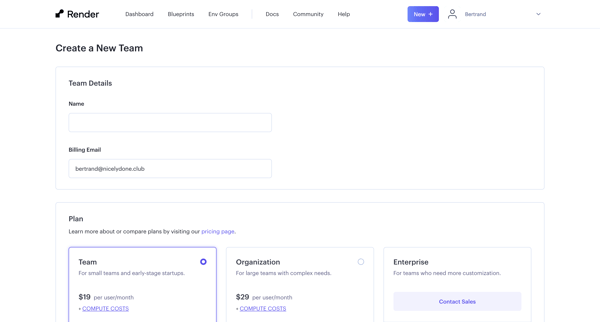
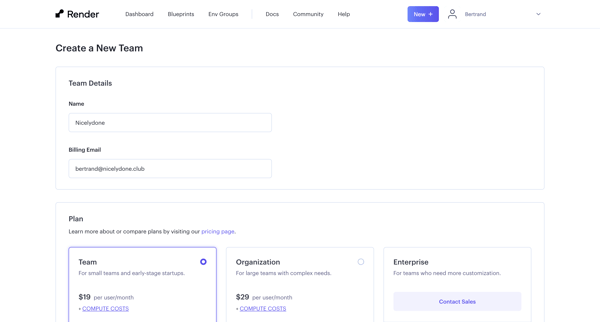
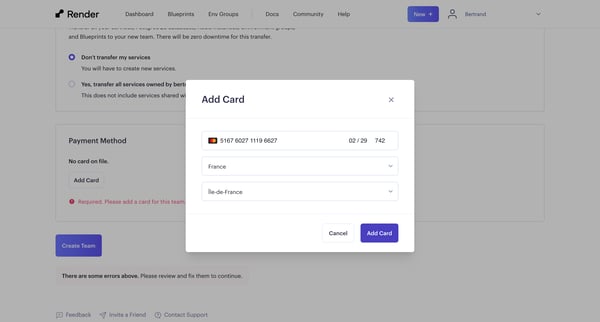
This flow guides a user through the process of creating a new team, from providing team details and selecting a plan, through payment setup, to finally inviting team members and enabling mult
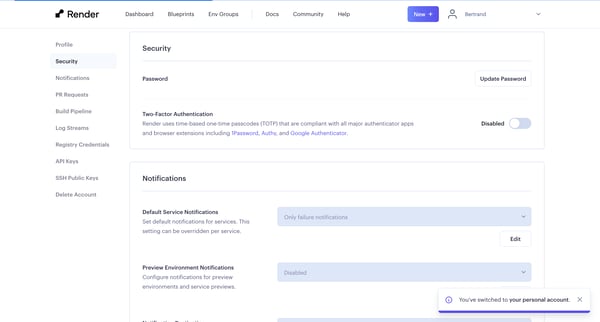
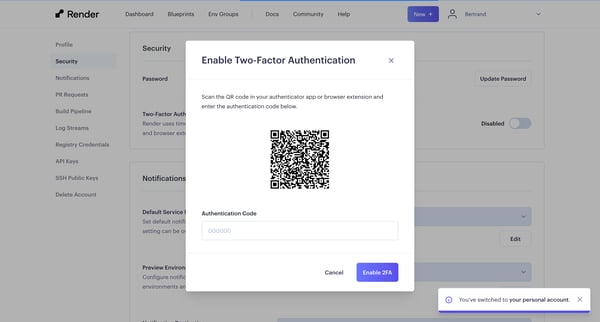
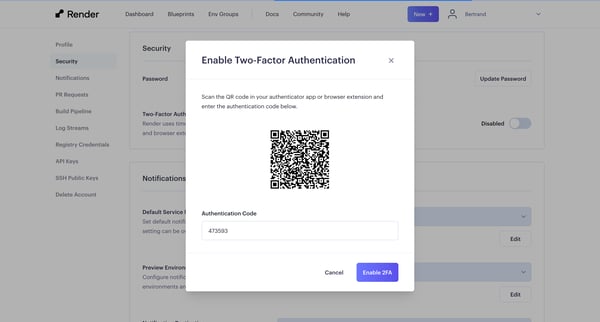
This flow guides a user through enabling Multi-Factor Authentication (MFA), including scanning a QR code for setup, saving backup codes, and verifying the setup.
Explore the full SaaS flow library
Browse the full SaaS flow library.
Trusted by the best teams







