Claude design examples
Explore Claude UI design examples. Claude is a next generation AI assistant built for work and trained to be safe, accurate, and secure
Product screens

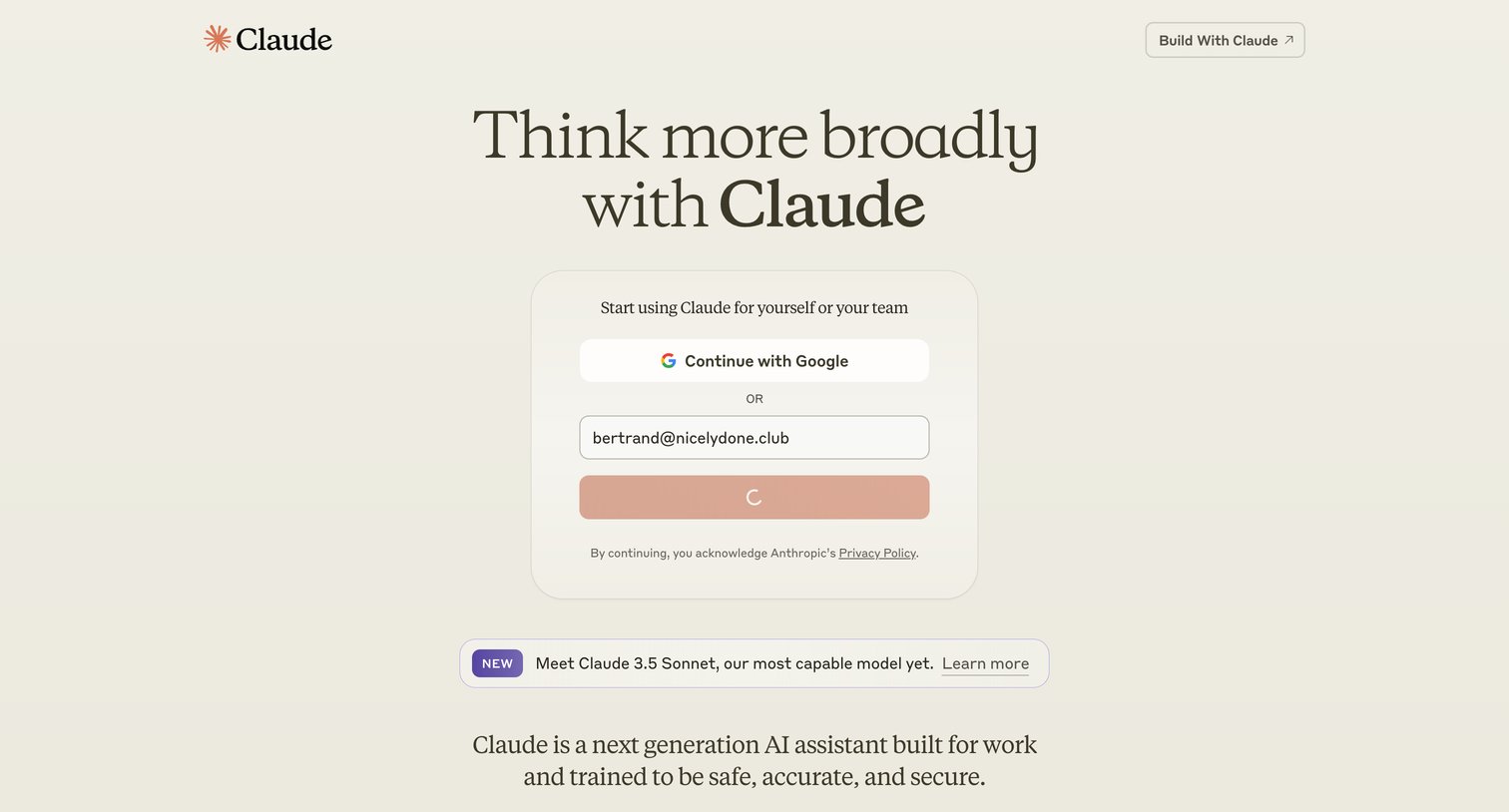
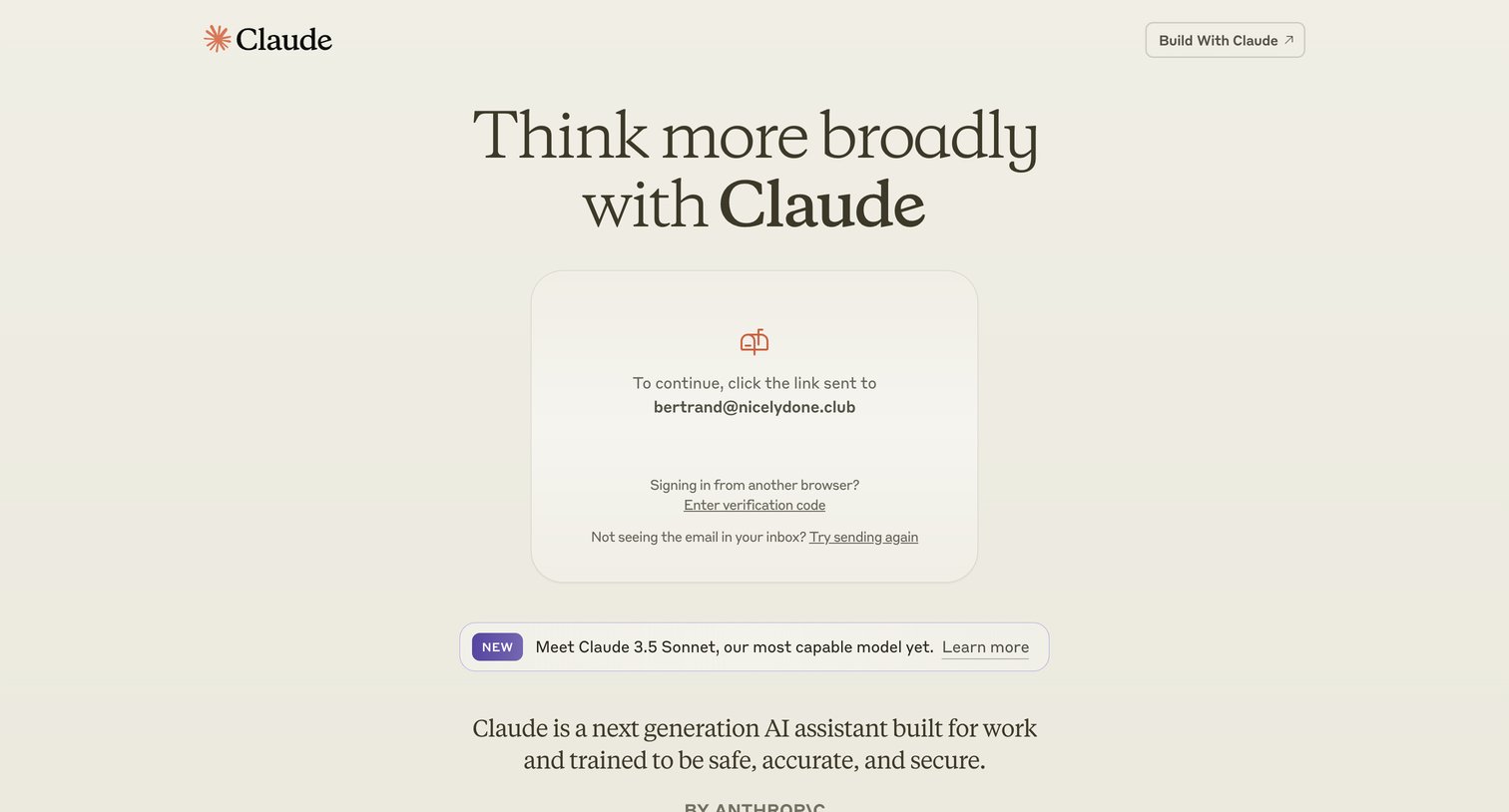

Verification screen where the user is instructed to check their email for a magic link to complete the sign-in process.
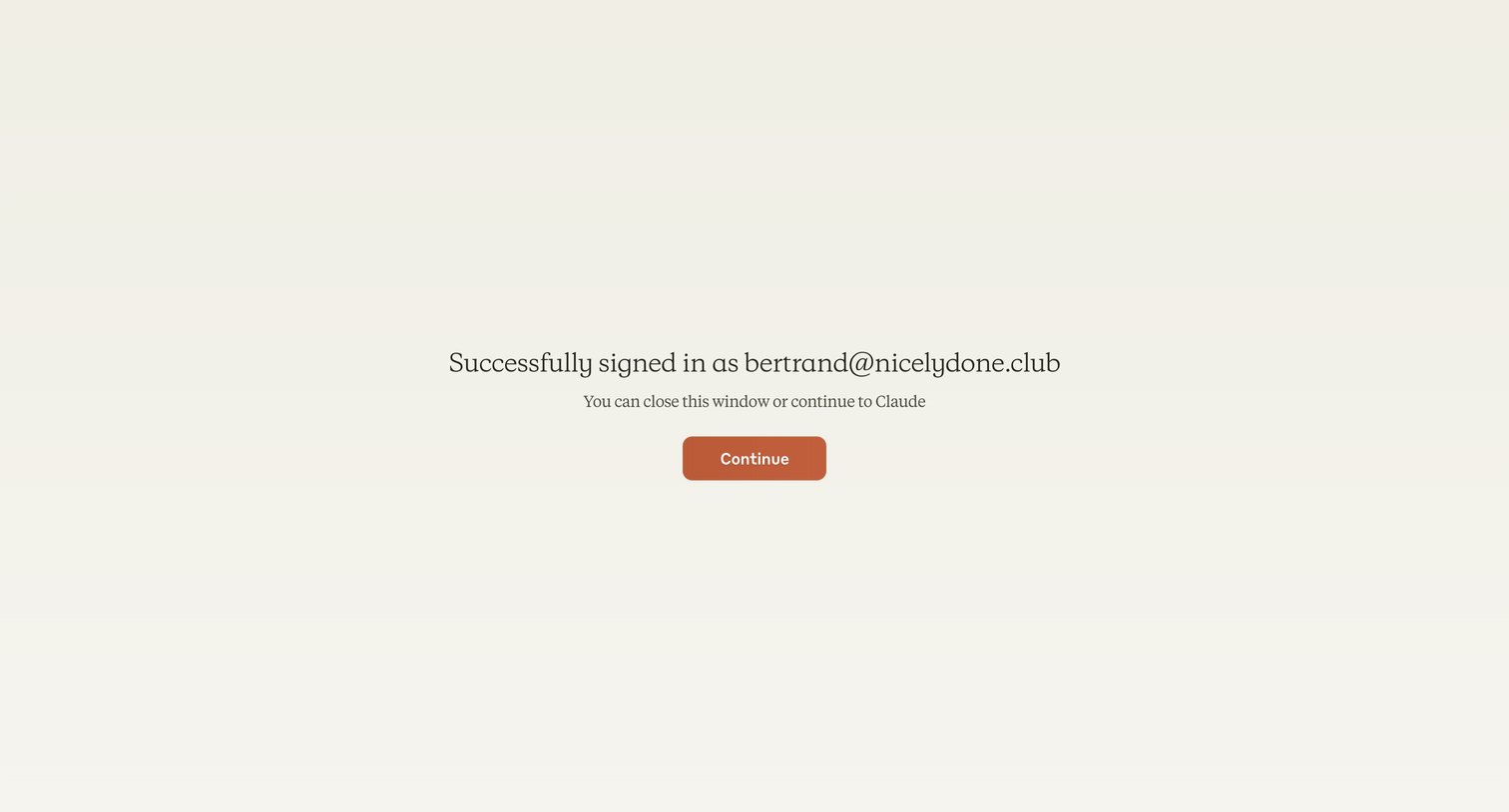
Auth success screen confirming the user is signed in as bertrand@nicelydone.club with a prompt to continue to Claude.
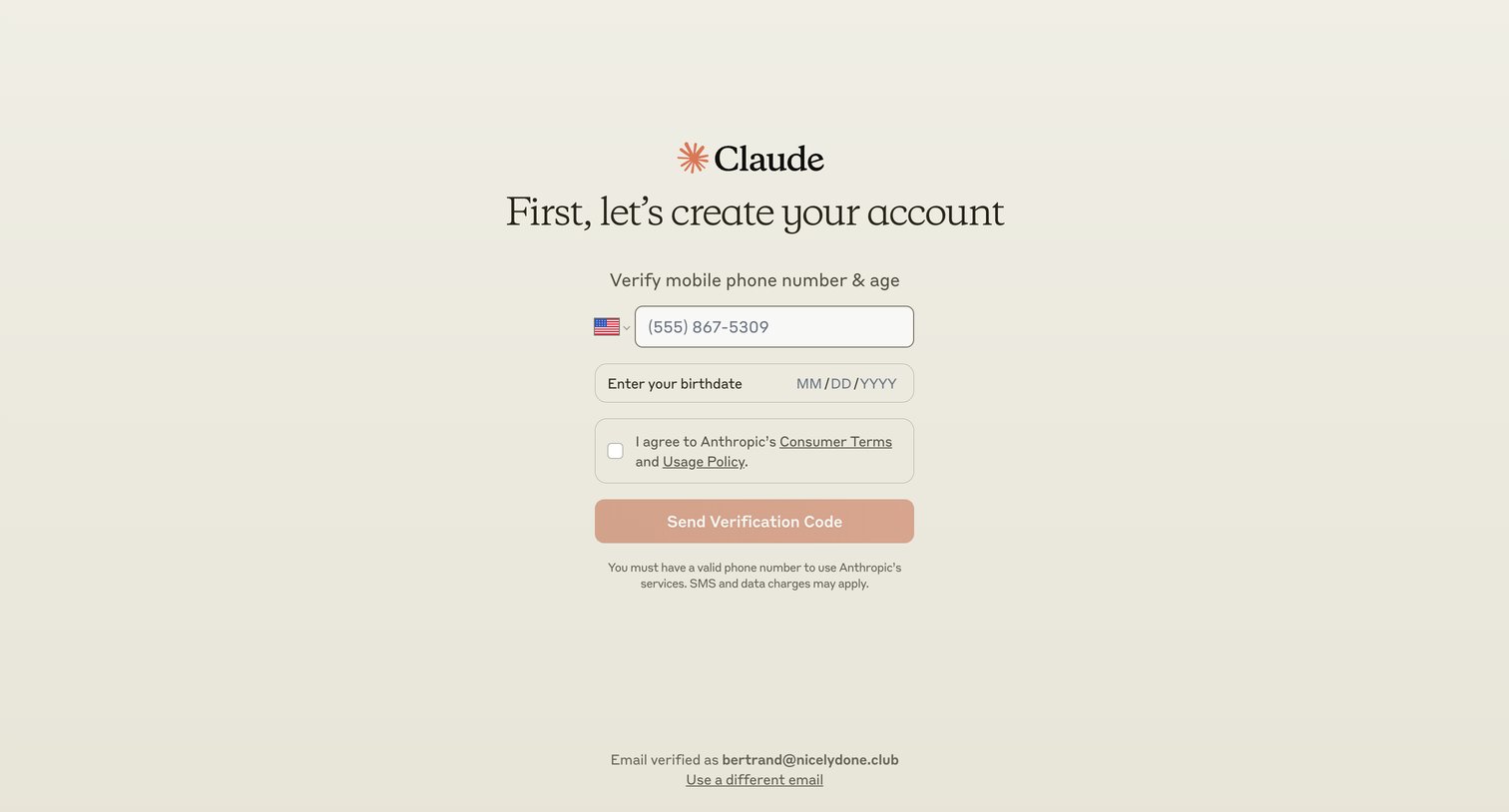
Verification screen where the user enters their phone number and birthdate to receive a code and agree to terms during account creation.
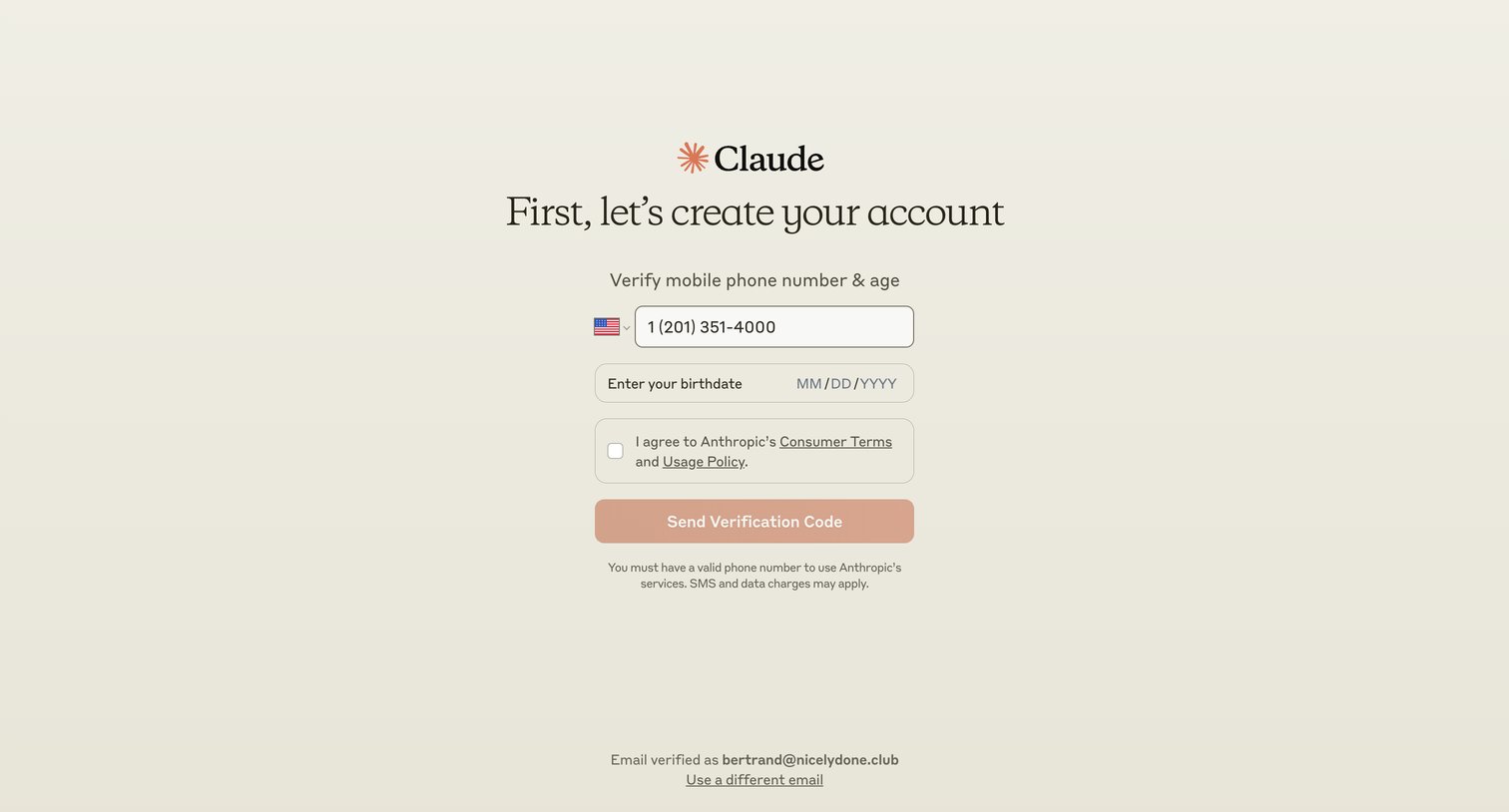
Verification screen where the user enters their phone number and birthdate to receive an SMS code for account creation.
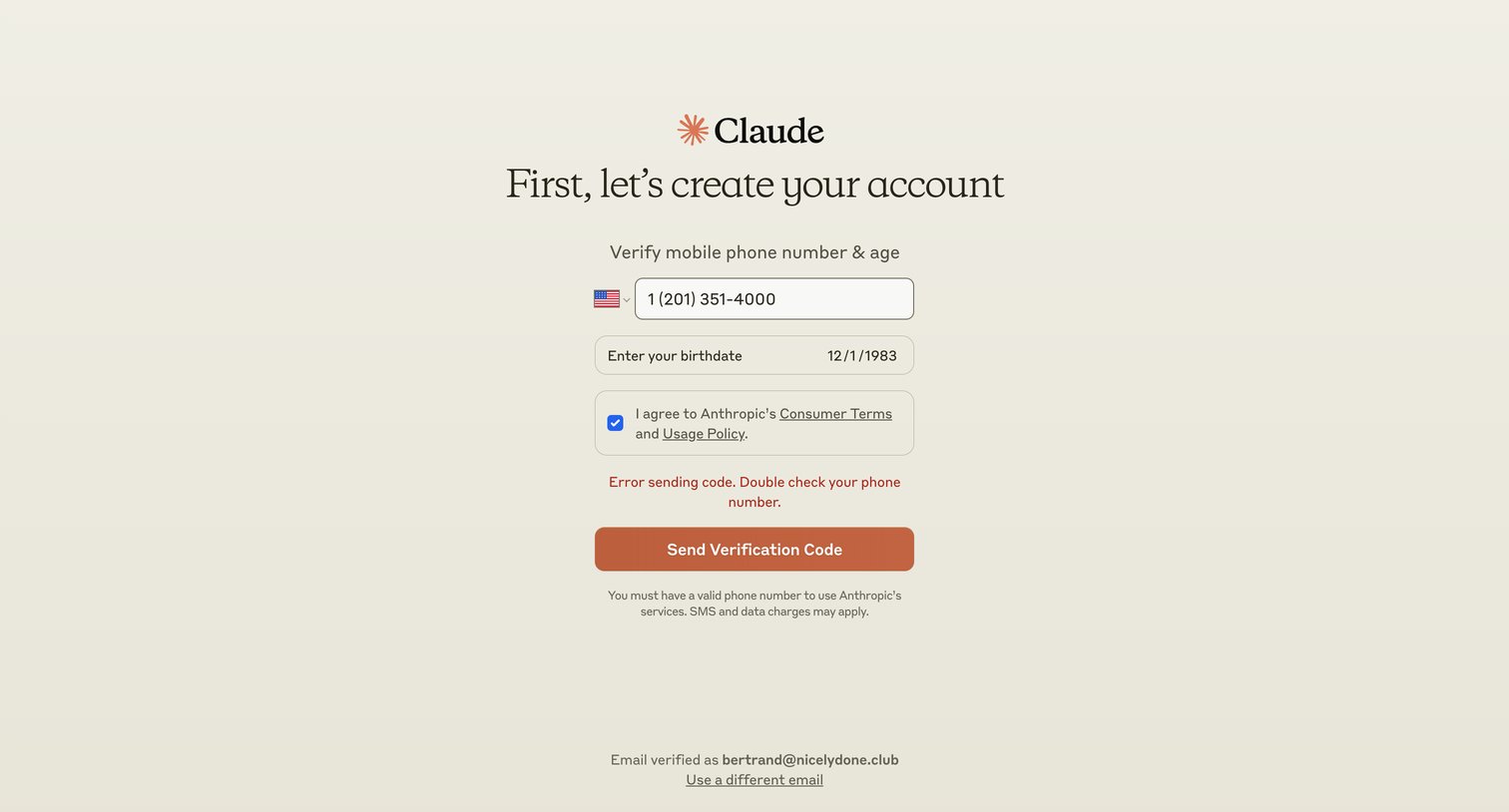
Verification screen where the user enters their phone number and birthdate to receive a code, currently showing an error state for an invalid number.
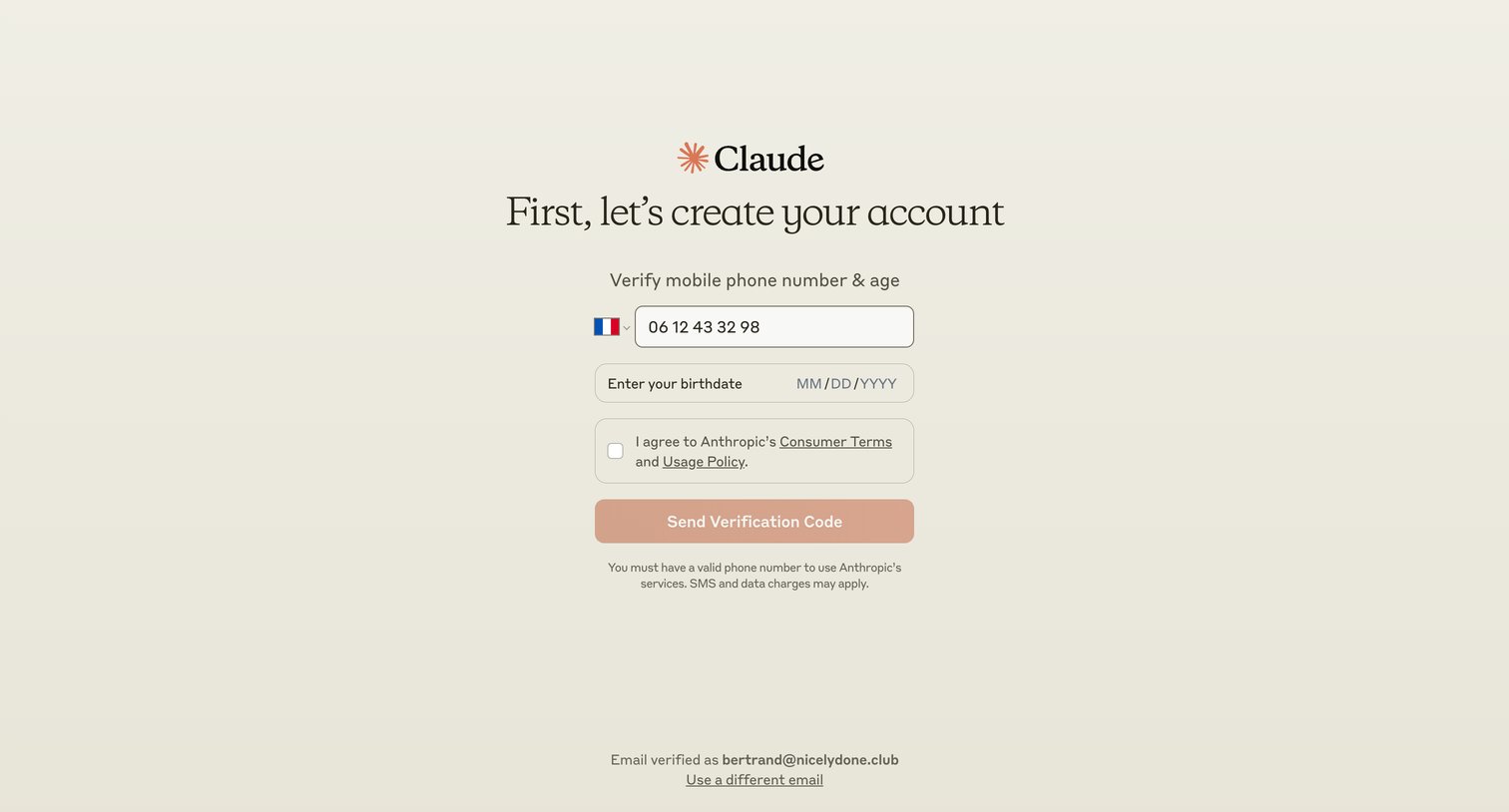
Verification screen where the user enters their mobile phone number and birthdate to receive an SMS code and agree to the terms of service.
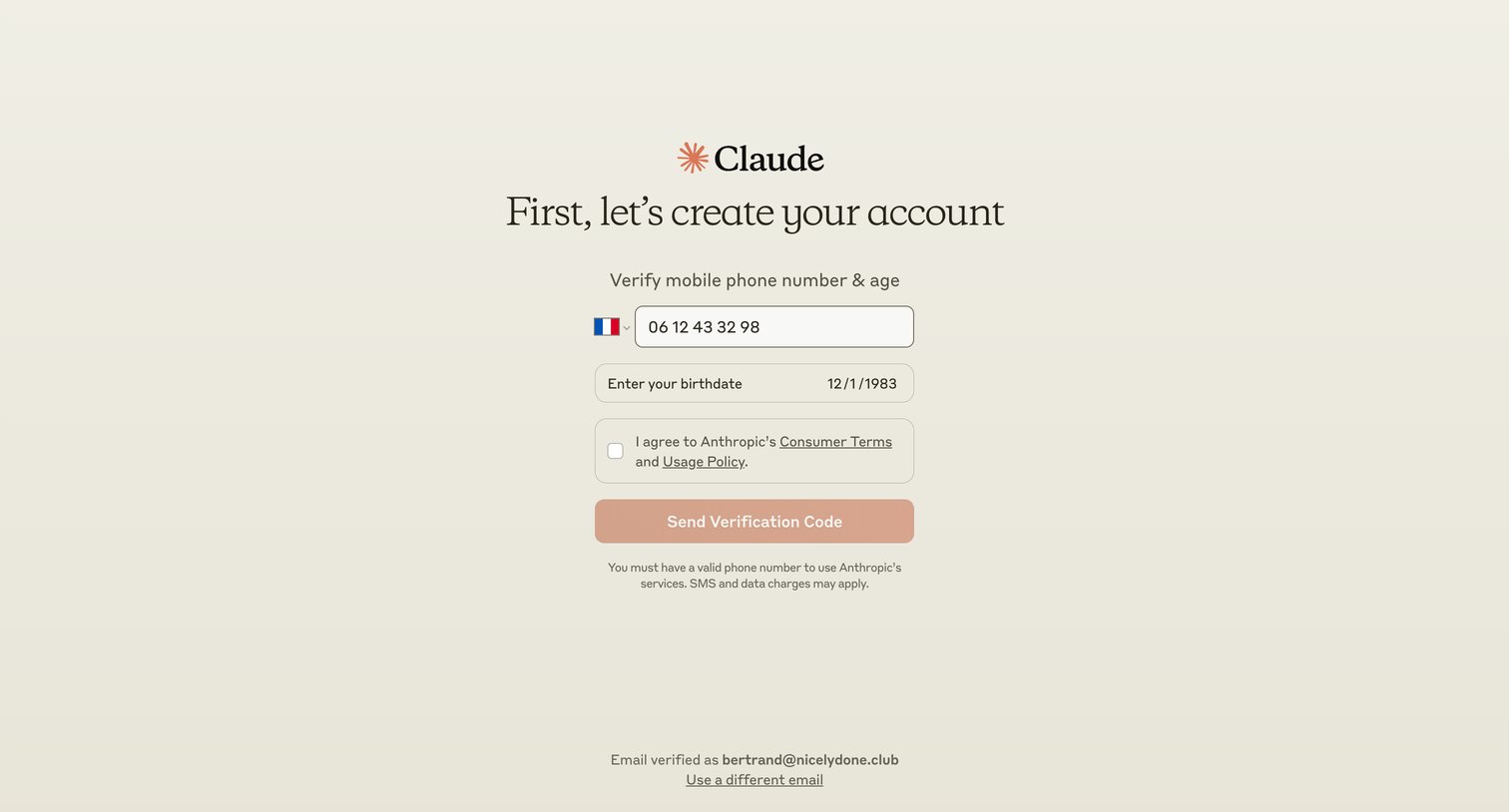
Account creation step where the user enters their phone number and birthdate to receive an SMS verification code.
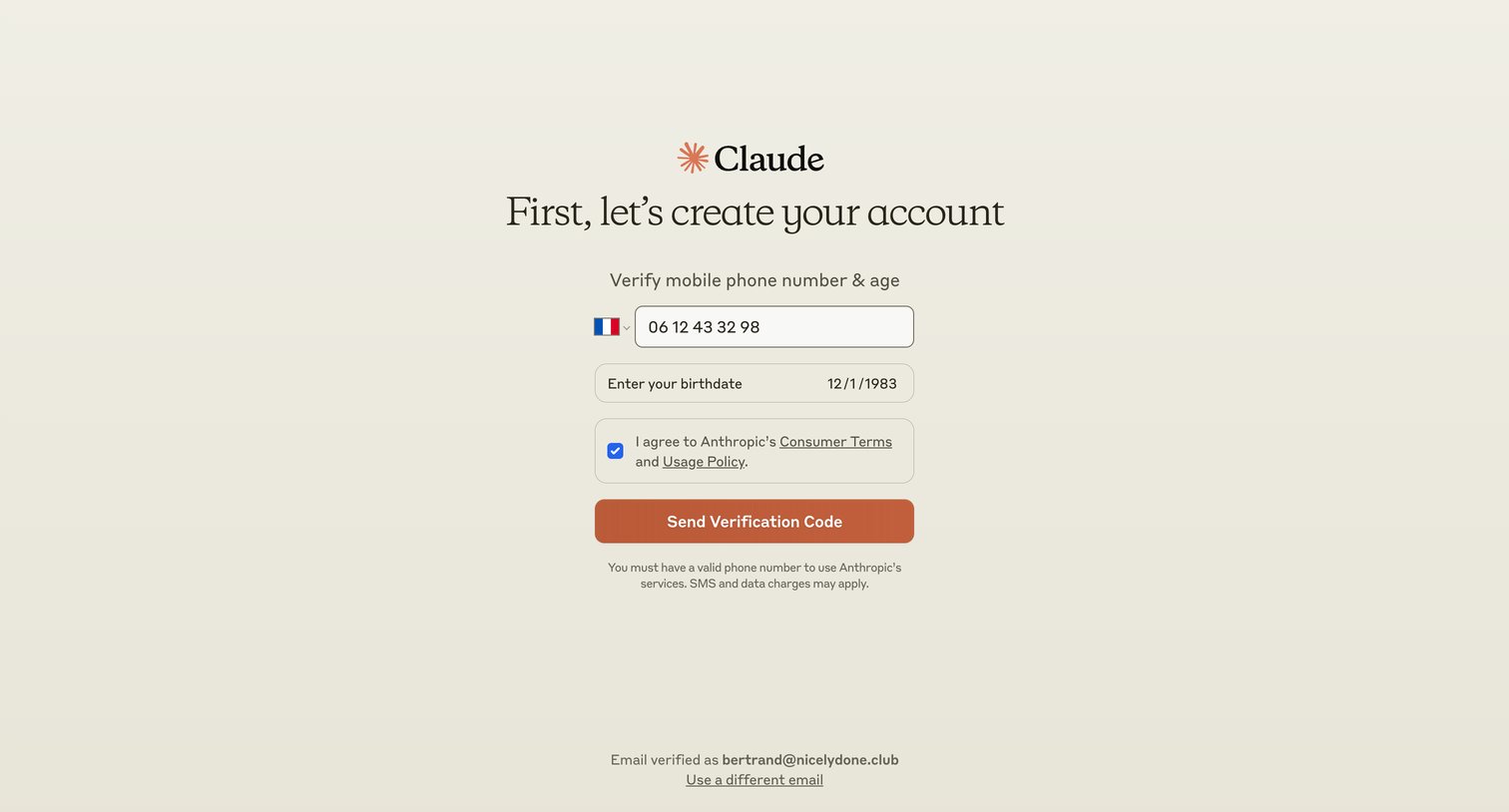
Verification screen where the user enters their phone number and birthdate to receive a confirmation code during account creation.
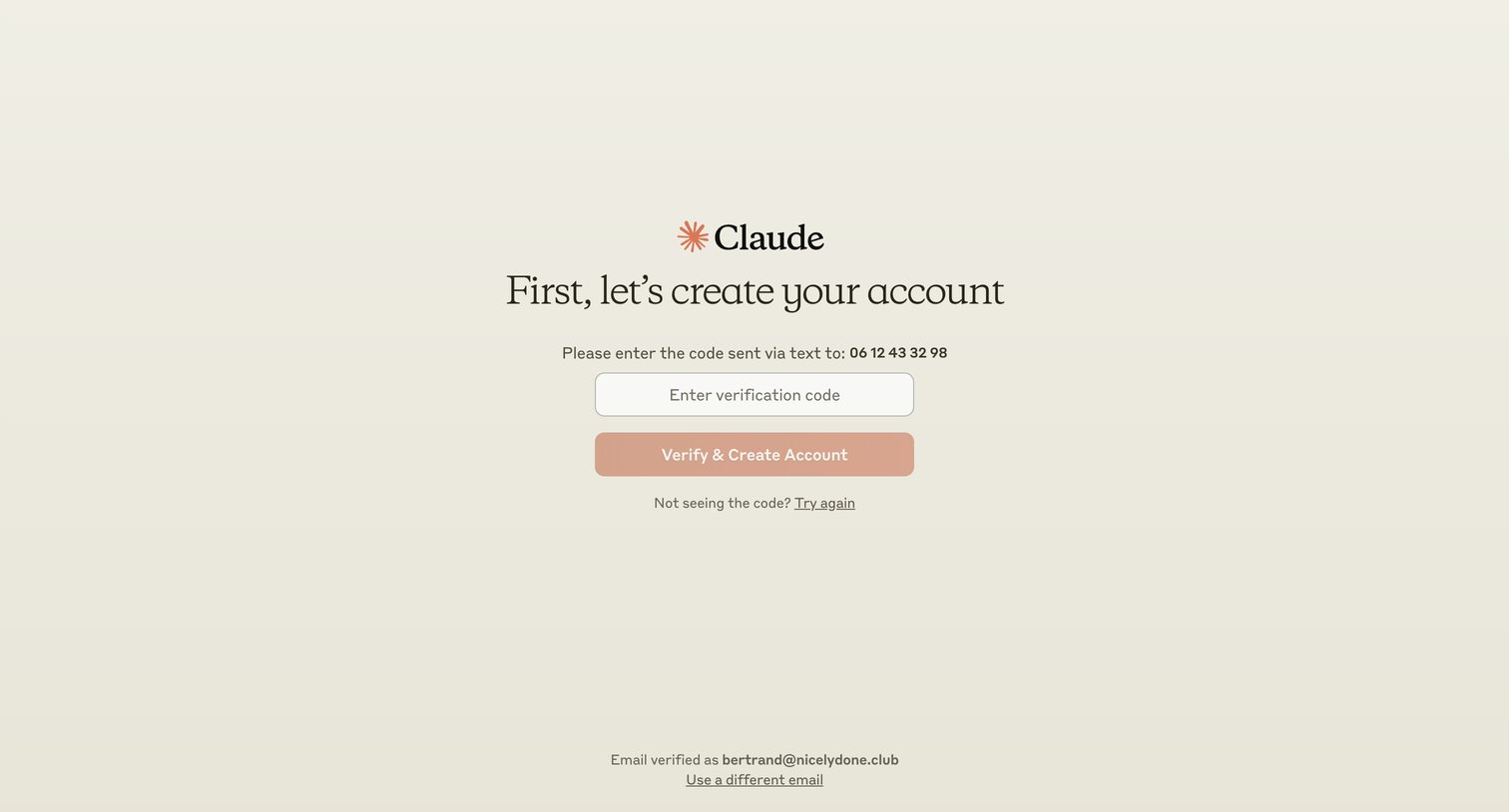
Signup step where the user enters an SMS verification code to confirm their phone number and finalize account creation.
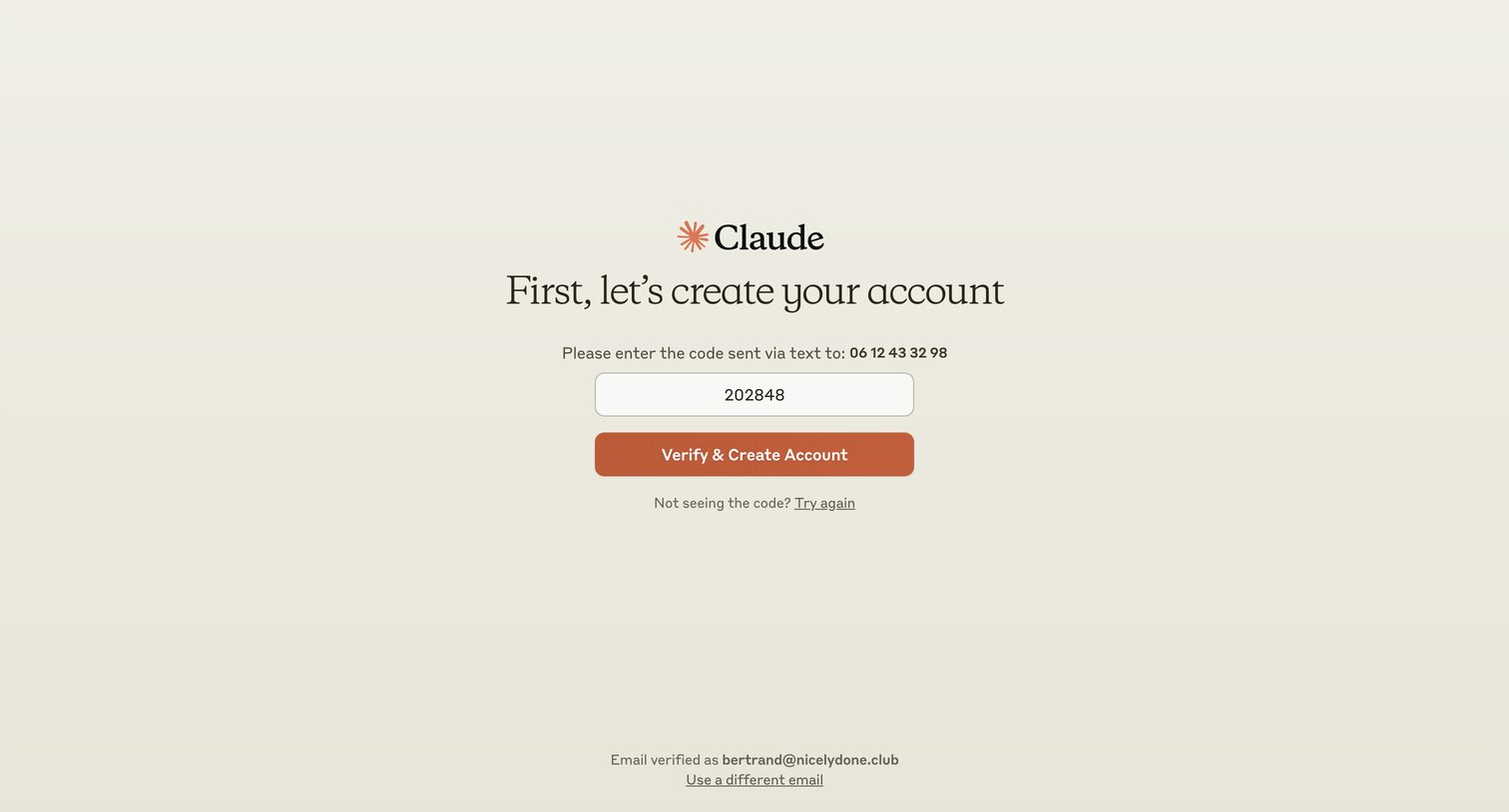
Verification screen where the user enters a 6-digit code sent via text to confirm their phone number and finalize account creation.
Browse the full SaaS app library
Explore real SaaS apps with their product screens, marketing screens, flows, and components.
Trusted by the best teams







