Claude user flows examples
Explore Claude user flow examples. Preview the opening screens and steps for each task. Claude is a next generation AI assistant built for work and trained to be safe, accurate, and secure
Preview these flows

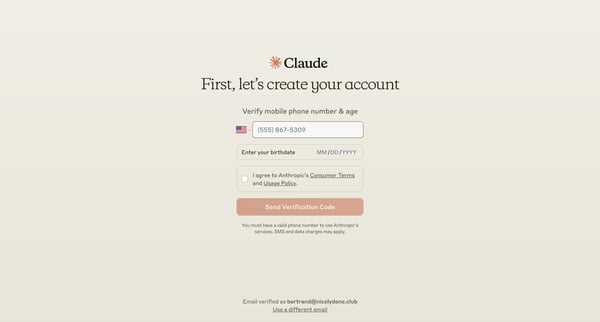
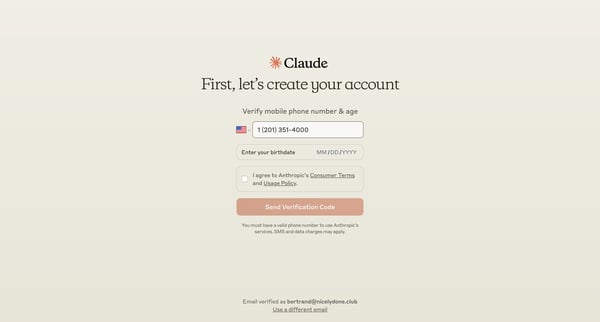
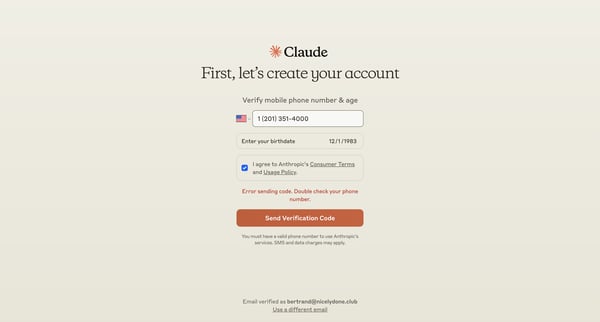
A user flow for signing up and verifying an account on Claude, including phone number and age verification, agreement to terms, and choosing the usage purpose.
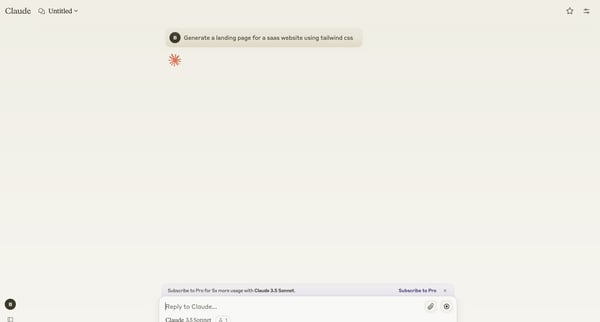
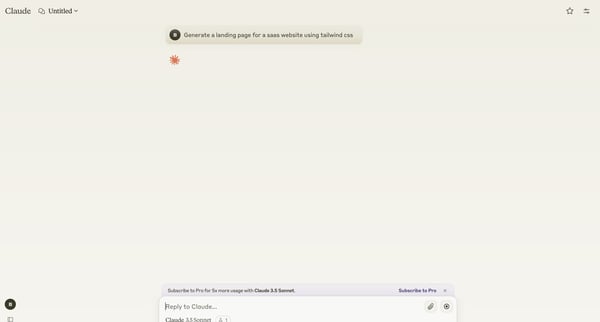
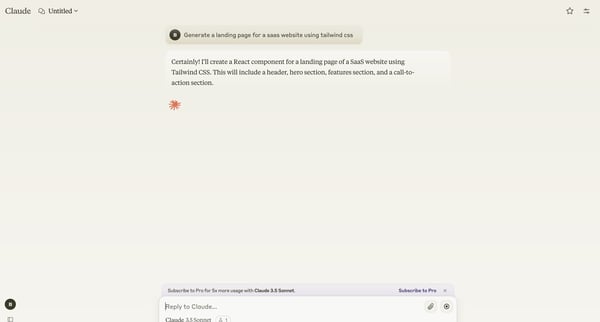
The user flow demonstrates asking Claude AI to generate and refine a SaaS website landing page using Tailwind CSS.
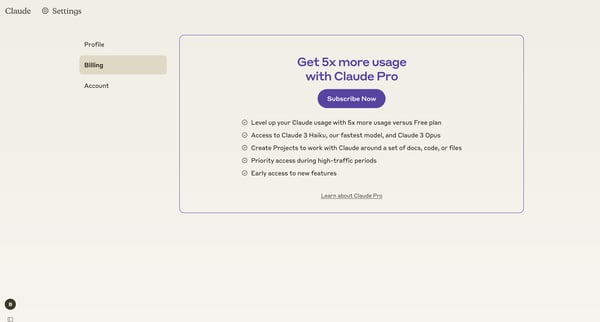
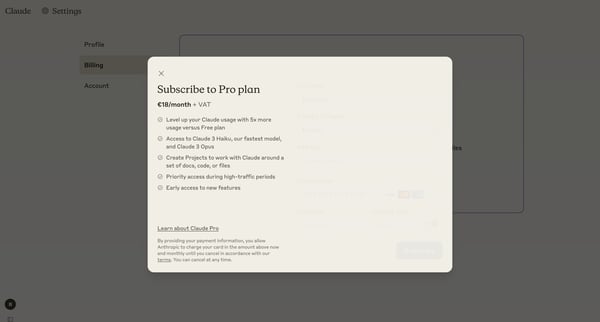
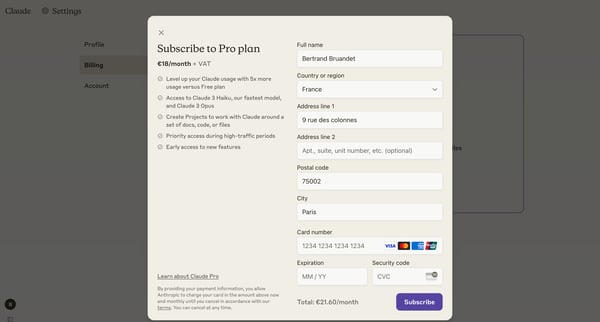
This flow guides users through upgrading to a Claude Pro subscription, from viewing plan benefits to completing payment and accessing new features.
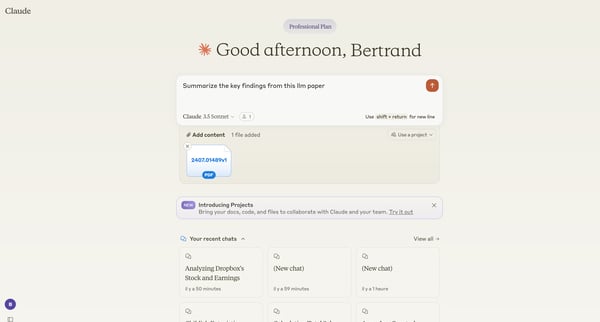
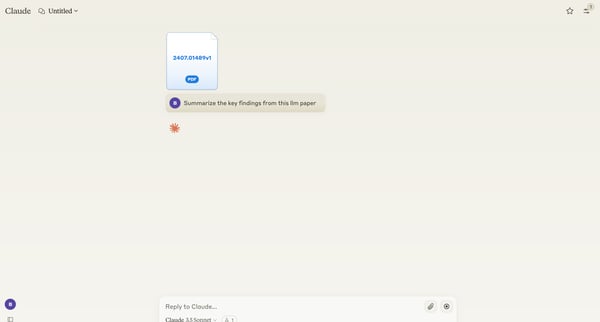
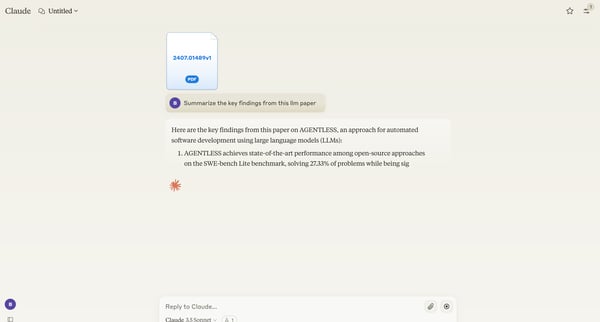
The user flow demonstrates interacting with an AI assistant to analyze and summarize a research paper, then requesting a simplified explanation of the findings.
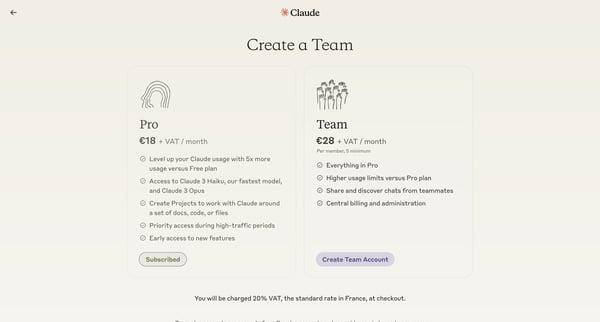
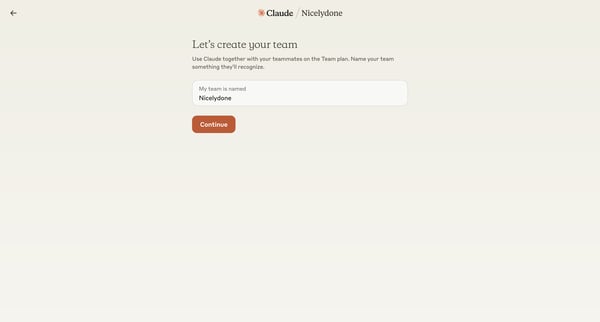
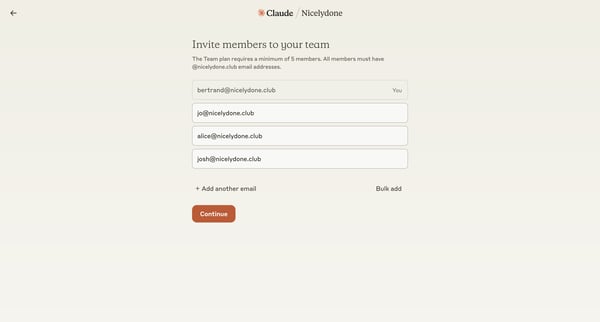
This flow guides users through the process of creating and subscribing to a Team plan for Claude, including team setup, member invitation, and payment.
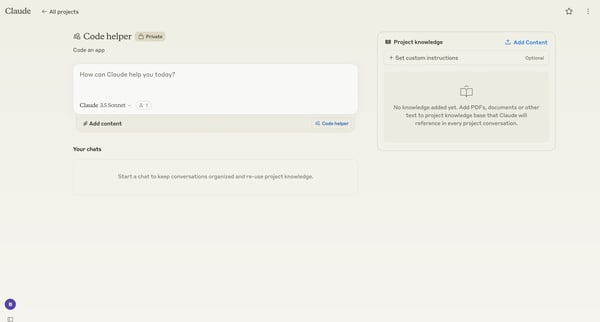
This flow guides users through creating a team, setting up a project, and customizing instructions for Claude within a team environment.
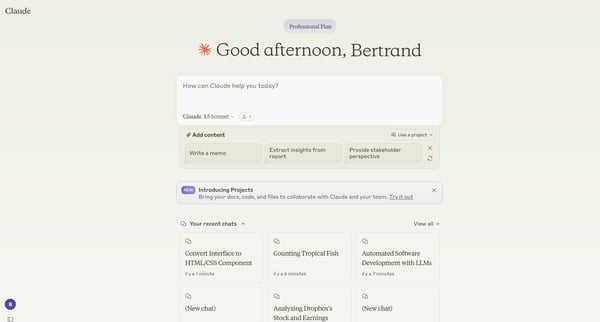
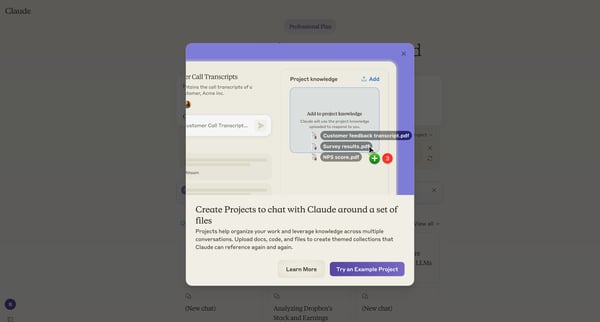
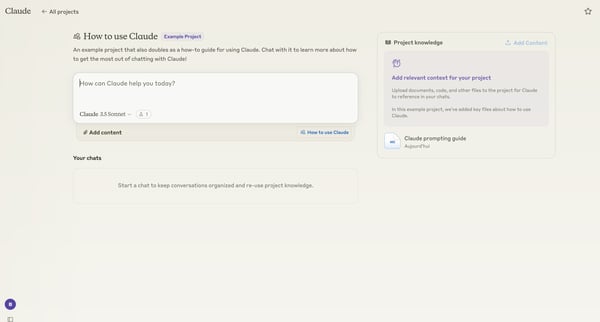
This flow guides users through the process of creating a new project in Claude, from initial exploration to project creation and setup.
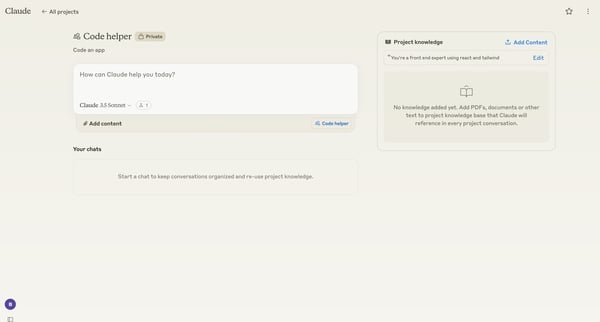
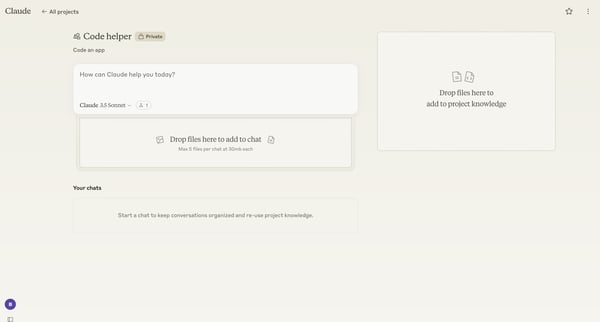
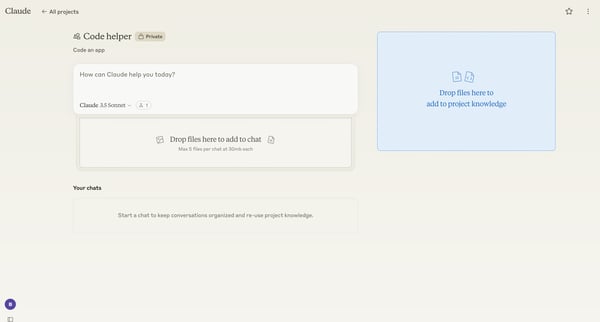
A user adds project knowledge files to a Claude AI assistant for a code helper project, then initiates a chat to ask for React layout assistance.
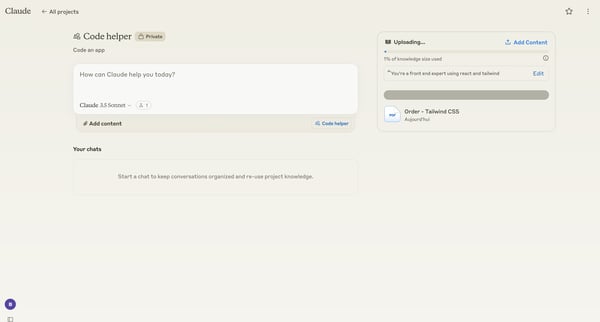
A user interacts with Claude AI to upload project knowledge and initiate a conversation about React layouts.
Explore the full SaaS flow library
Browse the full SaaS flow library.
Trusted by the best teams







