Progress bar screen examples
Progress bar screen design examples from SaaS apps. Browse examples from Zaro, Dock, Voiceflow.
Explore the examples
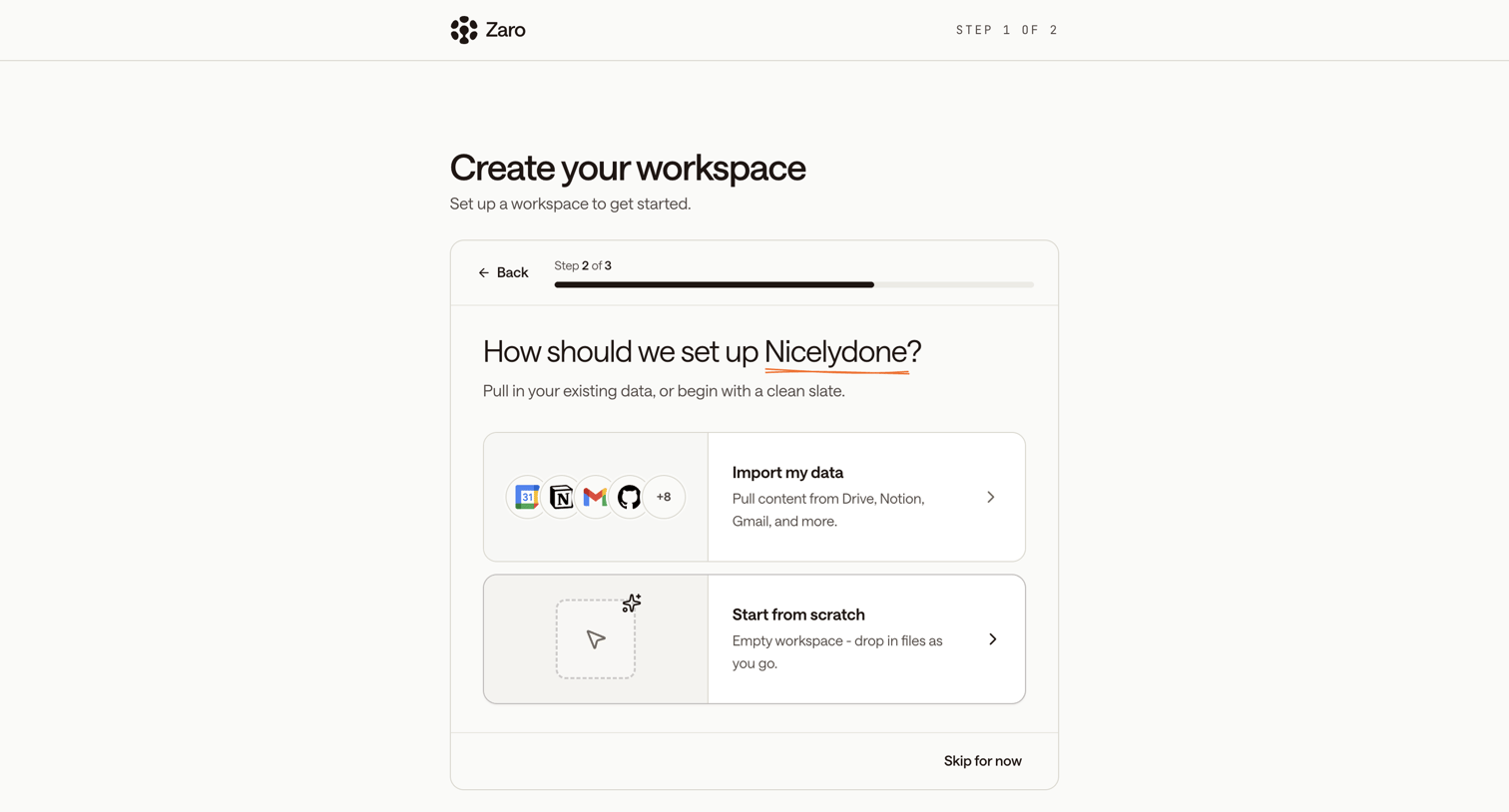

Onboarding step where the user chooses whether to import existing data from tools like Drive and Notion or start with an empty workspace.
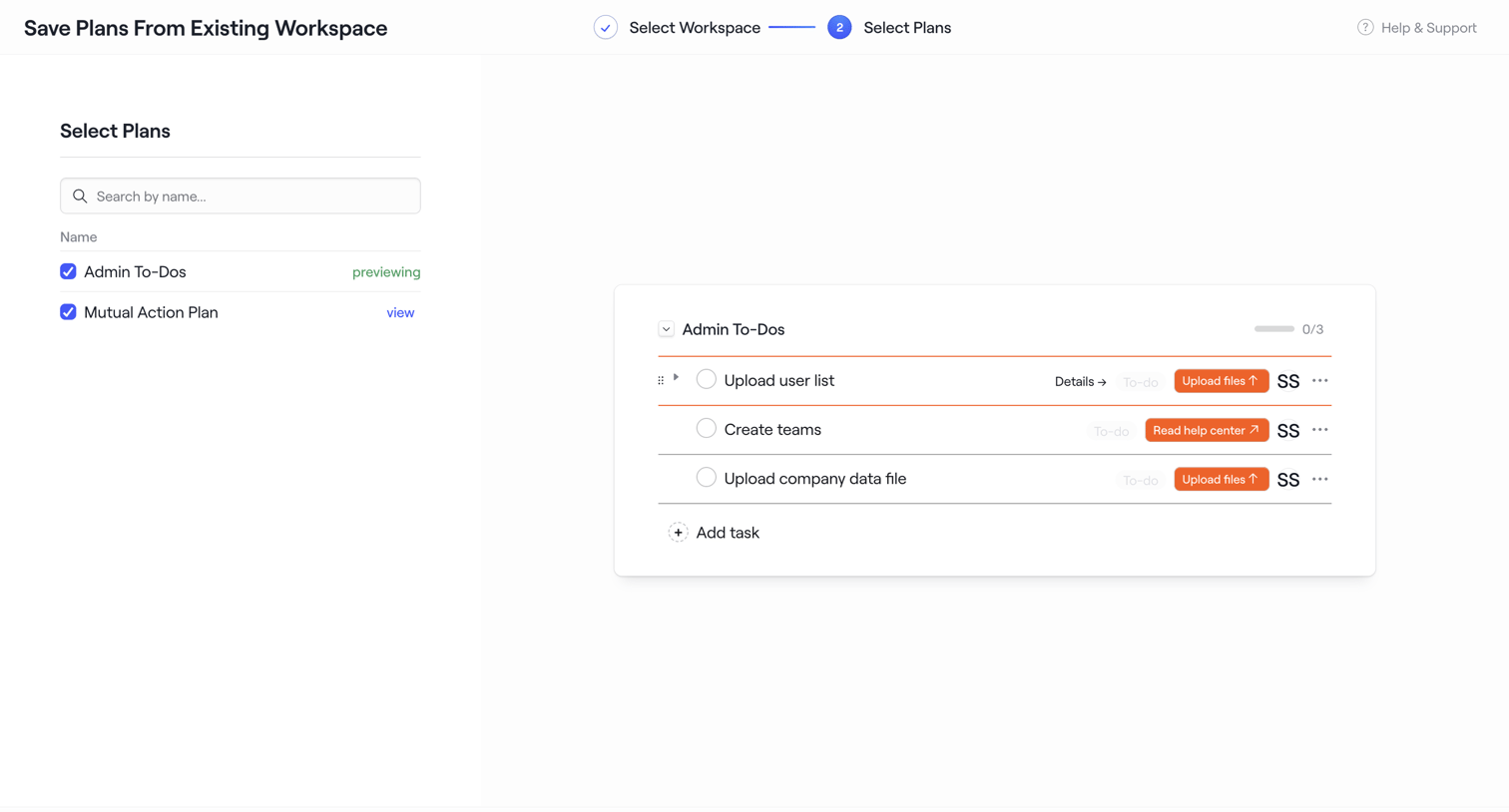

Wizard step where the user selects plans from an existing workspace to save as a new template, previewing the tasks inside the selected plan.
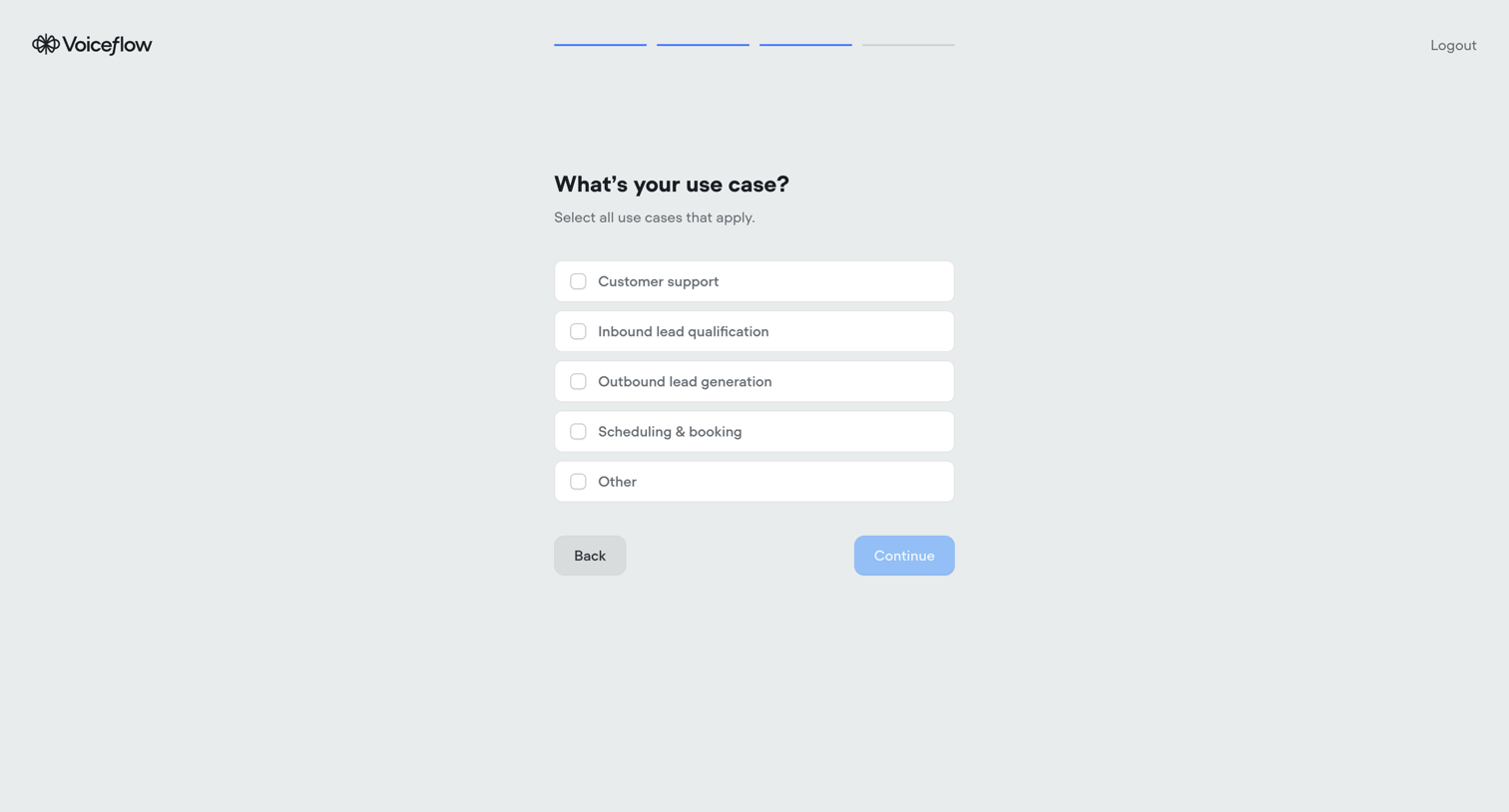

Onboarding step where the user selects their primary use cases from a list of options like customer support and lead generation.
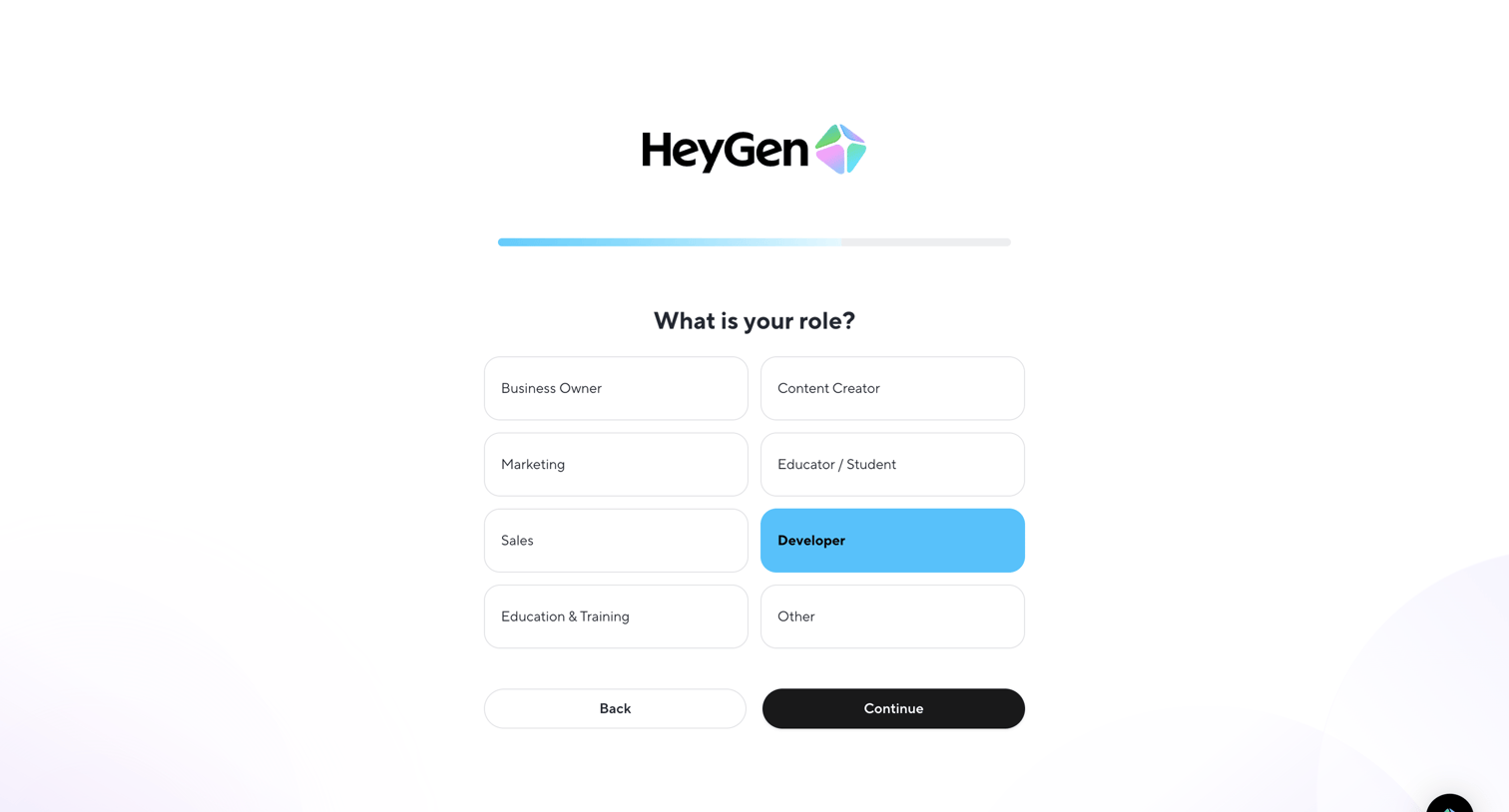

Onboarding step where the user selects their role from a grid of options like Business Owner, Marketing, and Developer before continuing.
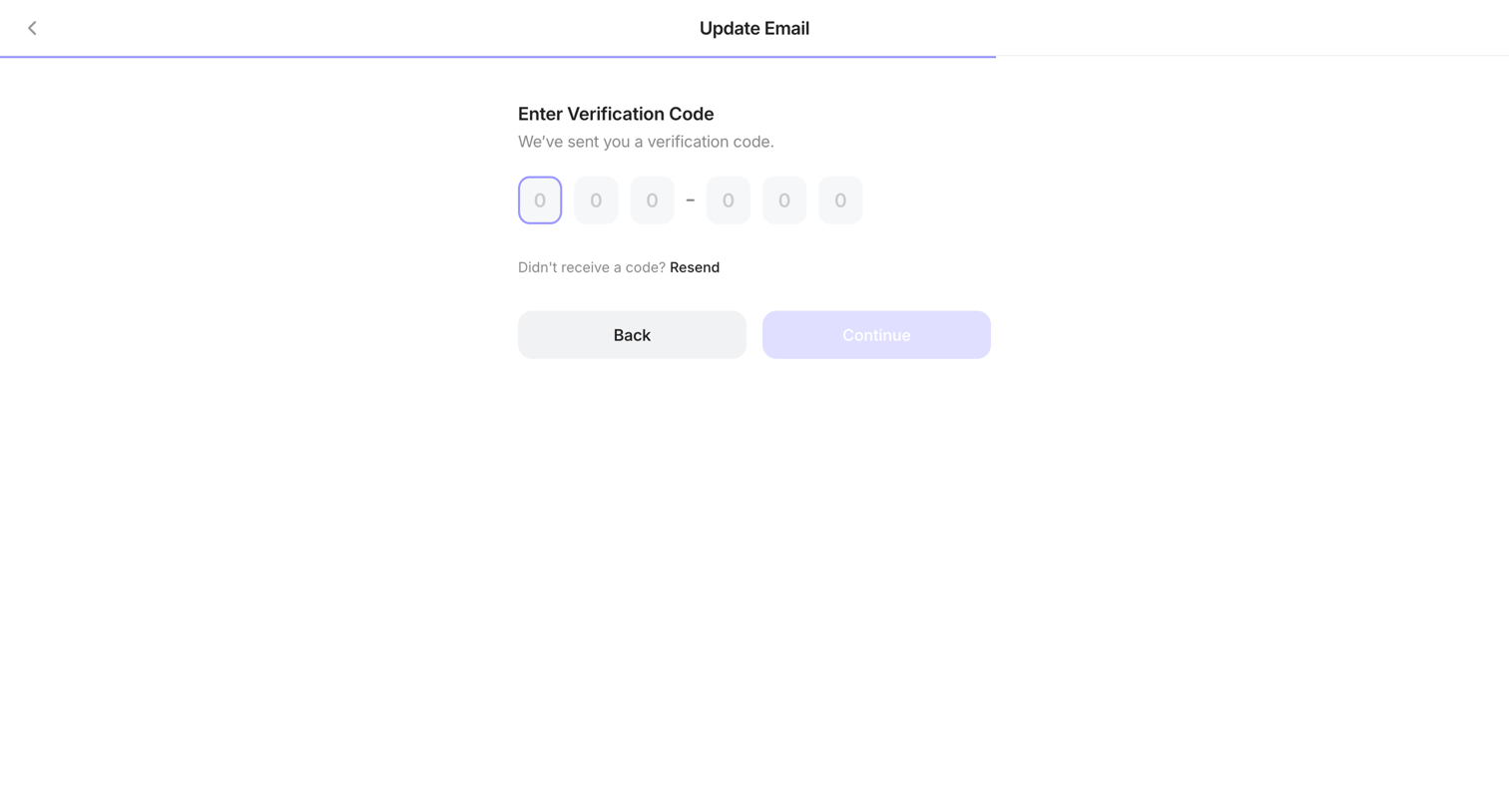

Verification screen where the user enters a 6-digit code to update their email address.
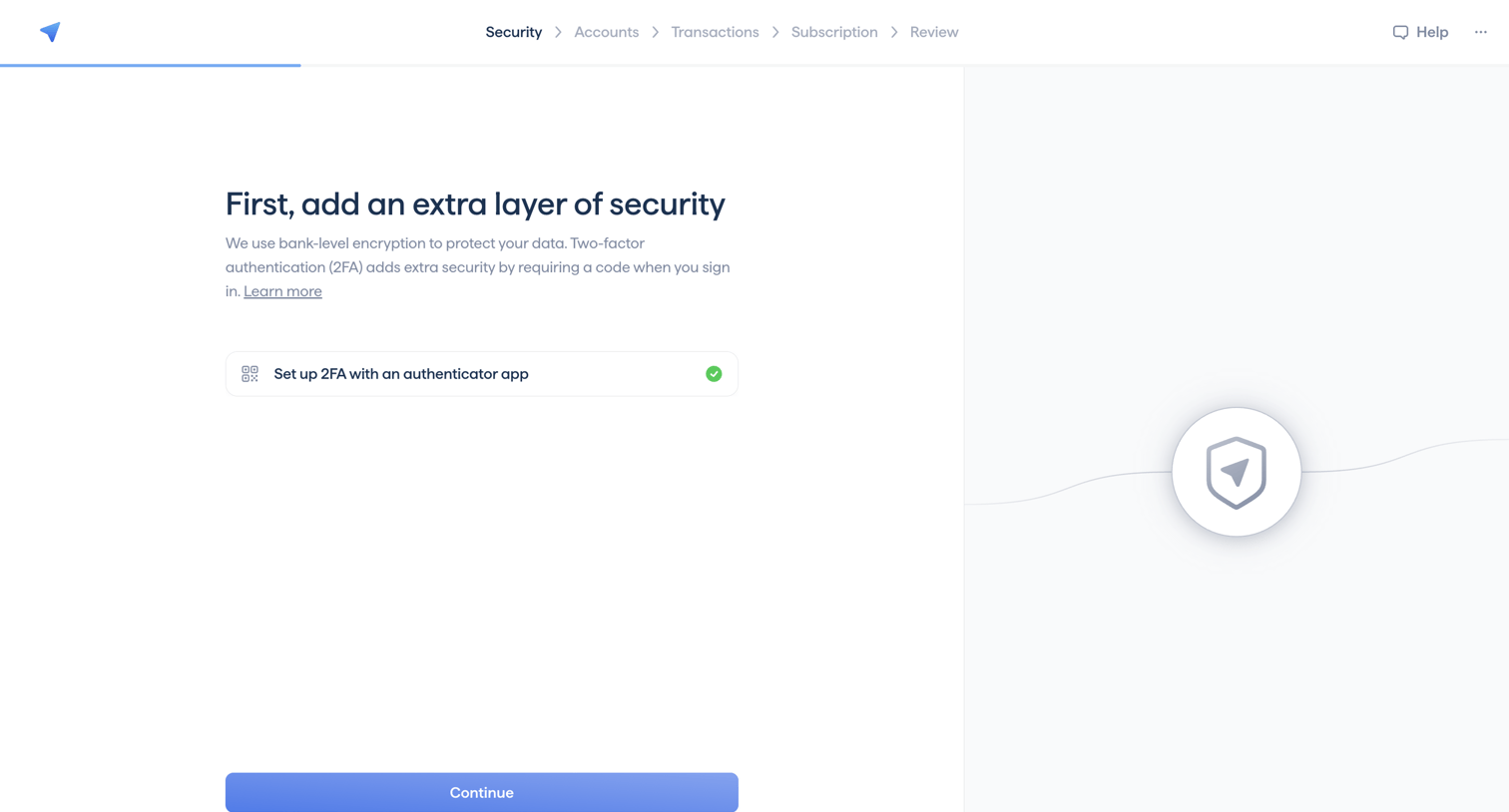

Onboarding step where the user sets up two-factor authentication with an authenticator app before continuing.
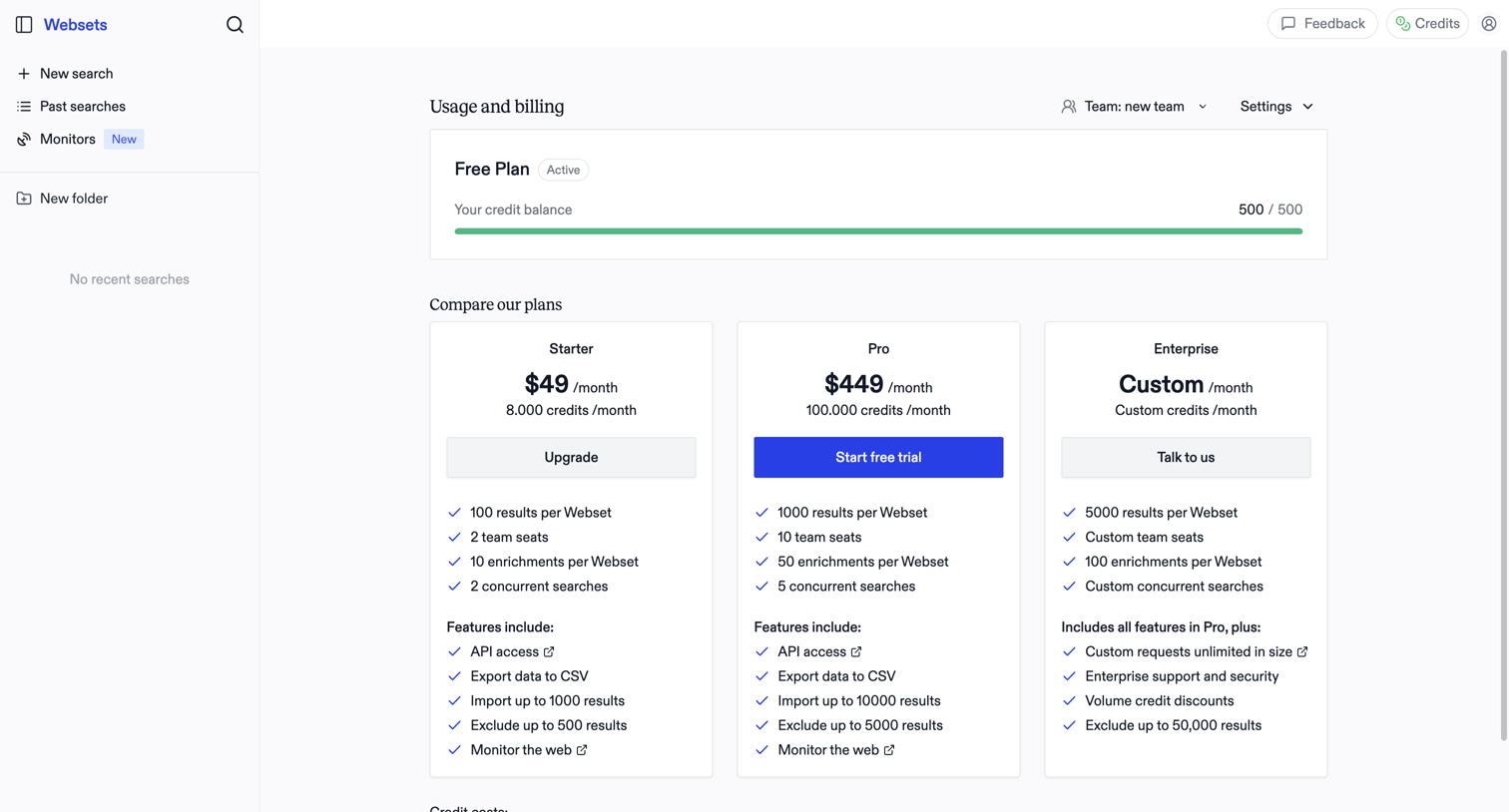

Billing settings page where the user monitors their free plan credit balance and compares paid subscription tiers to upgrade.
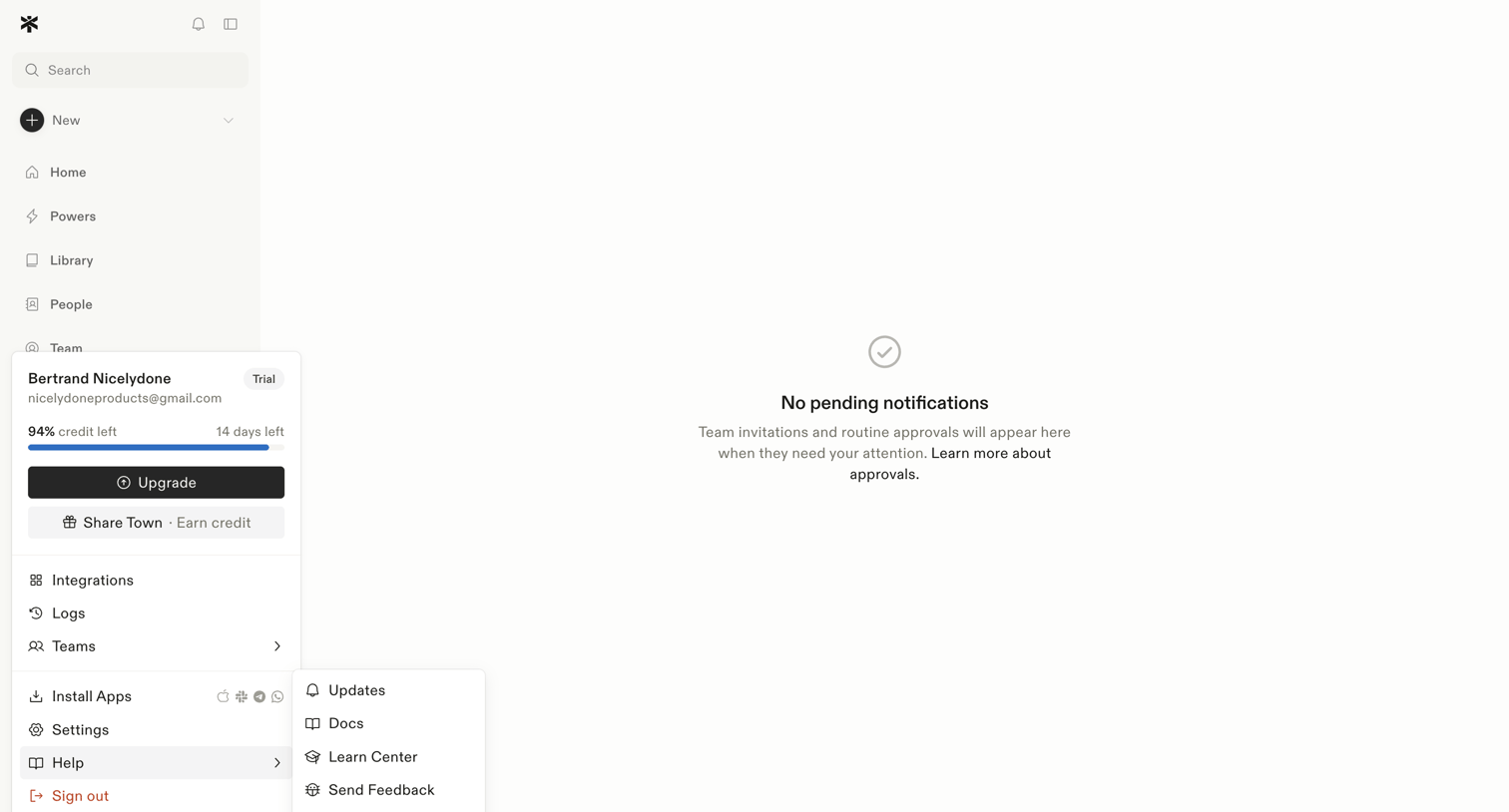

Inbox view where the user manages team invitations and routine approvals, currently showing a zero-state message with no pending items.
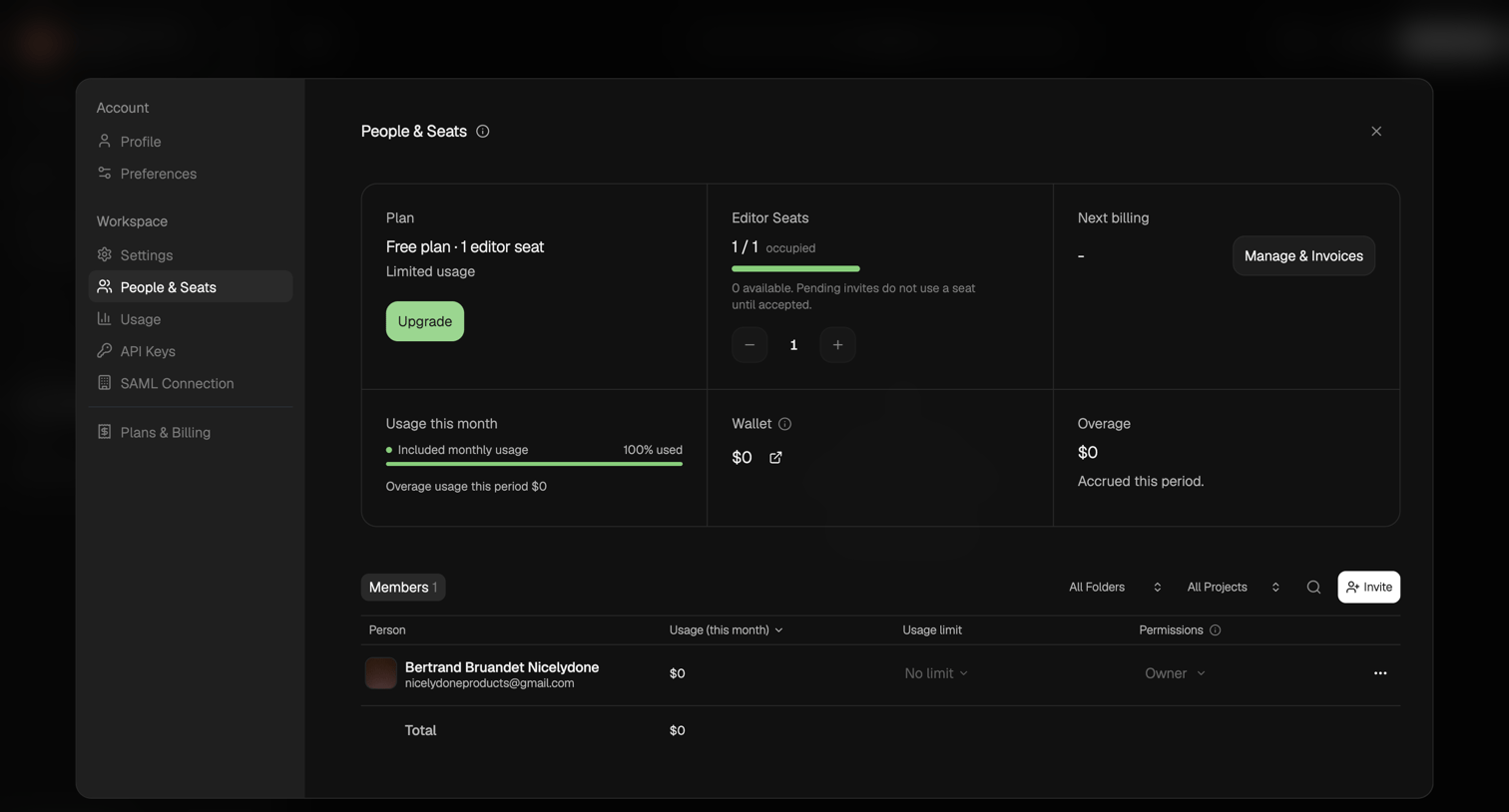

Settings modal where the user manages their workspace plan, editor seats, usage limits, and invites new members.
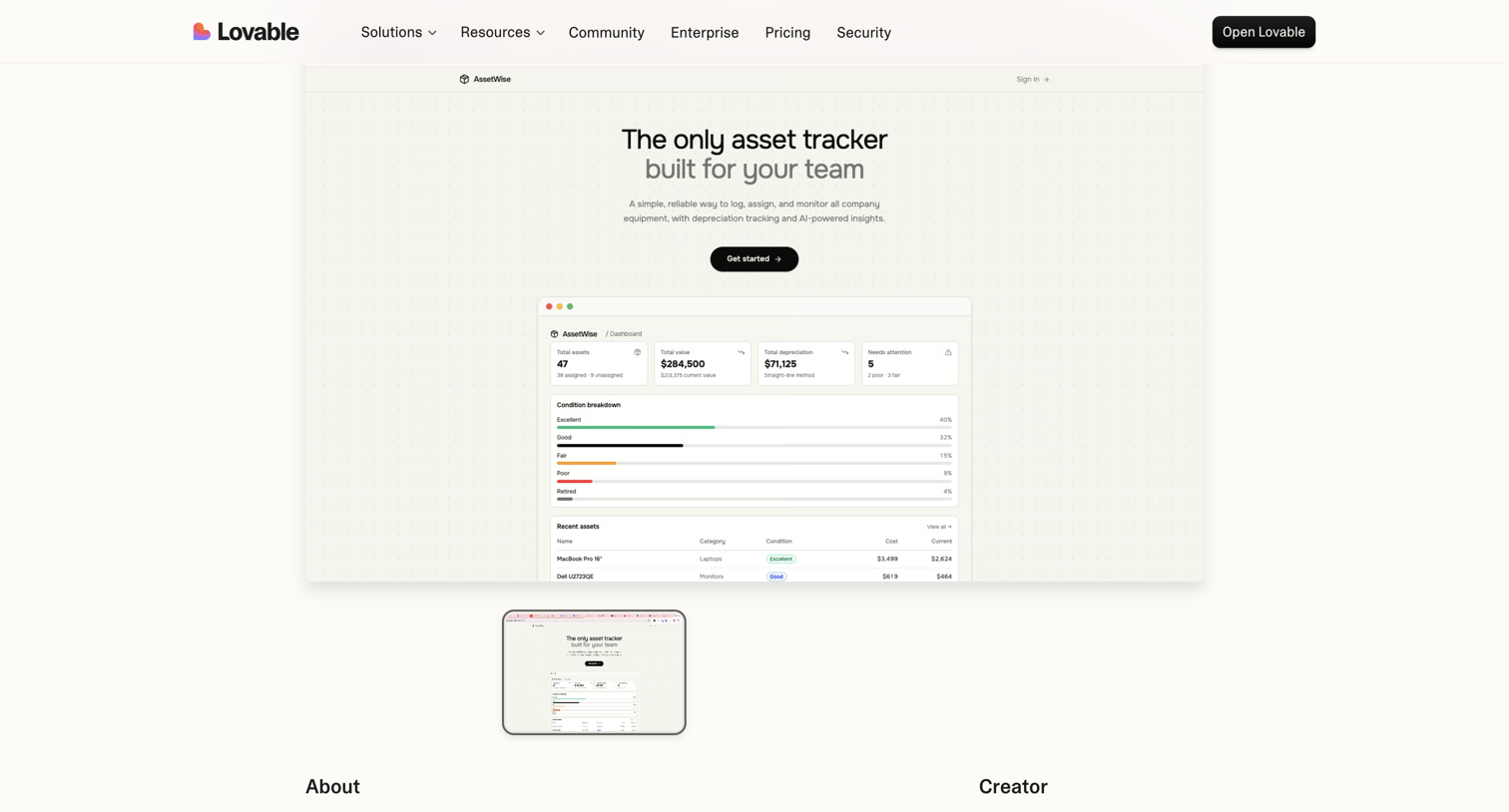

Product page showcasing AssetWise, an asset tracking application built by a creator, featuring a live preview window and creator details.

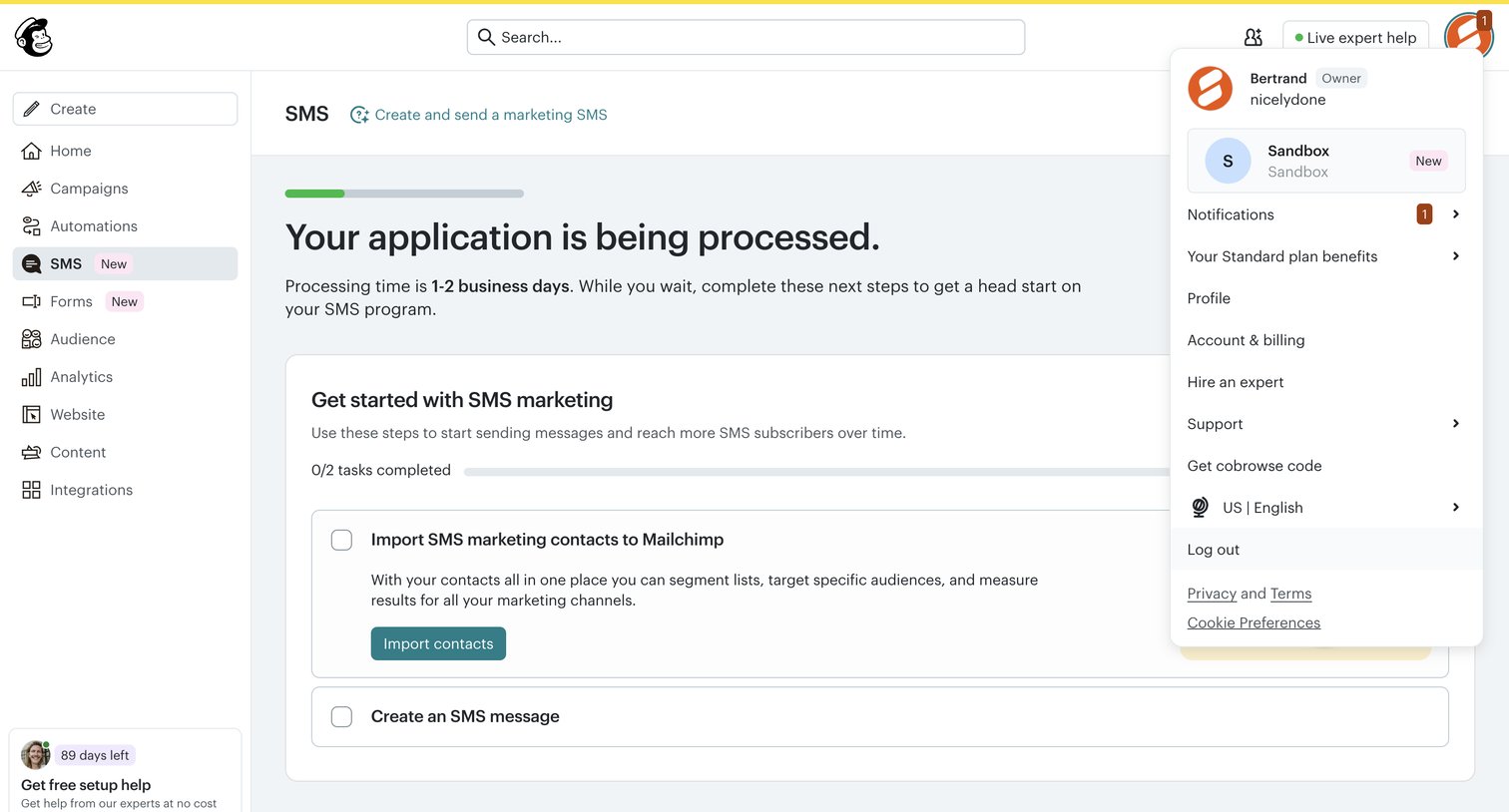

Onboarding screen where the user waits for their SMS application to process and completes a setup checklist to import contacts.
Explore the full SaaS screen library
Upgrade to unlock the full library.
Trusted by the best teams







