Progress screen examples
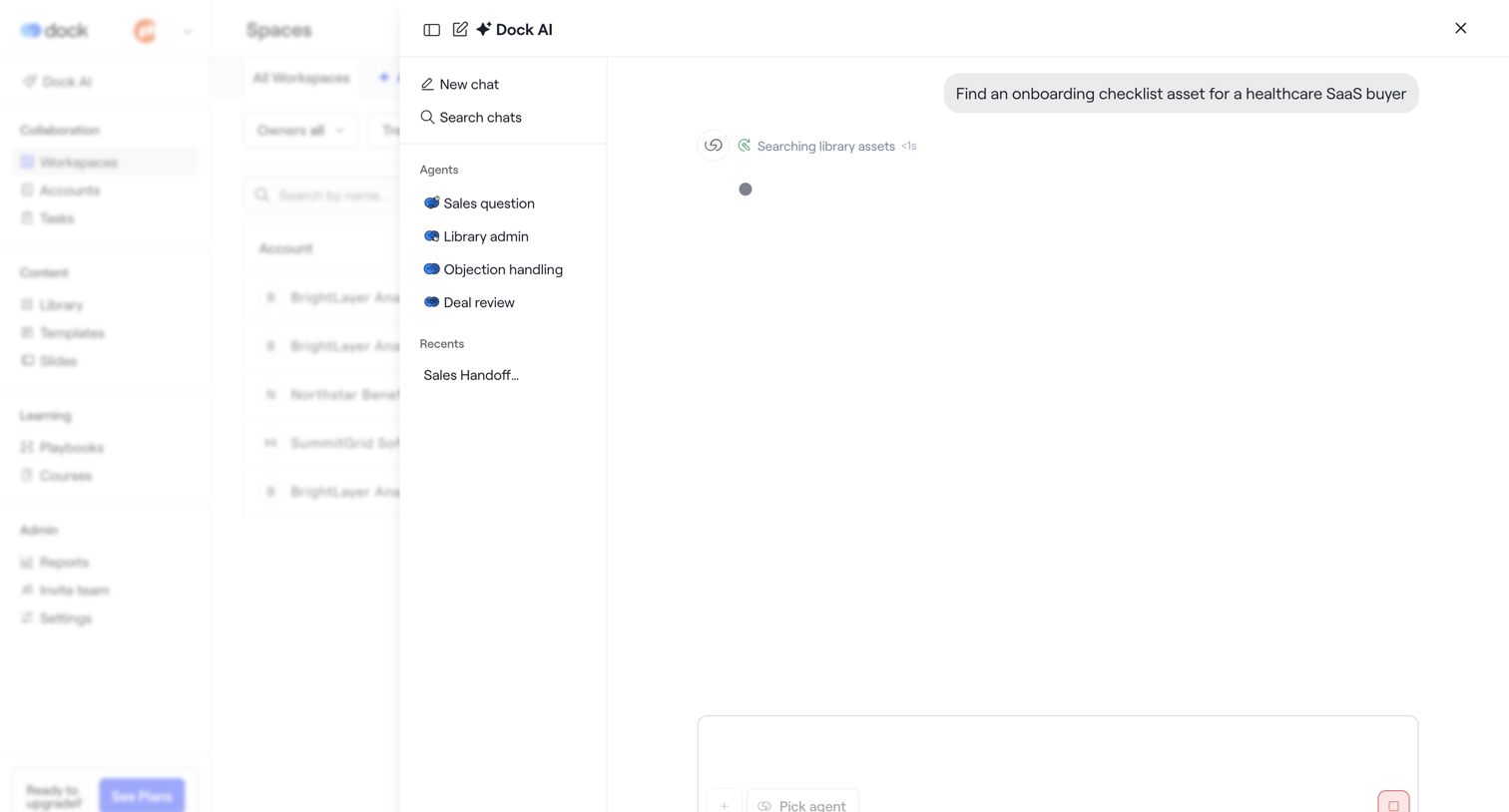
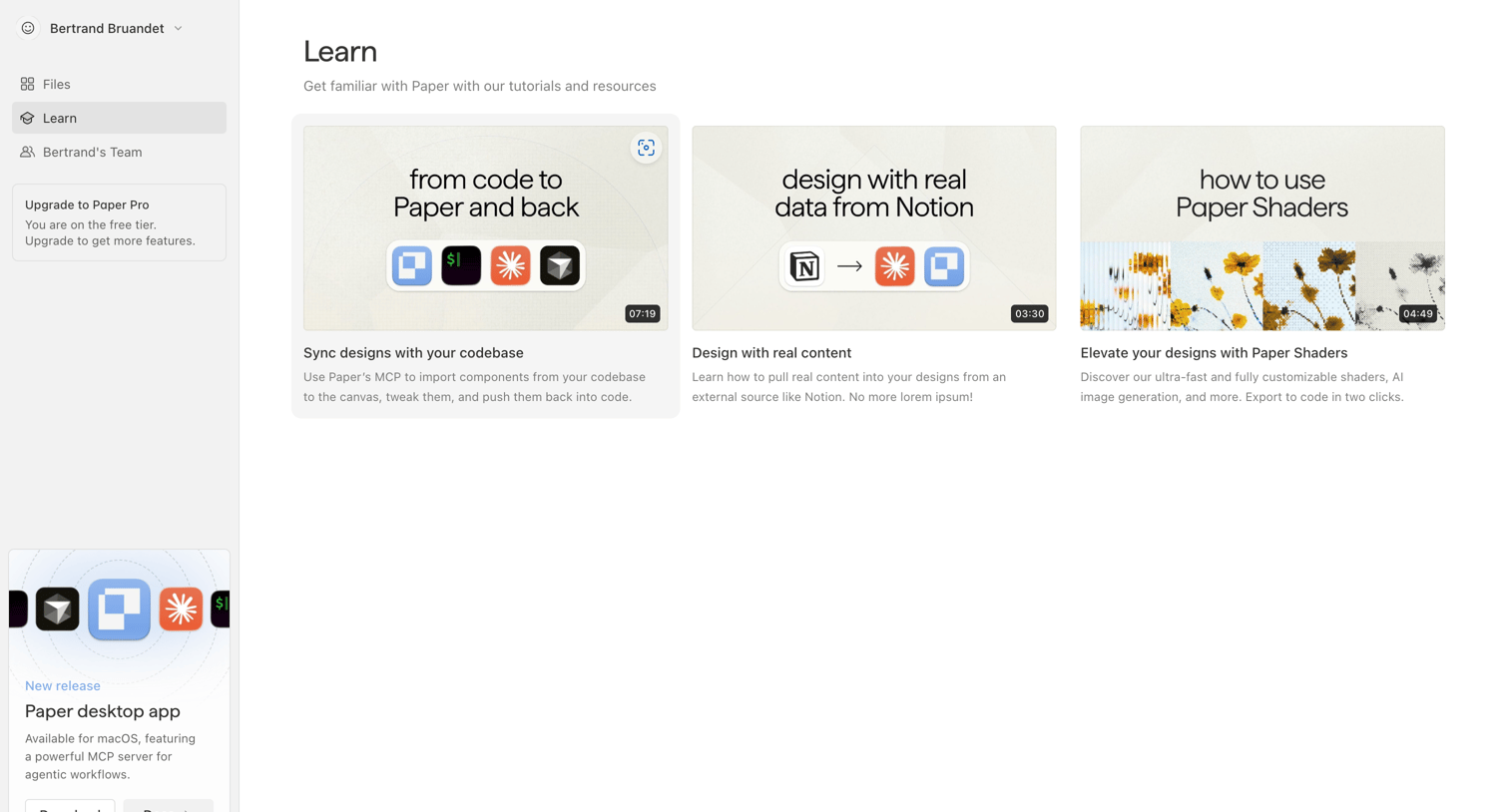
Progress screen design examples from SaaS apps. Browse examples from Dock, Flora, Paper.
Explore the examples

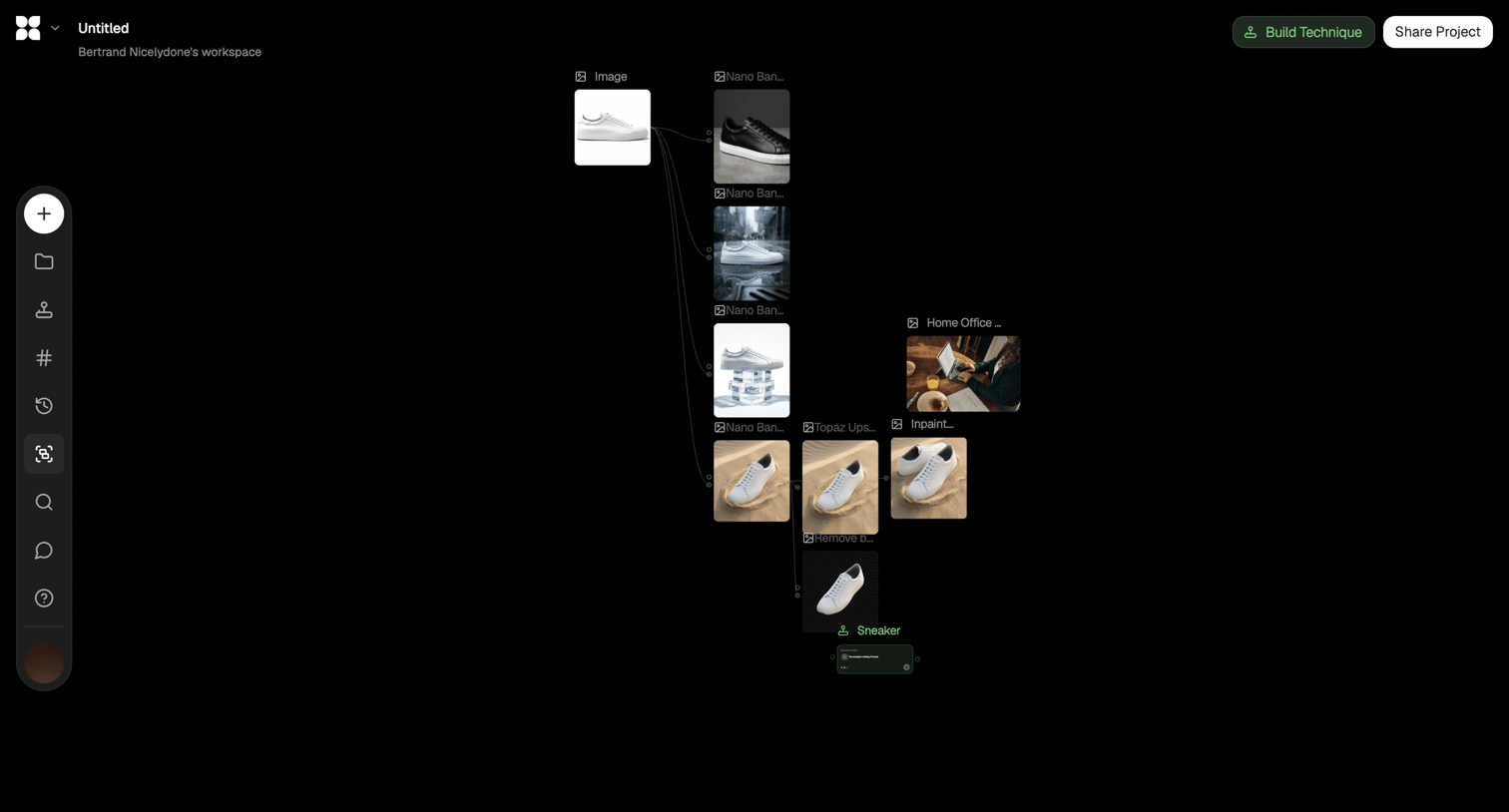

Workflow editor where the user connects an initial sneaker image to various AI generation nodes like inpainting and background removal to produce different visual variations.


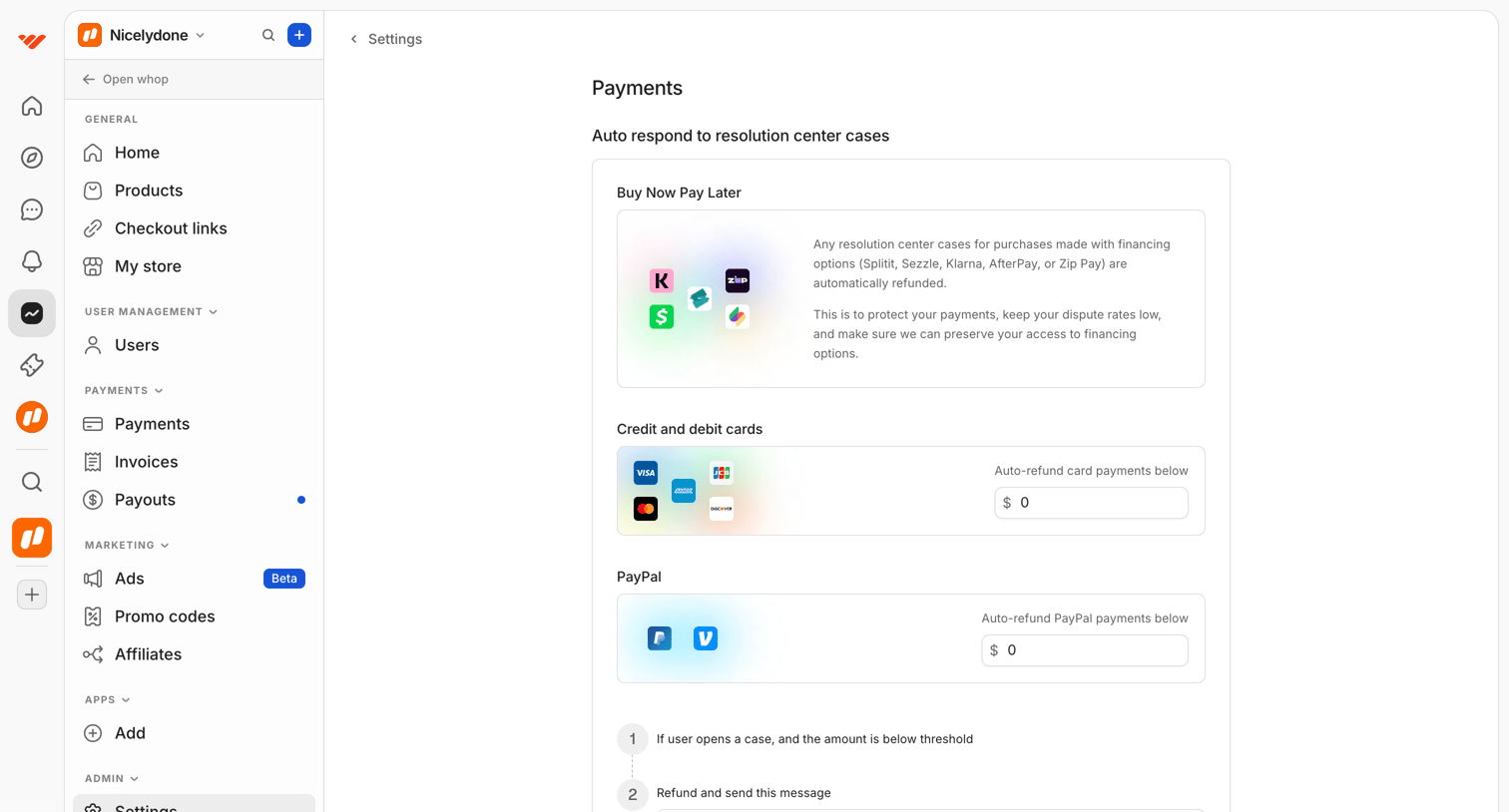

Settings page where the user configures auto-refund thresholds and automated messages for different payment methods like Buy Now Pay Later, credit cards, and PayPal.
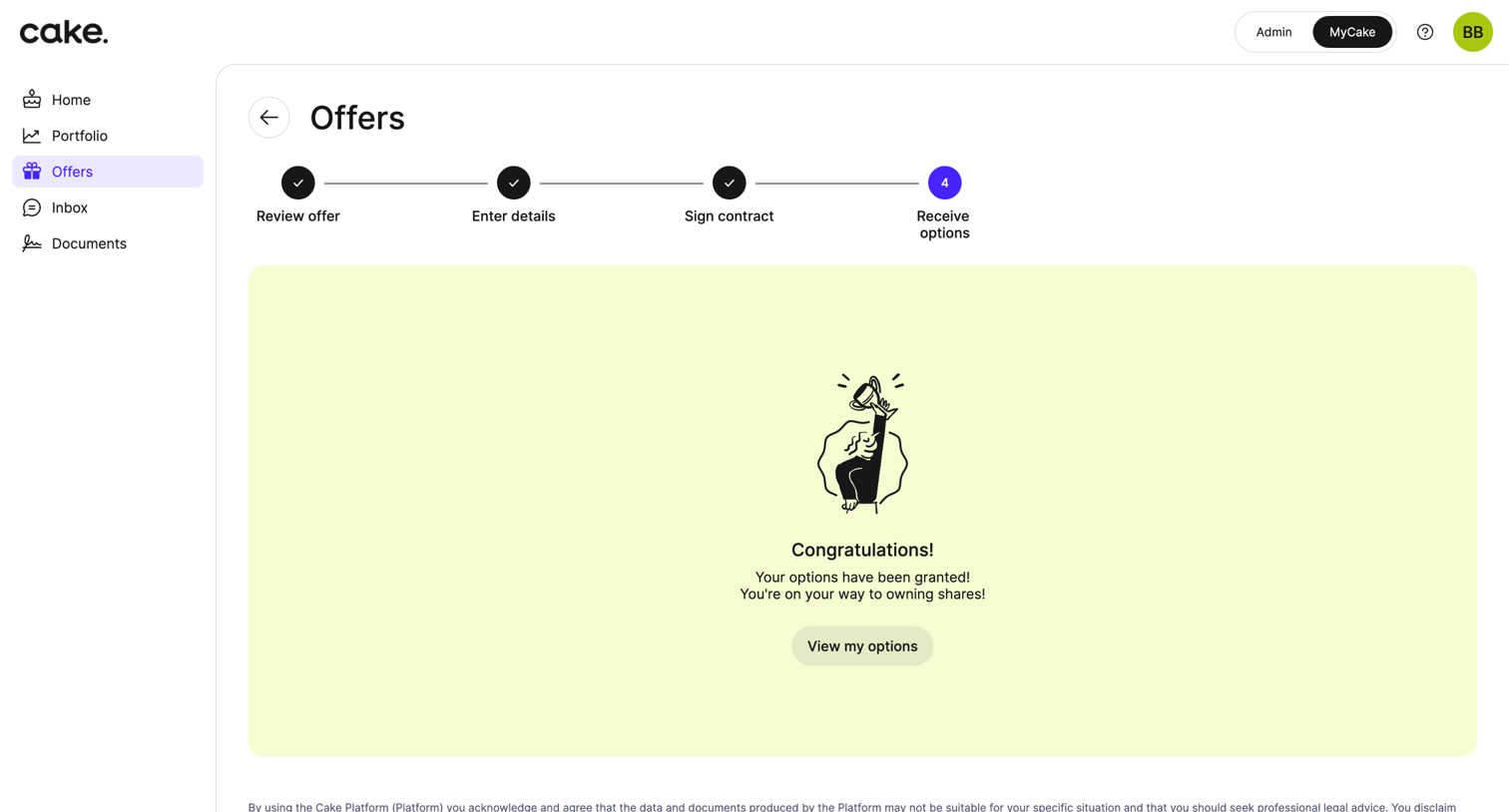

Onboarding step where the user sees a success message after completing the four-step process to receive their equity options.
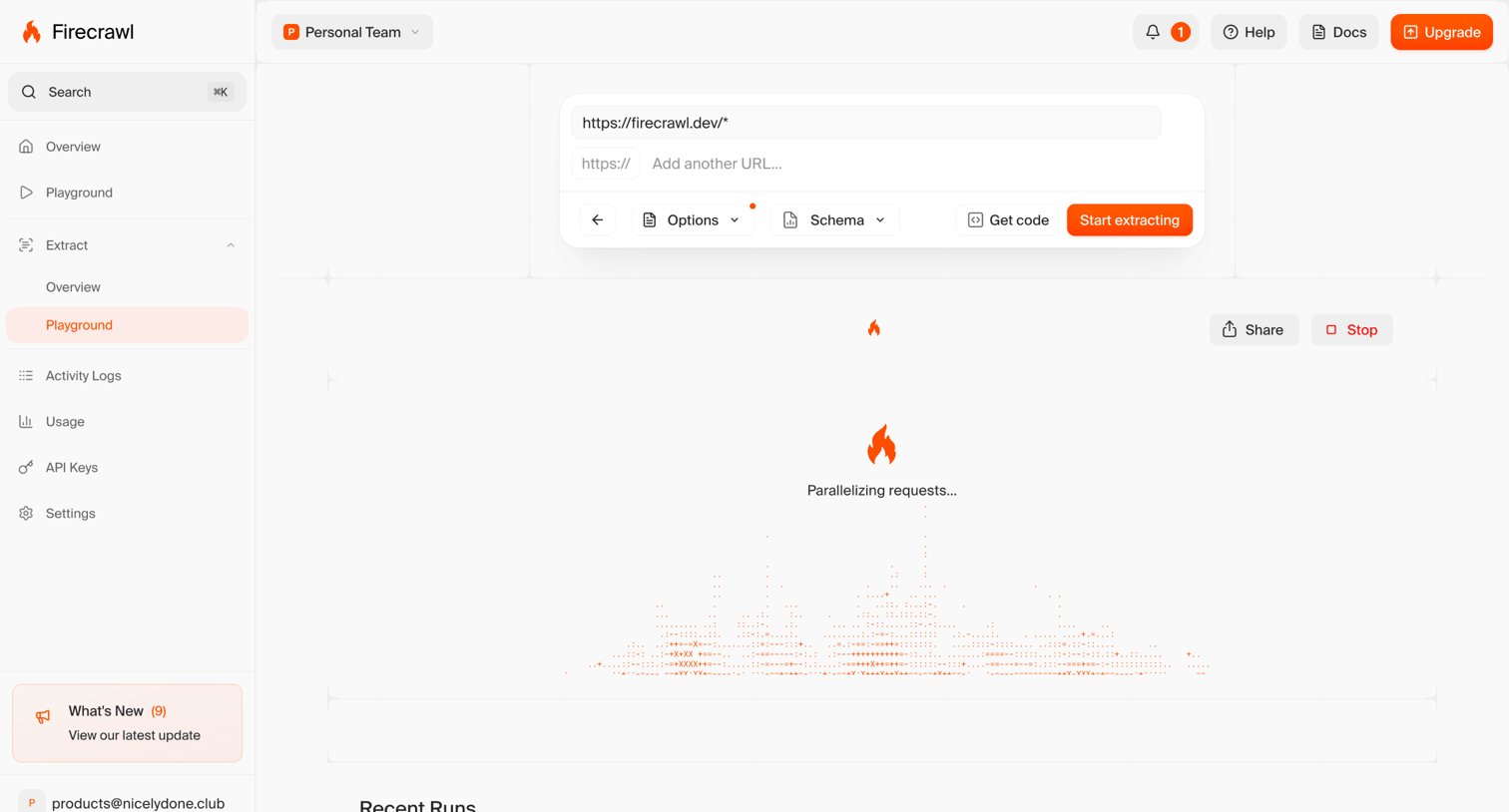

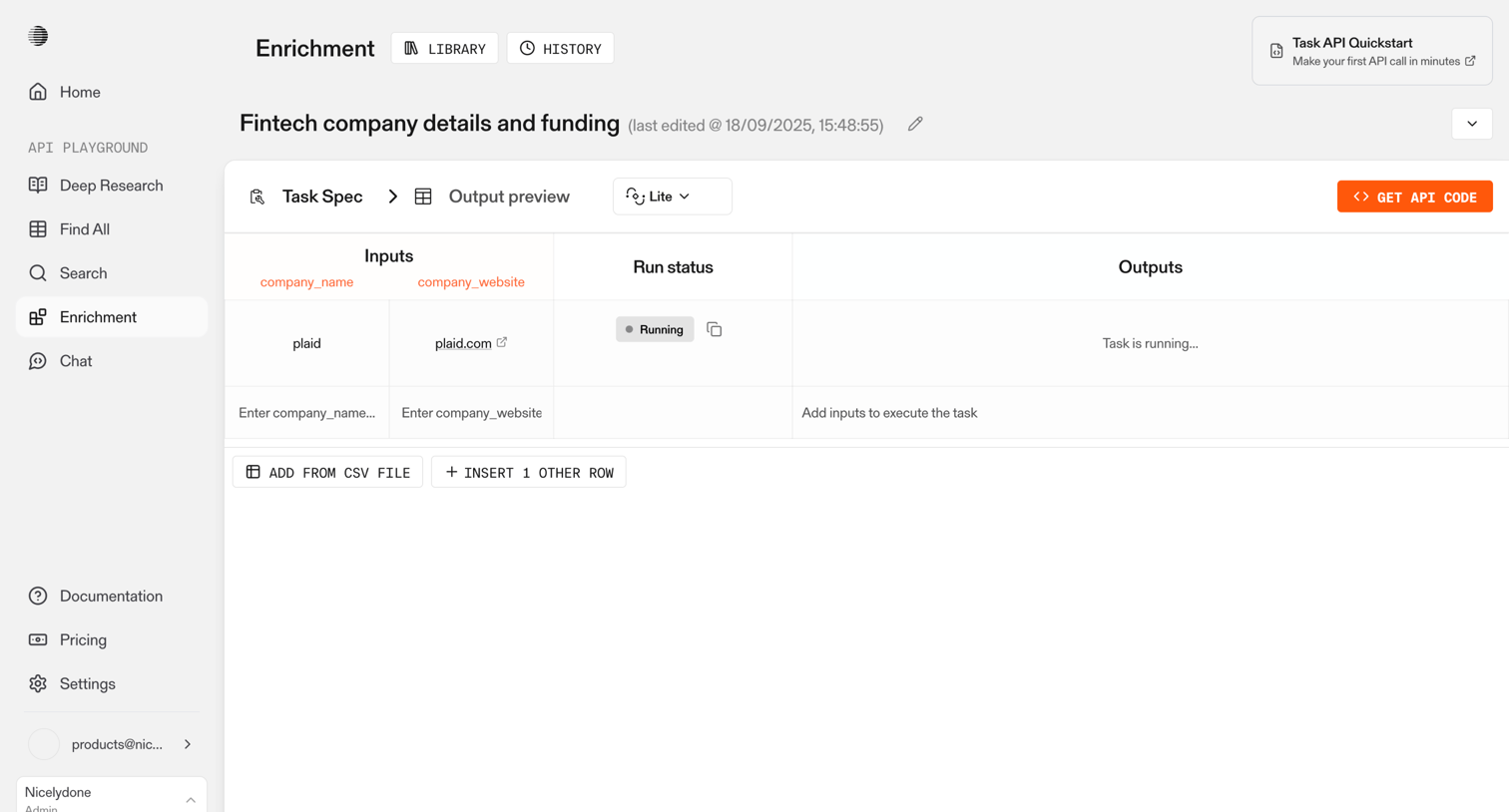
Developer playground where the user configures URL targets, schema, and options to start a web scraping job, currently showing an active loading state with parallelized requests.
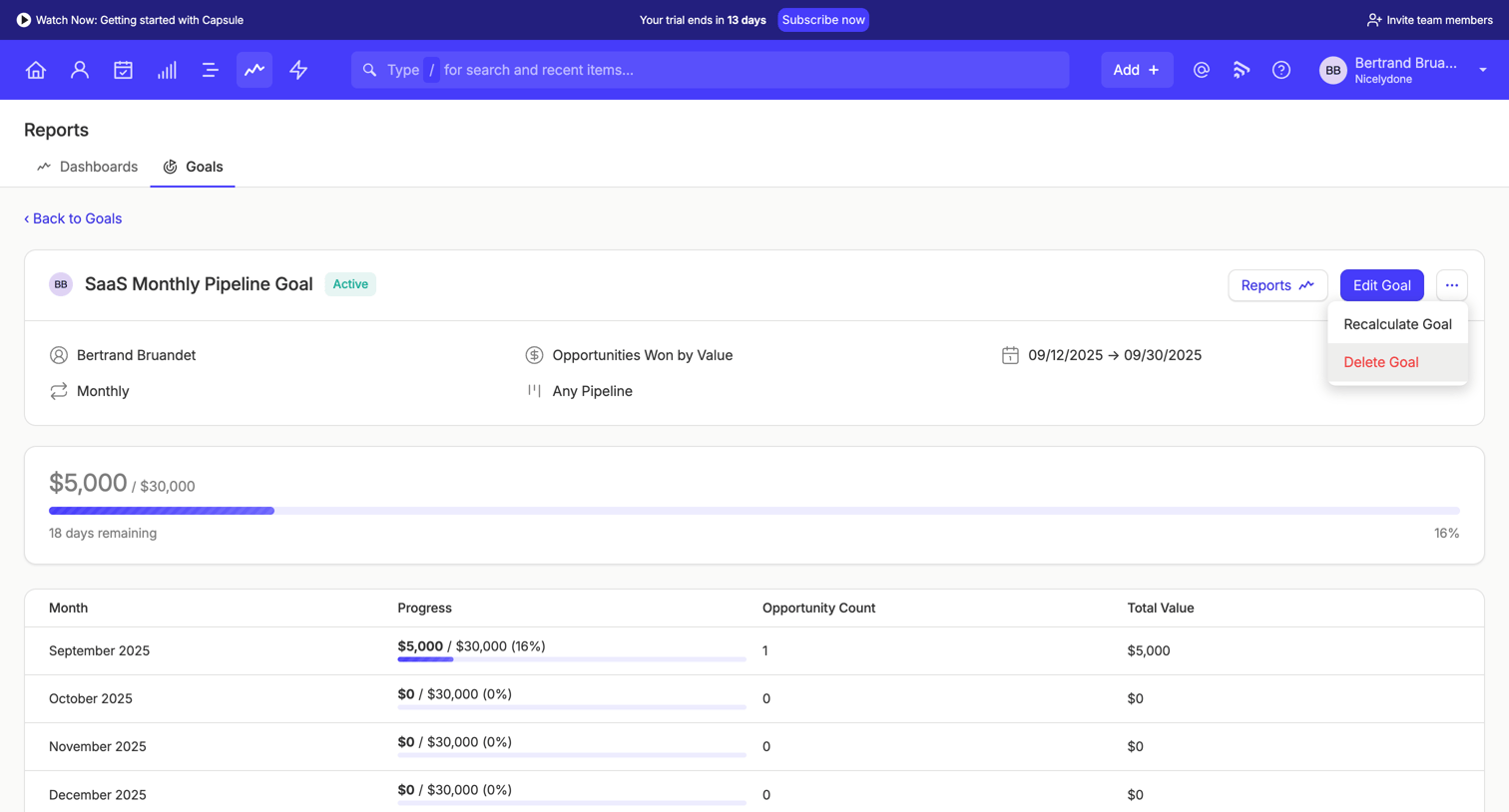


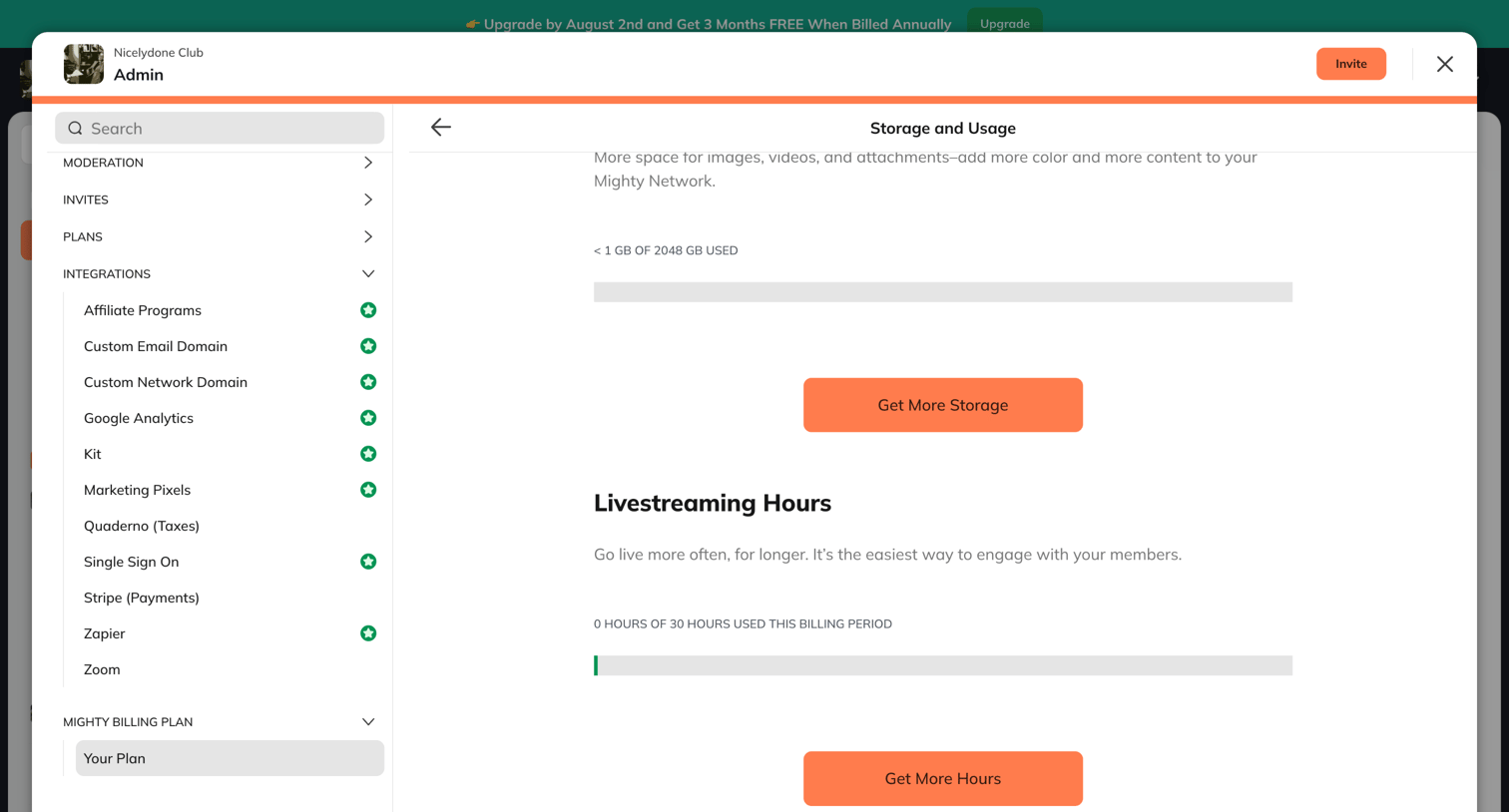

Settings modal where the admin views current storage and livestreaming hours usage with options to purchase more capacity.
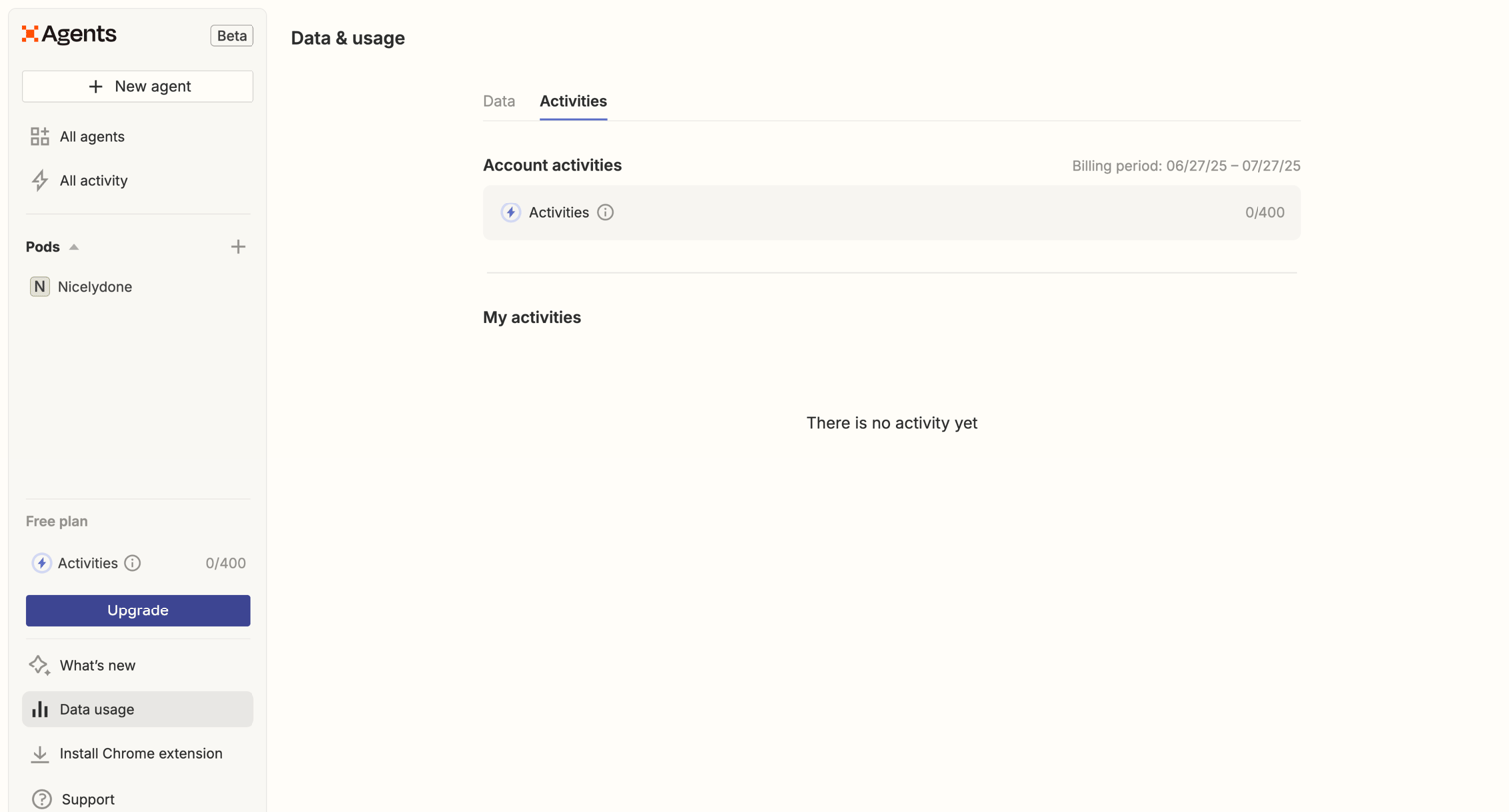

Settings page where the user views their current billing period's activity usage and can upgrade from the free plan.
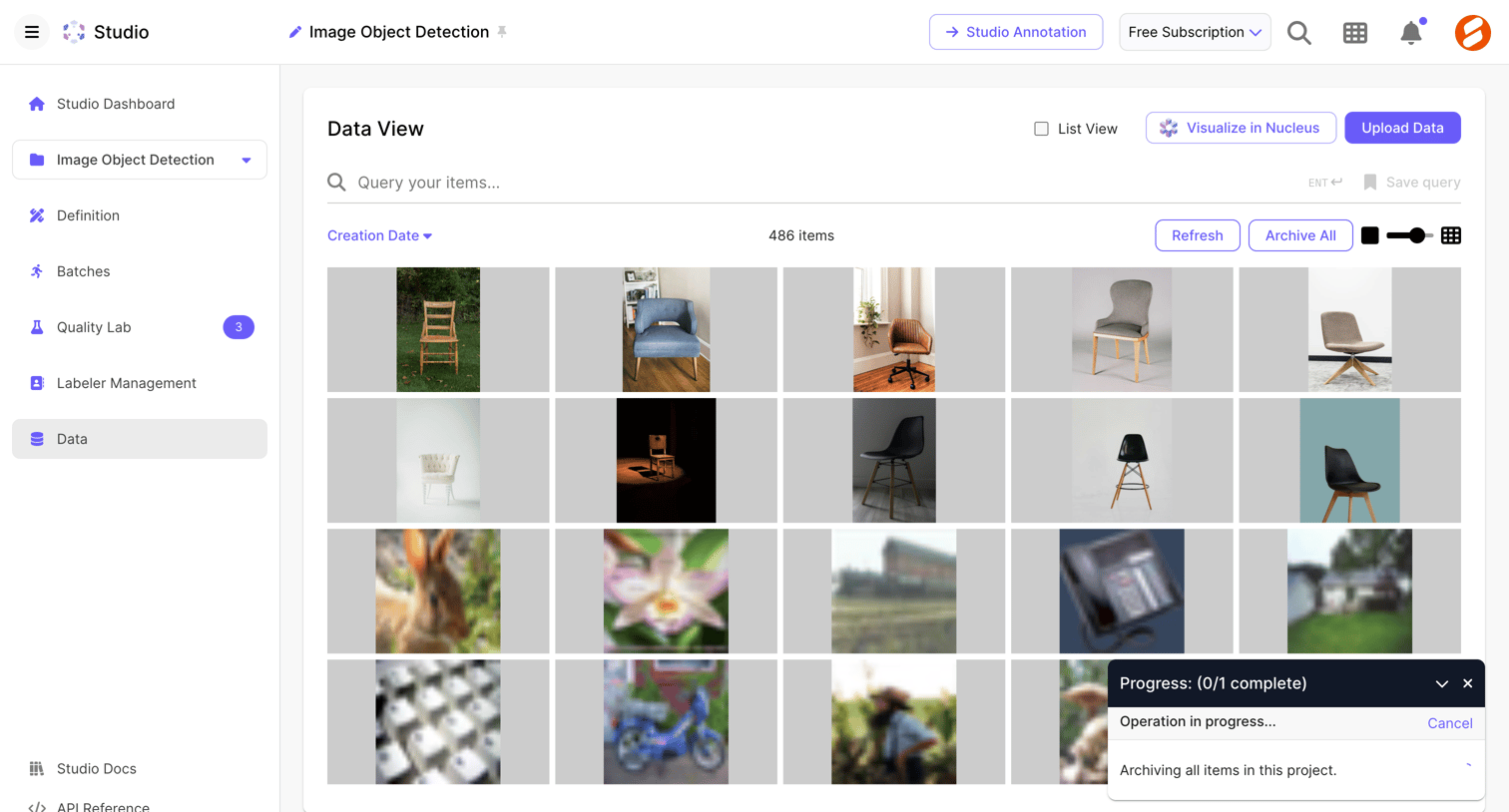

List view where the user manages uploaded images for an object detection project, with active archiving and uploading operations visible.
Explore the full SaaS screen library
Upgrade to unlock the full library.
Trusted by the best teams







