Modal confirmation screen examples
Modal confirmation screen design examples from SaaS apps. See how SaaS apps explain the consequences of an action before asking people to confirm. Browse designs for deleting data, publishing changes, and reviewing…
Explore the examples
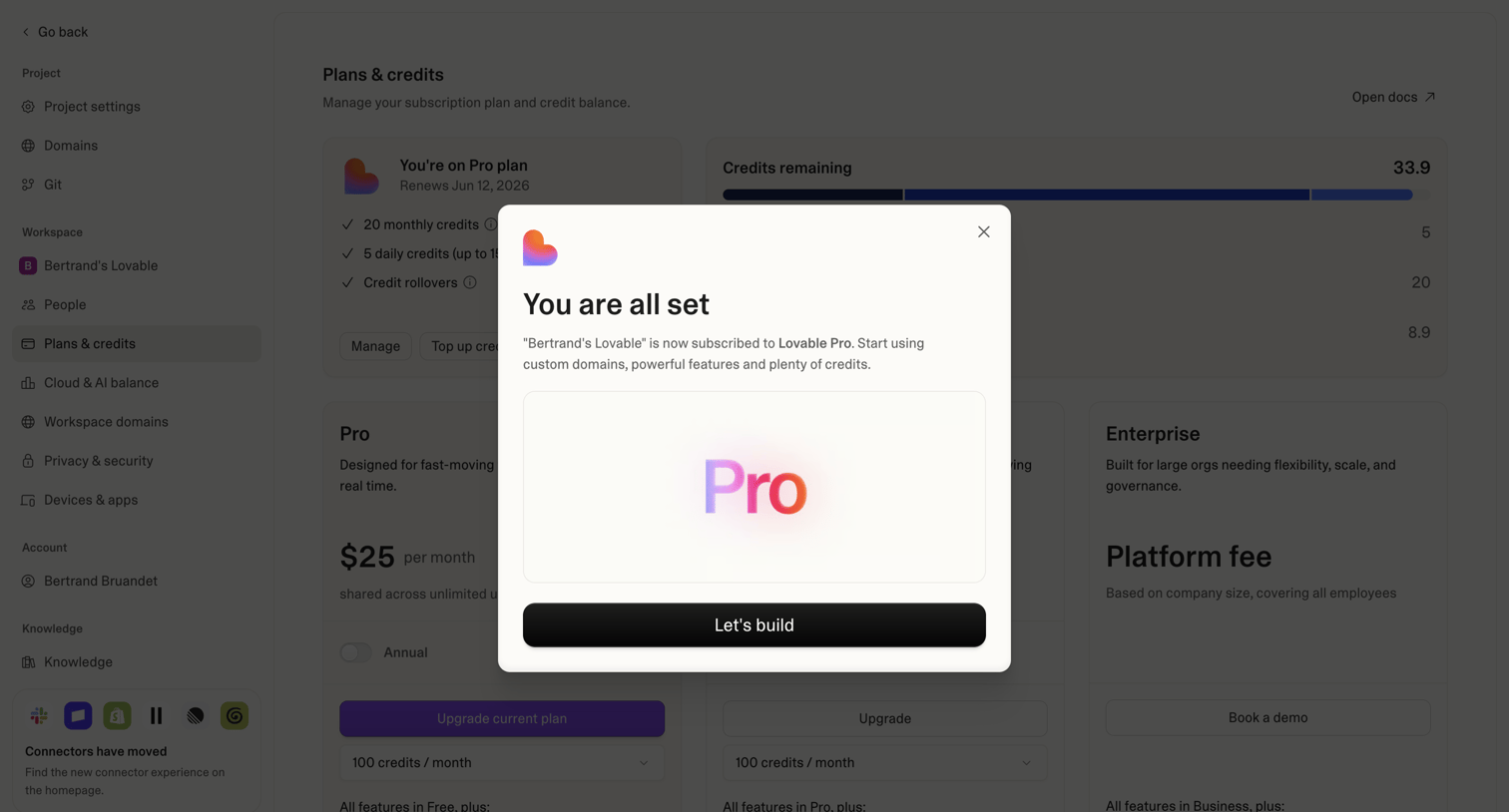

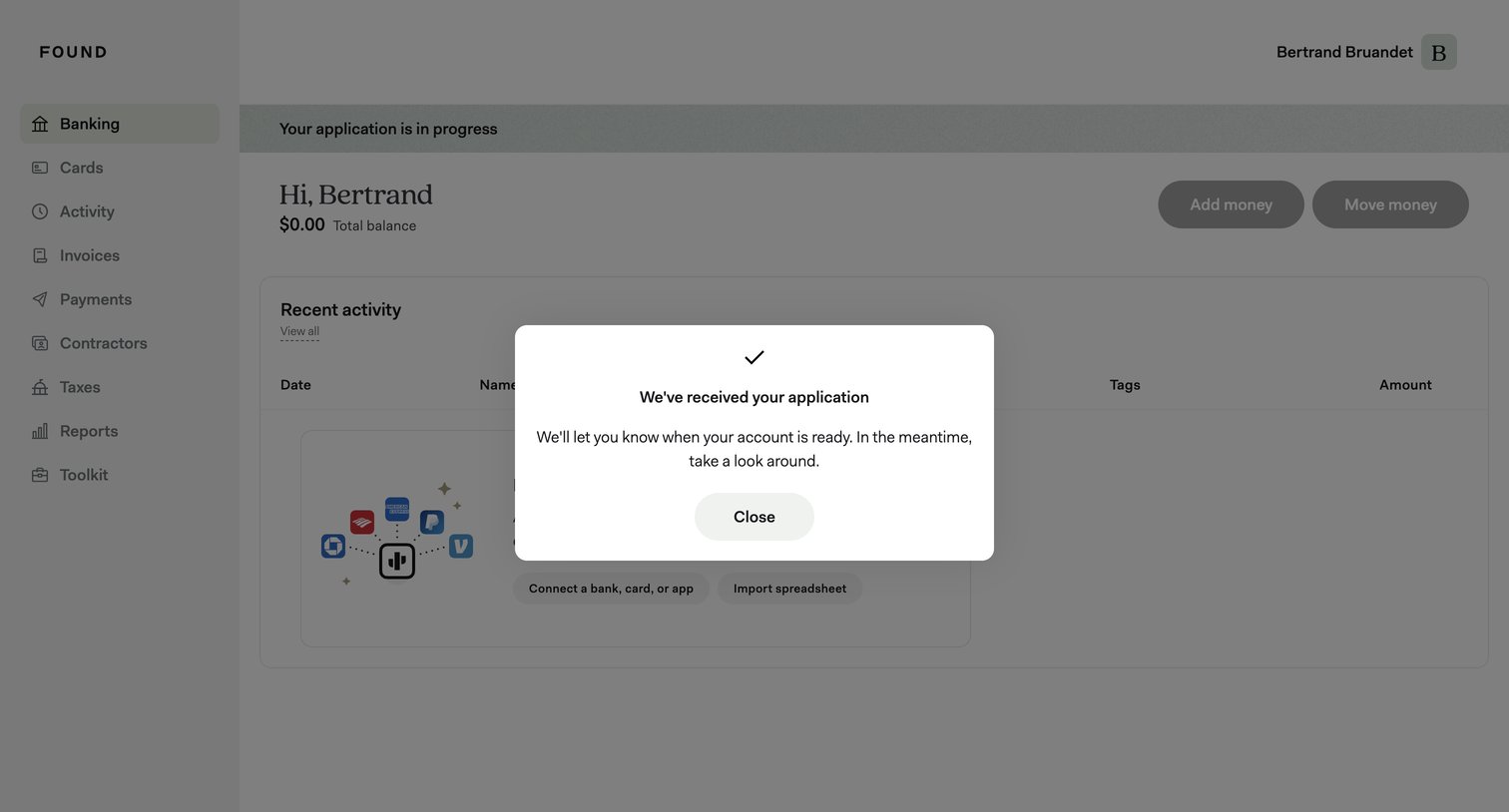

Dashboard showing an empty recent activity state with an overlay modal confirming the user's application has been received.
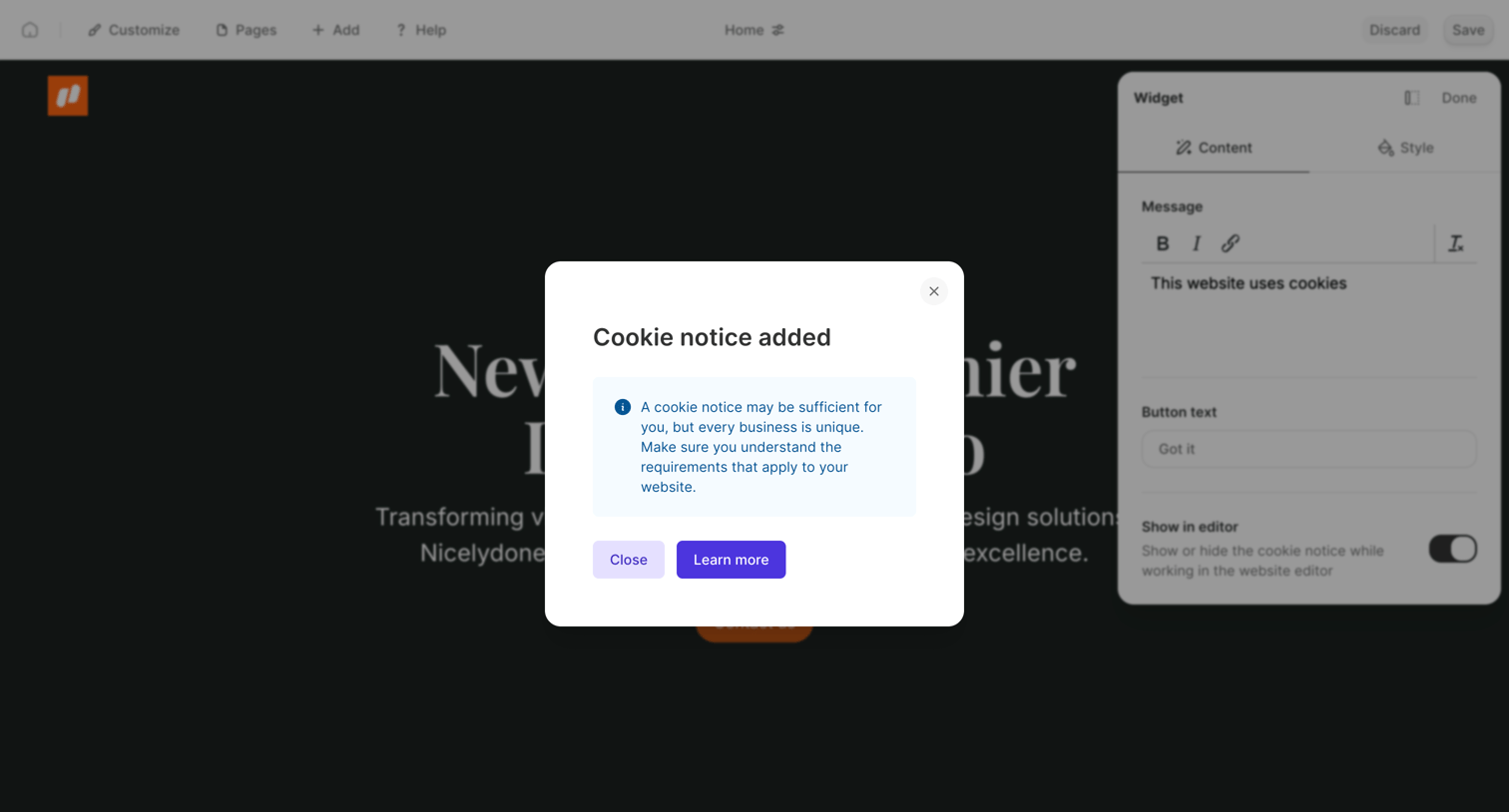

Website builder editor where a modal confirms a cookie notice has been added and provides a learn-more link over the right-hand settings panel.
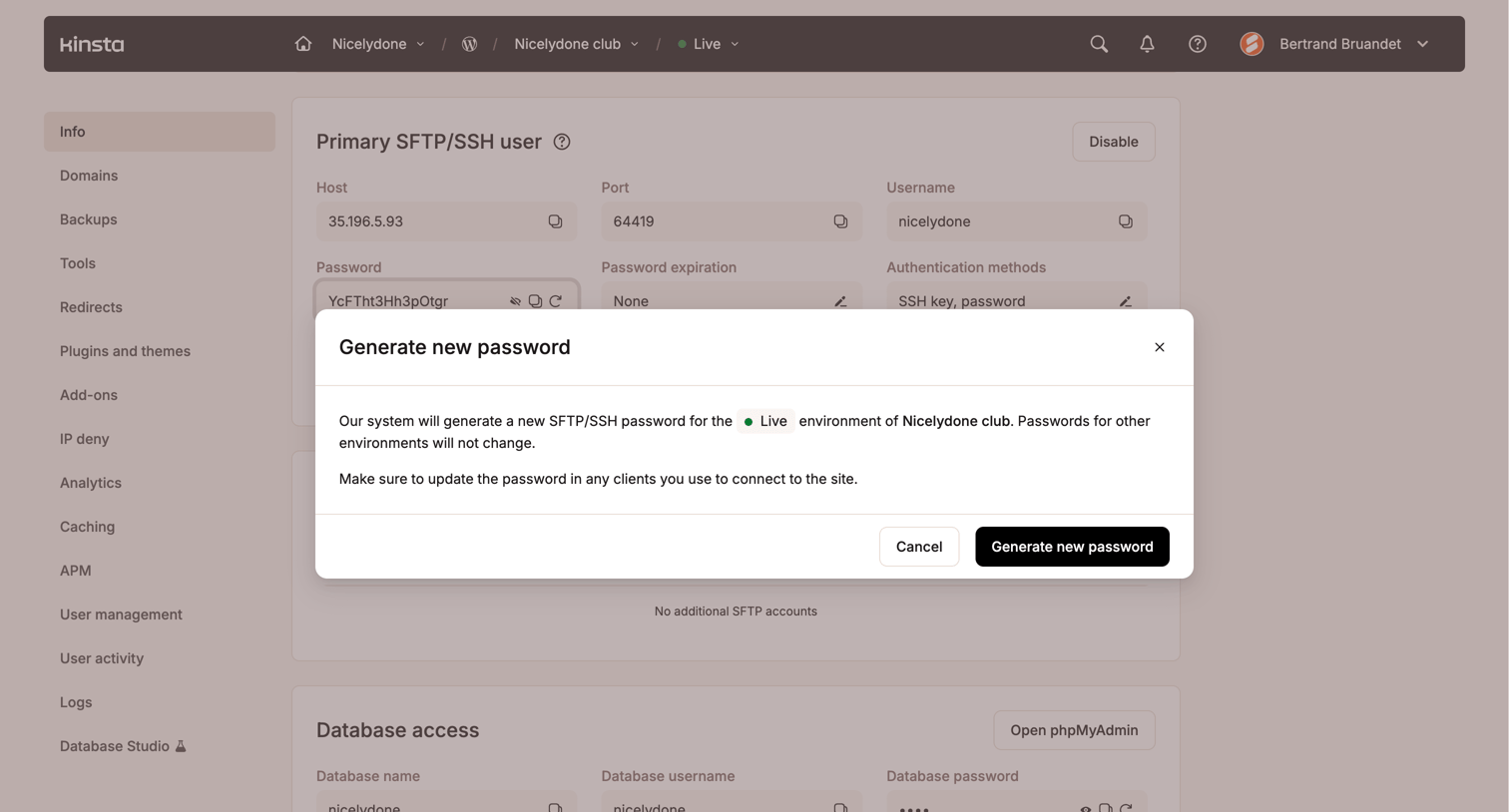

Modal prompting the user to confirm generating a new SFTP/SSH password for a specific live environment, warning that other environments will not be affected.
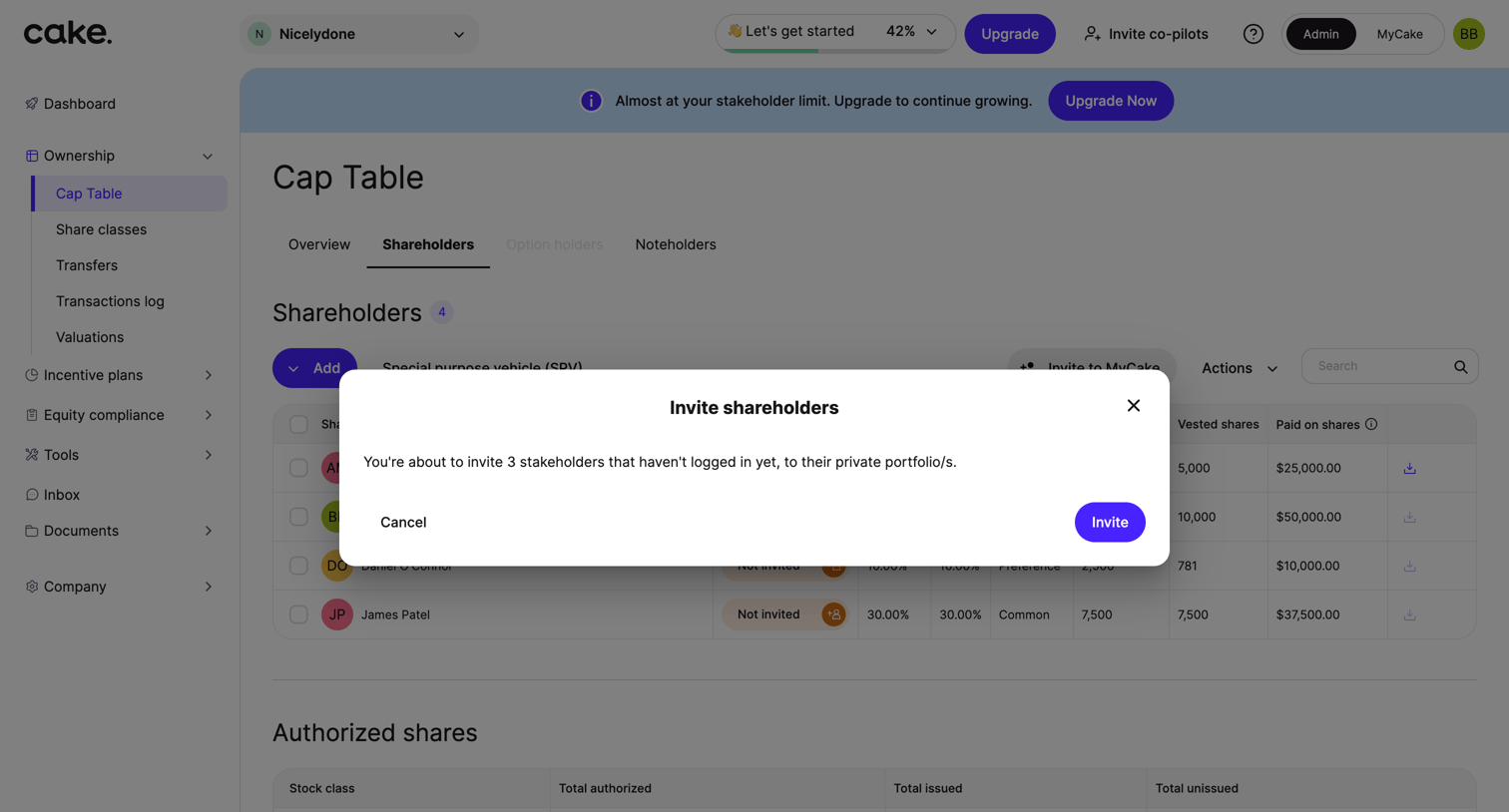

List view of a cap table where the user is prompted to invite three stakeholders to their private portfolios via a modal.
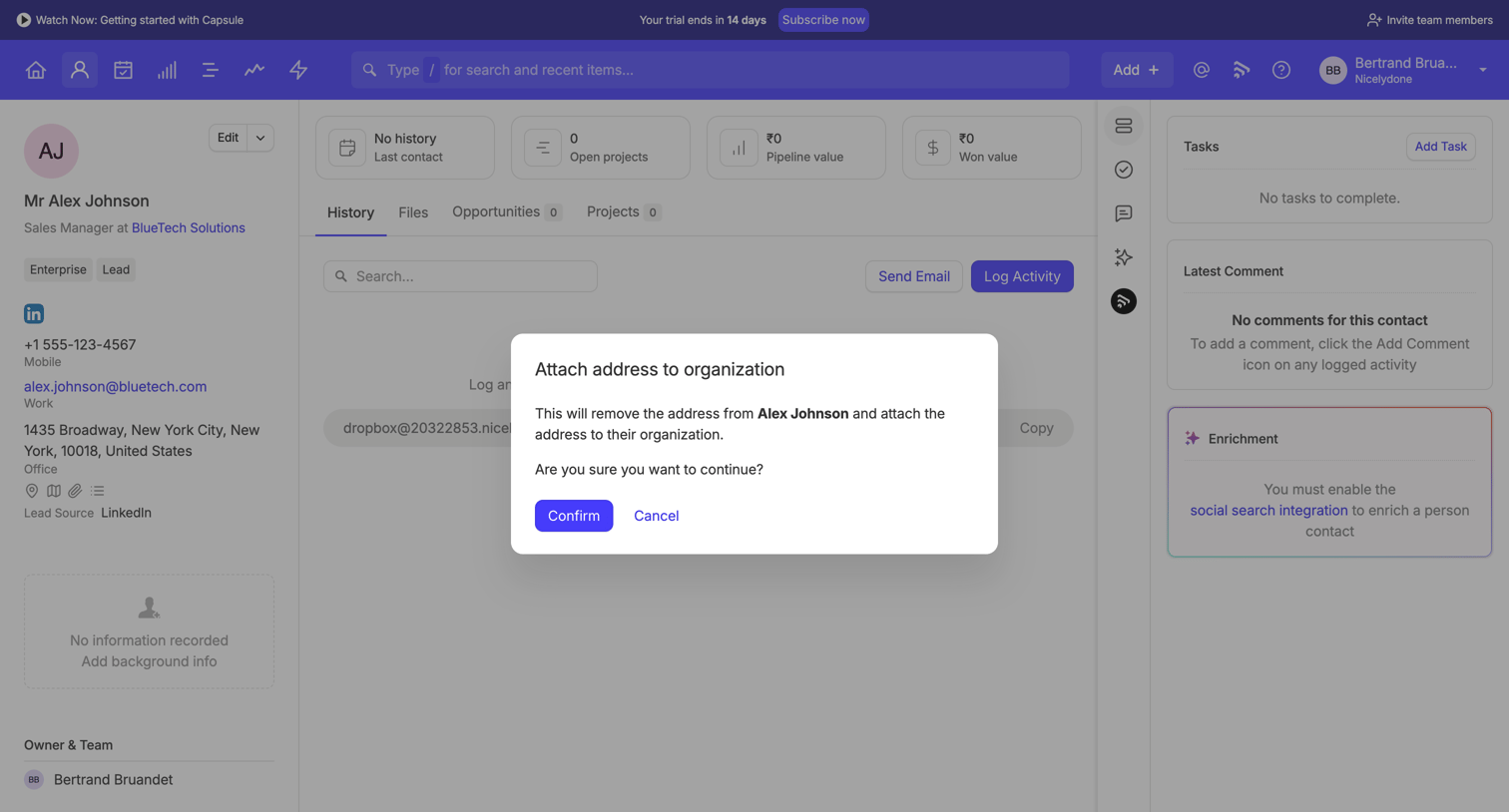

Detail page for a CRM contact where a modal prompts the user to confirm moving an email address from the person to their organization.
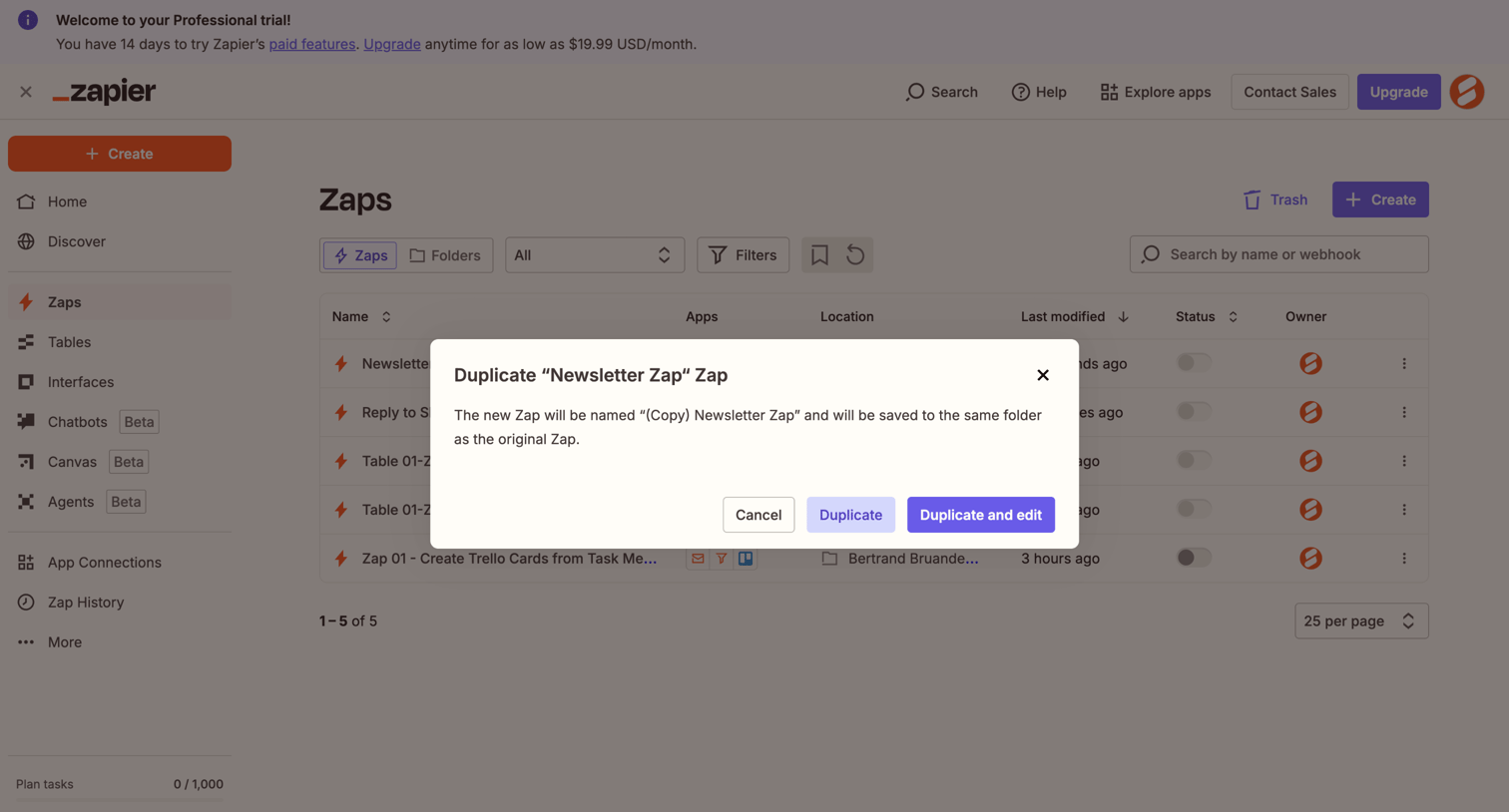

Modal prompt where the user confirms duplicating the 'Newsletter Zap' Zap, with options to just duplicate or duplicate and edit immediately.
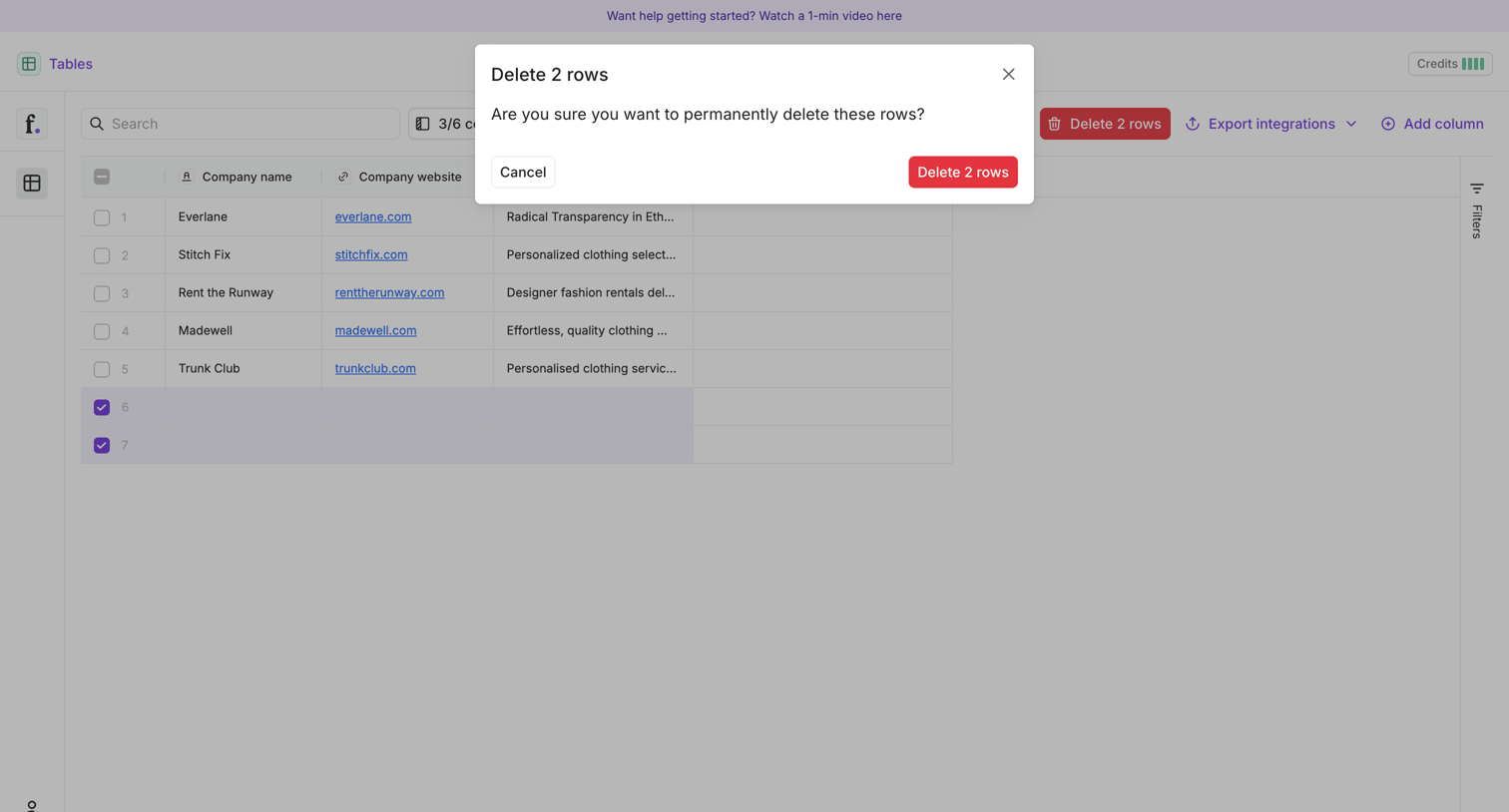

List view where the user is prompted to confirm the permanent deletion of two selected rows from a data table.
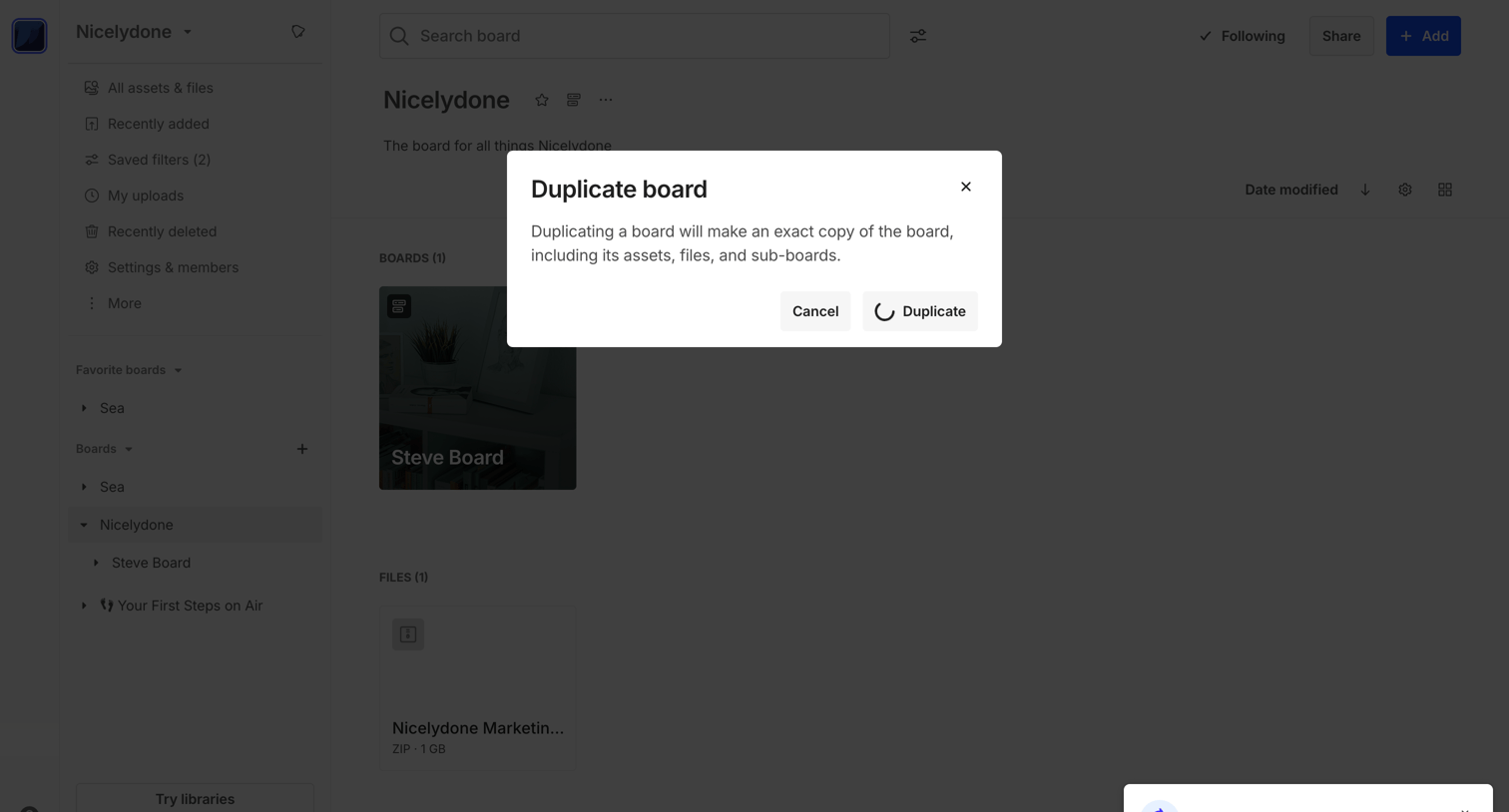

List view where the user is confirming the duplication of the Steve Board via an alert dialog, while a progress toast shows the action is underway.
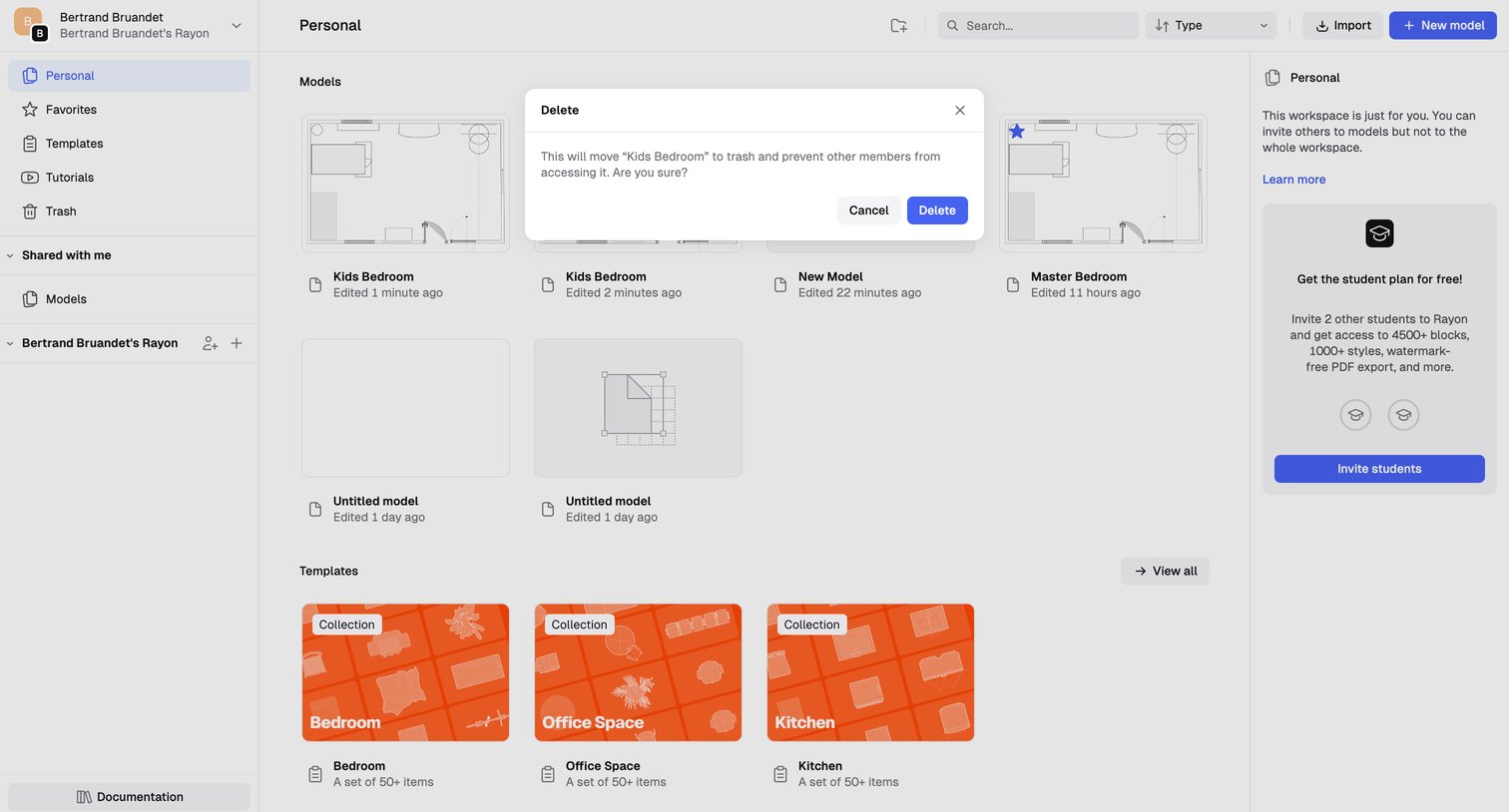

List view of a personal workspace showing models and templates, with a modal prompting the user to confirm moving a specific model to the trash.
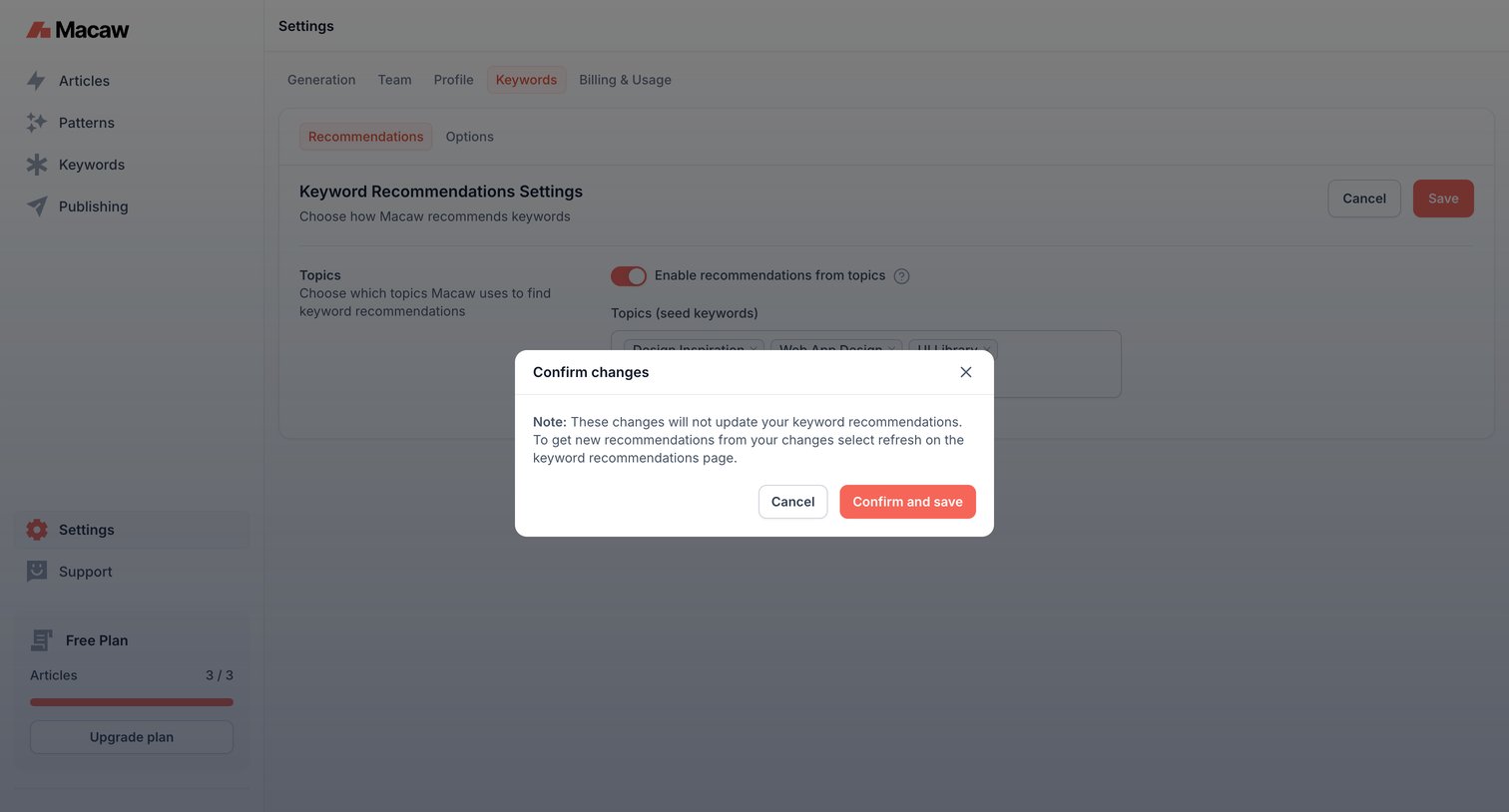

Settings page where the user confirms changes to keyword recommendation topics via an alert dialog.
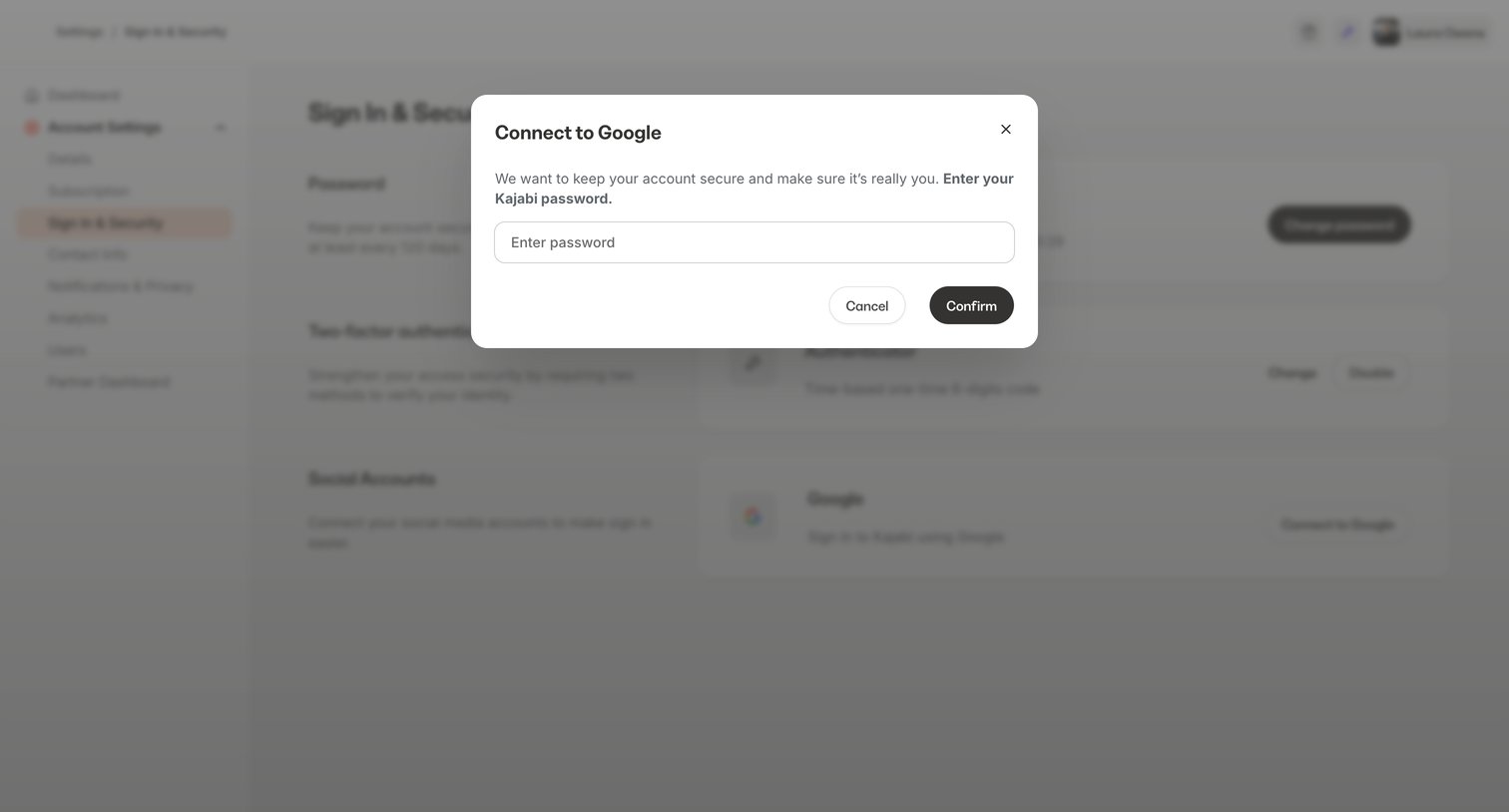

Security settings page where the user must re-enter their password in a modal to authorize connecting their Google account.
Explore the full SaaS screen library
Upgrade to unlock the full library.
Trusted by the best teams








About Modal confirmation
See how SaaS apps explain the consequences of an action before asking people to confirm. Browse designs for deleting data, publishing changes, and reviewing decisions.