Manage links screen examples
Manage links screen design examples from SaaS apps. Browse examples from Outseta, Evervault, Bitly.
Explore the examples
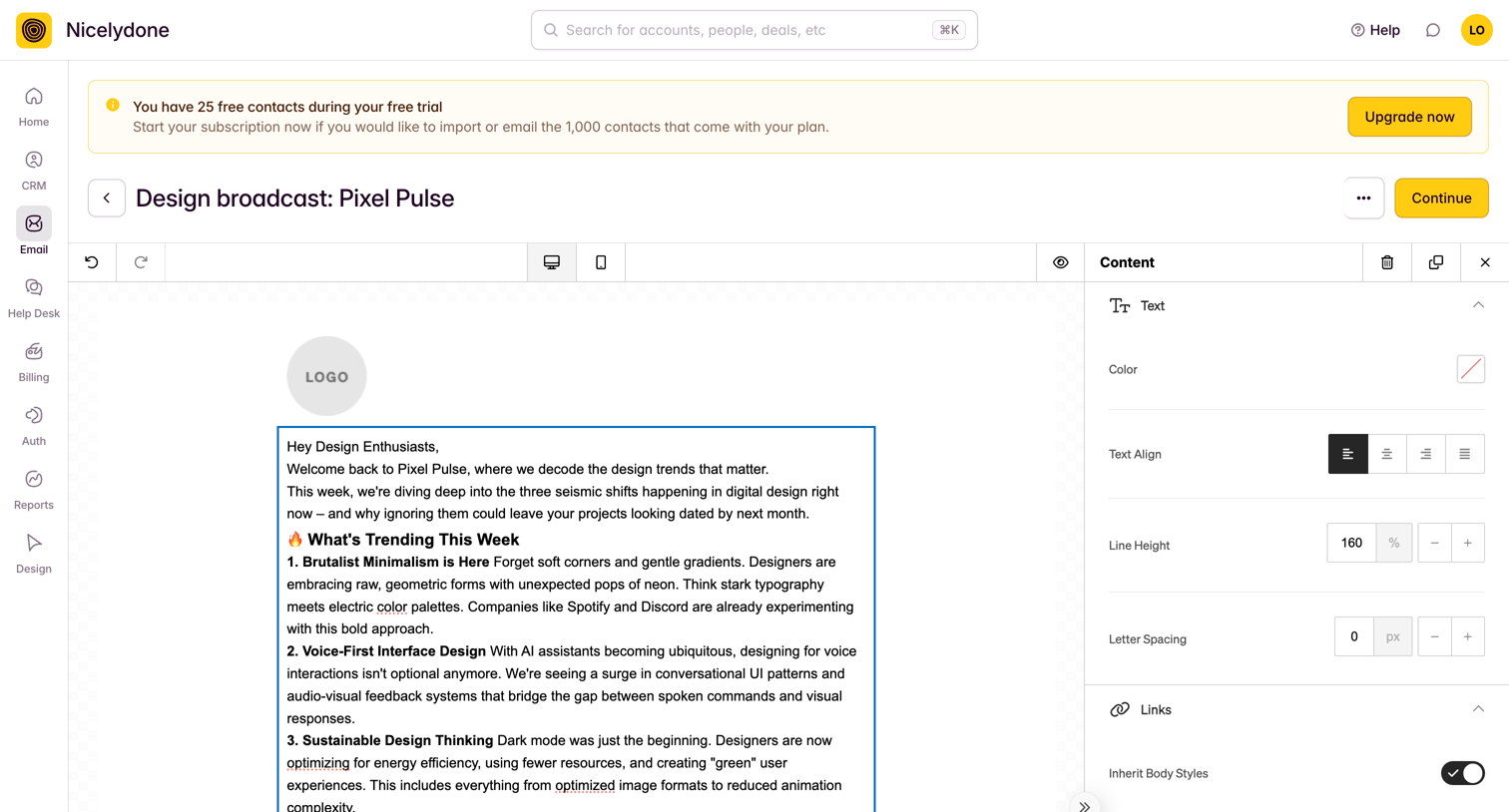

Design editor where the user styles a text block for an email broadcast, adjusting color, alignment, and spacing in the inspector panel.
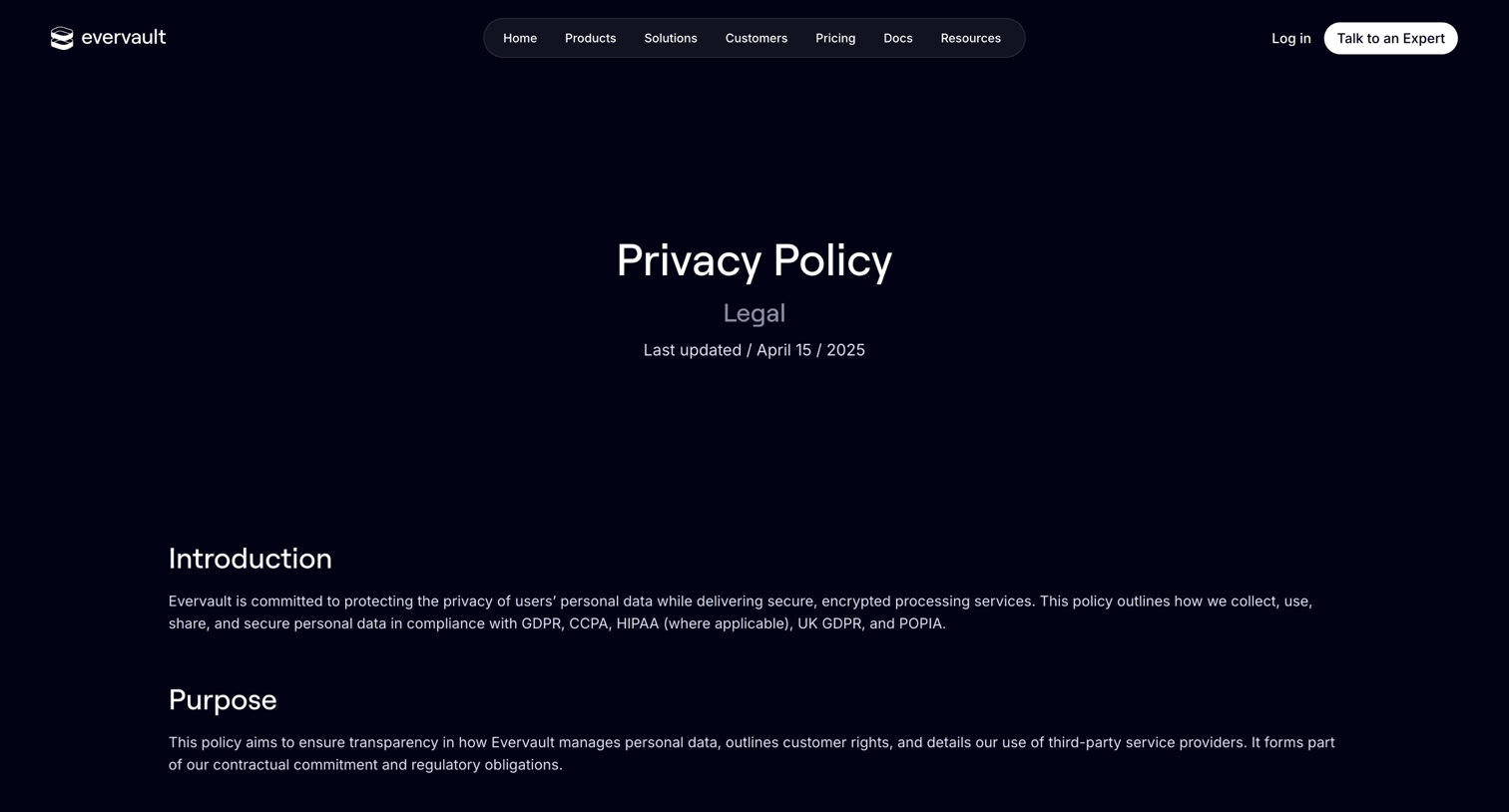

Privacy policy page detailing data collection, usage, sharing practices, and user rights, including tables for roles and service providers.


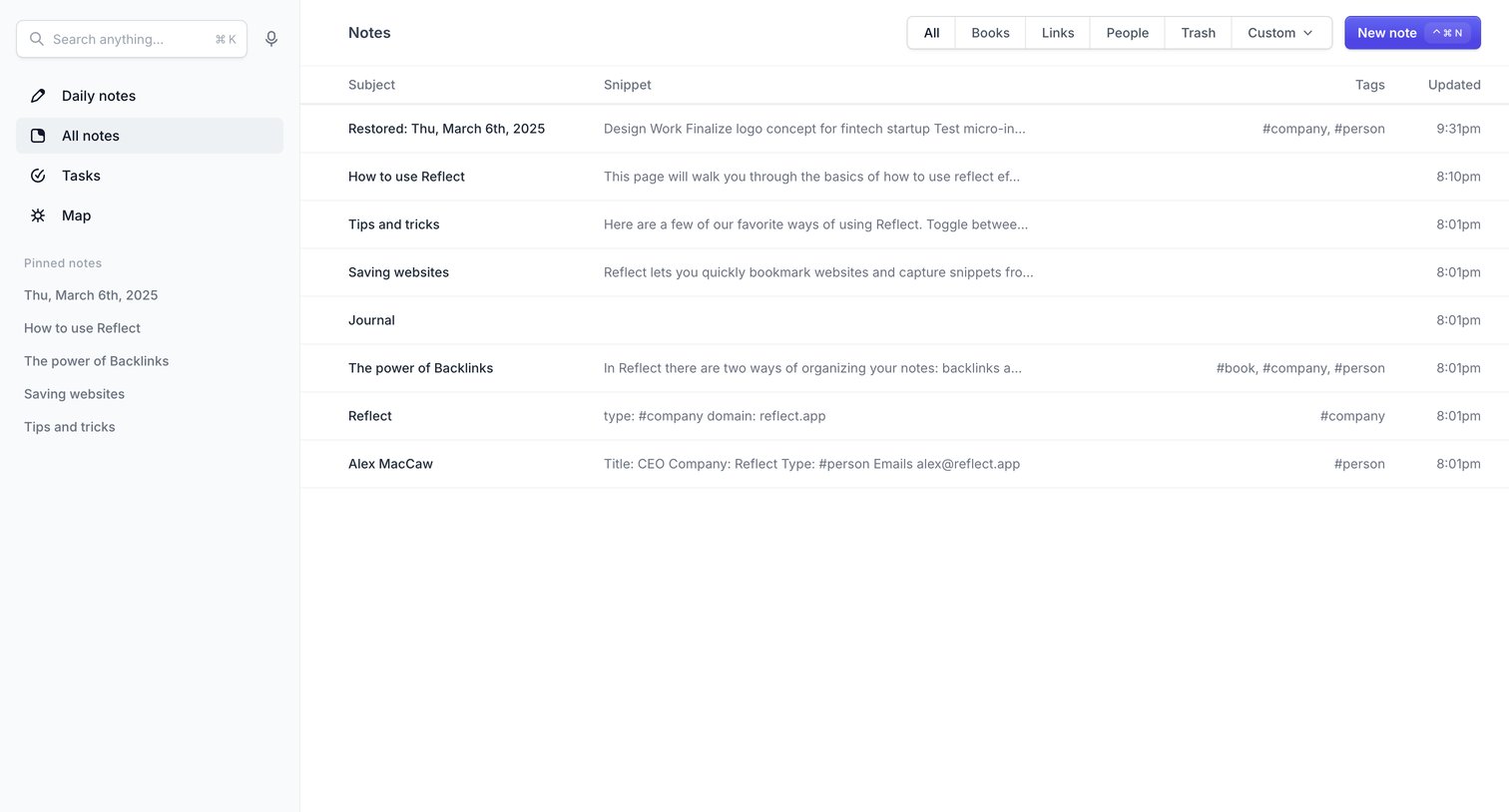

List view where the user browses and filters their notes by categories like Books or Links, with a data table showing subject, snippet, tags, and updated time.
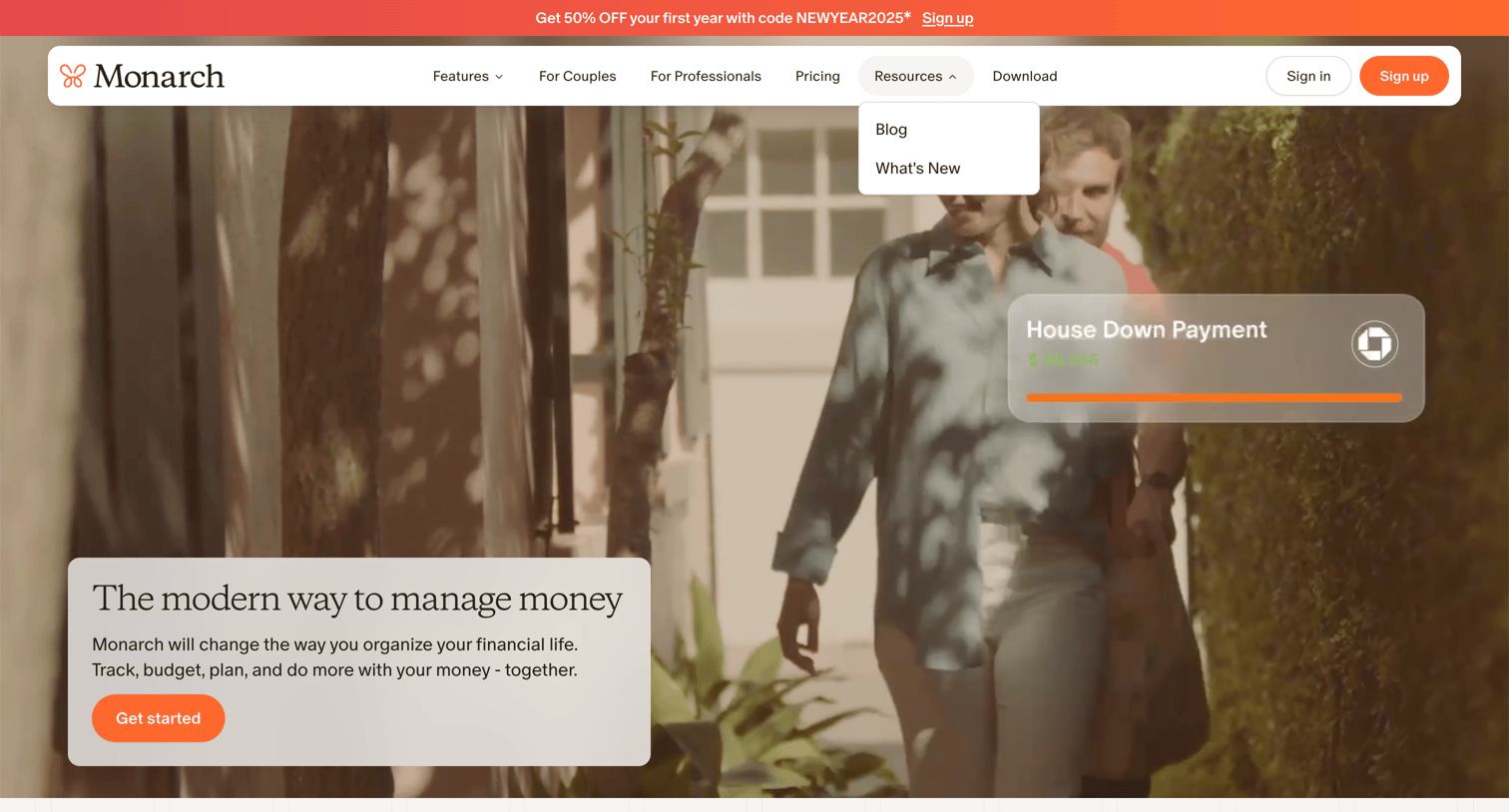

Landing page for a personal finance app featuring a promotional banner, a hero section with a goal-tracking preview, and a row of industry awards.
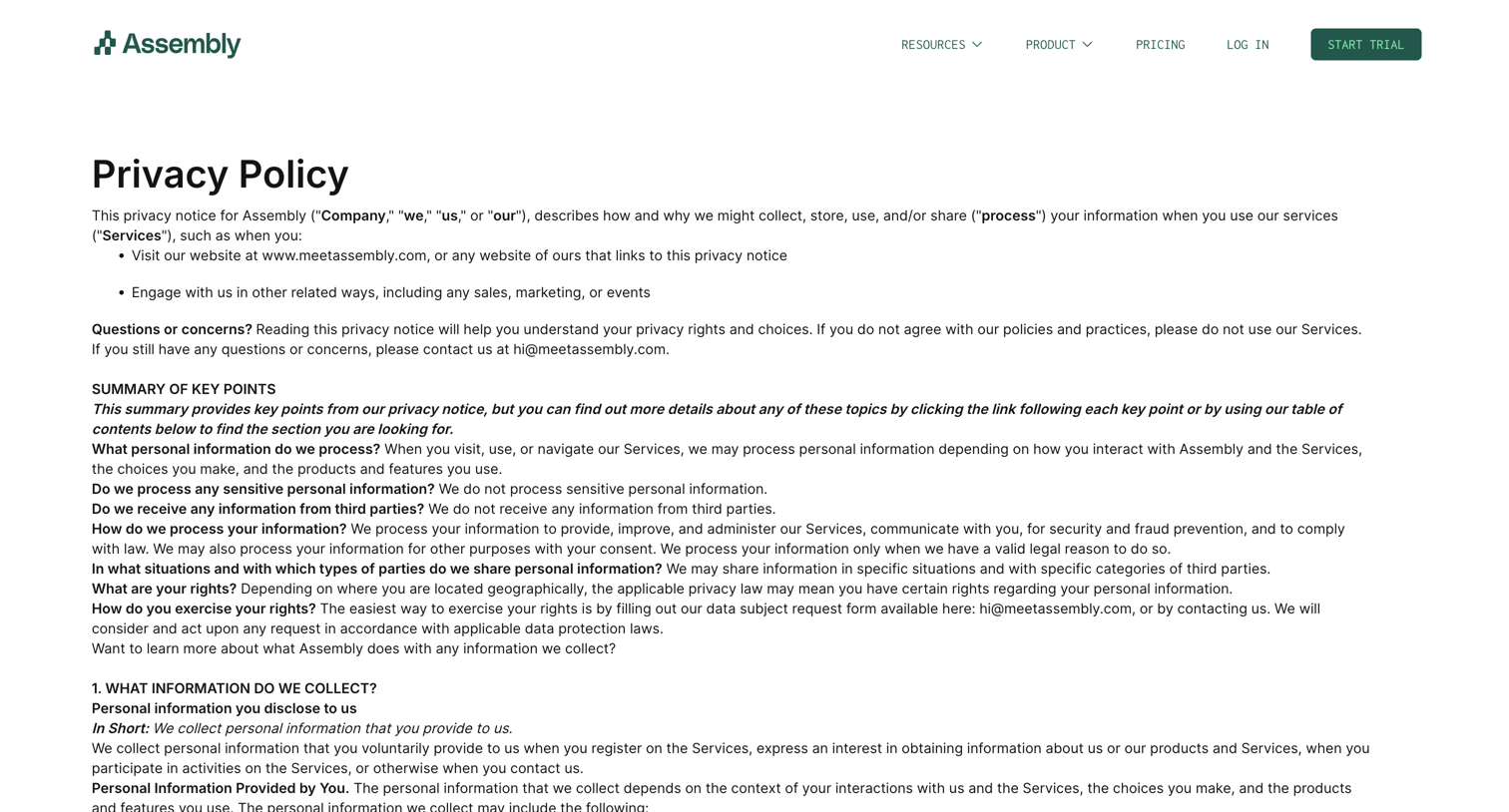

Privacy policy page detailing how Assembly collects, processes, and shares user data, including sections on third-party services like OpenAI and user rights.
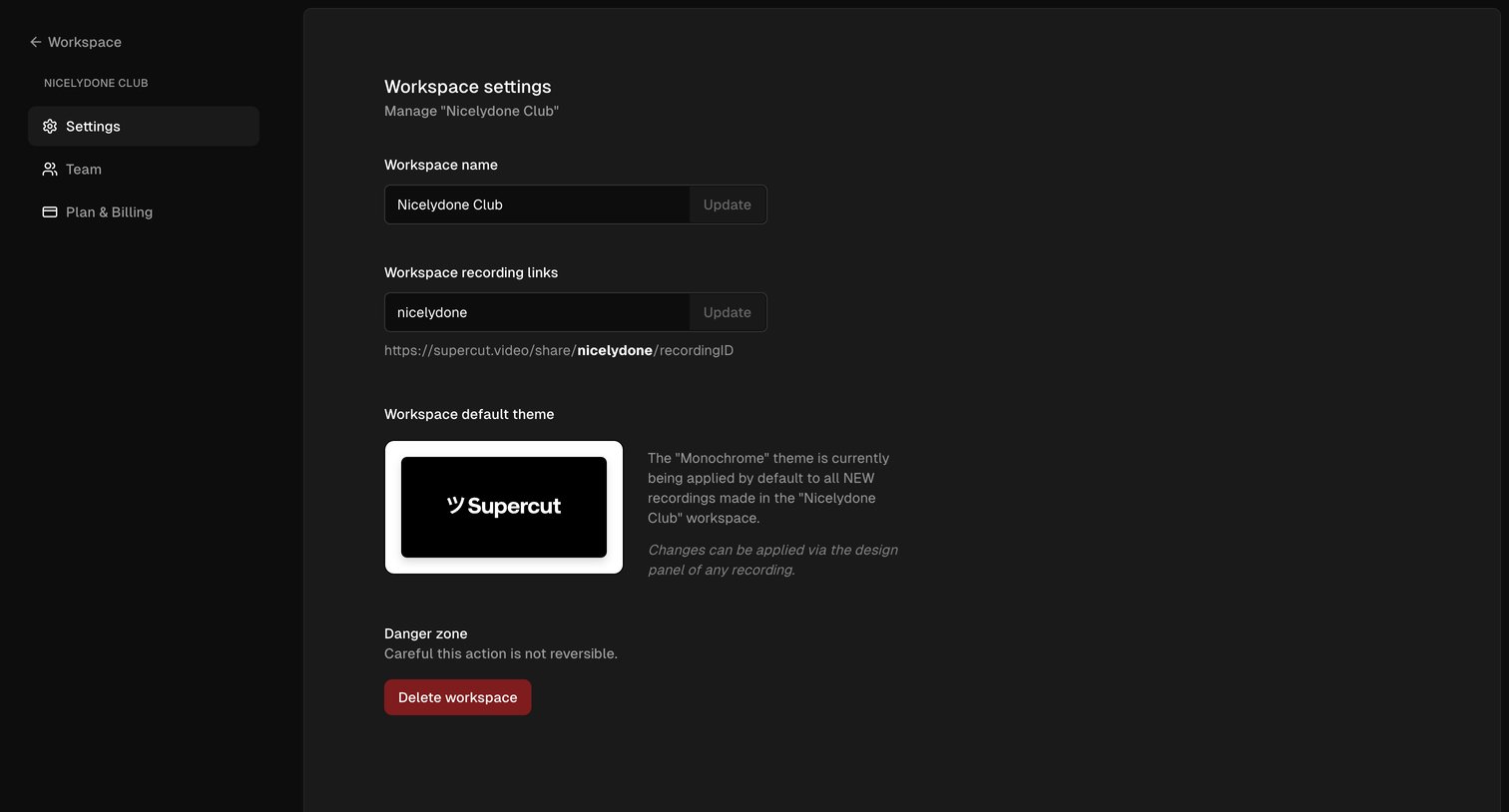

Settings page where the user configures their workspace name, custom recording links, default theme, and has the option to delete the workspace.
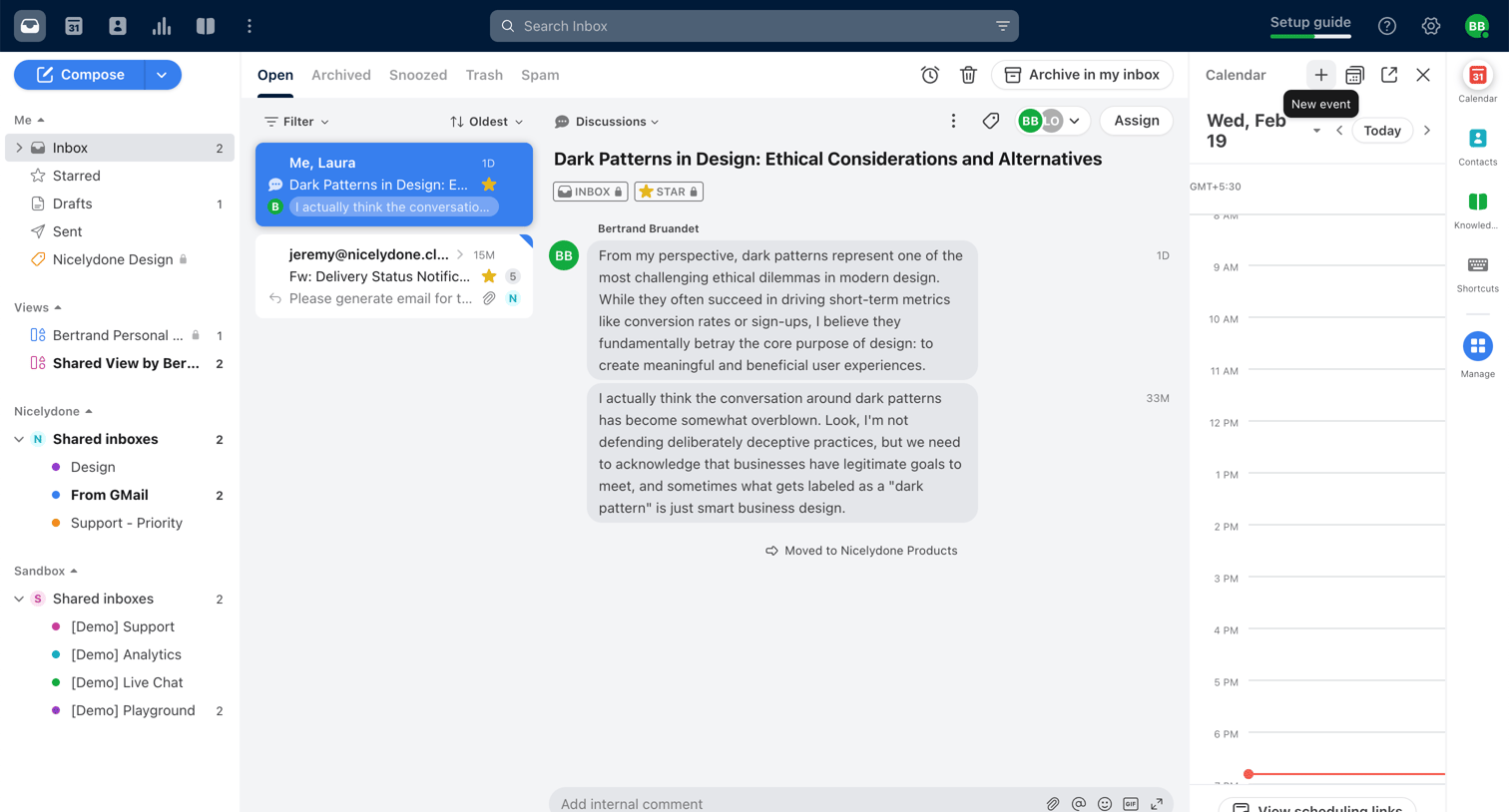

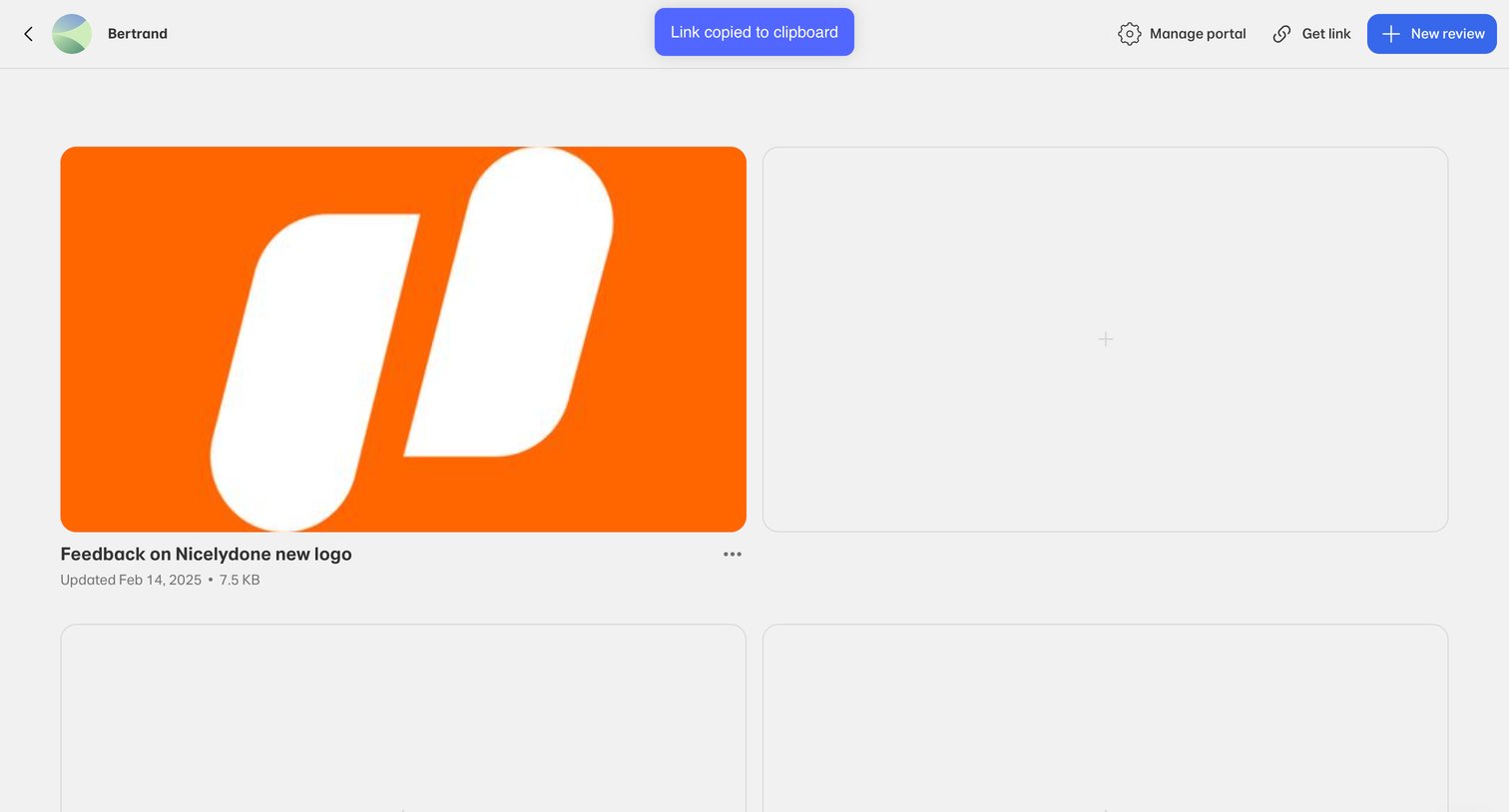

List view where the user manages a portal of design reviews, with options to create new reviews or share the portal link.
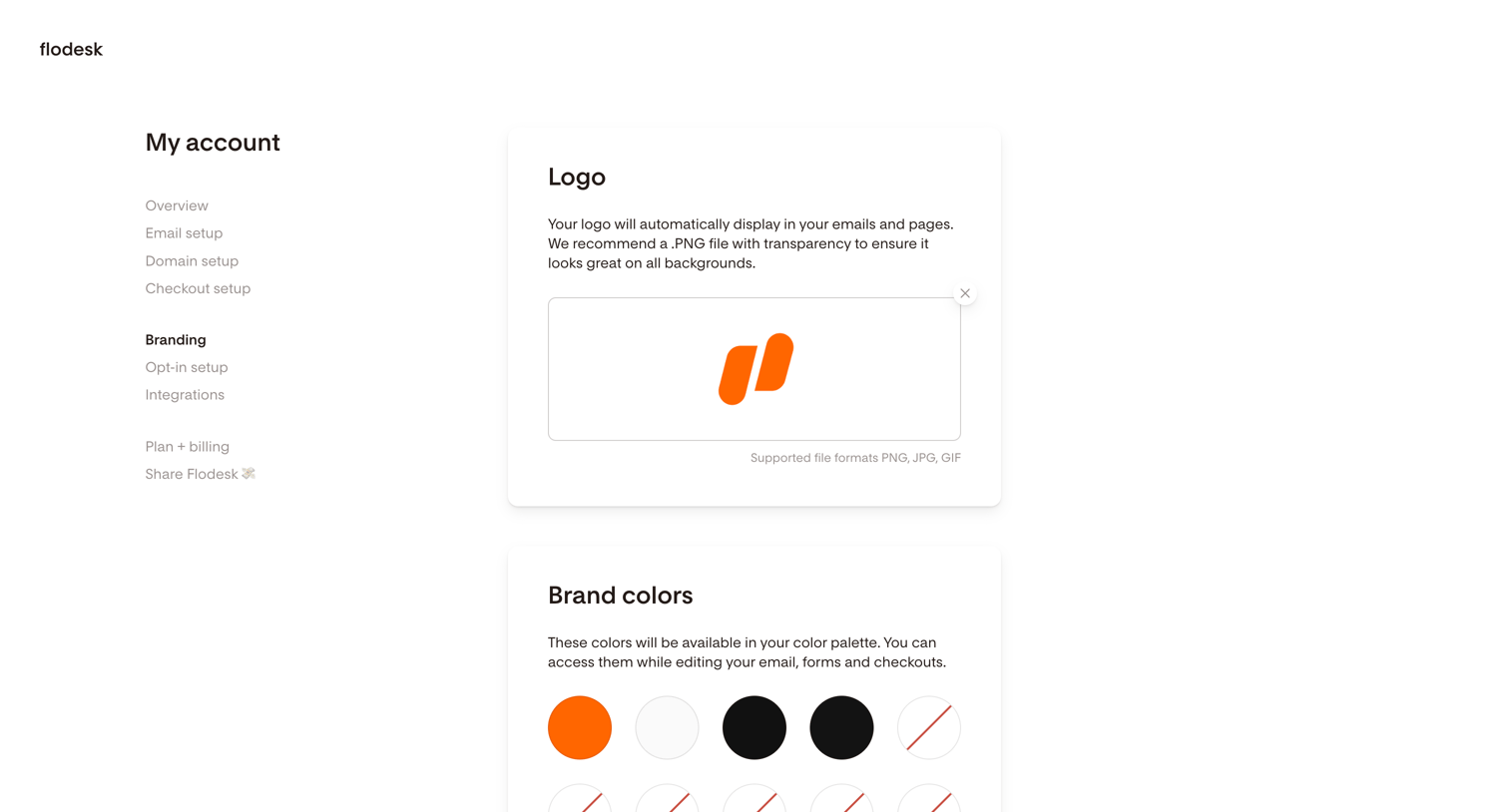

Settings page where the user configures their brand identity, including logo, colors, fonts, company details, and social links.
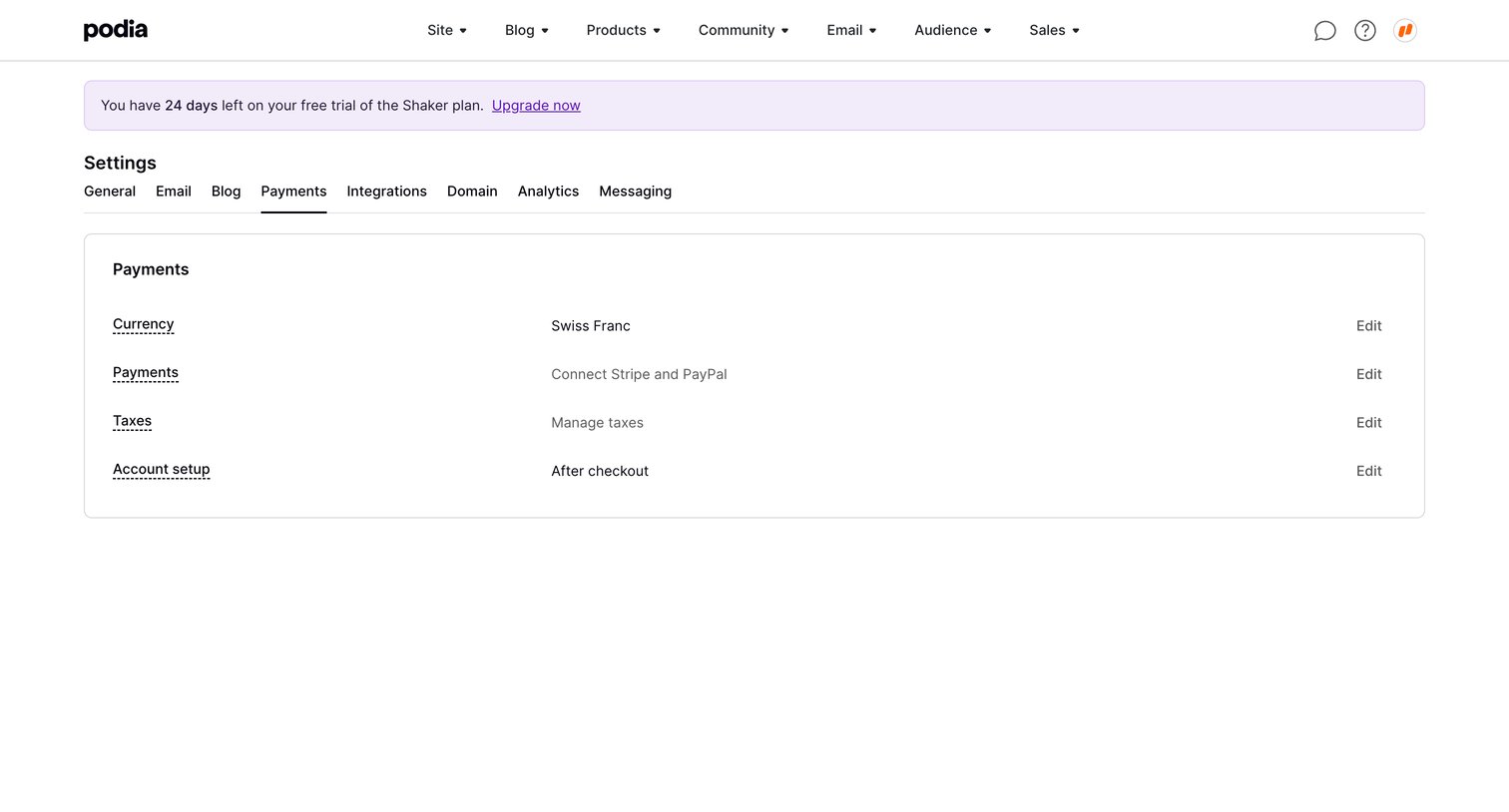

Settings page where the user configures payment details like currency, connected gateways, and taxes, featuring a trial expiration banner and a success toast.
Explore the full SaaS screen library
Upgrade to unlock the full library.
Trusted by the best teams







