Inbox screen examples
Inbox screen design examples from SaaS apps. Browse examples from Beside, Chatwoot, Meetup.
Explore the examples
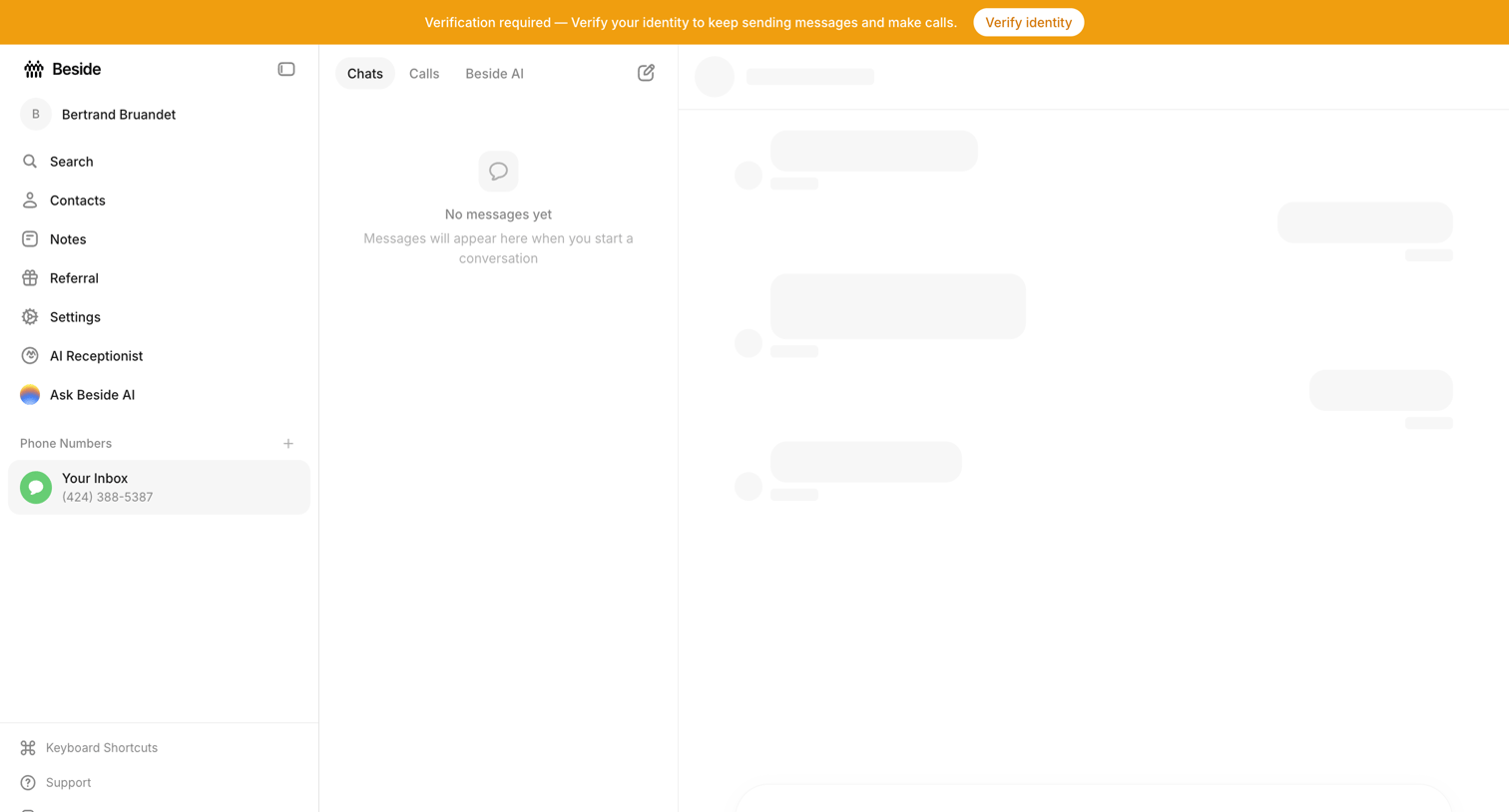

Messaging inbox where the user is prompted to verify their identity to continue sending messages, while the chat list is empty and the main conversation area shows loading skeletons.
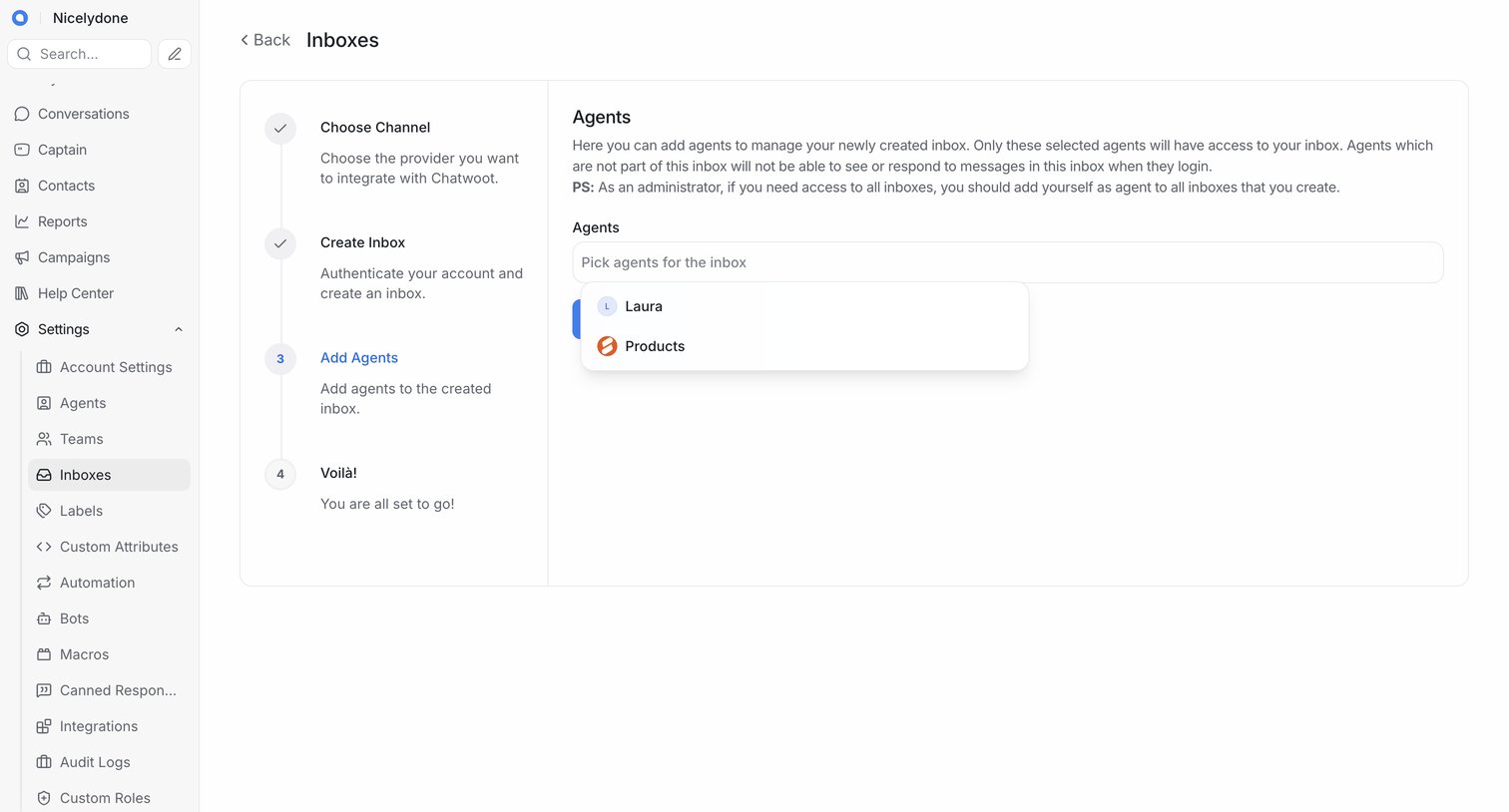

Wizard step where the user selects which existing agents will have access to a newly created inbox.
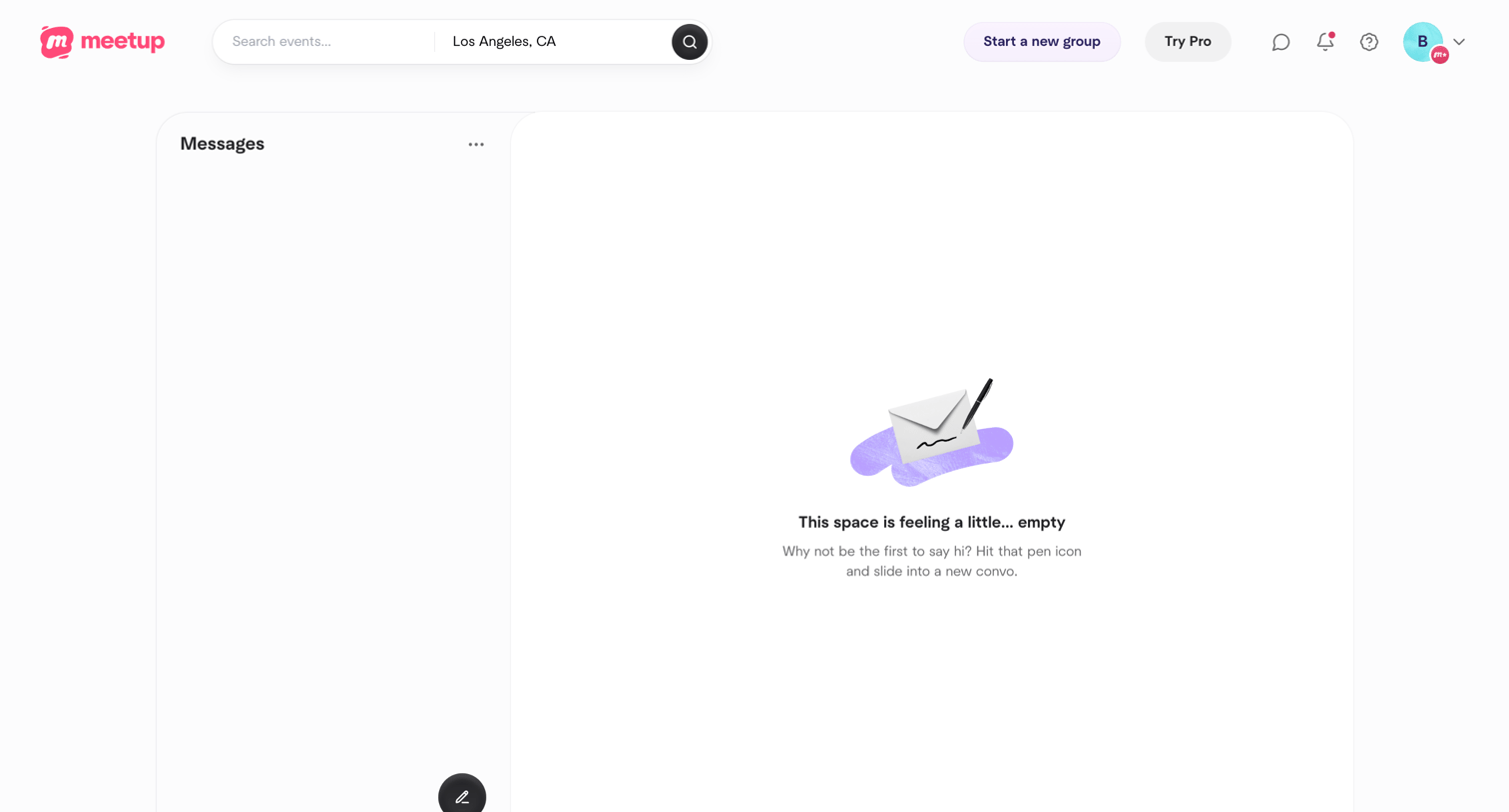

Messages inbox where the user has no active conversations, featuring an empty state illustration and a compose button.
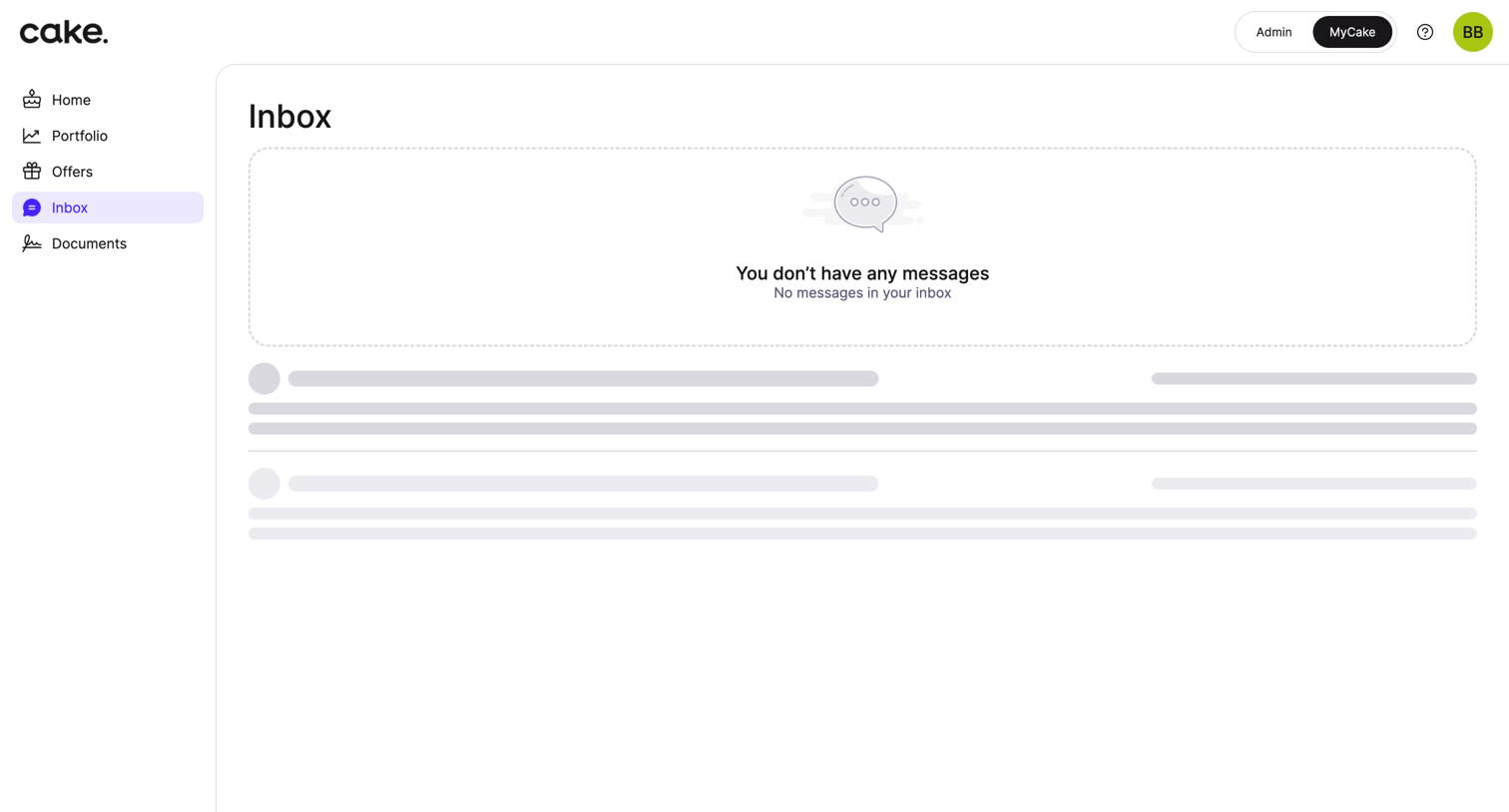

Inbox view showing an empty state with a placeholder illustration and skeleton loading rows for messages.
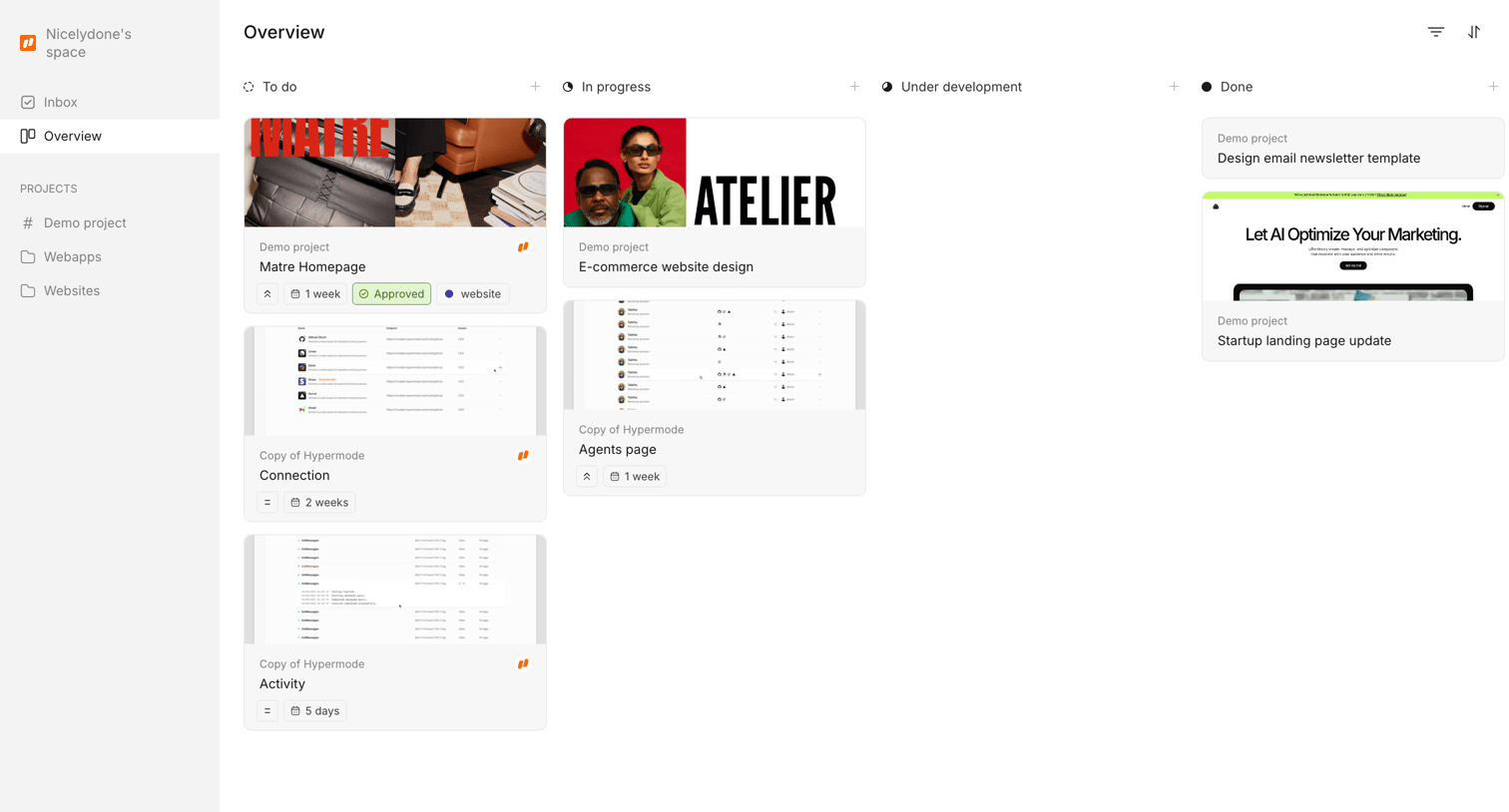

Kanban board where the user tracks design project tasks across stages like To do, In progress, and Done.
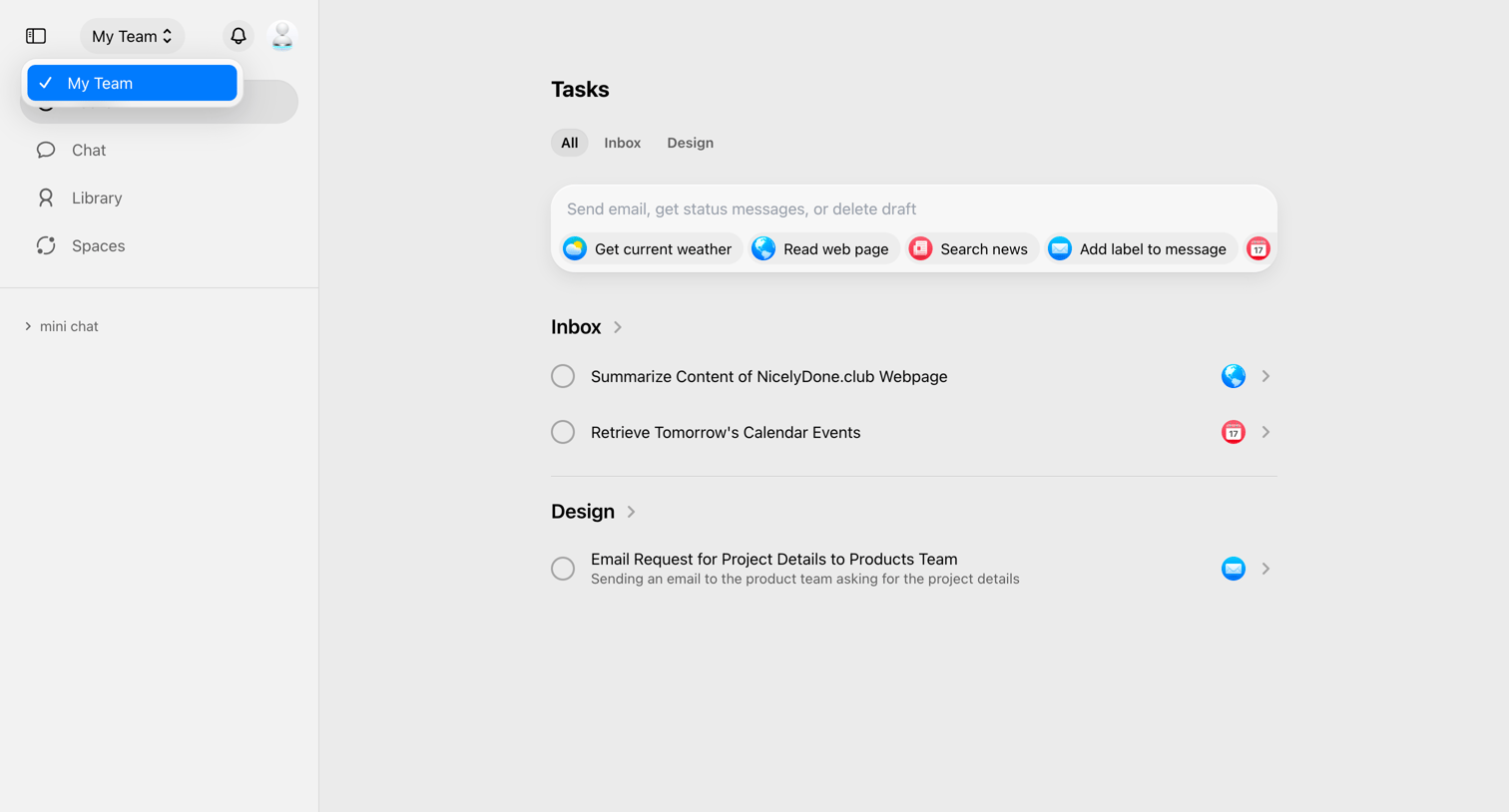

Inbox view where the user manages pending tasks across categories like Inbox and Design, and can trigger new actions via an AI command bar.
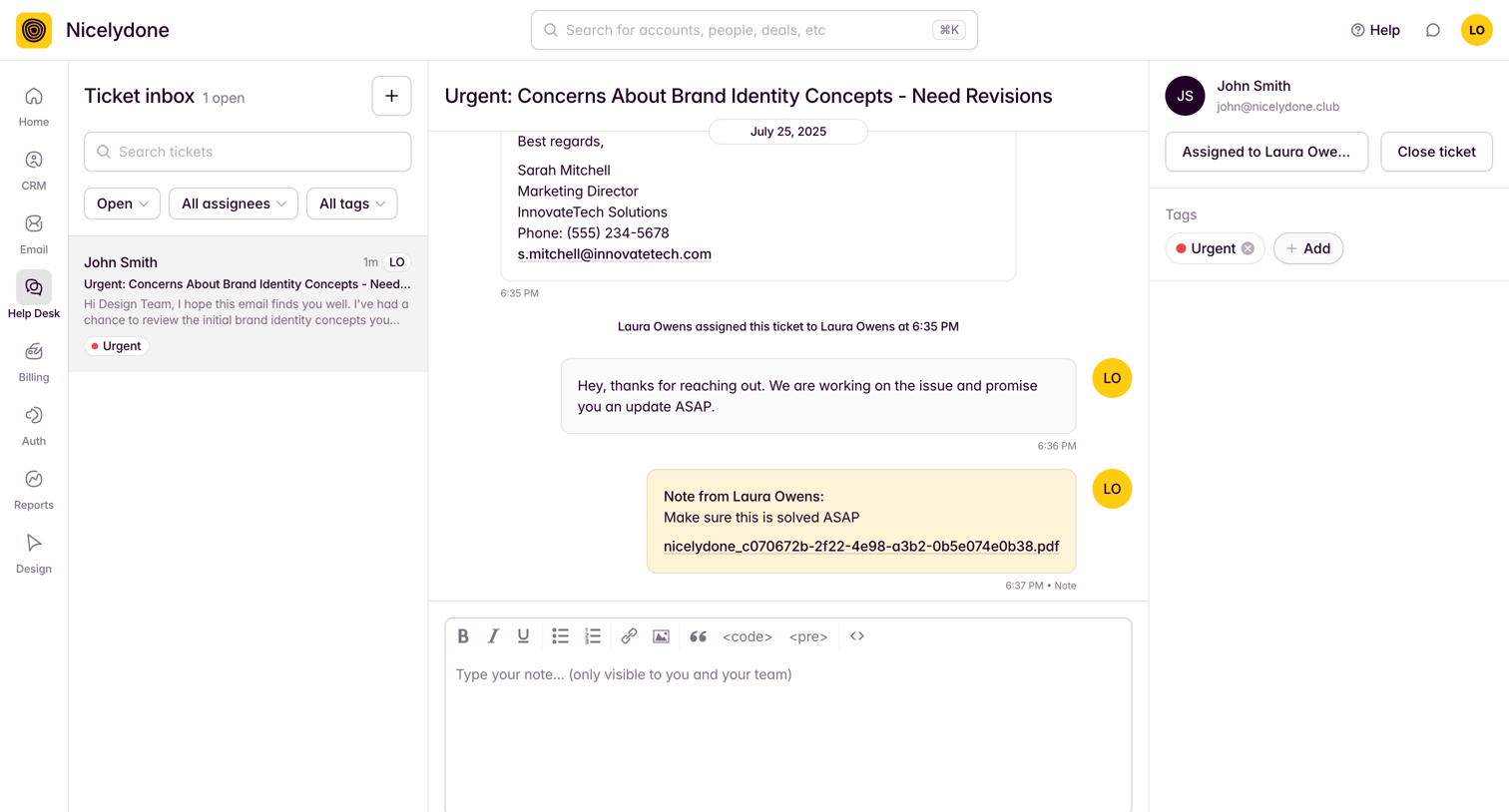

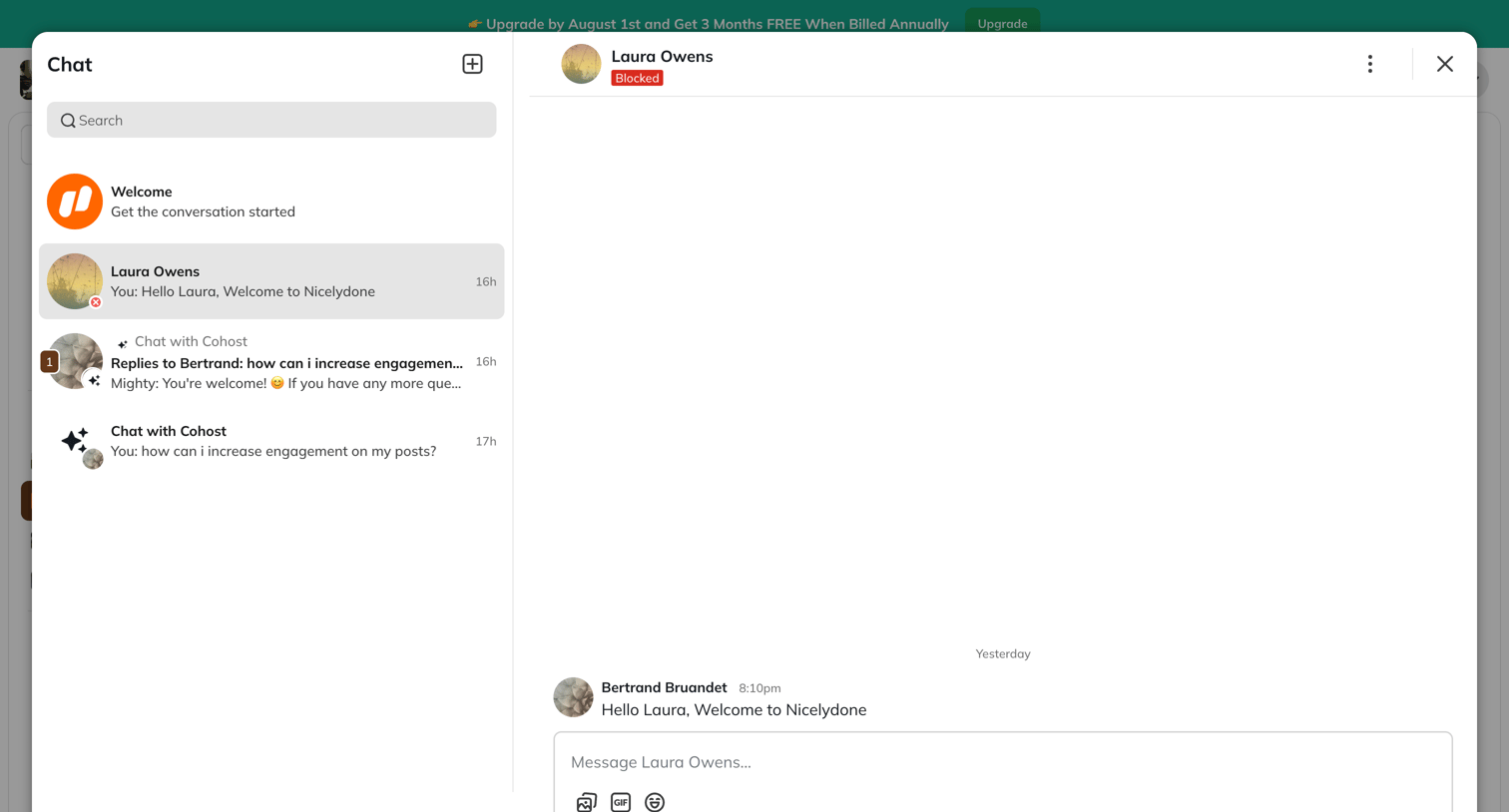

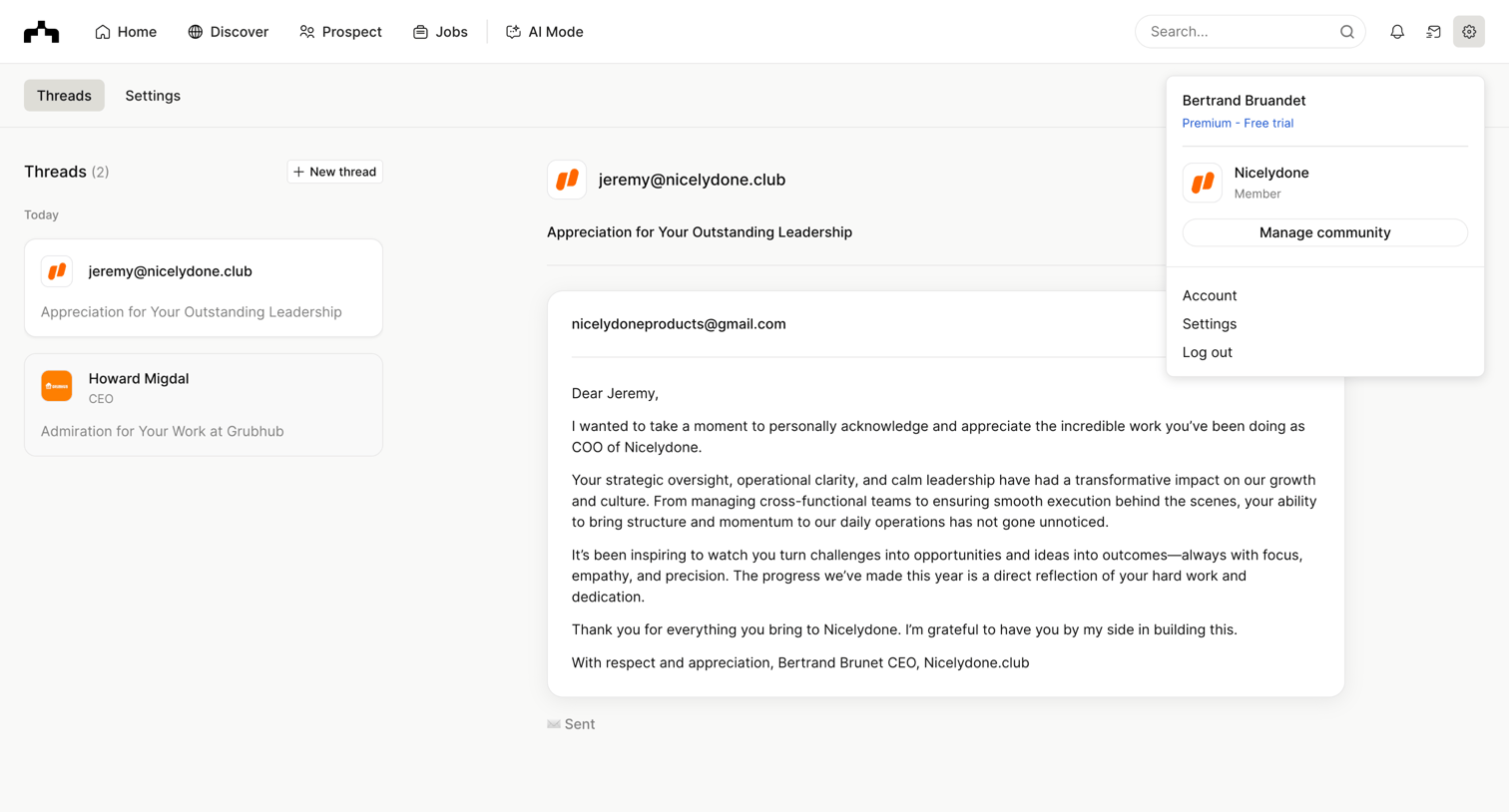

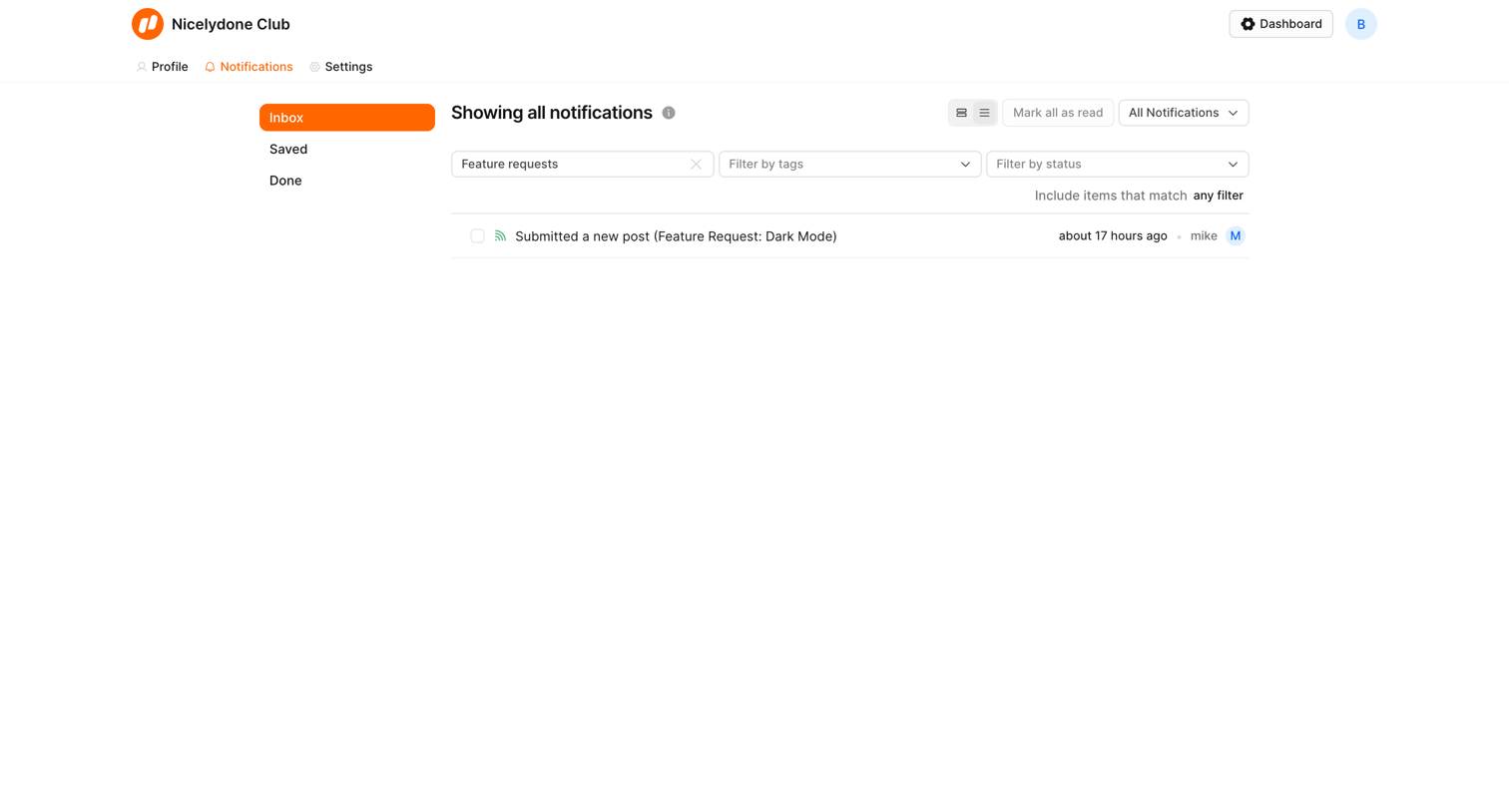

Inbox view where the user manages and filters their notifications by tags, status, and category.
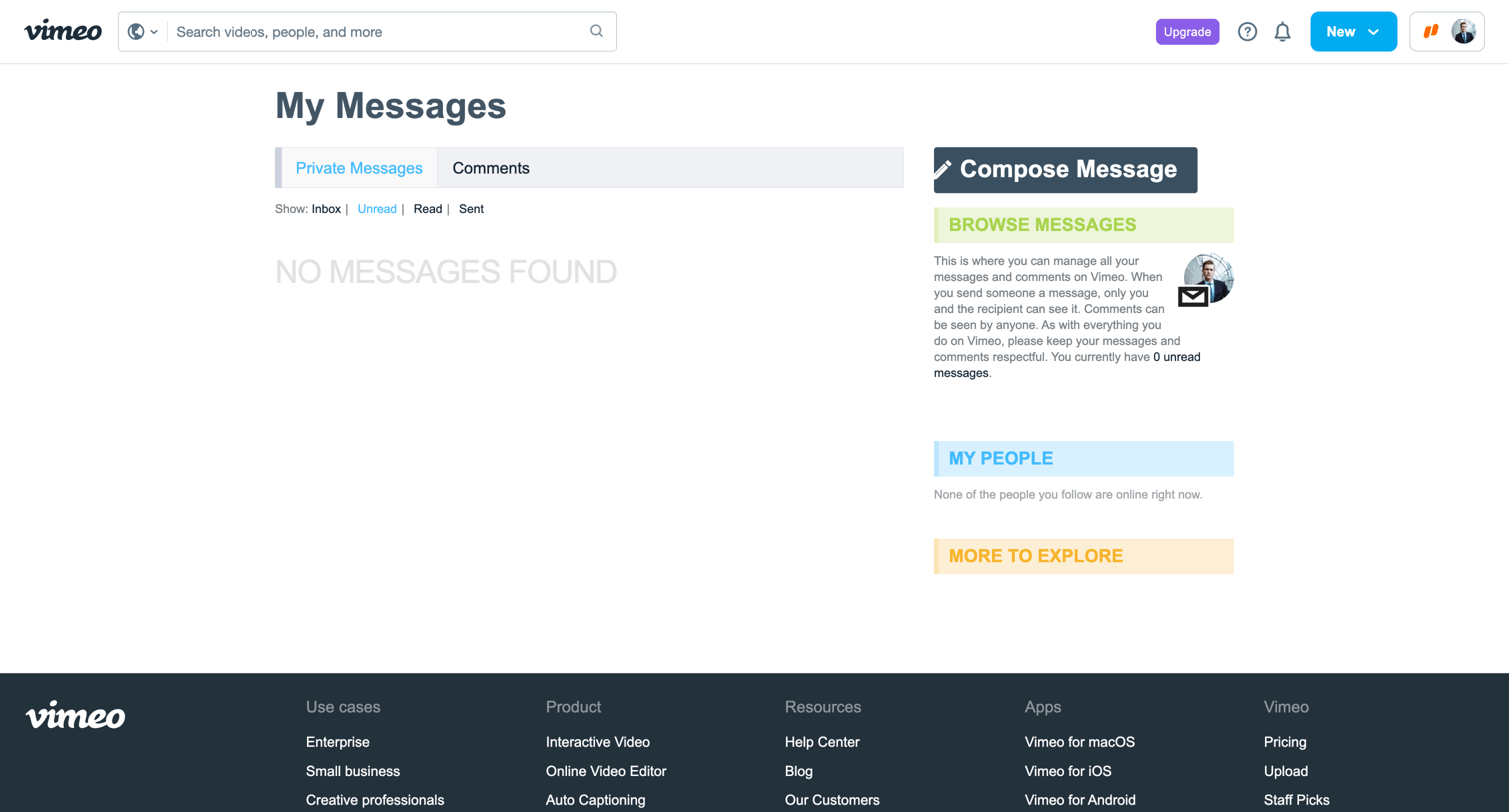

Inbox view showing an empty state for unread private messages, with options to compose a new message or browse other sections in the right sidebar.
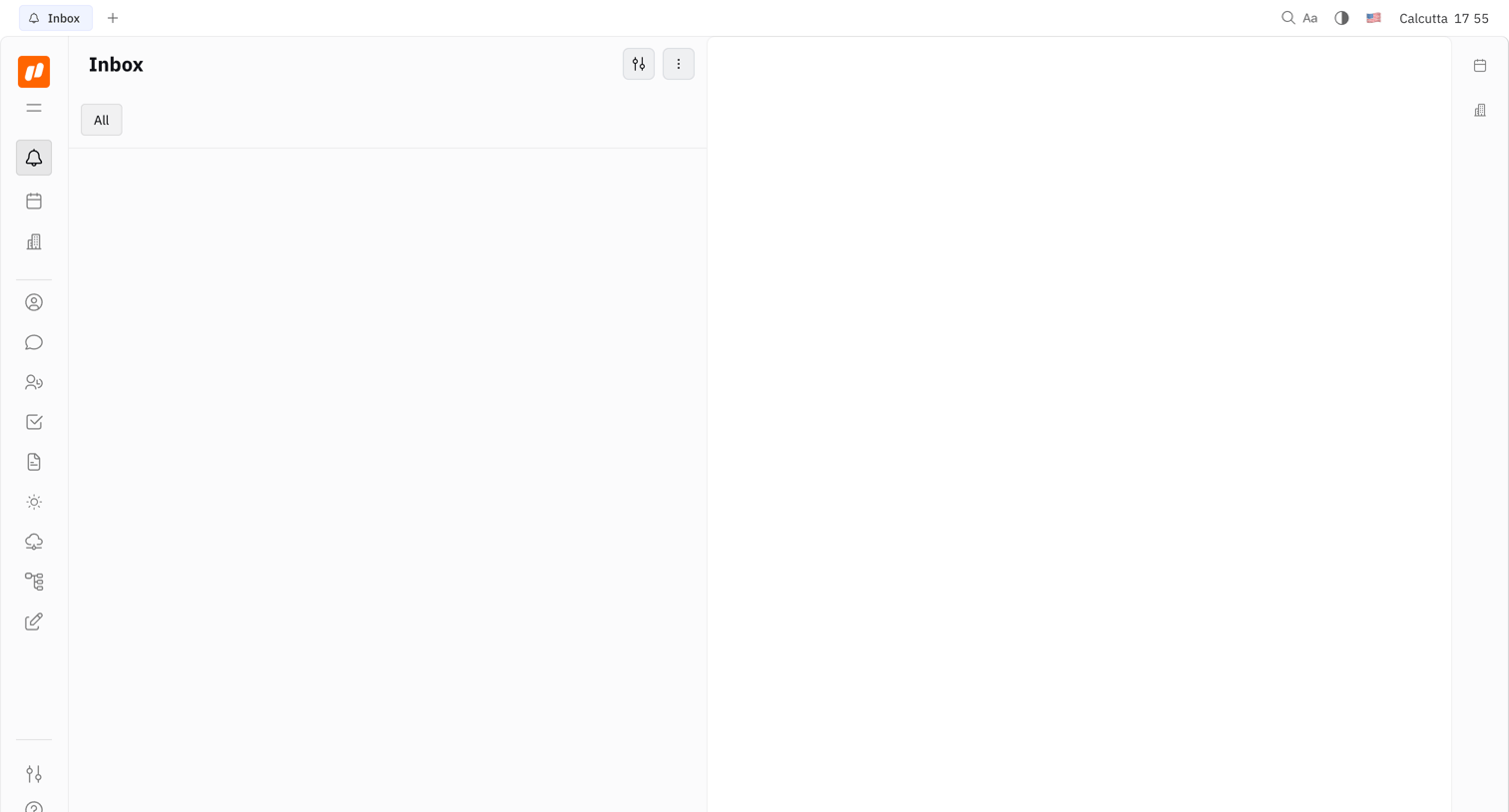

Empty inbox screen with a three-pane layout featuring a navigation sidebar, an empty message list, and a blank detail view.
Explore the full SaaS screen library
Upgrade to unlock the full library.
Trusted by the best teams







