File uploader screen examples
File uploader screen design examples from SaaS apps. Browse examples from Bird, Reflag, Mighty.
Explore the examples
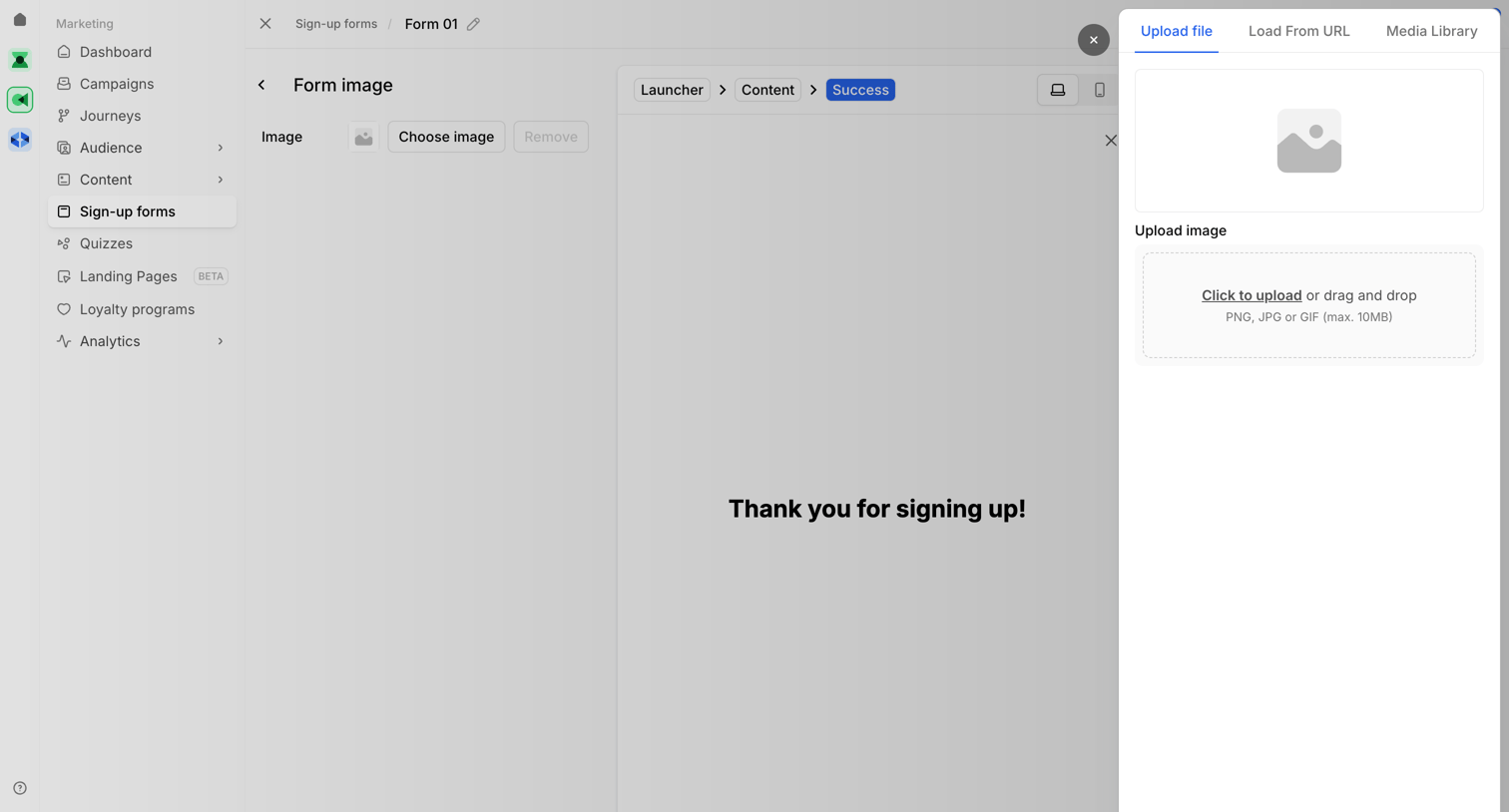

Design editor where the user configures the success state image for a sign-up form popup.
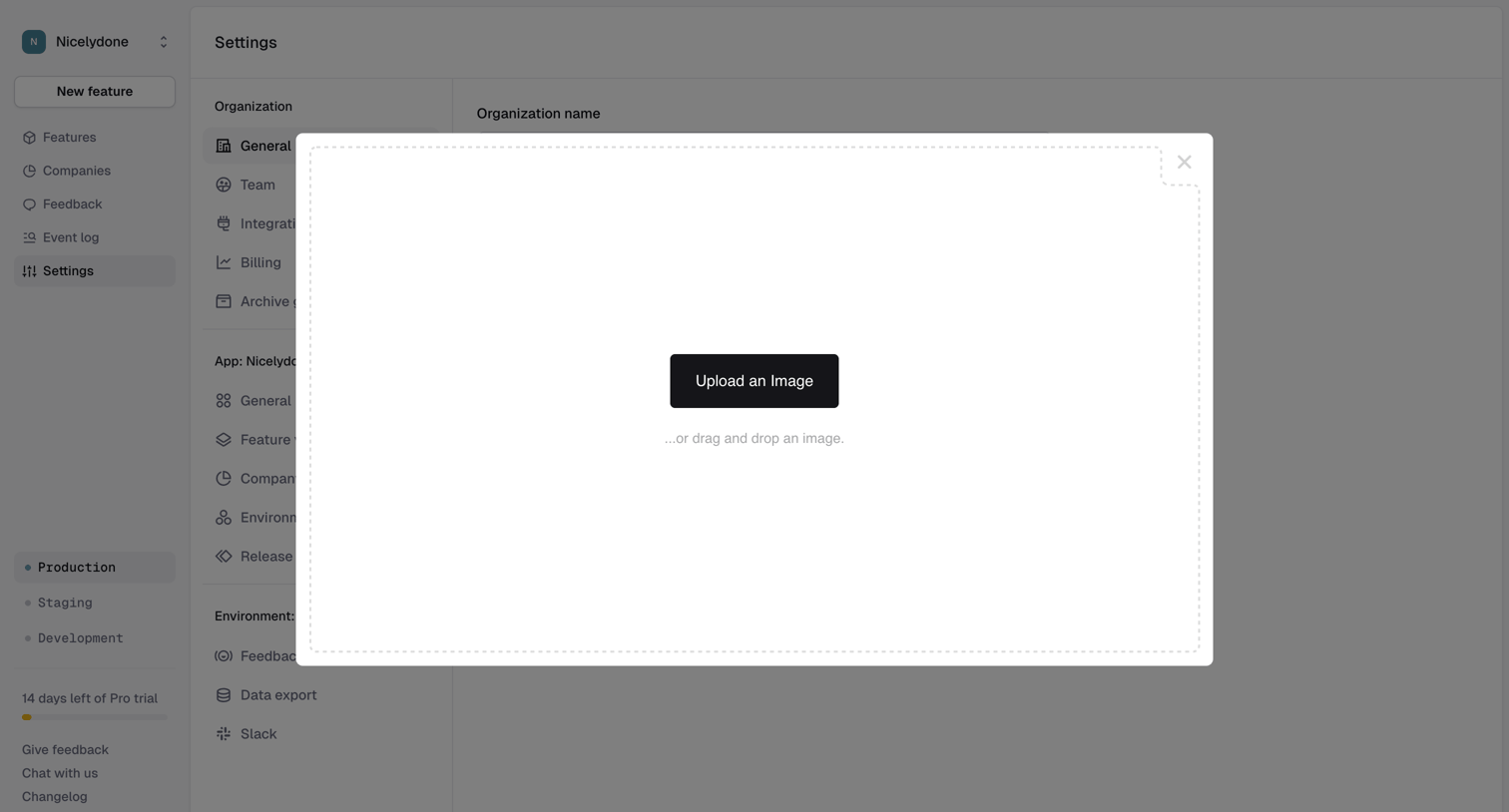

Settings page where the user is prompted to upload an image via a drag-and-drop modal overlay to set their organization logo.
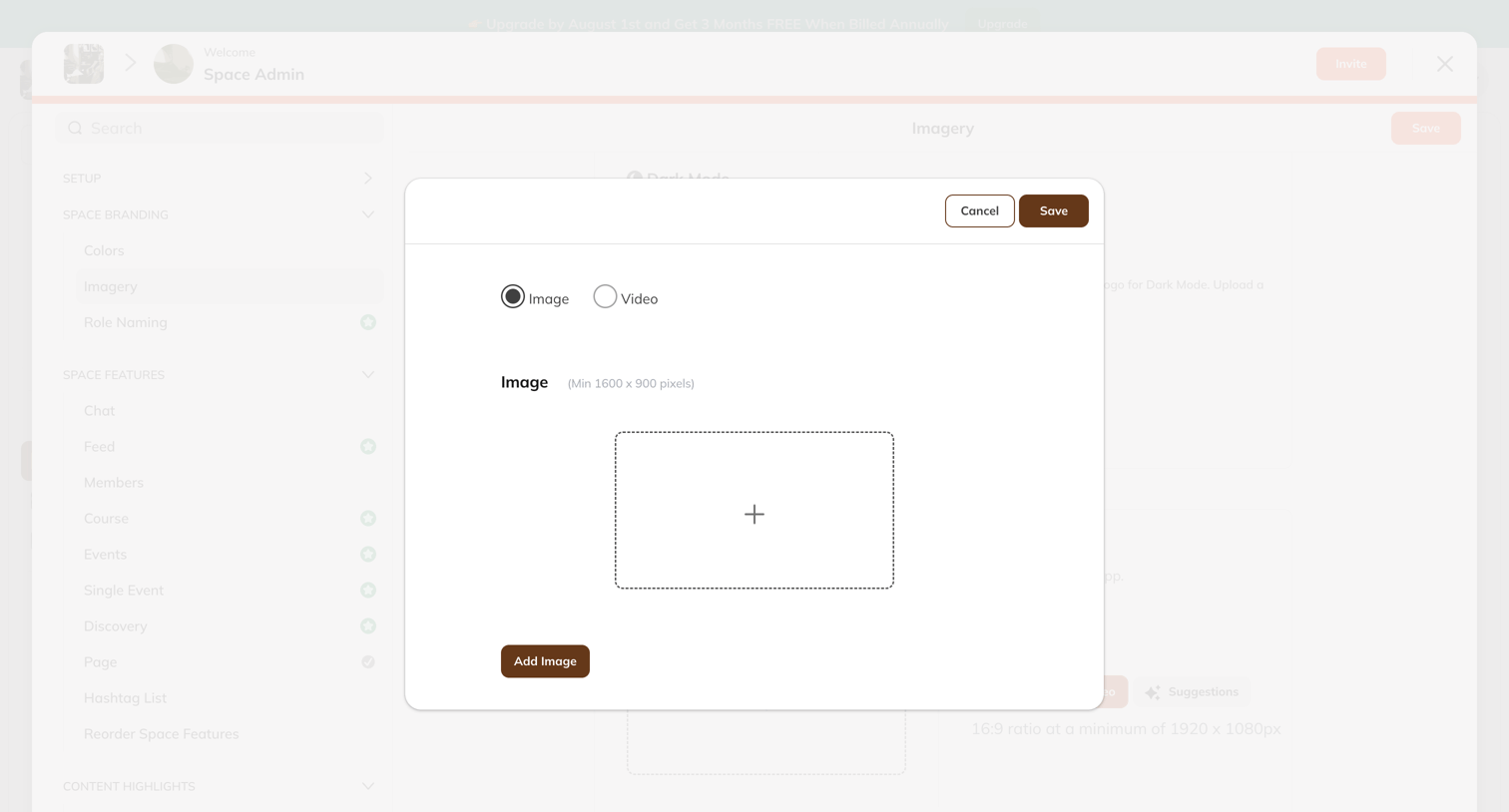

Settings modal where the user chooses between image and video formats and uploads a file to customize their space branding.
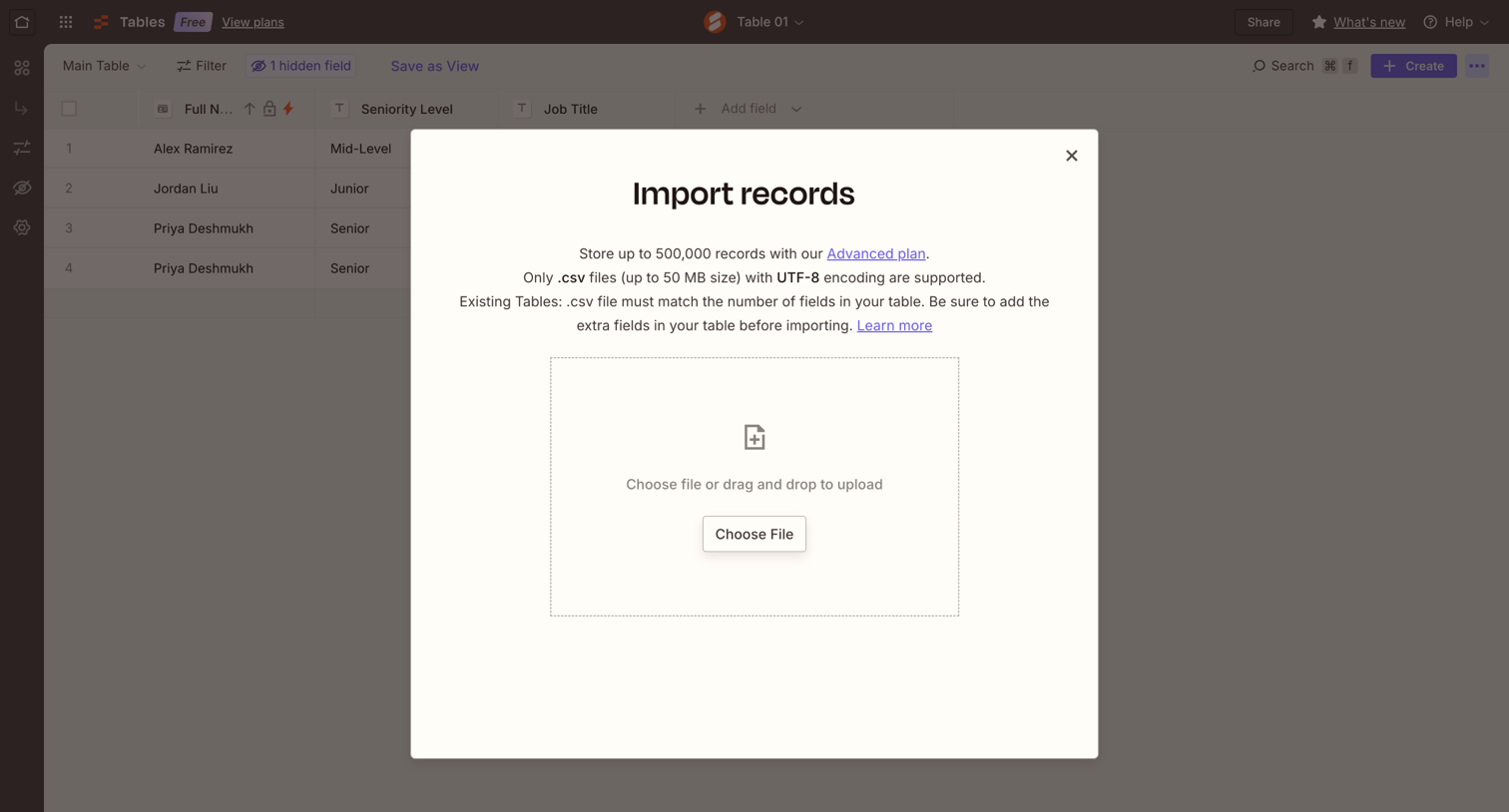

Data table view with an active modal for importing CSV records via a drag-and-drop file upload zone.
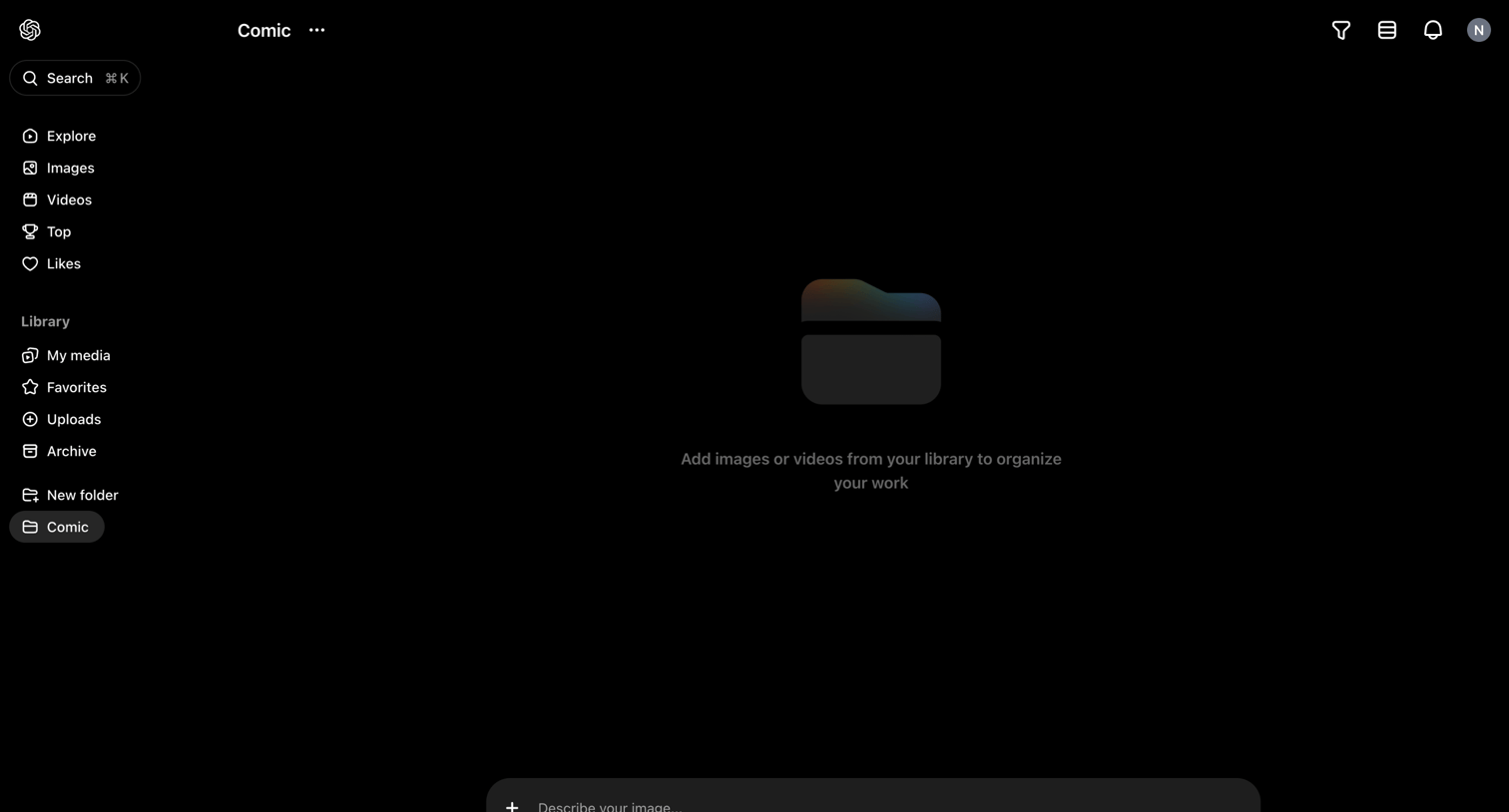

List view of an empty folder named Comic, featuring a persistent bottom composer for generating new AI images or videos to populate the space.
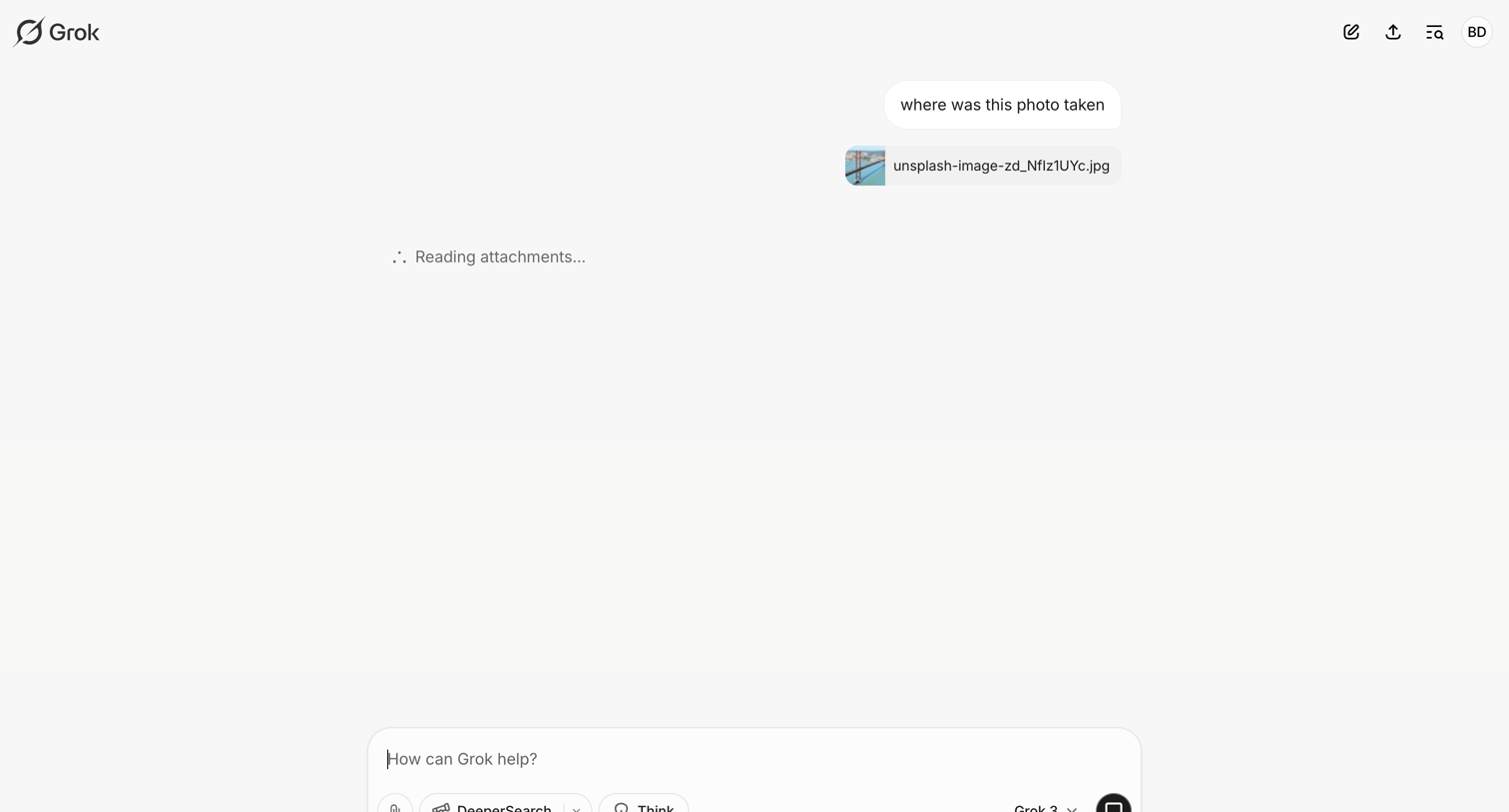

AI chat interface where the user asks the assistant to identify the location of an uploaded photo while the model processes the attachment.
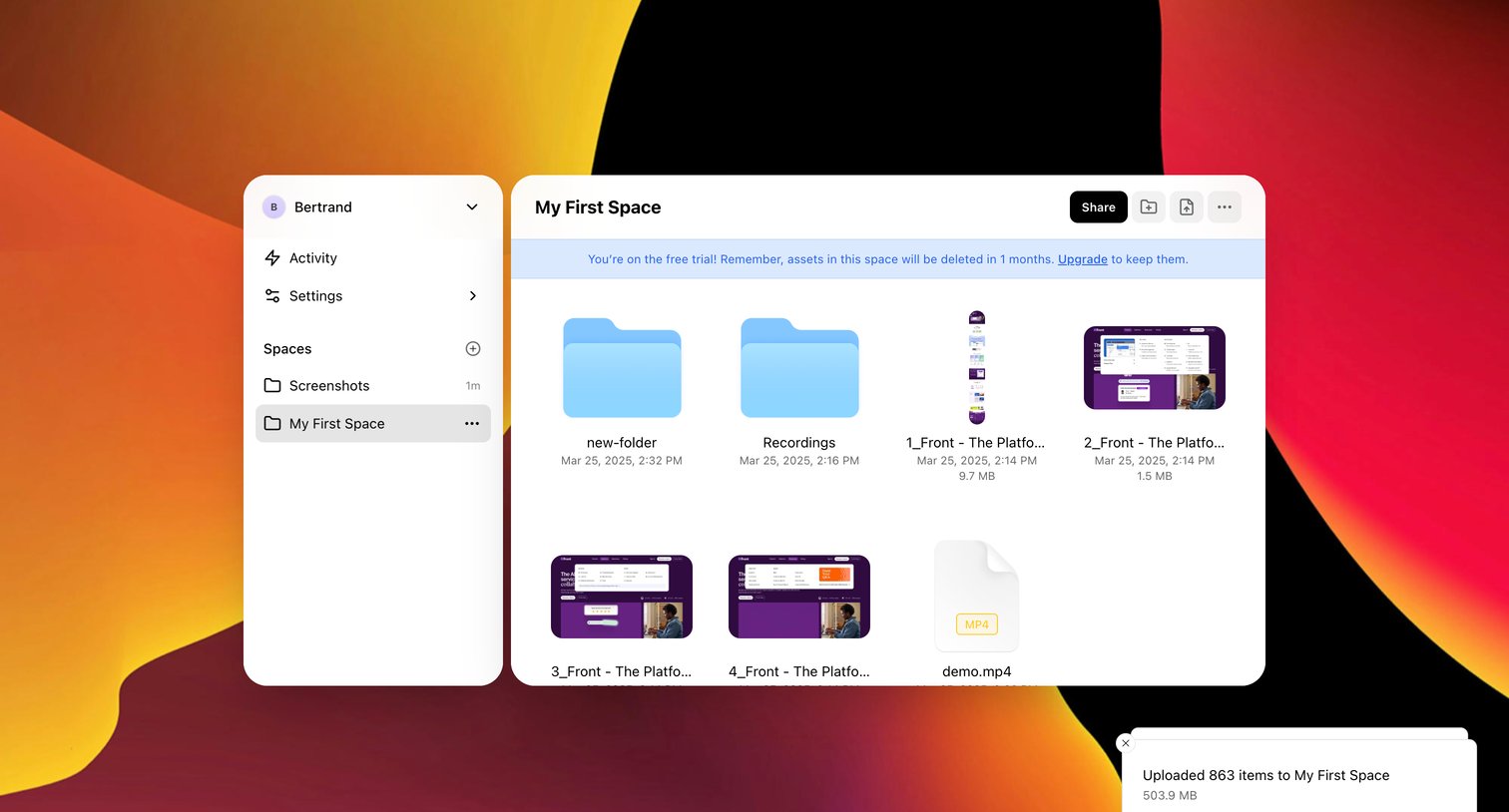

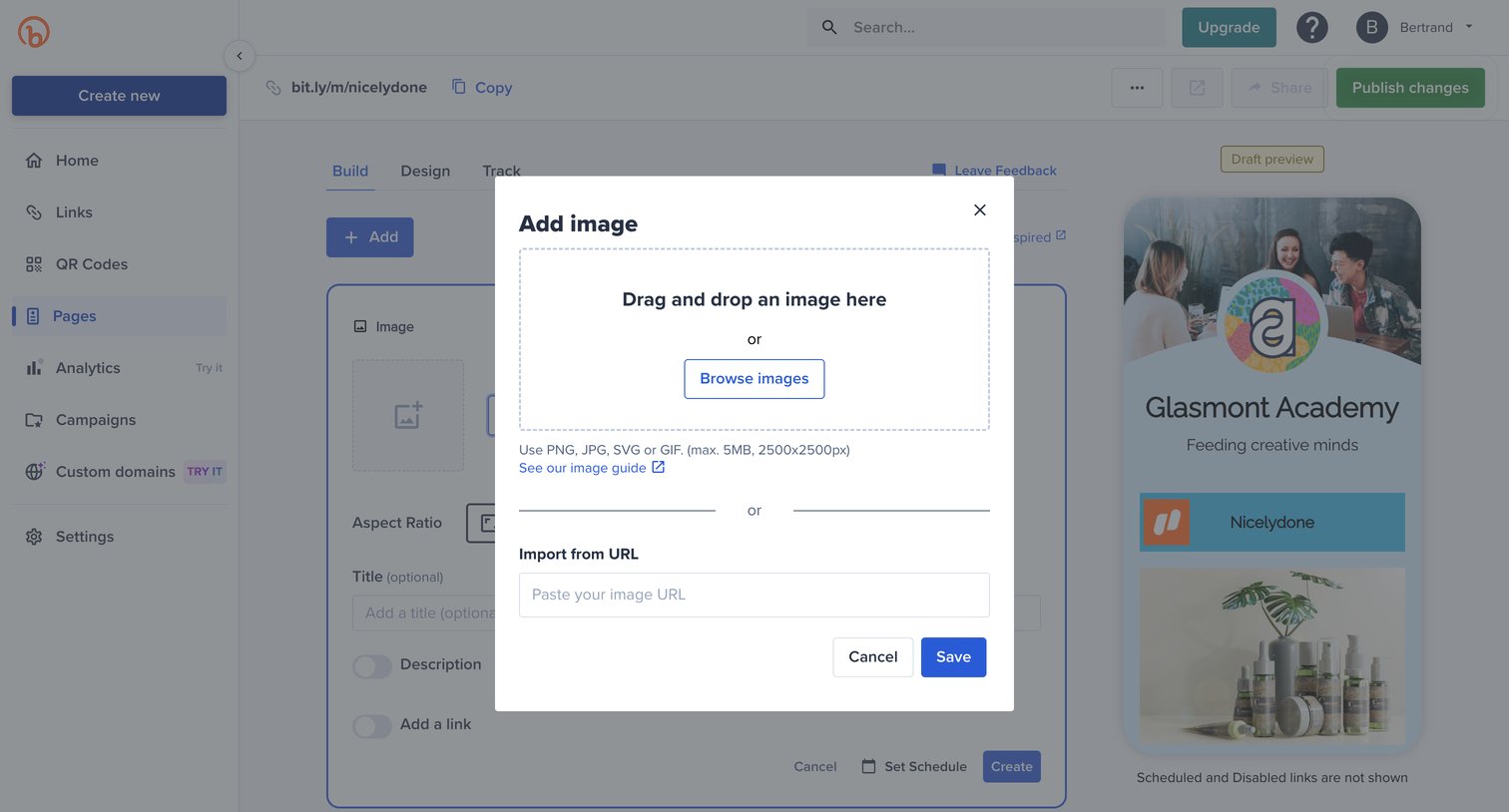

Page builder where the user is uploading an image via a modal, with a live mobile preview of the link-in-bio page visible in the background.
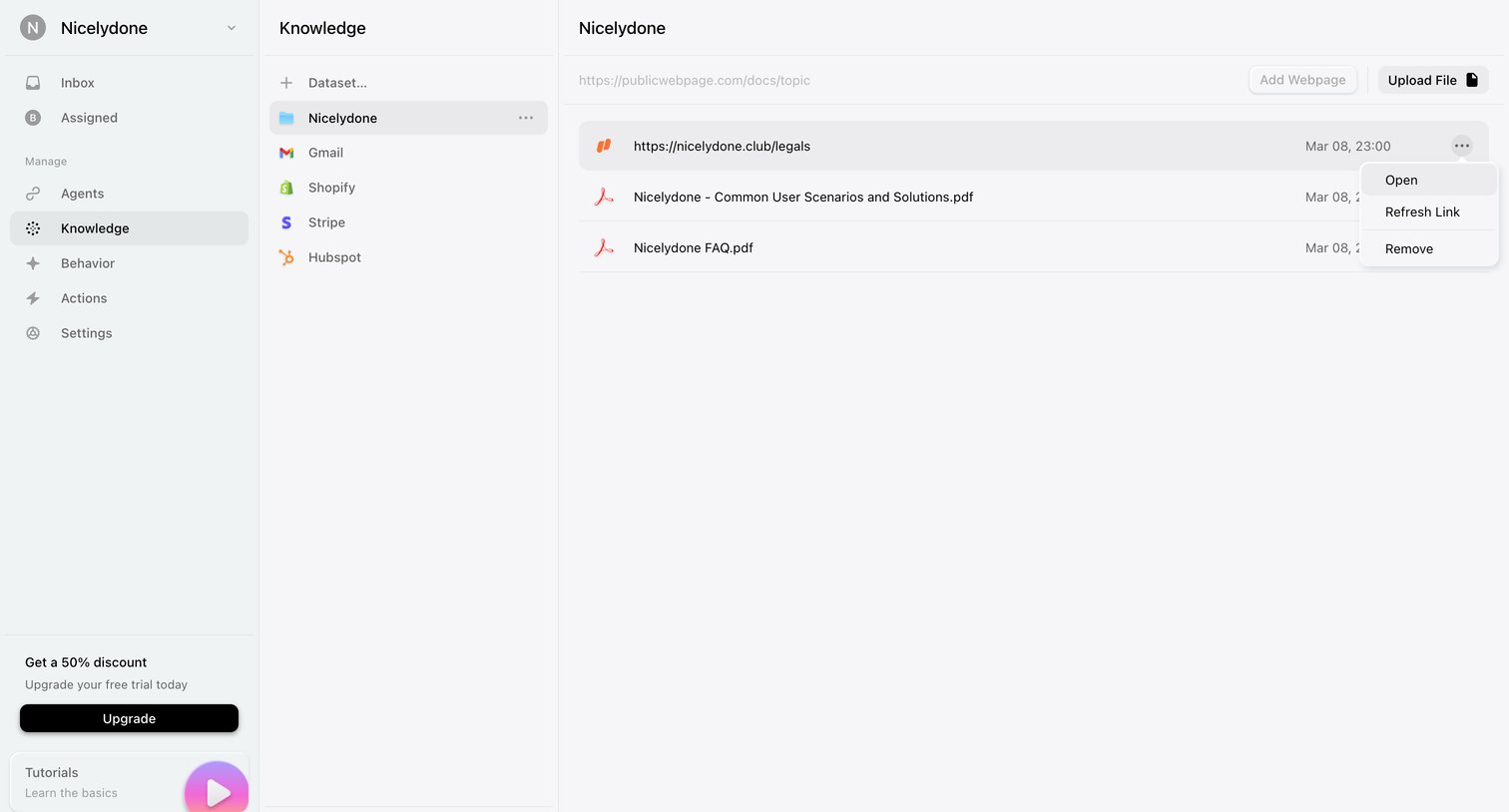

Settings page where the user manages datasets and uploads files or webpages to train their AI agent.
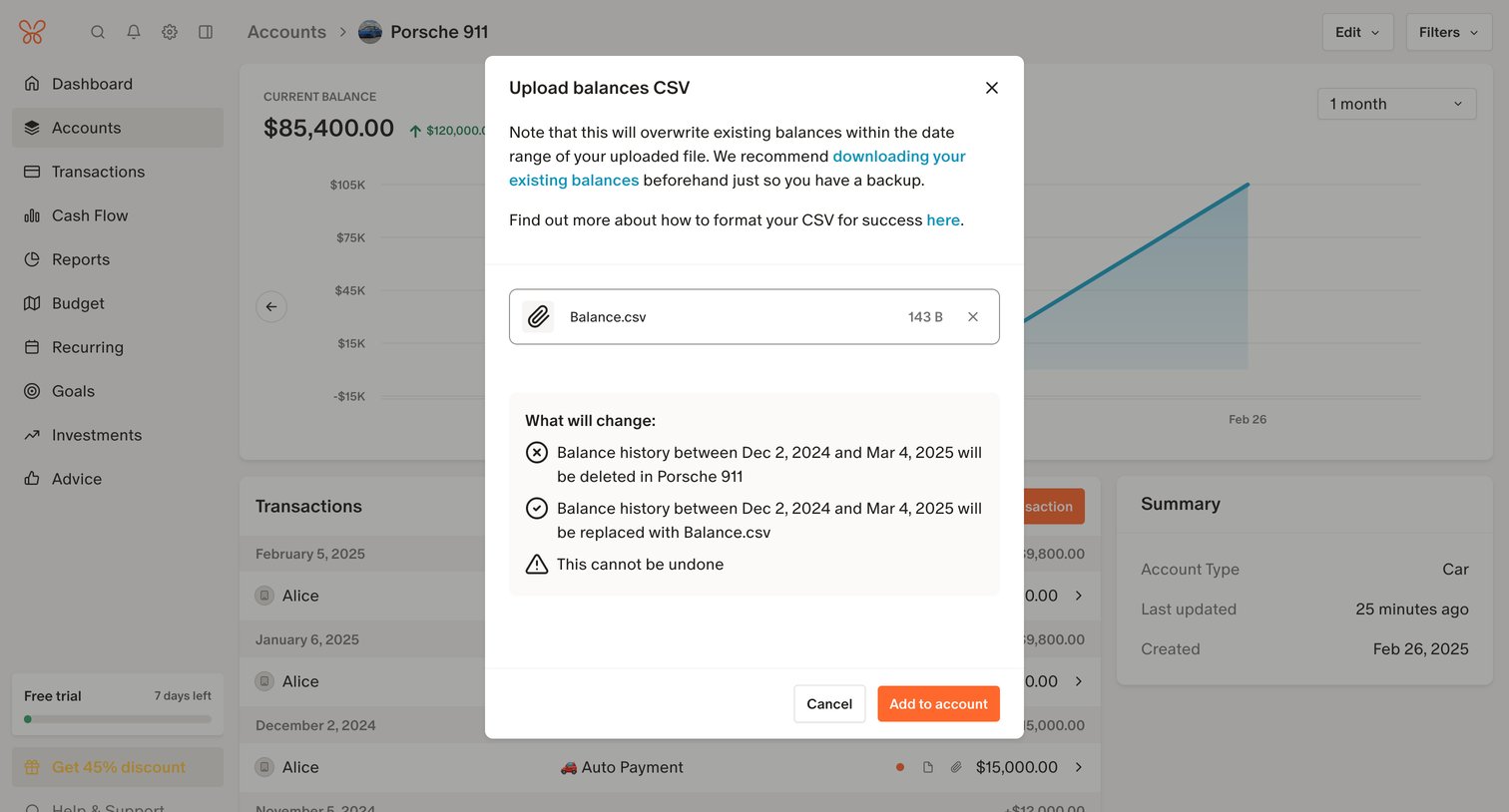

Detail page for an asset account where a modal prompts the user to confirm uploading a CSV file that will overwrite existing balance history.
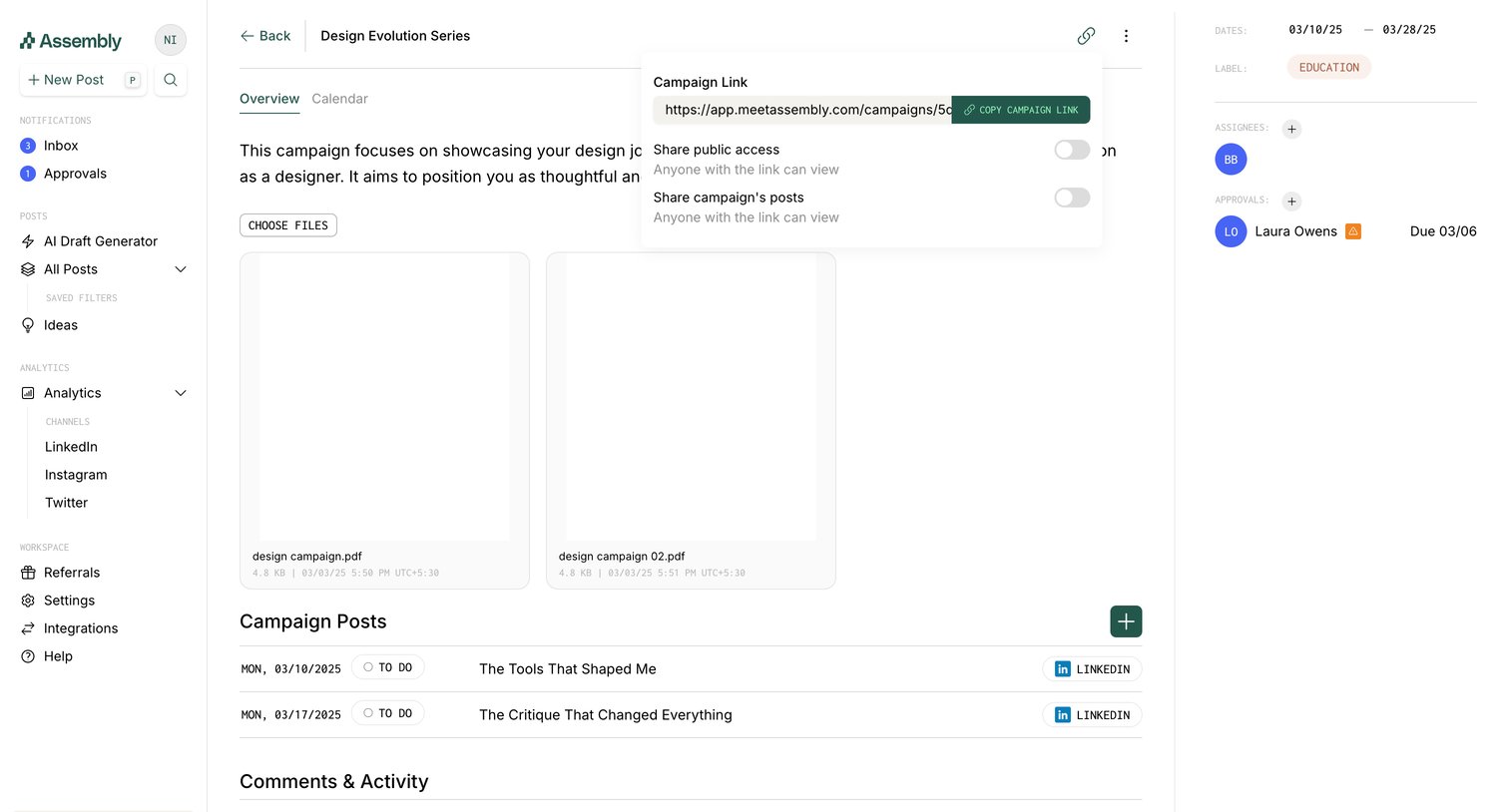

Detail page for a specific marketing campaign where the user can manage attached files, schedule posts, view activity history, and configure public sharing access.
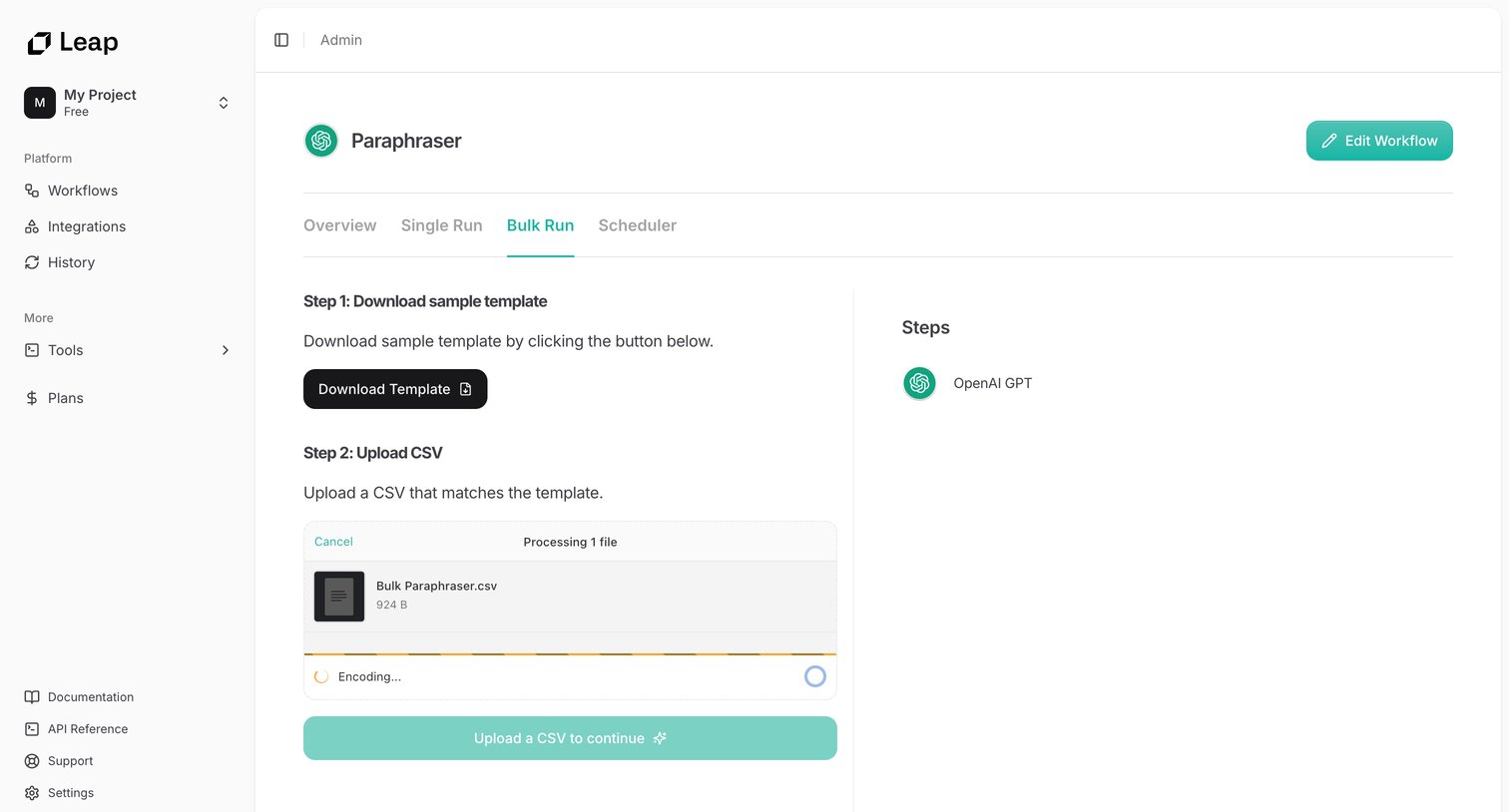

Detail page for an AI workflow where the user downloads a sample template and uploads a CSV file to execute a bulk run.
Explore the full SaaS screen library
Upgrade to unlock the full library.
Trusted by the best teams







