File picker screen examples
File picker screen design examples from SaaS apps. Browse examples from Appwrite, Mailchimp, Kinescope.
Explore the examples
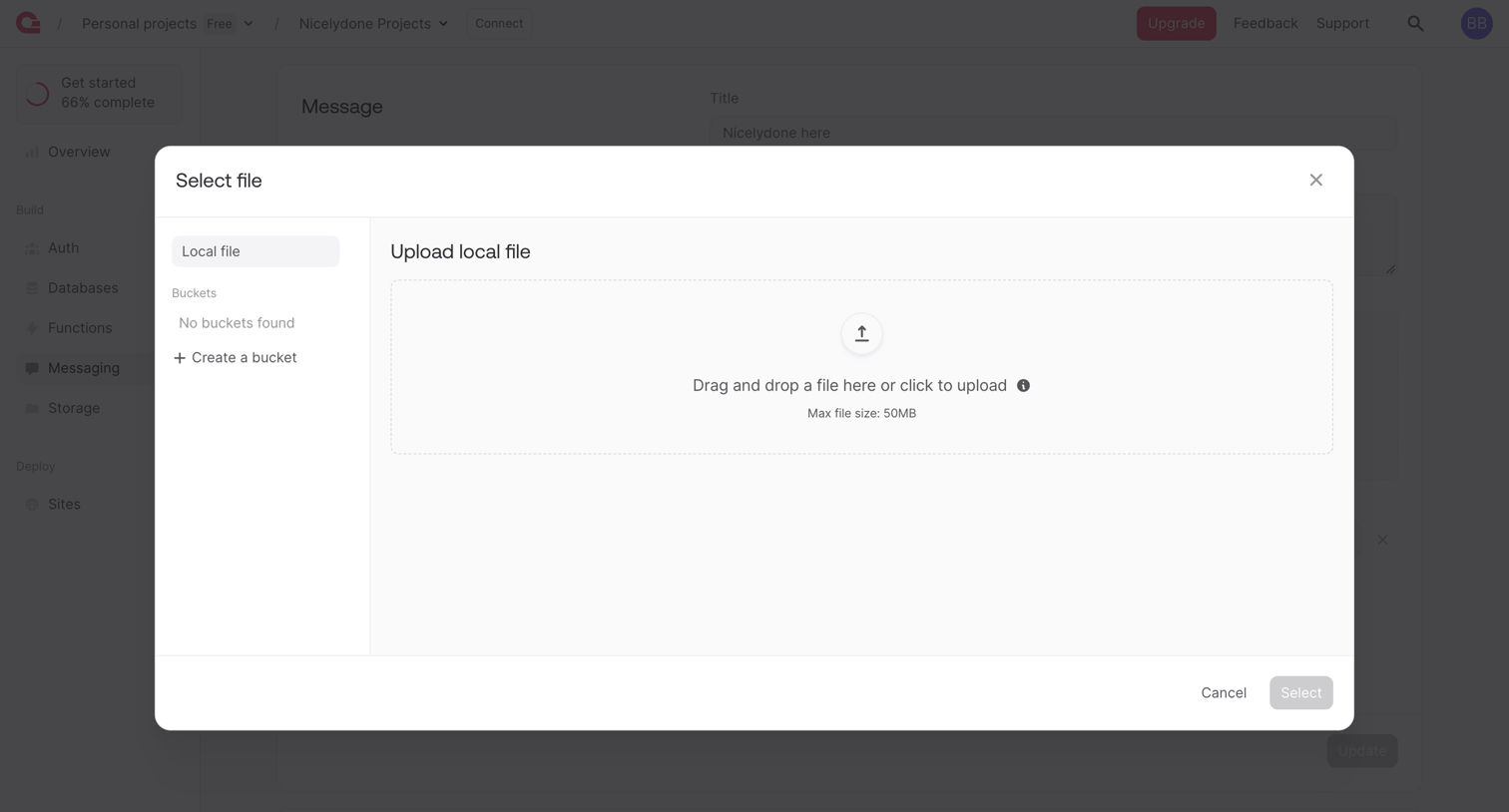

Detail page where the user uploads a local file or selects from a storage bucket to attach to a message.
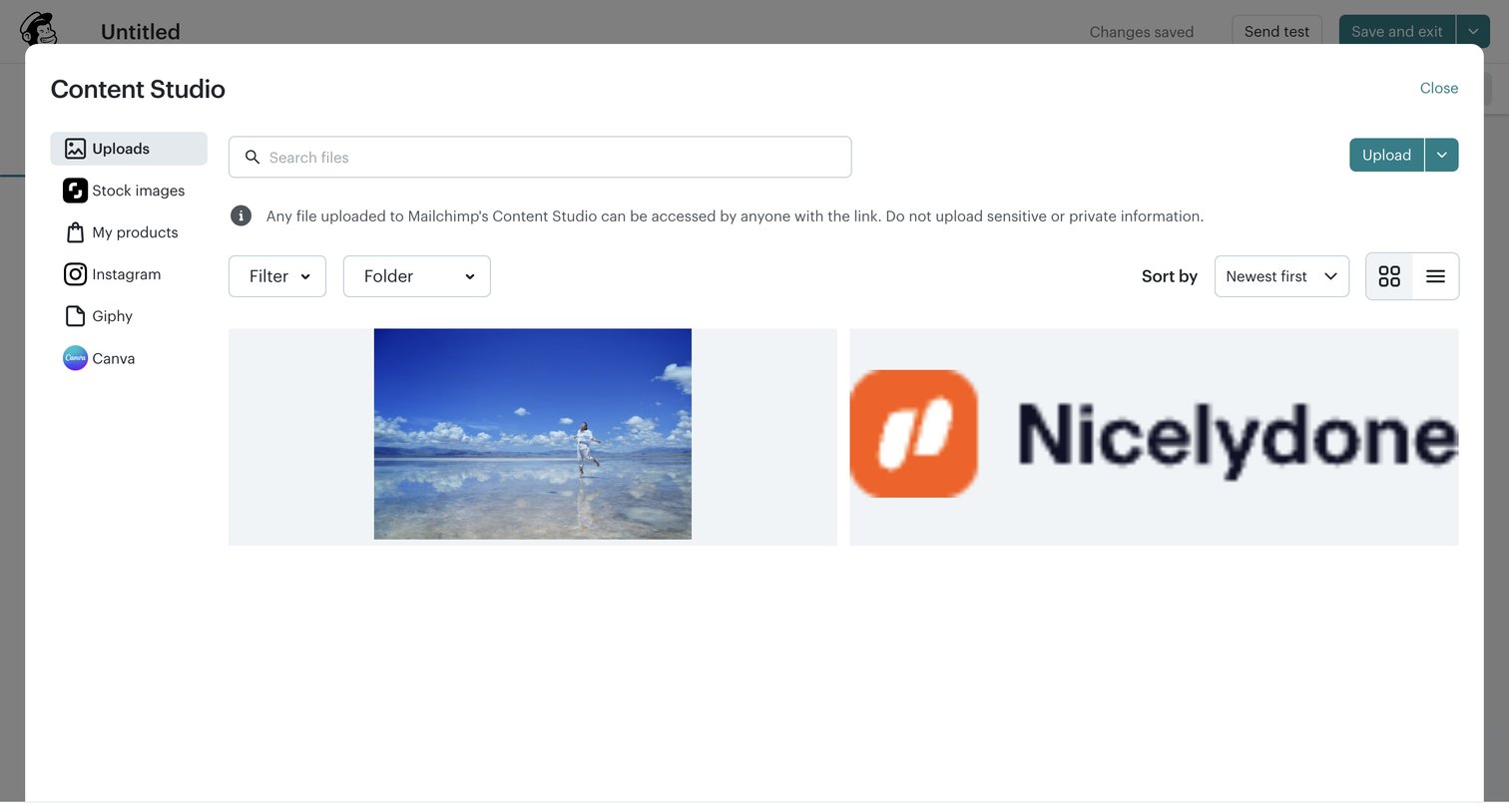

Email editor where the user opens the Content Studio modal to search, filter, and upload images for their campaign.
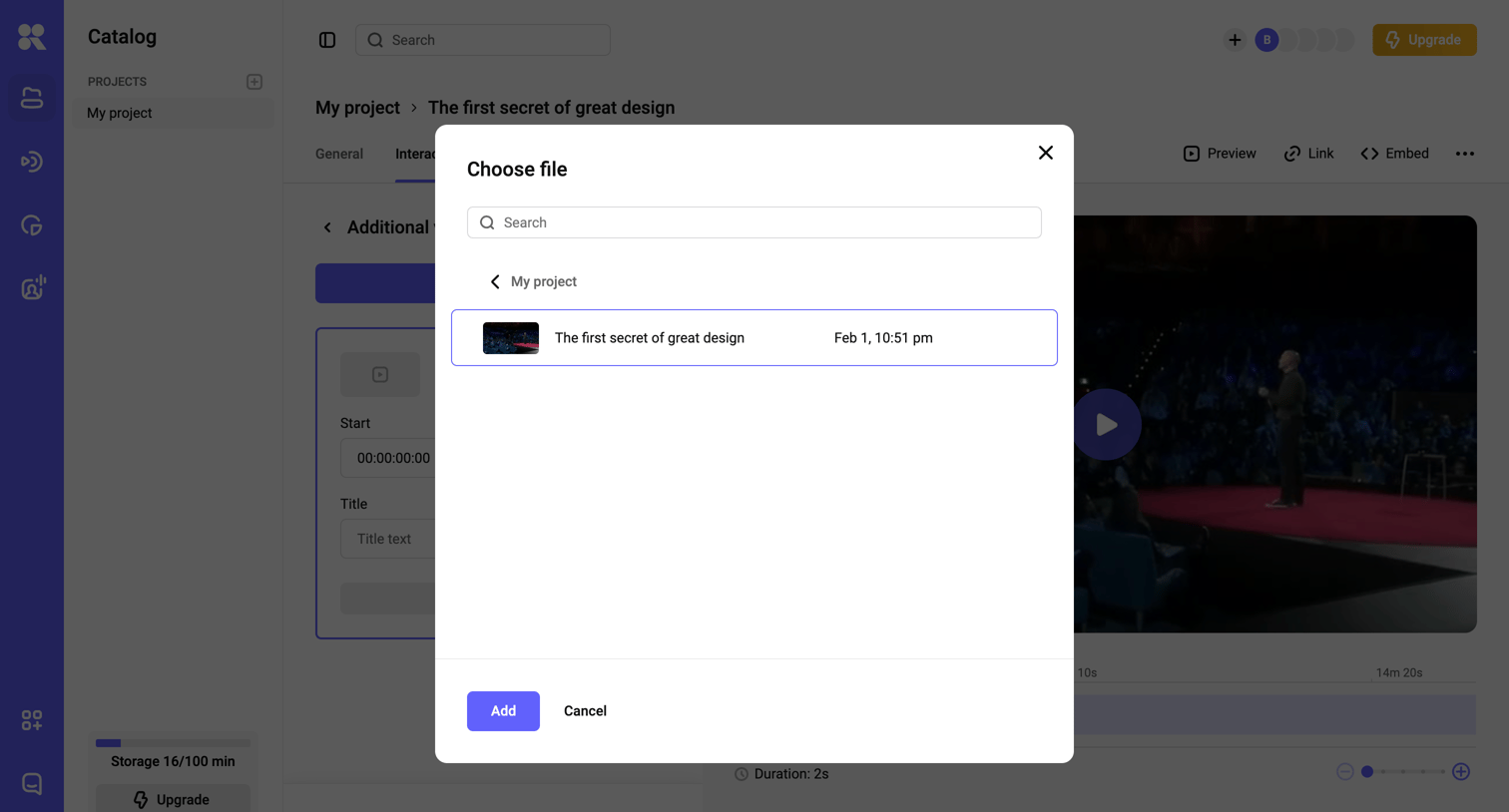

Detail page for a video project where the user is selecting a file from their catalog via a modal to add as an interaction.
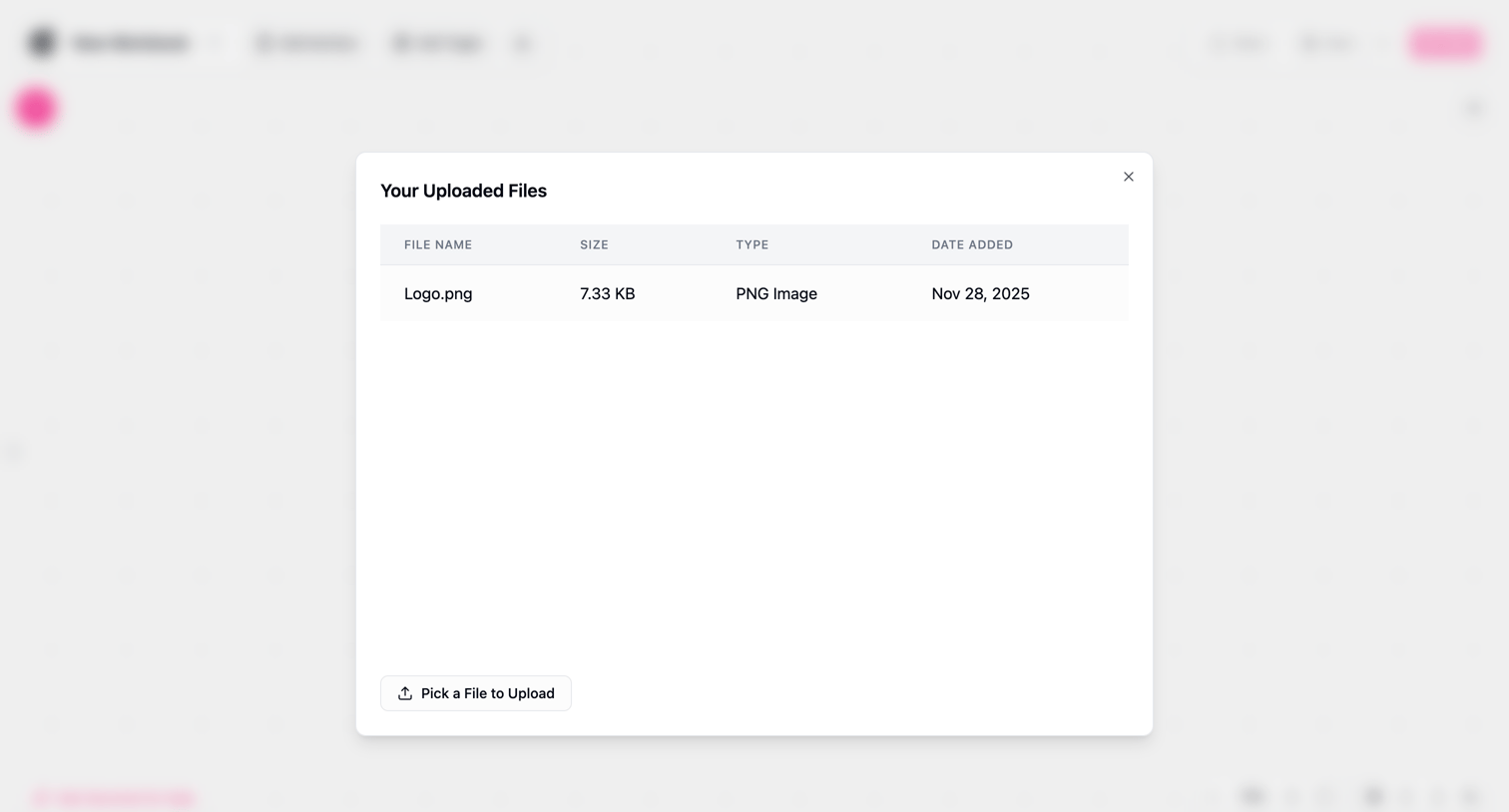

Workflow editor where the user views a modal listing their uploaded files with an option to pick a new file to upload.
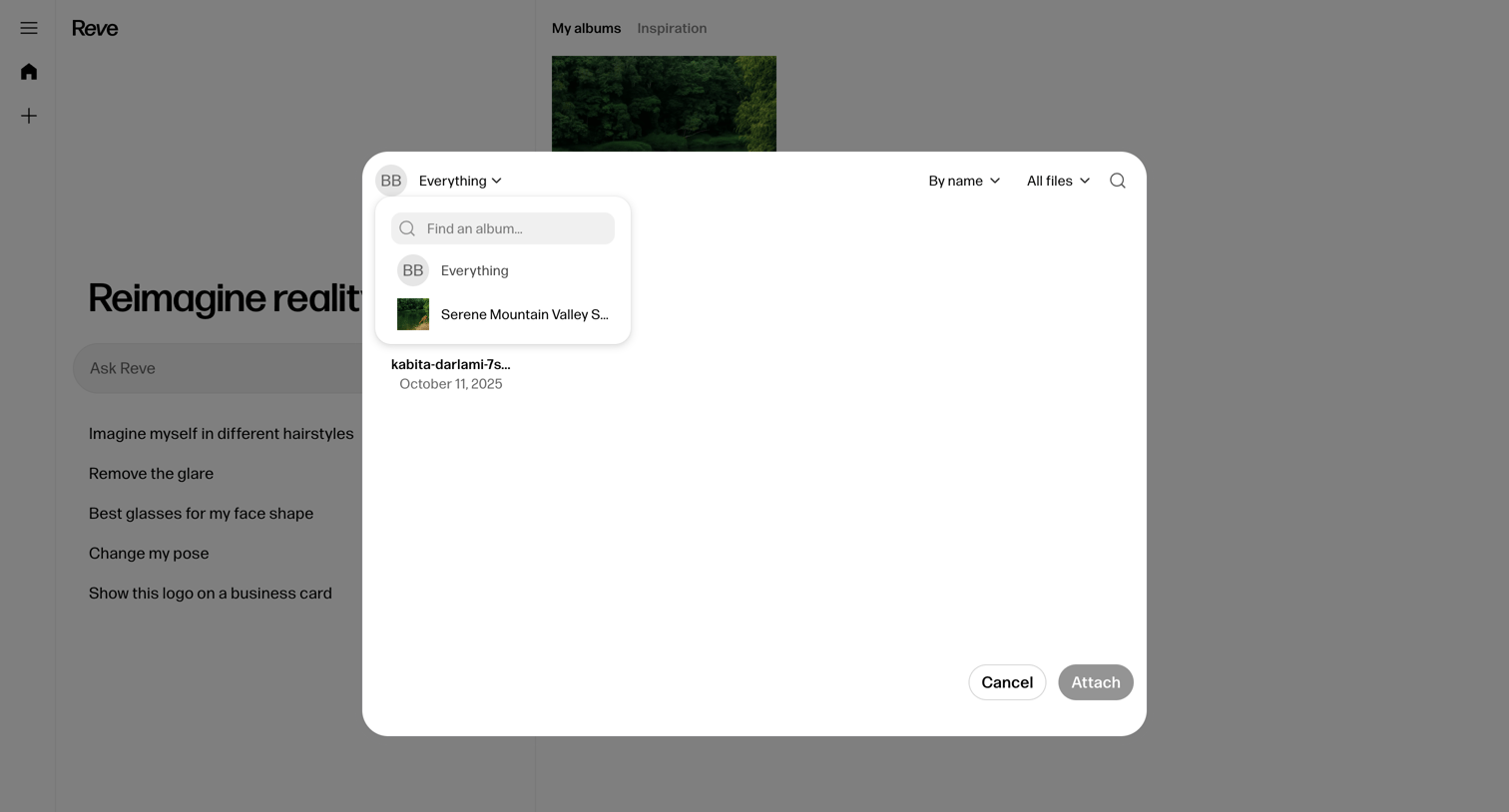

Home screen where the user is using a modal to search and attach an album or file to their AI generation prompt.
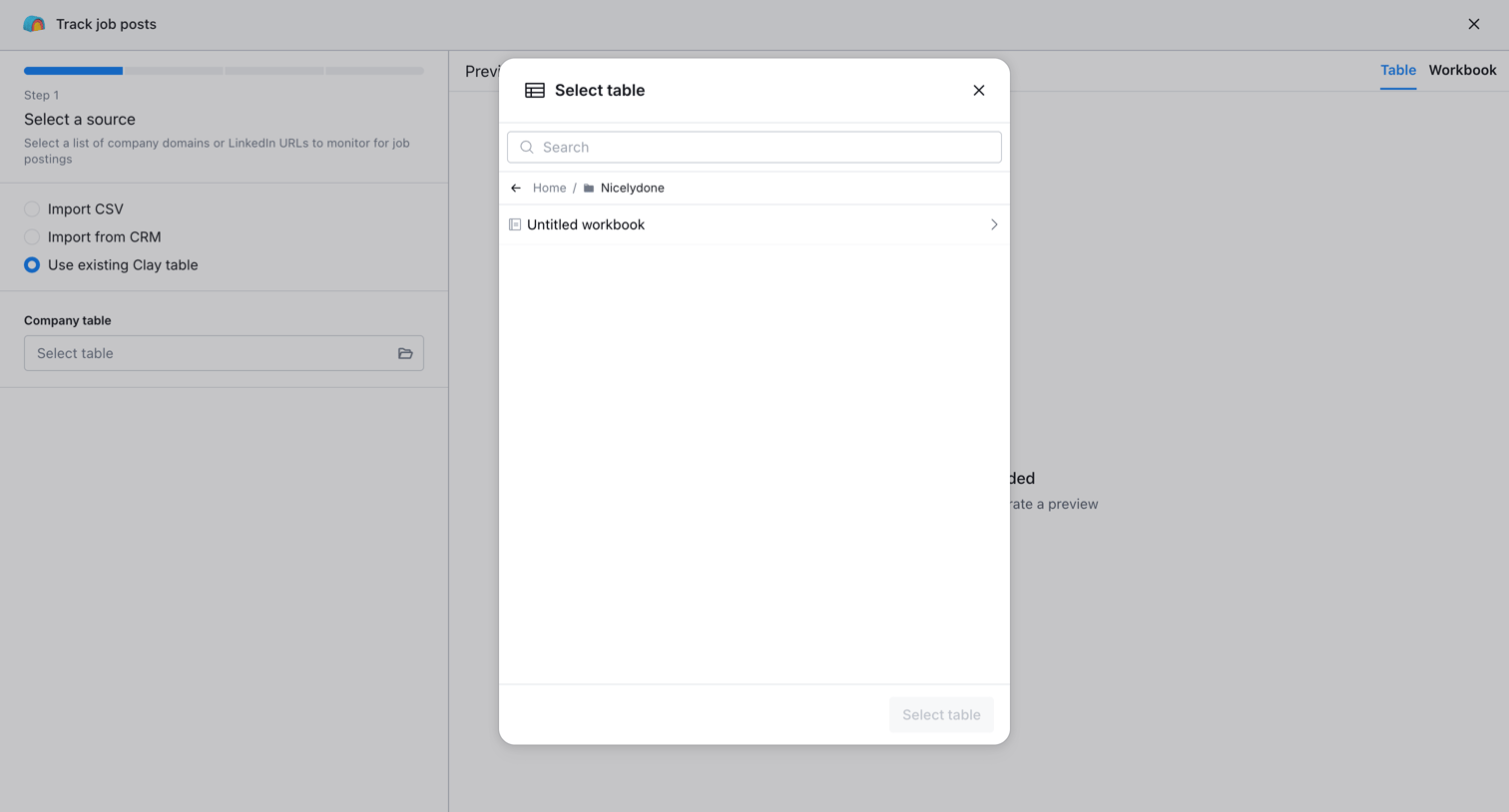

Creation wizard where the user selects a data source, such as an existing table or CSV import, to monitor for job postings.
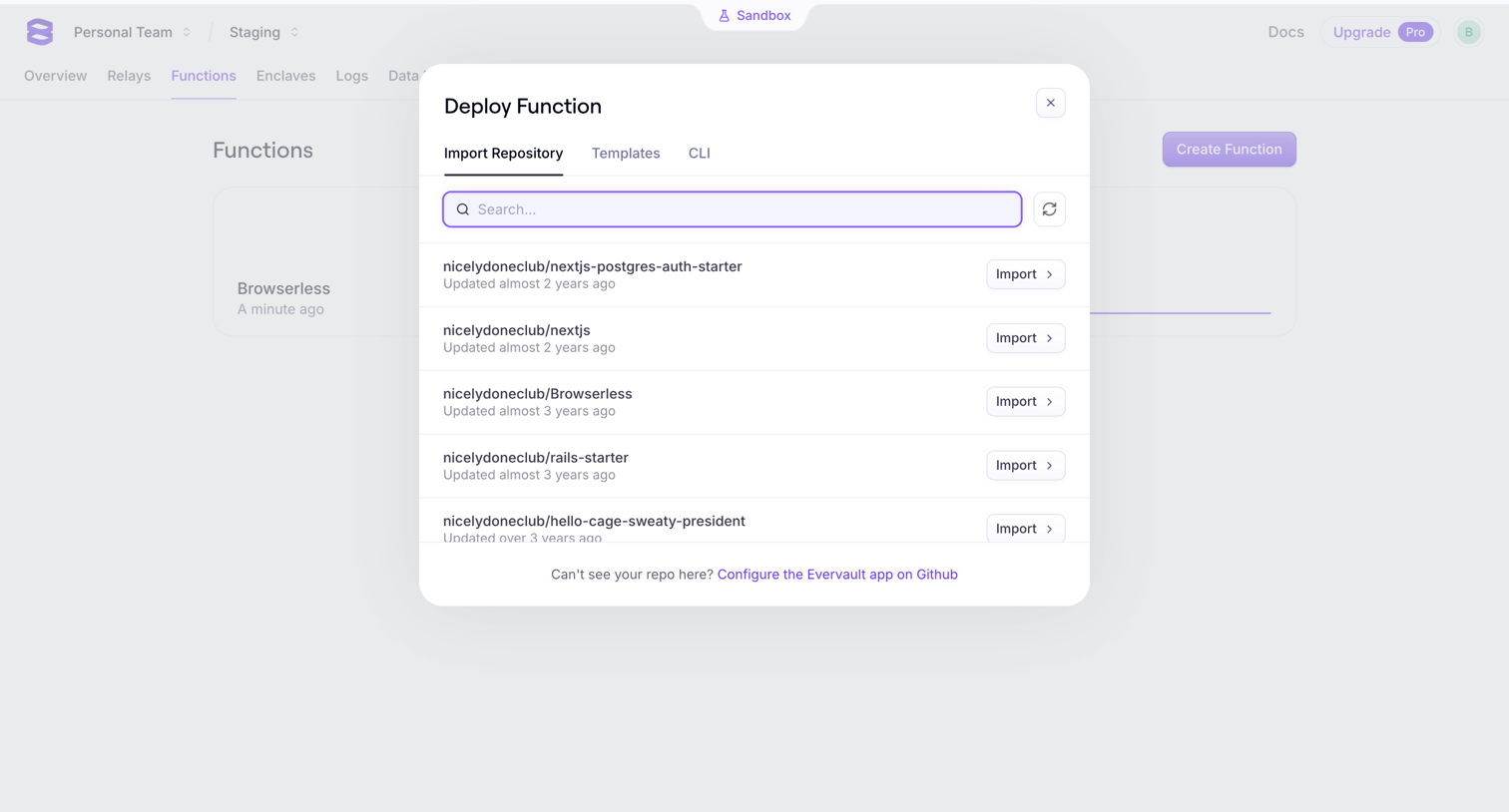

Creation overlay where the user searches and selects a GitHub repository to import and deploy as a new function.
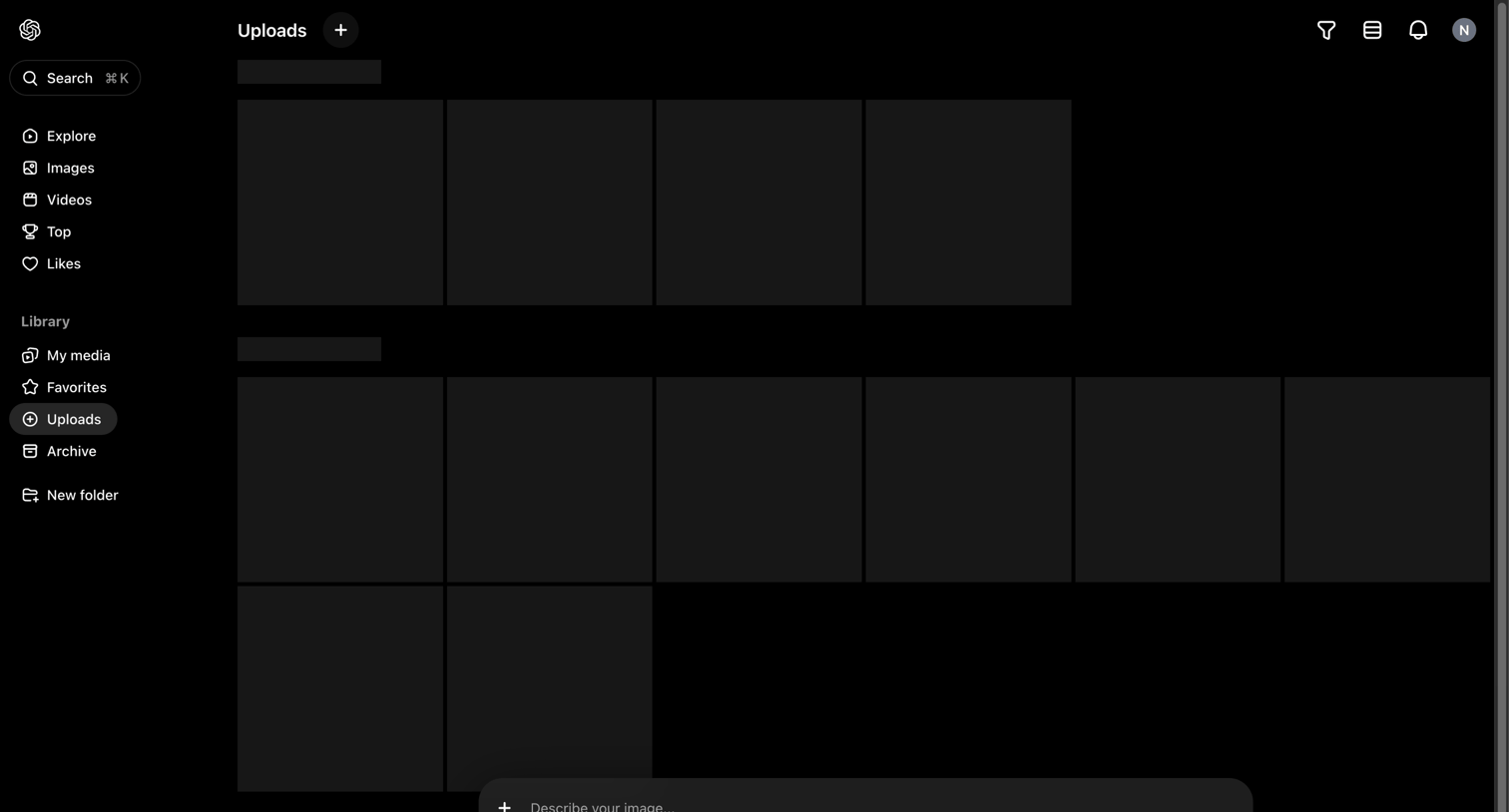

List view where the user's uploaded media is loading in a grid, featuring a persistent AI generation prompt bar at the bottom.
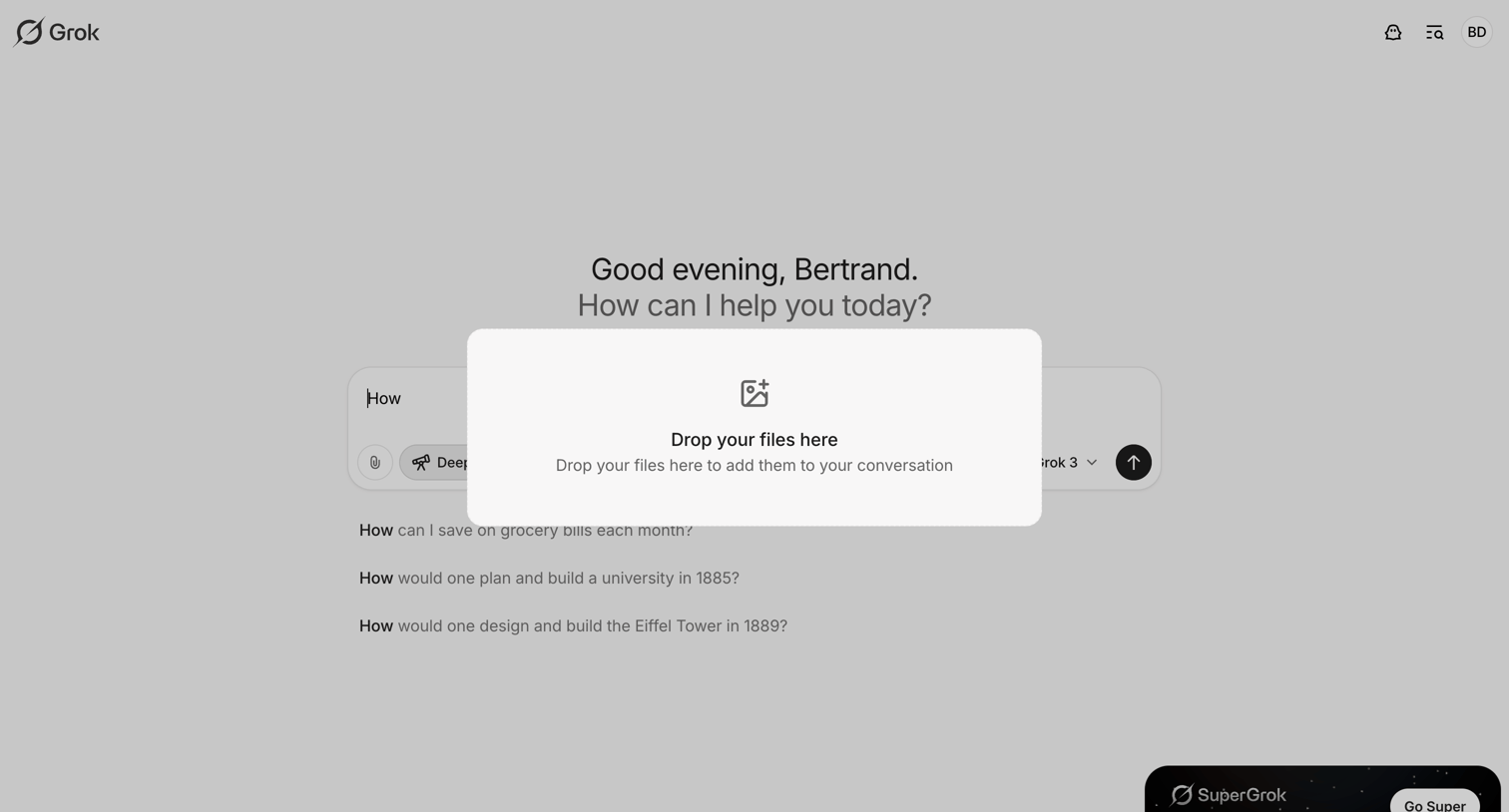

AI chat interface where the user is dragging a file over the screen, triggering a drop zone modal to upload it into the conversation.
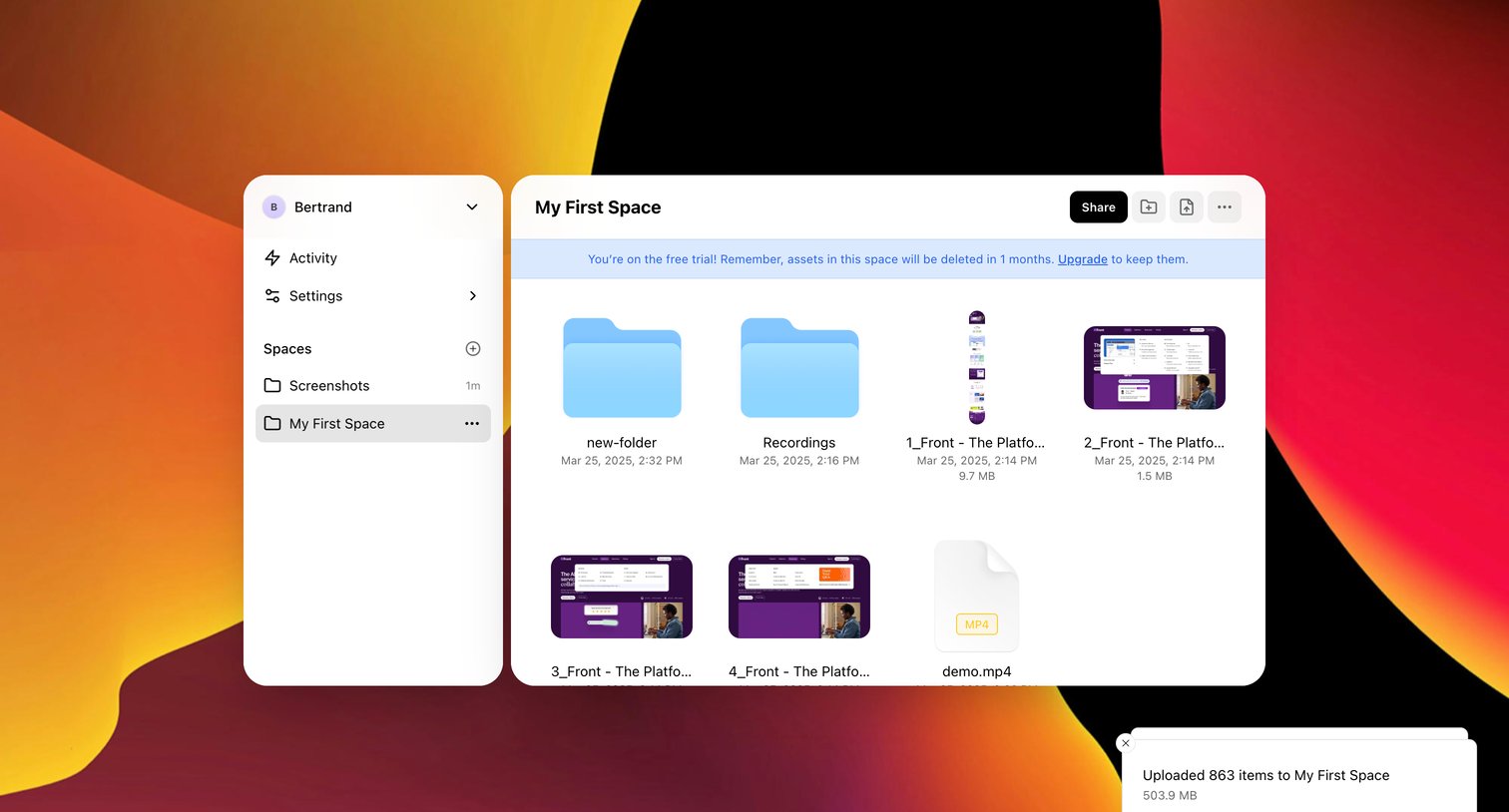

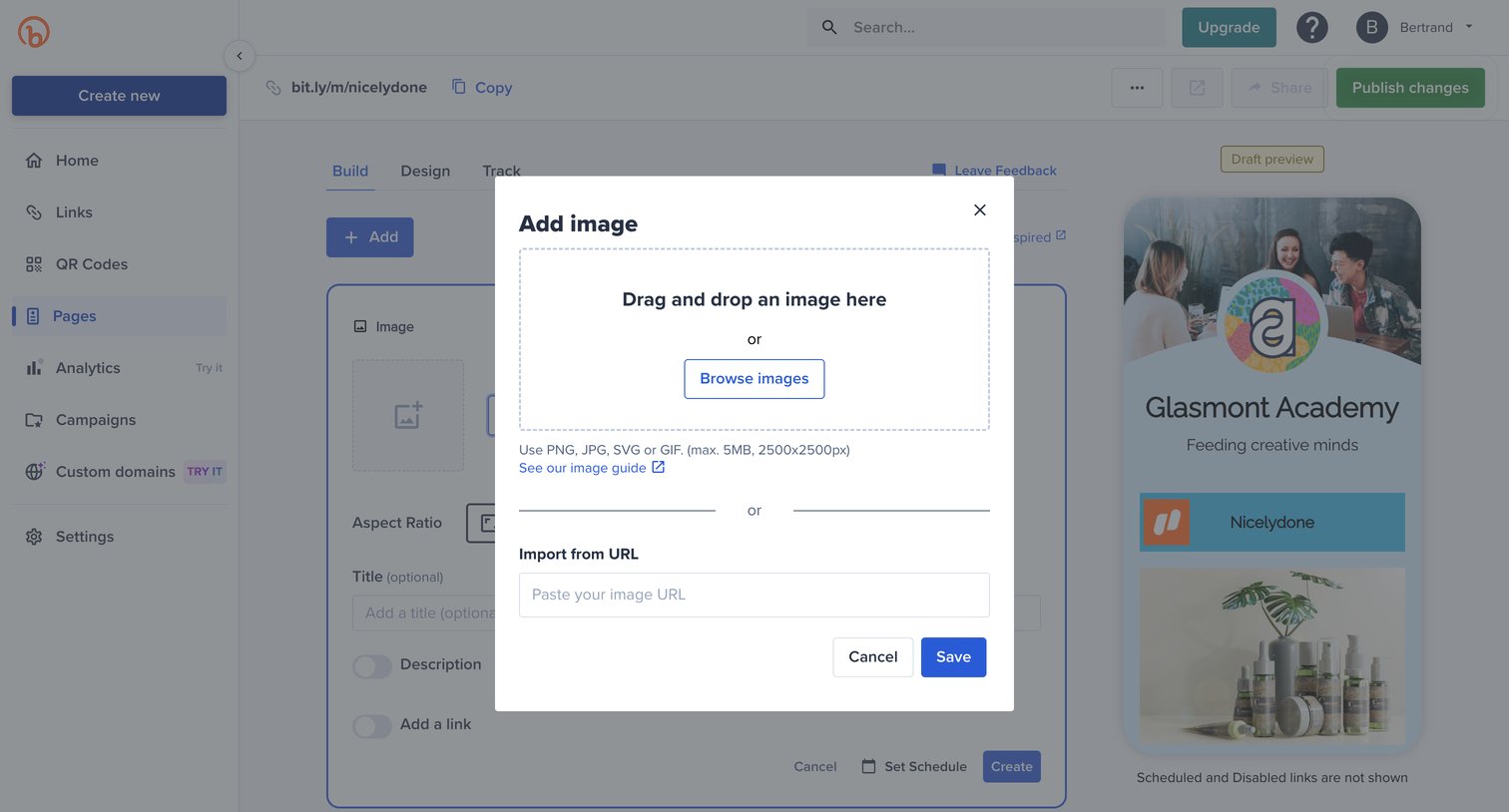

Page builder where the user is uploading an image via a modal, with a live mobile preview of the link-in-bio page visible in the background.
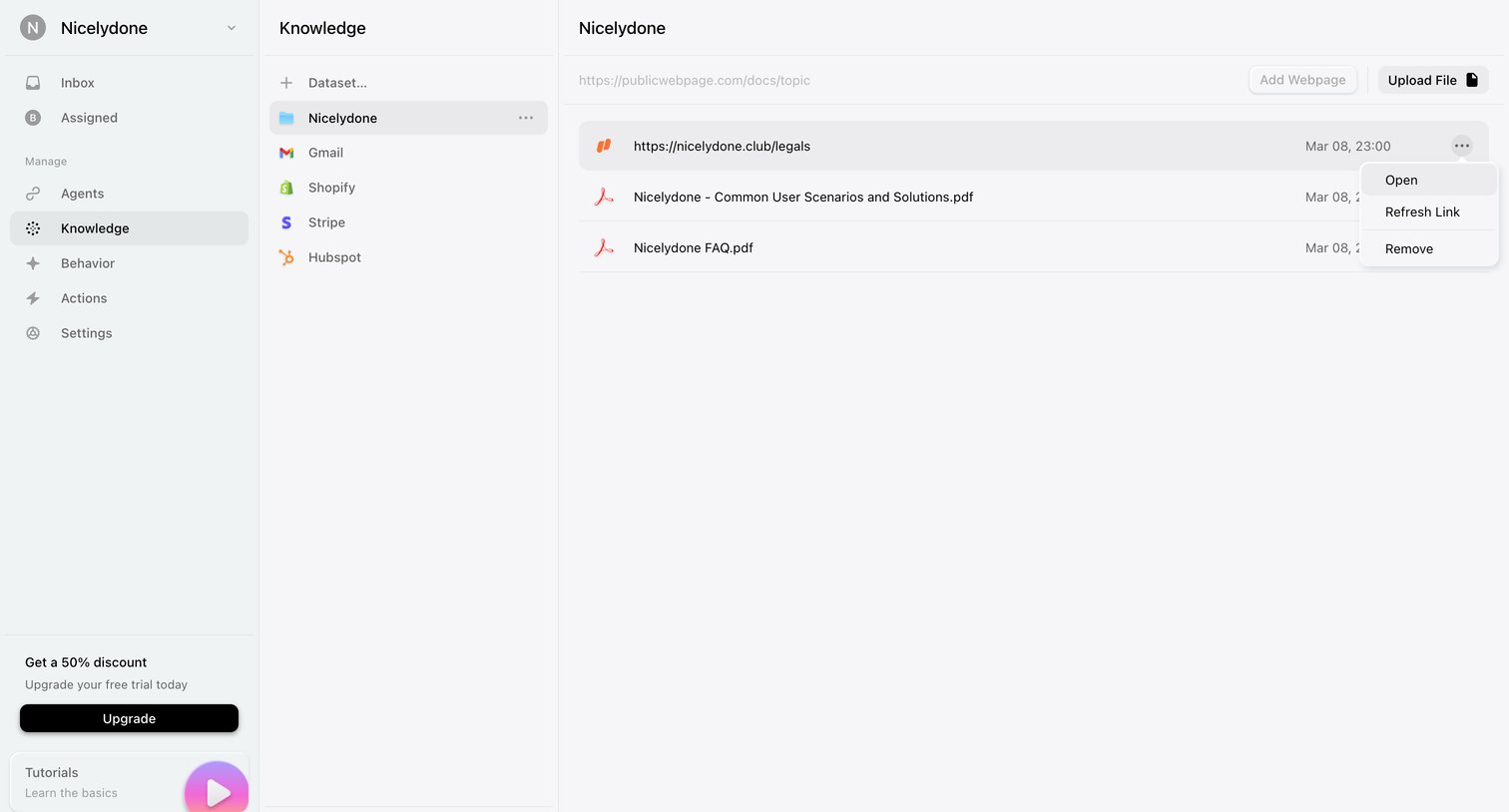

Settings page where the user manages datasets and uploads files or webpages to train their AI agent.
Explore the full SaaS screen library
Upgrade to unlock the full library.
Trusted by the best teams







